
Free Project Magazine Templates

Project Magazine Templates: Design, Sizes, and Formats
What is a Project Magazine?
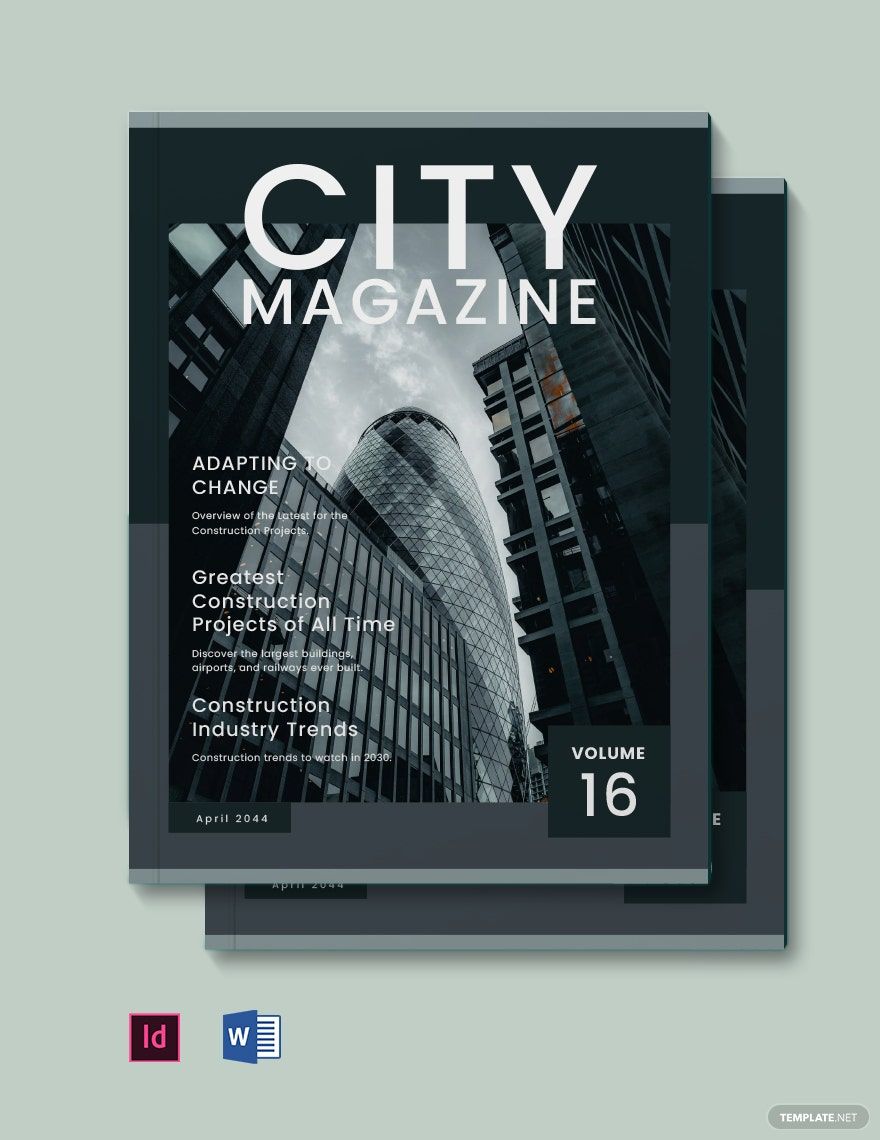
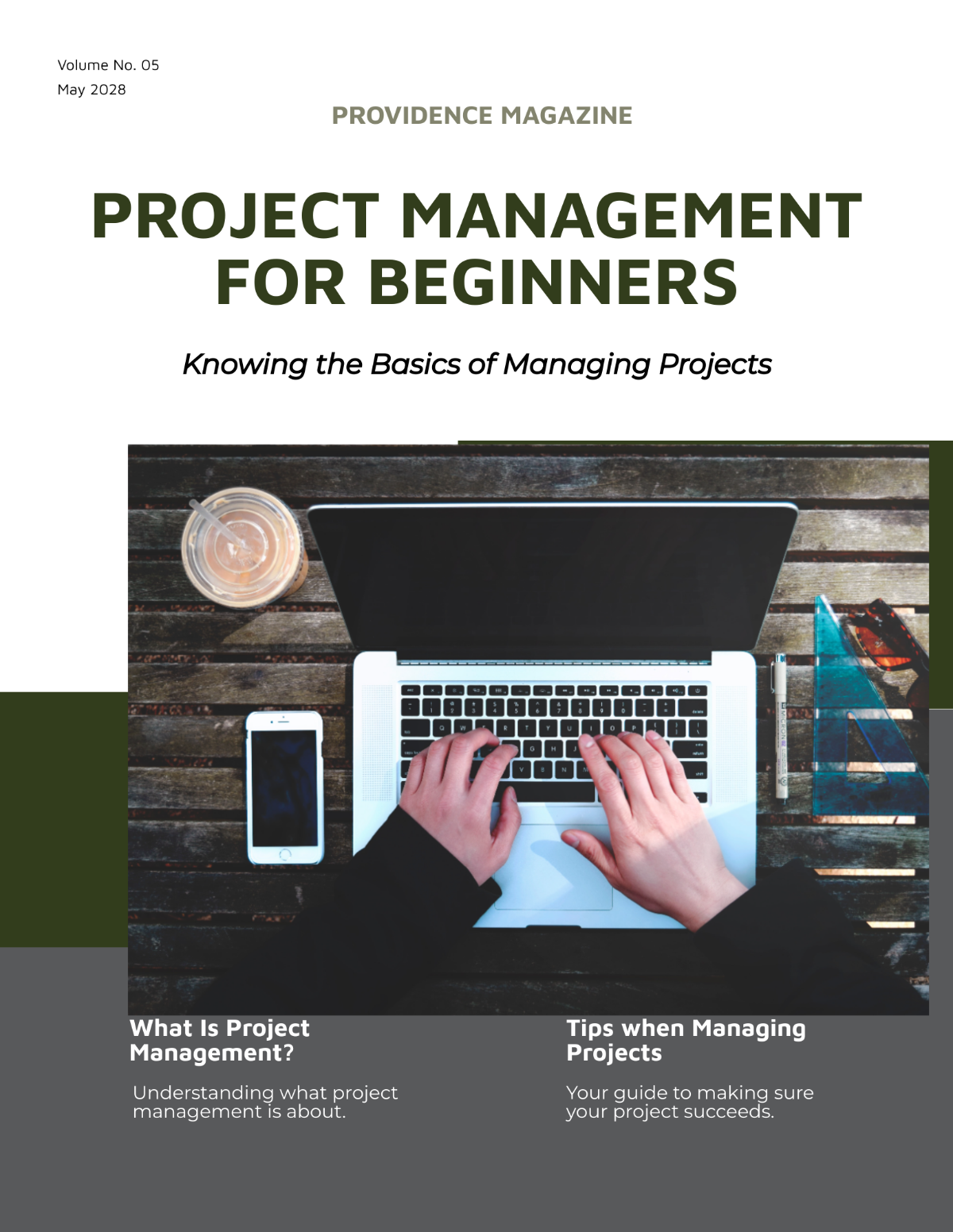
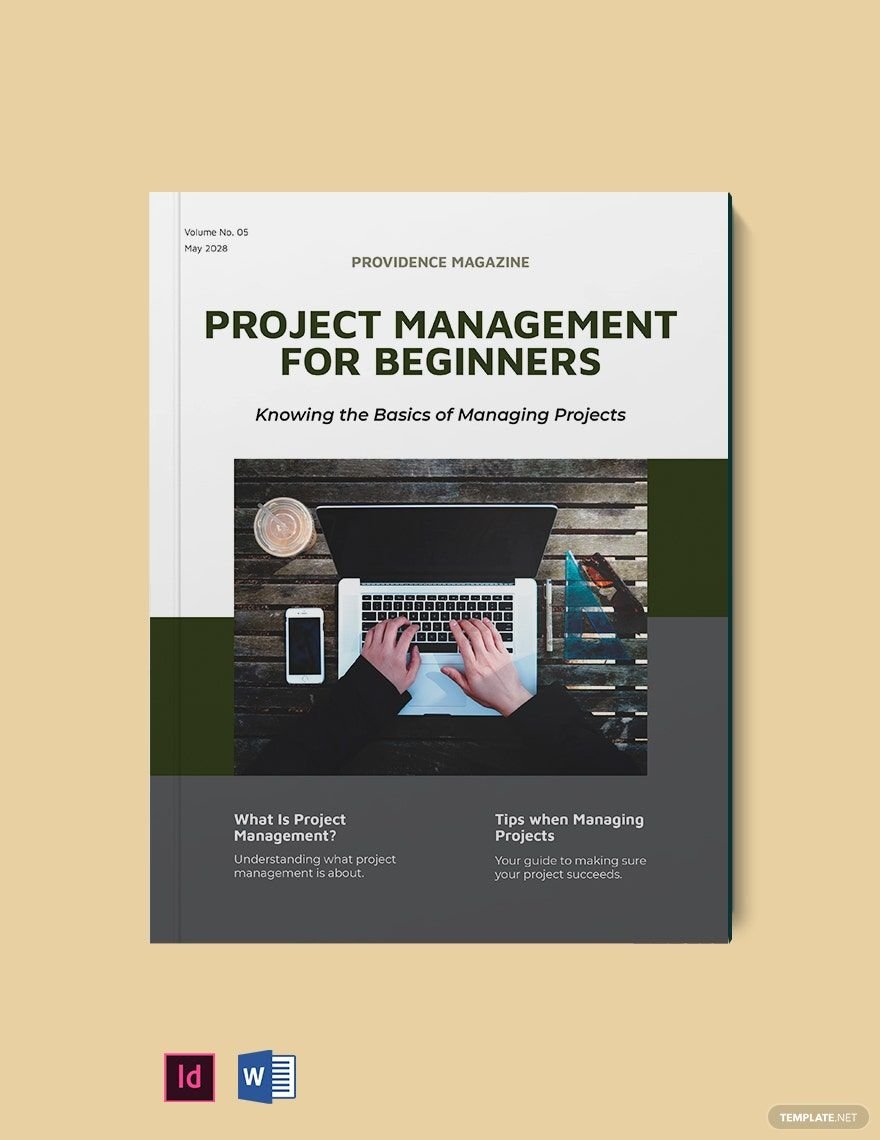
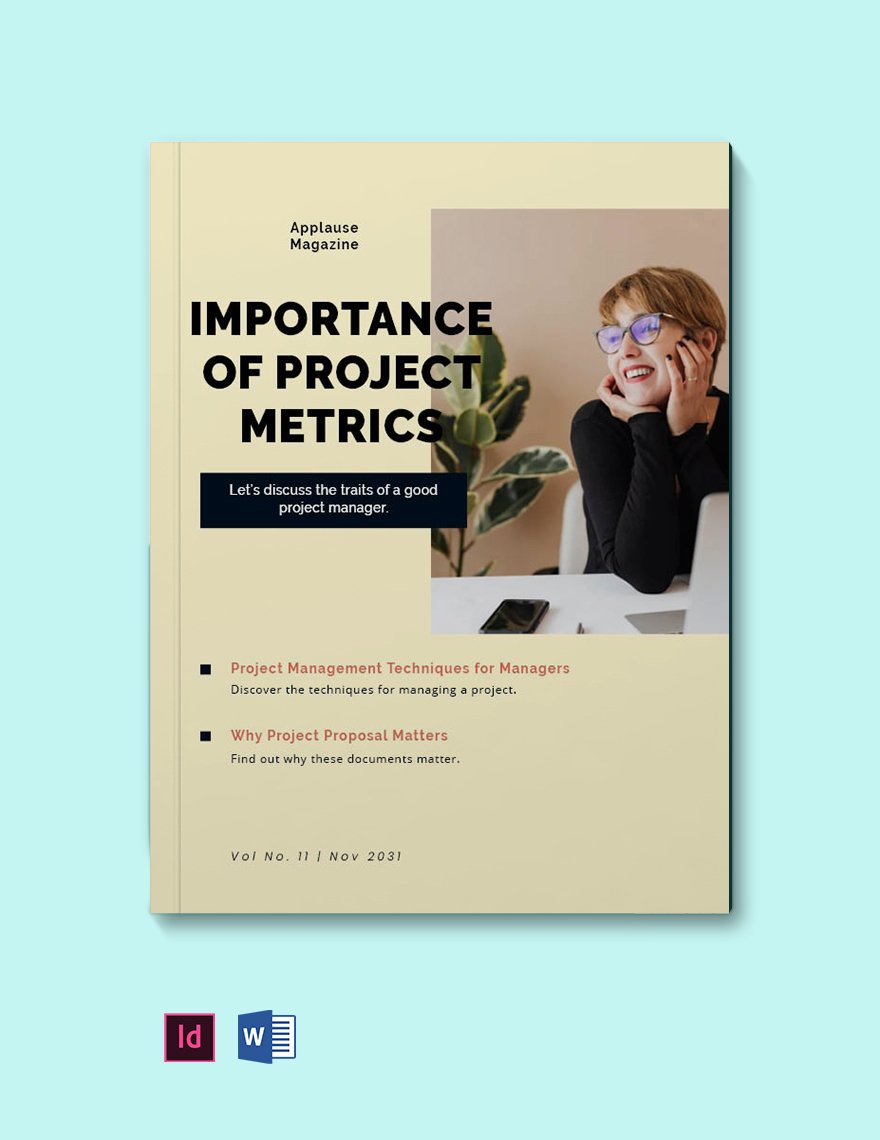
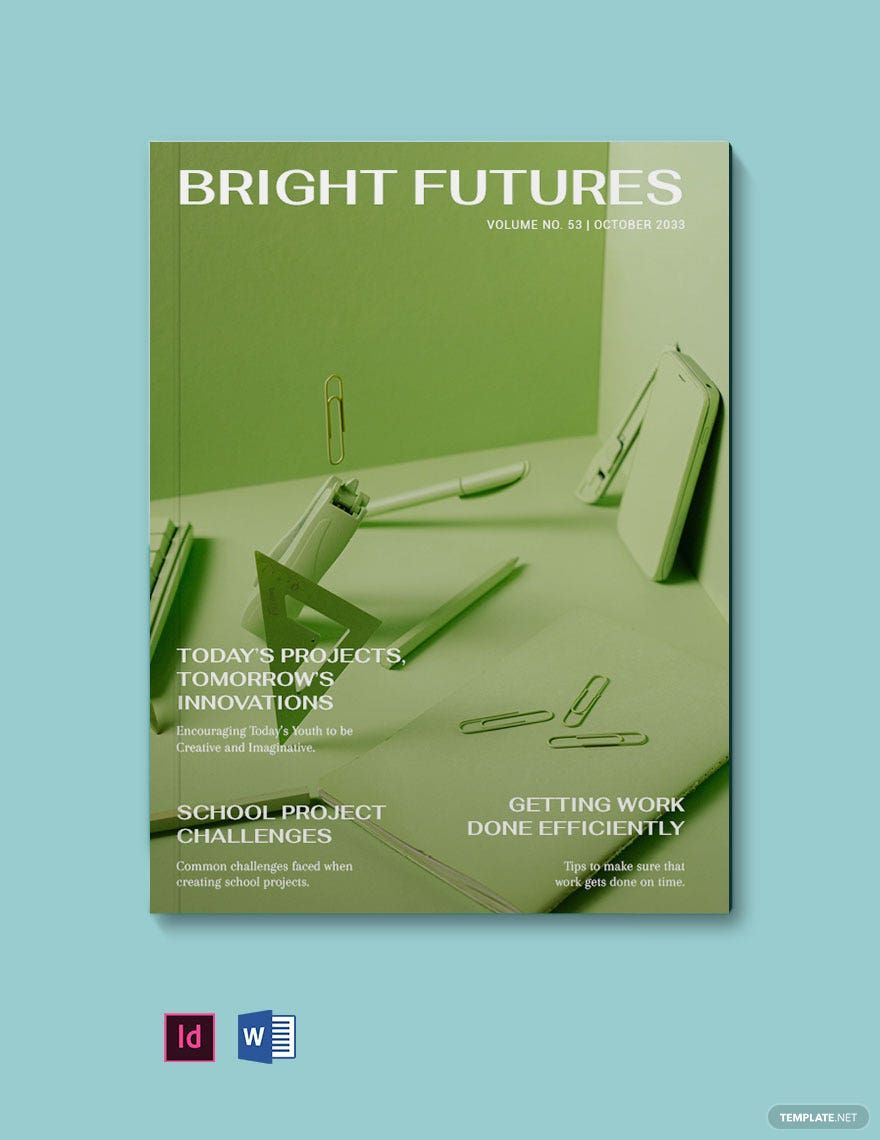
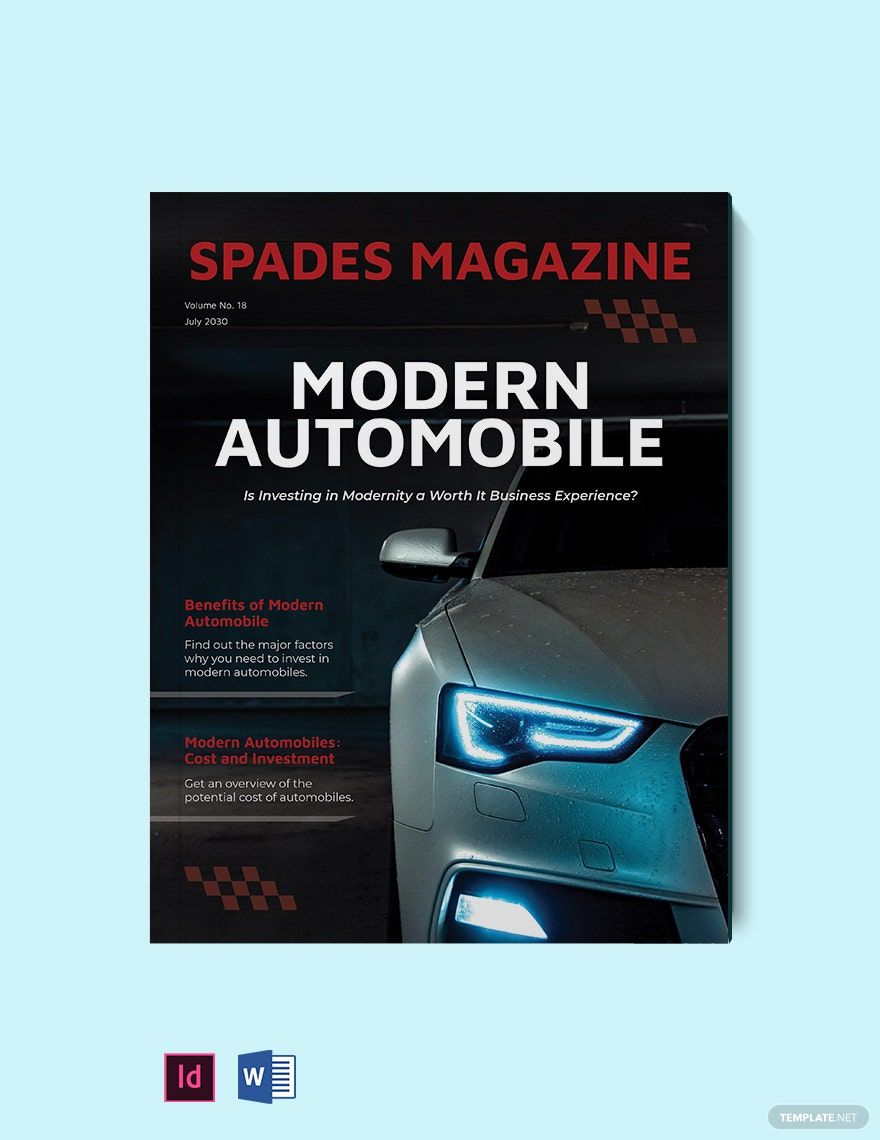
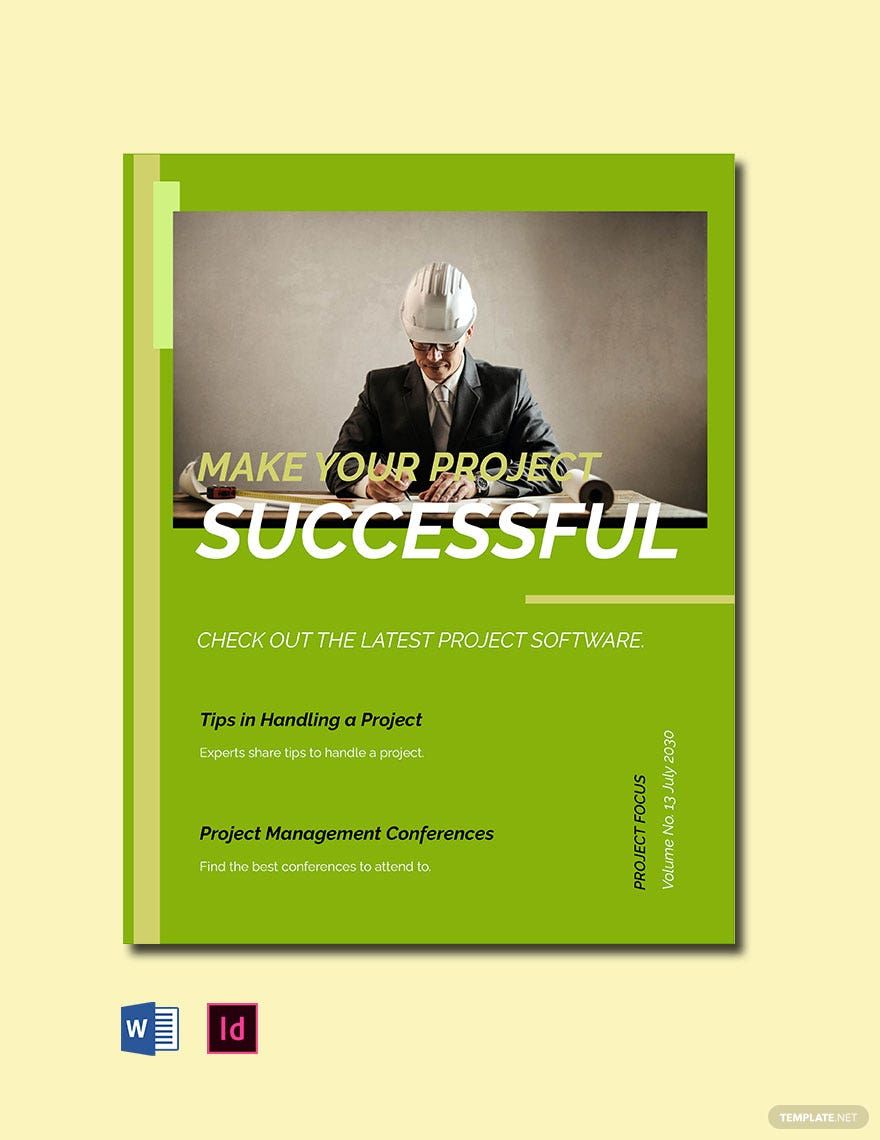
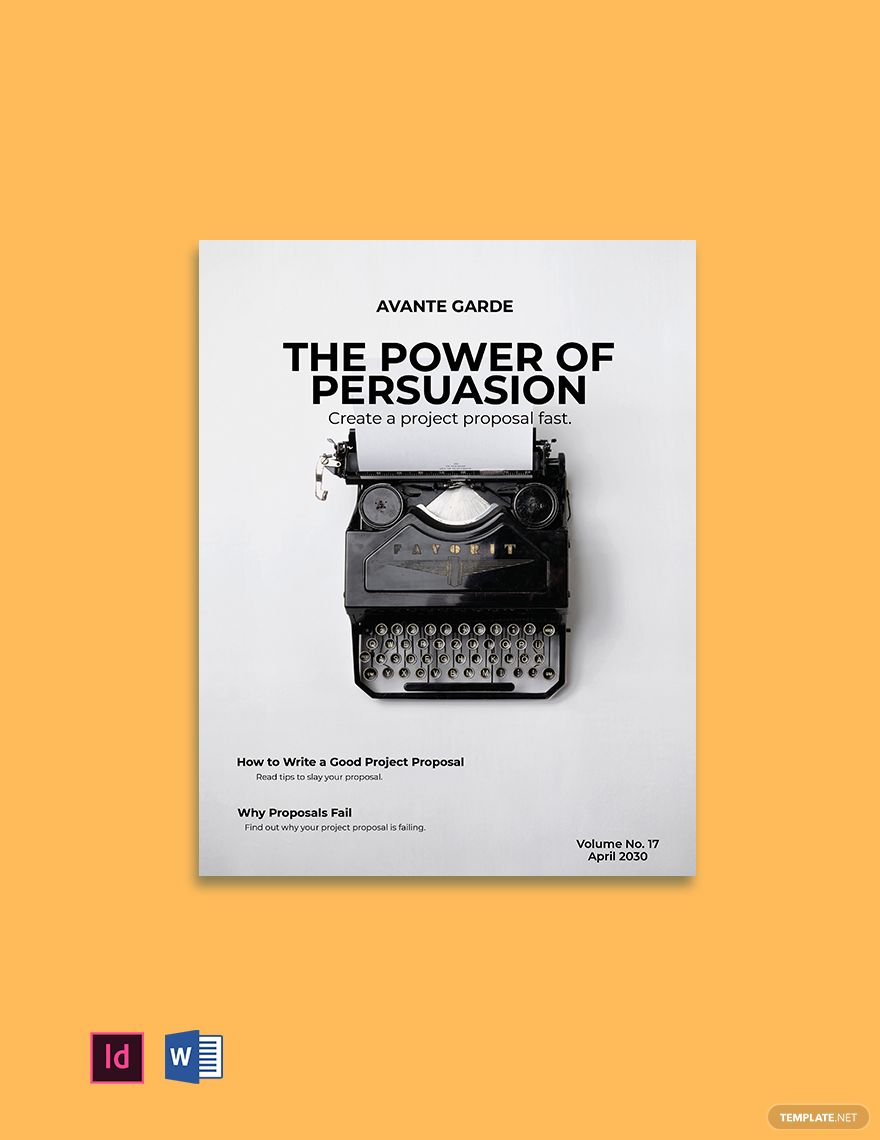
A Project Magazine is a customizable publication layout designed to highlight project information, progress, and results in a visually appealing format. Project Magazine templates feature editable text areas, graphic sections, and layout blocks for easy online editing and professional presentation.
Why use a Project Magazine?
Using a Project Magazine helps present complex project details in a clear, engaging way to stakeholders or clients. Project Magazine templates provide streamlined editing and layered design customization for fast creation of professional layouts that enhance project communication.
Who typically uses Project Magazines?
Project Magazines are typically used by project managers, design teams, and business professionals who need to showcase project timelines, outcomes, and visuals. These templates support collaborative editing and help teams present projects with polished, professional designs.
What size should a Project Magazine be?
Project Magazines commonly use sizes such as 8.5 × 11 inches or 9 × 12 inches to balance readability and visual impact. Template.net offers templates in various standard sizes with editable layout blocks to fit your project’s presentation needs.
What are the best tips for designing a Project Magazine?
When designing a Project Magazine, focus on a clear headline, use high-quality images, and organize content into key information sections. Utilize layered design customization to adjust graphics and text for maximum impact and easy readability.
How do you print a Project Magazine?
To print a Project Magazine, export the template in a print-ready format such as PDF or InDesign. Use high-resolution images and verify layout blocks for proper alignment before printing to ensure sharp and professional results.
What elements should a Project Magazine include?
A Project Magazine should include a headline, project overview sections, timelines, images or graphics, and contact information. These design layers ensure the magazine is informative and visually engaging.
What file formats can I download for a Project Magazine?
Template.net’s Project Magazine templates support multiple export formats for editing and printing, including InDesign. These formats provide flexible options for professional customization and distribution.
Can I create a new Project Magazine using AI?
Template.net provides an AI-powered tool that generates new Project Magazine designs from prompts for quick creation. Use the Magazine Generator to create customized templates with ease.
