Free RPMS Portfolio Templates
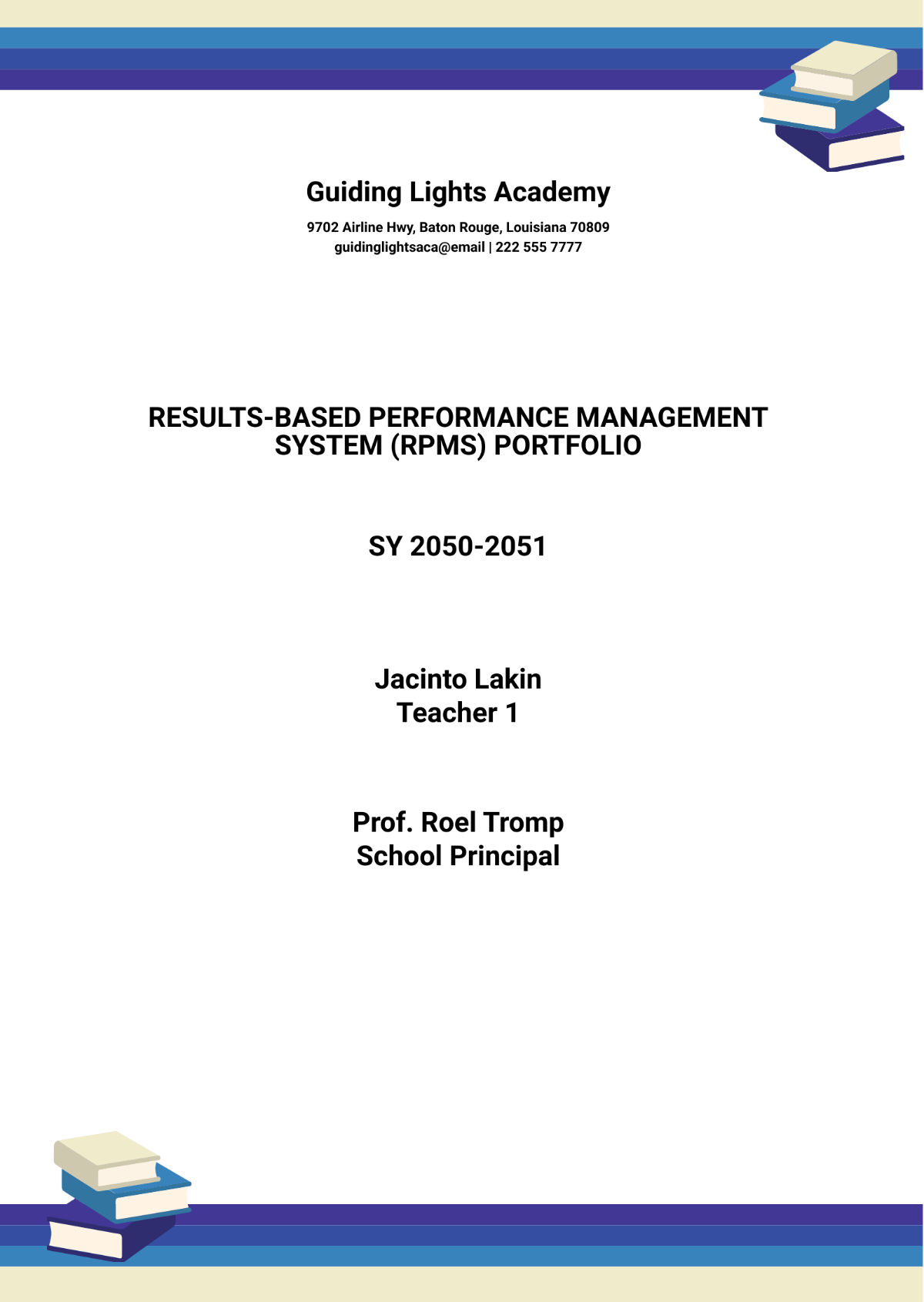
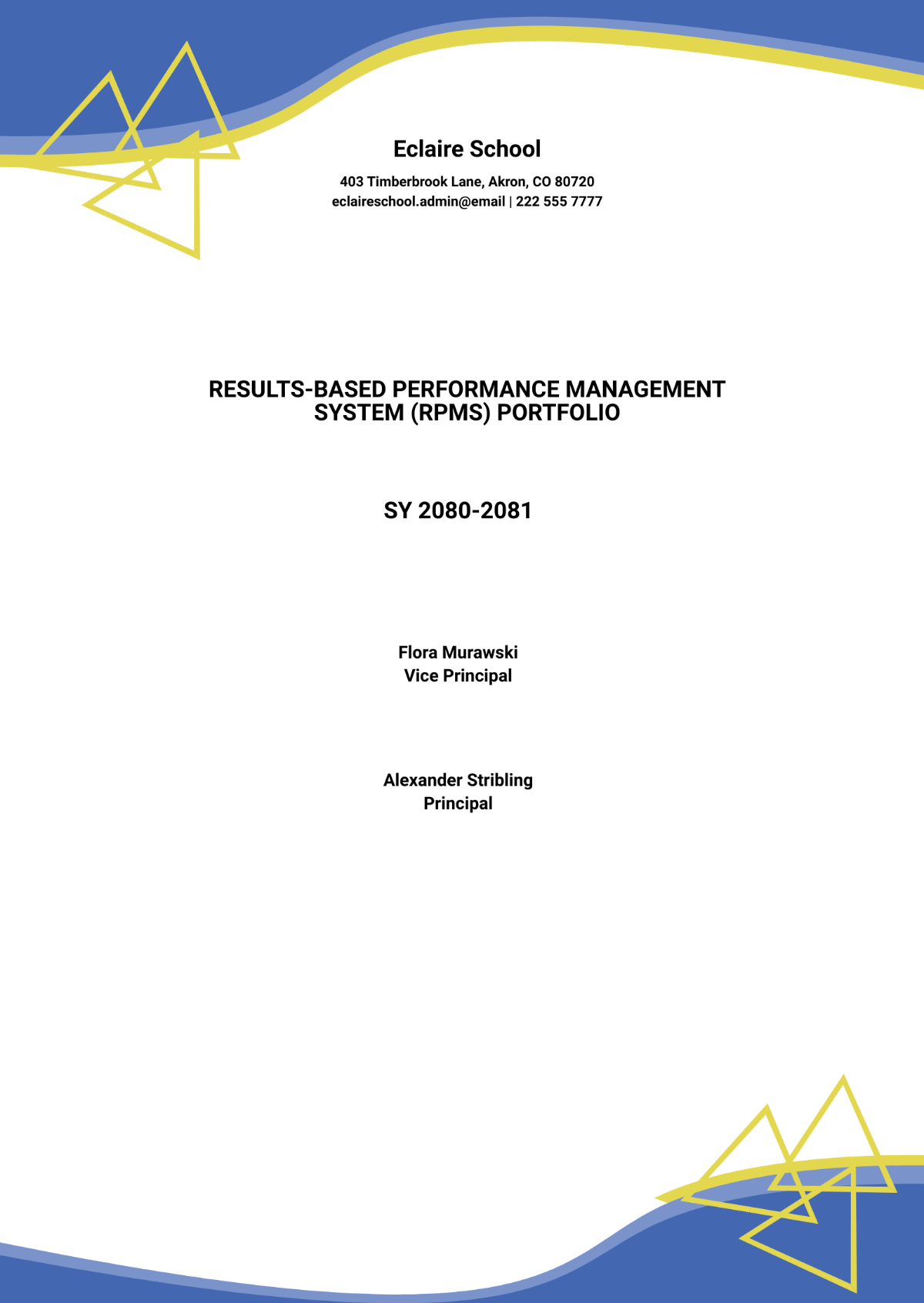
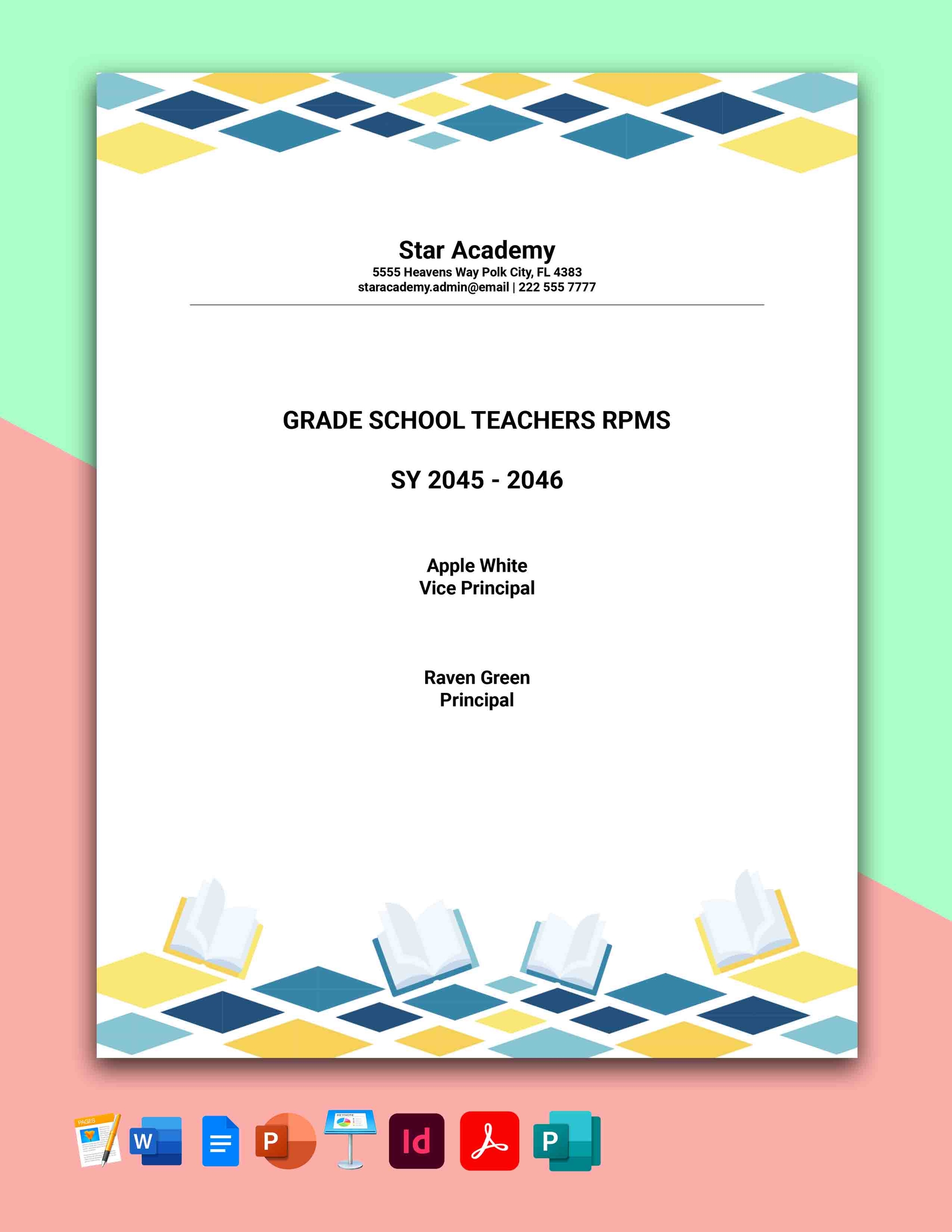
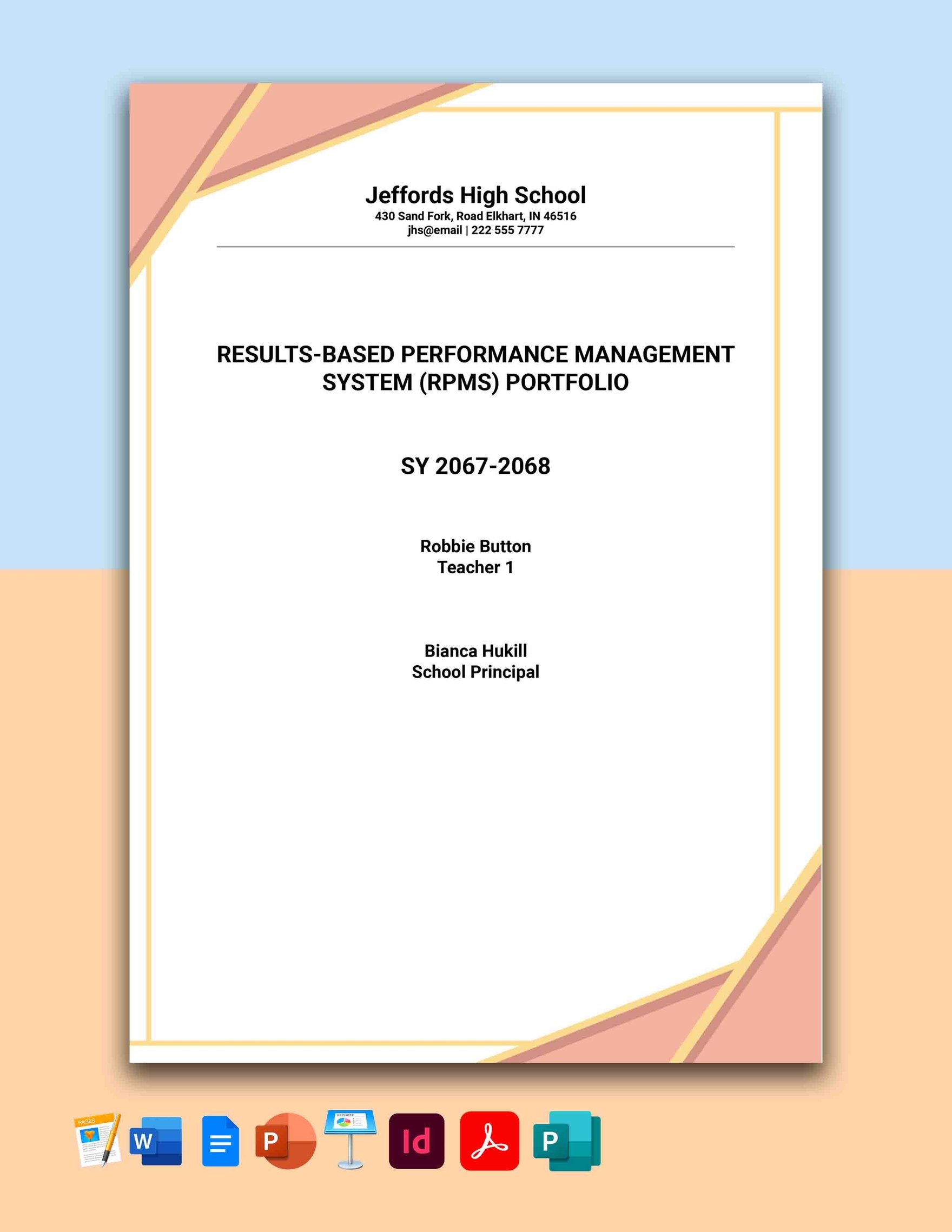
RPMS Portfolio Templates: Definition, Uses, and Formats
What is a RPMS Portfolio?
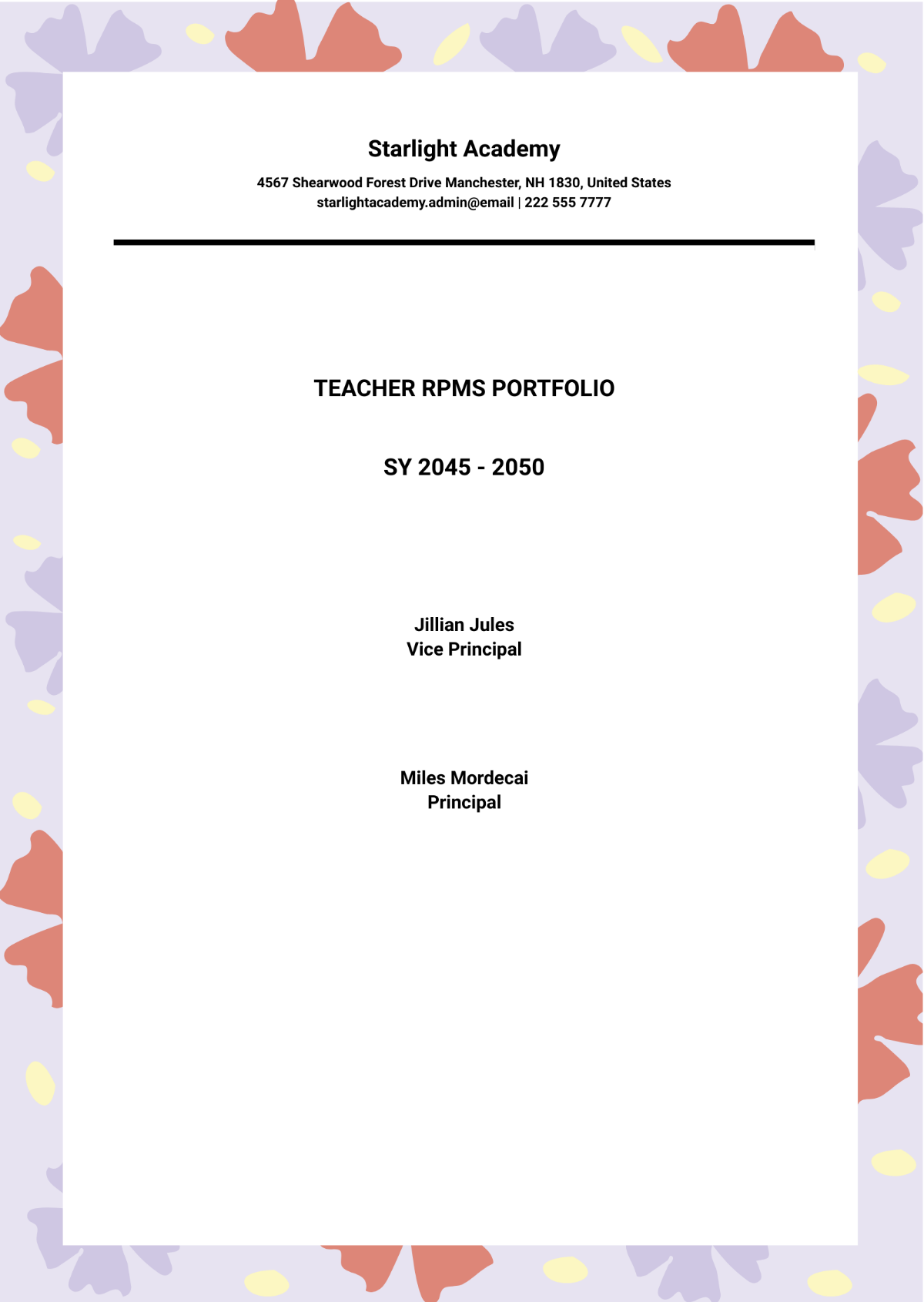
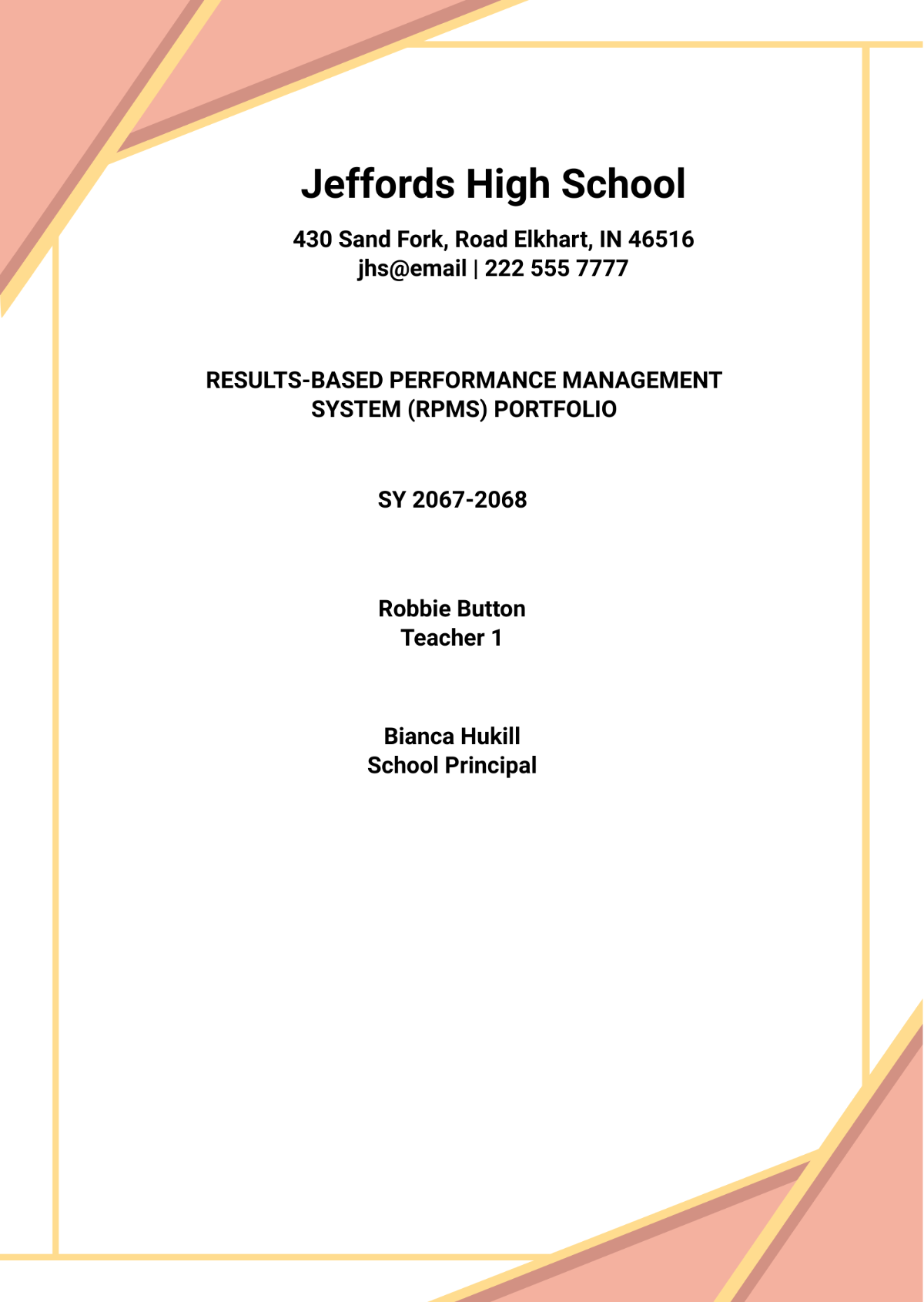
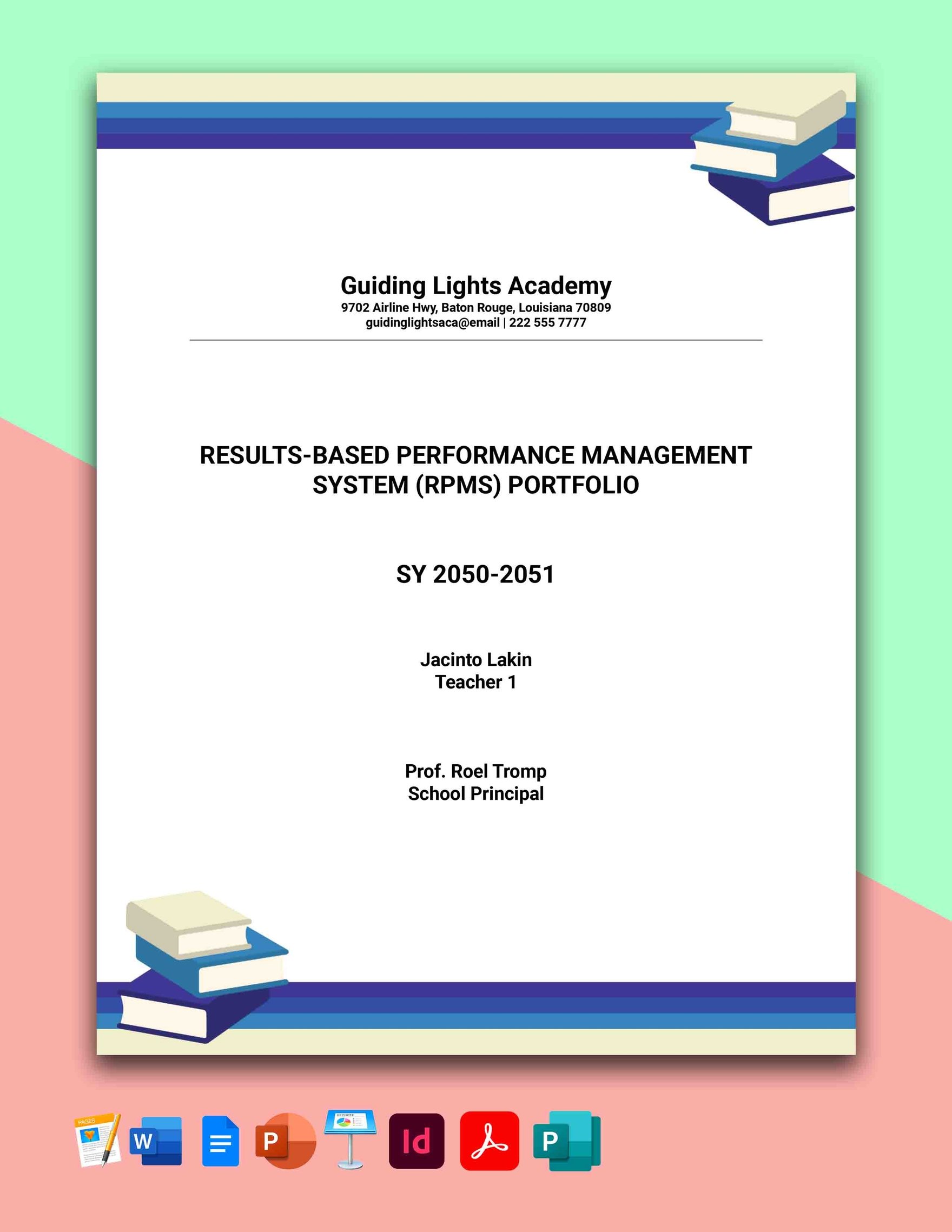
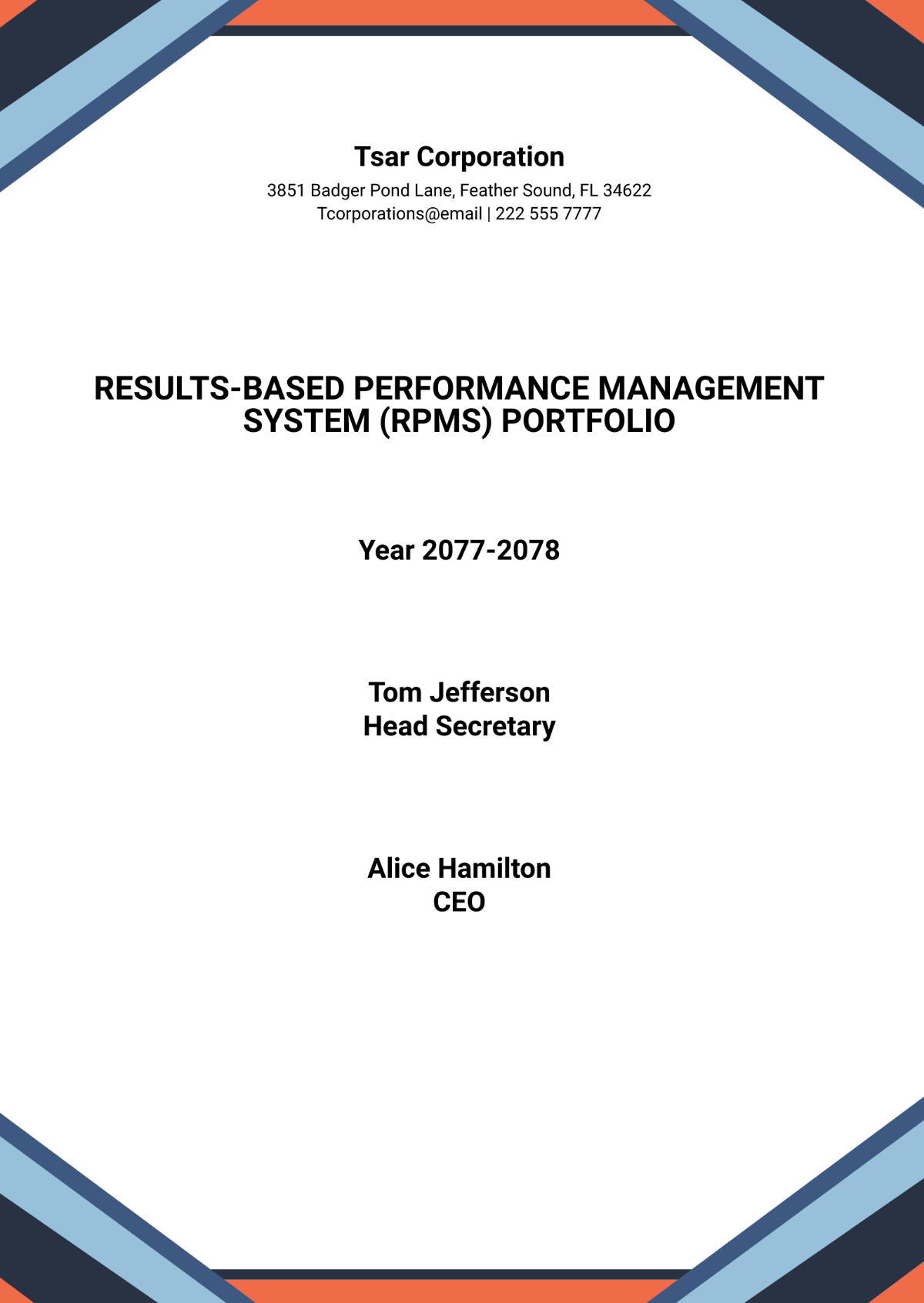
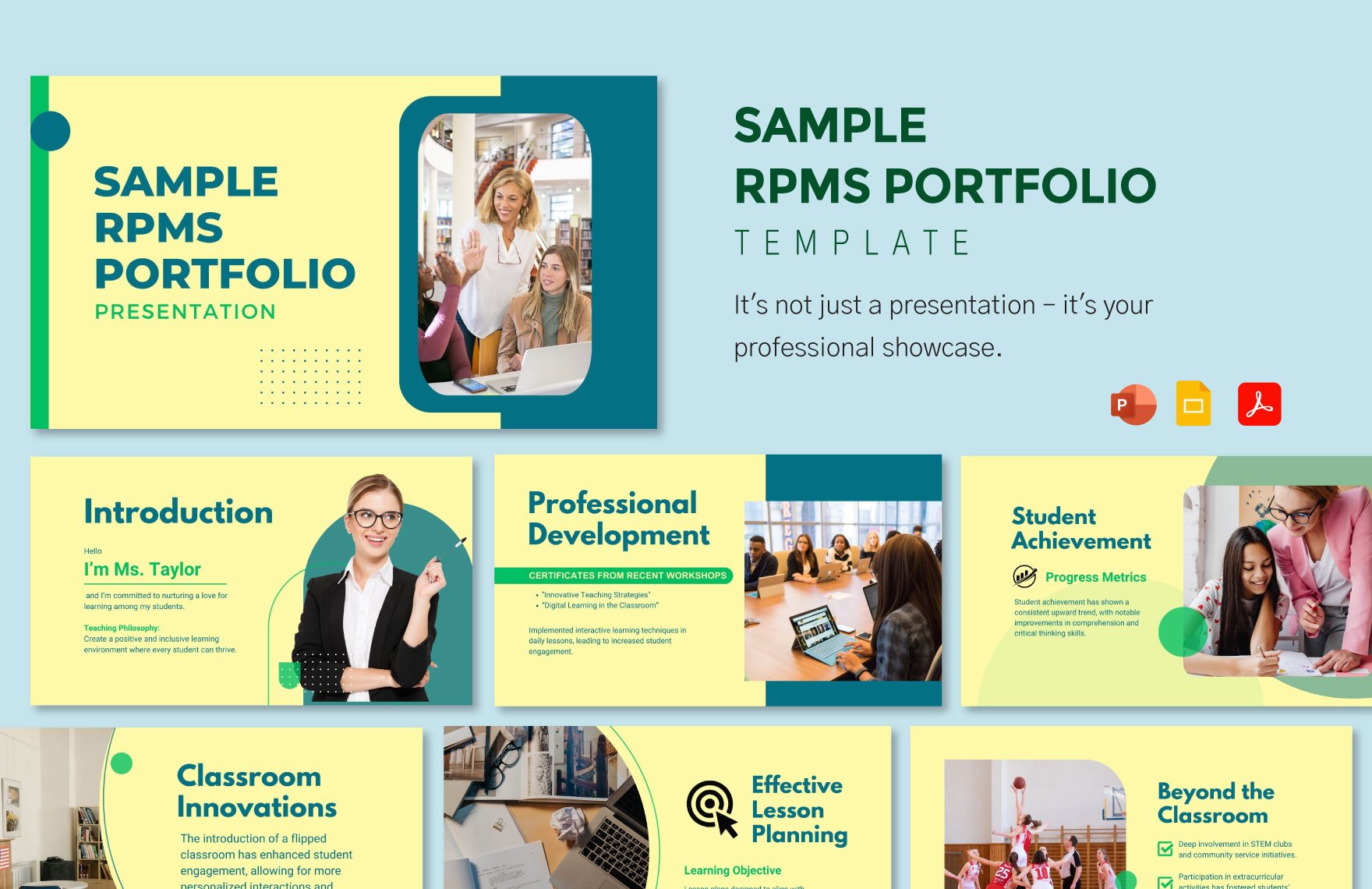
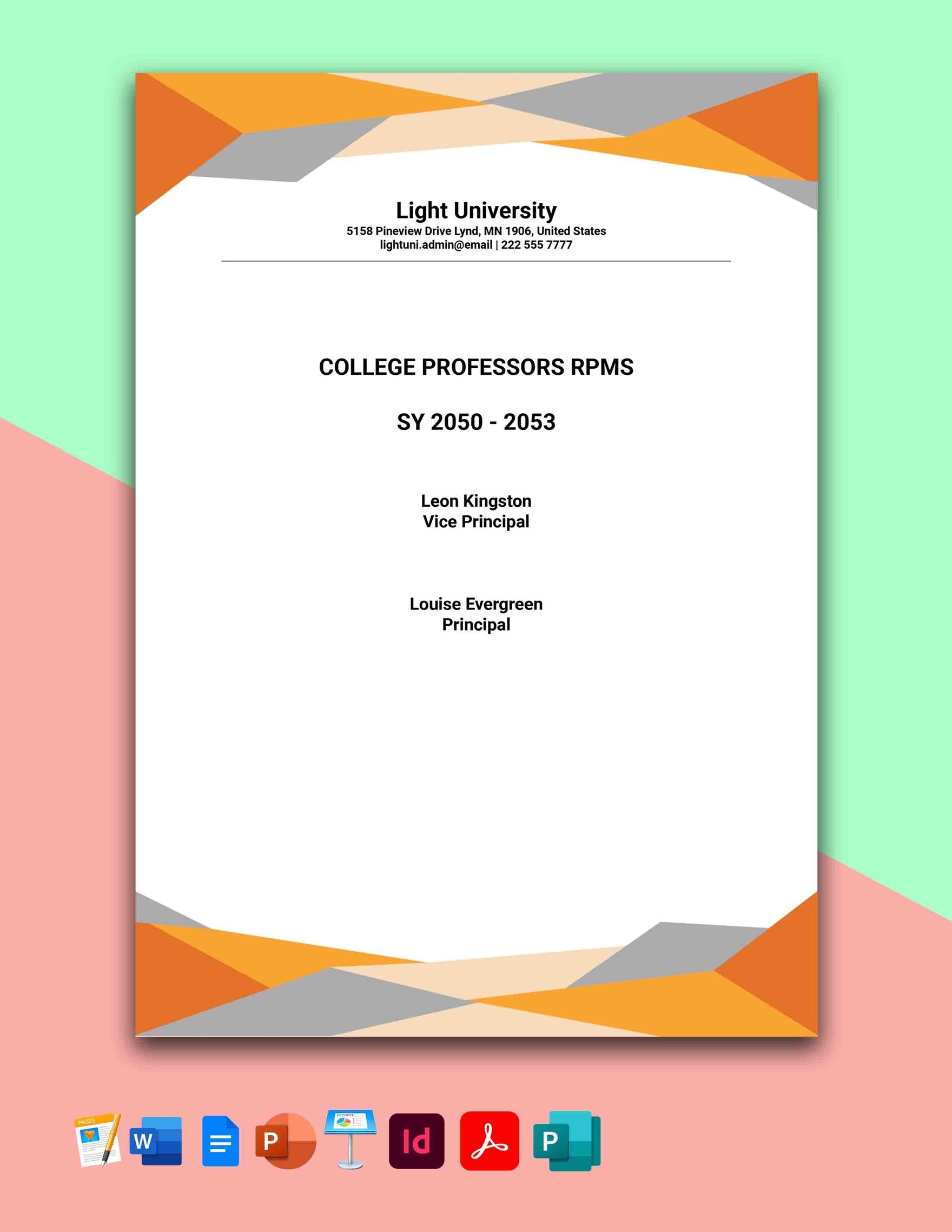
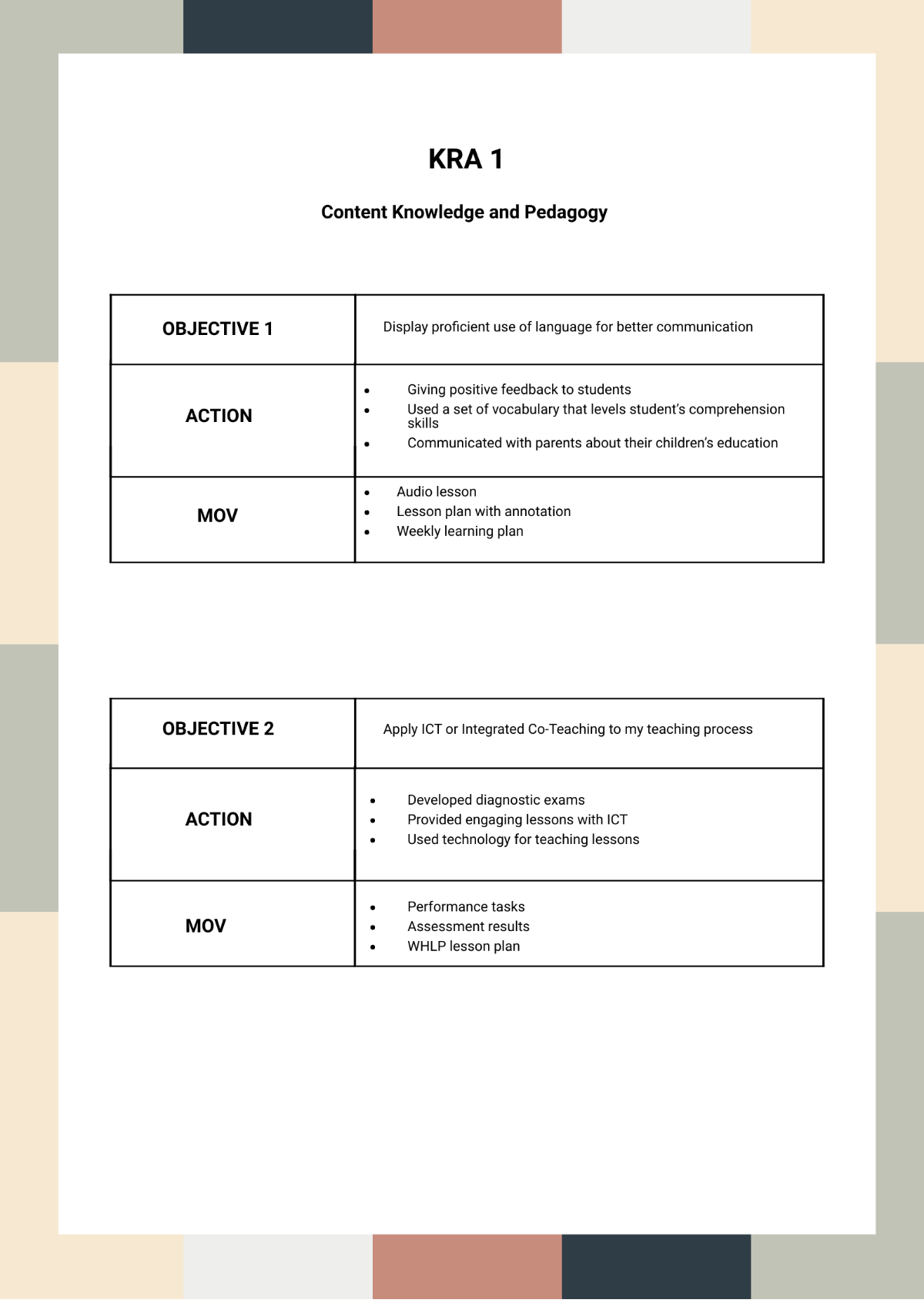
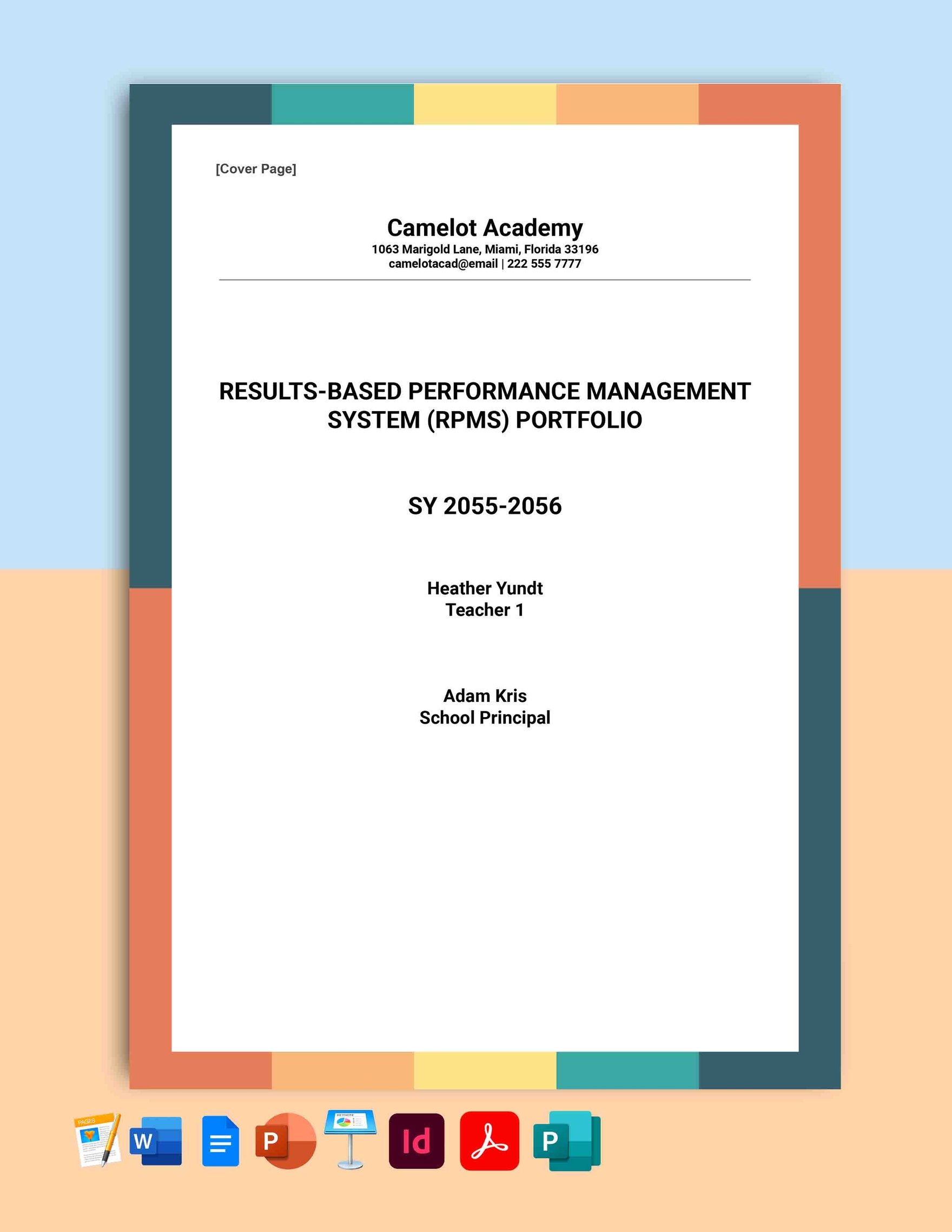
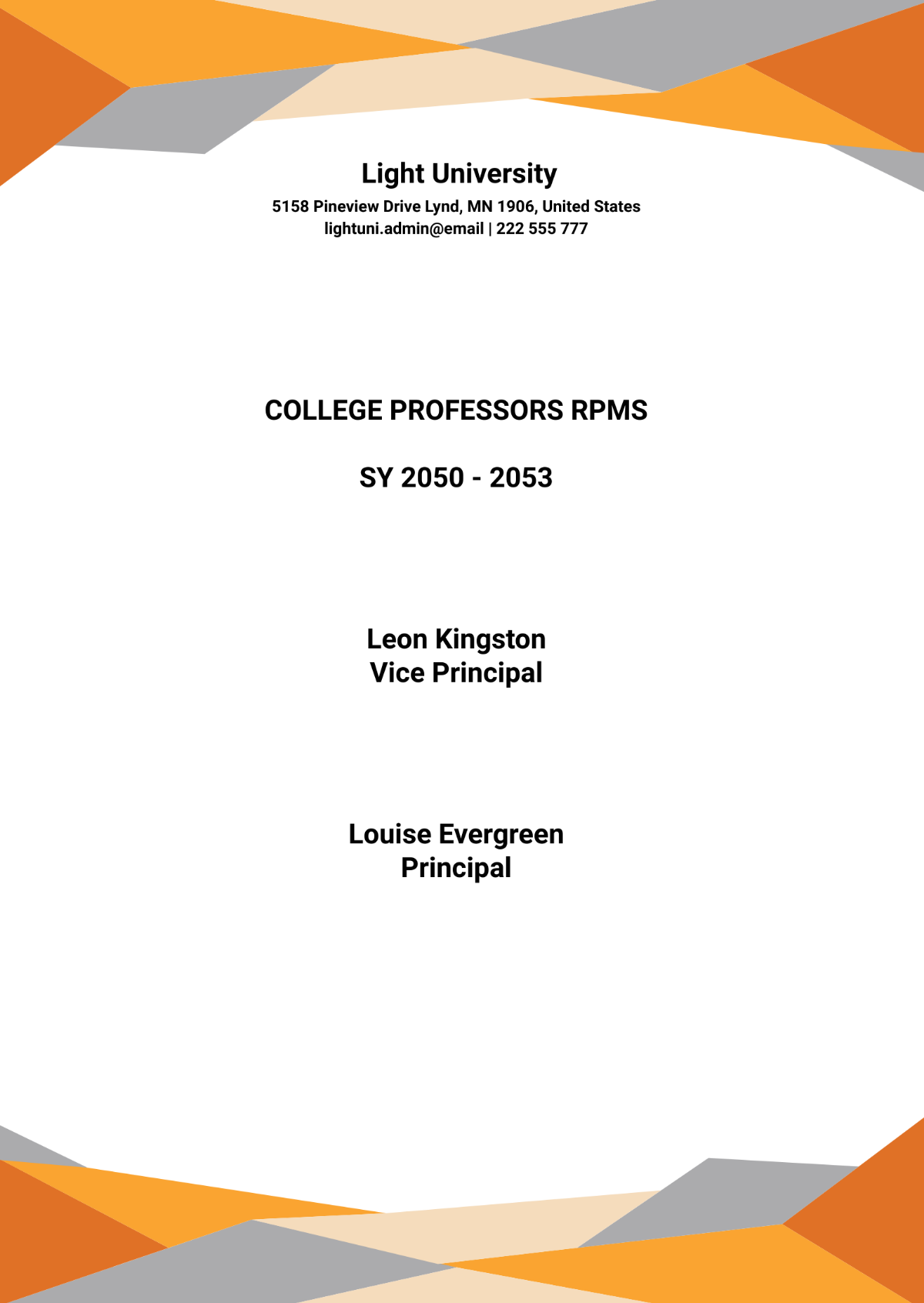
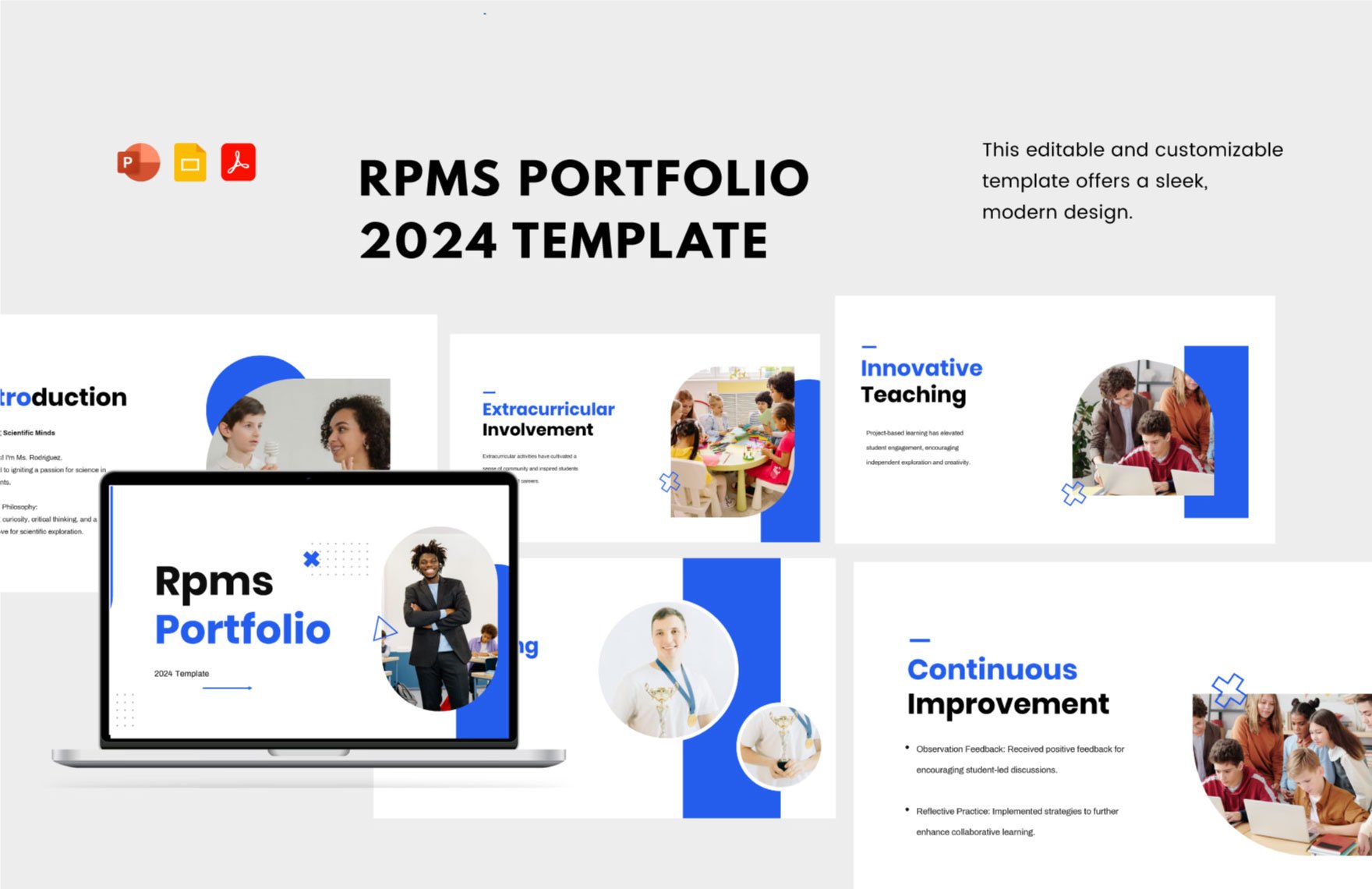
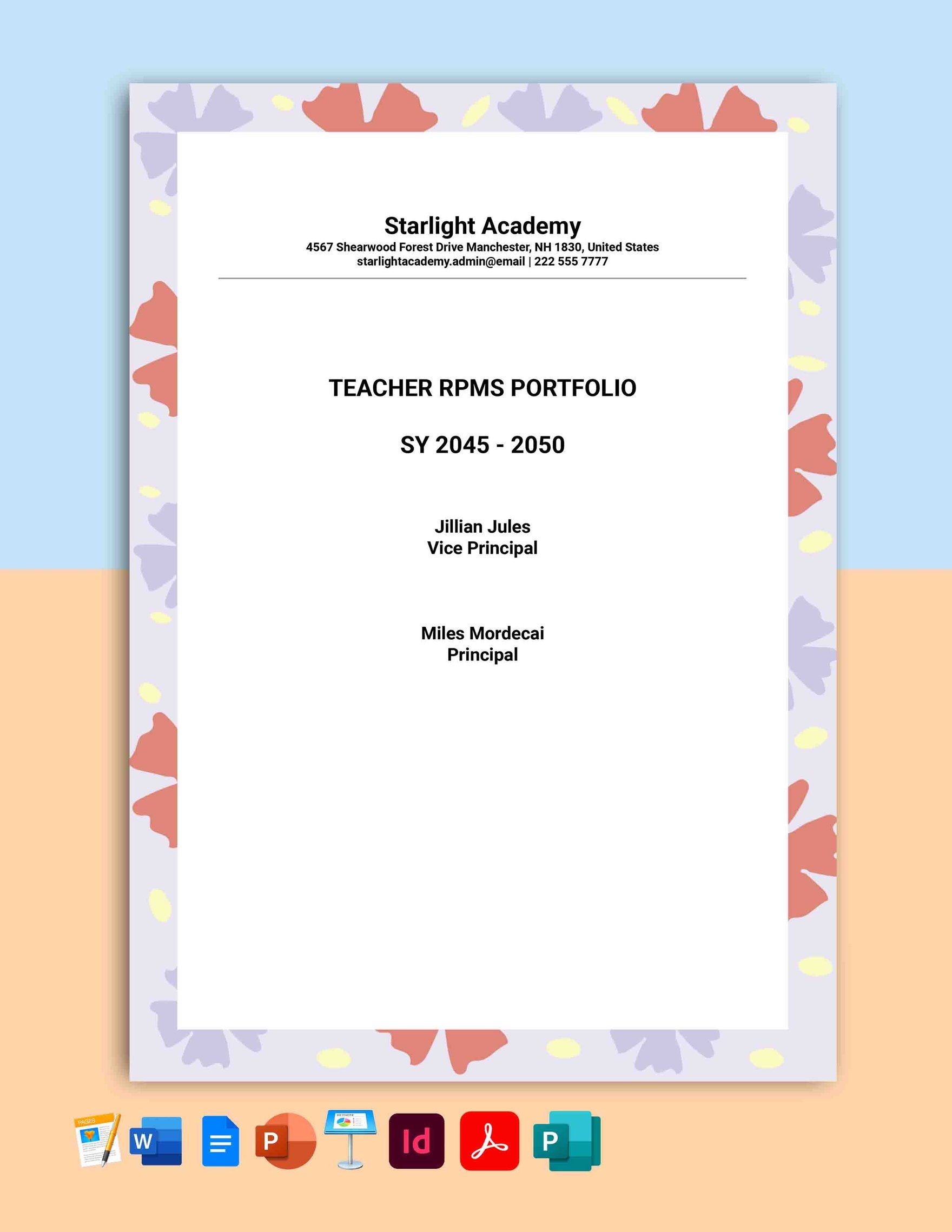
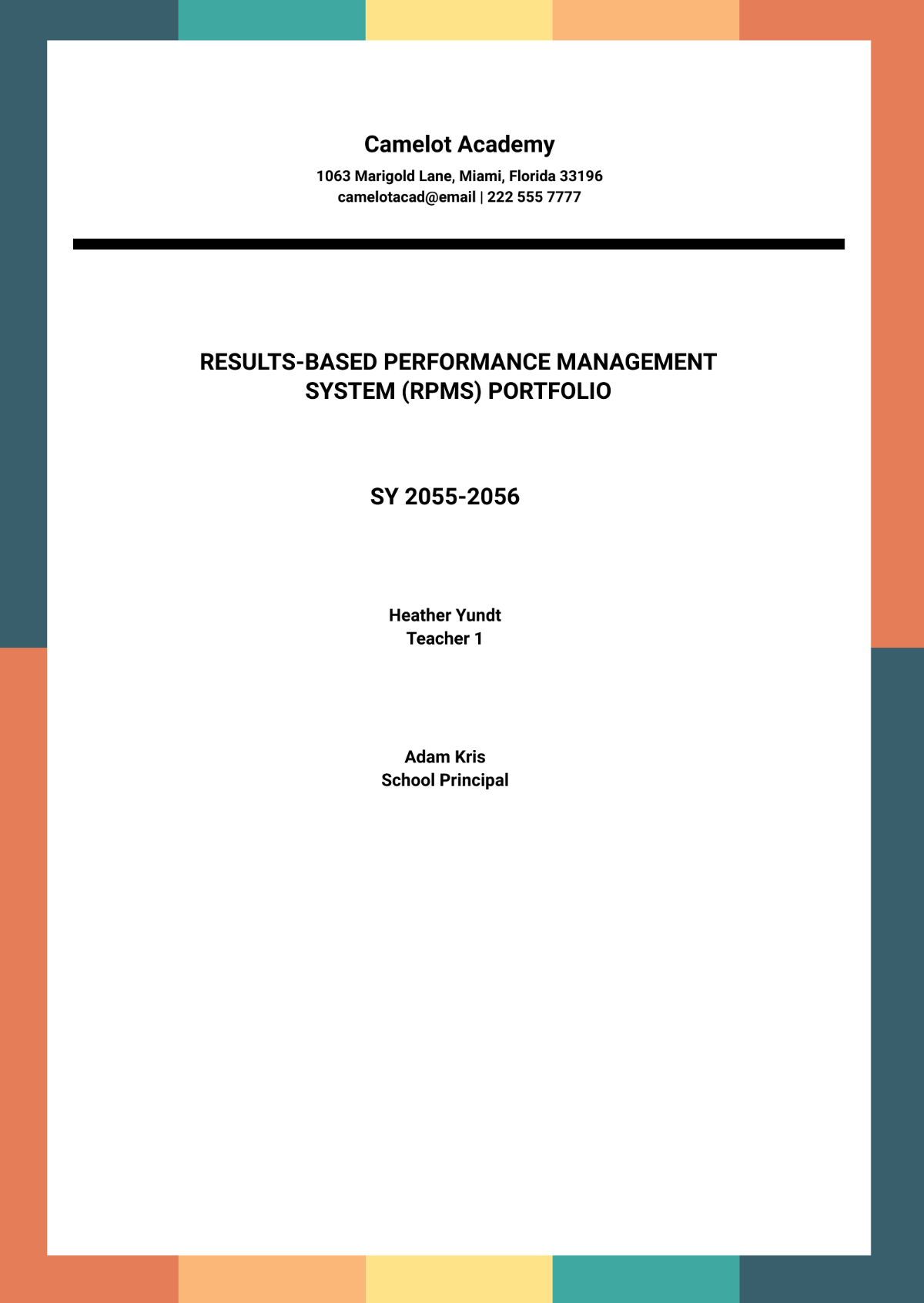
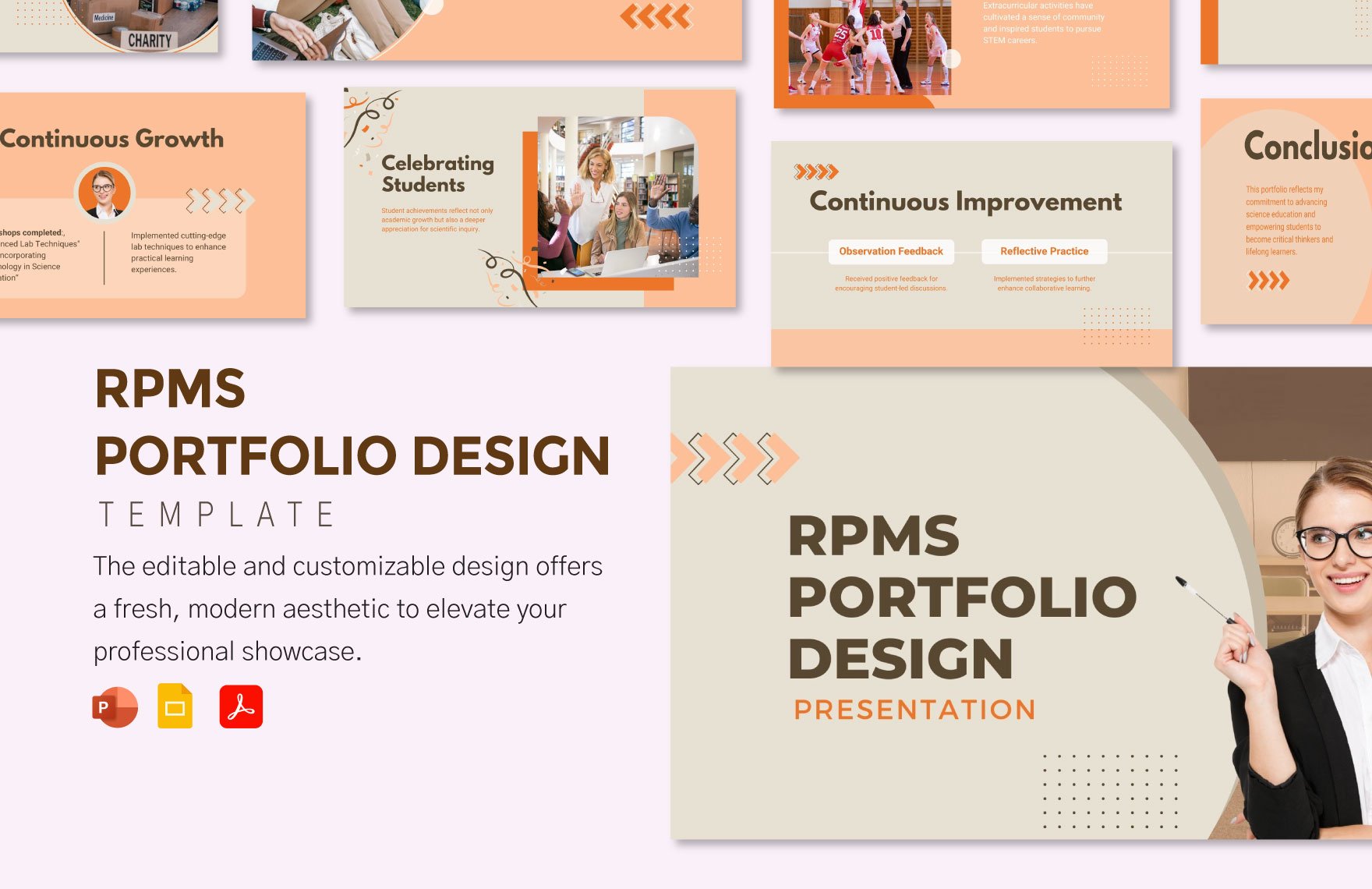
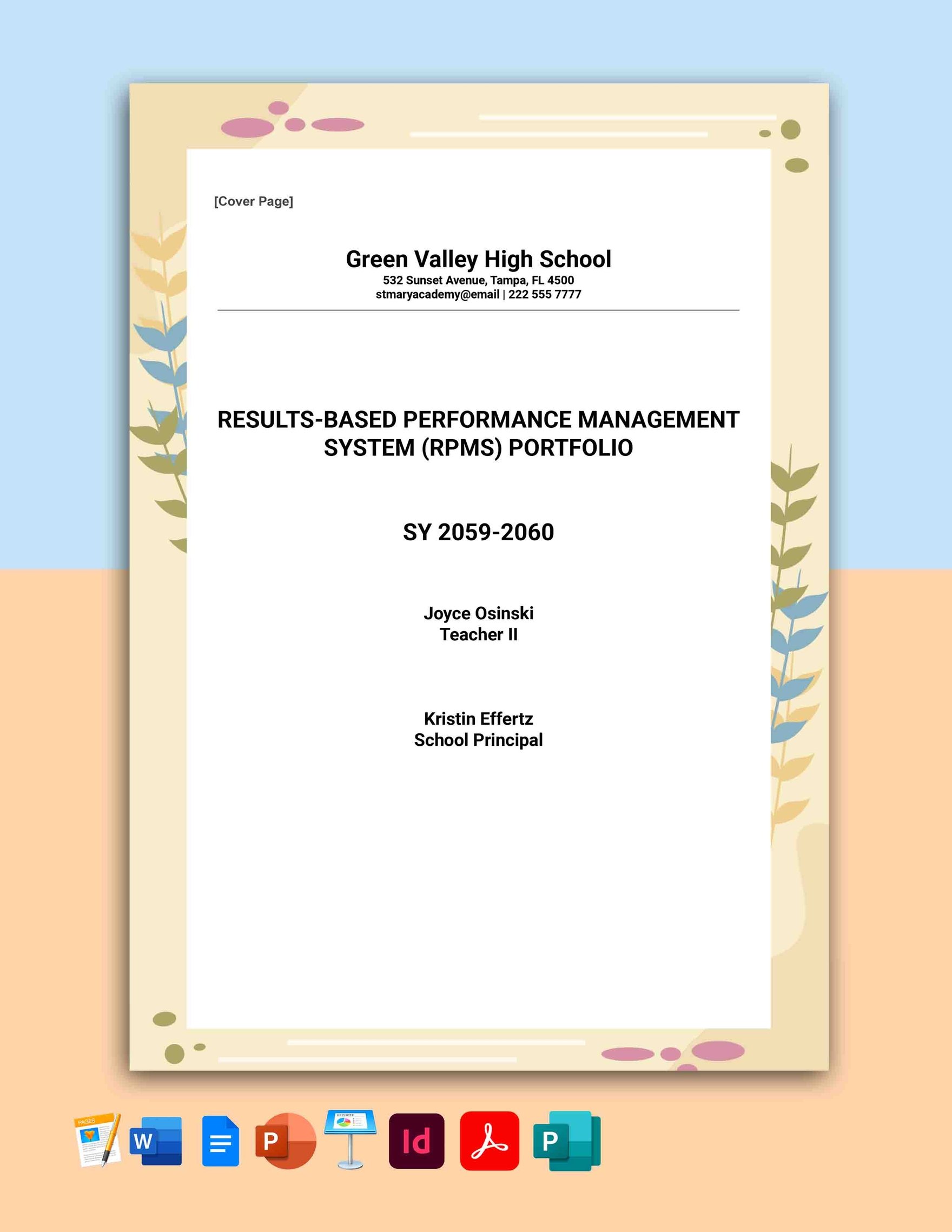
A RPMS portfolio is a structured document designed to demonstrate performance accomplishments and professional growth. RPMS portfolio templates provide editable text areas and design layers to organize key information clearly for evaluations and presentations.
Why use a RPMS Portfolio?
RPMS portfolios help professionals systematically present their achievements, goals, and development plans. Using RPMS portfolio templates ensures professional layouts with layered customization and quick online editing for consistent documentation and impactful presentations.
Who typically uses RPMS Portfolios?
RPMS portfolios are typically used by educators, employees, and professionals who need to document performance metrics and career progress. These templates support organized sections and editable content for clear communication during evaluations or reviews.
What size should a RPMS Portfolio be?
RPMS portfolios are commonly formatted to standard sizes such as 8.5 × 11 inches for easy printing and presentation. Templates provide predefined layout blocks optimized for readability and professional appearance in these dimensions.
What are the best tips for designing a RPMS Portfolio?
Effective RPMS portfolios include clear headlines, organized layout blocks, and key information sections for goals and achievements. Utilize editable layers and consistent formatting to highlight progress and maintain professionalism.
How do you print a RPMS Portfolio?
Printing RPMS portfolios requires selecting templates with print-ready formats and using high-quality settings. Templates support standard sizes like 8.5 × 11 inches and layered designs to ensure crisp text and images in physical copies.
What elements should a RPMS Portfolio include?
A RPMS portfolio should include headlines, editable text areas, graphics or images, and key information sections such as goals, accomplishments, and development plans for comprehensive documentation.
What file formats can I download for a RPMS Portfolio?
Template.net offers RPMS portfolio templates downloadable in multiple formats for easy editing and printing, including Word, Google Docs, Apple Pages, PDF, InDesign, Apple Keynote, and PowerPoint.
Can I create a new RPMS Portfolio using AI?
Template.net provides an AI-powered tool that generates new RPMS portfolio designs from prompts, offering quick creation of customized layouts with editable layers. Use the Portfolio Generator to start your AI-assisted design.
