
Free Sketch Vector Templates





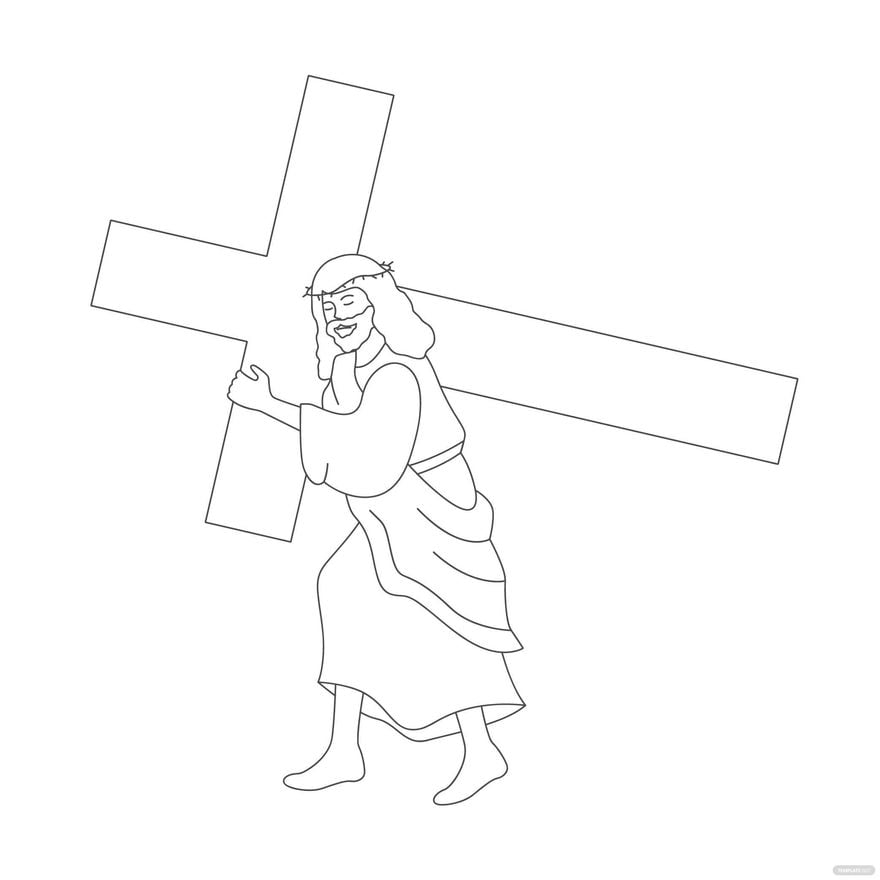


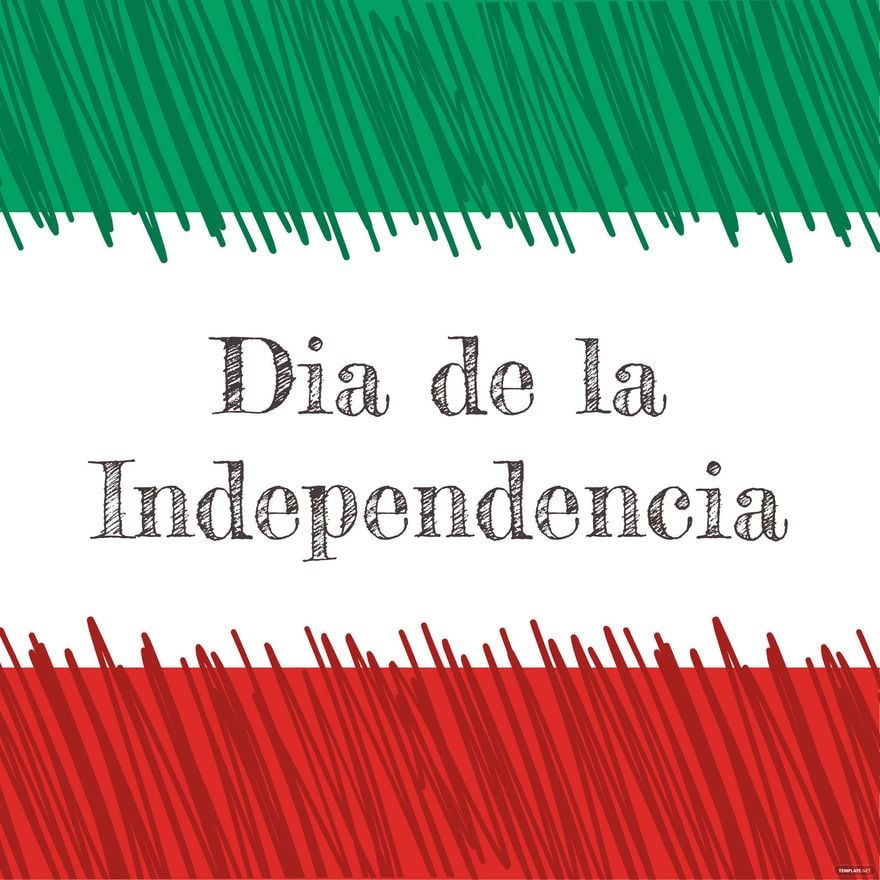
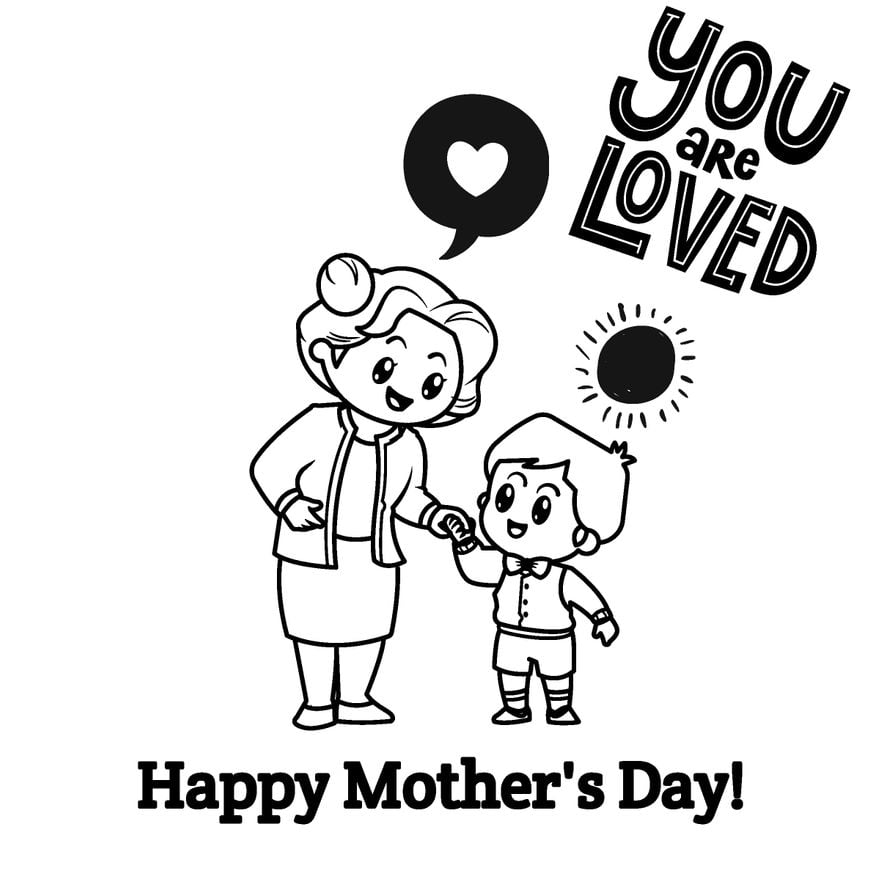







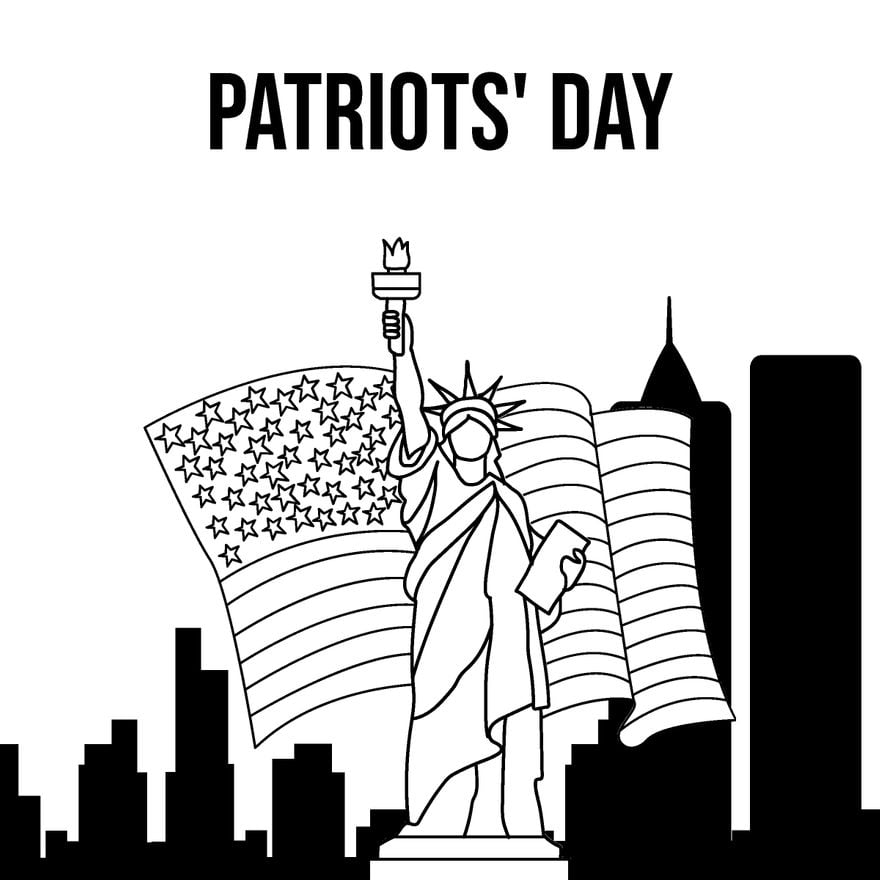
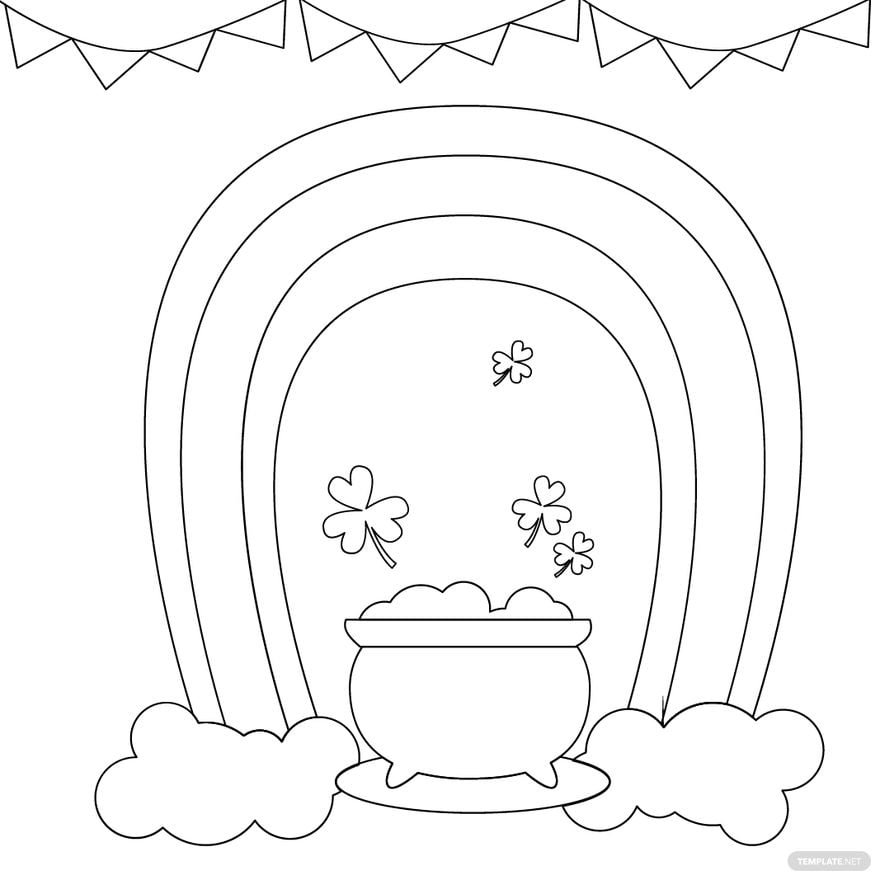
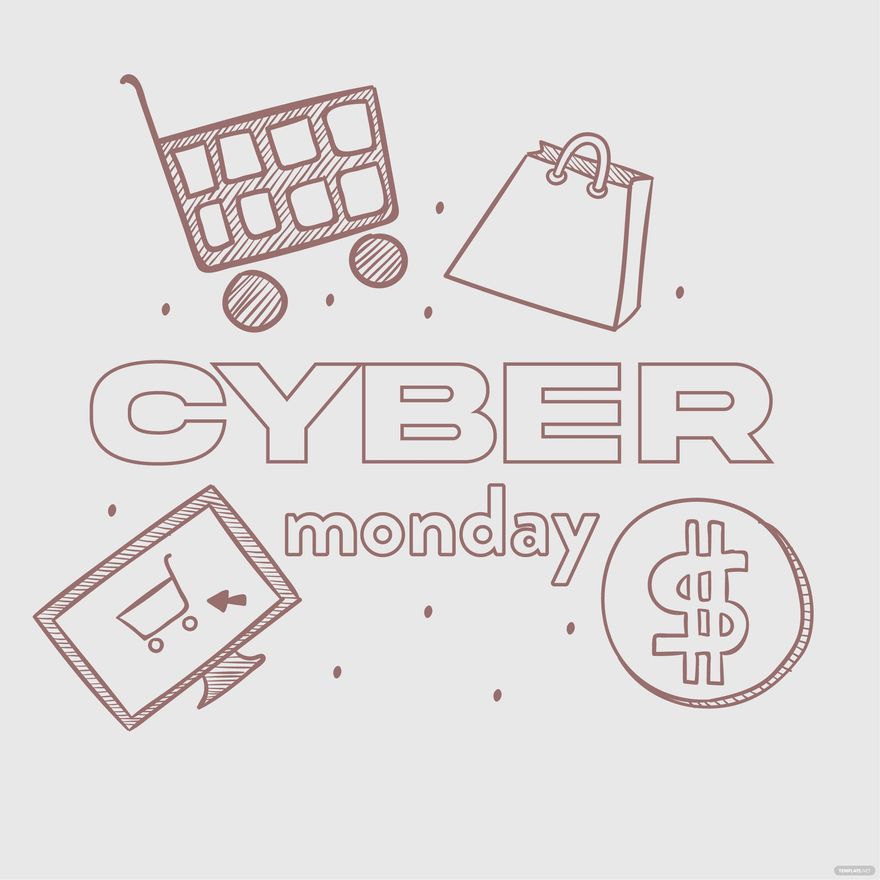
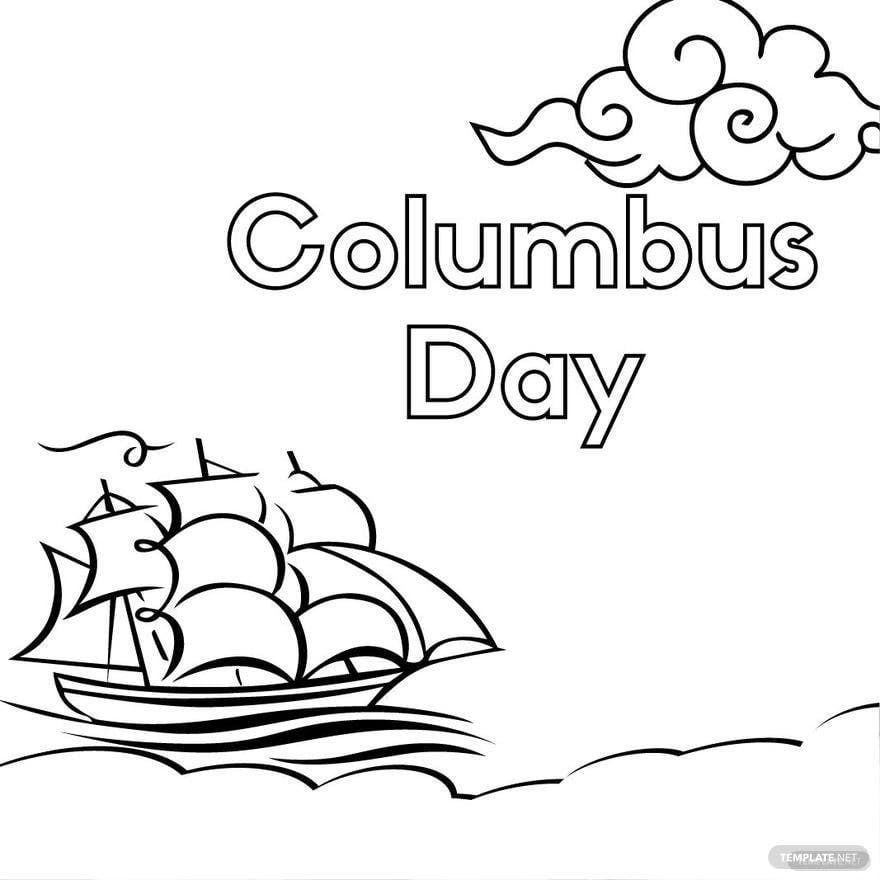



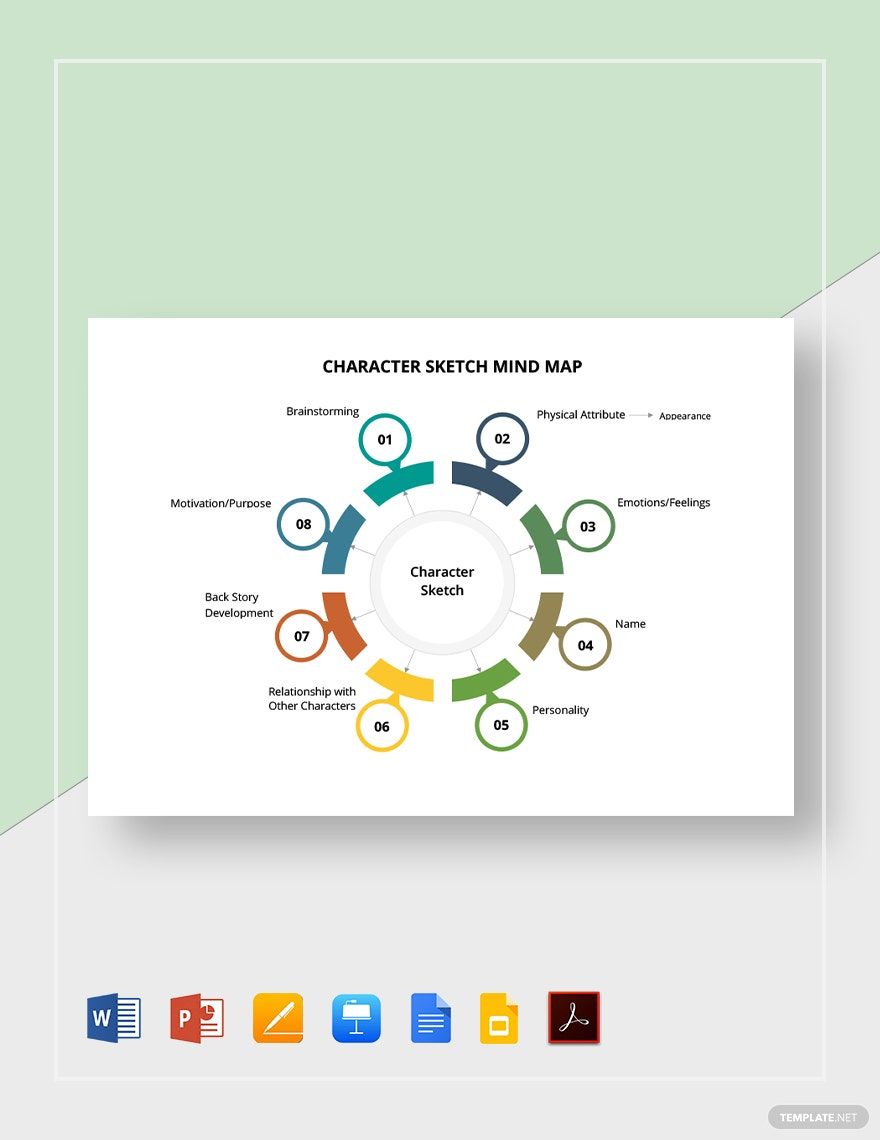
Free Sketch Vector Templates: Customizable Design Guide and Usage Insights
What is a Sketch Vector?
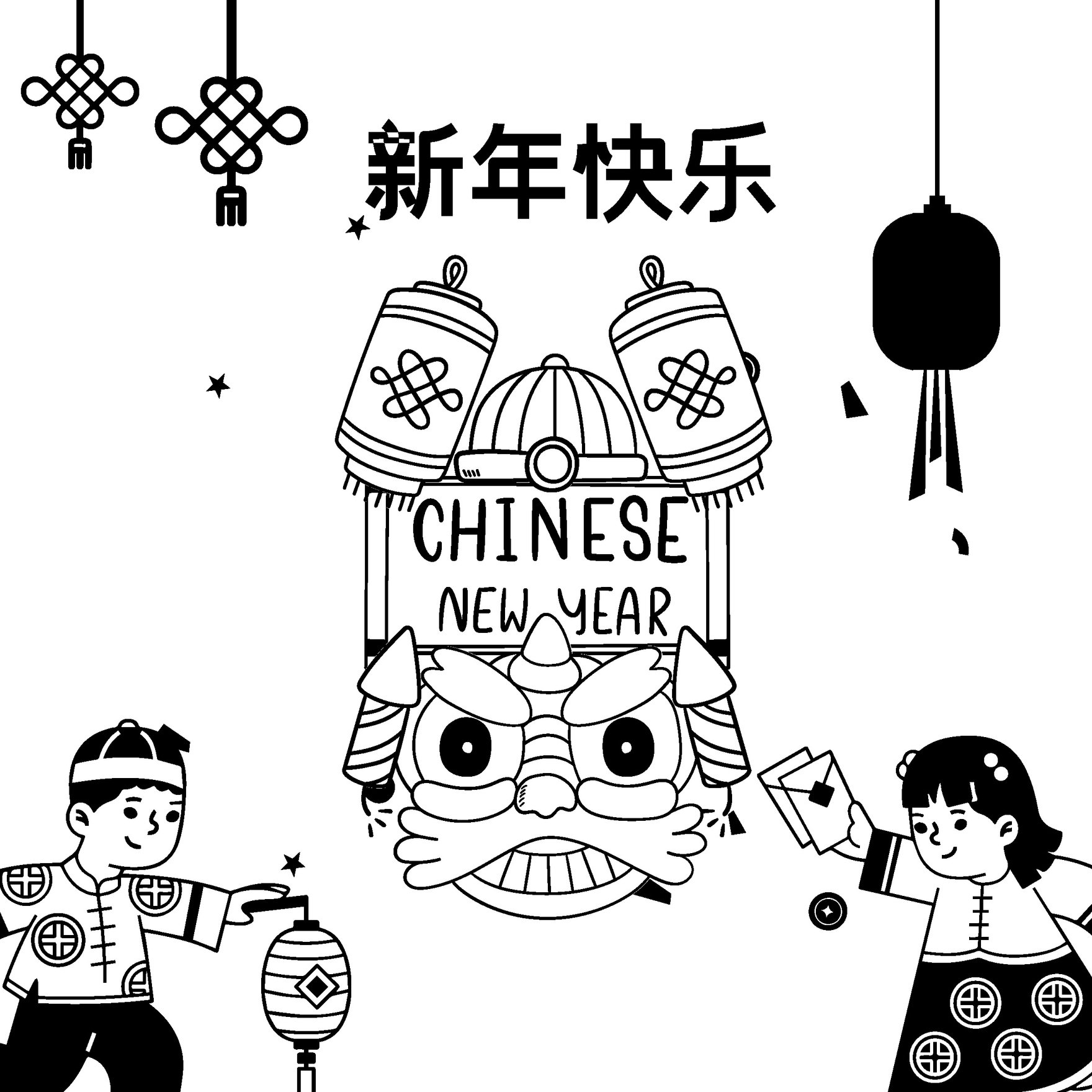
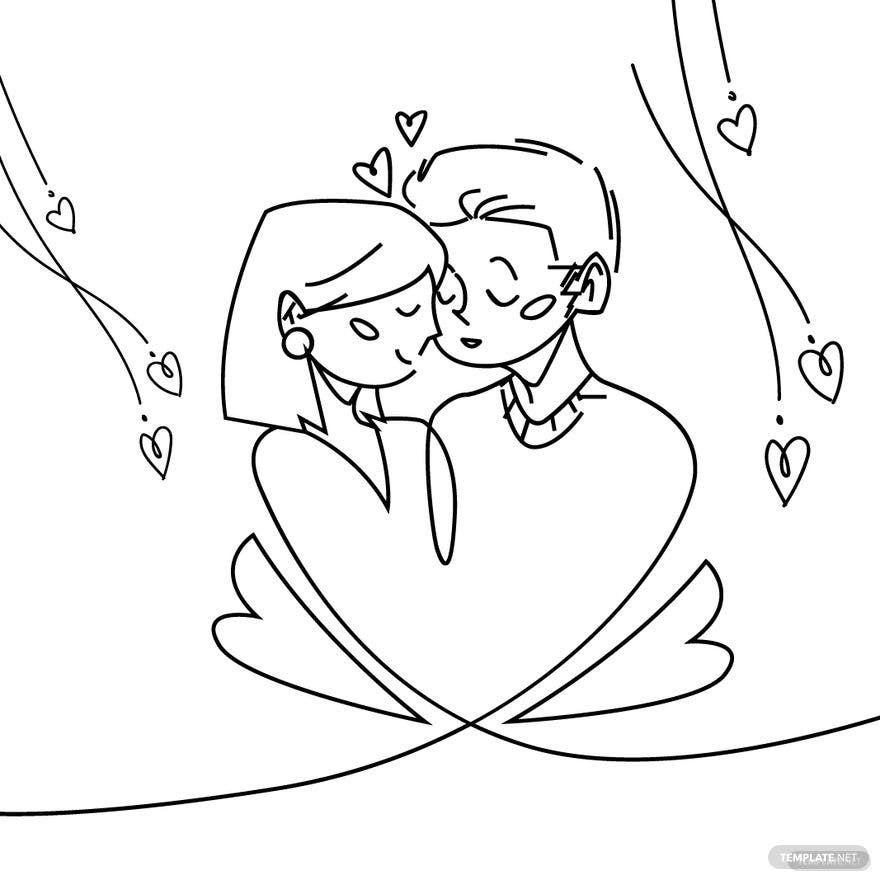
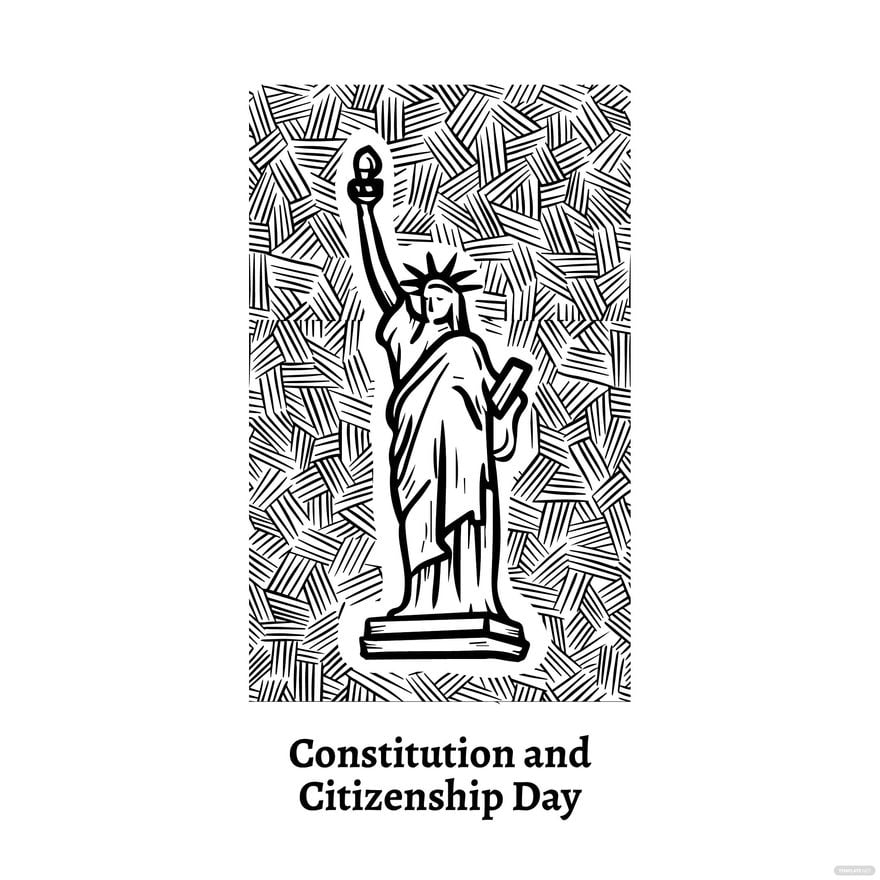
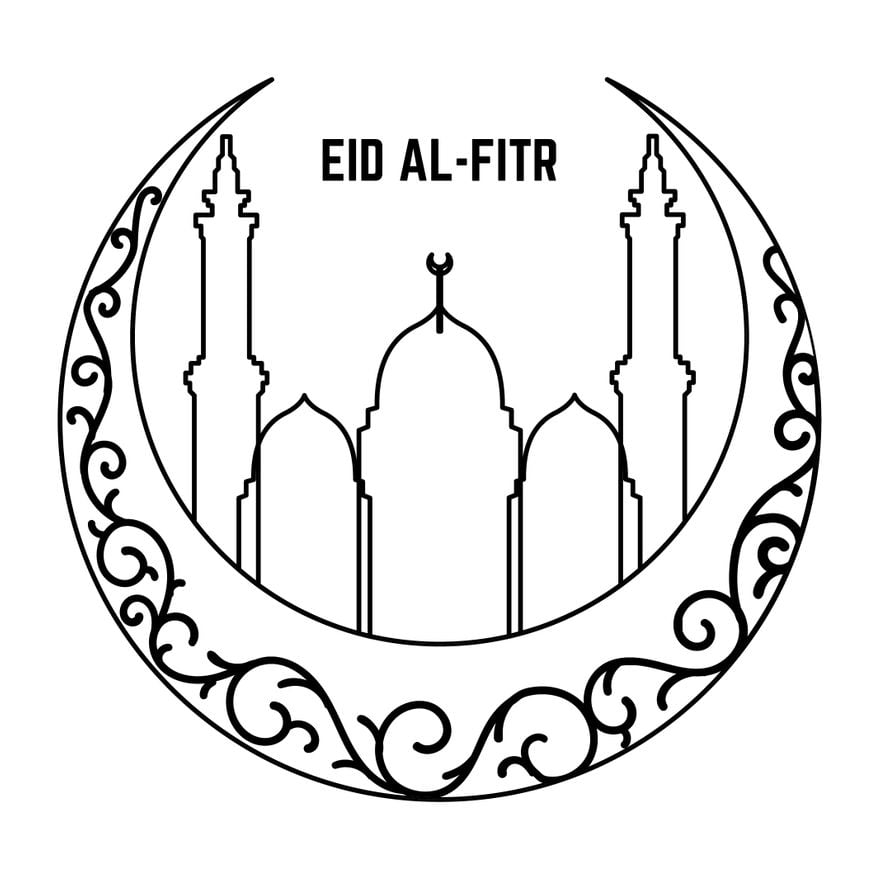
A Sketch Vector is a digital graphic composed of scalable vector elements that represent hand-drawn or artistic sketches. These templates provide professional quality visuals that you can customize and adapt for various design projects, ensuring crisp graphics at any size.
Why should I use a Sketch Vector?
You should use a Sketch Vector because it offers scalability without quality loss, easy customization, and flexibility for multiple design purposes. These vectors enable you to edit intricate sketch details seamlessly and produce consistent, professional results.
Who uses Sketch Vector?
Sketch Vector templates are commonly used by graphic designers, illustrators, marketing professionals, and creatives who require editable, artistic visuals for branding, advertising, presentations, and digital content creation.
What are the best tips for completing my Sketch Vector?
To complete your Sketch Vector effectively, focus on these tips:
- Maintain proportions: Use vector scaling tools to preserve design integrity.
- Adjust layers: Organize sketch elements on different layers for easier editing.
- Use color wisely: Apply consistent color palettes to enhance visual appeal.
- Leverage browser editing: Utilize Template.net's online editor for real-time customization.
Can I create a Sketch Vector using AI?
You can create a Sketch Vector using AI tools; however, on Template.net, the focus is on customizable Sketch Vector templates available for direct editing in your browser rather than AI generation. For AI-assisted creations, you can explore Template.net's AI Template Generator.
When should I use a Sketch Vector?
Use a Sketch Vector when you need high-quality, scalable sketches that can be customized for branding, advertising, presentations, or digital illustrations. They are ideal for projects requiring editable artistic visuals that maintain clarity across different sizes and media.
What essential elements should a Sketch Vector include?
A well-designed Sketch Vector should include these essential elements:
- Clean vector lines: Smooth, scalable strokes defining the sketch.
- Layer separation: Organized layers for different sketch components.
- Editable colors: Flexible fill and stroke colors for customization.
- Transparent background: Allows seamless integration into various designs.
- Consistent style: Uniform sketch aesthetics throughout the template.
How is Sketch Vector used in professional workflows?
Sketch Vector templates integrate into professional workflows by enabling designers to quickly customize artistic sketches for marketing materials, presentations, product packaging, and digital media. Their editable nature supports iterative design and collaboration within teams.
What are common use cases for Sketch Vector templates?
Common use cases for Sketch Vector templates include:
- Brand identity: Creating logos and visual elements with artistic flair.
- Advertising: Designing promotional graphics and flyers.
- Digital content: Enhancing websites and social media posts.
- Presentations: Adding creative sketches to slides for visual impact.
- Illustrations: Producing hand-drawn style graphics for editorial use.
