Free Expense Tracker Templates
Expense Tracker Templates: Definition, Uses, and Formats
What is a Expense Tracker?
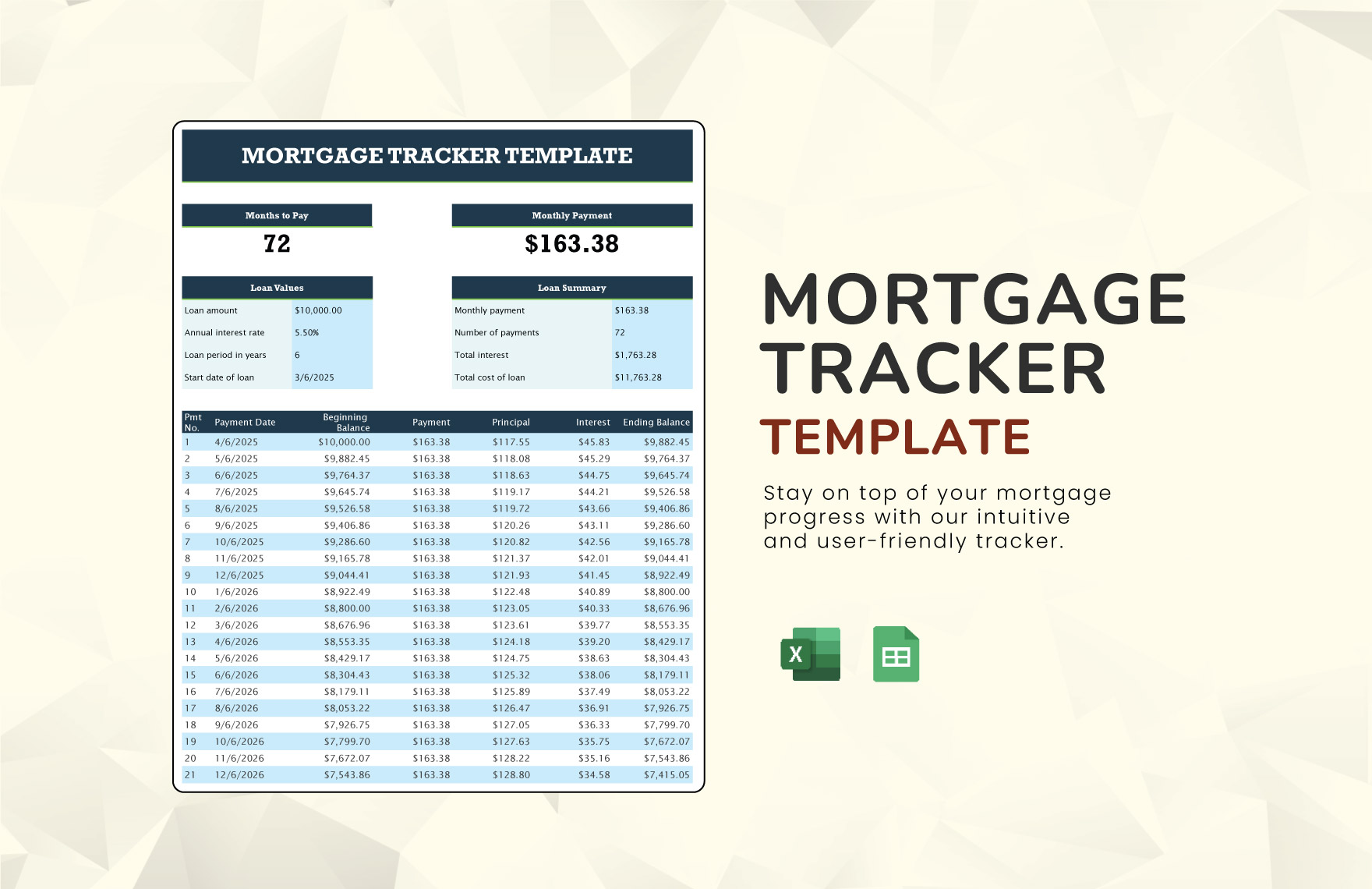
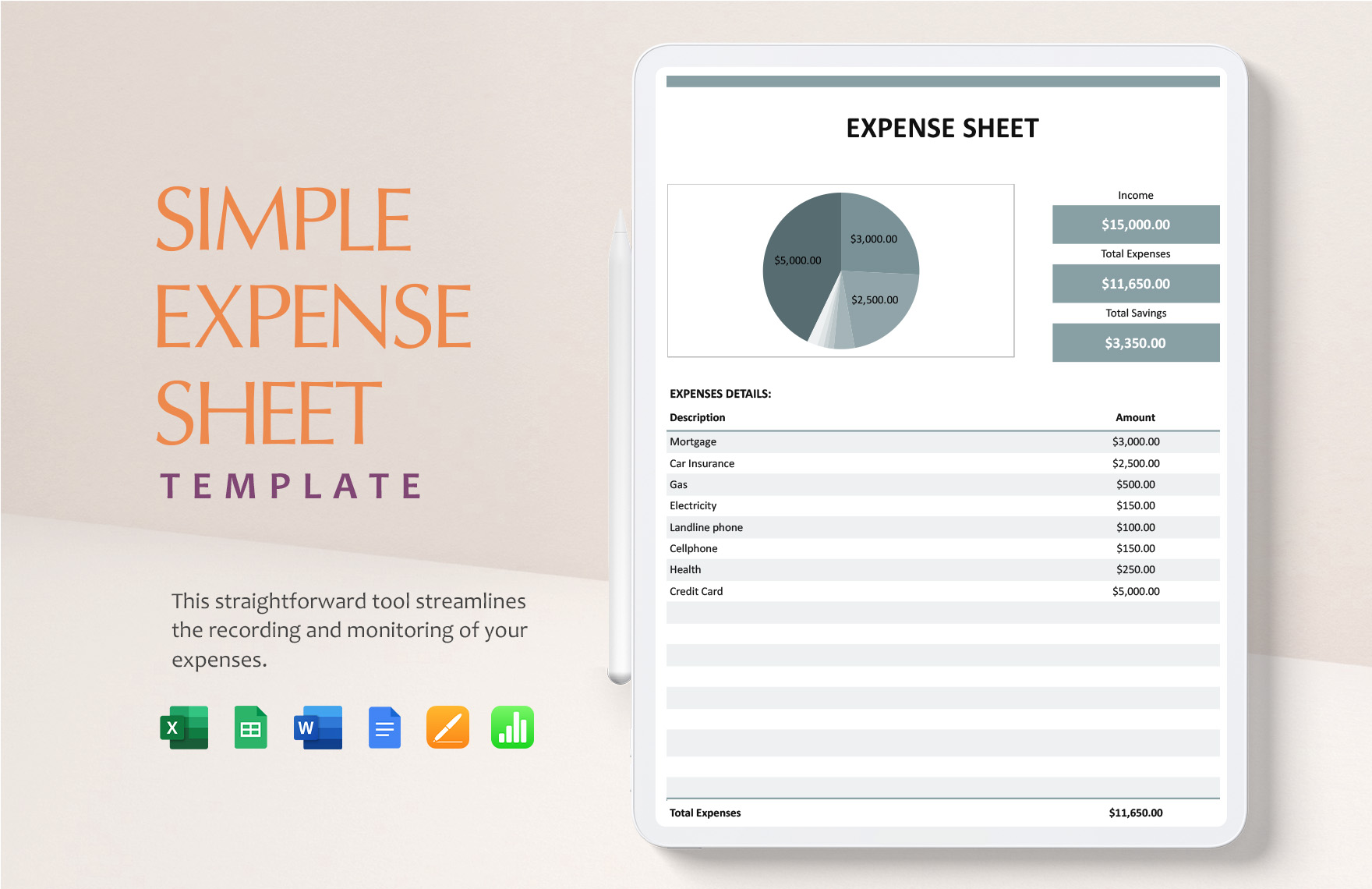
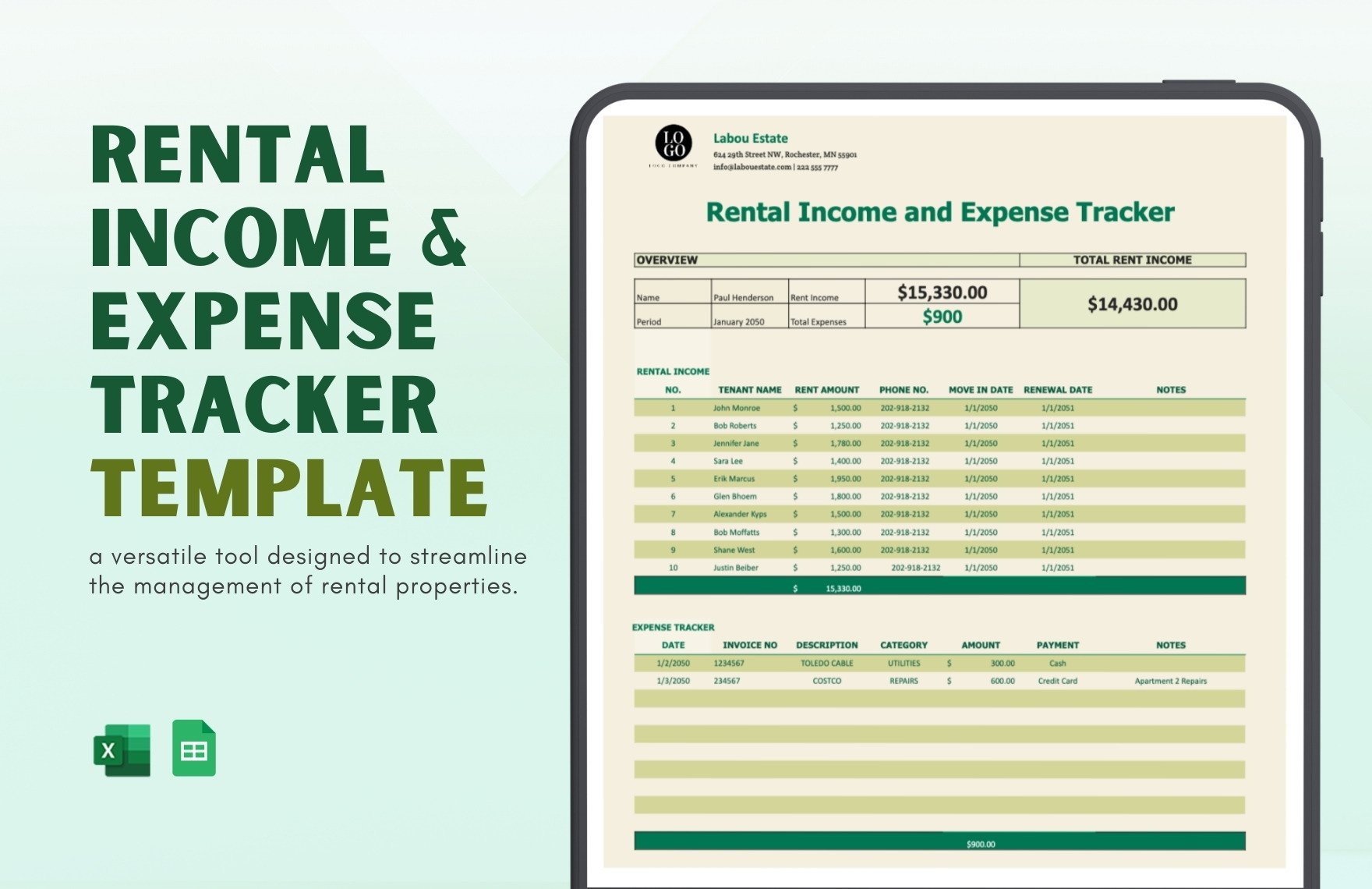
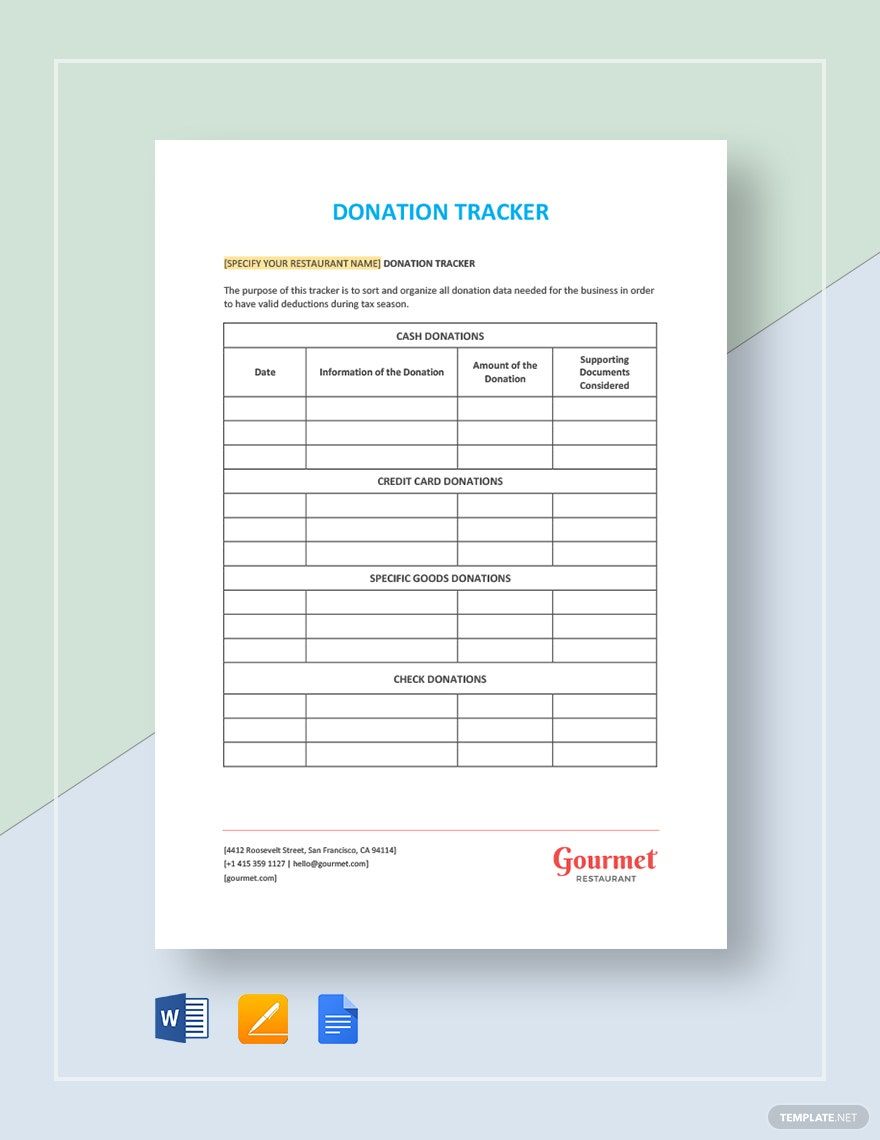
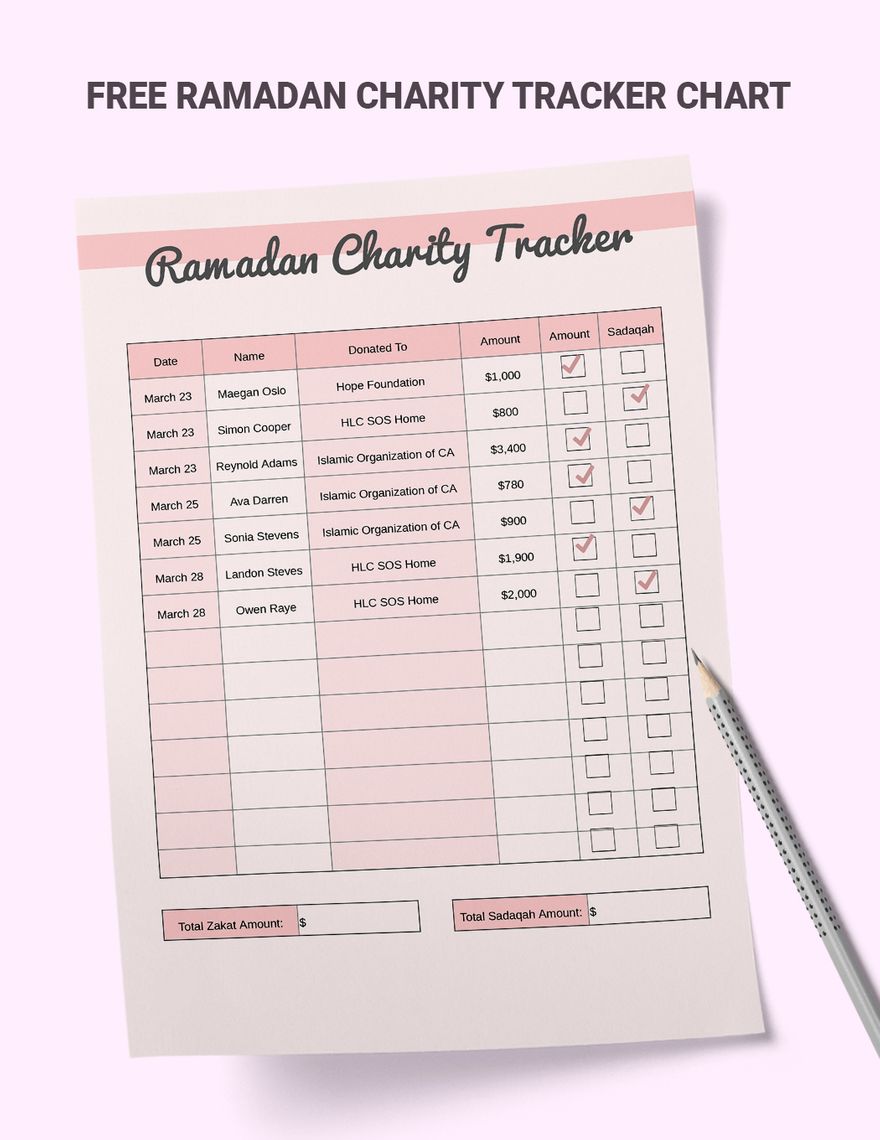
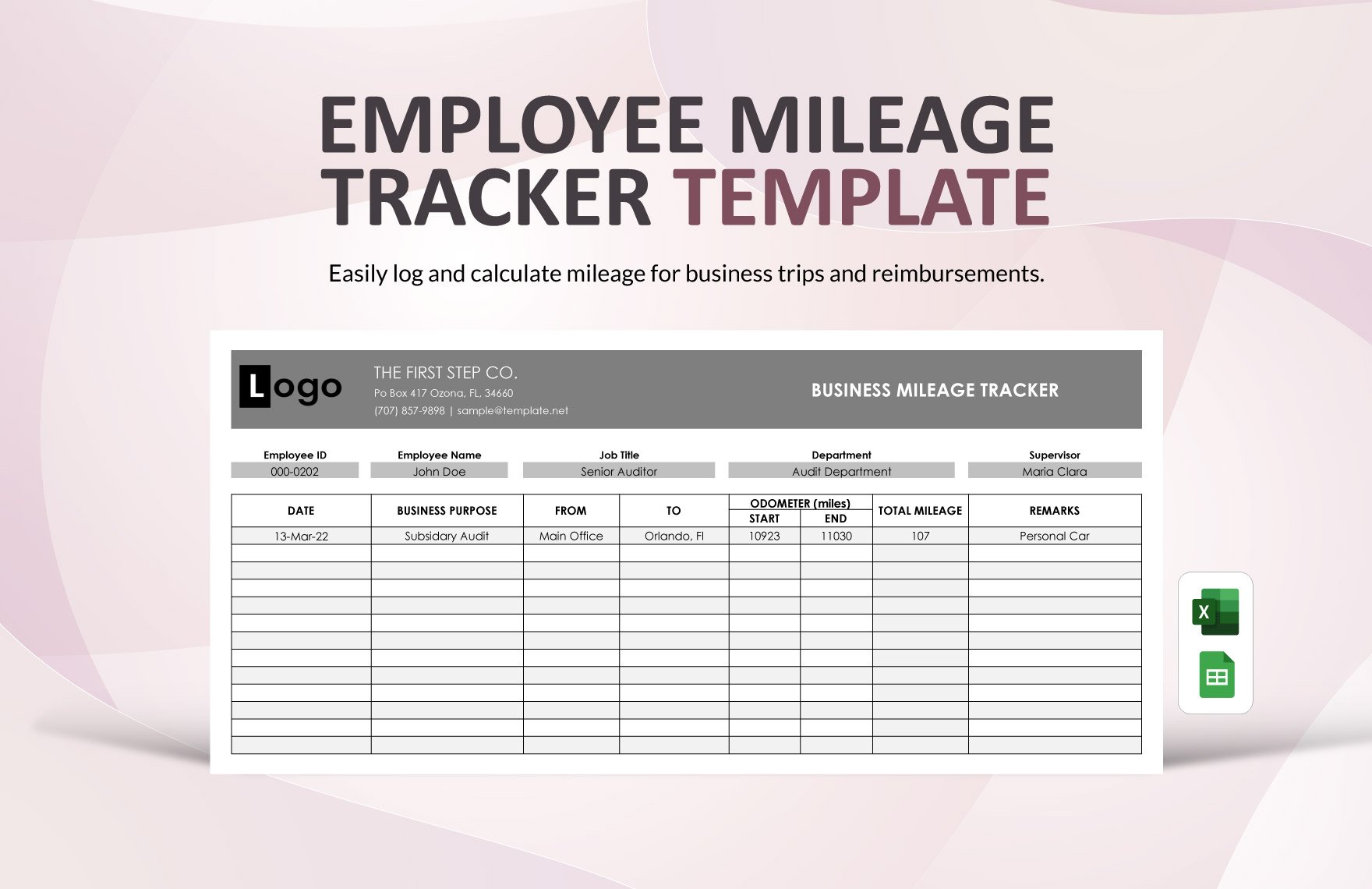
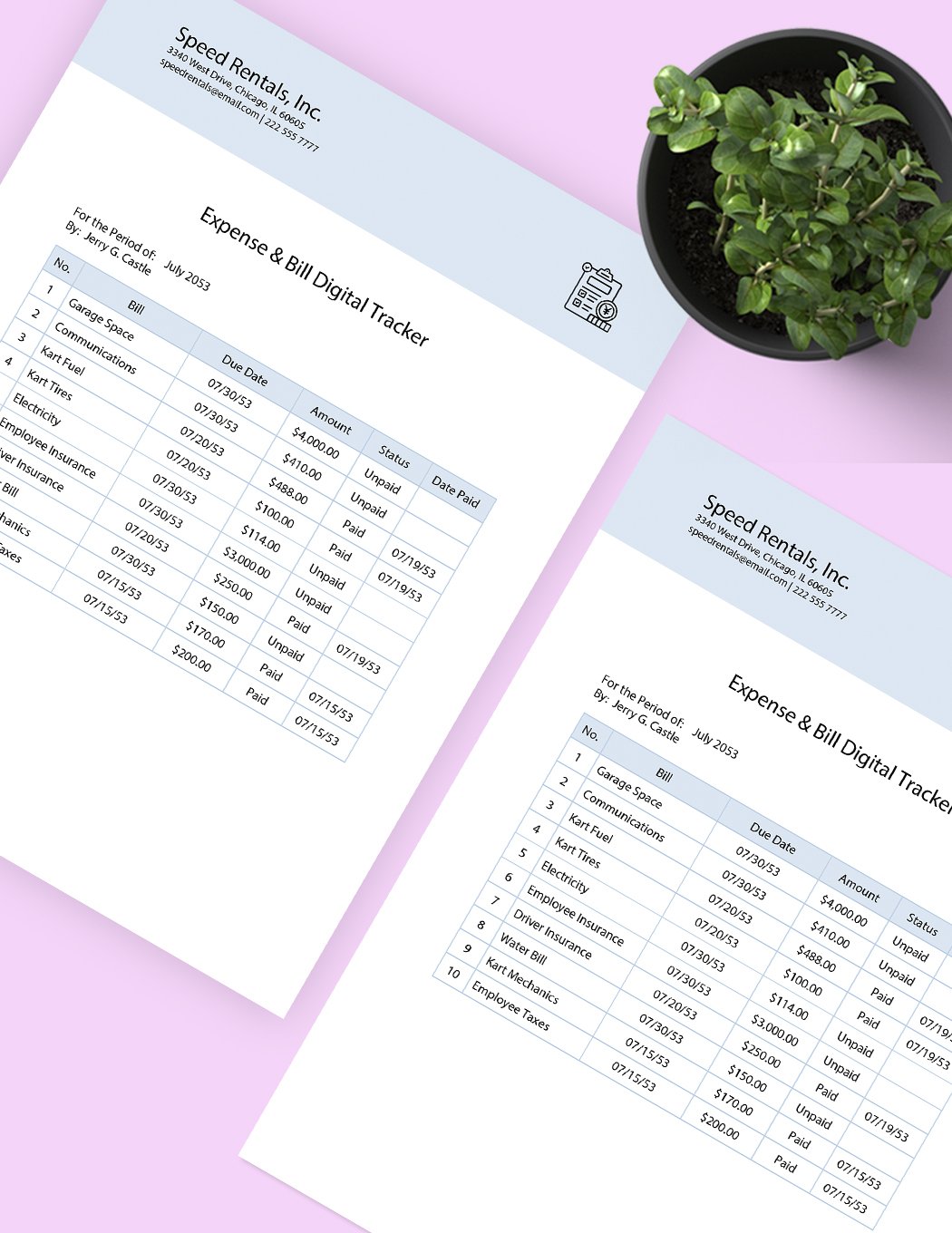
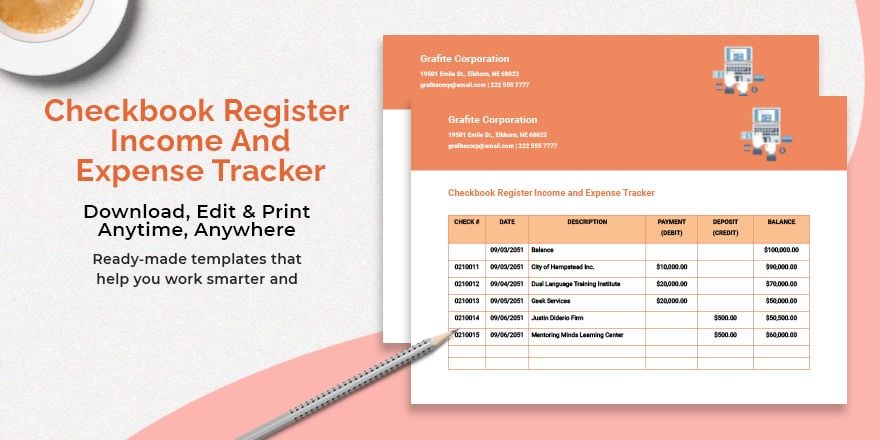
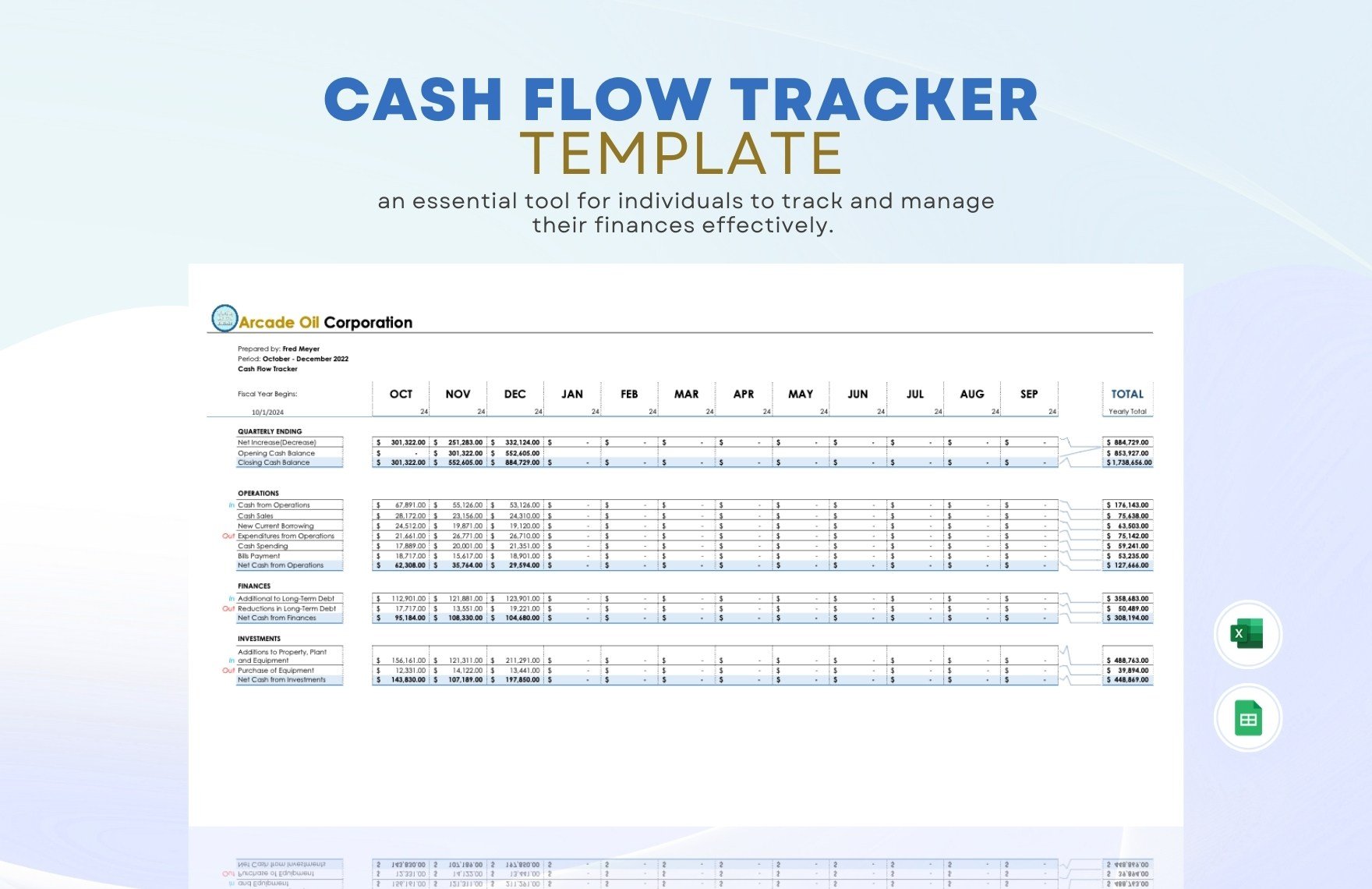
An expense tracker is a structured document template that helps record, organize, and monitor financial transactions and spending habits. These templates feature sections for dates, categories, amounts, and notes presented in a clear, business-ready layout for easy tracking and reporting.
Why use a Expense Tracker?
Using an expense tracker allows individuals and businesses to maintain accurate financial records, identify spending patterns, and manage budgets effectively. These templates provide a professional layout that supports quick data entry and clear expense summaries for better decision-making.
Who typically uses Expense Trackers?
Expense trackers are commonly used by individuals, freelancers, small business owners, and finance professionals who need to monitor spending. These templates support structured formatting suitable for personal budgeting or business expense reporting, ensuring compliance and clarity.
What sections should a Expense Tracker include?
An expense tracker should include date entries, expense categories, payment methods, detailed amount fields, and a notes section. These structured sections enable thorough expense documentation and easy data analysis in a professional format.
What are the best tips for formatting a Expense Tracker?
Best formatting tips for an expense tracker include using clear headers, consistent fonts, and distinct columns for each expense detail. Maintaining a business-ready layout with ample white space improves readability and ensures the document is print-ready.
How do you print a Expense Tracker?
To print an expense tracker, export the template to a print-ready PDF or compatible format. Ensure the layout fits standard paper sizes like Letter size 8.5 × 11 inches or A4, preserving all structured sections for clear, professional presentation.
Is a Expense Tracker legally and professionally acceptable?
An expense tracker is legally and professionally acceptable when it features accurate entries, organized sections, and complies with applicable financial regulations. Using a compliance-friendly template ensures the document meets business and audit standards.
What file formats can I download for a Expense Tracker?
Template.net's expense tracker templates support multiple export formats for editing and printing. Available formats include Google Sheets and Excel, ensuring flexible use across platforms.
Can I create a new Expense Tracker using AI?
Template.net provides an AI-powered tool that generates structured expense tracker documents from prompts in 3–10 seconds. These documents are ready for online refinement and multi-format export for efficient professional use. Tracker Generator