Free AI PDF Chat

Chat with PDF Documents Using AI for Faster Understanding and Smarter Document Workflows
Template.net's Free AI PDF Chat tool helps you instantly interact with standard or scanned PDF documents through natural conversations. Simply upload your PDF or describe what you want to know using a prompt, and AI analyzes your document to answer questions, generate summaries, explain complex topics, extract important information, and identify key insights while maintaining the original context. Whether you're reviewing contracts, research papers, business reports, financial statements, user manuals, legal documents, invoices, presentations, or educational materials, AI delivers fast, context-aware responses that help you save time and improve productivity. Continue refining content with our AI PDF Editor, translate documents using AI PDF Translator, generate concise overviews with AI PDF Summarizer, or manage complete document workflows with the AI Document Generator and AI PDF Converter.
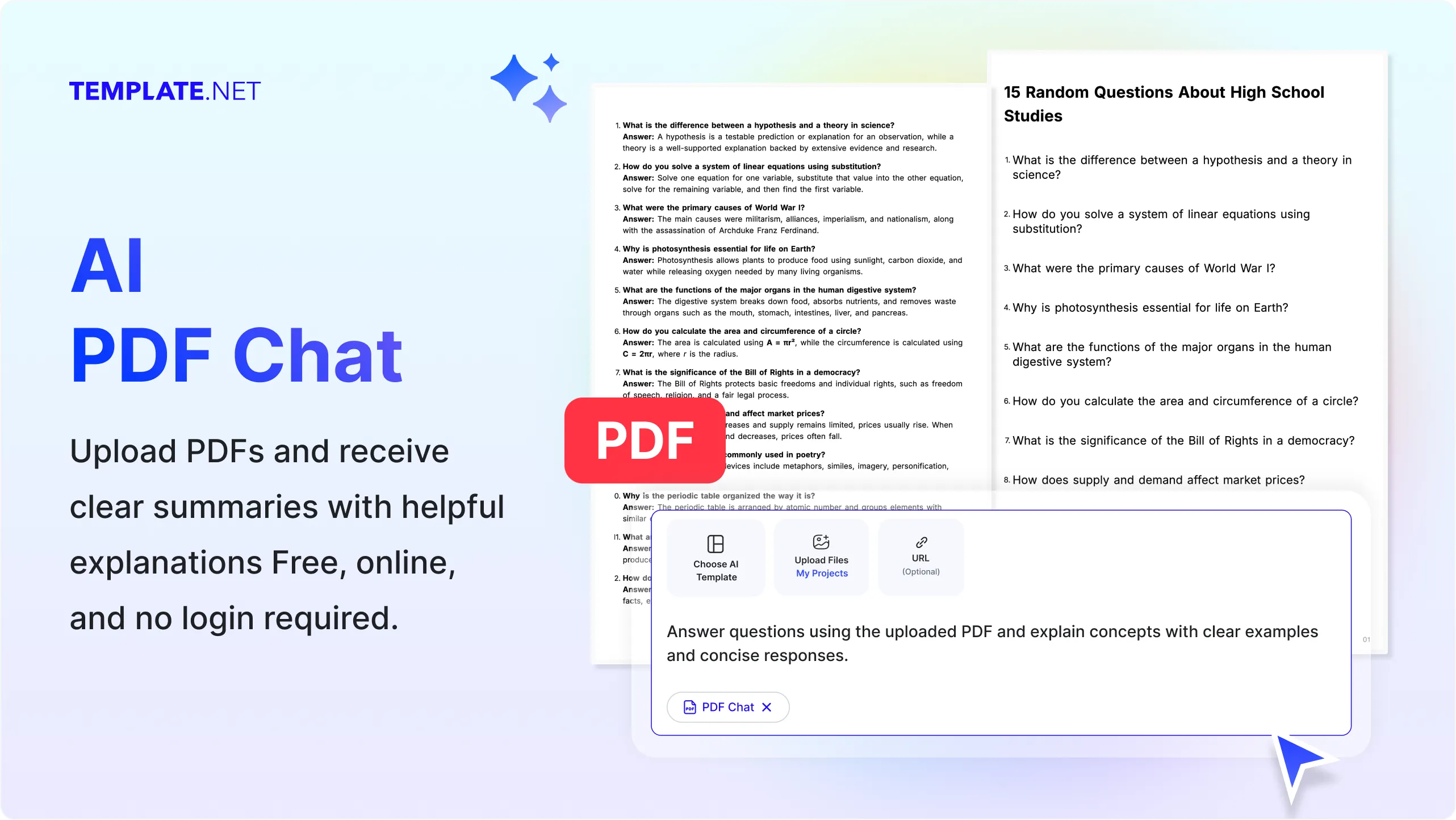
Chat with PDF Documents More Intelligently Using AI
Everything you need to upload PDF files, ask questions, generate summaries, extract insights, and interact with documents using natural language while maintaining context, accuracy, and document structure.
AI-Powered PDF Conversations
Upload a PDF or enter a prompt, and AI instantly understands your document to answer questions, explain concepts, summarize information, and provide context-aware responses for standard or scanned PDF files.
Prompt-Based PDF Interaction
Describe what you want to know, request explanations, generate summaries, locate specific information, or ask follow-up questions using natural language for an interactive document experience.
Upload PDF Files for Instant Analysis
Upload contracts, business reports, research papers, invoices, user manuals, presentations, legal documents, financial statements, forms, brochures, or educational materials to begin chatting within seconds.
Context-Aware AI Responses
AI understands document structure, paragraphs, headings, tables, references, and page content to generate accurate answers based on the information inside your uploaded PDF.
Summarize Long PDF Documents
Generate concise summaries of lengthy reports, books, research papers, manuals, policies, and technical documentation to quickly understand important information without reading every page.
Ask Questions About Any PDF
Ask specific questions about document content, definitions, calculations, policies, procedures, timelines, or important sections and receive relevant answers instantly.
Extract Key Insights and Important Information
Identify important points, action items, conclusions, statistics, dates, names, and essential details from PDF documents for faster review and decision-making.
OCR Support for Scanned PDFs
Upload scanned or image-based PDF documents, and AI-powered OCR accurately recognizes text before answering questions or generating summaries from the extracted content.
Analyze Tables and Structured Data
Understand tables, financial reports, charts, lists, schedules, and structured information within PDF files while preserving context during conversations.
Supports Multiple PDF Document Types
Chat with contracts, agreements, business reports, research papers, invoices, resumes, legal files, textbooks, manuals, white papers, proposals, presentations, policies, forms, and technical documentation.
Multilingual Support
Chat with PDF documents in 20+ multiple languages including English, Spanish, French, German, Italian, Portuguese, Hindi, Chinese, Japanese, Korean, Arabic, Turkish, Vietnamese, Thai, Malay, Polish, Swedish, Dutch, Indonesian, and more for multilingual document understanding.
Preserve Document Context
AI references document structure, page organization, headings, sections, and related content to provide meaningful answers that remain aligned with your uploaded PDF.
Continue Interactive Conversations
Ask follow-up questions, request additional explanations, simplify complex topics, compare sections, or explore related information without uploading the document again.
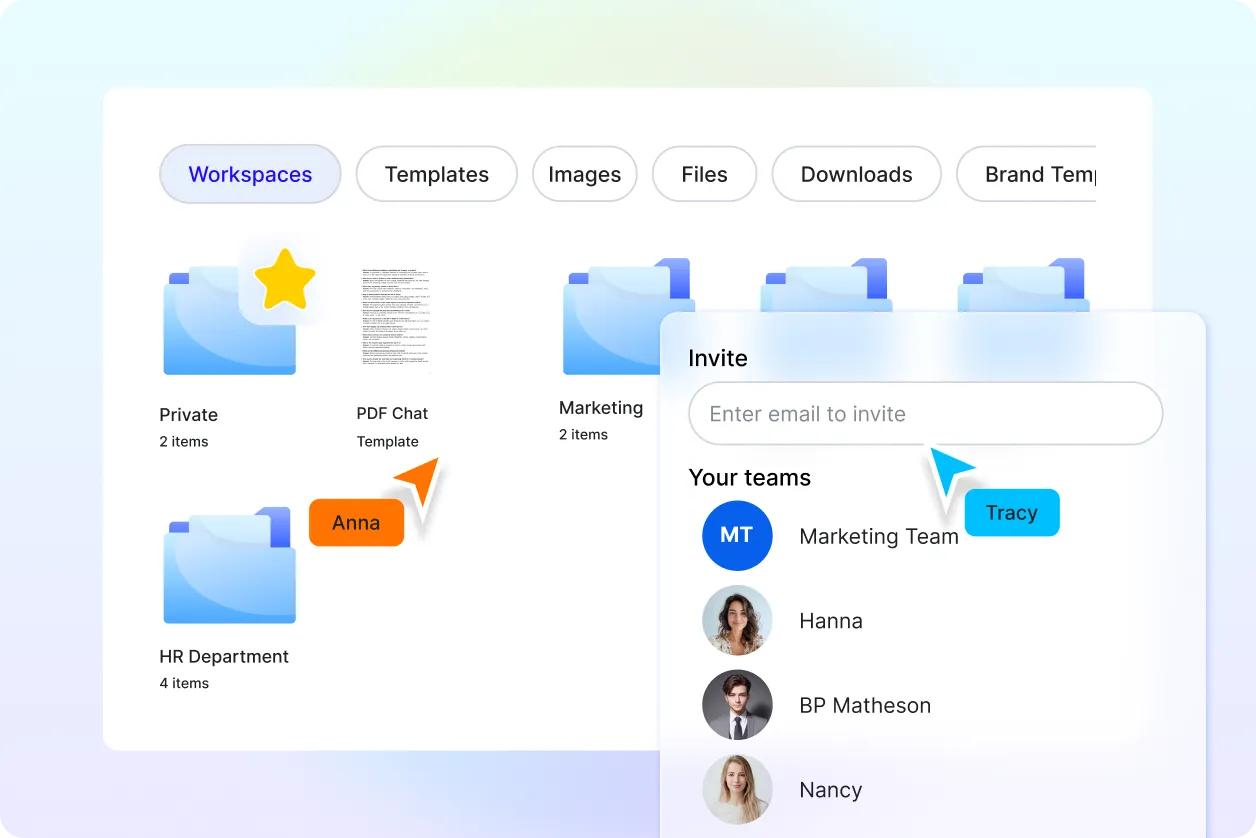
Organize and Manage PDF Projects
Store uploaded PDFs securely, organize conversations into projects, and easily return to previous document discussions whenever needed.
Collaborate on Document Insights
Share AI-generated summaries, answers, and document findings with teammates, educators, clients, or collaborators to simplify reviews and improve teamwork.
Connect with More PDF Tools
Continue your workflow using AI PDF Summarizer for concise overviews, AI PDF Translator for multilingual documents, AI PDF Editor to modify files, AI Merge PDF to combine documents, AI Split PDF to separate pages, and AI Document Generator to create new content from document insights.
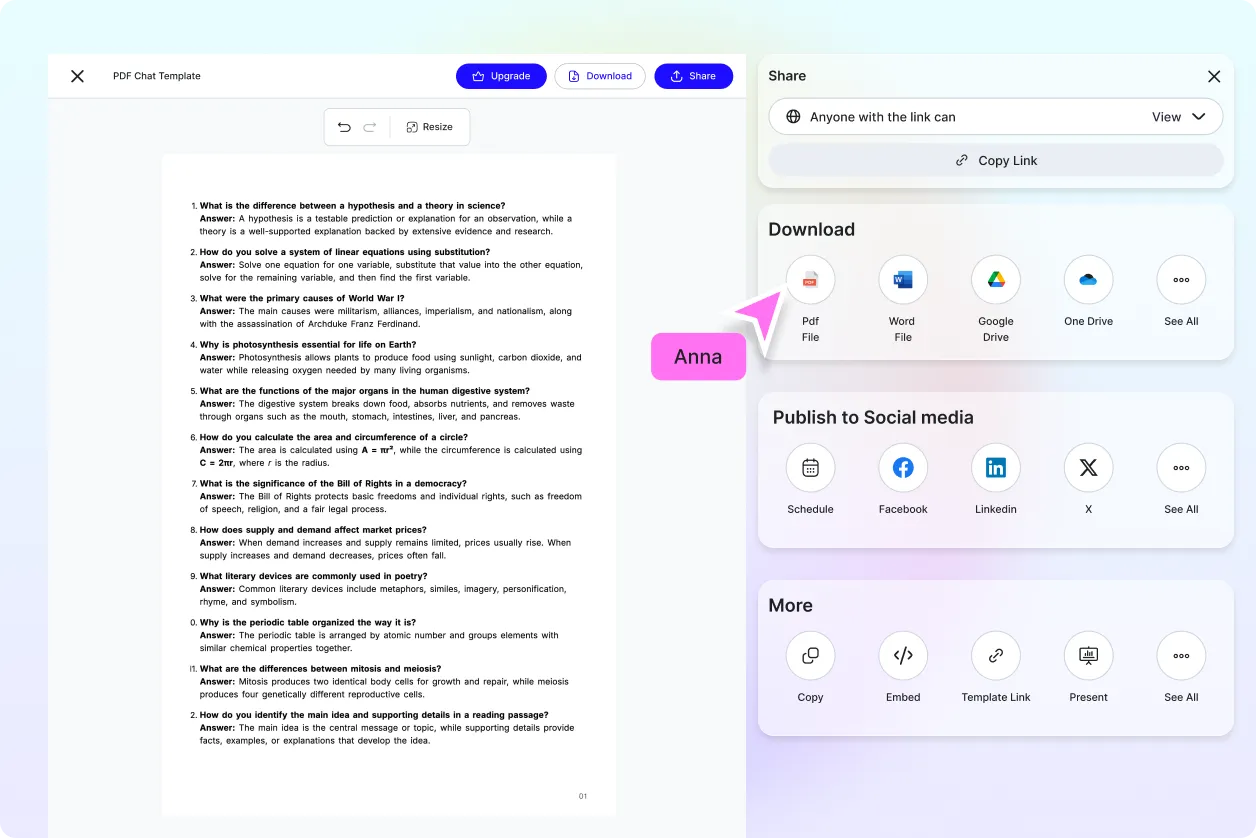
Download and Share Anywhere
Download conversation summaries, extracted insights, or processed documents, or share them instantly through Email, LinkedIn, WhatsApp, Facebook, X (Twitter), or a live link for seamless collaboration.
Secure AI Document Processing
Protect uploaded PDF documents with encrypted cloud processing, secure storage, organized file management, and privacy-focused AI document handling throughout every interaction.
Fast AI PDF Understanding Engine
Analyze documents, answer questions, generate summaries, and extract insights within seconds, helping students, researchers, professionals, educators, and businesses work more efficiently.
How to Chat with PDF Using AI
Upload a PDF or enter a prompt to ask questions, generate summaries, extract insights, and understand documents with a simple AI-powered workflow.
Step 1: Upload Your PDF or Enter a Prompt
Upload your PDF document or enter a prompt describing what you want to know, such as summarizing the document, explaining specific sections, answering questions, extracting key information, comparing content, or analyzing scanned PDFs. AI automatically processes the document and prepares it for intelligent conversations.
Step 2: Ask Questions and Review AI Responses
Chat naturally with your PDF by asking follow-up questions, requesting summaries, simplifying complex topics, locating specific information, or extracting important insights. Continue refining your workflow using AI PDF Summarizer, AI PDF Editor, or AI PDF Translator whenever needed.
Step 3: Save, Share, and Continue Your Workflow
Save conversation history, download summaries or extracted insights, or instantly share results through Email, LinkedIn, WhatsApp, Facebook, X (Twitter), or a live link for faster collaboration and document management.
Transform Every PDF into an Interactive AI Conversation
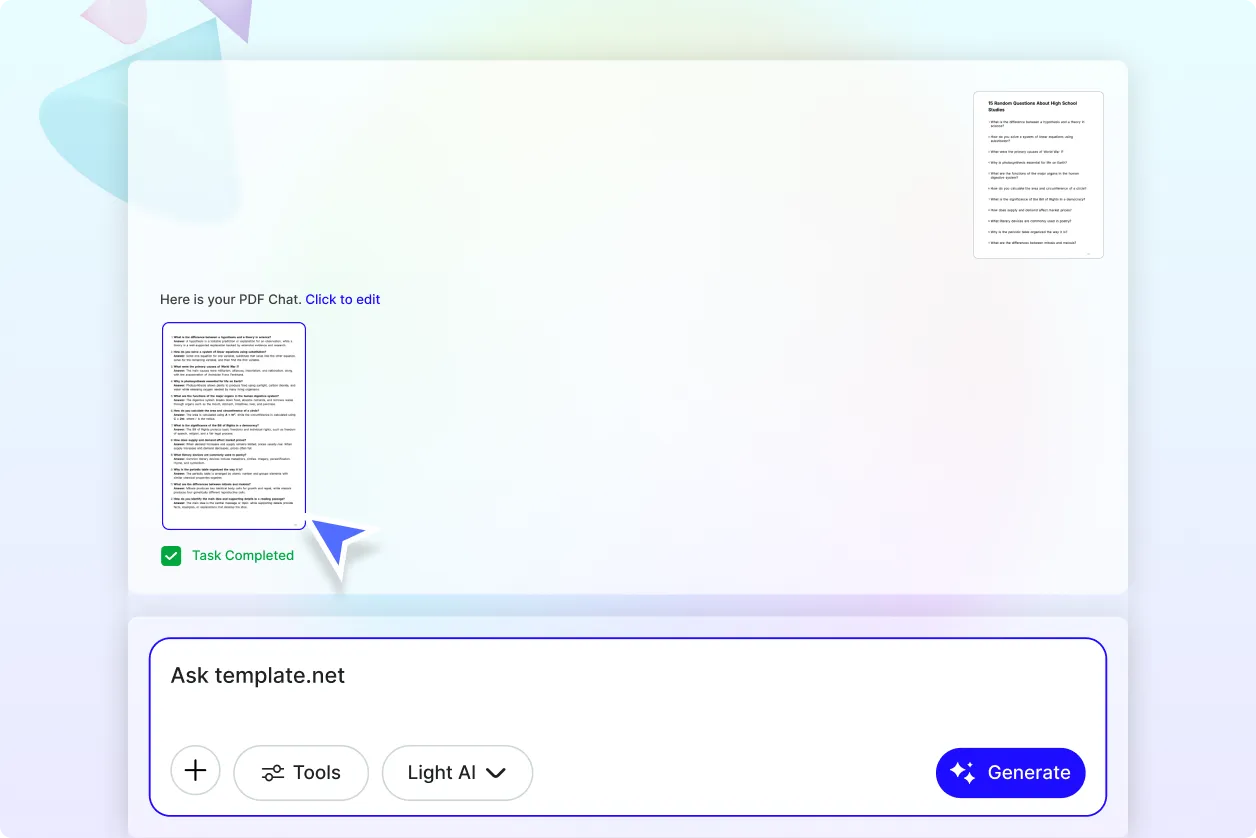
Ask Smarter Questions and Discover Faster Answers
Stop manually searching through lengthy documents. Upload contracts, research papers, reports, manuals, presentations, invoices, or policies and ask questions in natural language to receive accurate, context-aware answers within seconds.
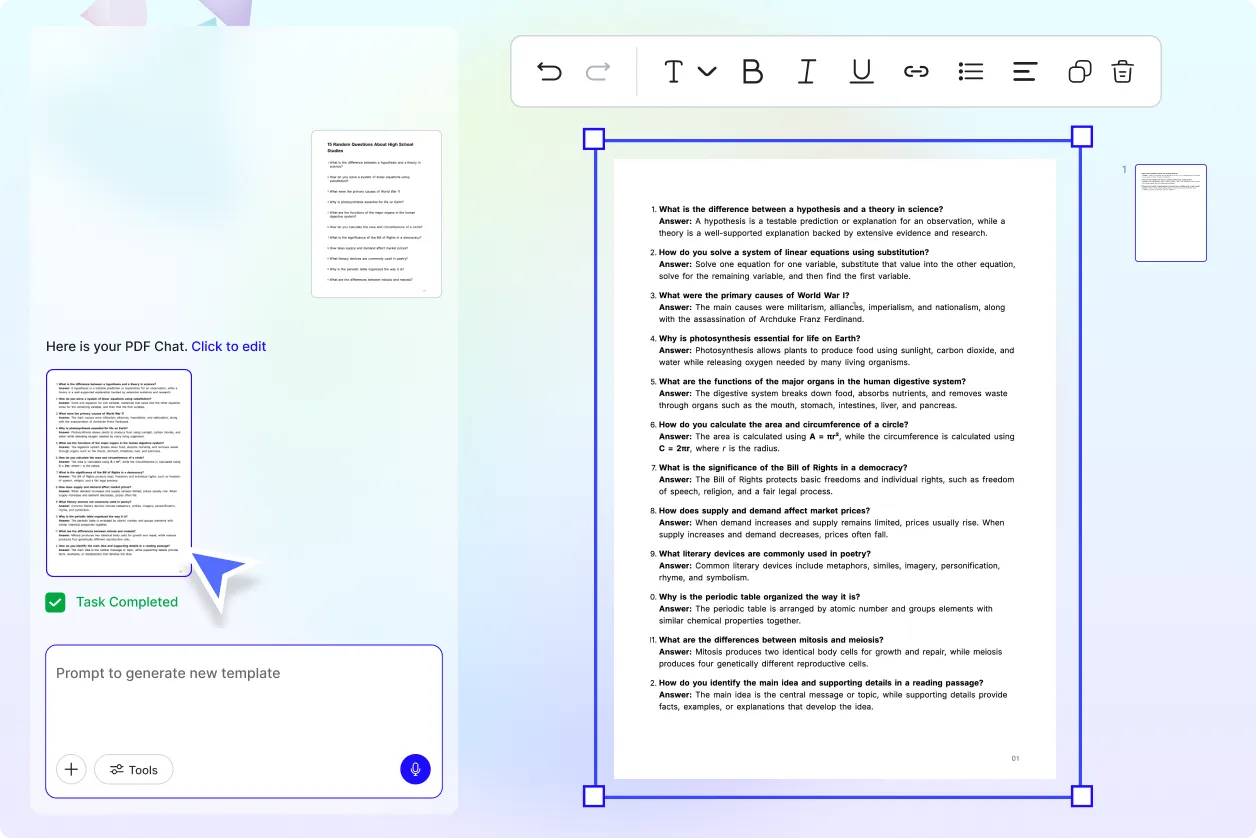
Extract Knowledge from Complex PDF Documents
Generate concise summaries, identify key findings, explain technical concepts, highlight important sections, and uncover valuable insights from business, legal, academic, financial, and educational PDFs without reading every page.
Create a Complete AI PDF Productivity Workspace
Enhance your workflow by combining AI PDF Chat with AI PDF Summarizer for quick overviews, AI PDF Translator for multilingual documents, AI PDF Editor for document updates, AI Merge PDF for combining files, AI Split PDF for organizing pages, AI OCR PDF for scanned documents, and AI Document Generator for creating new content.
Collaborate, Learn, and Work More Efficiently
Use AI PDF Chat to accelerate research, improve business reviews, simplify document analysis, support learning, and streamline collaboration. Save conversations, revisit document insights, and confidently share AI-generated answers while maintaining document context and accuracy.
