Free AI Convert PPT to PDF Editor

Convert PPT Files, Edit and Manage PDFs Online
The AI Convert PPT to PDF Editor allows users to upload PowerPoint files and convert them into PDF format effortlessly. After conversion, users can annotate, rotate pages, manage form fields, and add signatures directly to the PDF. The tool is designed for reliability and simplicity, making it ideal for presenters, educators, and teams handling slide-based workflows.
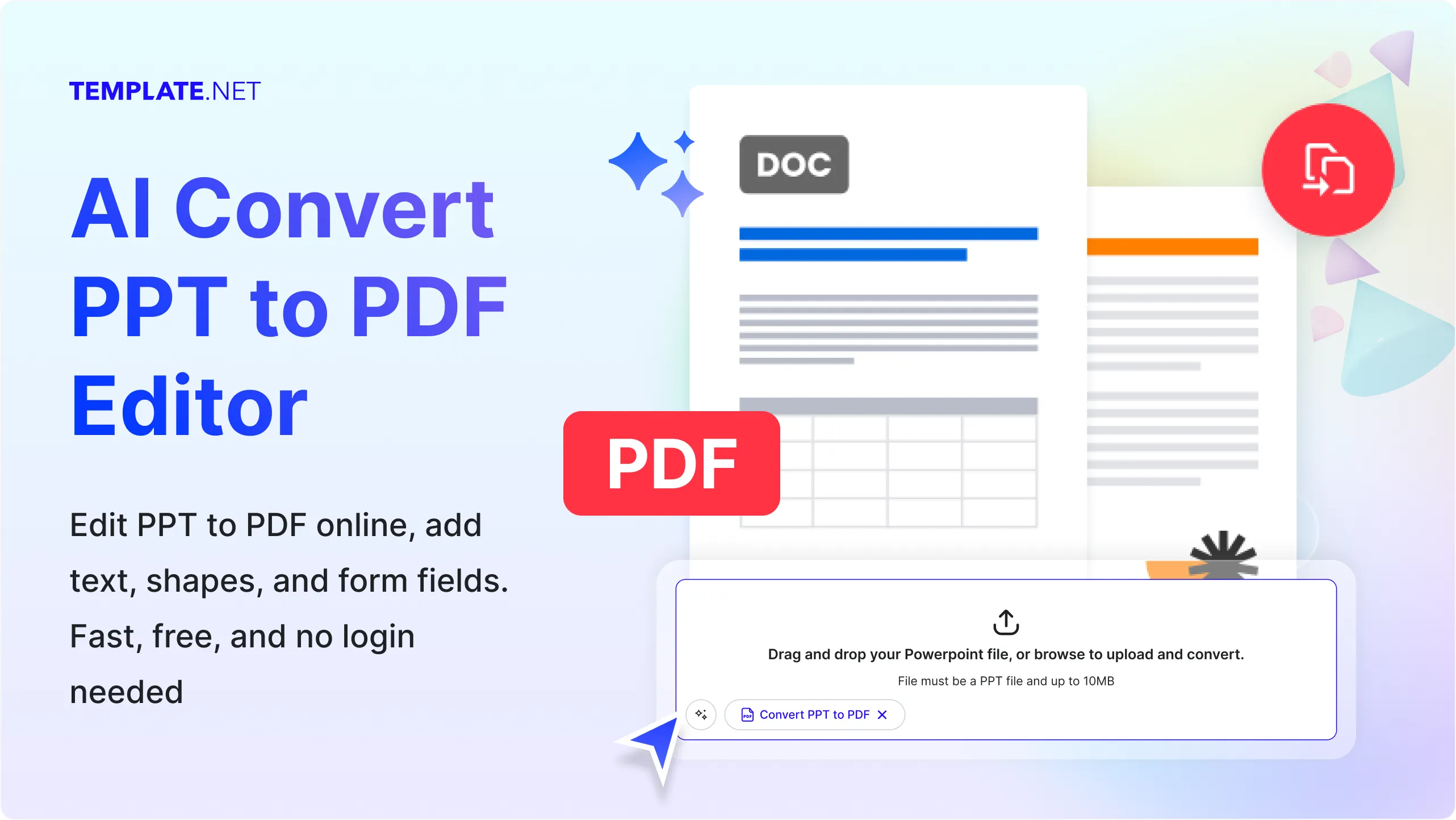
Create Accurate PPT to PDF Conversions for Free
Everything you need to convert PowerPoint presentations into stable, editable PDFs with essential post-conversion controls.
PPT File Conversion
Convert PPT and PPTX presentations into high-quality PDF files with consistent layout and design.
Single and Multiple File Upload
Upload one presentation or convert multiple PPT files in a single session.
Batch PDF Processing
Convert multiple PPT files into individual PDFs efficiently.
PDF Annotation Support
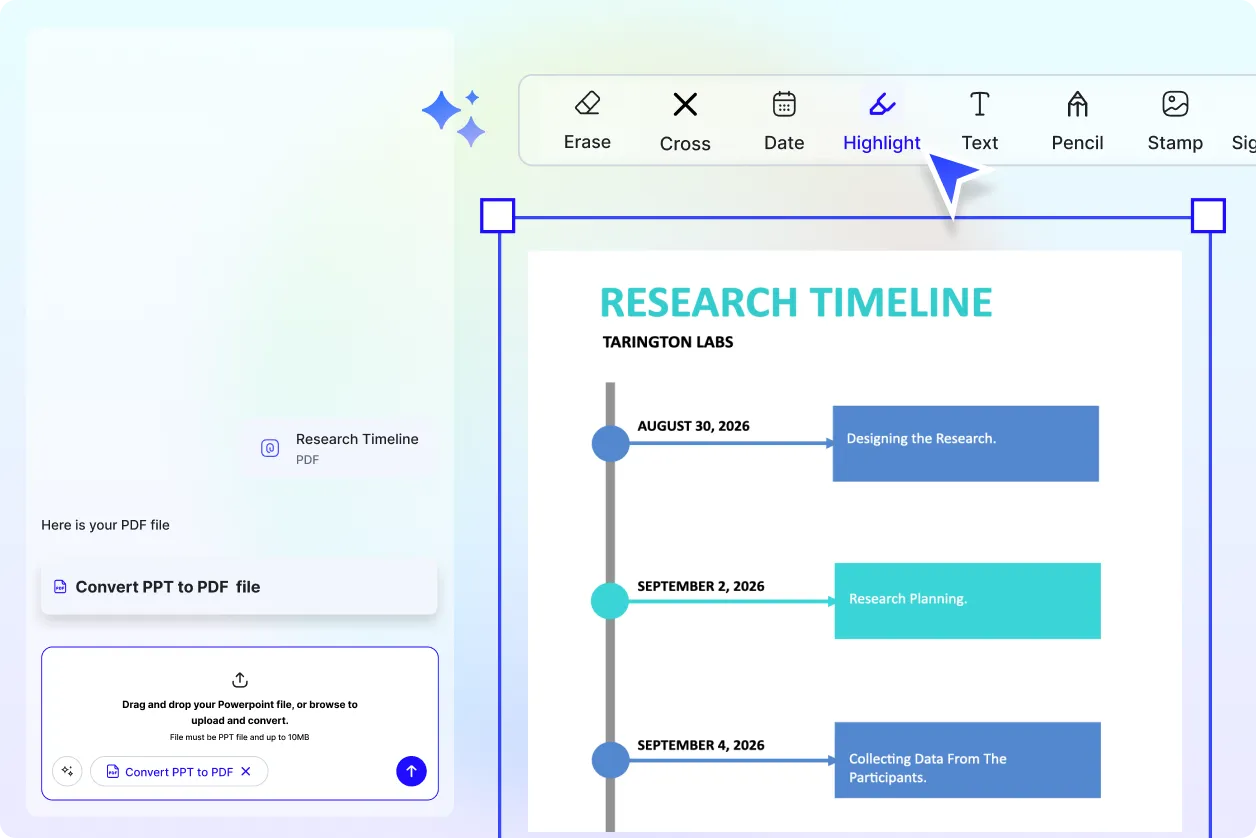
Add highlights, notes, and comments after converting to PDF.
Form Field Detection
Automatically detect form fields within converted PDFs if present.
Signature Management
Add, place, and manage signatures inside PDF documents.
Password Protected PDF Support
Work with password-protected PDFs if the original file includes protection
PDF Only Download Format
Download converted presentations strictly in PDF format for consistency.
Page Rotation Control
Rotate PDF pages easily using the R key.
Layout Stability
Maintain slide structure and visual hierarchy during PPT to PDF conversion.
Print Ready Output
Generate PDFs suitable for printing and archiving.
Organized Slide Flow
Preserve slide order and spacing from the original presentation.
Browser Based Tool
Use the editor directly in your browser without installation.
Secure File Handling
Uploaded files are processed securely during conversion.
Works with PPT Content Types
Supports text, images, charts, and basic animations.
Manual Page Control
Adjust orientation manually using available rotation tools.
Clean PDF Export
No additional elements are added during conversion.
Simple Workflow Design
Focused on core PPT to PDF functionality without distractions.
Compatible with Other Upload Types
Supports uploads across supported tools including PDF, images, and DOCX where applicable.
Reliable Conversion Results
Consistent output across multiple PPT files.
Lightweight Processing
Optimized for quick file conversion.
Individual and Team Friendly
Useful for educators, presenters, and office workflows.
No Feature Conflicts
Only supported actions are available to avoid errors.
Clear Tool Limitations
No unsupported features are exposed in the editor.
How to Convert PPT to PDF Using AI
Convert PowerPoint presentations into PDFs in minutes with no formatting issues or technical effort.
Step: 1 Start with Upload
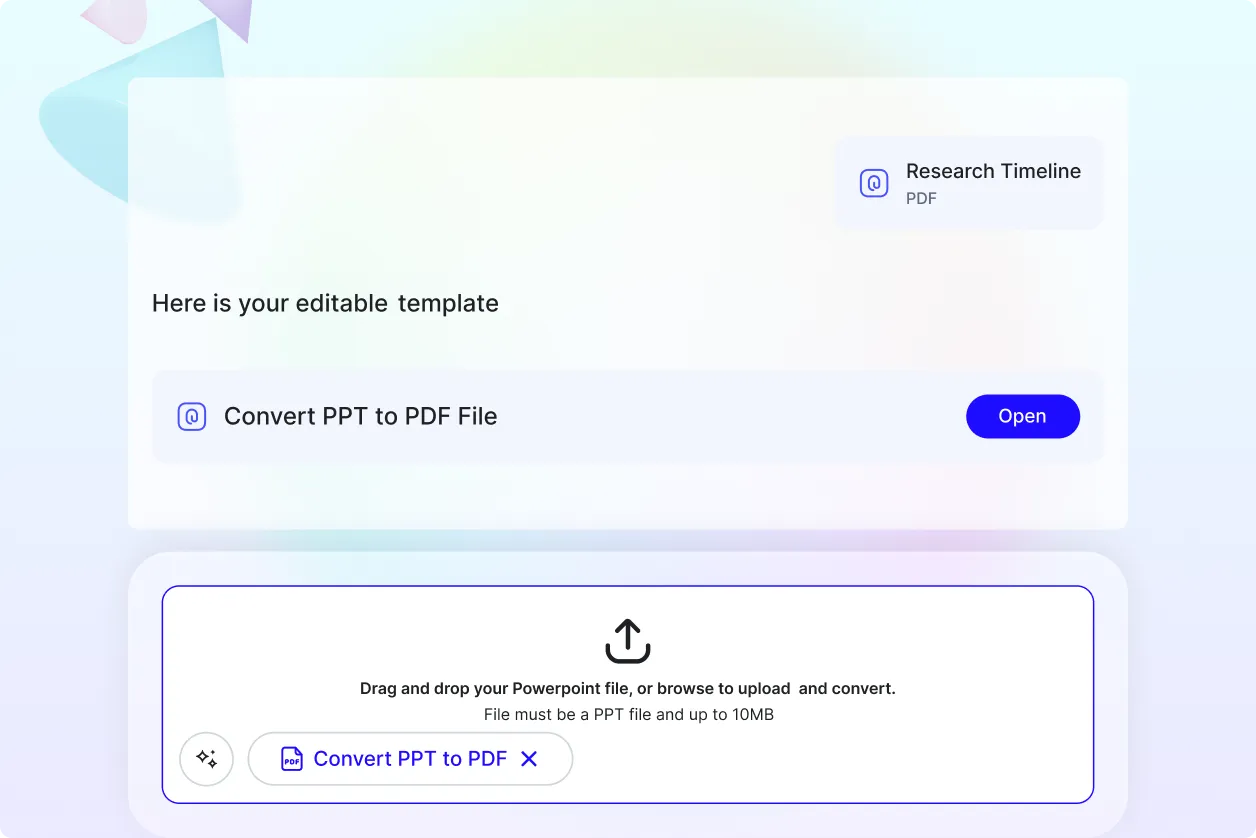
Upload a single PPT or PPTX file or multiple presentation files into the editor.
Step: 2 Convert to PDF
The system converts your PPT files into PDF format automatically.
Step: 3 Manage and Download
Annotate, rotate pages if needed, then download your PDF files.
Work Smarter with PPT to PDF Conversion
Create Reliable PDFs
Turn PPT and PPTX files into stable PDF documents suitable for sharing, printing, and archiving.
Reuse and Convert at Scale
Convert multiple presentations efficiently without repeating steps or losing formatting.
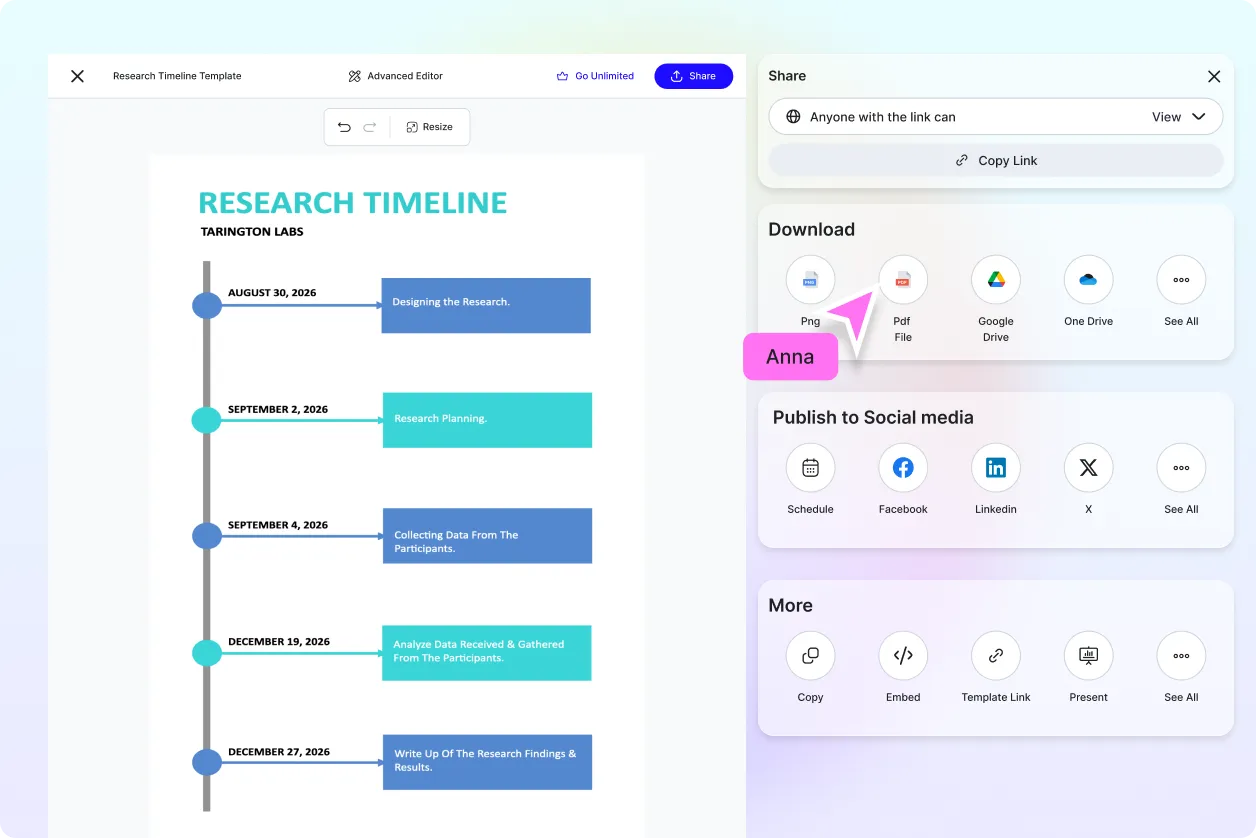
Simple File Handling
Upload, convert, manage, and download presentations without complex settings or extra steps.
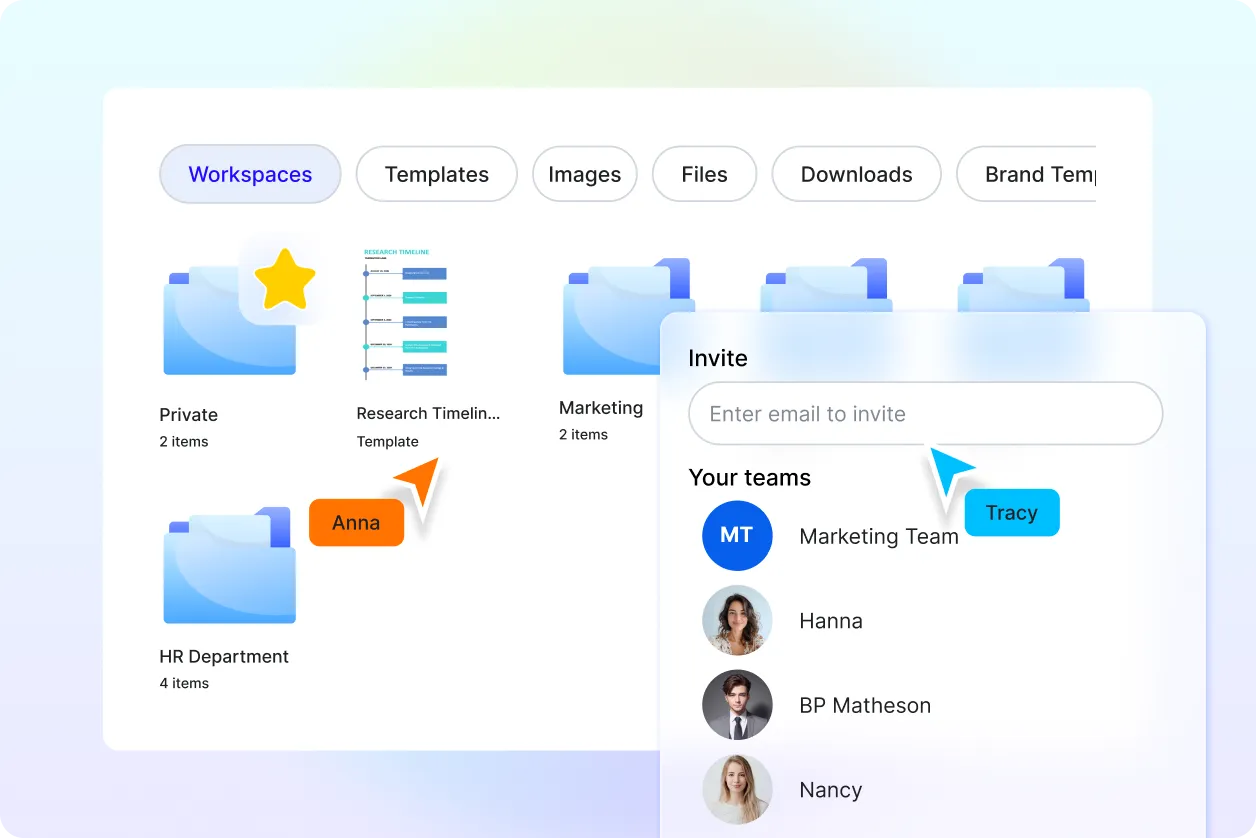
Focused Editing Environment
Only essential PDF tools are available after conversion for clarity and ease of use.
