Free AI PDF Converter

Convert Documents into PDF Format with AI PDF Converter
Template.net’s AI PDF Converter helps you transform supported files into a professional PDF format while keeping essential editing and review tools available after conversion. Upload a single file, convert it into PDF, annotate pages, detect form fields, add and manage signatures, rotate pages using the R key, preview the document, and download the final file exclusively as a PDF. This converter is ideal for agreements, reports, applications, academic submissions, and official documents that require consistent formatting and secure handling.
Create Clean and Reliable PDFs from Your Files
Everything you need to convert documents into structured PDFs while keeping review tools available.
File to PDF Conversion
Convert supported documents into a structured PDF format.
Single File Upload
Upload one file per session for stable processing.
Fast PDF Conversion
Generate PDFs quickly without manual steps.
AI Assisted Conversion Processing
Convert document content into a clean PDF layout.
Layout Preservation
Maintain original spacing and document structure.
PDF Annotation Support
Add comments, highlights, and notes after conversion.
Signature Management
Add and manage digital signatures within the PDF.
Form Field Detection
Detects existing form fields in PDF documents.
Password Protected PDF Support
Open and manage PDFs that already include a password.
Page Rotation Control
Rotate pages using the R key for correct orientation.
PDF Preview Mode
Preview the document before downloading.
PDF Only Download Option
Download output strictly in PDF format.
Clear Text Rendering
Ensure converted content remains sharp and readable.
Organized Page Structure
Keep pages aligned and consistently formatted.
Browser Based PDF Converter
Convert documents directly online.
Secure File Processing
Handle files in a protected environment.
Print Ready PDF Output
Create PDFs suitable for printing and archiving.
Efficient Workflow
Reduce time spent recreating documents manually.
Business Document Ready
Convert contracts, reports, and office files into PDF.
Academic and Administrative Support
Prepare PDFs for submissions and records.
Professional Use Ready
Create PDFs for approvals and official use.
Consistent PDF Formatting
Maintain uniform layout across pages.
Reusable Conversion Process
Convert files repeatedly without setup complexity.
Well Structured PDF Output
Generate clean and reliable PDFs every time.
How to Convert Files into PDF
Convert your documents into secure and professional PDFs using a simple workflow designed for accuracy and ease of use.
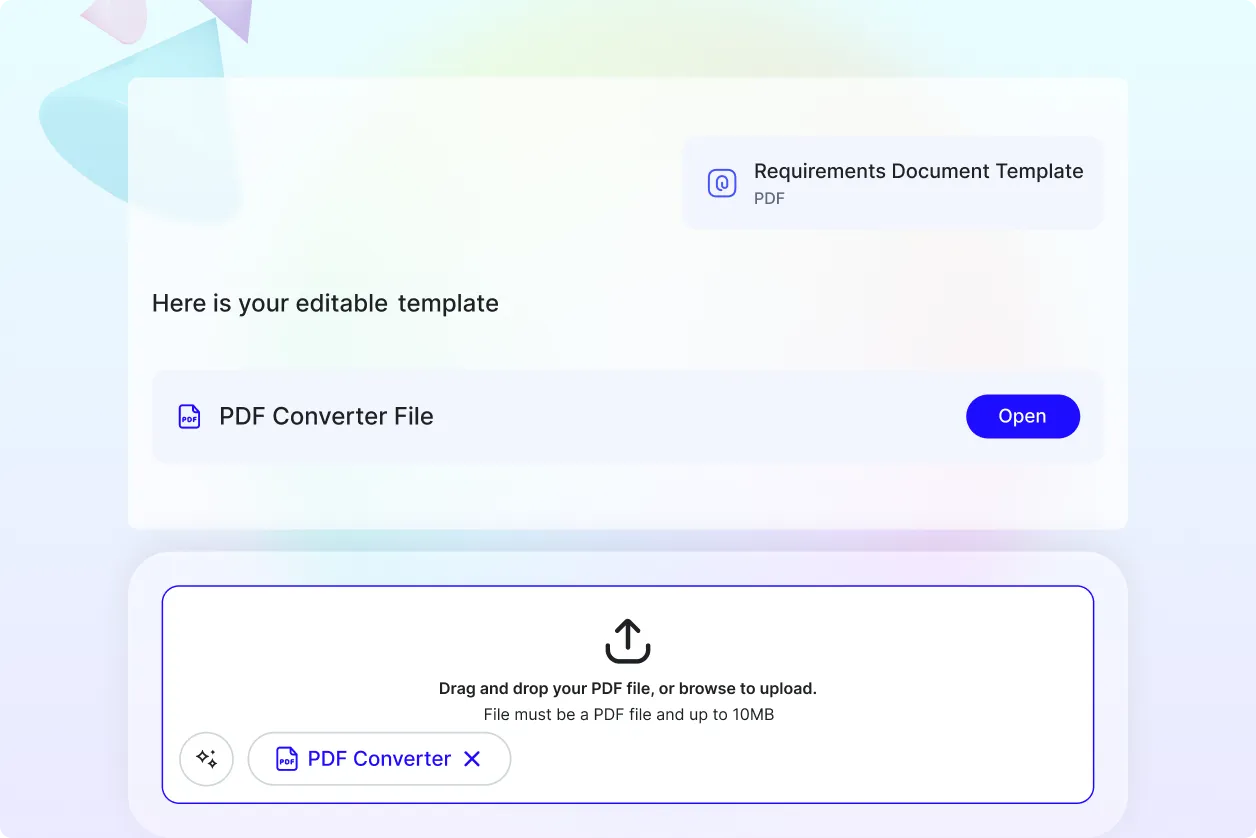
Step 1: Upload Your File
Upload one supported file from your device. The converter processes a single file per session to ensure stable and accurate conversion.
Step 2: Convert and Review PDF
The editor converts your file into a structured PDF while preserving layout clarity. After conversion, you can annotate pages, manage signatures, detect form fields, rotate pages using the R key, and preview the document.
Step 3: Download PDF File
Download the finalized document exclusively in PDF format. The file is ready for sharing, printing, approvals, or long term storage.
Improve Everyday Document Handling with PDF Conversion
Create Consistent PDFs with Confidence
Convert supported files into dependable PDF documents that maintain structure and readability across devices and platforms.
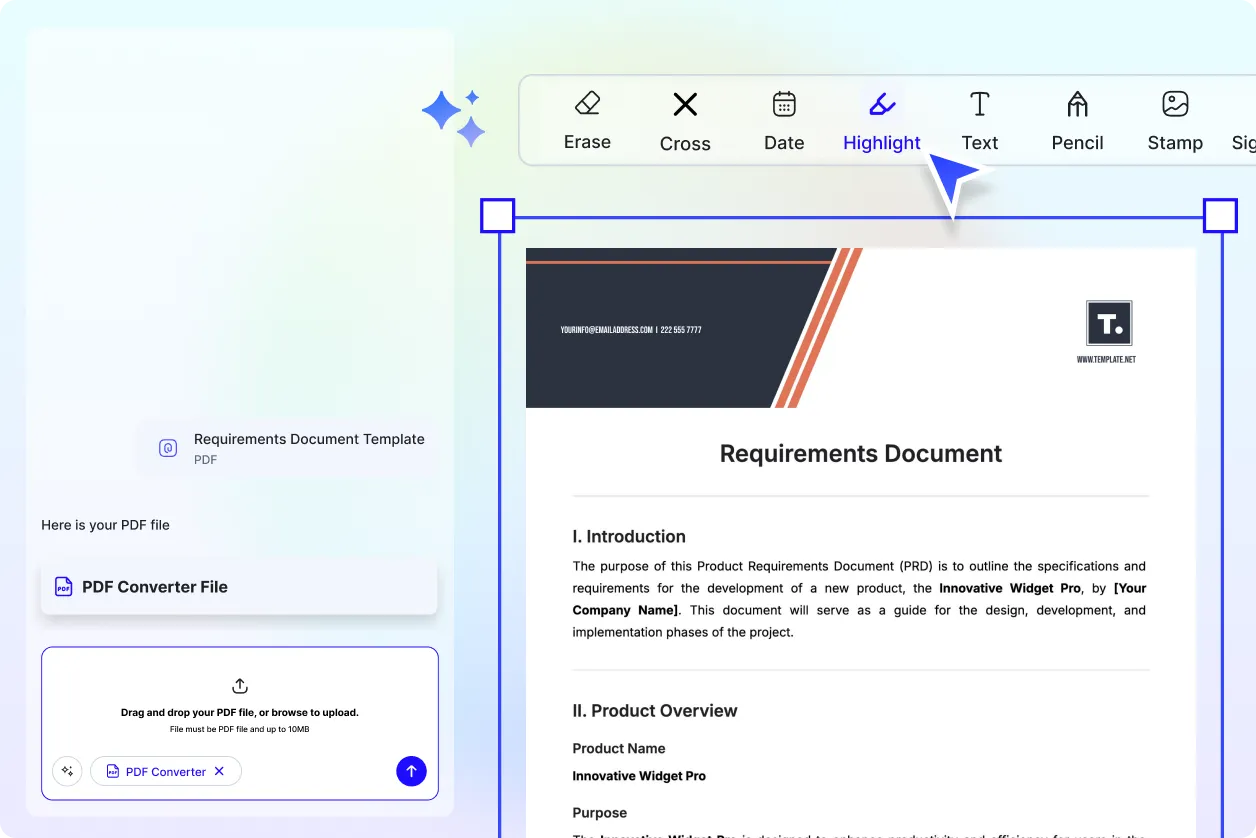
Review, Sign, and Finalize Digitally
Use annotation tools and signature management to review content, approve documents, or add notes directly within the PDF.
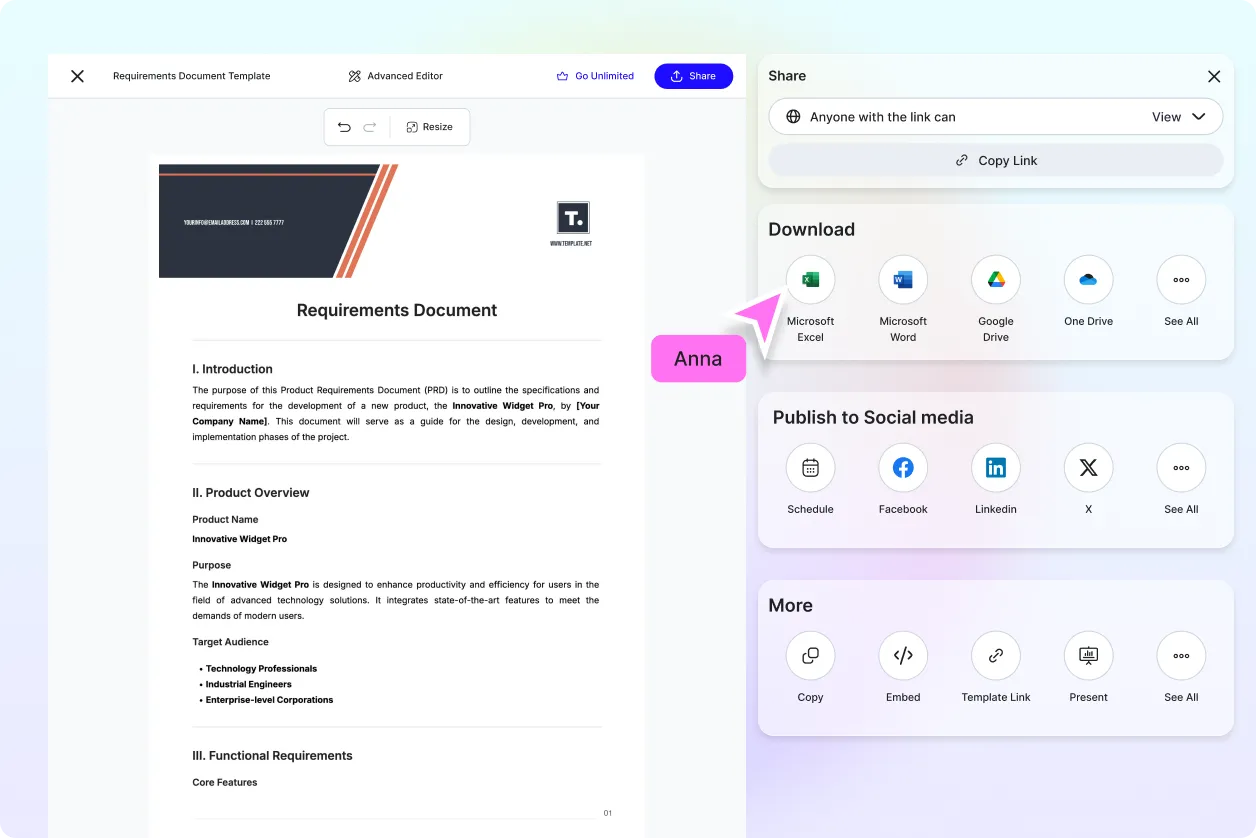
Share and Store Secure PDF Files
PDF format makes documents easy to distribute, archive, and reference without formatting issues.
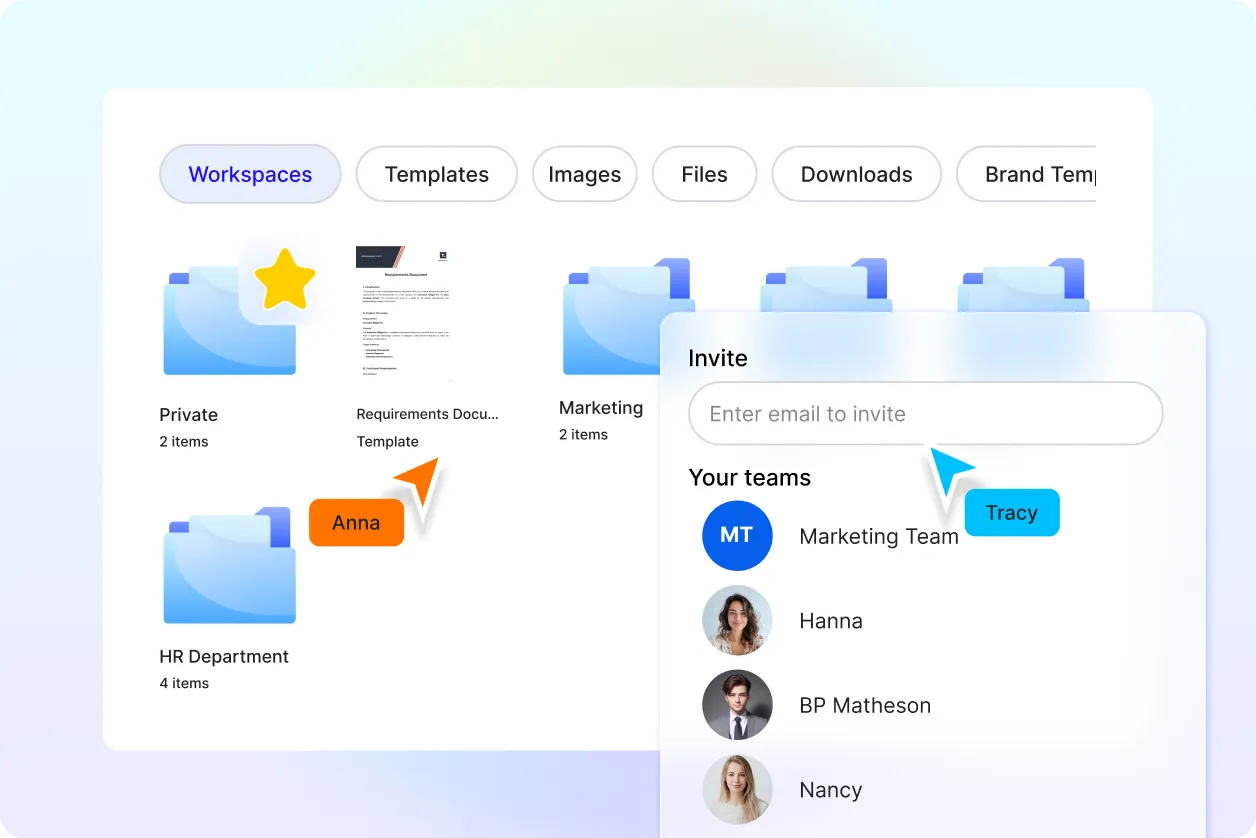
Built for Routine Document Workflows
Ideal for professionals, students, administrators, and teams who need reliable PDFs for daily document tasks.
