Free AI Convert Scan to PDF Editor

Convert Scanned Files into Structured PDFs with AI Convert Scan to PDF Editor
Template.net’s AI Convert Scan to PDF tool helps you transform scanned documents into professionally formatted PDF files while ensuring the final output remains downloadable only in PDF format. Upload a single scanned file, convert it into a stable PDF layout, annotate pages, detect form fields, manage signatures, rotate pages using the R key, preview results, and download the completed document securely. This editor is ideal for scanned contracts, paper records, printed forms, receipts, agreements, certificates, and image-based document scans that need to be organized and shared digitally.
Create Organized and Reliable PDFs from Scanned Documents
Everything you need to convert scanned files into clean, secure, and easy-to-manage PDF documents.
Scan to PDF Conversion
Convert scanned files into properly formatted PDF documents.
Single File Upload
Upload one scanned document per session for focused processing.
Fast Conversion Processing
Generate PDF files quickly without manual formatting.
AI Assisted Scan Processing
Process scanned content into a stable and readable PDF layout.
Structured Page Formatting
Maintain organized page flow within the converted PDF.
PDF Annotation Support
Add comments, highlights, and notes to the converted document.
Signature Management
Insert and manage digital signatures directly within the PDF.
Form Field Detection
Detects and retains interactive form fields when present.
Password Protected PDF Support
Open and manage PDFs that already include password protection.
Page Rotation Control
Rotate pages using the R key for proper viewing alignment.
PDF Preview Mode
Preview the converted PDF before downloading.
PDF Only Download Option
Download the final output exclusively in PDF format.
Clear Document Rendering
Ensure scanned content appears readable in the PDF.
Organized Page Structure
Present scanned pages in a clean and consistent layout.
Browser Based Editor
Convert scanned files directly online without installation.
Secure File Processing
Handle scanned documents in a protected environment.
Print Ready PDF Output
Create PDFs suitable for printing and official submission.
Time Saving Workflow
Reduce manual document recreation with streamlined processing.
Contract and Agreement Support
Convert scanned contracts and signed documents into PDFs.
Receipt and Record Conversion
Prepare scanned receipts and records for digital storage.
Academic Document Support
Convert scanned assignments and certificates into PDFs.
Business Documentation Ready
Prepare scanned reports and paperwork for professional use.
Reusable Conversion Process
Convert scanned files repeatedly without complex setup.
Well Structured PDF Output
Generate dependable and organized PDF files every time.
How to Convert Scanned Files to PDF
Convert scanned documents into secure and structured PDF files in three simple and dependable steps. The process ensures clarity, document control, and consistent formatting while keeping the output secure and downloadable only as a PDF.
Step 1: Upload Scanned File
Upload a single scanned document from your device. The editor supports standard scanned files commonly created from paper documents, forms, and printed materials.
Step 2: Convert and Manage Document
The editor converts the scanned file into a structured PDF layout. After conversion, you can annotate pages, detect form fields, manage digital signatures, rotate pages using the R key, and preview the document to ensure proper alignment and readability.
Step 3: Download Final PDF
Download the finalized document exclusively in PDF format. The file is ready for sharing, printing, archiving, or official documentation.
Improve Document Handling with Scan to PDF Conversion
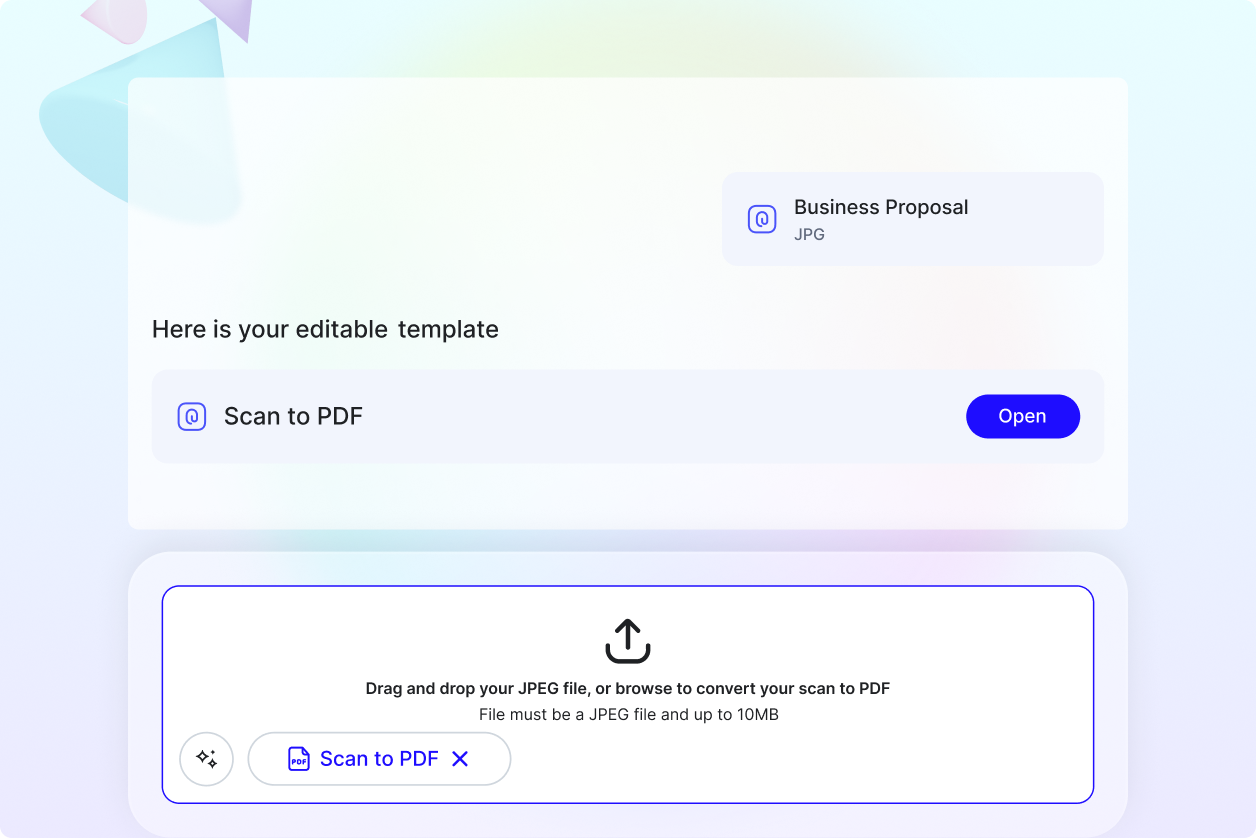
Convert Paper Documents into Secure PDFs
Transform scanned paper files into universally compatible PDF documents that are easy to store, share, and manage digitally.
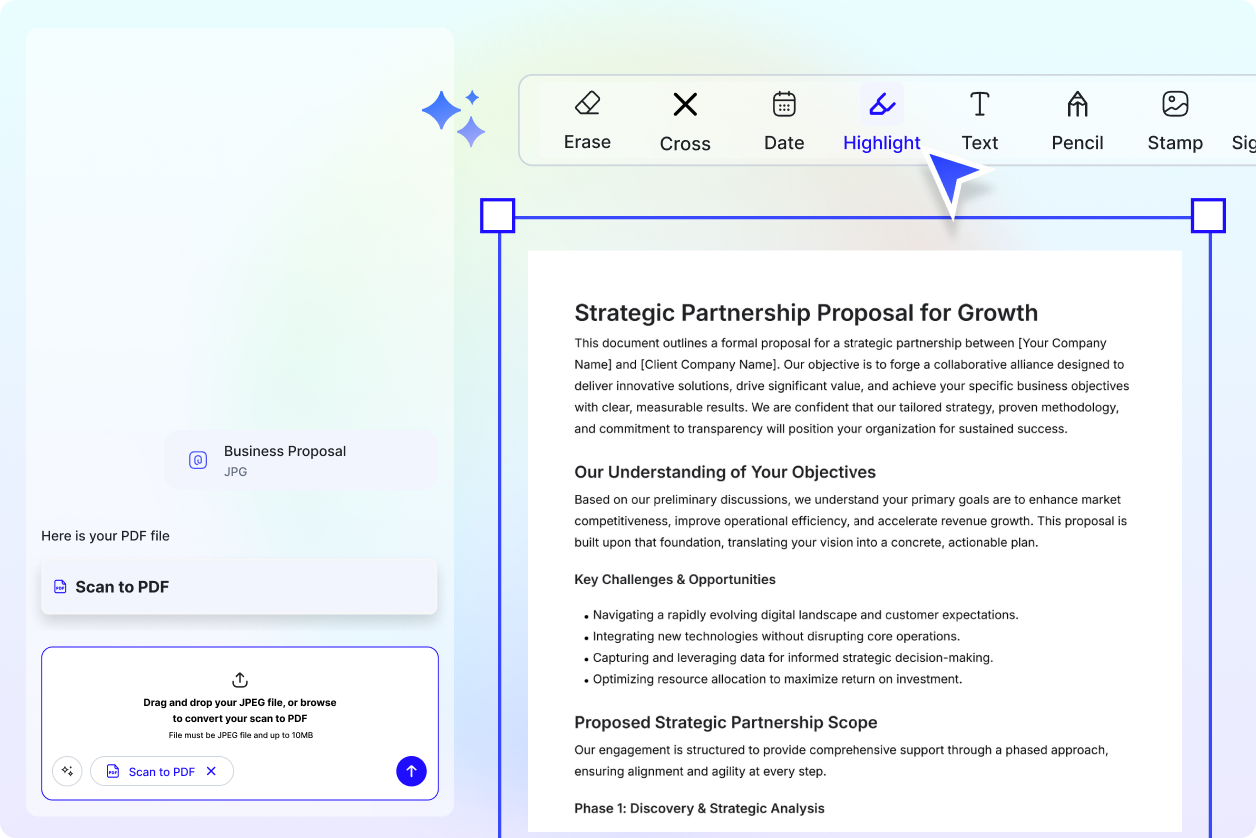
Annotate, Sign, and Review Efficiently
Add notes, highlights, and signatures directly within the PDF to simplify approvals and documentation workflows.
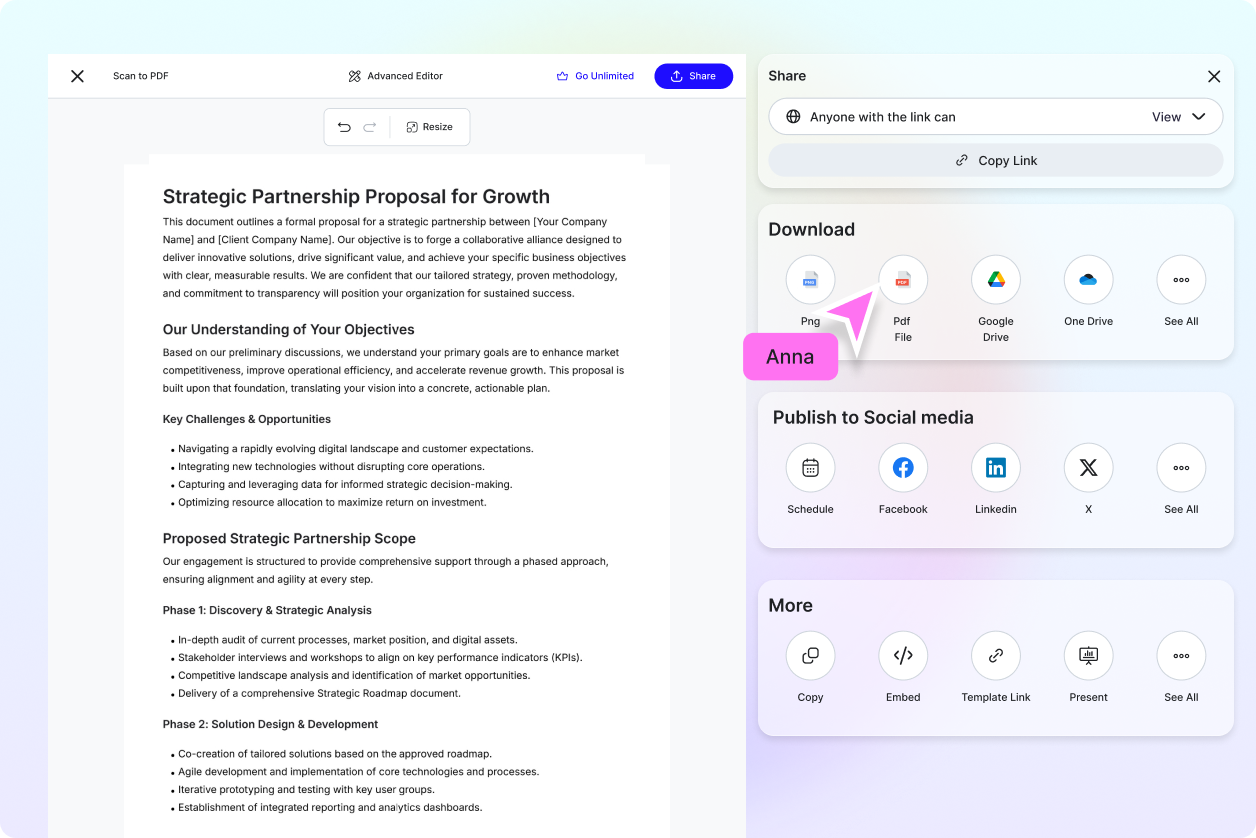
Share Professionally Formatted Documents
Use converted PDFs for contracts, records, academic submissions, and business documentation with a clean and organized layout.
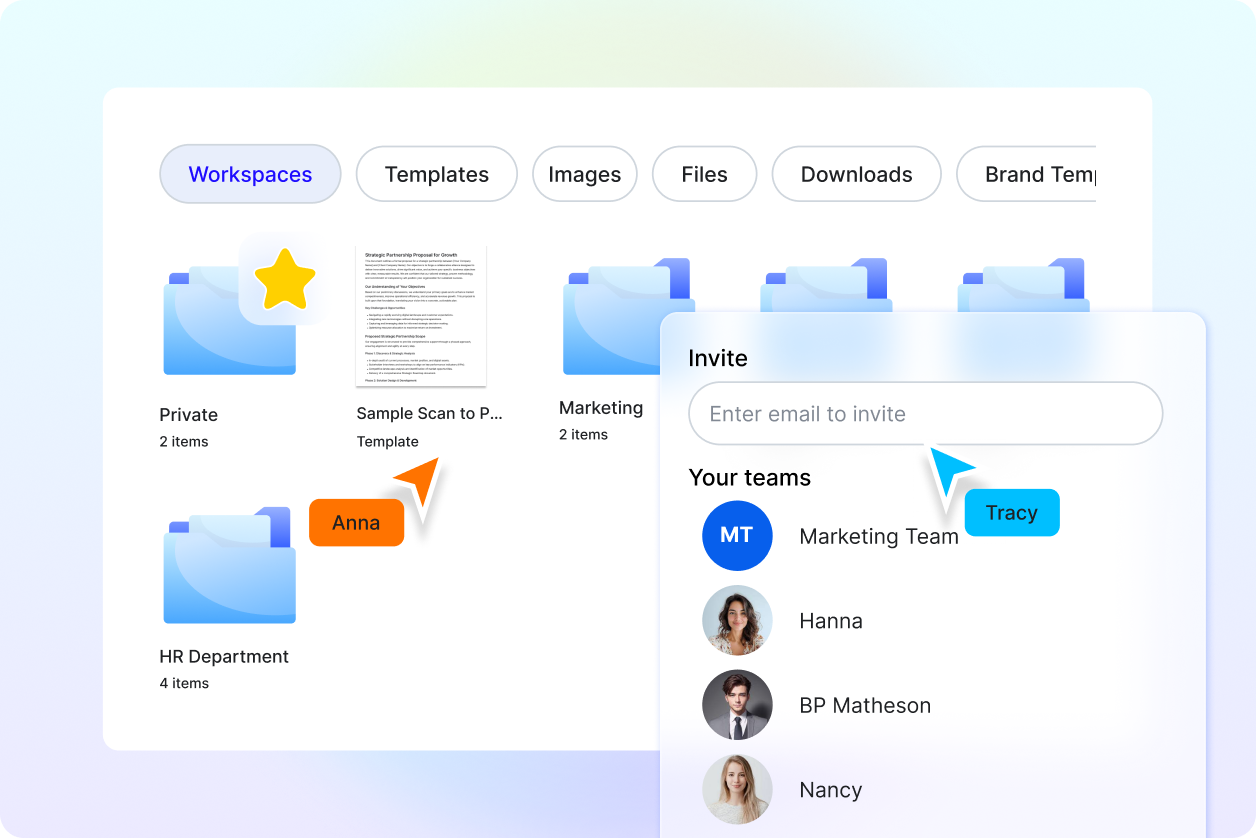
Reliable for Everyday Document Workflows
Ideal for professionals, students, administrators, and teams managing scanned paperwork and official records.
