Free AI PDF Splitter

Split PDF Documents Easily with AI PDF Splitter
Template.net’s AI PDF Splitter helps you divide large PDF files into smaller, well-organized PDF documents while keeping the final output secure and downloadable only in PDF format. Upload a single PDF file, choose how you want to split pages, preview the document, annotate where needed, manage signatures, rotate pages using the R key, and download the final split PDFs. This tool is ideal for contracts, reports, invoices, academic materials, legal documents, and multi-page records that need better organization.
Create Organized PDF Files with AI PDF Splitter
Everything you need to split PDF documents into clean, structured files ready for sharing and record keeping.
PDF Page Splitting
Split PDF documents into separate pages or selected page ranges.
Single PDF File Upload
Upload one PDF document per session for secure processing.
Fast Page Processing
Quickly generate split PDF files without complex steps.
Accurate Page Separation
Maintain correct page order and structure during splitting.
Custom Page Range Selection
Choose specific pages to extract into a new PDF file.
PDF Annotation Support
Add comments, highlights, and notes after splitting.
Signature Management
Insert and manage digital signatures within split PDFs.
Form Field Detection
Detect and retain form fields from the original PDF.
Password Protected PDF Support
Open and manage PDFs that already include password protection.
Page Rotation Control
Rotate pages using the R key for proper viewing orientation.
PDF Preview Mode
Preview split documents before downloading.
PDF Only Download Option
Download final files strictly in PDF format.
Maintain Original Formatting
Preserve layout, fonts, and document structure.
Organized Document Output
Generate clearly separated and structured PDF files.
Browser Based Editor
Split PDF files directly online without installation.
Secure File Handling
Process documents in a protected environment.
Print Ready Split PDFs
Create PDFs suitable for printing and official use.
Time Saving Workflow
Reduce manual page extraction and document recreation.
Academic Document Support
Split study materials, assignments, and research PDFs.
Business Document Organization
Separate contracts, reports, and internal records.
Legal Document Segmentation
Divide agreements and case files into organized sections.
Multi Page Report Splitting
Break down lengthy reports into manageable files.
Reusable Document Processing
Split PDFs repeatedly without complicated setup.
Structured PDF File Management
Keep documents organized for archiving and distribution.
How to Split PDF Document Pages
Split PDF documents into organized files in three clear and reliable steps. The process is designed to simplify document management while keeping the final output secure and structured.
Step 1: Upload PDF File
Upload a single PDF document from your device. The tool supports standard PDF files, including password-protected PDFs if they already contain a password.
Step 2: Select Pages and Edit
Choose specific pages or page ranges to split. The editor maintains original formatting and structure. You can annotate content, detect form fields, manage signatures, rotate pages using the R key, and preview the output to ensure accuracy.
Step 3: Download Split PDF
Download the finalized files exclusively in PDF format. The split documents are ready for sharing, printing, or organized storage.
Work More Efficiently with AI Powered PDF Splitting
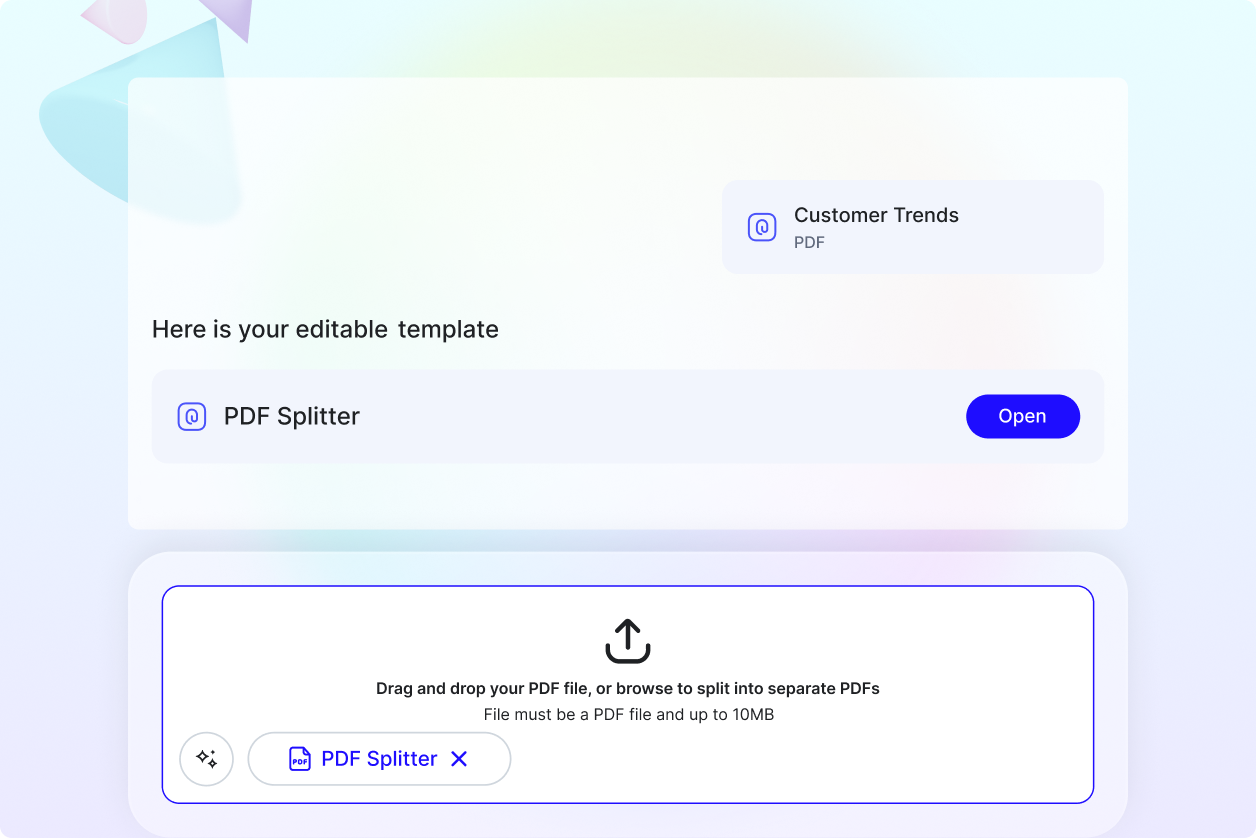
Organize Large Documents with Precision
Break lengthy PDF files into smaller, clearly structured documents for easier access and management. This improves workflow efficiency and reduces document confusion.
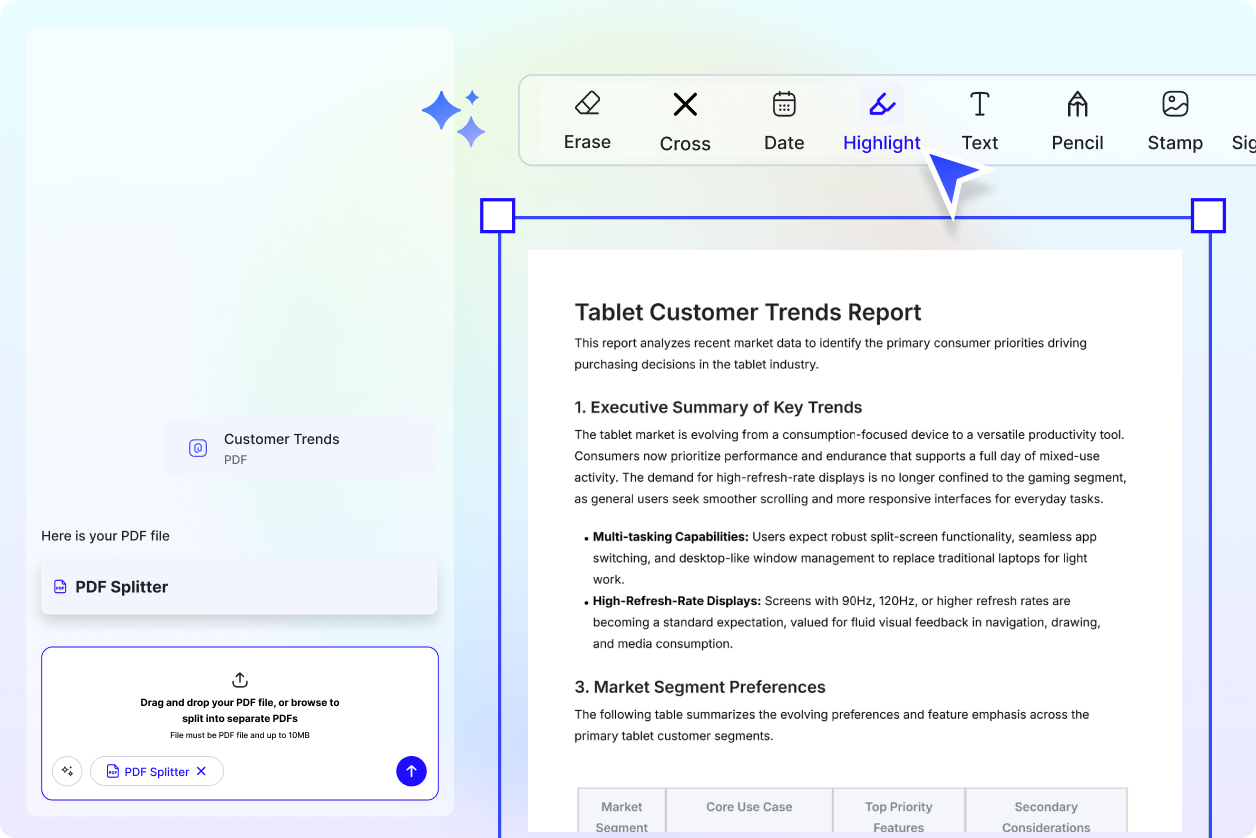
Review, Sign, and Annotate After Splitting
Add comments, highlights, and digital signatures directly to split PDFs. This allows teams to review and approve documents without needing additional tools.
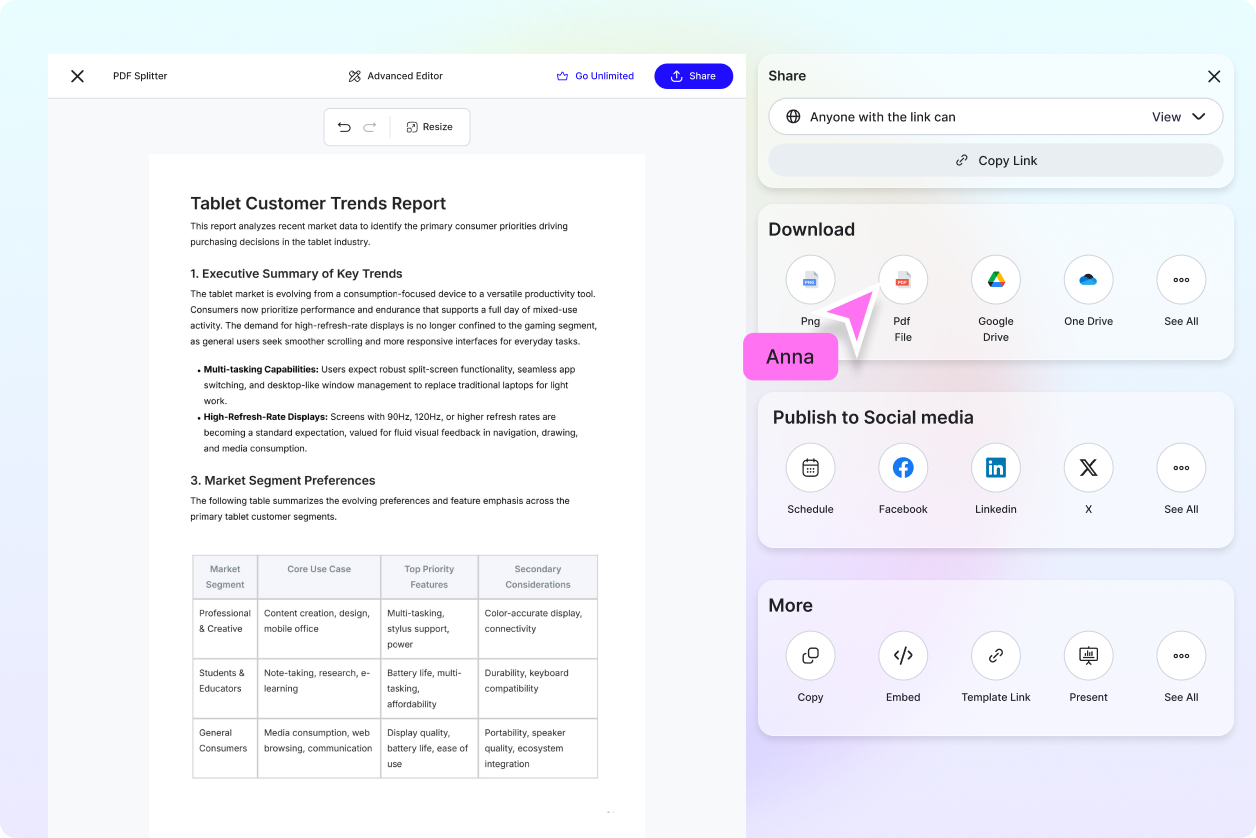
Share Only What Is Needed
Extract specific sections of contracts, reports, or academic files and share only the relevant pages. This improves clarity and protects sensitive information.
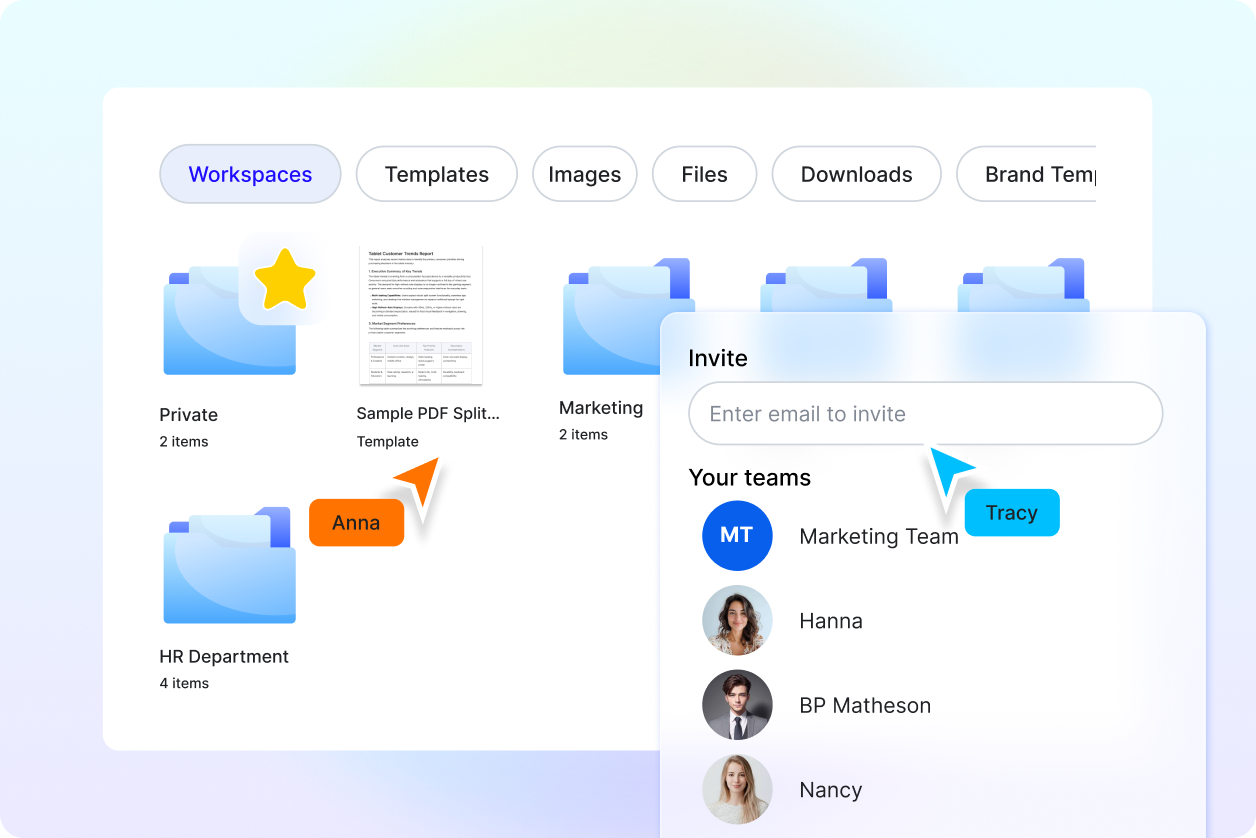
Reliable for Professional Workflows
Ideal for legal teams, businesses, educators, and administrative professionals who regularly manage multi-page PDF documents and require structured organization.
