Free AI Convert Text to PDF

Convert Plain Text into Professional PDF Documents with AI
Template.net's Free AI Convert Text to PDF tool helps you transform plain text into polished, professionally formatted PDF documents within seconds. Simply upload a TXT file, paste your content, or describe your document using a prompt, and AI automatically structures headings, paragraphs, spacing, and layouts for a clean, readable PDF. Whether you're creating reports, business documents, letters, articles, contracts, meeting notes, educational materials, research papers, or personal documents, AI generates high-quality PDFs that are ready for printing, sharing, and collaboration. Continue refining your files using AI PDF Editor, enhance content with AI Document Generator, or convert documents into additional formats with AI PDF Converter for a complete document management workflow.
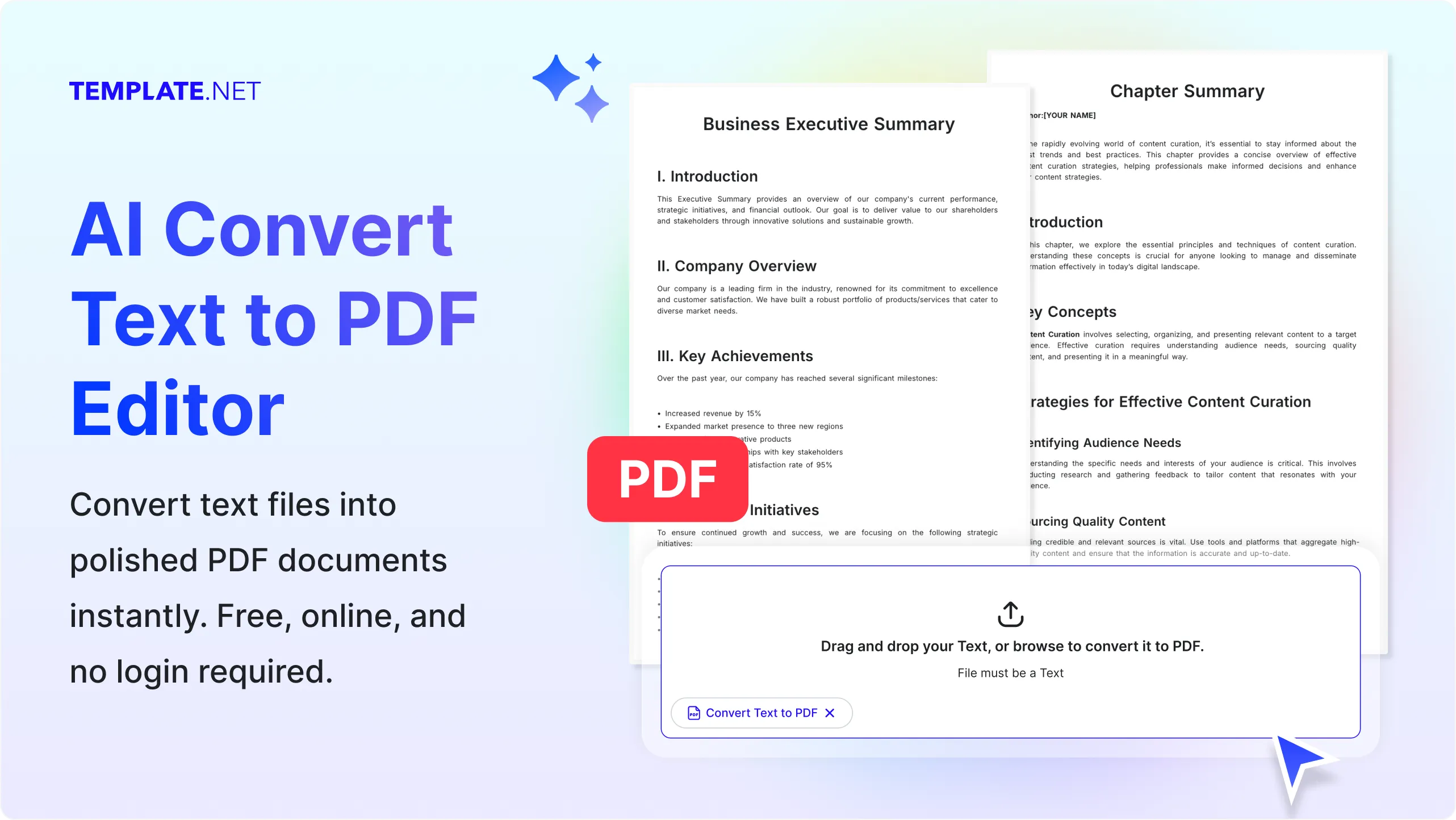
Convert Text into Professional PDF Documents with AI
Everything you need to transform plain text into organized, print-ready PDF documents while maintaining readability, formatting, and professional document quality.
AI-Powered Text to PDF Conversion
Upload a text file, paste content, or enter a prompt, and AI automatically converts your text into professionally formatted PDF documents with structured layouts, readable typography, and polished presentation.
Prompt-Based PDF Generation
Describe the document you want to create, specify formatting preferences, or provide writing instructions, and AI intelligently generates a well-organized PDF that matches your requirements.
Upload TXT Files or Paste Text
Upload TXT files or paste notes, reports, articles, contracts, essays, business documents, meeting notes, manuals, or research content to instantly generate PDF documents.
Intelligent Document Formatting
AI automatically organizes headings, paragraphs, bullet points, numbered lists, spacing, margins, and page layouts to improve document readability and presentation.
Preserve Content Structure
Maintain logical document organization, section hierarchy, indentation, page breaks, and text formatting to create professional PDF documents with minimal manual editing.
Generate Print-Ready PDF Documents
Create polished PDF files suitable for business reports, proposals, contracts, educational materials, documentation, letters, and professional communication.
Support for Long and Short Documents
Convert short notes, letters, and forms as well as lengthy reports, research papers, documentation, manuals, and business proposals into high-quality PDF files.
Edit Before Exporting
Review and refine your content using AI Writer, AI Text Editor, or AI Document Generator before converting it into a professionally formatted PDF.
Supports Various Text Content Types
Convert articles, blogs, reports, meeting notes, assignments, proposals, documentation, contracts, letters, newsletters, resumes, manuals, research papers, and educational materials into PDF documents.
Multilingual Support
Generate PDF documents from text written in 20+ multiple languages including English, Spanish, French, German, Italian, Portuguese, Hindi, Chinese, Japanese, Korean, Arabic, Turkish, Vietnamese, Thai, Malay, Polish, Swedish, Dutch, Indonesian, and more while preserving document readability.
Professional Page Formatting
Automatically optimize page alignment, margins, headings, typography, spacing, and document layout to create visually appealing PDFs for digital and print use.
Generate Standard PDF Documents
Create universally compatible PDF files that can be viewed, shared, printed, archived, or stored without affecting document formatting across devices.
Manage PDF Projects Efficiently
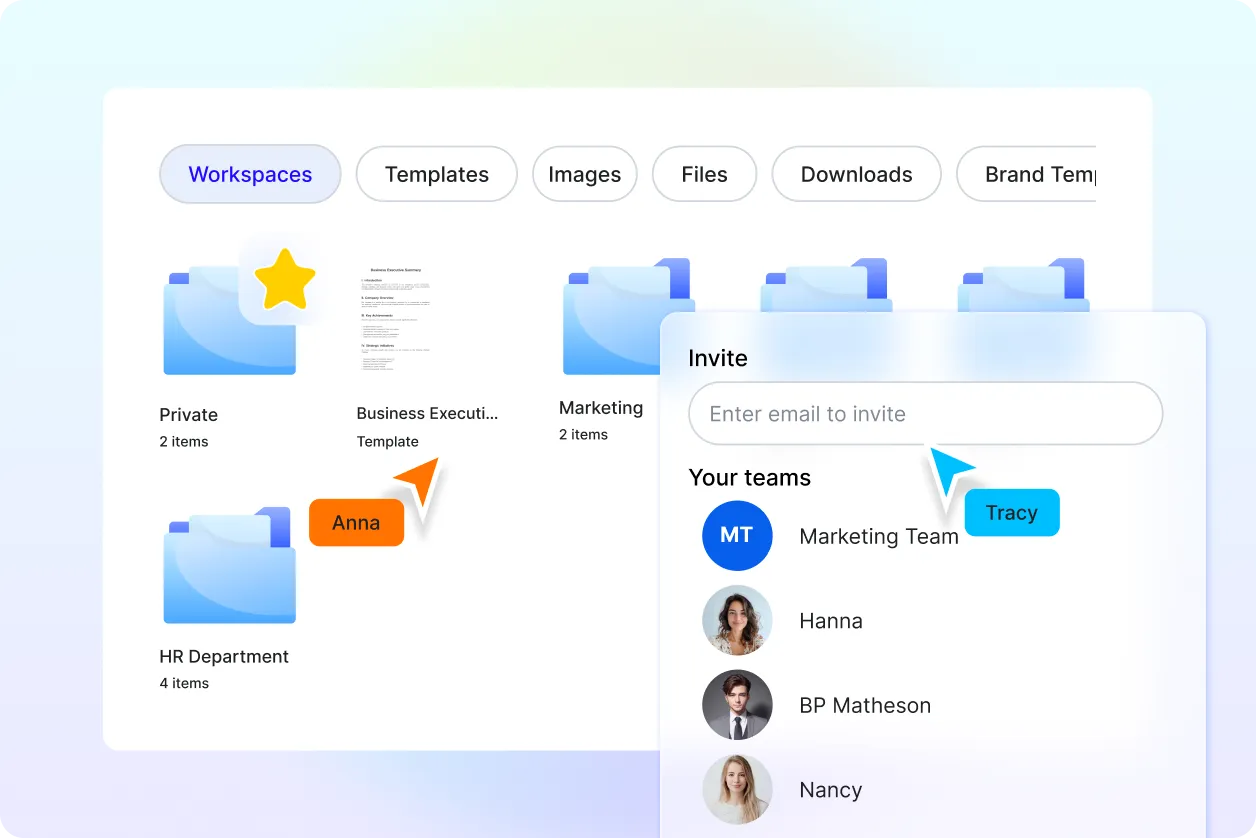
Store generated PDF documents securely in the cloud, organize files into folders, and quickly access previous projects whenever needed.
Collaborate on PDF Documents
Share generated PDF files with colleagues, clients, educators, students, or collaborators for reviews, approvals, and professional document workflows.
Connect with More AI PDF Tools
Continue your workflow with AI PDF Editor for document updates, AI PDF Converter for additional file formats, AI PDF Summarizer for quick insights, AI Merge PDF to combine files, AI Split PDF to separate pages, AI Word Generator to create new content, and AI OCR PDF for text extraction.
Download and Share Anywhere
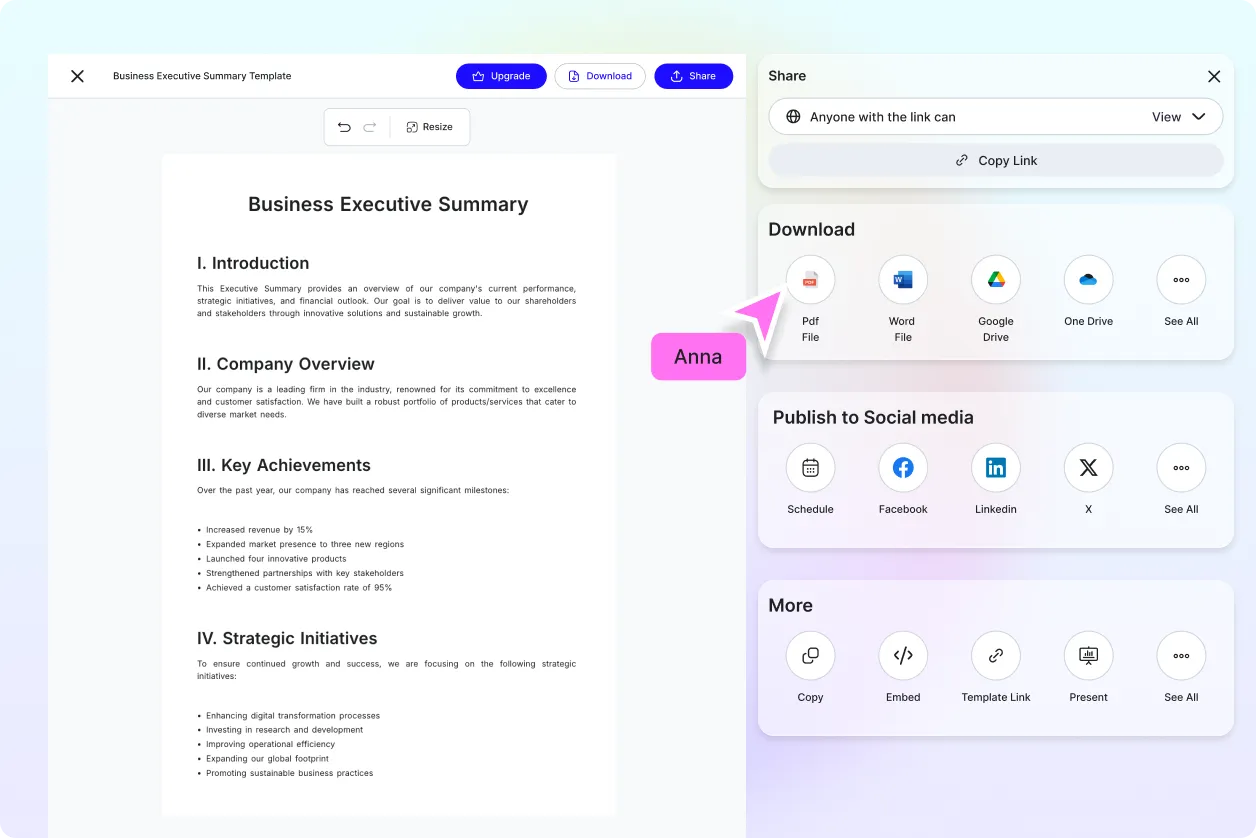
Download generated PDF documents instantly or share them through Email, LinkedIn, WhatsApp, Facebook, X (Twitter), or a live link for seamless collaboration and document distribution.
Secure AI Document Processing
Protect your uploaded content with encrypted cloud processing, secure document storage, organized file management, and reliable privacy throughout every PDF generation workflow.
Fast AI PDF Generation Engine
Generate professional PDF documents within seconds, helping students, educators, professionals, businesses, writers, and teams improve productivity while creating organized digital documents.
How to Convert Text to PDF Using AI
Convert plain text into professionally formatted PDF documents using a simple upload and prompt-based workflow.
Step 1: Upload Text, Paste Content, or Enter a Prompt
Upload a TXT file, paste your content, or enter a prompt describing the PDF document you want to create. AI analyzes your content, organizes the structure, and prepares a professionally formatted PDF.
Step 2: Review and Customize the Document
Preview the generated PDF, refine headings, paragraphs, spacing, or formatting, and continue editing with AI PDF Editor, AI Writer, or AI Document Generator to create a polished final document.
Step 3: Download and Share
Download your PDF document instantly or share it through Email, LinkedIn, WhatsApp, Facebook, X (Twitter), or a live link for collaboration, printing, documentation, and digital distribution.
Transform Plain Text into Professional PDF Documents with AI
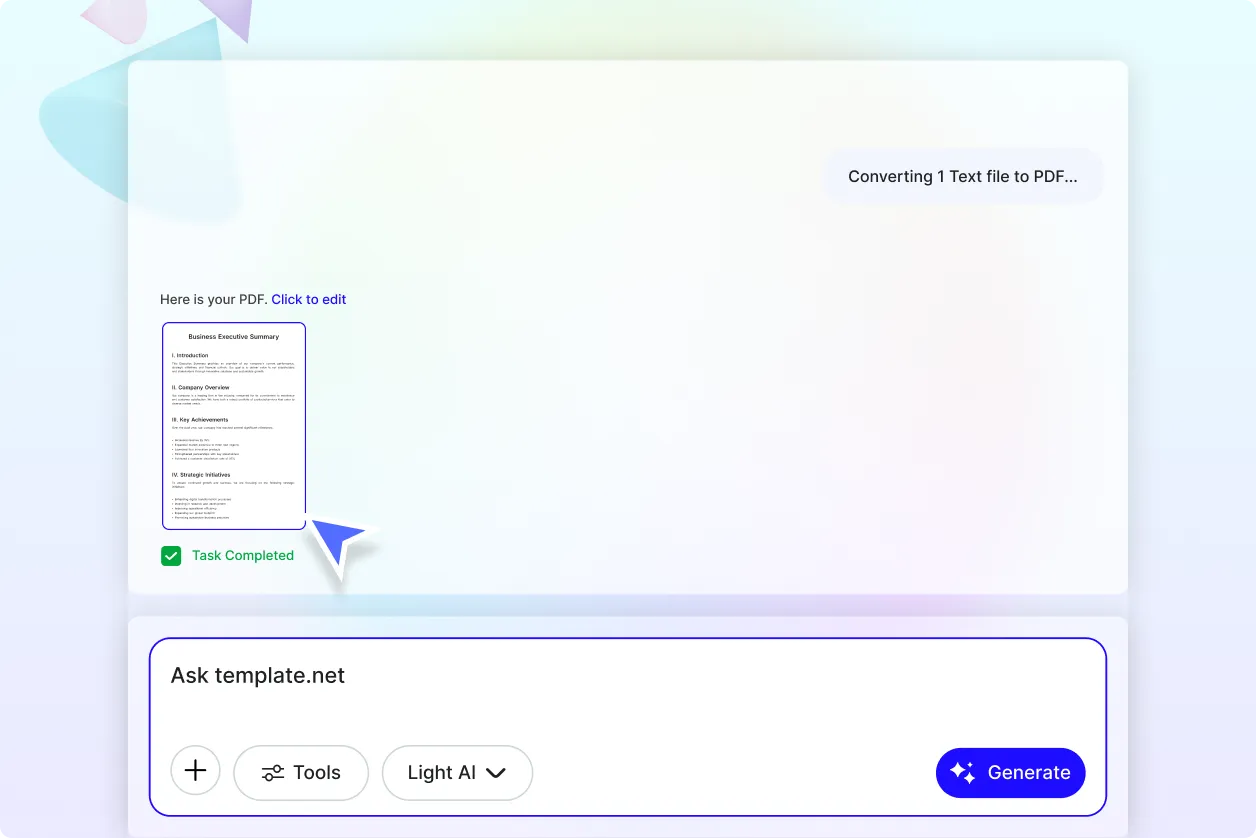
Create Well-Structured PDFs from Any Text Content
Convert articles, reports, contracts, letters, meeting notes, assignments, documentation, proposals, research papers, and business content into polished PDF documents with organized layouts, professional formatting, and improved readability.
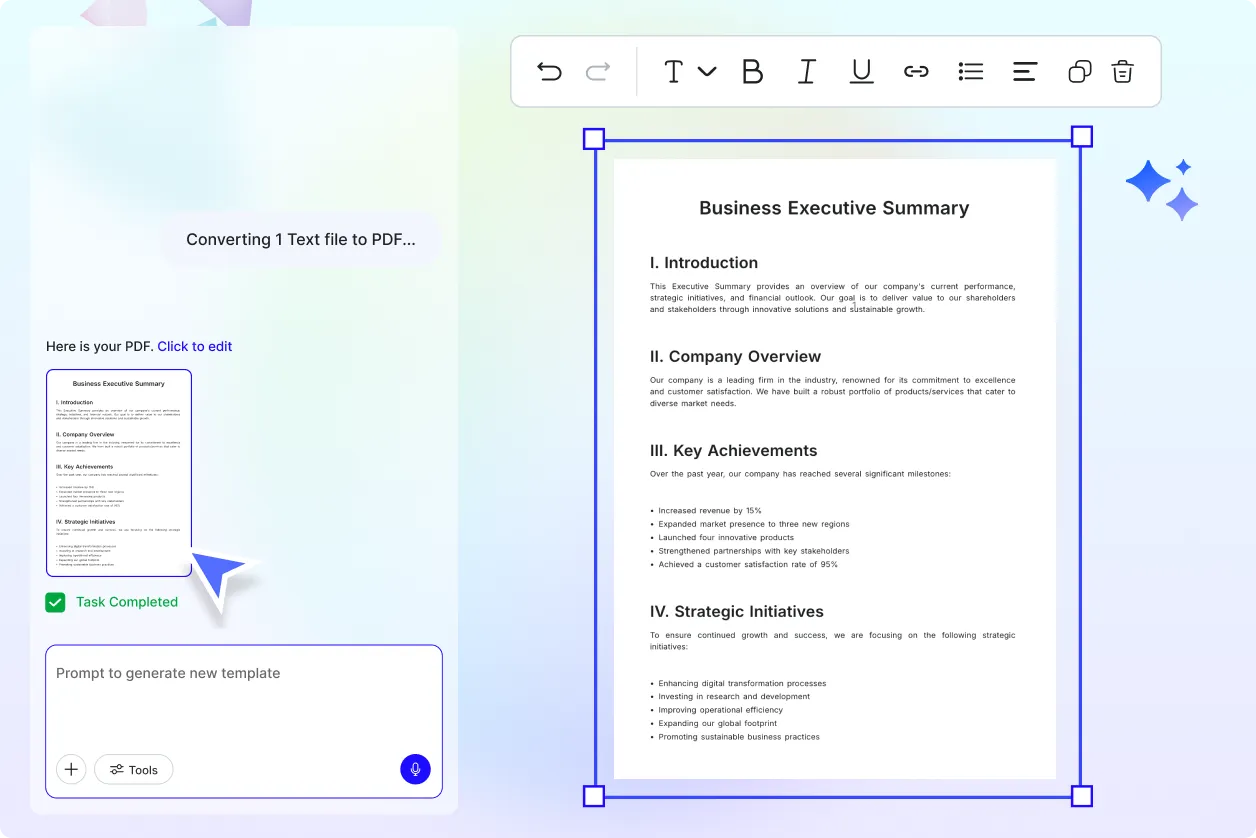
Generate Ready-to-Share Documents in Seconds
Turn plain text into presentation-ready PDFs for business communication, education, publishing, record keeping, and document archiving without manually formatting every page or section.
Build a Complete AI Document Workflow
Enhance your productivity by combining AI Convert Text to PDF with AI PDF Editor for updates, AI PDF Converter for additional export options, AI PDF Summarizer for quick document insights, AI Merge PDF to organize files, AI Split PDF to separate pages, AI OCR PDF for text extraction, and AI Document Generator for creating new content.
Share, Archive, and Manage Documents with Confidence
Generate professional PDF documents that are ready for printing, secure storage, business collaboration, academic submissions, digital publishing, and long-term archiving while maintaining consistent formatting and document quality.
