Free AI Convert PDF to Excel Generator

Convert PDF Files into Excel Style PDFs with AI Convert PDF to Excel Editor
Template.net’s AI Convert PDF to Excel Editor helps you transform PDF documents containing tables and structured data into Excel style layouts while keeping everything securely downloadable in PDF format. Upload a single PDF file, convert its content into spreadsheet style formatting, annotate pages, manage signatures, rotate pages, preview results, and download the final document exclusively as a PDF.
This editor is ideal for financial statements, invoices, reports, schedules, and data driven documents.
Create Structured Excel Style PDFs from PDF Documents
Everything you need to convert PDF data into spreadsheet-like layouts that are clean, organized, and ready to use.
PDF to Excel Style Conversion
Convert PDF tables and data into Excel like structured layouts.
Single PDF File Upload
Upload one PDF document per session for accurate processing.
Fast Conversion Processing
Generate Excel style PDFs quickly without manual formatting.
AI Assisted Data Extraction
Identify rows, columns, and tabular data from PDF files.
Table Structure Recognition
Preserve table alignment and data flow in Excel style format.
PDF Annotation Support
Add comments, highlights, and notes to converted documents.
Signature Management
Insert and manage digital signatures within the PDF.
Form Field Detection
Detect and retains form fields present in PDF documents.
Password Protected PDF Support
Open and manage PDFs that already include password protection.
Page Rotation Control
Rotate pages using the R key for better viewing orientation.
PDF Preview Mode
Preview the converted document before downloading.
PDF Only Download Option
Download the final output strictly in PDF format.
Clean Data Rendering
Ensure numbers and text appear sharp and readable.
Organized Spreadsheet Layout
Maintain logical row and column structure across pages.
Browser Based Editor
Convert and manage PDF files directly online.
Secure File Processing
Handle documents in a protected and reliable environment.
Print Ready PDF Output
Create PDFs suitable for printing and official records.
Time Saving Workflow
Reduce manual data recreation with automated conversion
Financial Document Support
Process invoices, statements, and accounting PDFs.
Academic Data Support
Convert research tables and datasets into Excel style PDFs.
Business Reporting Ready
Prepare structured reports for professional use.
Consistent Table Formatting
Deliver clean and consistent spreadsheet layouts.
Reusable Conversion Process
Convert PDF files repeatedly without complex setup.
Well Structured PDF Output
Generate organized and reliable Excel style PDFs every time.
How to Convert PDF to Excel Using AI Convert PDF to Excel Editor
Convert PDF data into spreadsheet layouts in three simple and reliable steps. The process is designed to help you organize tabular information quickly while keeping the final output secure and easy to manage.
Step 1: Upload PDF File
Upload a single PDF document from your device that contains tables or structured data. The editor supports standard document PDFs commonly used for reports, invoices, and records.
Step 2: Convert and Edit
The editor extracts tabular data into an Excel style layout while maintaining clarity and alignment. You can add annotations, manage signatures, rotate pages using the R key, and preview the document to ensure everything appears correctly before finalizing.
Step 3: Download PDF
Download the finalized file exclusively in PDF format. The converted document is ready for sharing, printing, or archiving without additional formatting.
Work Smarter with PDF to Excel Conversion
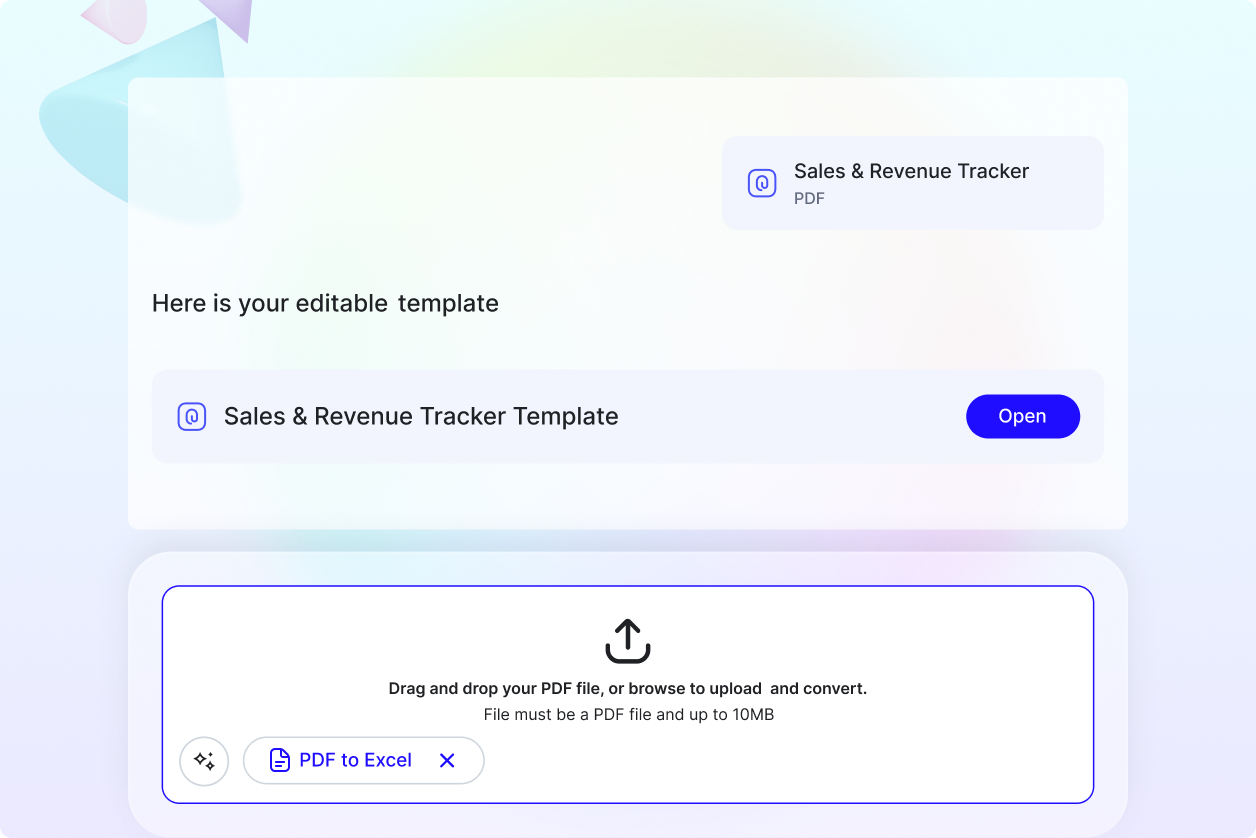
Convert Data with Confidence
Turn PDF tables into structured spreadsheet layouts that are easier to review and reference. This helps reduce manual data recreation and improves accuracy.
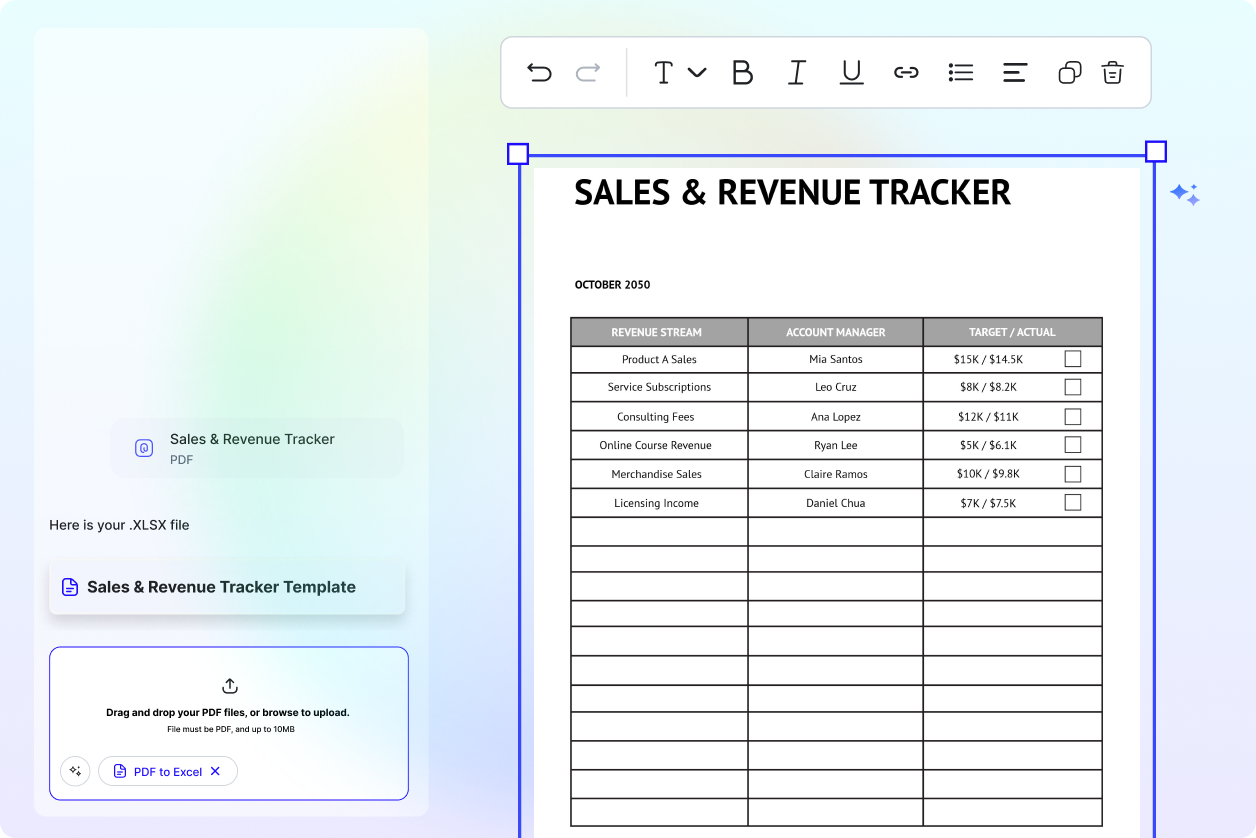
Review and Annotate Easily
Add notes, highlights, and signatures directly to the document. These tools make it simple to review data, approve files, or add context where required.
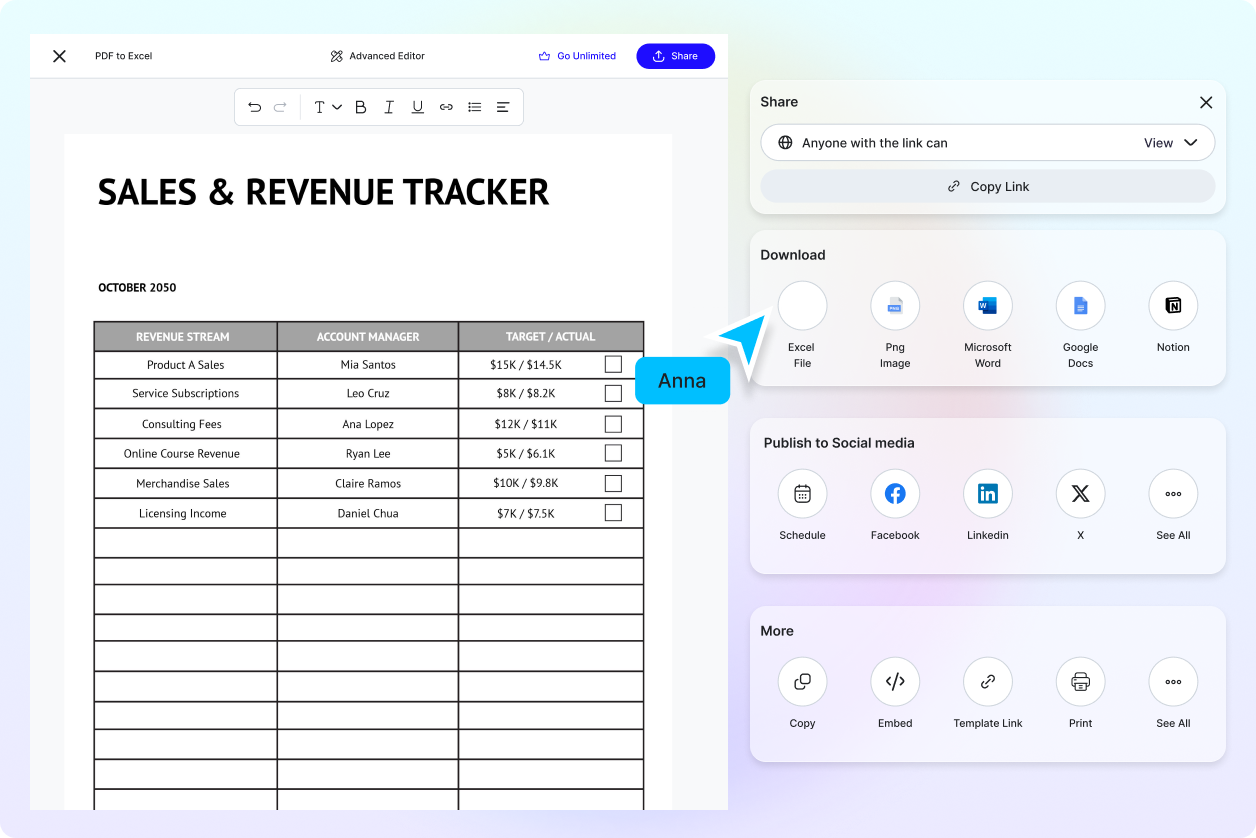
Share Organized PDF Files
Use Excel style PDFs for reporting, documentation, and internal records. The structured layout makes information clear and presentable.
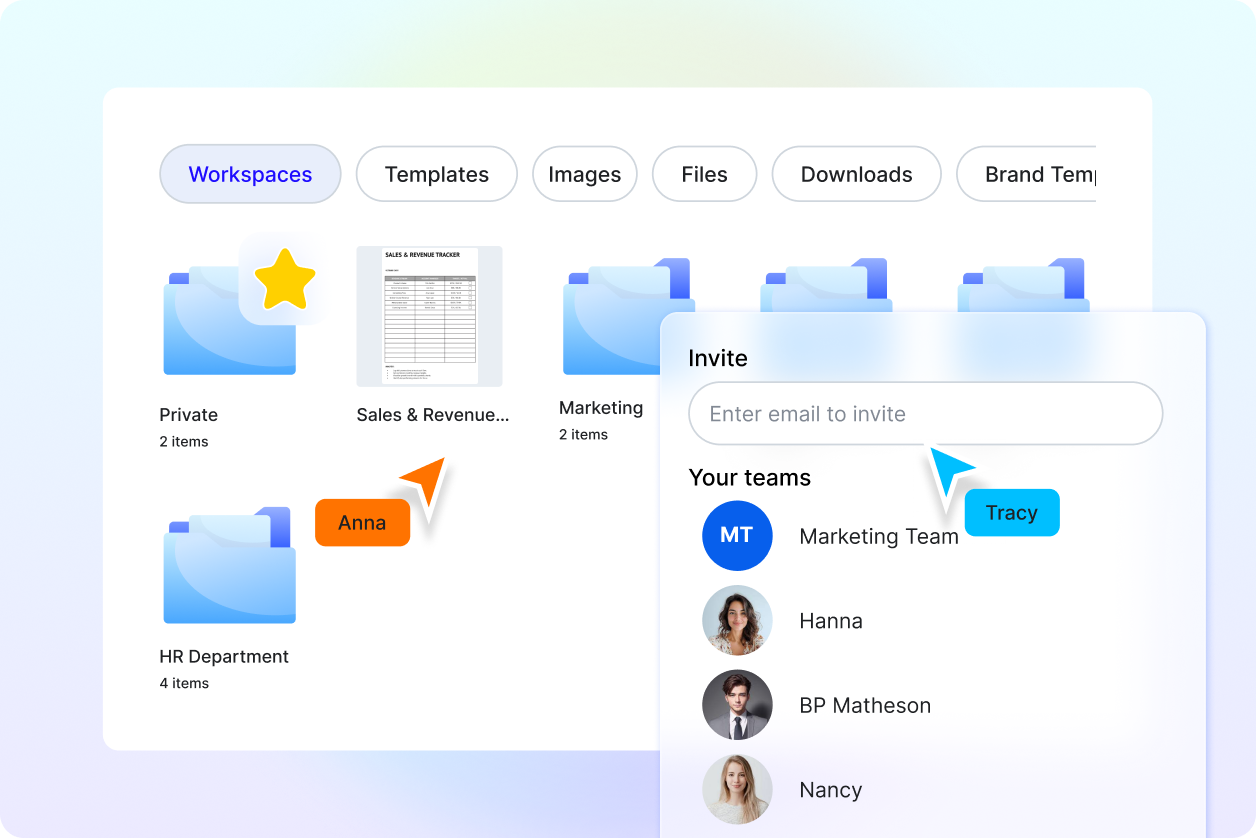
Reliable for Data Driven Workflows
Ideal for analysts, accountants, educators, and professionals who regularly work with data focused documents and reports.
