Free AI Convert PNG to PDF Editor

AI Convert PNG to PDF Conversion, Editing, and Enhancement Tool
Template.net’s AI Convert PNG to PDF Editor transforms your PNG images into clean, professional PDFs instantly. Upload images, reorder pages, merge files, and enhance layout with smart automation. Perfect for business reports, forms, resumes, and contracts—no sign-up required.
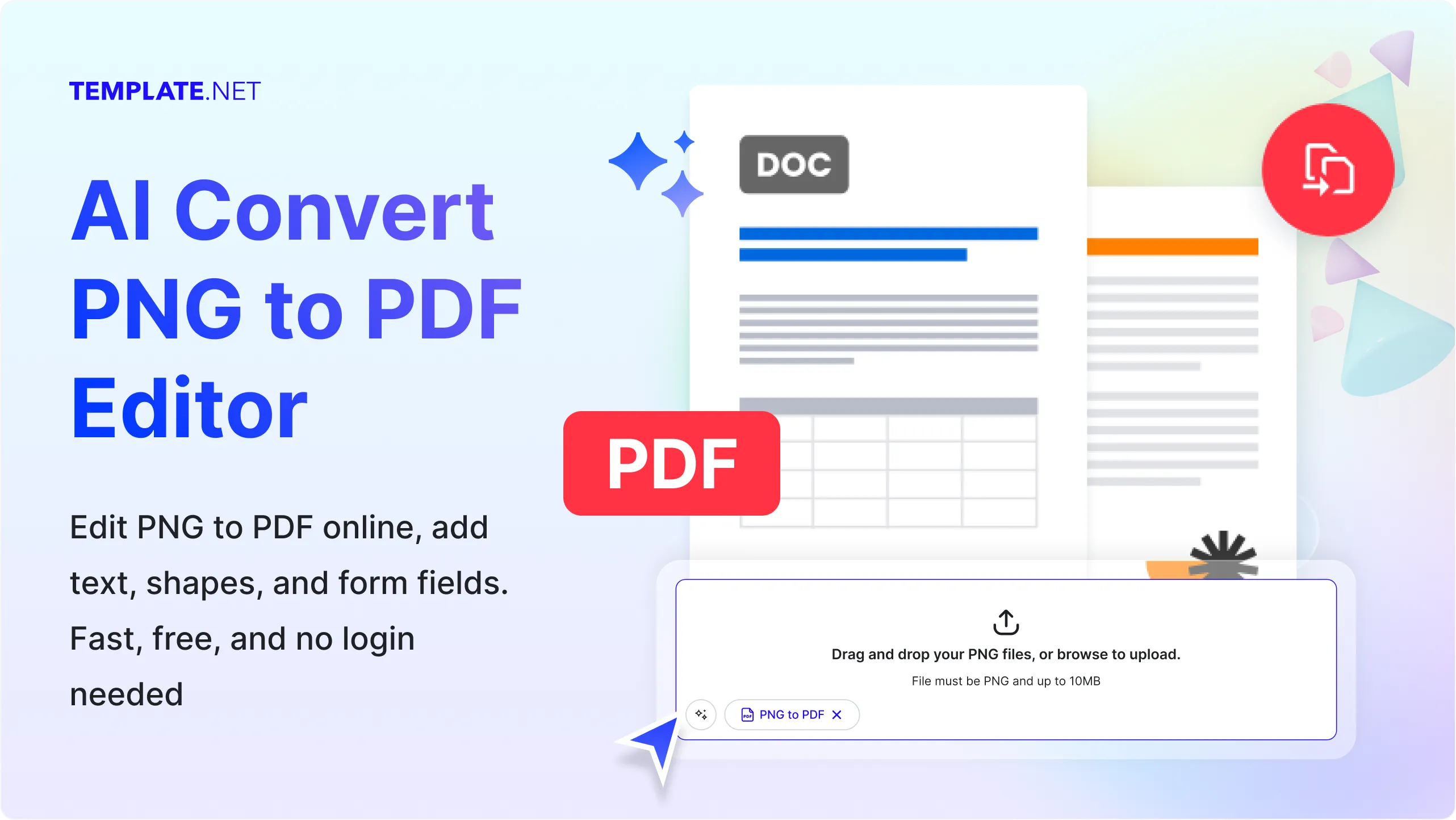
Create Accurate PNG to PDF Edits Instantly
Everything you need to convert, enhance, and manage PNG images into professional PDFs—automated, fast, and online.
AI PNG to PDF Conversion
Convert PNG images into structured, high-quality PDFs using AI-powered layout detection, formatting preservation, and smart compression.
Smart Image Enhancement
Auto-adjust brightness, contrast, and resolution of PNGs before conversion to ensure crisp, professional-looking PDF output.
Layout Detection & Scaling
AI detects image dimensions and scales them proportionally across PDF pages while preserving aspect ratio and alignment.
PNG to Editable PDF
Convert PNGs into editable PDFs with selectable text, fillable fields, and modifiable layout using AI-powered OCR.
File Reordering & Grouping
Drag and reorder PNG files before conversion, or group them by category for organized multi-page PDF output.
Image Quality Optimization
AI compresses PNGs without losing clarity, optimizing PDF size for faster sharing and smoother viewing across devices.
AI-Powered PNG to PDF Conversion
Upload PNG images and let AI convert them into high-quality PDF files effortlessly. Automatically organize images, preserve clarity, and create professional PDFs without manual work.
Export in Multiple Formats
Download converted files as PDF and export individual PNGs as separate pages or sections.
Background Cleanup
Remove unwanted backgrounds, watermarks, or artifacts from PNGs before conversion using AI-powered cleanup tools.
Attach Reference Files
Upload supporting documents or notes to guide AI during PNG-to-PDF conversion for contextual formatting and layout.
Real-Time Collaboration
Invite teammates to upload, reorder, and convert PNGs into PDFs collaboratively with live preview and edit tracking.
Auto Metadata Tagging
AI tags converted PDFs with relevant metadata like title, category, and source for easy search and organization.
Smart Orientation Detection
Detects and corrects rotated or misaligned PNGs before conversion to ensure consistent PDF page orientation.
Content-Aware Cropping
AI crops excess margins or whitespace from PNGs before conversion to maximize layout clarity and visual balance.
Transparent PNG Support
Preserve transparency in PNGs or auto-convert backgrounds to white or custom colors during PDF generation.
Page Size Auto-Fit
Automatically adjusts PDF page size to match PNG dimensions or standard formats like A4, Letter, or Legal.
DPI & Resolution Control
Set custom DPI and resolution for PNGs during conversion to optimize PDF quality for print or digital use.
AI Font Matching
Match fonts from PNG images during PDF conversion to maintain visual consistency across branded documents or marketing materials.
Slide Deck Conversion
Convert PNG slides into a multi-page PDF presentation with auto-scaling, page numbering, and layout optimization.
Watermark Detection & Removal
Detect and optionally remove watermarks from PNGs before PDF conversion using AI-based image cleanup tools.
Accessibility Optimization
Generate PDFs from PNGs with alt text, tags, and structure optimized for screen readers and accessibility compliance.
AI Auto-Index Generator
Automatically create a clickable index or table of contents in converted PDFs from PNG batches, making navigation seamless for reports, manuals, and presentations.
Cloud Sharing & Link Generation
Instantly share converted PDFs via secure cloud links, allowing easy distribution, collaboration, and controlled access without email attachments.
Color Profile Preservation
Maintain original PNG color profiles during conversion, ensuring accurate reproduction for branding, design proofs, and professional print-ready PDFs.
How to Convert PNG to PDF Using the AI Convert PNG to PDF Editor
Quickly transform PNG images into polished, professional PDFs with smart AI automation. Upload, enhance, and organize your files in minutes—no sign-up required.
Step 1: Upload Your PNG Files
Select one or more PNG images from your device. The AI automatically detects layout, orientation, and prepares them for seamless PDF conversion.
Step 2: Enhance and Organize
Adjust image quality, reorder pages, merge multiple PNGs, or add text overlays. AI ensures formatting consistency and professional presentation across your PDF.
Step 3: Convert and Download
Generate your final PDF instantly. Export in multiple formats like PDF, DOCX, or TXT, and share securely via email, cloud link, or social platforms.
Work Smarter and Convert PNGs into Perfect PDFs
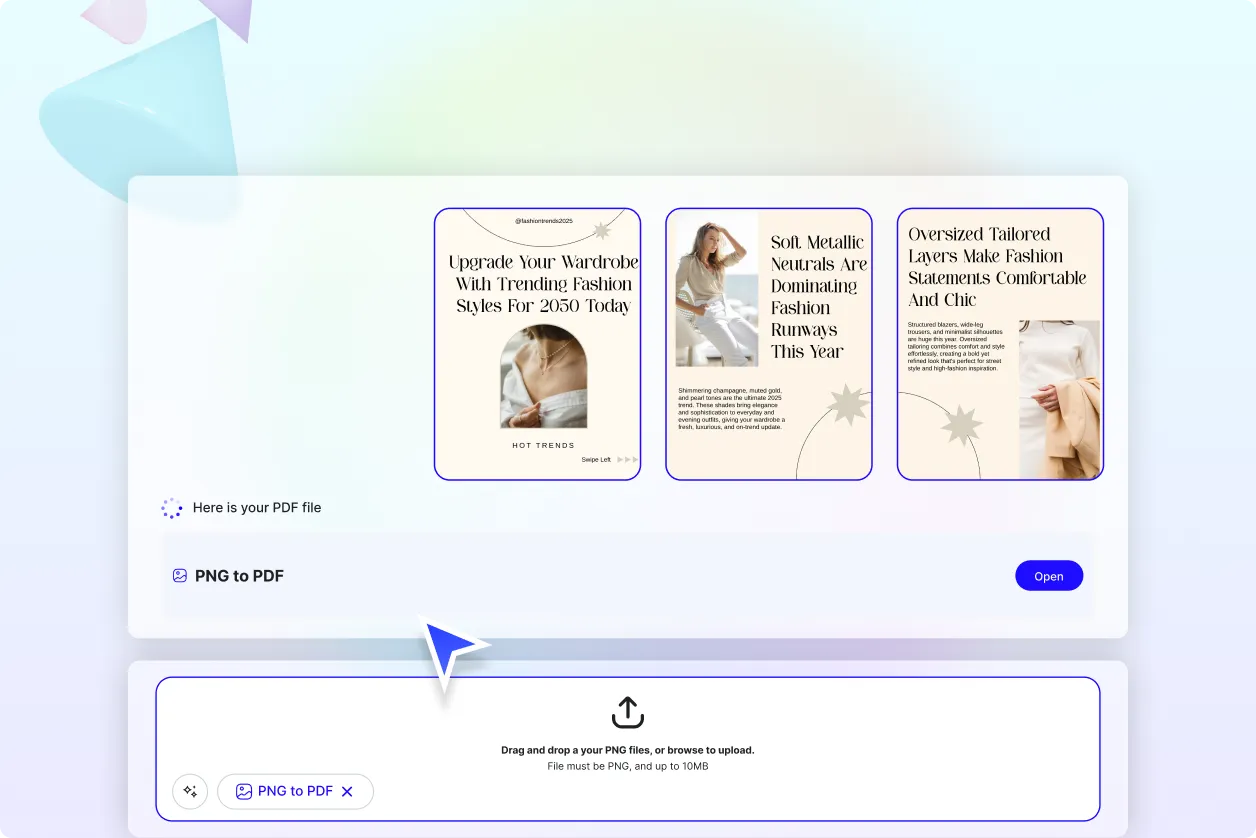
Convert PNGs That Represent You
Whether transforming scanned forms, branded graphics, or visual reports, every PNG becomes a clean, structured PDF with AI-powered layout and formatting precision.
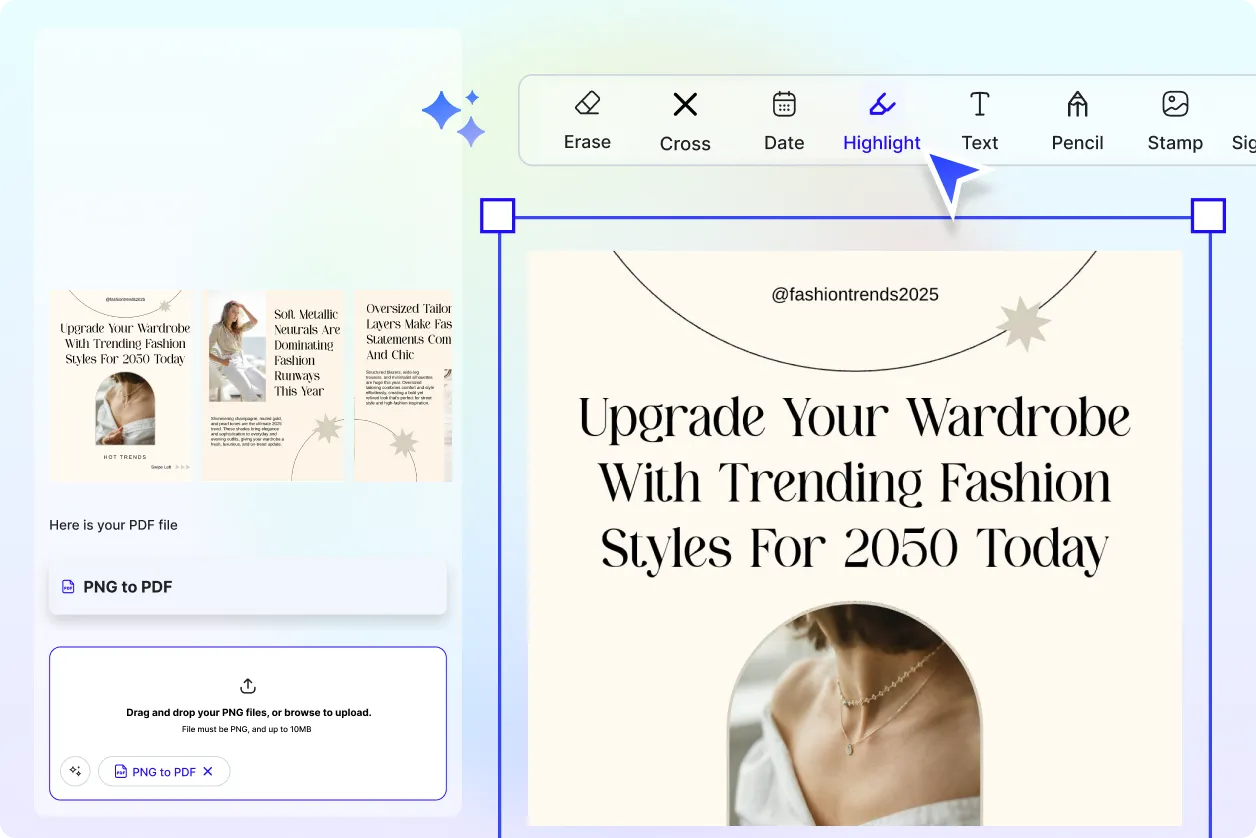
Reuse, Repeat, and Scale Easily
Save converted PDFs, image sequences, and layout presets. Reuse across multiple projects—ideal for marketing teams, HR forms, and client deliverables.
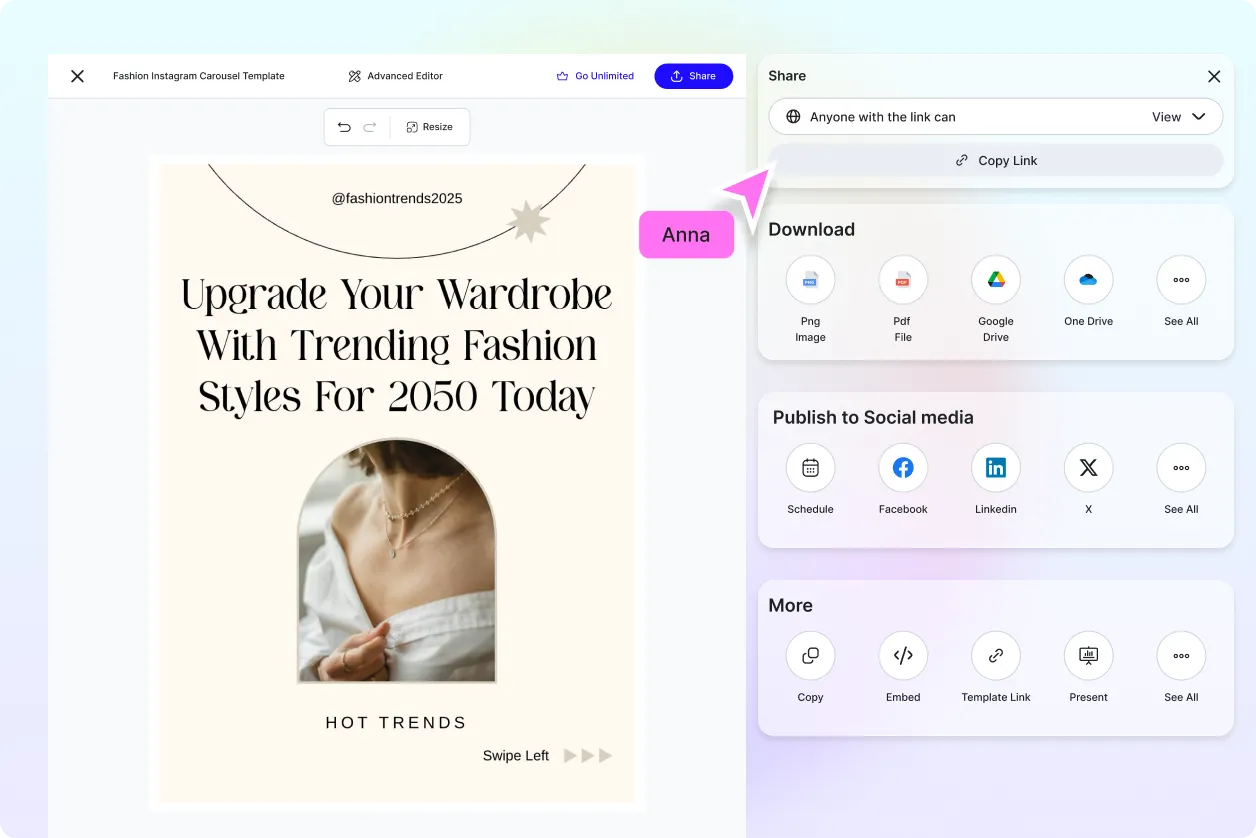
Share Instantly, Collaborate Smoothly
Export or send polished PDFs instantly to teammates, clients, or partners. Share via email, cloud link, or social platforms with one click.
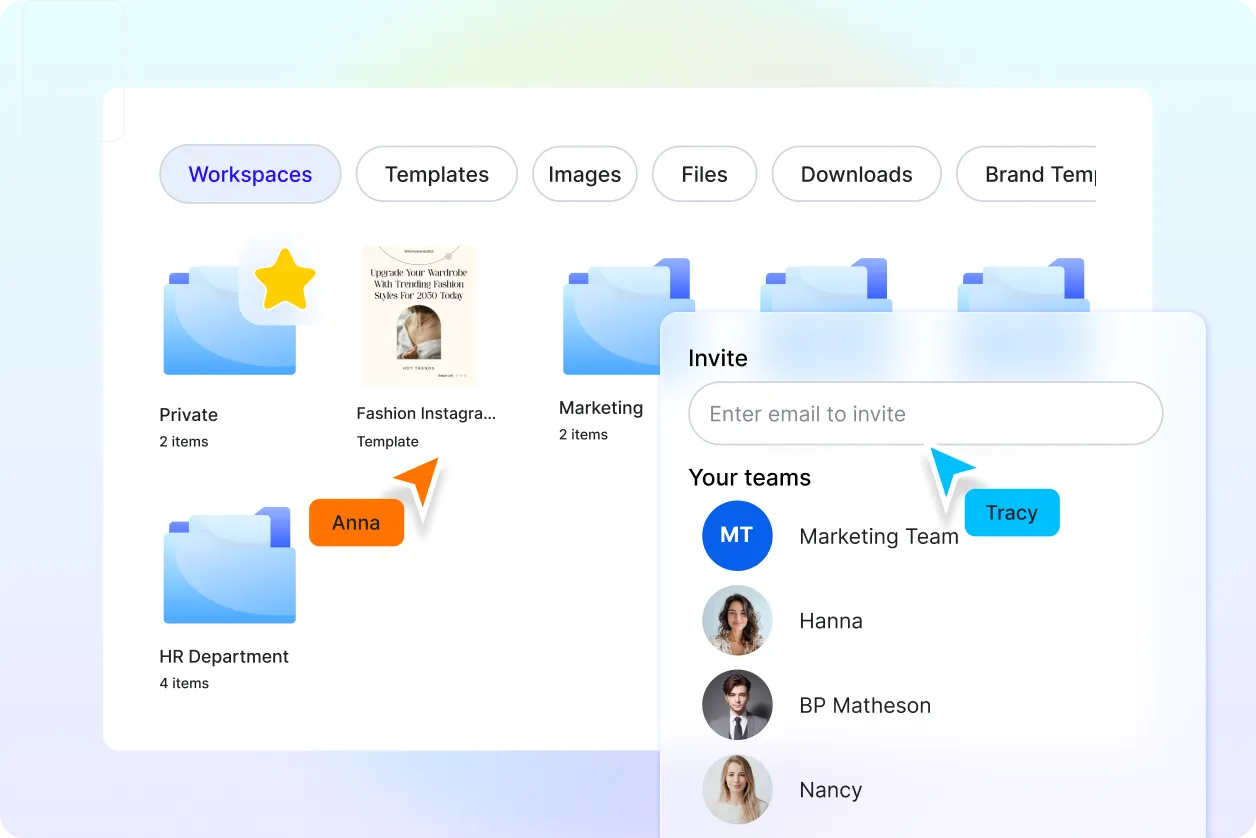
Smart Workspaces for Teams
Centralize PNG-to-PDF projects with shared folders, access controls, and version history. Perfect for agencies, remote teams, and enterprise workflows.
