Free AI Convert PDF to Word

Convert PDF Files into Editable Word Documents with AI-Powered Precision
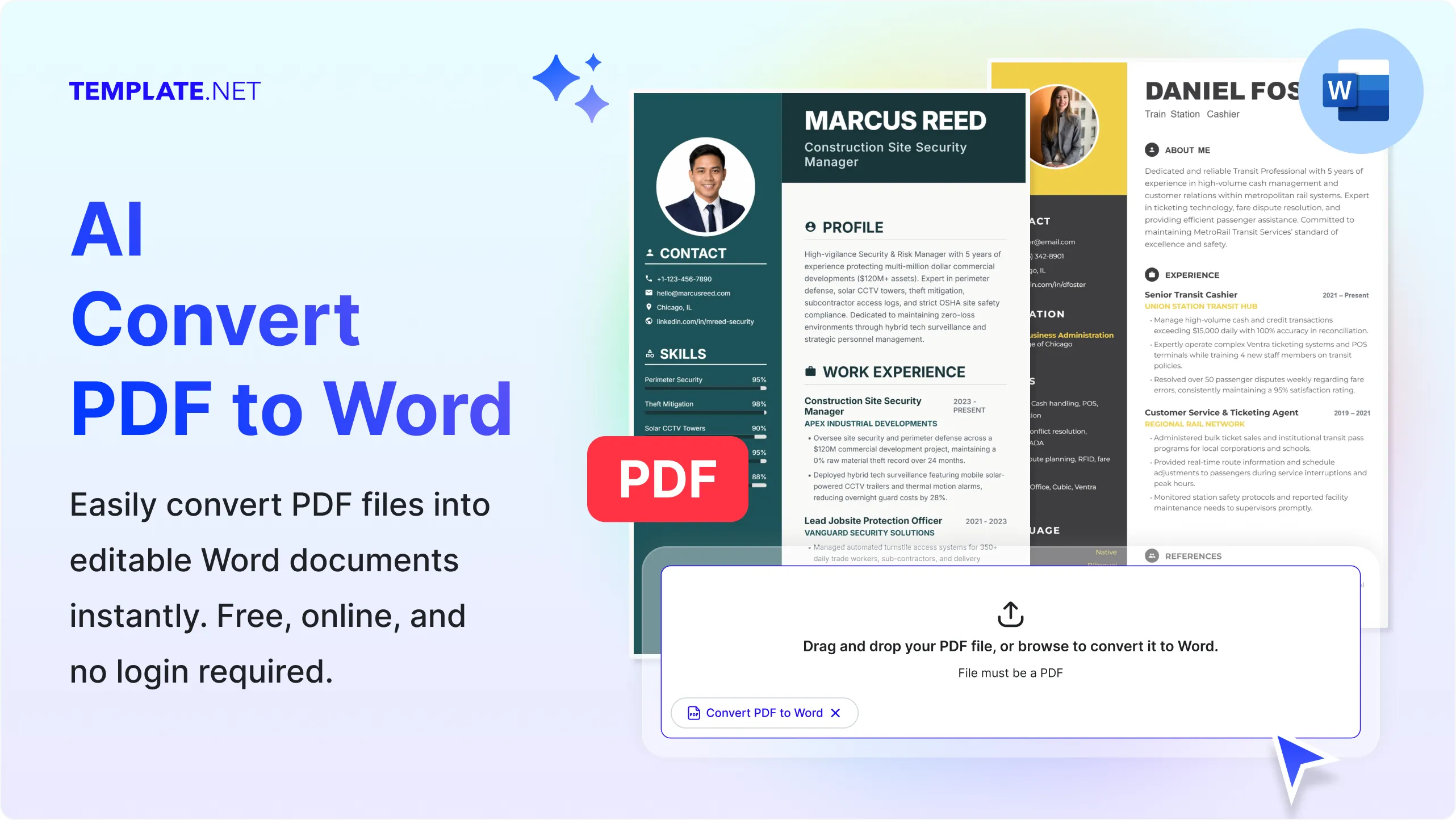
Template.net's Free AI Convert PDF to Word tool makes it easy to transform standard or scanned PDF files into editable Microsoft Word documents within seconds. Simply upload your PDF, and AI intelligently extracts text, tables, images, and layouts while preserving document structure for accurate editing. Whether you're updating contracts, reports, resumes, invoices, research papers, forms, or business documents, the AI delivers clean, editable DOCX files that are ready for customization, collaboration, and sharing. Easily continue editing with our AI Document Editor, refine content using the AI Document Generator, or convert files into additional formats with the AI PDF Converter for a complete document management workflow.
Convert PDF Documents into Editable Word Files with AI
Everything you need to transform PDFs into editable, well-formatted Word documents while preserving document quality, structure, and readability.
AI-Powered PDF to Word Conversion
Upload a PDF and AI automatically converts standard or scanned PDF files into editable Word documents while maintaining text accuracy, formatting, tables, images, and overall document structure.
Prompt-Based Document Conversion
Describe the type of PDF you want to convert, specify formatting preferences, or request editable output, and AI intelligently generates a Word document tailored to your requirements.
Upload PDF Files for Instant Conversion
Upload reports, contracts, resumes, invoices, manuals, forms, research papers, brochures, or business documents and convert them into editable DOC or DOCX files within seconds.
Intelligent Layout Recognition
AI analyzes headings, paragraphs, columns, bullet lists, tables, and document hierarchy to recreate organized Word documents with minimal formatting changes.
Preserve Original Formatting
Maintain fonts, spacing, page layouts, tables, headers, footers, images, hyperlinks, and document structure to reduce manual editing after conversion.
Extract Images and Graphics
Convert PDFs while keeping embedded images, charts, diagrams, illustrations, and visual elements properly positioned inside the editable Word document.
Convert Tables with Accuracy
AI recognizes complex tables and converts rows, columns, merged cells, and structured data into editable Word tables for easier updates.
OCR Support for Scanned PDFs
Convert scanned PDFs and image-based documents into editable Word files using AI-powered text recognition that accurately extracts readable content.
Edit Converted Documents Easily
Modify text, update formatting, revise paragraphs, insert additional content, or enhance converted documents using the AI Writer or AI Text Editor without recreating files manually.
Secure AI Document Processing
Protect uploaded PDF files with secure cloud processing, encrypted document handling, organized storage, and reliable privacy throughout every conversion workflow.
Multilingual Support
Convert PDF documents in 20+ multiple languages including English, Spanish, French, German, Italian, Portuguese, Hindi, Chinese, Japanese, Korean, Arabic, Turkish, Vietnamese, Thai, Malay, Polish, Swedish, Dutch, Indonesian, and more while preserving multilingual content.
Maintain Professional Document Structure
Preserve page organization, headings, numbered lists, section breaks, tables of contents, references, and document formatting for polished Word output.
Generate Editable DOC and DOCX Files
Export converted documents in editable Microsoft Word formats for continued editing, reviewing, printing, or collaboration across different platforms.
Organize and Manage Converted Files
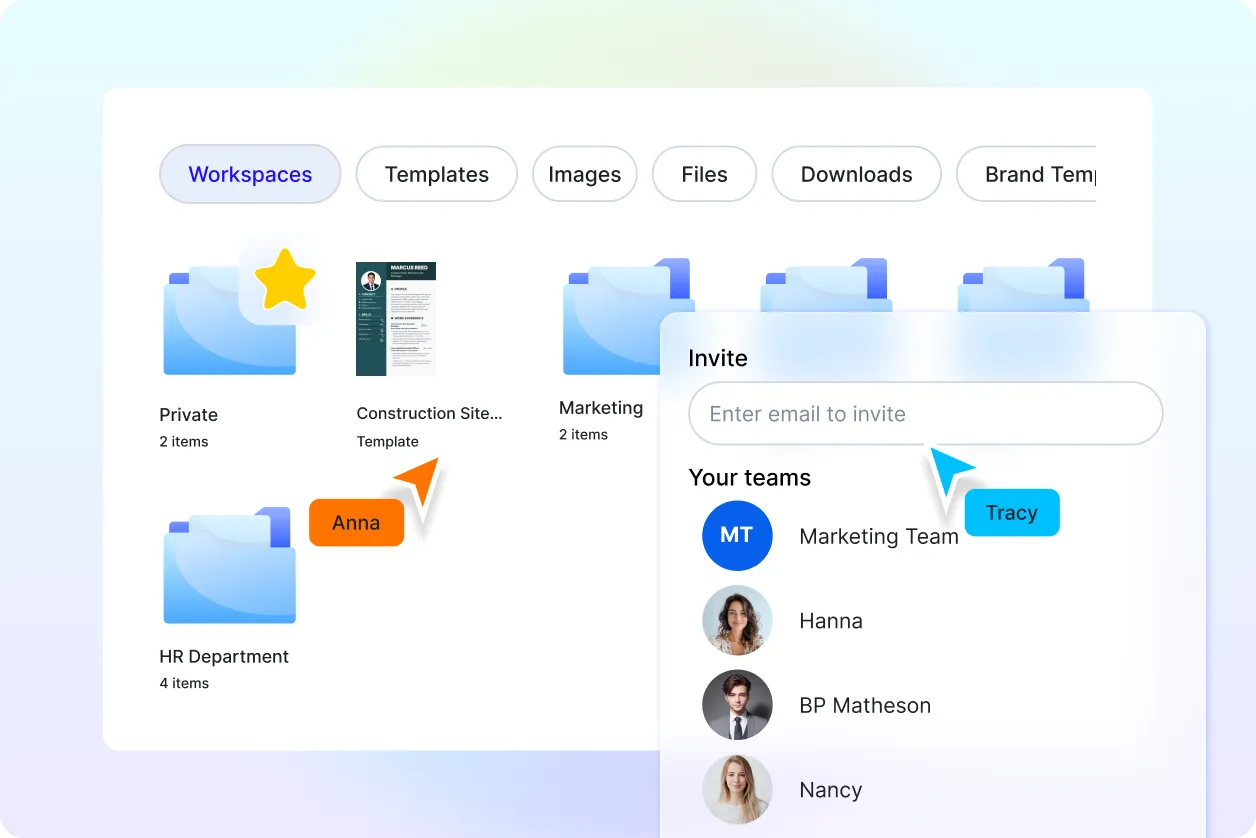
Store converted Word documents securely in the cloud, organize projects into folders, and quickly access files whenever you need them.
Collaborate on Converted Documents
Share editable Word files with teammates, clients, educators, or collaborators to review, comment, revise, and finalize documents together in real time.
Connect with More PDF Tools
Continue your workflow by using AI PDF Editor for document updates, AI PDF Summarizer to create concise summaries, AI PDF Translator for multilingual documents, AI Word Generator for new content creation, and AI Merge PDF to combine related files efficiently.
Download and Share Anywhere
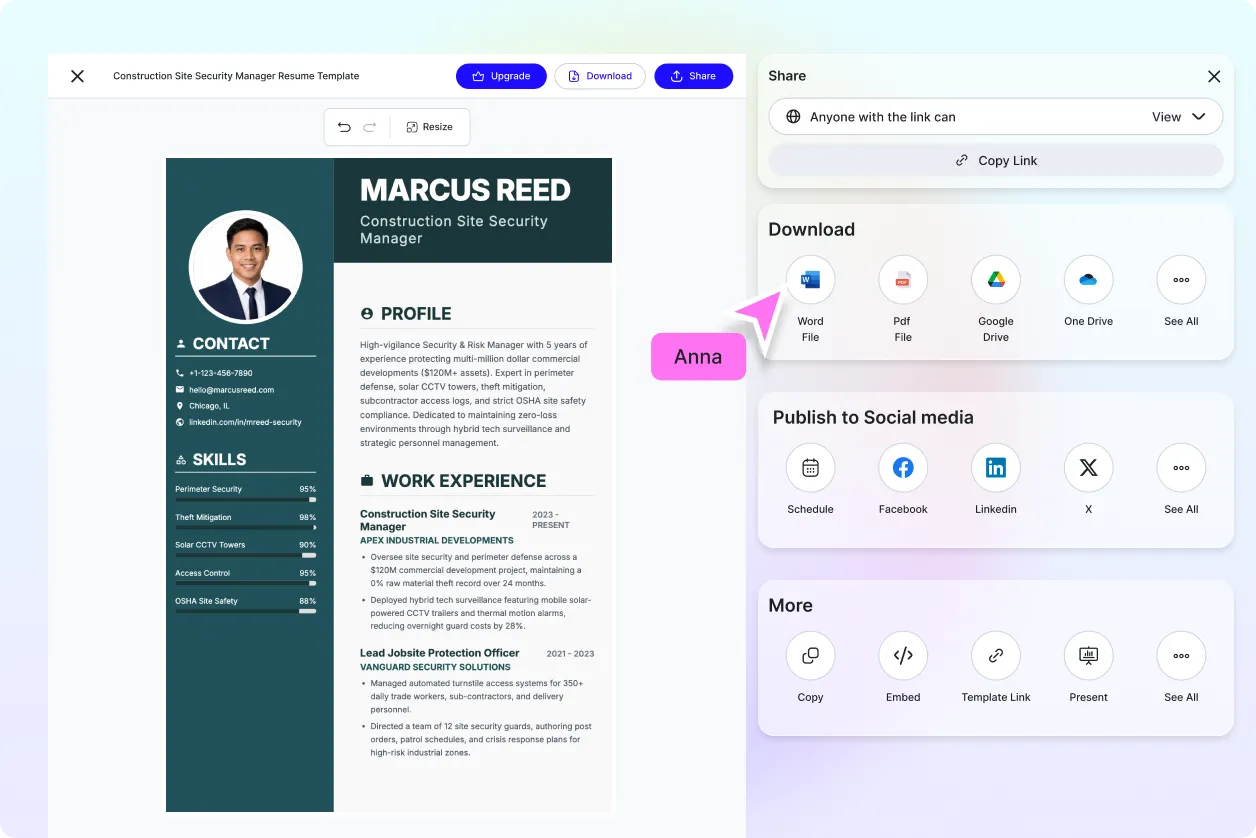
Download converted files in DOC or DOCX format or share them instantly through Email, LinkedIn, WhatsApp, Facebook, X (Twitter), or generate a live link for seamless collaboration.
Fast AI Conversion Engine
Convert PDFs into editable Word documents within seconds, helping students, professionals, businesses, educators, and teams save time while improving productivity and document editing efficiency.
How to Convert PDF to Word Using AI
Convert standard or scanned PDF documents into editable Word files with a simple workflow.
Step 1: Upload Your PDF File
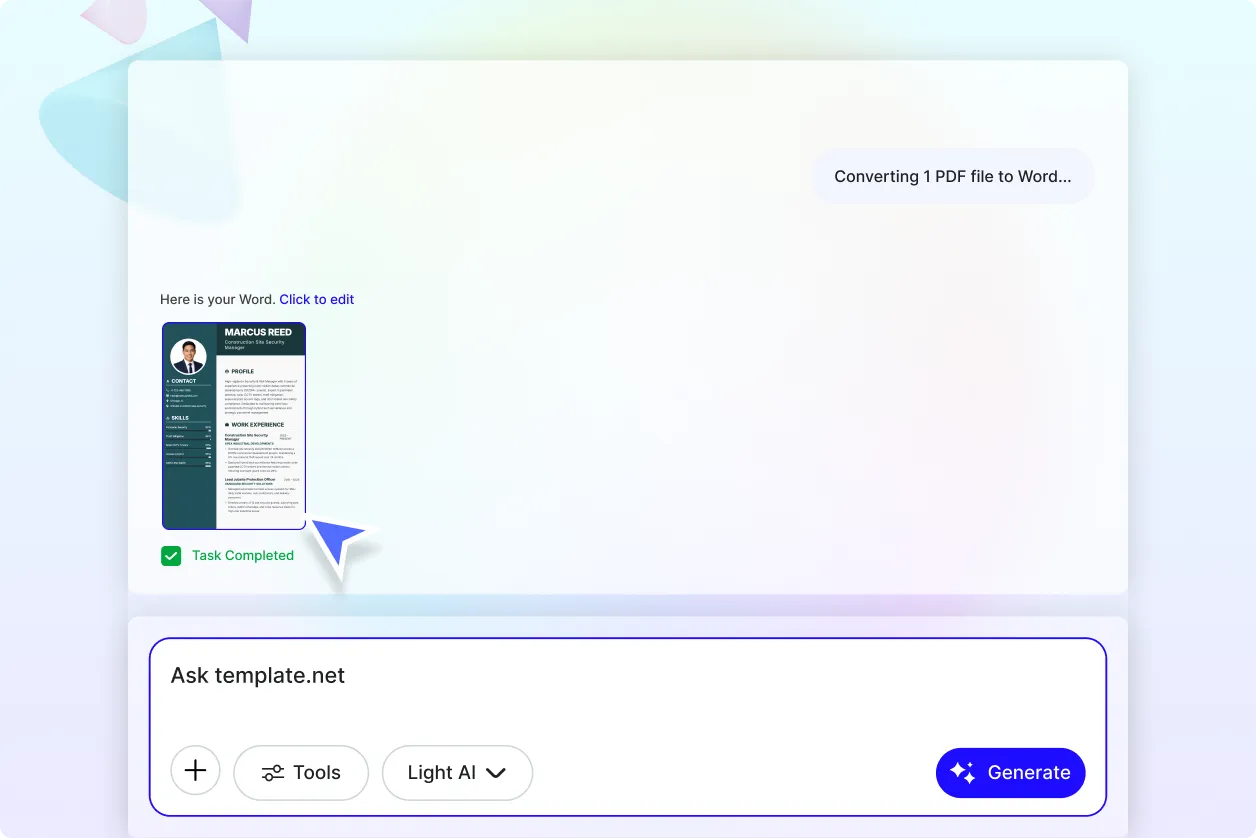
Upload your PDF document or enter a prompt describing how you want the file converted, such as preserving formatting, extracting tables, recognizing scanned text, or creating an editable DOCX file. AI automatically analyzes your document and prepares it for conversion.
Step 2: Review and Customize the Converted Word Document
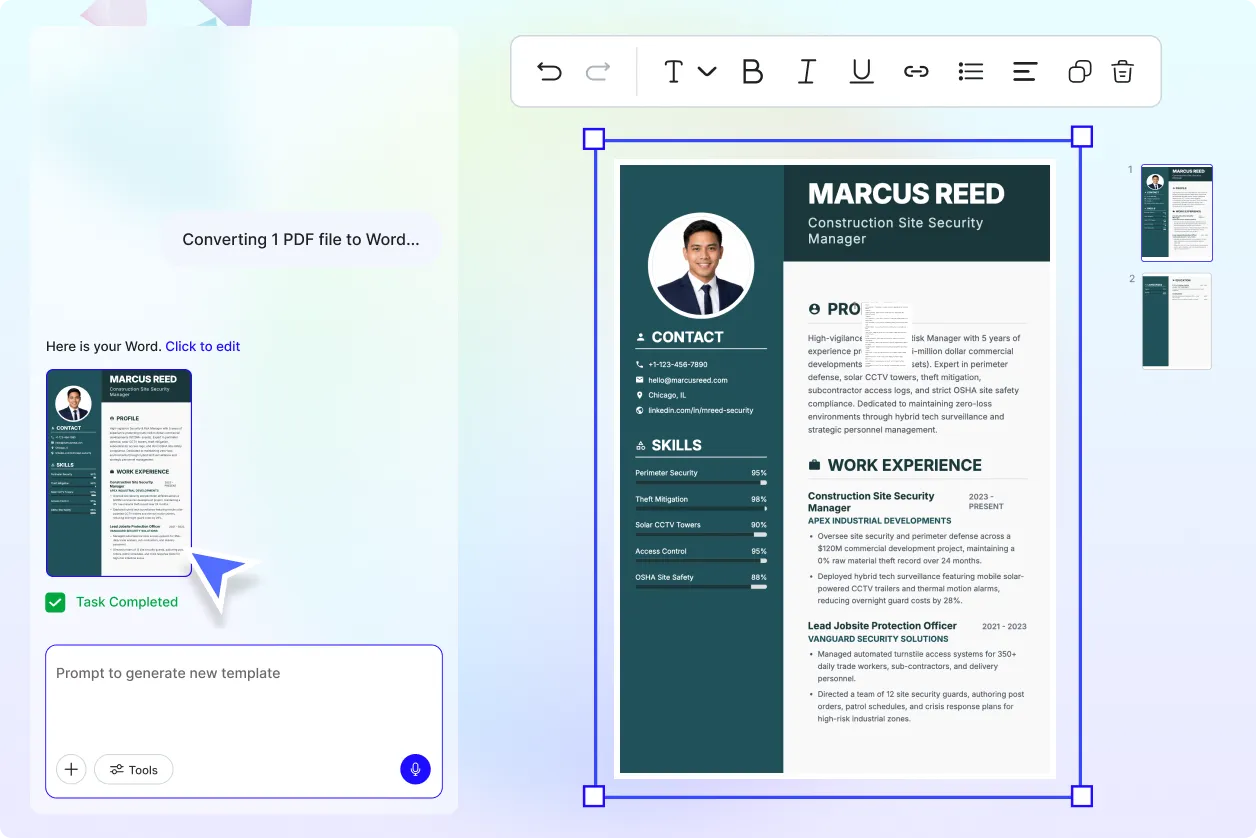
Preview the converted Word file, verify text accuracy, edit paragraphs, adjust formatting, reorganize tables, or refine content as needed. Continue improving your document using the AI Document Editor, AI Writer, or AI PDF Editor for a polished final result.
Step 3: Download and Share
Download your converted document in DOC or DOCX format, or instantly share it through Email, LinkedIn, WhatsApp, Facebook, X (Twitter), or a live link for faster collaboration and document management.
Turn PDFs into Fully Editable Word Documents Without Recreating Content
Convert Every PDF into an Editable Document
Transform business reports, contracts, invoices, resumes, research papers, forms, manuals, proposals, and presentations into editable Word documents while preserving the original structure, formatting, tables, and images. AI minimizes manual corrections so you can start editing immediately.
Work with Scanned PDFs Using Intelligent OCR
Convert scanned documents, printed forms, archived records, and image-based PDFs into searchable and editable Word files using AI-powered OCR technology. Extract text accurately while maintaining the organization of the original document for faster editing and document reuse.
Build a Smarter PDF Productivity Workflow
Go beyond simple file conversion by combining AI Convert PDF to Word with AI PDF Summarizer for quick document insights, AI PDF Translator for multilingual content, AI Merge PDF for organizing multiple files, AI Split PDF for separating pages, AI PDF Editor for modifications, and AI Document Generator for creating new content from converted files.
Edit, Collaborate, and Share with Confidence
After conversion, continue refining your Word documents, collaborate with teammates, update business records, prepare academic submissions, or finalize legal documents with confidence. Download editable DOC or DOCX files or share them instantly across your preferred collaboration platforms while maintaining professional document quality.
