
Free AI PDF to Fillable Editor
Convert Static PDFs into Fillable Documents with AI PDF to Fillable Editor
Template.net’s AI PDF to Fillable Editor helps you transform static PDF documents into interactive fillable PDFs while keeping everything securely downloadable only in PDF format. Upload a single PDF file, detect form fields, annotate pages, manage signatures, rotate pages using the R key, preview results, and download the finalized document.
Create Fillable PDF Forms from Existing Documents
Everything you need to prepare fillable PDF documents that are clear, organized, and ready for input.
PDF to Fillable Conversion
Convert static PDF files into fillable PDF documents.
Single PDF File Upload
Upload one PDF document per session for accurate processing.
Fast Form Preparation
Generate fillable PDFs quickly without manual recreation.
AI Assisted Form Detection
Identify input areas and form fields within PDF documents.
Form Layout Preservation
Maintain original document structure and spacing.
PDF Annotation Support
Add comments, highlights, and notes to fillable PDFs.
Signature Management
Insert and manage digital signatures within the document.
Form Field Detection
Detects and retains form fields for text entry and selection.
Password Protected PDF Support
Open and manage PDFs that already include password protection.
Page Rotation Control
Rotate pages using the R key for better viewing orientation.
PDF Preview Mode
Preview the fillable document before downloading.
PDF Only Download Option
Download the final output strictly in PDF format.
Clear Content Rendering
Ensure text and fields appear clean and readable.
Organized Form Structure
Present form fields in a logical and user friendly layout.
Browser Based Editor
Convert and manage PDF files directly online.
Secure File Processing
Handle documents in a protected and reliable environment.
Print Ready PDF Output
Create fillable PDFs suitable for printing and records.
Time Saving Workflow
Reduce manual form creation with automated detection.
Application Form Support
Prepare forms for registrations, requests, and submissions.
Academic Form Use
Create fillable PDFs for educational and administrative needs.
Business Documentation Ready
Use fillable PDFs for professional and organizational tasks.
Consistent Field Formatting
Maintain uniform input fields throughout the document.
Reusable Conversion Process
Convert PDF files repeatedly without complex setup.
Well Structured Fillable PDF Output
Generate dependable and organized fillable PDFs every time.
How to Convert PDF to Fillable Using AI PDF to Fillable Editor
Convert static PDF files into fillable documents in three simple and reliable steps. The process ensures accuracy, usability, and secure output.
Step 1: Upload PDF File
Upload a single PDF document from your device. The editor supports standard PDFs commonly used for forms, agreements, and records.
Step 2: Detect and Review Fields
The editor identifies form fields and prepares the document for input. You can annotate pages, manage signatures, rotate pages using the R key, and preview the document to confirm everything is positioned correctly.
Step 3: Download Fillable PDF
Download the finalized document exclusively in PDF format. The fillable PDF is ready for sharing, completion, printing, or archiving.
Work Efficiently with Fillable PDF Documents
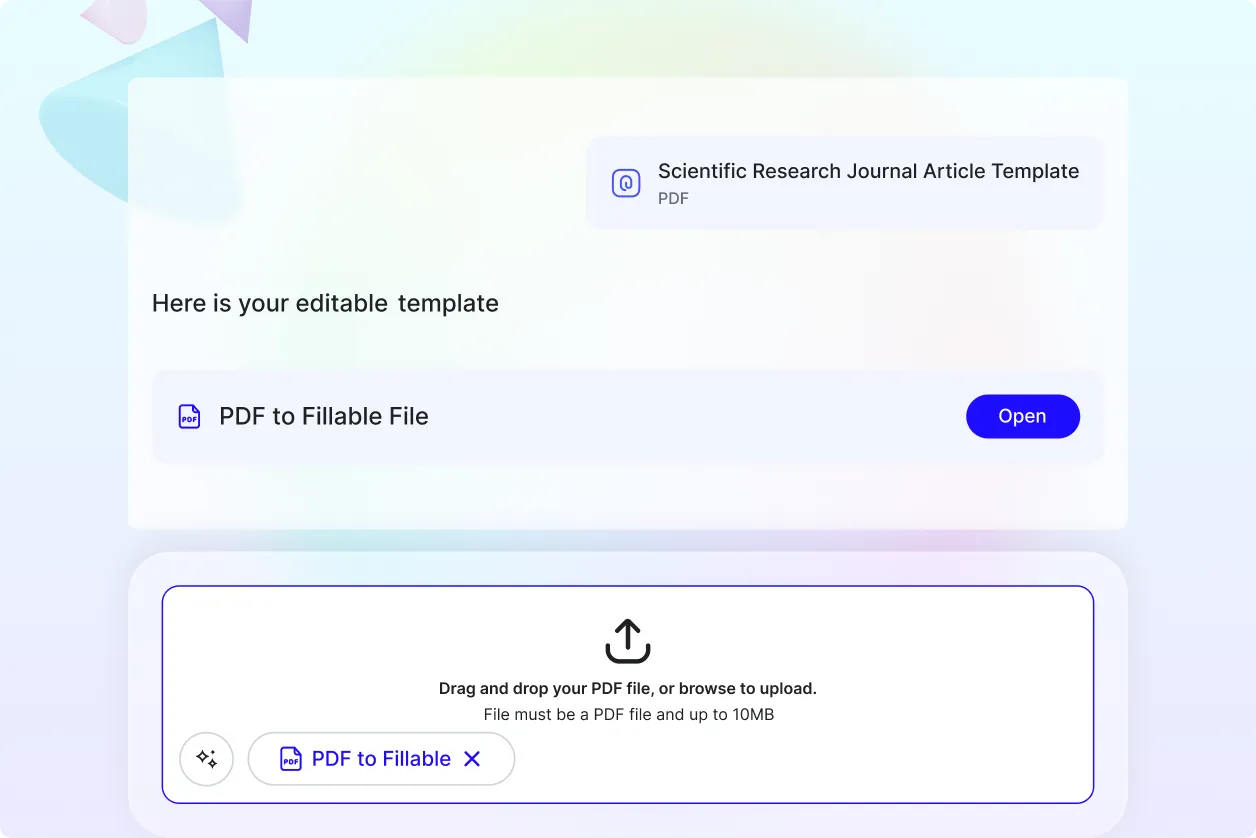
Prepare Forms with Confidence
Transform static PDFs into fillable documents that simplify data entry and reduce paperwork.
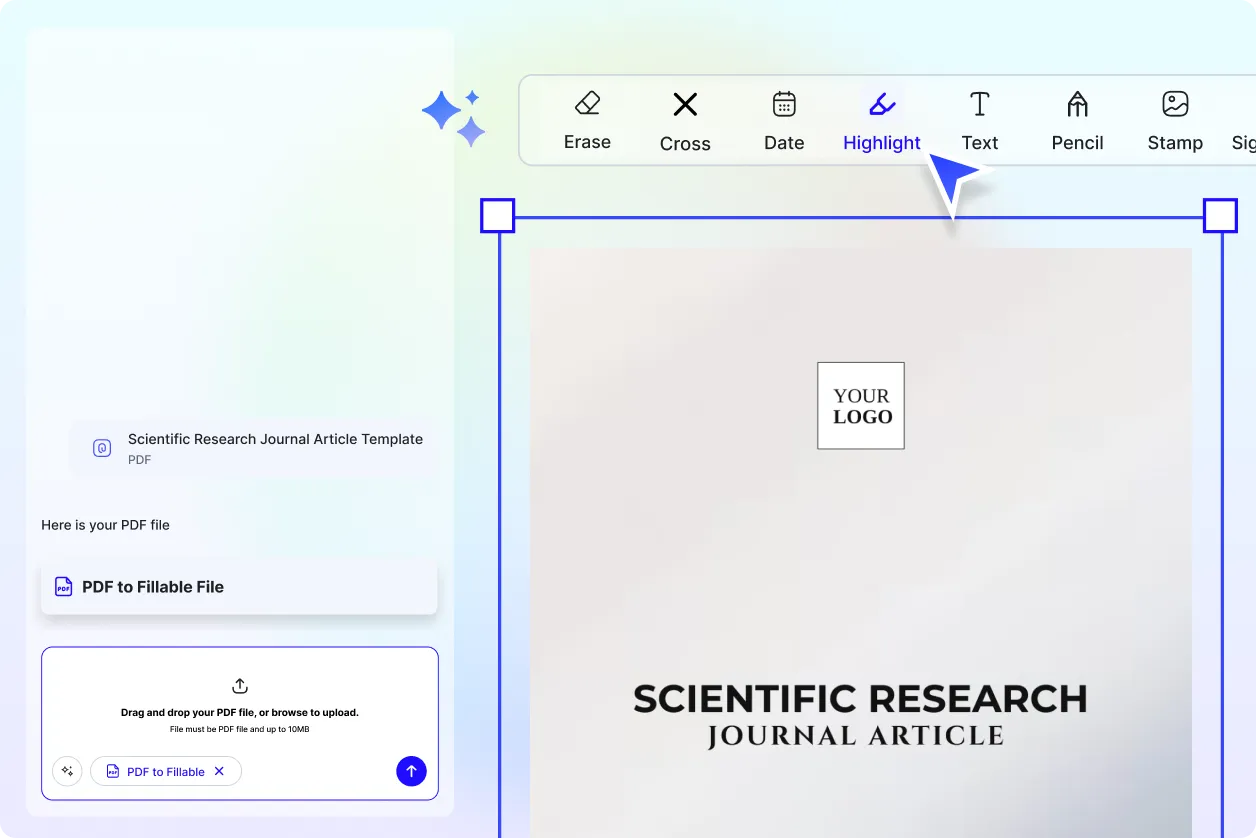
Review and Approve with Ease
Add notes, highlights, and signatures directly to the PDF to support approvals and collaboration.
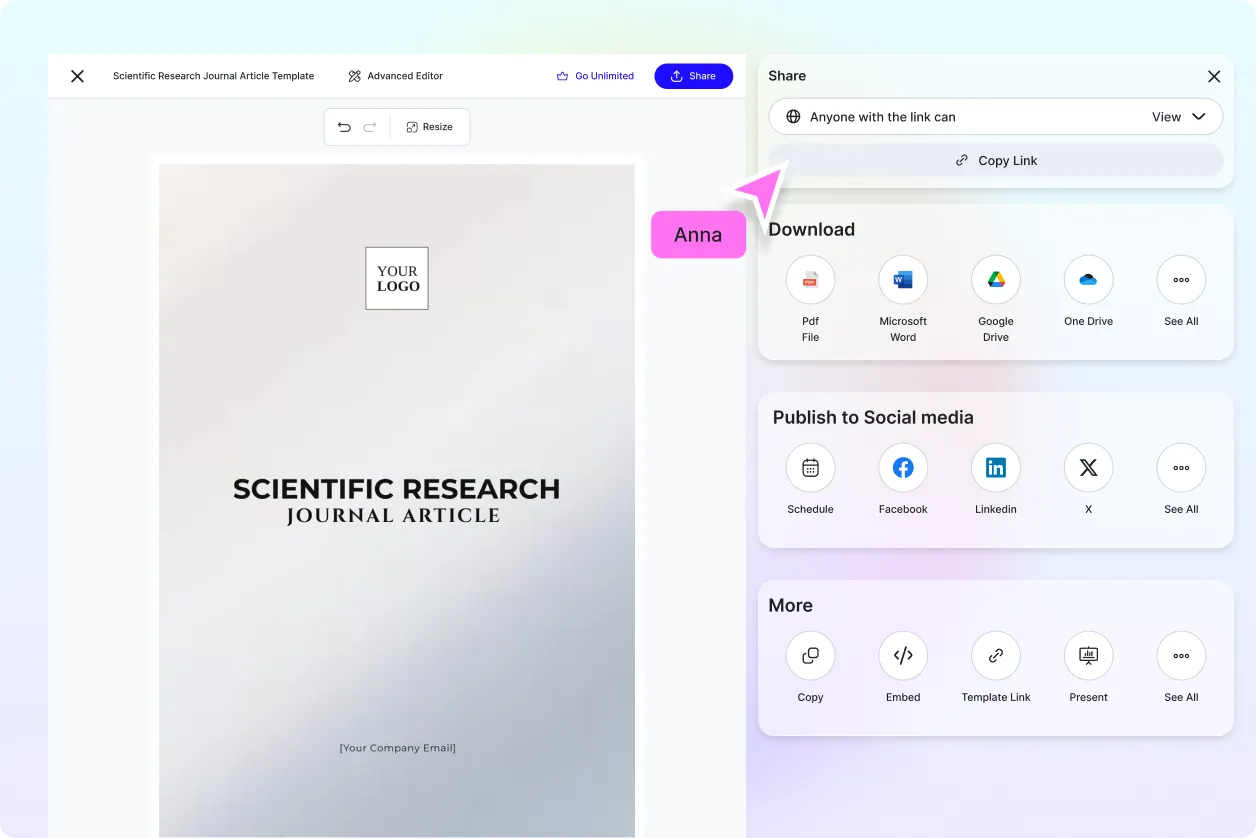
Share Ready to Use Forms
Distribute fillable PDFs for applications, onboarding, surveys, and internal processes.
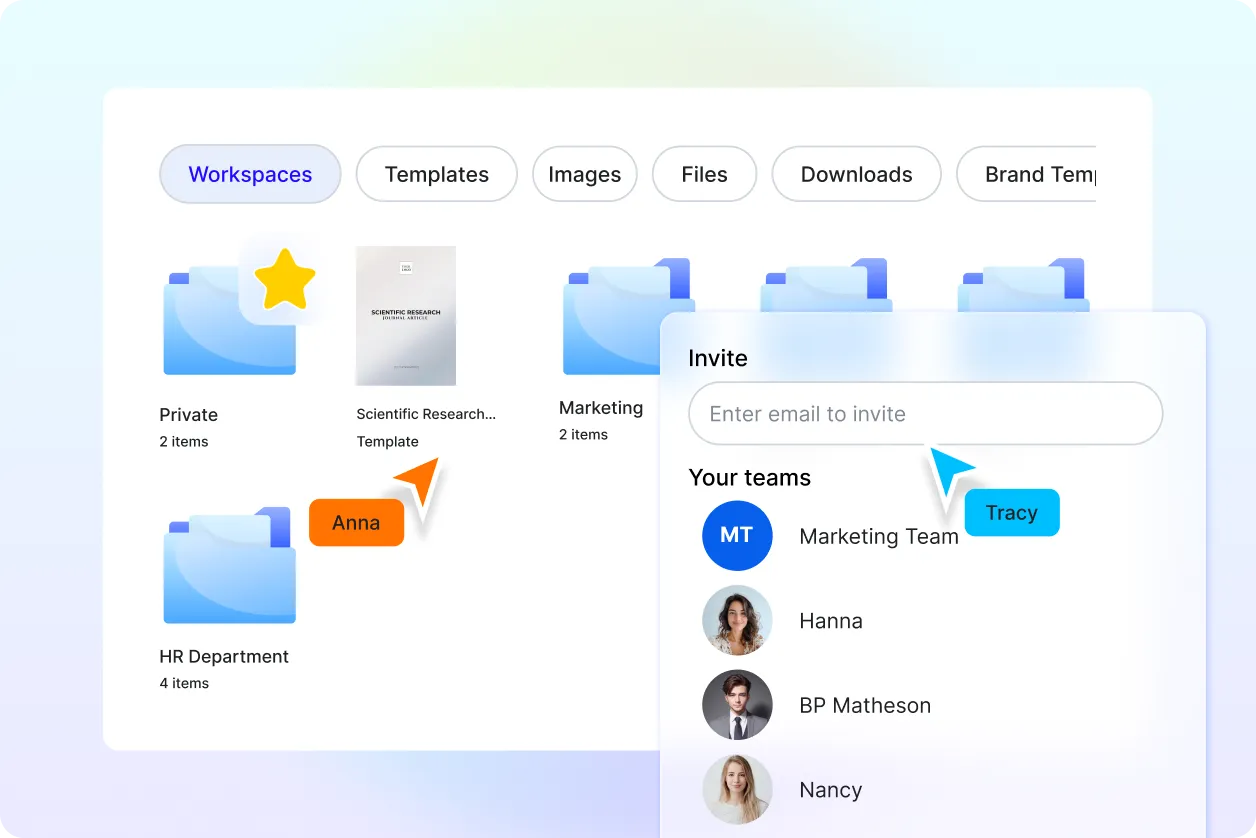
Reliable for Form Based Workflows
Ideal for businesses, educators, administrators, and teams managing structured documents.
