Free AI PDF Page Remover

Remove Unnecessary Pages with AI PDF Page Remover
Template.net’s AI PDF Page Remover helps you clean up PDF documents by deleting unwanted or extra pages while preserving the original layout and structure of the remaining content. Upload a single PDF file, select pages to remove, preview the updated document, annotate if needed, manage signatures, rotate pages using the R key, and download the final version exclusively as a PDF. This tool is ideal for contracts, reports, presentations, scanned documents, academic materials, and business records that need quick page cleanup.
How to Remove Pages from PDF
Remove unwanted PDF pages in three simple and reliable steps. The process ensures your final document remains clean, secure, and professionally formatted.
Step 1: Upload PDF File
Upload a single PDF document from your device. The tool supports standard PDFs, including password-protected files if they already contain a password.
Step 2: Select and Edit Pages
Choose the pages you want to remove from the document. The editor maintains layout consistency and formatting. You can annotate content, manage signatures, detect form fields, rotate pages using the R key, and preview the document to verify changes.
Step 3: Download Updated PDF
Download the finalized file exclusively in PDF format. The cleaned document is ready for sharing, printing, or secure storage.
Work Efficiently with AI Powered PDF Page Removal
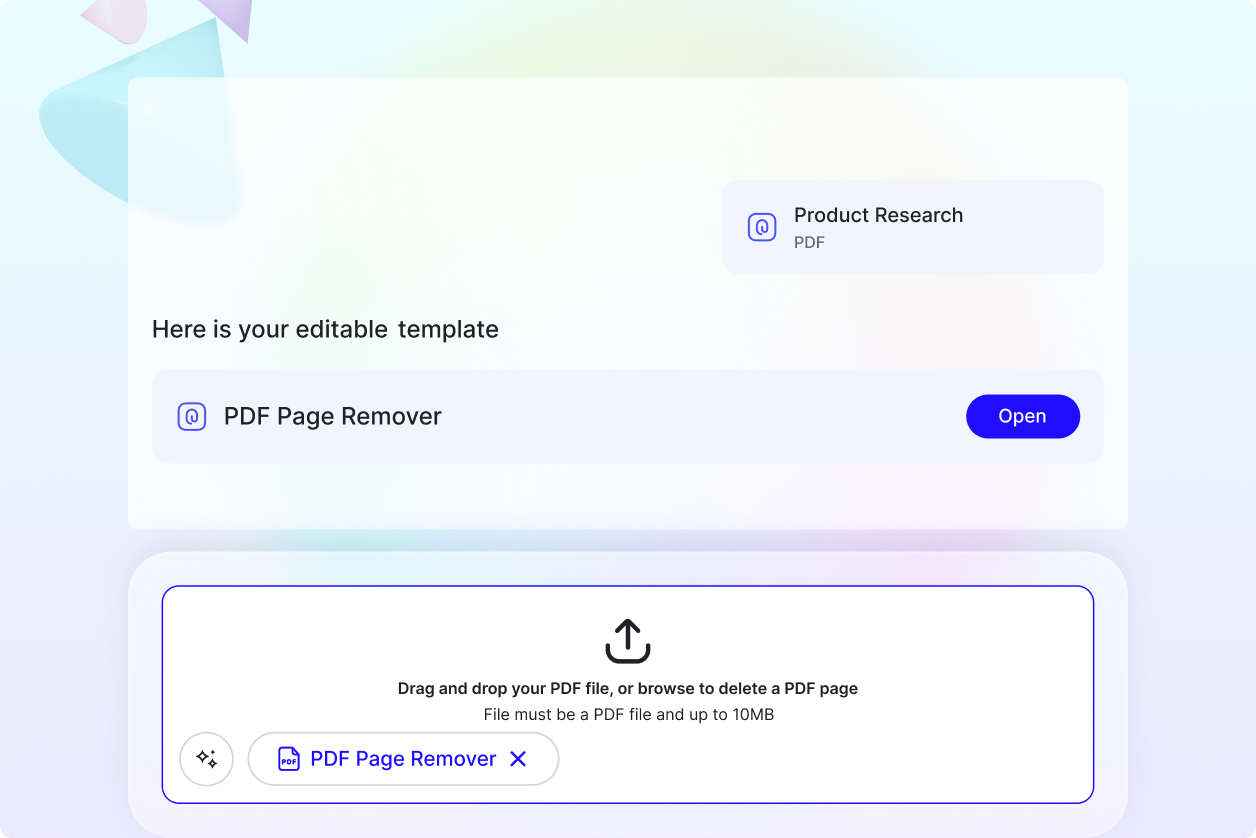
Simplify Large Documents Quickly
Remove unnecessary or duplicate pages from lengthy PDF files to improve readability and reduce file clutter. This helps keep documents concise and easier to manage.
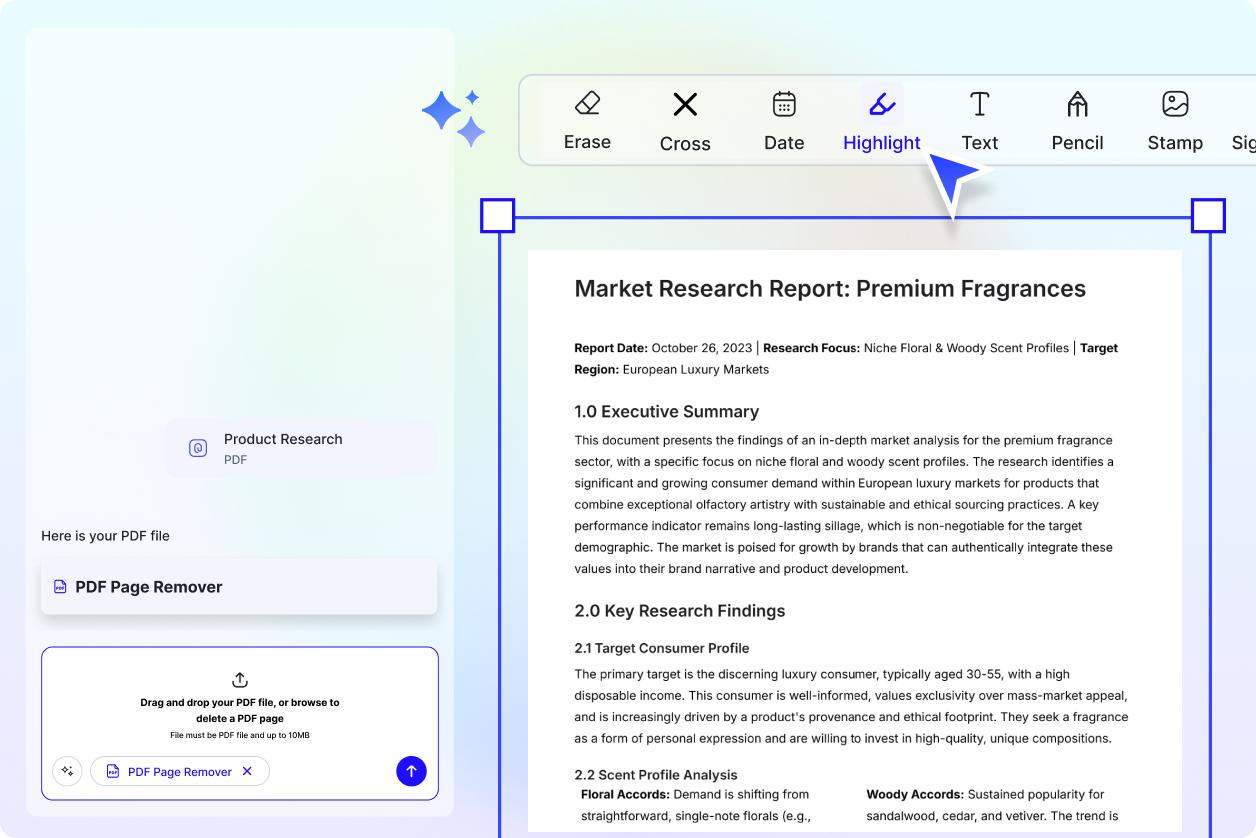
Edit, Review, and Sign After Page Removal
Once unwanted pages are deleted, you can annotate, highlight important sections, and manage digital signatures directly within the updated PDF.
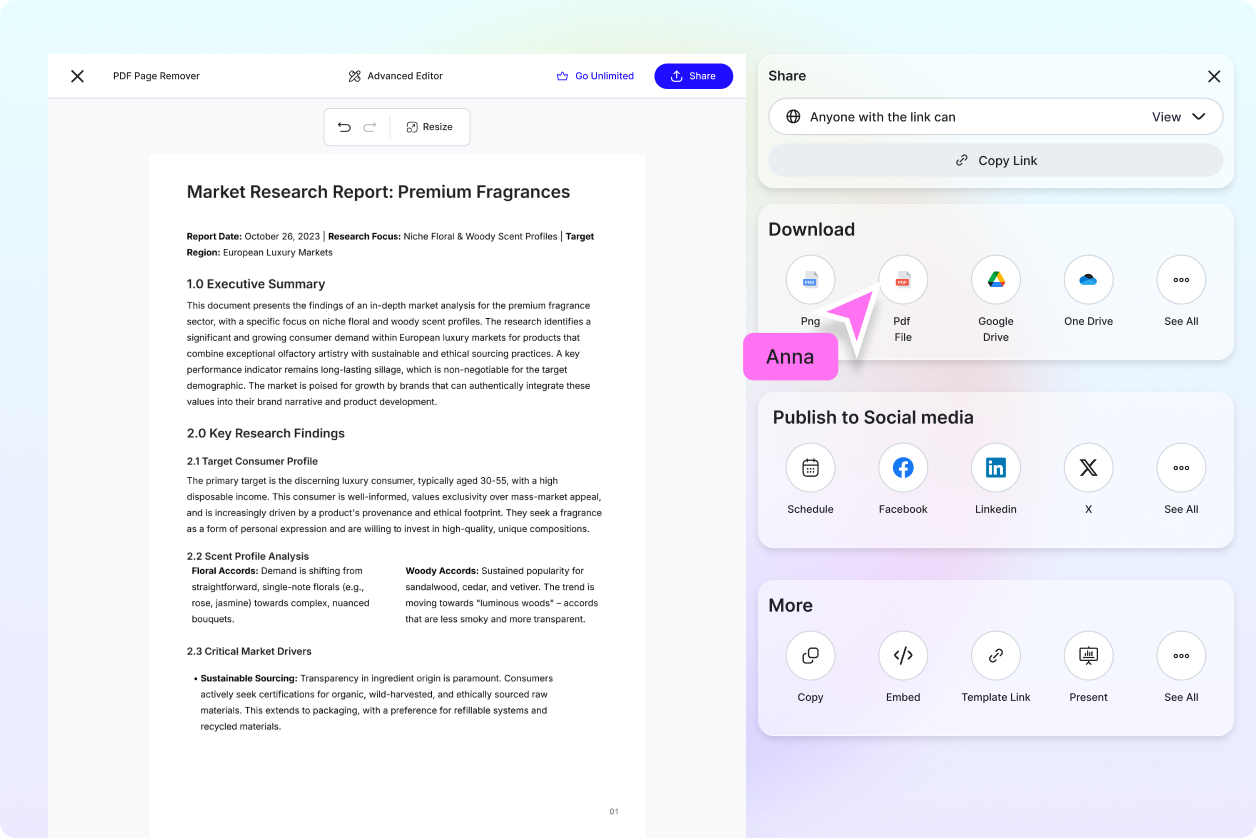
Share Only Relevant Content
By removing extra pages, you ensure that clients, colleagues, or stakeholders receive only the necessary information without confusion.
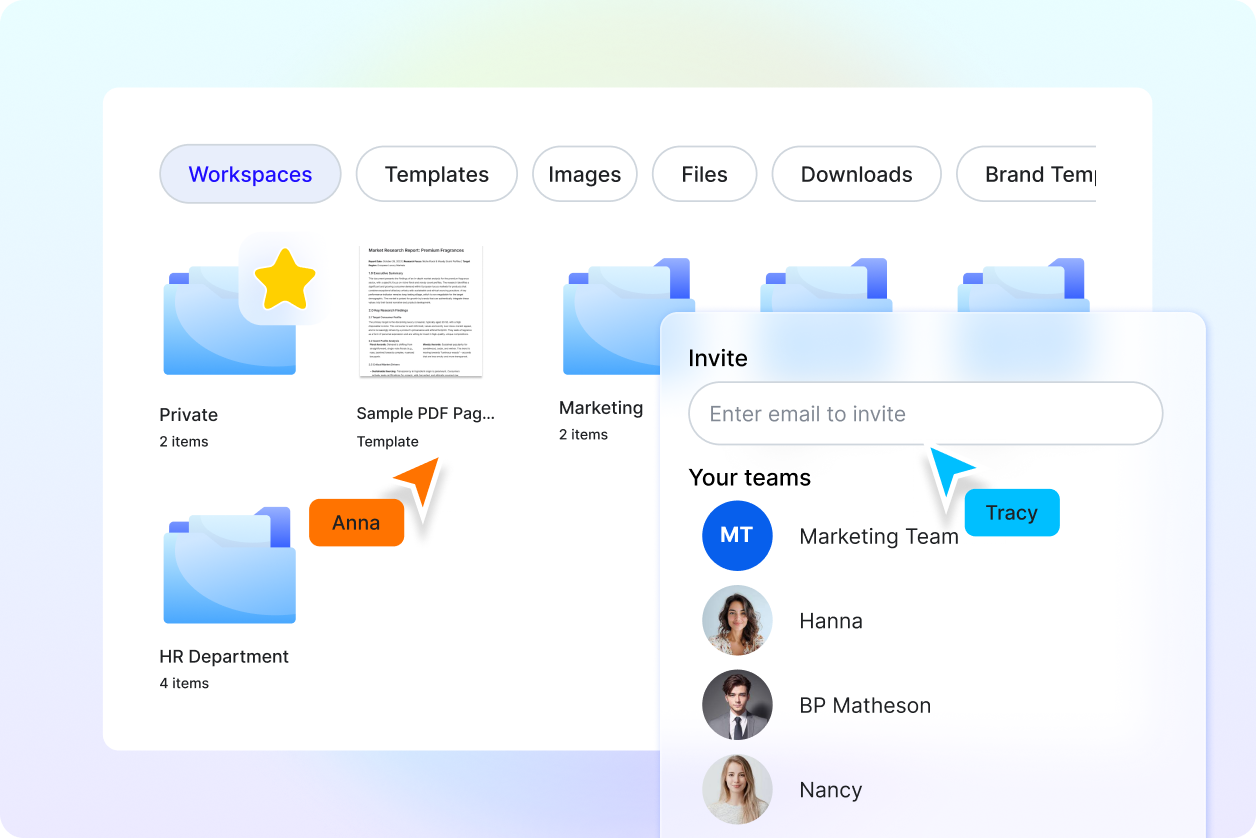
Reliable for Professional and Academic Use
Ideal for legal professionals, educators, administrators, and business teams who regularly handle multi-page documents and require structured, organized PDFs.
