Free AI Merge PDF Editor

Merge PDF Files, Edit Online with AI Powered Merge PDF Editor
Our AI Merge PDF Editor helps you combine multiple files into one unified PDF document quickly and efficiently. Upload PDFs, images, DOCX, or PPT files and merge them into a single structured PDF. After merging, you can annotate pages, detect form fields, add signatures, rotate pages using keyboard controls, and download the final file in PDF format. This tool is designed for professionals, teams, and individuals who need simple and reliable PDF merging without unnecessary complexity.
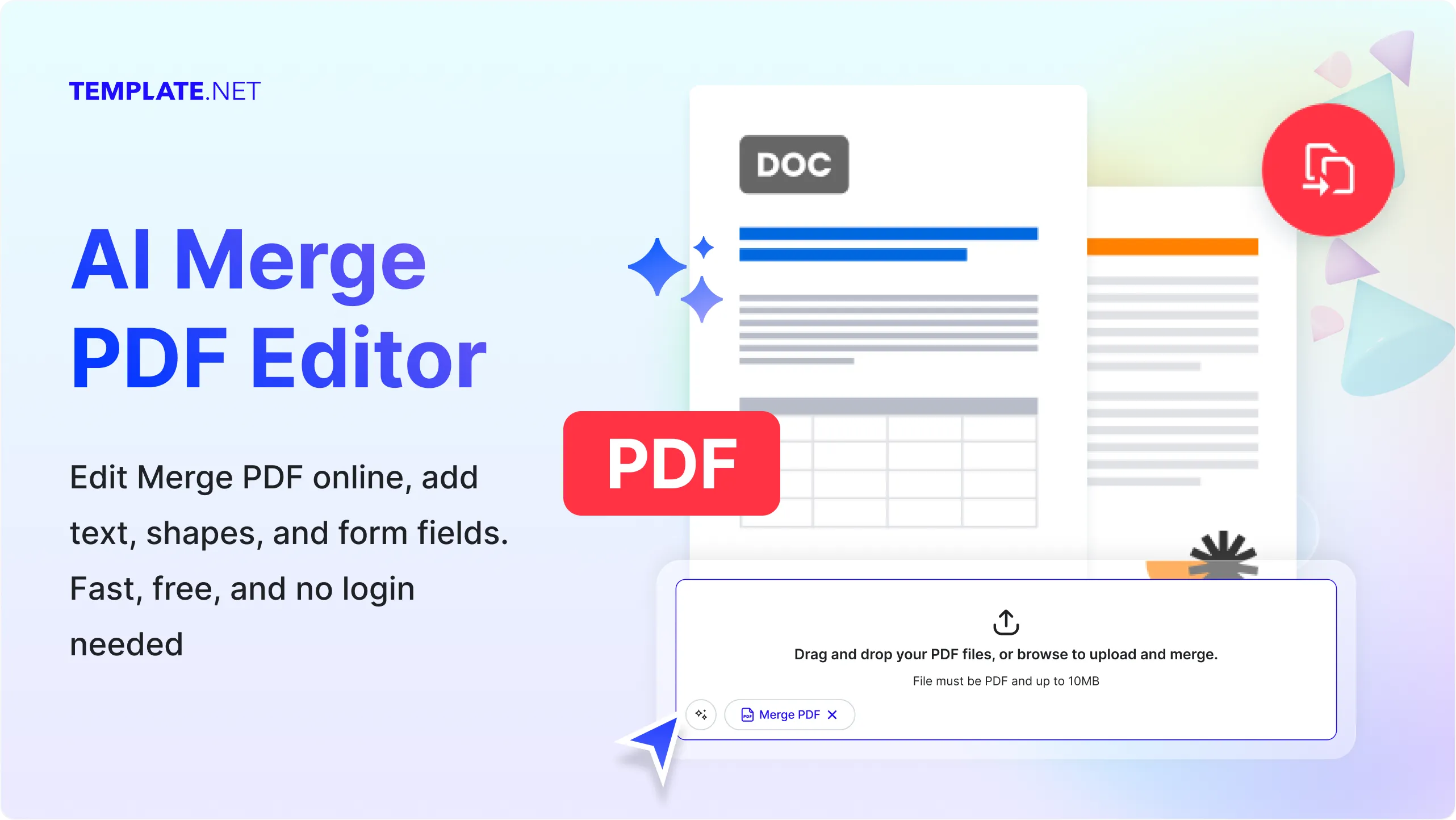
Create Accurate, Clean Merged PDFs For Free
Everything you need to combine multiple documents into one professional PDF and manage it online with ease.
Merge Multiple PDF Files
Combine two or more PDF files into one organized document.
Multi File Upload Support
Multi File Upload Support
Unified PDF Output
Creates a single merged PDF with consistent page flow.
Page Order Control
Arrange uploaded files in the desired order before merging.
Annotation Support
Add comments, highlights, and notes to the merged PDF.
Form Field Detection
Detect existing form fields within merged documents after conversion.
Signature Management
Add and manage digital signatures across merged PDF pages.
Password Protected PDF Handling
Work with password protected PDFs if the original files already contain passwords.
Page Rotation Using R Key
Rotate individual pages manually using the R key for proper orientation.
PDF Only Download Option
Download the final merged document exclusively in PDF format.
Multi Page Management
Manage merged pages smoothly across large documents.
Browser Based Editor
Merge and edit PDFs directly online without installing software.
Fast Merge Processing
Processes multiple files quickly with minimal waiting time.
Business Document Ready
Ideal for contracts, reports, proposals, invoices, and presentations.
Clean Page Rendering
Maintains readable text and layout consistency after merging.
Basic AI Assisted Structuring
Ensures merged pages follow a logical and readable structure.
File Compatibility Support
Works with commonly used document formats during upload.
Page Level Review
Review each merged page before downloading the final PDF.
Content Integrity Preservation
Ensures original document content remains unchanged.
Secure File Processing
Files are processed securely within the editor environment.
Professional Workflow Friendly
Designed for everyday office and documentation tasks.
Accurate Signature Placement
Place signatures precisely across merged PDF pages.
Manual Orientation Control
Rotate pages manually without automatic orientation changes.
Free and No Account Required
Use the AI Merge PDF Editor without sign up or payment.
How to Use the AI Merge PDF Editor
Just upload files or speak a command, customize the order, and export your final merged document in minutes no formatting or technical skills needed.
Step 1: Upload Files
Upload multiple PDF or document files you want to merge into one PDF.
Step 2: Arrange and Edit
Reorder files, merge them, add annotations, manage signatures, or rotate pages.
Step 3: Download PDF
Download your final merged document securely in PDF format.
Work Smarter with AI Merge PDF Editor
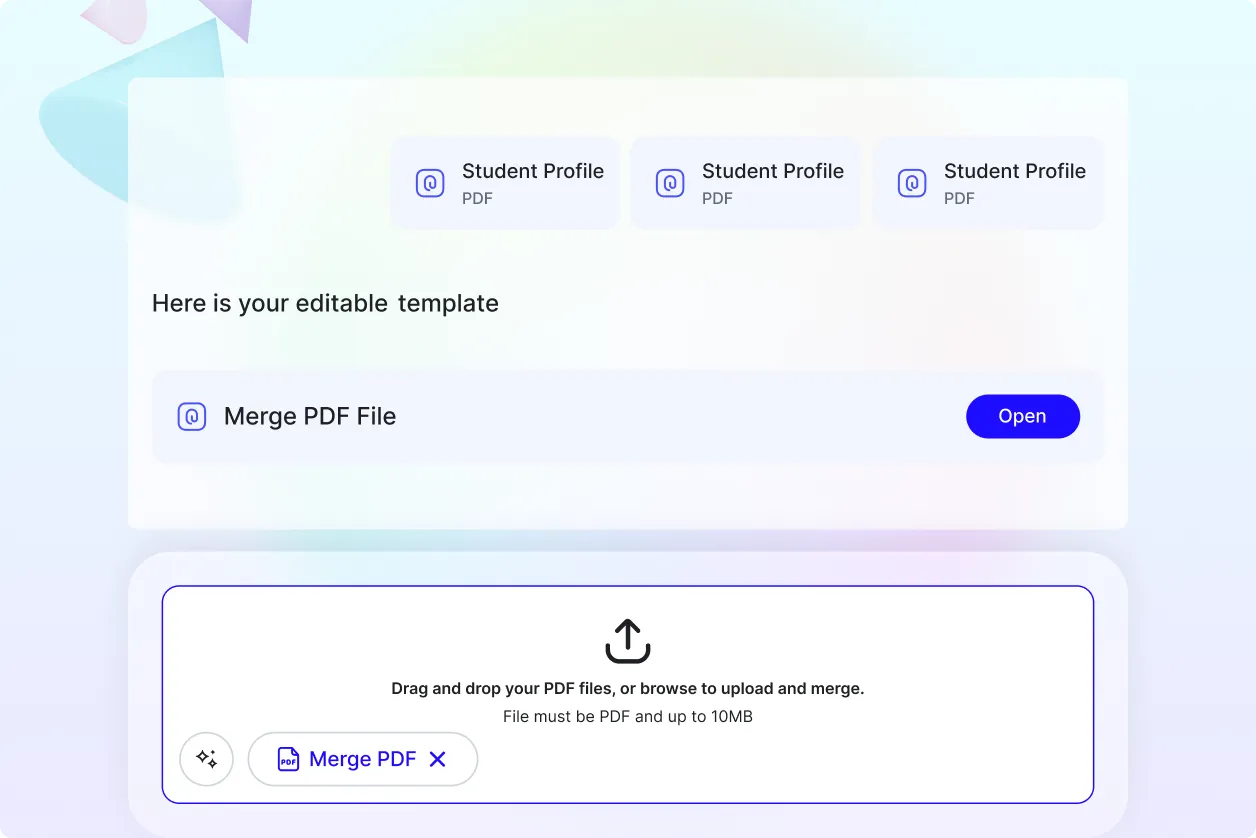
Combine Documents Effortlessly
Merge multiple files into one clean and professional PDF in minutes.
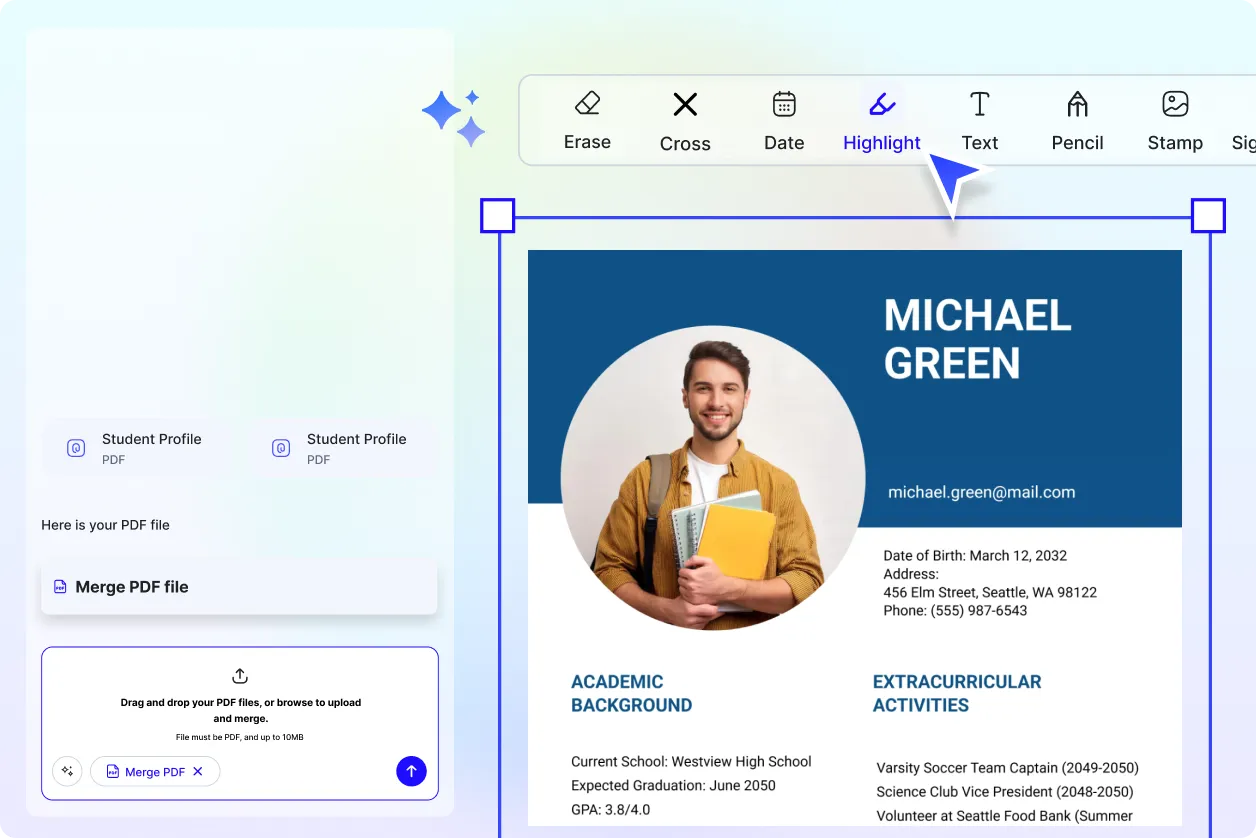
Edit After Merging
Annotate, sign, and review your merged PDF without switching tools.
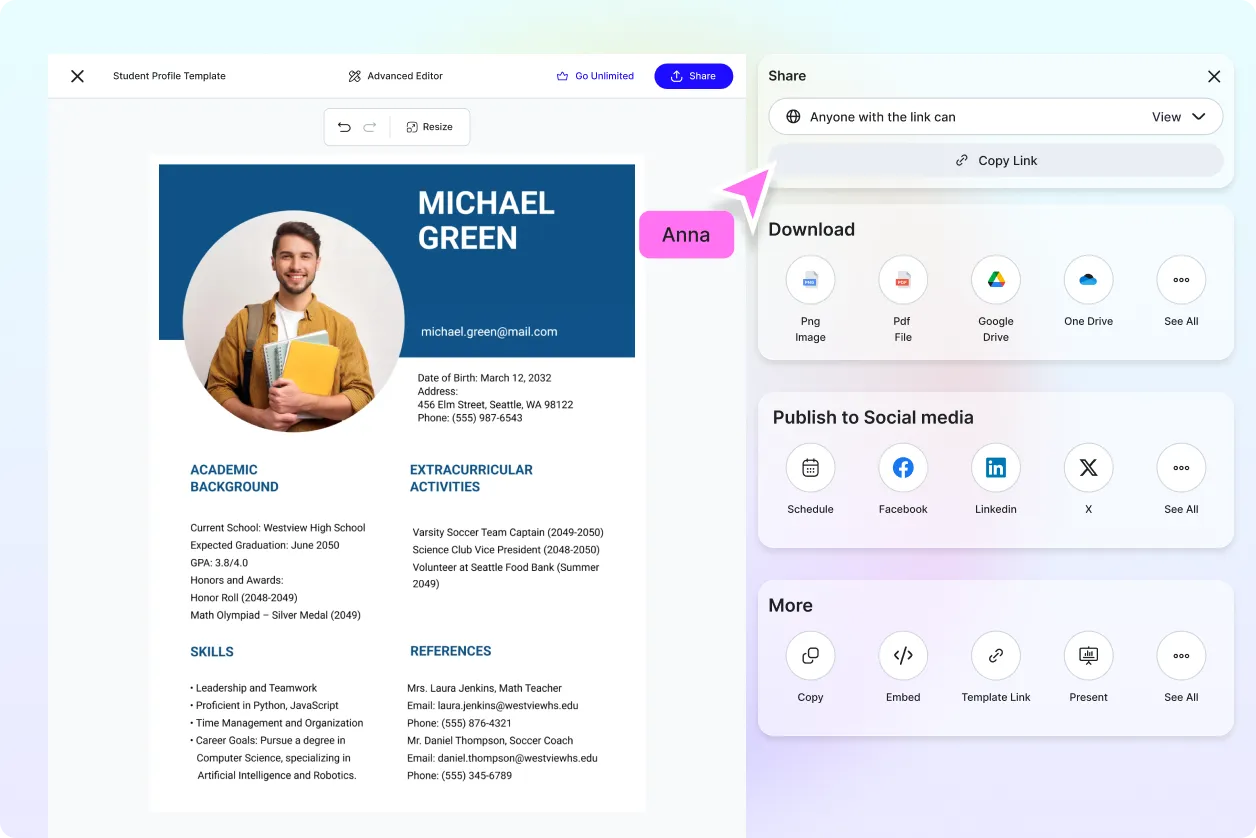
Reuse and Manage Files Easily
Create reusable merged PDFs for recurring business needs.
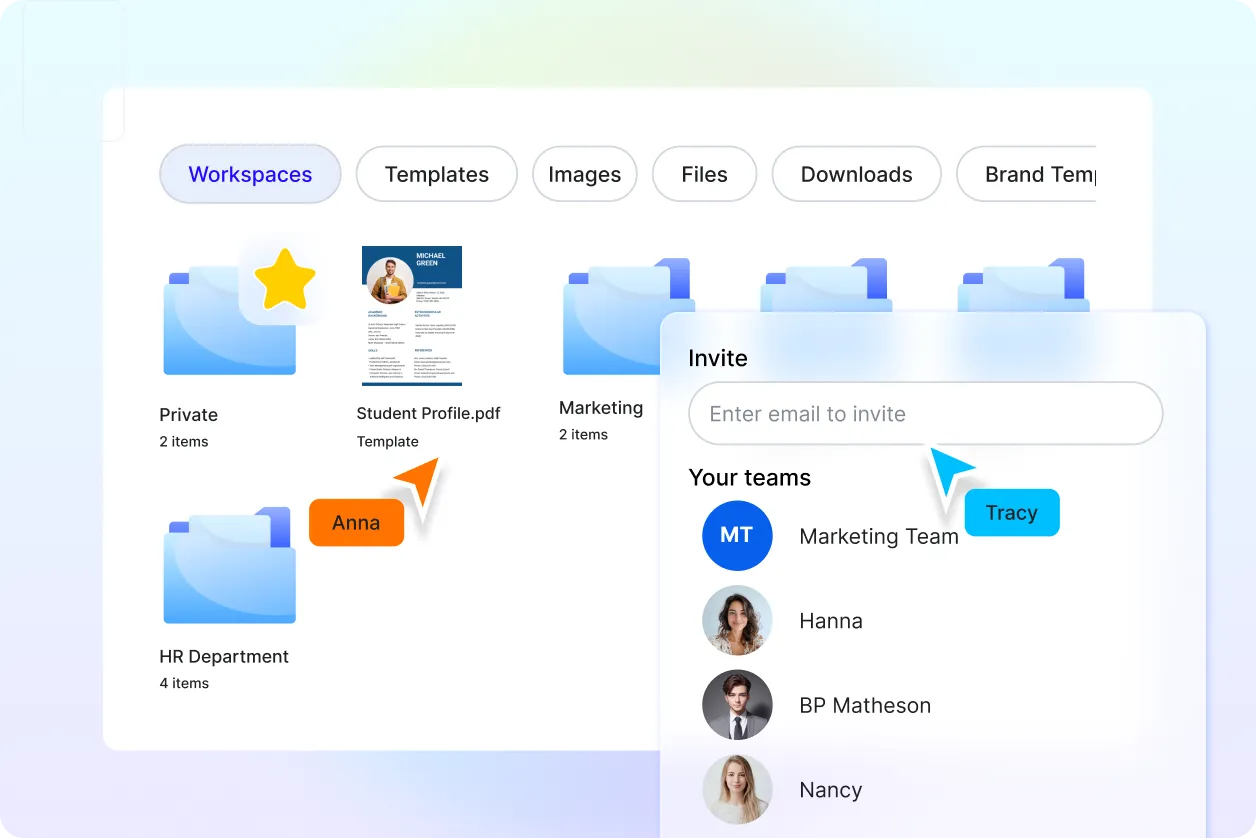
Secure and Reliable Output
Download merged PDFs confidently with preserved content accuracy.
