Free AI Convert PDF to JPEG

Convert PDF Pages into High-Quality JPEG Images with AI
Template.net's Free AI Convert PDF to JPEG tool helps you transform standard or scanned PDF documents into crisp, high-resolution JPEG images within seconds. Simply upload your PDF or describe your conversion preferences using a prompt, and AI automatically converts complete documents or selected pages while preserving layouts, images, graphics, charts, and visual quality. Whether you're converting reports, brochures, presentations, certificates, invoices, manuals, catalogs, or educational documents, AI generates professional JPEG files that are ready for presentations, printing, websites, social media, or digital archives. Continue enhancing converted images using the AI Image Enhancer, edit documents with AI PDF Editor, or manage additional conversions using the AI PDF Converter for a complete document workflow.
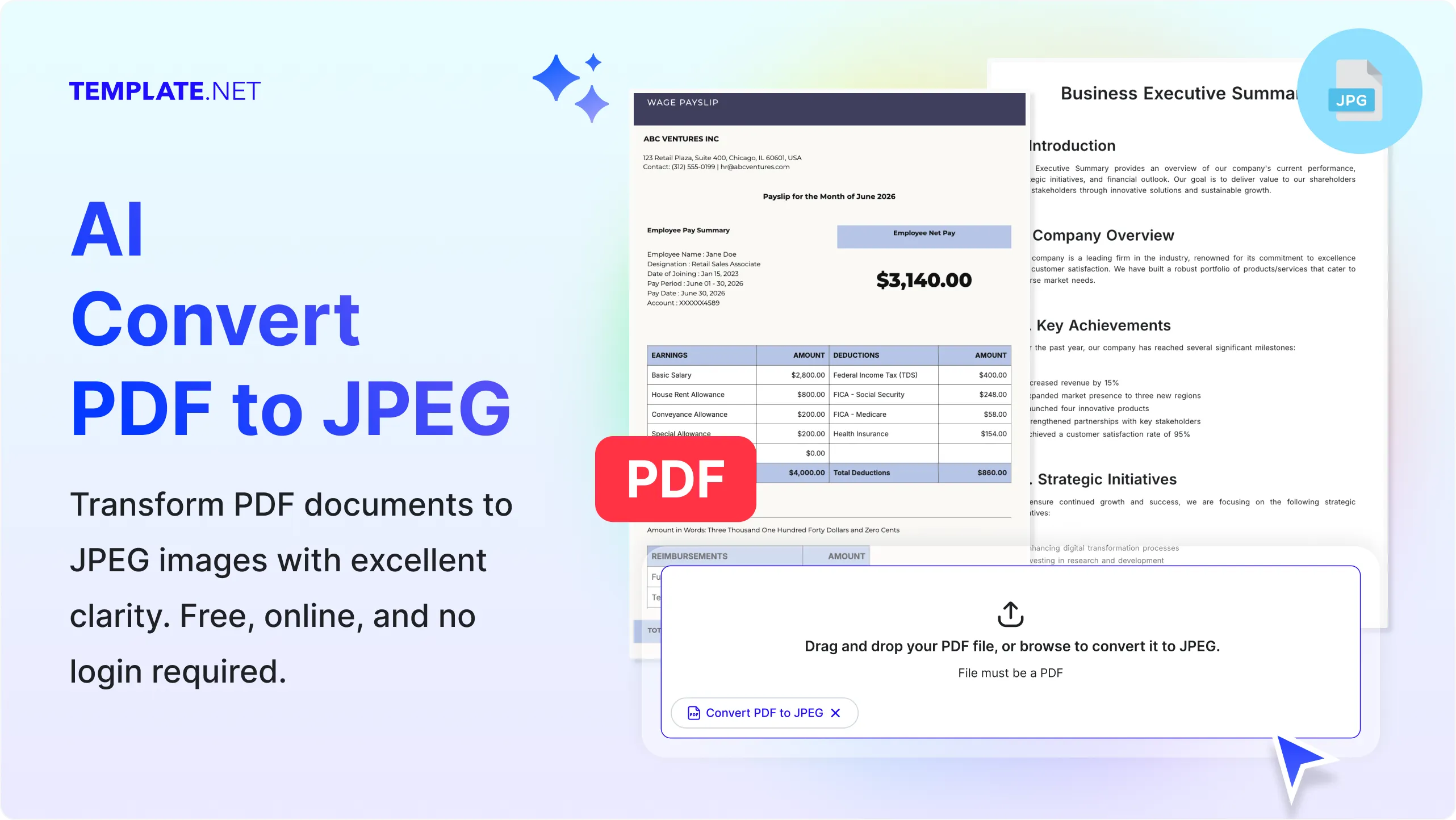
Convert PDF Documents into JPEG Images with AI
Everything you need to convert PDF pages into clear, high-resolution JPEG images while preserving visual quality, layouts, and document appearance.
AI-Powered PDF to JPEG Conversion
Upload a PDF or enter a prompt describing your conversion requirements, and AI automatically transforms standard or scanned PDF files into high-quality JPEG images while maintaining page clarity, layouts, graphics, and document structure.
Prompt-Based Image Conversion
Describe which pages to convert, specify image quality preferences, or request individual page exports, and AI intelligently generates JPEG images based on your instructions.
Upload PDF Files for Instant Processing
Upload reports, brochures, presentations, invoices, manuals, forms, research papers, catalogs, certificates, or business documents and instantly convert them into JPEG image files.
Smart Page Recognition
AI analyzes page layouts, illustrations, charts, text blocks, graphics, and visual elements to produce organized JPEG images that closely match the original PDF pages.
Preserve Original Page Quality
Maintain fonts, spacing, images, diagrams, colors, page layouts, and visual formatting to create professional-quality JPEG outputs suitable for digital and print use.
High-Resolution JPEG Output
Generate sharp, high-quality JPEG images that retain document clarity for presentations, websites, marketing materials, printing, and online sharing.
Convert Individual or Multiple Pages
Convert an entire PDF into separate JPEG images or choose specific pages to create only the images you need, helping organize large PDF documents more efficiently.
Support for Scanned PDFs
Convert scanned PDFs and image-based documents into clear JPEG images while preserving page readability and visual content for digital archiving and sharing.
Optimize Images After Conversion
Continue enhancing converted JPEG files using AI Image Enhancer or edit source documents with AI PDF Editor before exporting improved image versions.
Supports Various PDF Document Types
Convert contracts, reports, presentations, brochures, catalogs, manuals, certificates, forms, invoices, resumes, research papers, educational materials, and marketing documents into JPEG images.
Multilingual Support
Convert PDF documents created in 20+ multiple languages including English, Spanish, French, German, Italian, Portuguese, Hindi, Chinese, Japanese, Korean, Arabic, Turkish, Vietnamese, Thai, Malay, Polish, Swedish, Dutch, Indonesian, and more while preserving page appearance.
Maintain Professional Visual Layouts
Preserve document hierarchy, page alignment, illustrations, tables, logos, icons, and design elements to create polished JPEG images suitable for professional use.
Generate Ready-to-Use JPEG Images
Create JPEG files that are immediately ready for presentations, websites, email attachments, digital publishing, documentation, online portfolios, or social media sharing.
Manage Converted Image Files
Store converted JPEG images securely in the cloud, organize them into folders, and quickly access previous conversion projects whenever needed.
Collaborate Using Image Files
Share converted JPEG images with teammates, designers, educators, clients, or collaborators for faster reviews, presentations, approvals, and visual communication.
Integrate with More AI PDF Tools
Continue your workflow with AI PDF Converter for additional file formats, AI PDF Editor for document updates, AI Merge PDF to combine documents, AI Split PDF to separate pages, AI PDF Translator for multilingual documents, AI Image Enhancer for image improvements, and AI OCR PDF for text extraction.
Download and Share Anywhere
Download converted JPEG images individually or as multiple image files, then share them instantly through Email, LinkedIn, WhatsApp, Facebook, X (Twitter), or a live link for seamless collaboration.
Fast AI Image Conversion Engine
Convert PDF pages into JPEG images within seconds, helping businesses, educators, designers, marketers, students, and professionals simplify document sharing and improve productivity.
How to Convert PDF to JPEG Using AI
Convert standard or scanned PDF documents into high-quality JPEG images using a simple upload and prompt-based workflow.
Step 1: Upload Your PDF or Enter a Conversion Prompt
Upload your PDF document or enter a prompt describing your conversion preferences, such as selecting specific pages, improving image quality, or exporting every page as a separate JPEG. AI automatically analyzes your document and prepares it for image conversion.
Step 2: Review and Customize the Converted Images
Preview your converted JPEG images, verify page quality, adjust image selection if needed, or continue refining documents using AI PDF Editor, AI Image Enhancer, or AI PDF Converter before finalizing your output.
Step 3: Download and Share
Download your converted JPEG images individually or as multiple image files, then instantly share them through Email, LinkedIn, WhatsApp, Facebook, X (Twitter), or a live link for presentations, websites, marketing, or collaboration.
Turn PDF Pages into High-Quality JPEG Images for Every Project
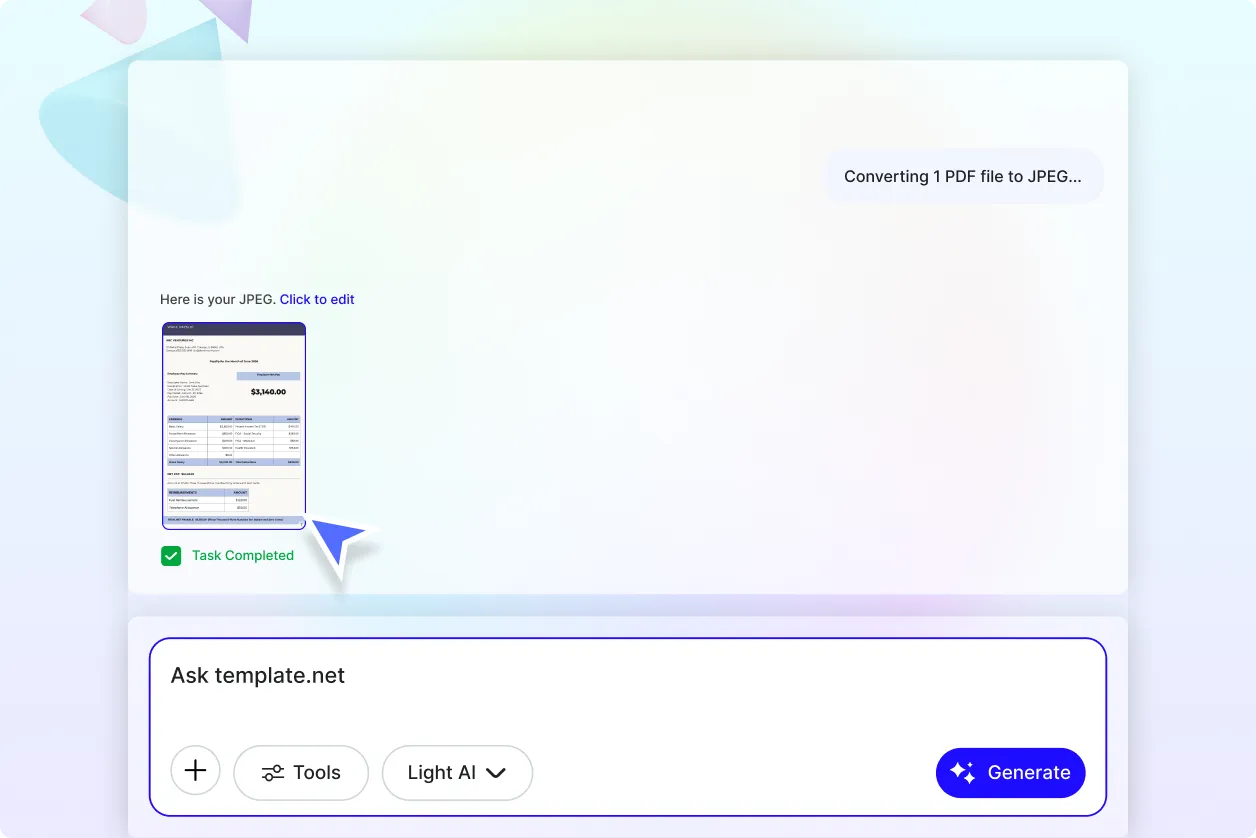
Create Shareable Images from Any PDF Document
Convert reports, presentations, brochures, certificates, catalogs, manuals, forms, invoices, and educational documents into professional JPEG images that are easy to share, publish, print, or include in digital content while preserving visual quality.
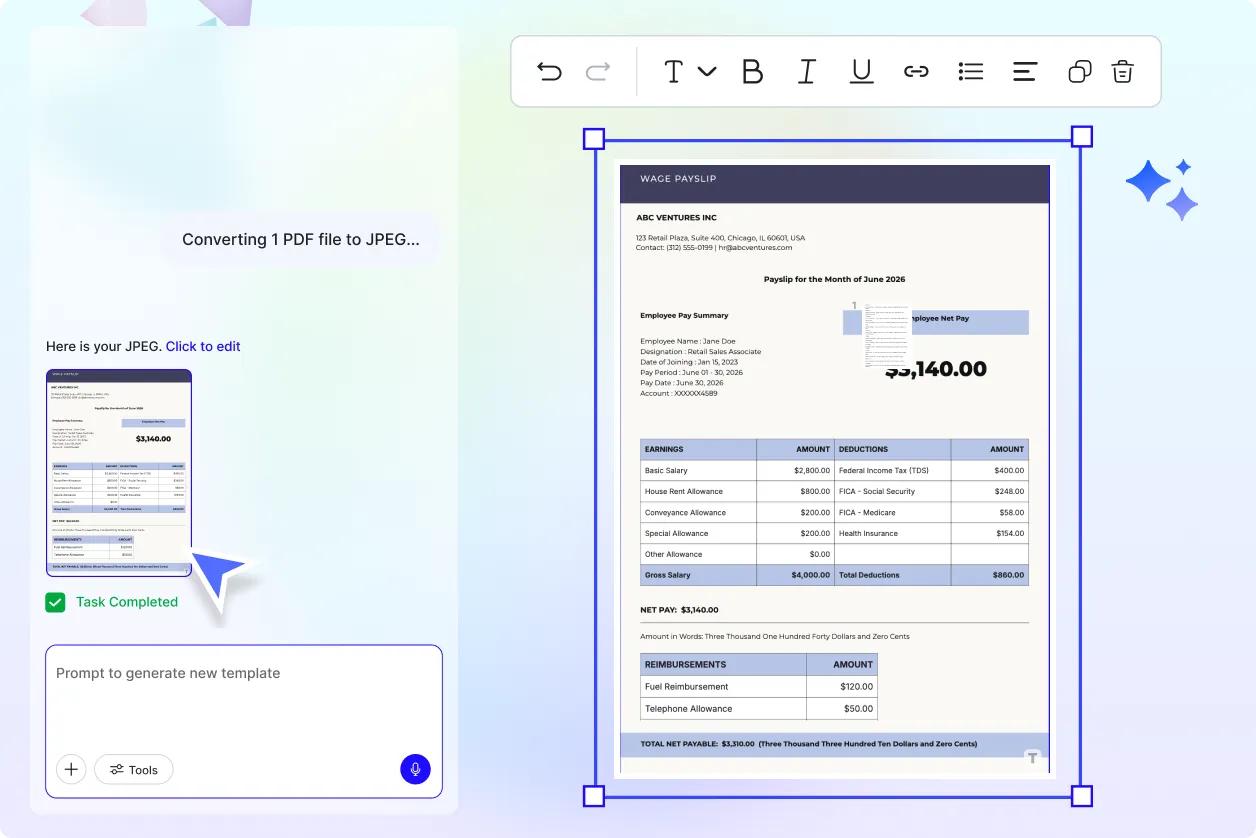
Convert Multi-Page PDFs with Greater Flexibility
Export every page as an individual JPEG image or select only the pages you need for presentations, product documentation, portfolios, marketing campaigns, training materials, or client deliverables without recreating content manually.
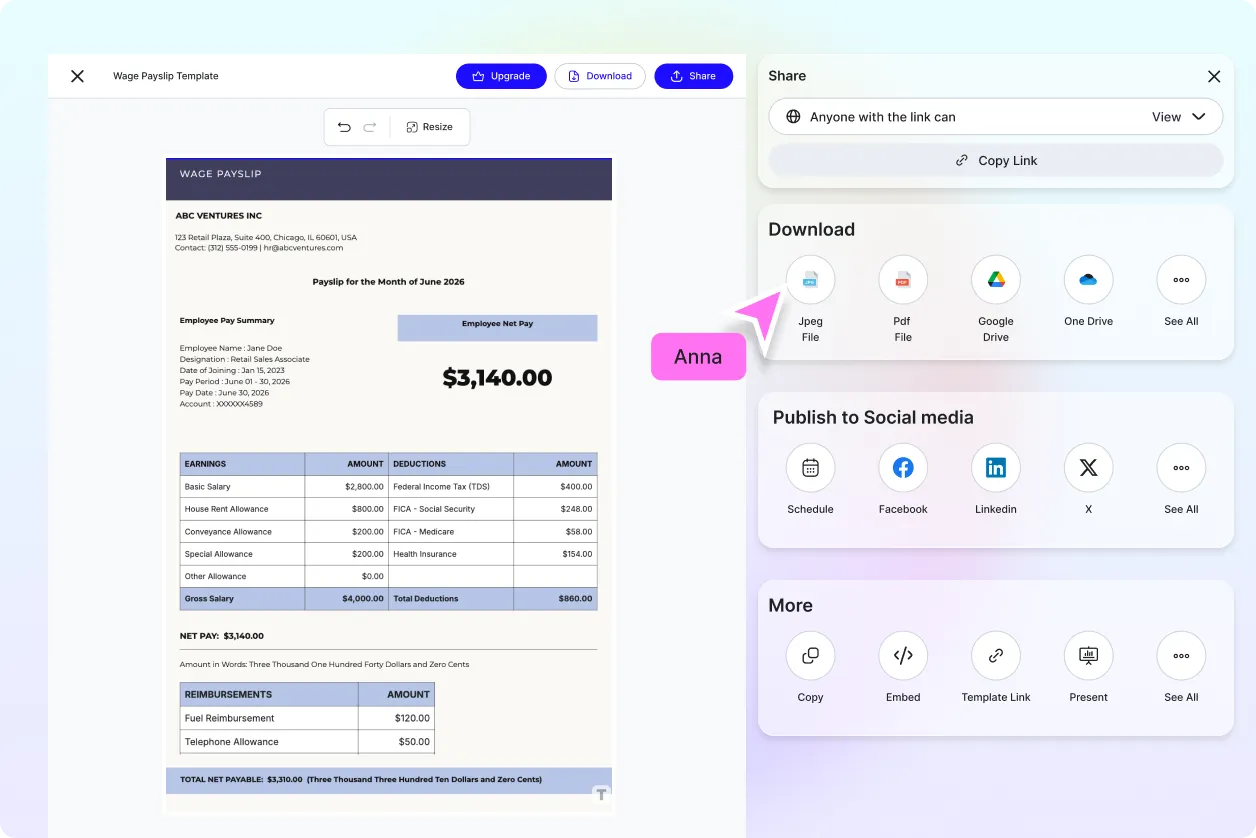
Build a Complete AI PDF and Image Workflow
Go beyond image conversion by combining AI Convert PDF to JPEG with AI PDF Editor for document updates, AI PDF Translator for multilingual files, AI Merge PDF to organize documents, AI Split PDF to separate pages, AI OCR PDF for text extraction, AI Image Enhancer for clearer visuals, and AI PDF Converter for additional export formats.
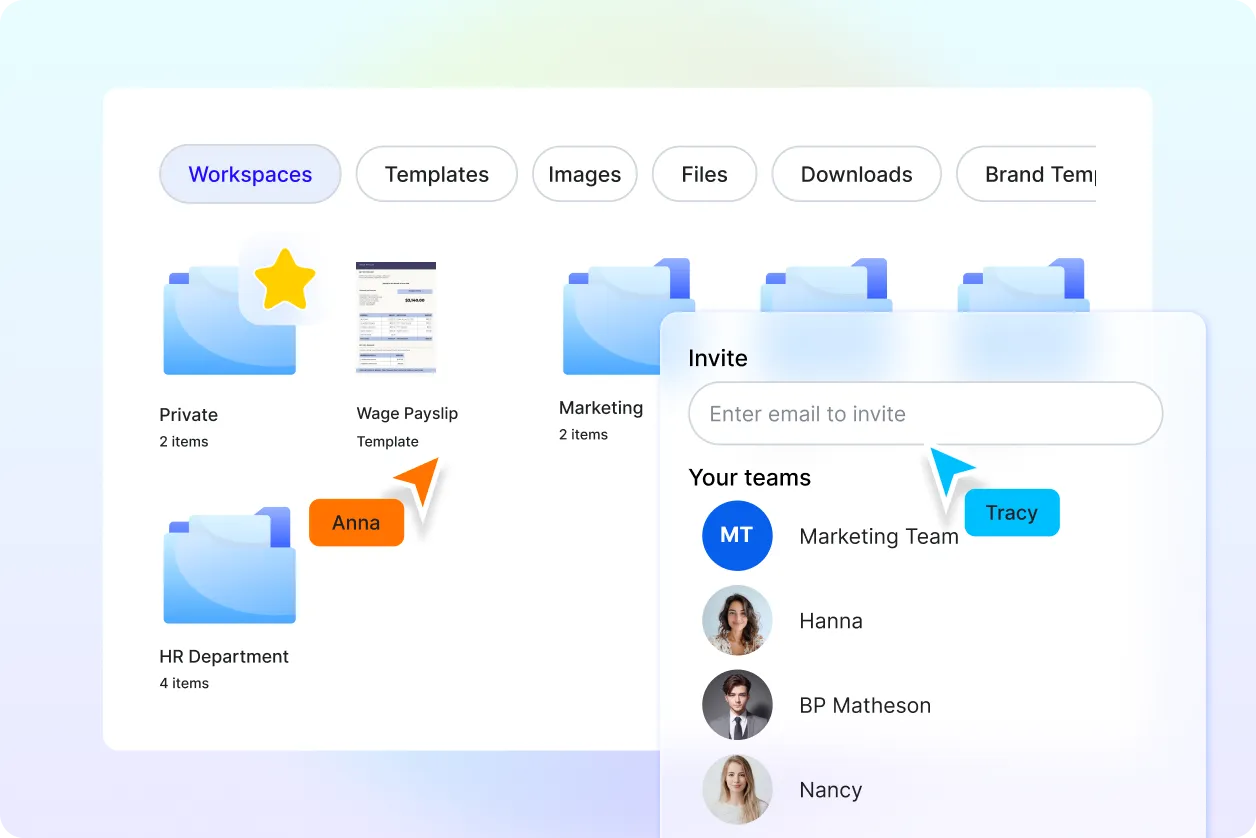
Prepare Professional Images for Digital and Print Use
Generate high-resolution JPEG images that are ready for websites, presentations, online learning, marketing materials, digital archives, social media, print publishing, customer documentation, and business communication while maintaining consistent quality and document appearance.
