Free AI PDF Translator

Translate PDF Documents into Multiple Languages with AI Accuracy
Template.net's Free AI PDF Translator helps you translate standard or scanned PDF documents into 20+ multiple languages while preserving document structure, formatting, tables, images, and layouts. Simply upload your PDF or describe your translation requirements with a prompt, and AI automatically detects the document language, translates the content with contextual accuracy, and generates a professionally formatted translated PDF. Whether you're translating contracts, reports, manuals, research papers, presentations, invoices, certificates, or educational materials, the AI delivers multilingual documents that are easy to review, edit, and share. Continue refining translated files with the AI PDF Editor, summarize multilingual documents using the AI PDF Summarizer, or convert translated PDFs with the AI PDF Converter for a complete AI-powered document workflow.
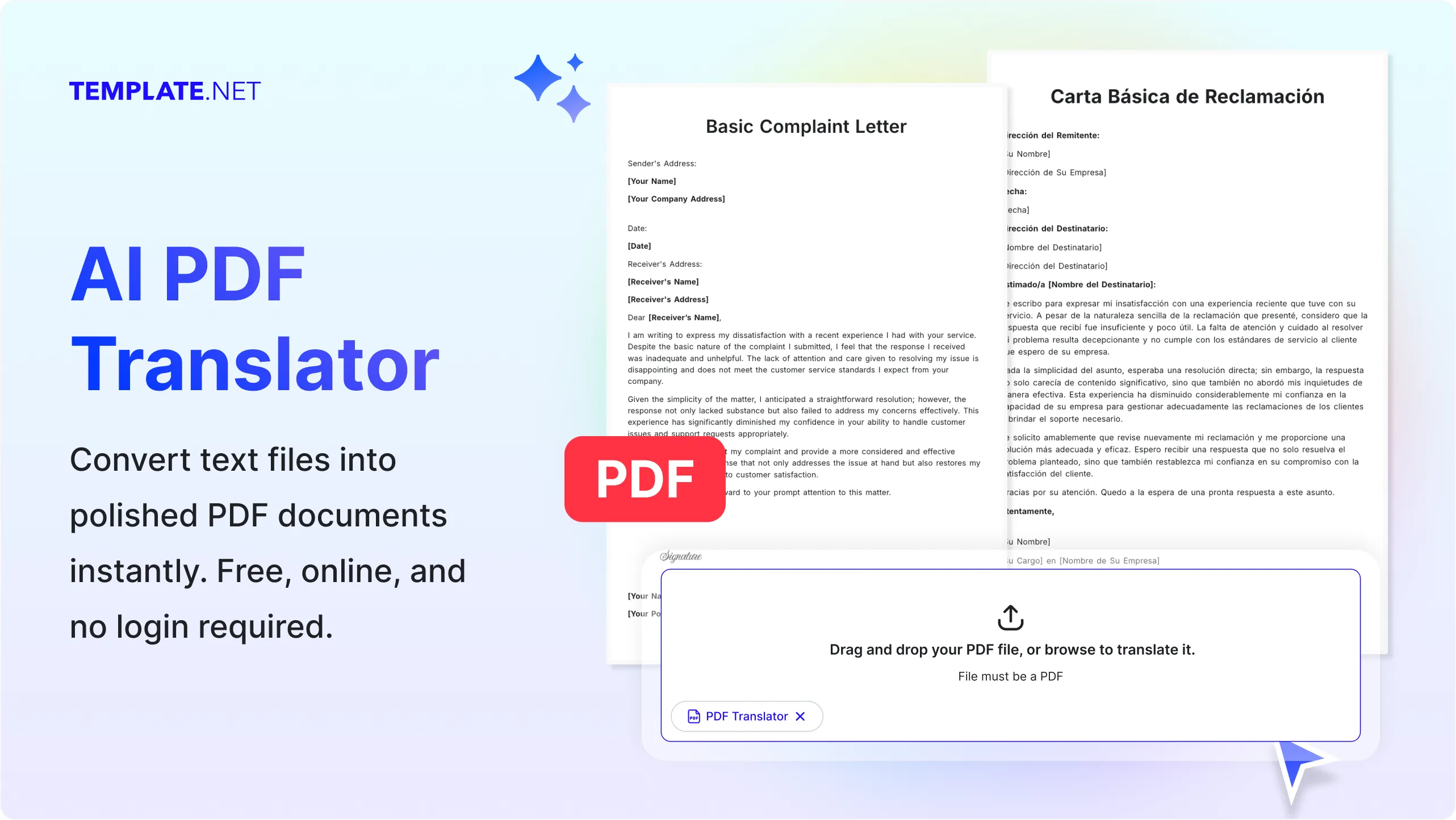
Translate PDF Documents Faster with AI
Everything you need to accurately translate PDF documents while preserving formatting, readability, and professional document quality.
AI-Powered PDF Translation
Upload a PDF or provide a prompt describing your translation requirements, and AI automatically translates standard or scanned PDF documents into your selected language while preserving text, tables, images, formatting, and overall document structure.
Prompt-Based Translation Requests
Describe your preferred language, translation style, target audience, or localization requirements, and AI intelligently translates your PDF based on your instructions for more natural multilingual communication.
Upload PDF Files for Instant Translation
Upload contracts, reports, invoices, research papers, presentations, manuals, brochures, certificates, educational documents, forms, or business files and receive translated PDF documents within seconds.
Automatic Language Detection
AI identifies the original language of your uploaded PDF and prepares it for accurate translation without requiring manual language selection for supported languages.
Preserve Original Formatting
Maintain document layouts, fonts, tables, headings, page structure, images, hyperlinks, and visual elements throughout the translation process to minimize formatting corrections.
Context-Aware AI Translation
Translate complete sentences, paragraphs, technical terminology, and professional documents while preserving context and improving readability across different languages.
OCR for Scanned PDF Translation
Translate scanned PDFs and image-based documents using AI-powered OCR that extracts text before translating it into editable and readable multilingual content.
Translate Tables and Structured Content
Preserve rows, columns, charts, numbered lists, and structured document elements while translating reports, invoices, financial statements, and business records.
Review and Refine Translated Documents
Edit translated PDFs, improve wording, adjust terminology, or customize multilingual content using AI PDF Editor, AI Writer, or AI Document Generator after translation.
Multilingual Support
Translate PDF documents into 20+ multiple languages including English, Spanish, French, German, Italian, Portuguese, Hindi, Chinese, Japanese, Korean, Arabic, Turkish, Vietnamese, Thai, Malay, Polish, Swedish, Dutch, Indonesian, and more for global communication and multilingual collaboration.
Maintain Professional Document Quality
Preserve document hierarchy, page organization, headers, footers, tables of contents, references, spacing, and formatting to produce professional translated PDFs.
Generate Ready-to-Use Translated PDFs
Create professionally translated PDF documents that are ready for sharing, reviewing, printing, archiving, or further editing without recreating the original document.
Organize Multilingual Documents
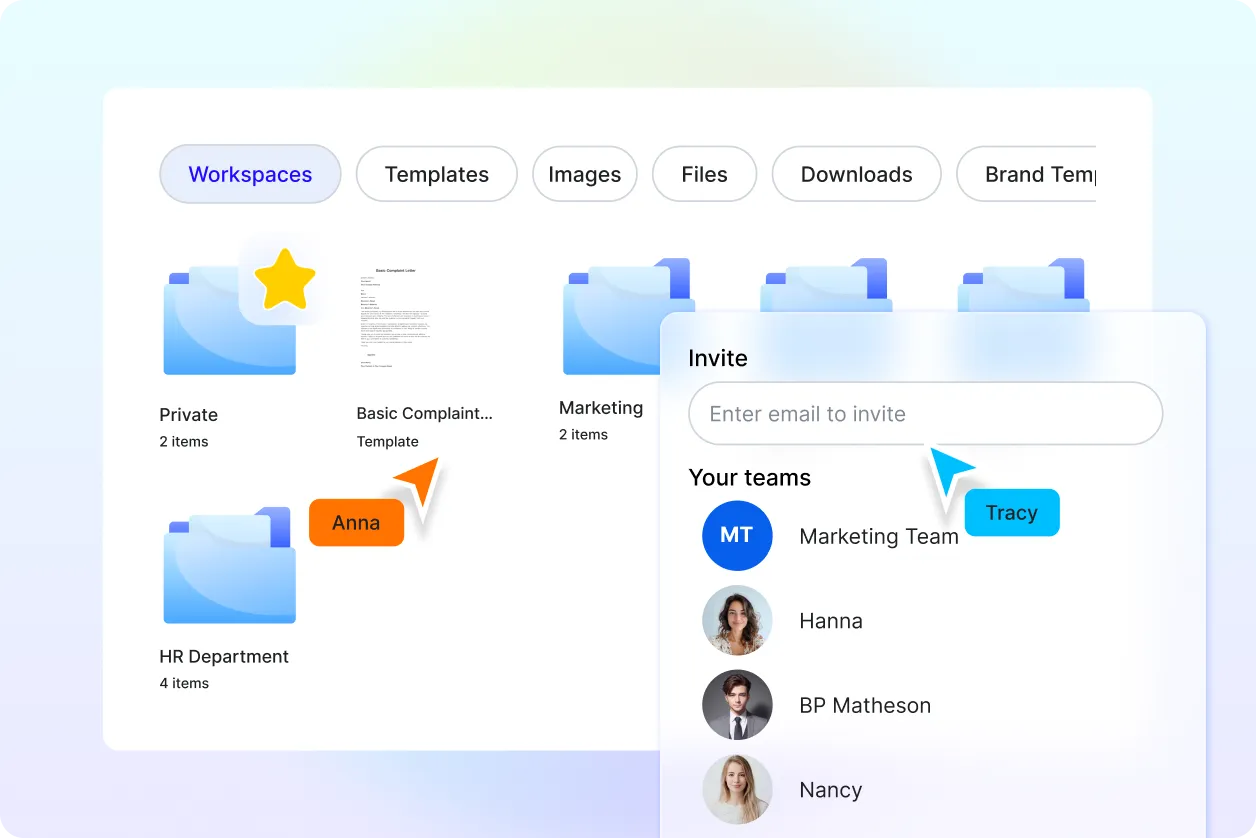
Store translated PDFs securely, organize multilingual projects into folders, and quickly access previous translations whenever needed.
Collaborate Across Languages
Share translated documents with international clients, business teams, educators, students, or collaborators for review, approval, and multilingual communication.
Integrate with More AI PDF Tools
Enhance your workflow using AI PDF Summarizer to generate summaries, AI PDF Converter to convert translated files, AI Merge PDF to organize documents, AI Split PDF to separate pages, AI OCR PDF to extract text, and AI Document Translator for additional multilingual document workflows.
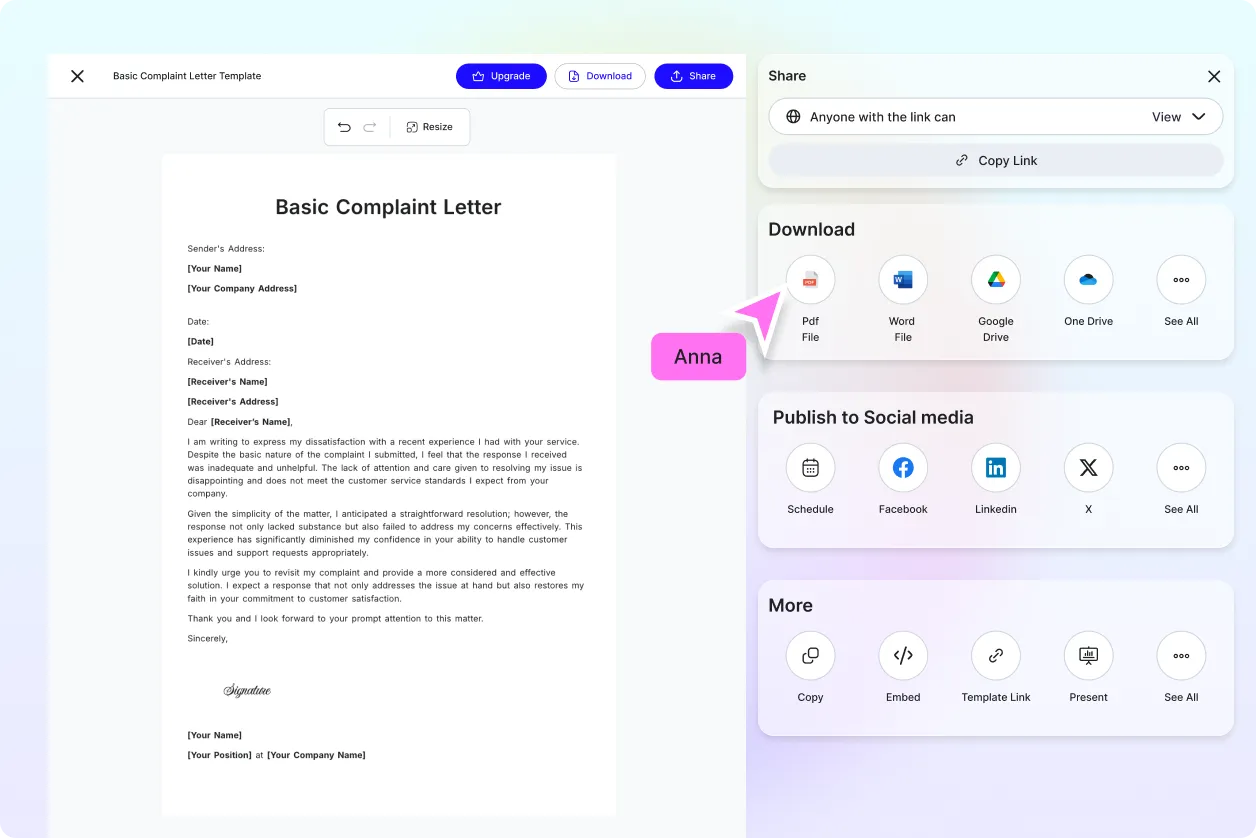
Download and Share Anywhere
Download translated PDF files or share them instantly through Email, LinkedIn, WhatsApp, Facebook, X (Twitter), or a live link for efficient multilingual collaboration.
Secure AI Translation Workspace
Protect uploaded documents with encrypted cloud processing, secure storage, controlled file access, and reliable privacy throughout every translation workflow.
Fast AI Translation Engine
Translate PDF documents within seconds, helping businesses, educators, researchers, students, and professionals communicate across languages while improving productivity and reducing manual translation effort.
How to Translate PDF Using AI
Translate standard or scanned PDF documents into your preferred language using a simple upload and prompt-based workflow.
Step 1: Upload Your PDF or Enter a Translation Prompt
Upload your PDF document or enter a prompt describing your translation requirements, such as the target language, localization preferences, or terminology to preserve. AI automatically analyzes the document, detects the source language, and prepares it for accurate translation.
Step 2: Review and Customize the Translation
Preview the translated PDF, verify translated text, refine terminology, adjust formatting if needed, or continue editing with AI PDF Editor, AI Document Generator, or AI Writer to ensure the translated document meets your communication goals.
Step 3: Download and Share
Download the translated PDF or share it instantly through Email, LinkedIn, WhatsApp, Facebook, X (Twitter), or a live link for seamless multilingual collaboration and document distribution.
Break Language Barriers with Accurate AI PDF Translation
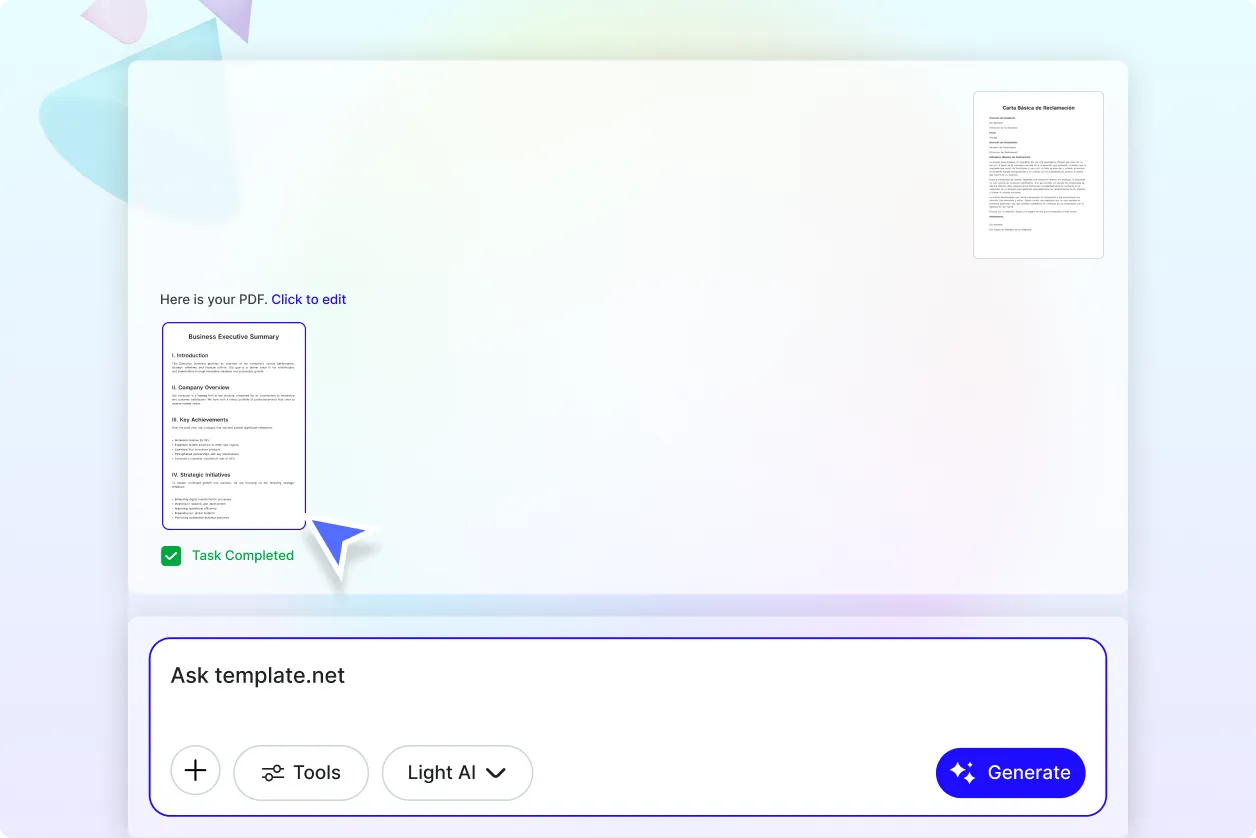
Translate Every PDF While Preserving Its Professional Appearance
Translate contracts, reports, manuals, invoices, presentations, brochures, certificates, research papers, forms, and educational documents into multiple languages while maintaining layouts, tables, images, fonts, and page structure for professional multilingual communication.
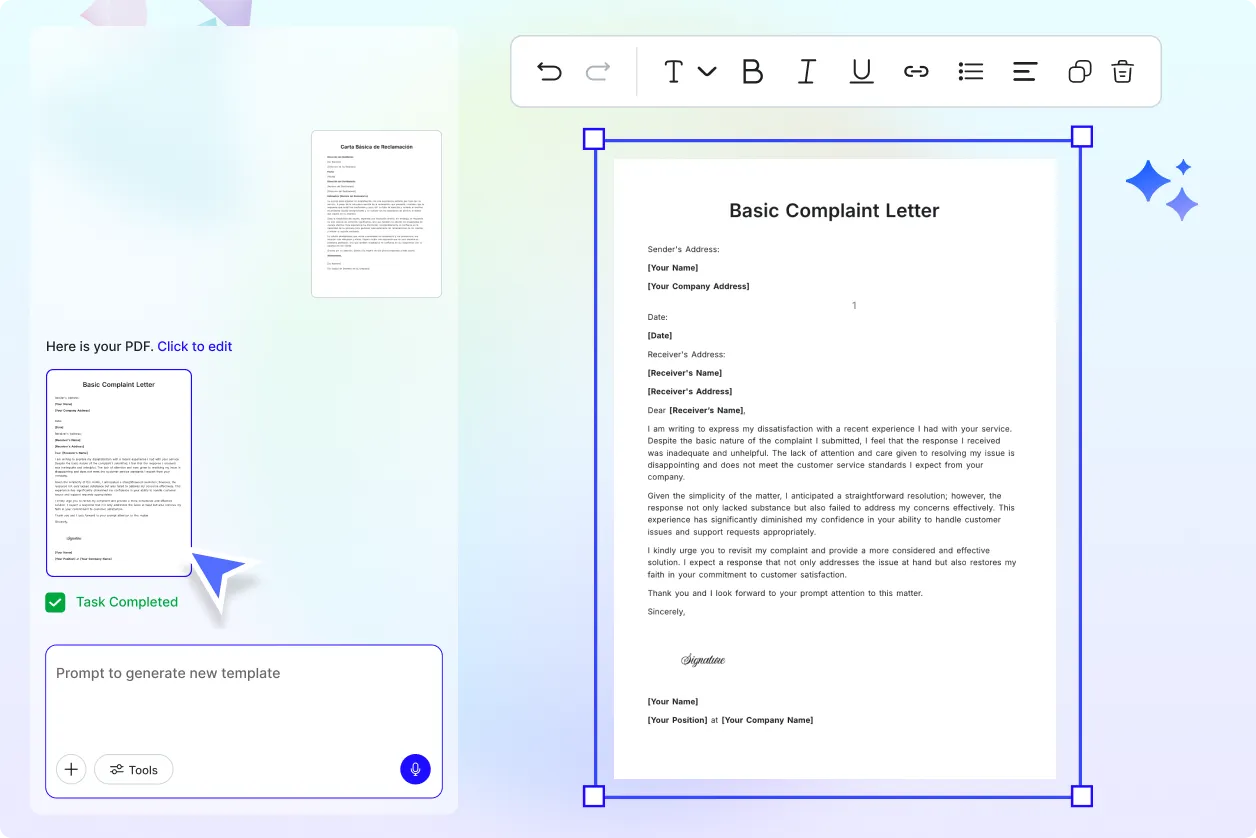
Translate Scanned PDFs with Intelligent OCR Recognition
Convert scanned documents and image-based PDFs into translated multilingual files using AI-powered OCR that extracts text accurately before translation. Preserve document organization and reduce manual corrections for faster document localization.
Create an End-to-End Multilingual PDF Workflow
Simplify international document management by combining AI PDF Translator with AI PDF Summarizer for quick insights, AI PDF Editor for post-translation edits, AI Merge PDF to organize multilingual files, AI Split PDF to separate translated pages, AI PDF Converter for additional file formats, and AI OCR PDF for advanced text extraction.
Share Multilingual Documents with Confidence
Generate professional translated PDFs that are ready for business communication, legal documentation, academic collaboration, customer support, international marketing, and global teamwork. Download, organize, and securely share translated documents while maintaining consistency, readability, and document quality.
