Free AI PDF Maker

Create Professional PDF Documents with AI-Powered Precision
Template.net's Free AI PDF Maker helps you generate polished PDF documents from uploaded files, pasted content, or simple prompts within seconds. Simply upload your document, provide your text, or describe the PDF you want to create, and AI automatically organizes headings, paragraphs, tables, images, and layouts into a professional, print-ready PDF. Whether you're creating business reports, contracts, proposals, presentations, invoices, brochures, resumes, manuals, educational materials, or marketing documents, AI delivers beautifully formatted PDFs ready for printing, collaboration, publishing, and sharing. Continue editing with AI PDF Editor, generate new content using AI Document Generator, or manage additional document workflows using AI PDF Converter for a complete AI-powered PDF solution.
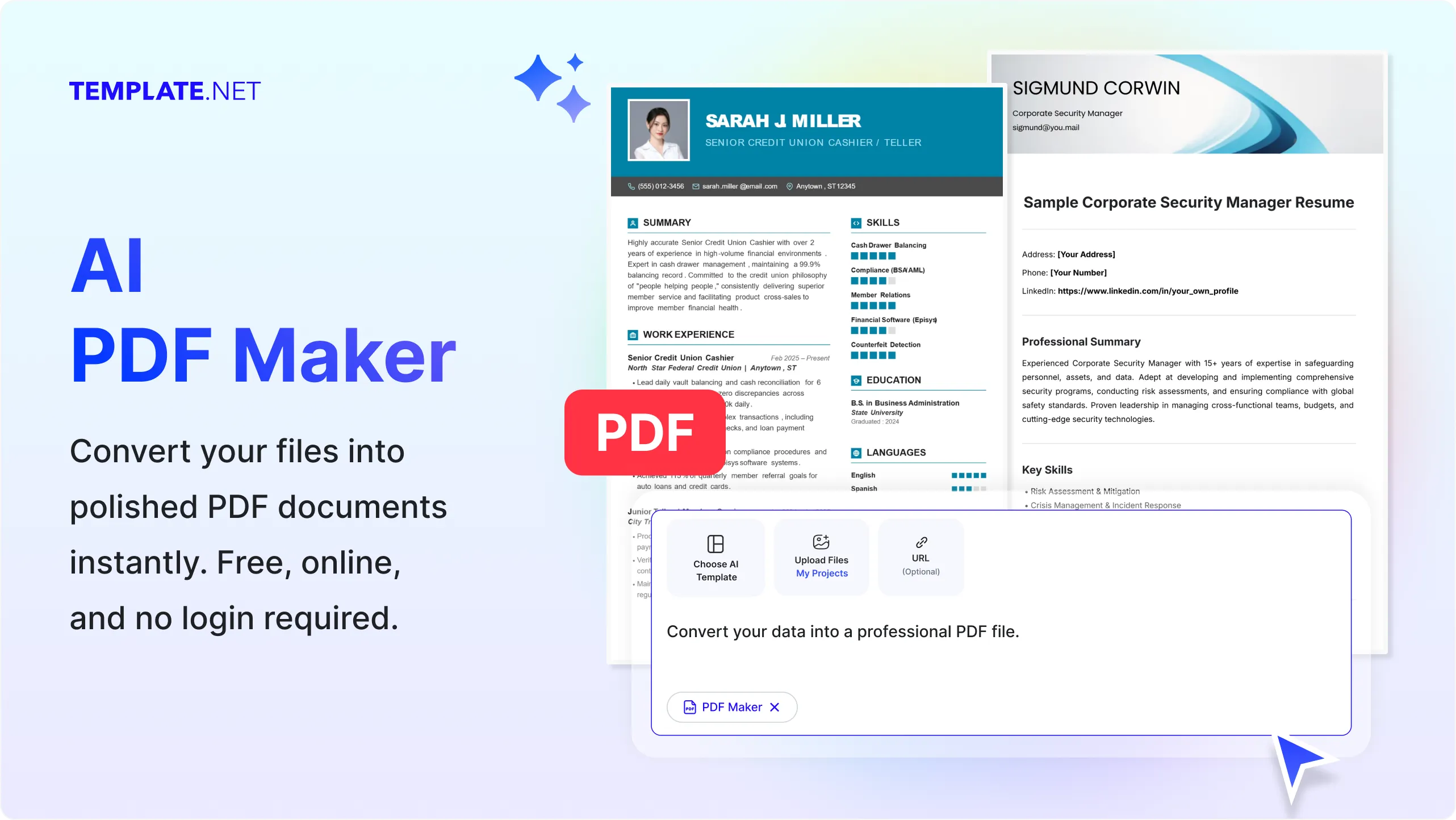
Create High-Quality PDF Documents with AI
Everything you need to generate professional, organized, and visually polished PDF documents for business, education, marketing, publishing, and everyday document management.
AI-Powered PDF Creation
Upload documents, paste content, or enter a prompt, and AI automatically creates professional PDF files with structured layouts, accurate formatting, organized sections, and publication-ready quality.
Prompt-Based PDF Generation
Prompt-Based PDF Generation
Upload Files or Content
Upload Word documents, text files, presentations, reports, spreadsheets, notes, or paste content directly to instantly create polished PDF documents.
Intelligent Document Organization
AI automatically structures headings, paragraphs, bullet lists, numbered sections, tables, page spacing, and layouts to improve readability and document presentation.
Professional Formatting Engine
Generate PDFs with clean typography, consistent margins, organized page layouts, headers, footers, tables, images, and professionally formatted content.
Rich Media Support
Include images, charts, diagrams, illustrations, icons, logos, tables, and graphics while maintaining visual quality throughout the generated PDF.
Generate Organized Tables
Create structured tables with aligned rows, columns, headers, and formatted data for reports, invoices, business documents, and research materials.
Edit Before Export
Refine your content using AI Writer, AI Text Editor, or AI Document Generator before generating your final PDF for improved accuracy and presentation.
Supports Multiple Document Types
Create contracts, reports, proposals, invoices, resumes, brochures, catalogs, newsletters, presentations, user manuals, documentation, business plans, educational resources, and more as professional PDF documents.
Multilingual PDF Creation
Generate PDF documents in 20+ multiple languages including English, Spanish, French, German, Italian, Portuguese, Hindi, Chinese, Japanese, Korean, Arabic, Turkish, Vietnamese, Thai, Malay, Polish, Swedish, Dutch, Indonesian, and more while maintaining professional formatting.
Print-Ready Layouts
Automatically optimize page alignment, spacing, typography, page breaks, headings, and document organization to create polished PDFs suitable for digital viewing and professional printing.
Generate Standard PDF Files
Produce universally compatible PDF documents that can be viewed, printed, archived, shared, and opened consistently across devices and operating systems.
Manage PDF Projects
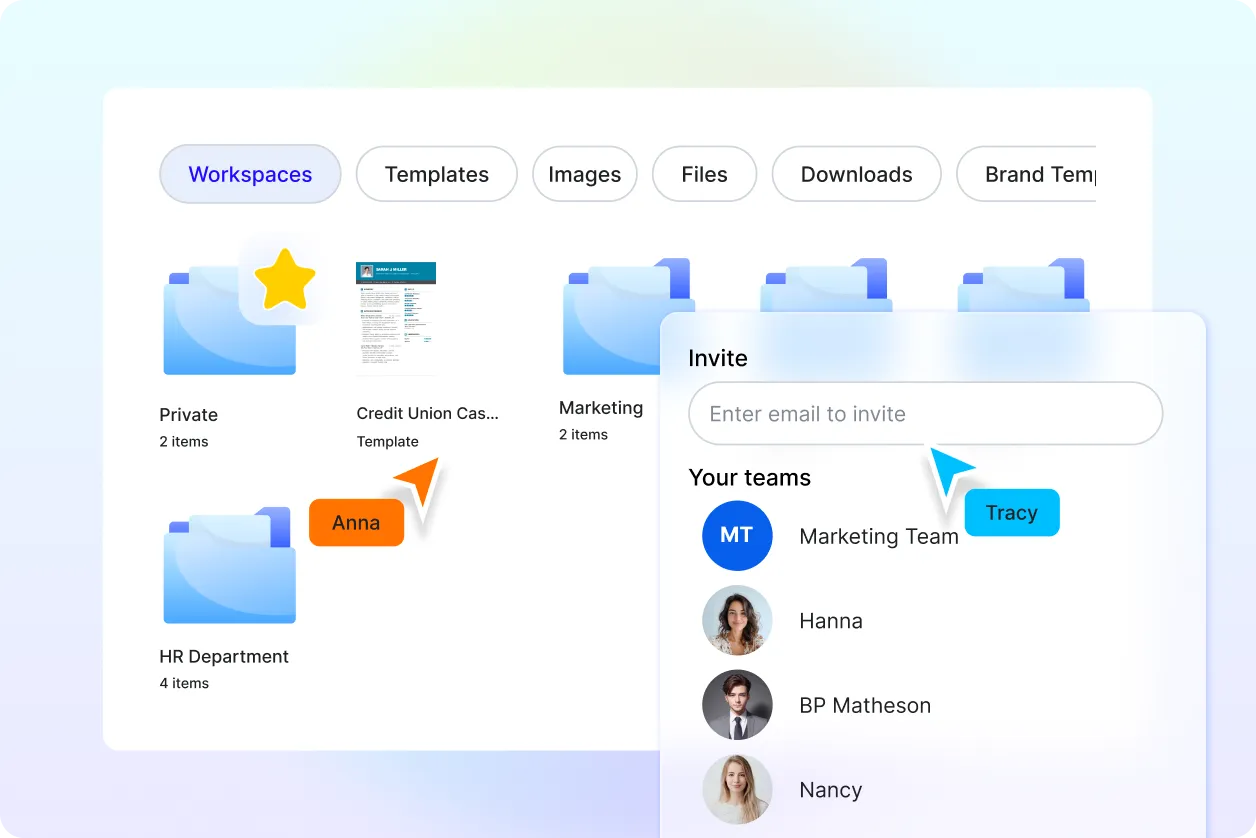
Store generated PDF documents securely in the cloud, organize files into folders, manage document versions, and quickly access projects whenever needed.
Collaborate on PDF Documents
Share PDF files with colleagues, clients, educators, students, or teams for reviews, comments, approvals, and collaborative document workflows.
Connect with More AI PDF Tools
Continue your workflow with AI PDF Editor for modifications, AI PDF Converter for additional formats, AI PDF Translator for multilingual documents, AI PDF Summarizer for quick insights, AI Merge PDF to combine files, AI Split PDF to separate pages, AI OCR PDF for text extraction, and AI Document Generator for creating new content.
Download and Share Anywhere
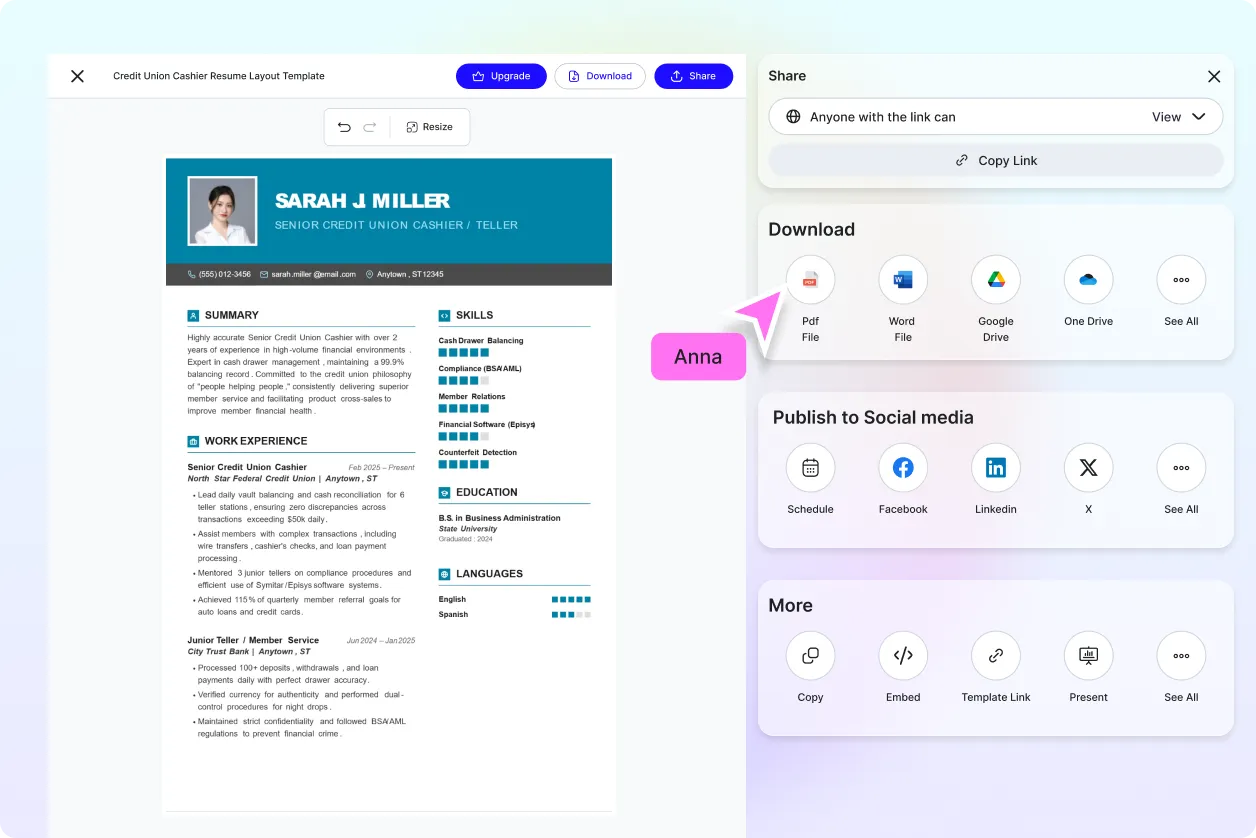
Download PDF documents instantly or share them through Email, LinkedIn, WhatsApp, Facebook, X (Twitter), or a live link for seamless collaboration and secure document distribution.
Secure AI PDF Processing
Protect uploaded files and generated PDFs with encrypted cloud processing, organized storage, secure document management, and reliable privacy throughout every workflow.
Fast AI PDF Generation Engine
Create professional-quality PDF documents within seconds, helping businesses, educators, students, designers, marketers, and professionals improve productivity while producing polished digital documents.
How to Create PDF Documents Using AI
Generate professional PDF documents with a simple upload and prompt-based workflow.
Step 1: Upload Your File or Enter a Prompt
Upload a document, paste your content, or enter a prompt describing the PDF you want to create. AI analyzes your input and automatically organizes the content into a professionally formatted document.
Step 2: Review and Customize Your PDF
Preview the generated PDF, refine headings, layouts, tables, images, or formatting, and continue improving your document using AI PDF Editor, AI Writer, or AI Document Generator before finalizing.
Step 3: Download and Share
Download your PDF instantly or share it through Email, LinkedIn, WhatsApp, Facebook, X (Twitter), or a live link for collaboration, publishing, printing, and secure document management.
Create Professional PDF Documents for Every Workflow
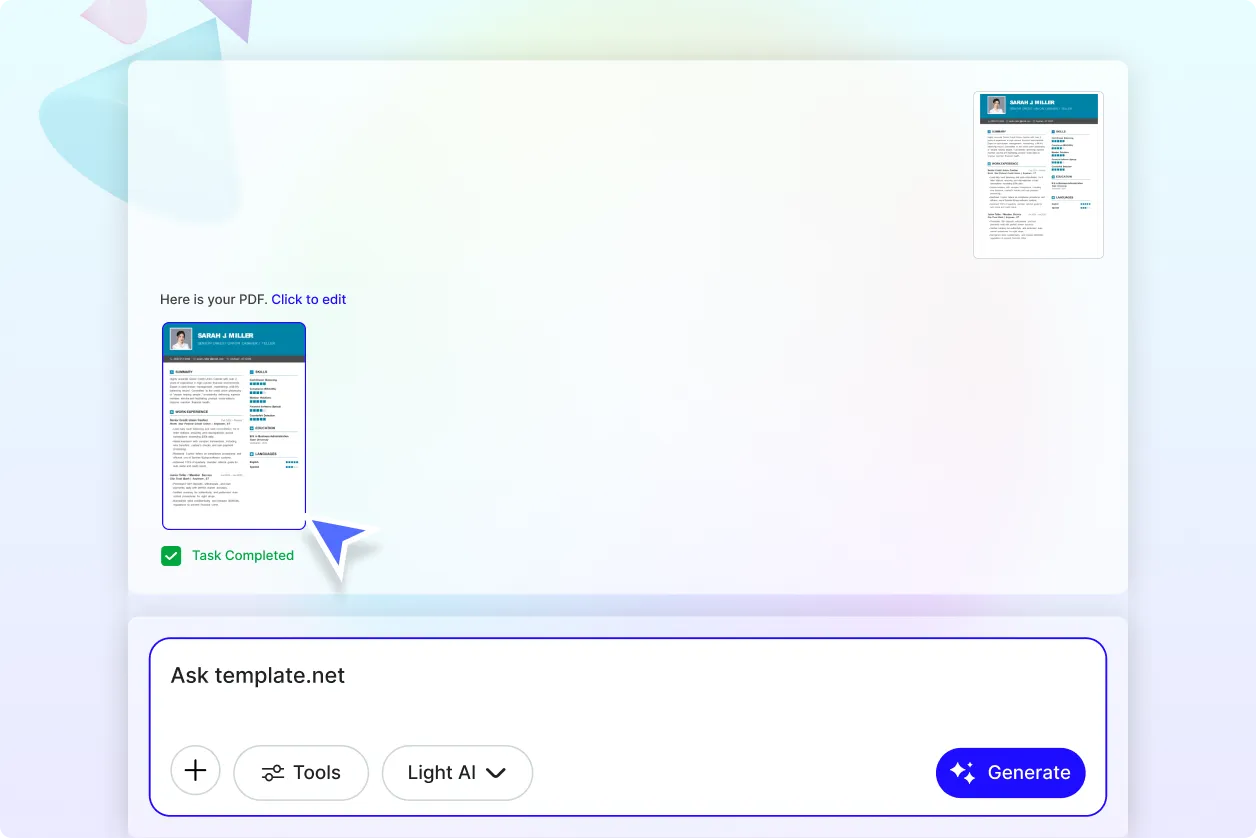
Transform Ideas into Ready-to-Use PDF Files
Turn prompts, uploaded documents, notes, reports, proposals, presentations, business plans, educational materials, and marketing content into professionally formatted PDF documents that are ready for printing, publishing, sharing, and archiving.
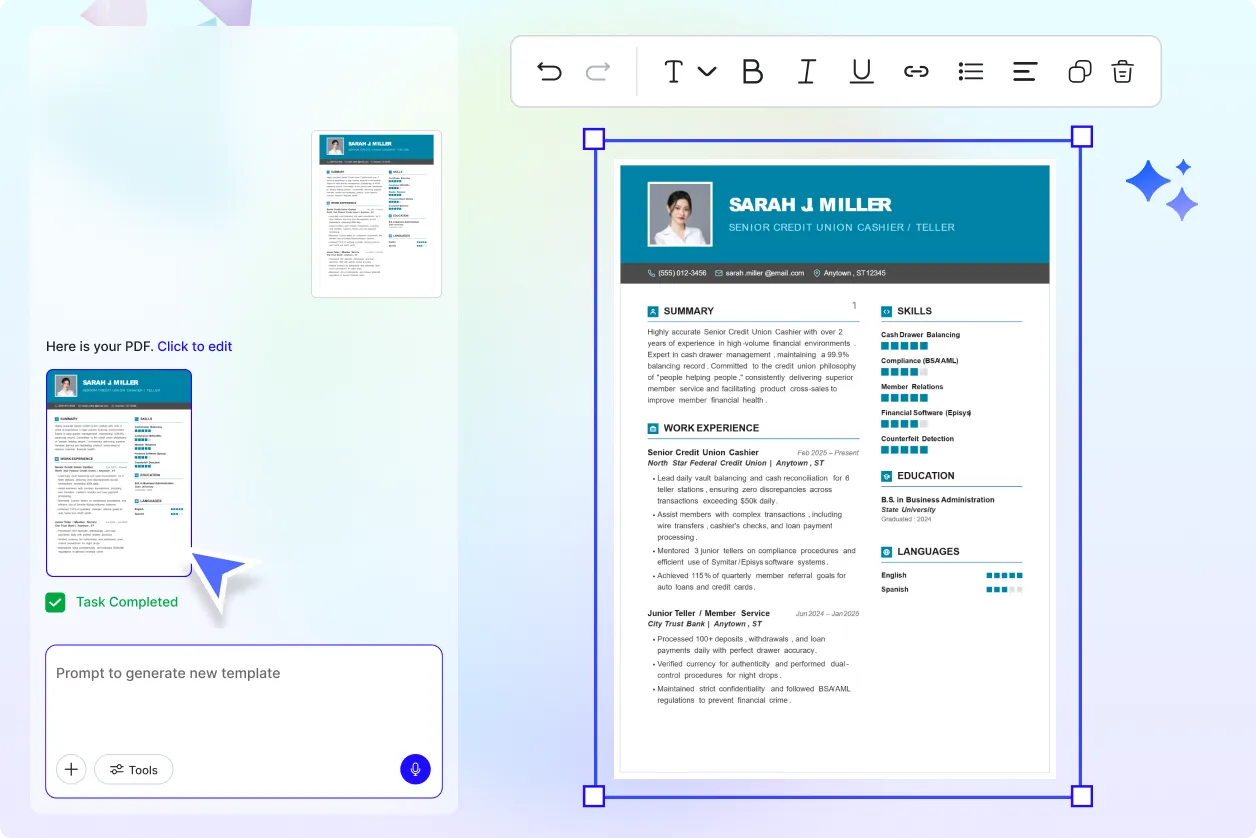
Build Visually Organized Documents with AI
Generate clean, structured PDFs featuring consistent layouts, organized headings, tables, graphics, images, and readable typography that improve communication and create a polished professional appearance.
Expand Your Productivity with Connected AI PDF Tools
Create a complete document workflow by combining AI PDF Maker with AI PDF Editor for updates, AI PDF Converter for file conversion, AI PDF Translator for multilingual documents, AI PDF Summarizer for document insights, AI Merge PDF to combine files, AI Split PDF to organize pages, AI OCR PDF for text extraction, and AI Document Generator for creating new content.
Publish, Collaborate, and Share with Confidence
Produce secure, high-quality PDF documents for business communication, academic submissions, client presentations, marketing campaigns, documentation, digital publishing, and long-term record management while maintaining professional formatting across every device.
