










Free Seating Chart Templates: Customizable Structure Guide, Uses, and Download Formats
What is a Seating Chart?
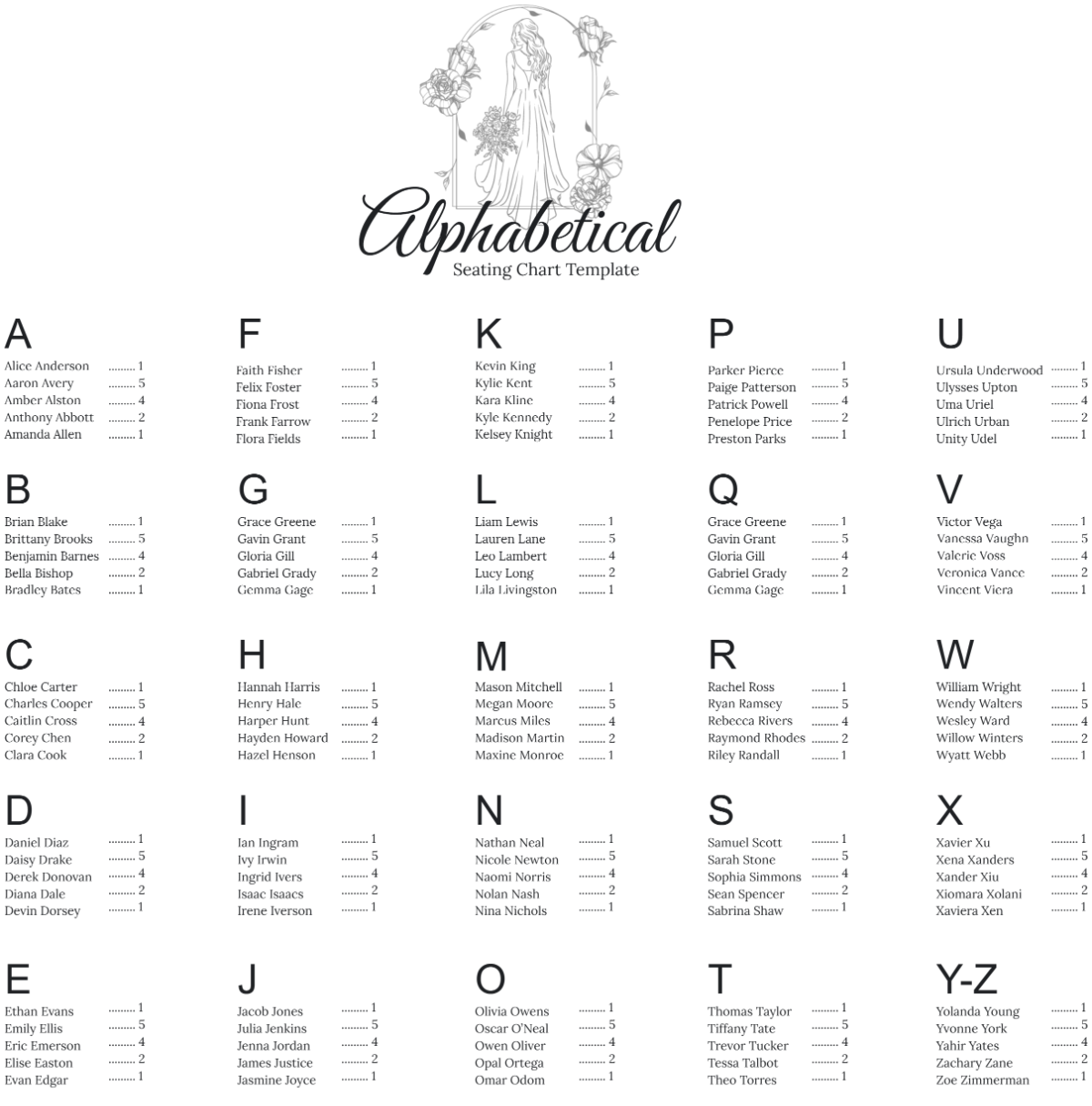
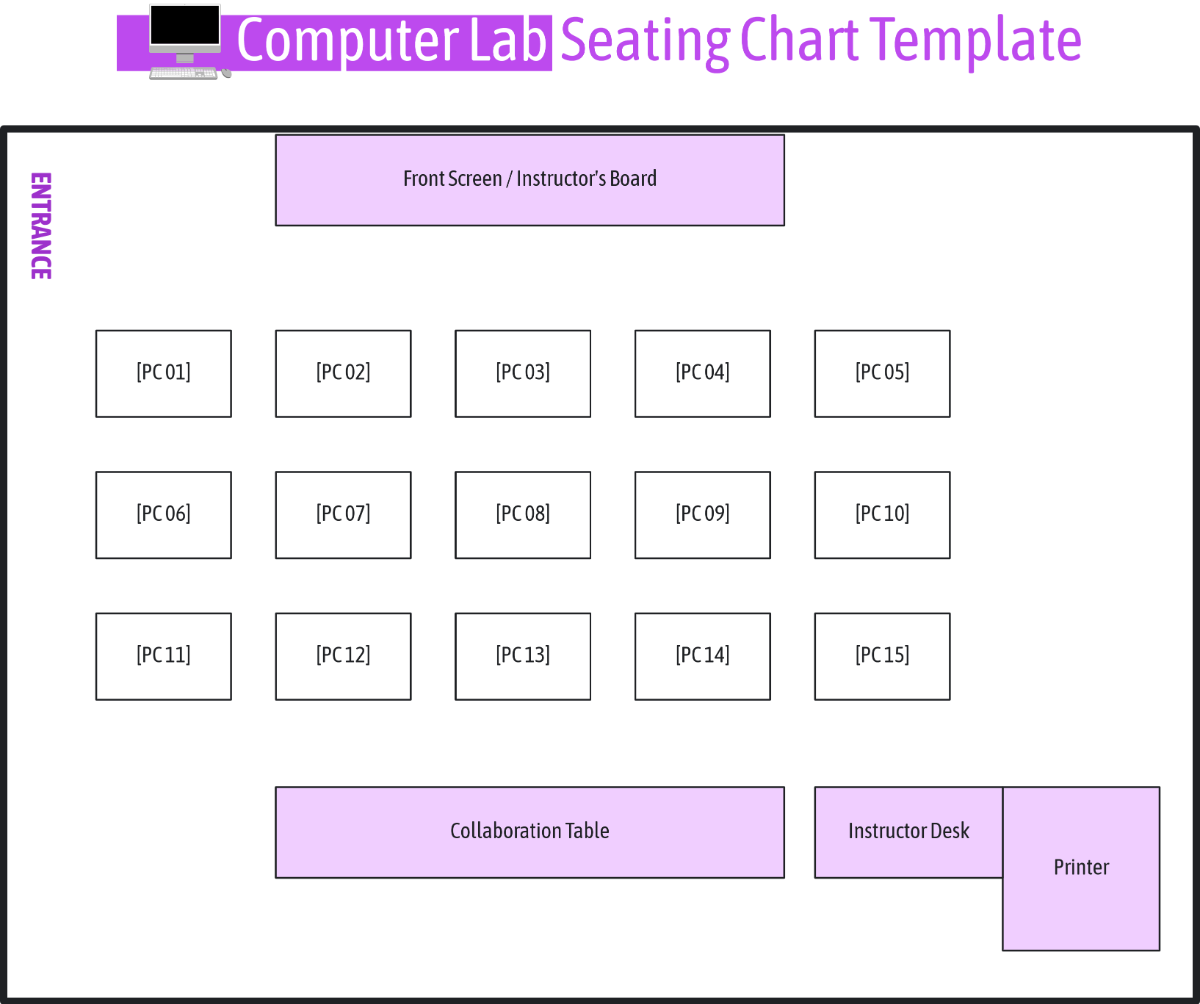
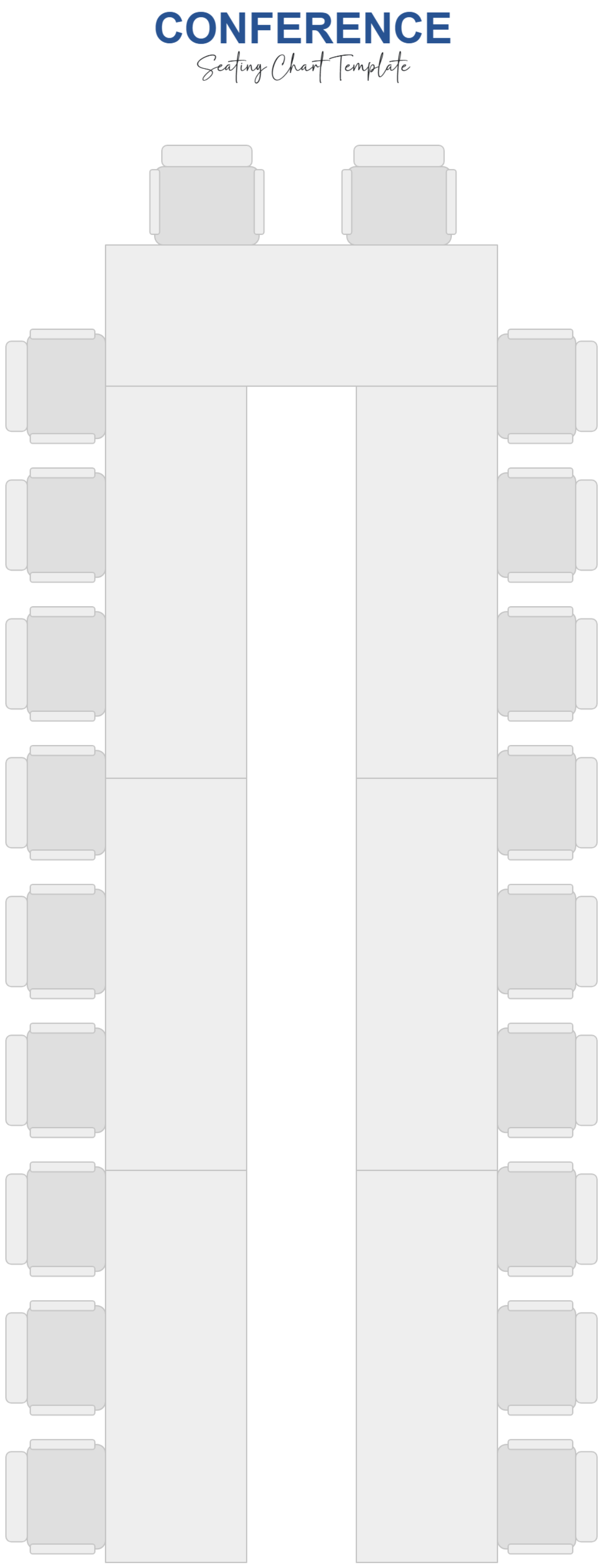
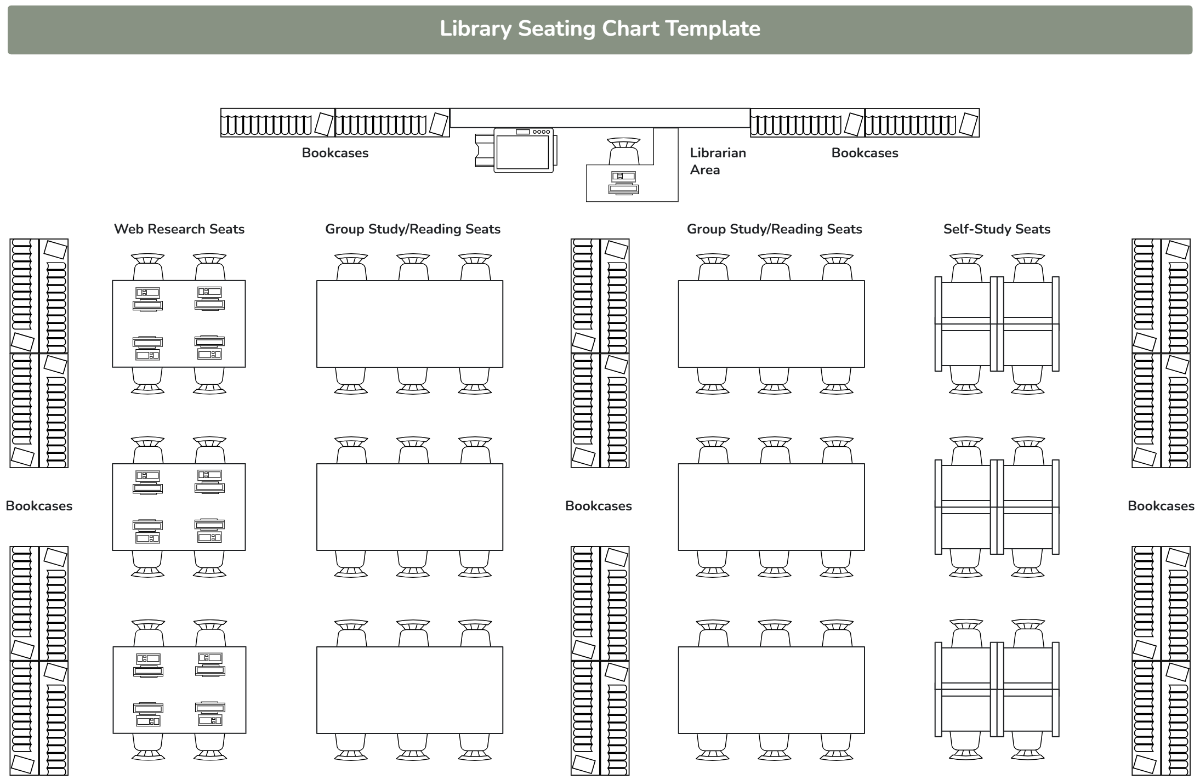
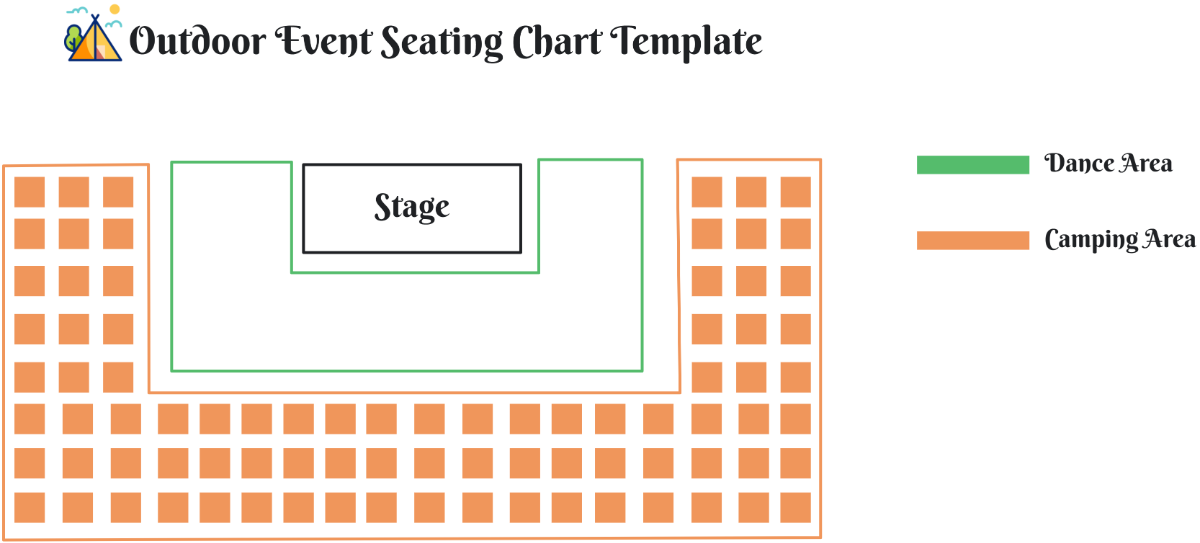
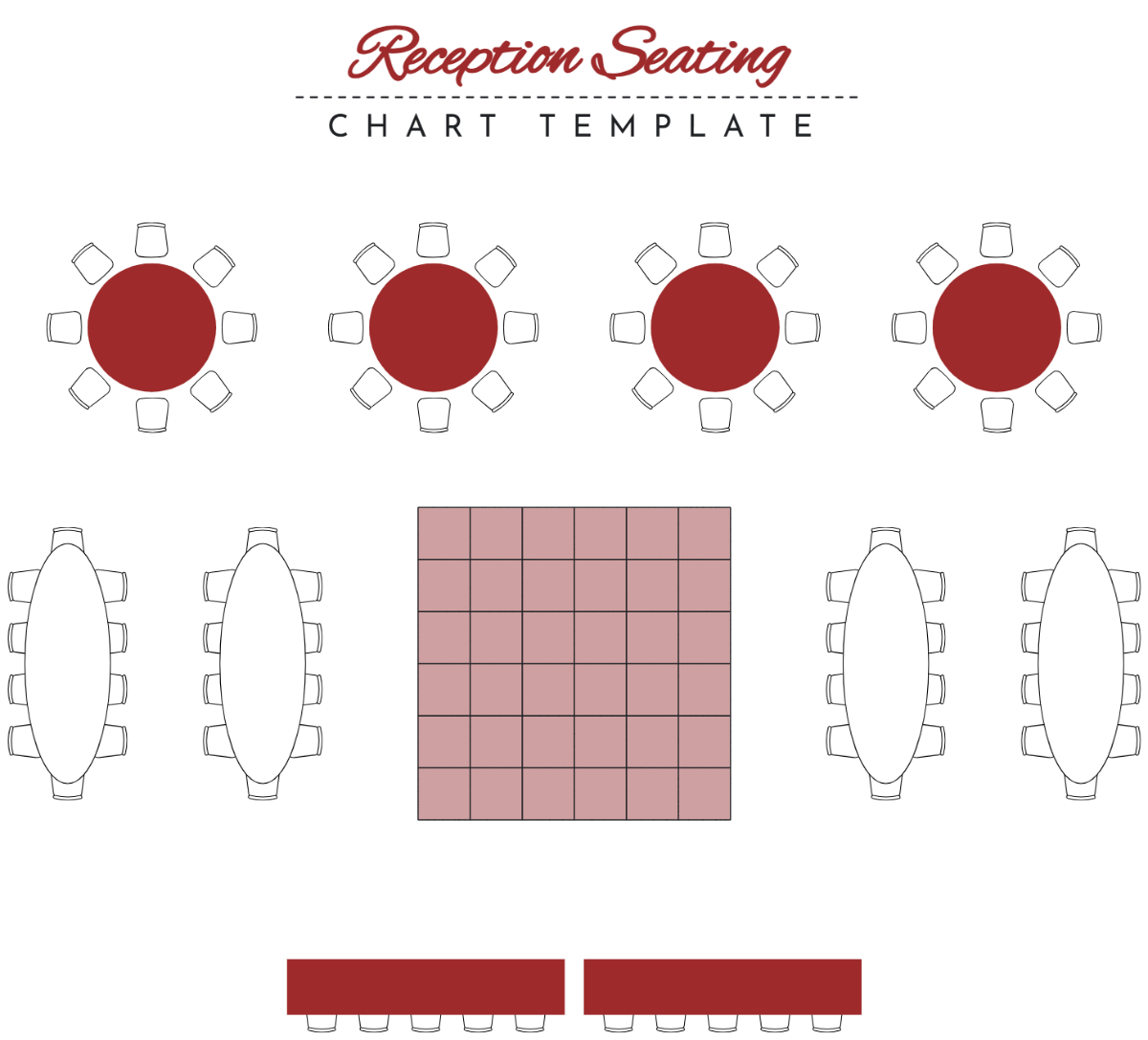
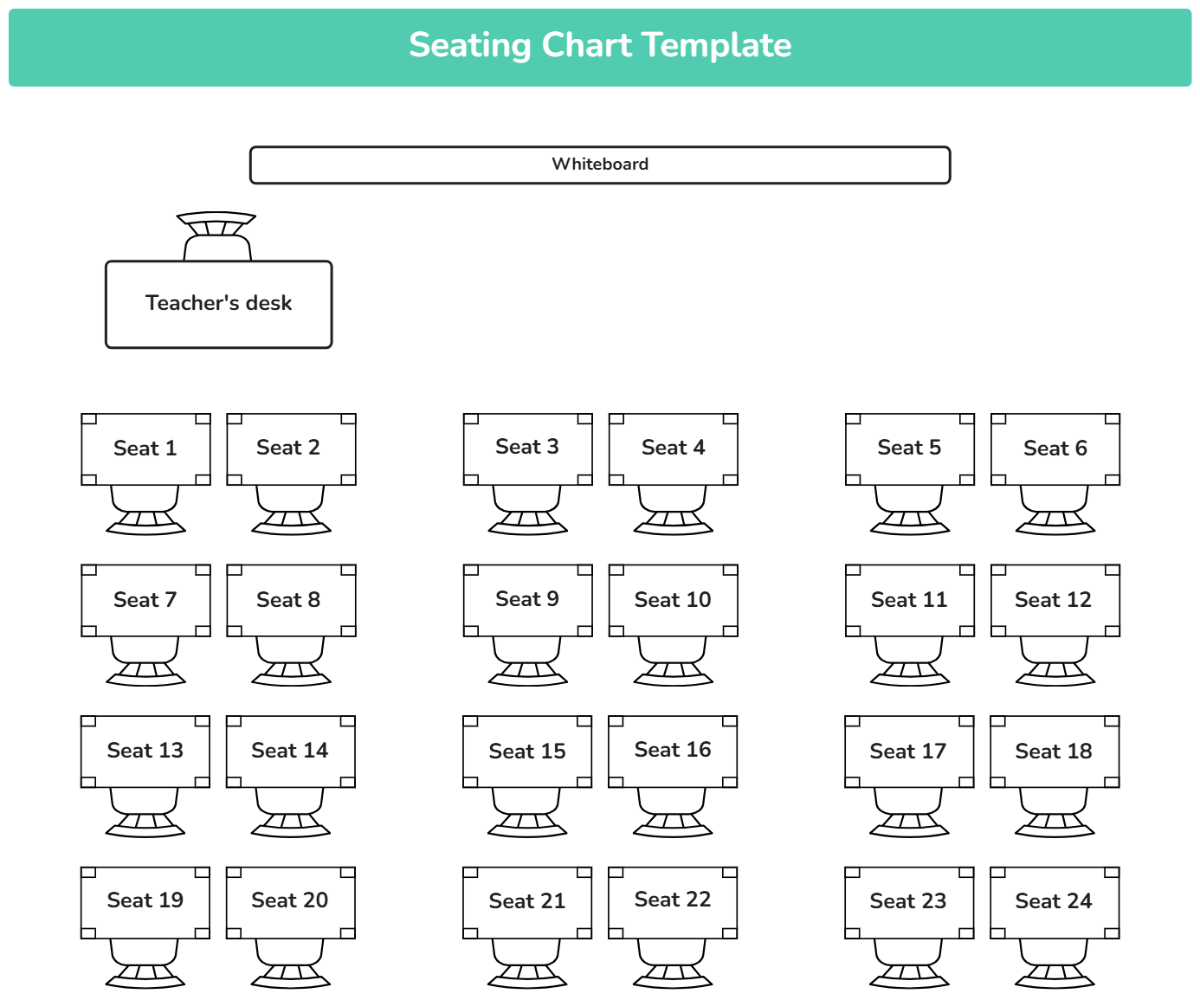
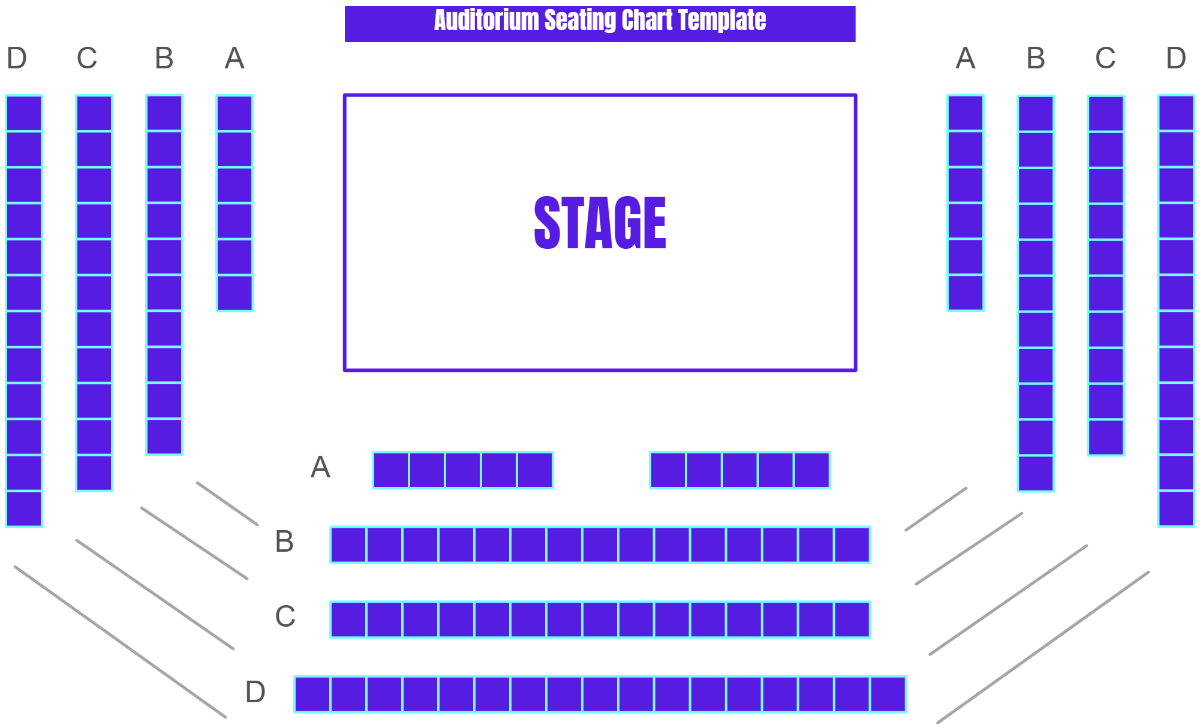
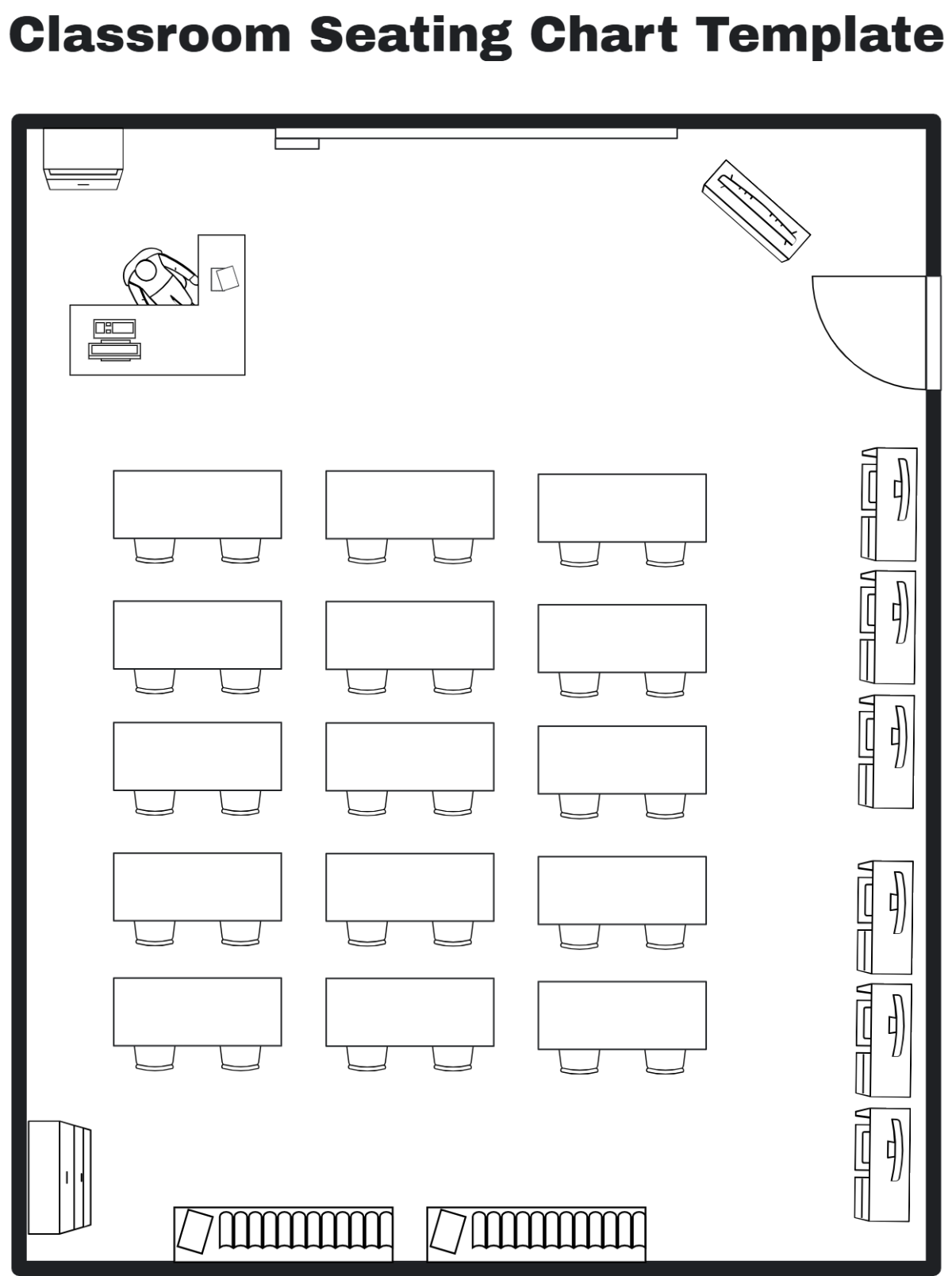
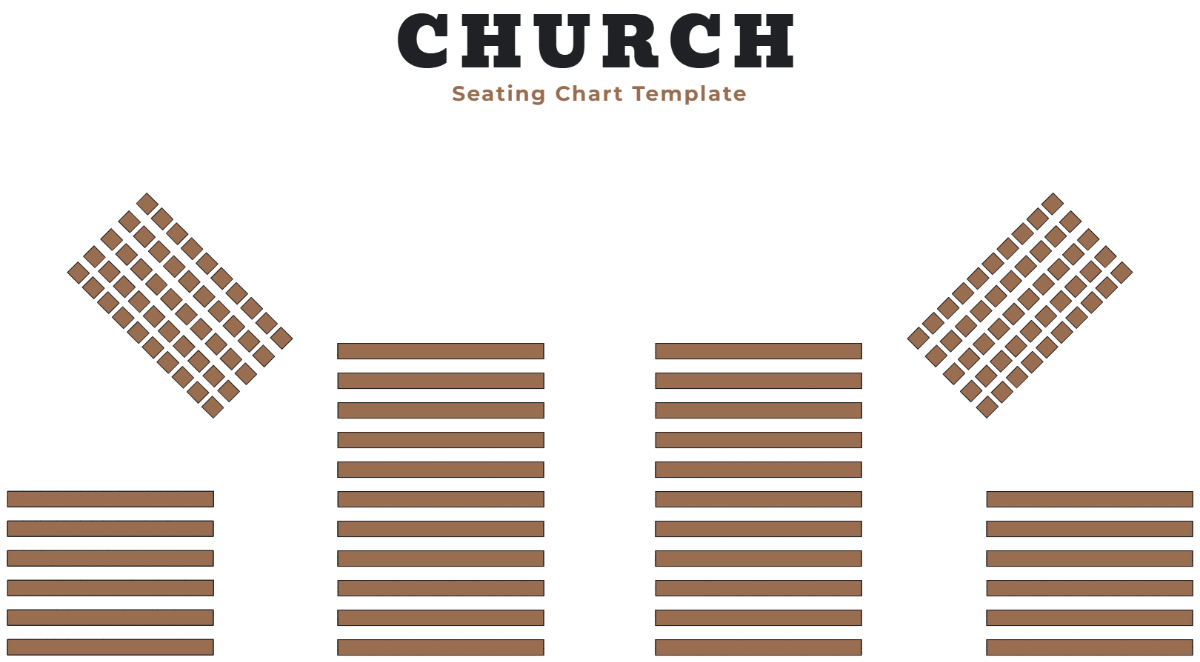
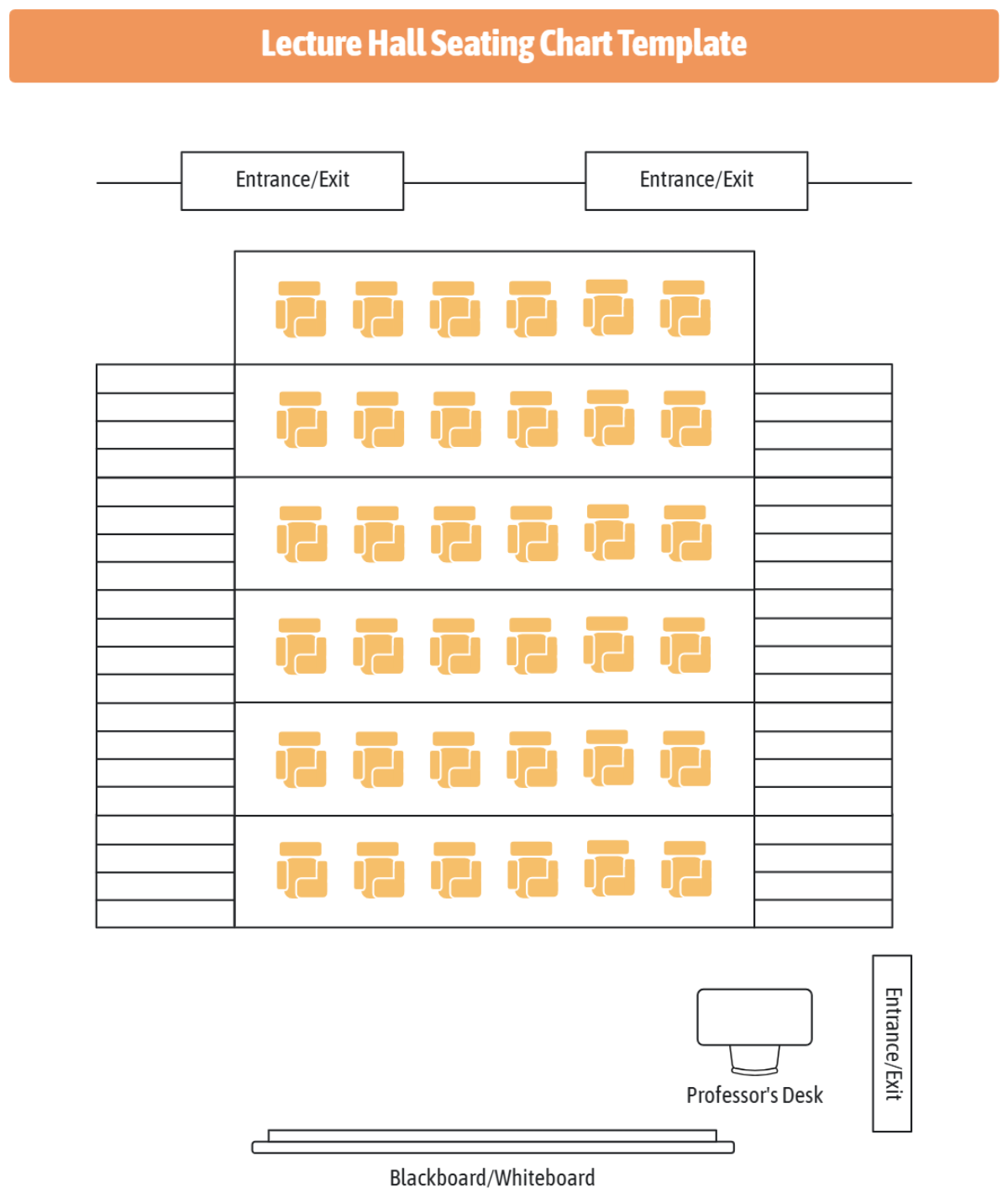
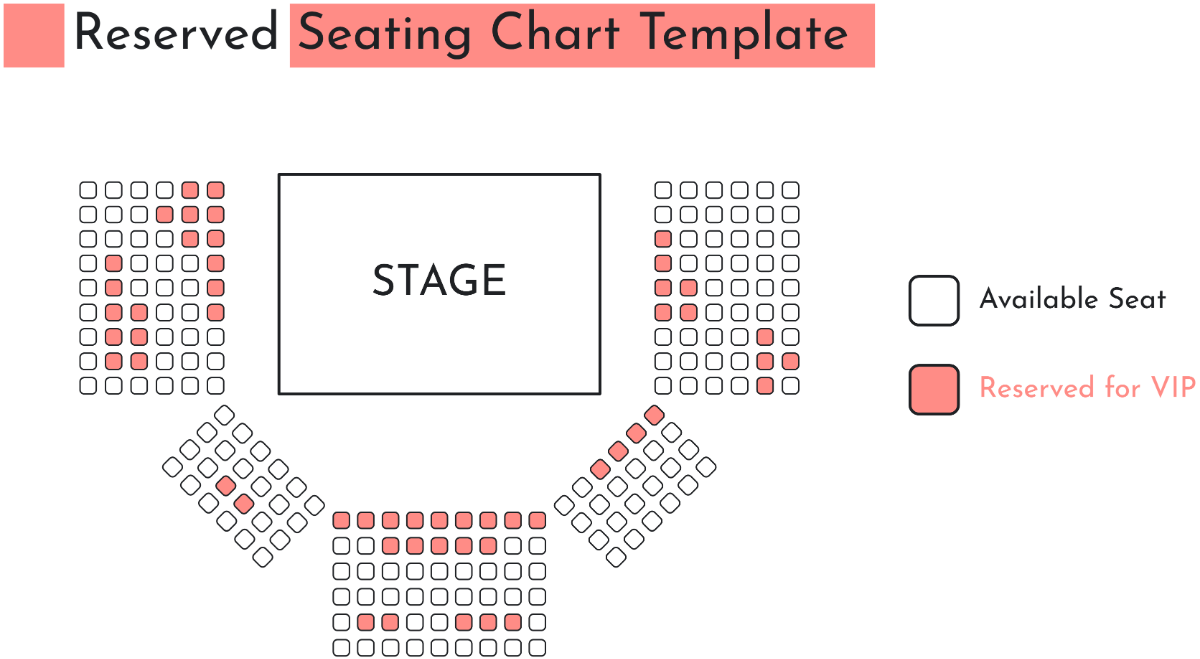
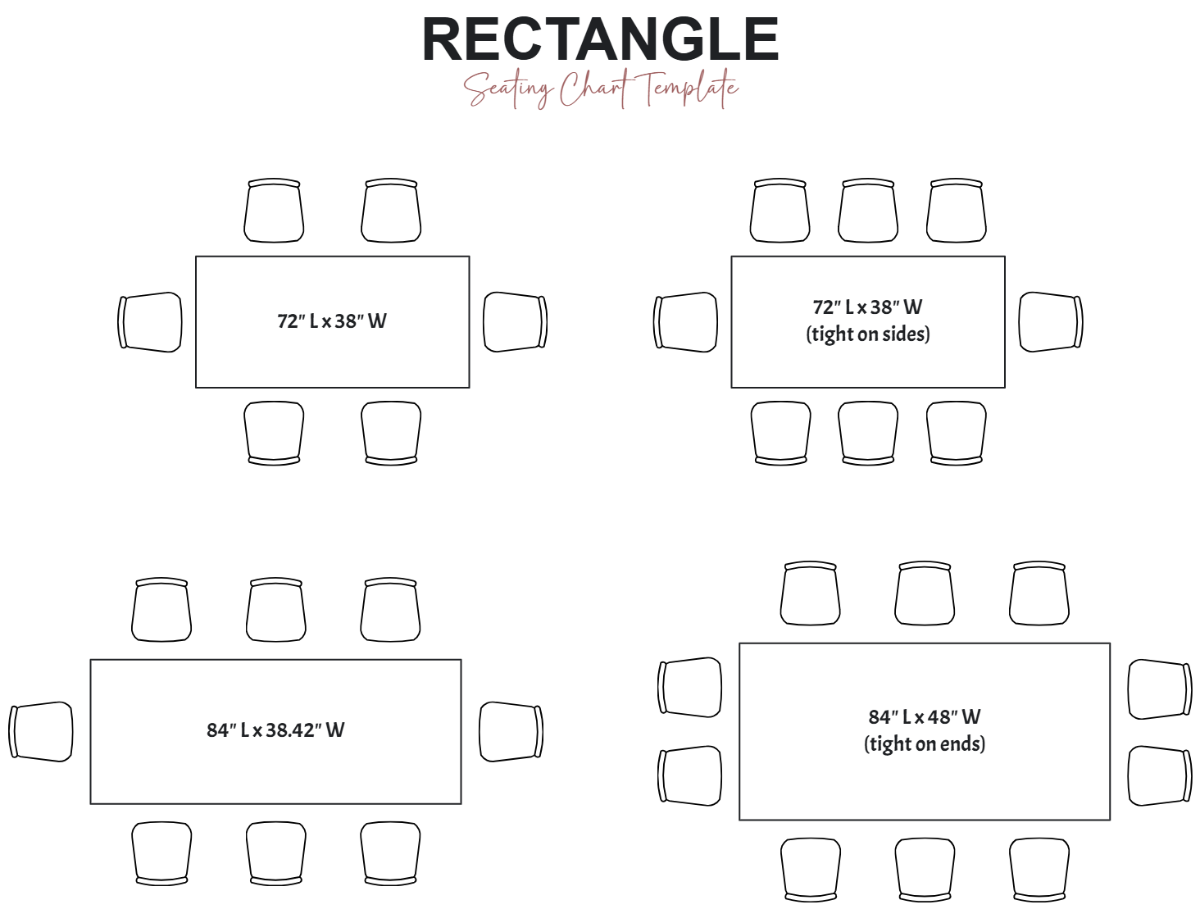
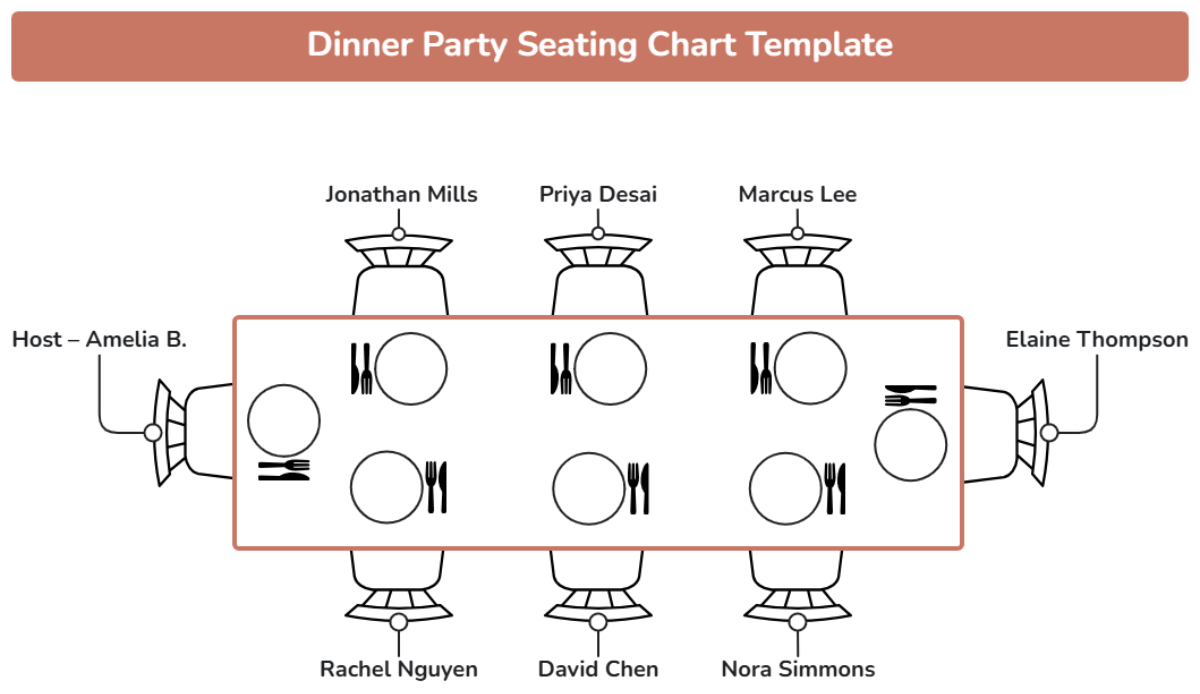
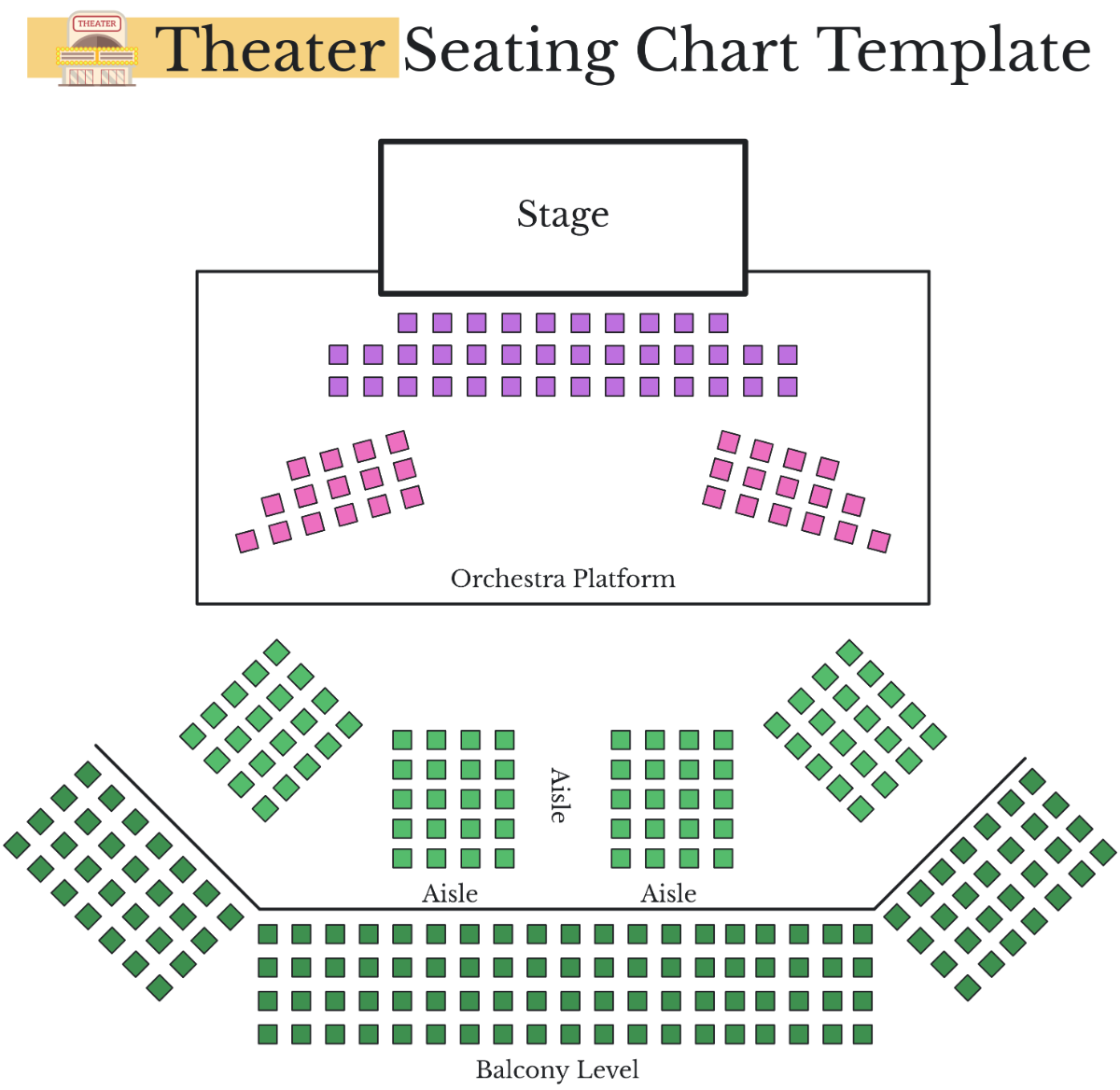
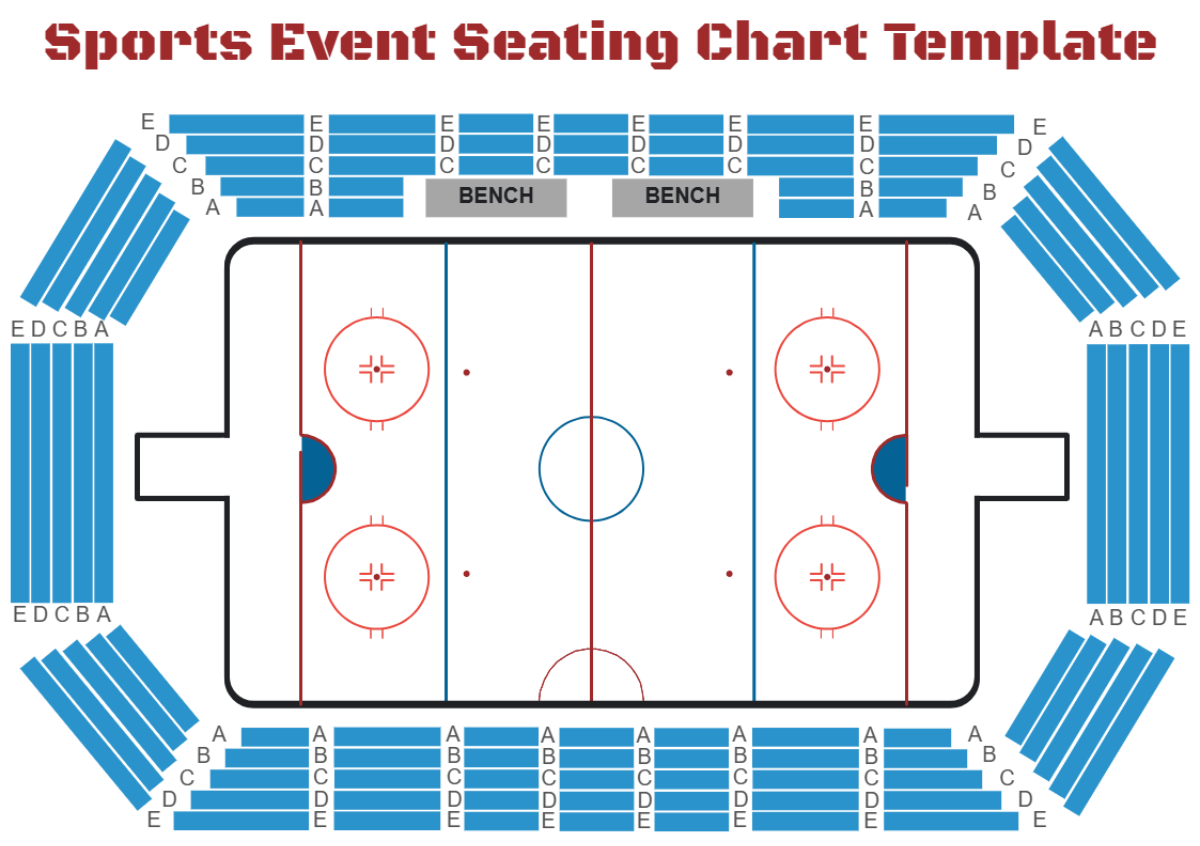
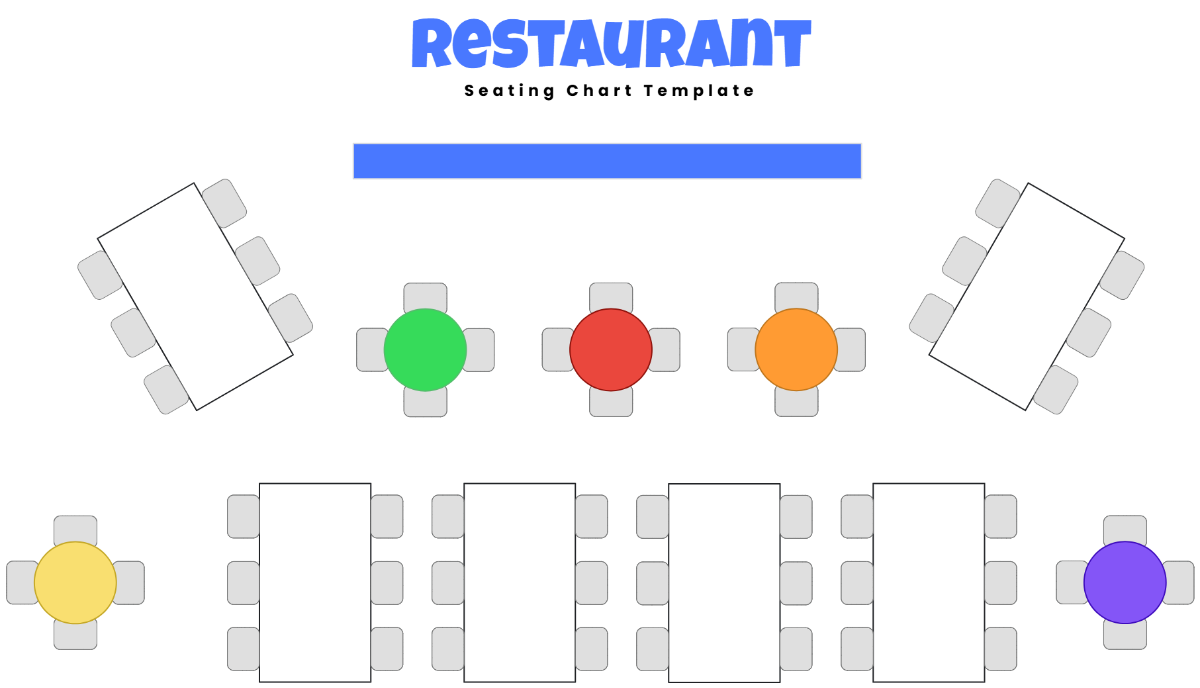
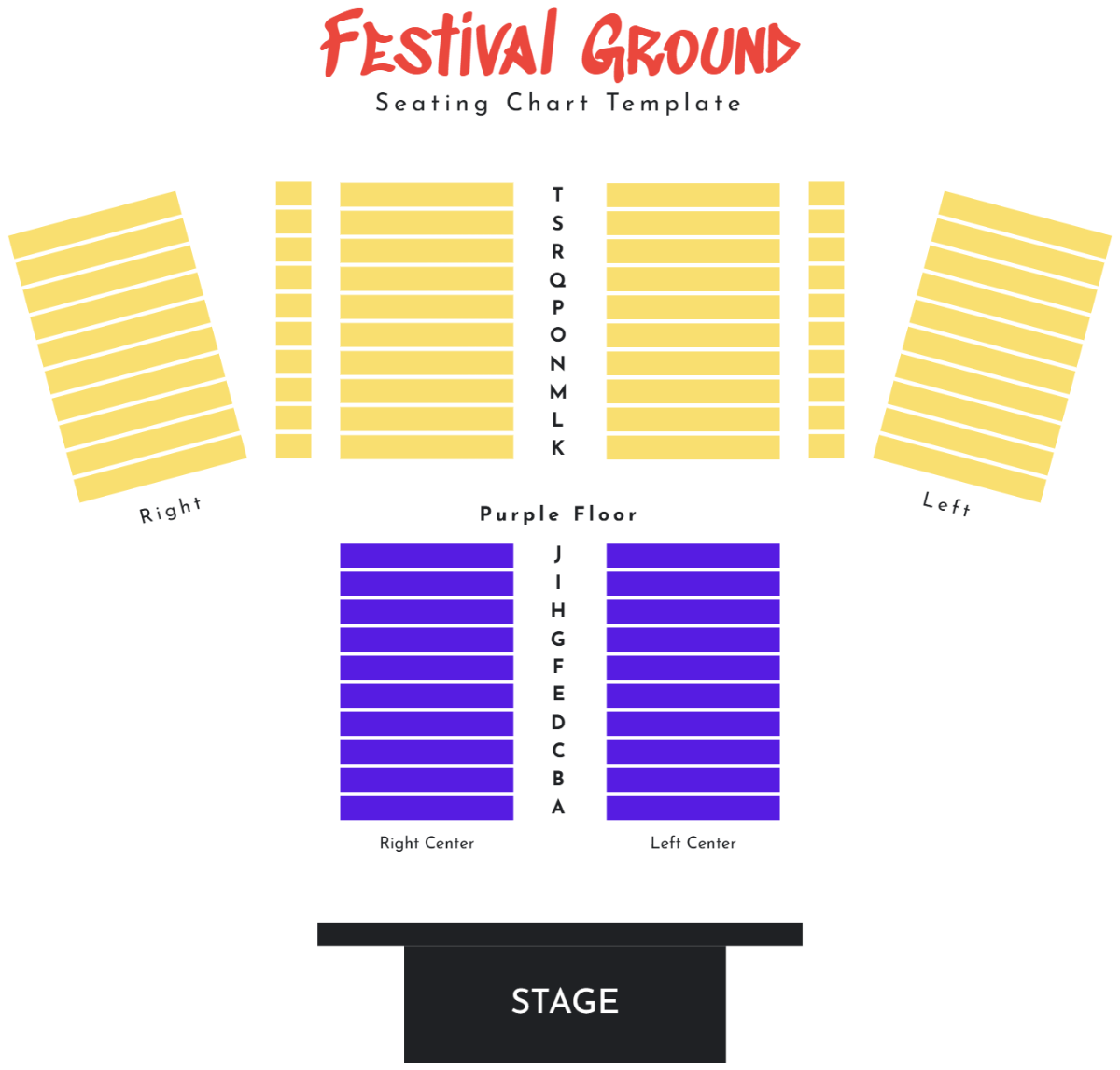
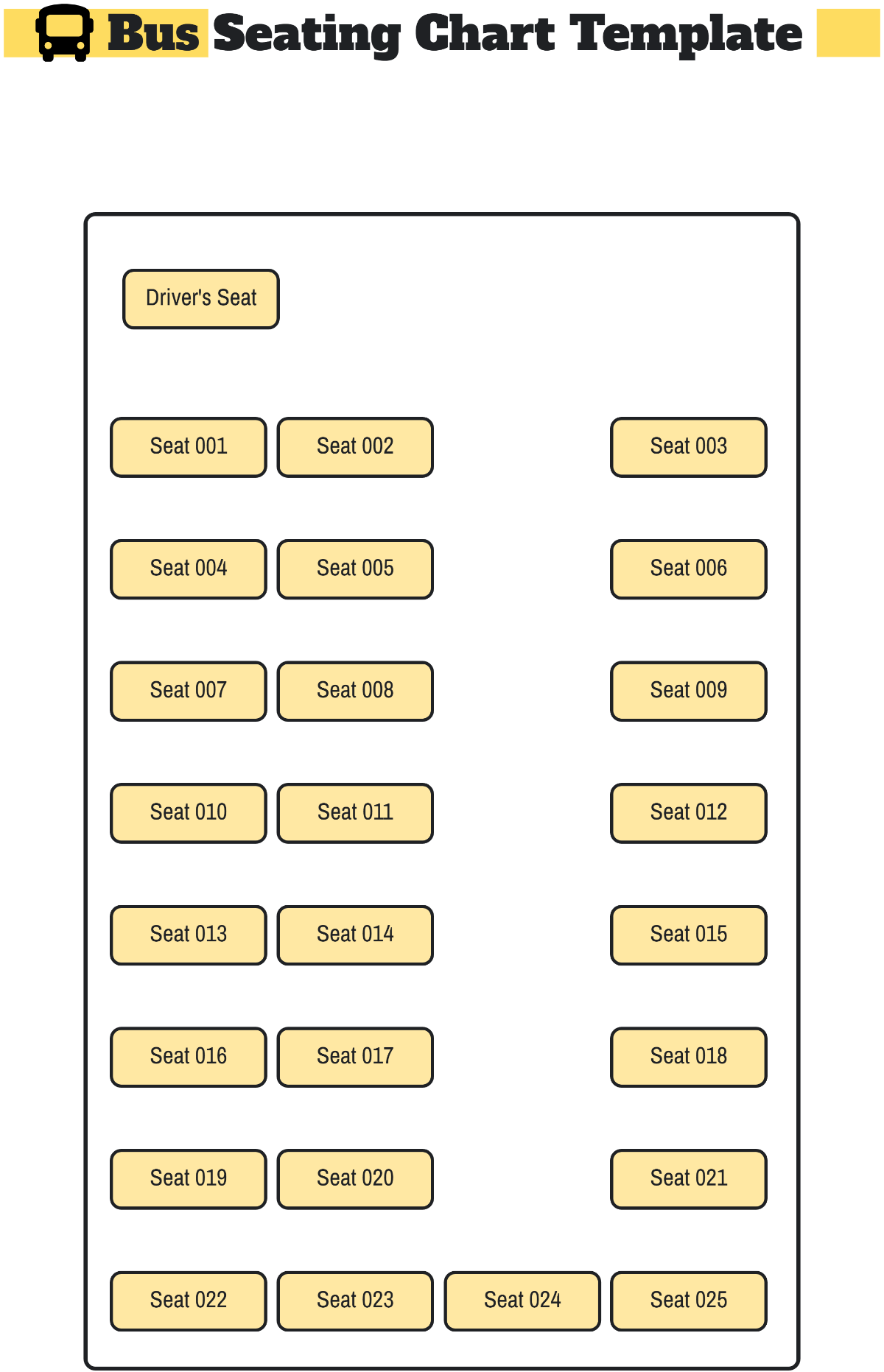
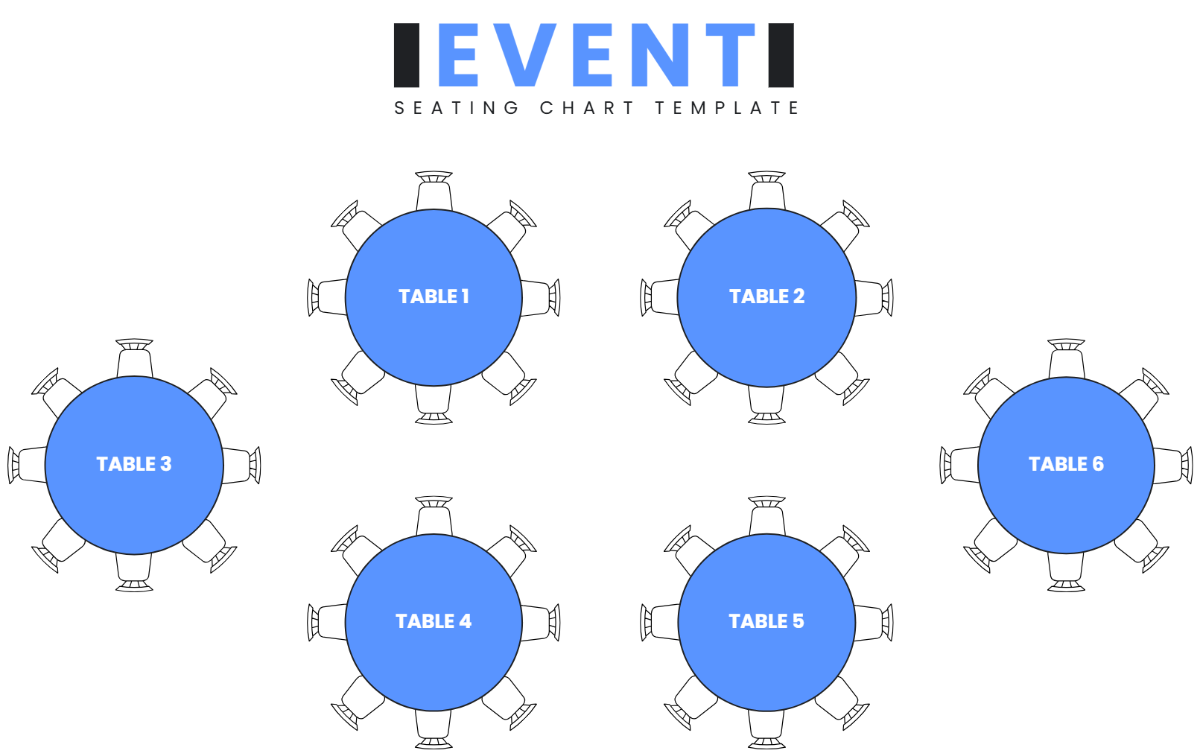
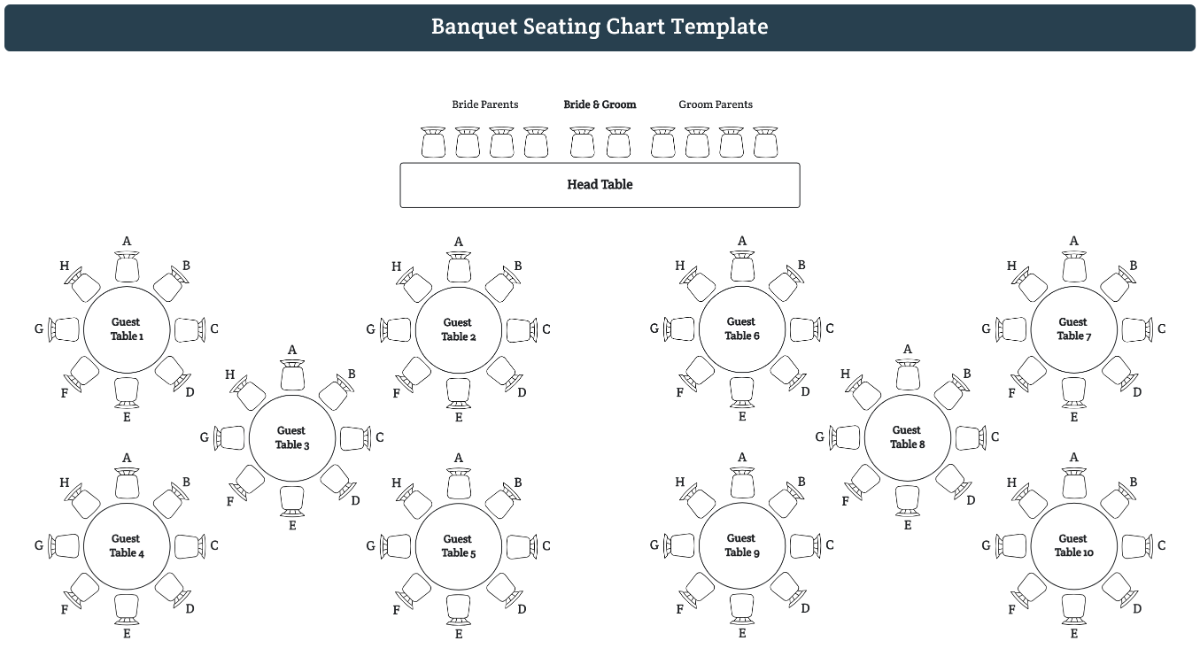
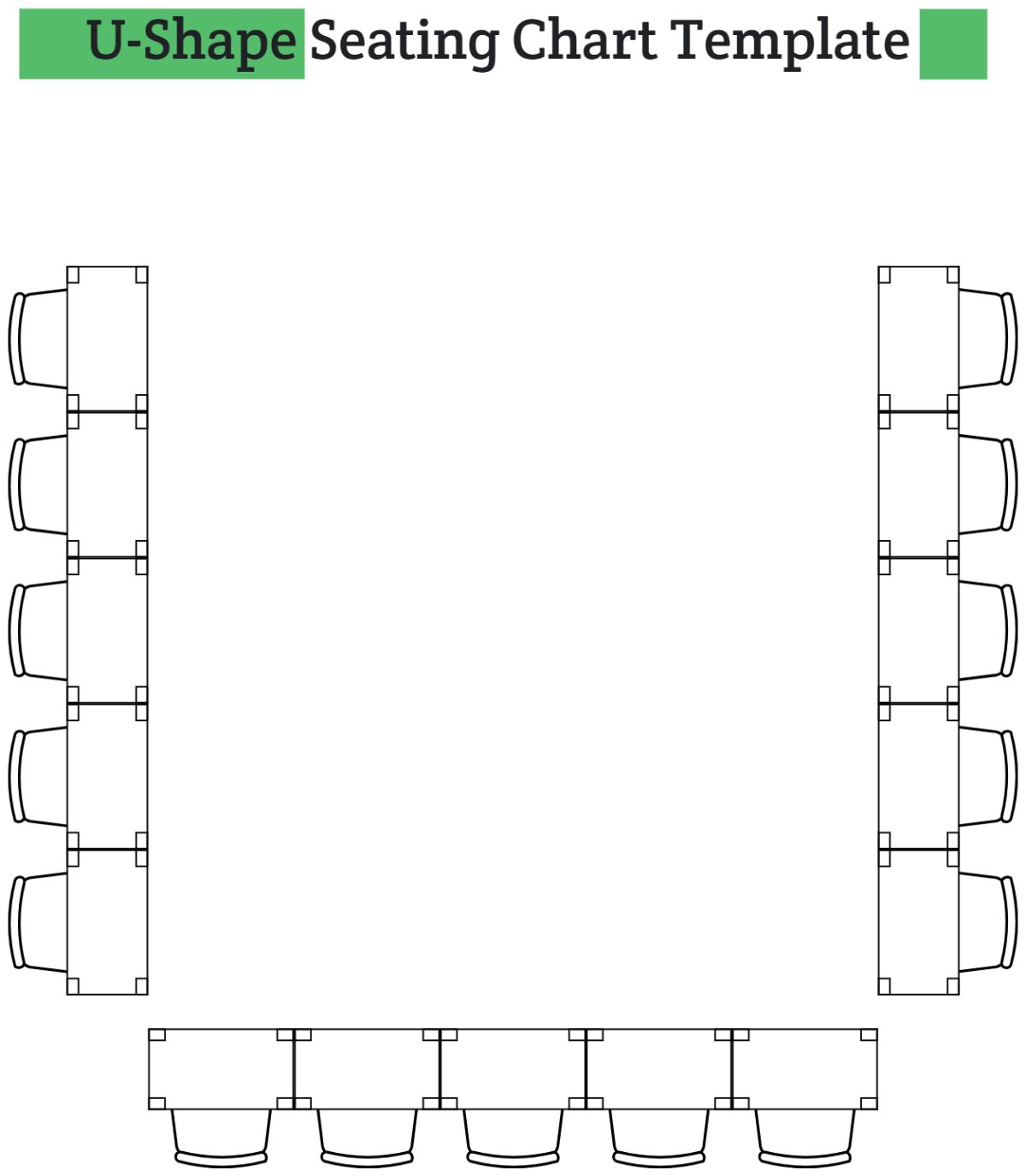
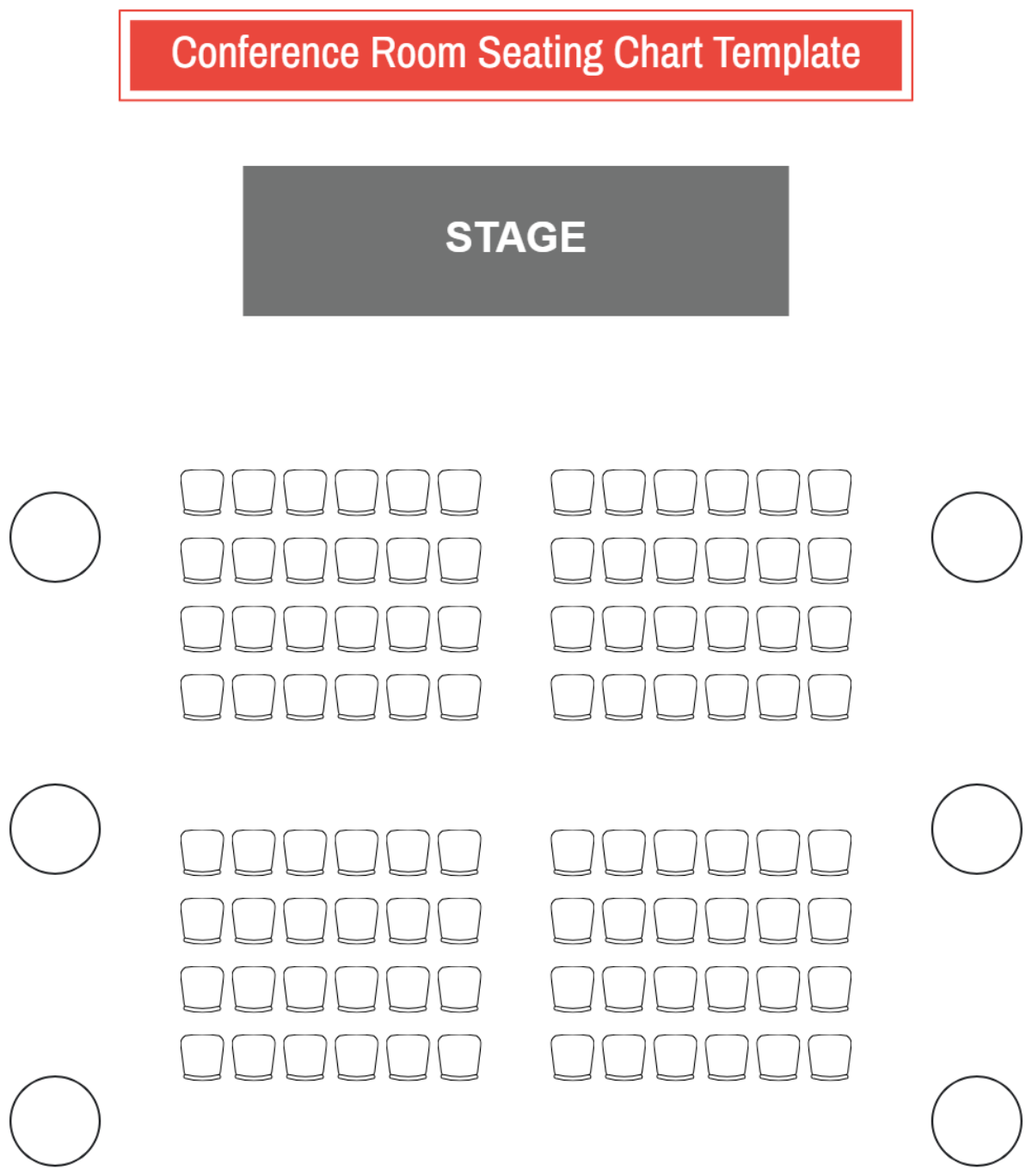
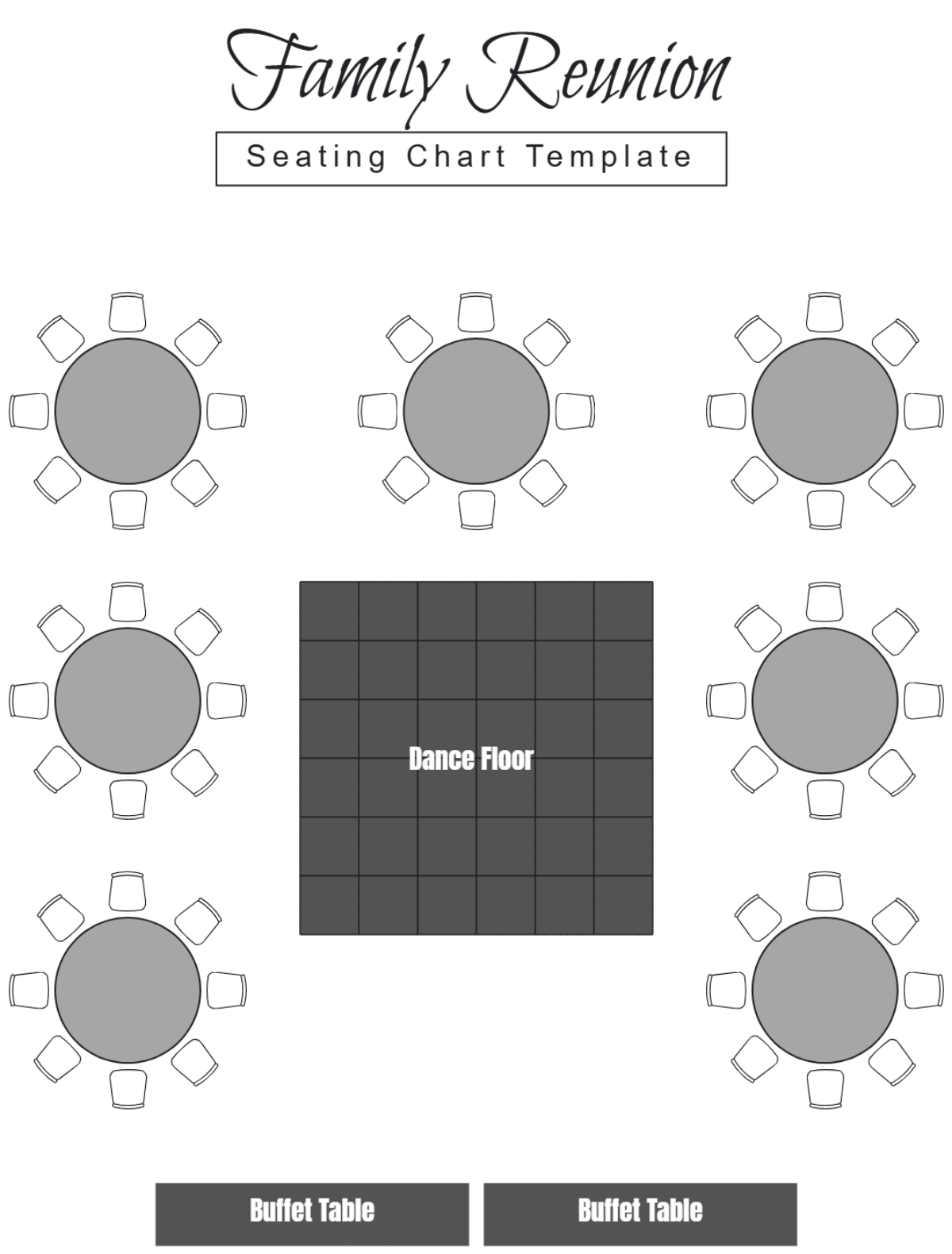
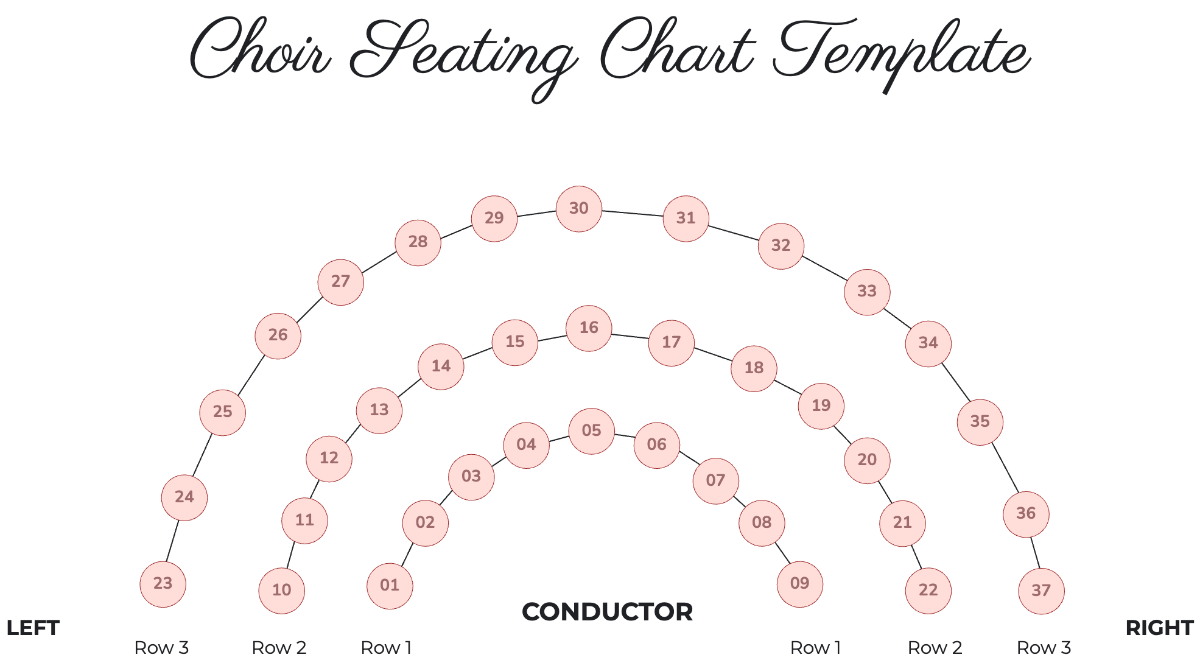
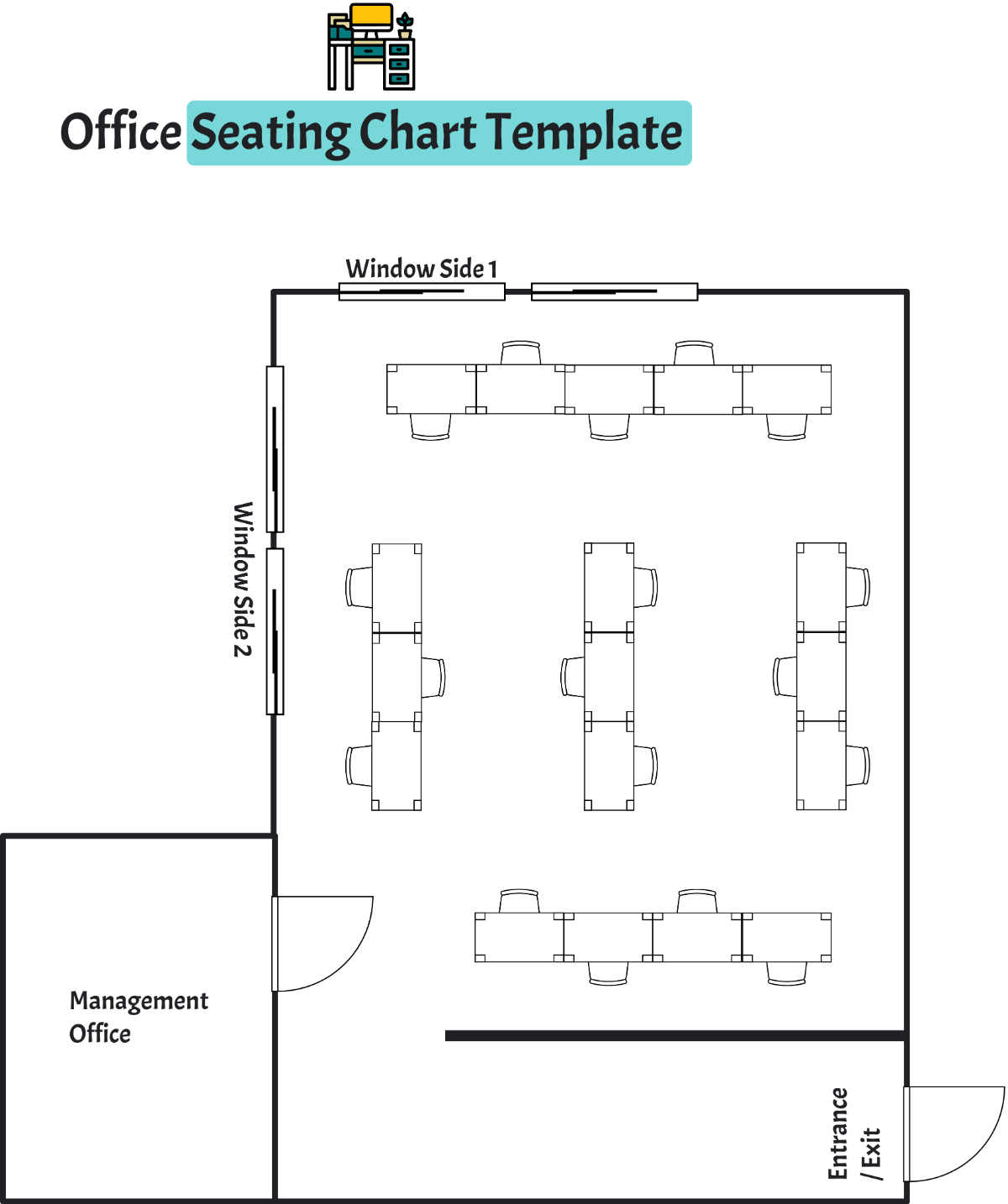
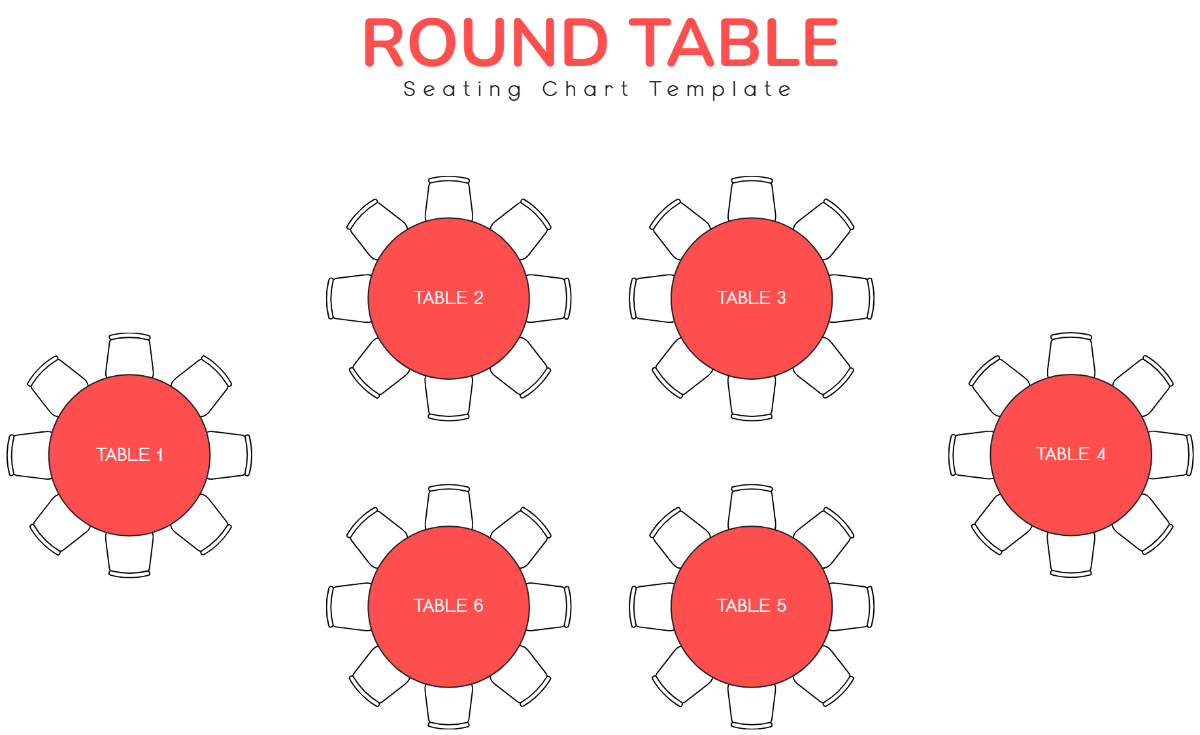
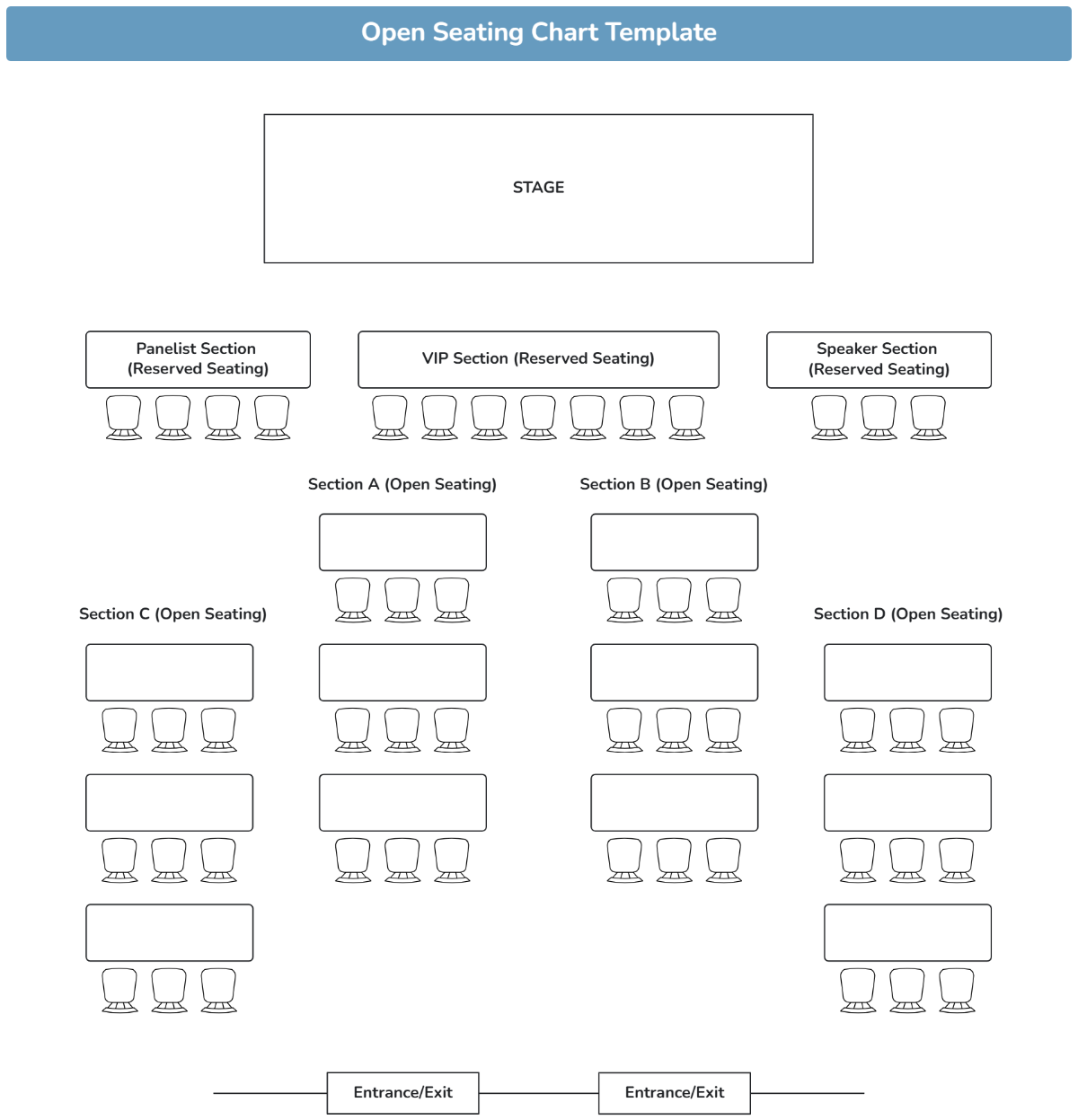
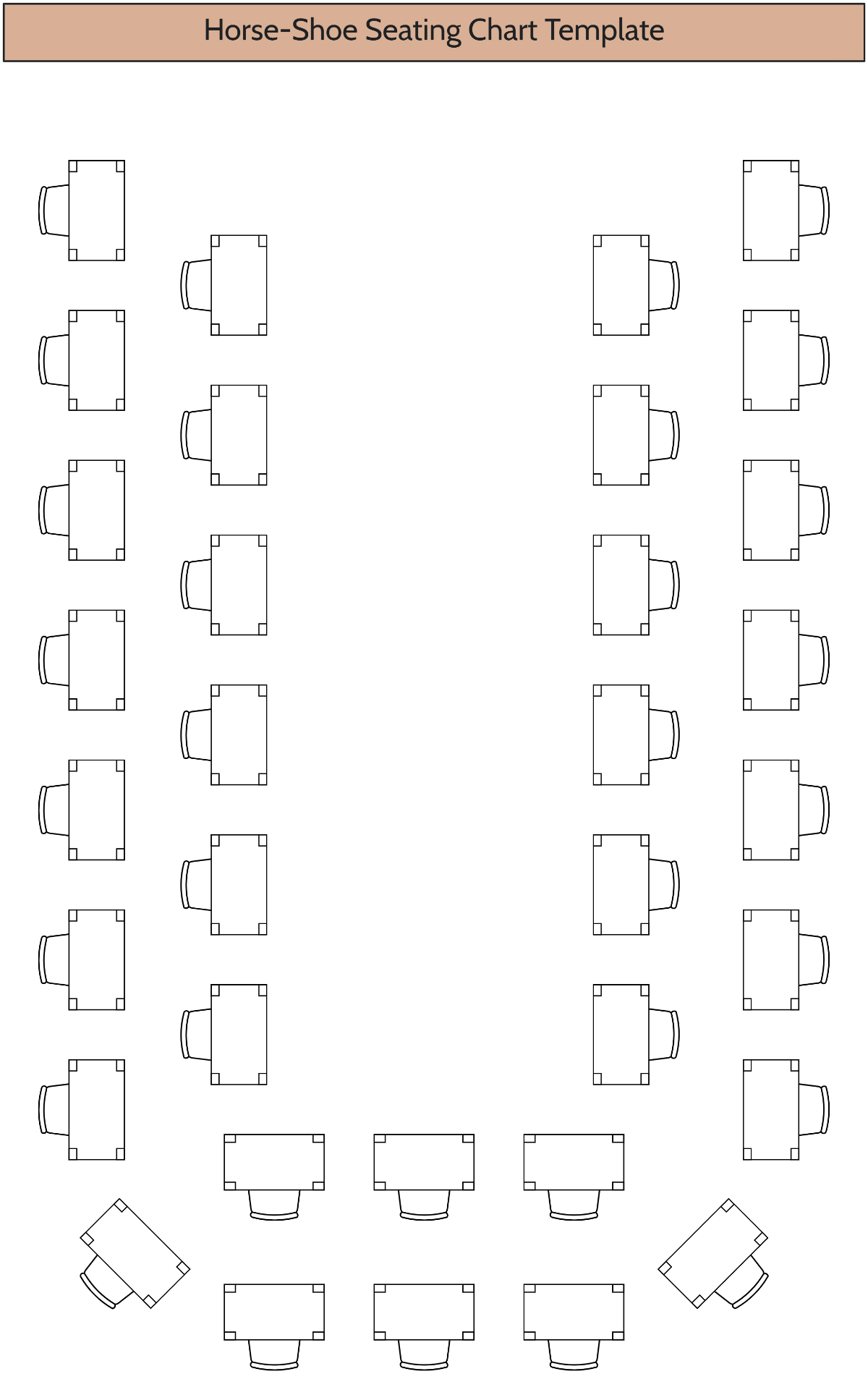
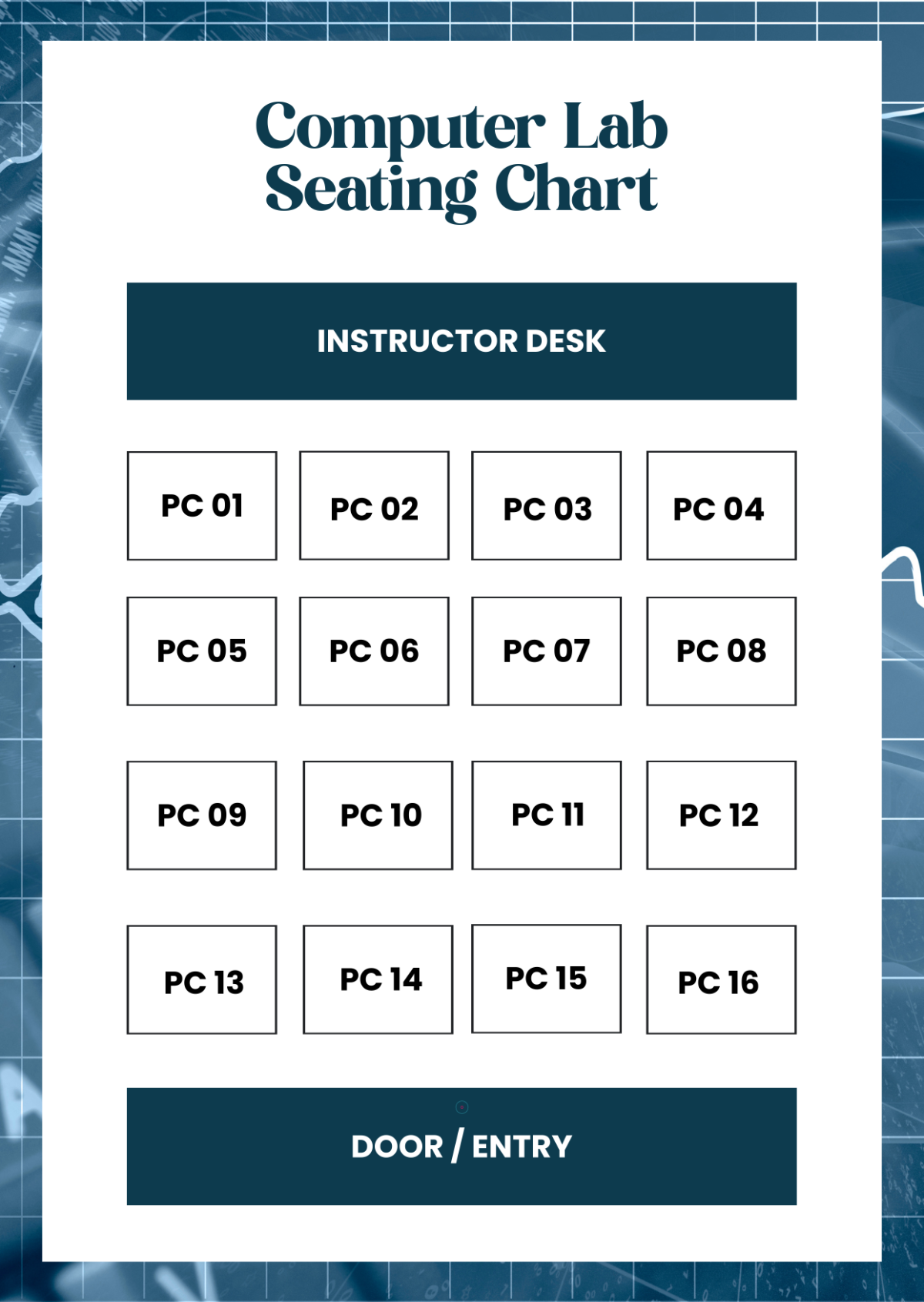
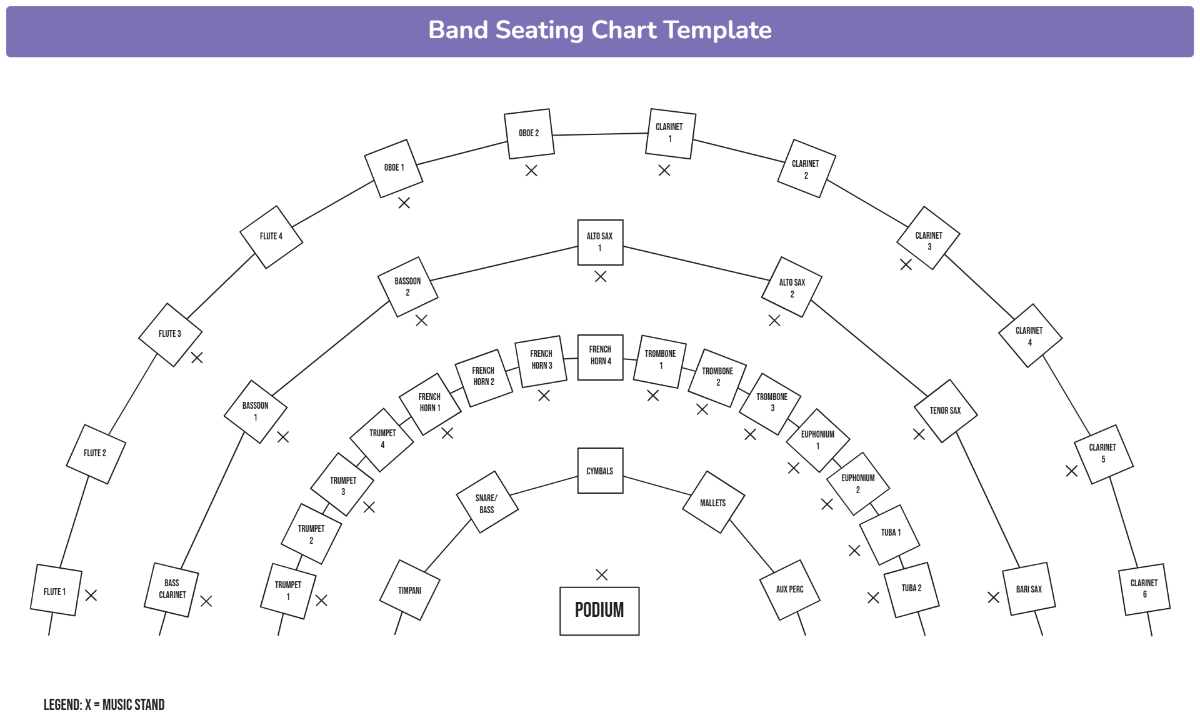
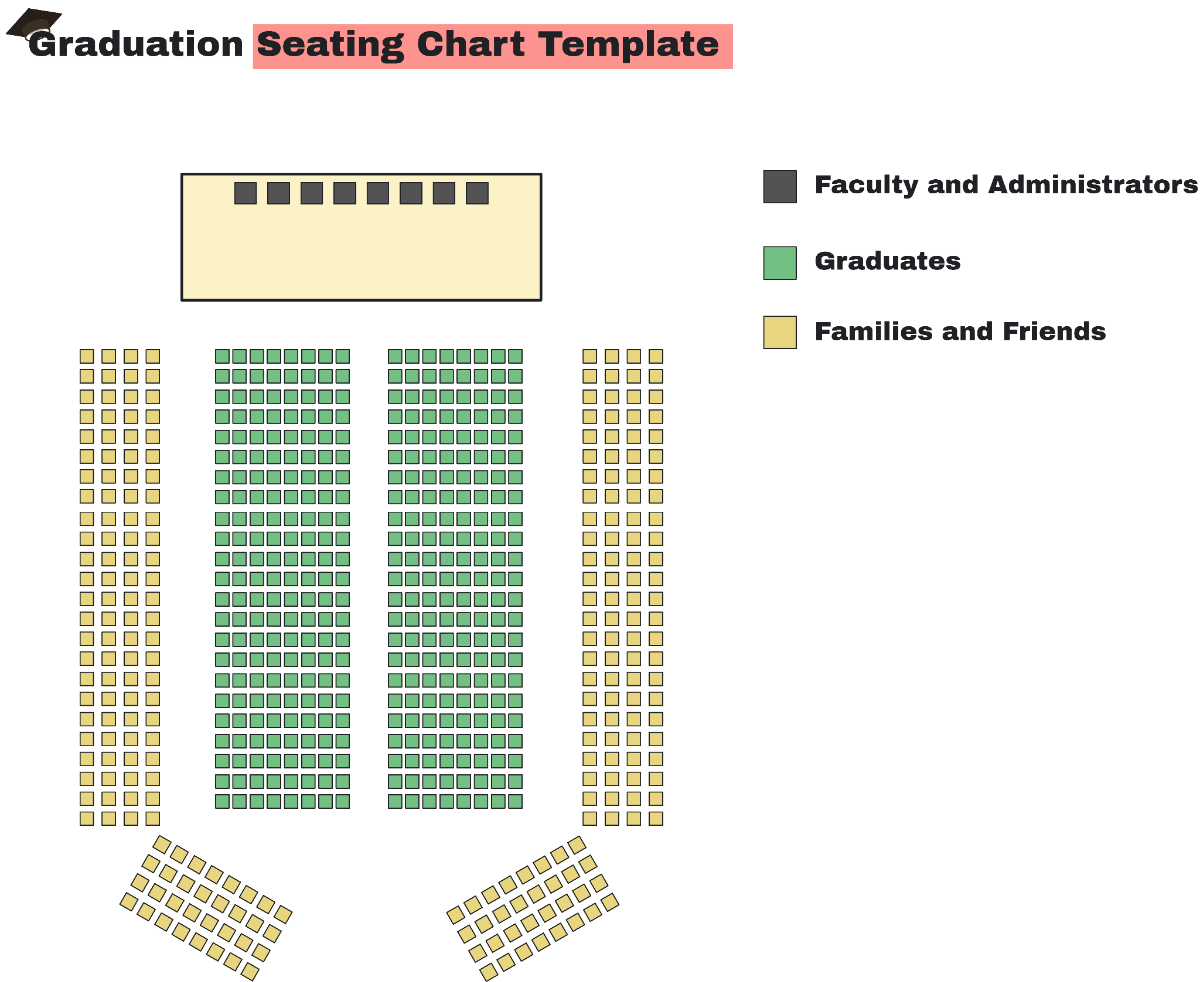
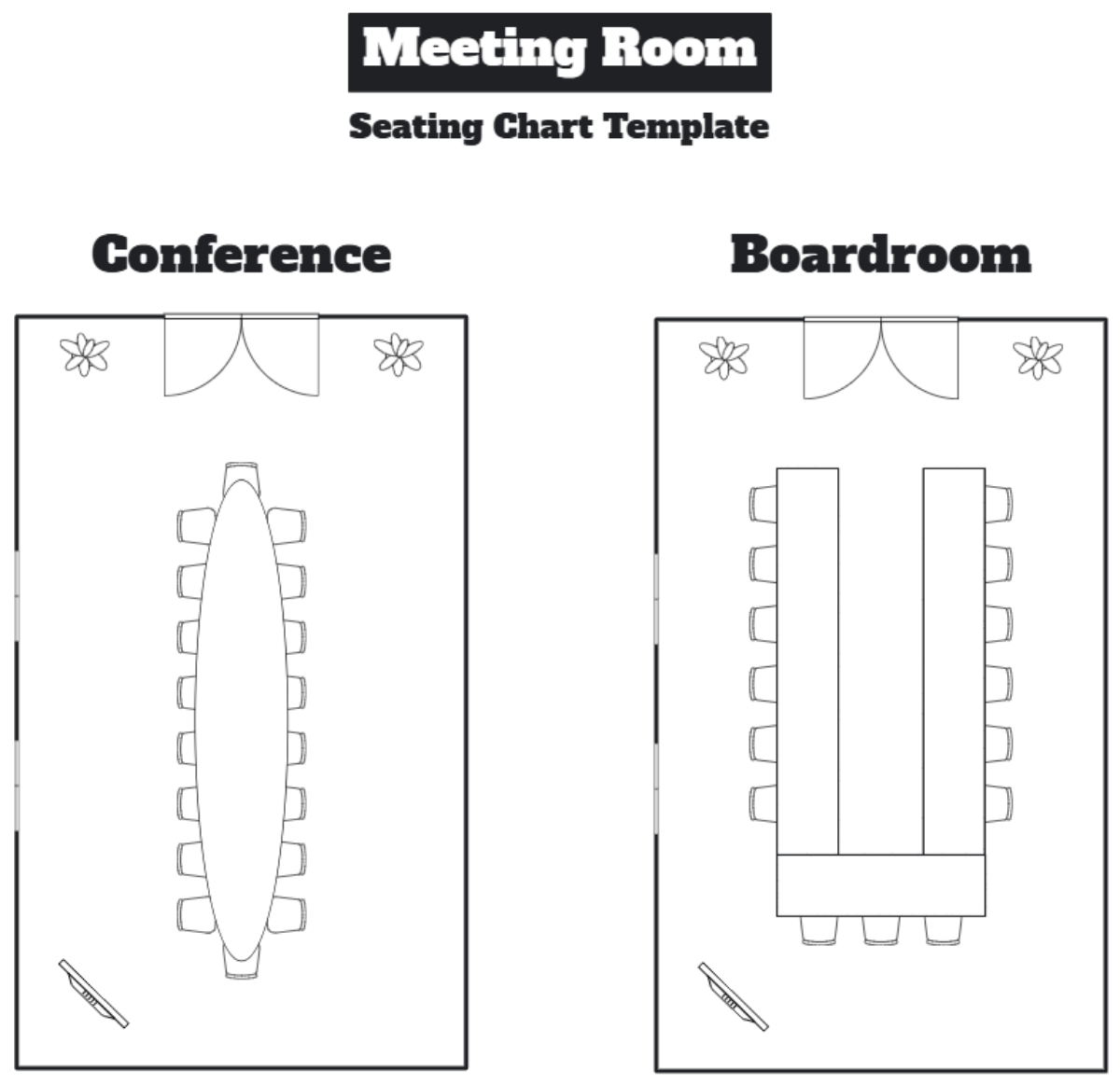
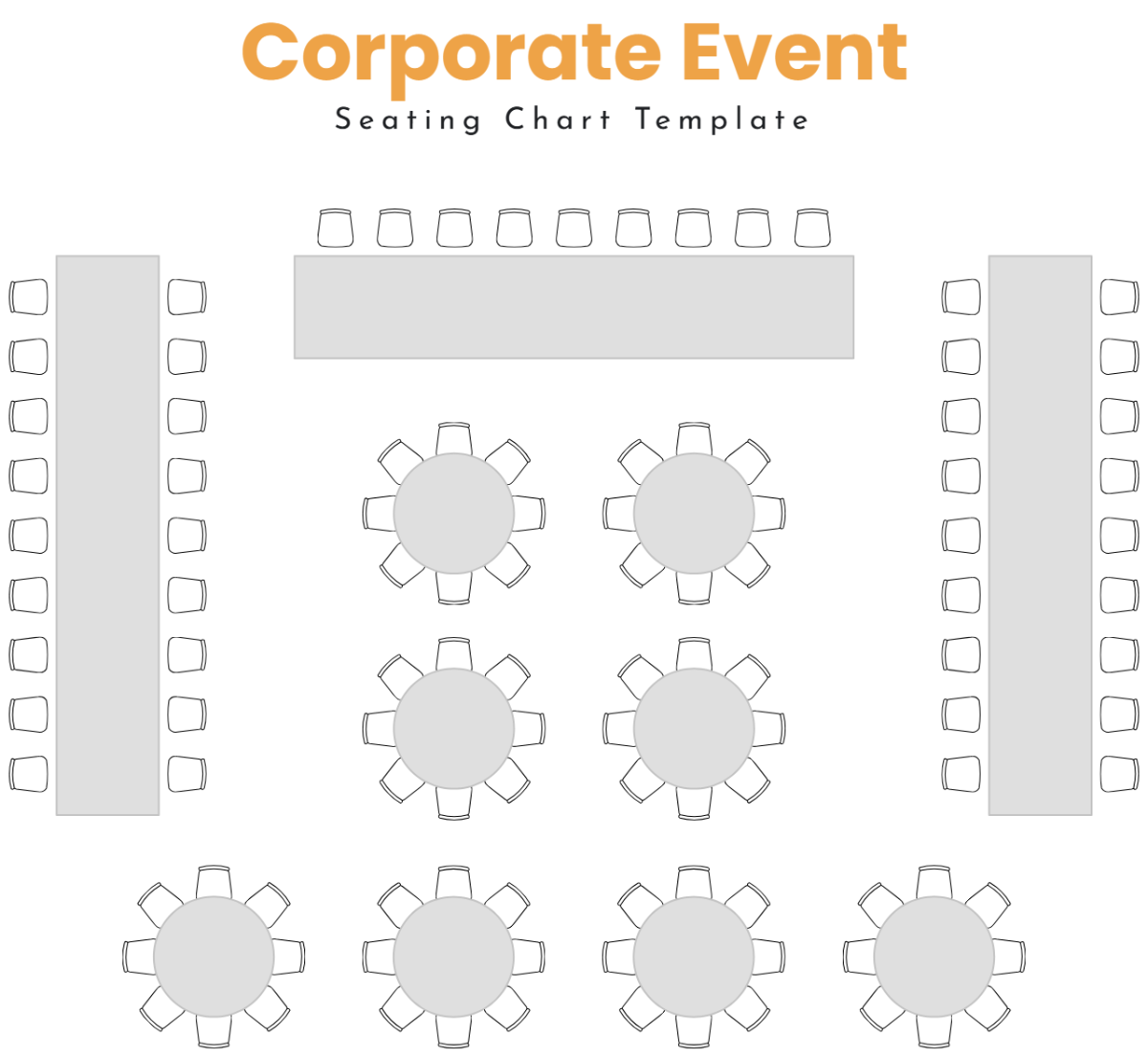
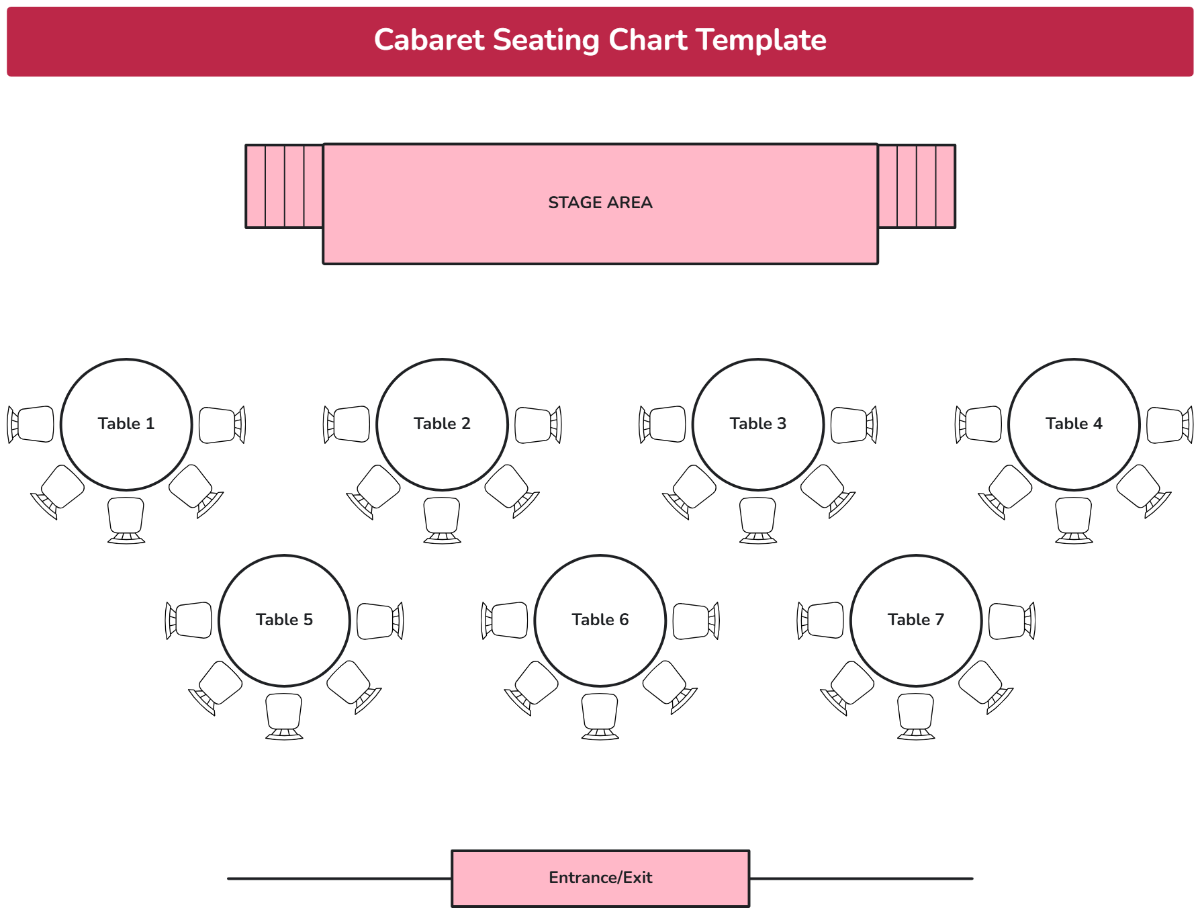
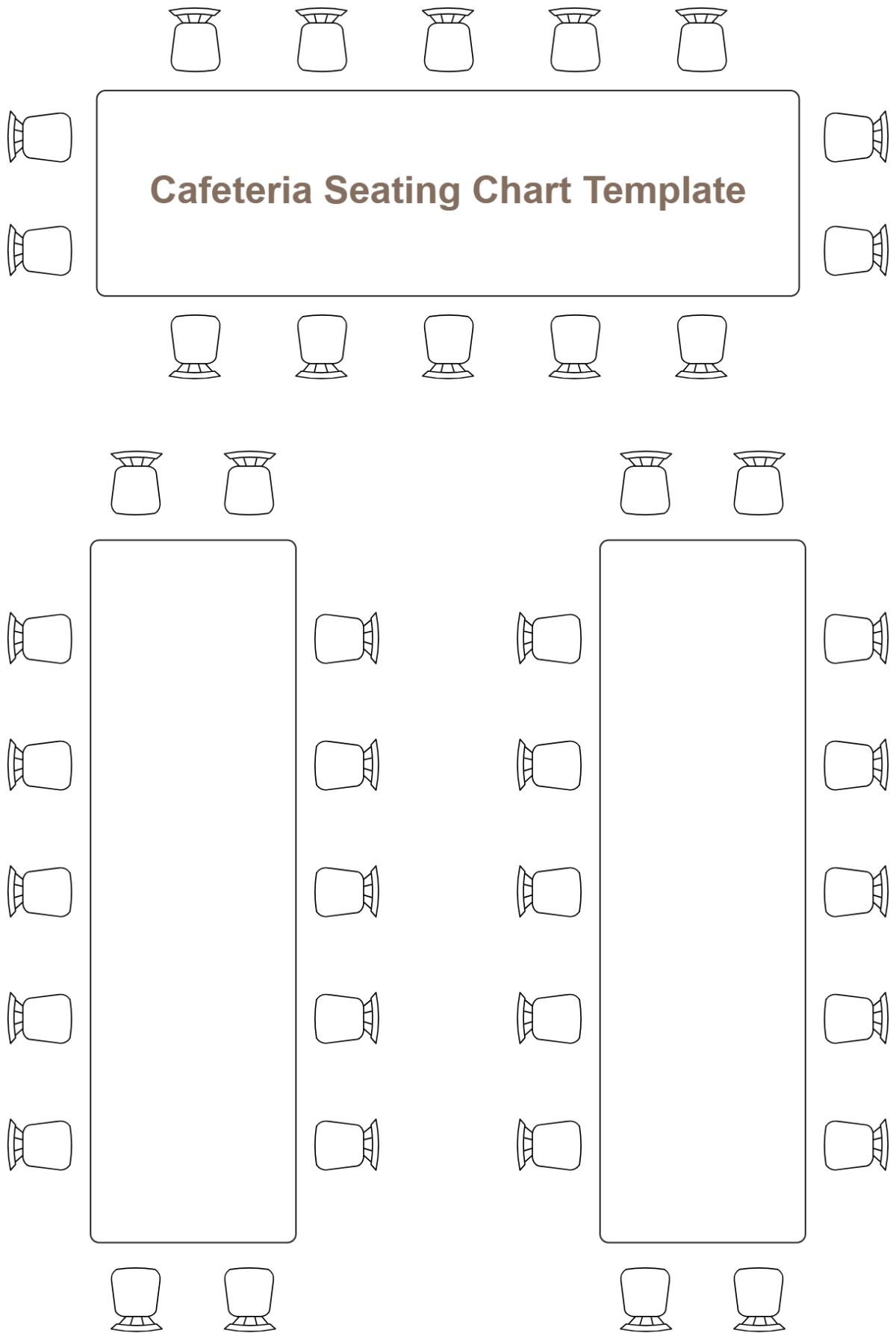
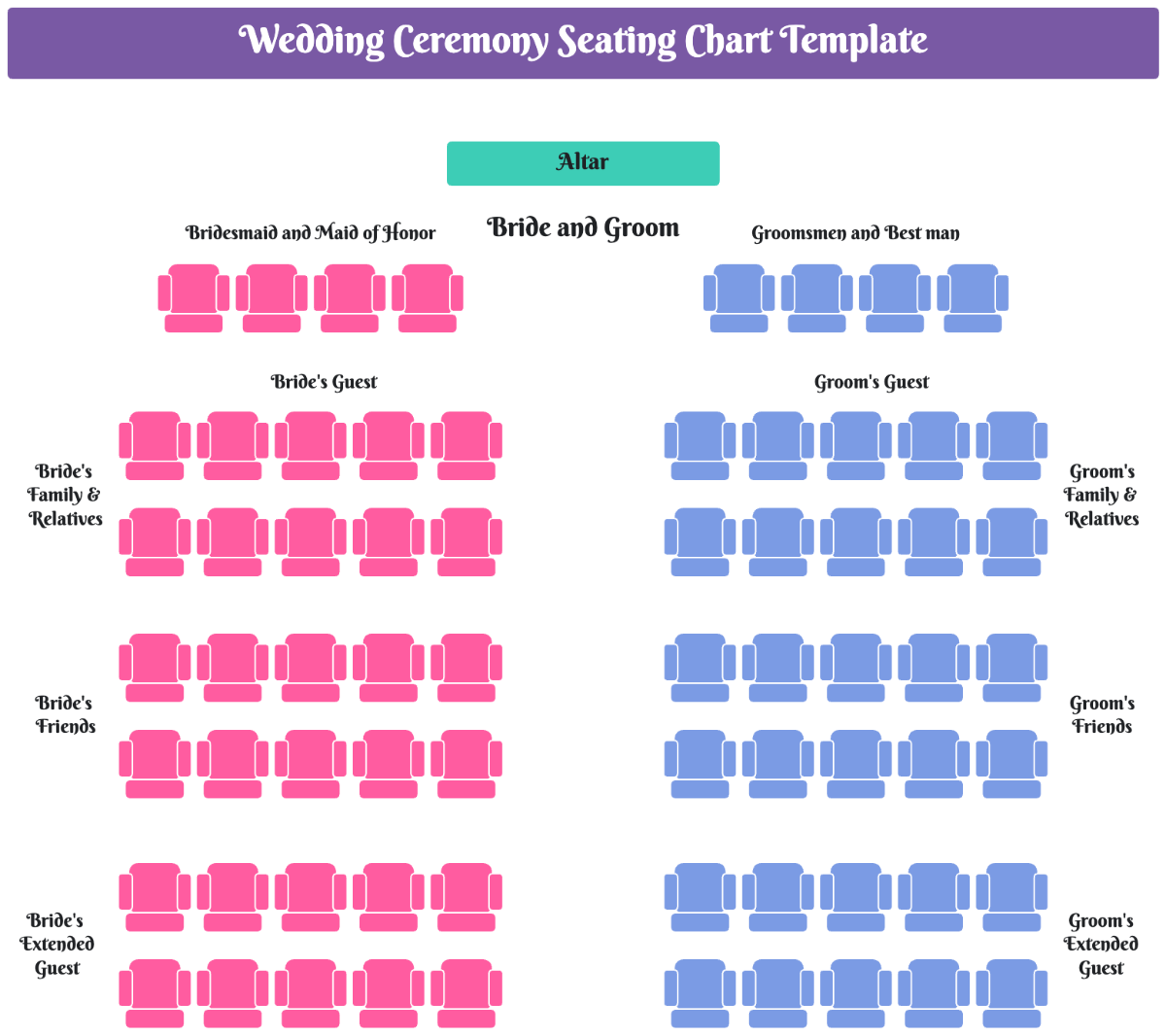
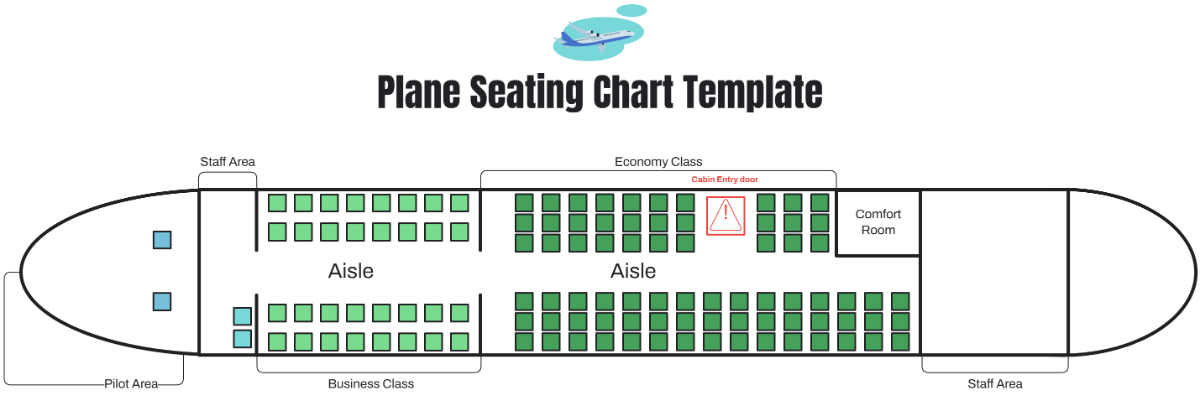
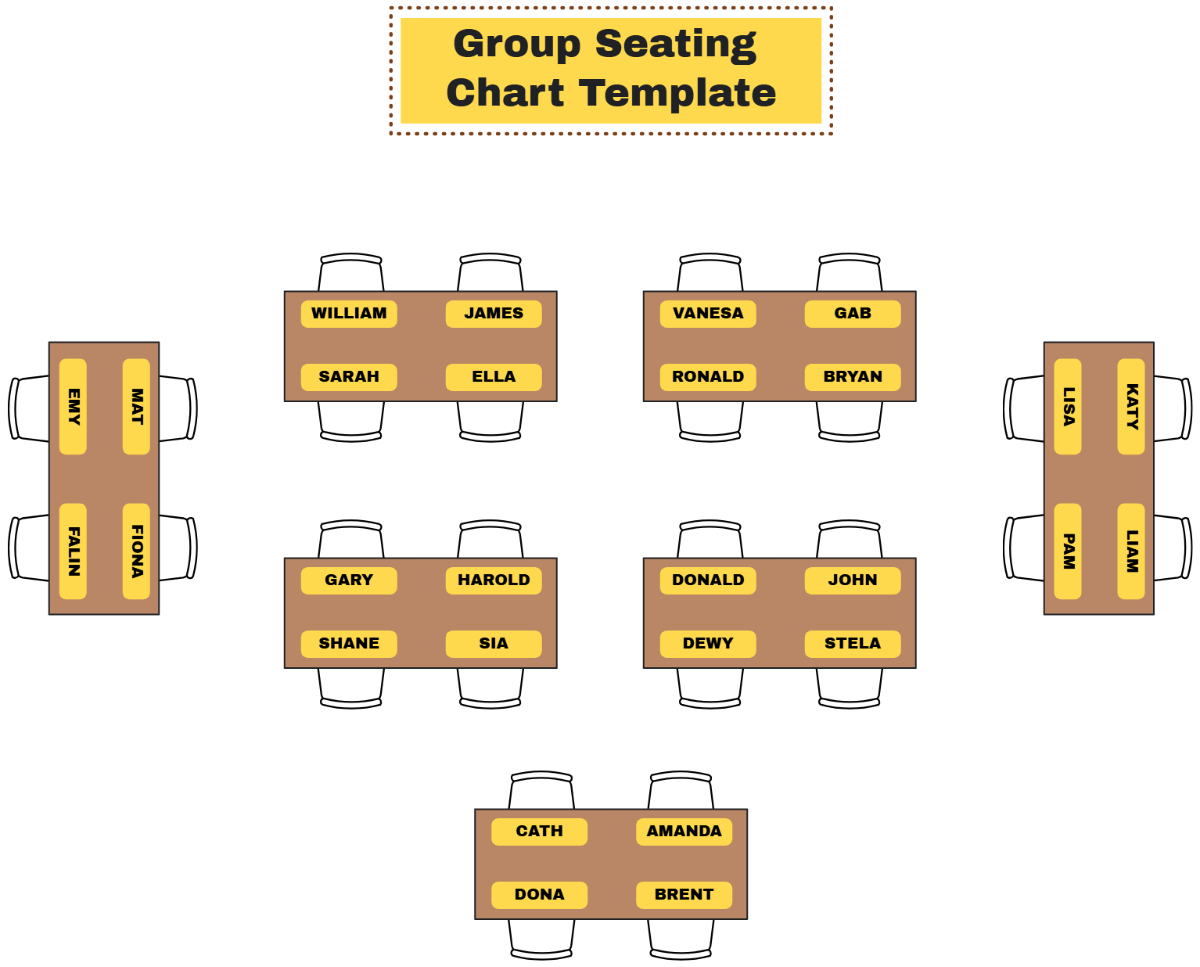
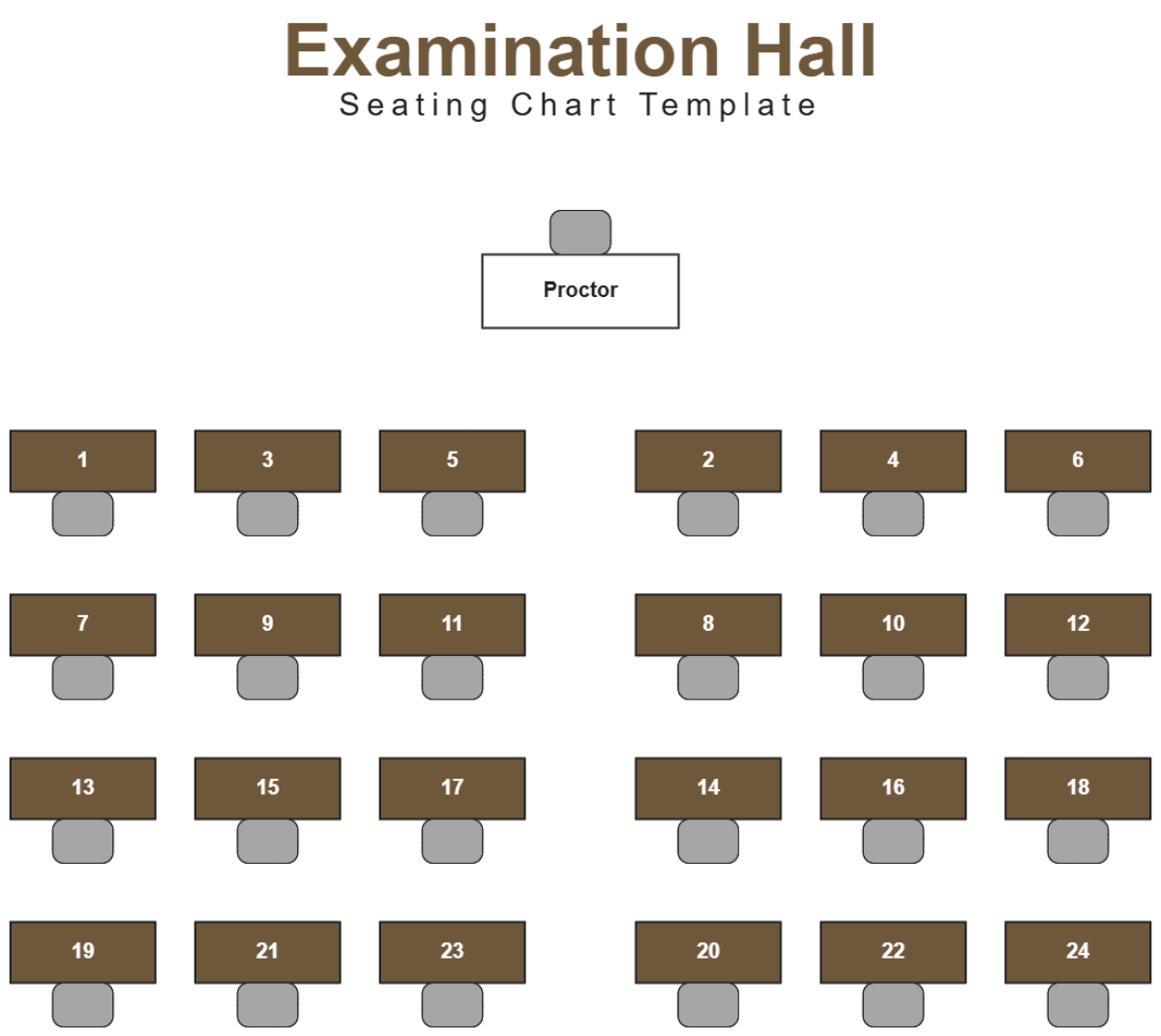
A Seating Chart is a diagrammatic representation that shows the arrangement of seats within a space such as a classroom, event hall, or meeting room. It helps visualize seat assignments and spatial organization by displaying seat locations, guest or participant names, and workflow connections among attendees.
Why should I use a Seating Chart?
Using a Seating Chart improves organizational clarity by visually mapping seat arrangements, which helps in managing space efficiently and enhancing communication flow. It reduces confusion during events or meetings and supports collaboration features by clearly indicating roles or groups.
Who uses Seating Charts?
Seating Charts are used by event planners, teachers, office managers, and team leaders to arrange attendees for optimal interaction. They also assist venues, wedding coordinators, and conference organizers in managing seating logistics and visual hierarchy.
What are the best tips for completing my Seating Chart?
To complete your Seating Chart effectively, consider these tips:
- Identify zones – divide the space into sections for easier organization
- Use clear labels – assign names or roles to seats for recognition
- Maintain visual hierarchy – prioritize important attendees
- Account for accessibility – ensure seats accommodate all needs
- Test layouts – preview arrangements to spot conflicts
What file formats can I download for my Seating Chart?
Template.net whiteboard templates support multiple export formats for collaboration and sharing. You can download your Seating Chart templates in PDF, PNG, JPG, SVG, and DOCX formats to suit different presentation and printing needs.
Can I create a Seating Chart using AI?
Template.net provides an AI-powered tool that generates new Seating Chart structures from prompts. You can create customized arrangements quickly by using the Seating Chart Generator.
What essential elements should be included in my Seating Chart?
A well-structured Seating Chart includes these essential elements:
- Seat positions – clear indication of each seat’s location
- Names or labels – identifiers for assigned individuals
- Section divisions – grouping seats by zones or categories
- Accessibility markers – notes for special accommodations
- Legend or key – explanation of symbols or colors used
What are the benefits of using Seating Chart in my team collaboration workflow?
Integrating a Seating Chart in your team collaboration workflow enhances communication clarity by visually representing team member positions. It supports workflow connections by grouping collaborators logically, improving meeting efficiency and fostering better interaction among participants.
What structural standards should my Seating Chart follow?
Your Seating Chart should follow structural standards like maintaining consistent seat spacing, using clear and legible labels, and applying a logical layout that reflects the physical space accurately. This ensures easy interpretation and structural clarity for all viewers.
