Free Card Templates: Customizable Design Guide, Sizes, and Download Formats

Cards are small printed or digital items used for communication, identification, or promotion. Template.net provides customizable online card templates that you can edit directly in your browser for various personal and professional uses.
feature icon

What is a Card?

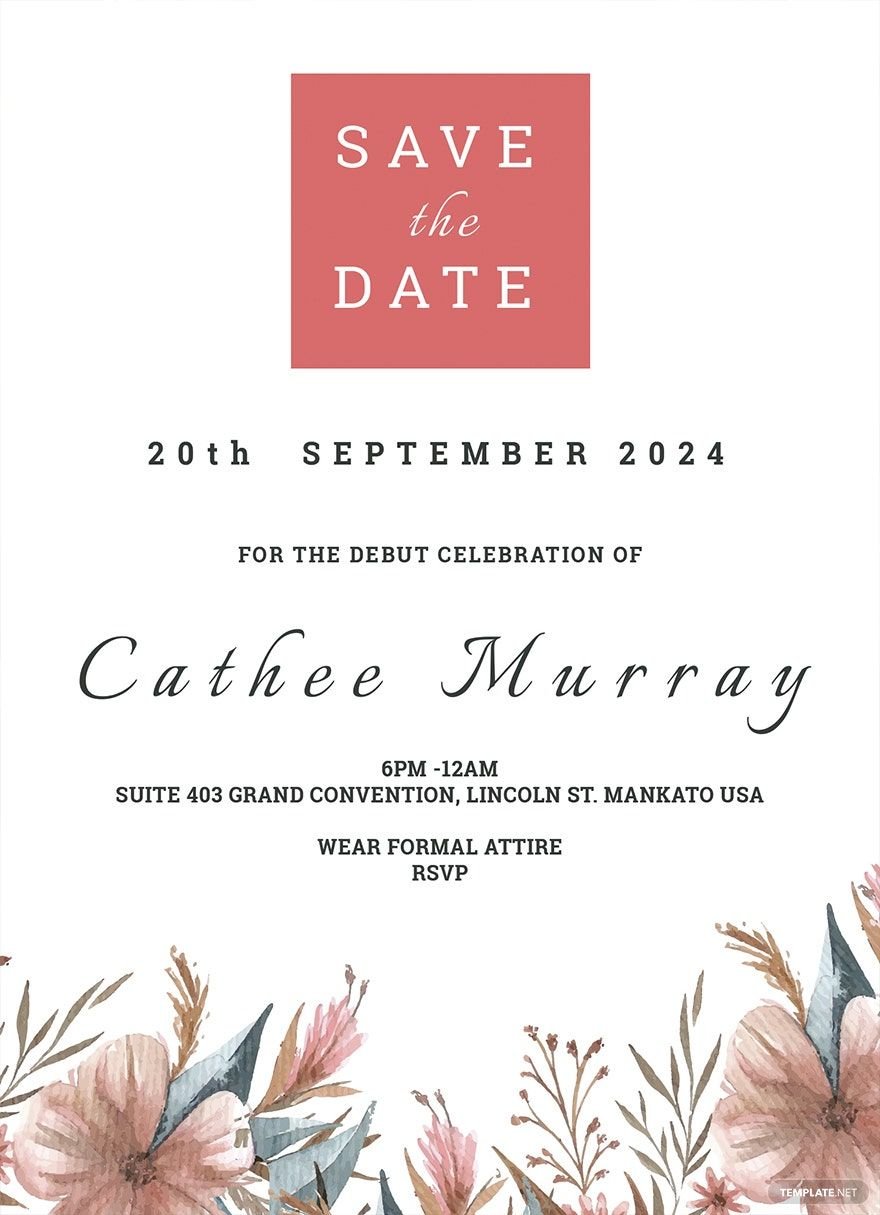
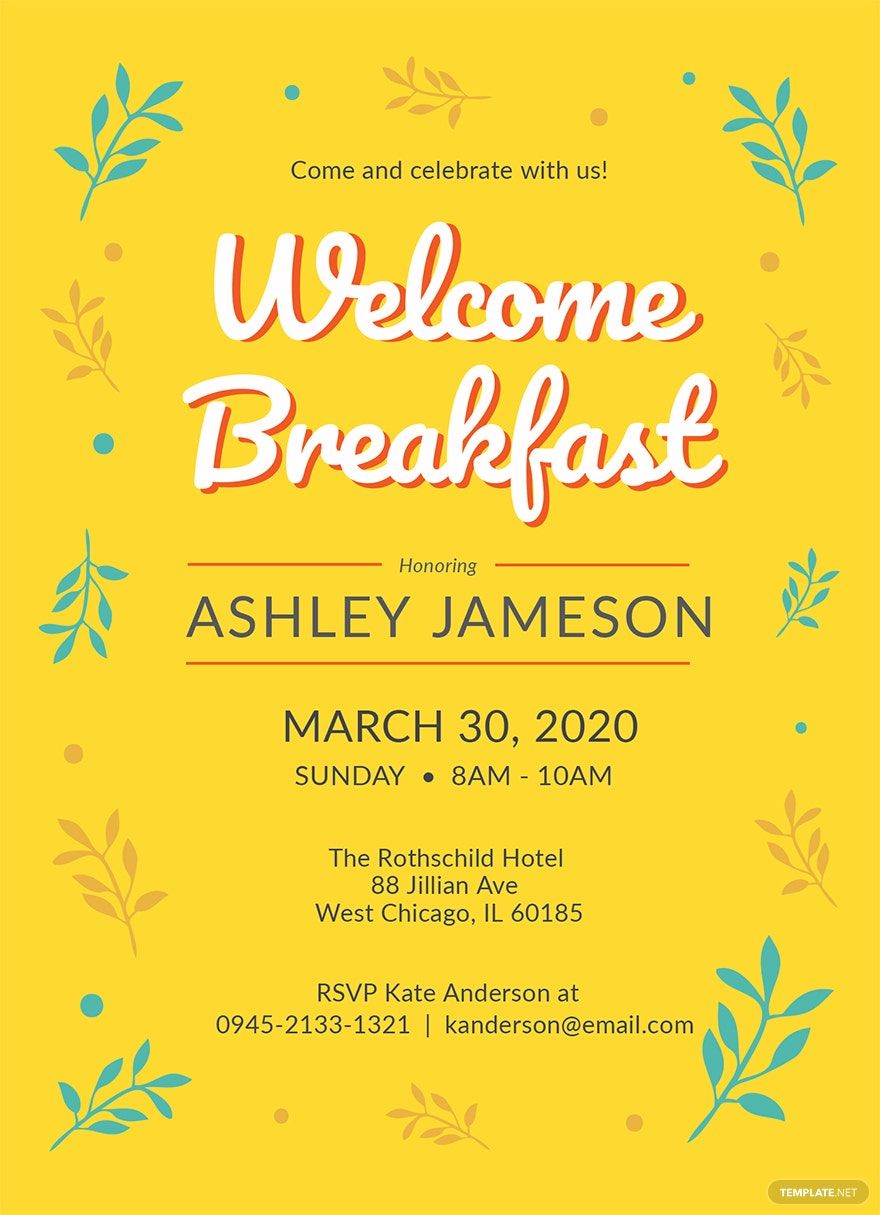
A card is a small, flat physical or digital medium used for conveying messages, identification, or promotional information, often designed with visual and textual elements. Cards include business cards, greeting cards, invitations, and more, serving as tangible or electronic communication tools.

feature icon

Why should I use a Card?

You should use a card because it provides a compact, professional, and personalized way to share essential information or greetings. Cards help establish identity, promote branding, and create memorable impressions in both personal and business contexts.

feature icon

Who uses Cards?

Cards are used by professionals, businesses, event organizers, marketers, and individuals for networking, invitations, marketing, or personal communication. Their versatile formats cater to diverse needs across industries and social events.

feature icon

What are the best tips for designing my Card?

Effective card design balances clarity and creativity. Consider these tips:

  • Use clear typography for readability
  • Incorporate brand colors for identity
  • Include relevant contact details
  • Maintain balanced white space for aesthetics
  • Choose appropriate images or logos
  • Keep the layout simple and clean
  • Use consistent alignment for professionalism
  • Consider the card size for usability
  • Use high-quality graphics for print or digital clarity
  • Test readability in different lighting or devices
feature icon

What file formats can I download for my Card?

Template.net offers card templates in multiple export formats for editing and sharing. You can download your card templates as PSD, Illustrator, Apple Pages, Word, Publisher, InDesign, PDF, Google Docs, and PowerPoint.

feature icon

Can I create a Card using AI?

Template.net provides an AI-powered tool that generates new card designs from prompts, allowing you to create unique and customized cards effortlessly. Try the Card Generator for AI-assisted design.

feature icon

What are the standard print sizes for Cards?

Standard card sizes are designed to fit common wallets and holders. Popular print dimensions include:

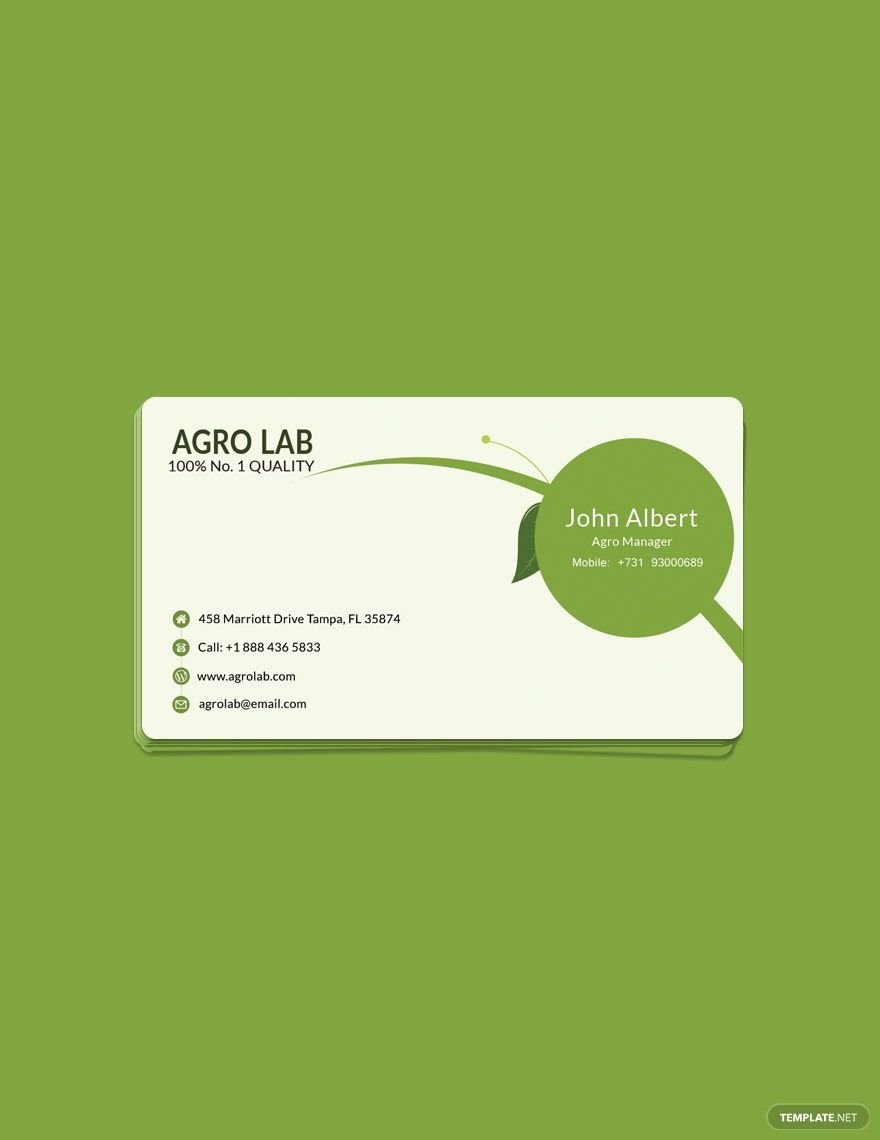
  • 3.5 × 2 inches (standard business card)
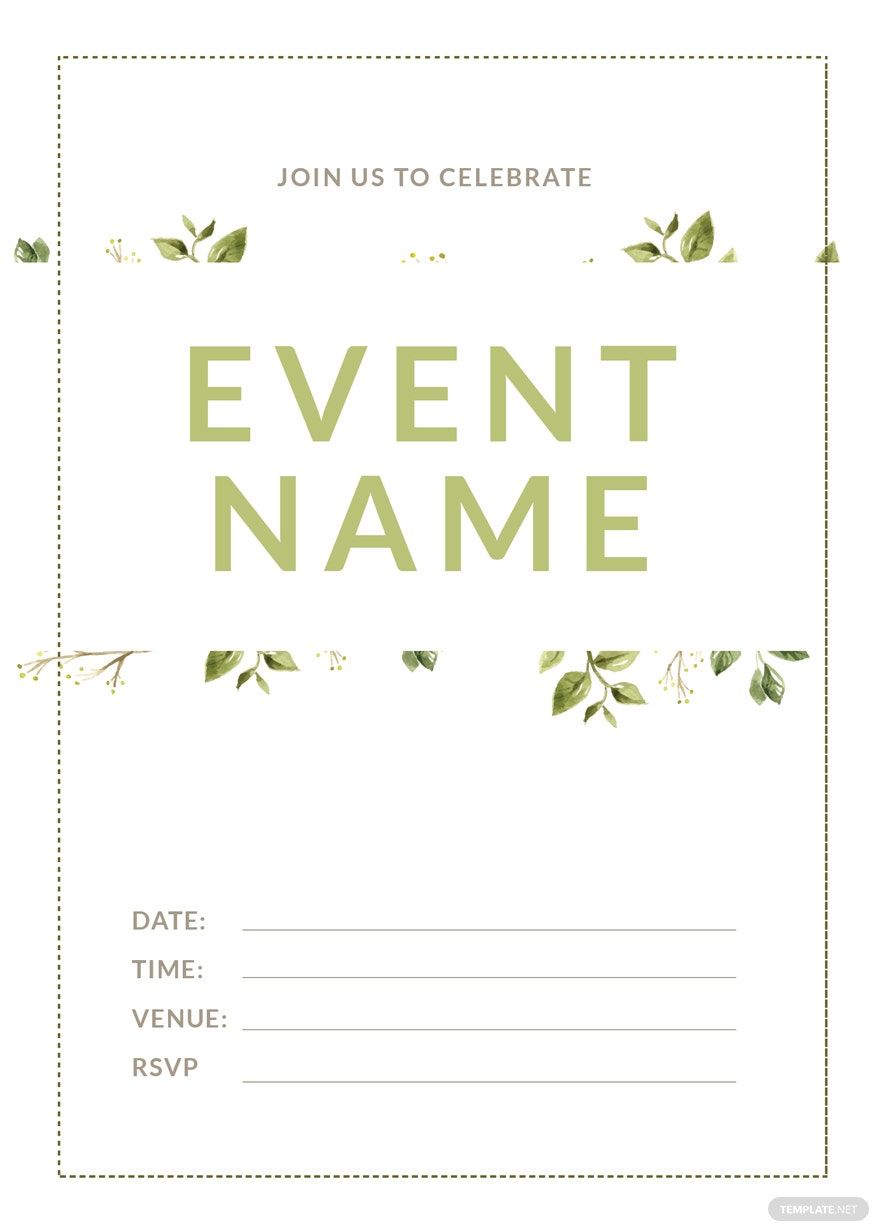
  • 5 × 7 inches (invitation card)
  • 4 × 6 inches (postcard size)
  • 2 × 3.5 inches (mini card)
  • 3.5 × 4.5 inches (greeting card)
  • 5.5 × 8.5 inches (folded card)
  • 8.5 × 11 inches (US Letter for folded cards)
feature icon

What visual elements should I include in my Card?

Effective card design elements enhance communication and appeal. Include:

  • Logo or brand mark
  • Contact information
  • Tagline or slogan
  • Background colors or patterns
  • Images or icons relevant to purpose
  • Typography hierarchy
  • Social media handles
  • Whitespace for balance
  • QR codes for digital access
feature icon

What are the benefits of using Cards?

Using cards offers multiple benefits for communication and branding:

  • Easy information sharing
  • Professional appearance
  • Brand identity reinforcement
  • Portable and convenient
  • Personalized messaging
  • Cost-effective promotion
  • Versatility for different occasions
  • Memorable impressions
  • Networking facilitation
  • Digital and print compatibility