Free How to Write a Project Report

Author: [YOUR NAME]
Date Published: [Date]

Introduction
Writing a project report is a vital skill for anyone involved in project management or team leadership. A well-crafted report not only communicates the current status of a project but also helps in decision-making, highlights successes, and uncovers potential challenges. This article will guide you through the essential steps of writing an effective project report.
Understand the Purpose
The first step in writing a project report is understanding its purpose. Is it a regular status update, a final report, or a specific analysis? Each type of report may require different information and emphasize different aspects of the project. Clearly identifying the objective will help structure your content appropriately.

Know Your Audience
Next, consider the audience. A report intended for stakeholders will differ in detail and tone from one aimed at the project team. Stakeholders may require more summary information and highlights, while the project team might need detailed data and technical specifics.
Organize Your Content
Organizing content logically is crucial for coherence and readability. A typical project report might include sections such as an executive summary, objectives, methodology, findings, and conclusions. Decide on a structure that best suits your report's purpose and audience.
Write the Executive Summary
The executive summary provides an overview of the entire report, summarizing key points for readers who may not have the time to read the full document. Keep it concise, around one to two paragraphs, and include the main findings, conclusions, and recommendations.
Detail the Objectives
The objectives section should outline what the project aimed to achieve. Be precise and clear in stating each objective, ensuring they align with the project's scope as initially defined.
Explain the Methodology
In the methodology section, describe the approaches, tools, and techniques used to carry out the project. This provides transparency and allows others to understand how the results were derived.
Present the Findings
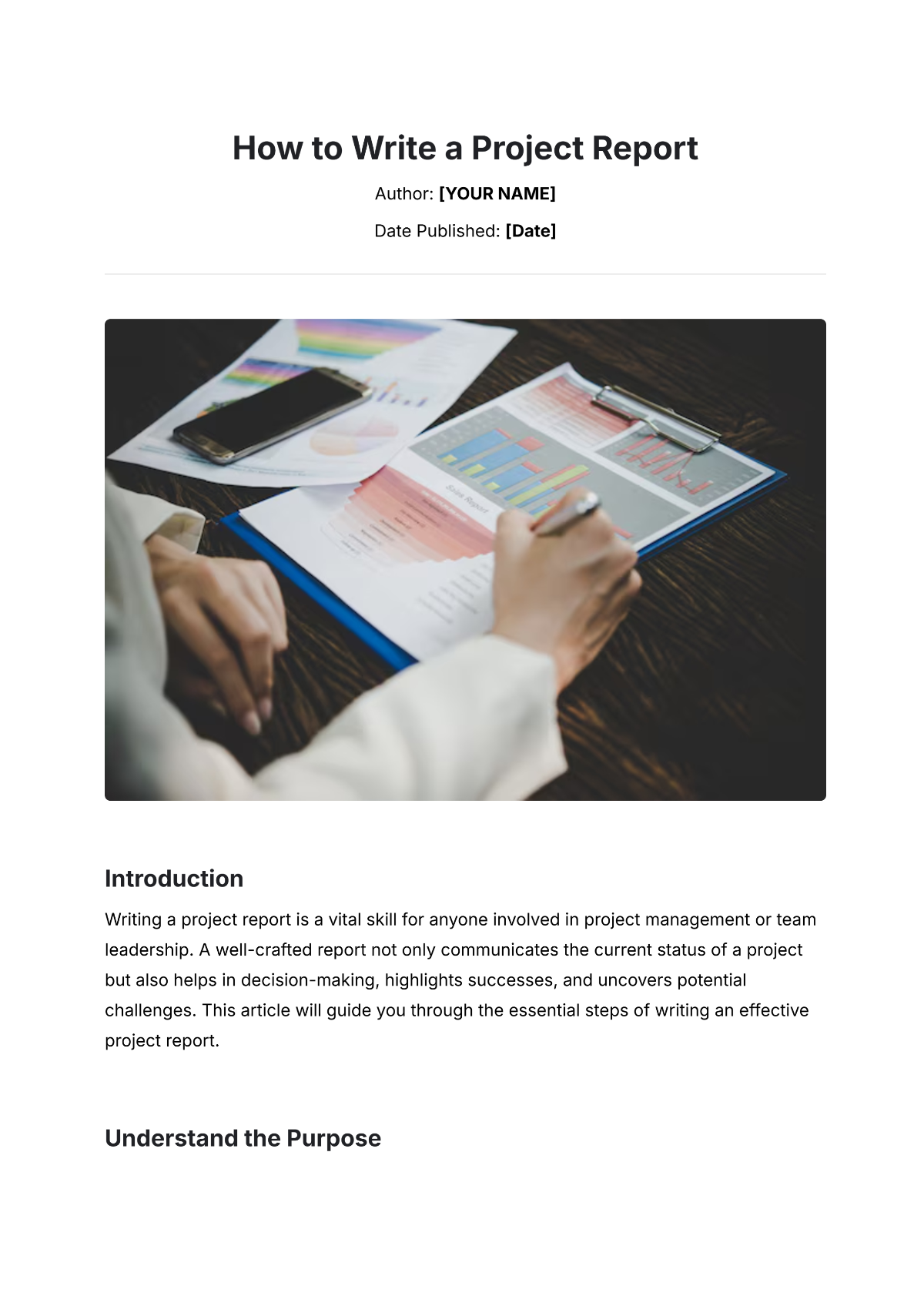
Present your findings in a structured manner, using charts, graphs, and tables if necessary. Ensure the data is accurate and relevant to the project's objectives. Summarize each key finding and discuss its implications on the project.
Conclude With Insights
The conclusion should wrap up the report by discussing what the findings mean for the project. Refer back to the objectives to ensure they have been addressed. Offer insights into the project's success and areas for future improvement.

Recommendations
Include a recommendations section to propose actions based on your findings and conclusions. Recommendations should be actionable and supported by data presented in the report.
Edit and Proofread
Before finalizing the report, ensure it is free of errors by carefully editing and proofreading. Check for clarity, grammar, and consistency in formatting. A polished report enhances credibility and ensures the message is effectively communicated.
Final Thoughts
Writing a project report involves a blend of analytical and communication skills. By understanding the audience, structuring the content clearly, and presenting data effectively, you can produce a report that serves its intended purpose and supports the success of your project.
- 100% Customizable, free editor
- Access 1 Million+ Templates, photo’s & graphics
- Download or share as a template
- Click and replace photos, graphics, text, backgrounds
- Resize, crop, AI write & more
- Access advanced editor
Create professional project reports effortlessly with Template.net's "How to Write a Project Report" guide. This comprehensive resource features an editable and customizable format, allowing you to tailor reports to your specific needs. Enhance your workflow with the AI Editable Tool, ensuring a smooth, efficient, and personalized project report creation experience every time.

You may also like
- Sales Report
- Daily Report
- Project Report
- Business Report
- Weekly Report
- Incident Report
- Annual Report
- Report Layout
- Report Design
- Progress Report
- Marketing Report
- Company Report
- Monthly Report
- Audit Report
- Status Report
- School Report
- Reports Hr
- Management Report
- Project Status Report
- Handover Report
- Health And Safety Report
- Restaurant Report
- Construction Report
- Research Report
- Evaluation Report
- Investigation Report
- Employee Report
- Advertising Report
- Weekly Status Report
- Project Management Report
- Finance Report
- Service Report
- Technical Report
- Meeting Report
- Quarterly Report
- Inspection Report
- Medical Report
- Test Report
- Summary Report
- Inventory Report
- Valuation Report
- Operations Report
- Payroll Report
- Training Report
- Job Report
- Case Report
- Performance Report
- Board Report
- Internal Audit Report
- Student Report
- Monthly Management Report
- Small Business Report
- Accident Report
- Call Center Report
- Activity Report
- IT and Software Report
- Internship Report
- Visit Report
- Product Report
- Book Report
- Property Report
- Recruitment Report
- University Report
- Event Report
- SEO Report
- Conference Report
- Narrative Report
- Nursing Home Report
- Preschool Report
- Call Report
- Customer Report
- Employee Incident Report
- Accomplishment Report
- Social Media Report
- Work From Home Report
- Security Report
- Damage Report
- Quality Report
- Internal Report
- Nurse Report
- Real Estate Report
- Hotel Report
- Equipment Report
- Credit Report
- Field Report
- Non Profit Report
- Maintenance Report
- News Report
- Survey Report
- Executive Report
- Law Firm Report
- Advertising Agency Report
- Interior Design Report
- Travel Agency Report
- Stock Report
- Salon Report
- Bug Report
- Workplace Report
- Action Report
- Investor Report
- Cleaning Services Report
- Consulting Report
- Freelancer Report
- Site Visit Report
- Trip Report
- Classroom Observation Report
- Vehicle Report
- Final Report
- Software Report