
Free Monthly Report Templates







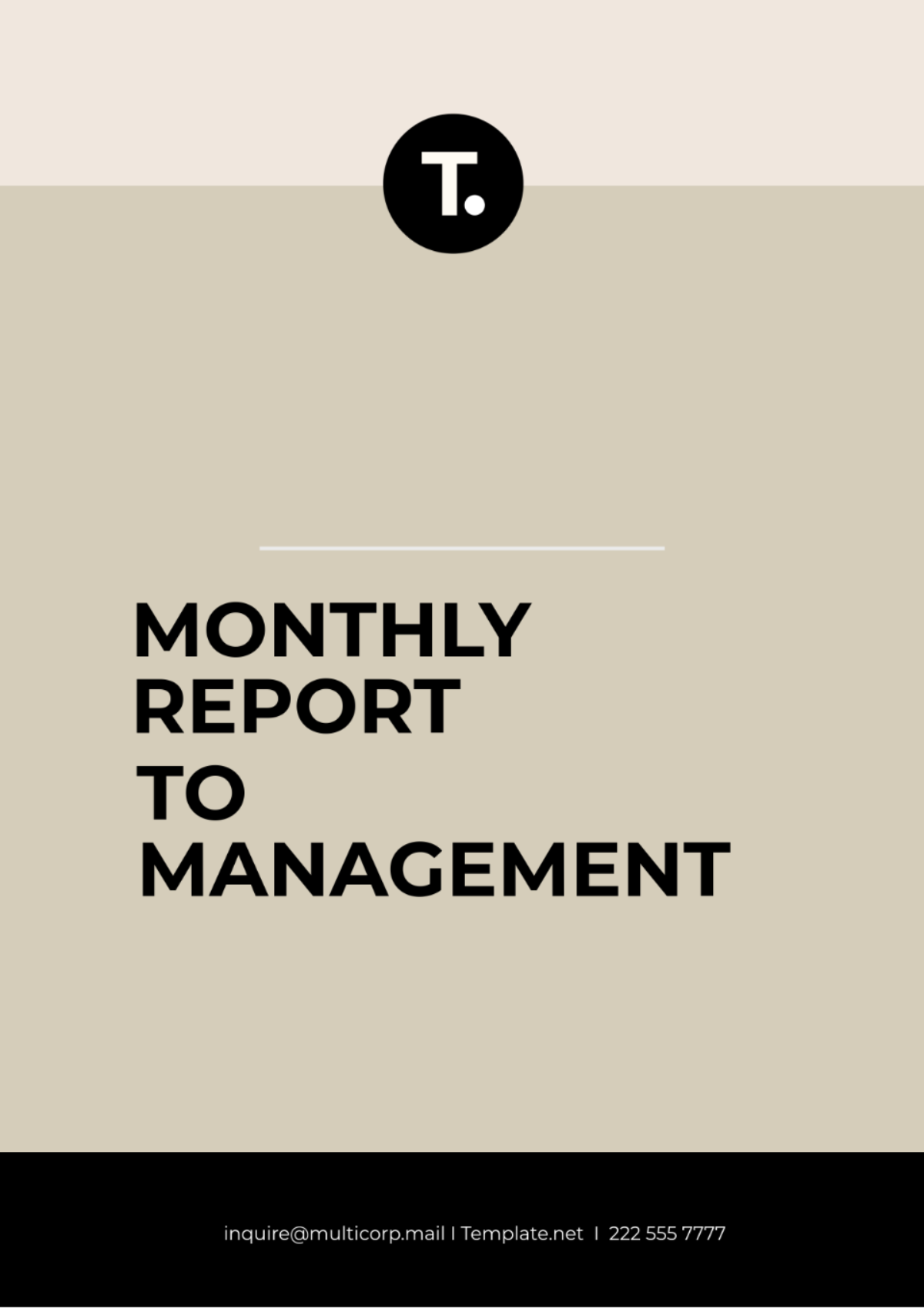




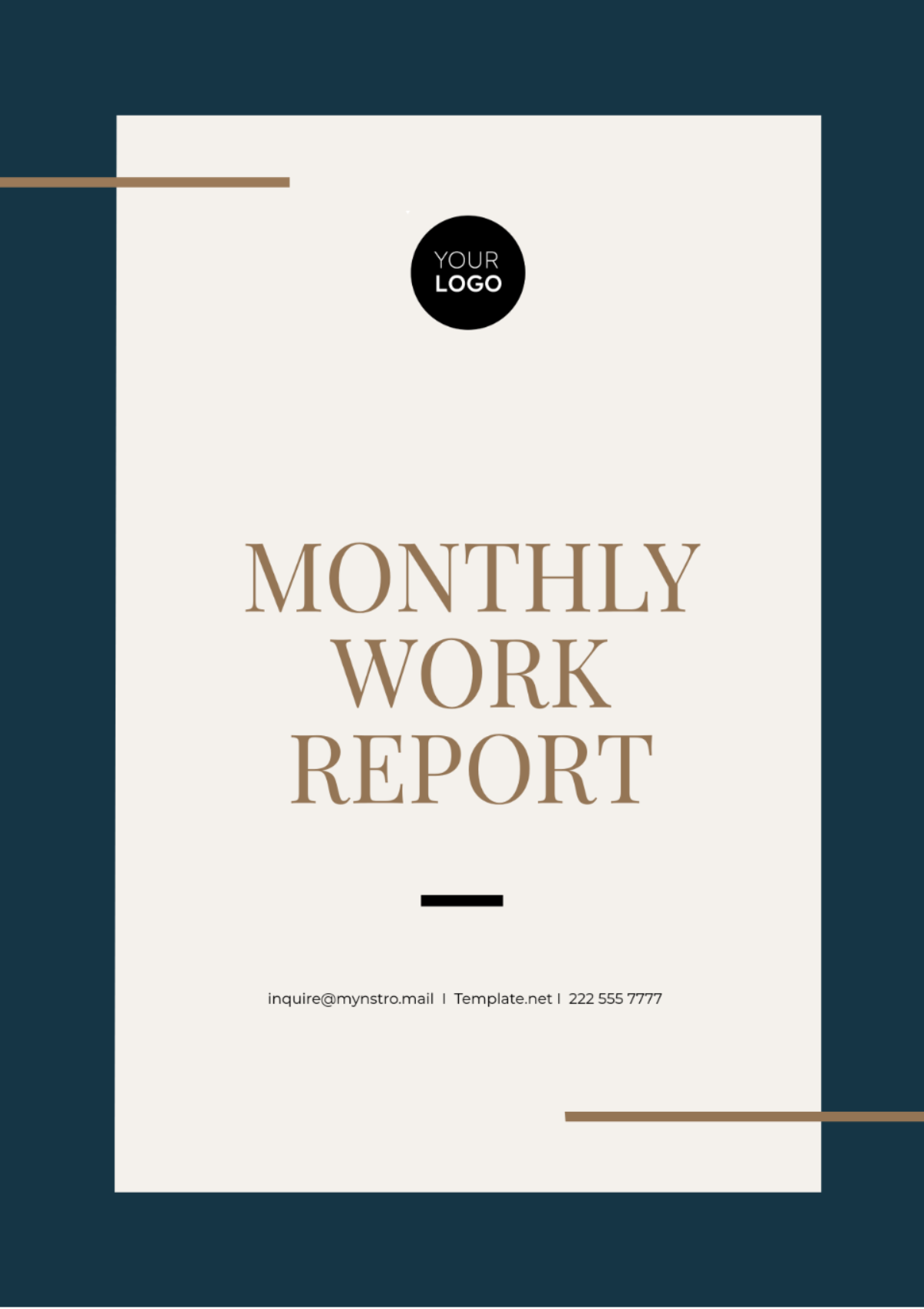

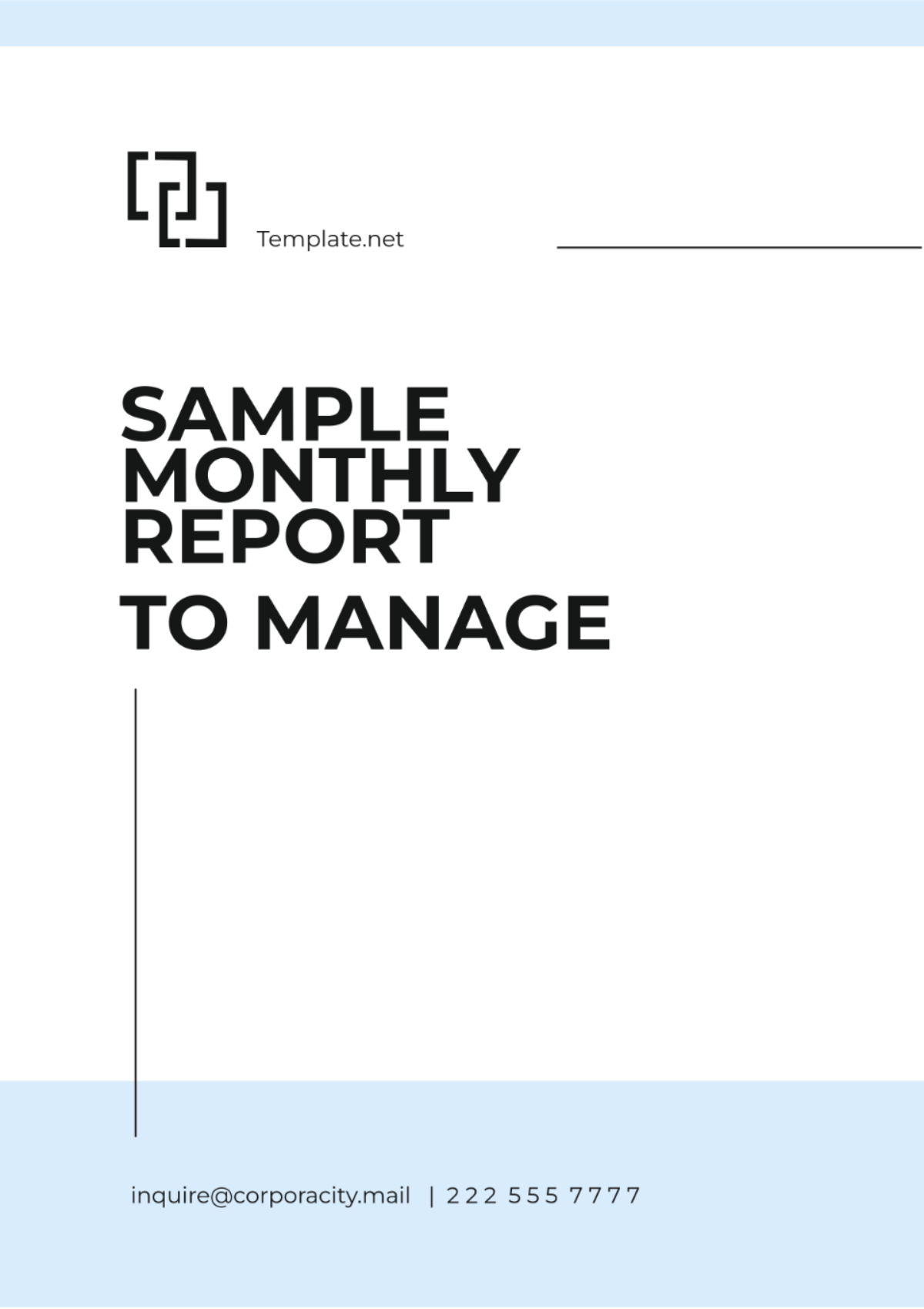

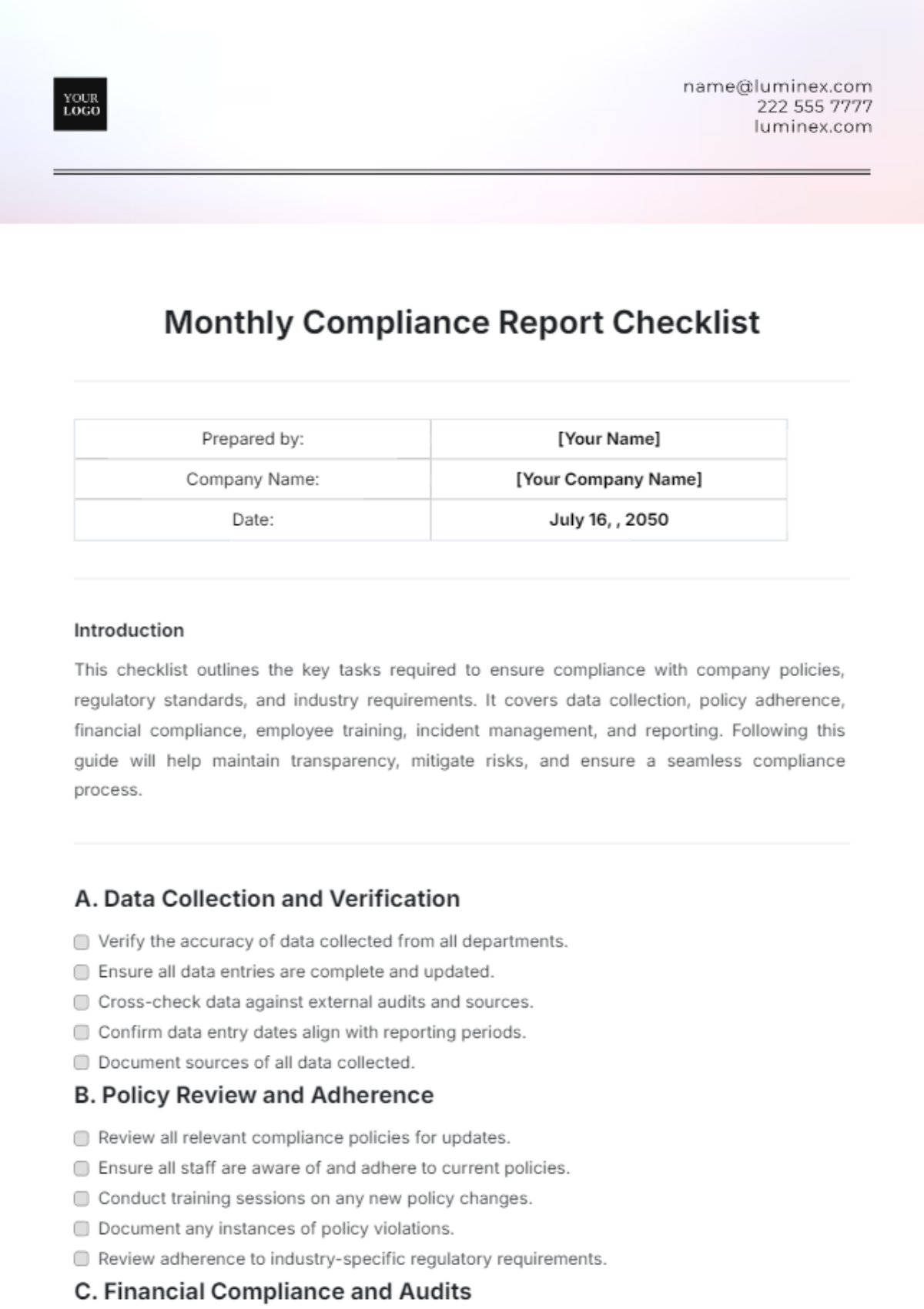

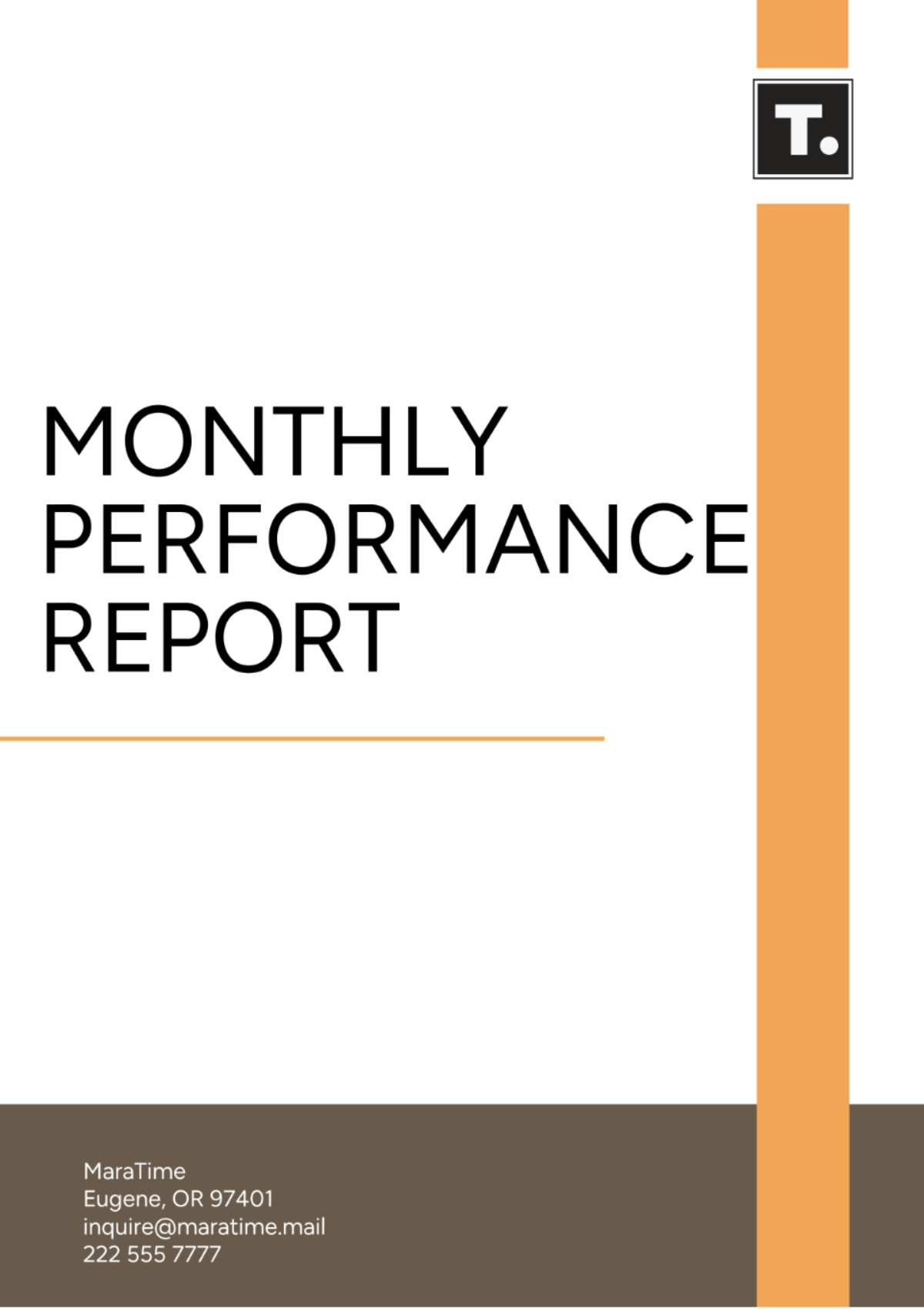

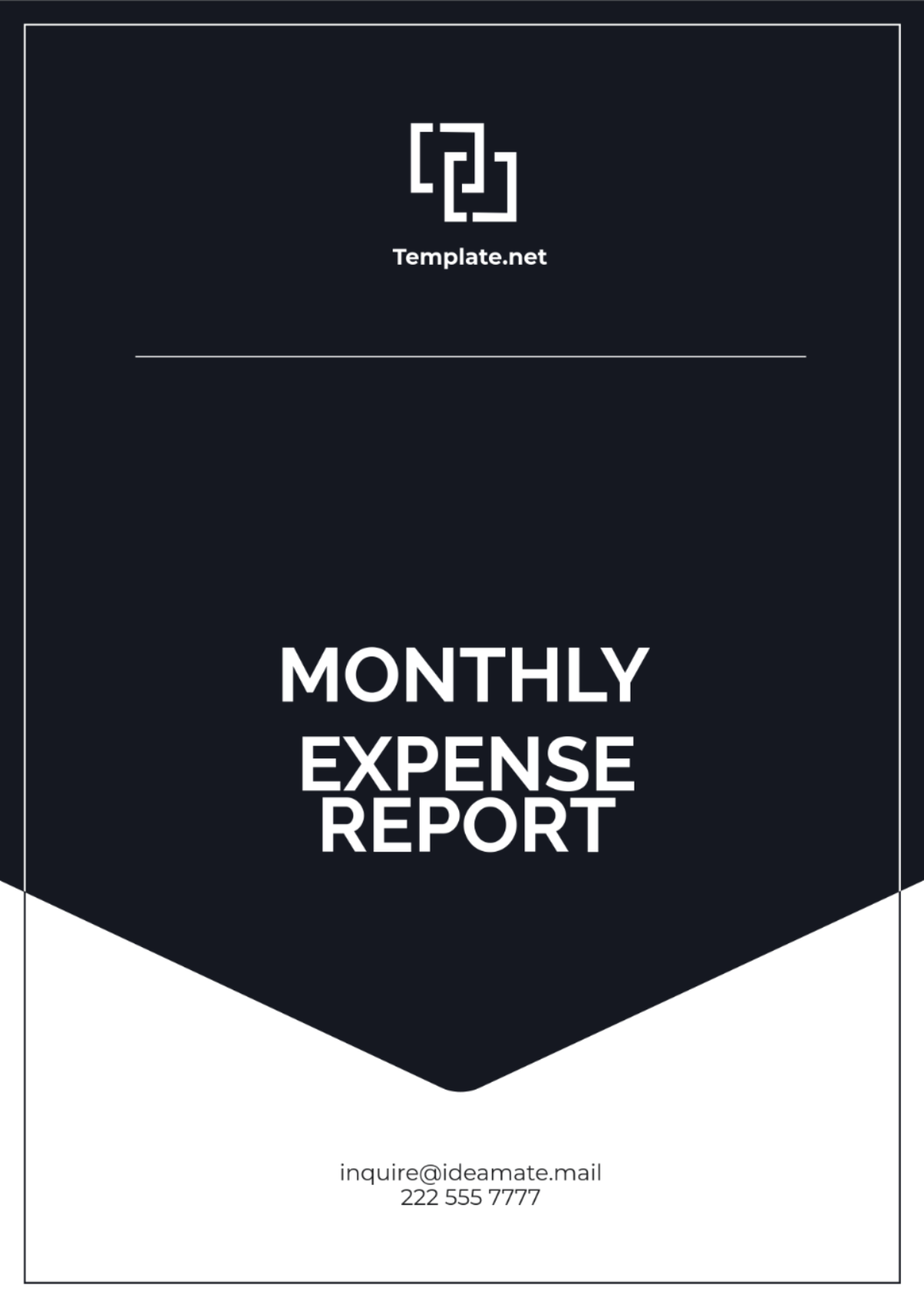
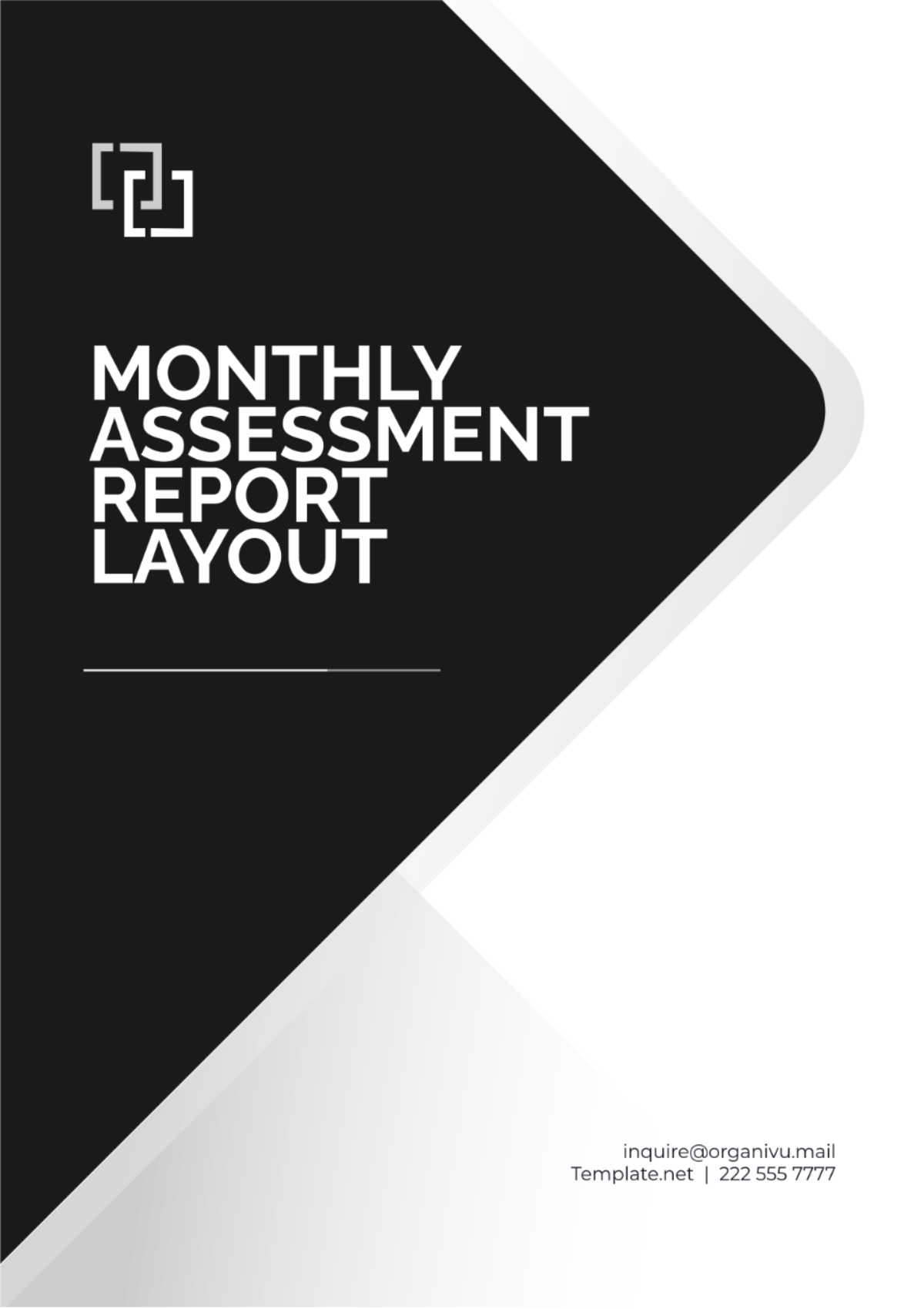


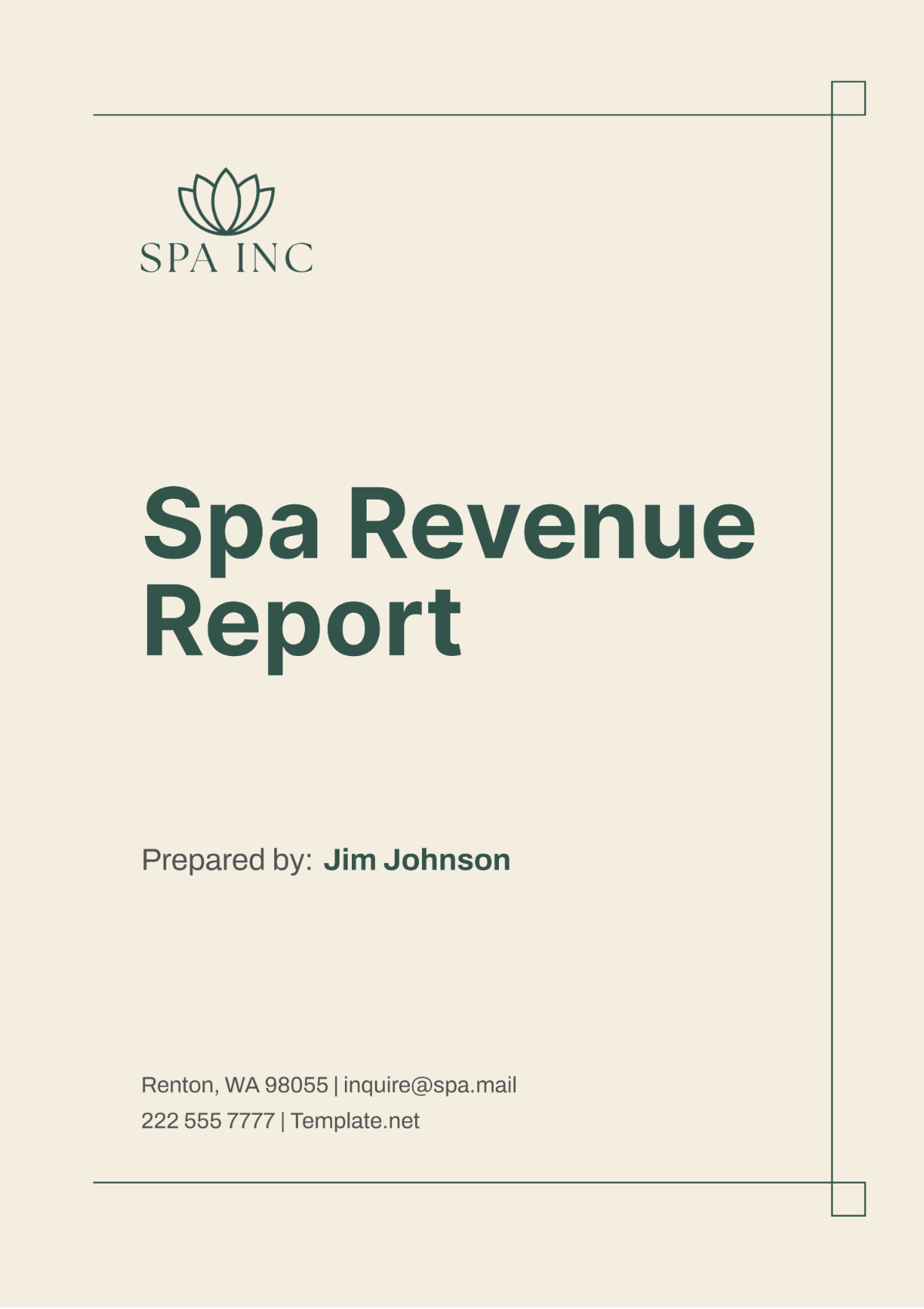












Monthly Report Templates: Definition, Usage, and Formats
What is a Monthly Report?
A monthly report is a structured document that summarizes activities, progress, and key metrics over the course of a month. These report templates help present data in a clear, professional layout with sections for goals, results, and next steps. Template.net provides customizable templates for quick online editing and professional presentation.
Why use a Monthly Report?
Using monthly report templates ensures consistent, structured updates that track performance and inform decision-making. These templates support clear communication with a business-ready layout and print-ready formats. Template.net enables fast customization online to achieve professional, accurate documentation every month.
Who typically uses Monthly Reports?
Monthly reports are commonly used by managers, team leaders, project coordinators, and executives to track progress and performance. These report templates help diverse professionals present data in a structured format. Template.net offers tools for easy online editing tailored to varied business roles requiring reliable monthly documentation.
What sections should a Monthly Report include?
A monthly report should include a header with contact information, an executive summary, detailed work progress, performance metrics, and a conclusion or next steps section. Template.net templates organize these sections into a clear, professional layout for fast online customization and accurate reporting.
What are the best tips for formatting a Monthly Report?
Effective monthly reports use consistent fonts, clear headings, and bullet points for easy reading. Incorporating structured formatting with charts or tables enhances data clarity. Template.net provides editable templates with professional layouts that support online editing and ensure print-ready, business-compliant results.
How do you print a Monthly Report?
Monthly reports should be printed on standard Letter size or A4 paper with a print-ready format to maintain layout integrity. Template.net templates export to PDF and other formats optimized for high-quality printing, ensuring the business-ready layout remains intact for formal presentation.
Is a Monthly Report legally and professionally acceptable?
Monthly reports created with structured templates are professionally acceptable and can comply with legal documentation standards when including accurate data and proper signatures. Template.net's editable templates support compliance-friendly presentation and business-ready formatting to ensure professional credibility.
What file formats can I download for a Monthly Report?
Template.net offers monthly report templates supporting multiple export formats for editing and printing, including Word, Excel, PDF, Google Docs, Google Sheets, and Apple Pages. These formats ensure flexible, professional document use.
Can I create a new Monthly Report using AI?
Template.net provides an AI-powered tool that generates structured monthly report documents from prompts in 3–10 seconds, ready for online refinement and multi-format export. Use the Report Generator for fast, customized monthly reports with professional layout and accuracy.
