
Free Report Layout Templates



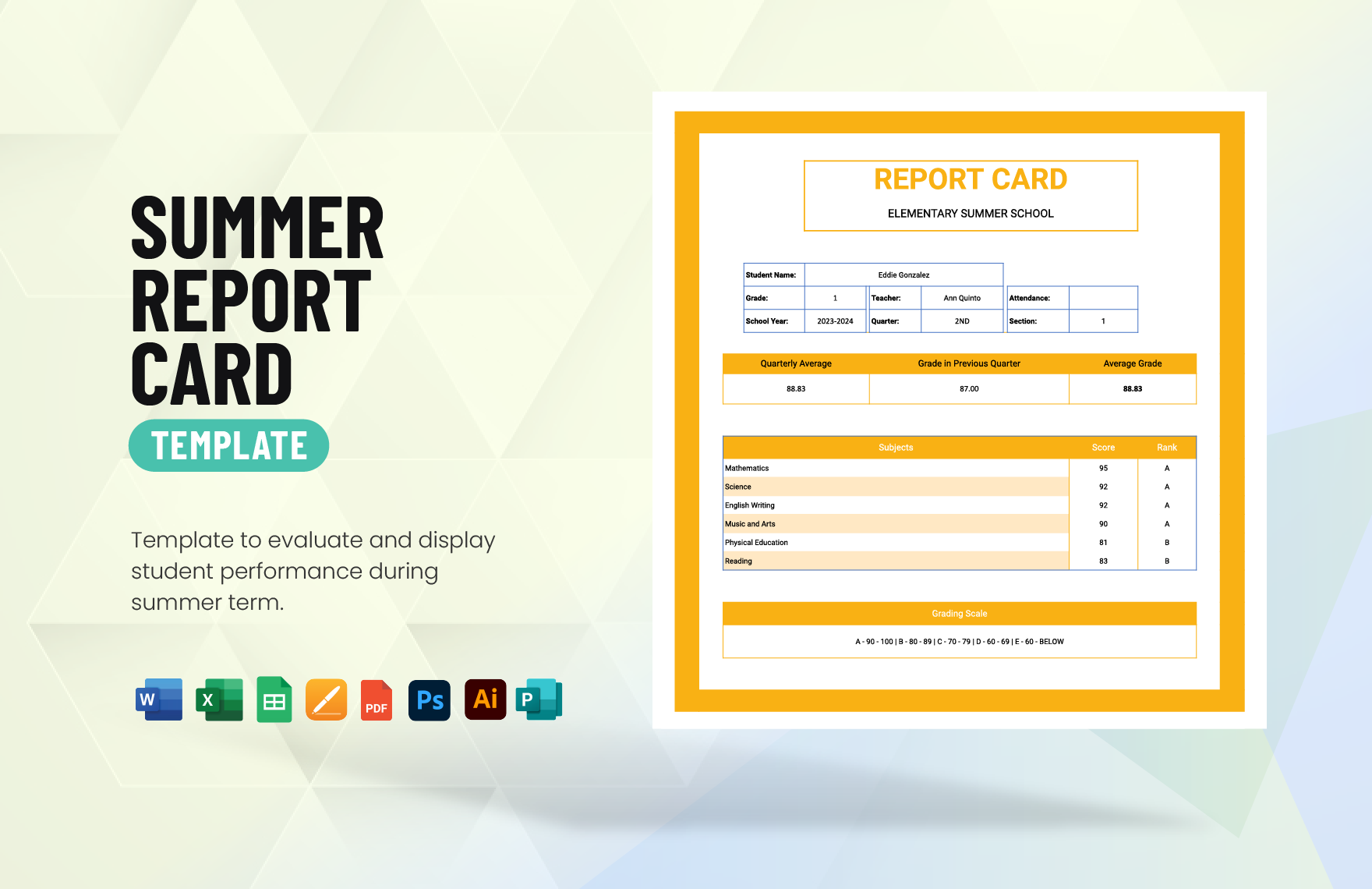










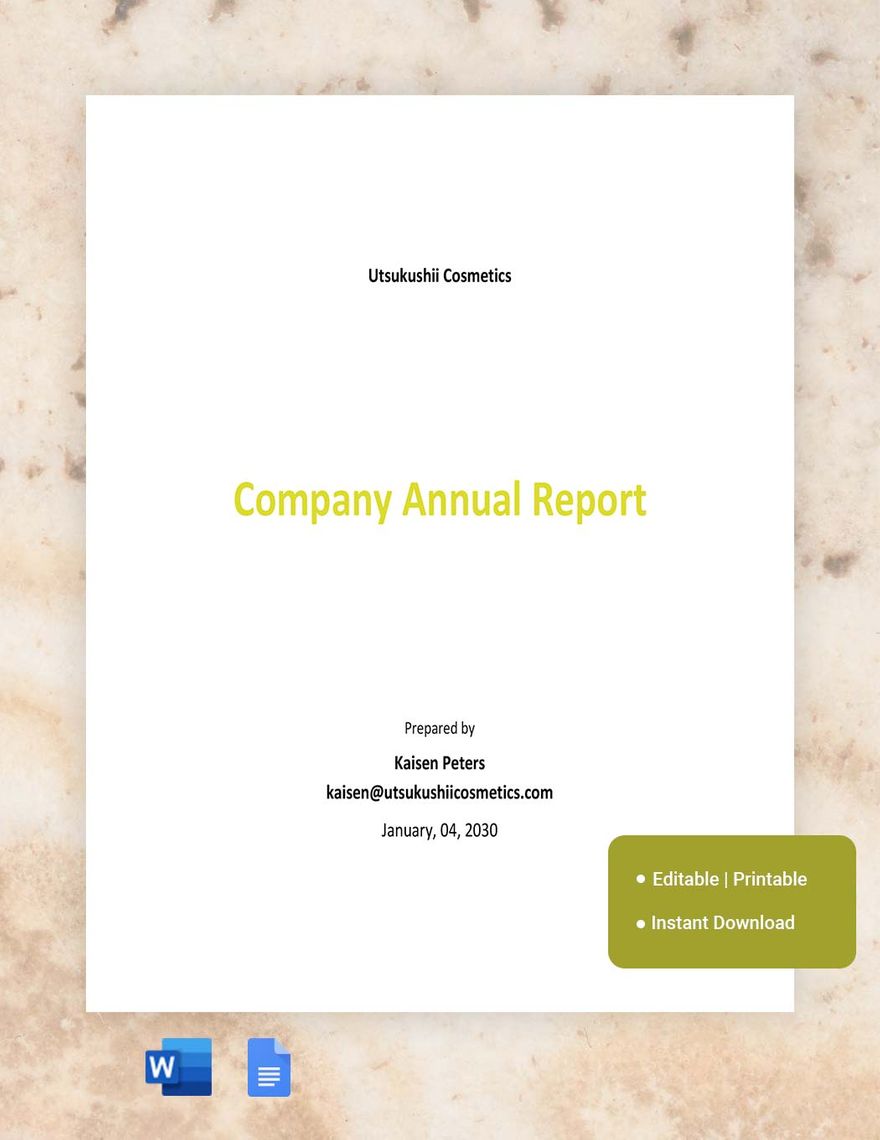
Report Layout Templates: Definition, Uses, Sections, and Formats
What is a Report Layout?
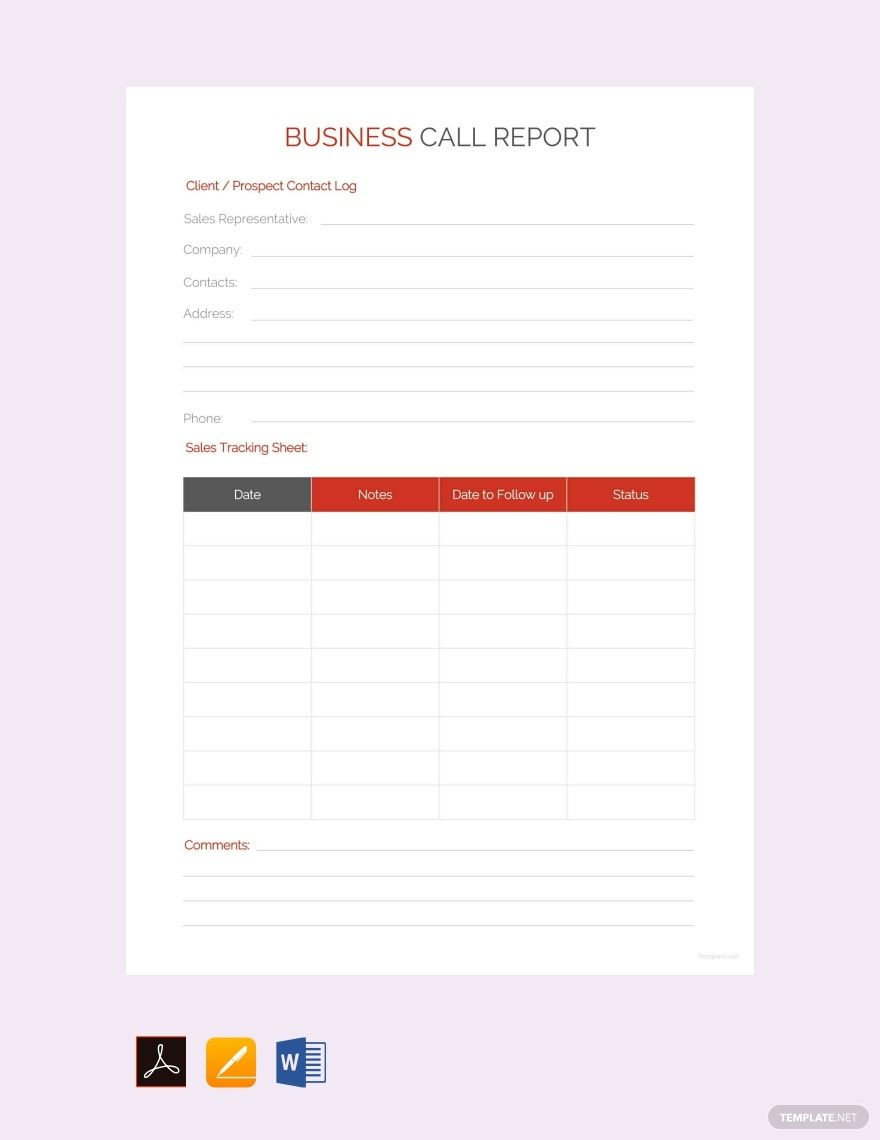
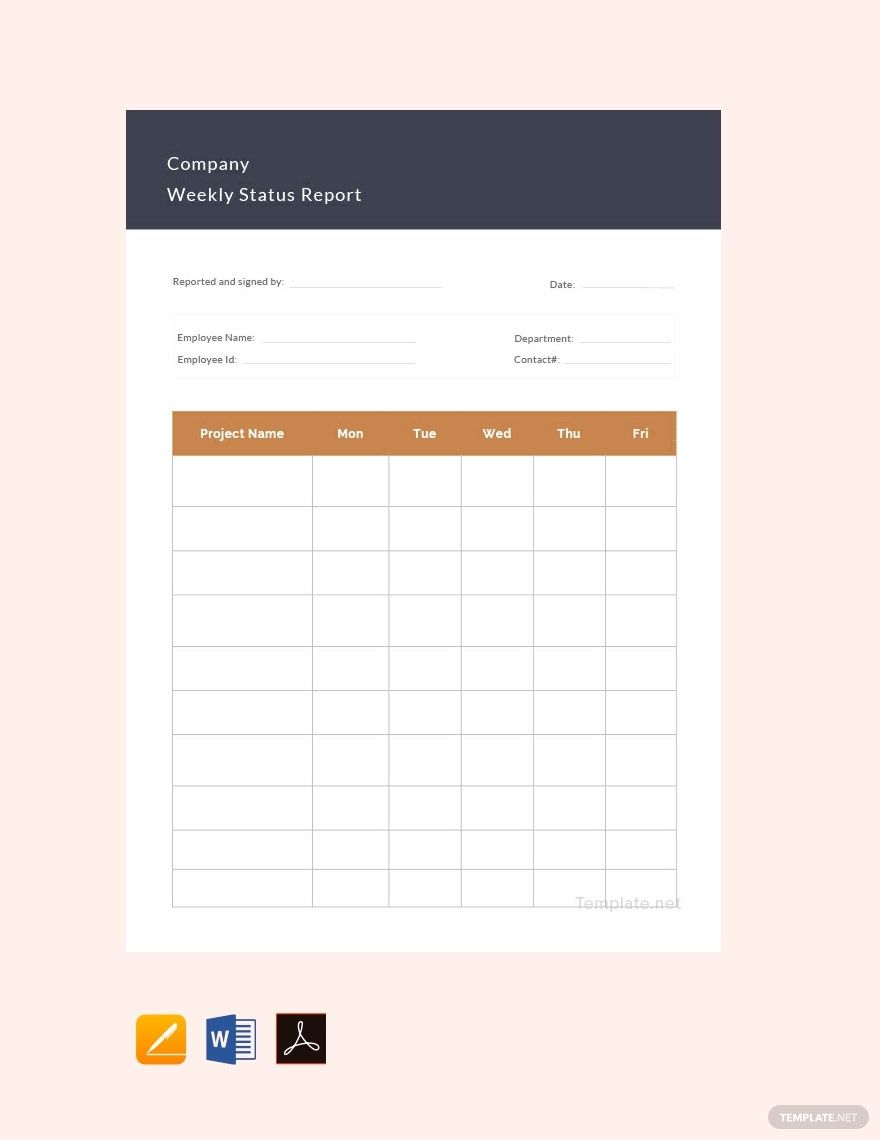
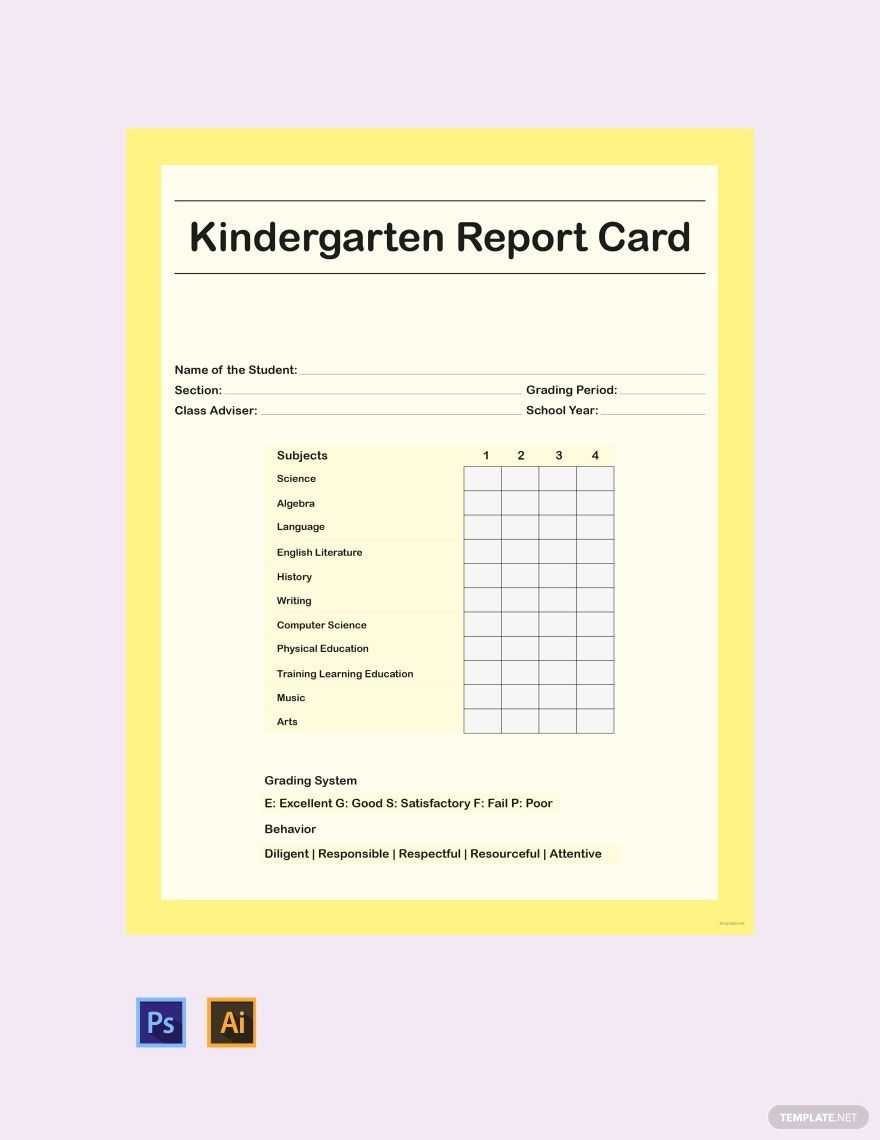
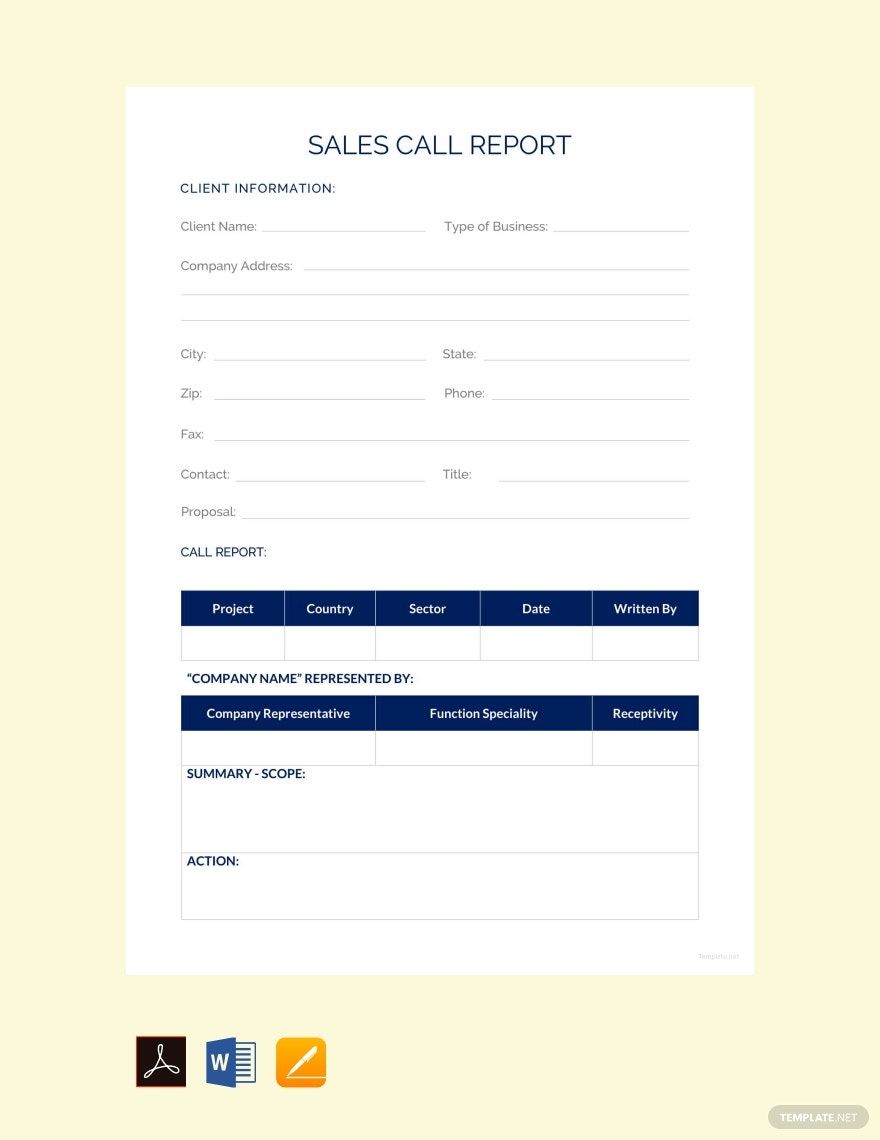
A report layout is a structured document template used to organize data and information in a clear, professional format for business or academic reports. These layouts provide sections for easy editing and ensure a consistent presentation that highlights key details effectively.
Why use a Report Layout?
Using a report layout ensures structured formatting and a professional layout that improves readability and communication of information. These templates save time by offering ready-made designs that support online editing and fast customization for business-ready documents.
Who typically uses Report Layouts?
Report layouts are typically used by professionals, students, researchers, and business teams who need structured documents to present findings, data analysis, or project summaries in a business-ready and easy-to-edit format.
What sections should a Report Layout include?
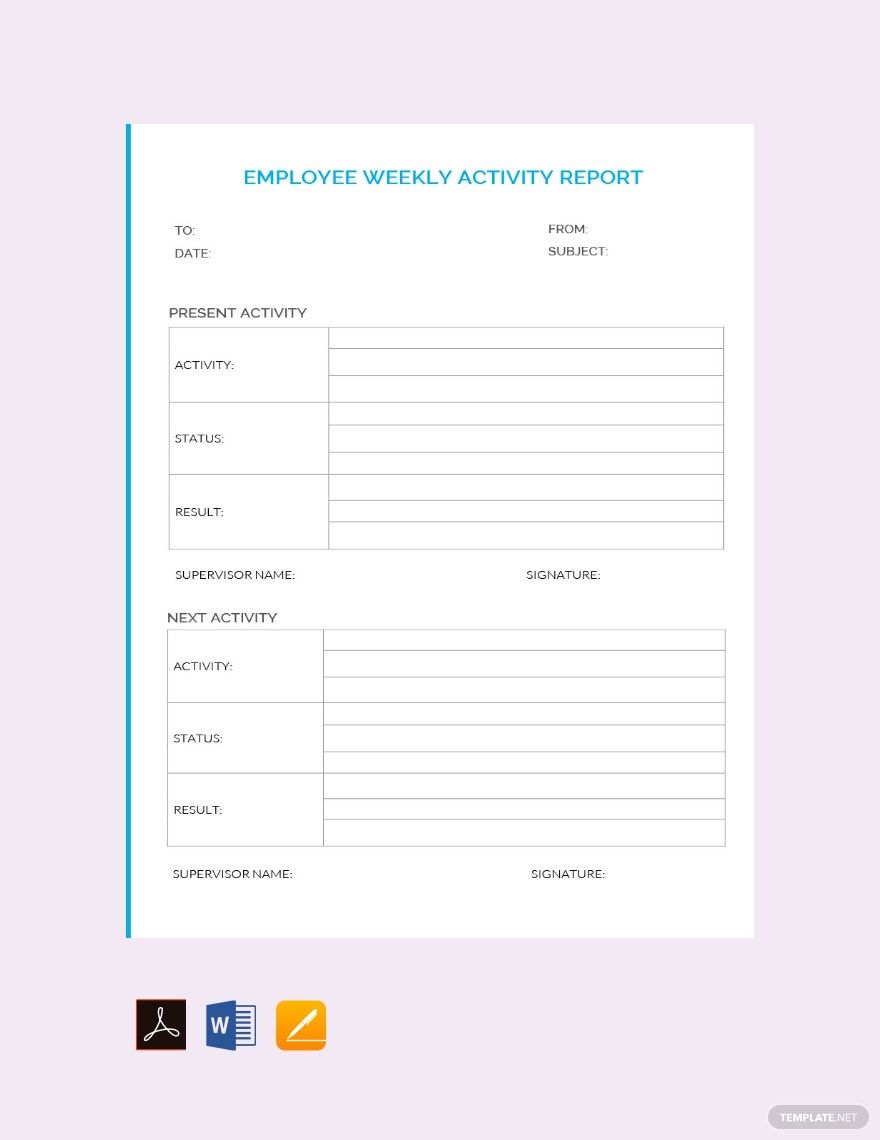
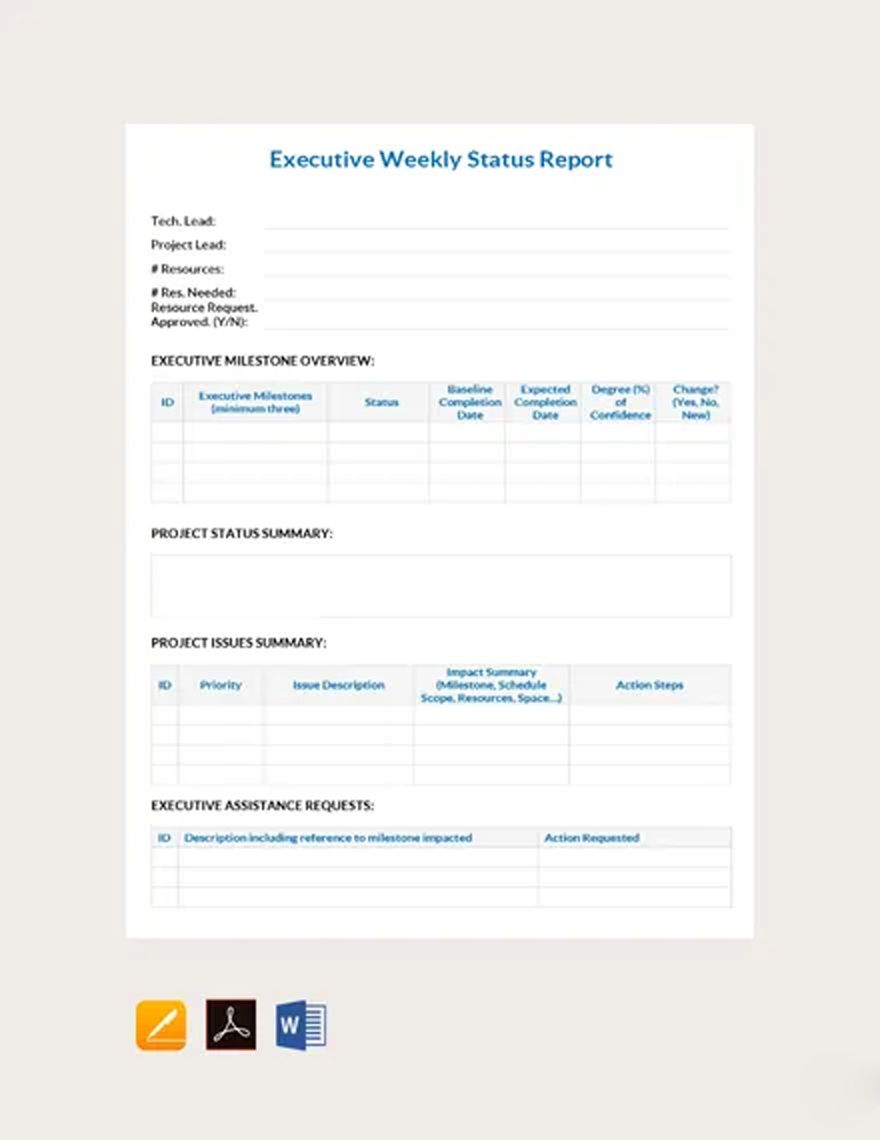
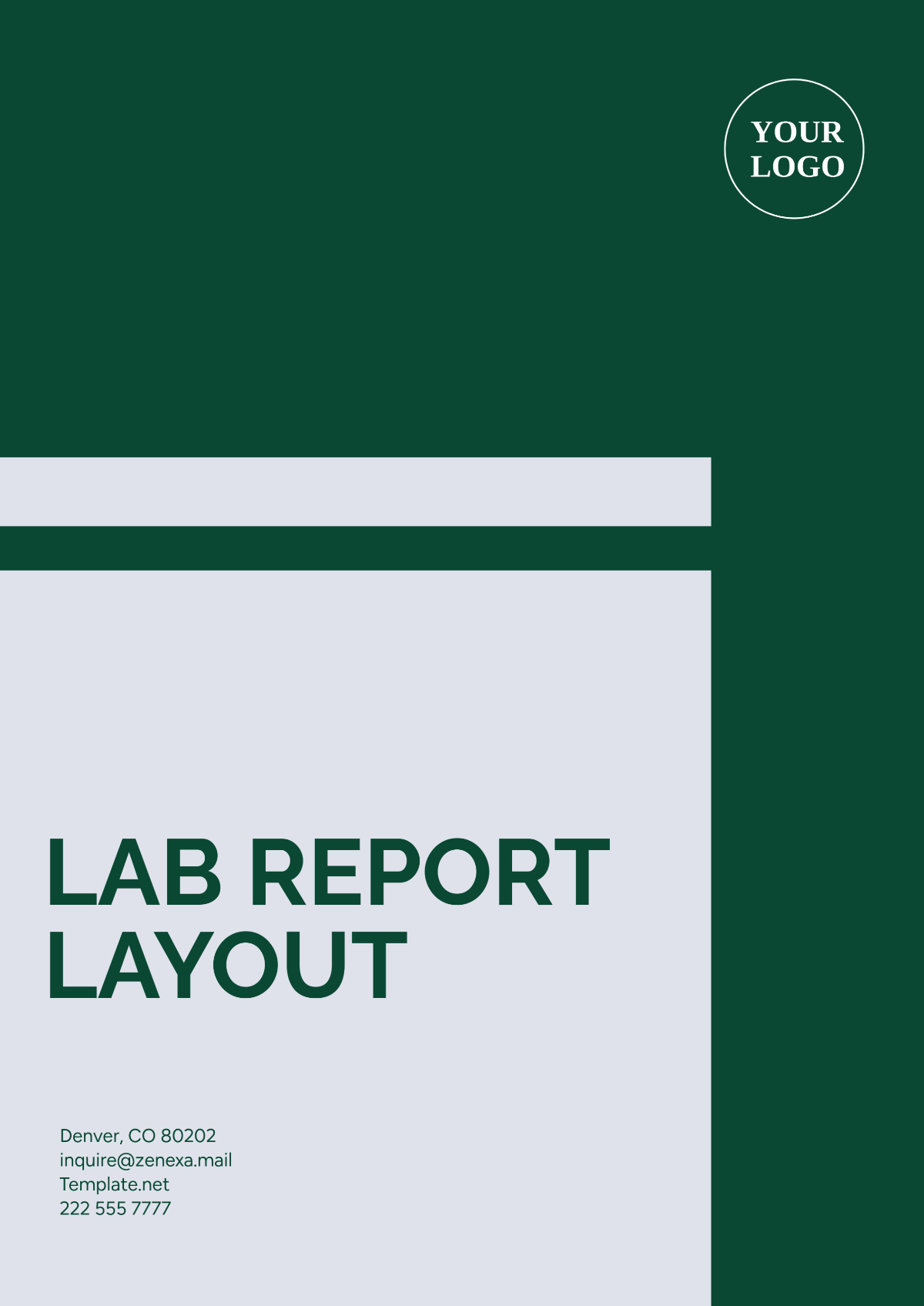
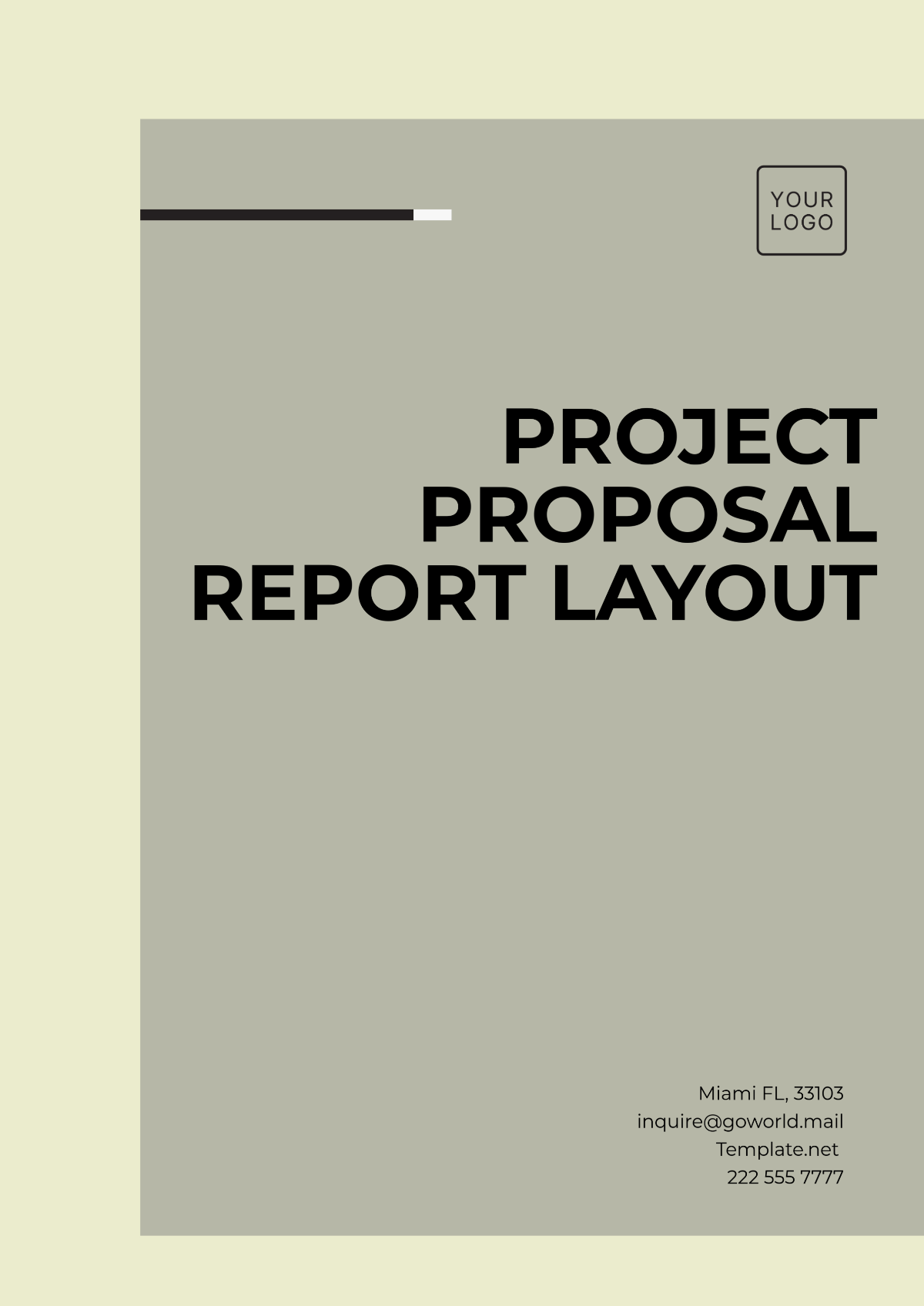
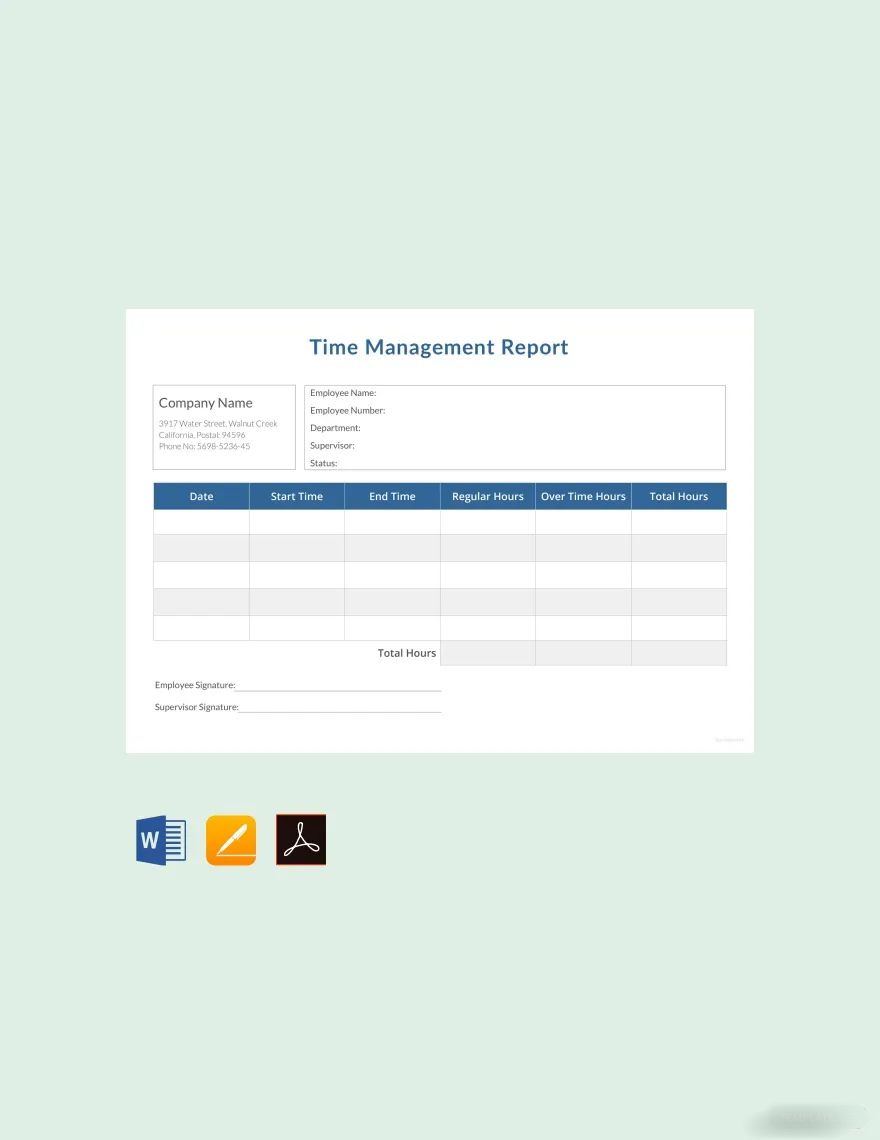
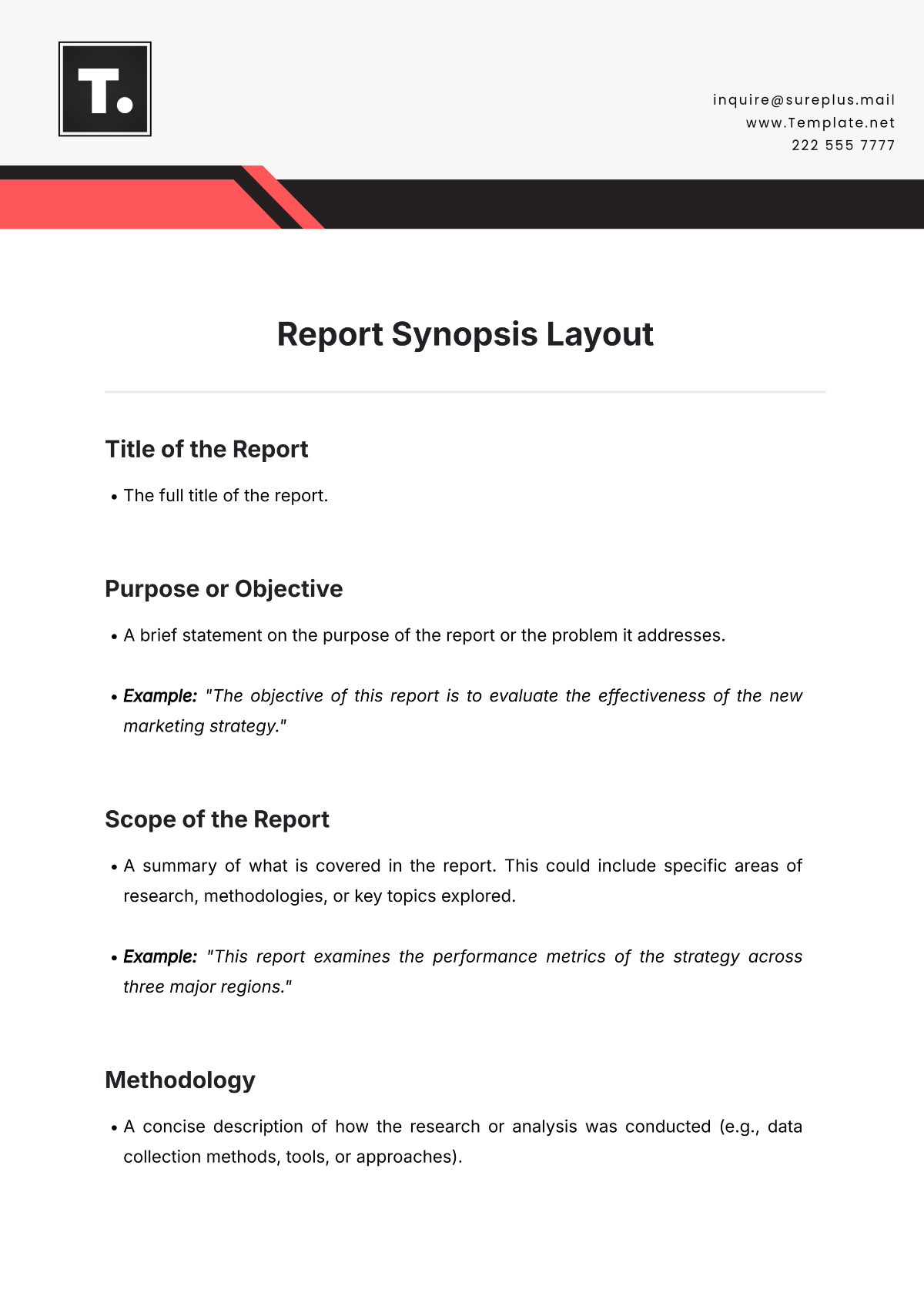
A report layout should include a header with title and contact information, an executive summary, body sections for detailed data, and a conclusion or recommendations. These sections contribute to a clear, structured formatting for professional presentation.
What are the best tips for formatting a Report Layout?
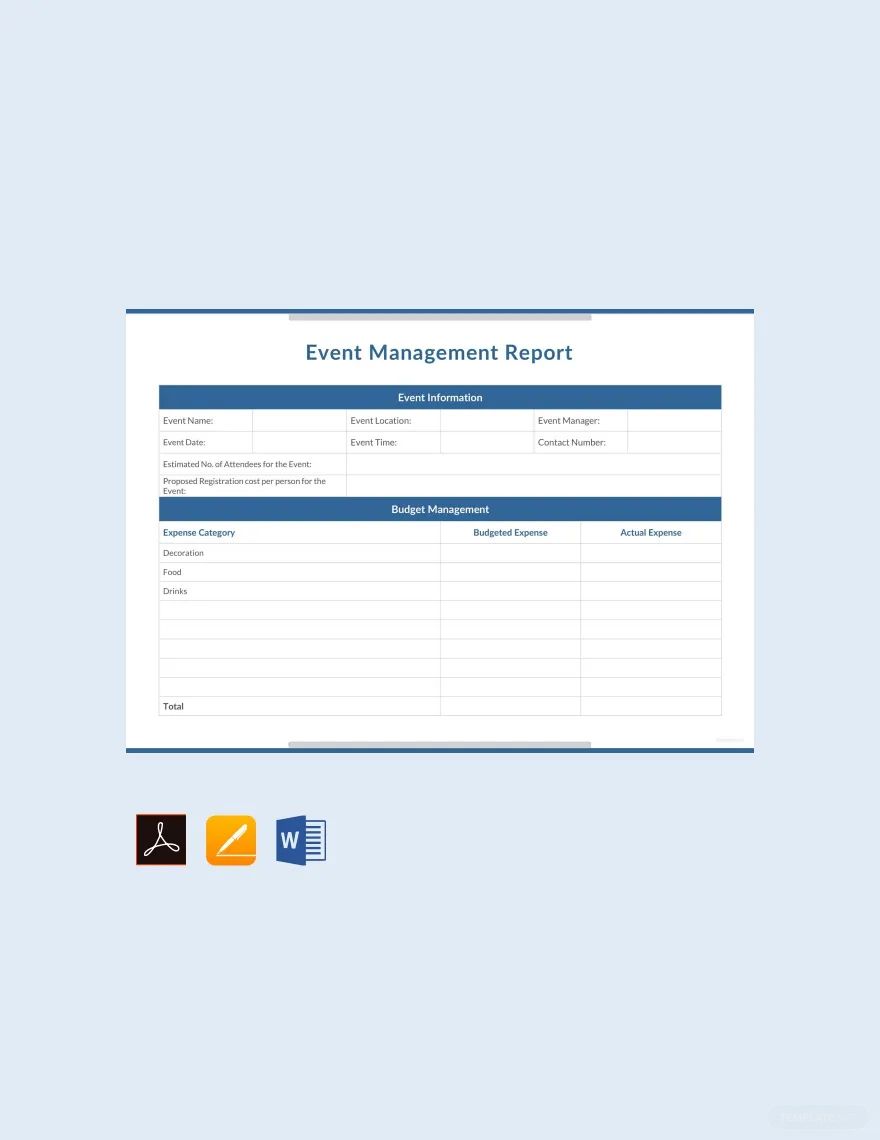
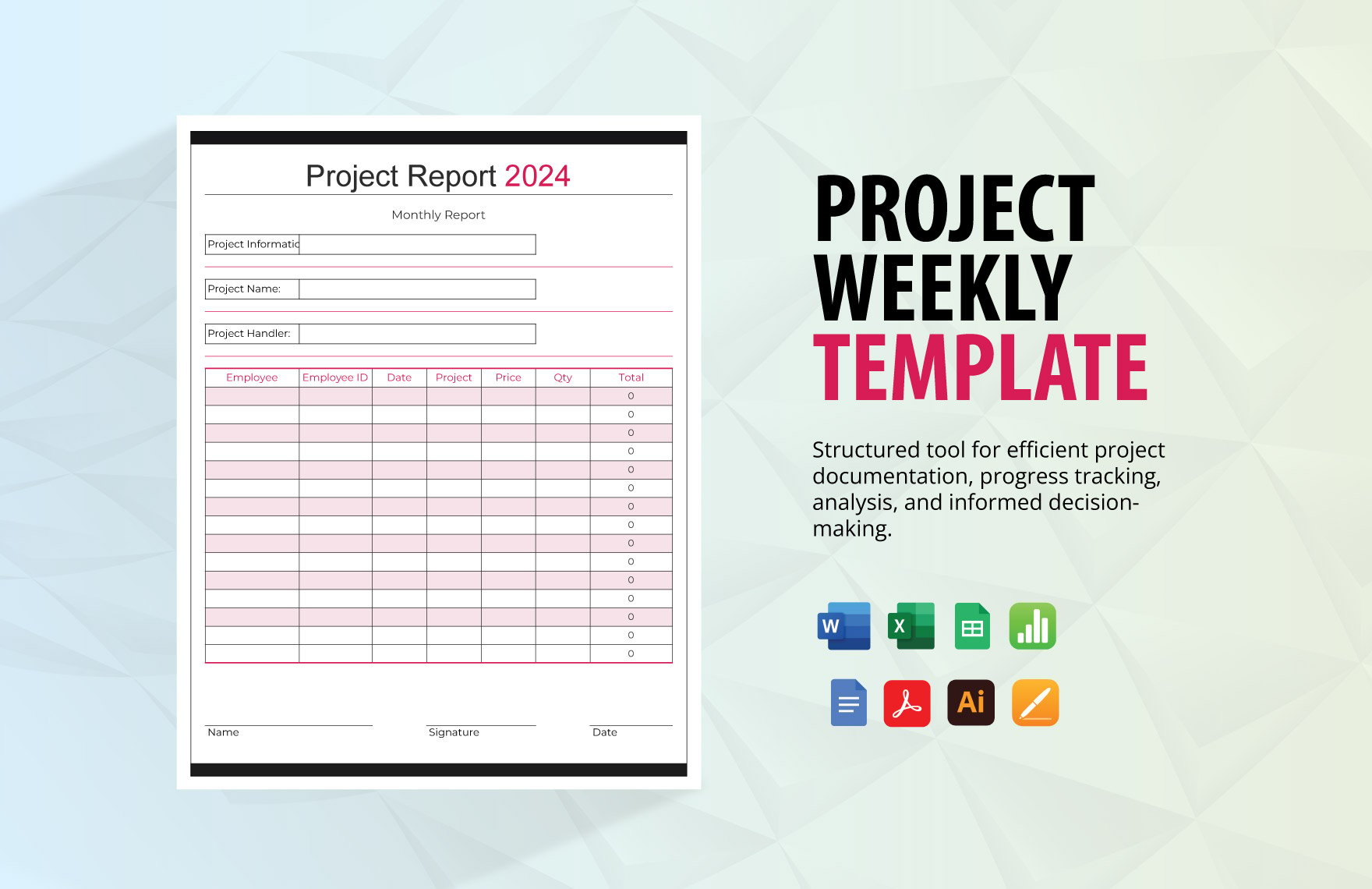
Effective report layout formatting includes using consistent fonts and spacing, clear section headers, bullet points for data, and incorporating tables or charts for clarity. Ensuring print-ready margins and clean alignment enhances readability and professionalism.
How do you print a Report Layout?
To print a report layout, use templates formatted for standard sizes like 8.5 × 11 inches or A4, ensuring all sections and graphics fit the page. Template.net offers print-ready PDF exports that preserve the professional layout for high-quality printing.
Is a Report Layout legally and professionally acceptable?
Report layouts from Template.net comply with professional standards and legal formatting requirements, providing structured, compliance-friendly presentations. These templates support clear documentation and are suitable for official, academic, and business report submissions.
What file formats can I download for a Report Layout?
Template.net report layouts support multiple export formats for editing and printing, including Word, Apple Pages, Google Docs, Excel, Google Sheets, and PDF.
Can I create a new Report Layout using AI?
Template.net provides an AI-powered tool that generates structured report layout documents from prompts in 3 to 10 seconds, ready for online refinement and multi-format export. Use the Report Generator to create business-ready reports quickly.
