
Free Calendar Templates

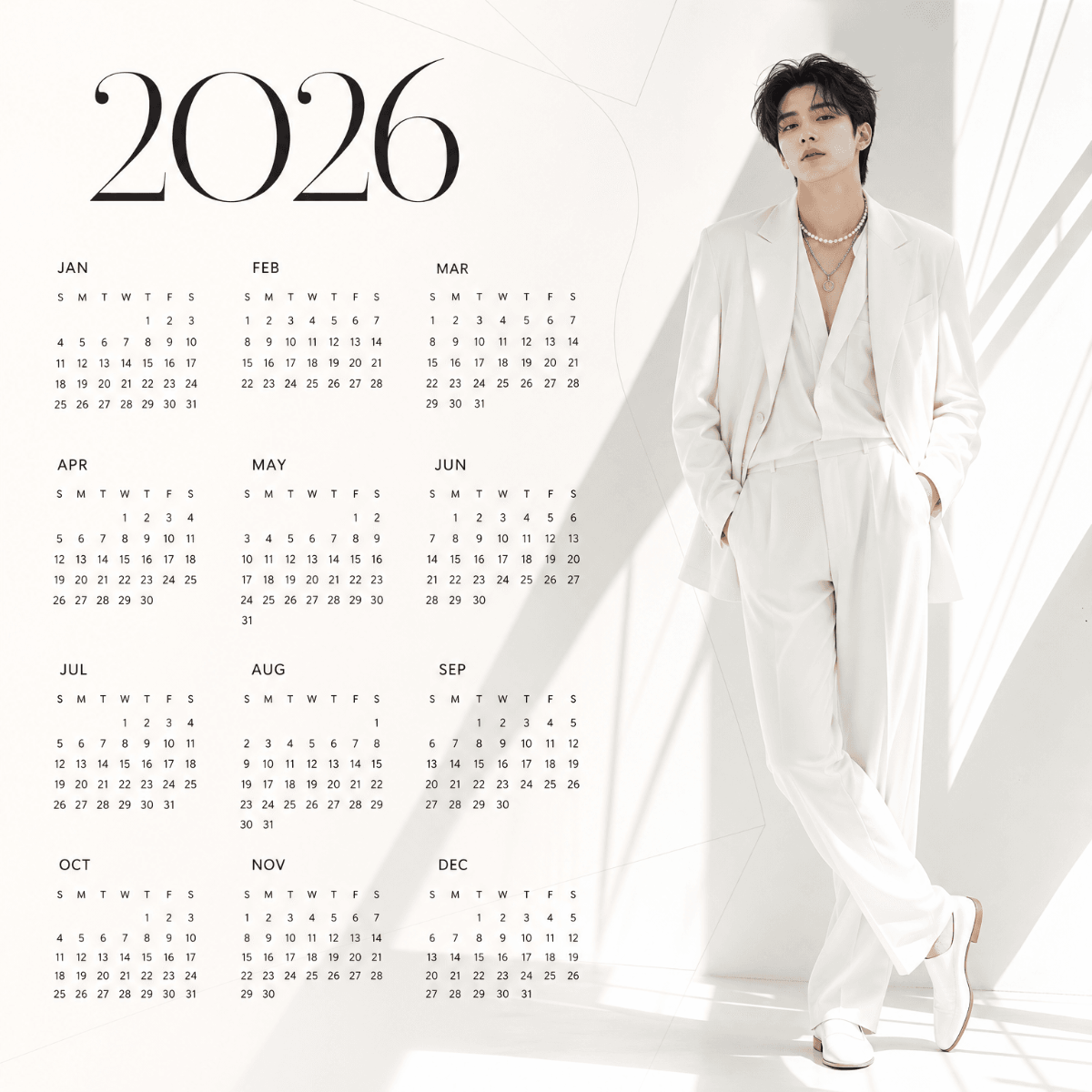
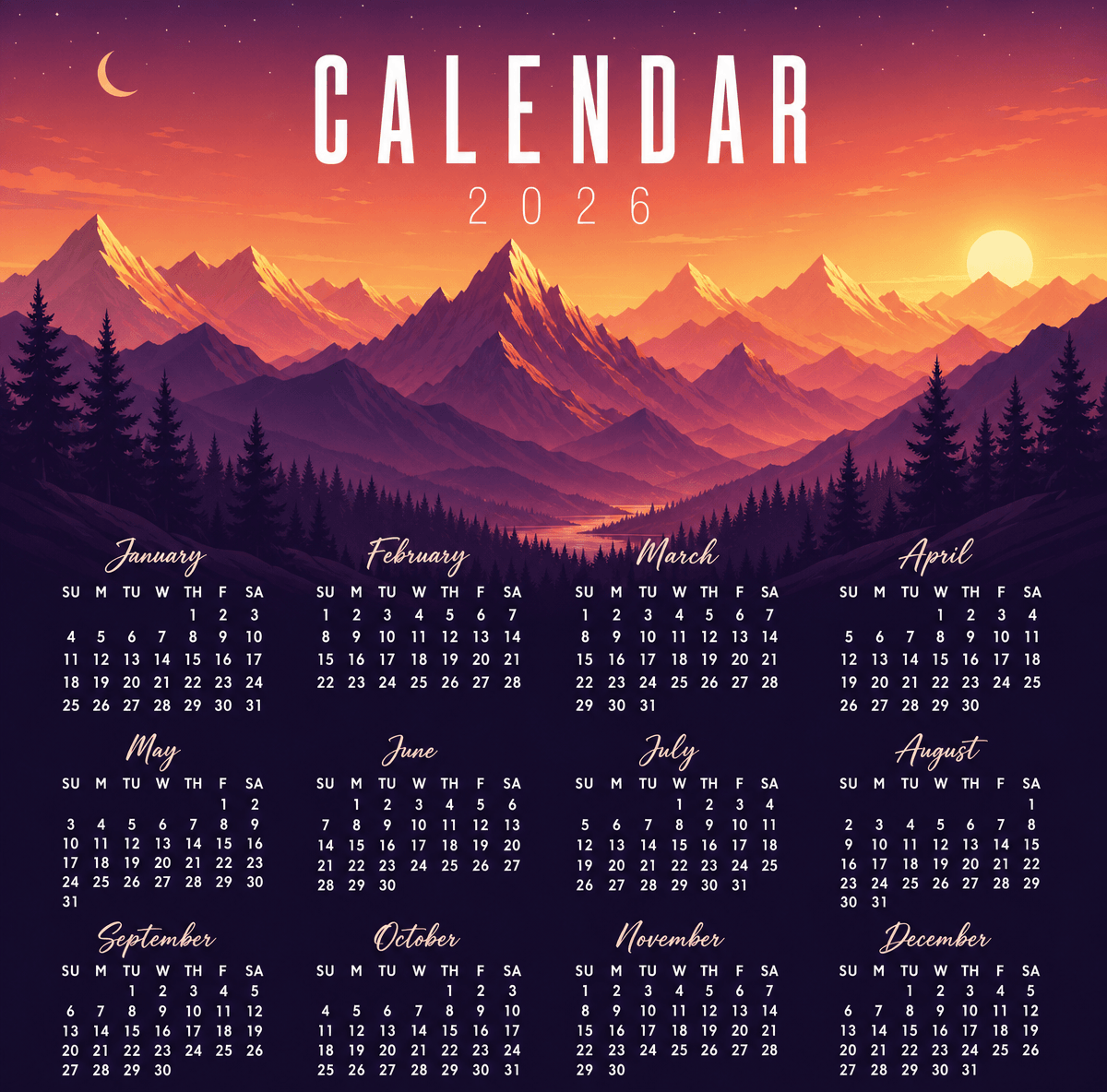
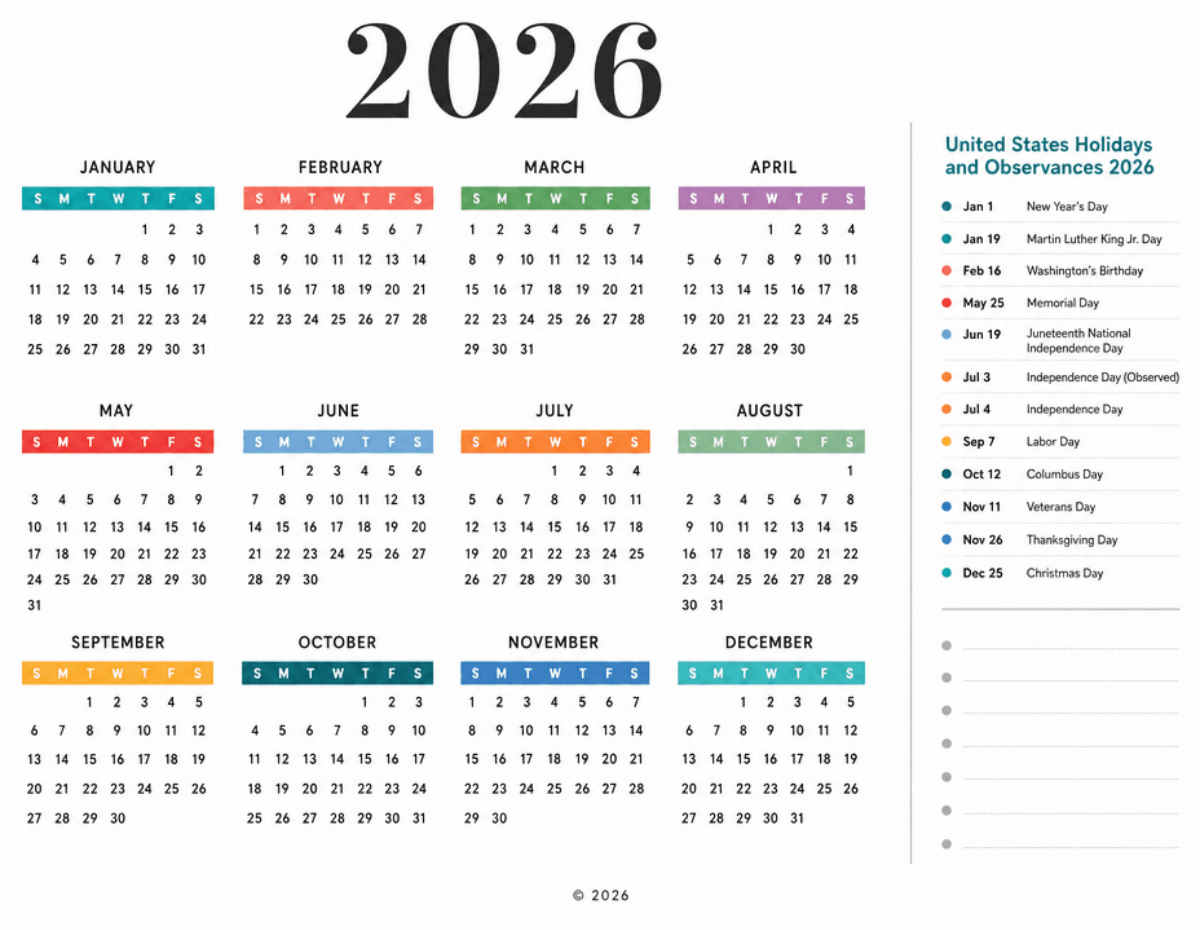
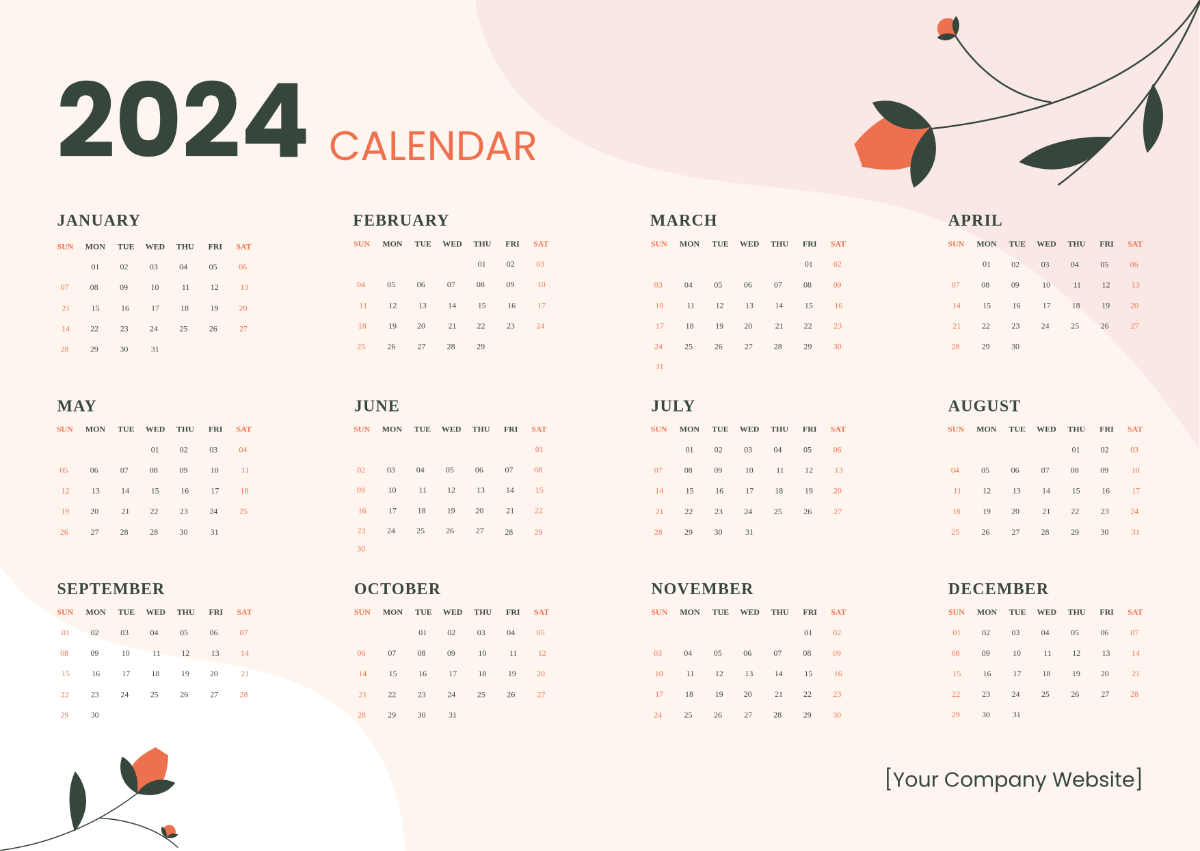





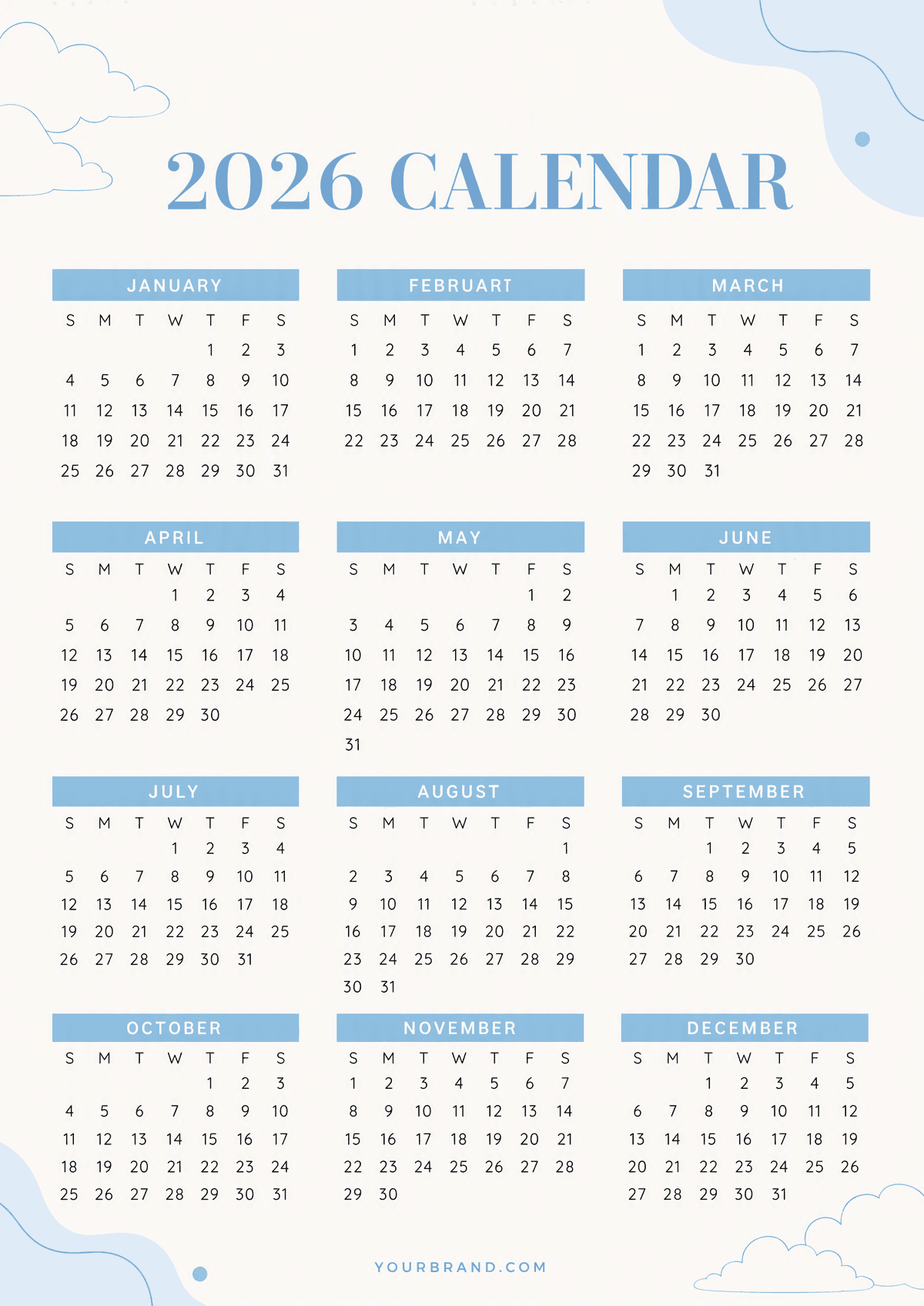
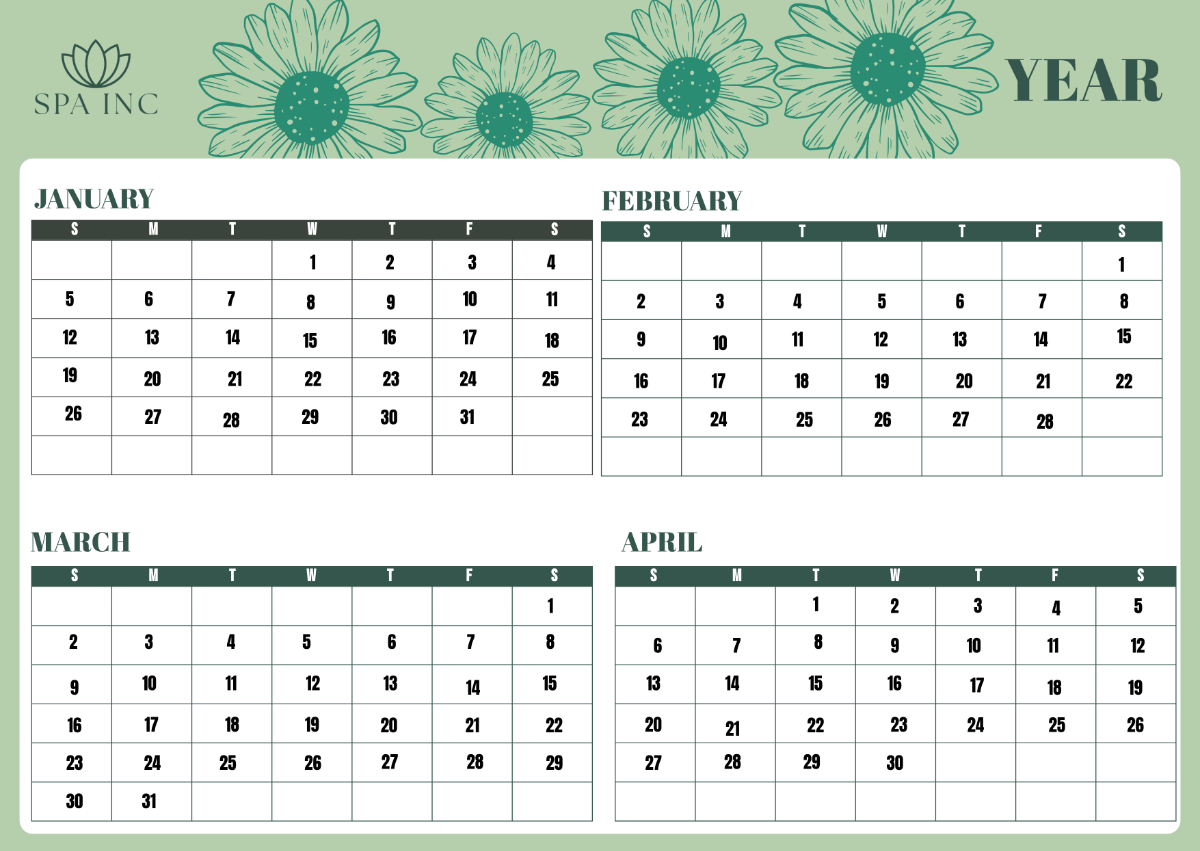

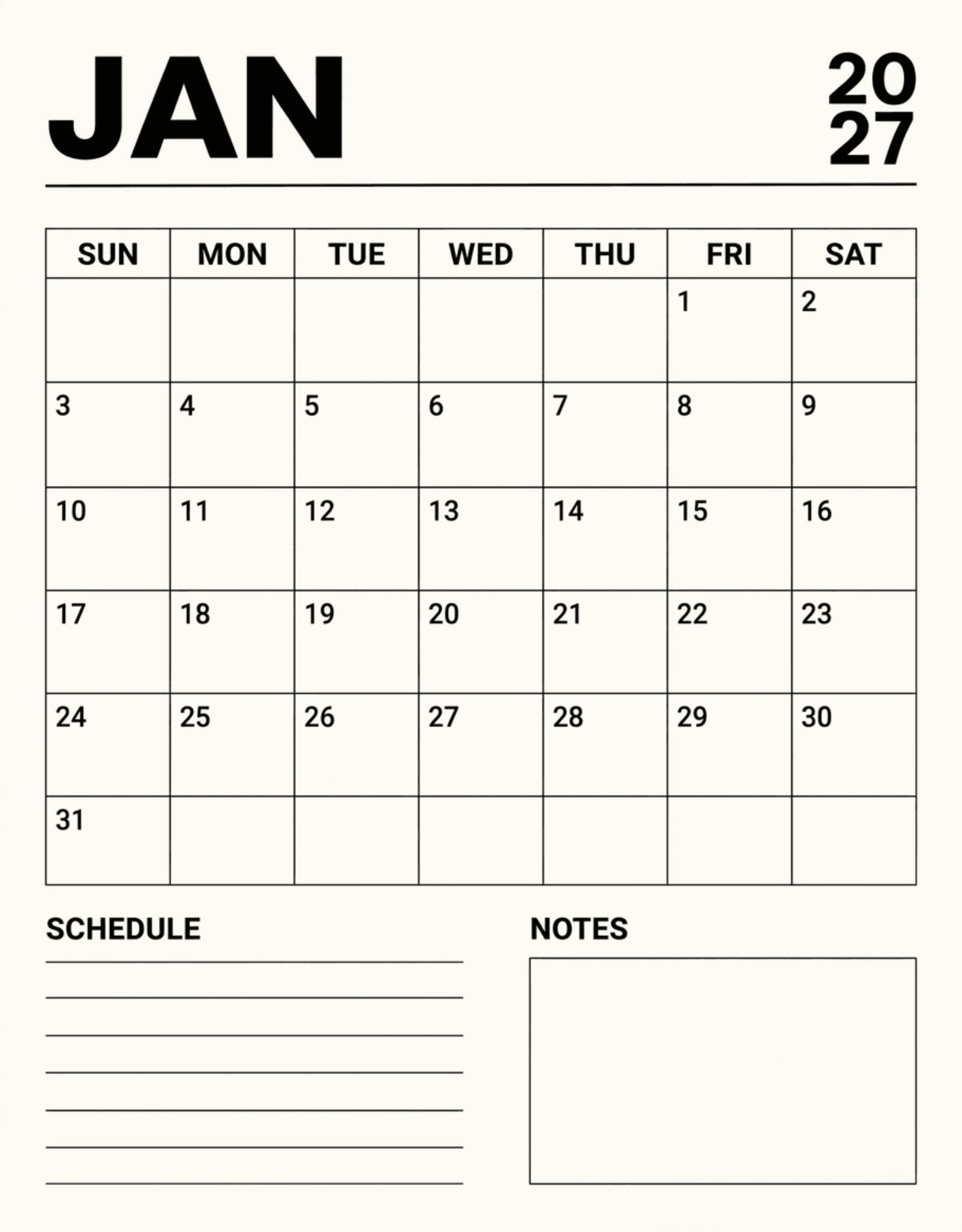

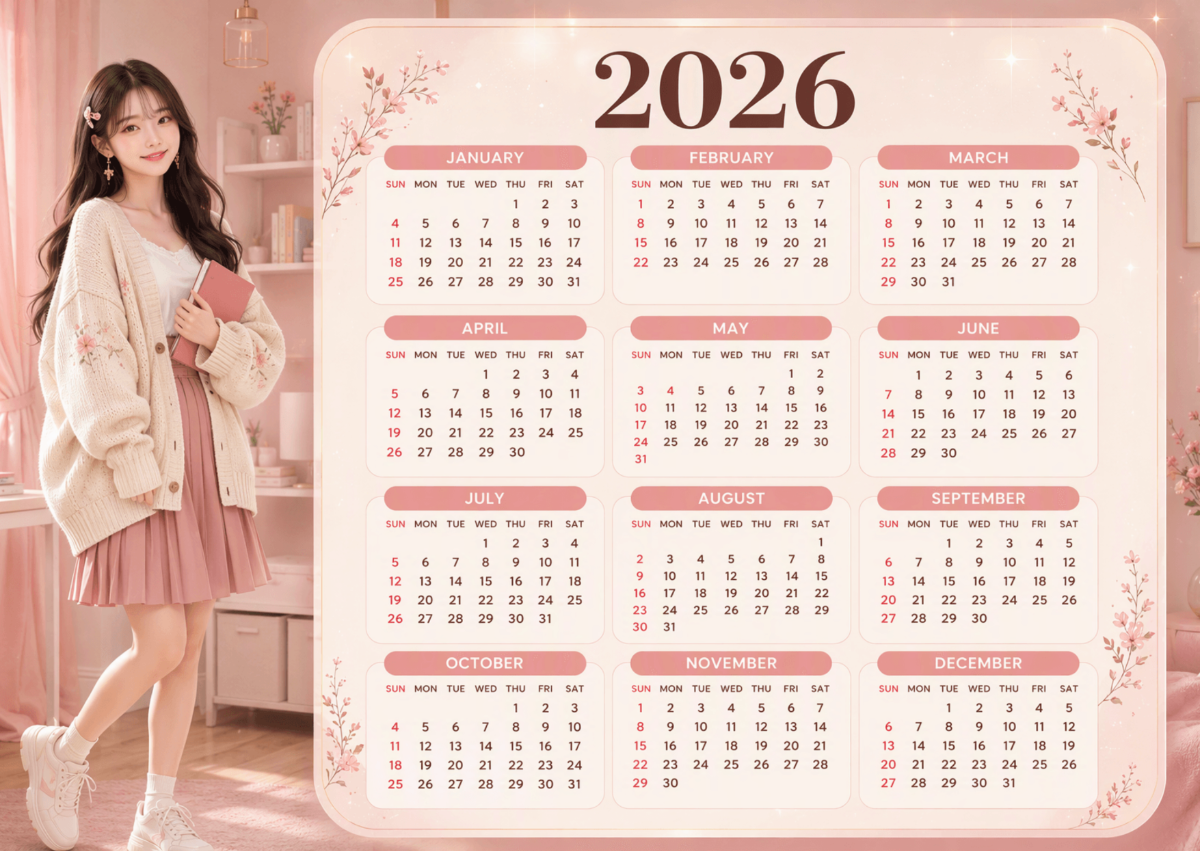

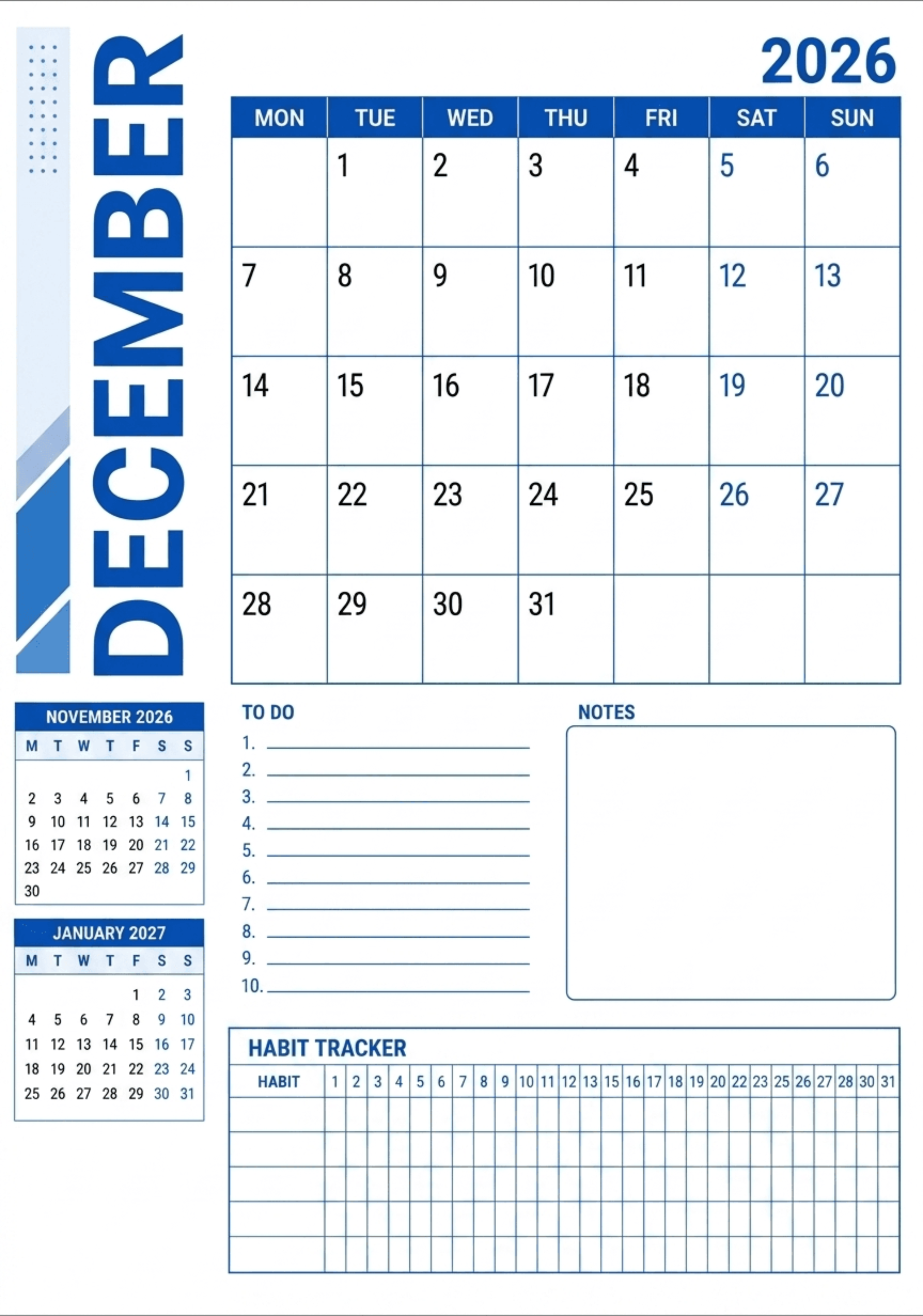
Free Calendar Templates: Customizable Design Guide, Sizes, and Download Formats
What is a Calendar?
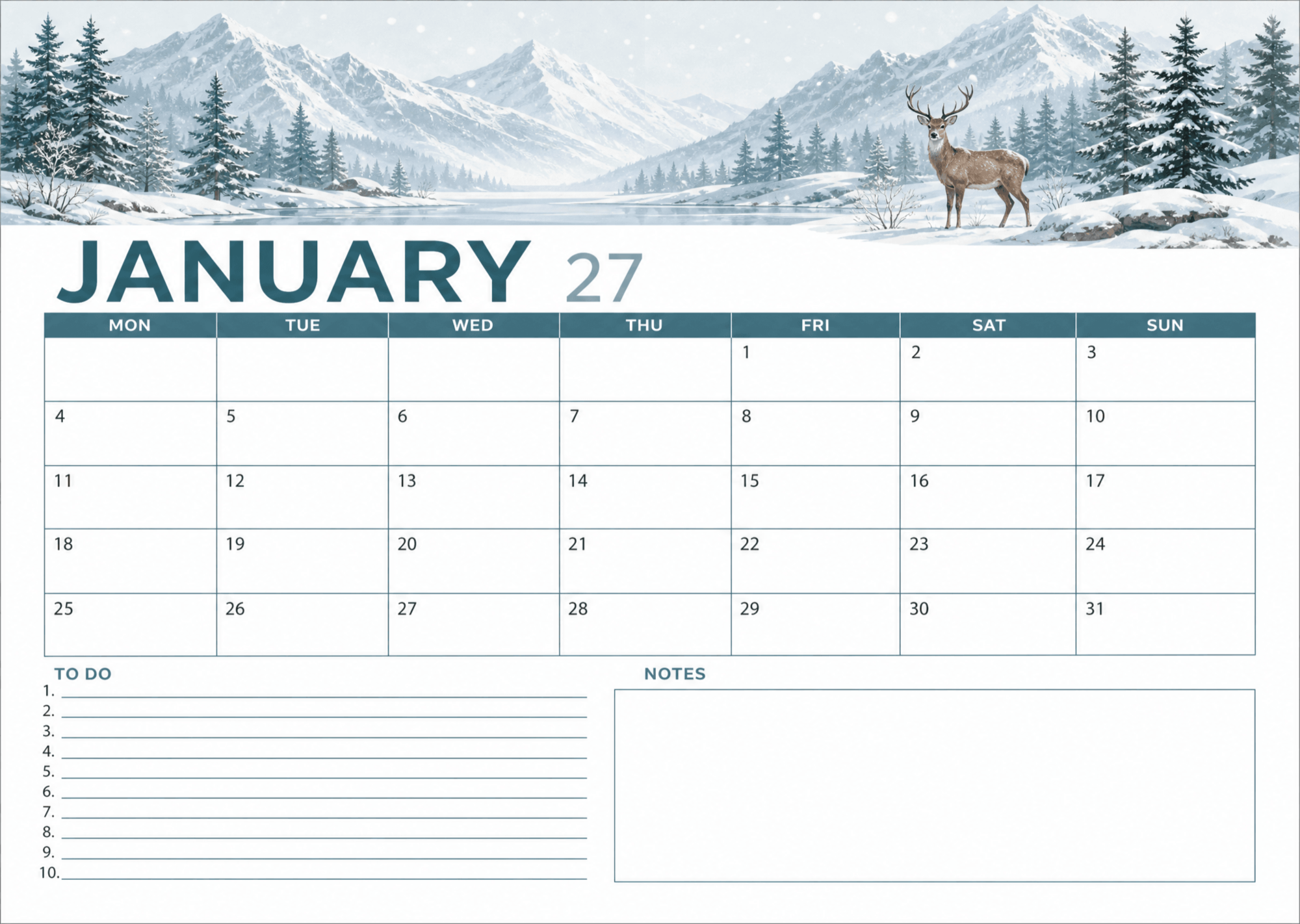
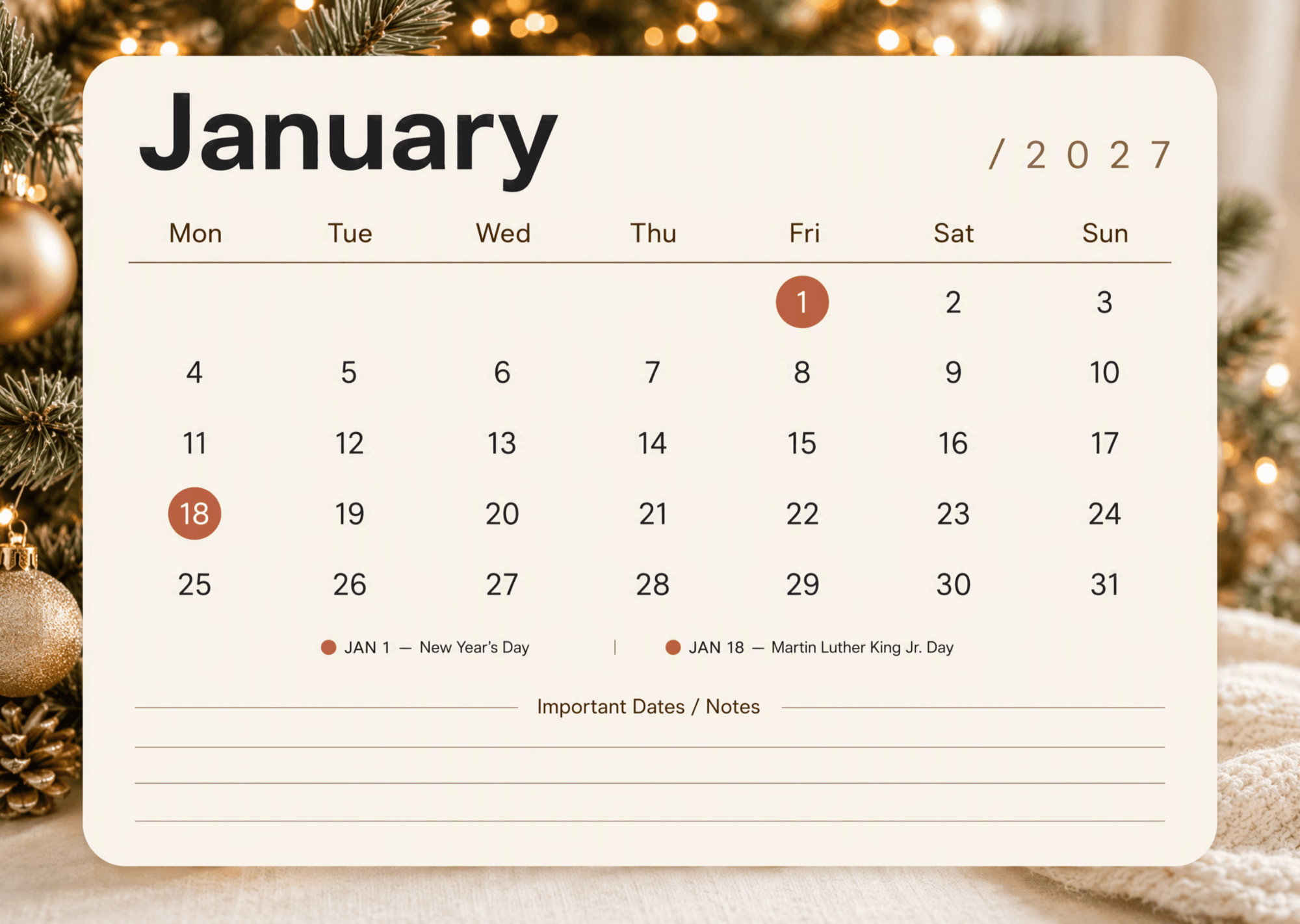
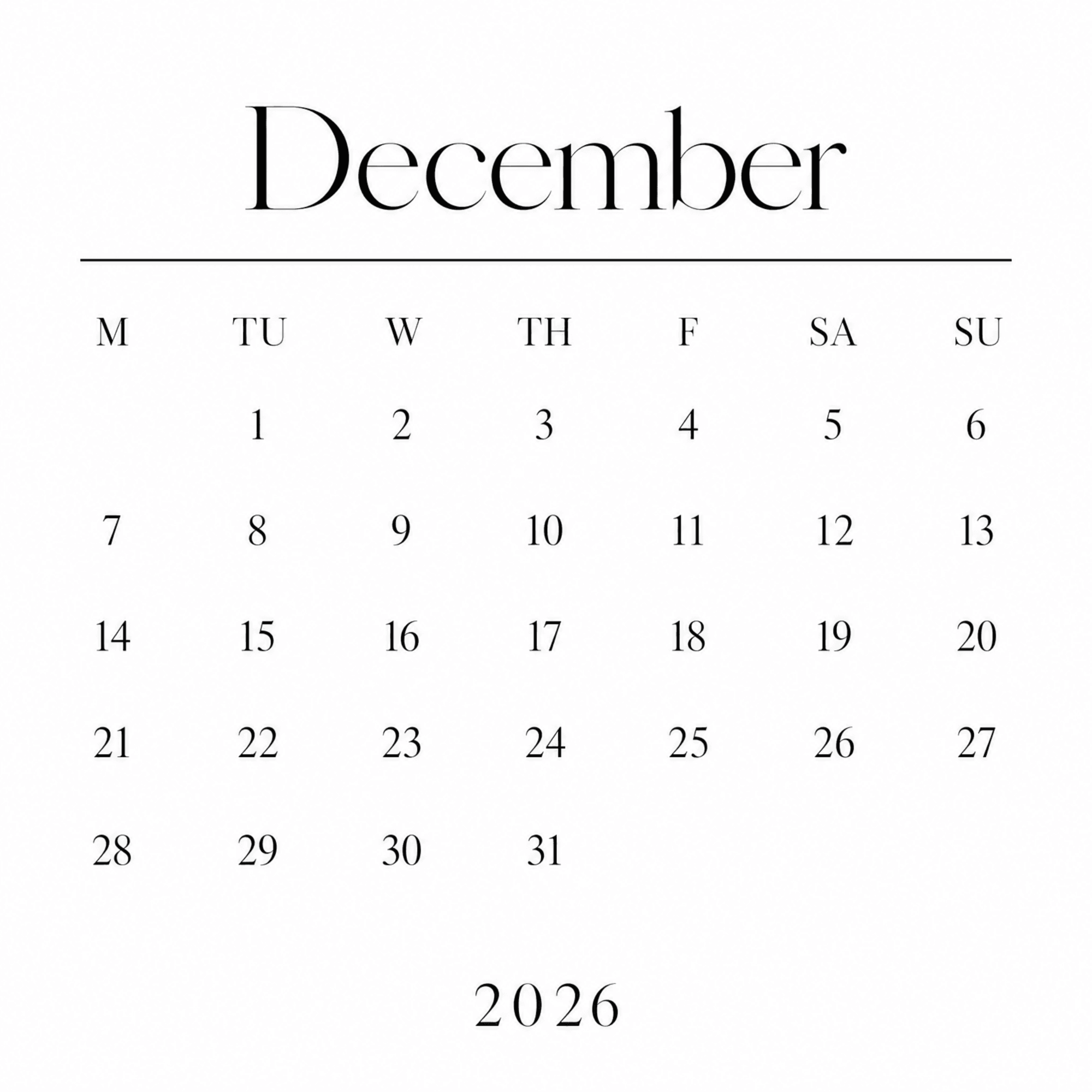
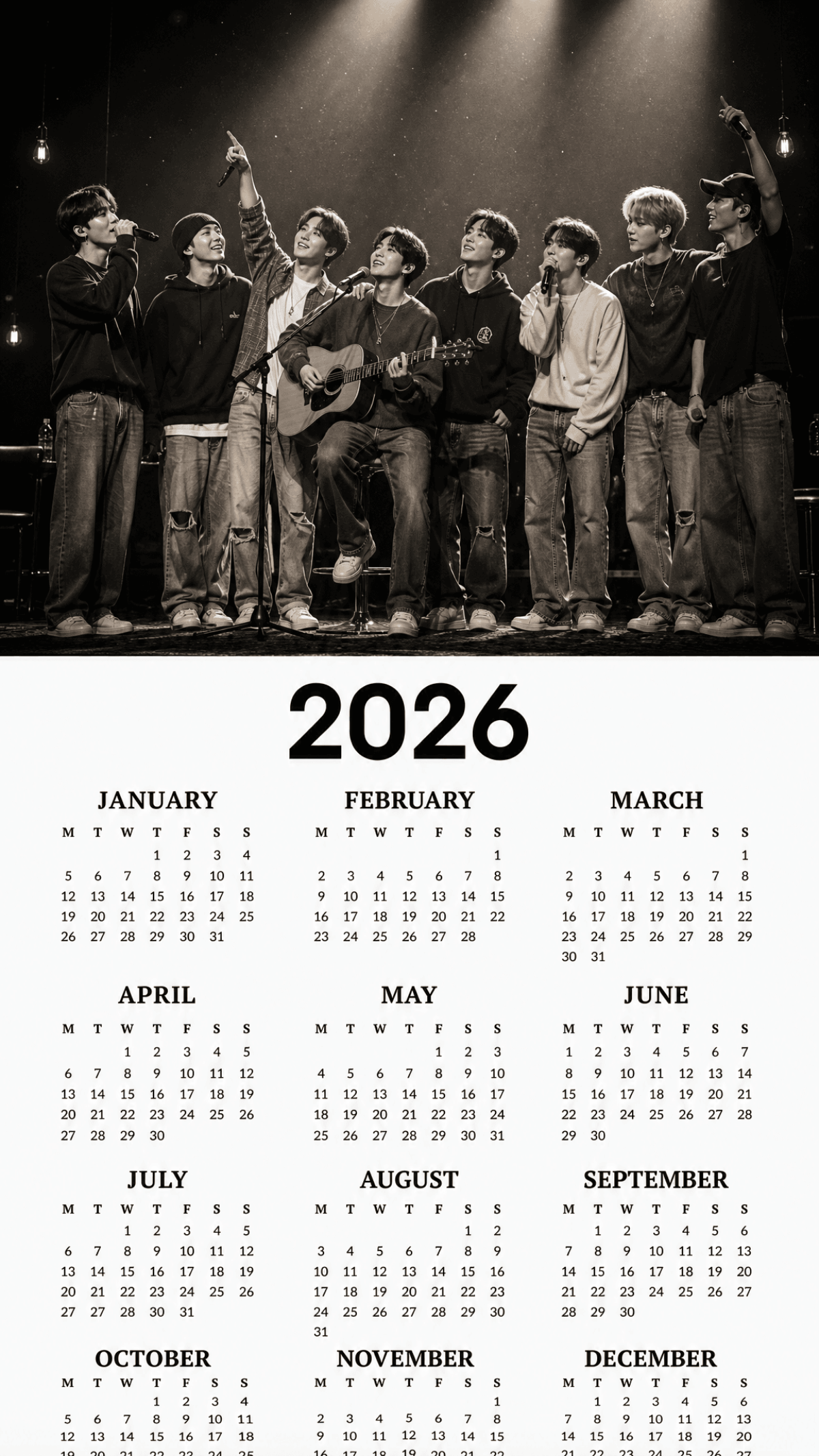
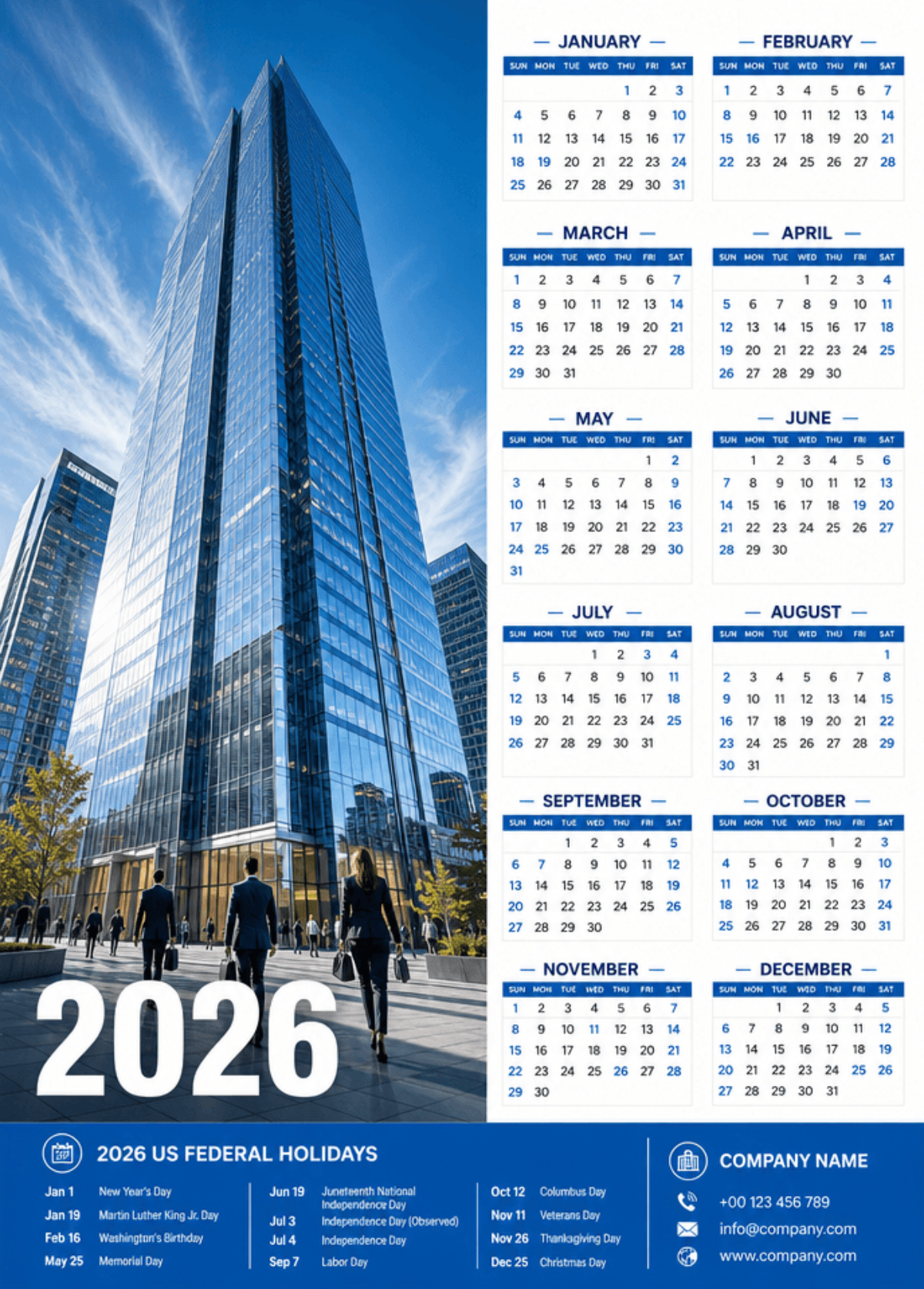
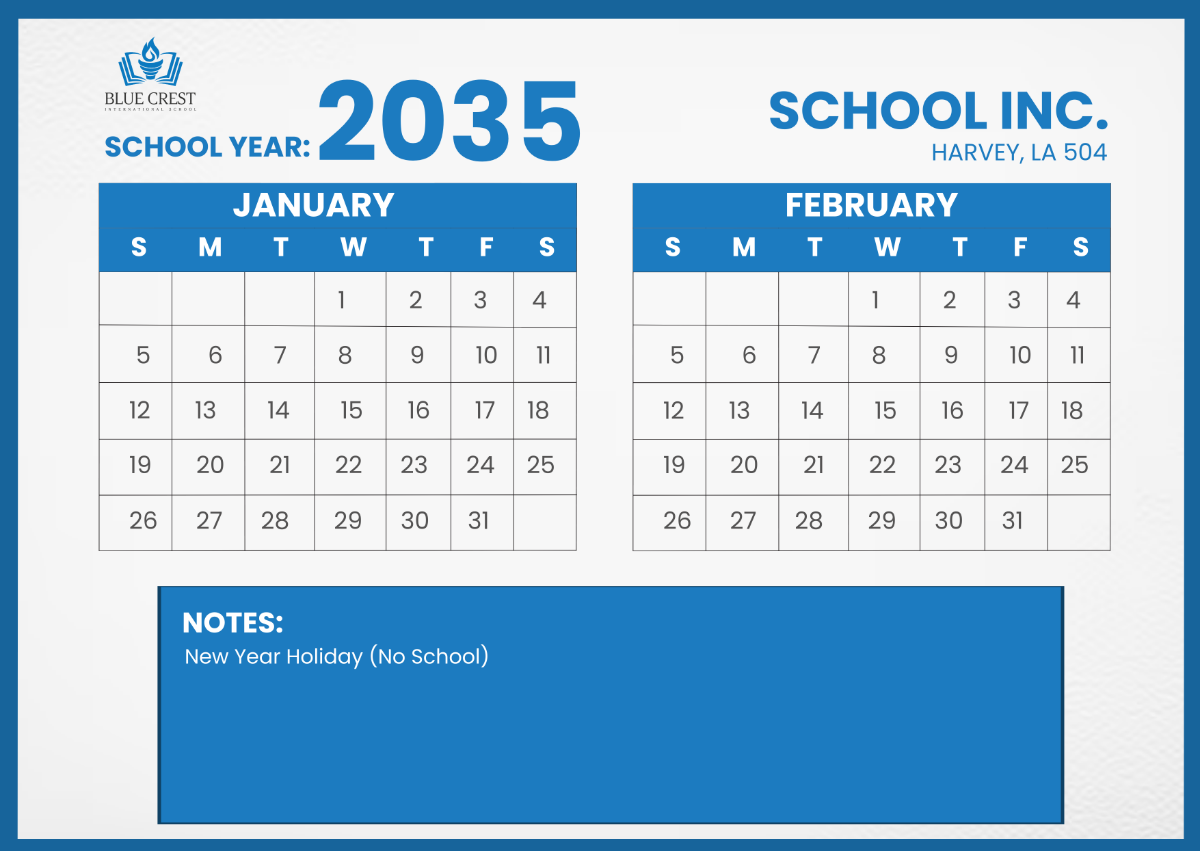
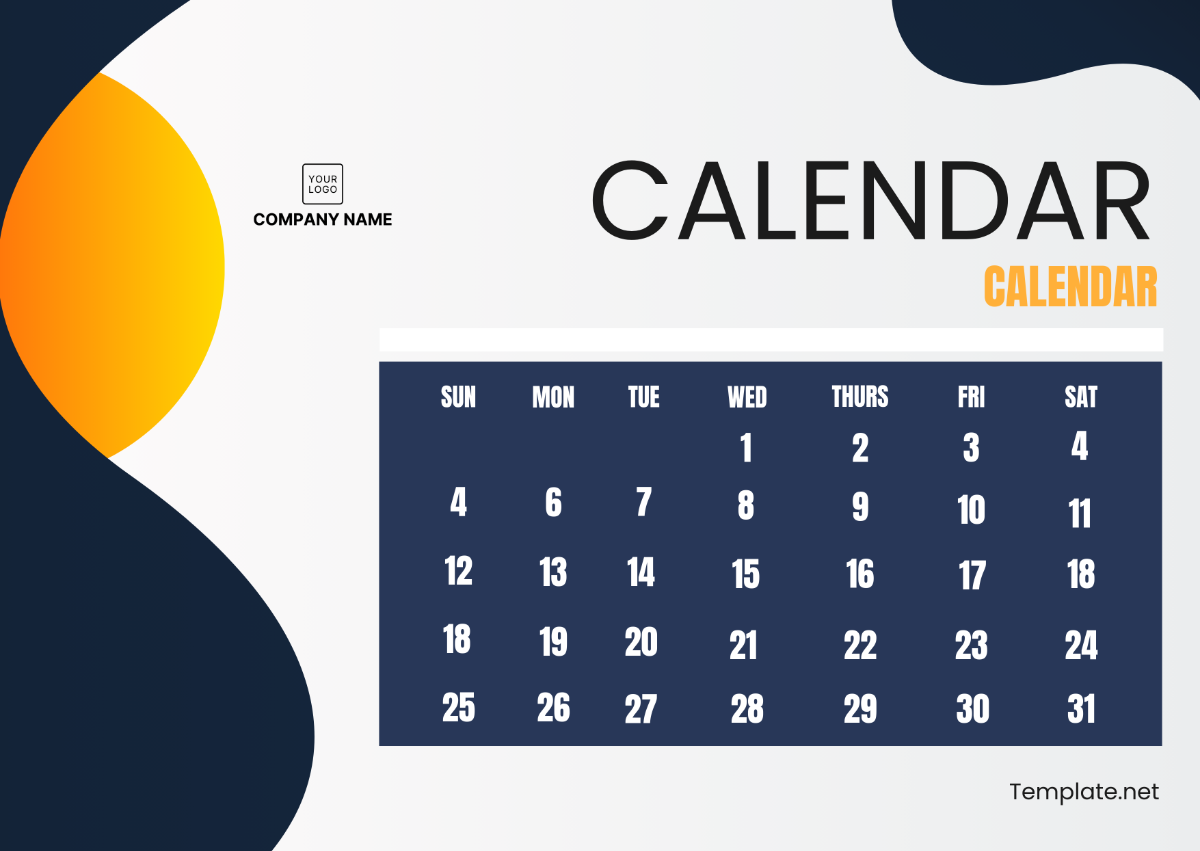
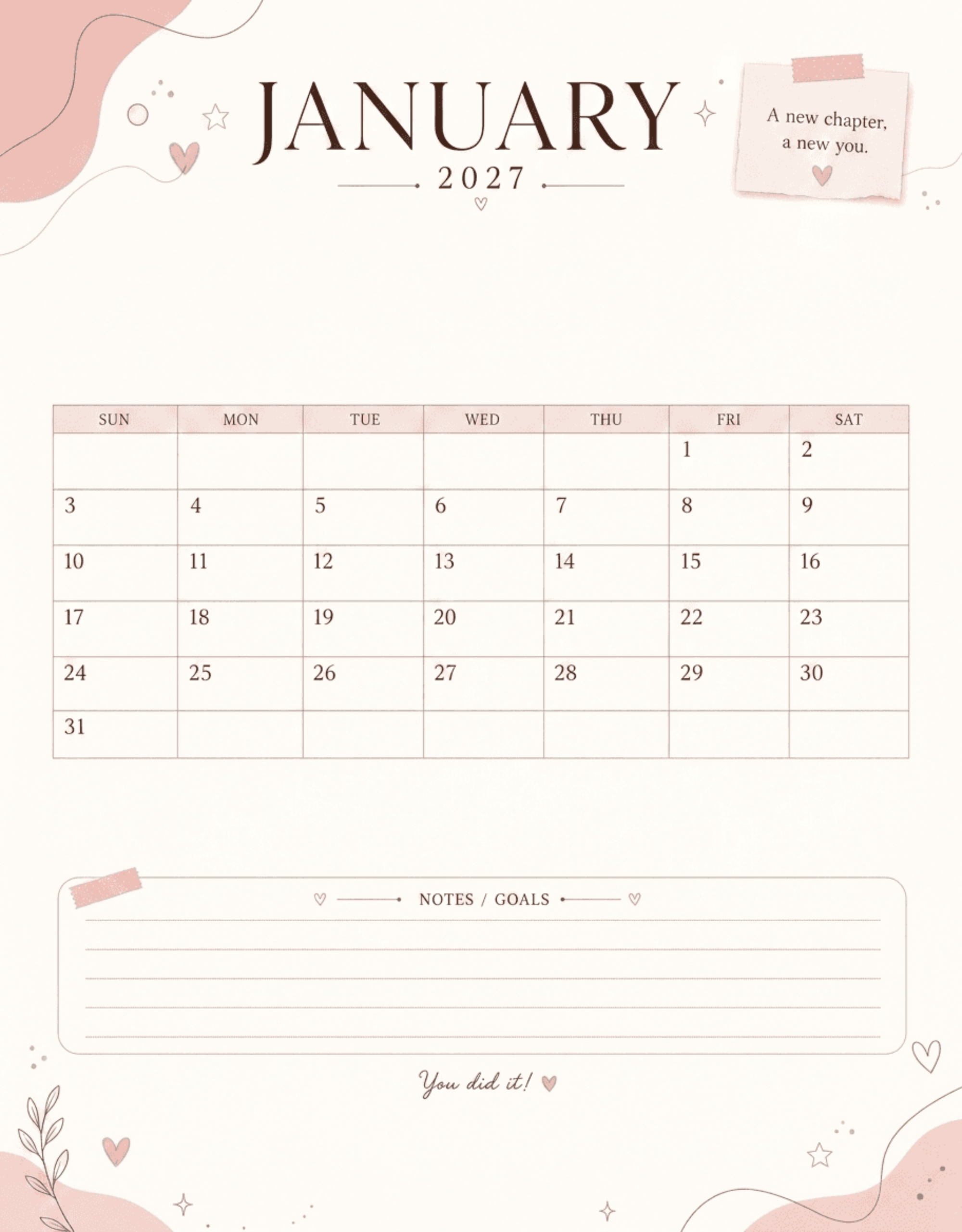
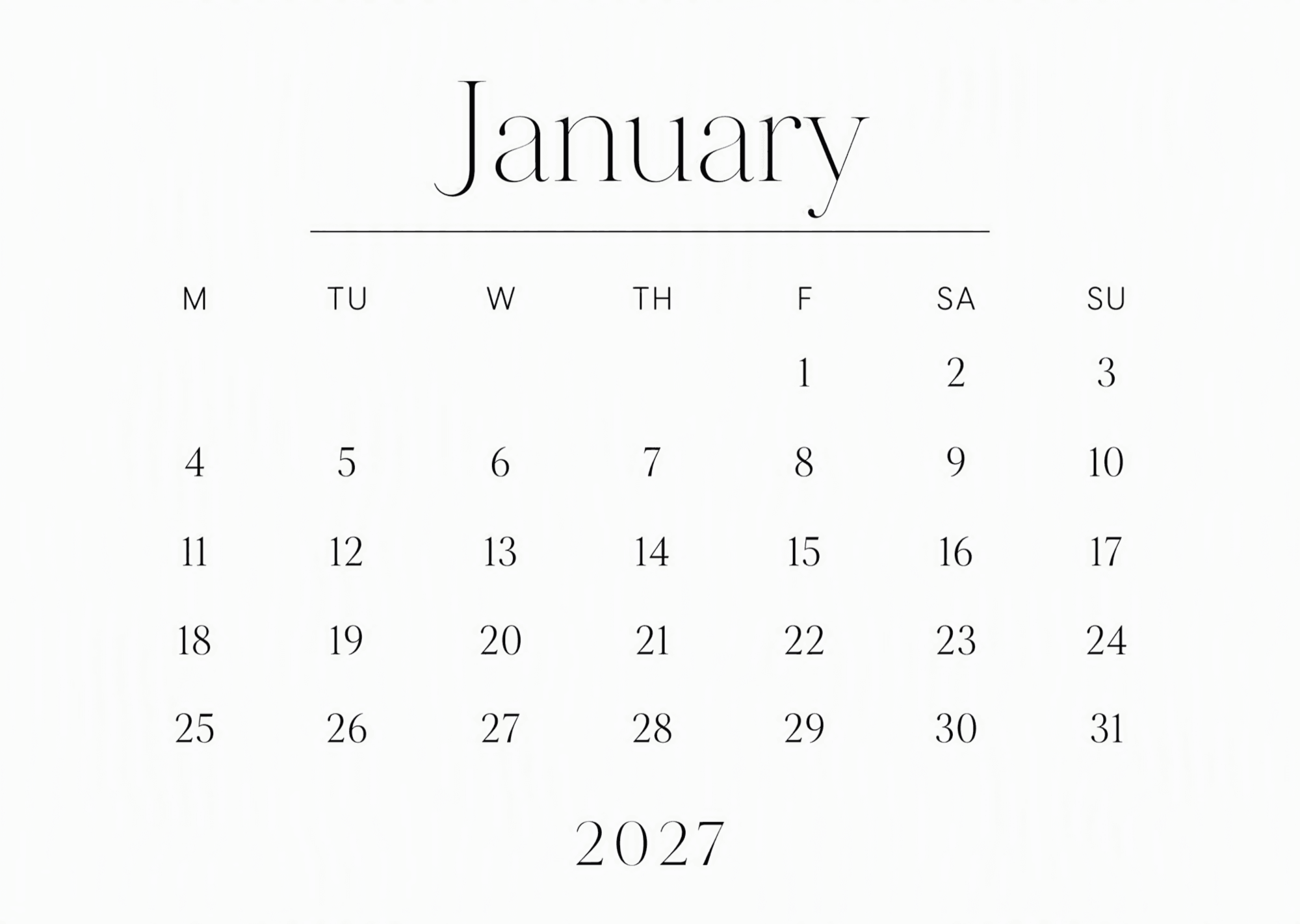
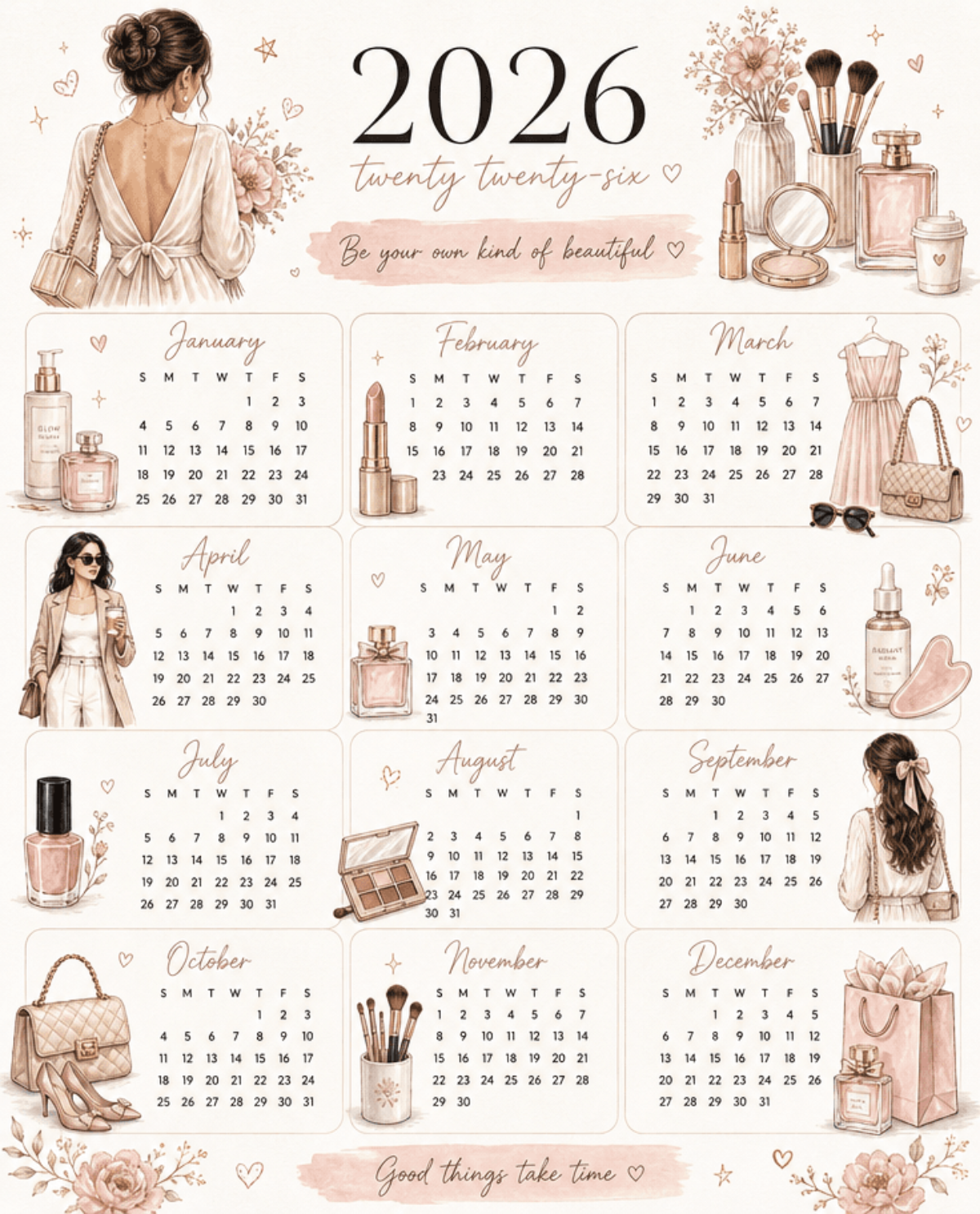
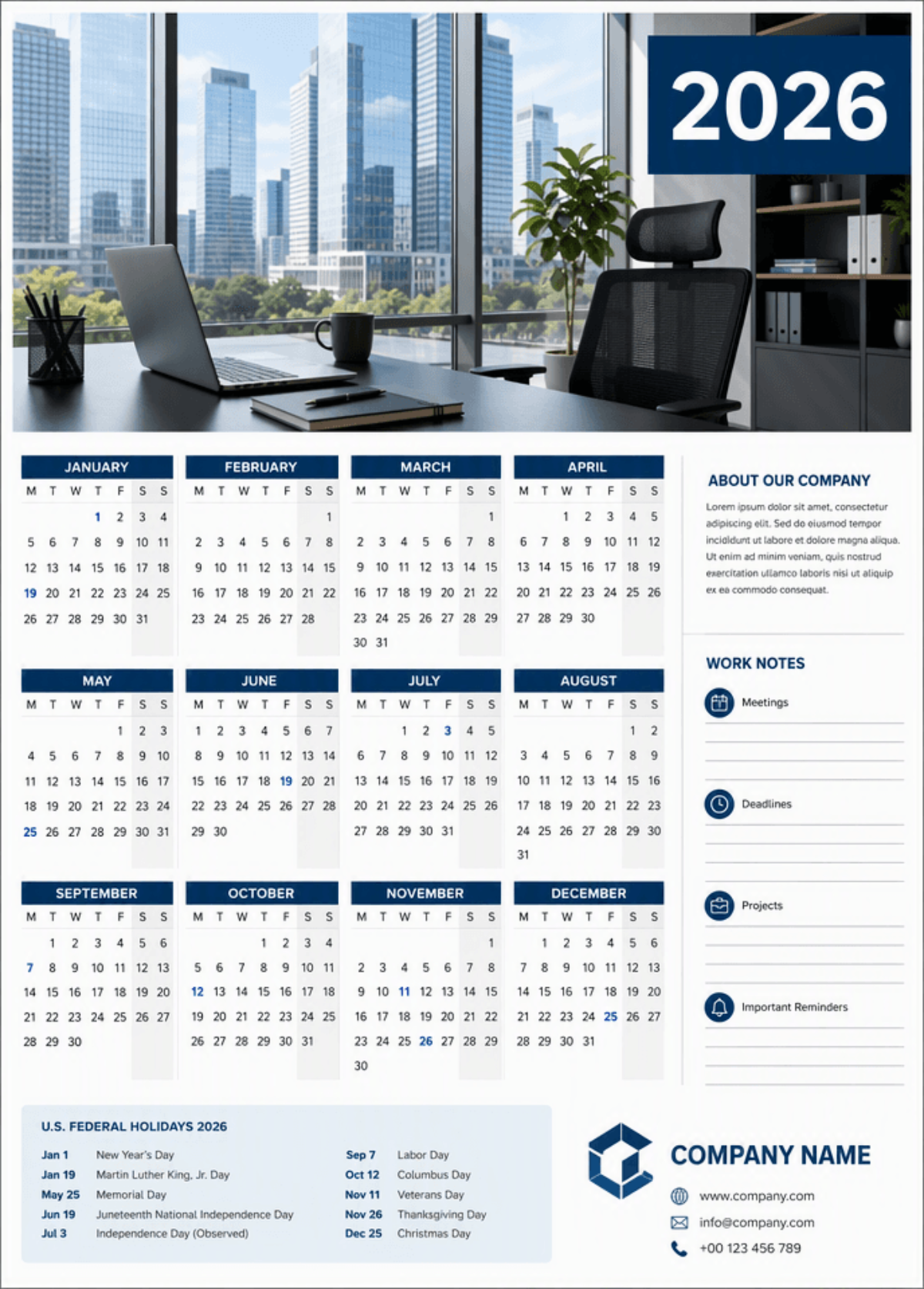
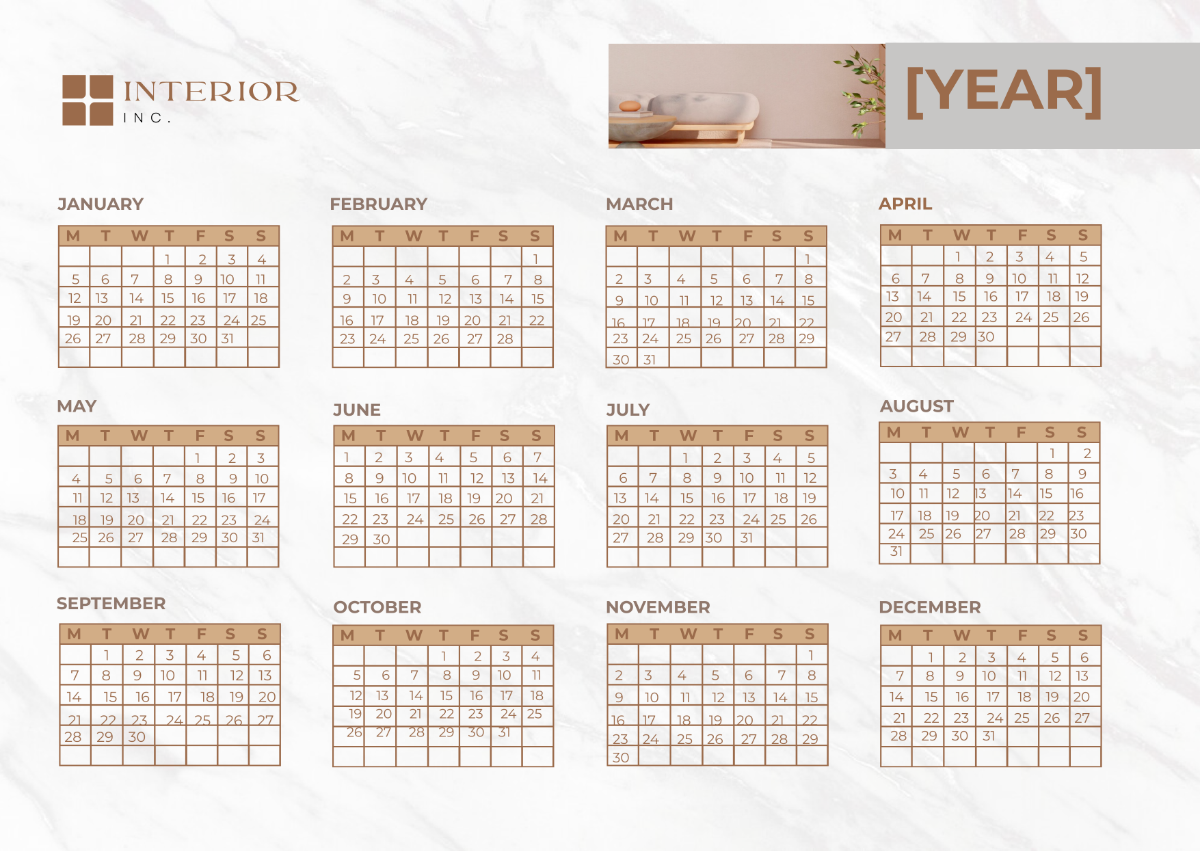
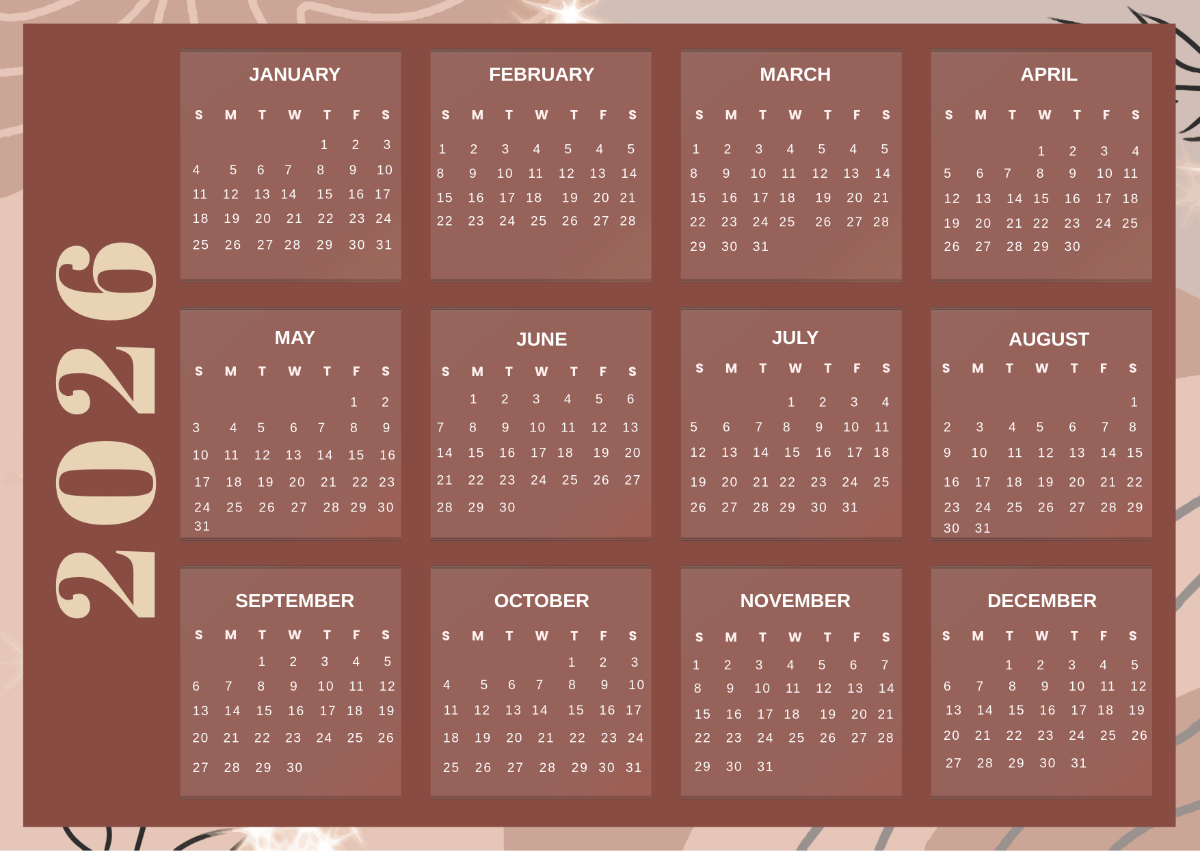
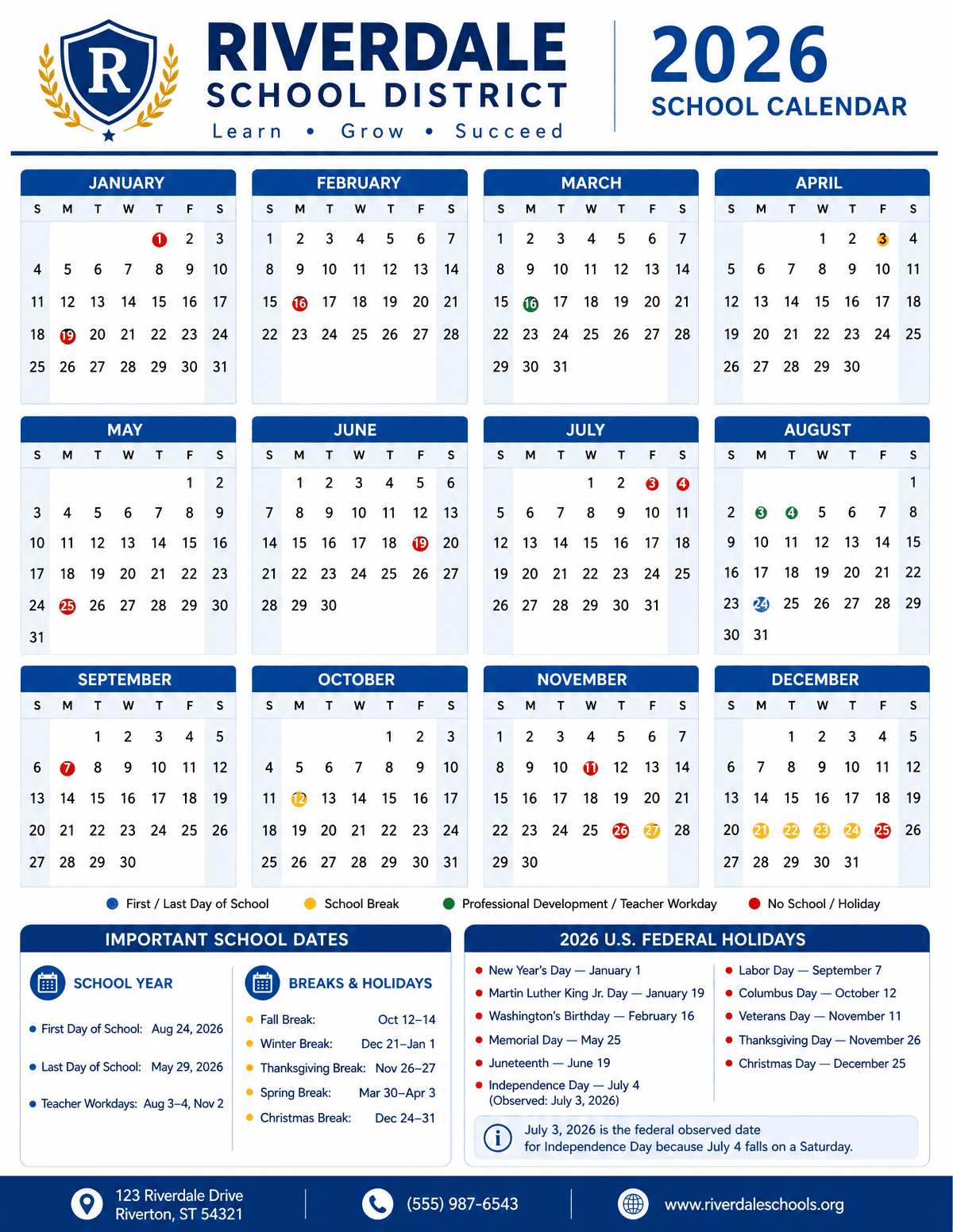
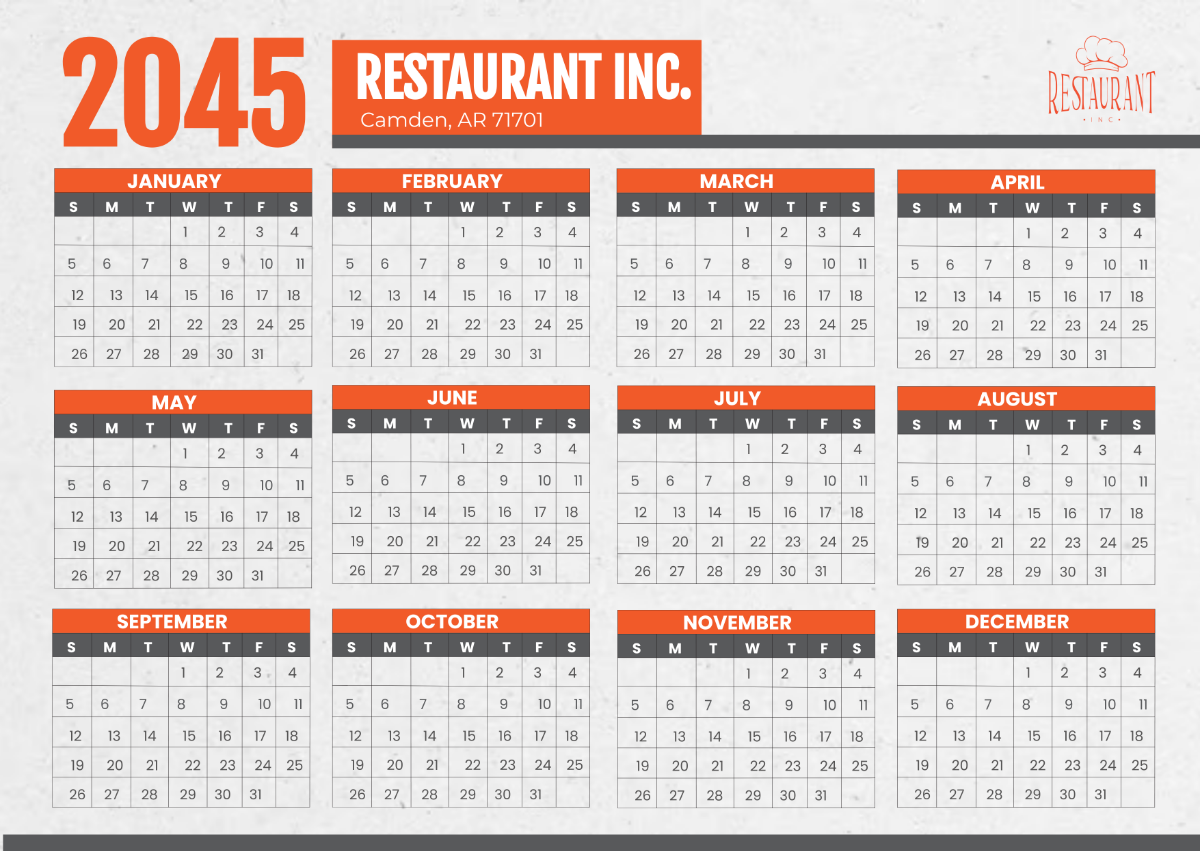
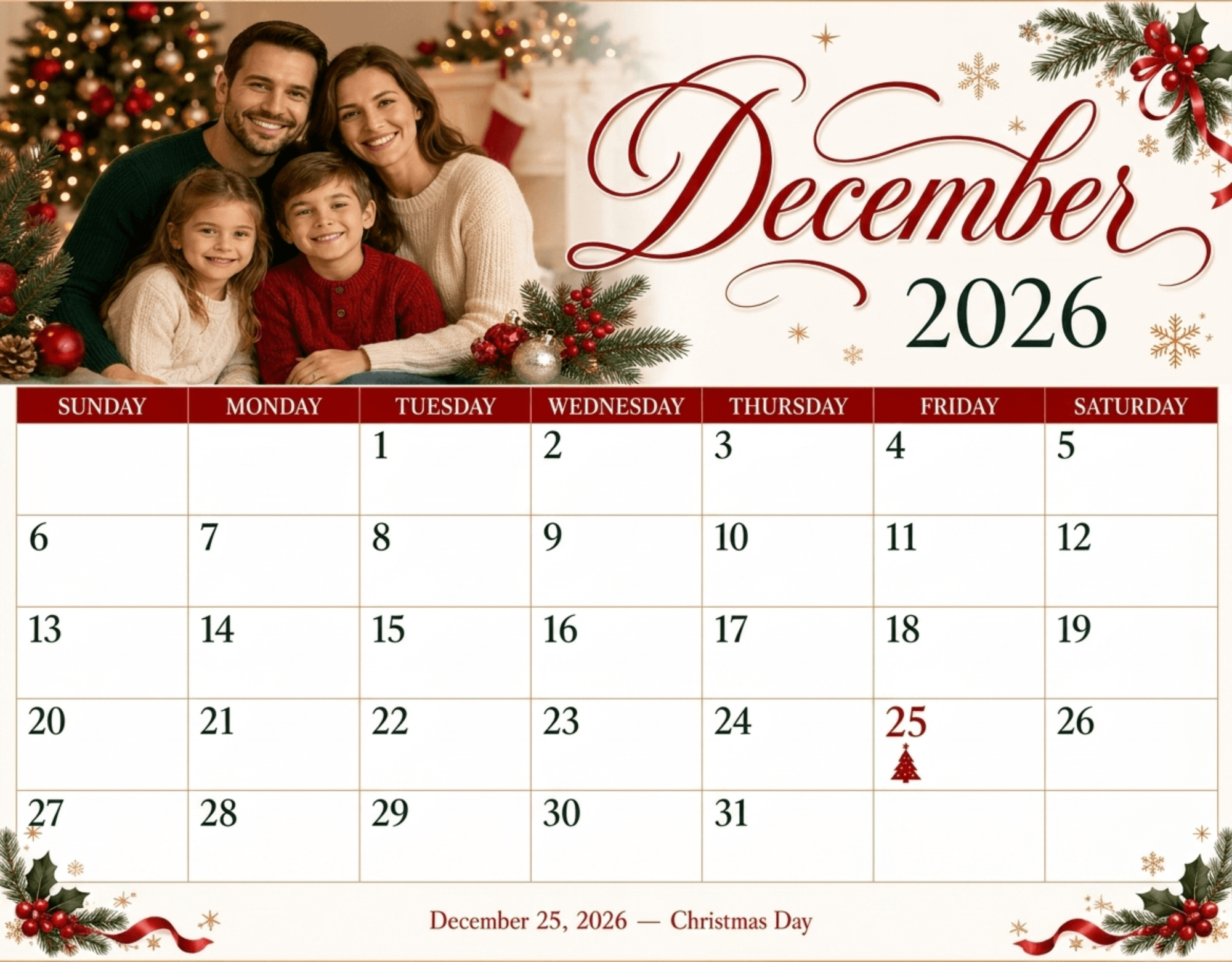
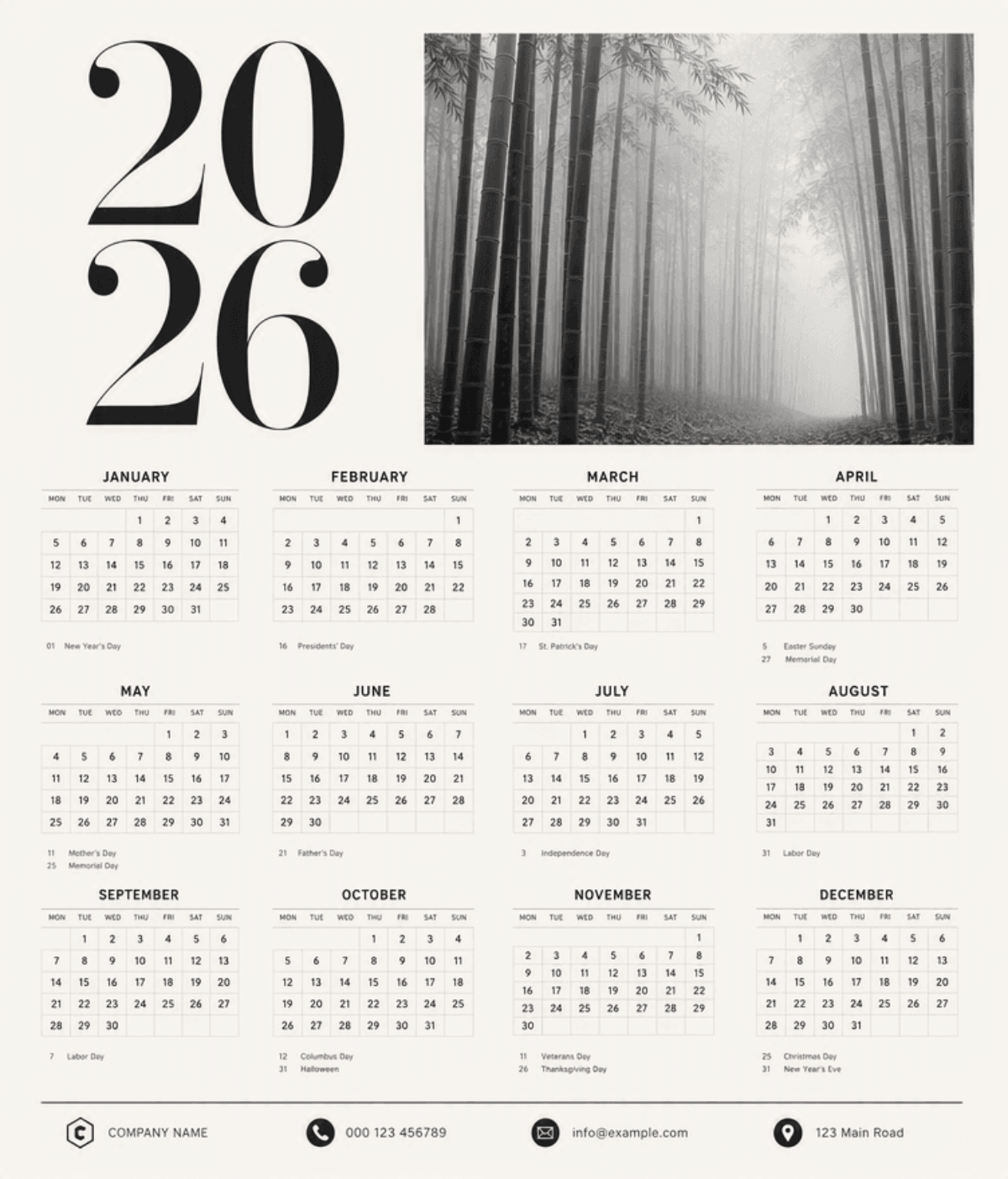
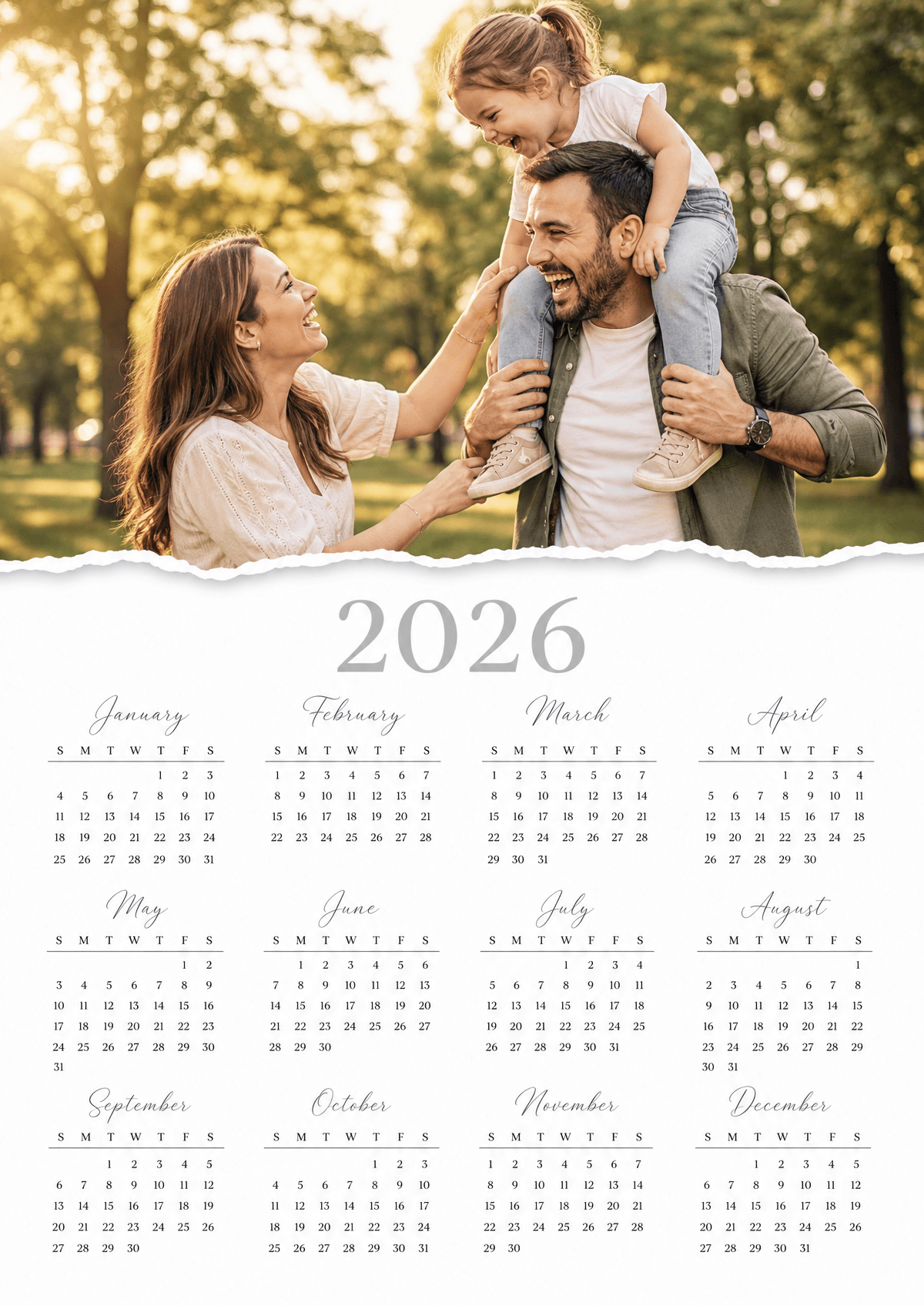
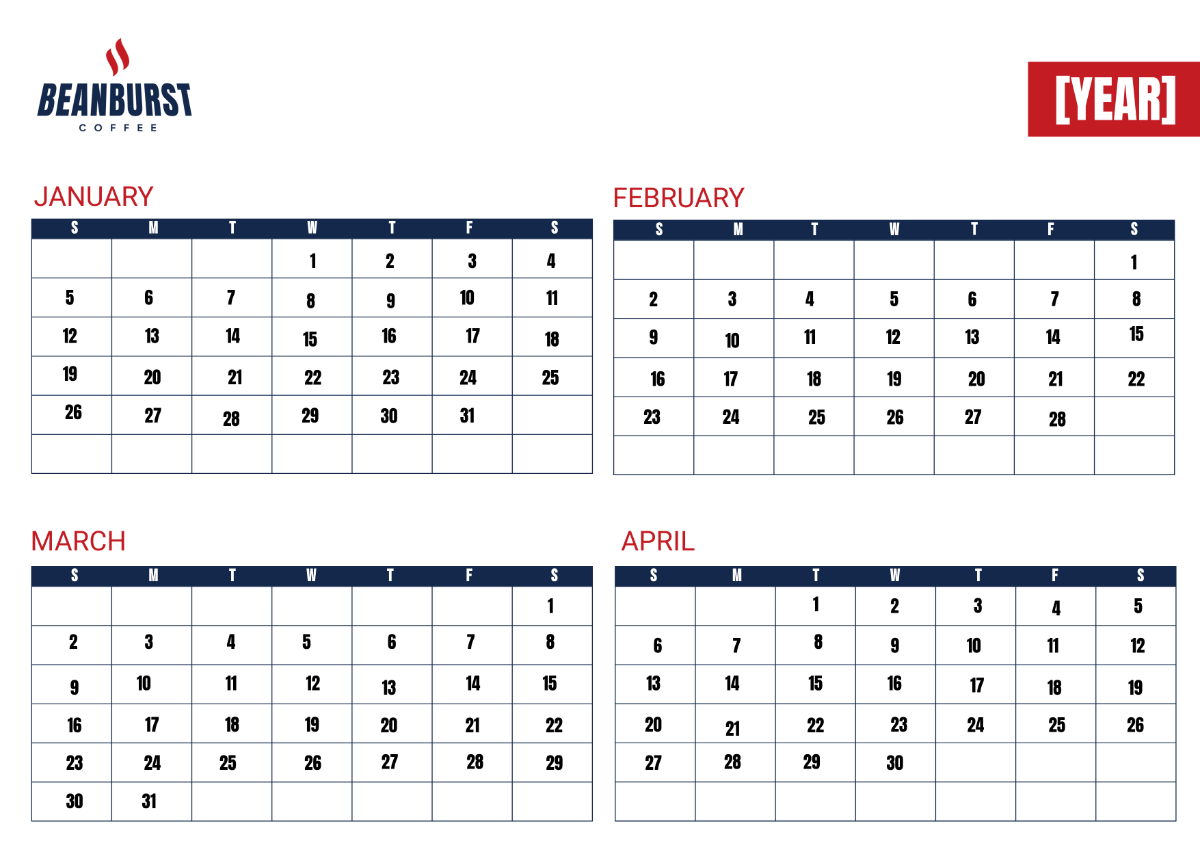
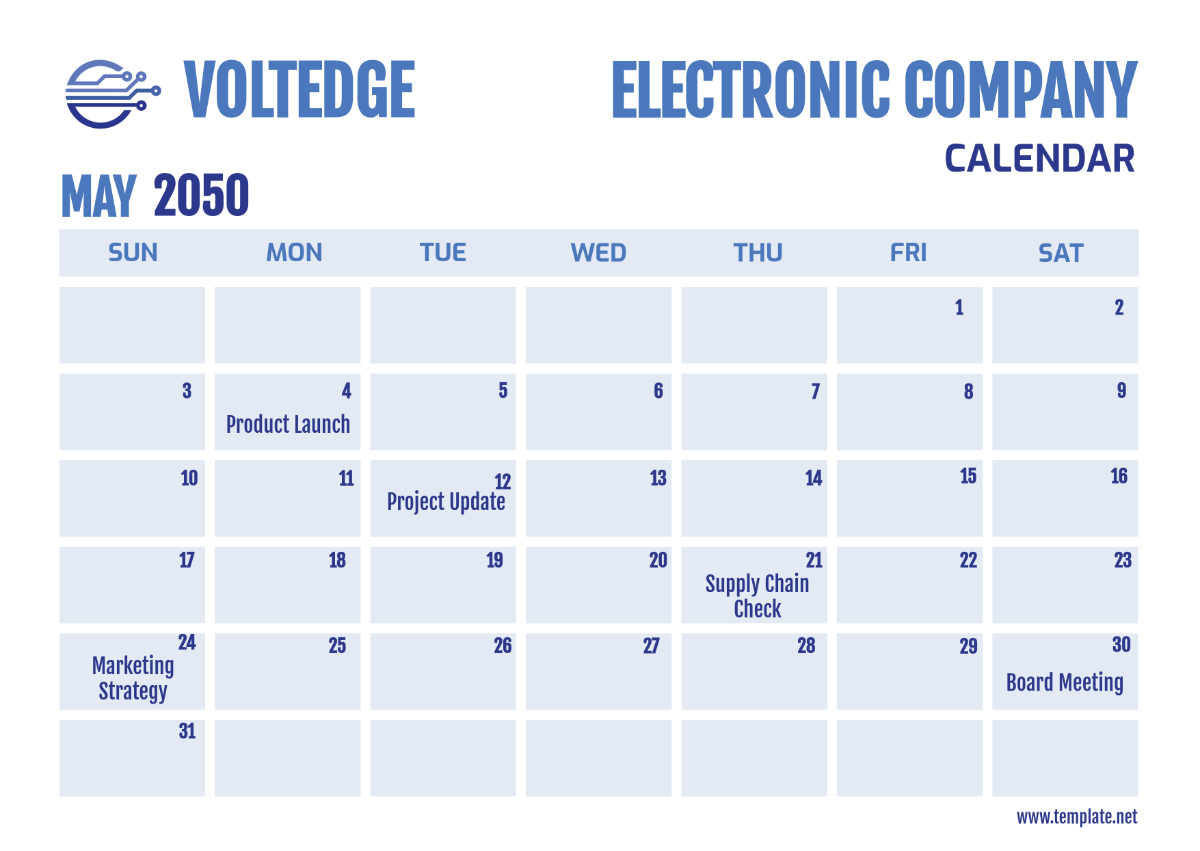
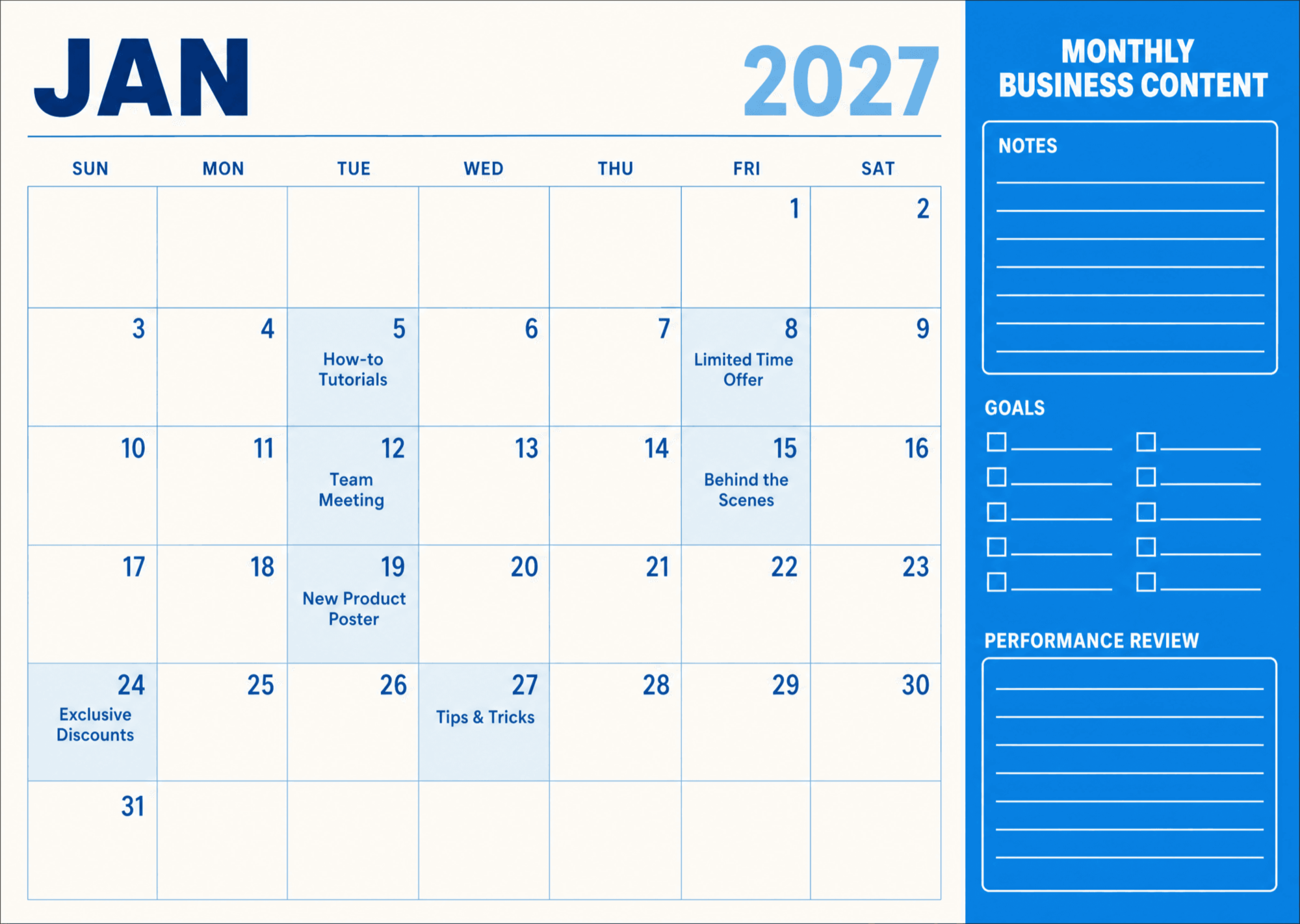
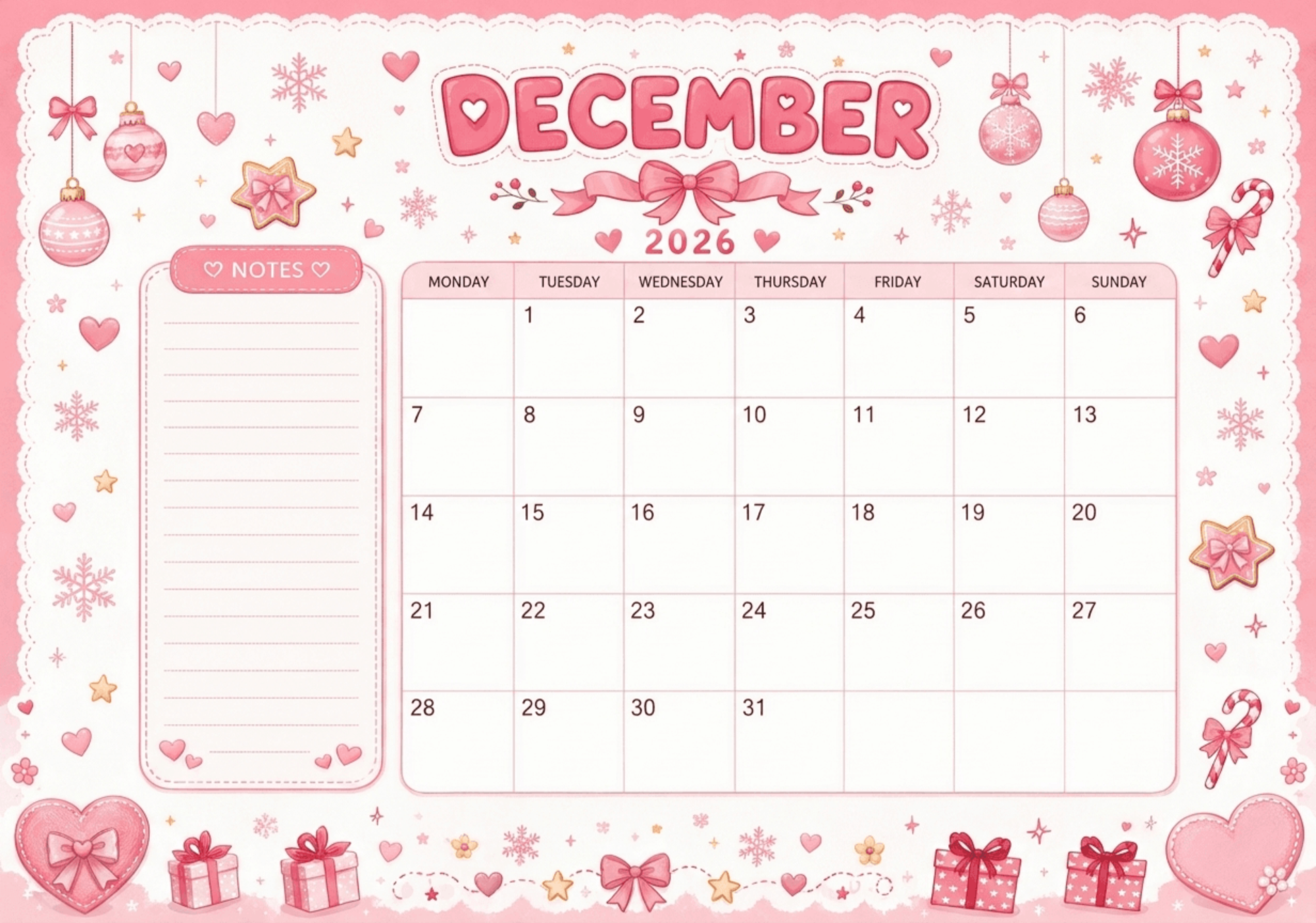
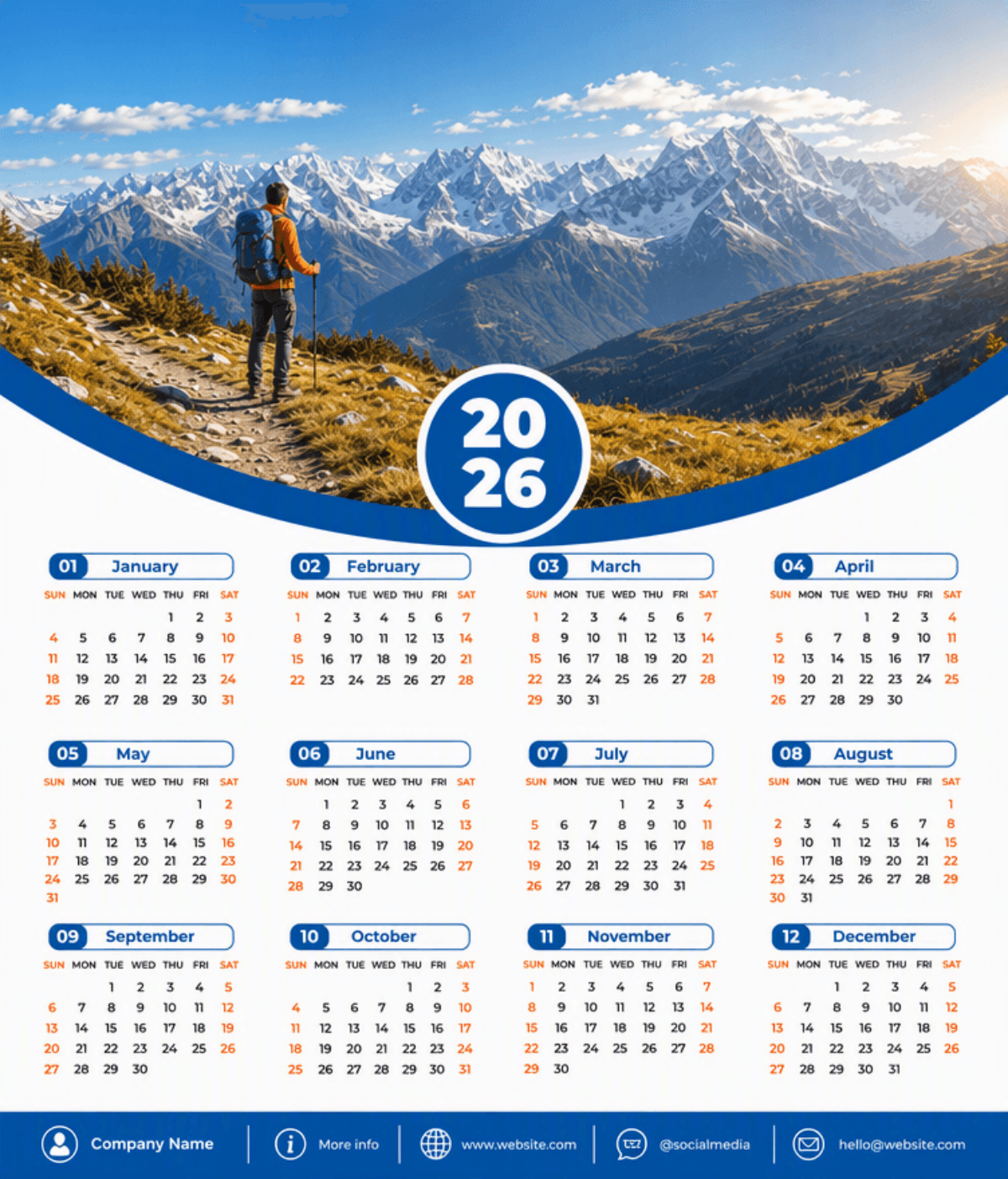
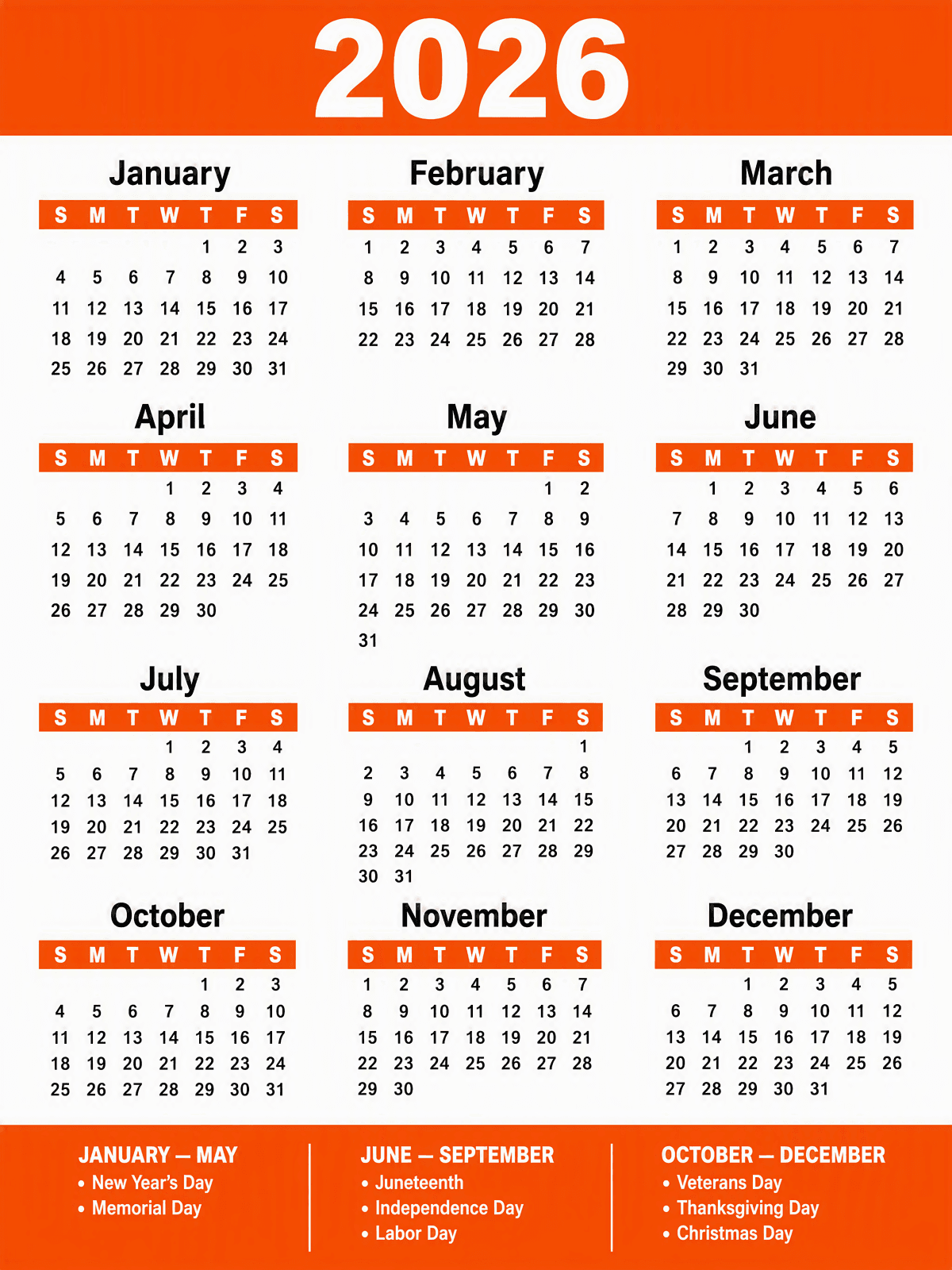
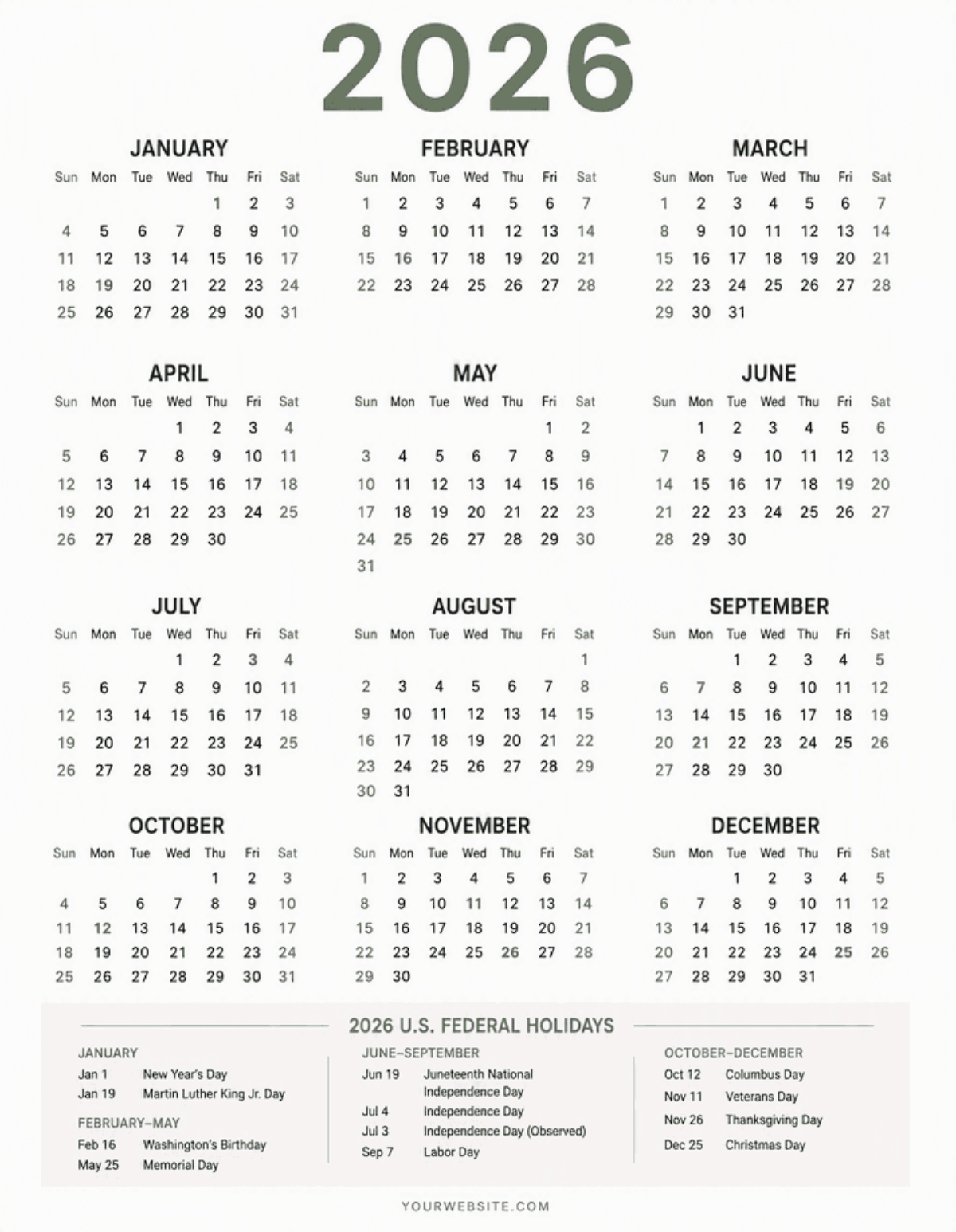
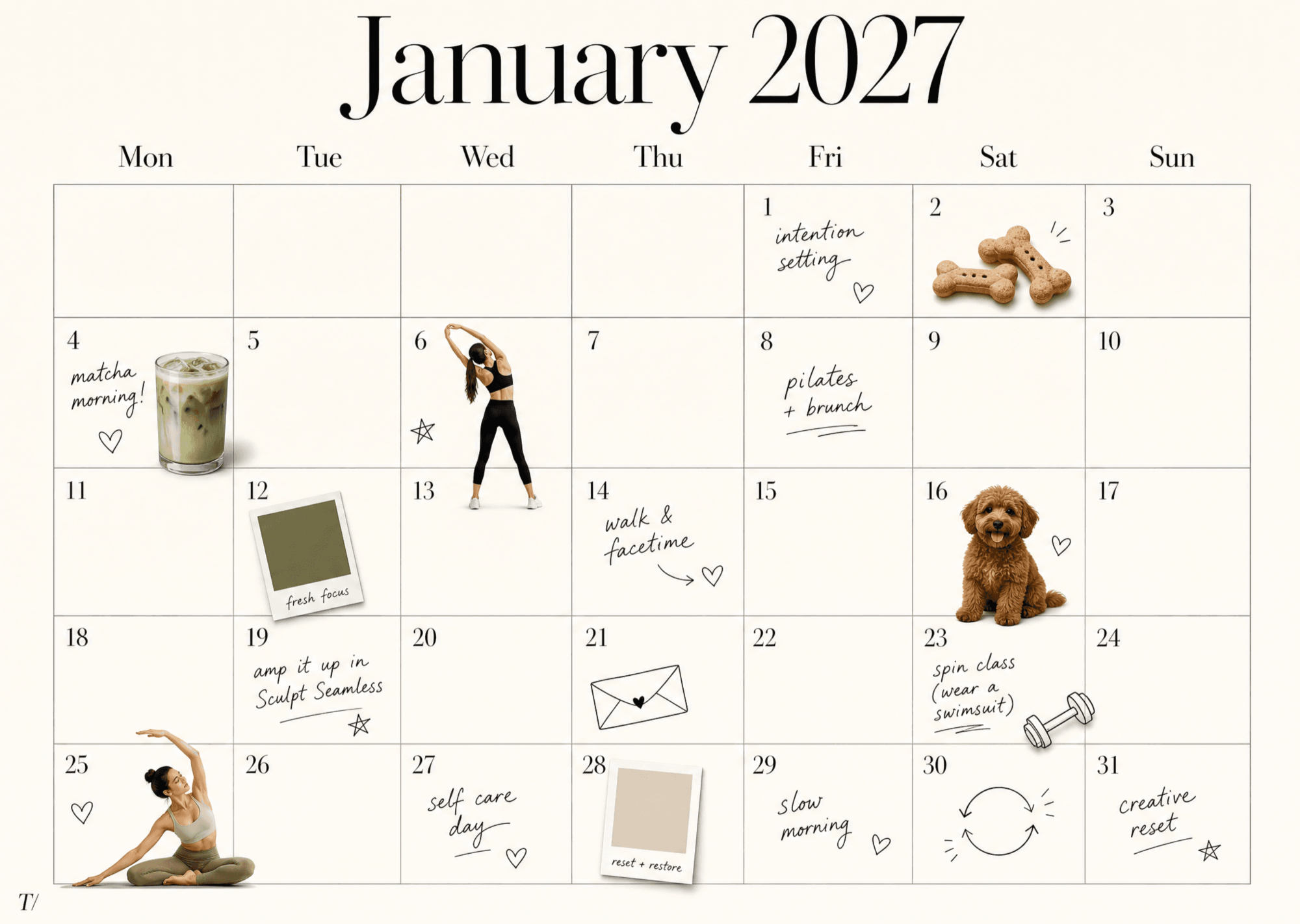
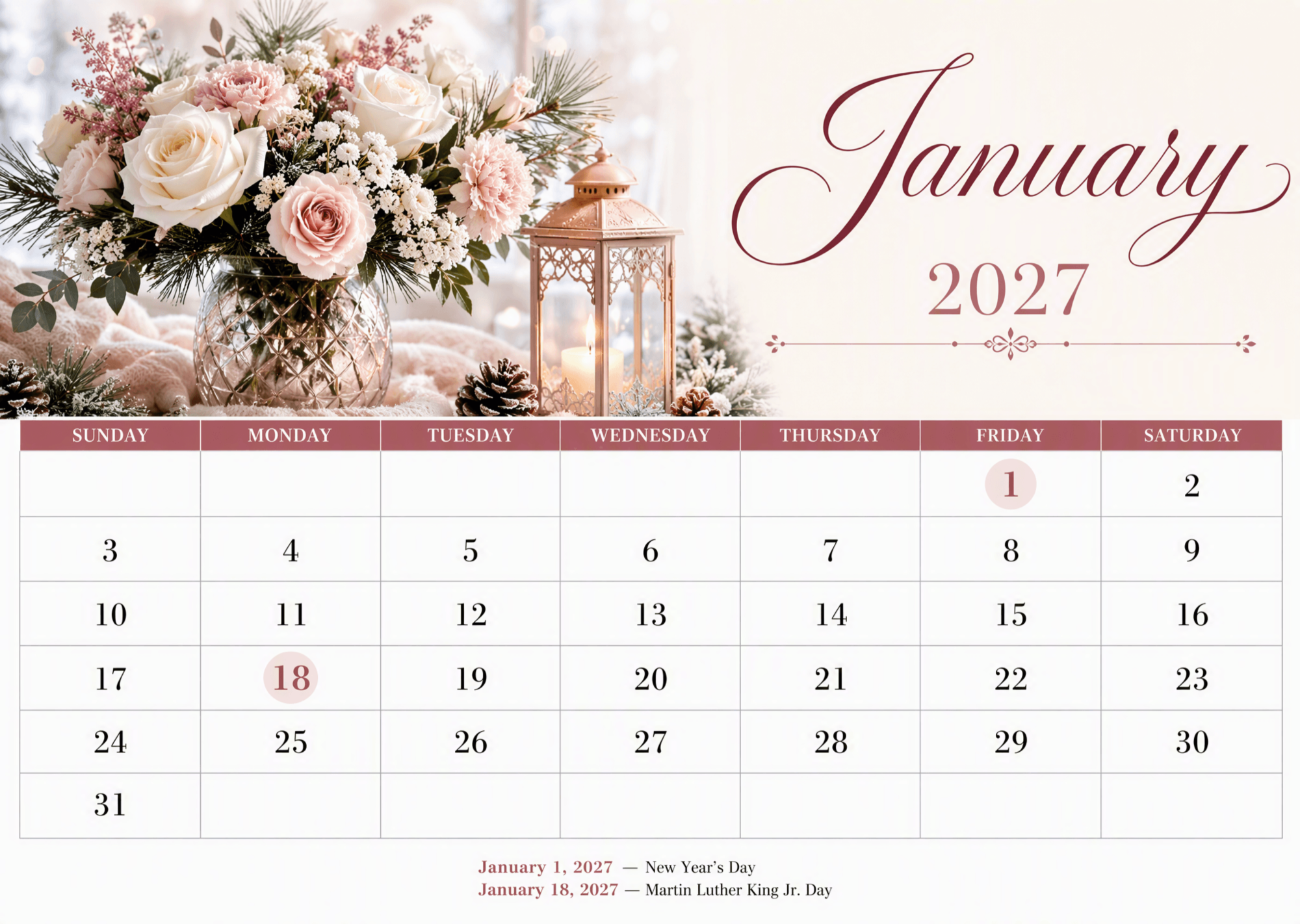
A calendar is a system for organizing and displaying dates, days, and months in a structured format. Calendar templates allow you to visually plan schedules, appointments, and events with ease using customizable layouts.
Why should I use a Calendar?
You should use a calendar to effectively manage your time, appointments, and deadlines. Calendars improve organization, increase productivity, and help you track important dates visually and systematically.
Who uses Calendars?
Calendars are used by students, professionals, businesses, and families to organize daily tasks, appointments, and events. Anyone who needs to plan and keep track of time benefits from using calendar templates.
What are the best tips for designing my Calendar?
Here are tips to design an effective calendar that suits your needs:
- Choose clear fonts for readability
- Use contrasting colors for important dates
- Include enough space for notes and events
- Organize by week or month depending on use
- Incorporate holidays or special dates
- Keep the layout clean and uncluttered
- Use consistent alignment for dates and text
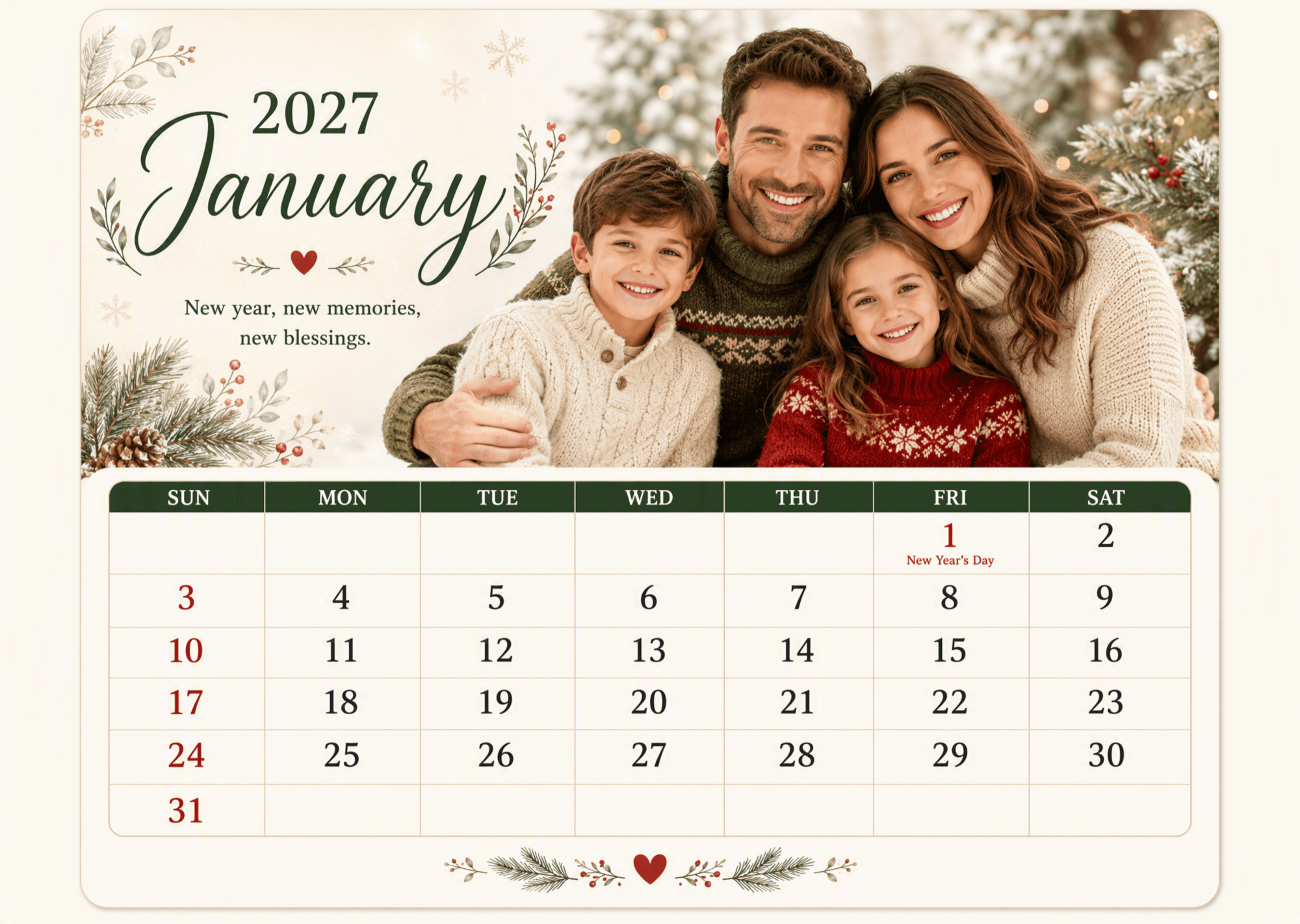
- Add images or icons for visual interest
- Consider your audience and purpose
- Test print or preview for usability
What file formats can I download for my Calendar?
Template.net offers calendar templates in multiple export formats so you can edit, print, or share your designs easily. Available formats include Illustrator, Word, PSD, Apple Pages, Publisher, InDesign, Google Docs, PDF, Excel, Google Sheets, and Apple Numbers.
Can I create a Calendar using AI?
Yes, Template.net provides an AI-powered tool that generates new Calendar designs from your prompts, helping you create personalized calendars quickly and effortlessly. Use the 2026 Calendar Generator to get started.
What are the standard sizes for printable Calendars?
Printable calendar sizes vary depending on use. Common sizes include:
- 8.5 × 11 inches (US Letter)
- 11 × 17 inches (Tabloid)
- 12 × 12 inches (Square calendars)
- 4 × 6 inches (Desk calendars)
- 5 × 7 inches (Wall calendars)
What visual elements should I include in my Calendar?
Consider including these visual elements to enhance your calendar design:
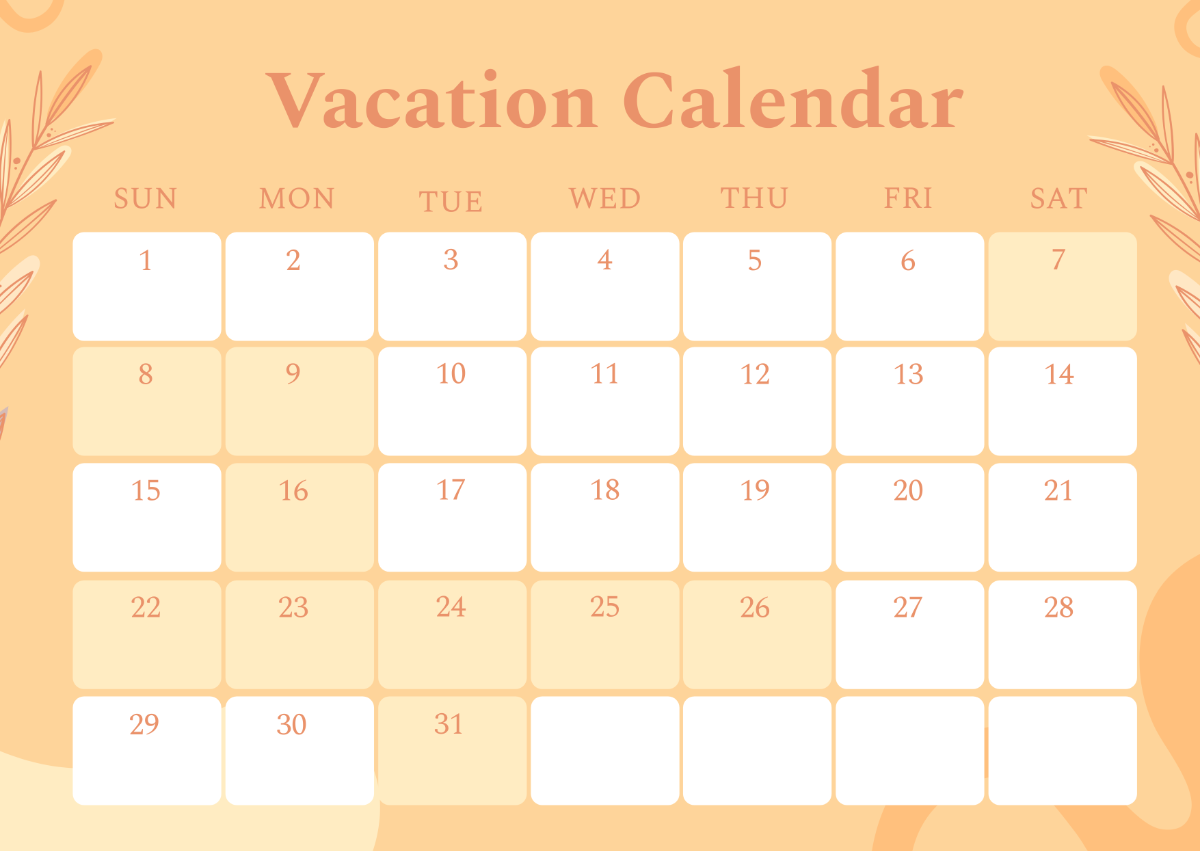
- Clear date grids and boxes
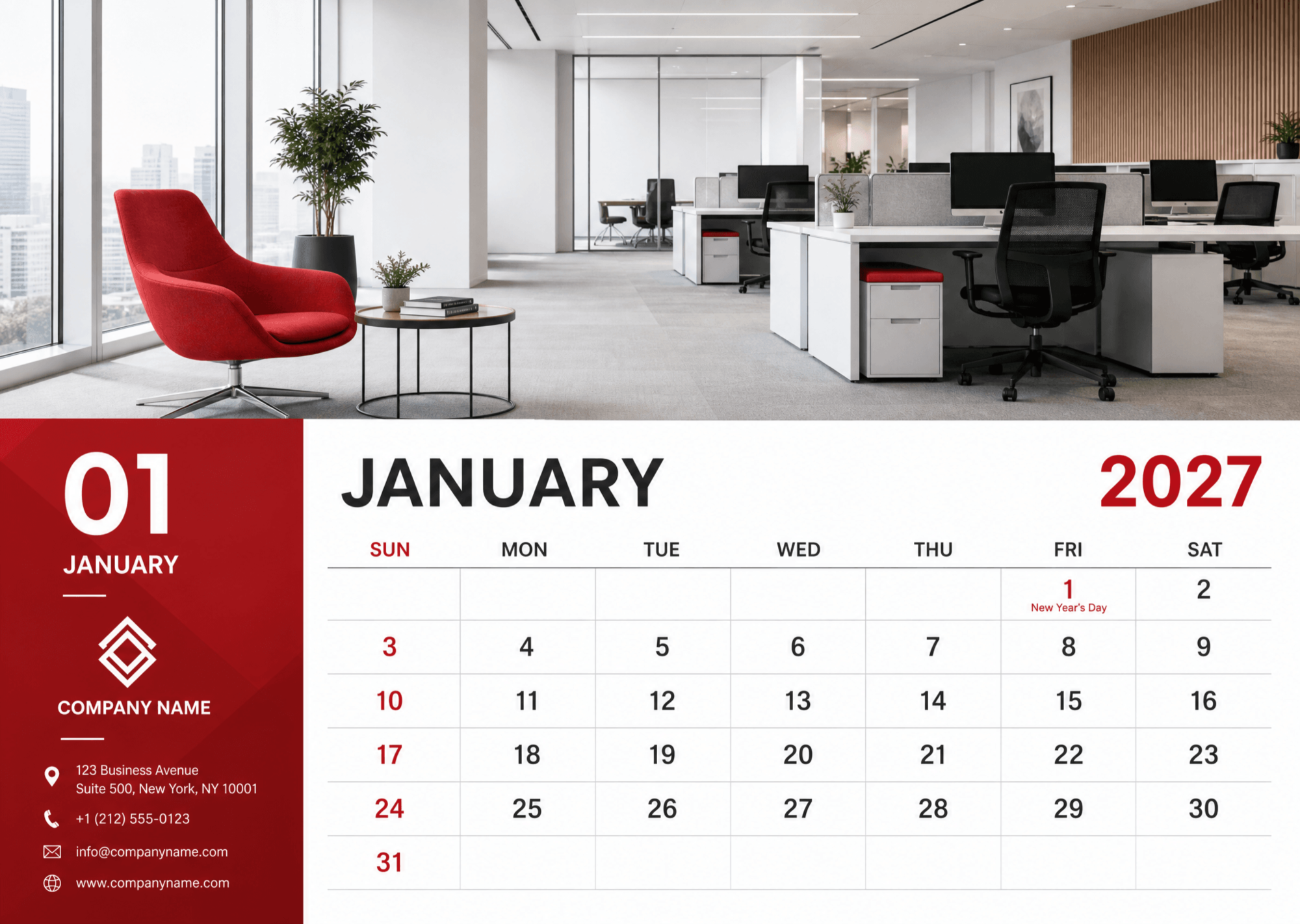
- Highlight weekends and holidays
- Icons for events or reminders
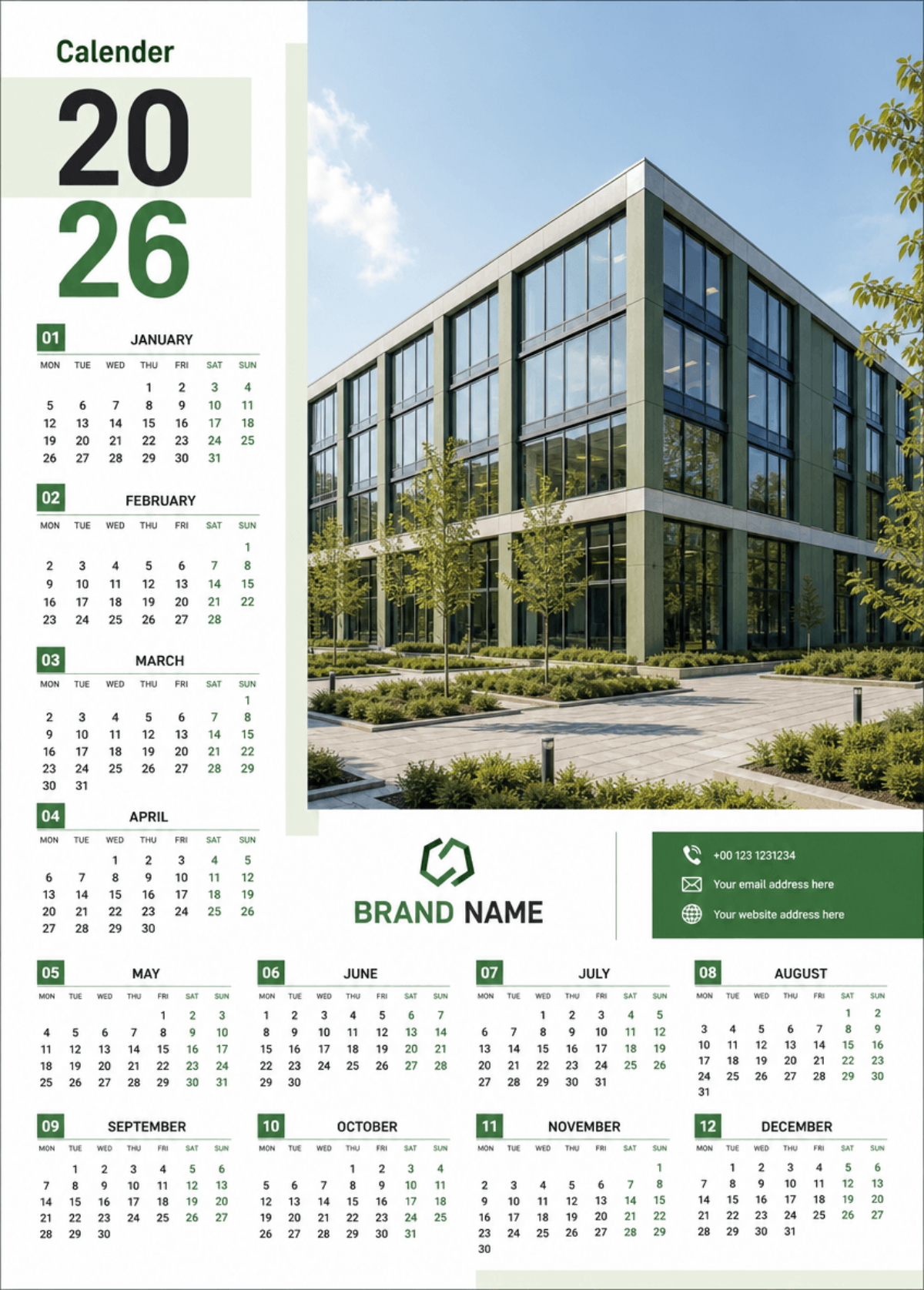
- Custom images or backgrounds
- Color-coded categories
- Space for notes or to-dos
- Headers for months and days
What are the benefits of using Calendar templates?
Using calendar templates offers several benefits:
- Save time with pre-made layouts
- Customize easily to fit your needs
- Maintain consistent design across months
- Improve organization and scheduling
- Access multiple formats for editing and printing
- Enhance productivity and planning accuracy
