Free Whatsapp Status Templates
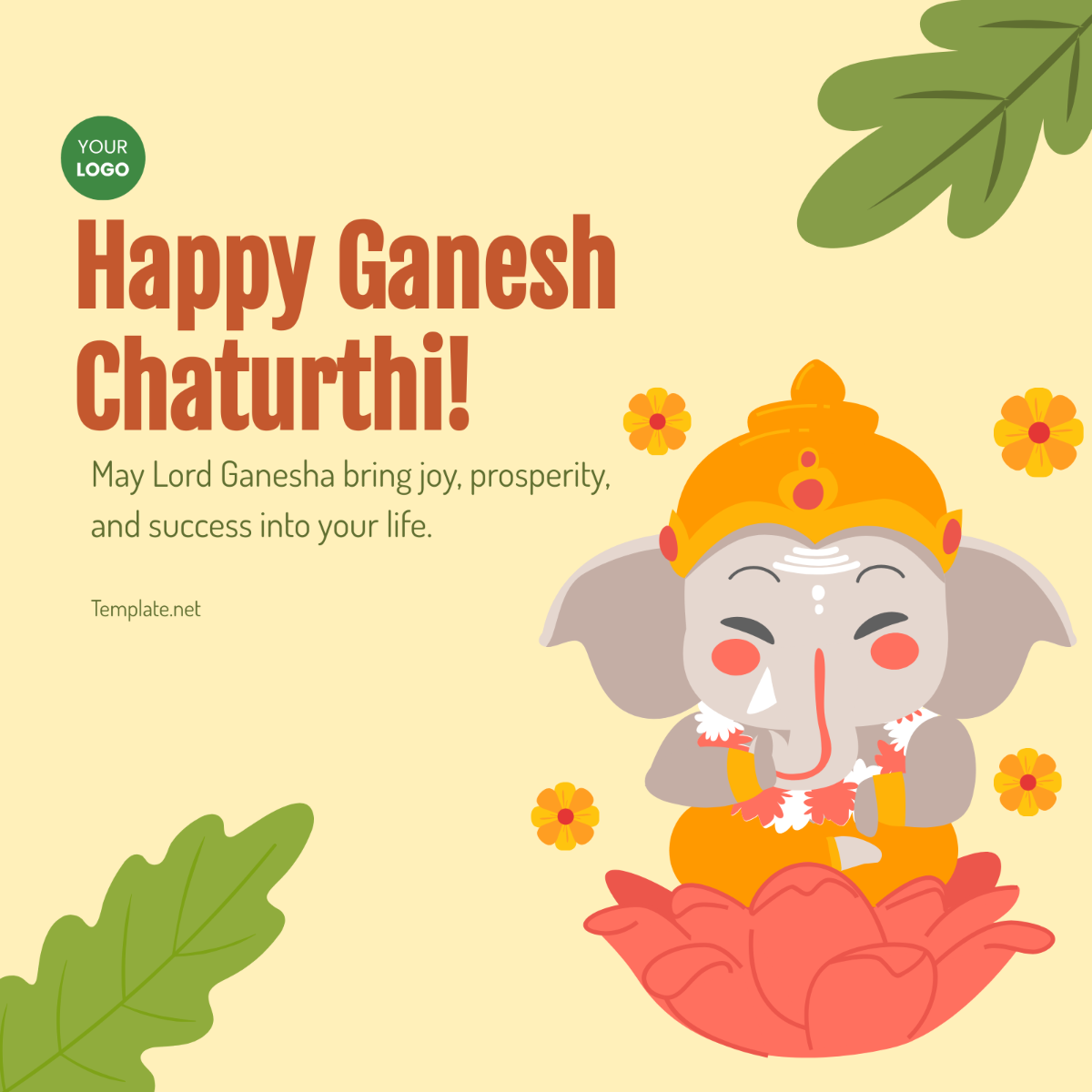
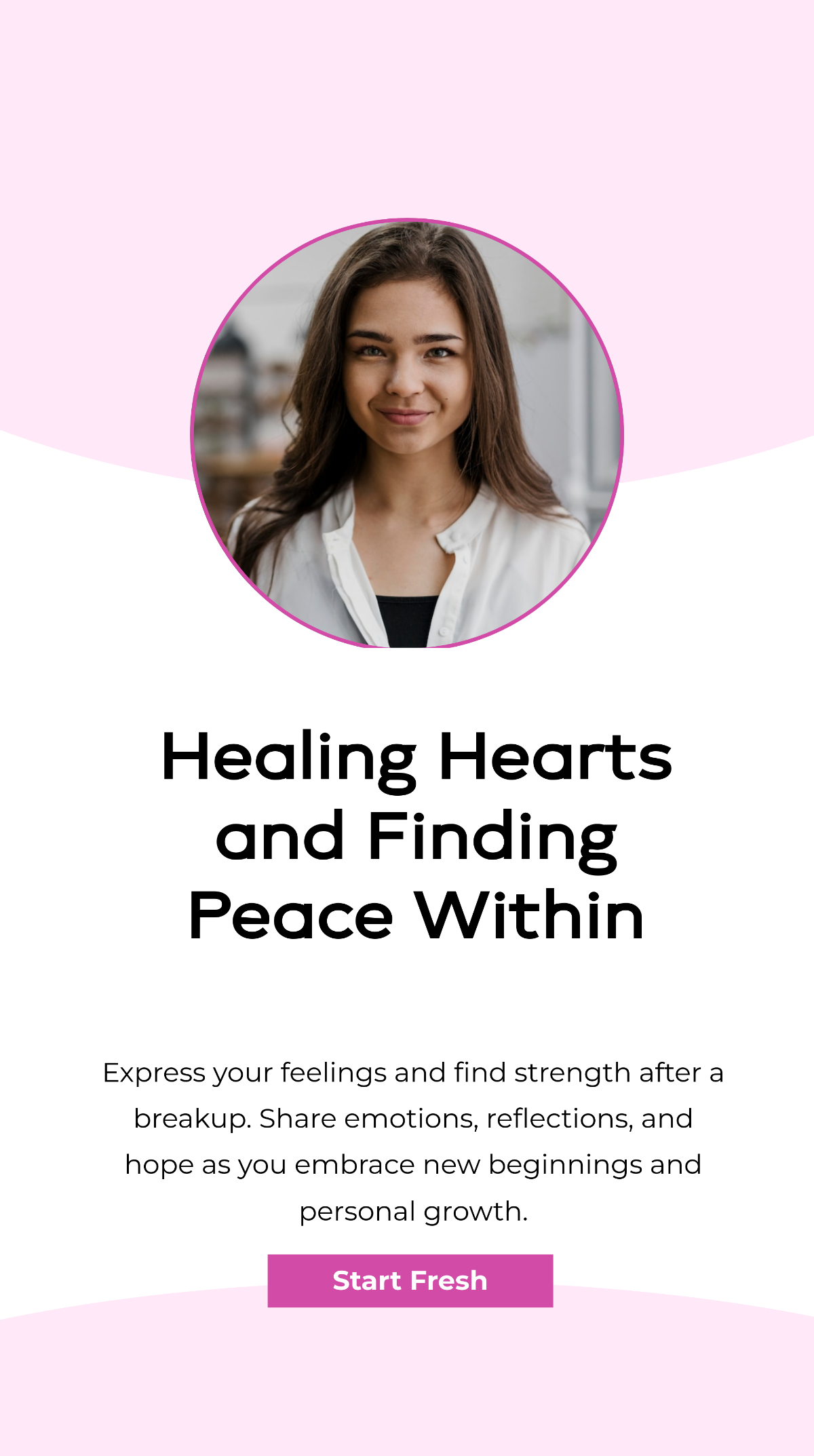
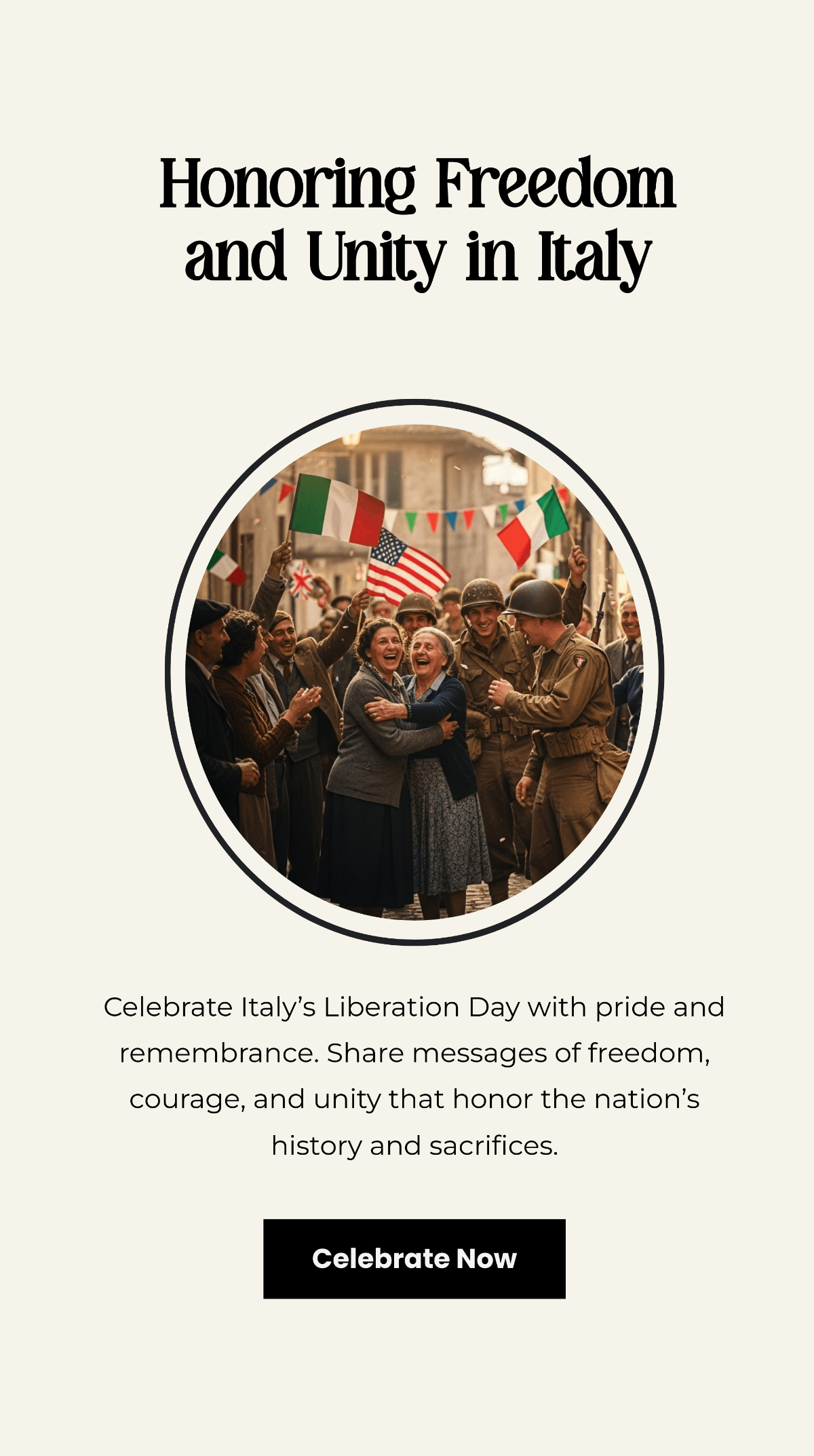

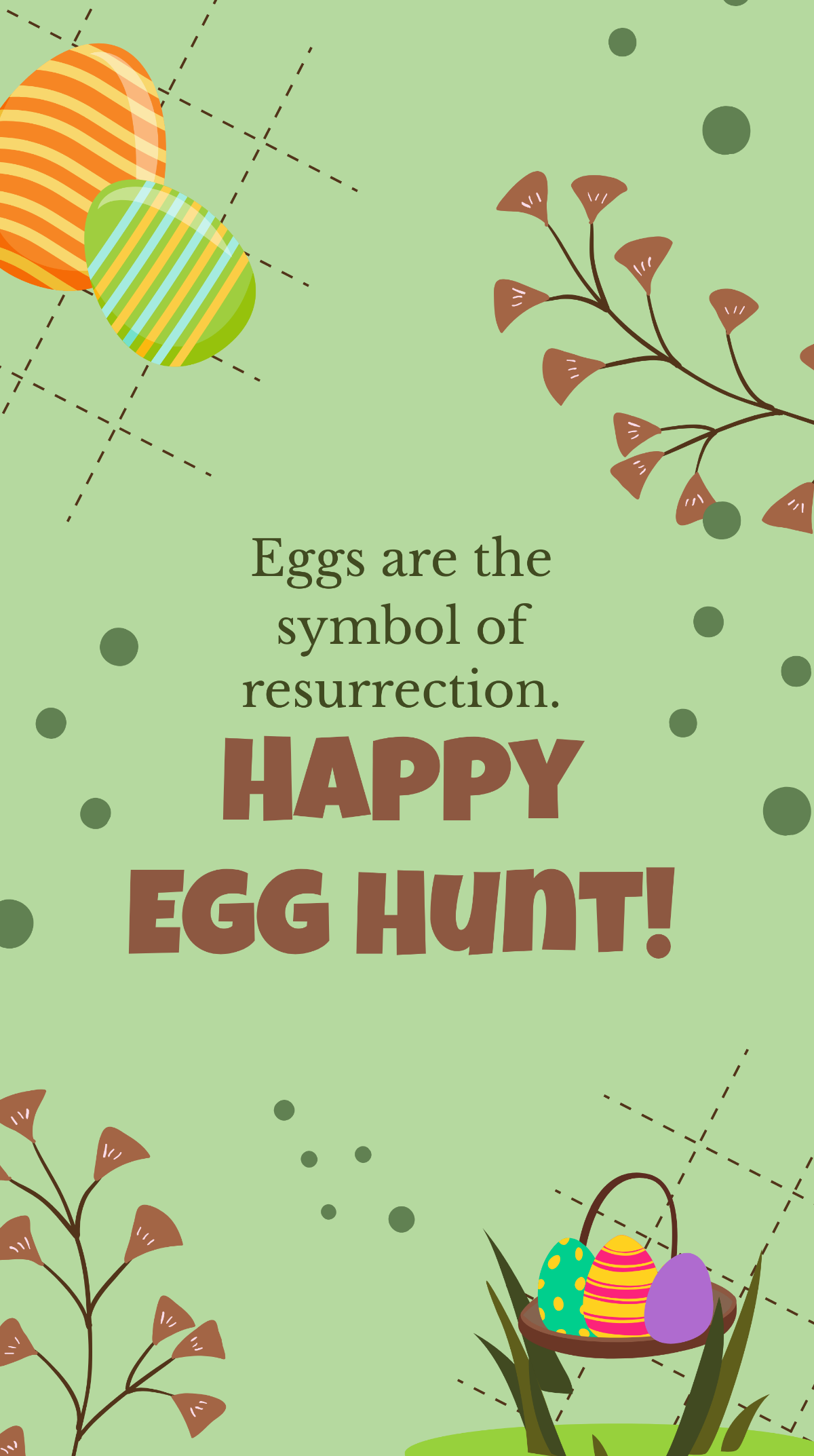
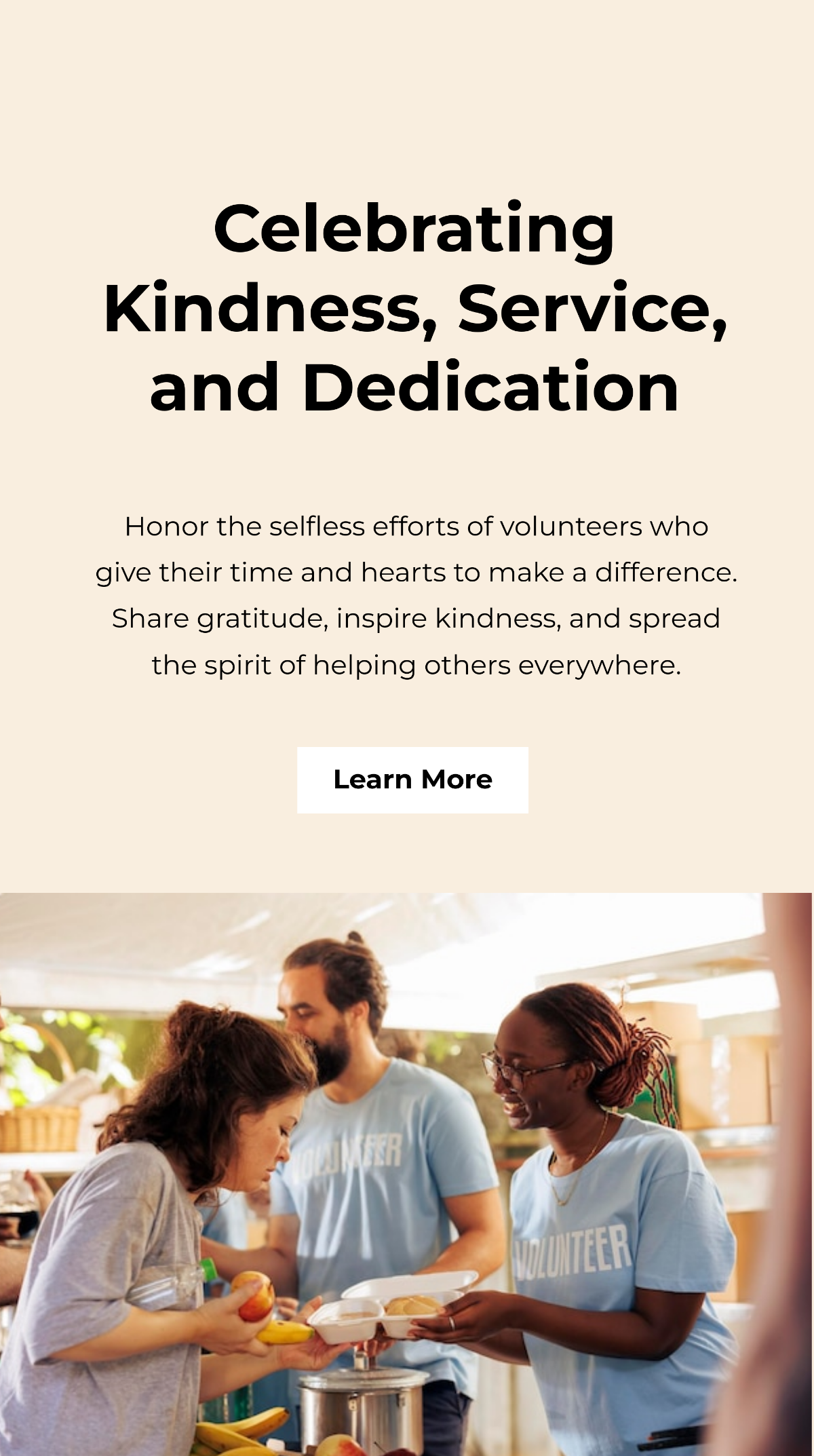
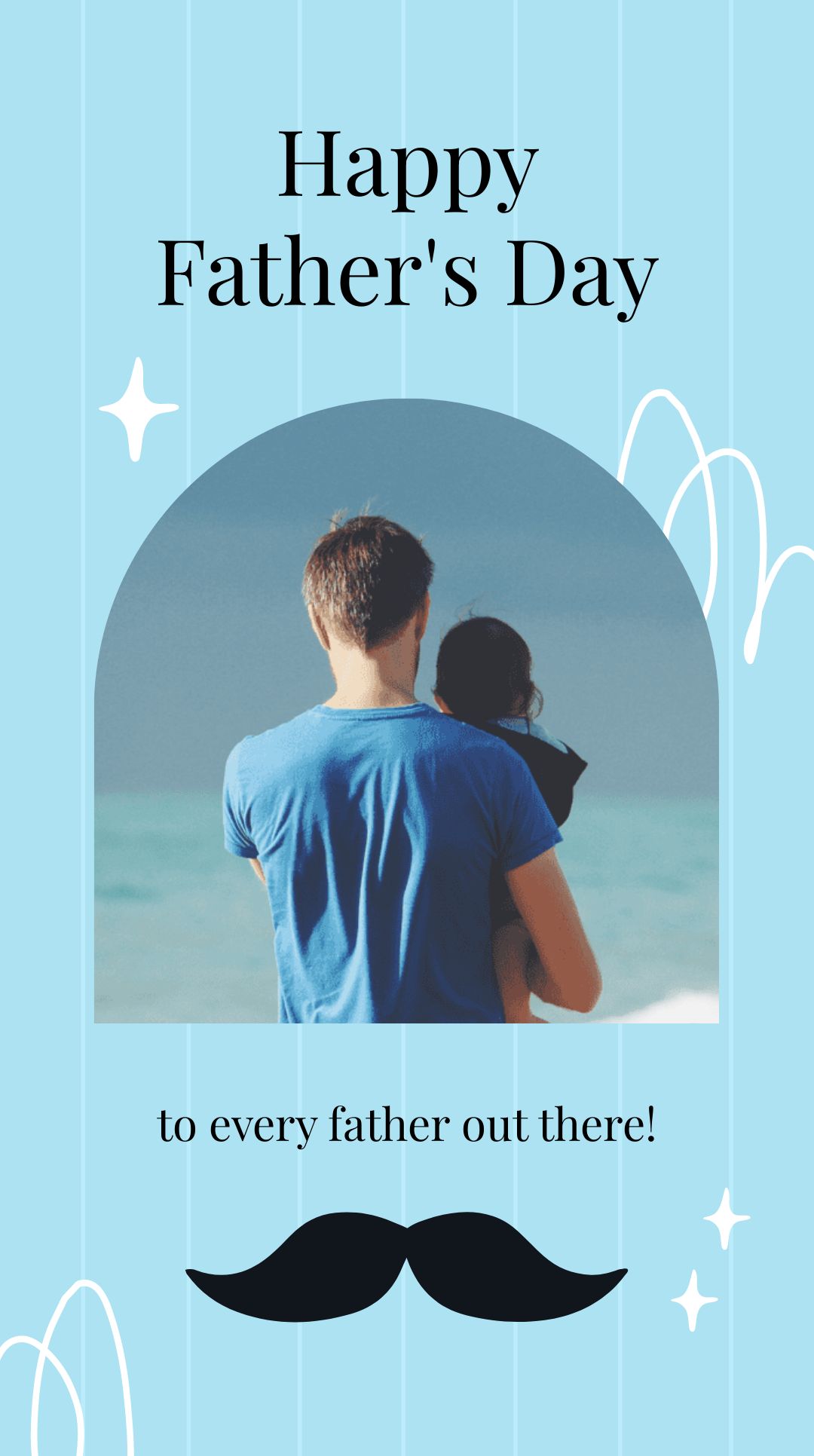
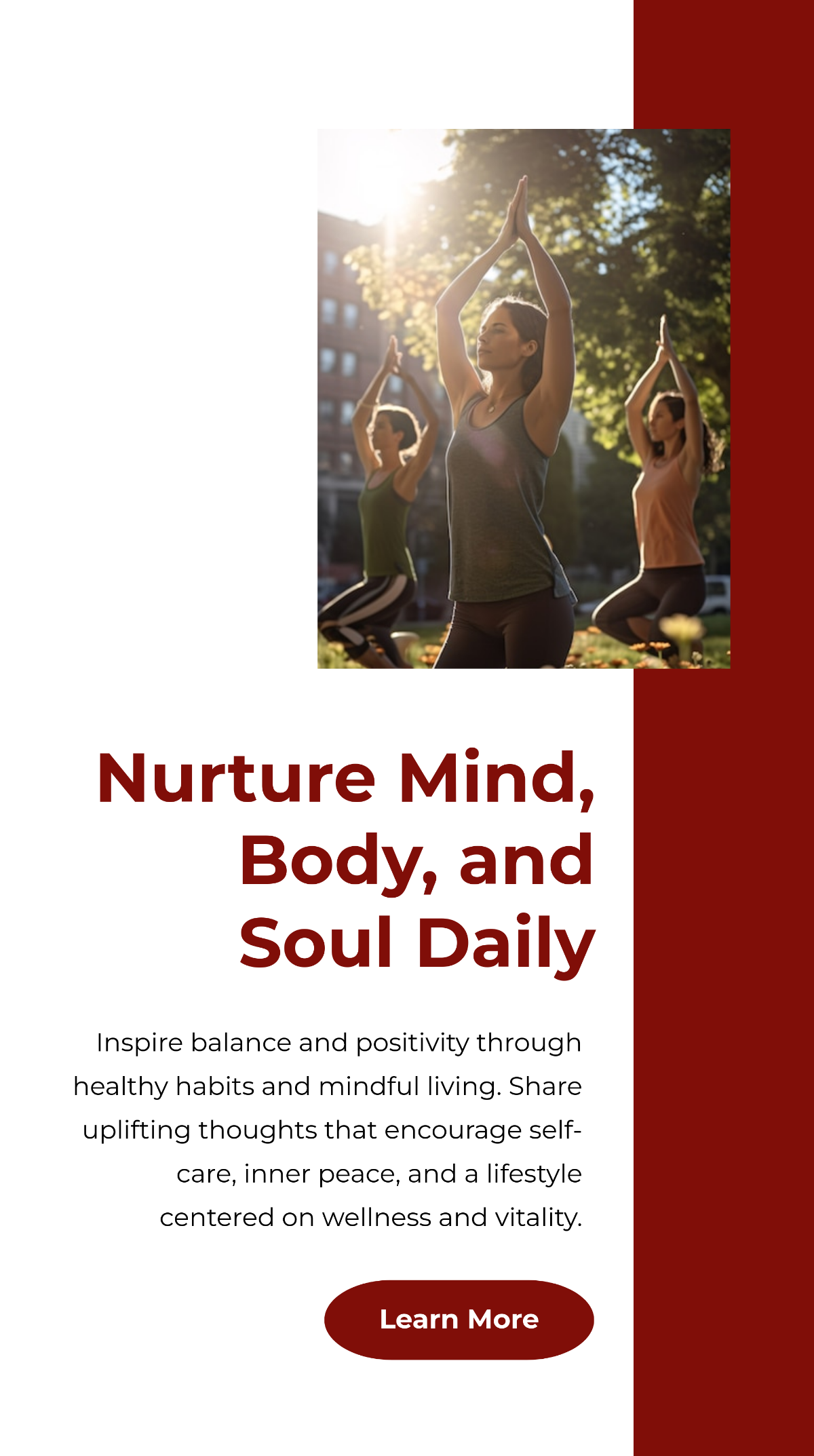
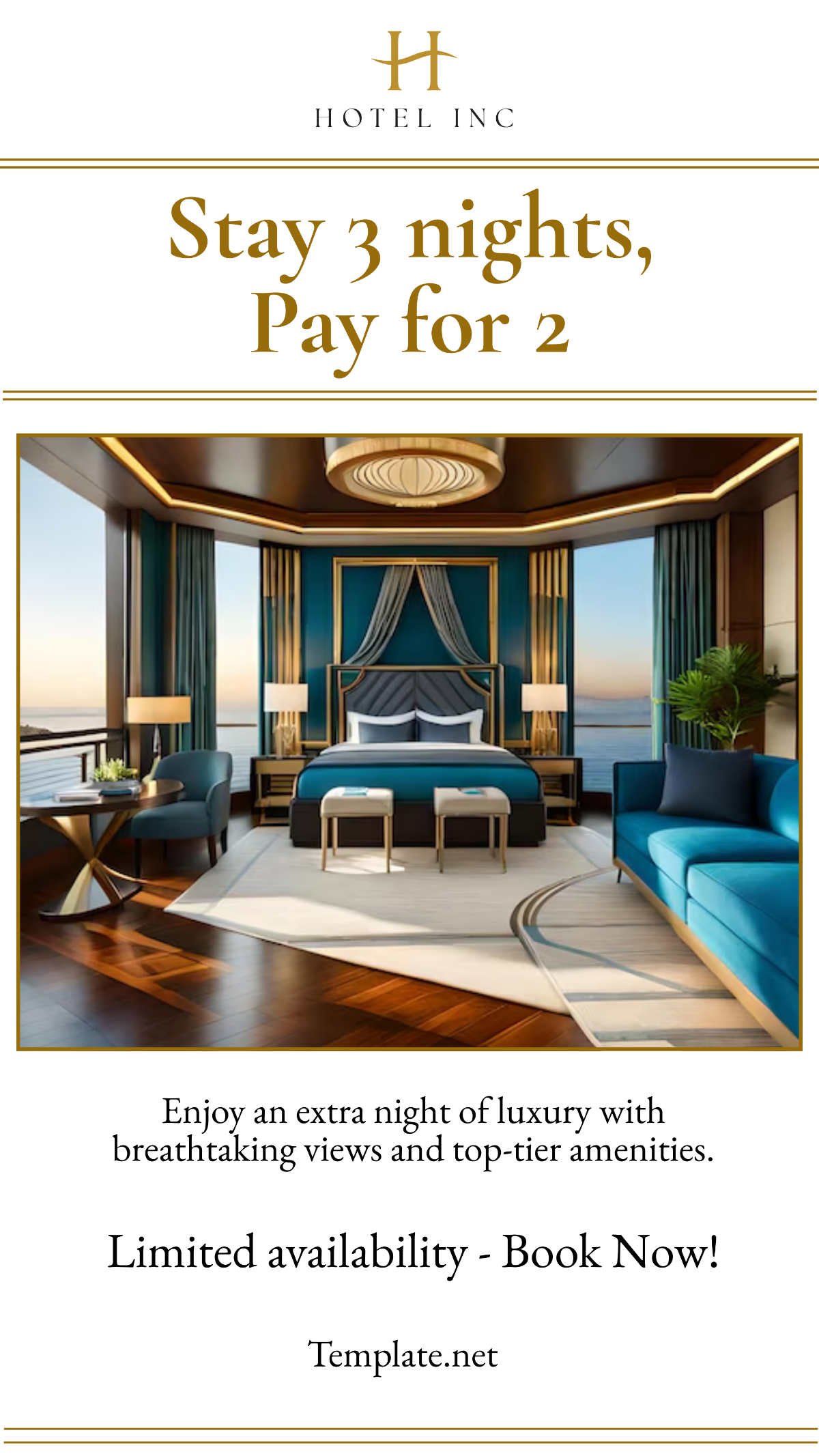
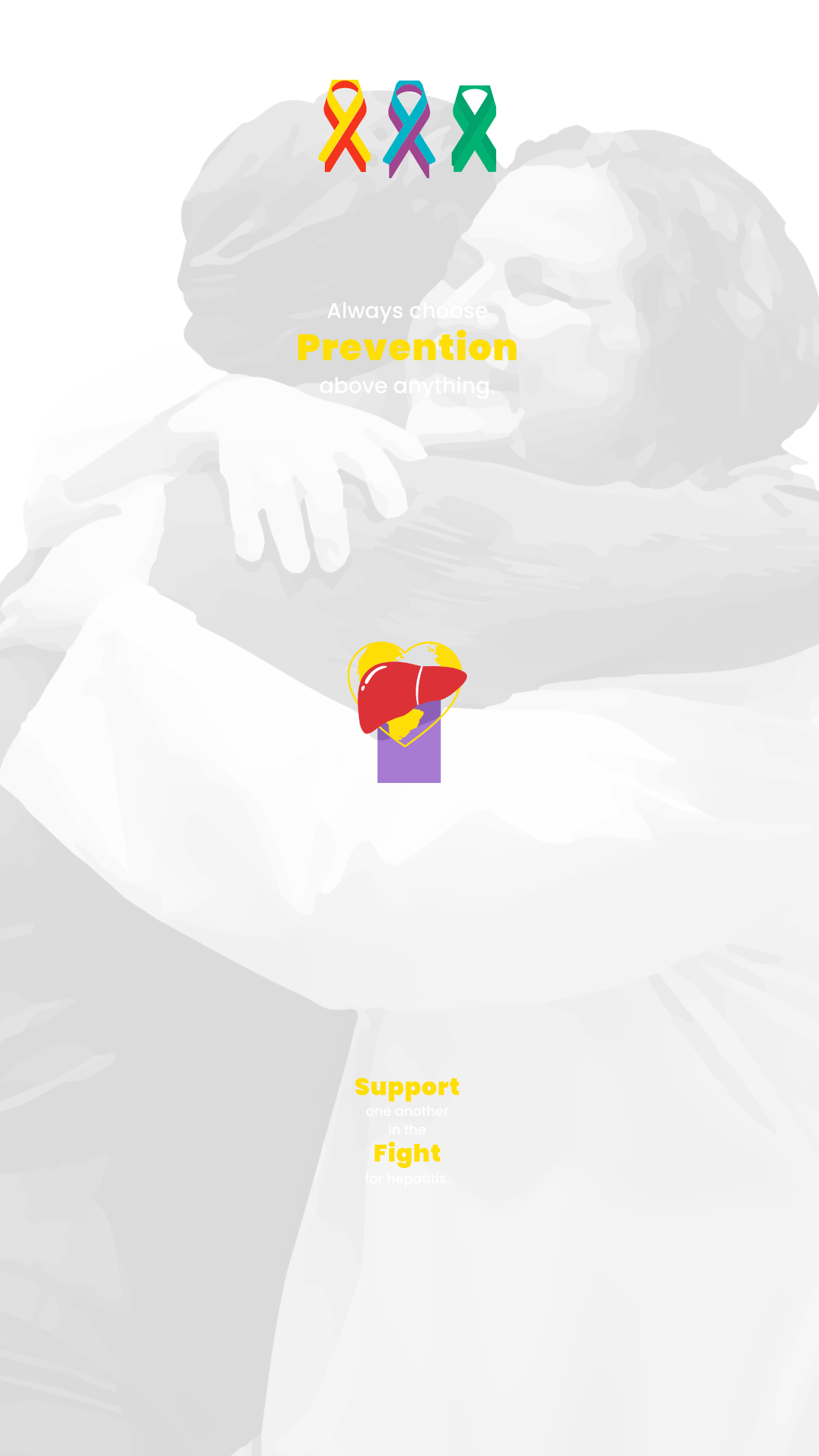
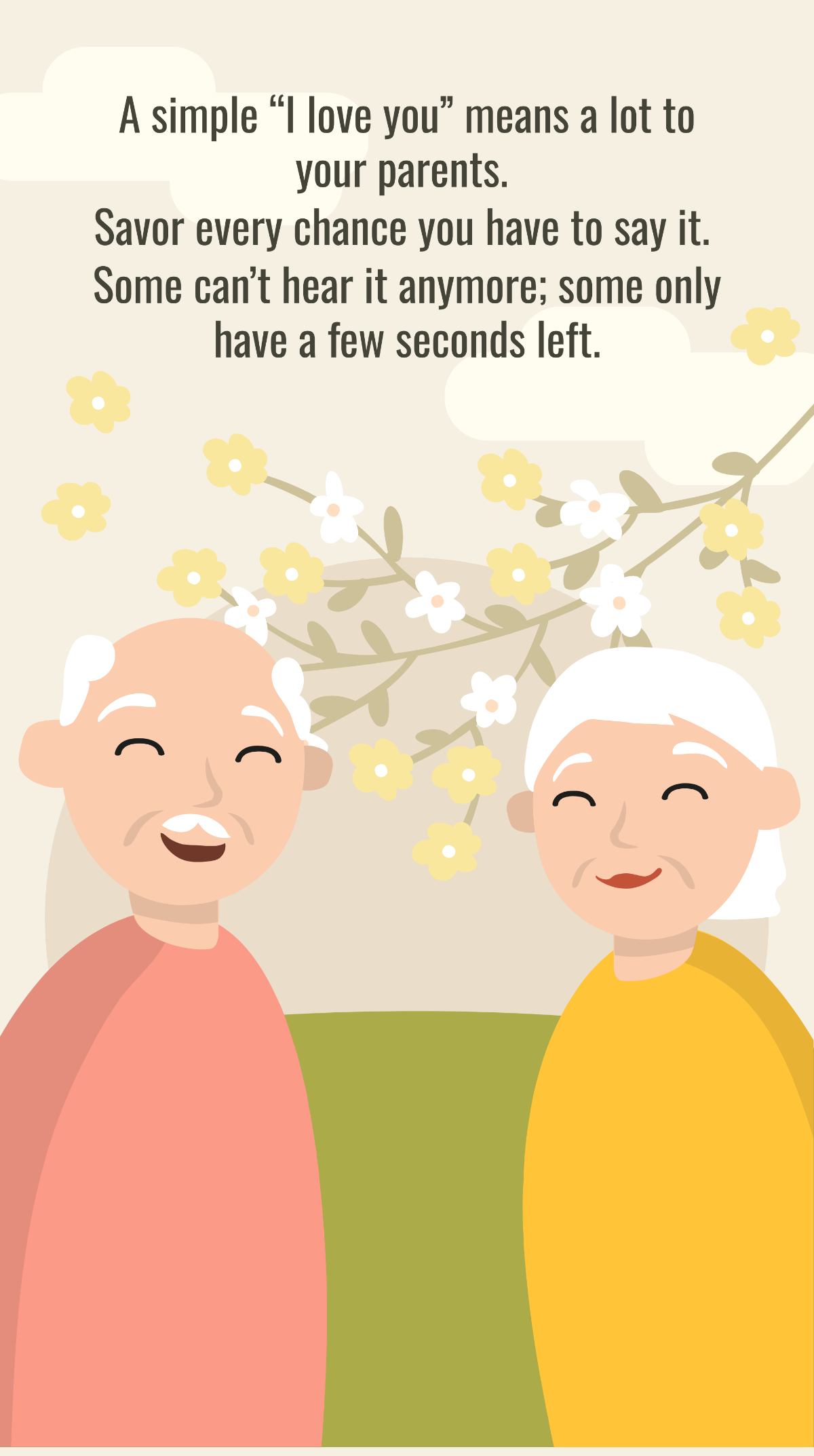
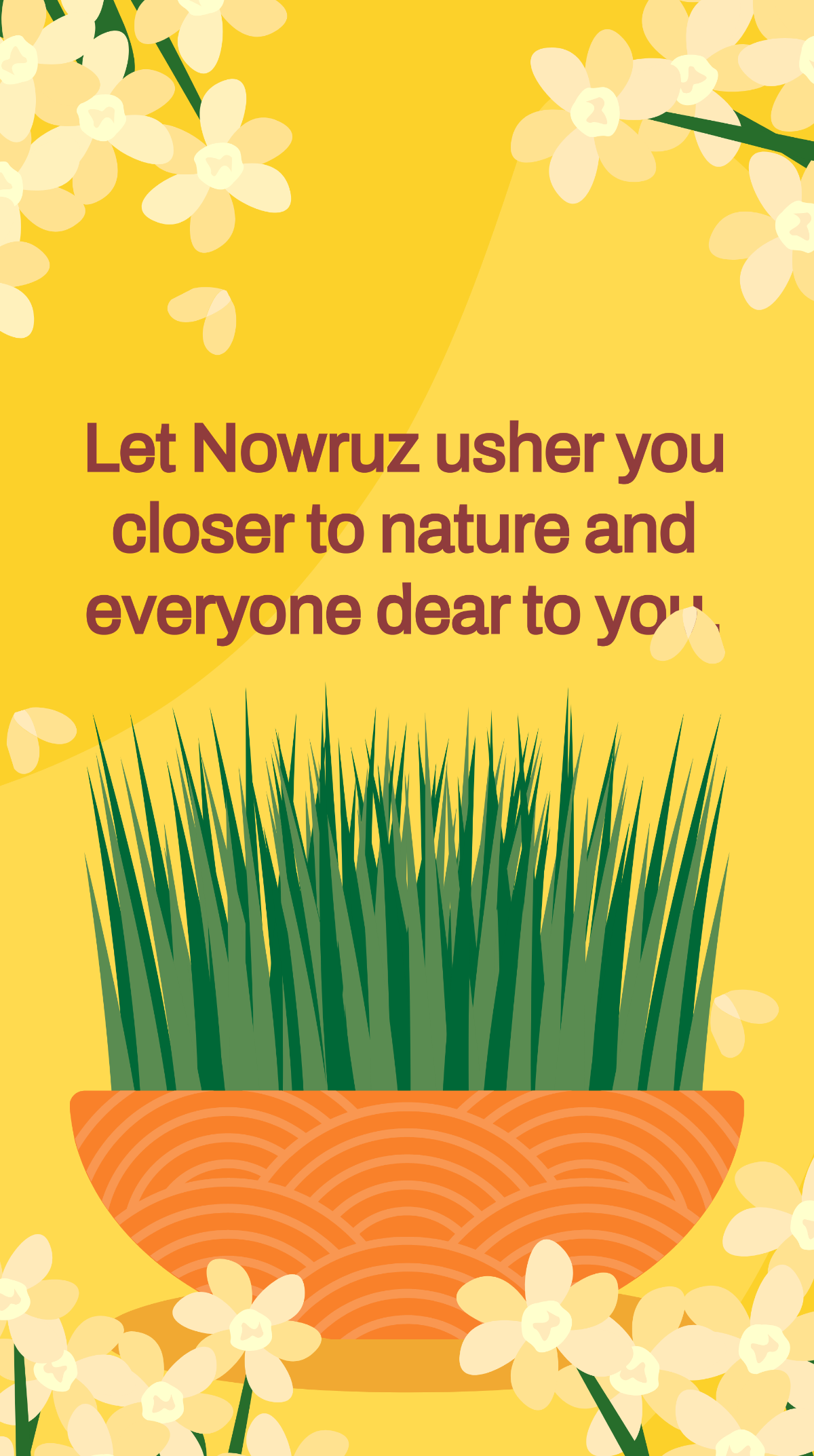
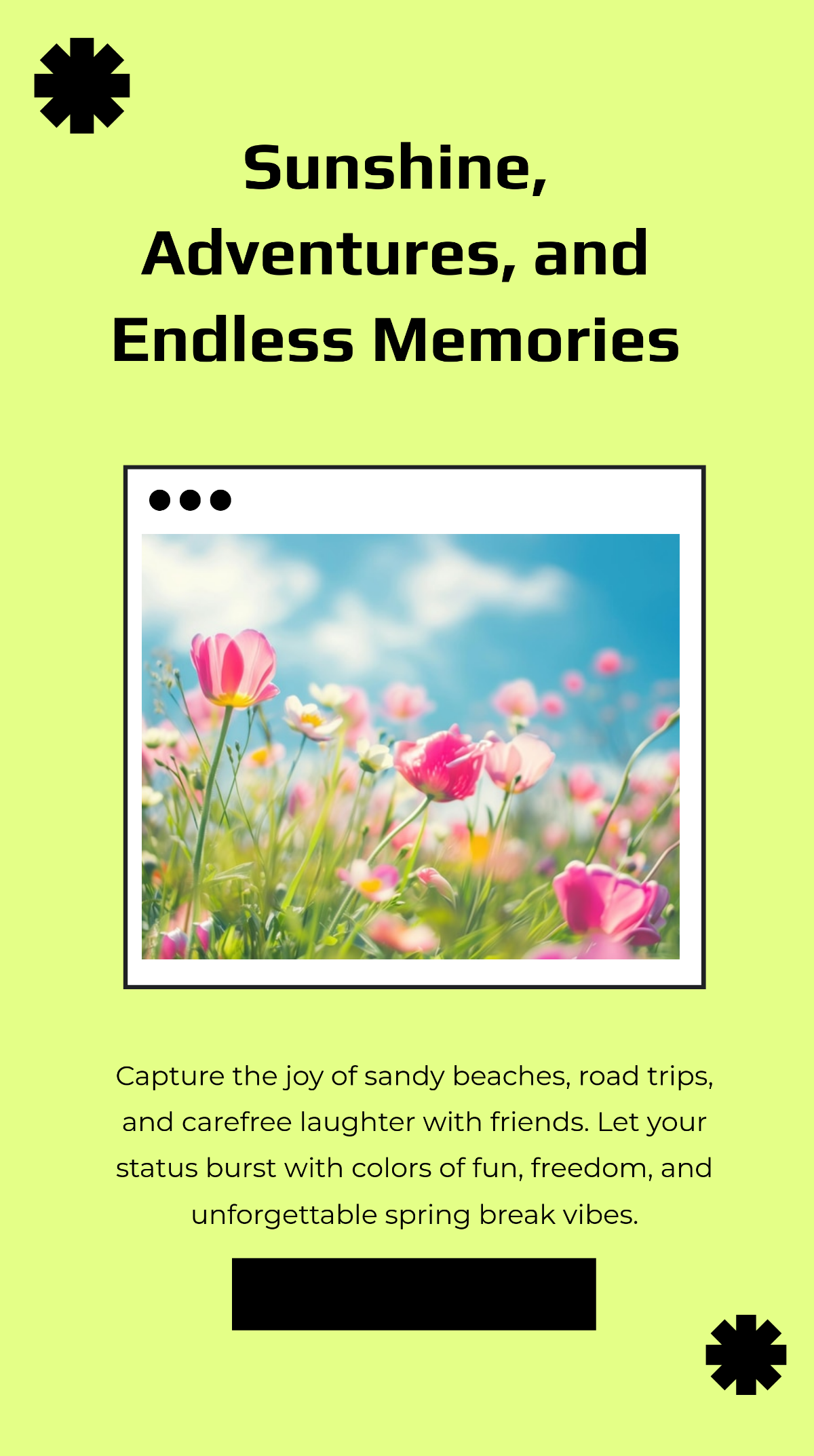
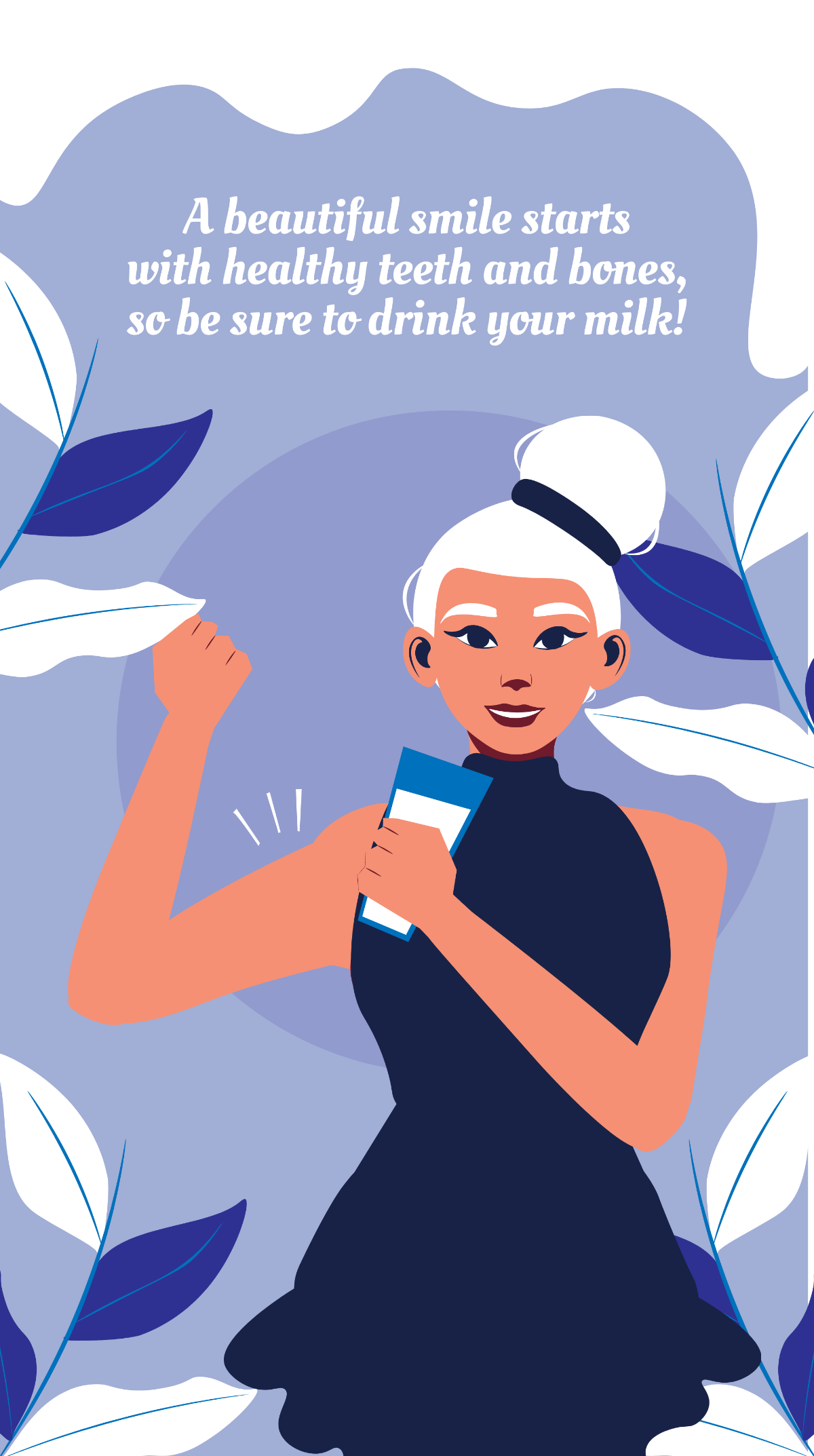


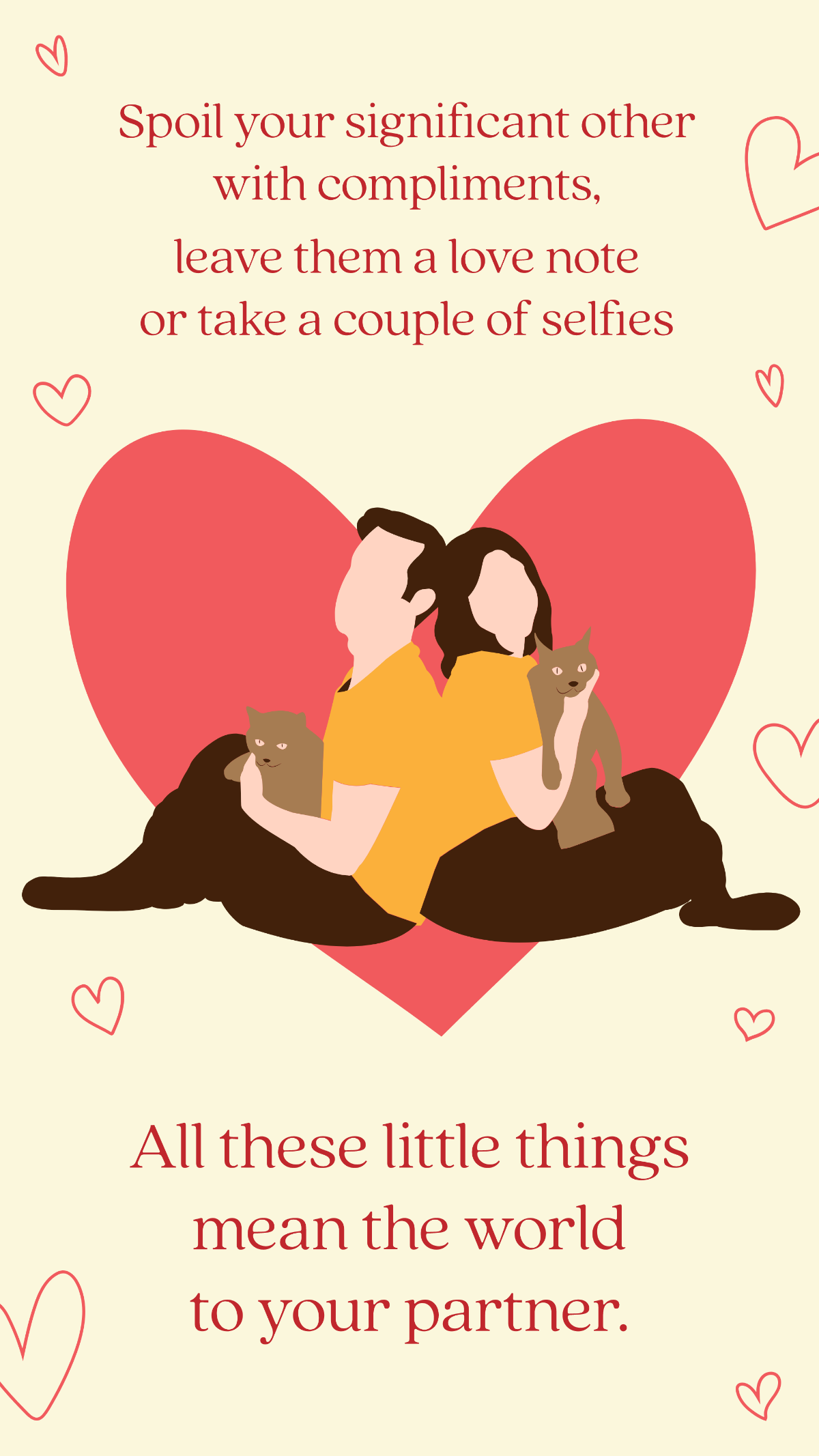
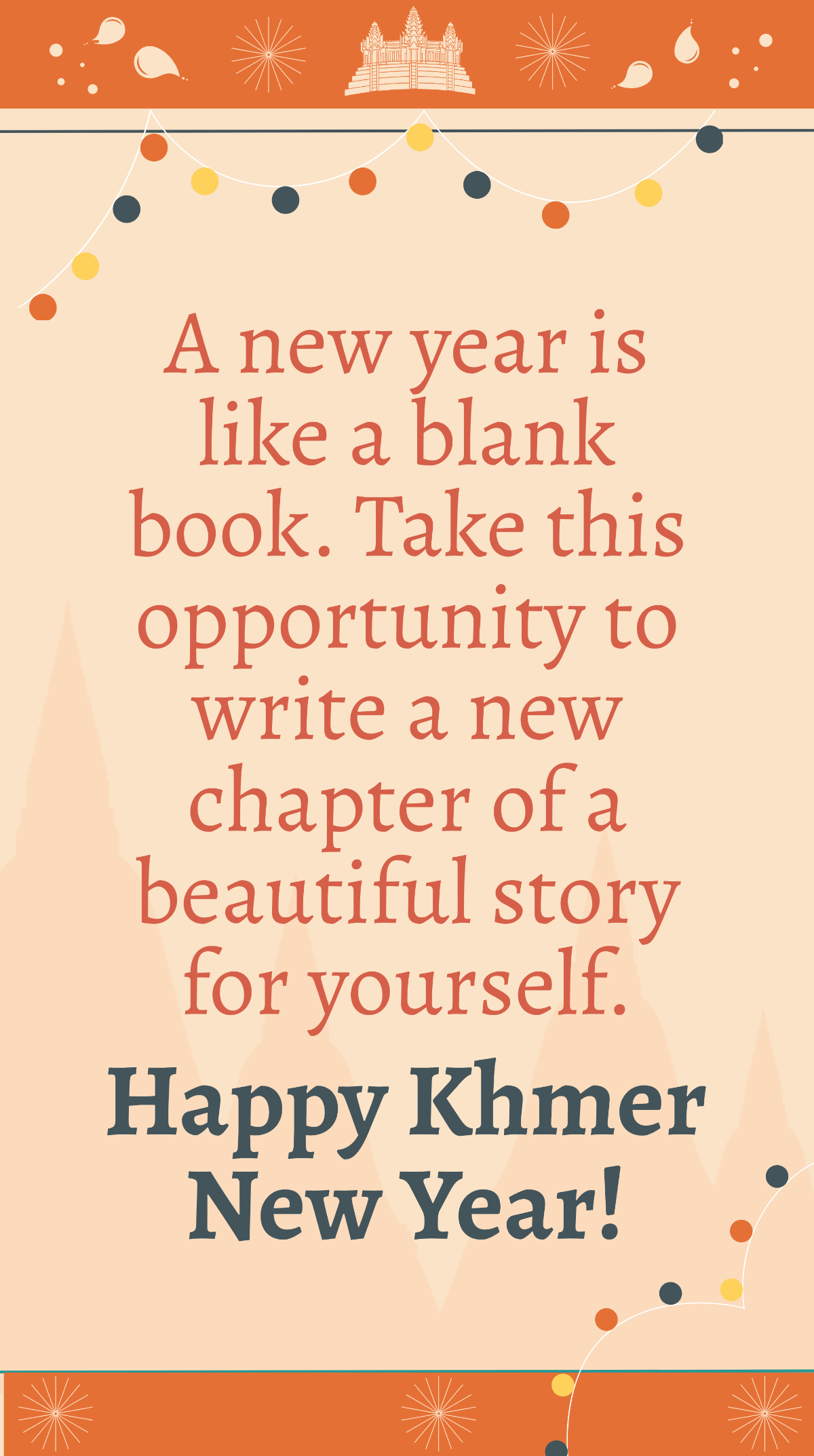
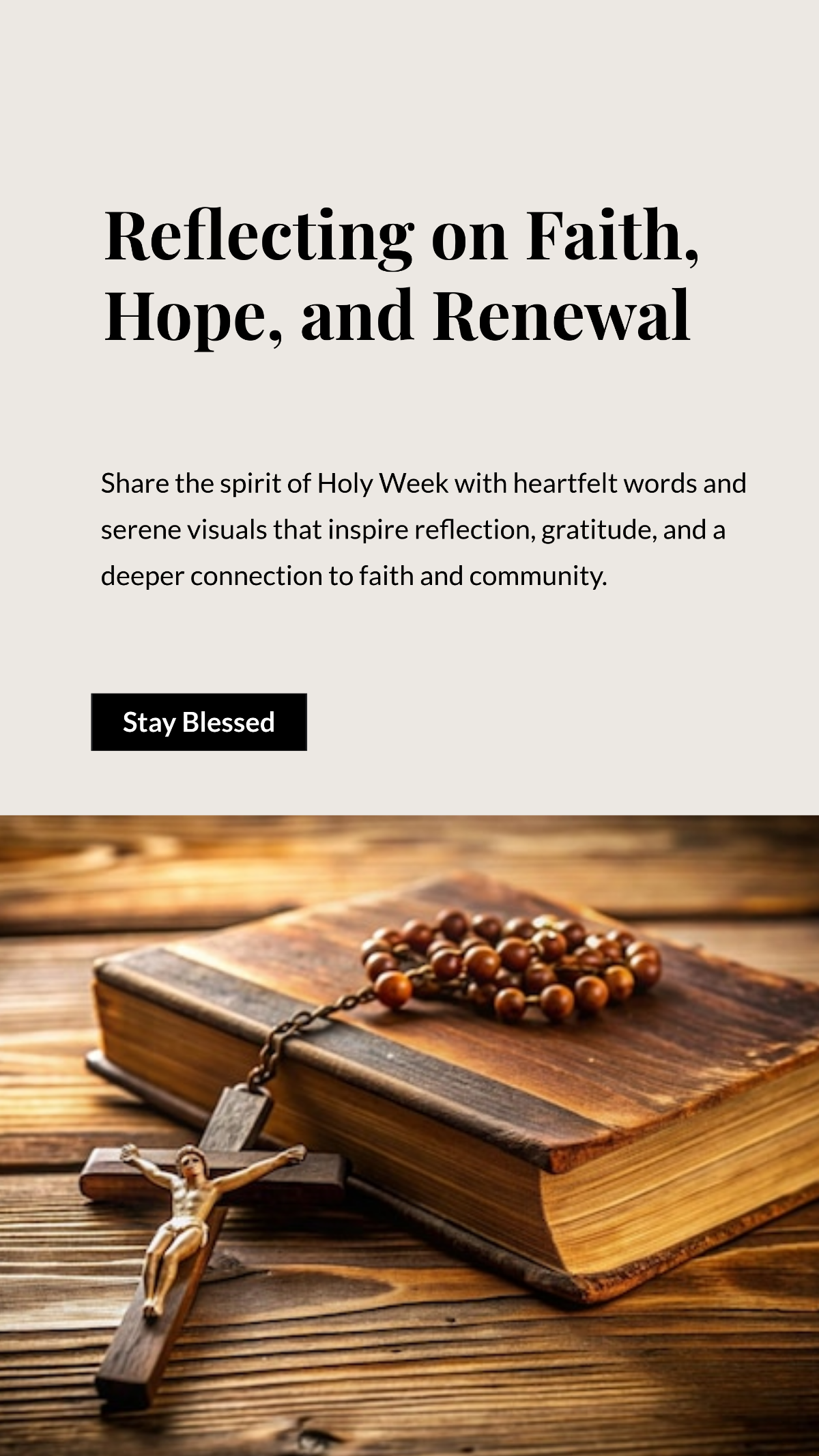


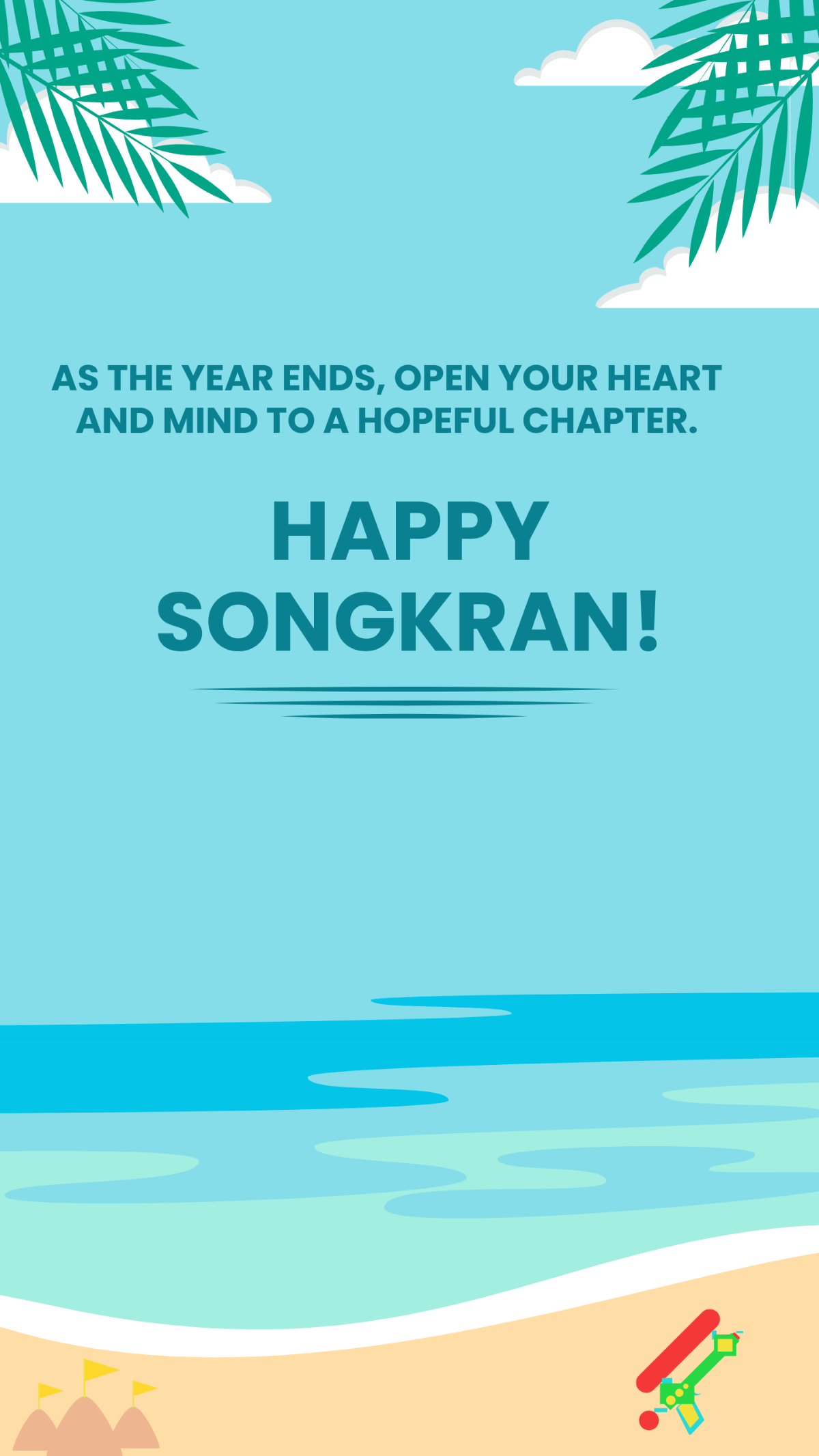

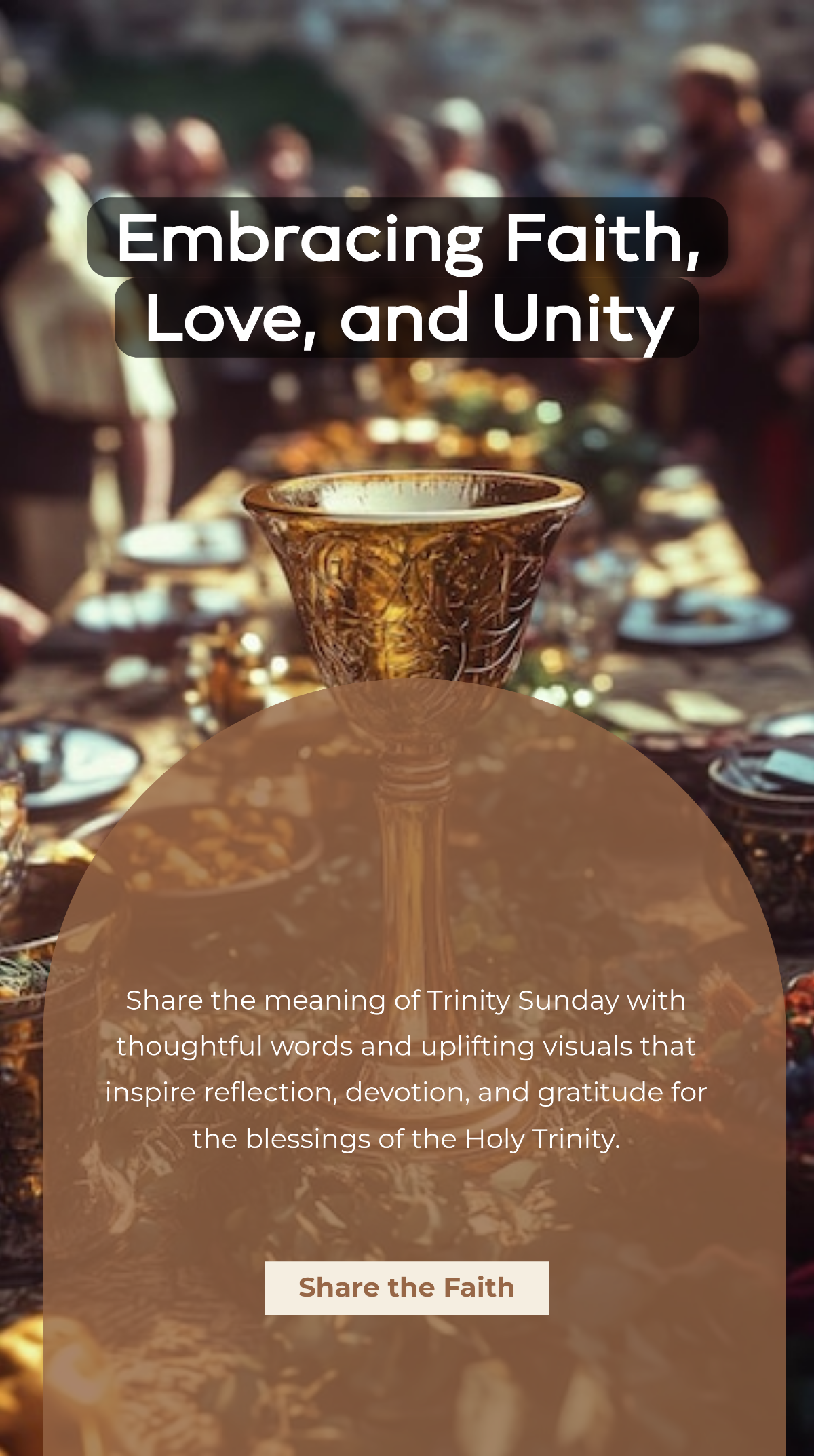
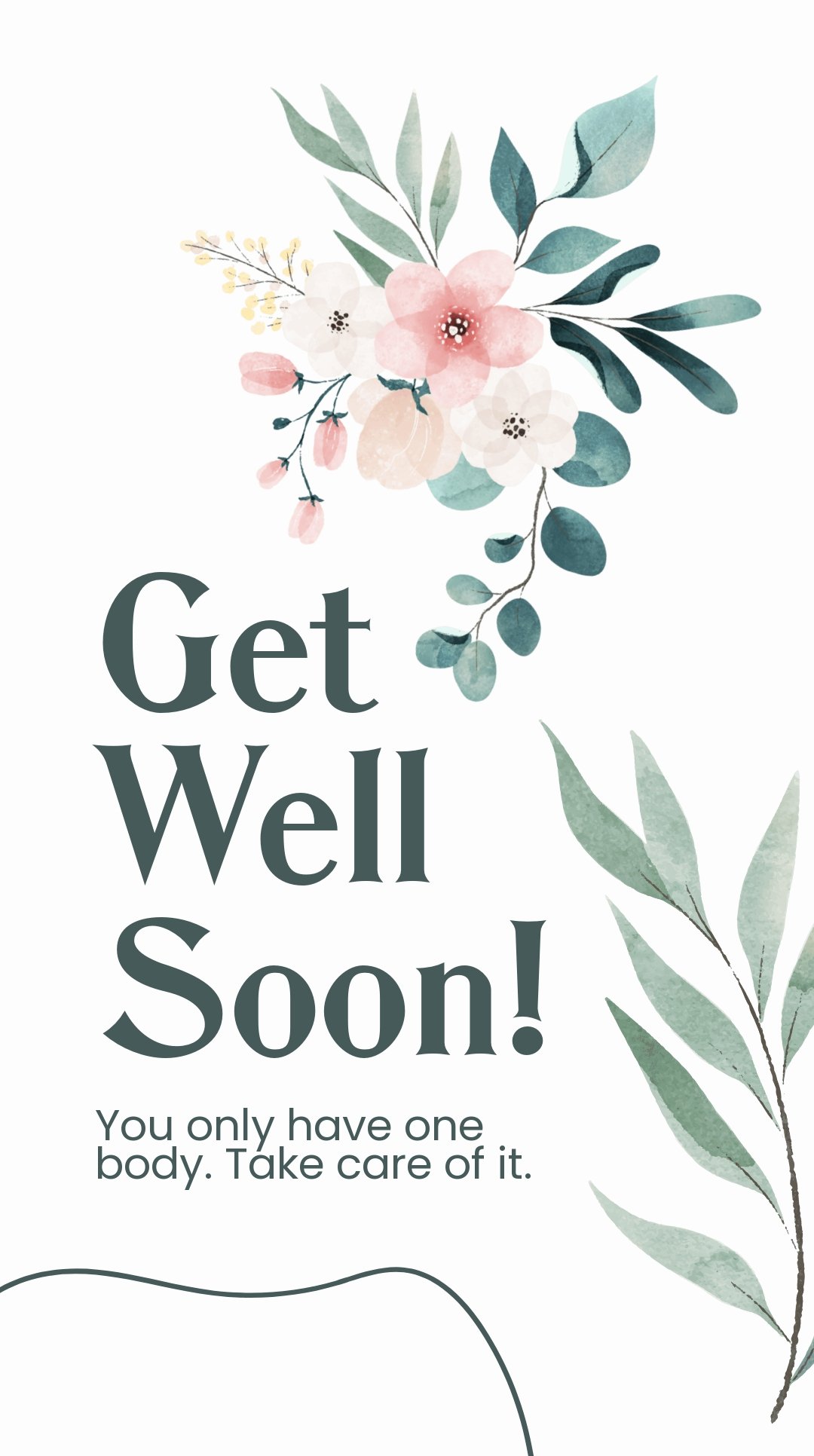
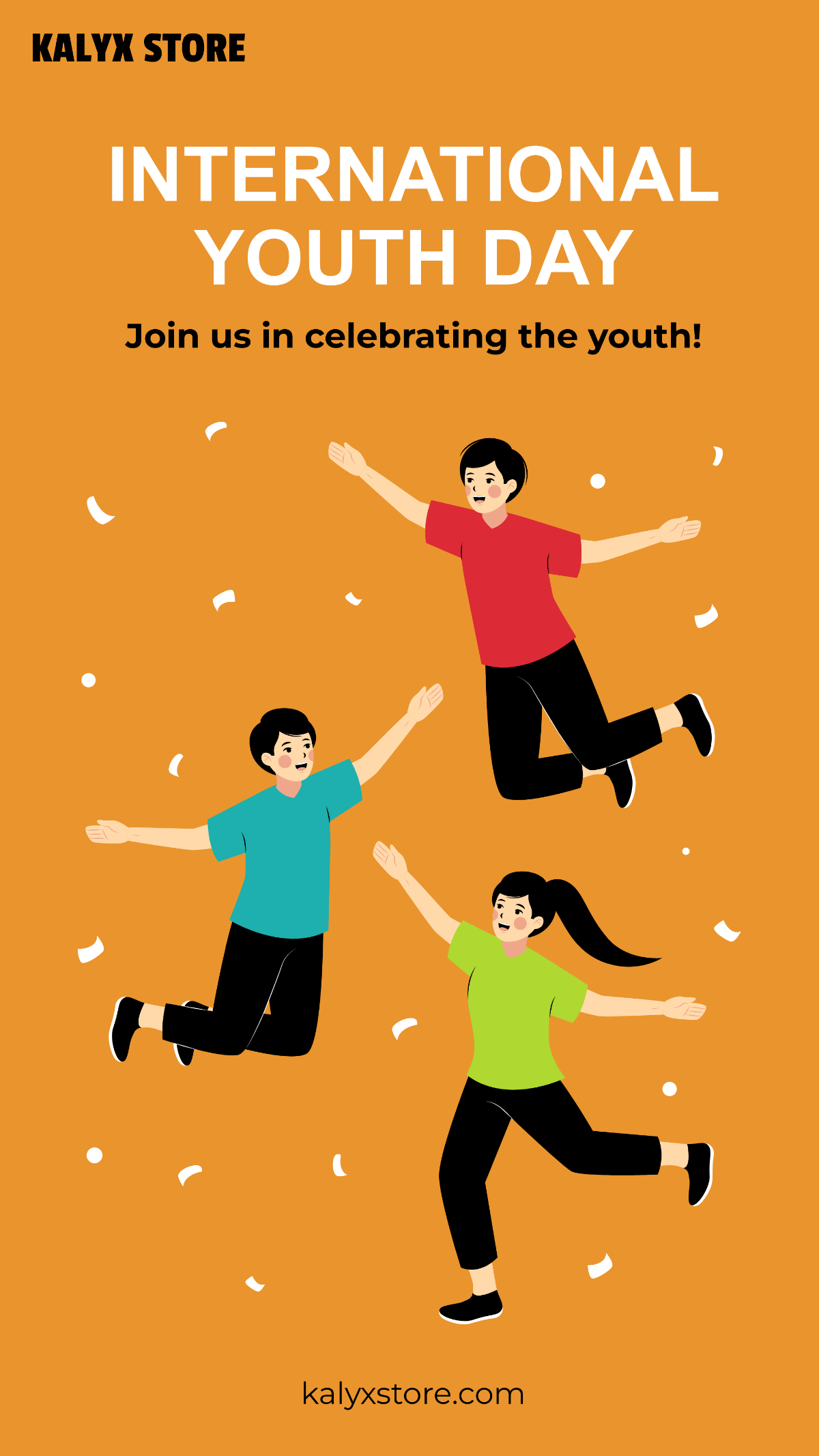
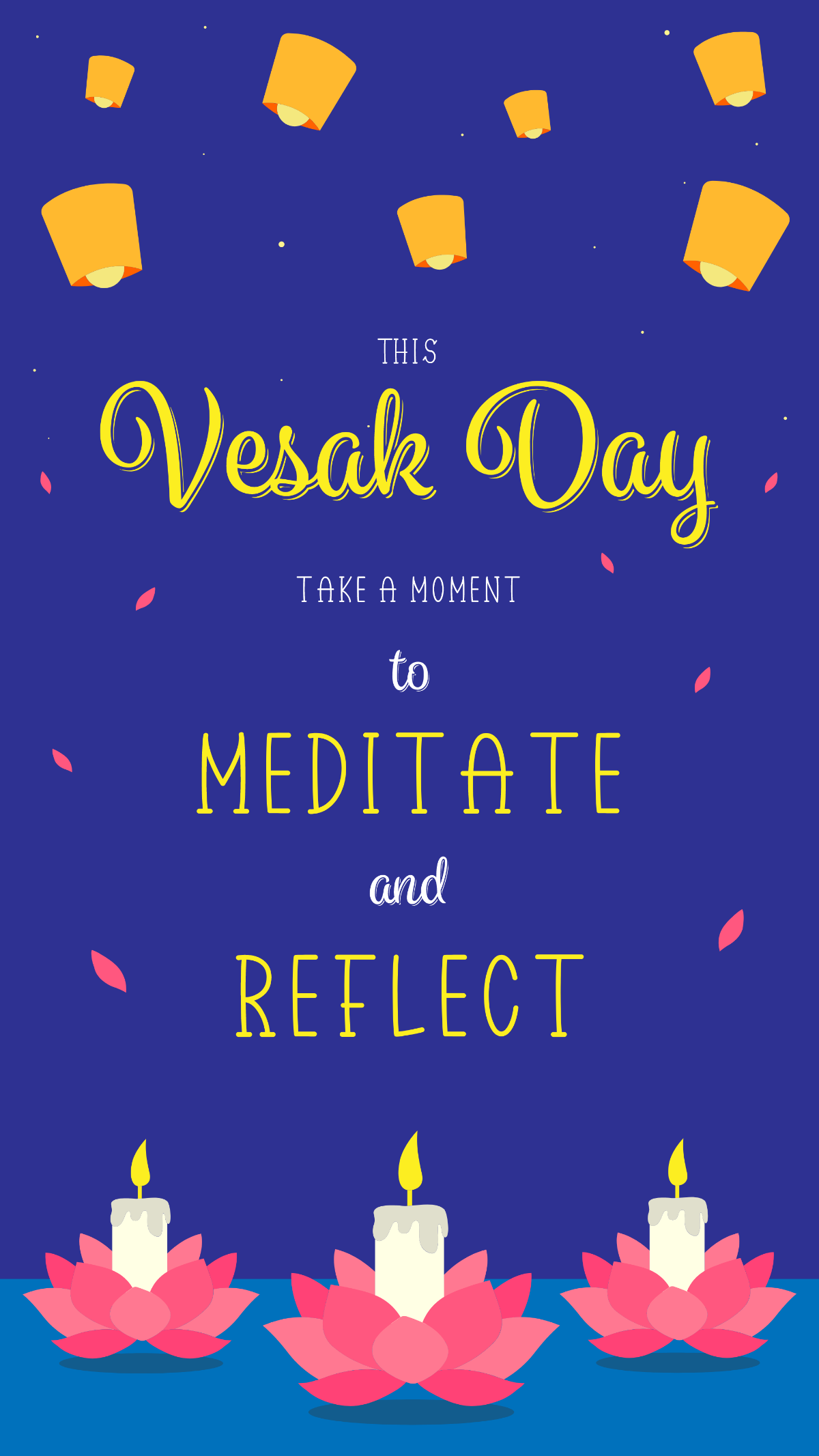
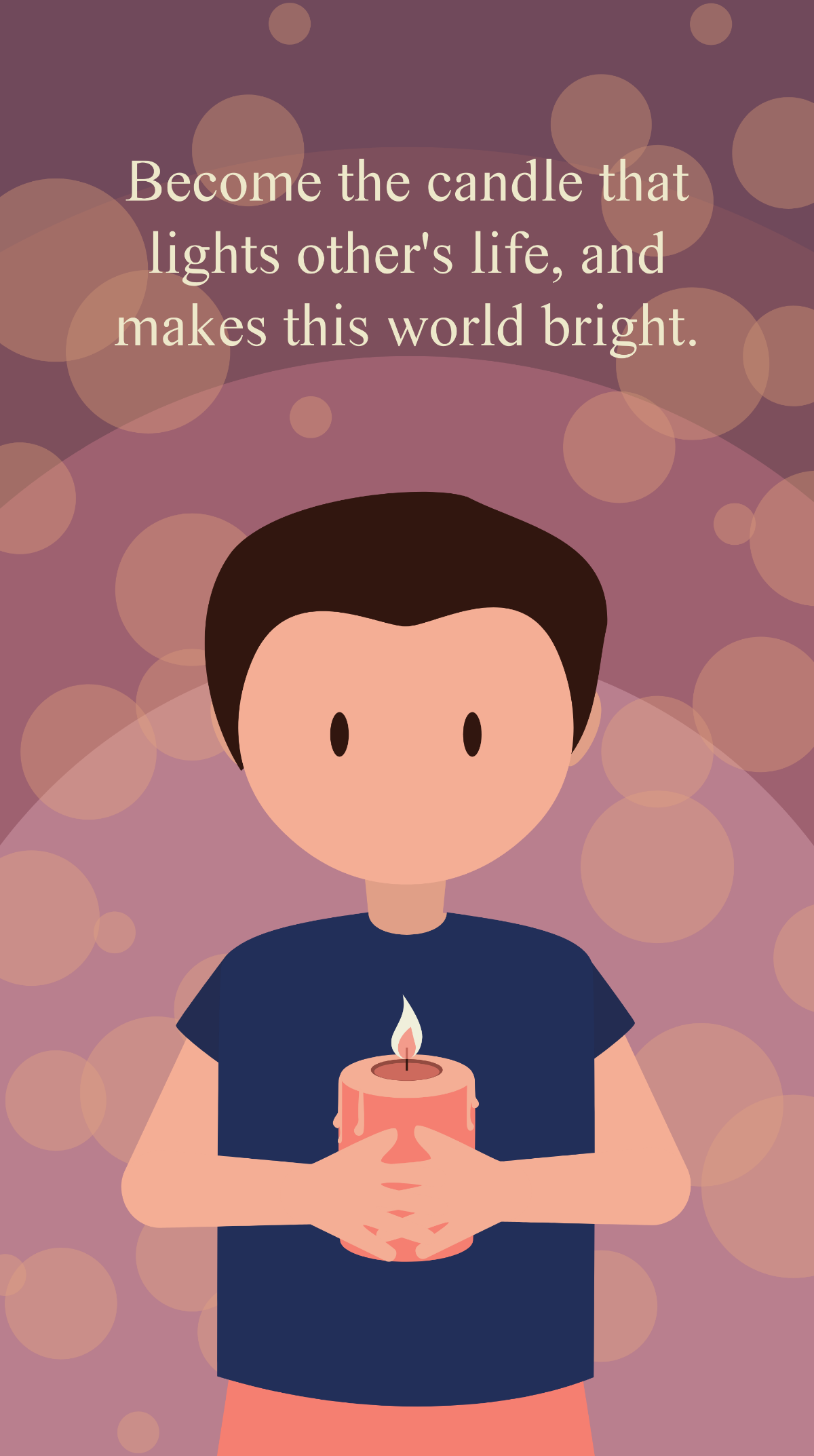

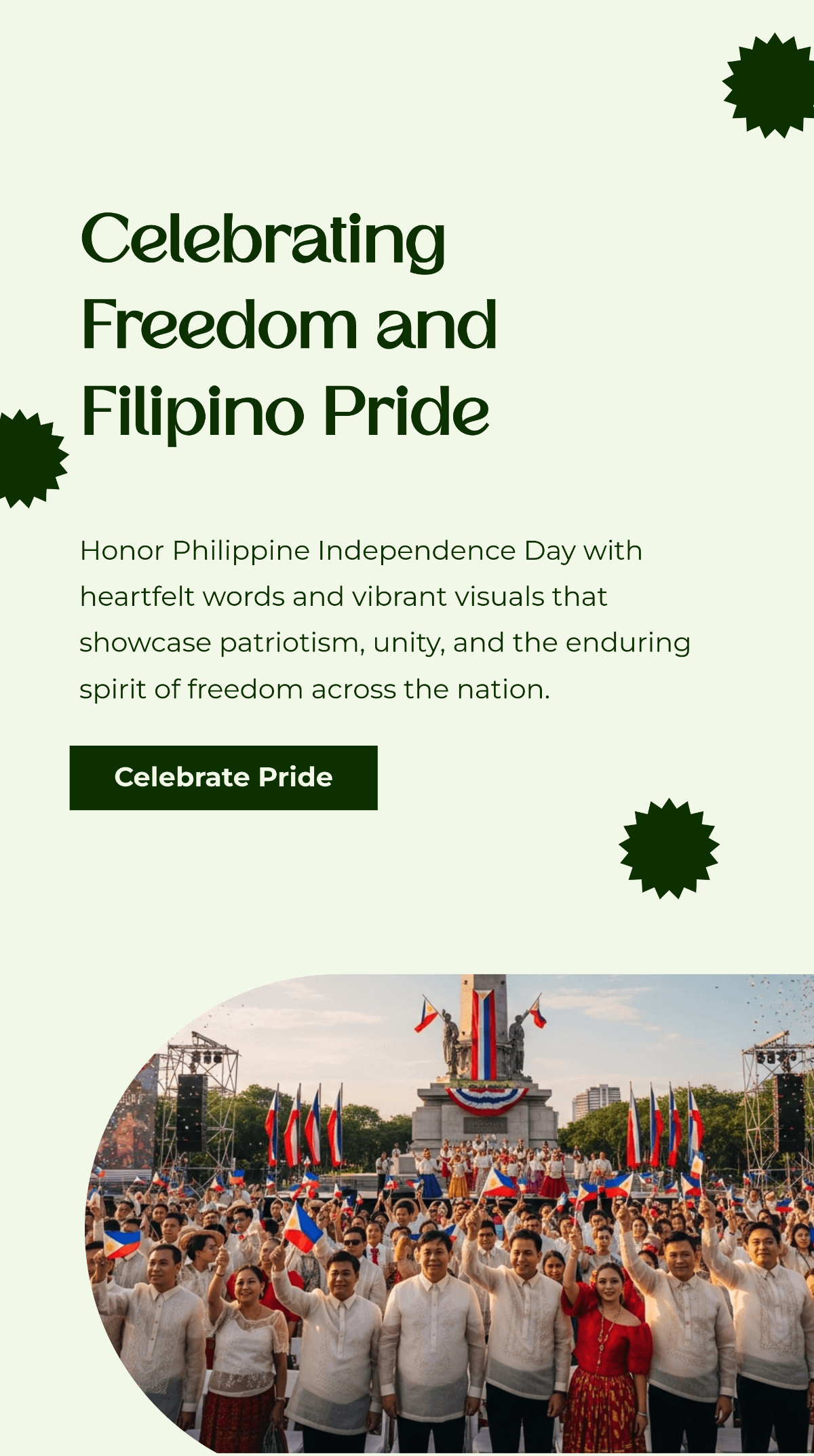
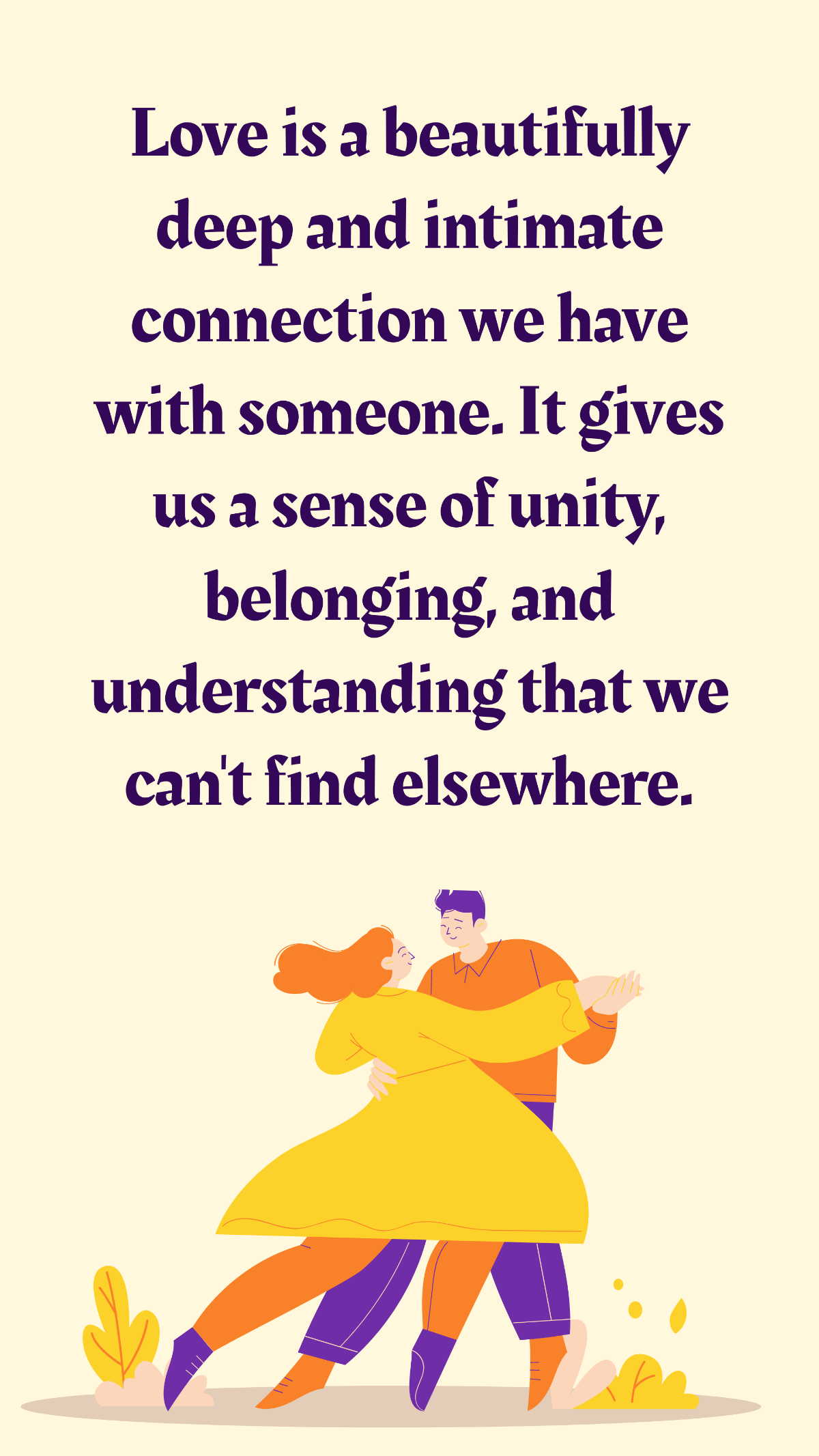

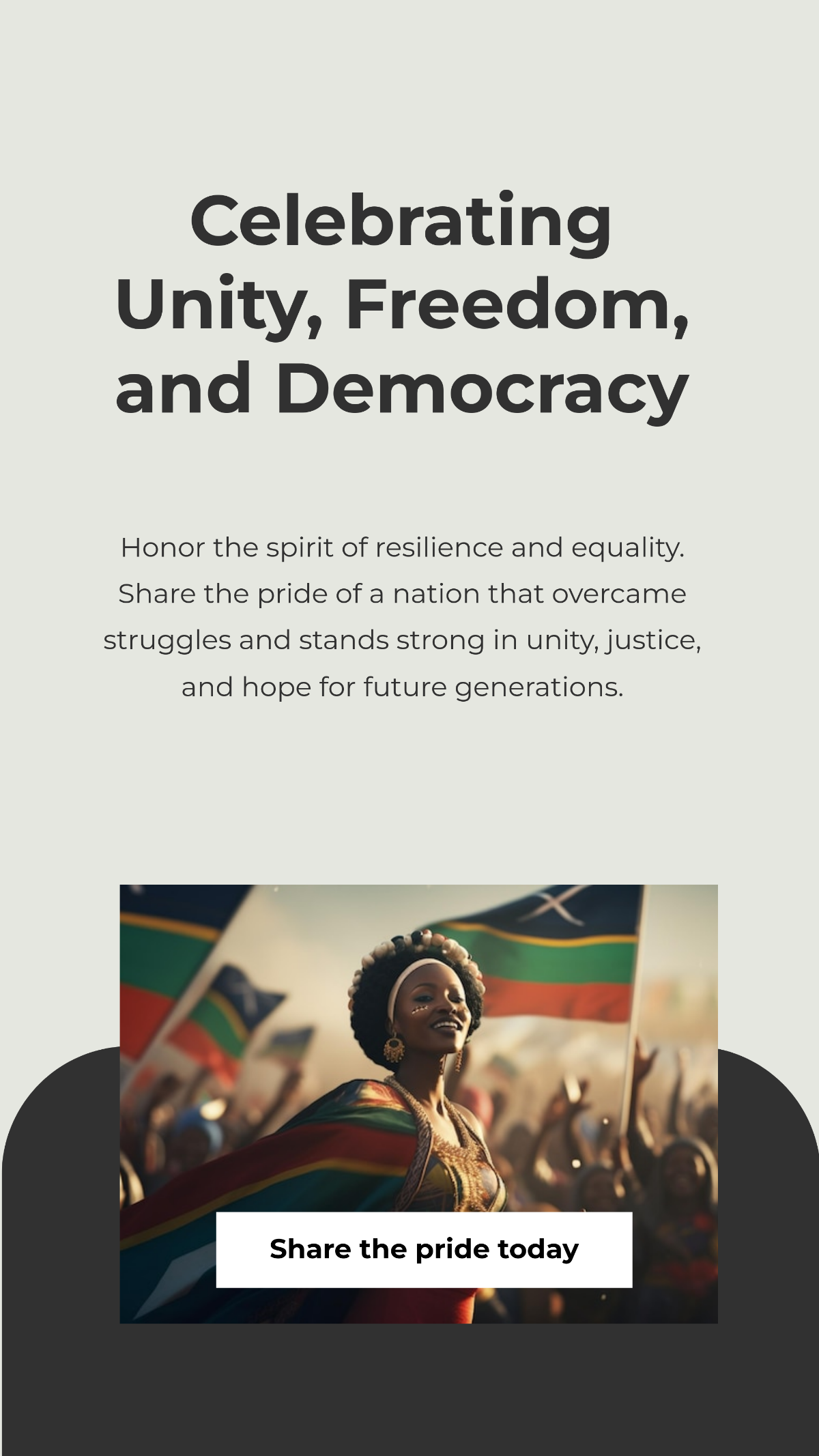
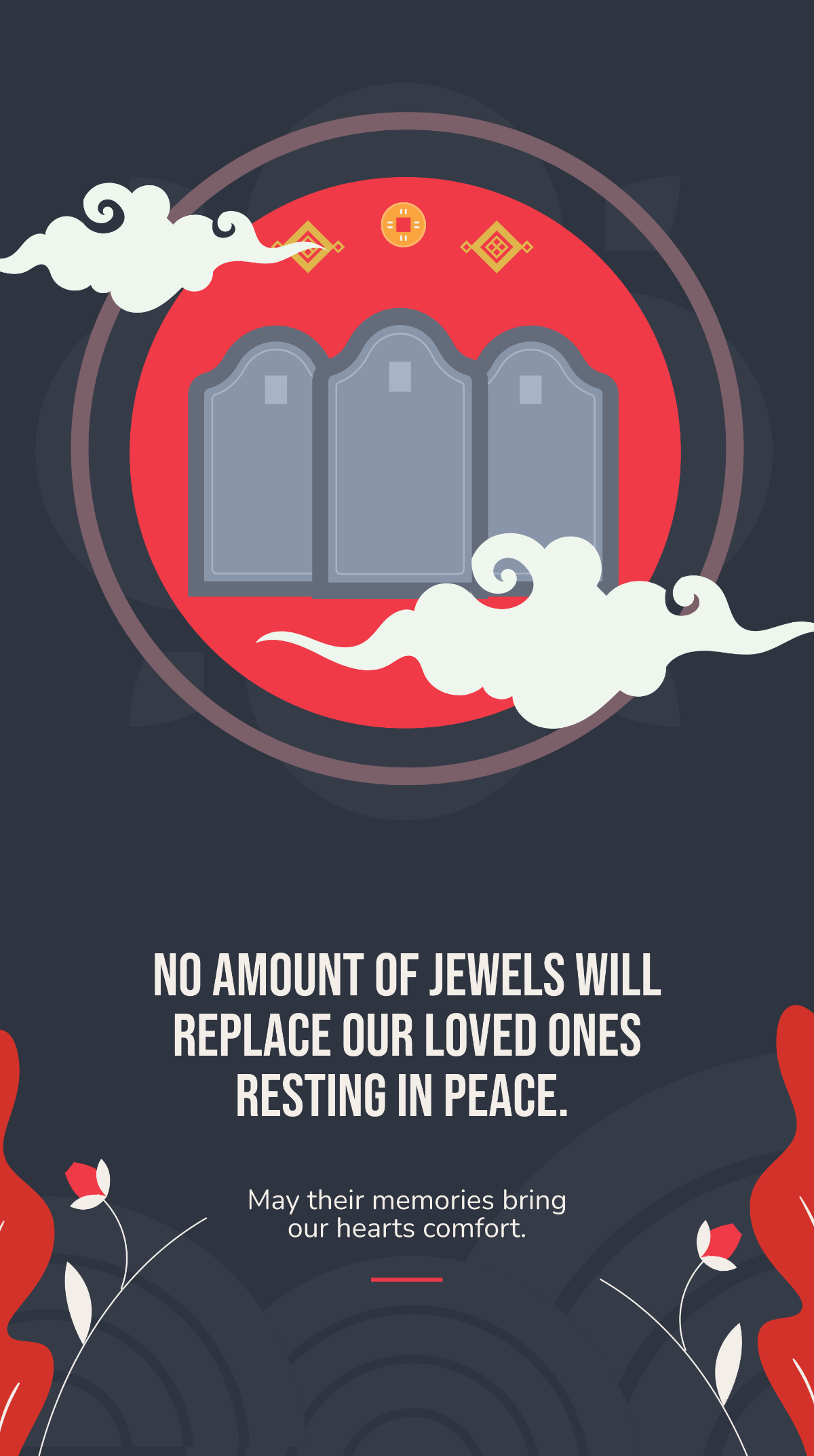

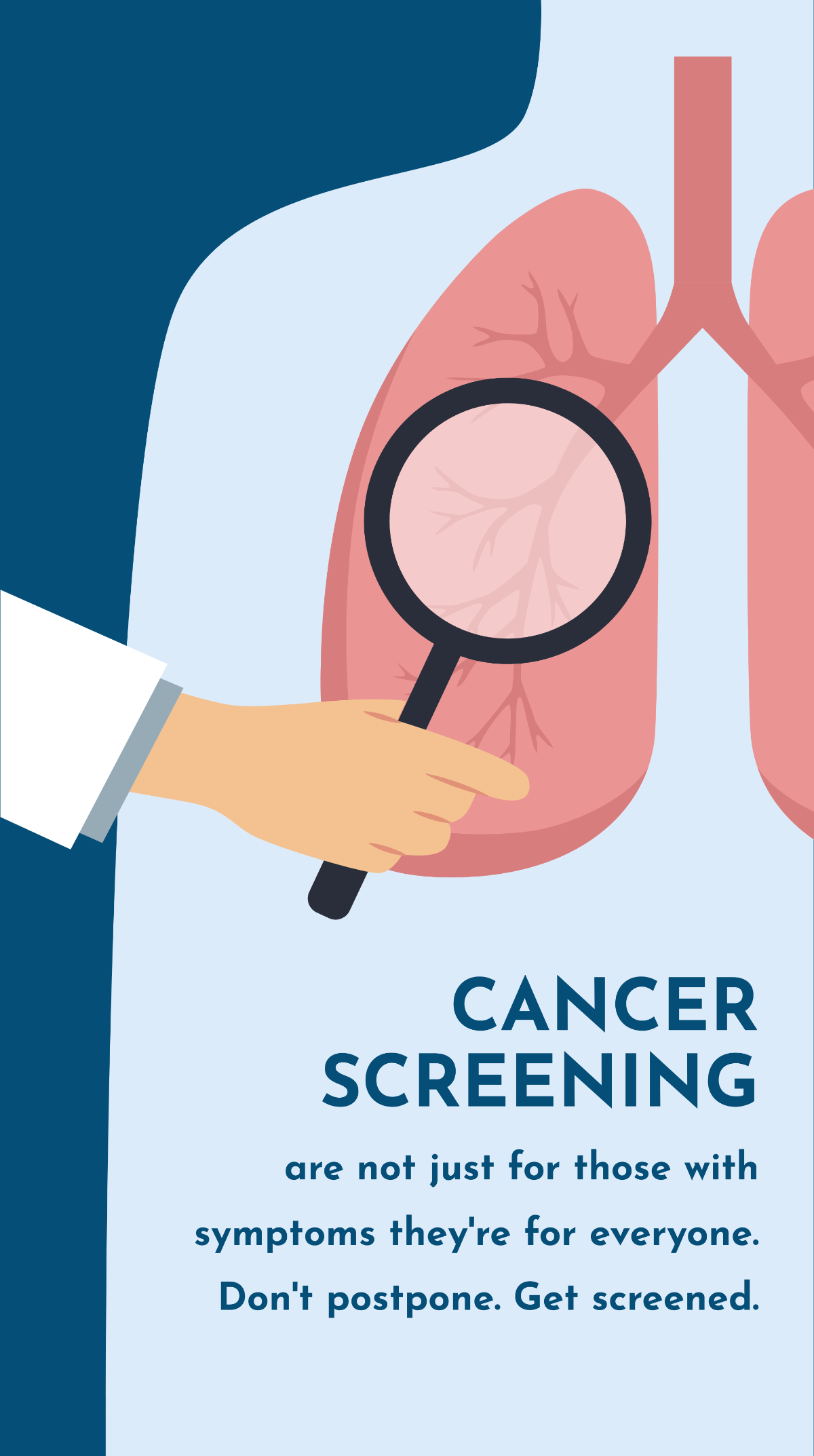
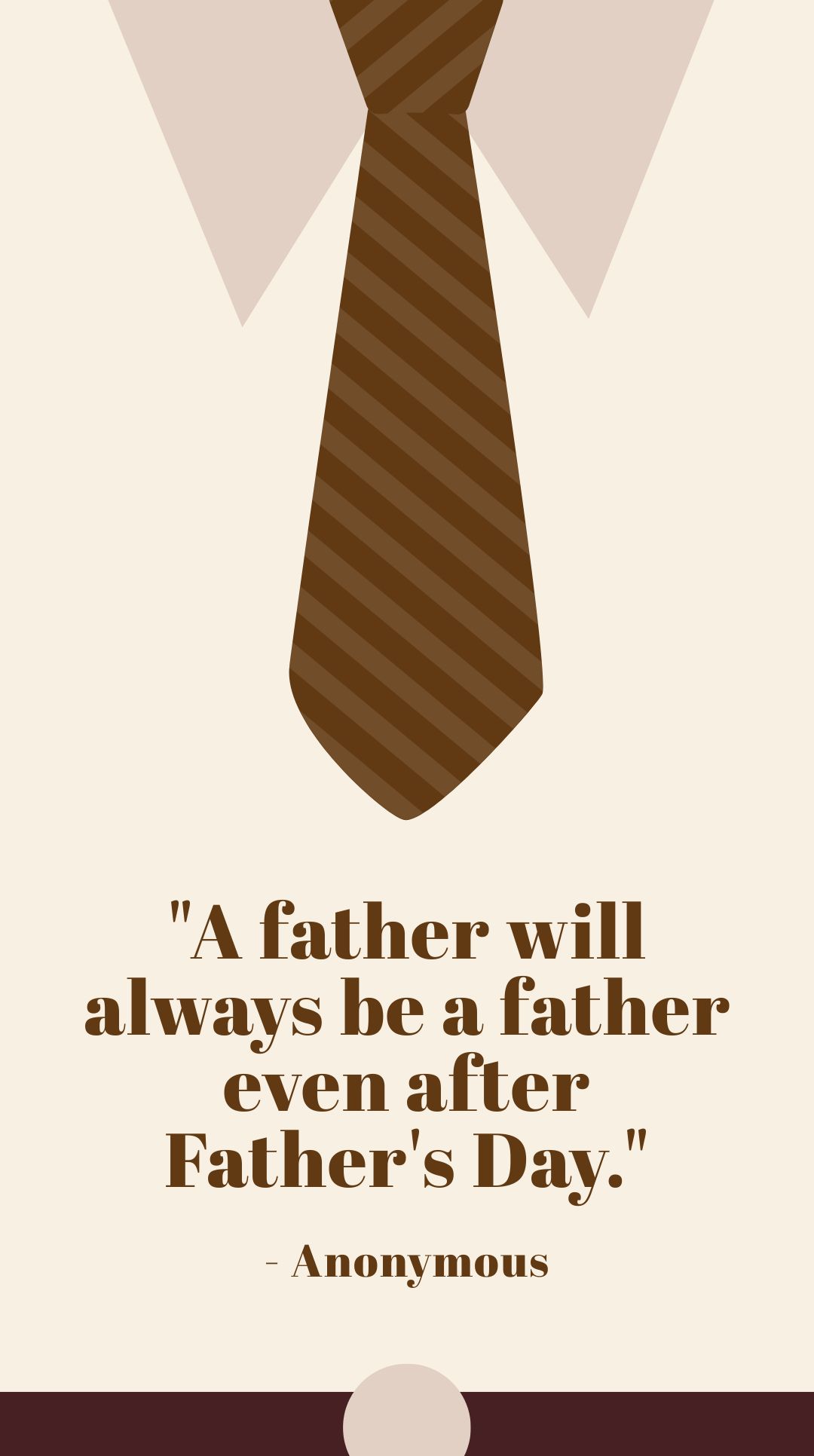
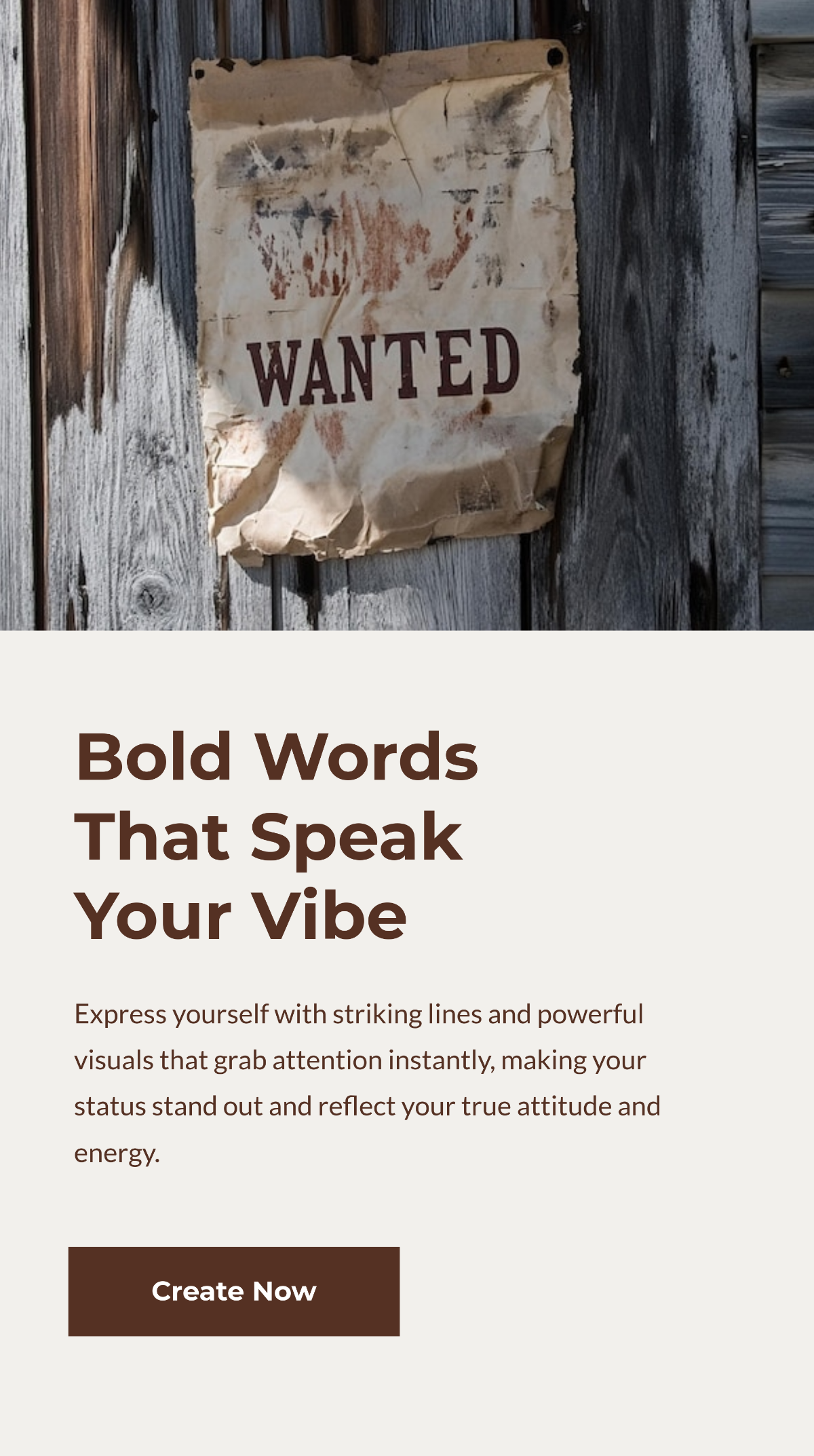
Free Whatsapp Status Templates: Customizable Design Guide, Sizes, and Download Formats
What is a Whatsapp Status?
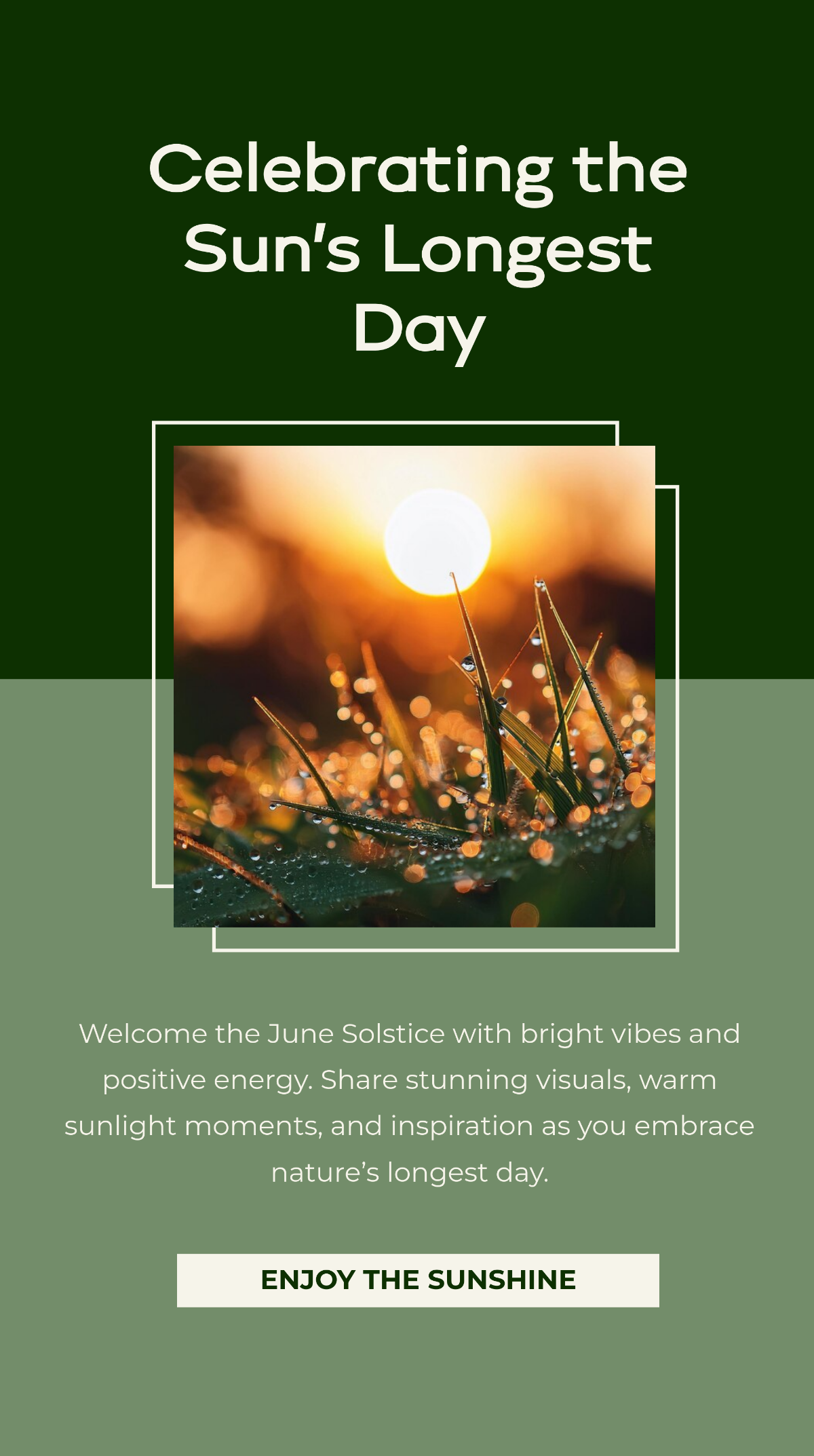
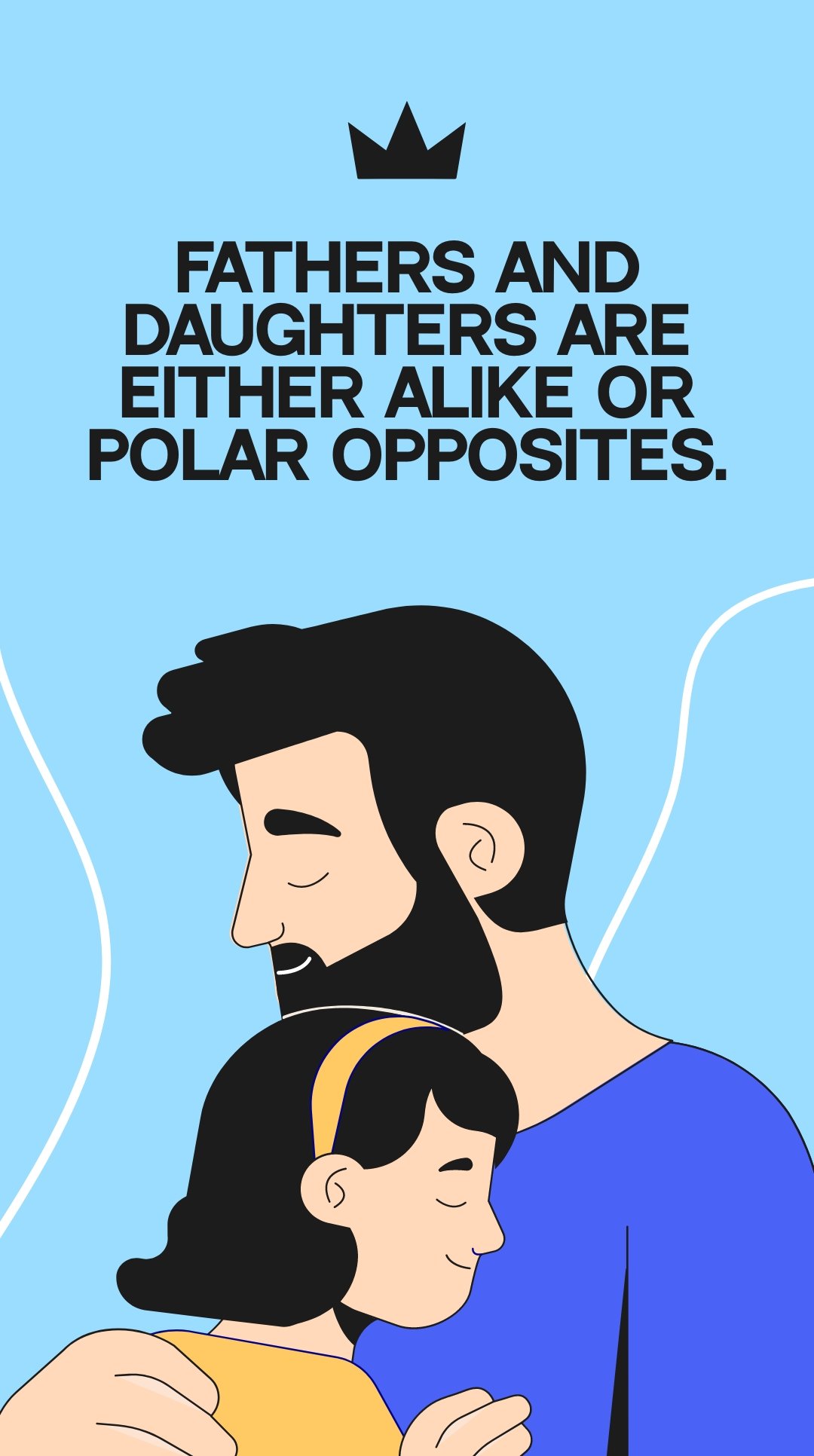
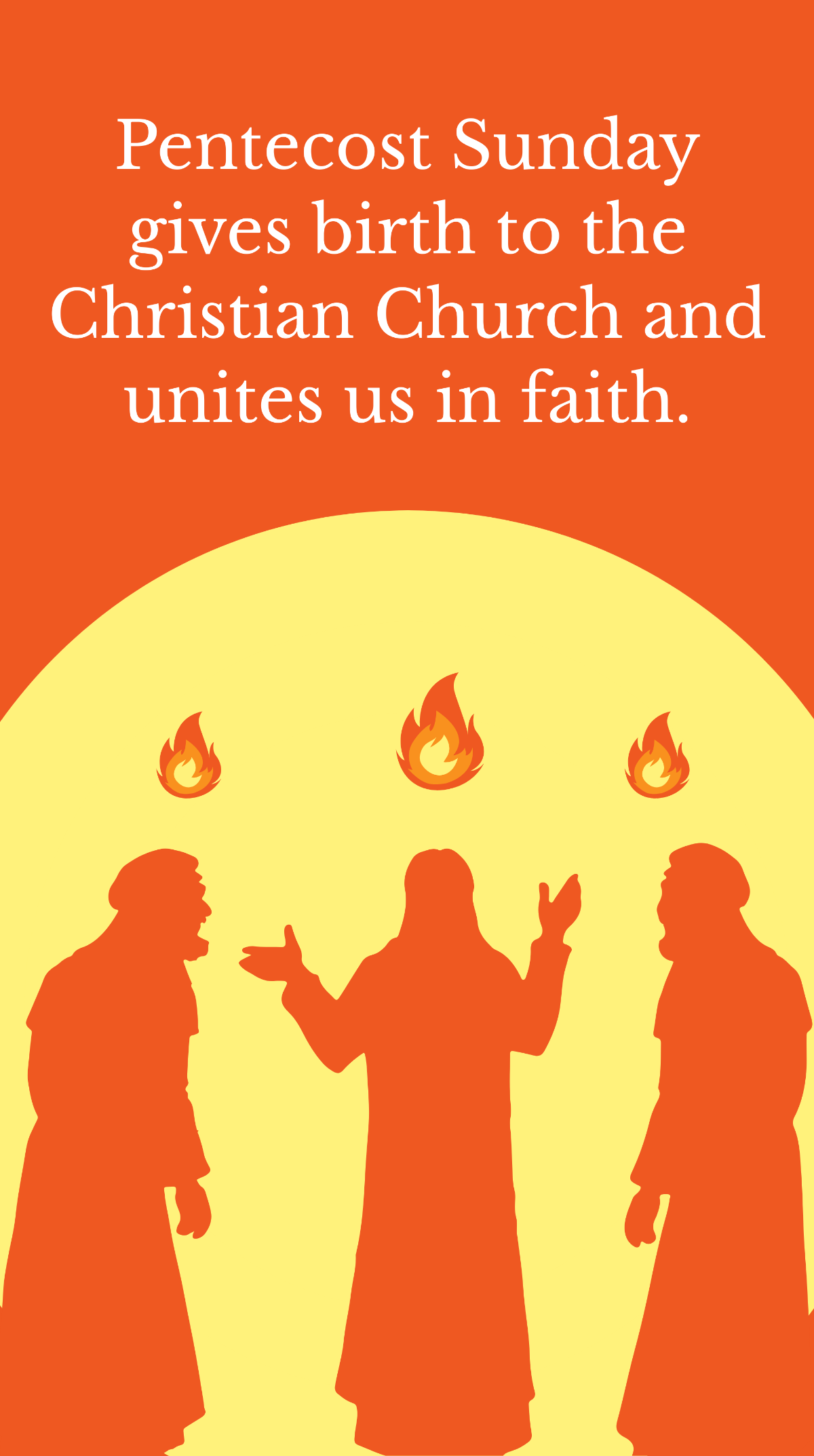
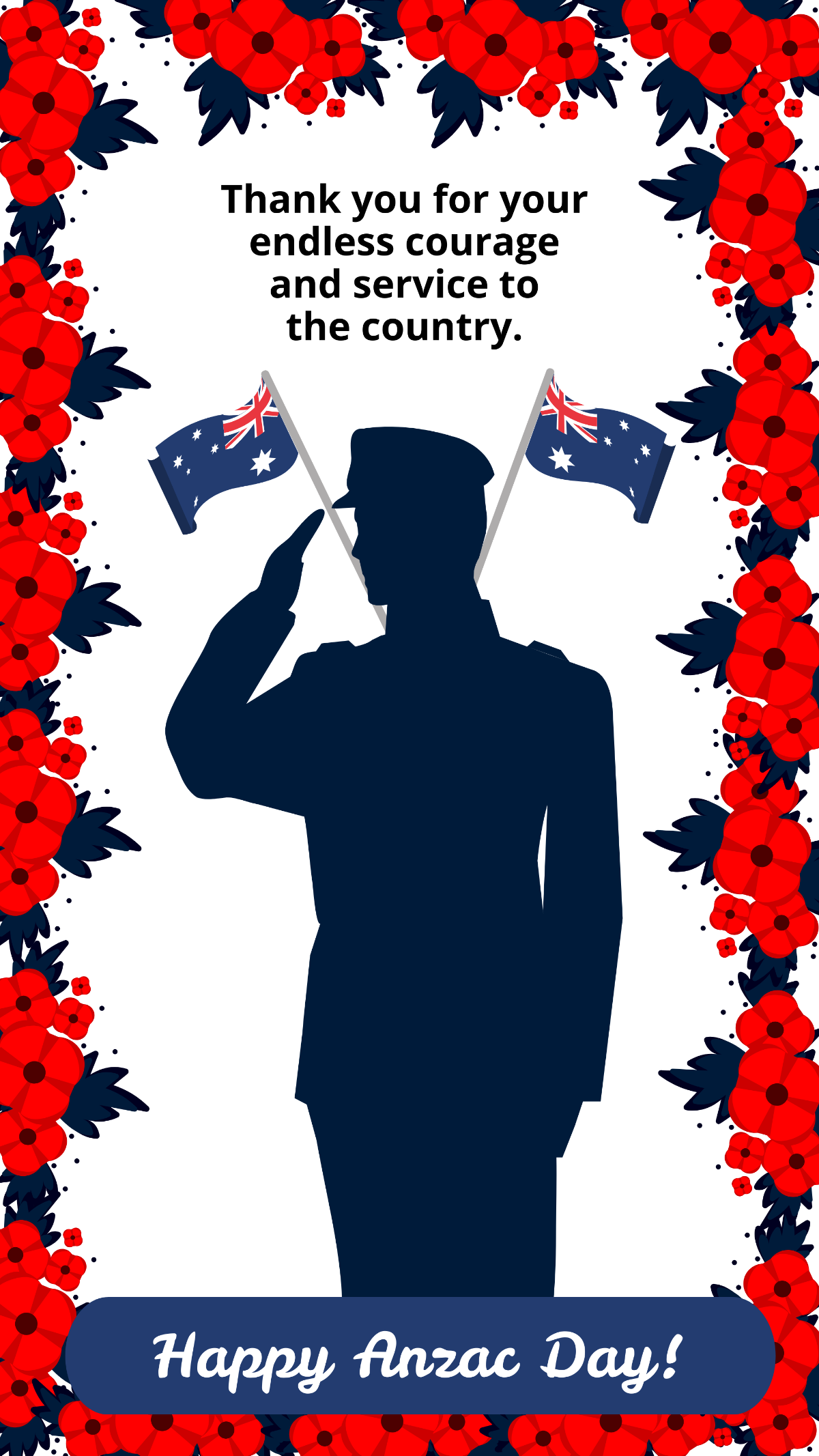
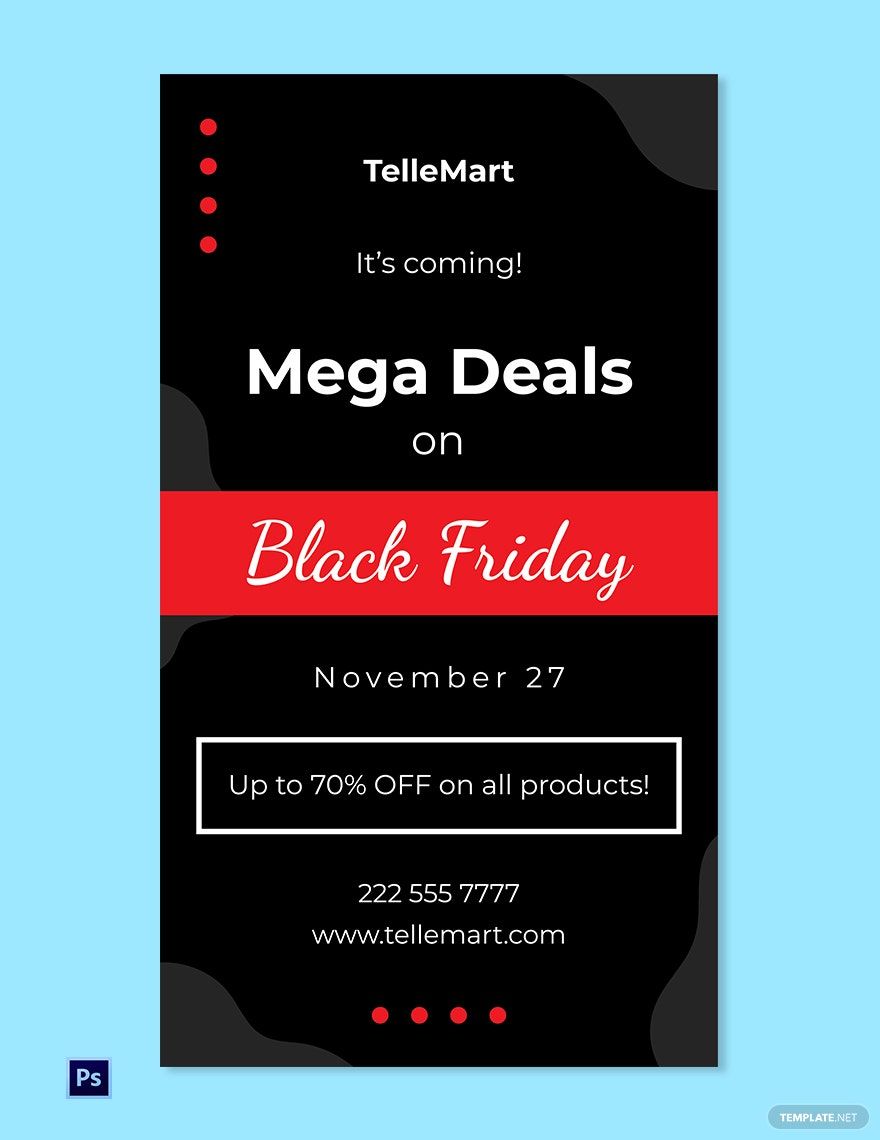
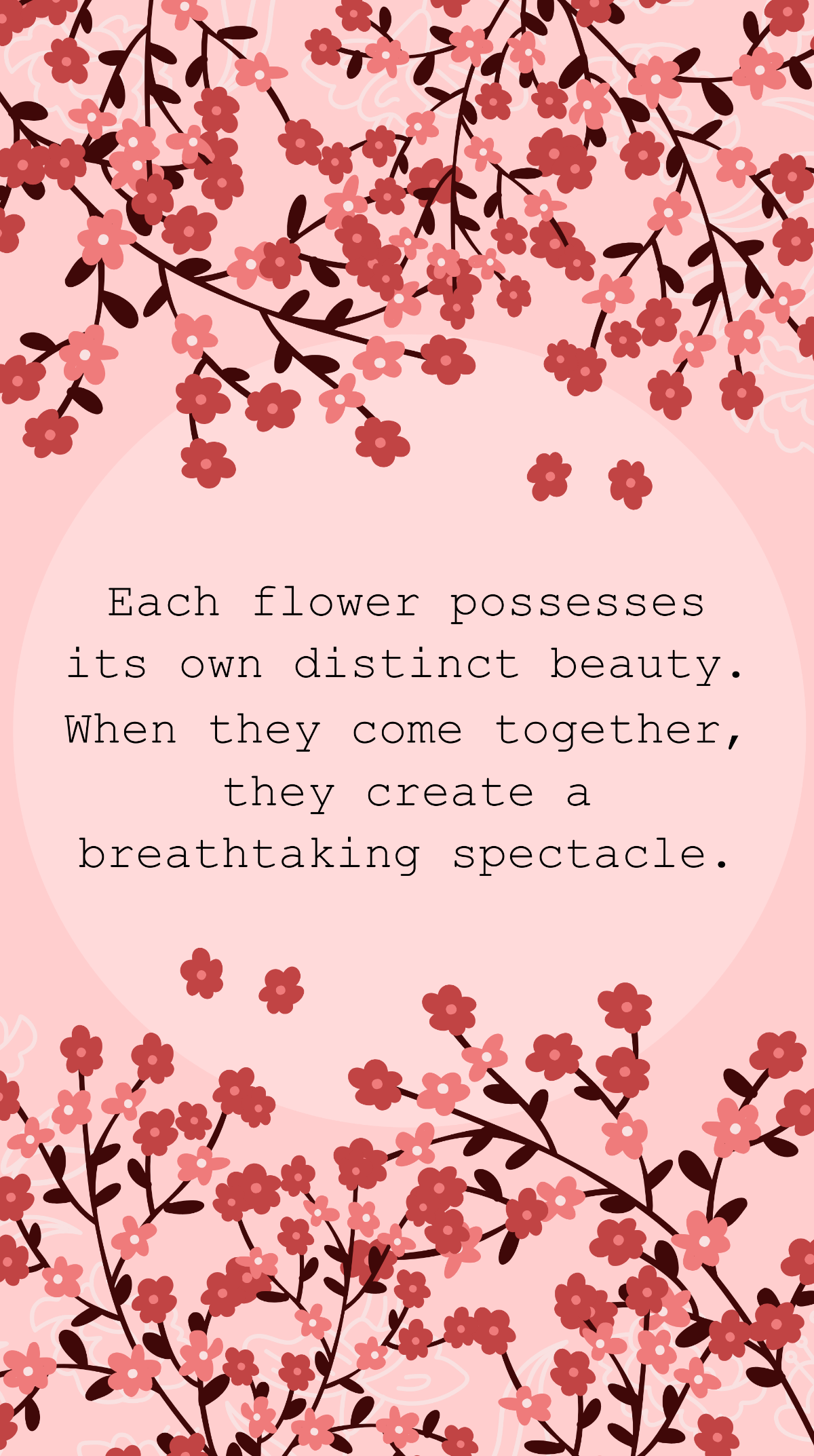
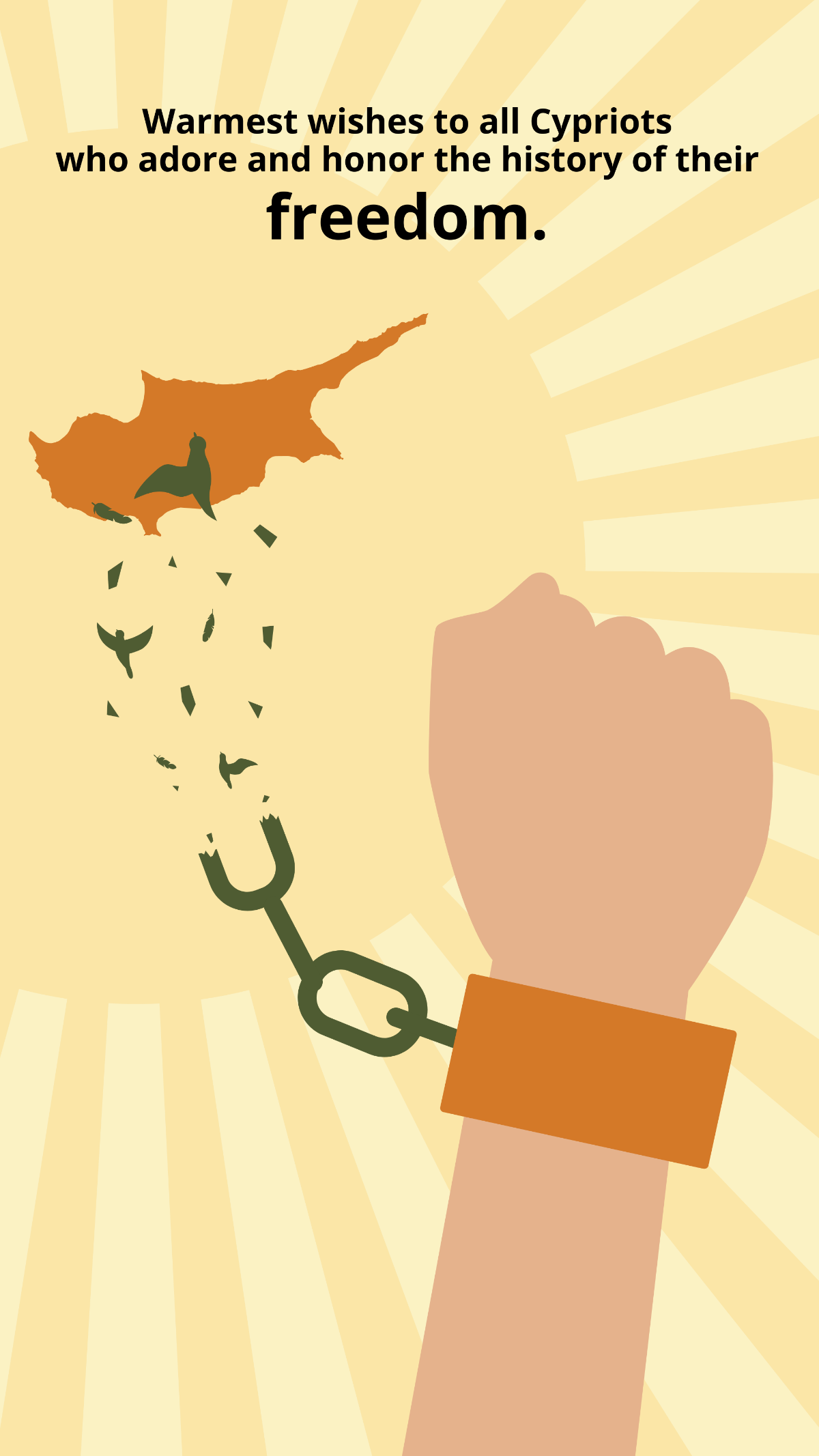
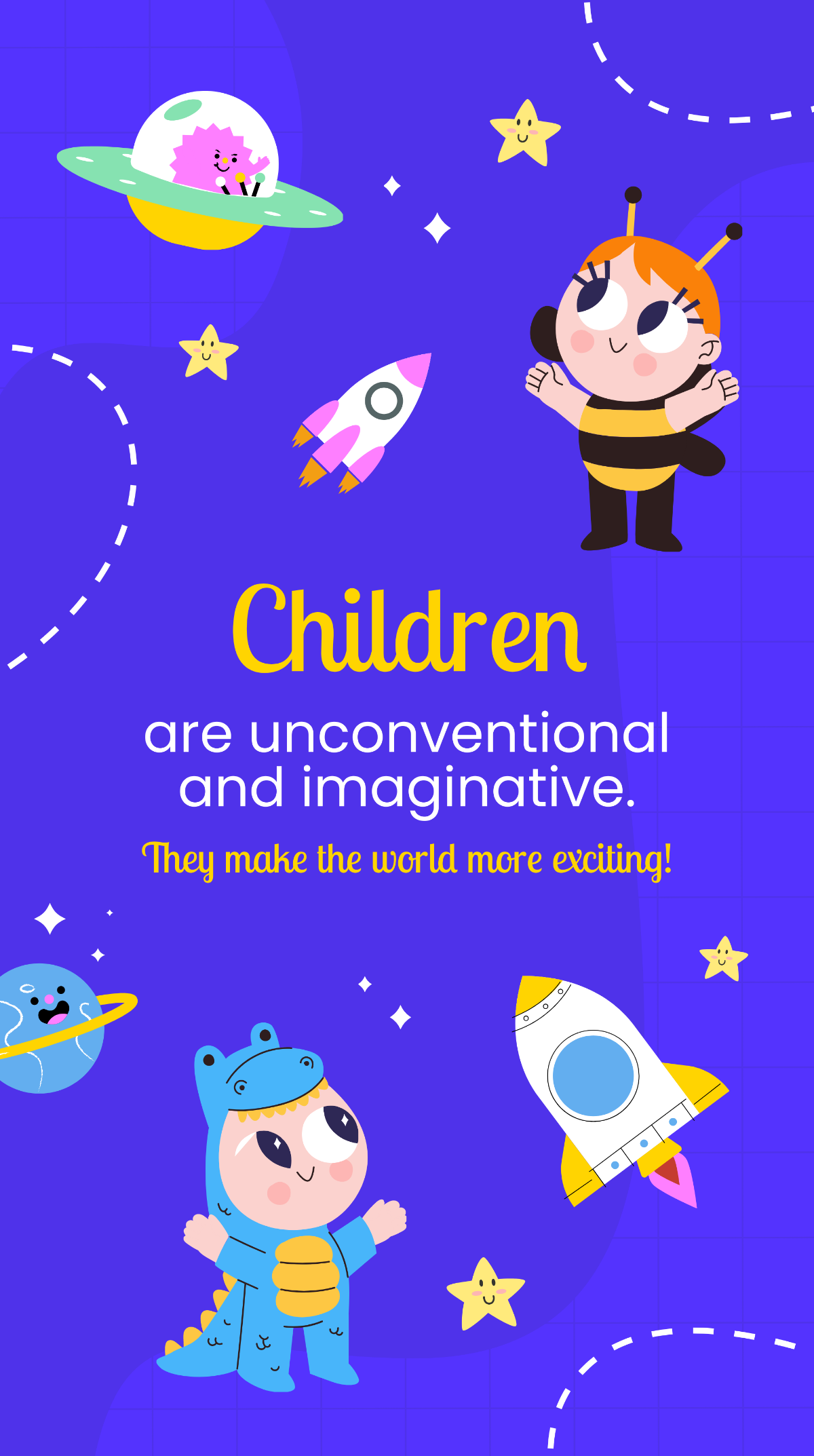
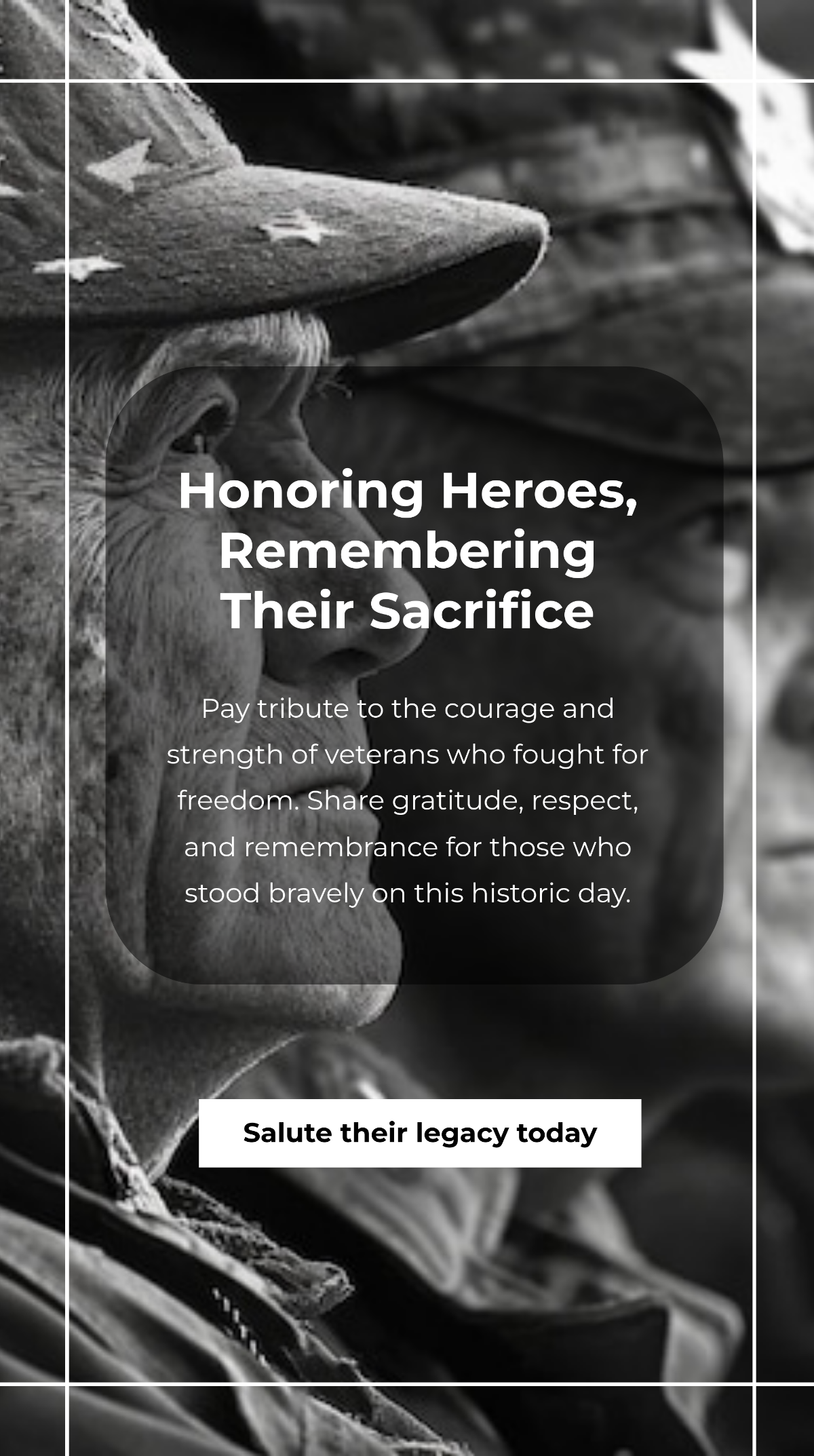
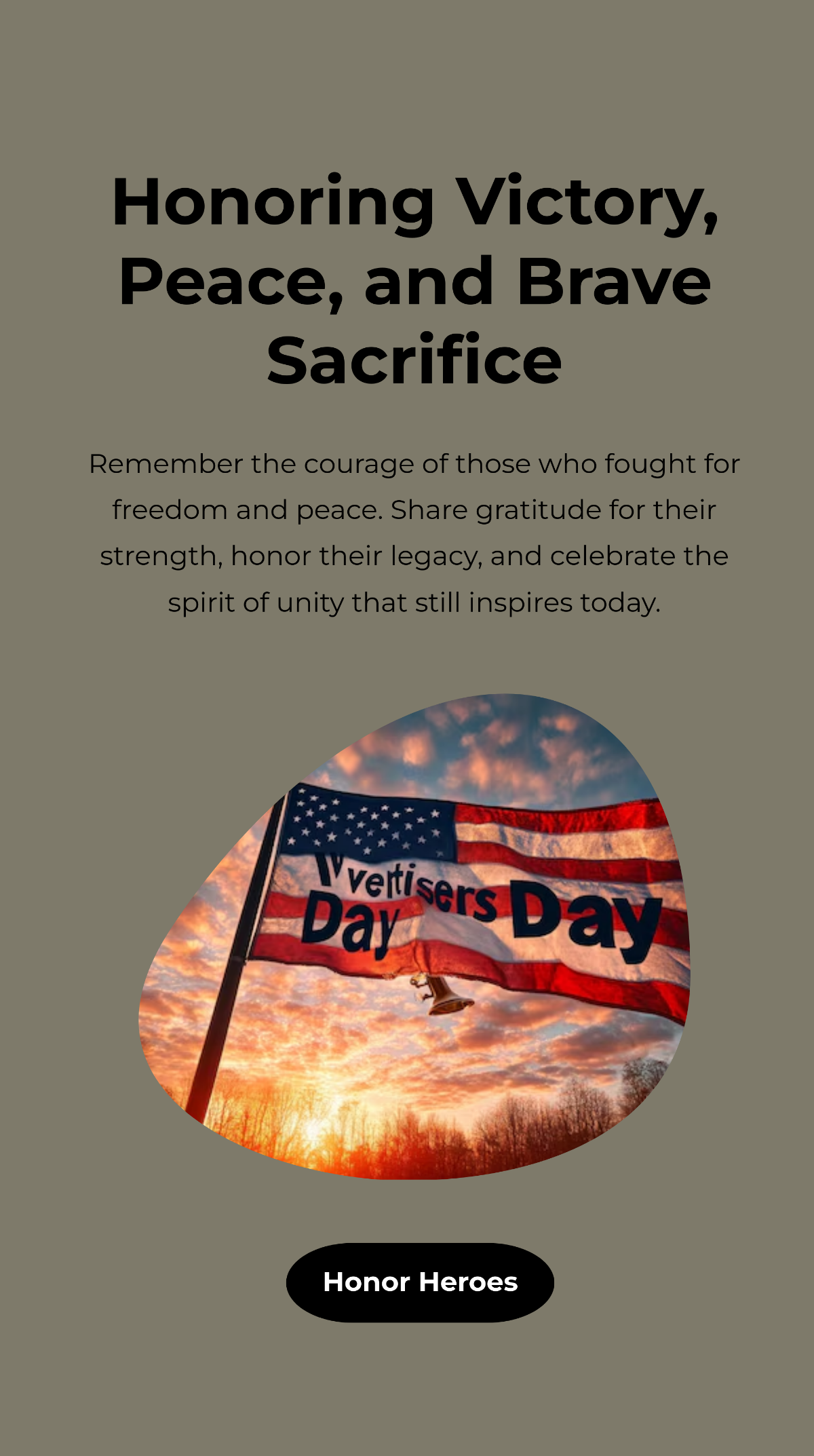
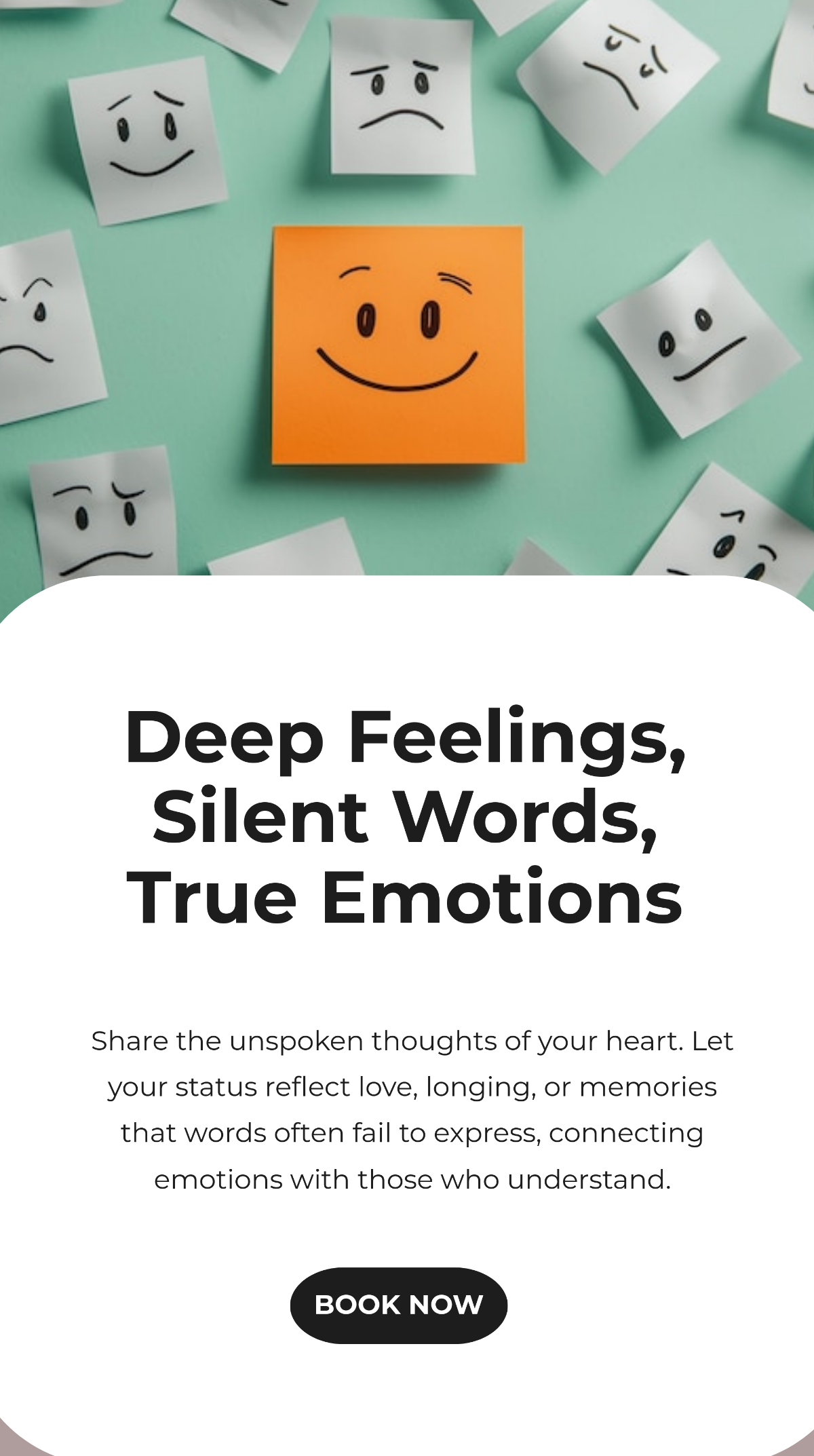
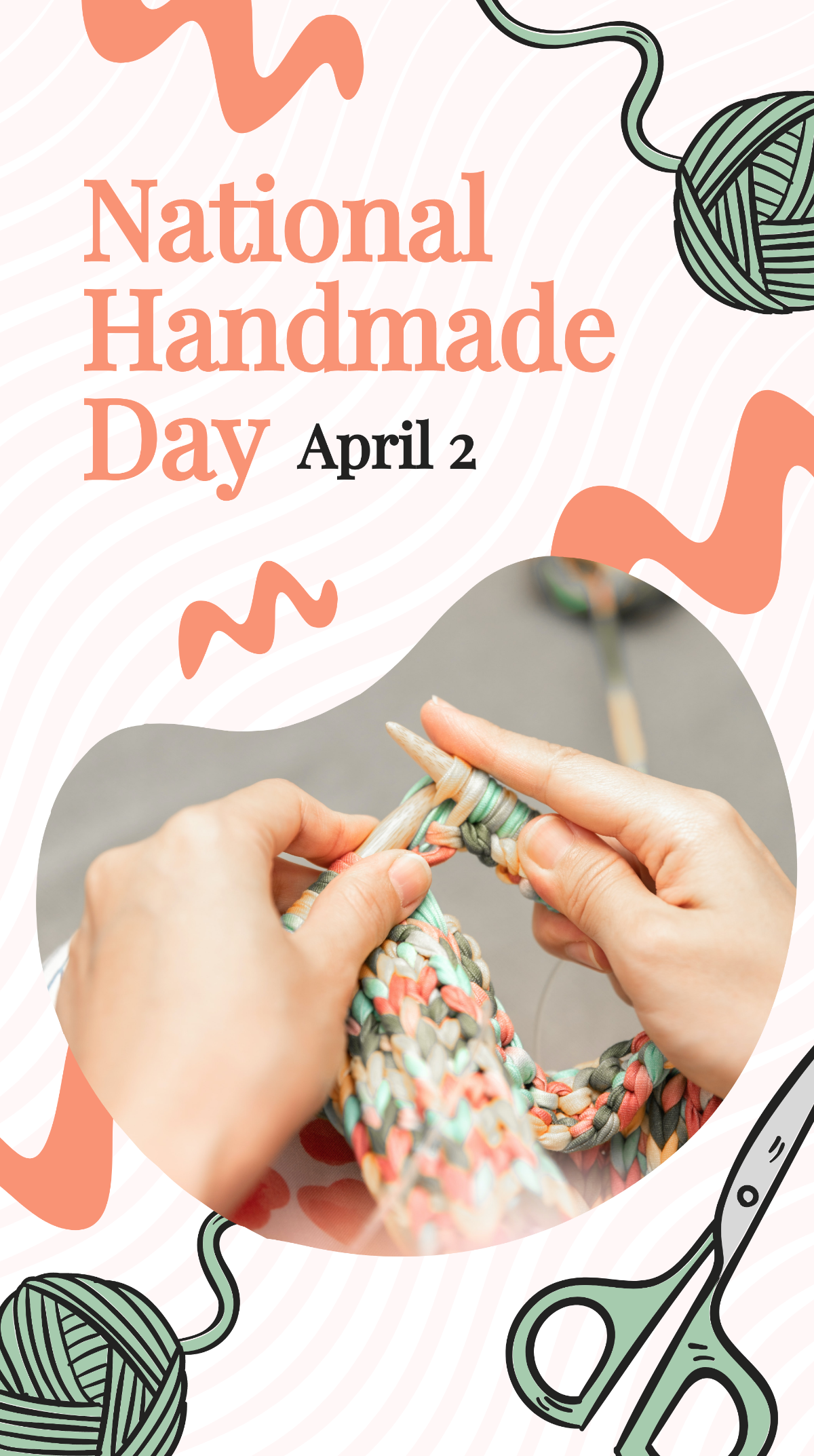
A Whatsapp Status is a digital visual or text update that you share on your Whatsapp profile for 24 hours to communicate moods, events, or promotions. Whatsapp Status templates are ready-made designs you can customize to create engaging, personalized posts quickly.
Why should I use a Whatsapp Status?
You should use a Whatsapp Status to share timely updates, express feelings, or promote products effectively to your contacts. Whatsapp Status templates simplify this process by providing eye-catching, editable designs that enhance your online presence.
Who uses Whatsapp Statuss?
Whatsapp Statuss are used by individuals, businesses, influencers, and marketers who want to communicate visually and temporally with their contacts. These templates suit anyone seeking quick, customizable digital content for social engagement on Whatsapp.
What are the best tips for designing my Whatsapp Status?
Here are top tips for designing your Whatsapp Status to maximize impact:
- Use bold colors to attract attention
- Keep text minimal for easy reading
- Include your brand logo for recognition
- Maintain consistent fonts to enhance style
- Use high-resolution images for clarity
- Incorporate call-to-action to engage viewers
- Align elements centrally for balance
- Test visibility on mobile screens
Can I create a Whatsapp Status using AI?
Template.net provides an AI-powered tool that generates new Whatsapp Status designs from prompts. You can create unique, customized Whatsapp Status content instantly with the WhatsApp Status Generator.
What are the ideal pixel dimensions for my Whatsapp Status templates?
The ideal pixel dimensions for Whatsapp Status templates ensure crisp display across devices. Use the standard size for Whatsapp Status:
- 1080 × 1920 pixels for vertical full-screen stories
- 720 × 1280 pixels for faster loading
- Keep aspect ratio 9:16 to avoid cropping
What visual elements should I include in my Whatsapp Status?
Your Whatsapp Status should include essential visual elements for engagement and clarity. Consider adding:
- Background images or gradients for aesthetic appeal
- Bold headlines to convey messages quickly
- Icons or emojis for emotional connection
- Brand logos for identity
- Call-to-action buttons to prompt interaction
- Consistent color schemes for harmony
What are the benefits of using Whatsapp Status templates?
Using Whatsapp Status templates offers several benefits for your digital communication:
- Saves time by providing ready designs
- Improves visual consistency across posts
- Enhances engagement with attractive graphics
- Supports branding with customizable logos and colors
- Facilitates easy editing without design skills
- Ensures correct sizing for platform compatibility
