
















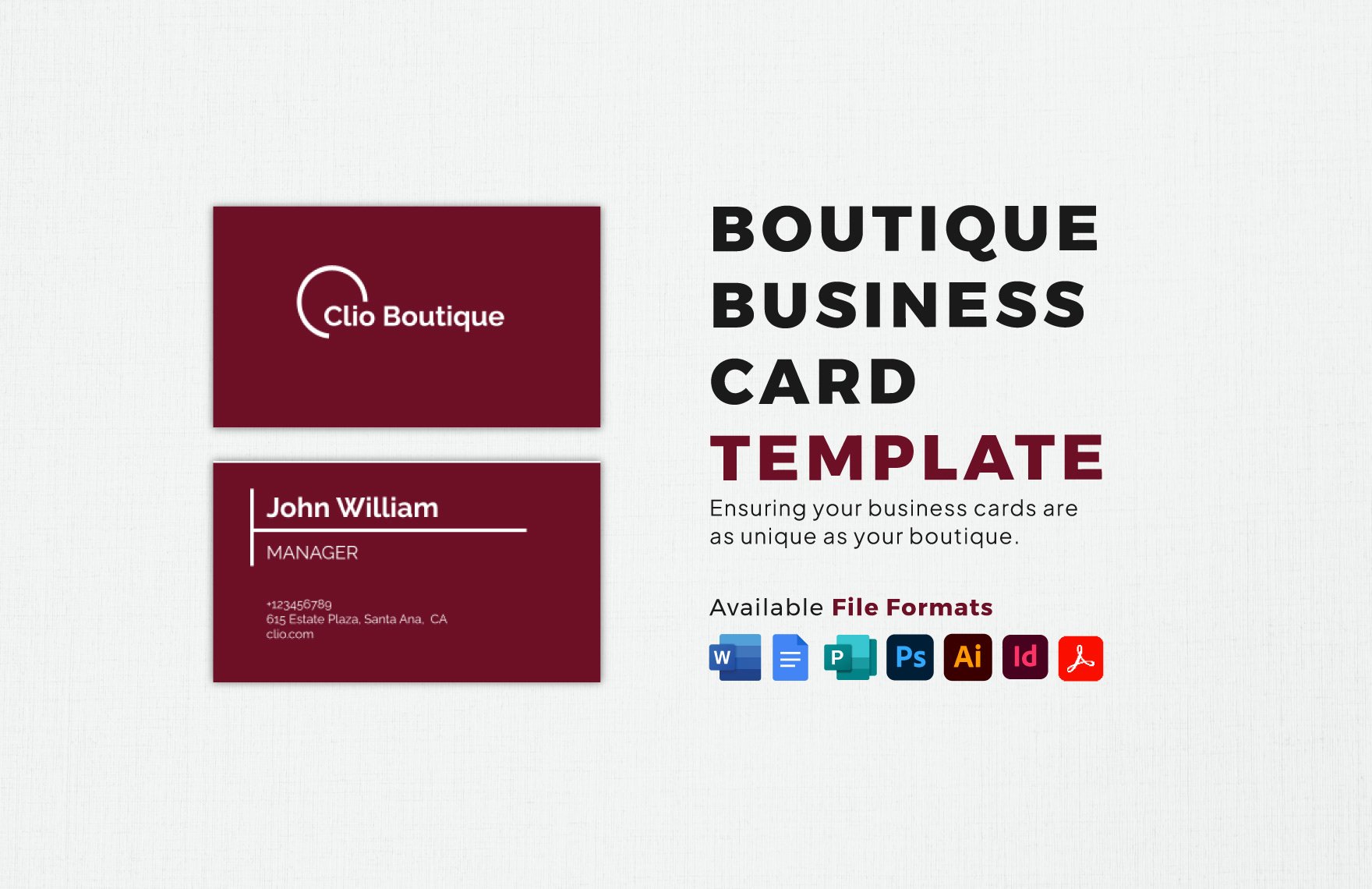
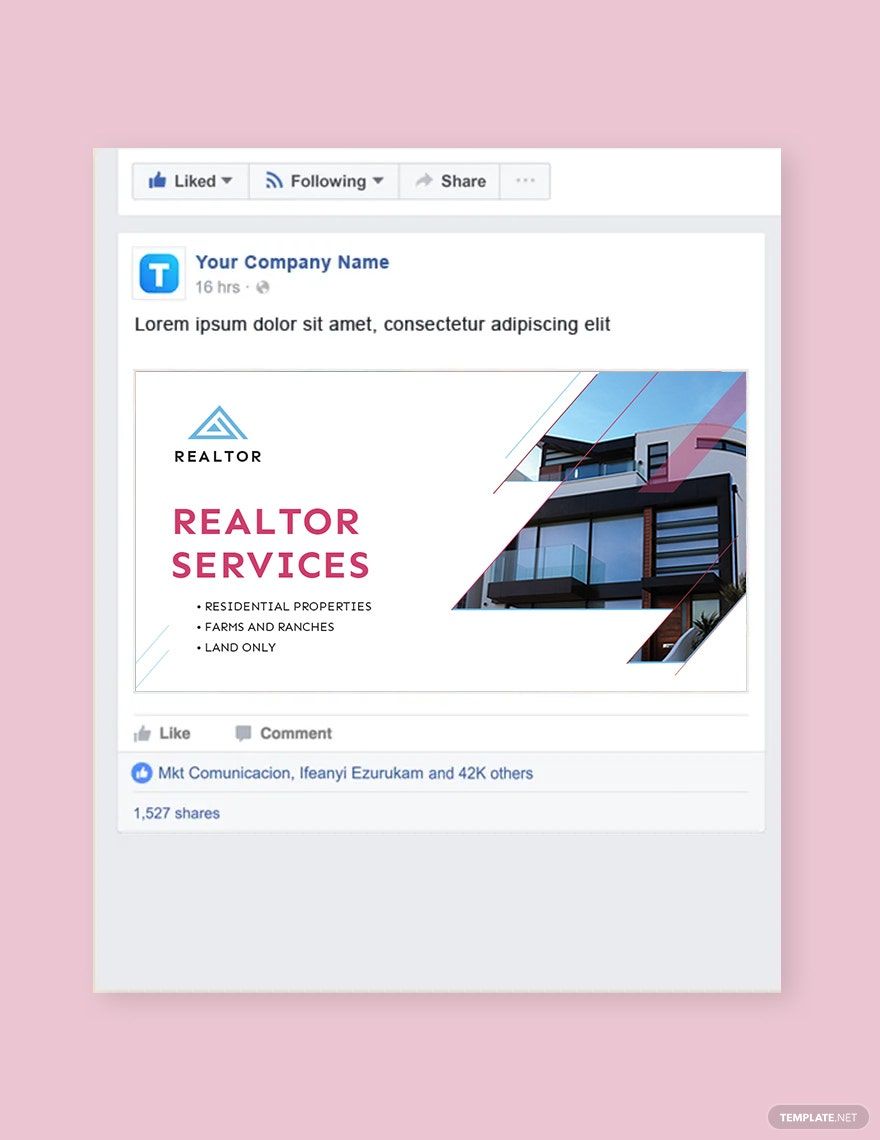
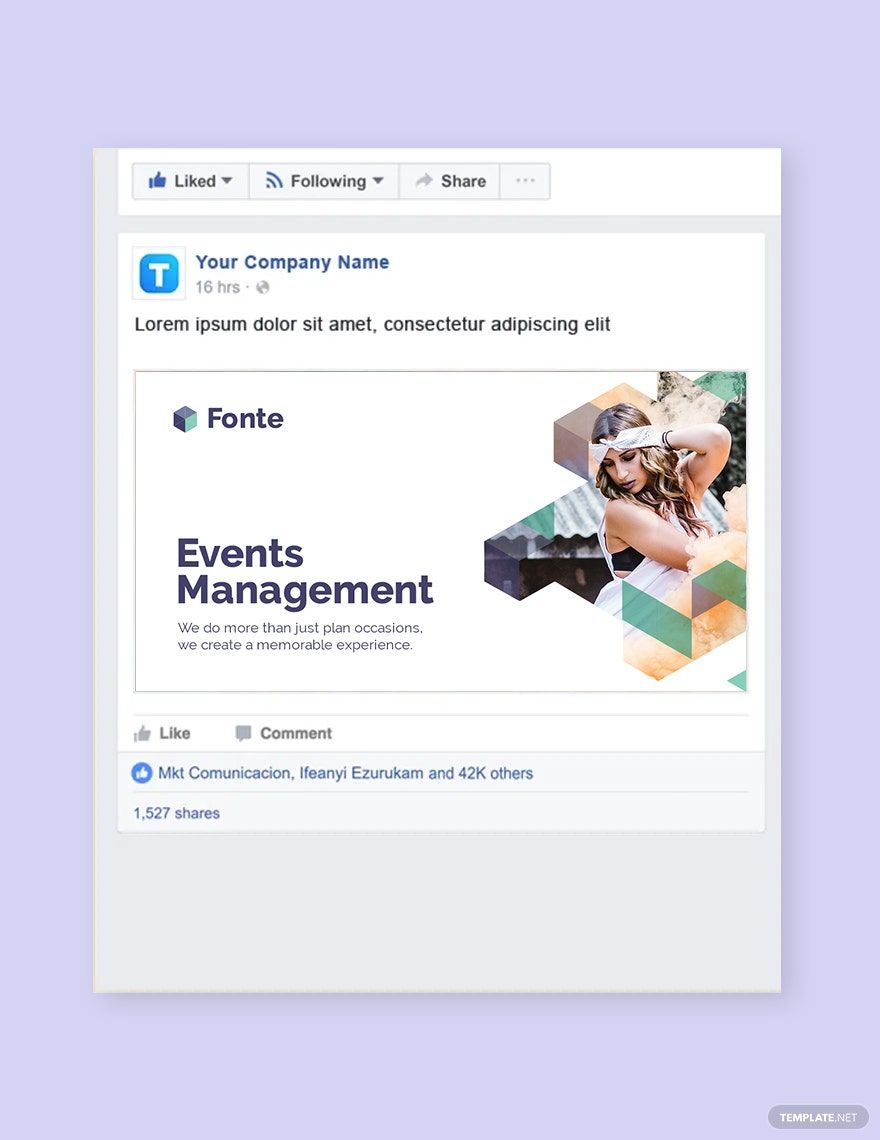
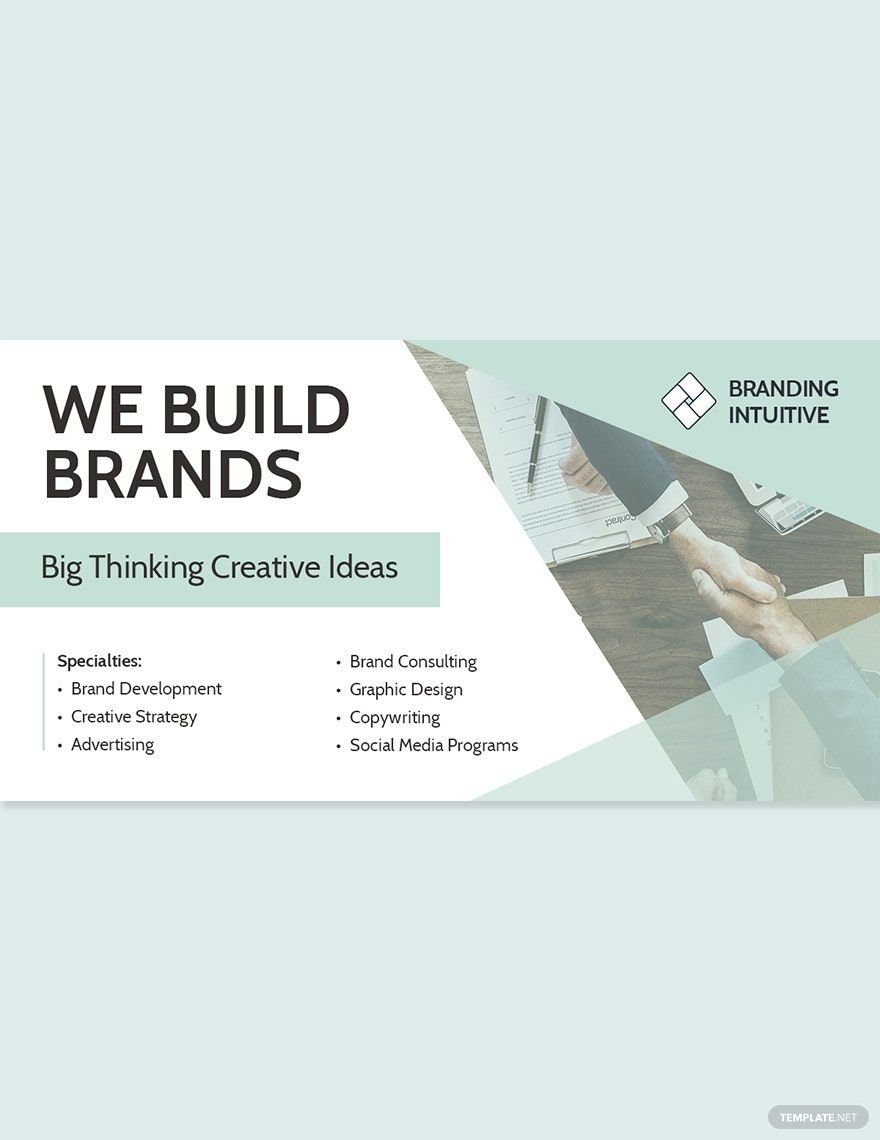


Free Graphic Templates: Customizable Design Guide and Browser Editing
Graphic refers to visual designs created to communicate messages effectively, often used for advertising, branding, or informational purposes. Template.net provides customizable Graphic templates that users can complete or modify directly in the browser without additional software.
What is a Graphic?
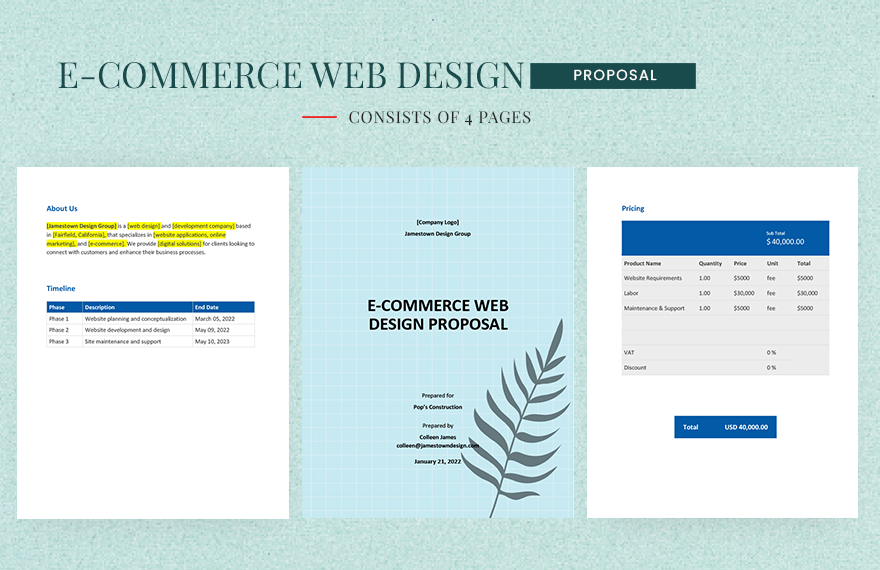
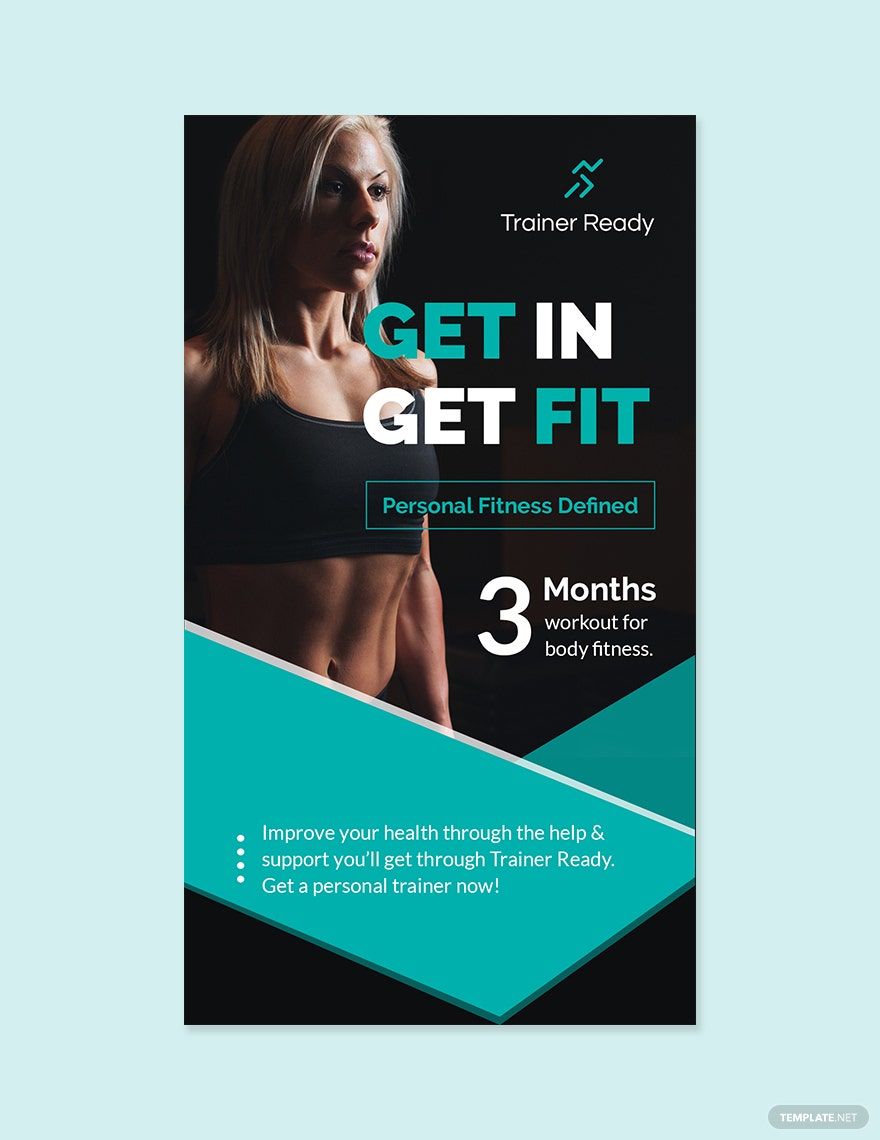
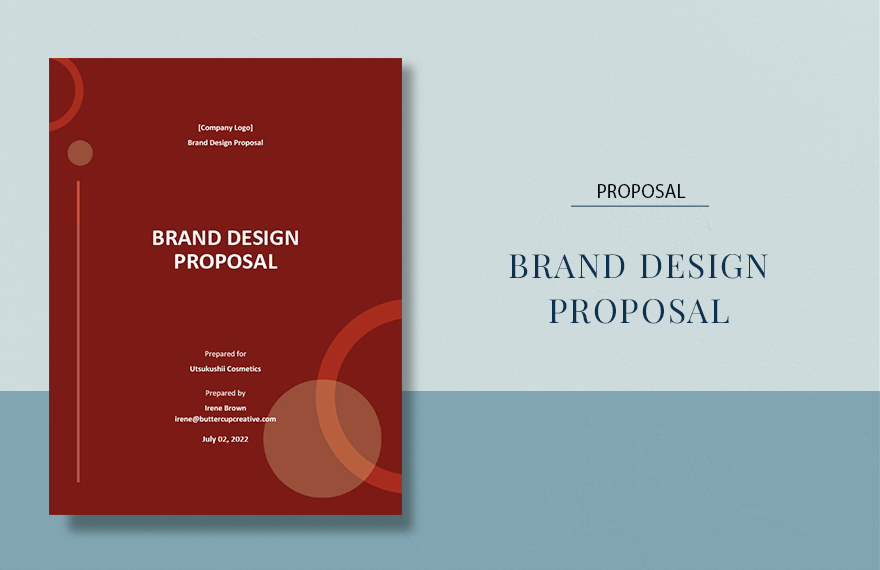
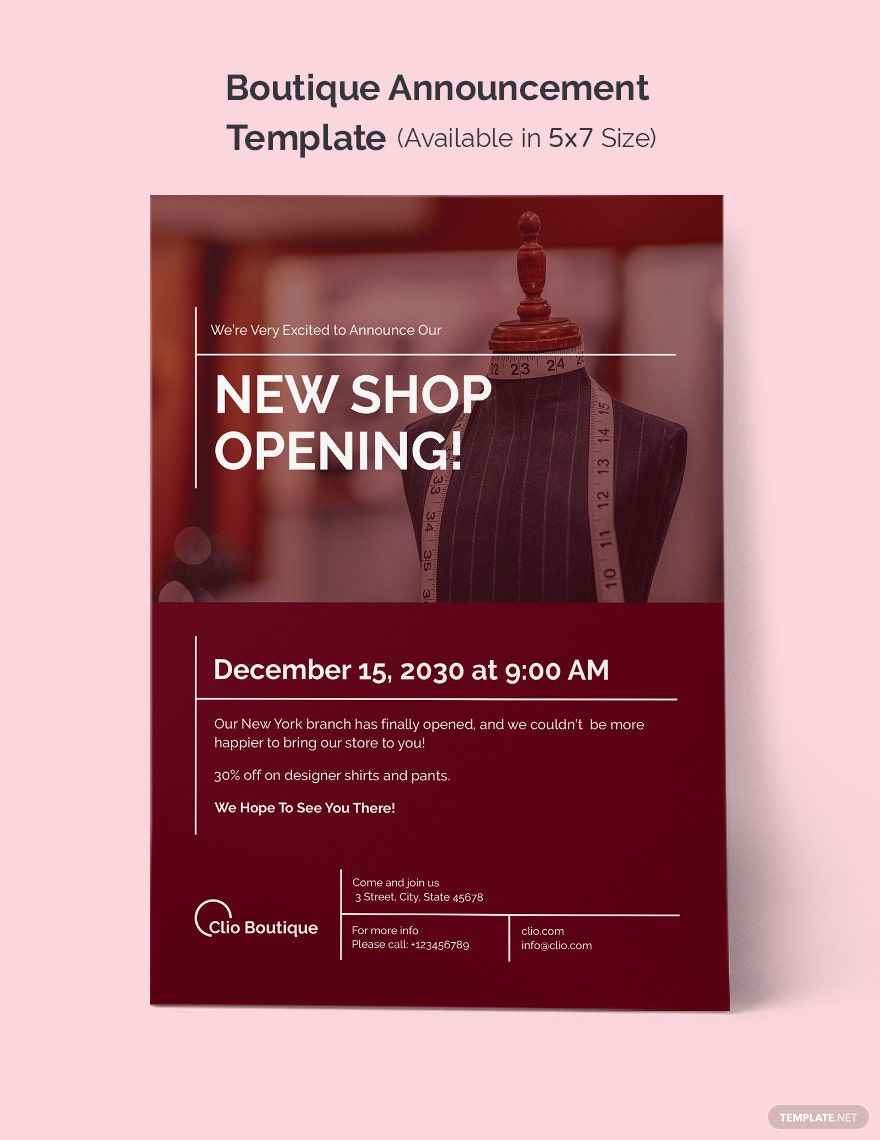
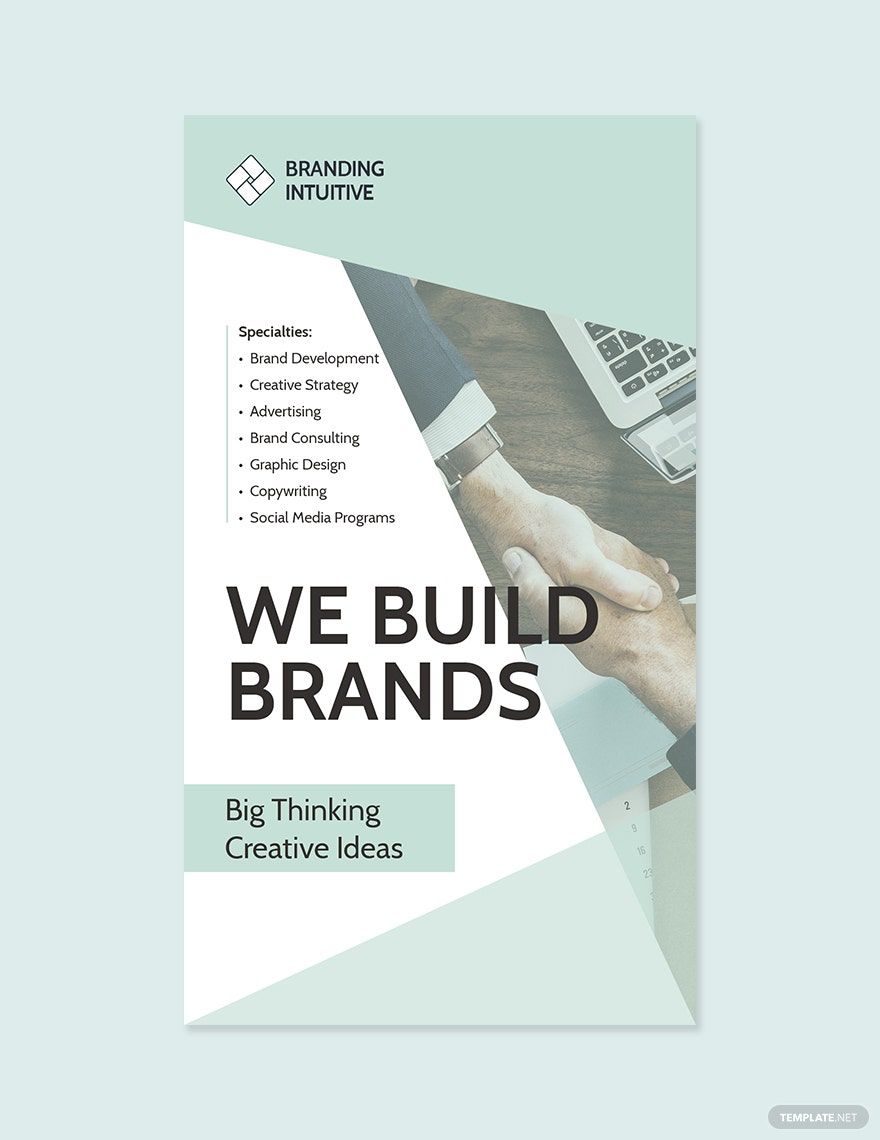
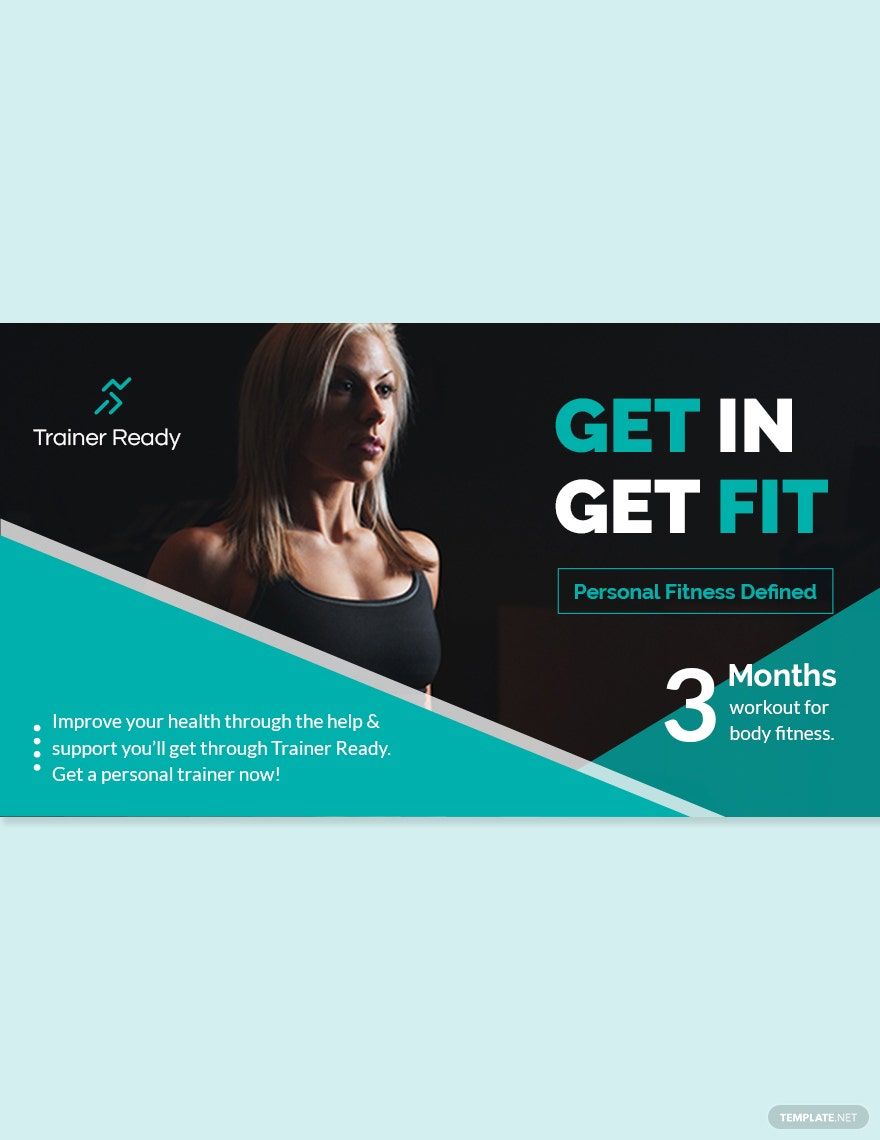
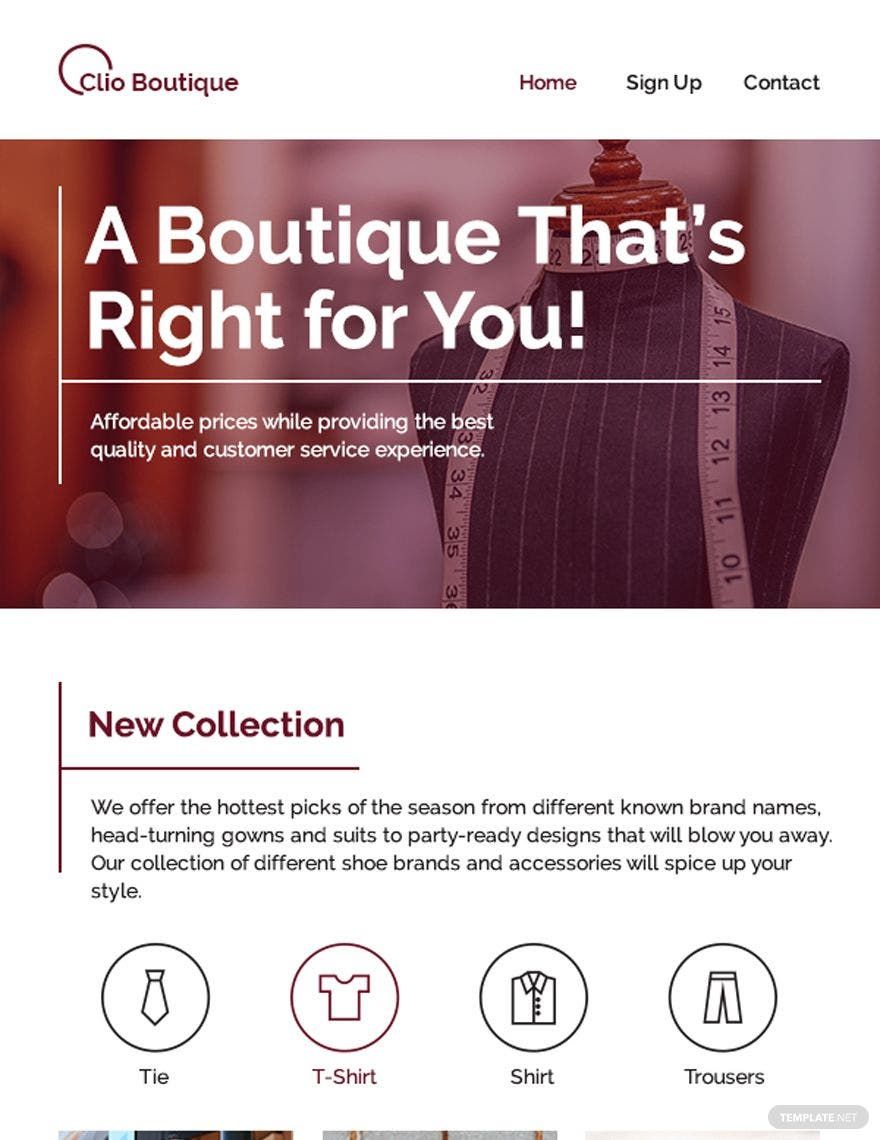
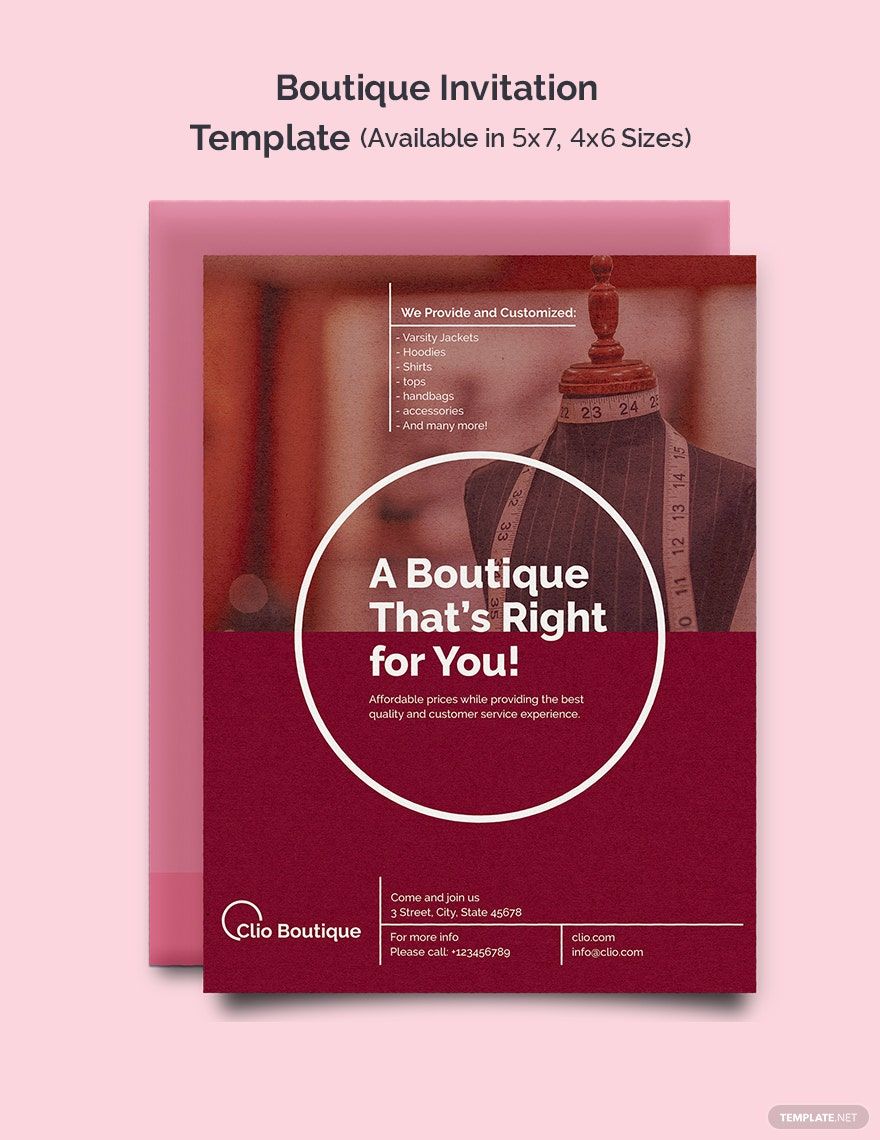
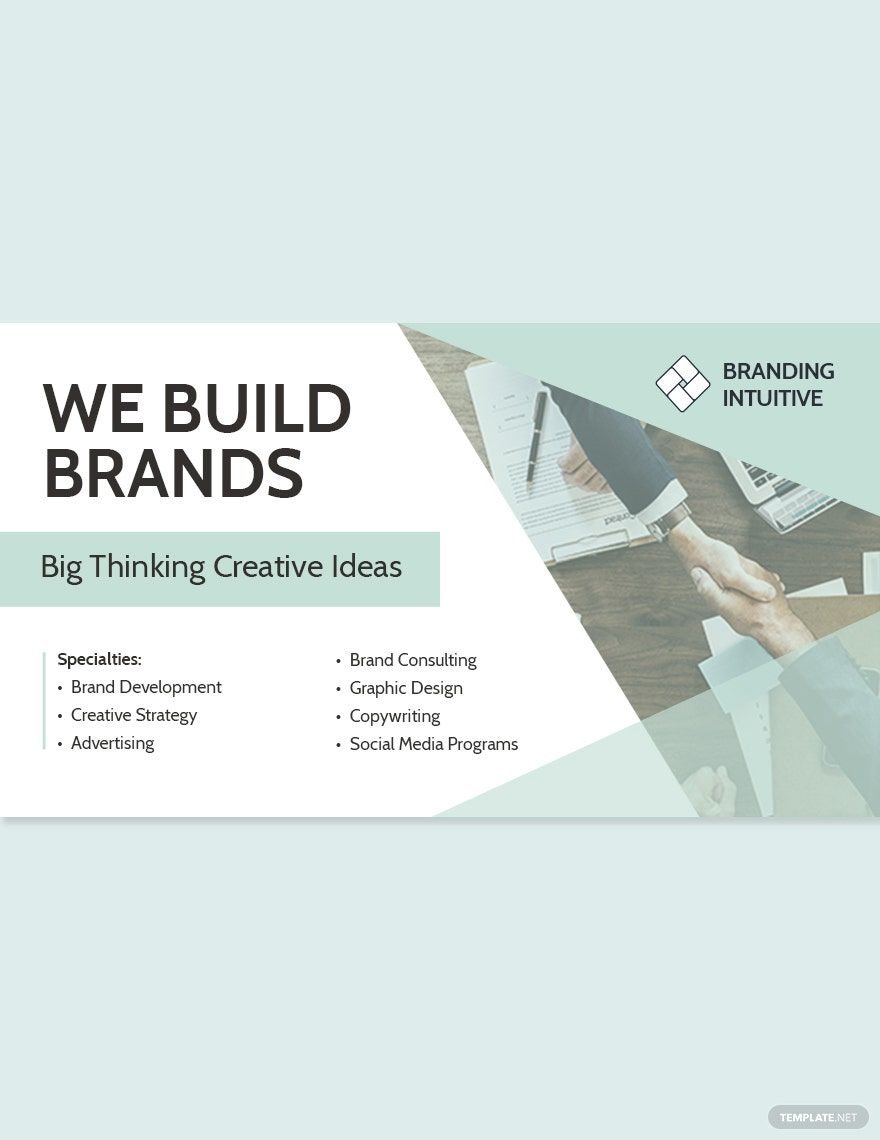
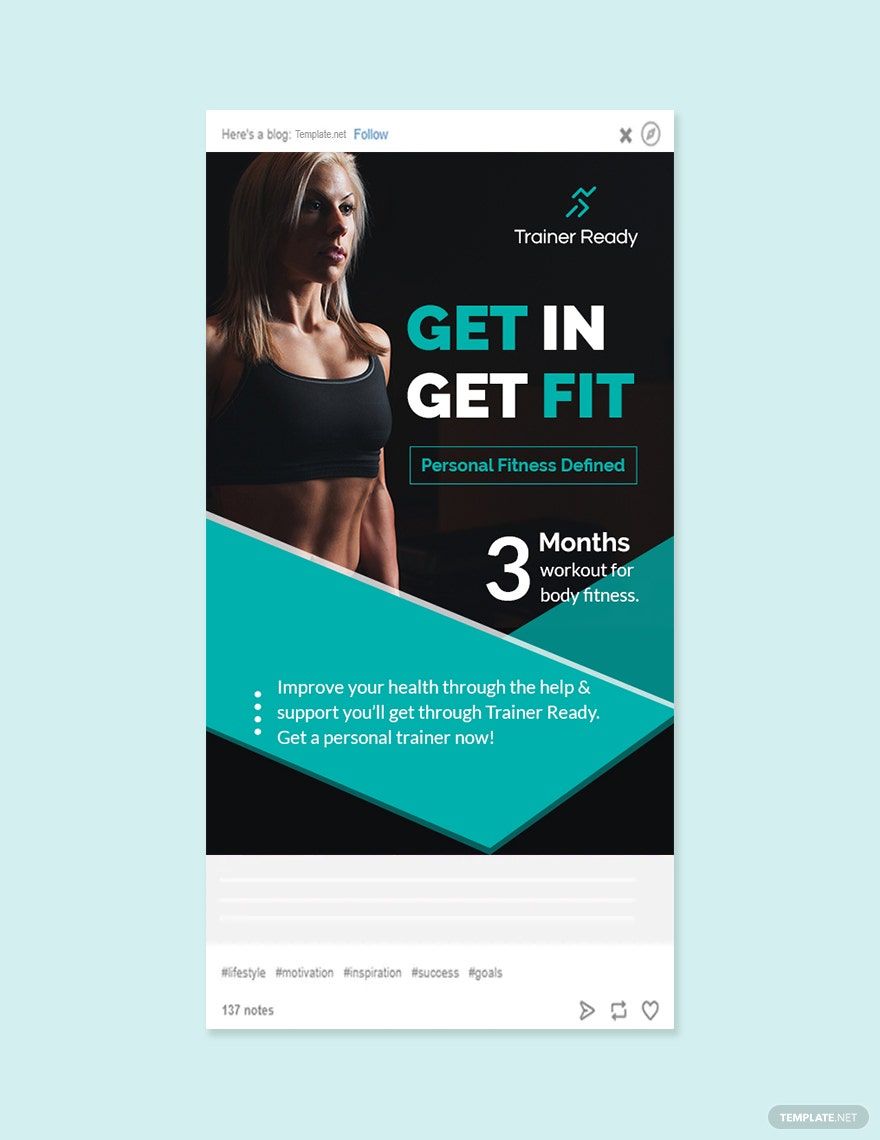
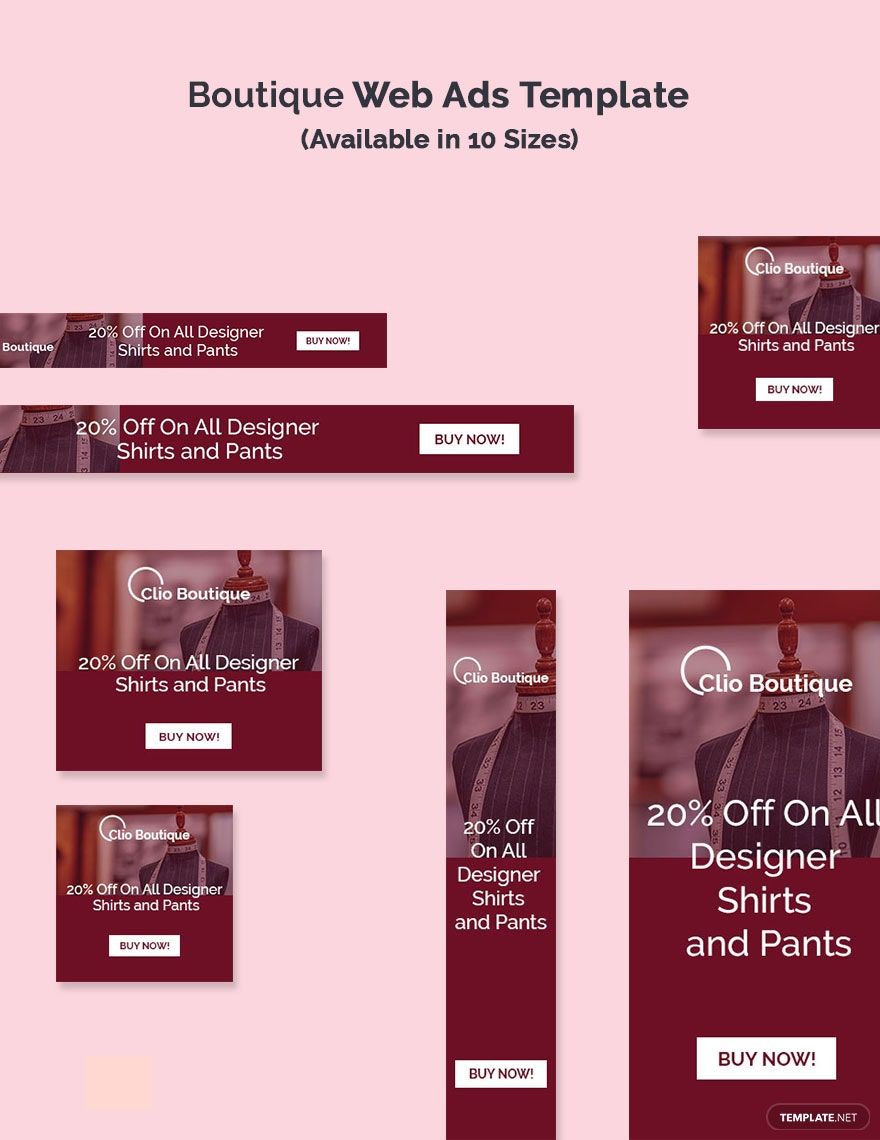
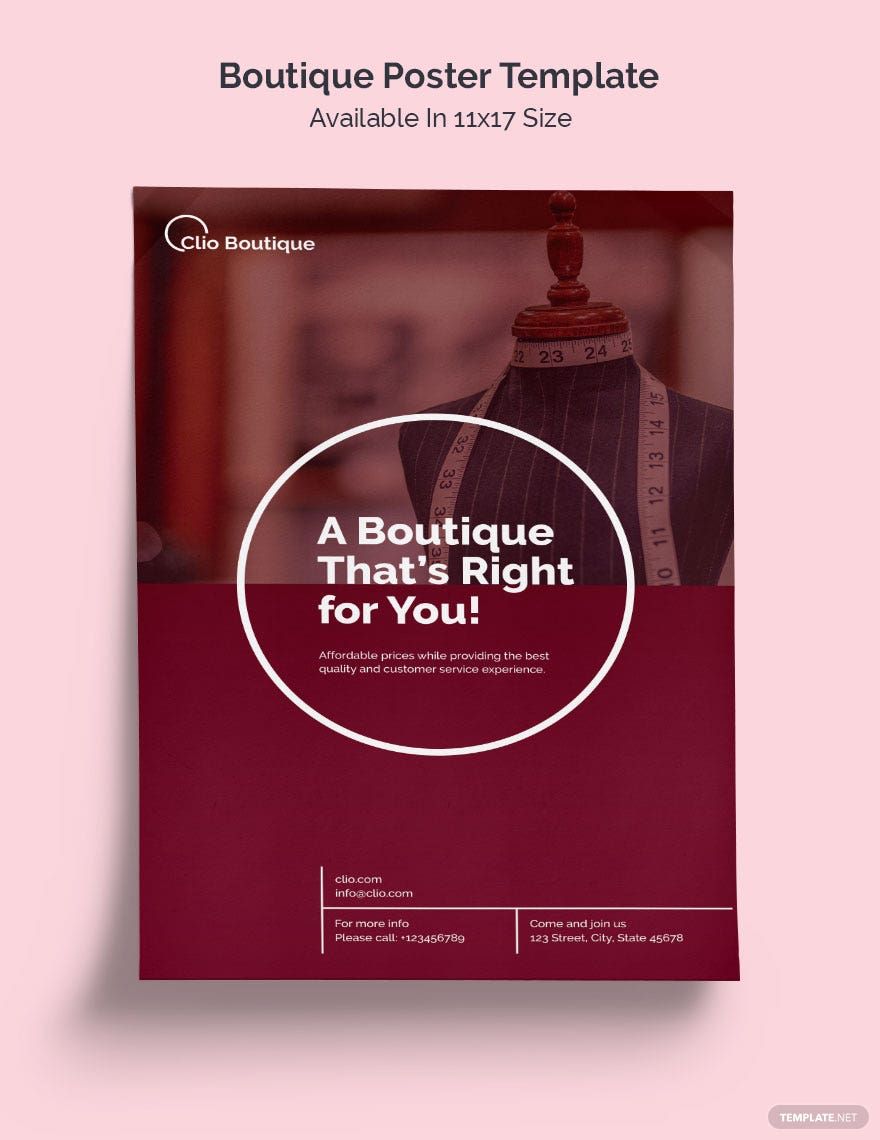
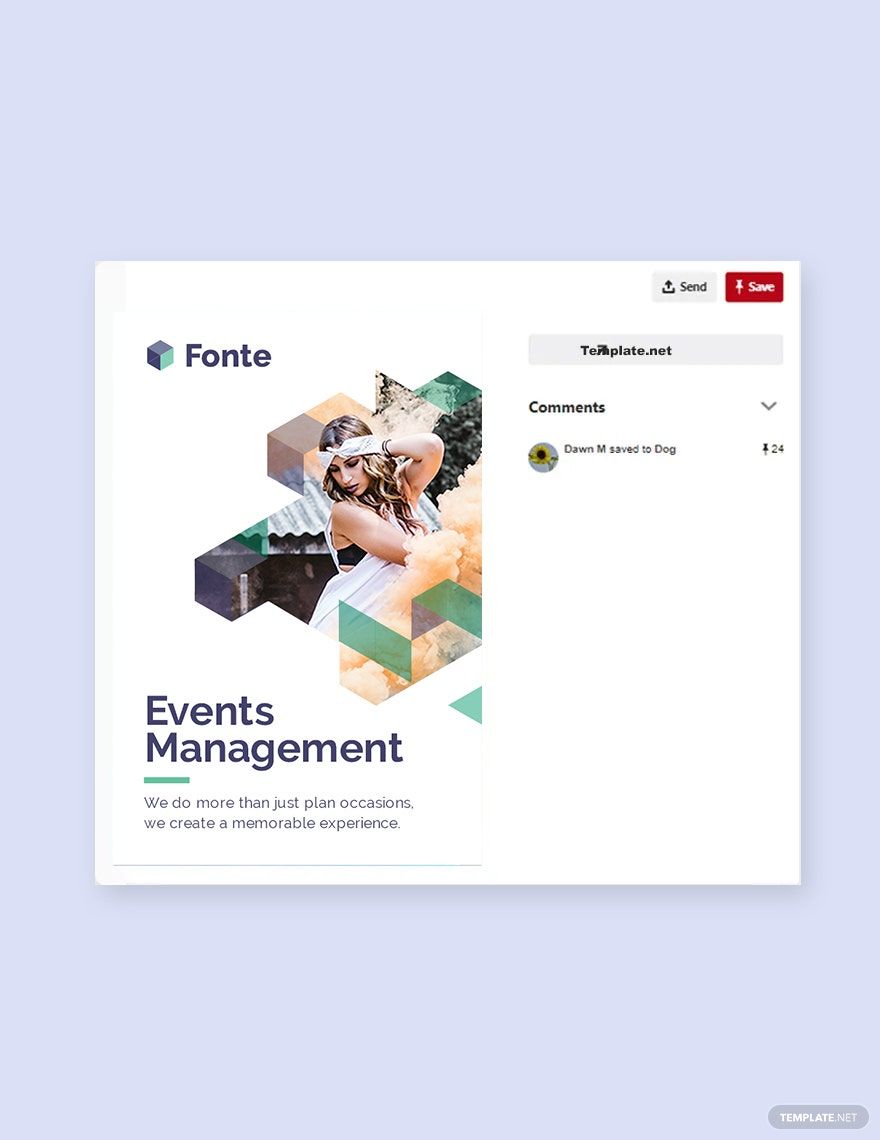
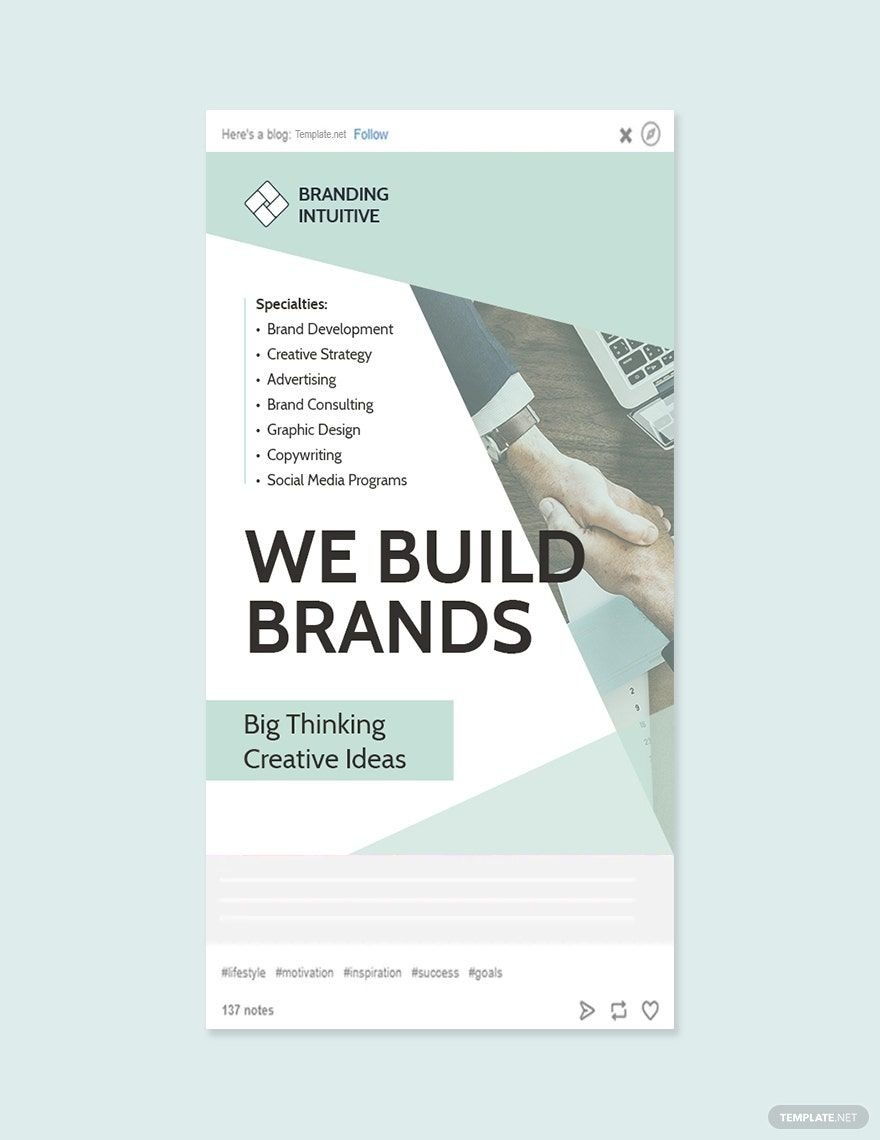
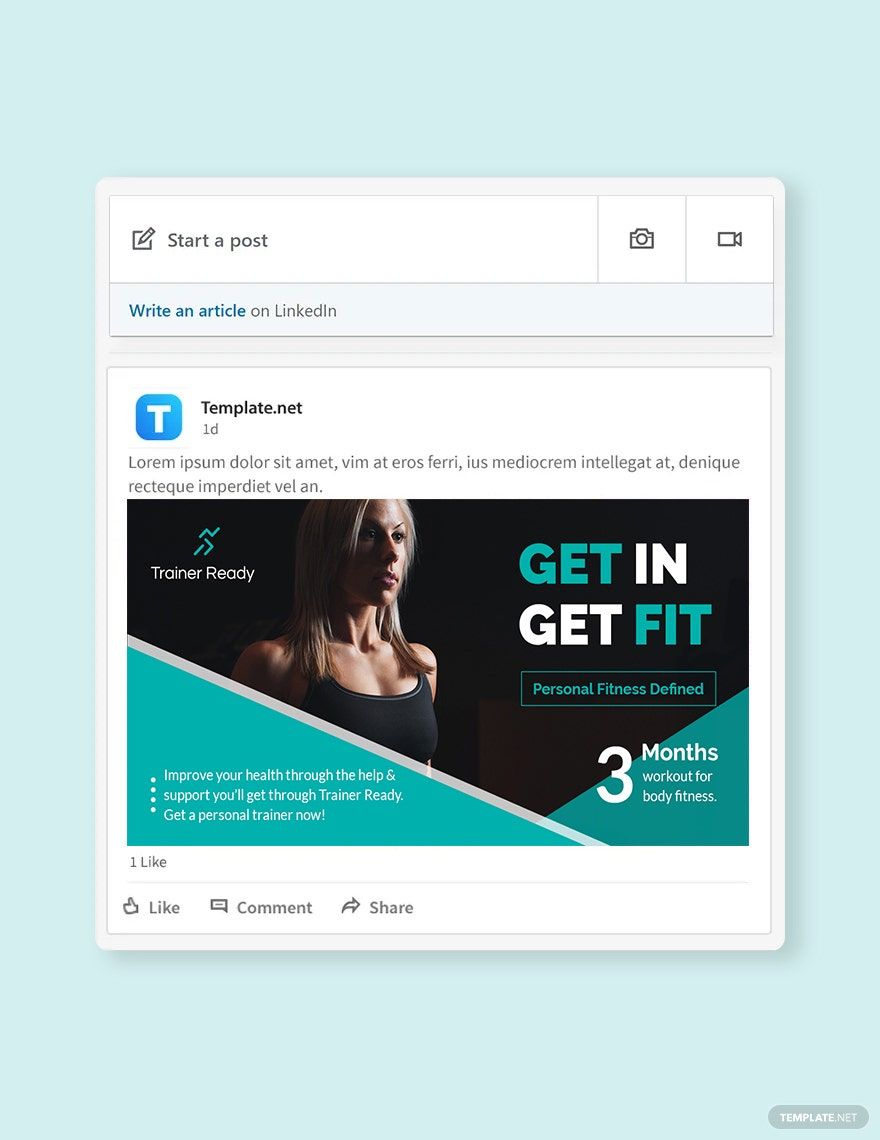
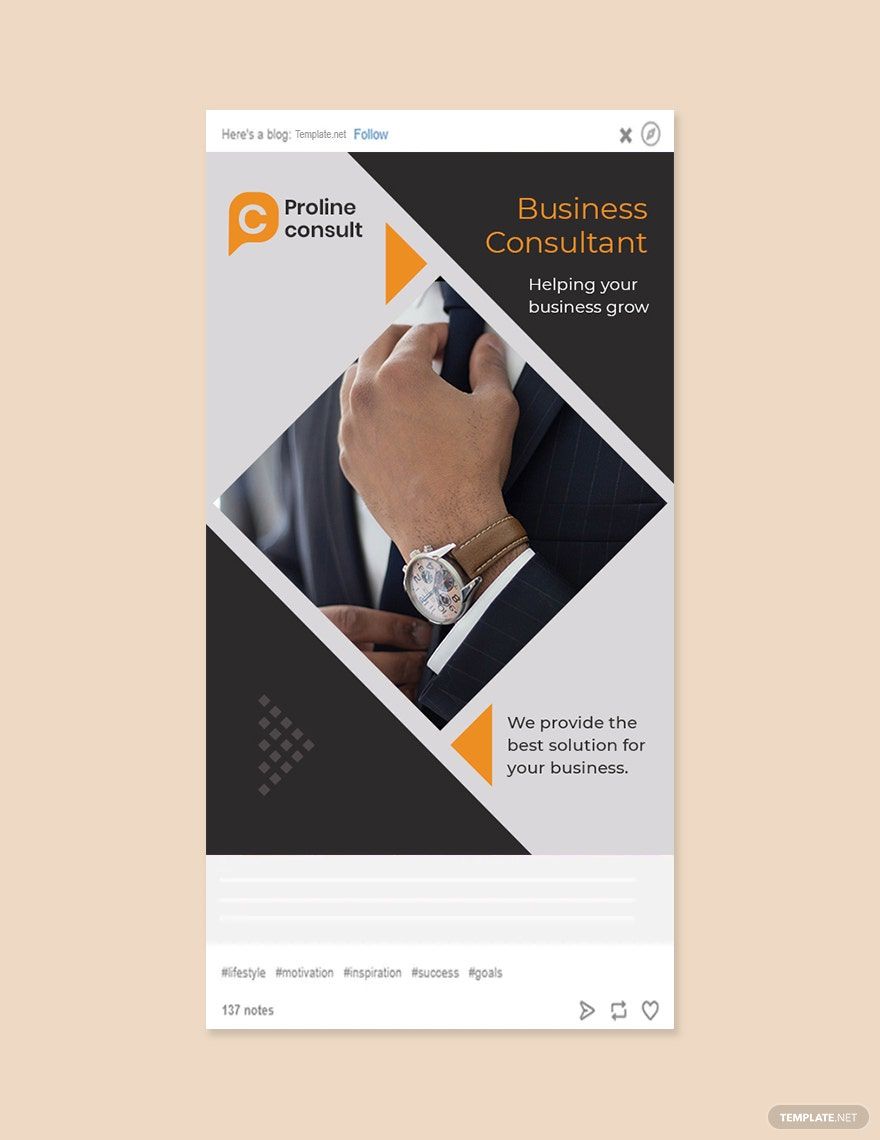
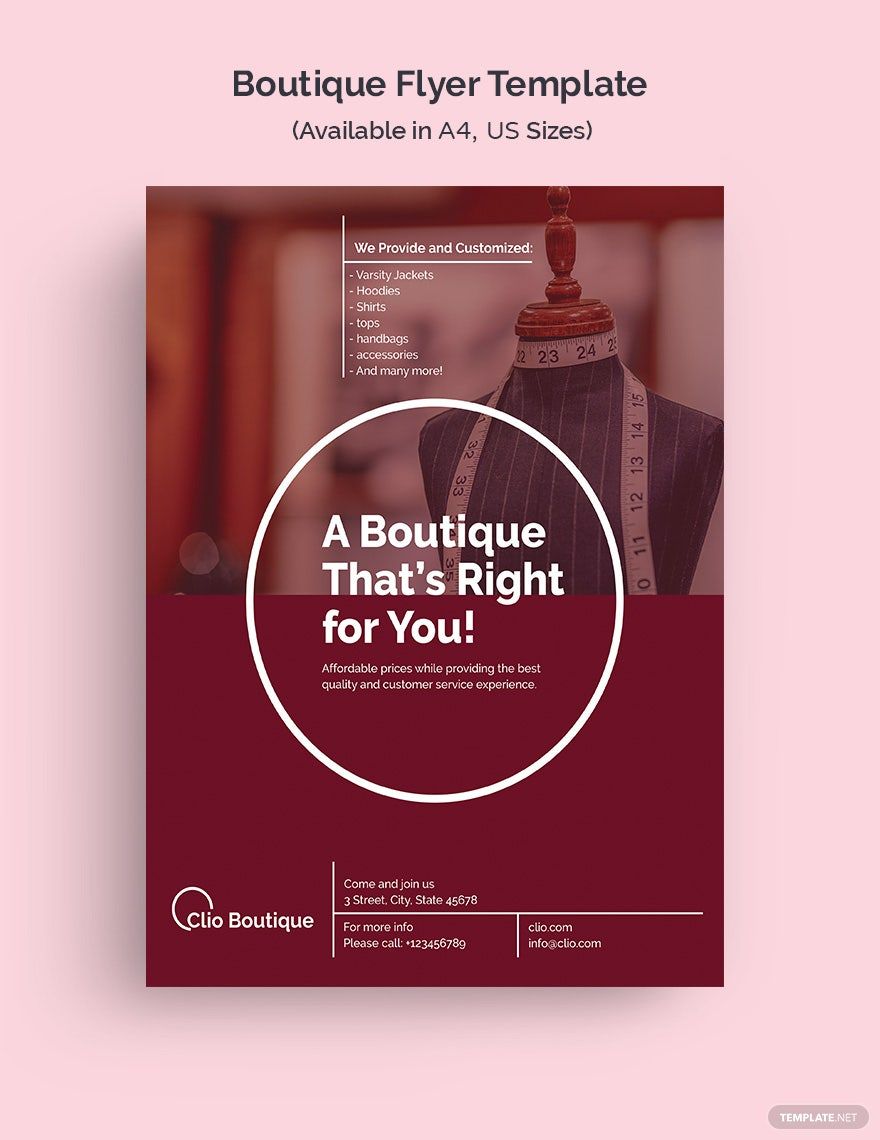
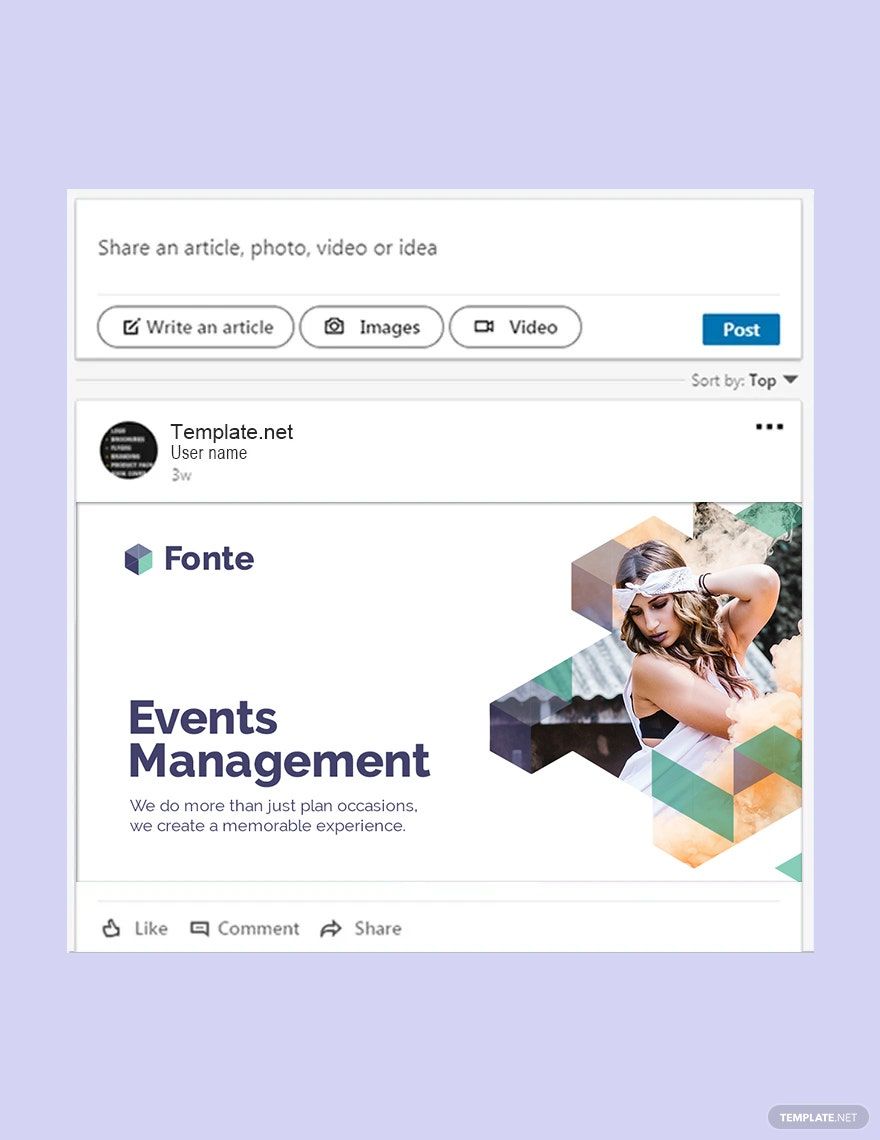
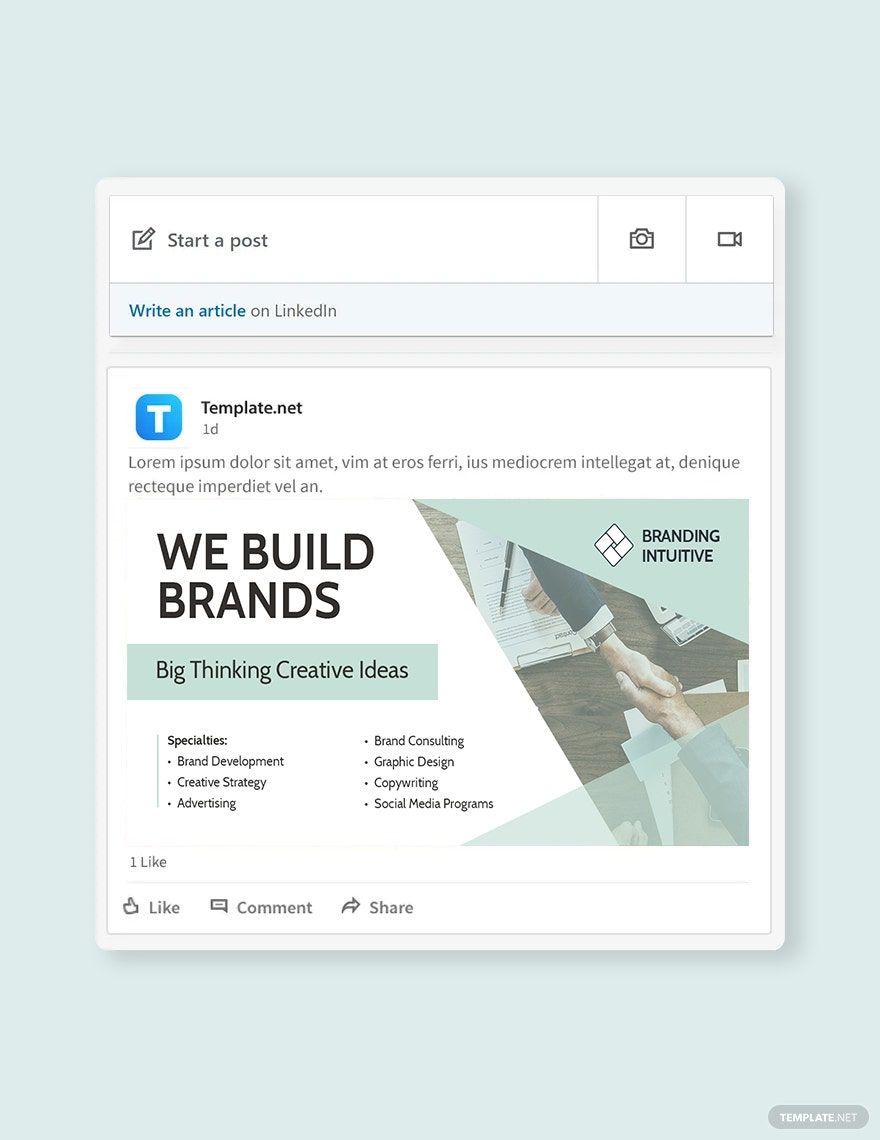
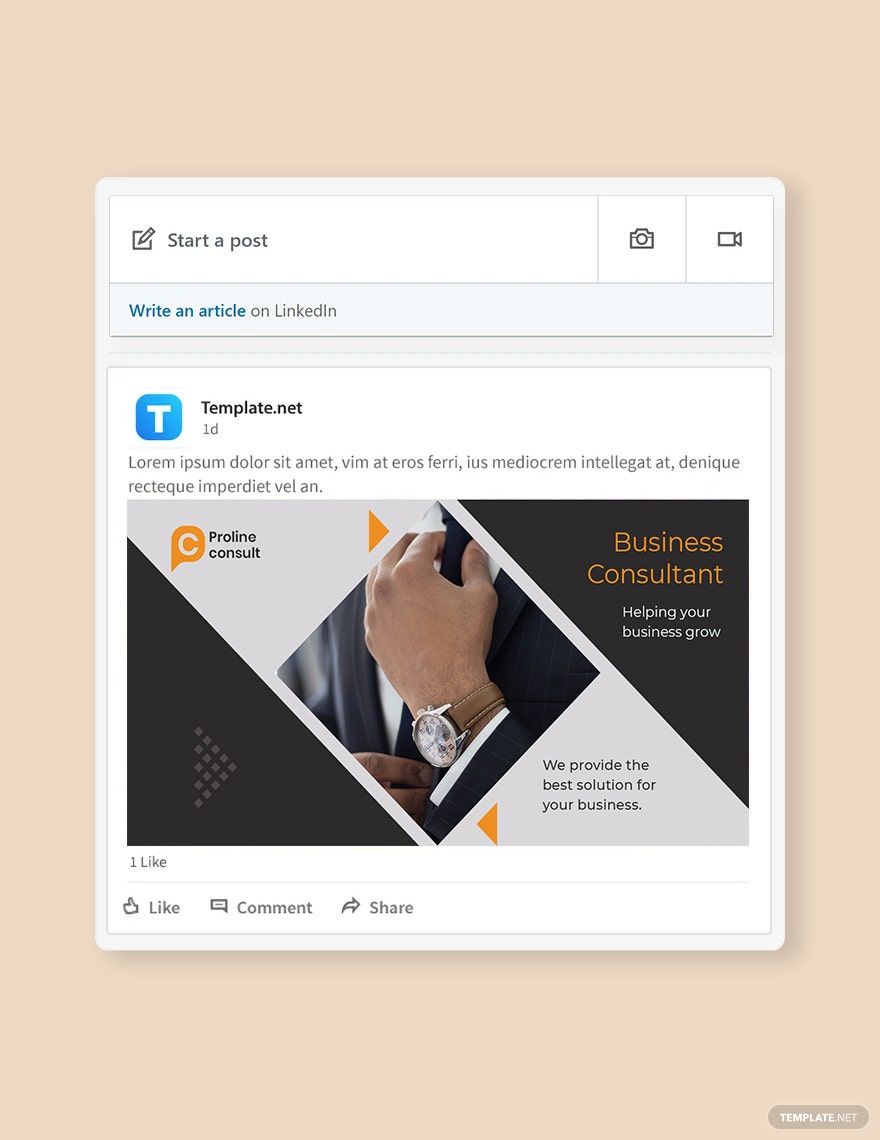
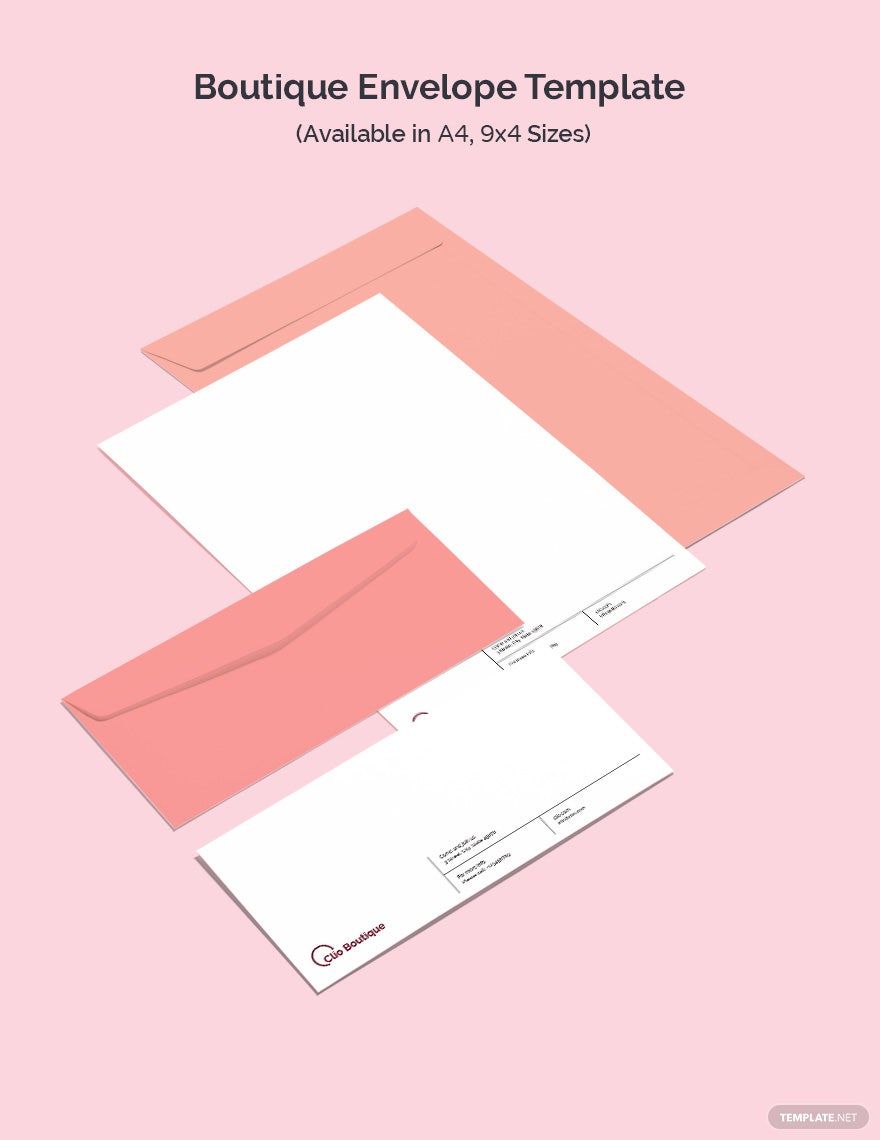
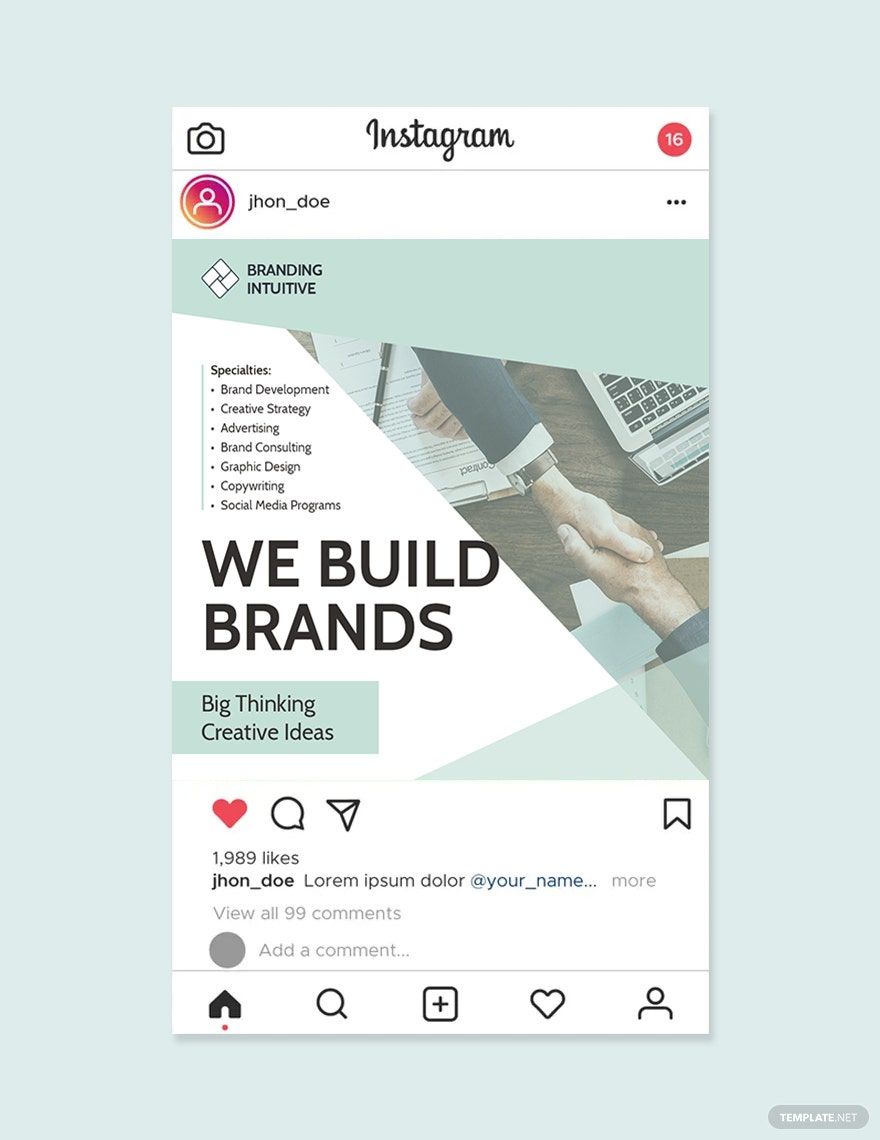
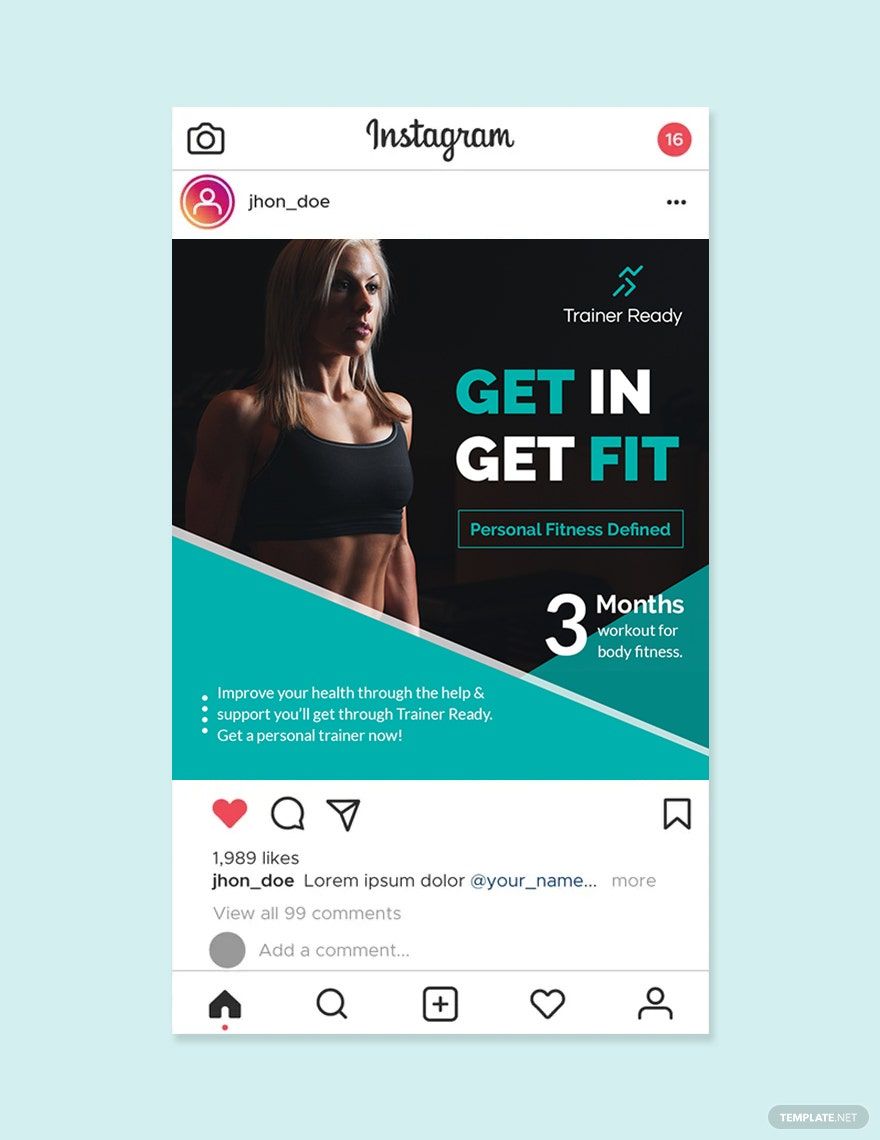
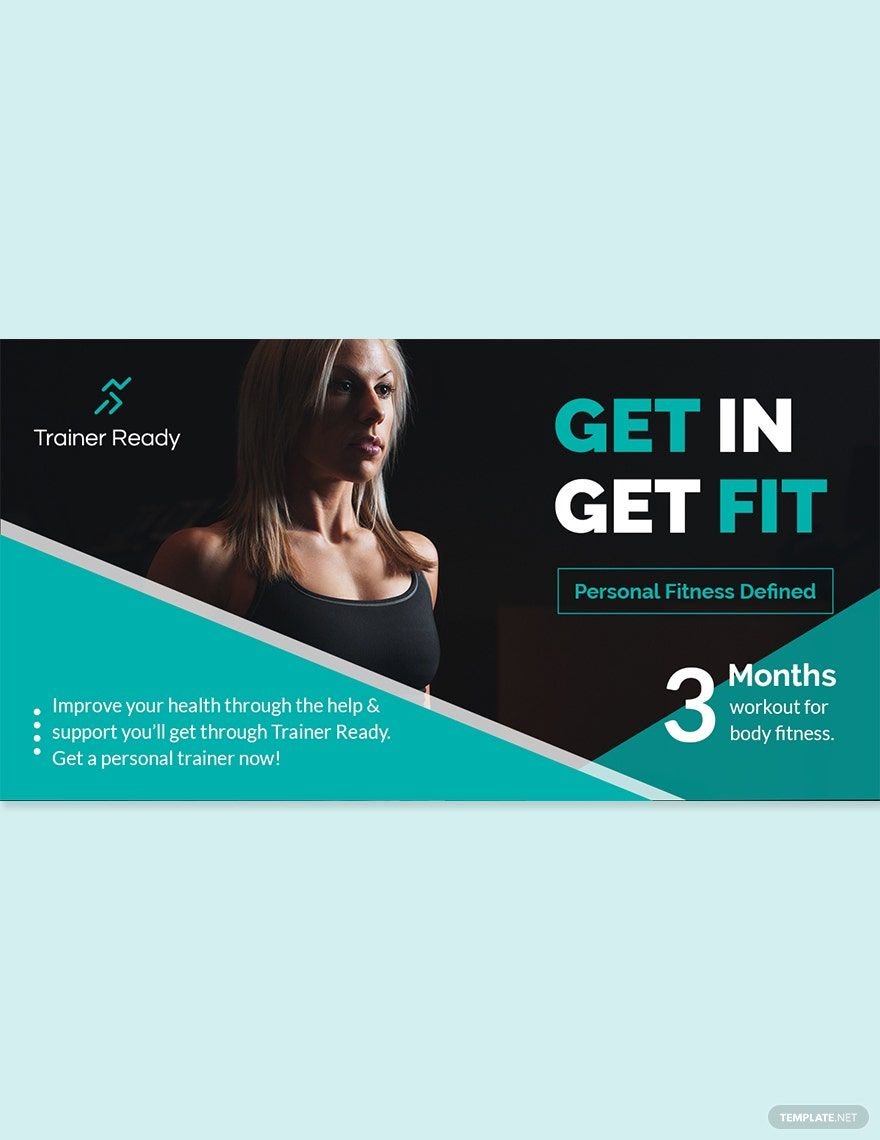
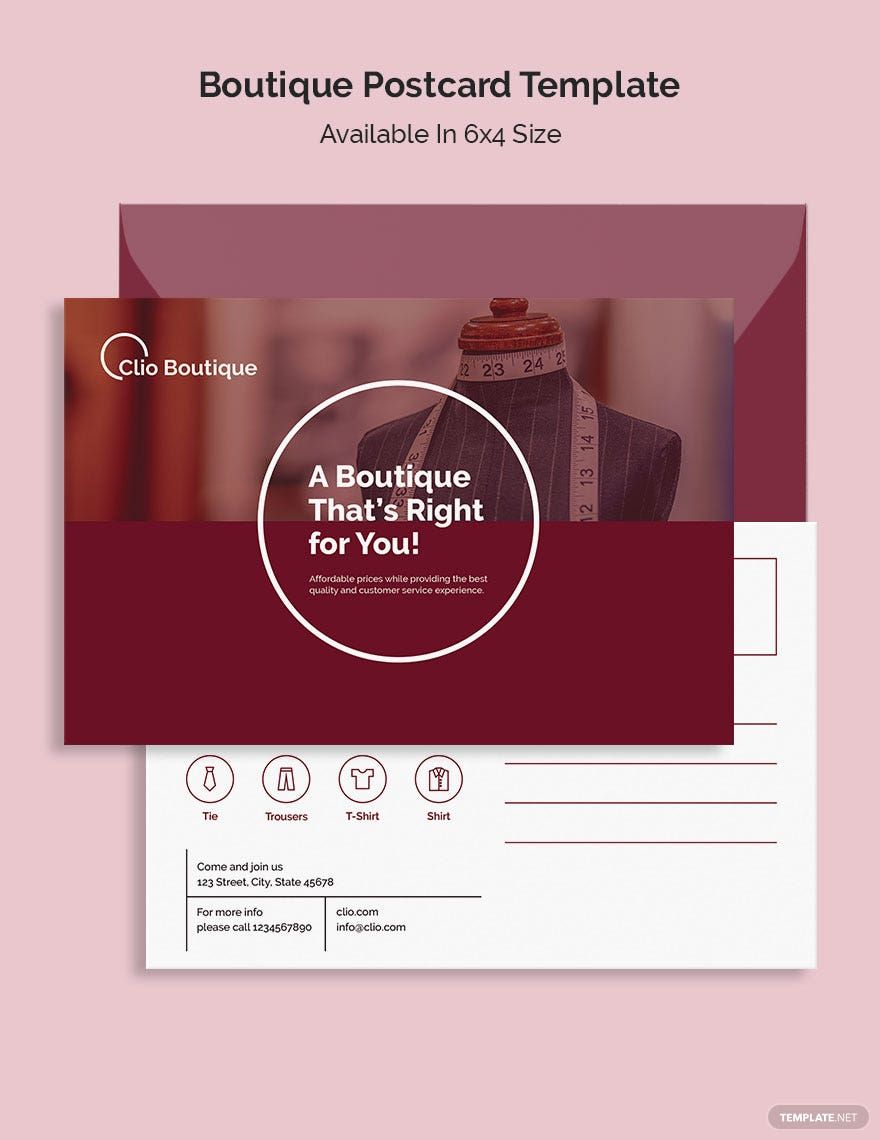
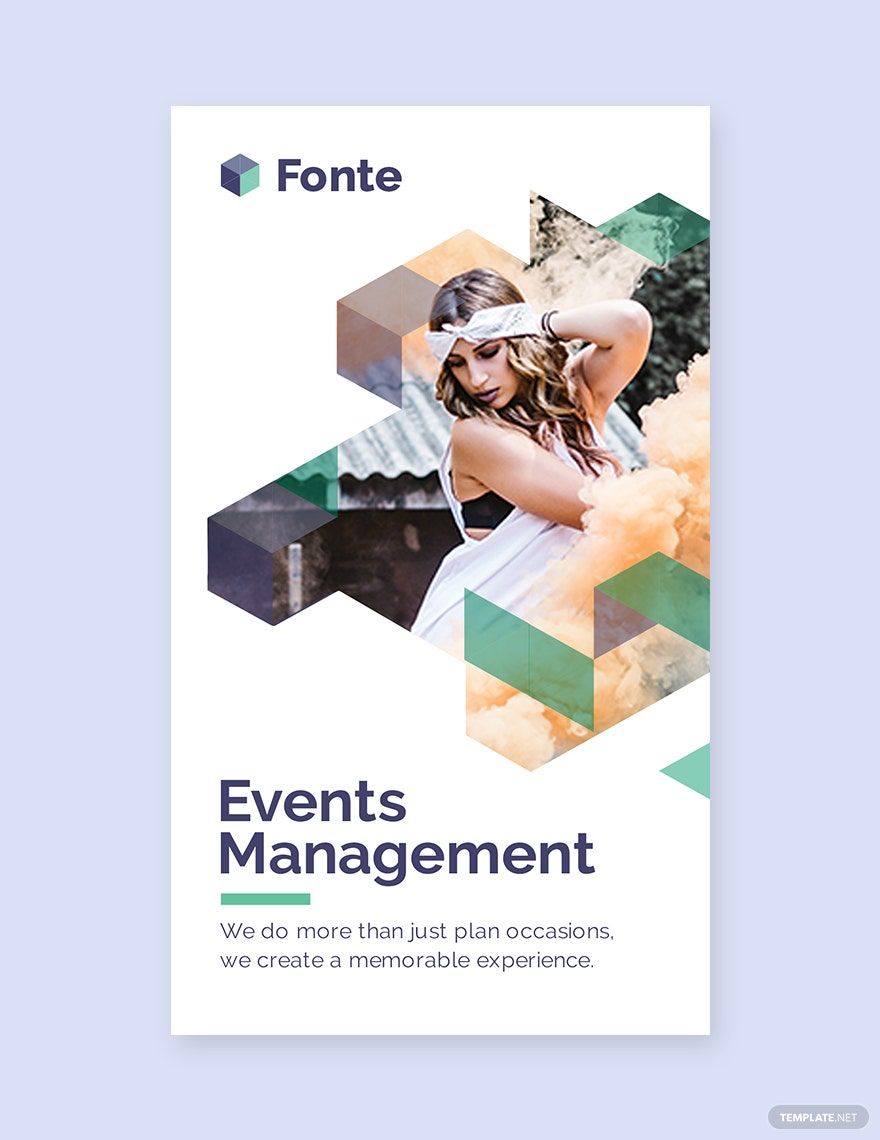
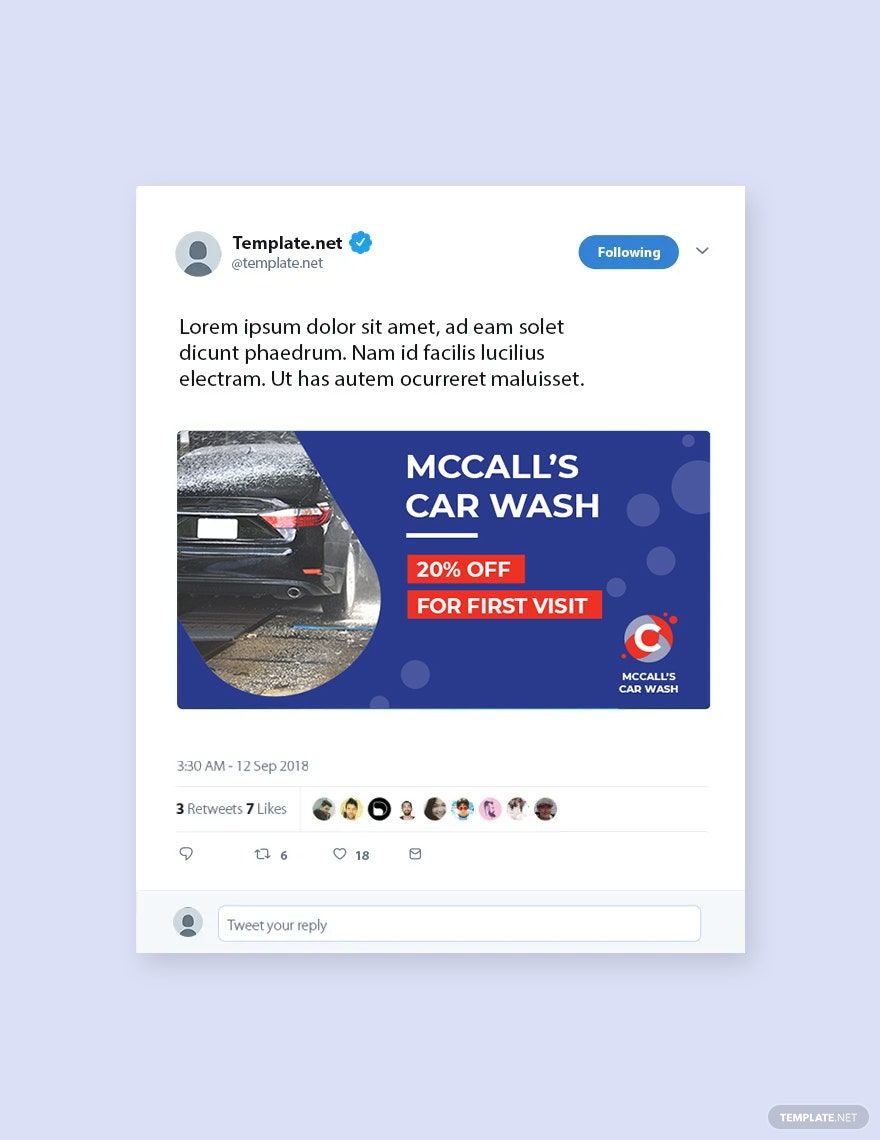
A Graphic is a visual design element used to convey information or ideas through images, colors, and typography. It can include flyers, posters, banners, and other creative layouts designed to attract attention and communicate messages effectively in various contexts.
Why should I use a Graphic?
Using a Graphic enhances communication by combining visual and textual elements, making information more engaging and easier to understand. Customizable Graphic templates allow you to create professional-quality designs quickly without needing advanced design skills.
Who uses Graphic?
Graphic templates are used by marketers, designers, business owners, and educators who need visually appealing materials. These users benefit from customizable Graphic designs to promote brands, share information, or enhance presentations.
What are the best tips for completing my Graphic?
When completing a Graphic, focus on clarity, color harmony, and appropriate typography. Utilize the customizable features of templates to adjust images and text to fit your message while maintaining professional design standards and visual balance.
Can I create a Graphic using AI?
You can create a Graphic using AI tools available on Template.net or other platforms, which assist in generating design ideas and layouts. However, this category emphasizes customizable Graphic templates that you can edit and refine directly in your browser.
What file formats can I download for my Graphic?
Template.net supports multiple export formats for Graphic templates, including Illustrator, InDesign, Word, Apple Pages, PSD, Publisher, HTML5, Google Docs, Excel, Google Sheets, PDF, PowerPoint, Apple Numbers, Apple Keynote, and Google Slides.
When should I use a Graphic?
You should use a Graphic when you need to visually communicate ideas, promote events, or enhance documents with compelling design. Customizable Graphic templates are ideal for marketing materials, social media posts, presentations, and informational flyers.
What are the essential elements of a Graphic?
Essential elements of a Graphic include layout, color scheme, typography, images or icons, and whitespace. These elements work together to create a balanced, visually appealing design that captures attention and conveys the intended message clearly.
How can Graphic templates improve my workflow?
Graphic templates streamline your design process by providing pre-made layouts and design elements. Using customizable Graphic templates reduces the time spent on formatting and allows you to focus on content and creativity while ensuring professional results.
