











































Free Linkedin Post Templates: Customizable Design Guide, Sizes, and Download Formats
What is a Linkedin Post?
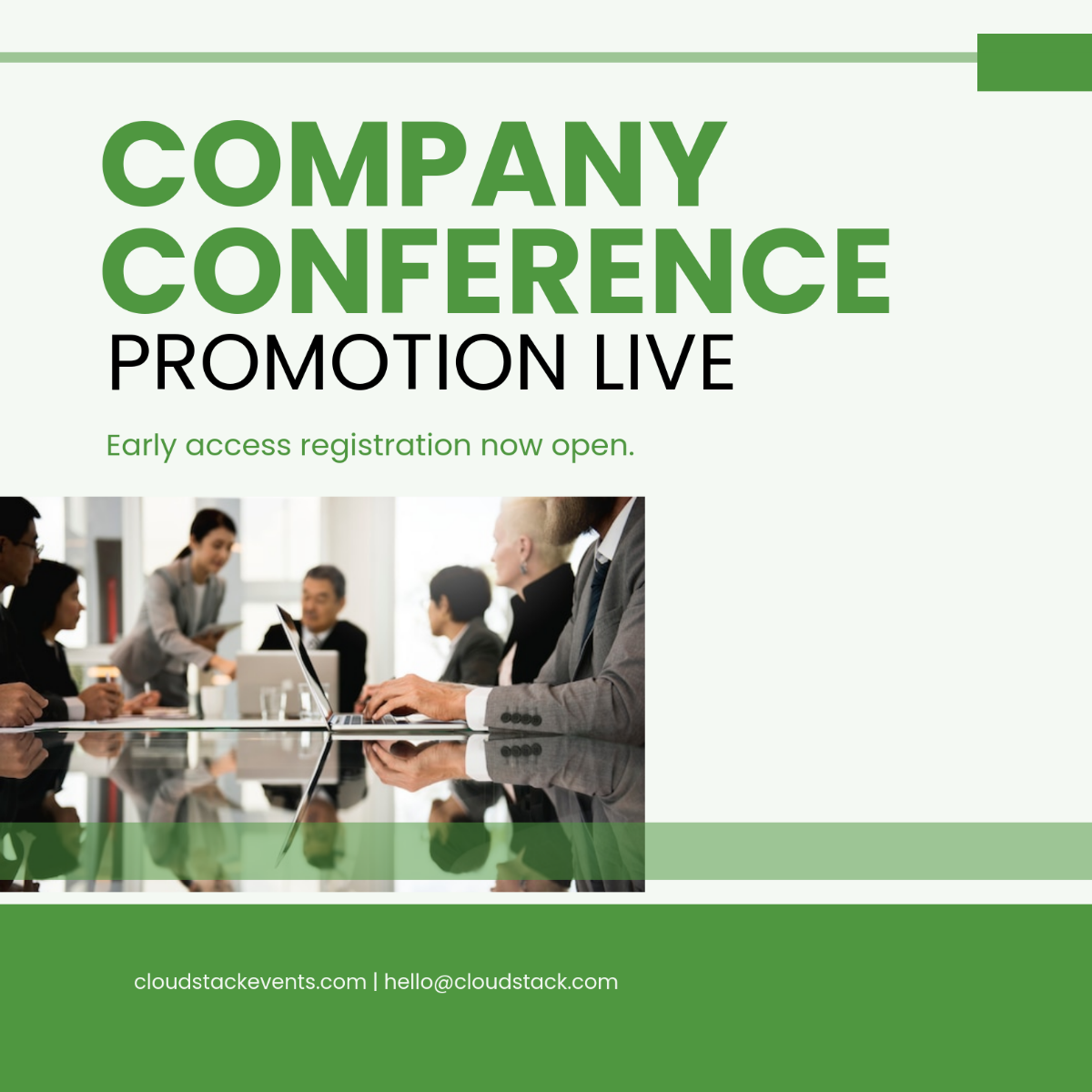
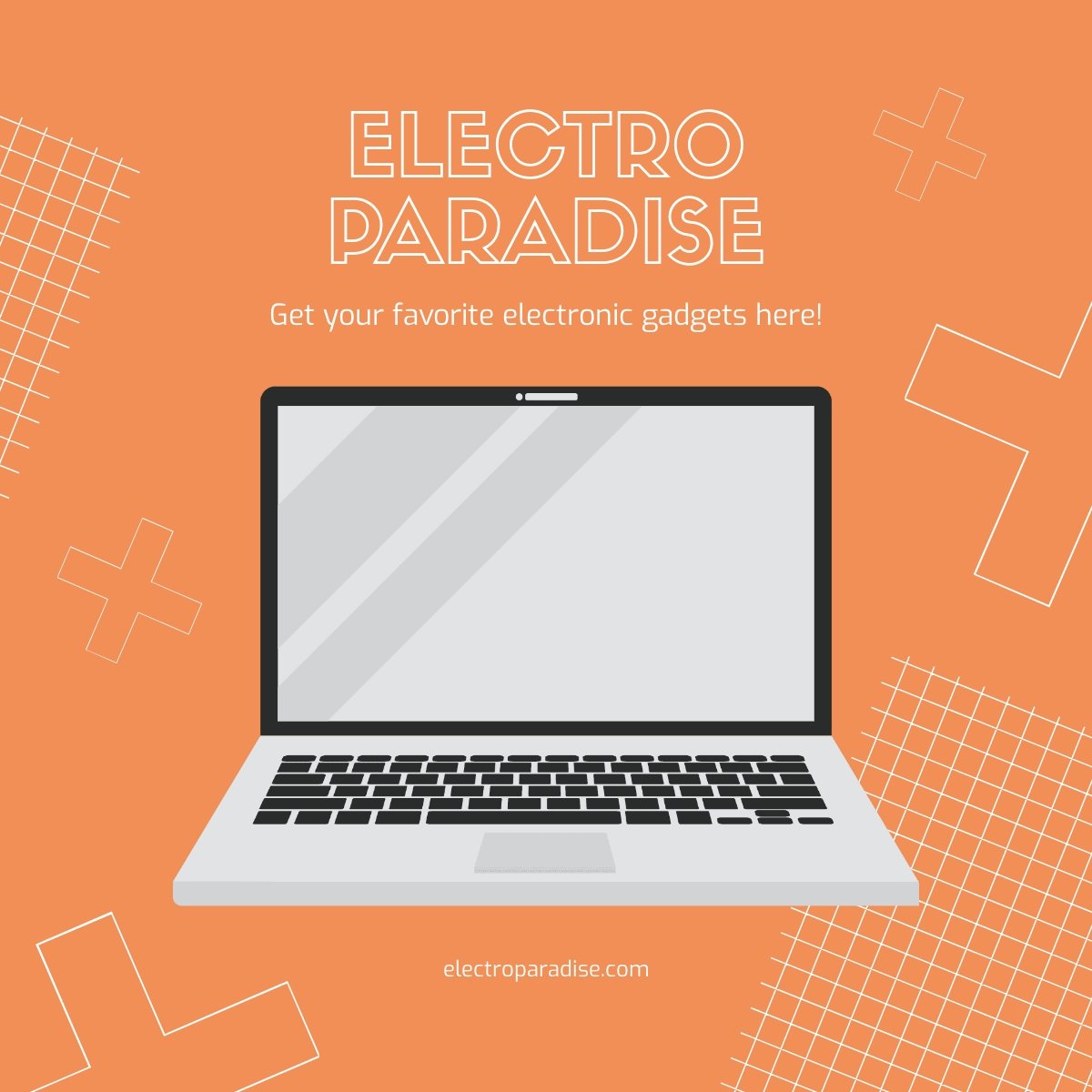
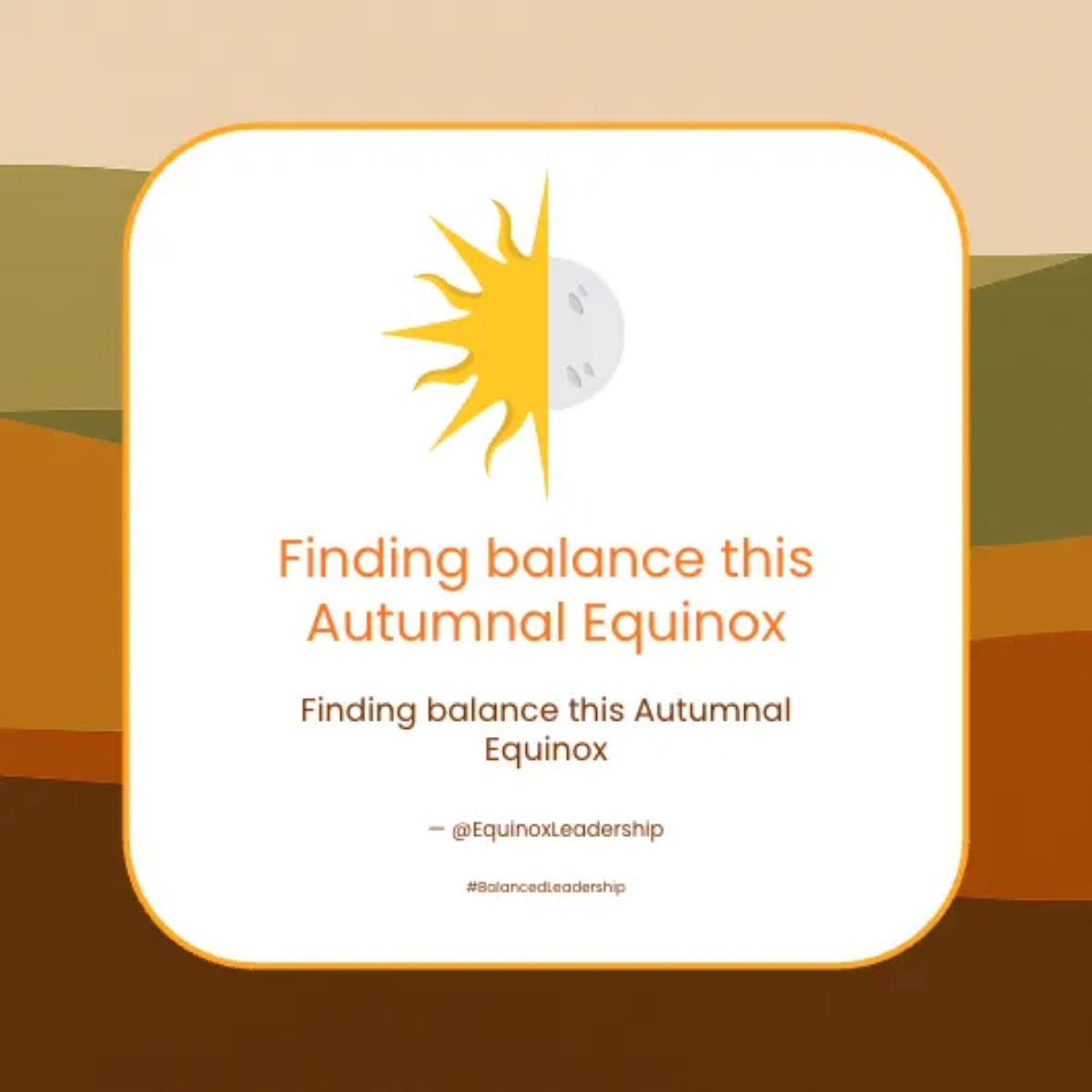
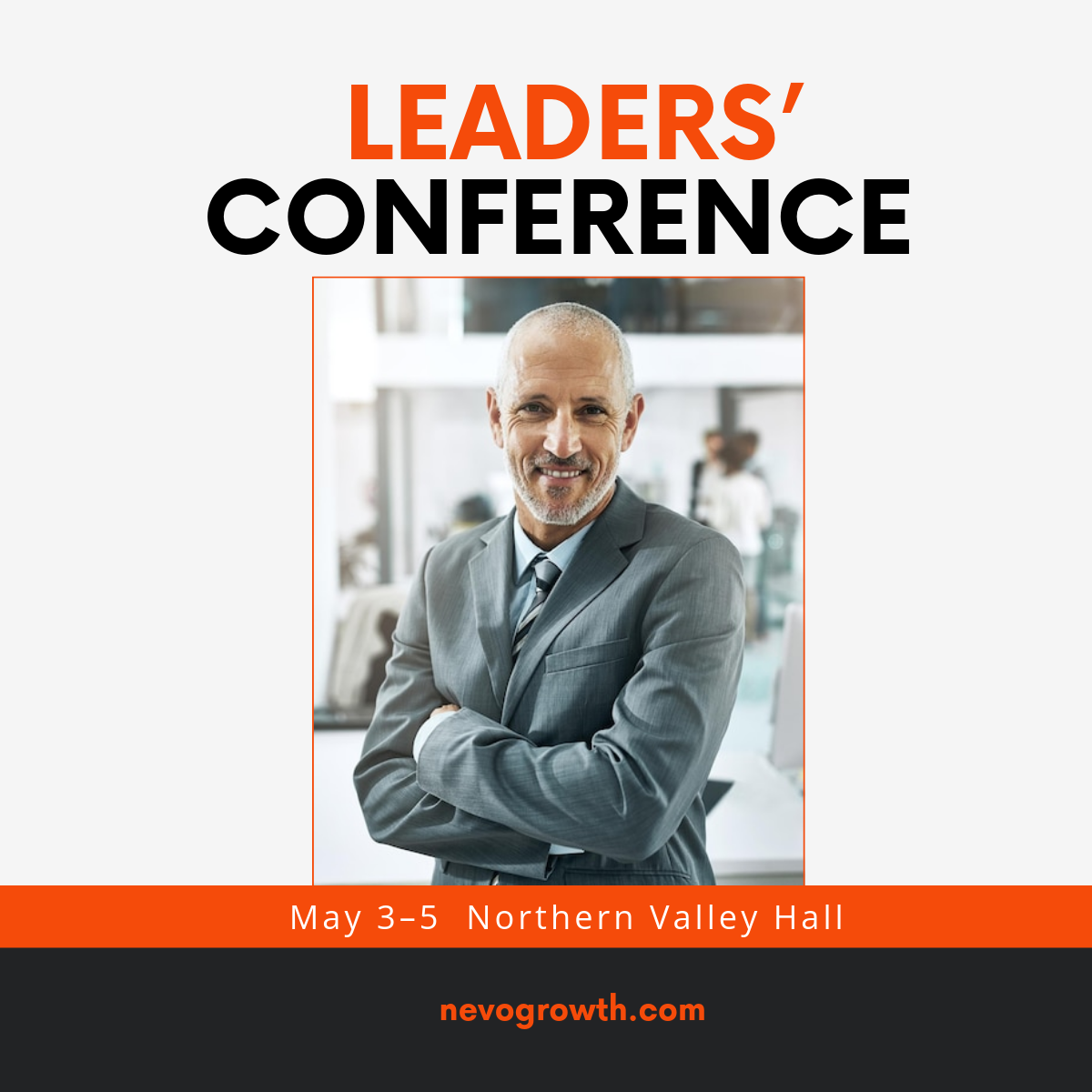
A Linkedin Post is a digital content format designed specifically for sharing professional updates, insights, and announcements on the LinkedIn platform. These posts often include text, images, or multimedia elements to engage a professional audience effectively.
Why should I use a Linkedin Post?
You should use a Linkedin Post to build professional relationships, share industry knowledge, increase brand visibility, and engage with your network in a targeted business environment. These posts help in establishing your professional identity and thought leadership.
Who uses Linkedin Posts?
Linkedin Posts are used by professionals, marketers, recruiters, business owners, and companies aiming to network, promote services, share industry news, and connect with peers or clients within the professional community.
What are the best tips for designing my Linkedin Post?
Here are effective design tips for your Linkedin Post to maximize engagement and professionalism:
- Use clear and concise messaging to communicate your point quickly.
- Incorporate your brand colors to maintain identity consistency.
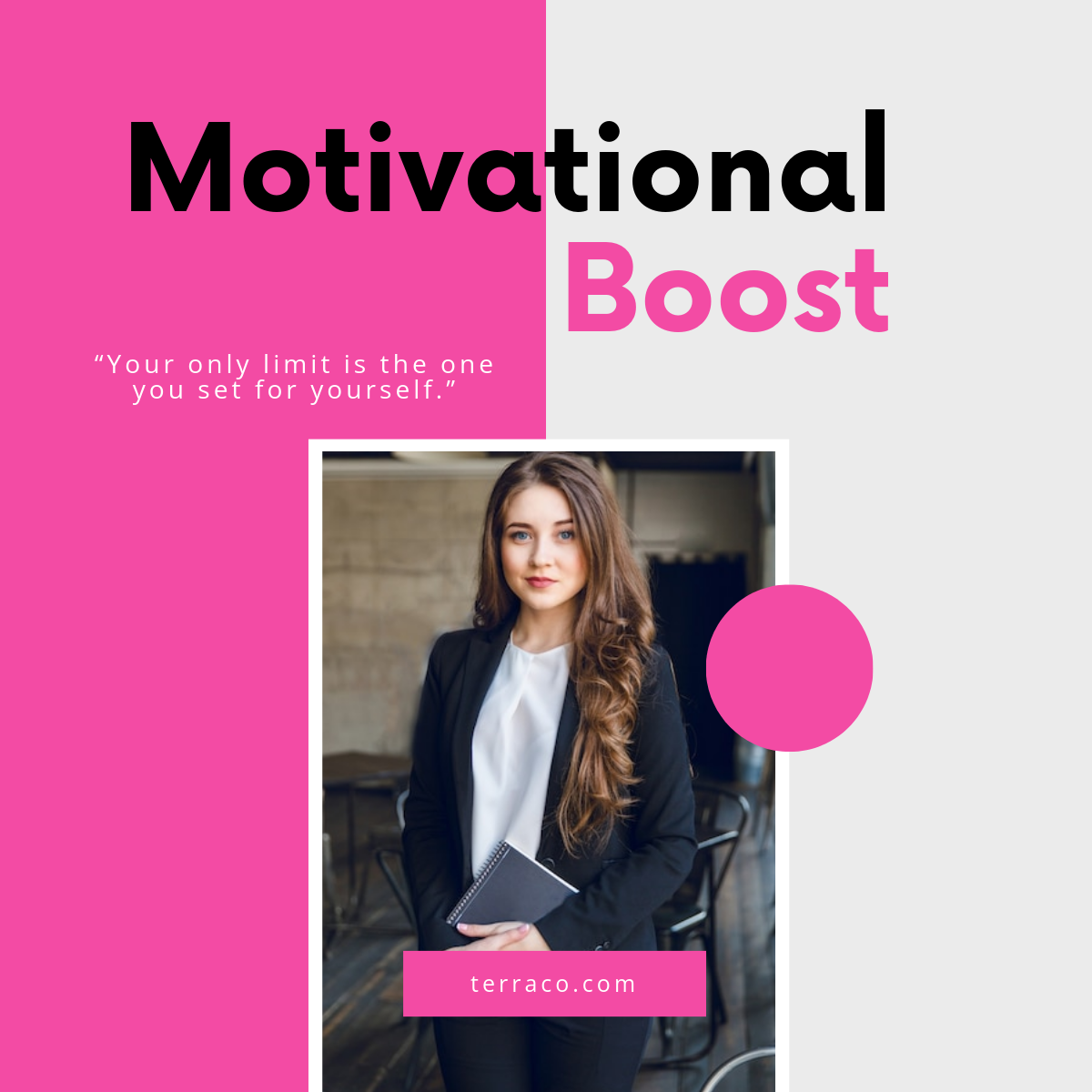
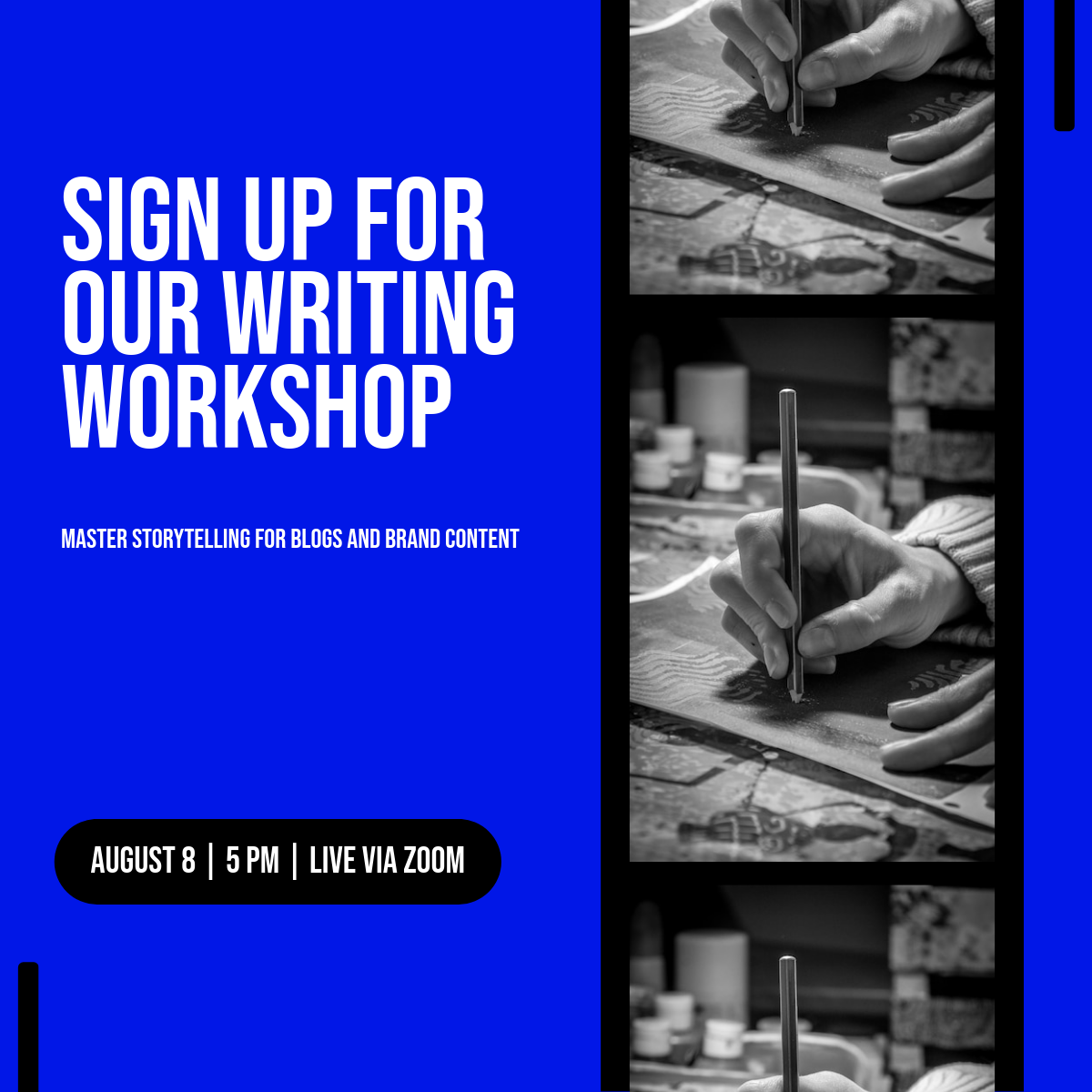
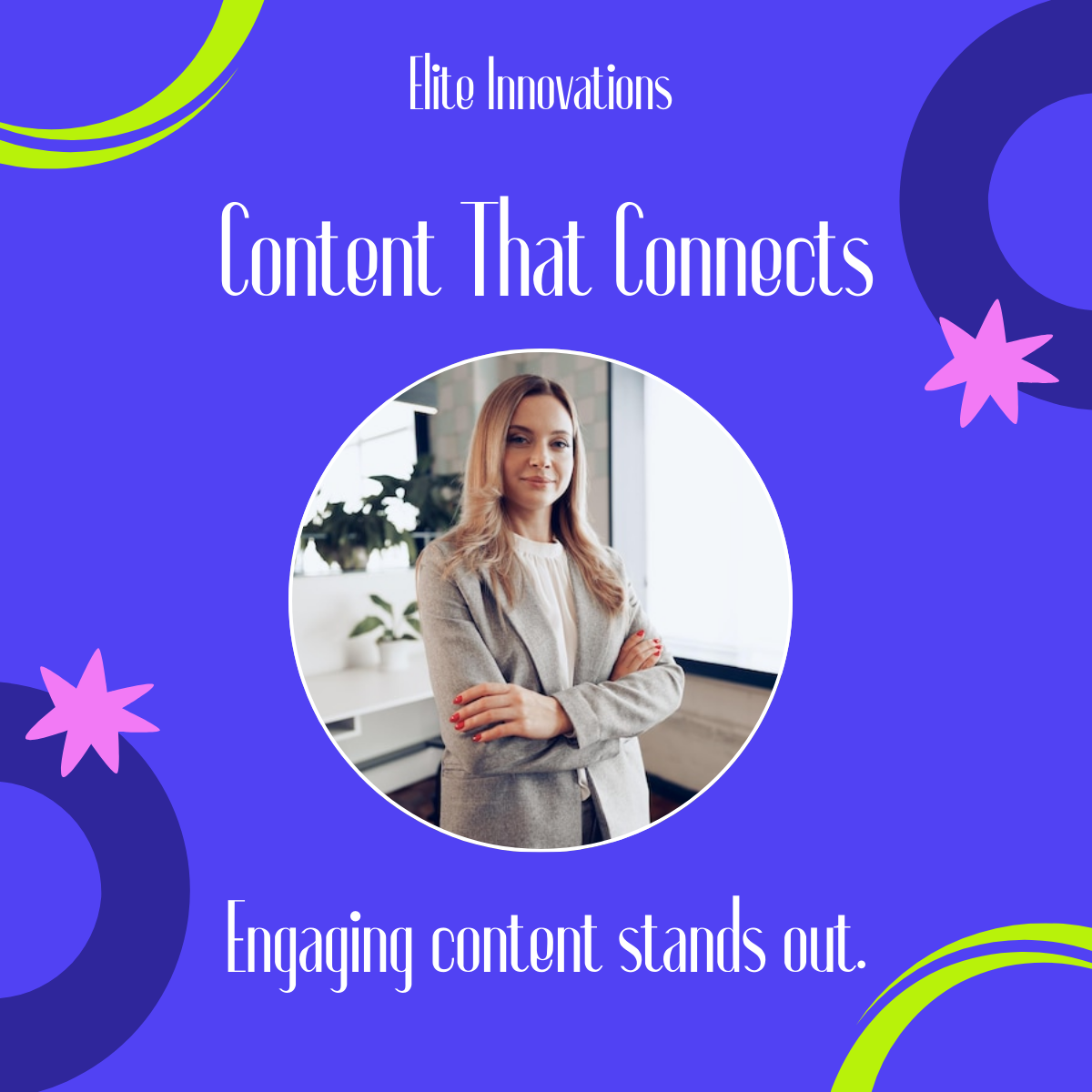
- Include high-quality images or graphics to attract attention.
- Use readable fonts that look professional and are easy to scan.
- Optimize for mobile viewing since many users access LinkedIn on phones.
- Include a call to action when appropriate to encourage interaction.
- Keep the layout clean and balanced to avoid clutter.
- Leverage white space to enhance readability.
- Use bullet points or short paragraphs for scannability.
- Test post visuals on different devices before publishing.
What file formats can I download for my Linkedin Post?
Template.net supports multiple export formats for editing and sharing your Linkedin Post templates, including Google Docs, PSD, PDF, and Illustrator.
Can I create a Linkedin Post using AI?
Template.net provides an AI-powered tool that generates new Linkedin Post designs from prompts to help you create professional content efficiently. Try the Linkedin Post Generator to customize posts quickly.
What are the ideal pixel dimensions for my Linkedin Post?
The ideal pixel dimensions for a Linkedin Post ensure your content displays crisply across devices and platforms. Standard Linkedin post sizes include:
- 1200 × 627 pixels for link shares.
- 1080 × 1080 pixels for square image posts.
- 1200 × 1200 pixels for high-resolution images.
- 1200 × 1500 pixels for vertical posts.
- Ensure images are optimized for fast loading.
What visual elements should I include in my Linkedin Post?
Including the right visual elements in your Linkedin Post increases engagement and professionalism. Consider these elements:
- Brand logo for identity recognition.
- High-quality images or illustrations relevant to your message.
- Text overlays for key points or quotes.
- Consistent color schemes aligned with your brand.
- Clear call-to-action buttons or prompts.
- Icons or symbols to support the message visually.
What are the benefits of using a Linkedin Post?
Using a Linkedin Post offers several benefits to enhance your professional presence:
- Builds professional credibility by sharing valuable insights.
- Enhances brand visibility within your industry network.
- Engages your target audience with relevant content.
- Drives traffic to your website or profile.
- Improves networking opportunities with peers and recruiters.
- Supports marketing and recruitment efforts.
