
YouTube End Screen Templates: Definition, Usage, and Design Tips
What is a YouTube End Screen?
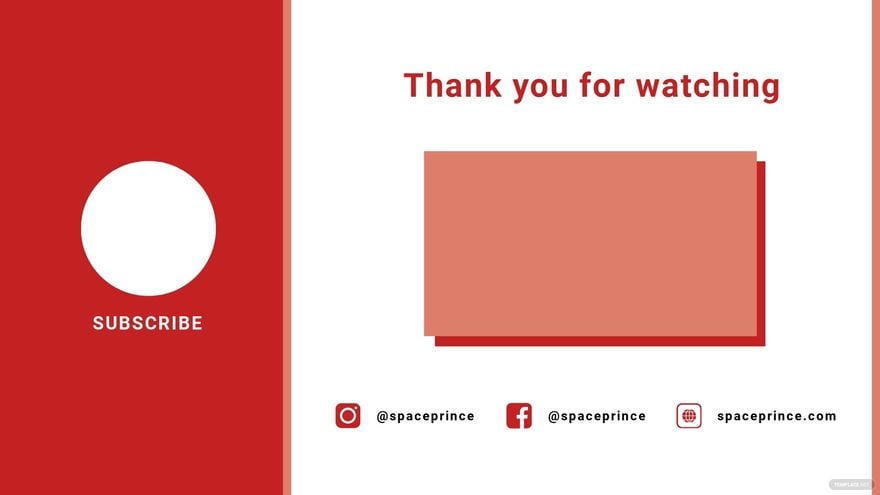
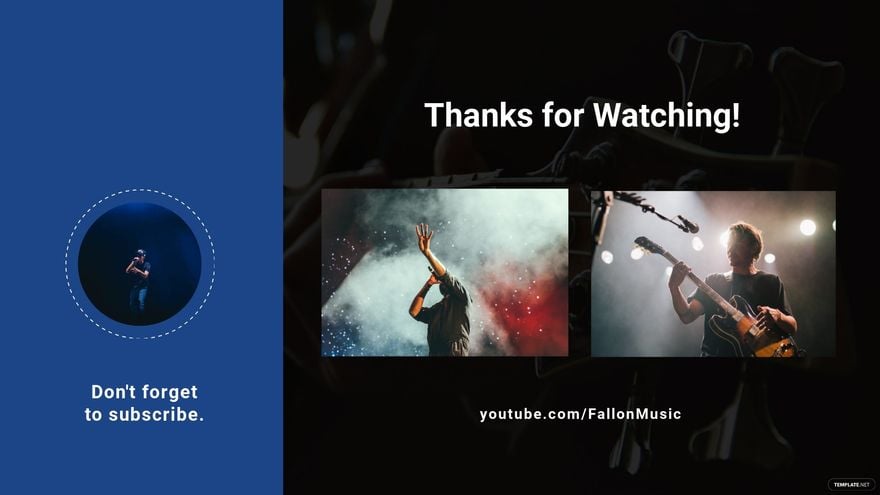
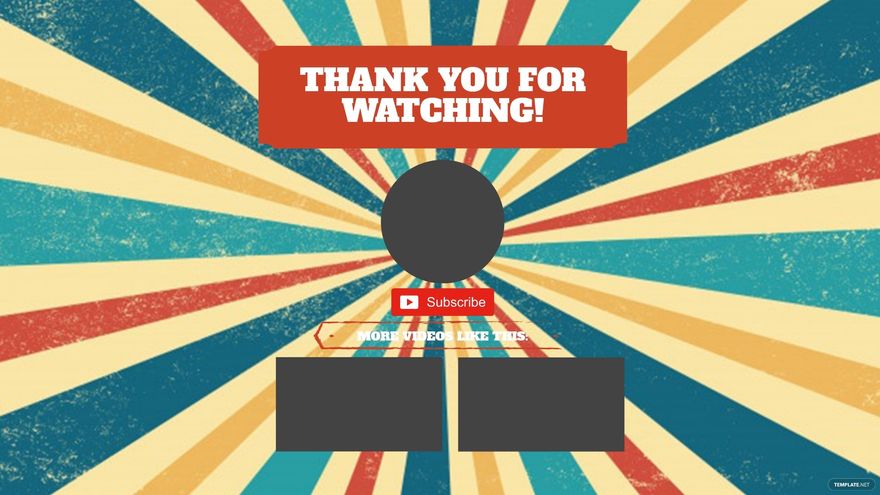
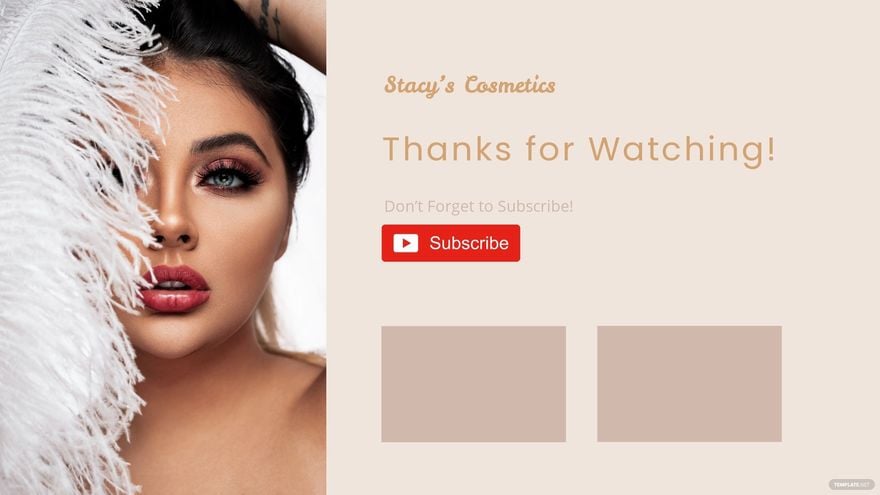
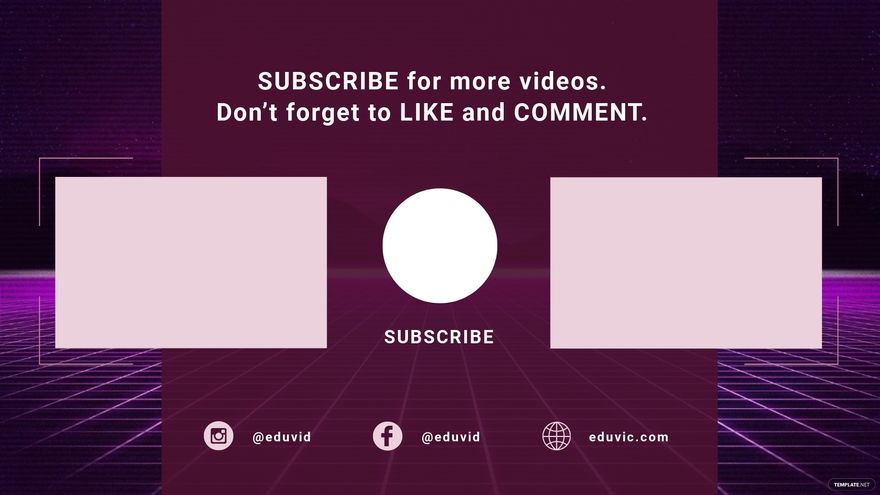
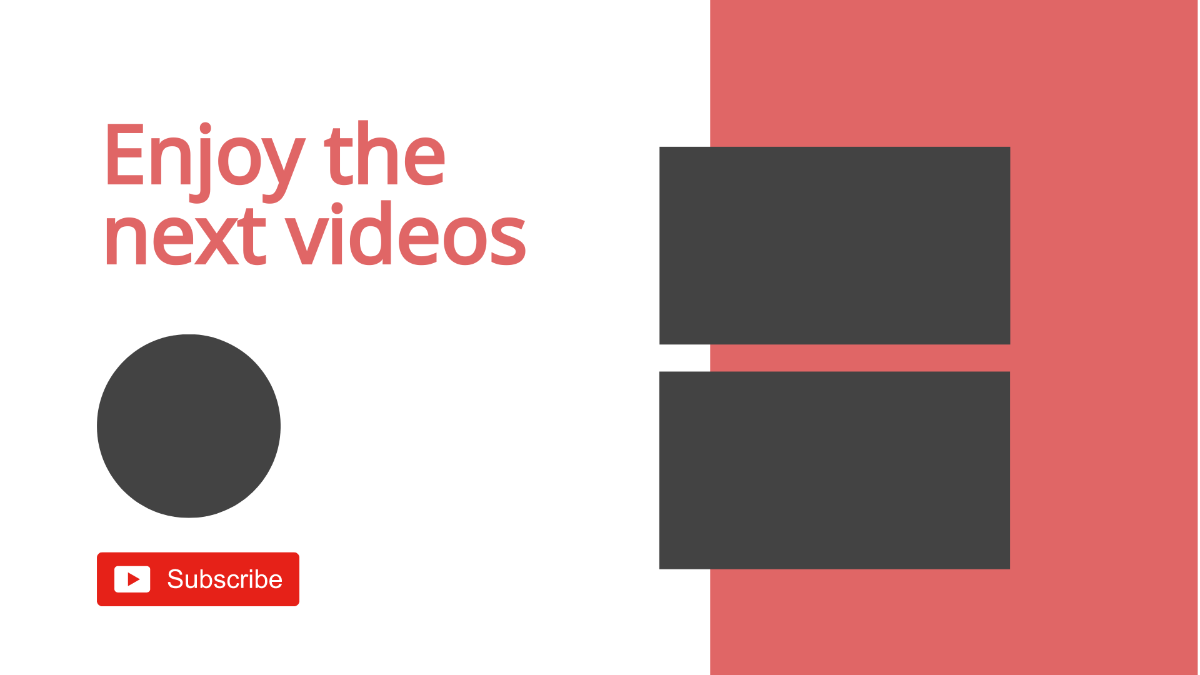
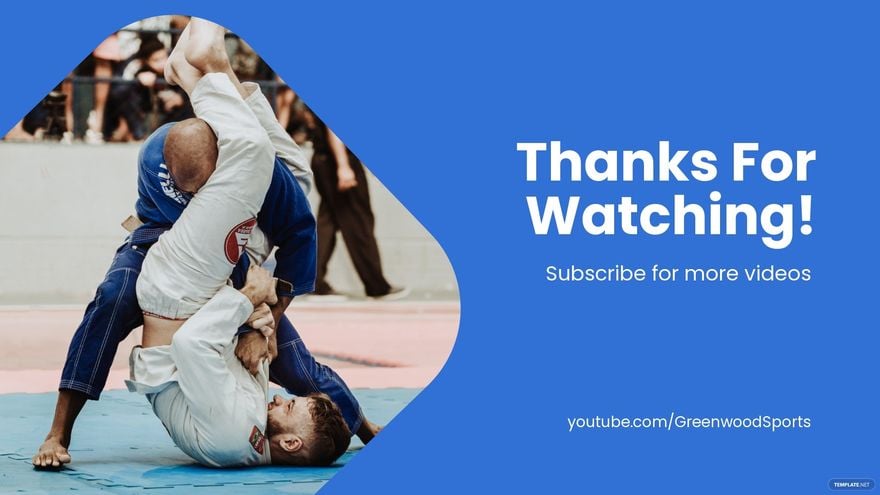
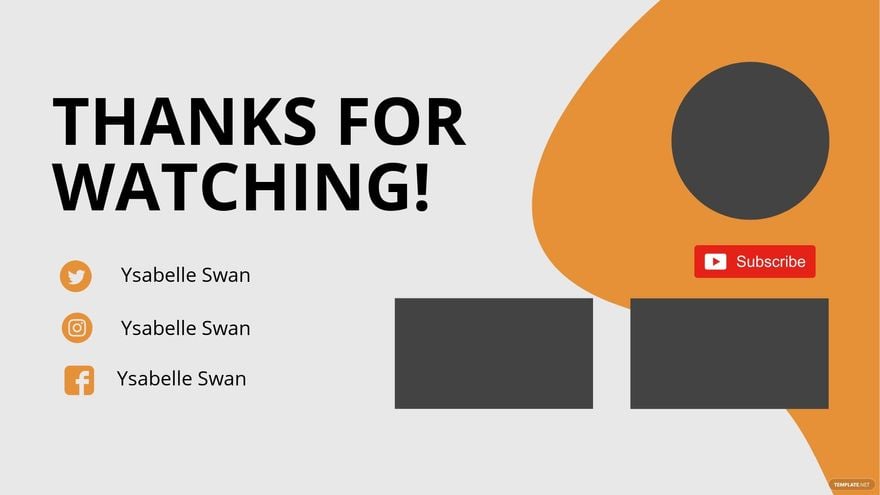
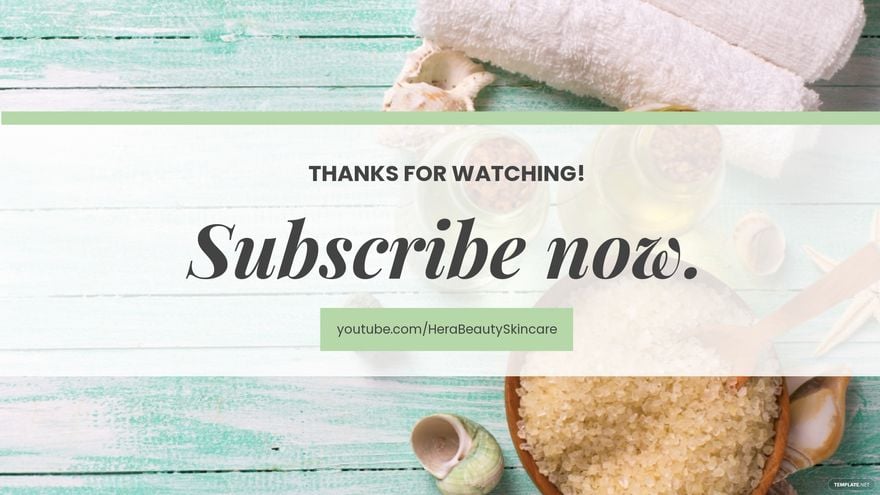
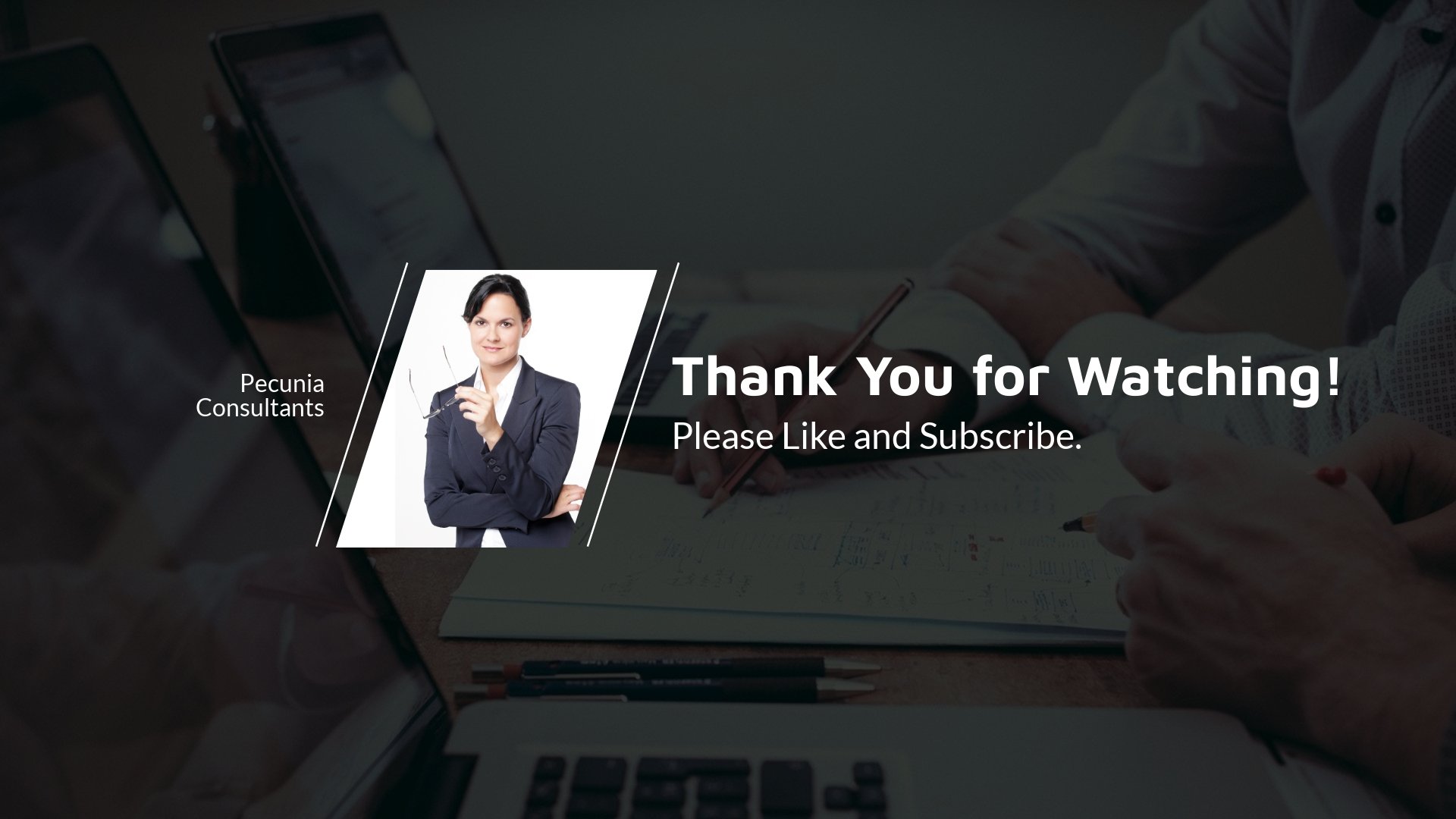
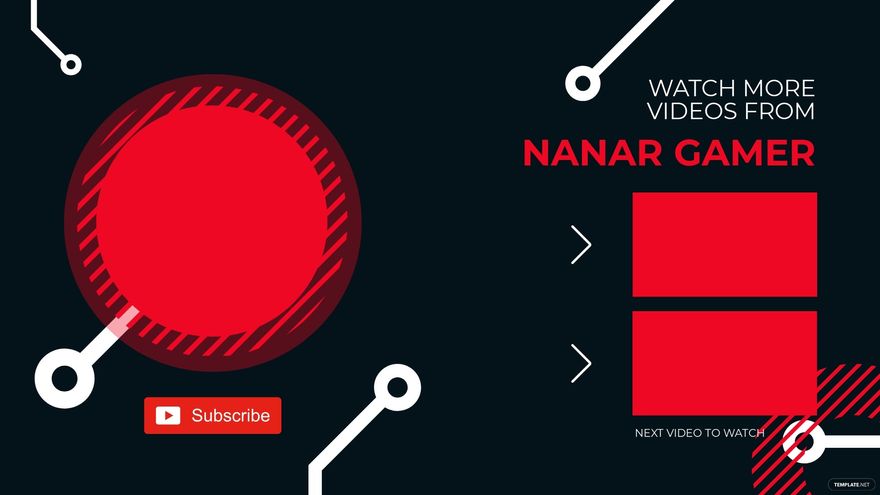
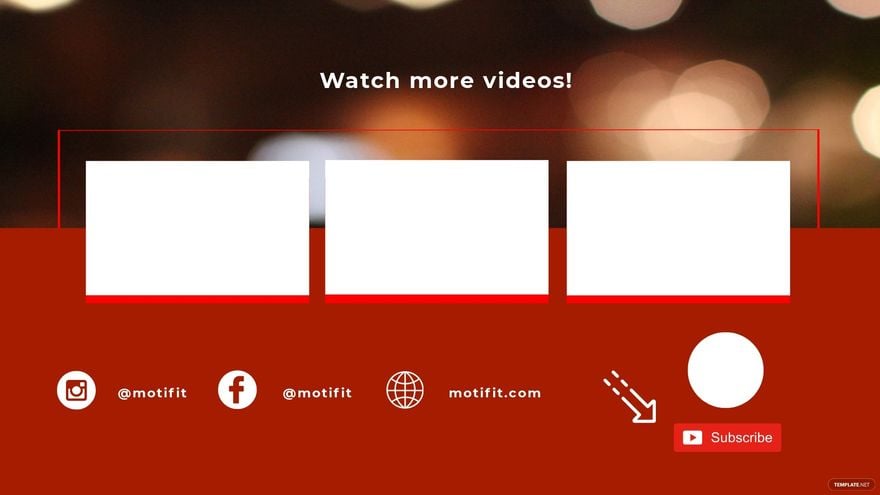
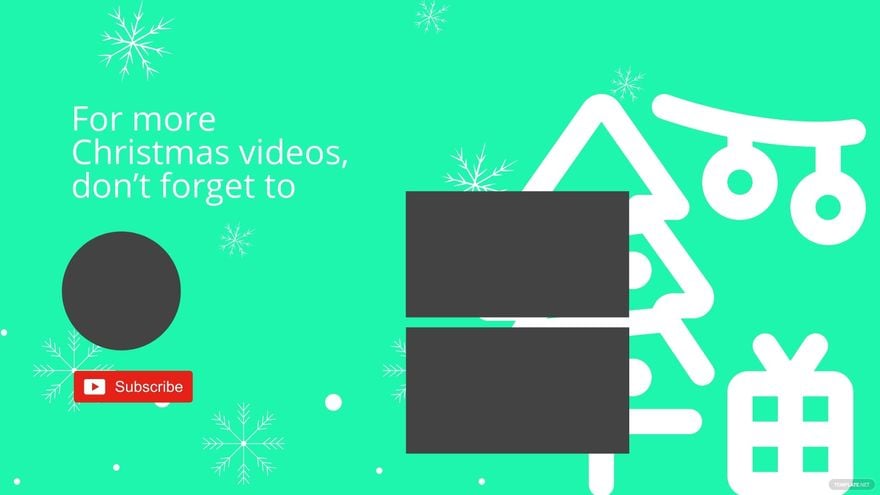
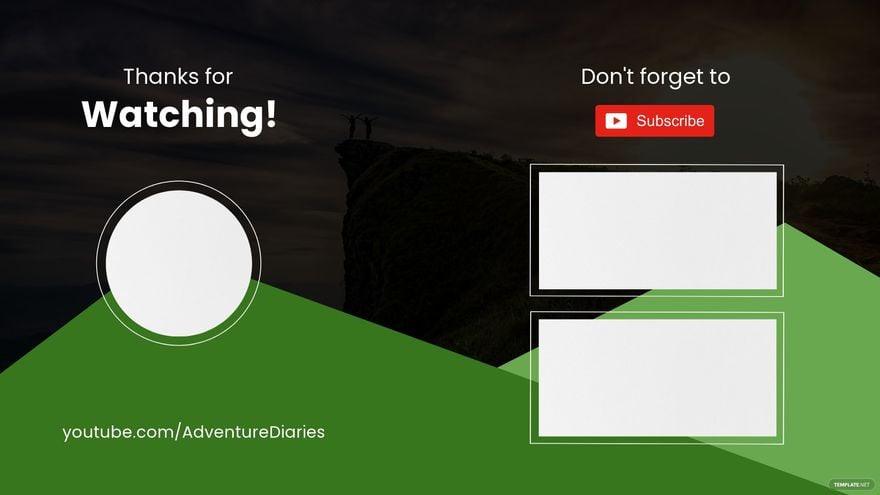
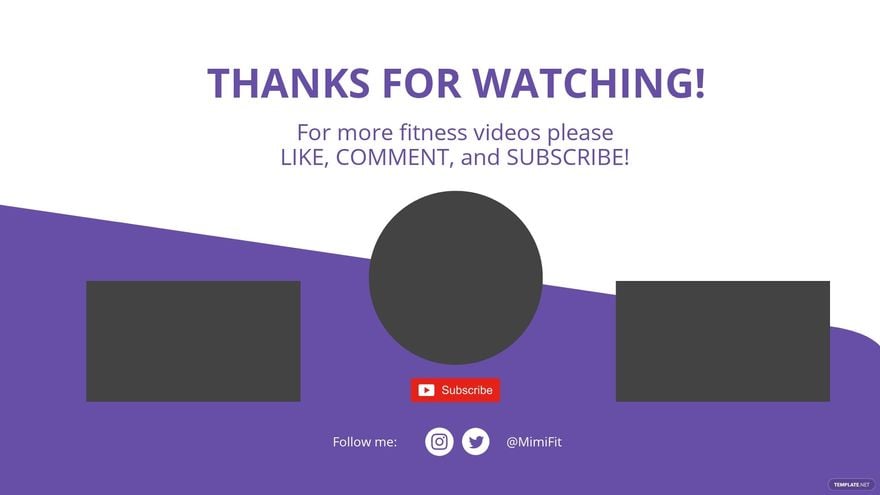
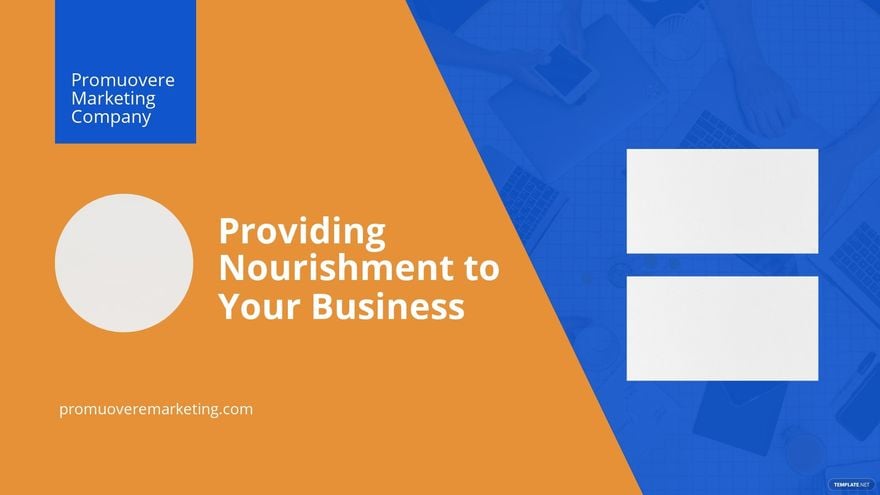
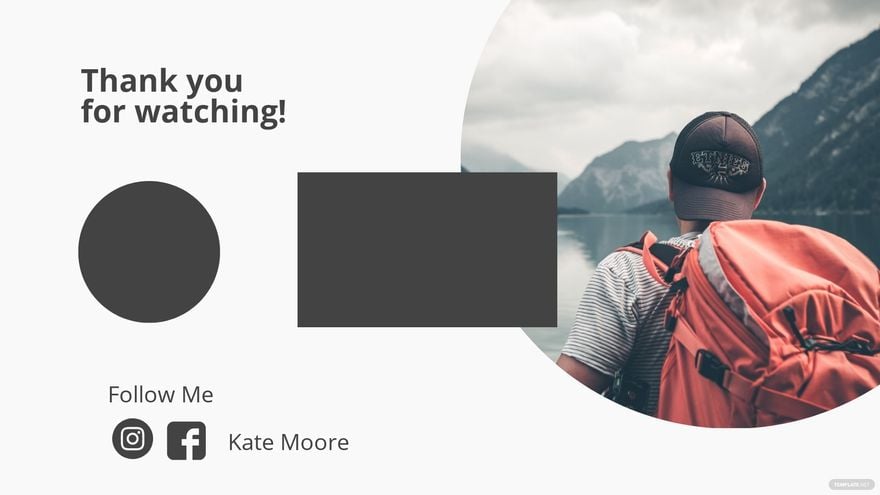
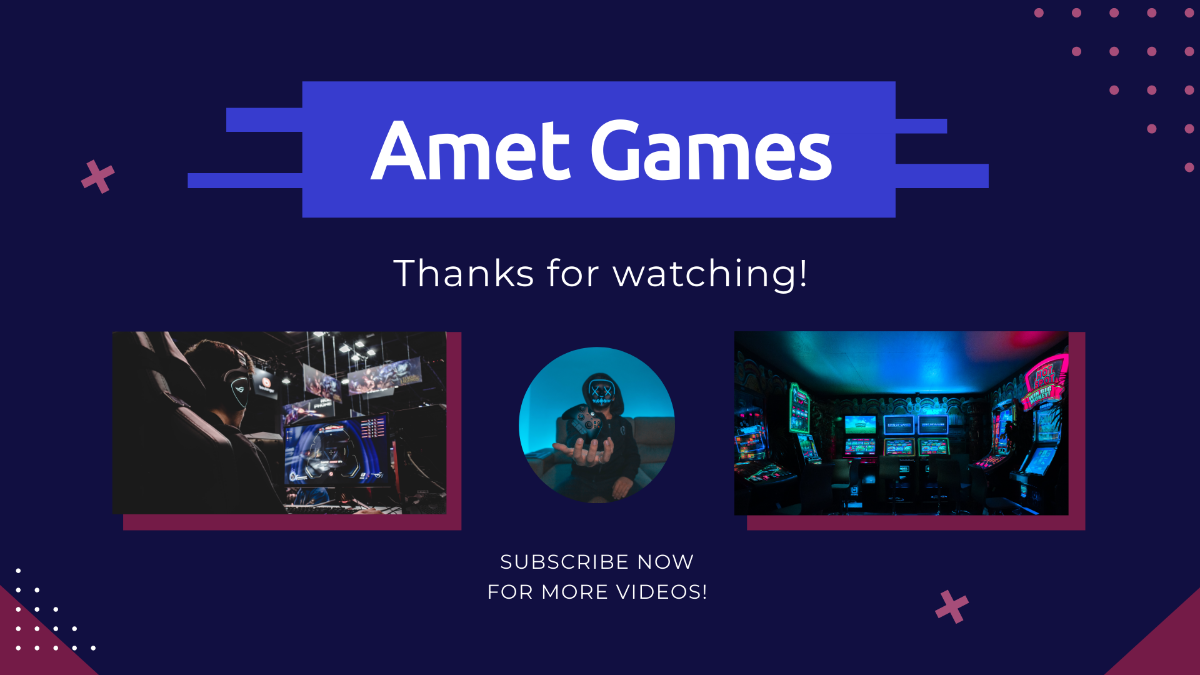
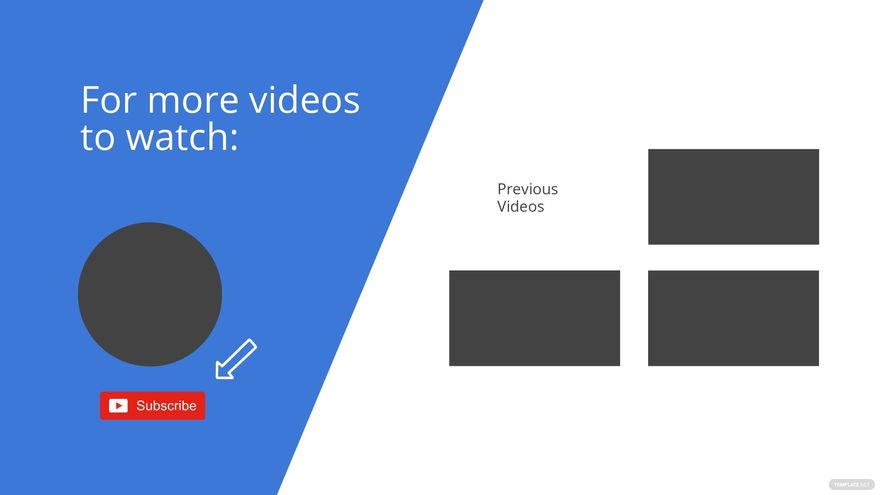
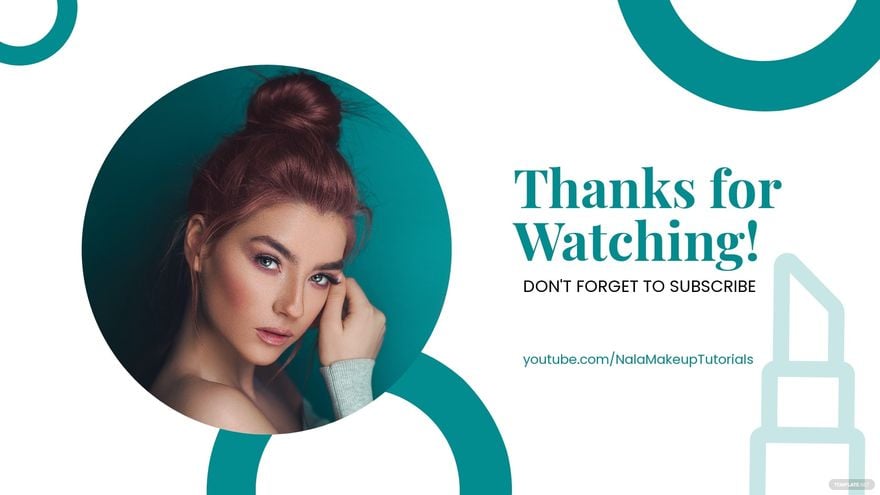
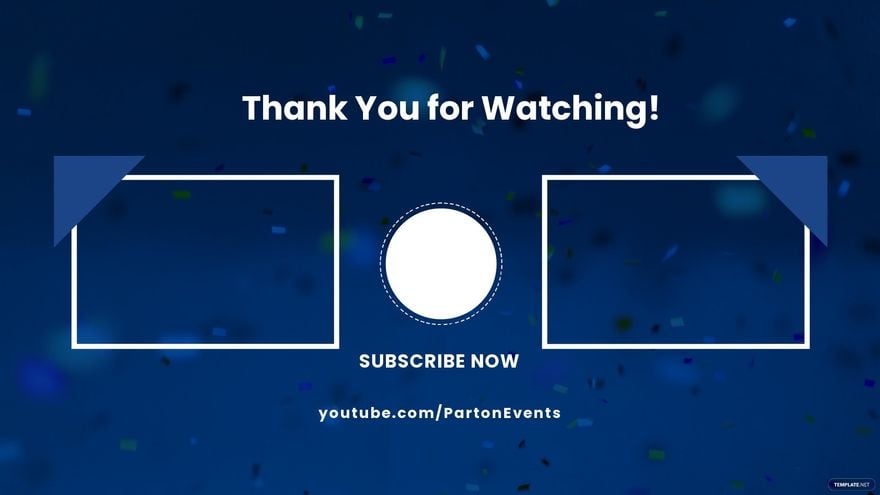
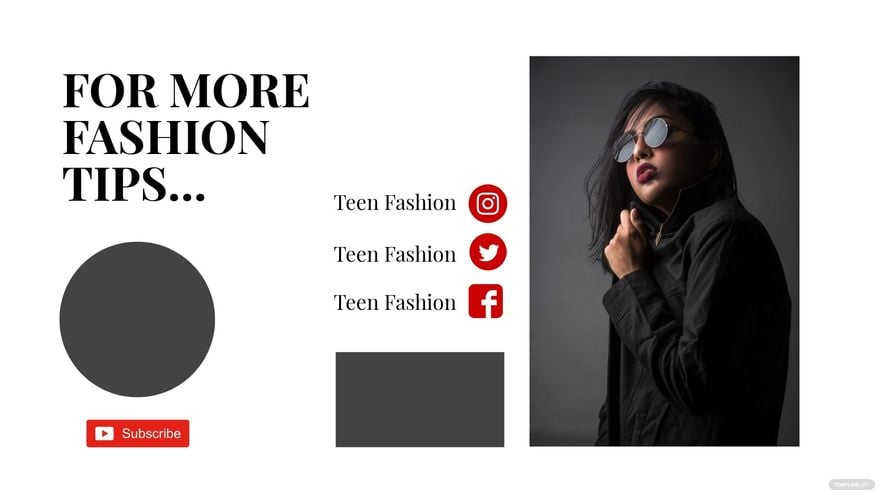
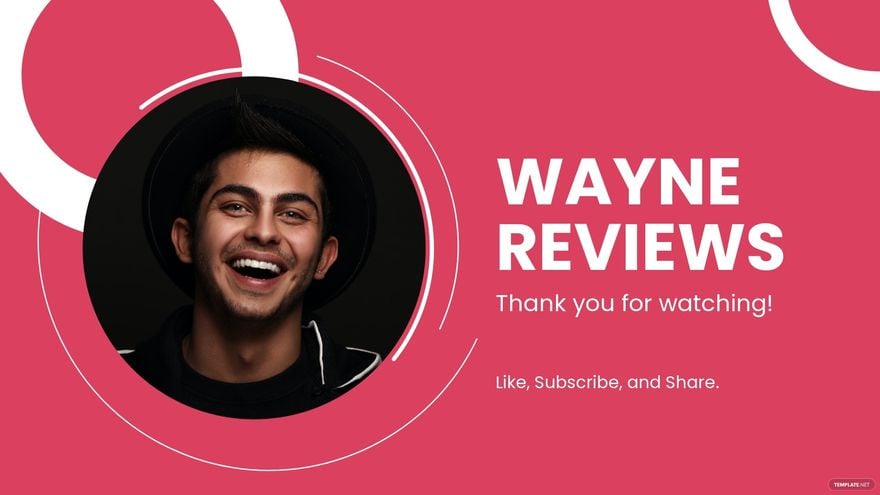
A YouTube End Screen is a customizable video layout section at the end of a video that promotes other videos, channels, or calls to action. YouTube End Screen templates provide editable text areas, graphics, and layout blocks for professional video conclusions.
Why use a YouTube End Screen?
YouTube End Screens increase viewer engagement by encouraging subscriptions, video views, or website visits. Using ready-made templates with layered design customization helps creators maintain a consistent and professional video finish.
Who typically uses YouTube End Screens?
YouTube End Screens are typically used by content creators, marketers, and brands to promote additional videos or channels. Template.net's YouTube End Screen templates serve these users with professional layouts that are easy to edit online.
What size should a YouTube End Screen be?
YouTube End Screens should be designed in a 1920 × 1080 inches resolution to match standard HD video sizes. Using template layers sized correctly ensures the graphics and call to action elements display clearly on all devices.
What are the best tips for designing a YouTube End Screen?
Effective YouTube End Screen design includes using clear call to action buttons, balanced layout blocks, and consistent branding elements. Template.net offers templates with editable text areas and graphics for easy customization and professional results.
How do you print a YouTube End Screen?
Printing a YouTube End Screen involves exporting the template as a high-resolution image or PDF. Template.net provides downloadable formats that preserve design layers and graphics for quality prints if needed for presentations or promotional materials.
What elements should a YouTube End Screen include?
A YouTube End Screen should include subscribe buttons, video or playlist links, channel branding, and a call to action. Template.net templates provide these elements in editable layers for easy customization.
When should you use a YouTube End Screen?
You should use a YouTube End Screen in the last 5 to 20 seconds of your video to promote other content or encourage subscriptions. Using ready-made templates from Template.net enables quick online edits and professional layering for maximum viewer interaction.
Can I create a new YouTube End Screen using AI?
Template.net provides an AI-powered tool capable of generating YouTube End Screen designs based on user prompts. This tool helps create unique and professional layouts quickly with customizable design layers and editable text areas. Visit Template.net to explore this feature.
