



Free Facebook Profile Photo Templates: Customizable Design Guide, Sizes, and Download Formats
What is a Facebook Profile Photo?
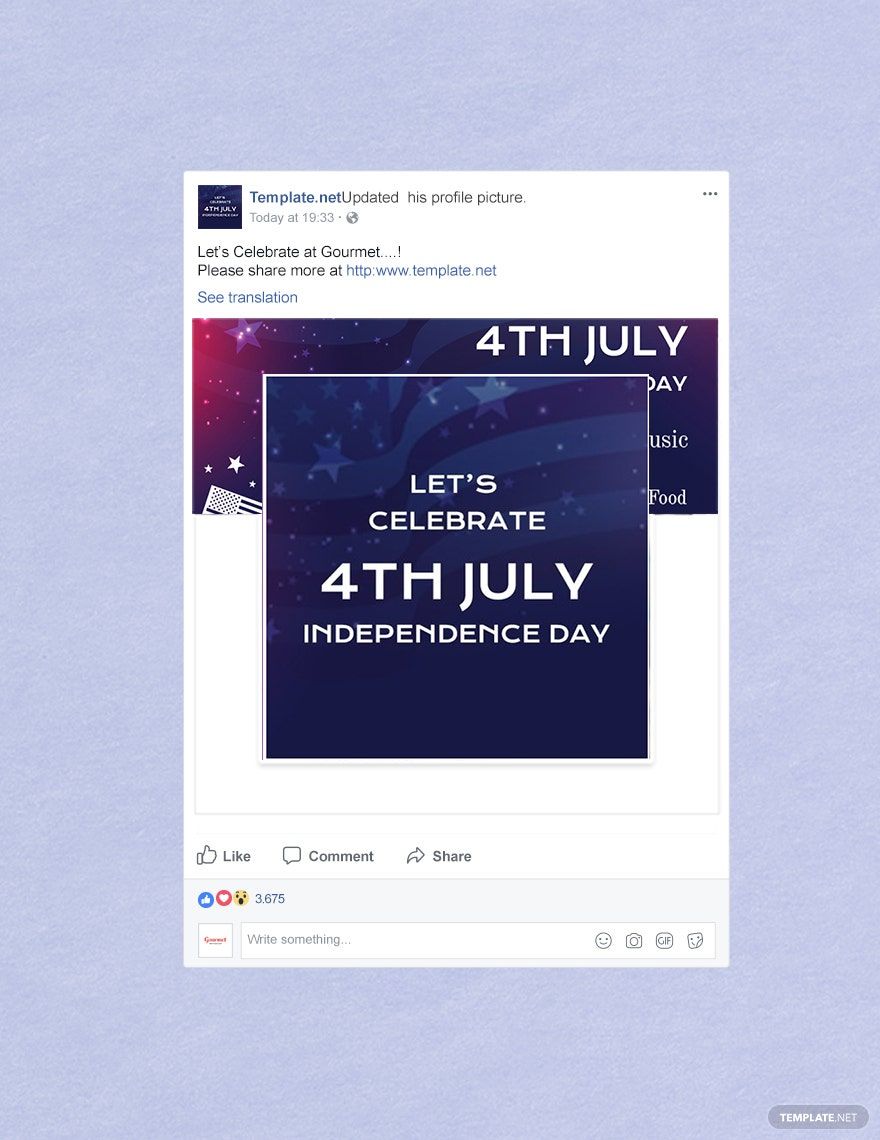
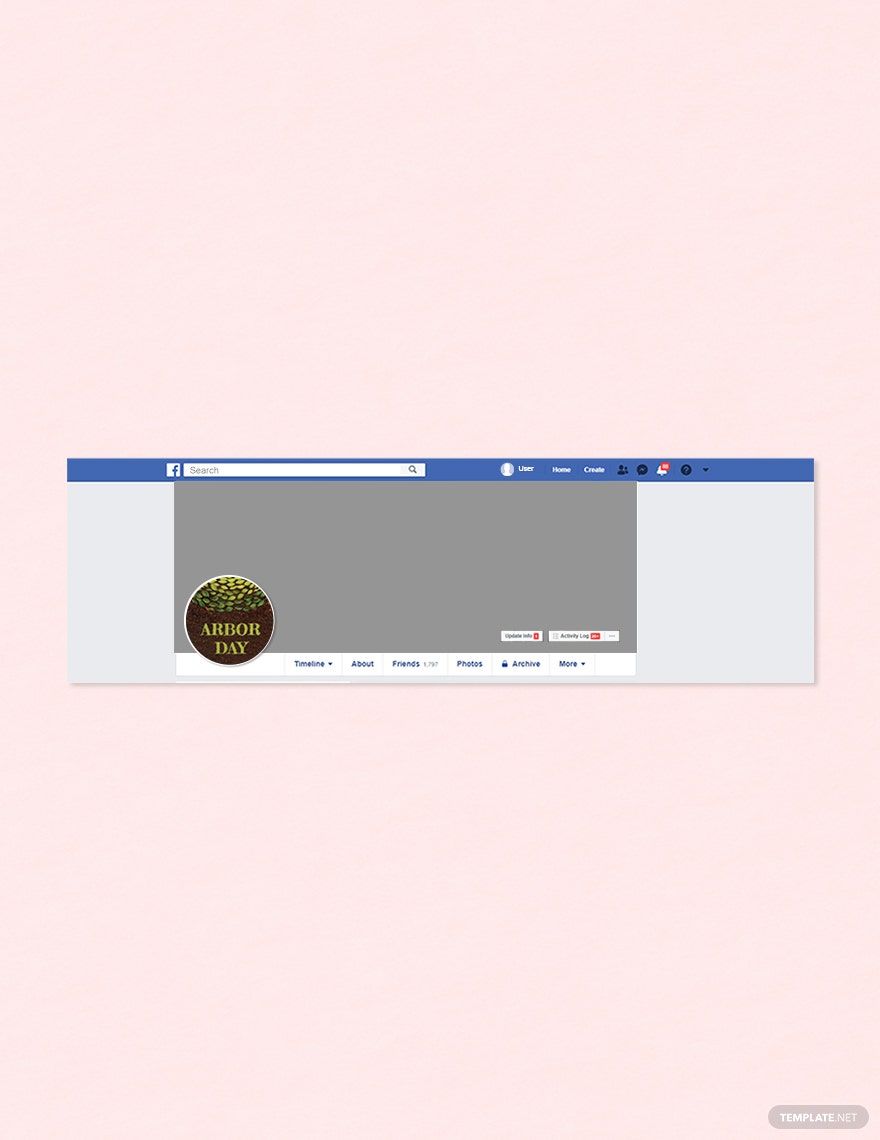
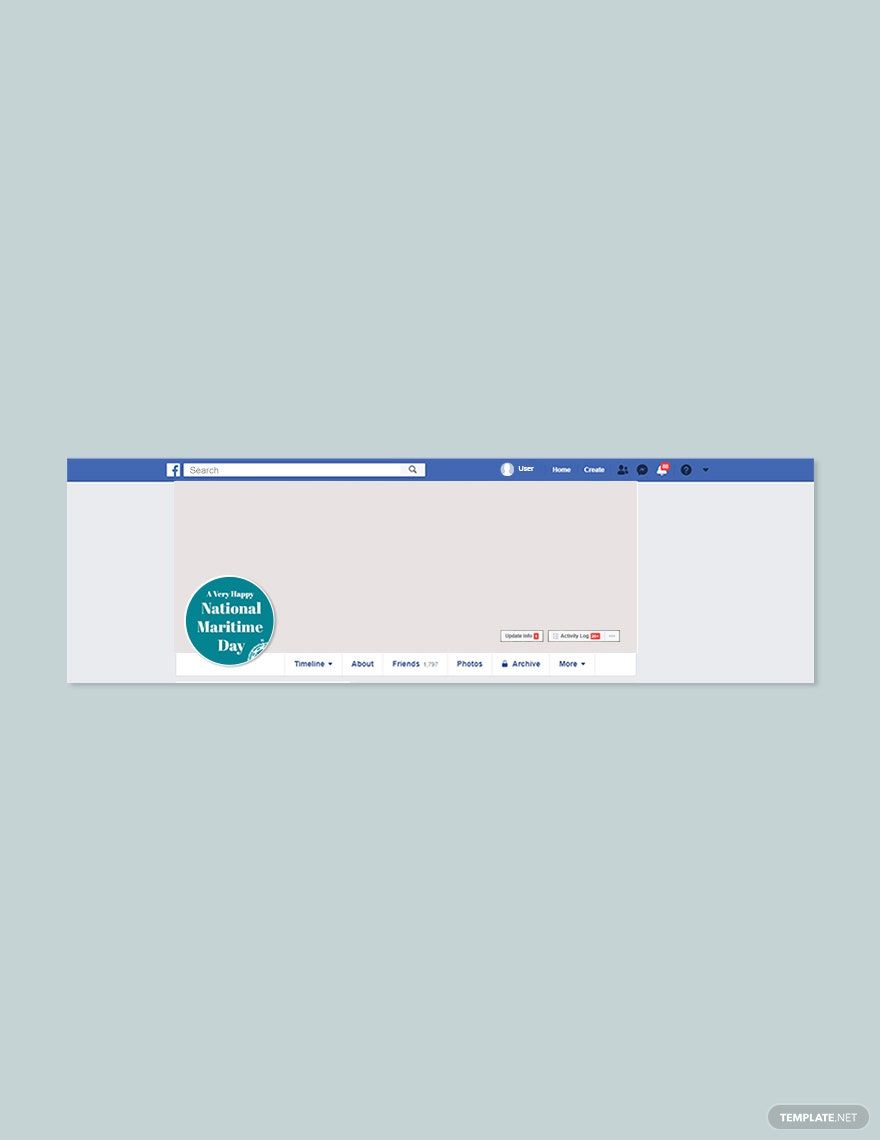
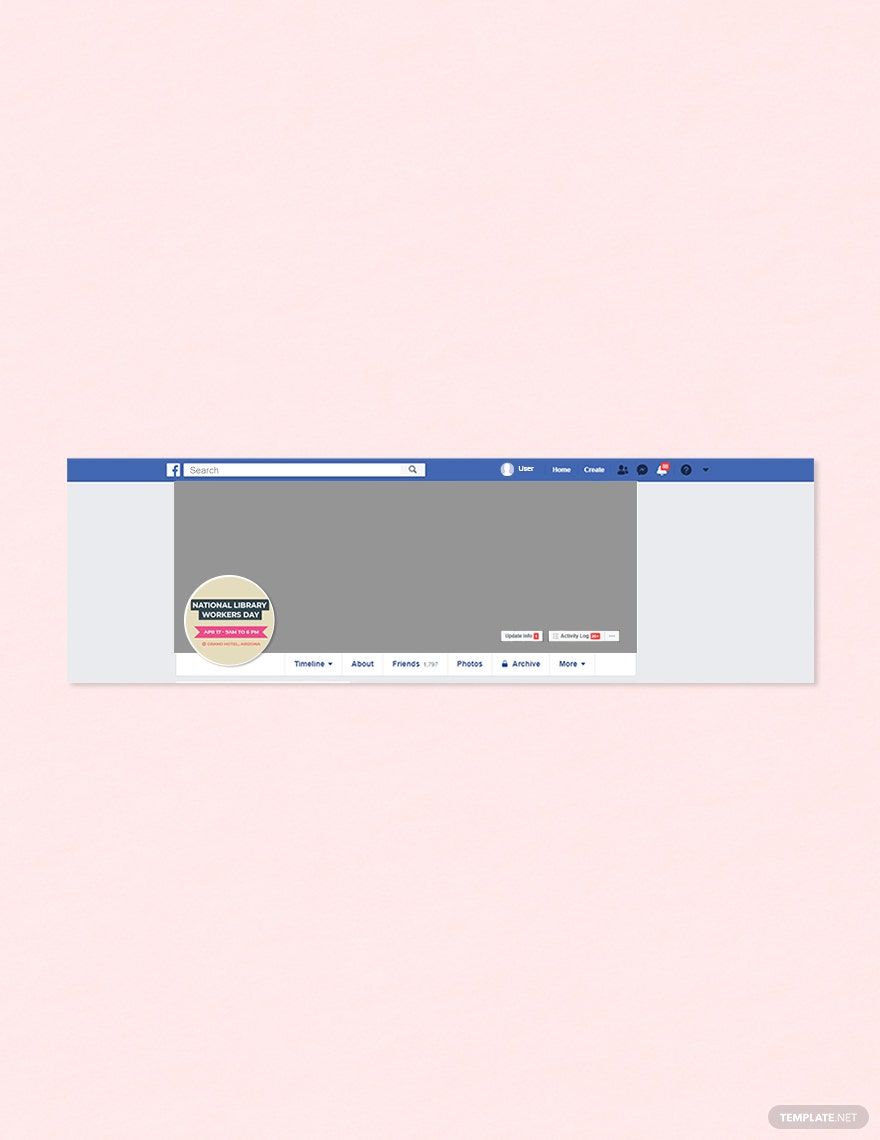
A Facebook Profile Photo is the primary image that represents your identity on Facebook, visible on your personal or business profile pages. This photo serves as a visual identifier and helps others recognize your account quickly across the platform.
Why should I use a Facebook Profile Photo?
You should use a Facebook Profile Photo because it creates a strong visual presence, enhances recognition, and helps build trust with your audience or friends. A well-designed Facebook Profile Photo reflects your personality, brand, or professional image effectively.
Who uses Facebook Profile Photos?
Facebook Profile Photos are used by individuals, businesses, influencers, and organizations to represent themselves visually on Facebook. Anyone with a Facebook account uses a Facebook Profile Photo to personalize their profile and engage with others.
What are the best tips for designing my Facebook Profile Photo?
Here are some essential tips for designing your Facebook Profile Photo to make it stand out:
- Use clear and high-resolution images for crisp display
- Keep the focus on your face or brand logo for easy recognition
- Choose a simple background to avoid distractions
- Use consistent colors that reflect your personal or brand identity
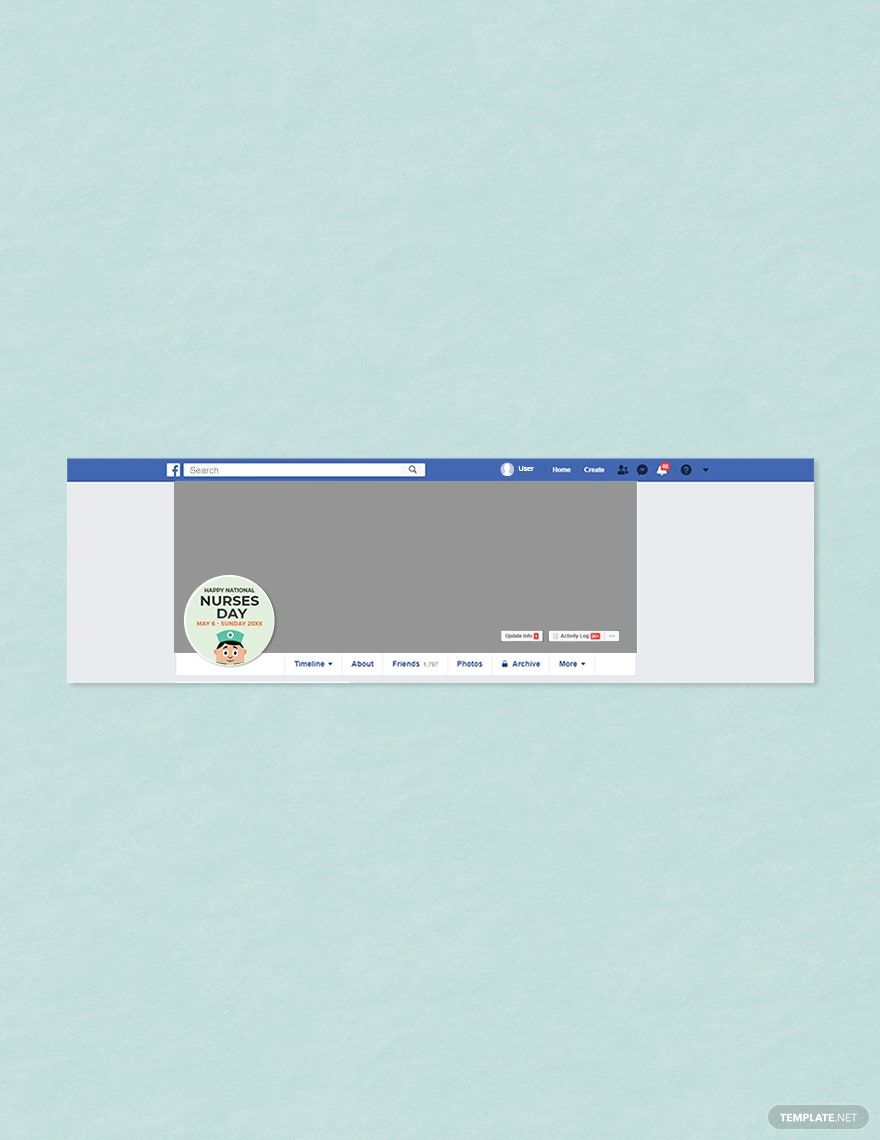
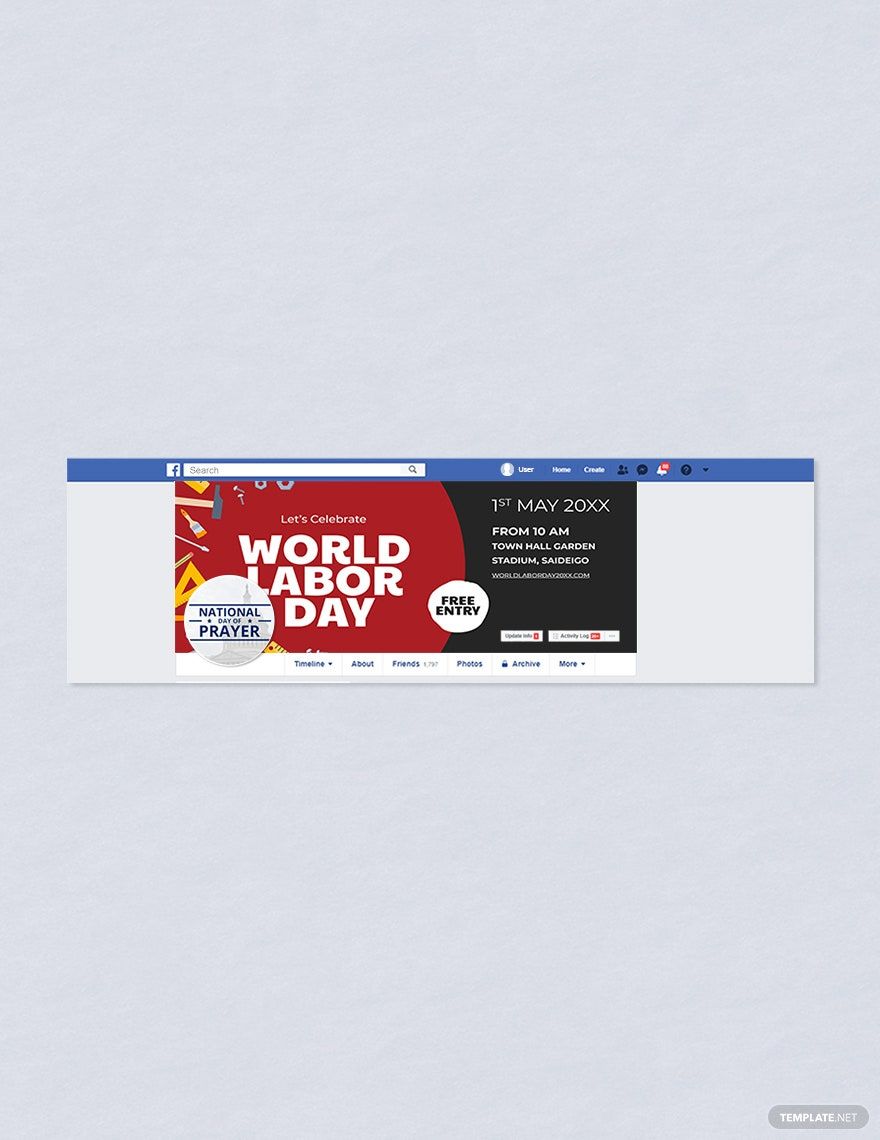
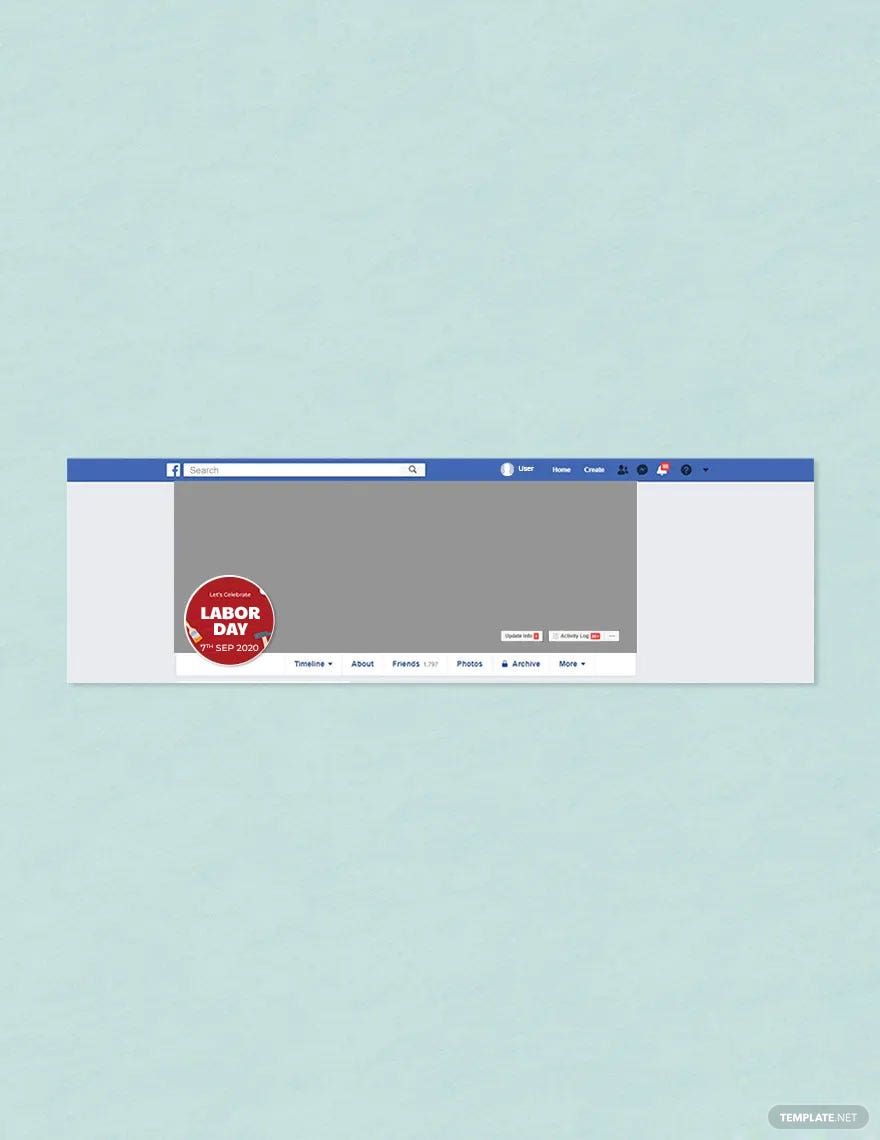
- Ensure your photo fits well within a circular crop
- Avoid text or small details that can be hard to see
- Update regularly to keep your profile fresh and relevant
- Maintain appropriate lighting for natural appearance
- Use a friendly and approachable expression
- Test visibility on different devices to ensure clarity
What file formats can I download for my Facebook Profile Photo?
Template.net Facebook Profile Photo templates support multiple export formats for editing, printing, and sharing. You can download templates in PSD formats.
Can I create a Facebook Profile Photo using AI?
Template.net provides an AI-powered tool capable of generating Facebook Profile Photo designs, helping you create unique and personalized images quickly. You can try this tool on Template.net.
What are the ideal pixel dimensions for a Facebook Profile Photo?
The ideal pixel dimensions for a Facebook Profile Photo ensure clear and sharp display on all devices. Use the following guidelines:
- Minimum size: 170 × 170 pixels on computers
- Mobile display: 128 × 128 pixels
- Recommended upload size: 320 × 320 pixels or more for quality
- Square aspect ratio to accommodate Facebook's circular crop
What visual elements should I include in my Facebook Profile Photo?
When designing your Facebook Profile Photo, consider including these visual elements for maximum impact:
- Clear subject focus such as your face or brand logo
- Consistent color scheme matching your brand or personality
- Simple background to emphasize the subject
- Good contrast so the image stands out
- Minimal distractions to keep the photo clean
- Balanced composition centered within the circular crop
What are the benefits of using a Facebook Profile Photo?
Using a Facebook Profile Photo offers several benefits that enhance your social media presence:
- Builds personal or brand recognition among friends and followers
- Creates trust and authenticity by showing a real image
- Improves engagement as people connect visually
- Supports brand consistency across platforms
- Helps with social networking and professional connections
- Makes your profile memorable in crowded feeds
How can I customize and edit Facebook Profile Photo templates online?
You can customize and edit Facebook Profile Photo templates directly online using Template.net’s browser-based editor. This allows you to change colors, text, images, and layout elements easily without needing advanced design software.
