
















































Free YouTube Thumbnail Templates: Customizable Design Guide, Sizes, and Download Formats
What is a YouTube Thumbnail?
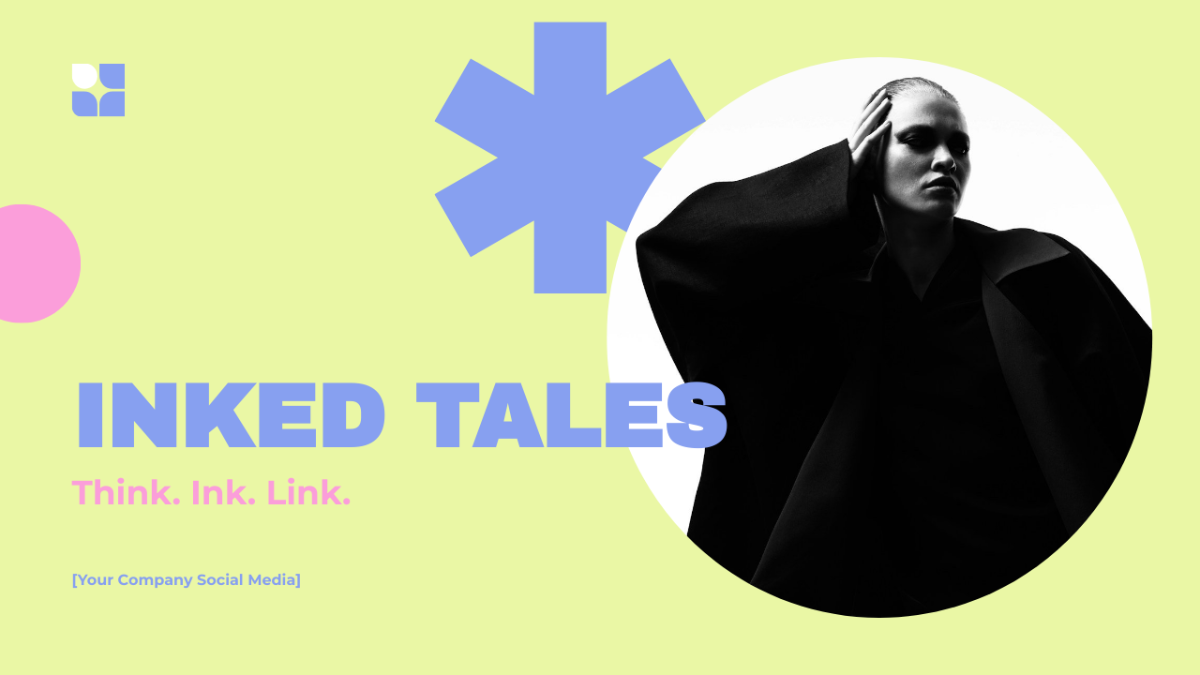
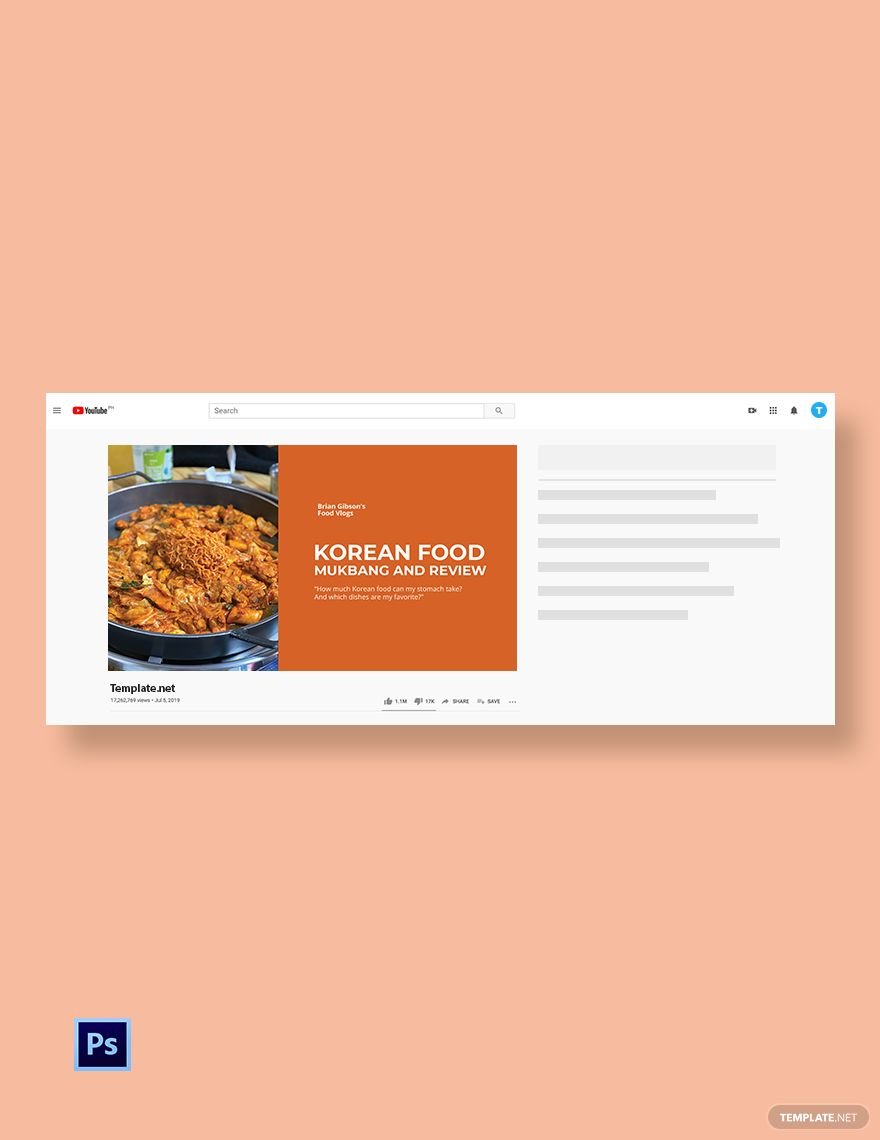
YouTube Thumbnails are custom preview images that represent your video content on YouTube. They act as the visual first impression that helps viewers decide whether to watch your video. These thumbnails typically include text, graphics, and imagery to summarize and promote your video.
Why should I use a YouTube Thumbnail?
YouTube Thumbnails improve your video's visibility and click-through rate by making your content more attractive and engaging. They help your videos stand out in search results and suggested videos, increasing the likelihood of gaining more viewers and subscribers.
Who uses YouTube Thumbnails?
YouTube Thumbnails are used by content creators, marketers, influencers, and businesses who want to promote their videos effectively. Anyone uploading videos to YouTube can create and customize thumbnails to enhance viewer engagement and channel growth.
What are the best tips for designing my YouTube Thumbnail?
Here are key tips to create effective YouTube Thumbnails that capture attention and convey your video’s message clearly:
- Use vibrant and contrasting colors to stand out
- Include readable, bold text summarizing the video
- Feature expressive faces or subjects for emotional appeal
- Keep the design simple and not cluttered
- Use consistent branding elements like logos and fonts
- Design at 1280 × 720 pixels for optimal display
- Test thumbnails on different devices for clarity
- Use high-resolution images for sharpness
- Align with your video’s content to set accurate expectations
- Incorporate a border or outline to improve visibility
What file formats can I download for my YouTube Thumbnail?
Template.net offers YouTube Thumbnail Templates that support multiple export formats for easy editing and sharing. You can download your customized thumbnails in PSD, Illustrator.
Can I create a YouTube Thumbnail using AI?
Template.net provides an AI-powered tool that generates new YouTube Thumbnail designs from prompts. You can quickly create unique thumbnails using the YouTube Thumbnail Generator online.
What are the recommended digital pixel dimensions for my YouTube Thumbnail?
YouTube Thumbnails require specific digital pixel dimensions to display correctly across devices. The recommended size is:
- 1280 × 720 pixels with a minimum width of 640 pixels
- 16:9 aspect ratio for optimal viewing
- Maximum file size of two megabytes to ensure fast loading
- Use .JPG, .PNG, or .GIF formats for compatibility
What visual elements should I include in my YouTube Thumbnail?
Effective YouTube Thumbnails combine several visual elements to attract viewers:
- Bold, clear text summarizing the video topic
- High-quality images or screenshots related to the content
- Expressive human faces for emotional engagement
- Consistent brand logos or icons for recognition
- Contrasting background colors to make elements pop
- Simple graphic overlays or shapes to highlight key info
What are the benefits of using a YouTube Thumbnail?
Using YouTube Thumbnails offers several advantages for your channel and videos:
- Increases video click-through rates by grabbing attention
- Improves channel branding and professional appearance
- Provides viewers with a preview of the video content
- Enhances discoverability in search results and recommendations
- Encourages higher viewer engagement and watch time
