






Free Youtube Profile Photo Templates: Customizable Design Guide, Sizes, and Download Formats
What is a Youtube Profile Photo?
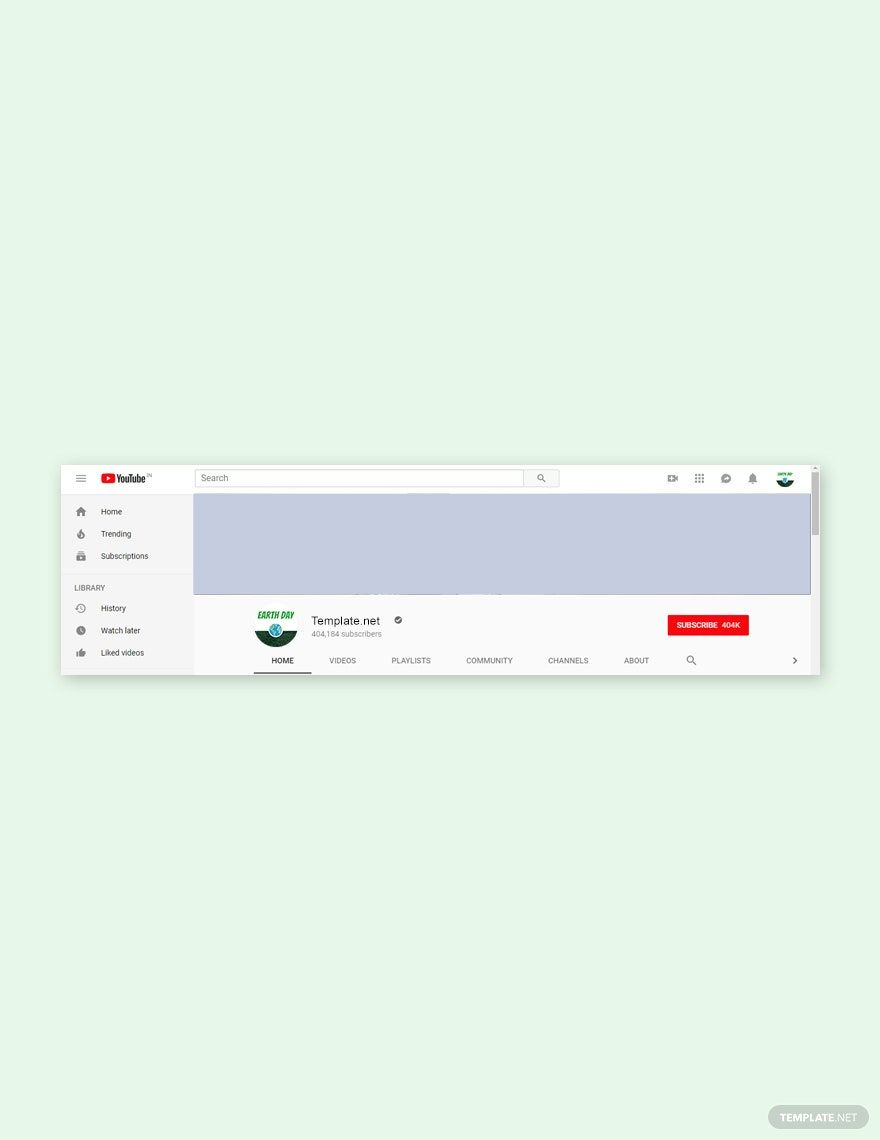
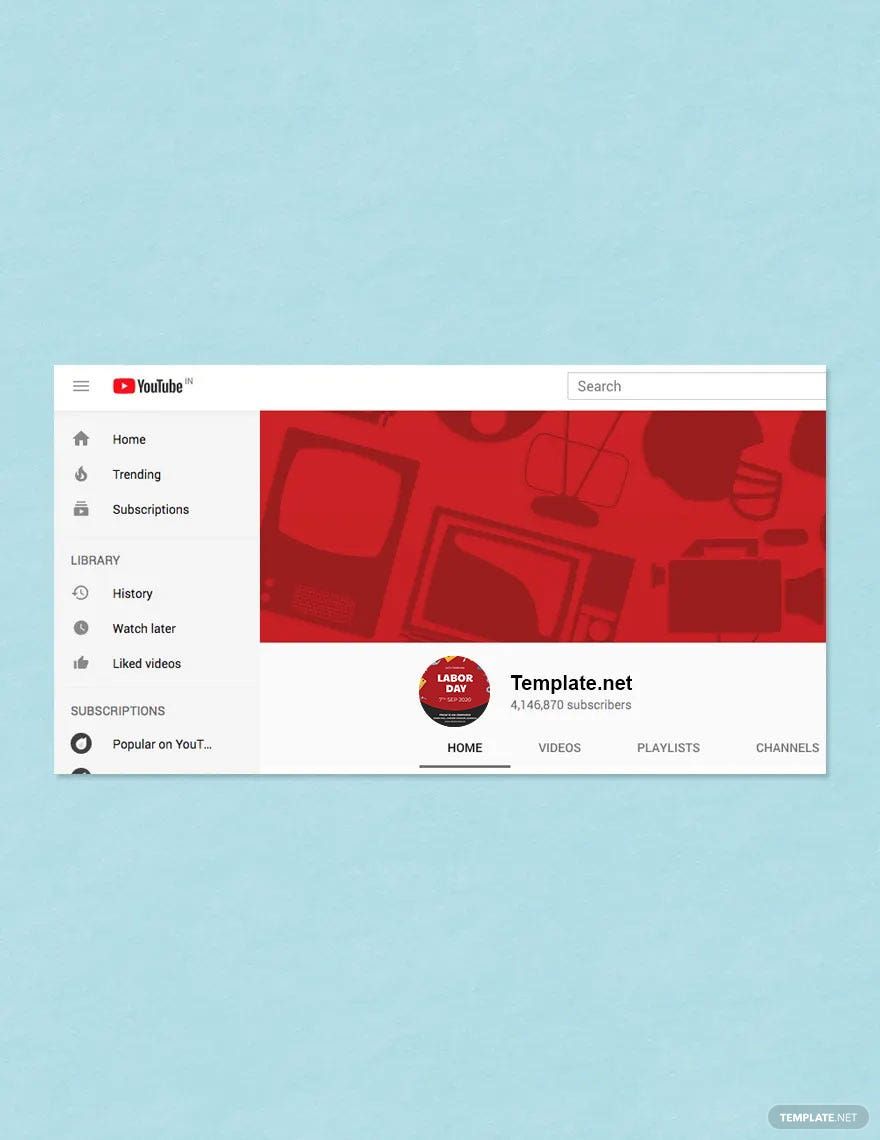
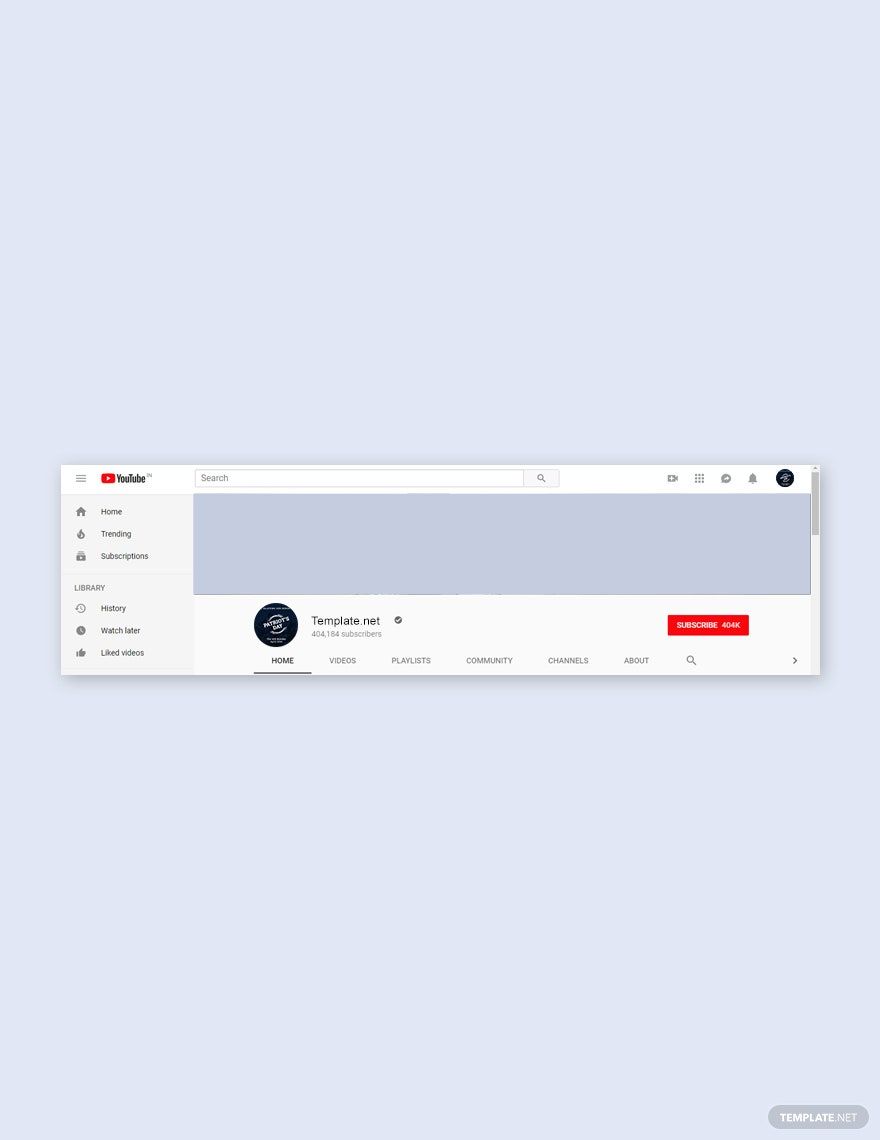
A Youtube Profile Photo is the small avatar image that represents your channel across Youtube. It helps viewers identify your channel visually and appears on your videos, comments, and channel page. This image is an essential part of your channel branding and identity.
Why should I use a Youtube Profile Photo?
You should use a Youtube Profile Photo to establish a recognizable channel identity that builds trust and connects with your audience. A clear and customized profile photo enhances your channel’s professional appearance and helps improve viewer engagement and brand recall.
Who uses Youtube Profile Photos?
Youtube Profile Photos are used by content creators, businesses, influencers, and brands who want to visually represent their channels. Anyone managing a Youtube channel uses a profile photo to create a consistent and memorable online presence across Youtube’s platform.
What are the best tips for designing my Youtube Profile Photo?
Here are some best tips for designing your Youtube Profile Photo to make it stand out:
- Use a clear, high-resolution image for sharpness
- Keep the design simple to ensure visibility at small sizes
- Include your logo or brand colors for consistency
- Use a square format to fit Youtube’s profile photo frame
- Ensure good contrast between elements and background
- Test visibility on various devices and screen sizes
What file formats can I download for my Youtube Profile Photo?
Template.net templates support multiple export formats for editing and sharing your Youtube Profile Photo. You can download your designs in formats such as PSD.
Can I create a Youtube Profile Photo using AI?
Template.net provides an AI-powered tool capable of generating Youtube Profile Photo designs. You can explore this feature by visiting Template.net to create personalized profile photos quickly and creatively.
What are the ideal digital pixel dimensions for my Youtube Profile Photo?
The ideal digital pixel dimensions for a Youtube Profile Photo ensure your image looks crisp on all devices. Recommended sizes include:
- 800 × 800 pixels for high resolution
- 500 × 500 pixels as a standard size
- Minimum 98 × 98 pixels to meet Youtube’s requirements
- Use square dimensions for perfect display
- Save as PNG or JPEG for clear quality
What visual elements should I include in my Youtube Profile Photo?
In your Youtube Profile Photo, include visual elements that strengthen your channel’s brand identity. Consider adding:
- Your logo or initials for recognition
- Consistent brand colors for cohesion
- Simple icons or symbols related to your content
- Minimal text to maintain clarity
- Balanced composition for visual appeal
What are the benefits of using a Youtube Profile Photo?
Using a Youtube Profile Photo provides multiple benefits for your channel:
- Improves channel recognition among viewers
- Builds trust and professionalism in your brand
- Enhances visual consistency across Youtube
- Increases audience engagement through recognizable imagery
- Supports overall branding strategy for growth
