Free Magazine Design Templates
Magazine Design Templates: Definition, Usage, and Formats
What is a Magazine Design?
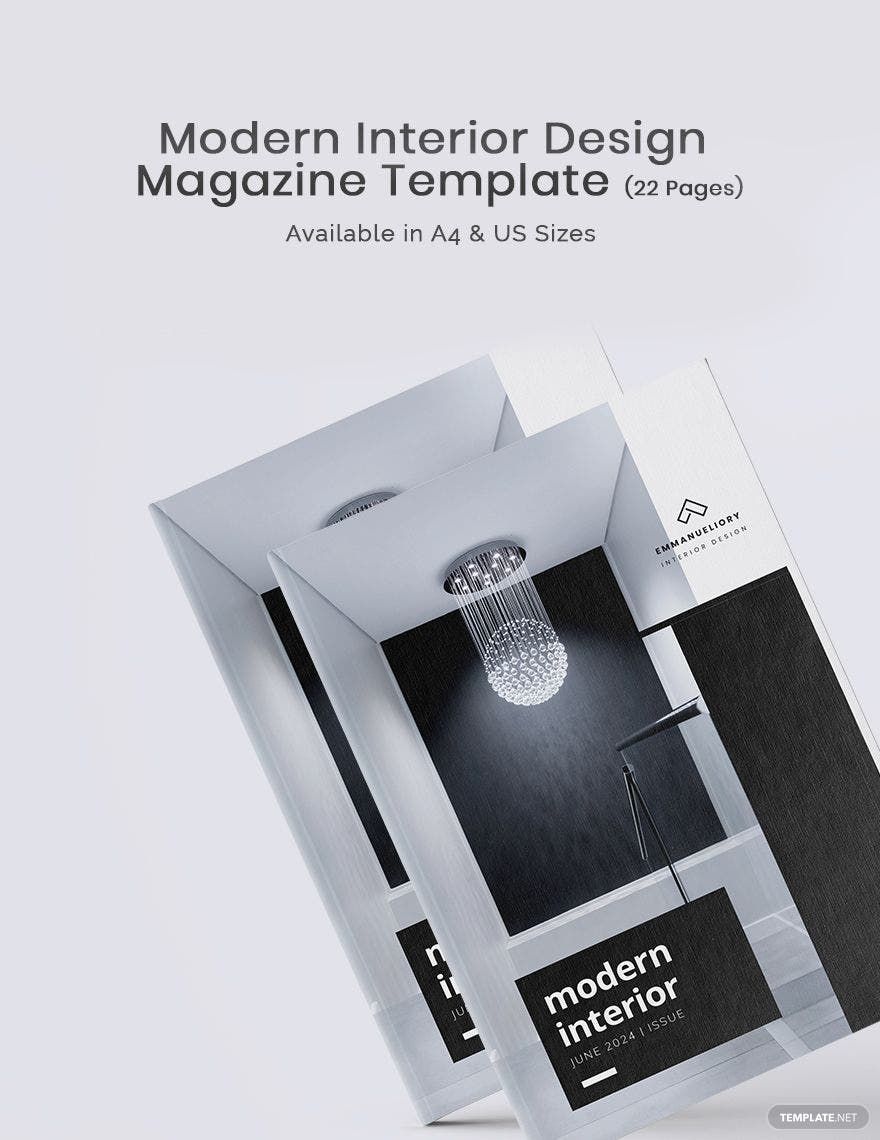
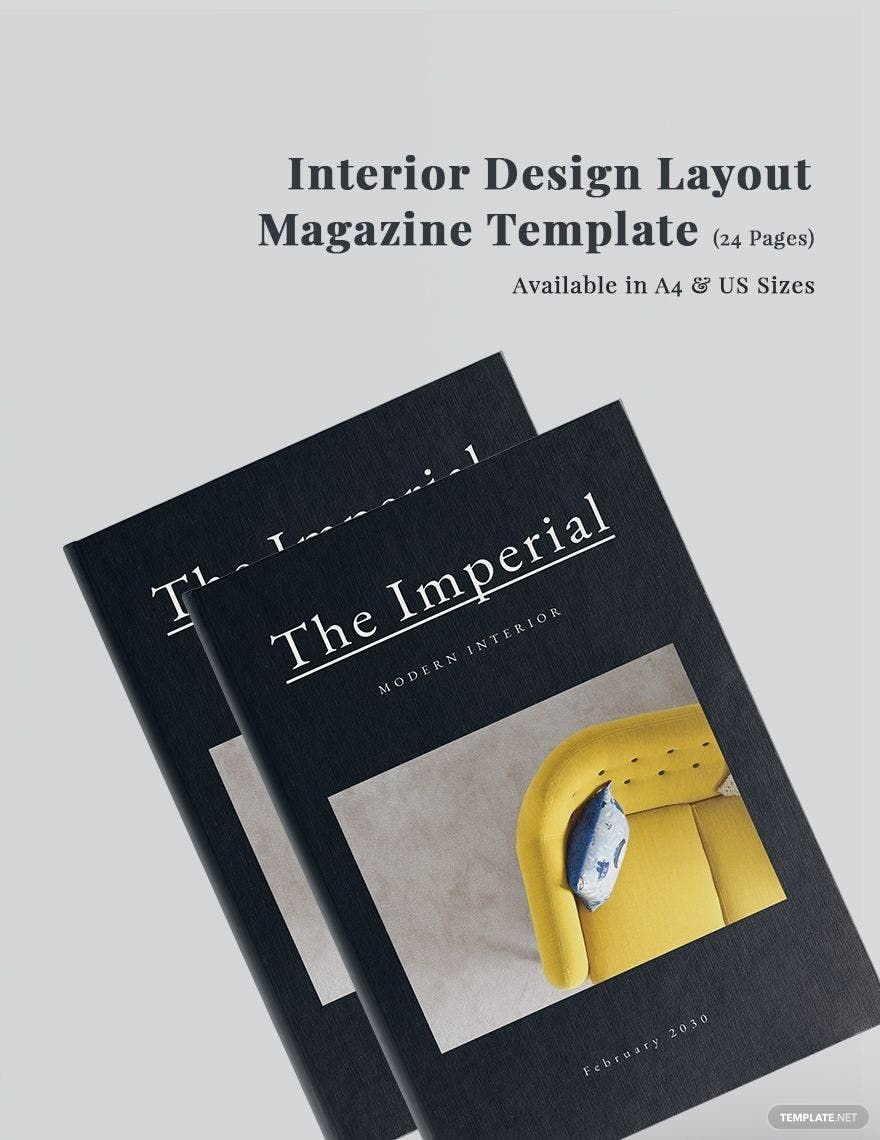
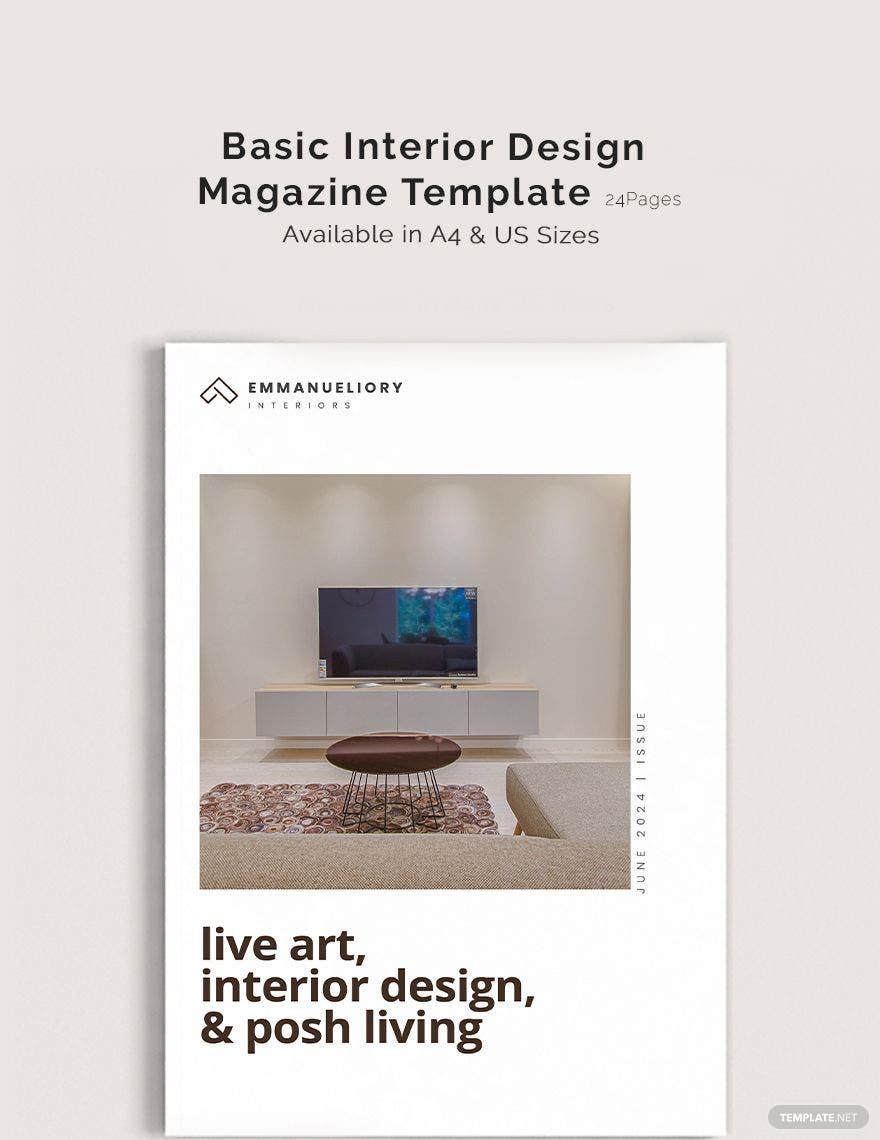
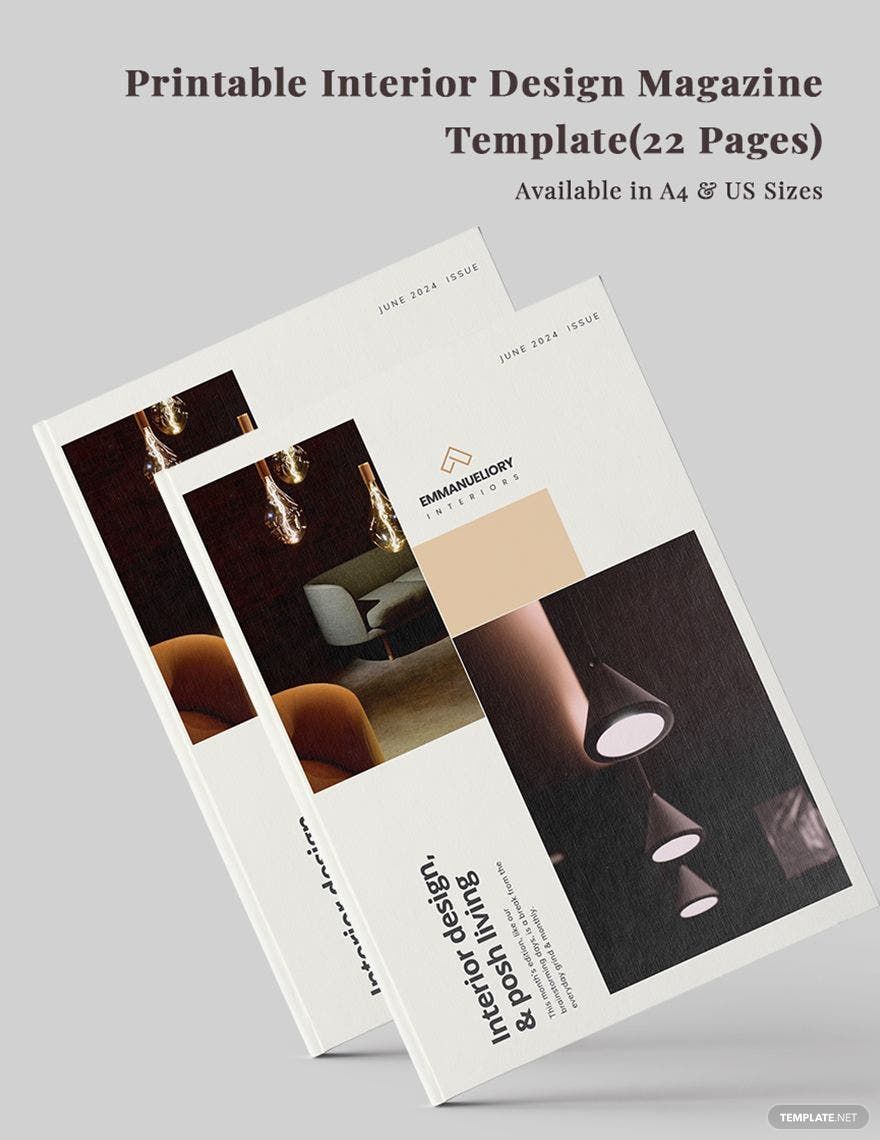
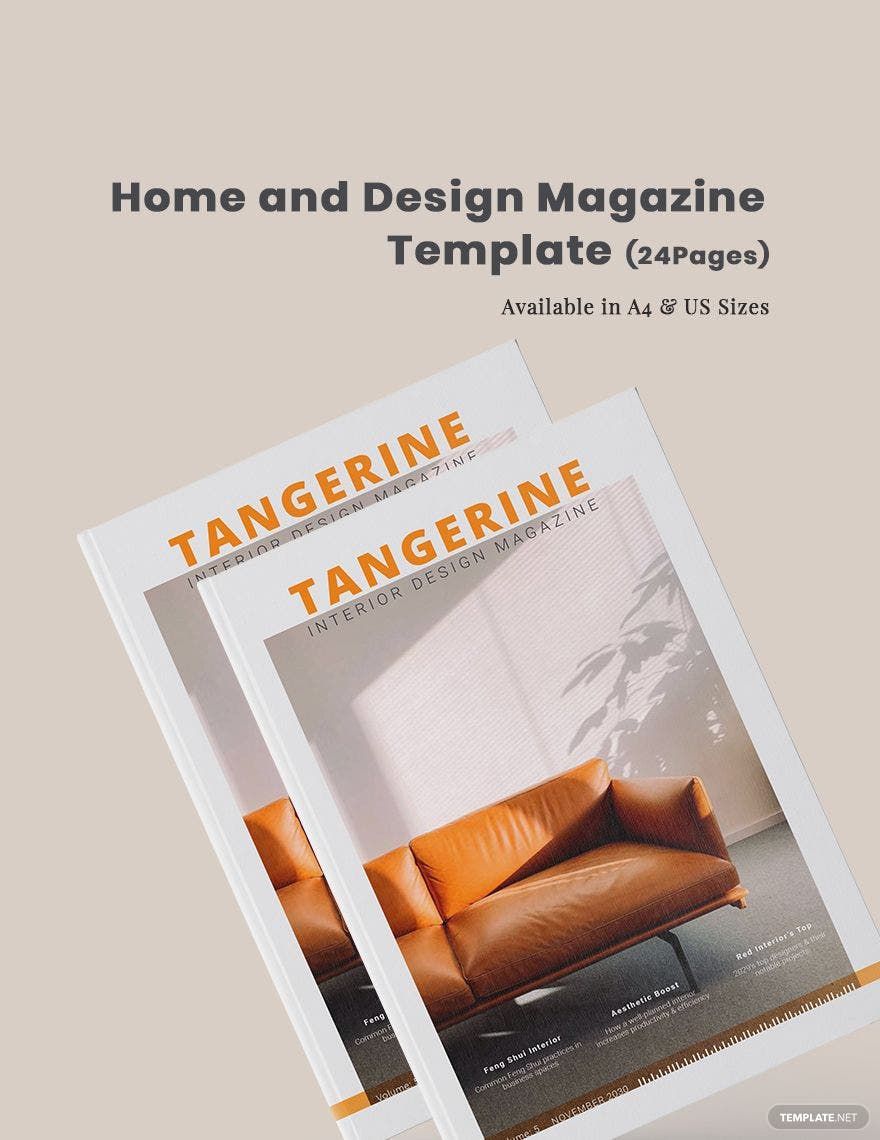
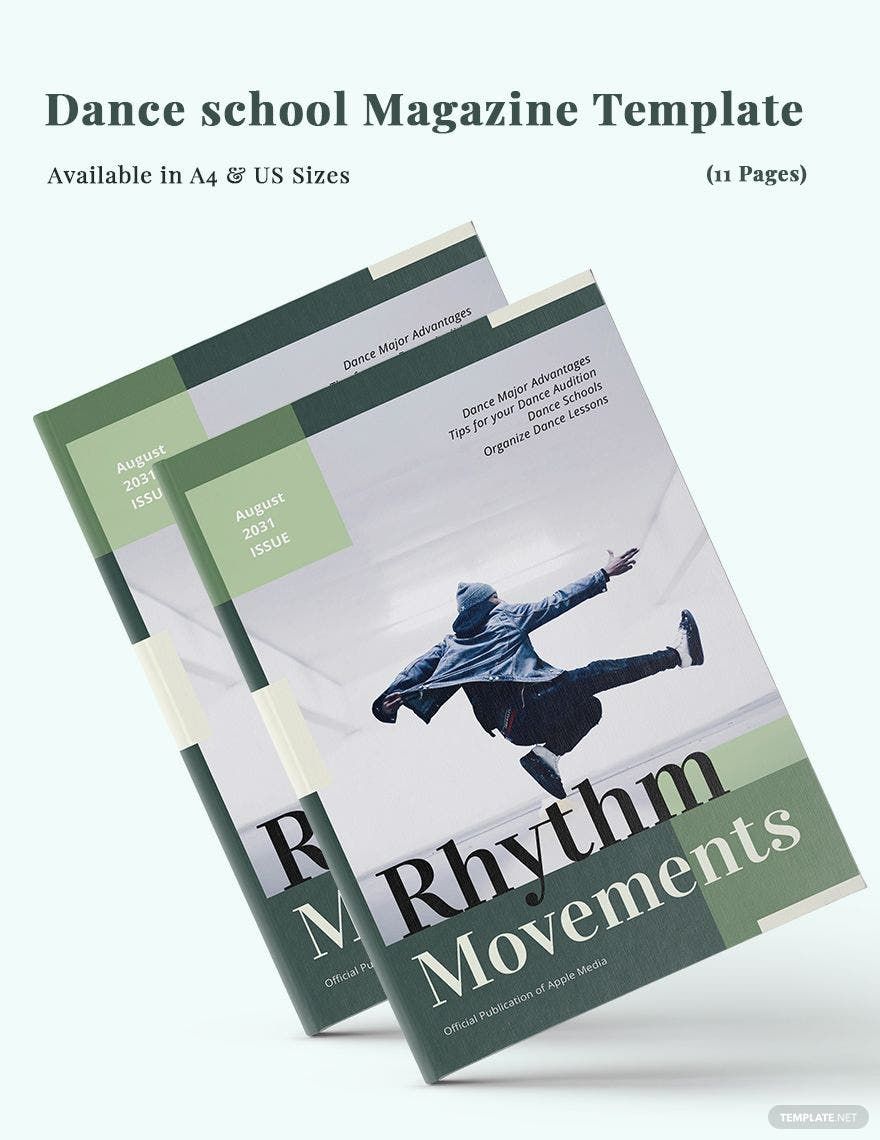
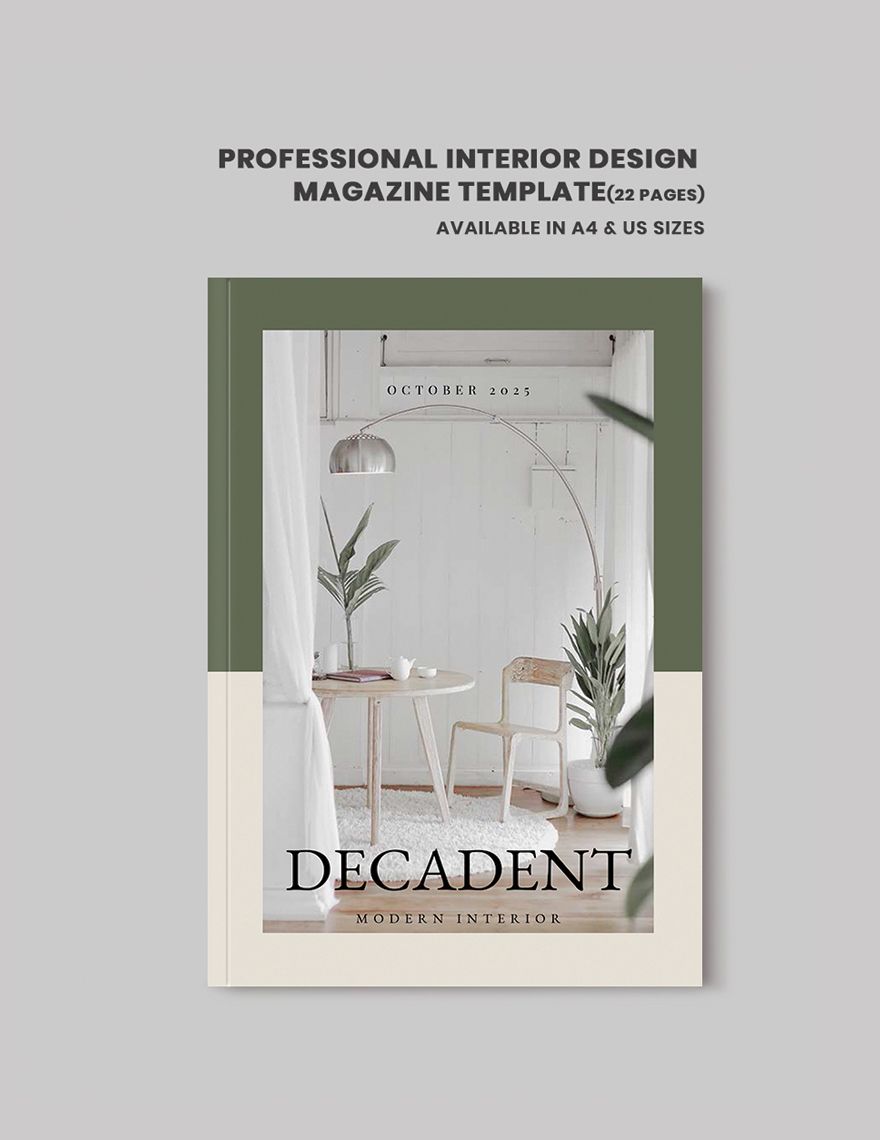
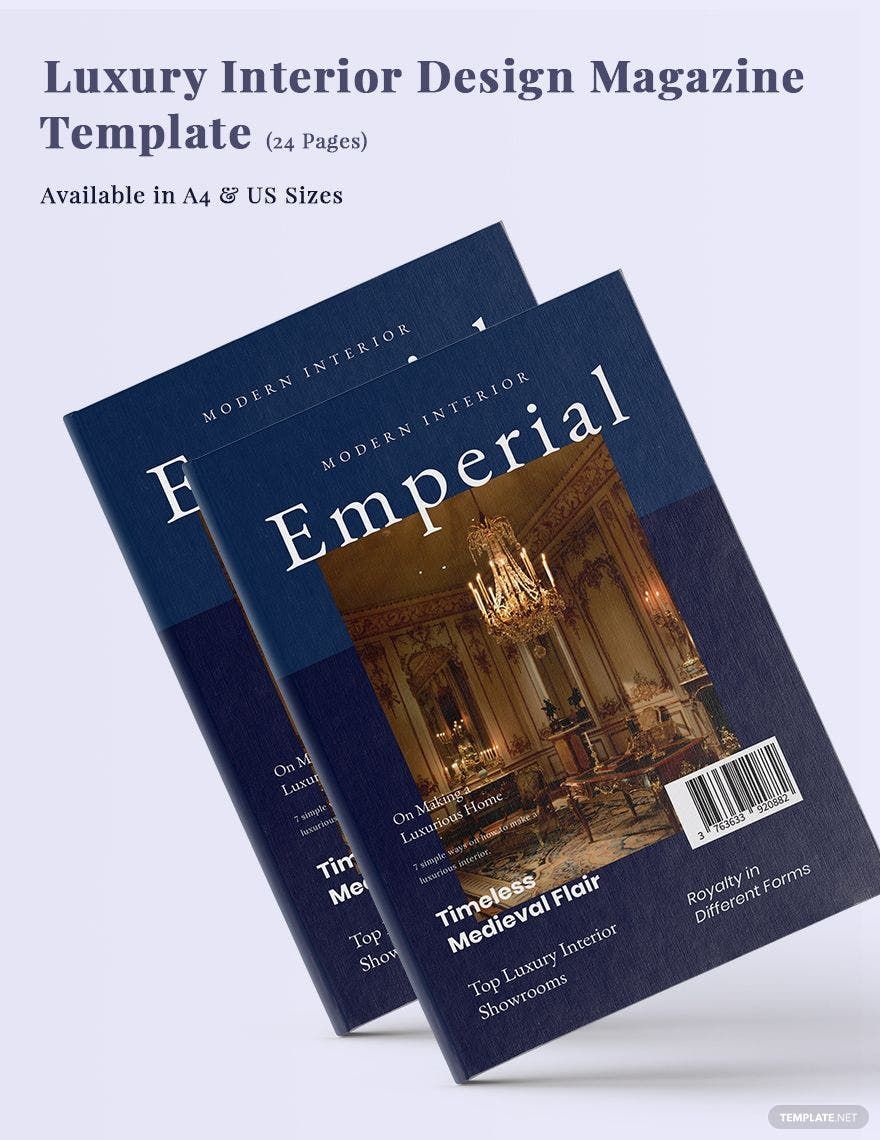
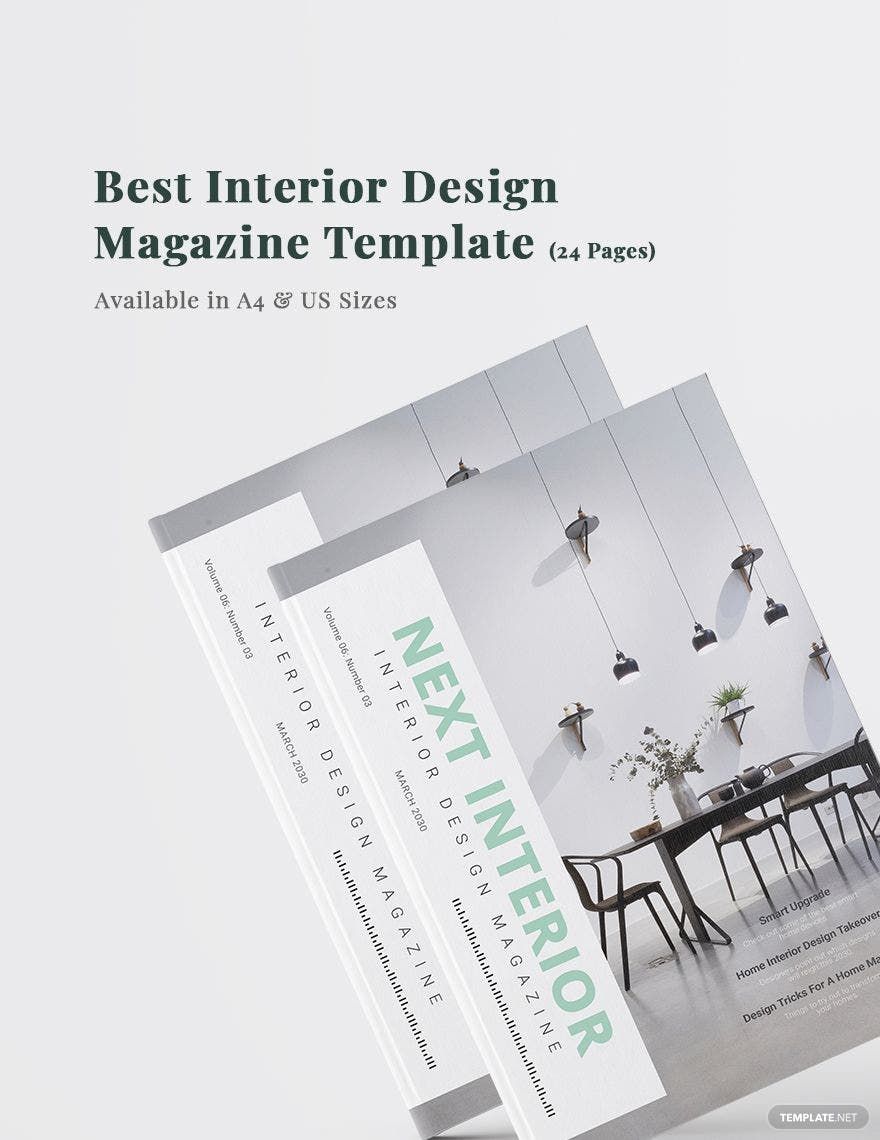
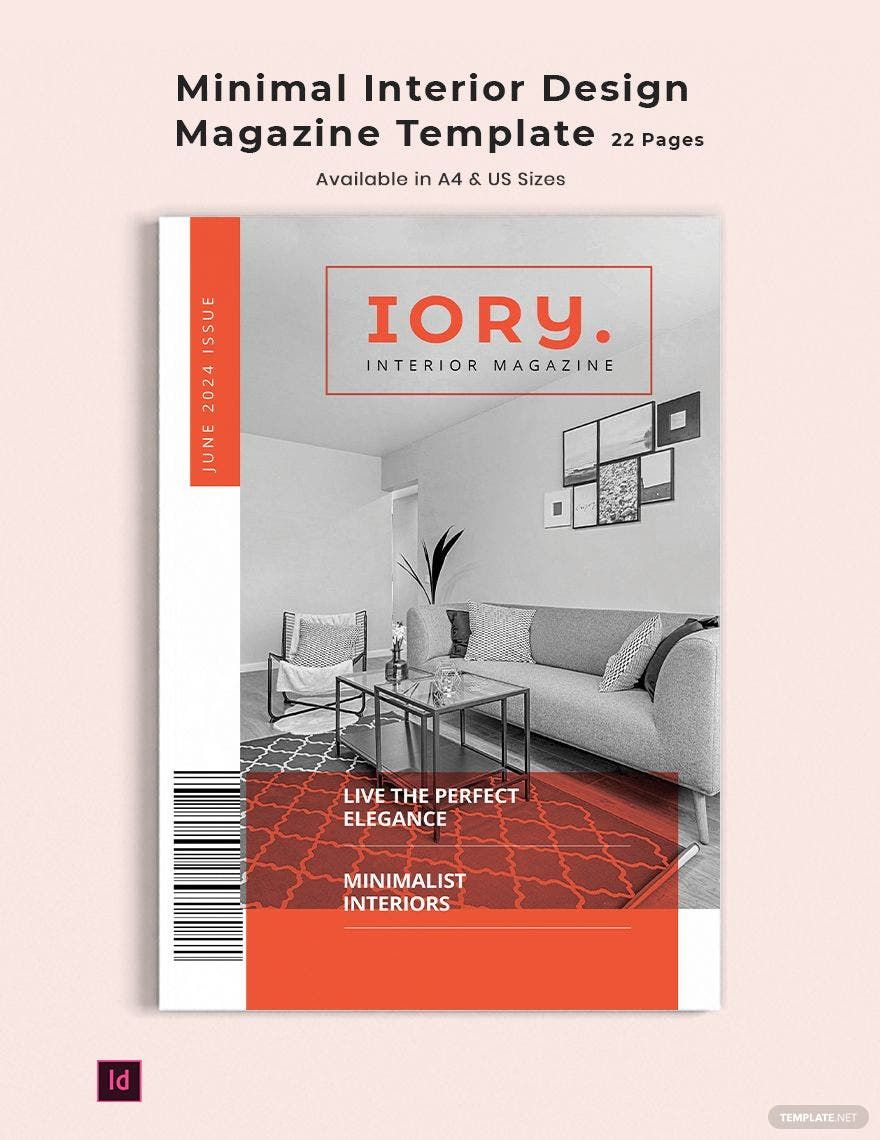
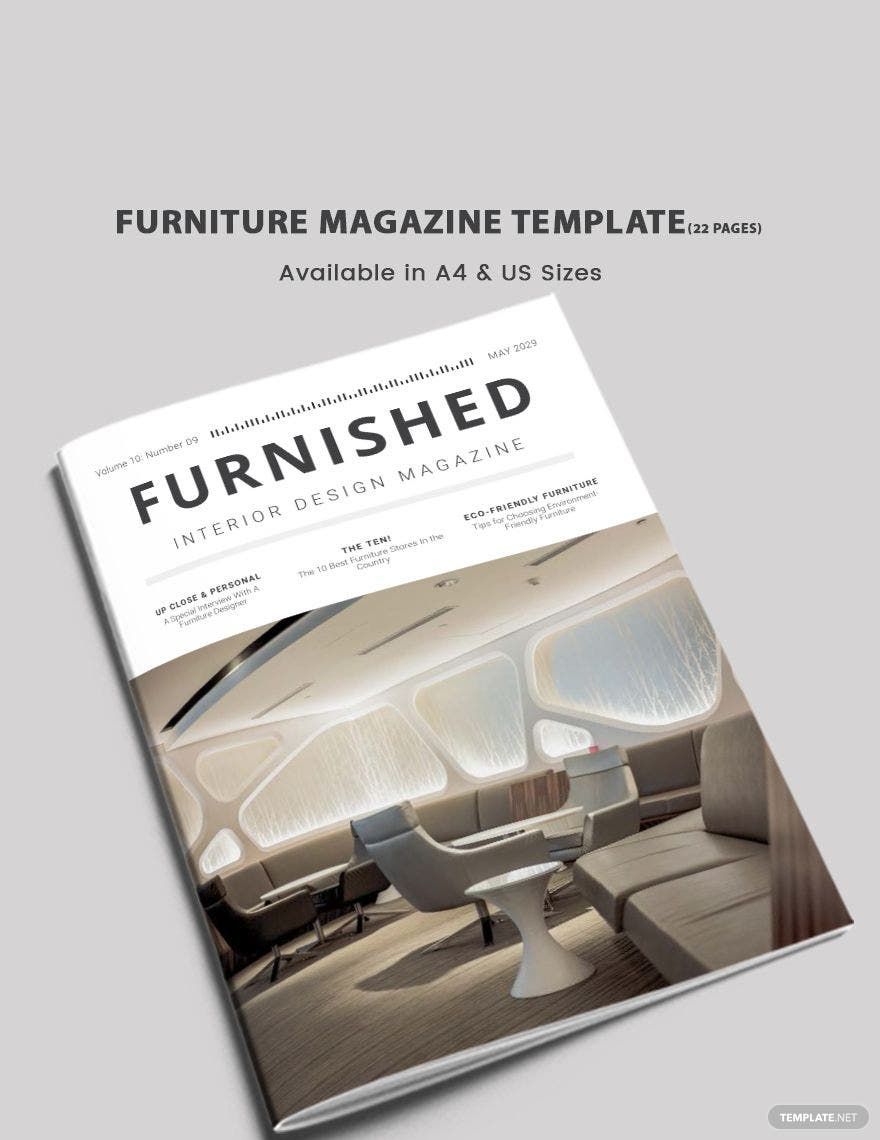
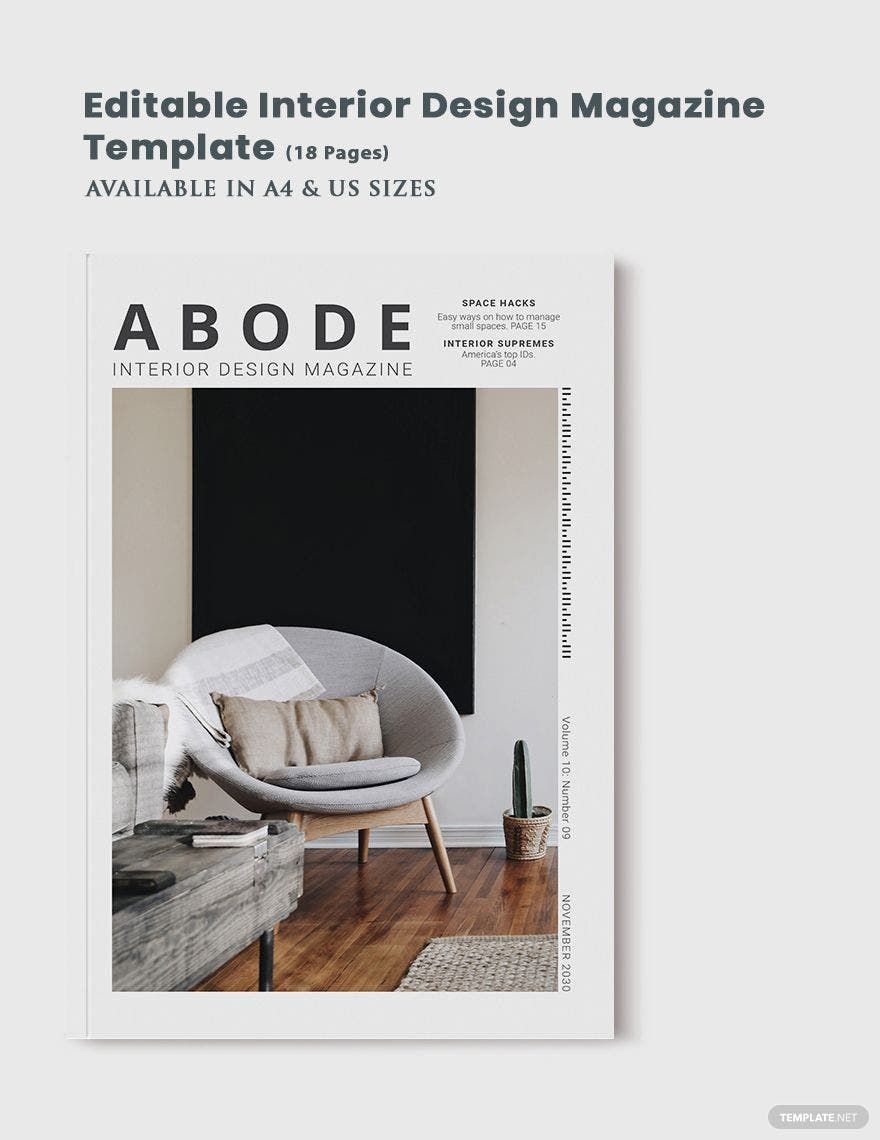
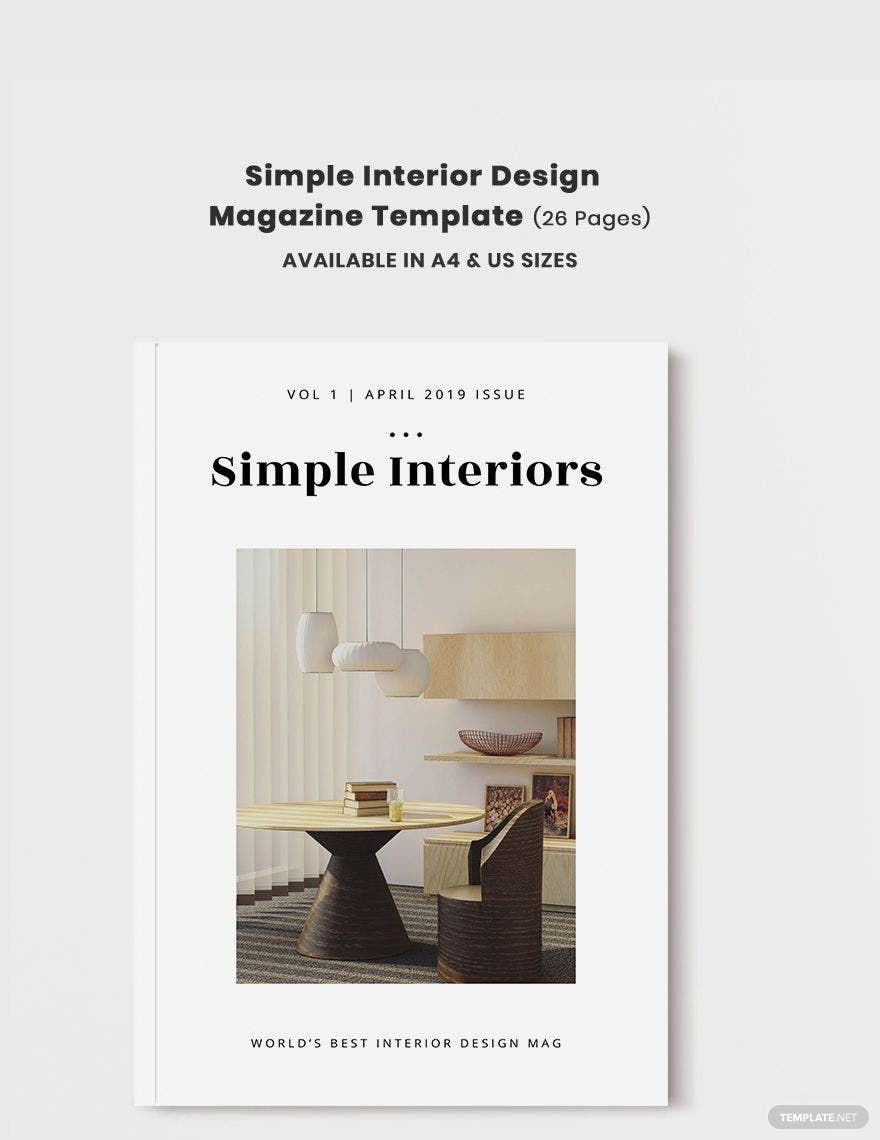
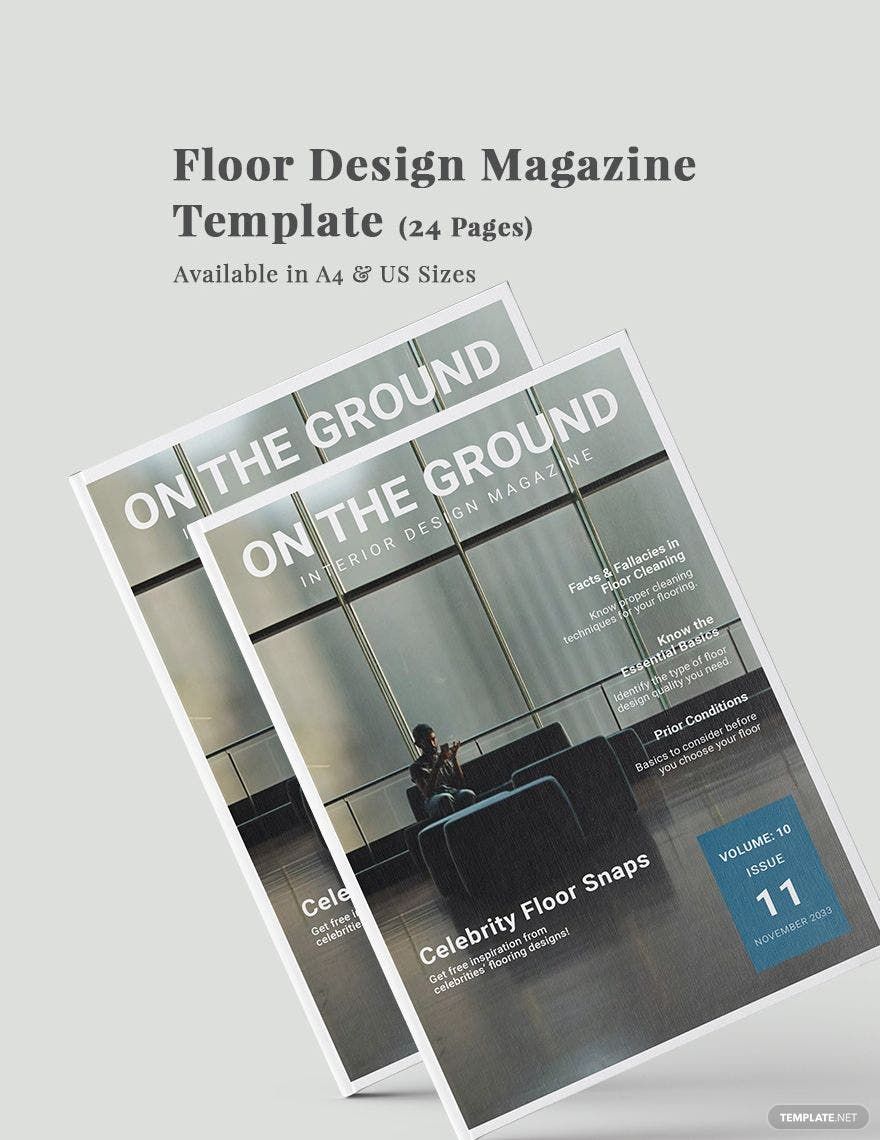
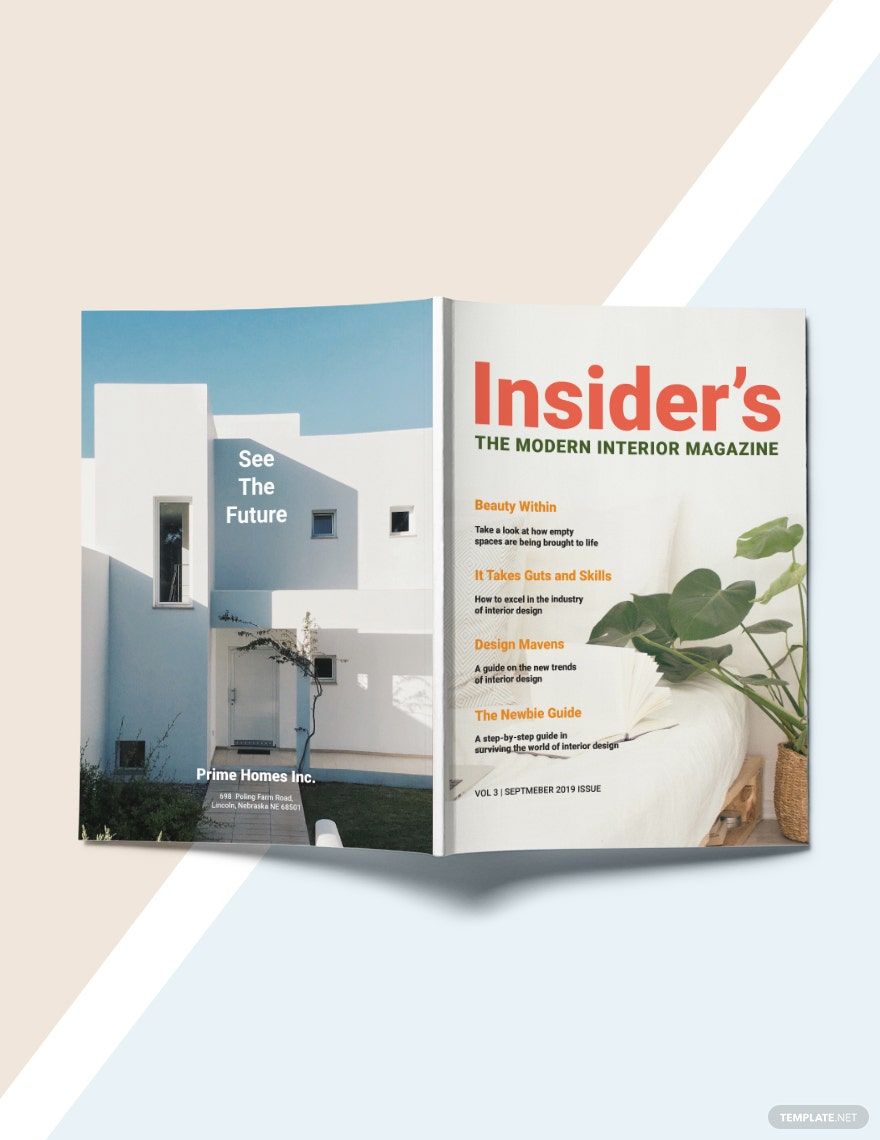
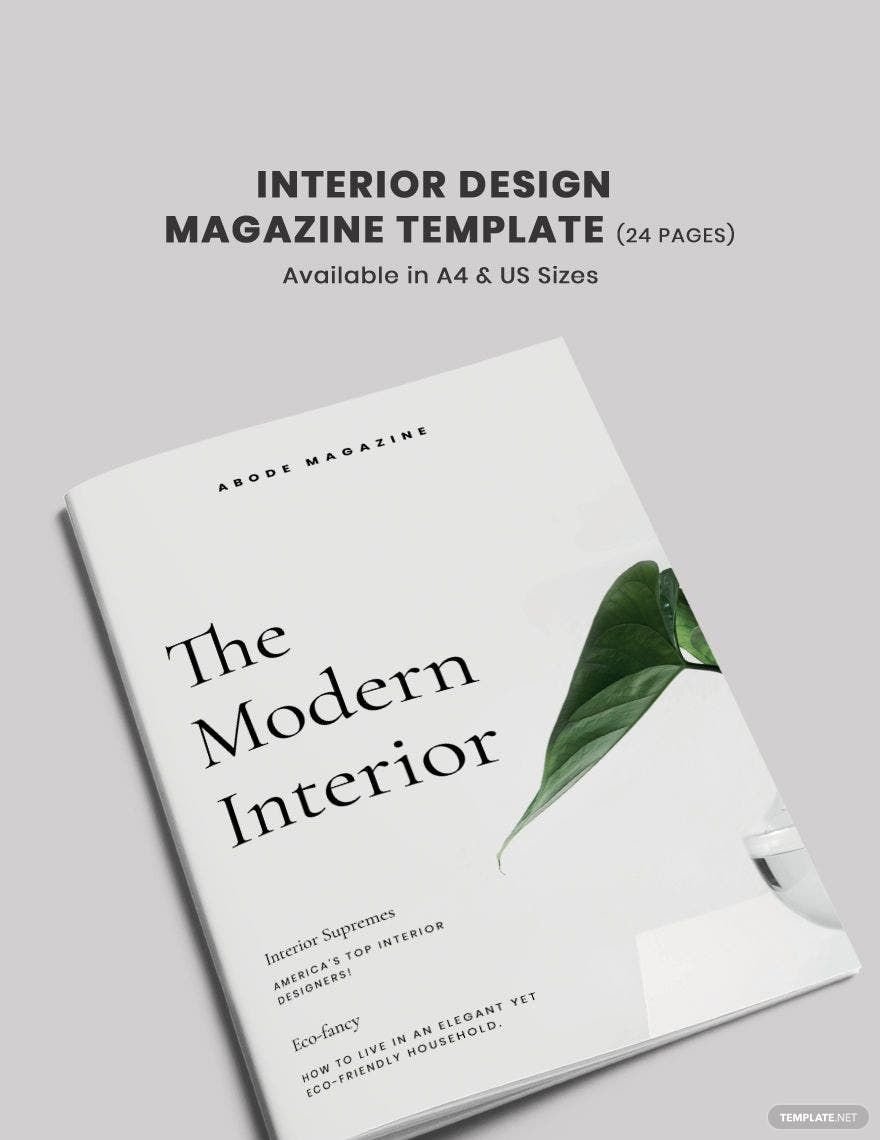
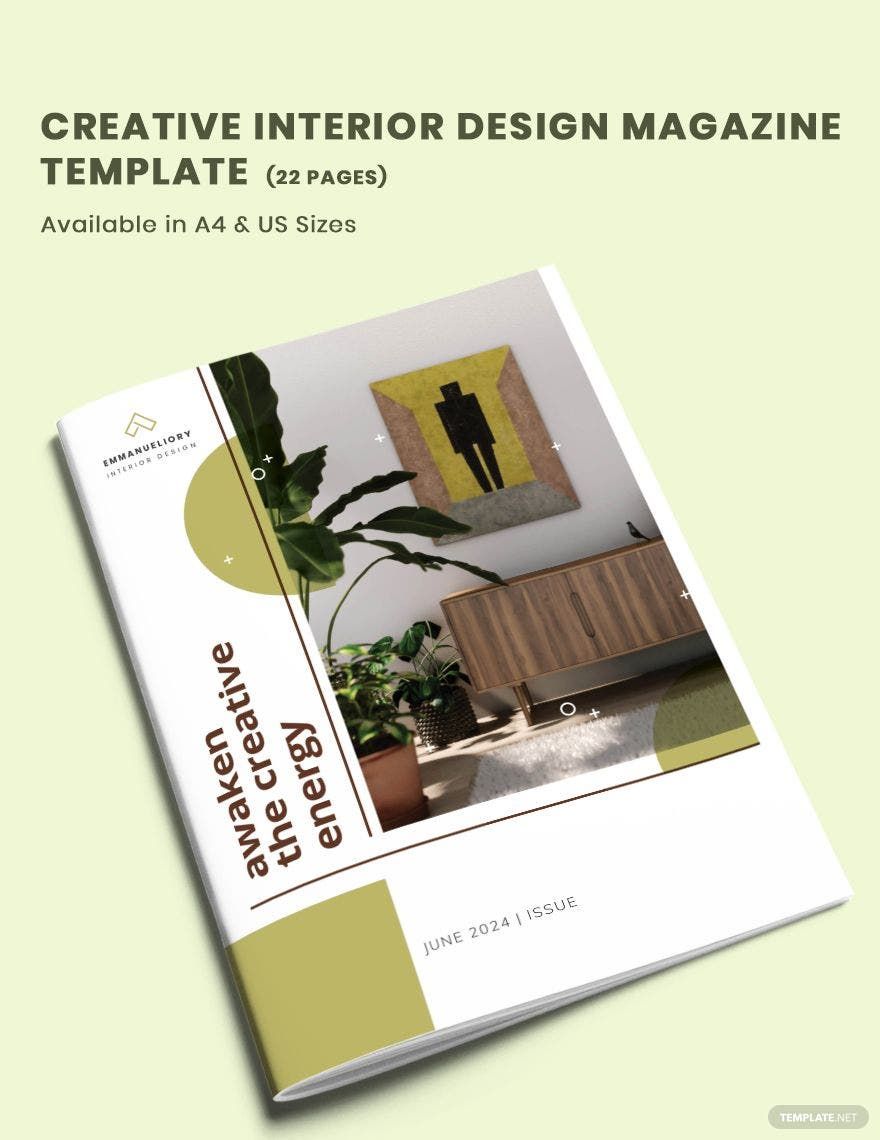
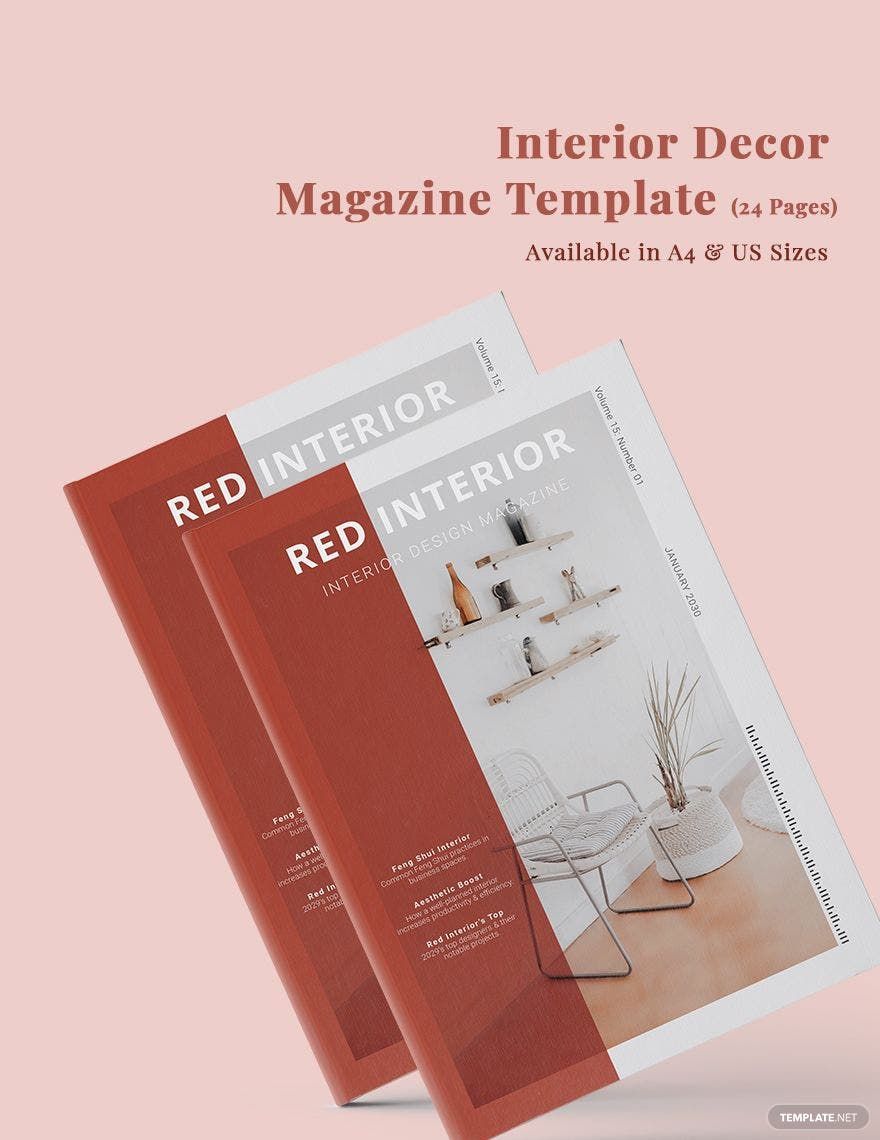
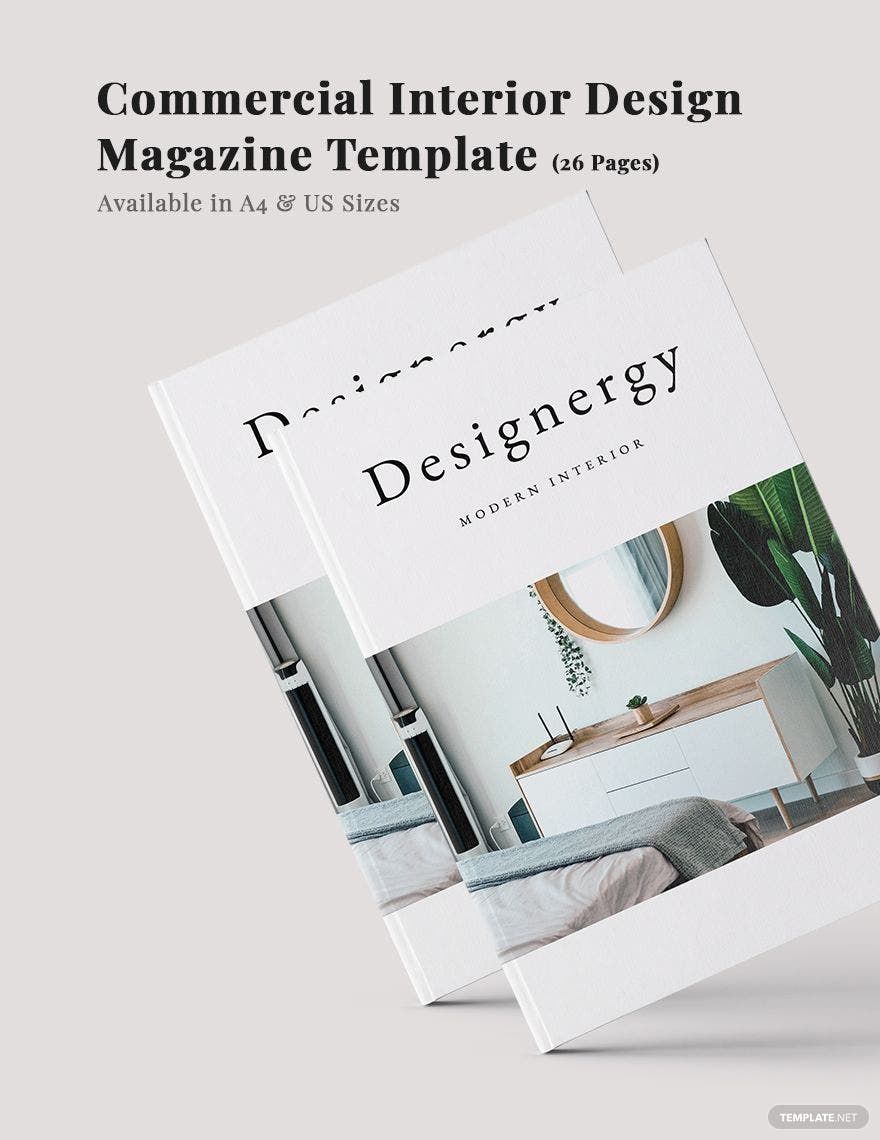
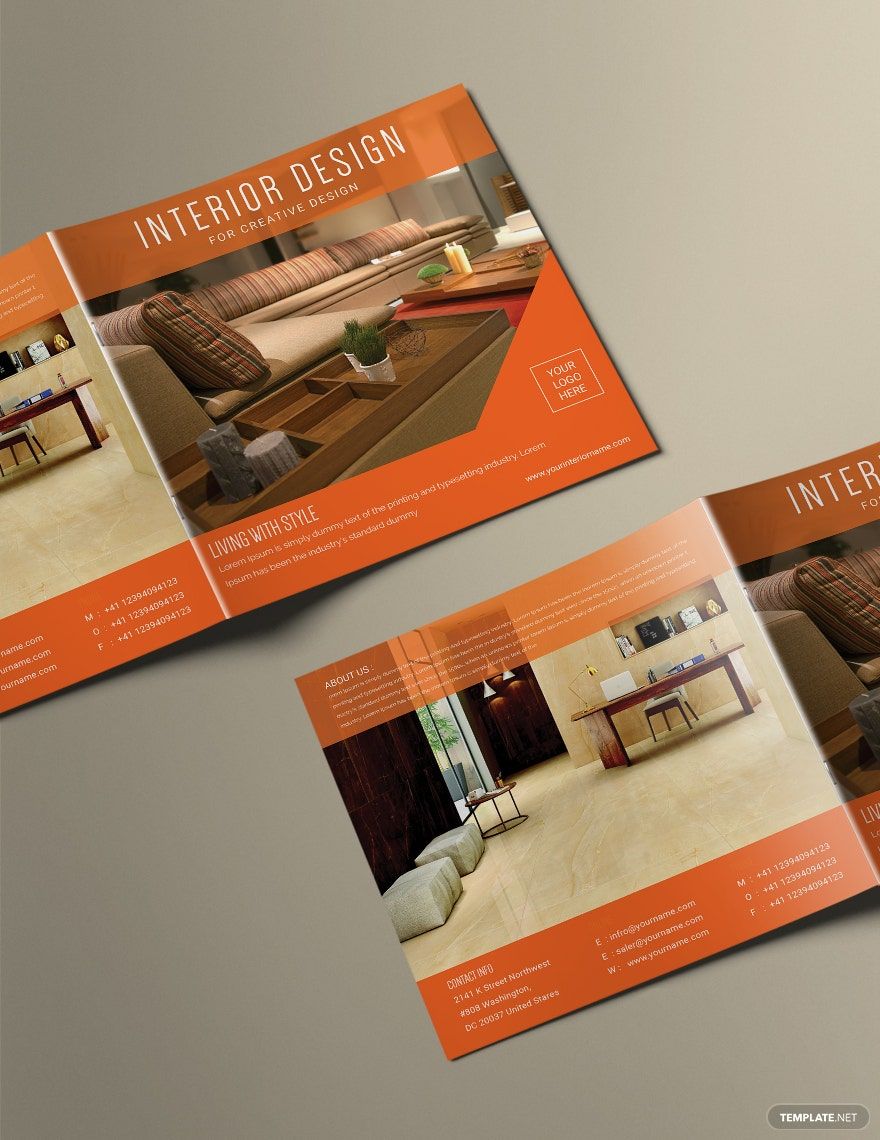
A magazine design is a collection of ready-made layouts and editable text areas arranged to present articles, images, and advertisements professionally. Magazine design templates help users create consistent visual storytelling and attractive pages efficiently with layered customization.
Why use a Magazine Design?
Using magazine design templates ensures professional layouts with balanced graphics and headline placement, streamlining the creation process. These templates save time by offering customizable design layers editable directly online, making production faster and visually consistent.
Who typically uses Magazine Designs?
Magazine designs are typically used by publishers, marketers, content creators, and graphic designers who need editable templates with professional layouts. These users benefit from online editing and layered customization to produce attractive magazines quickly.
What size should a Magazine Design be?
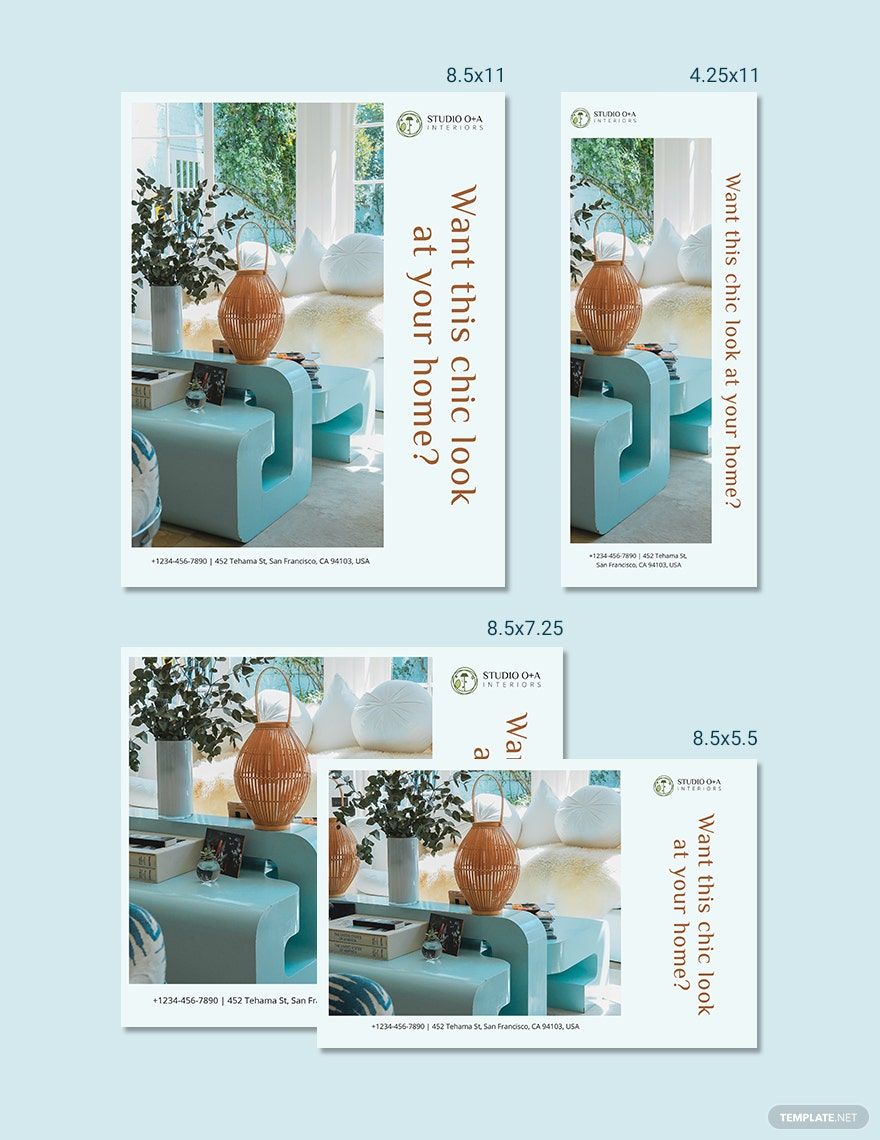
Magazine designs commonly use standard sizes like 8.5 × 11 inches or 8 × 10 inches, suitable for print and digital formats. Choosing the right size ensures print compatibility and proper layout proportions for headline and image placement.
What are the best tips for designing a Magazine Design?
Effective magazine designs emphasize a clear headline, consistent layout blocks, balanced images, and prominent call to action sections. Using layered templates with editable text and graphics allows quick adjustments for a polished, professional look.
How do you print a Magazine Design?
To print a magazine design, export the template in a high-resolution print-ready format such as PDF. Ensure bleed areas and margins are set correctly in the layered design to avoid cropping important graphics and text during printing.
What elements should a Magazine Design include?
A magazine design should include headline sections, images or graphics, key information sections, call to action areas, and editable text blocks. Layered template designs allow easy customization of each element for cohesive layouts.
What file formats can I download for a Magazine Design?
Template.net magazine design templates support multiple formats for editing and printing, including Word, PDF, InDesign, and Apple Pages.
Can I create a new Magazine Design using AI?
Template.net provides an AI-powered tool that generates new magazine design templates from user prompts. You can create unique layouts quickly by using the Magazine Generator.