
Free IT and Software Presentation Templates
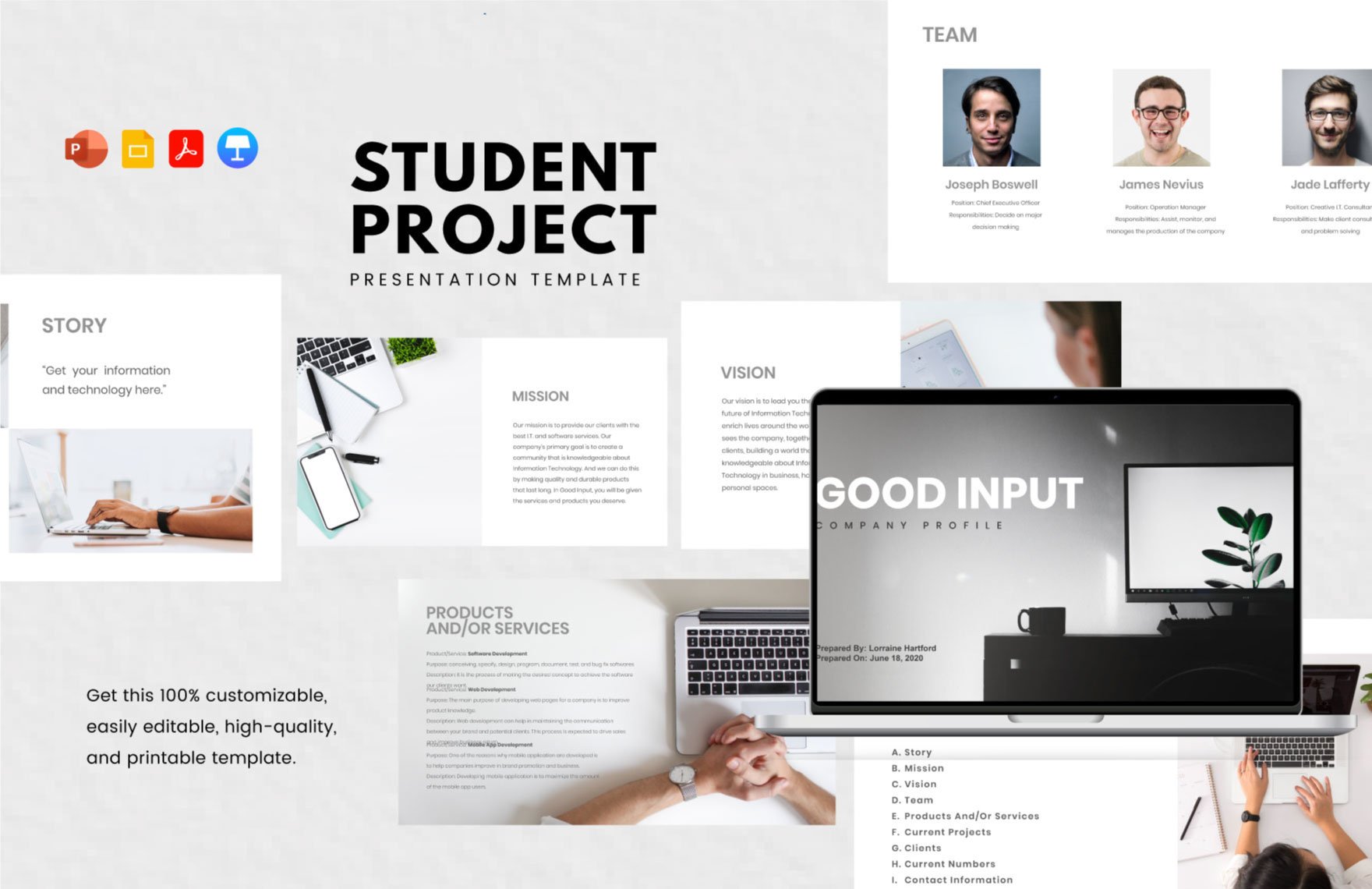


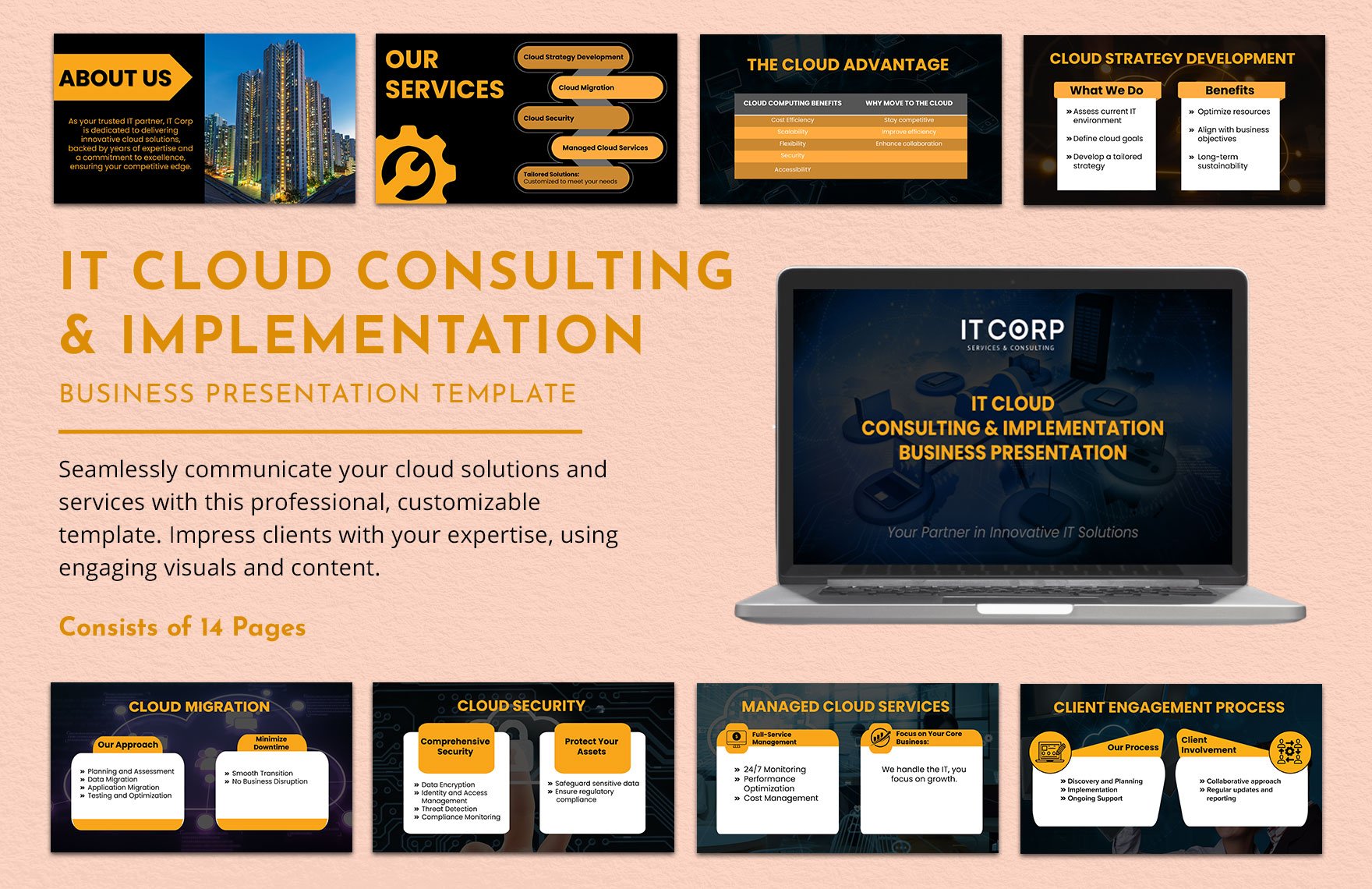
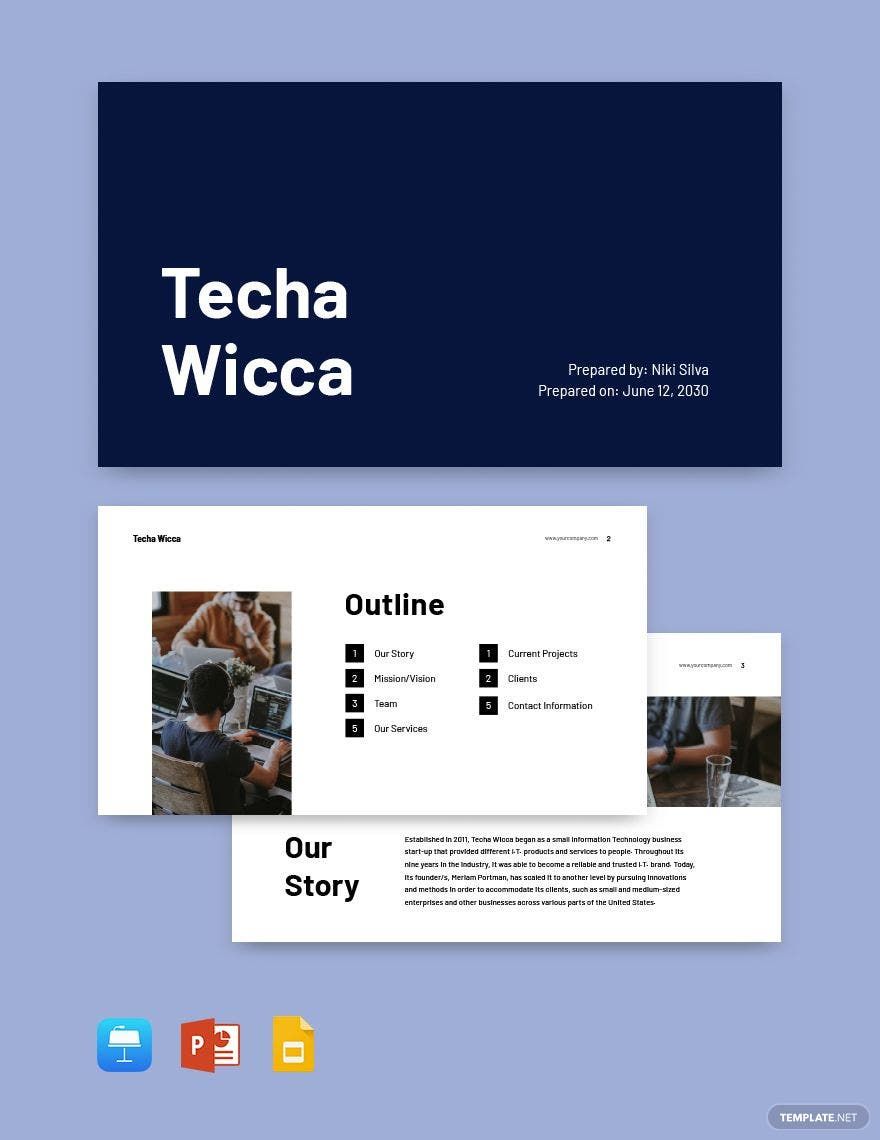
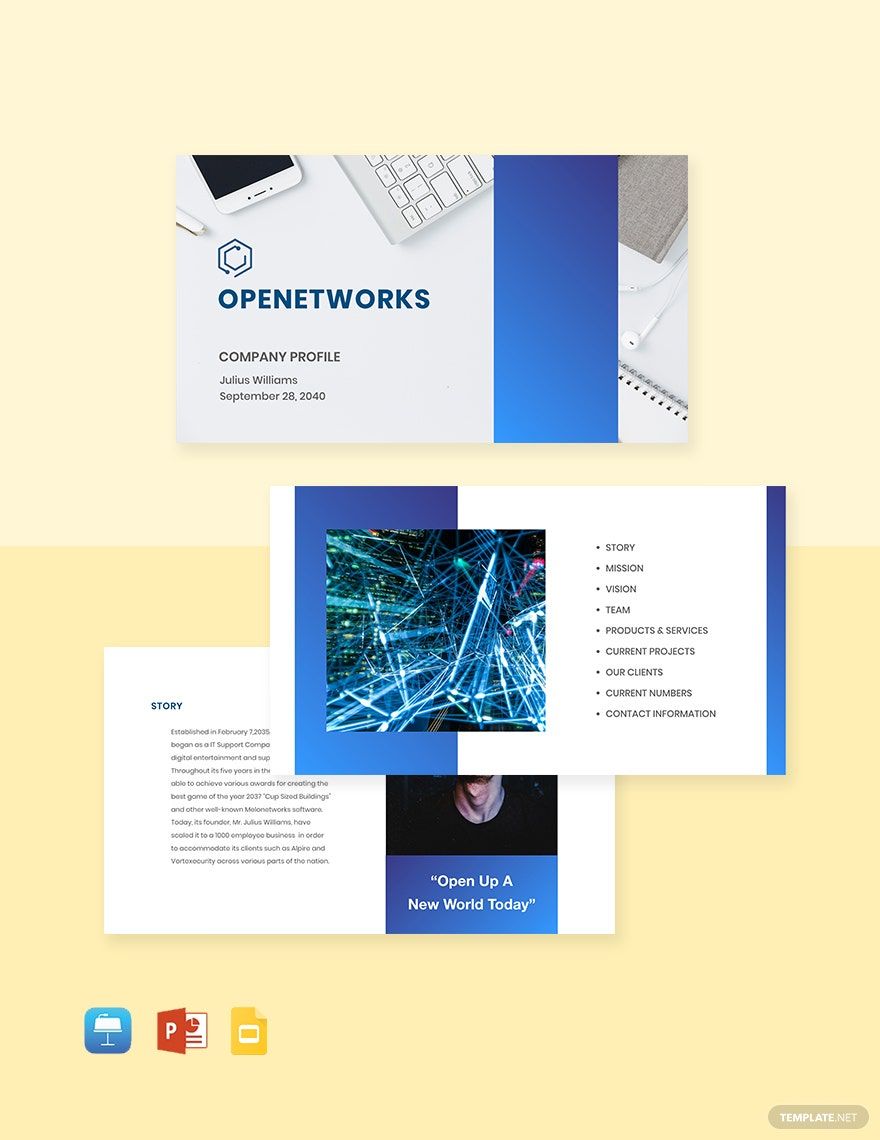


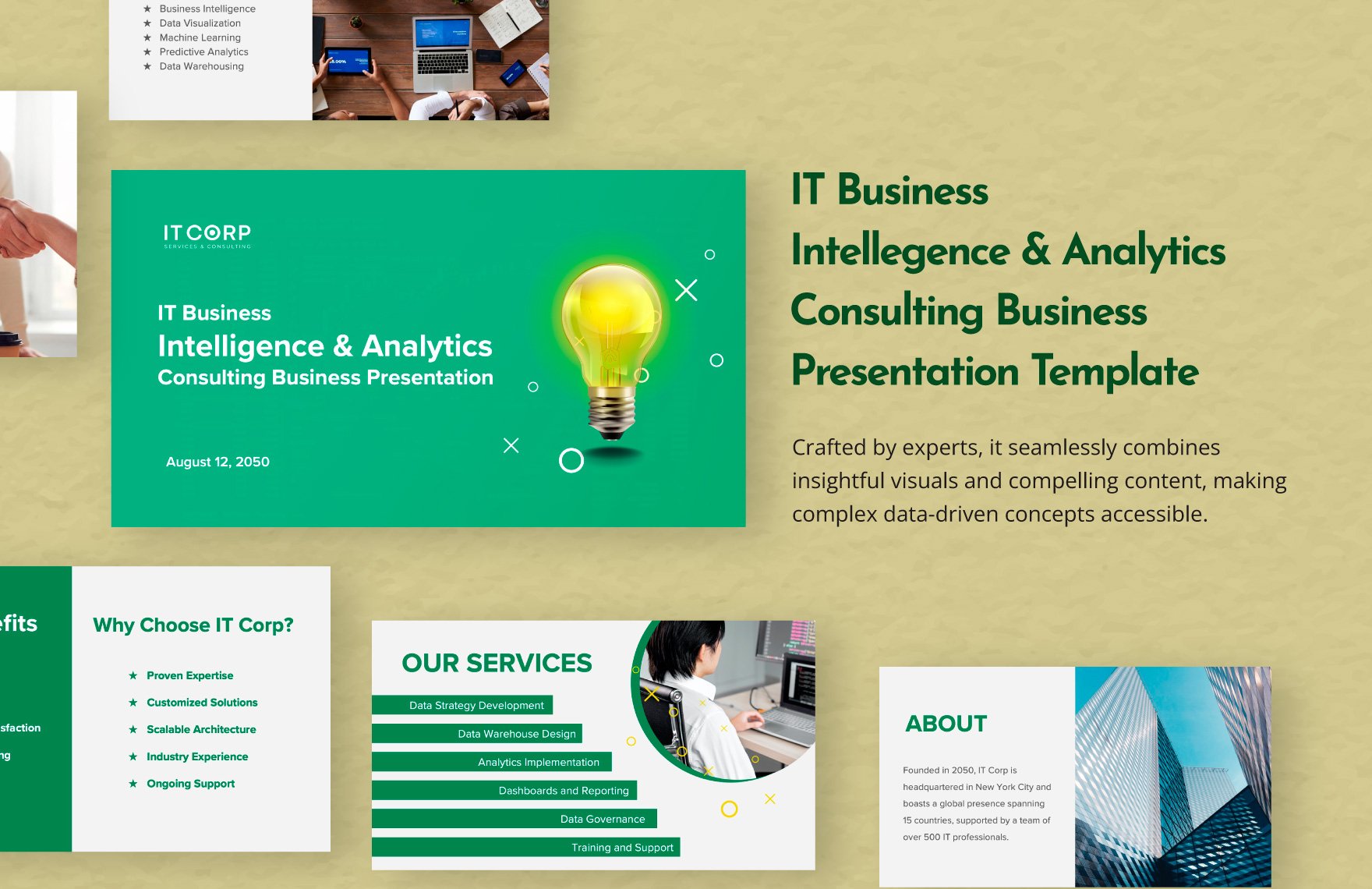
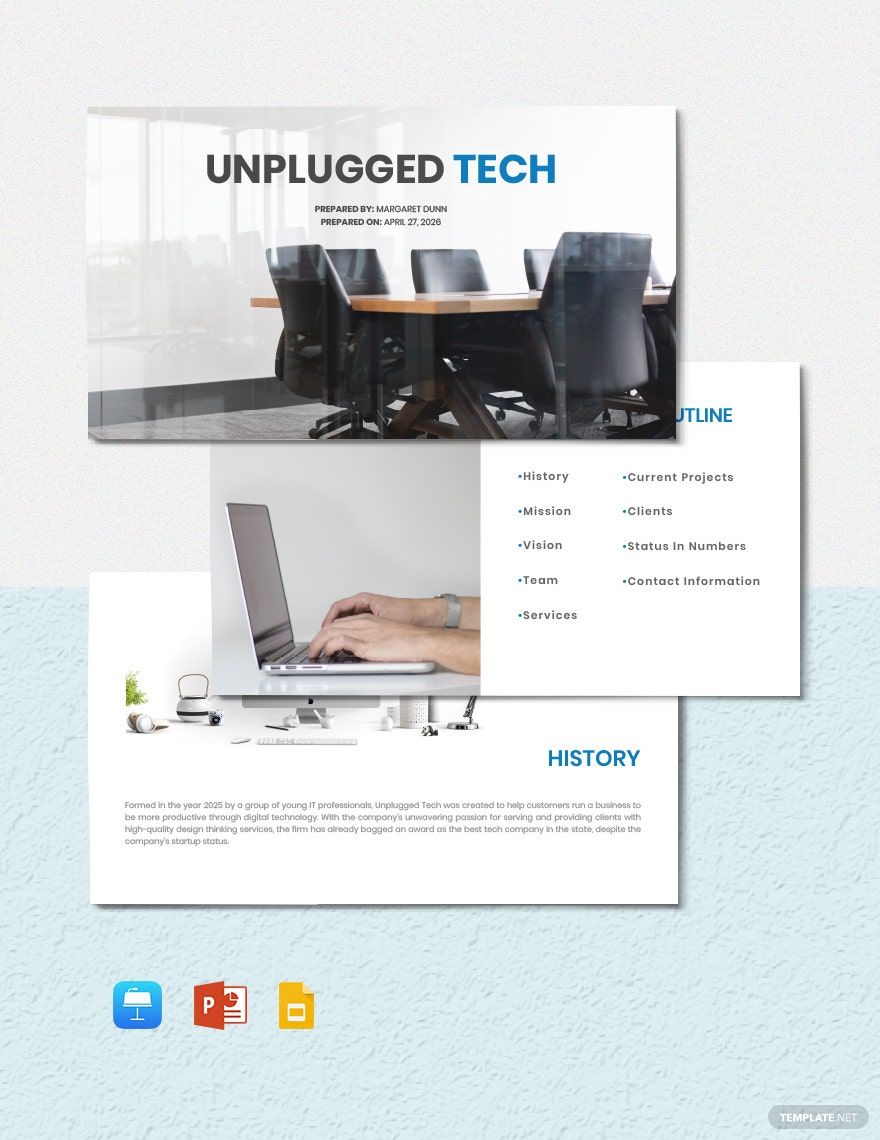
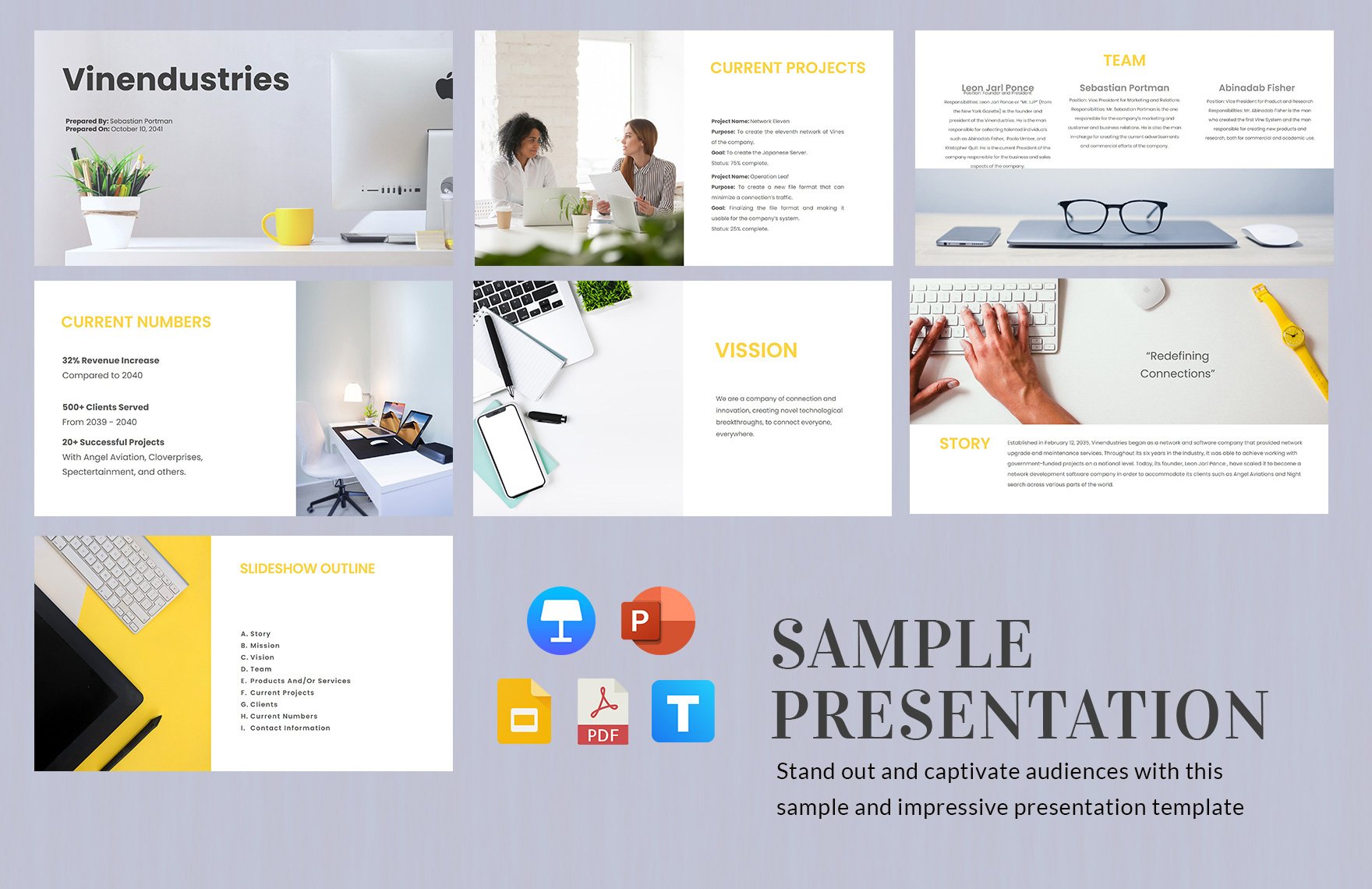

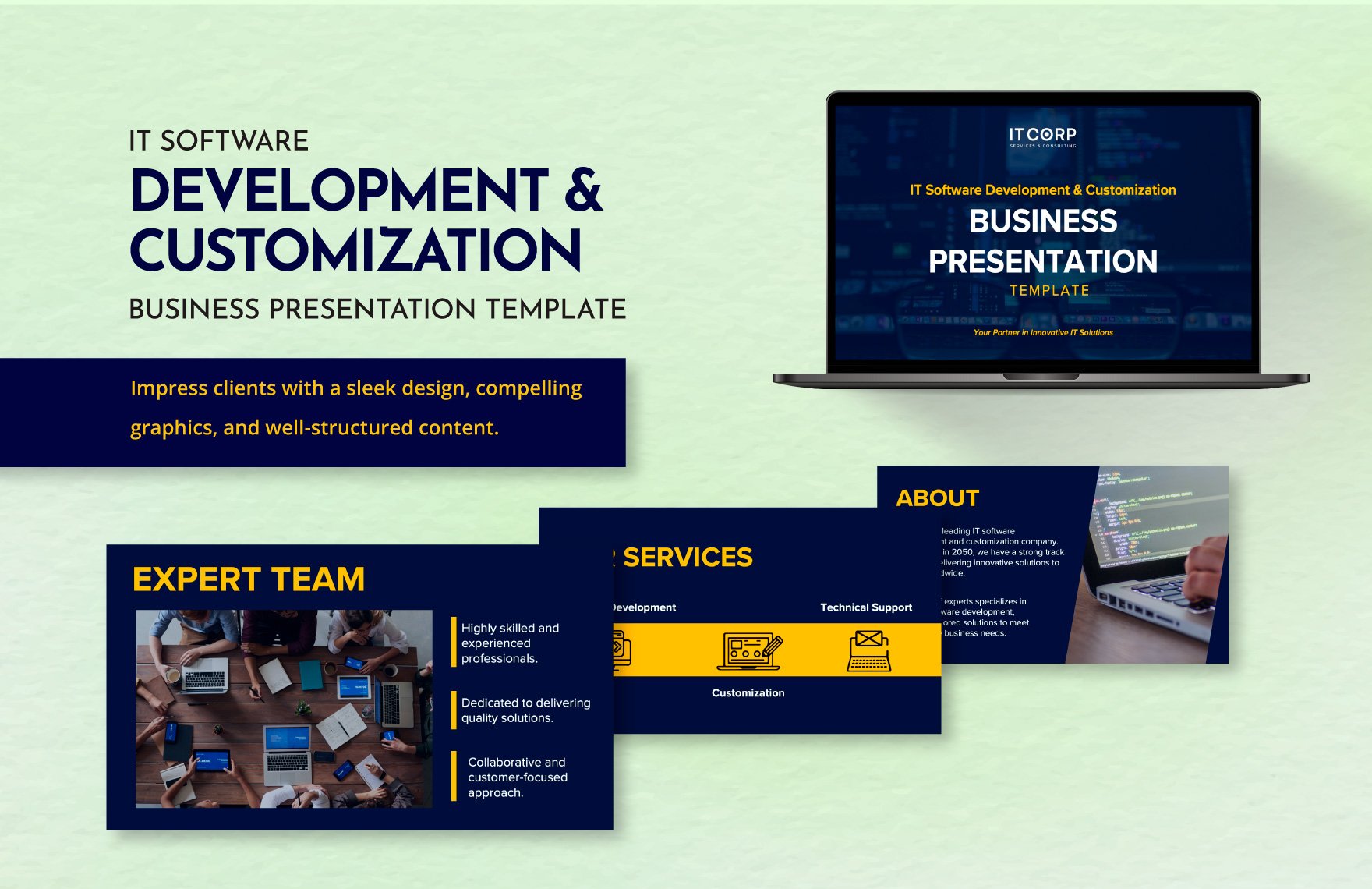
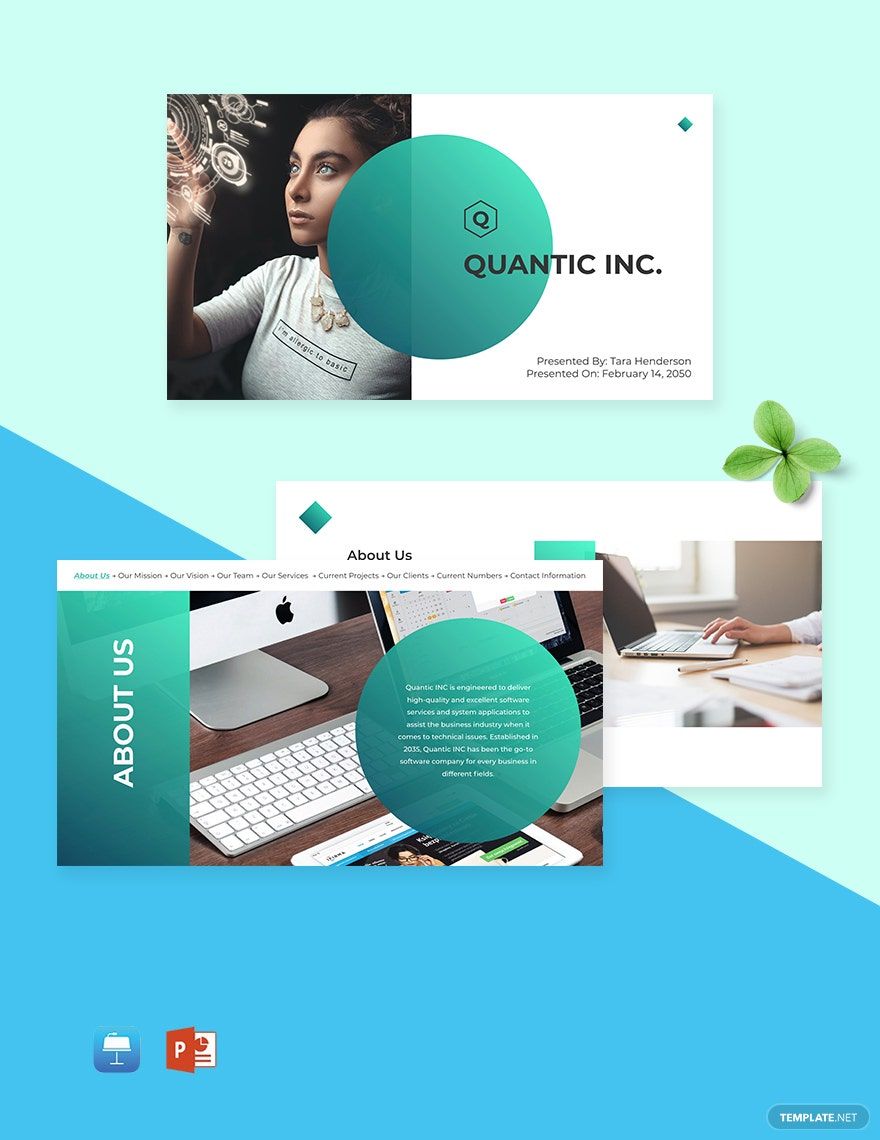
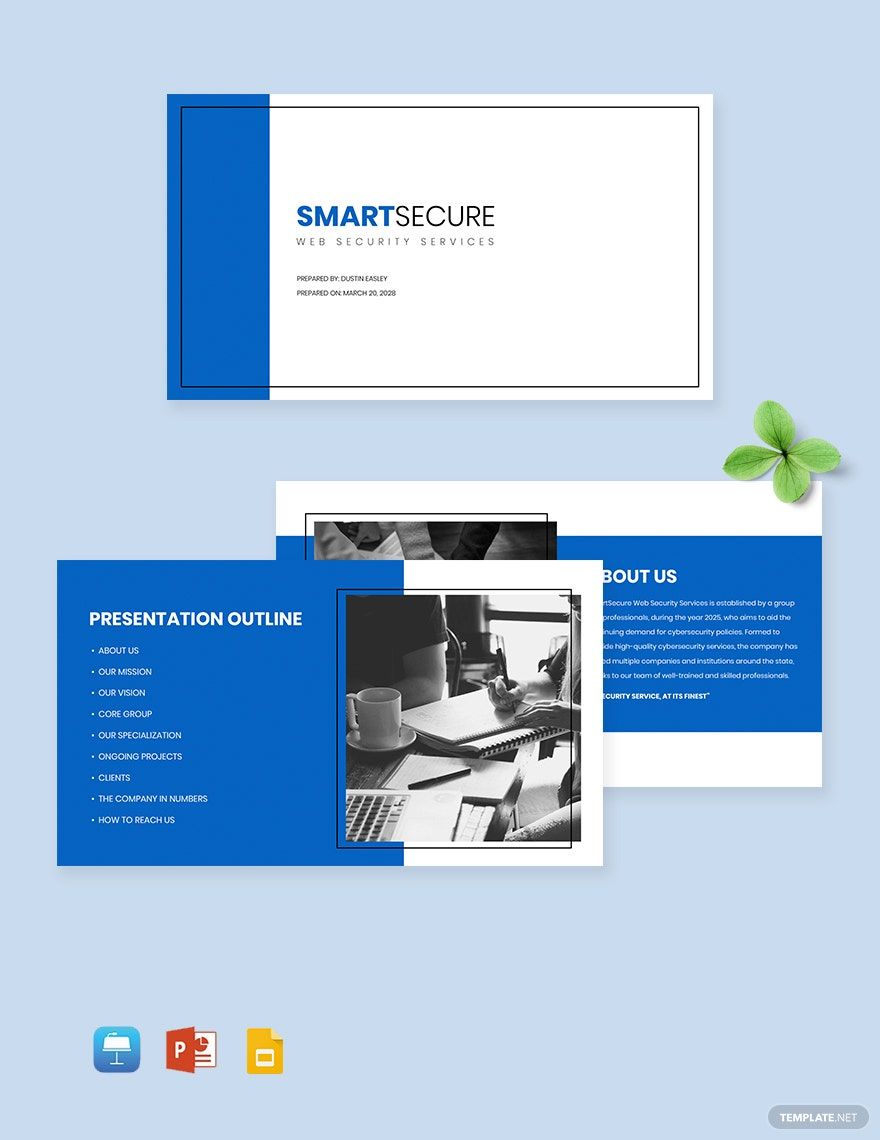


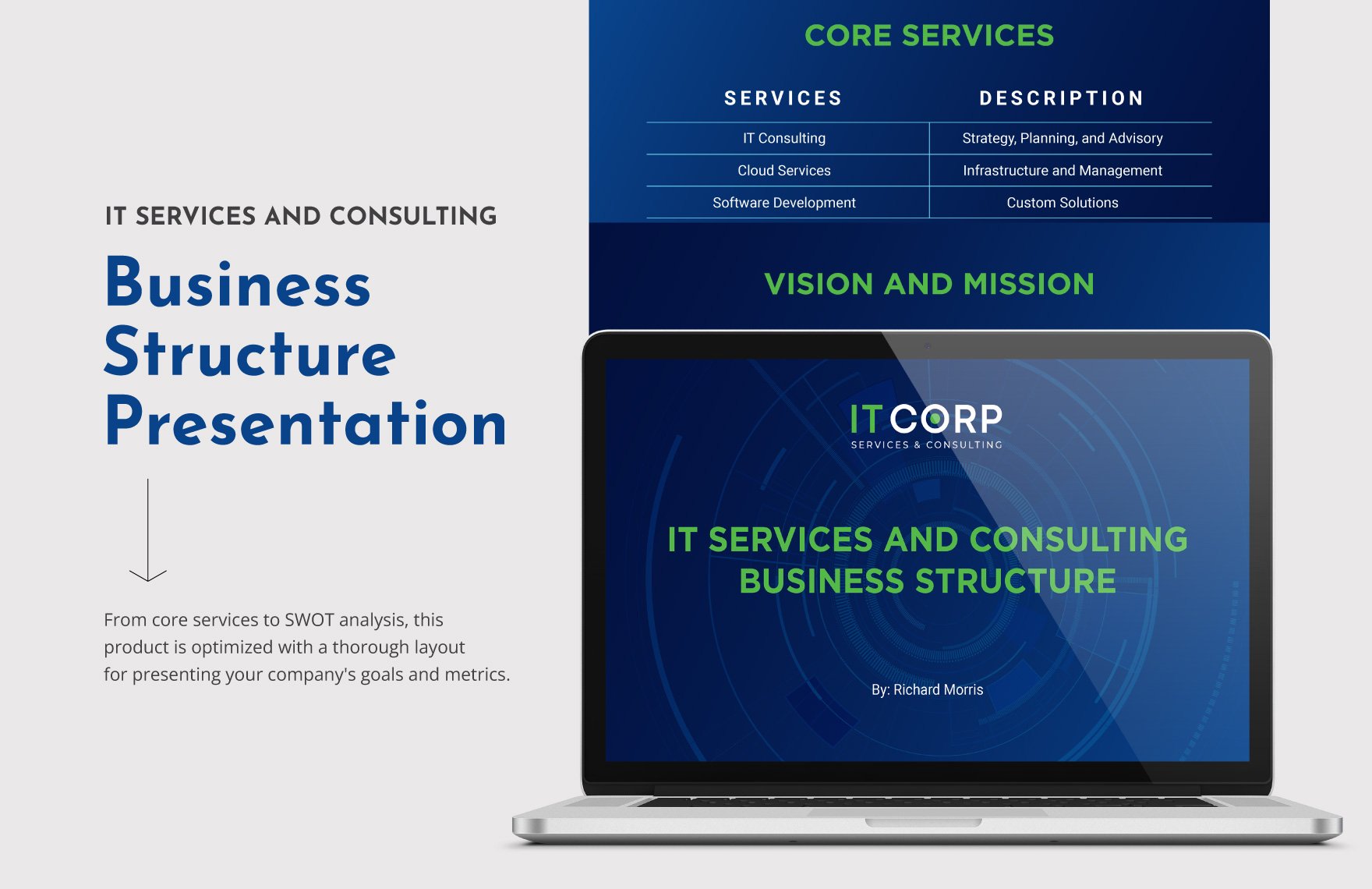
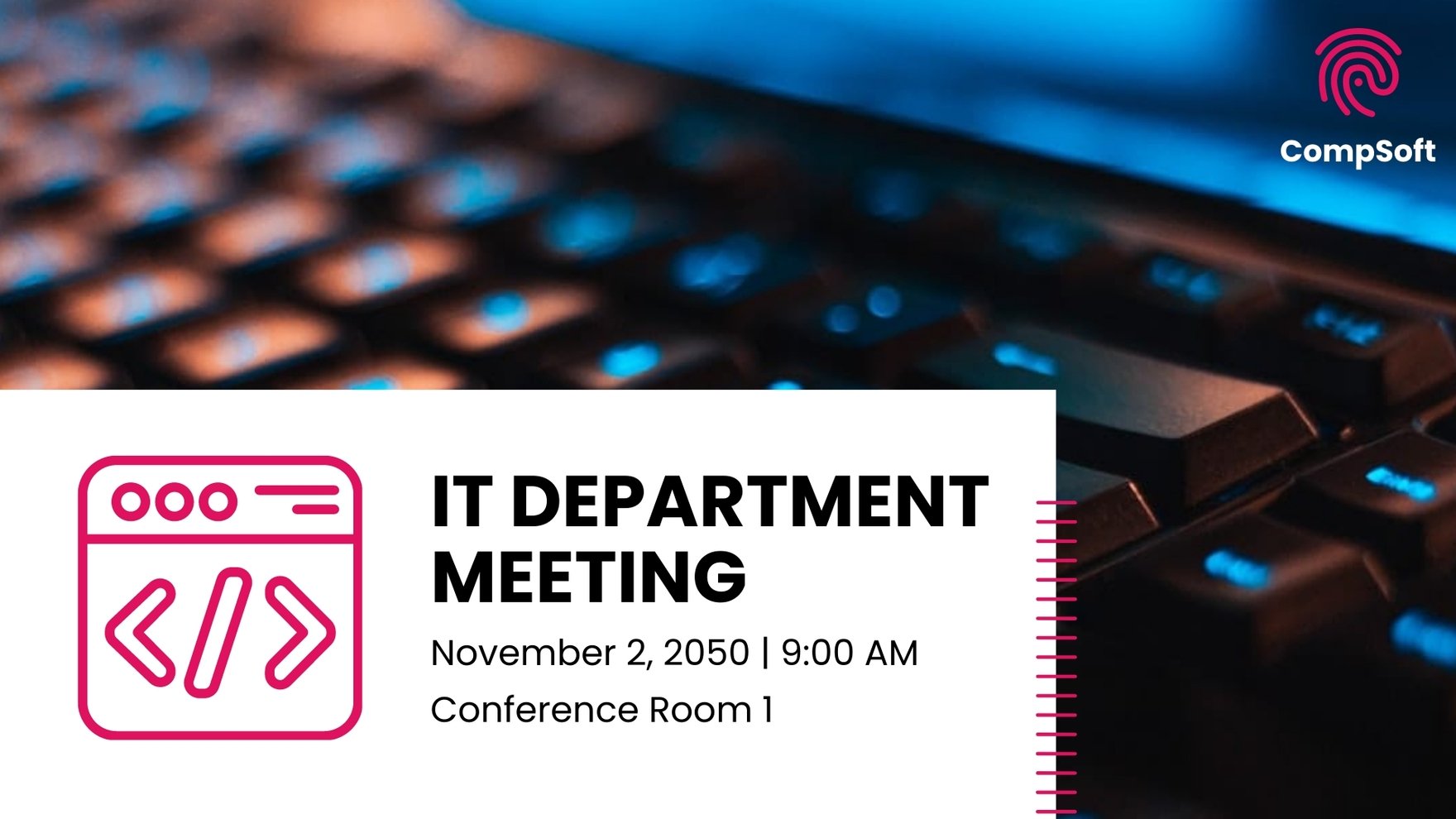
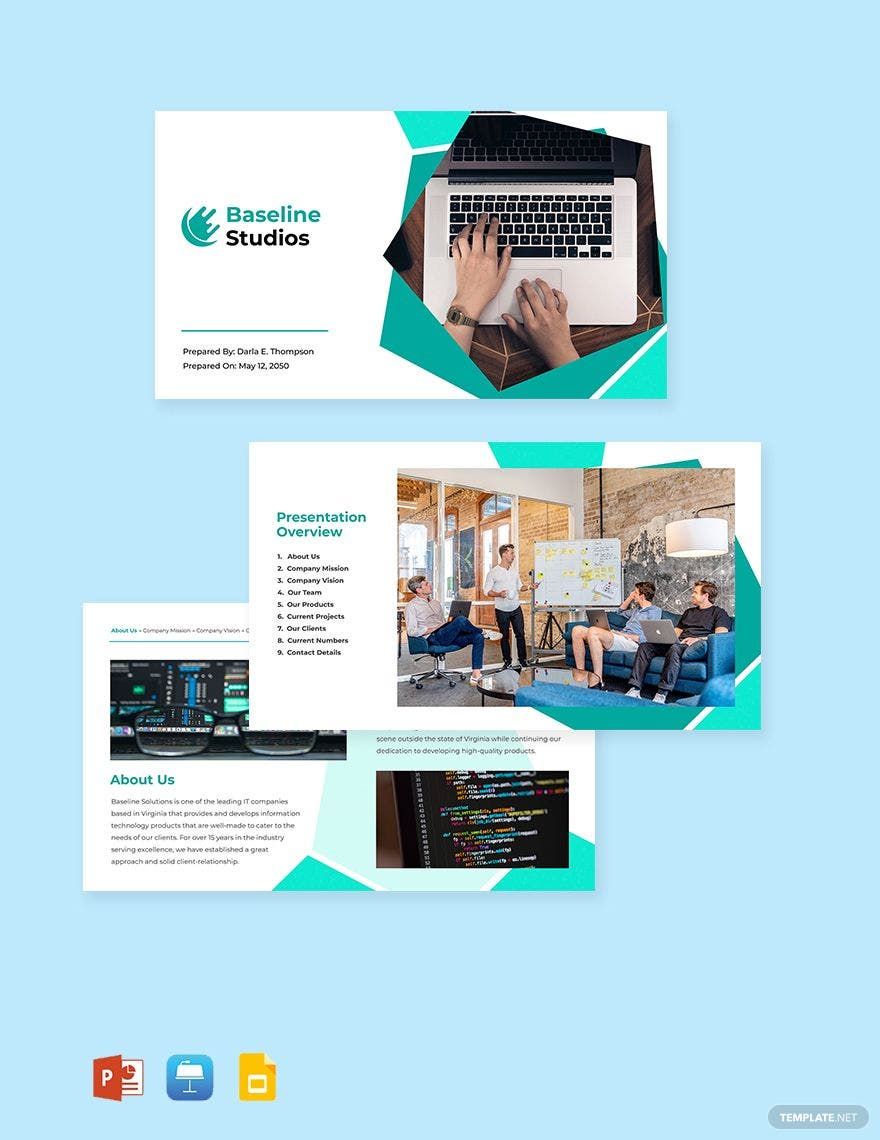
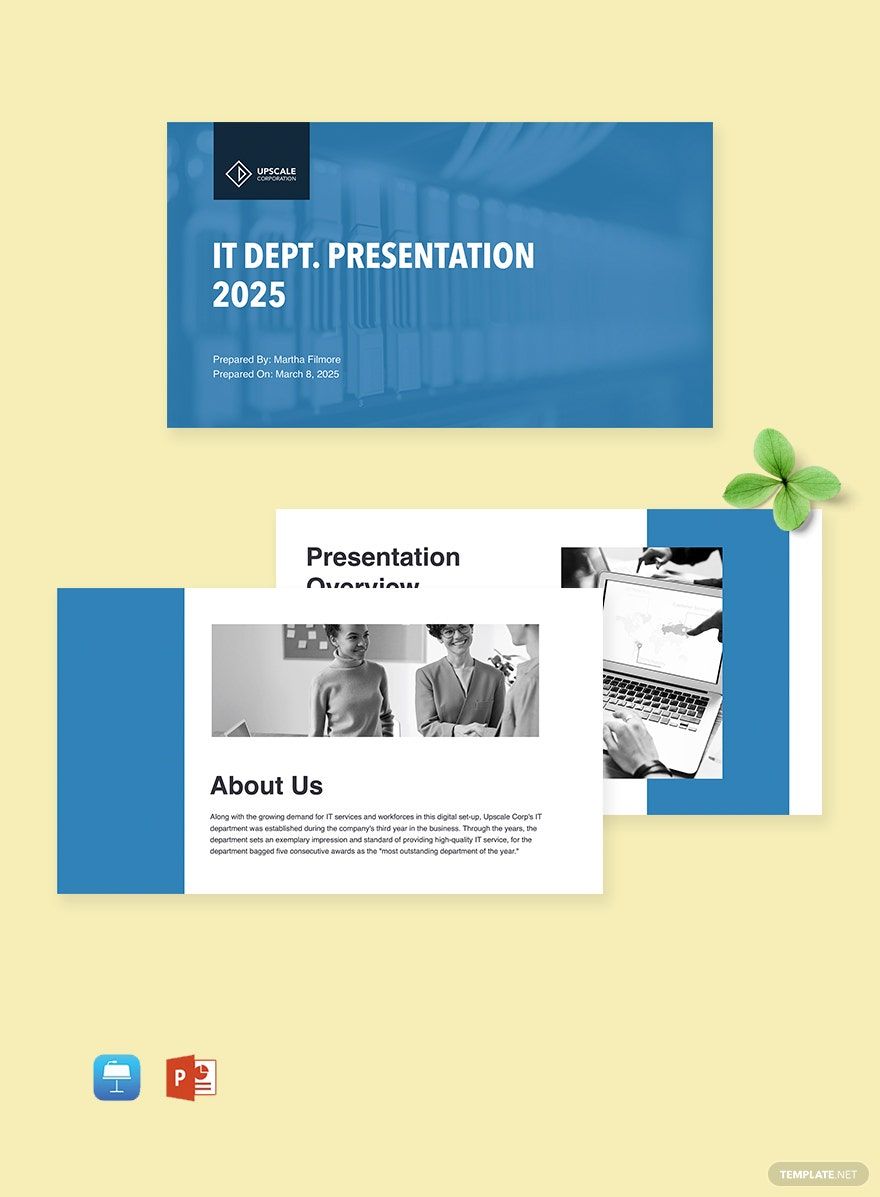

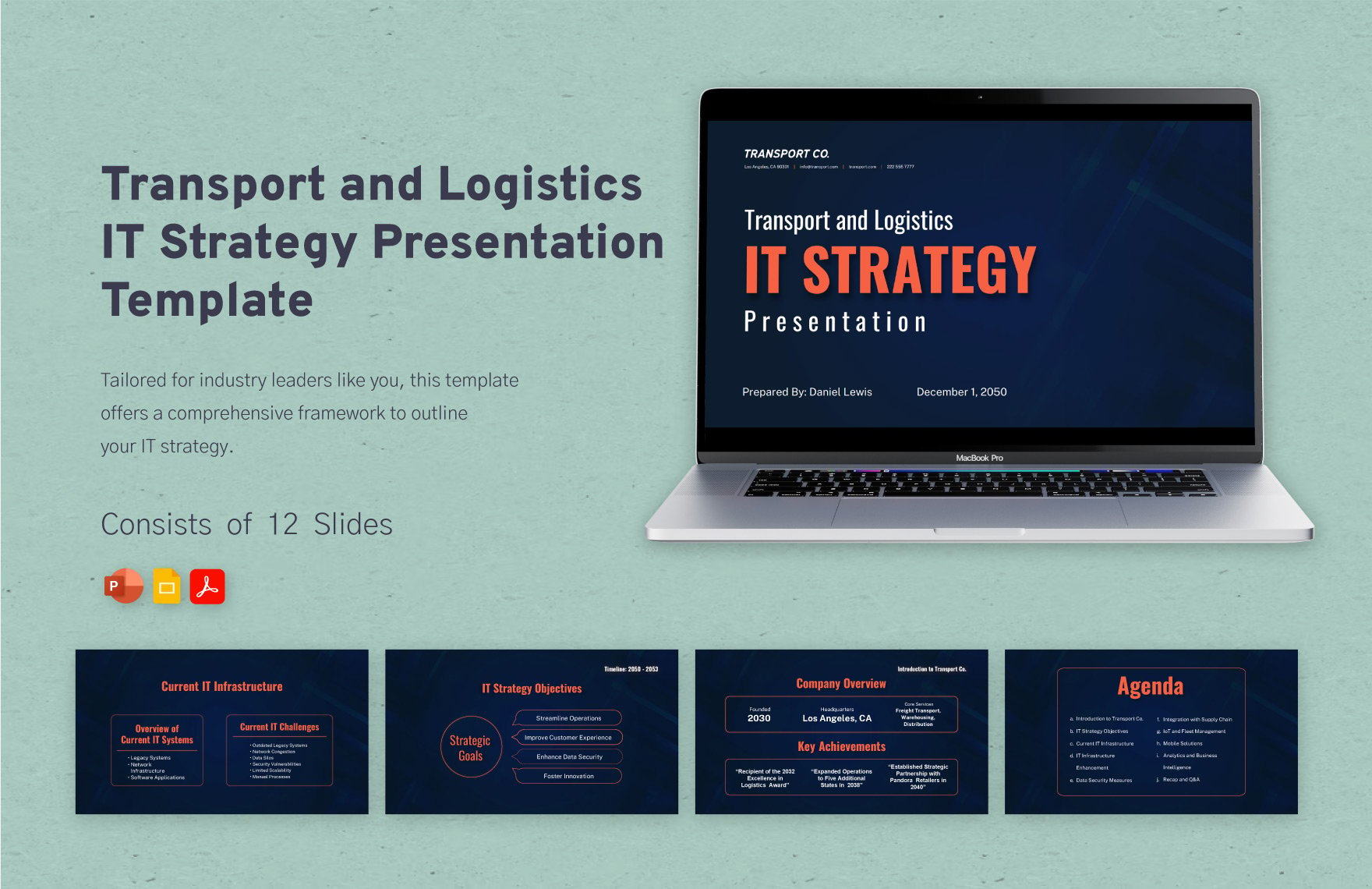
IT and Software Presentation Templates: Uses, Design, and Formats
What is a IT and Software Presentation?
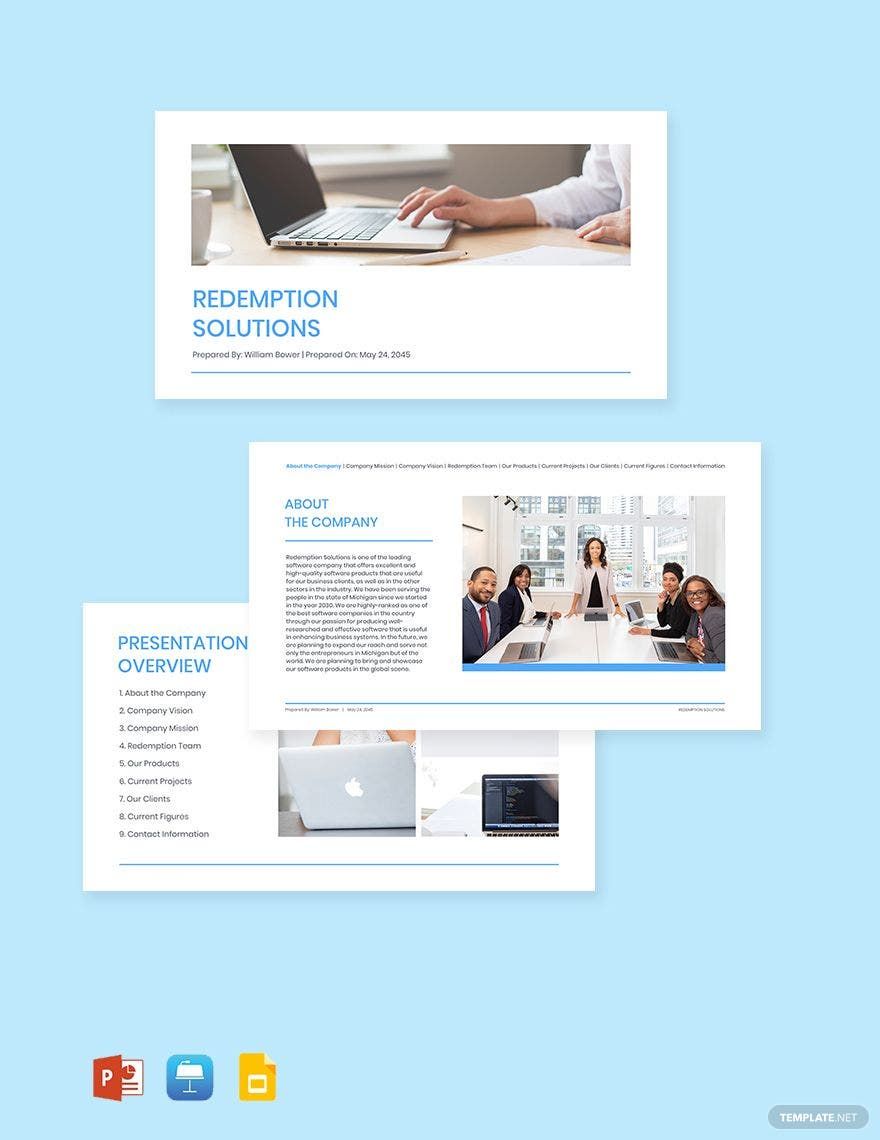
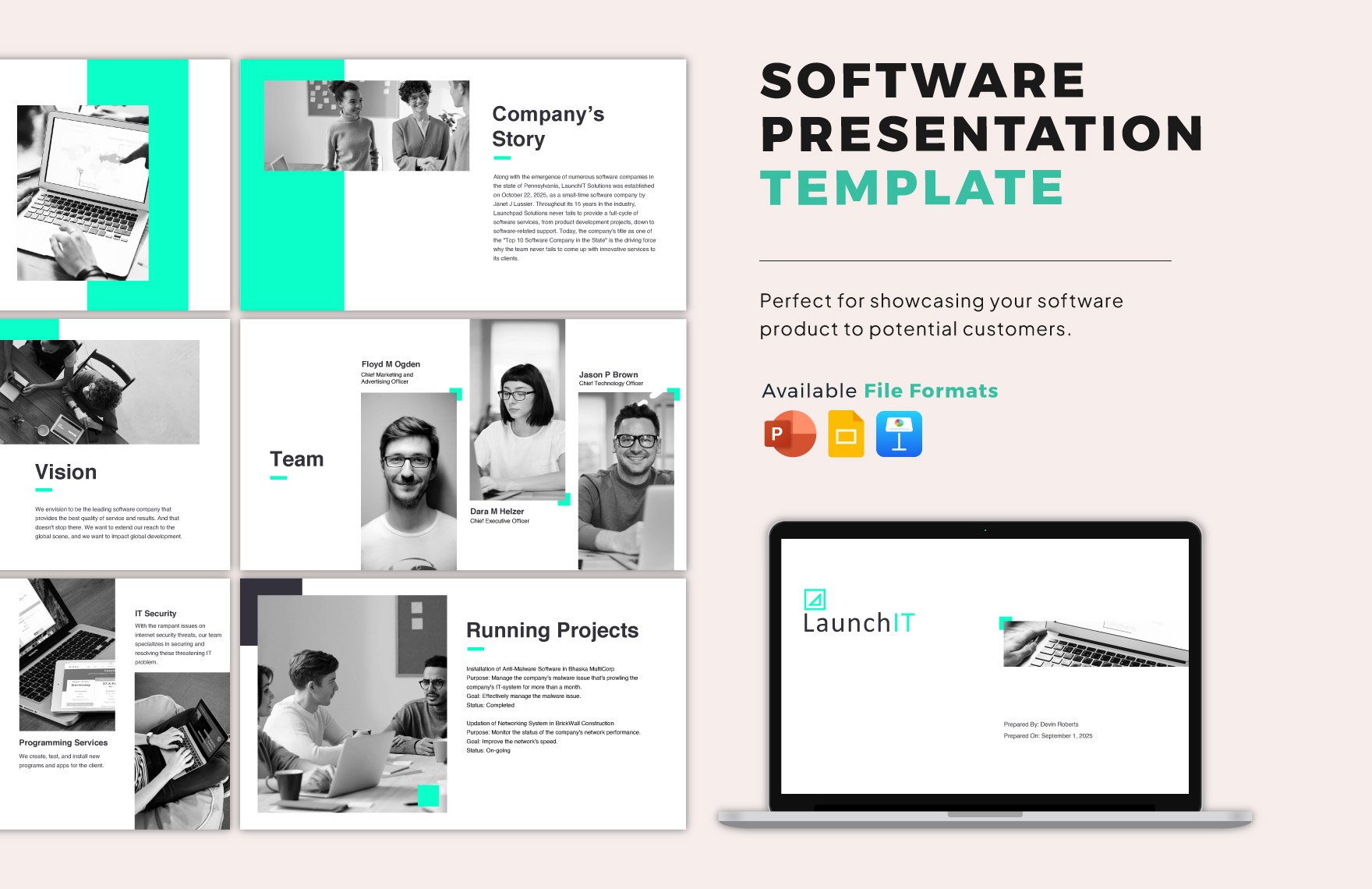
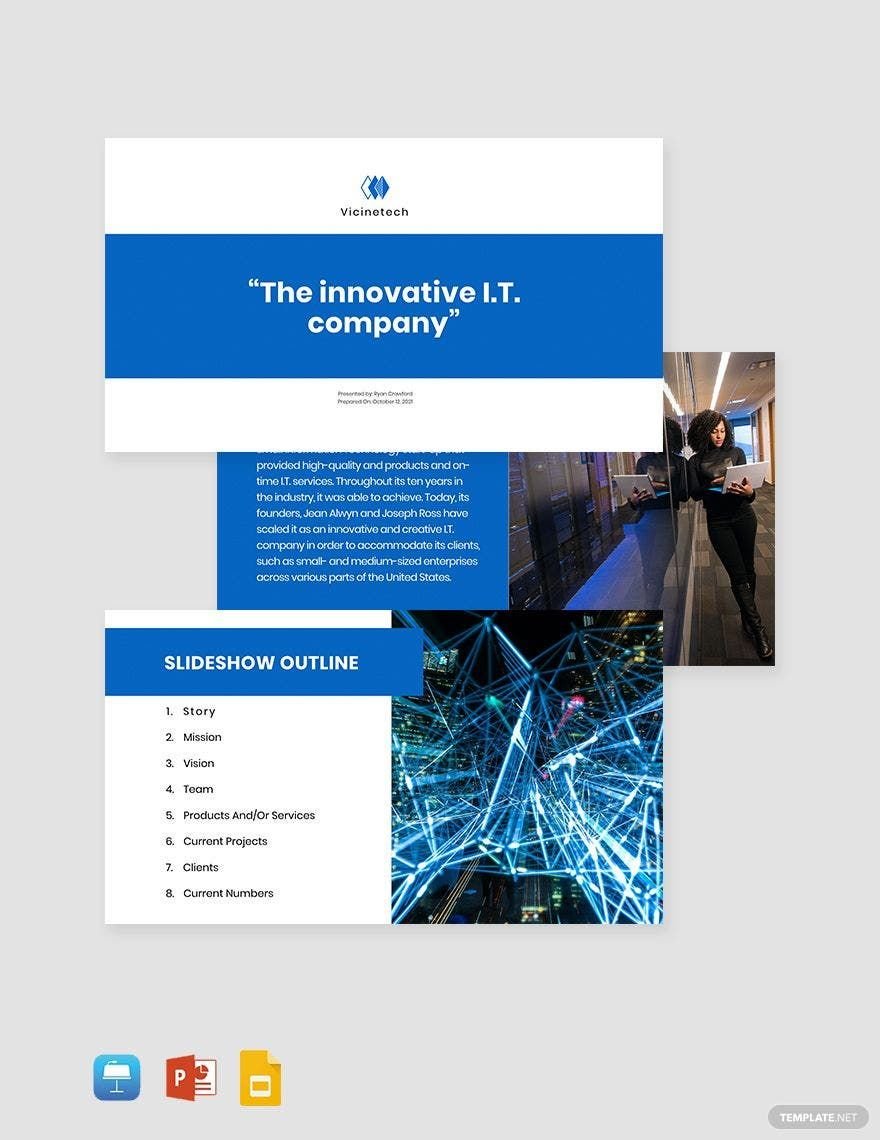
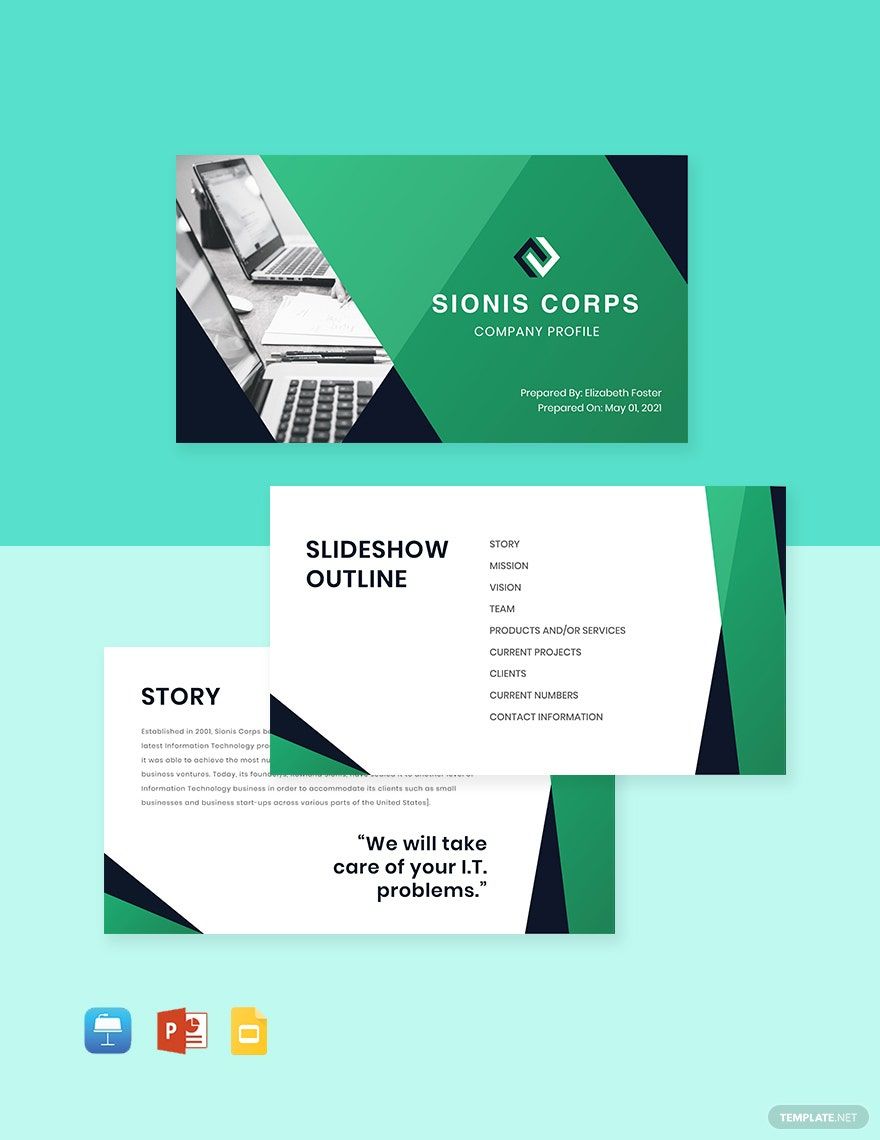
A IT and Software Presentation consists of ready-made slides designed for showcasing technology, software projects, and IT solutions. These presentations feature professional layouts with editable text areas and graphics tailored for tech topics, allowing users to customize content and design easily.
Why use a IT and Software Presentation?
Using a IT and Software Presentation helps communicate complex technical information clearly through structured layouts and visual aids. These templates streamline creation with online editing, ensuring professional results quickly and enhancing audience engagement with tailored design layers.
Who typically uses IT and Software Presentations?
IT professionals, software developers, project managers, and tech marketers typically use IT and Software Presentations. These users benefit from customizable templates that highlight key information sections and enable quick adaptation for client pitches, product demos, and technical briefings.
What size should a IT and Software Presentation be?
IT and Software Presentations commonly use a standard size of 16 × 9 inches for widescreen displays, but 4 × 3 inches can be used for traditional screens. Templates offer flexible layout blocks optimized for these sizes to ensure clear visibility and professional appearance.
What are the best tips for designing a IT and Software Presentation?
Effective IT and Software Presentations should use clean layouts, consistent color schemes, and clear headlines. Incorporate graphics like charts and diagrams to explain data. Use editable text areas to keep messages concise and emphasize key information sections.
How do you print a IT and Software Presentation?
Printing a IT and Software Presentation requires exporting templates to print-friendly formats and setting up layout blocks for optimal page arrangement. Use high-resolution assets and select paper sizes that match the presentation, typically 8.5 × 11 inches, to preserve design layers and clarity.
What elements should a IT and Software Presentation include?
IT and Software Presentations should include headlines, graphics, key information sections, editable charts, and call to action prompts. Layered designs allow users to customize each element easily for clear and professional communication of software and IT topics.
What file formats can I download for a IT and Software Presentation?
Template.net IT and Software Presentation templates support multiple export formats for versatile use and printing. You can download templates in PPTX, PDF, and Google Slides formats, all compatible with layered customization and professional layouts.
Can I create a new IT and Software Presentation using AI?
Template.net provides an AI-powered tool that generates new IT and Software Presentation designs from prompts, enabling quick creation of professional layouts with customizable features. Use the Presentation Generator to start designing instantly.
