
Free Photography Presentation Templates
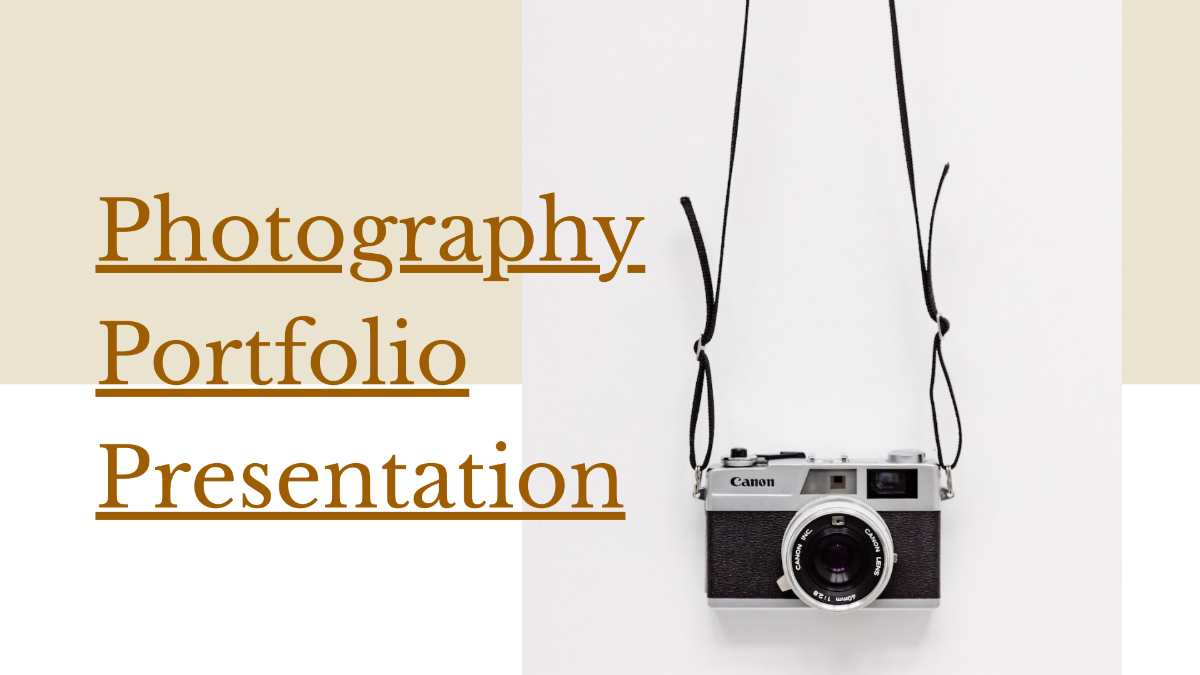

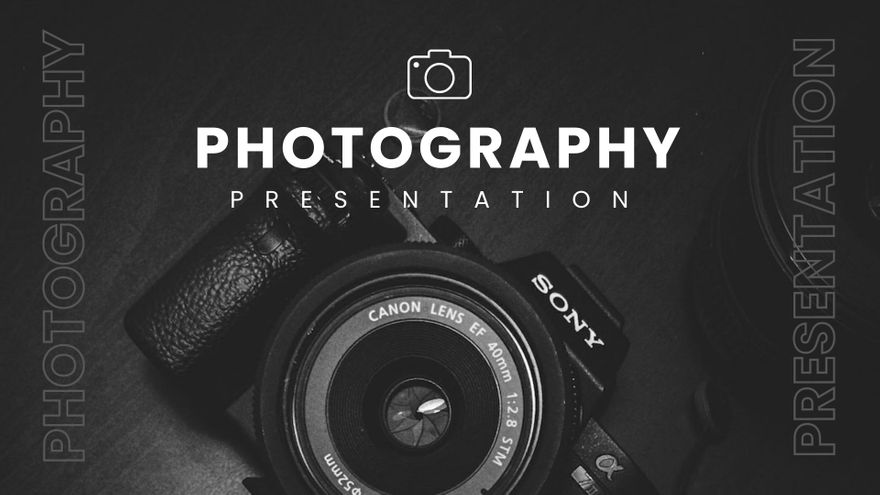




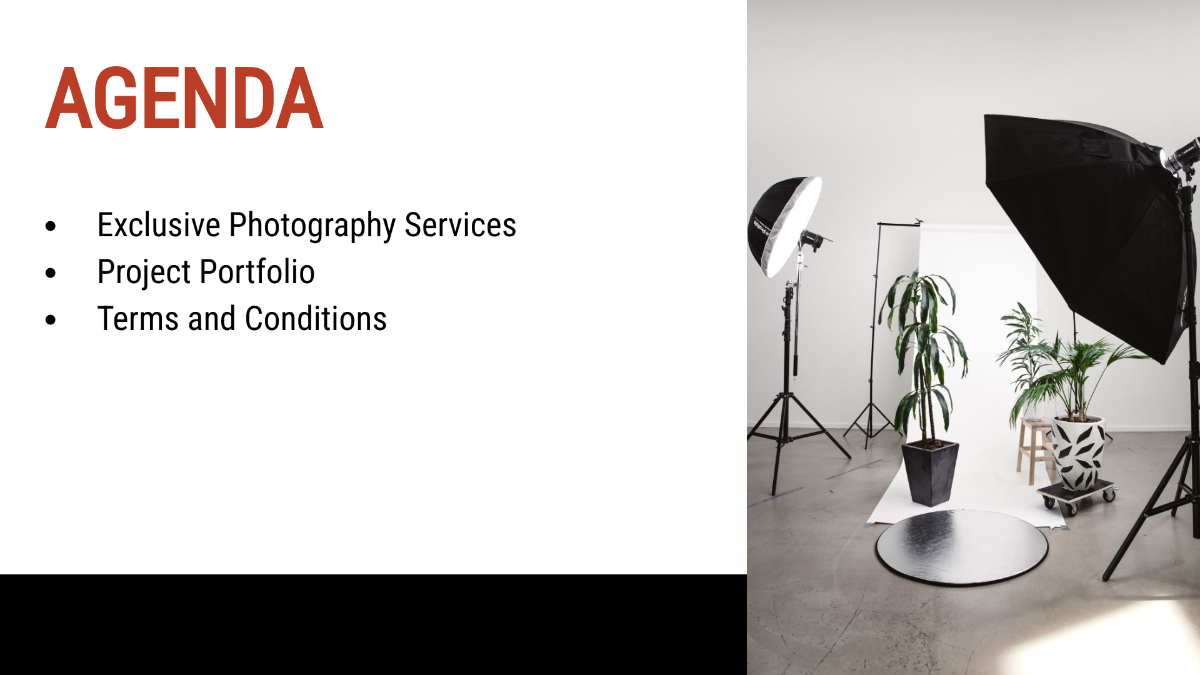
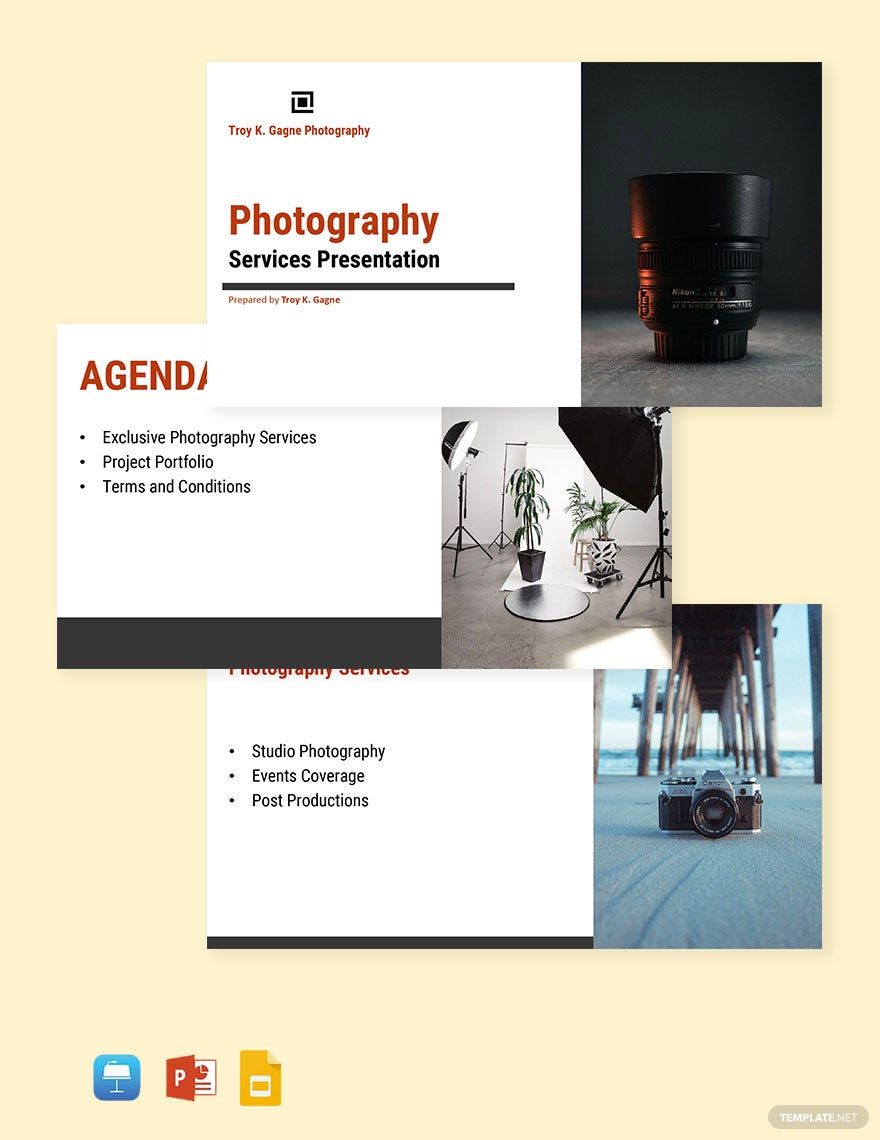


Photography Presentation Templates: Definition, Uses, and Formats
What is a Photography Presentation?
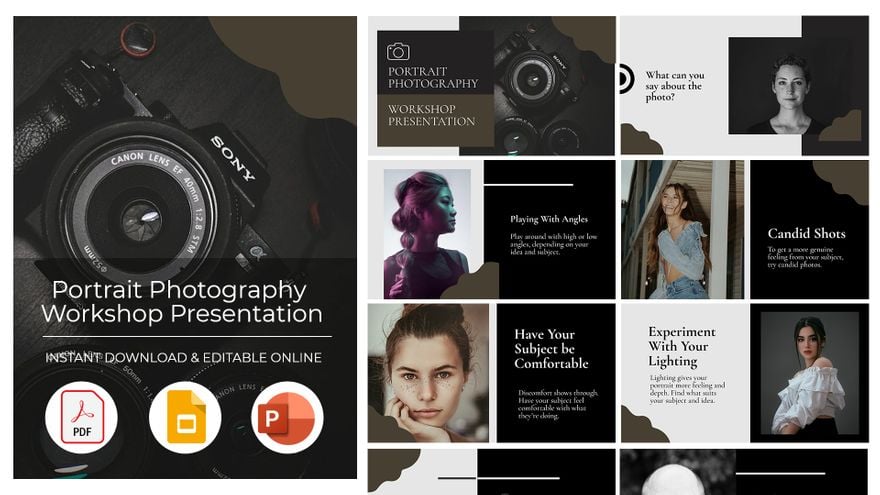
A photography presentation is a collection of ready-made slide templates designed to display photographic content with professional layouts and editable text areas. These templates allow users to customize images and descriptions online to create compelling visual presentations.
Why use a Photography Presentation?
Photography presentations help users showcase portfolios and projects with structured layouts that emphasize images and key information sections. Using photography presentation templates ensures fast creation and online layered customization for professional results without design expertise.
Who typically uses Photography Presentations?
Photography presentations are typically used by photographers, creative agencies, and marketing professionals who need to display images effectively. These users benefit from editable slide templates that support online customization and highlight photographic content.
What size should a Photography Presentation be?
Photography presentations generally follow standard slide dimensions such as 16:9 widescreen or 4:3 aspect ratios. Most templates are designed for digital screens but can be adjusted to fit sizes like 10 × 7.5 inches or 13.33 × 10 inches for printing purposes, ensuring versatility and clarity of images and text areas.
What are the best tips for designing a Photography Presentation?
Best tips include using high-quality images, maintaining a consistent color scheme, and organizing content into clear layout blocks. Utilize editable text areas for concise descriptions and ensure each slide balances graphics with text for maximum impact.
How do you print a Photography Presentation?
To print a photography presentation, export the editable templates to print-friendly formats like PDF. Ensure the layout blocks and images are set to high resolution, then use professional printing services or quality printers to preserve visual integrity and design layers.
What elements should a Photography Presentation include?
A photography presentation should include headline titles, high-resolution images, descriptive captions, and clear call to action sections. Editable design layers allow customization of backgrounds, text, and graphics to enhance visual storytelling.
What file formats can I download for a Photography Presentation?
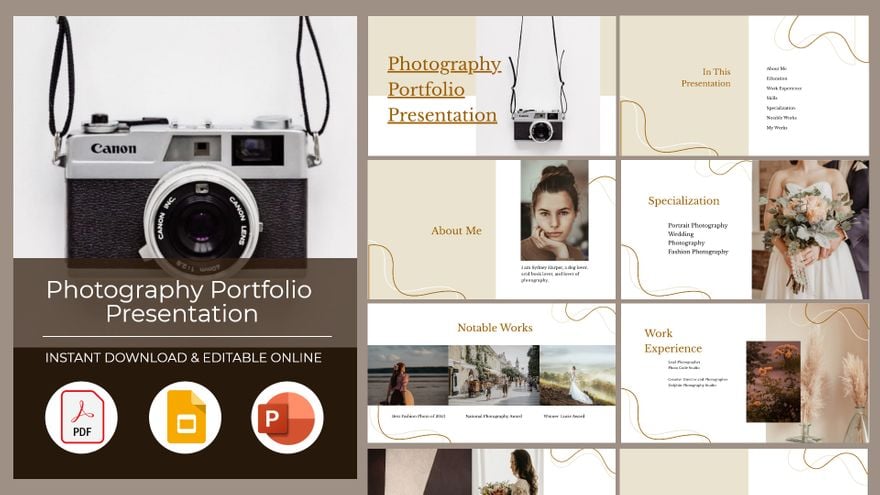
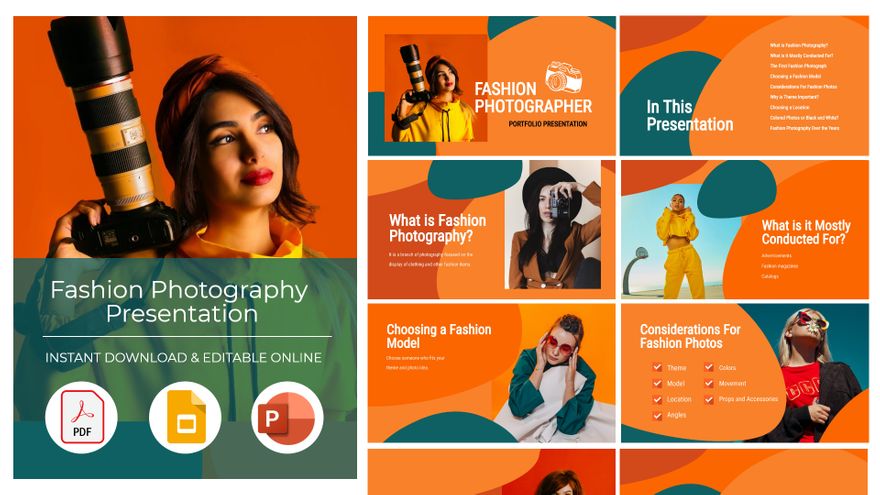
Template.net photography presentation templates support multiple export formats for editing and printing, including PDF and PowerPoint. These formats ensure versatile use across platforms.
Can I create a new Photography Presentation using AI?
Template.net provides an AI-powered tool that generates new photography presentation designs from text prompts. Use the Presentation Generator to create customized presentations quickly with automated layouts and design elements.
