
Free Project Presentation Templates





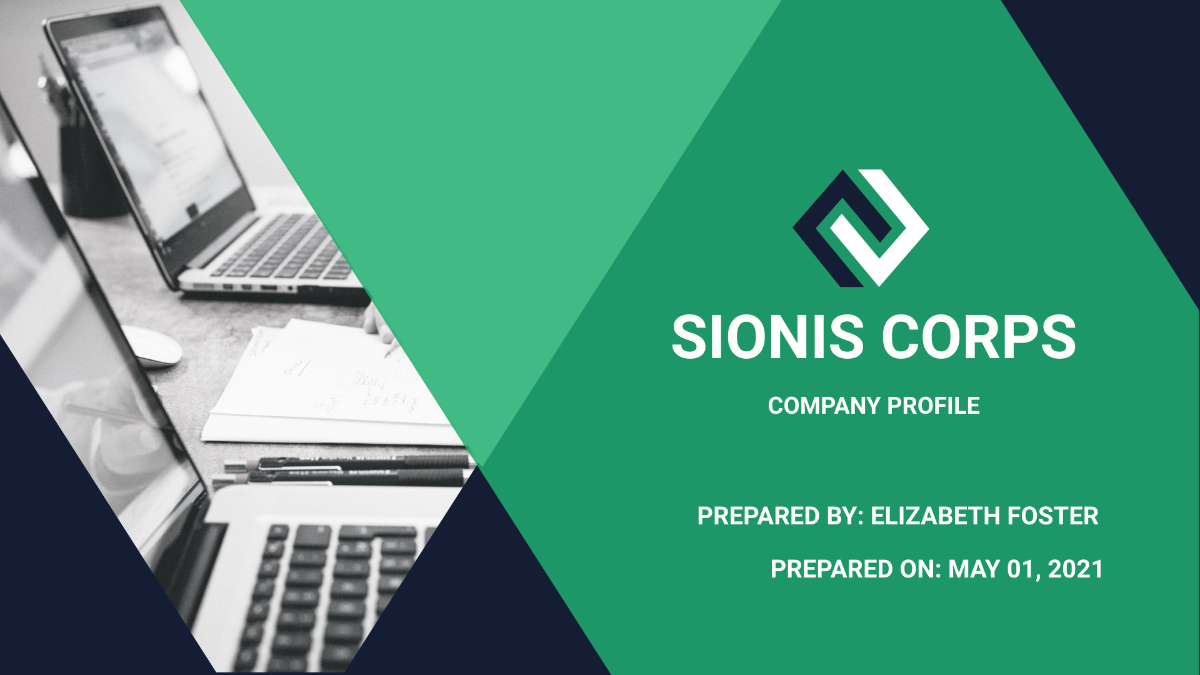
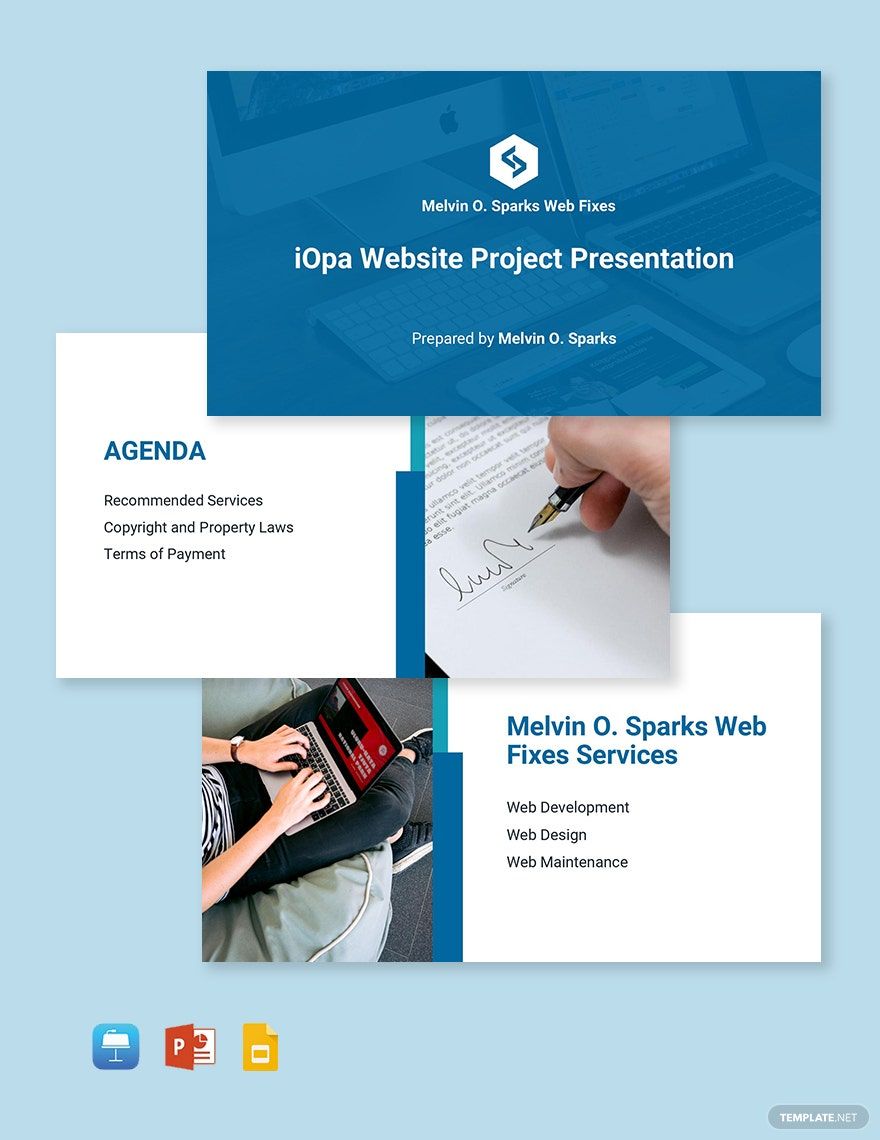
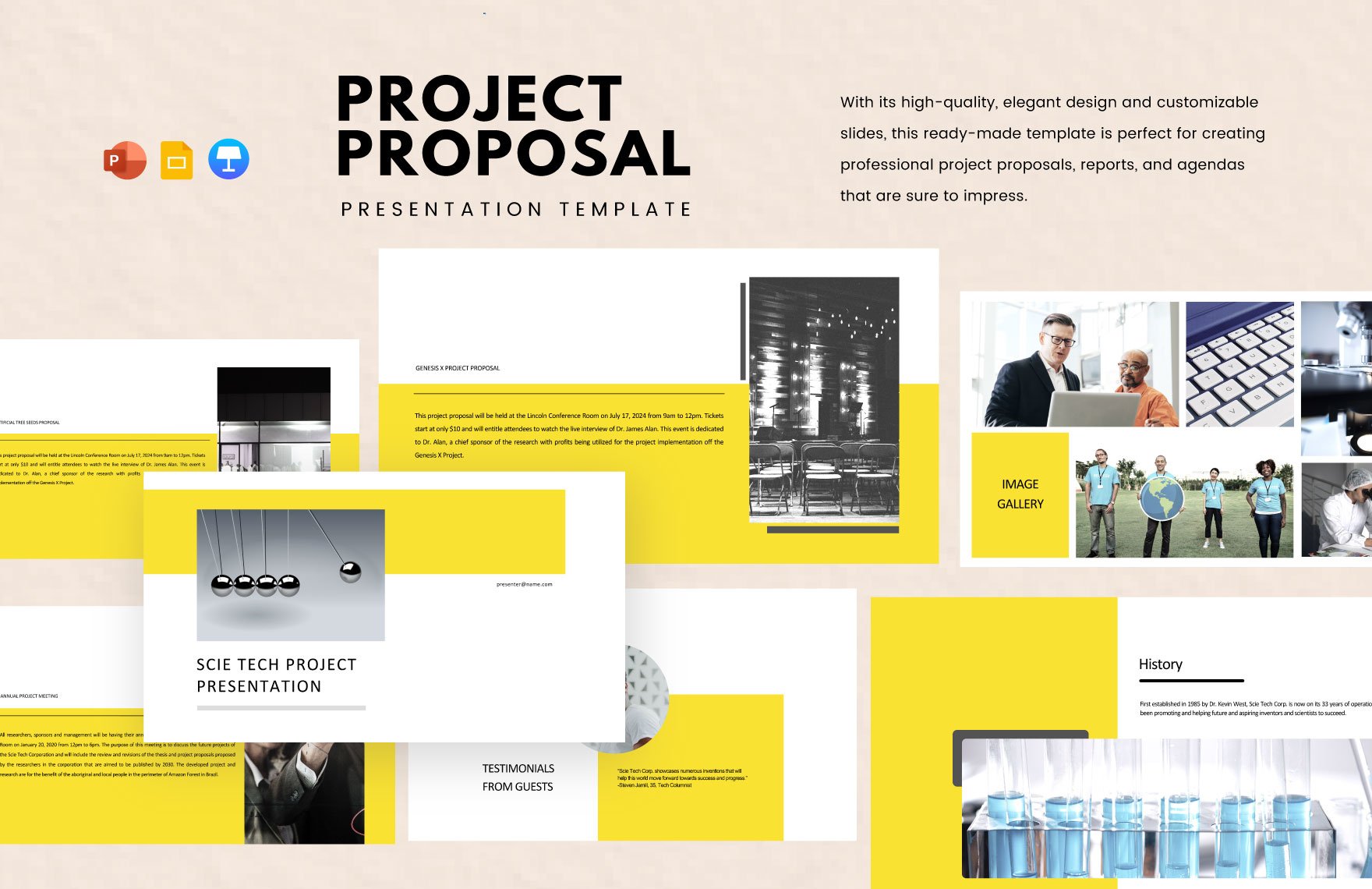
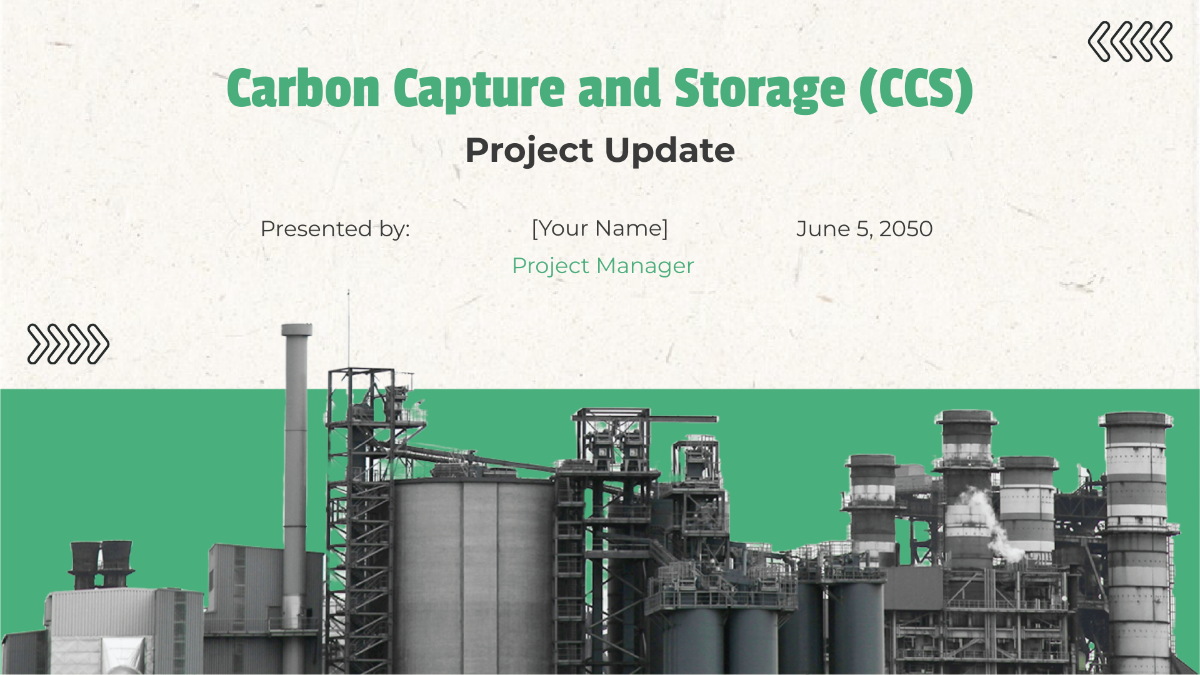

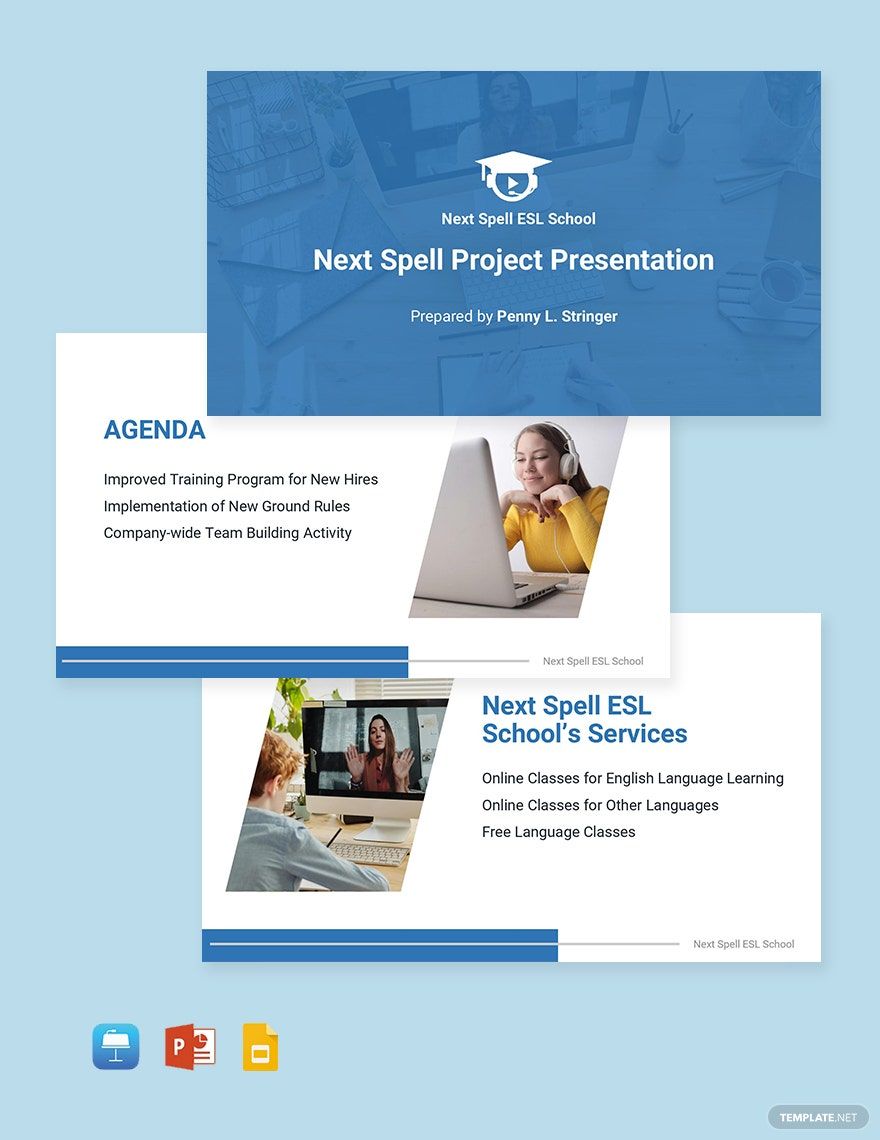

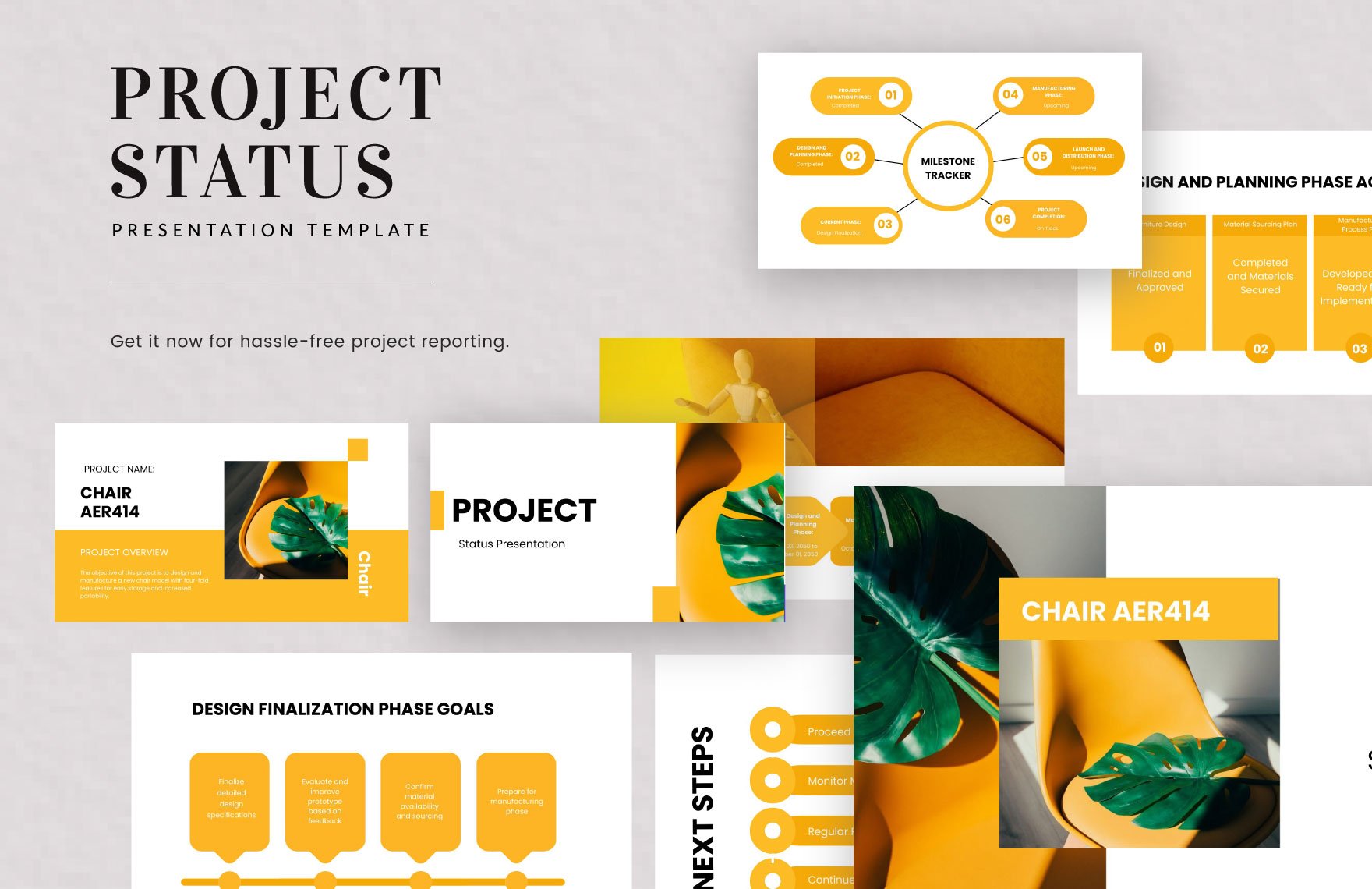
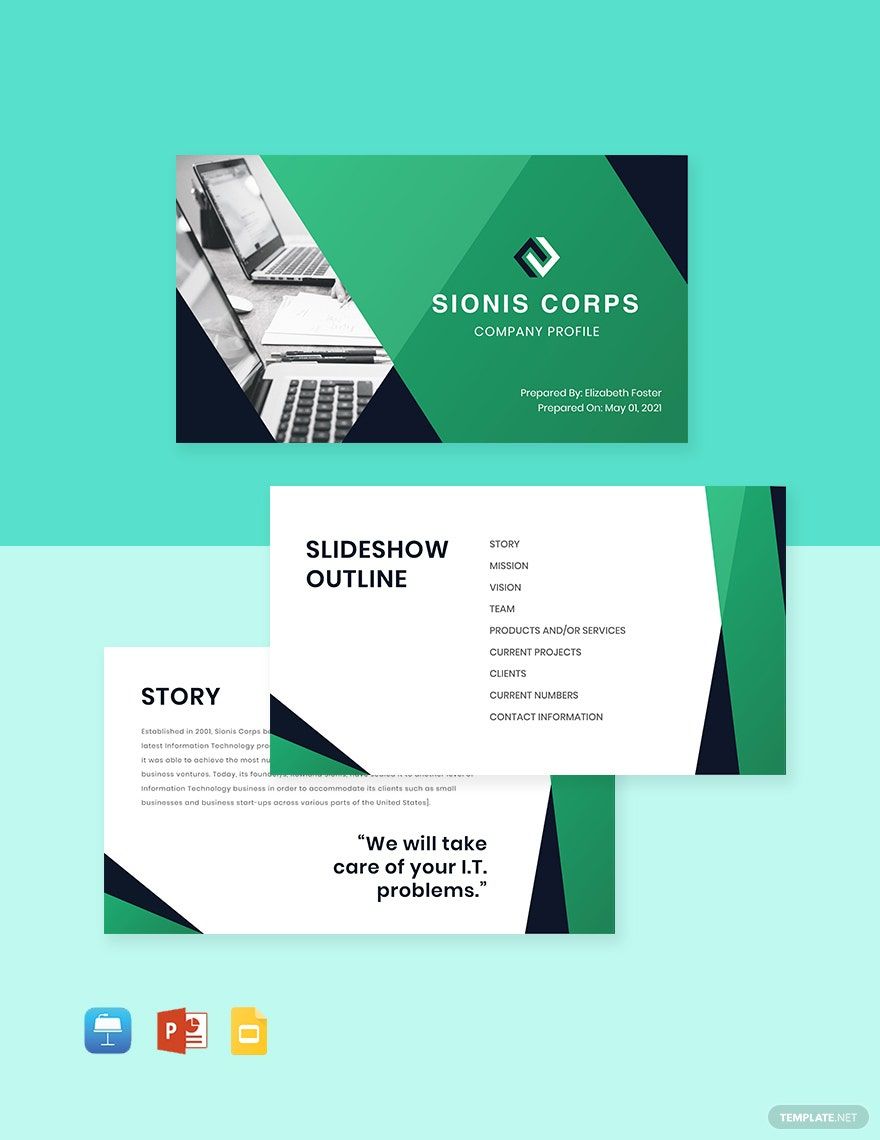

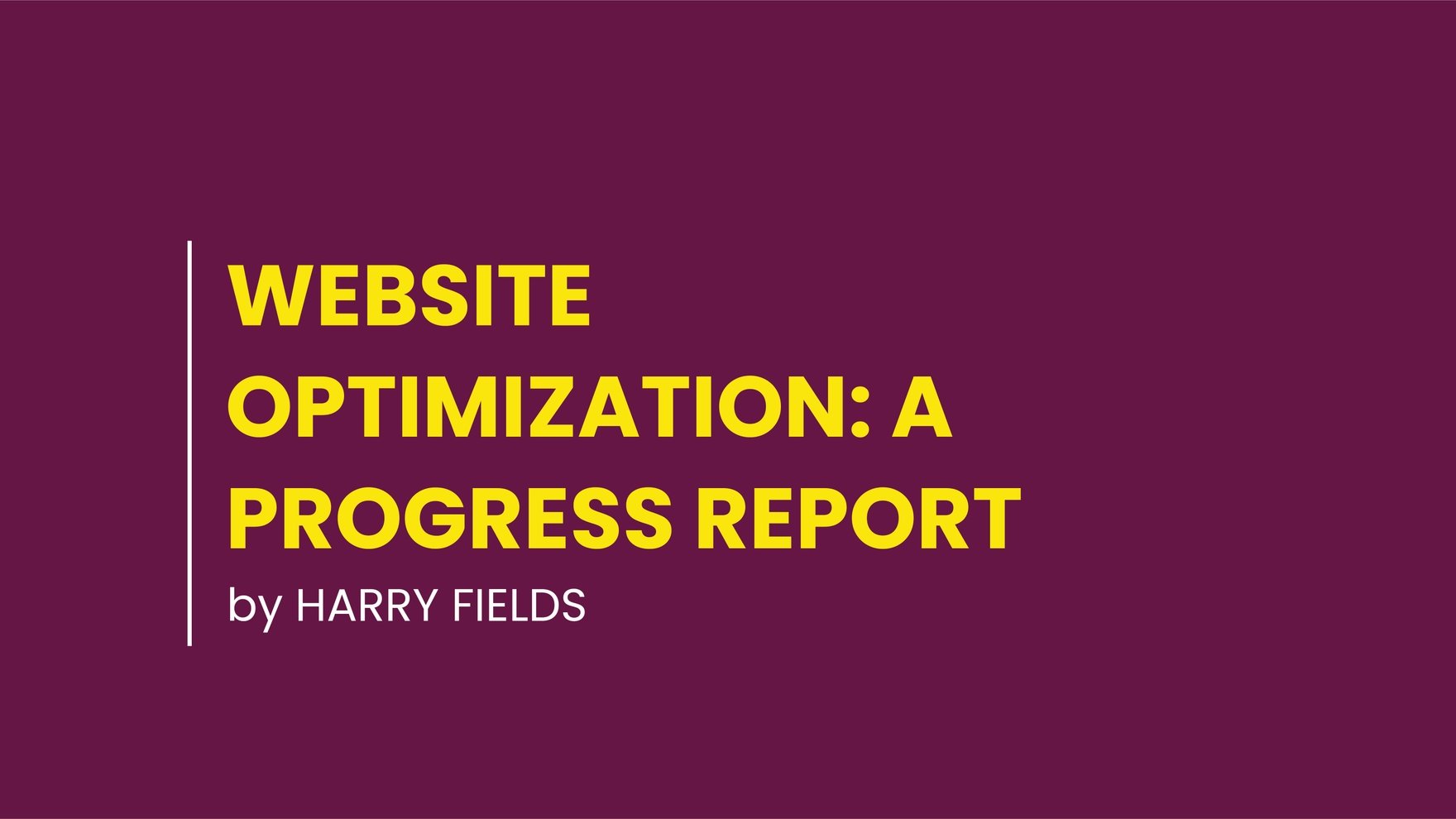
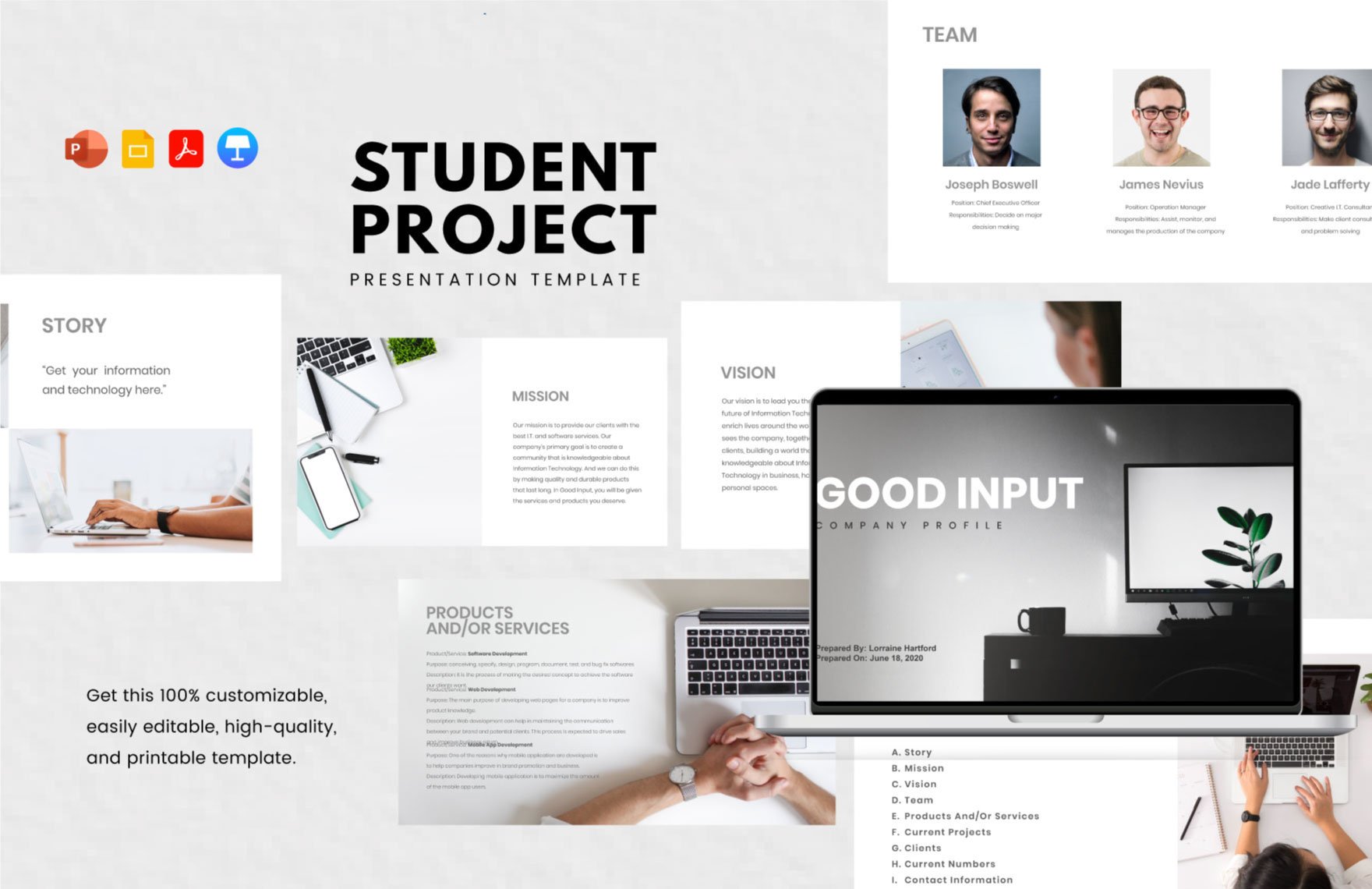
Project Presentation Templates: Definition, Uses, and Formats
What is a Project Presentation?
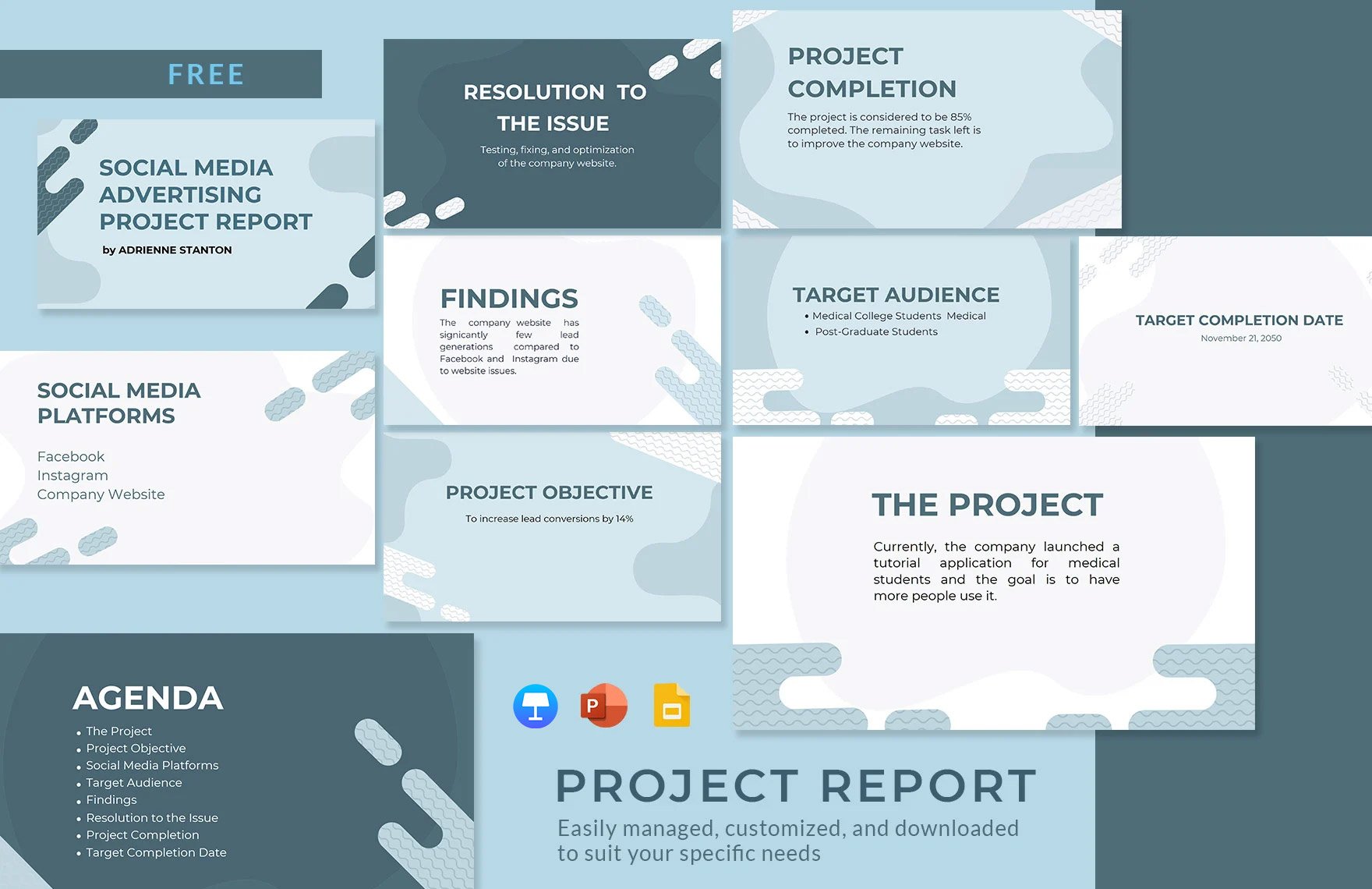
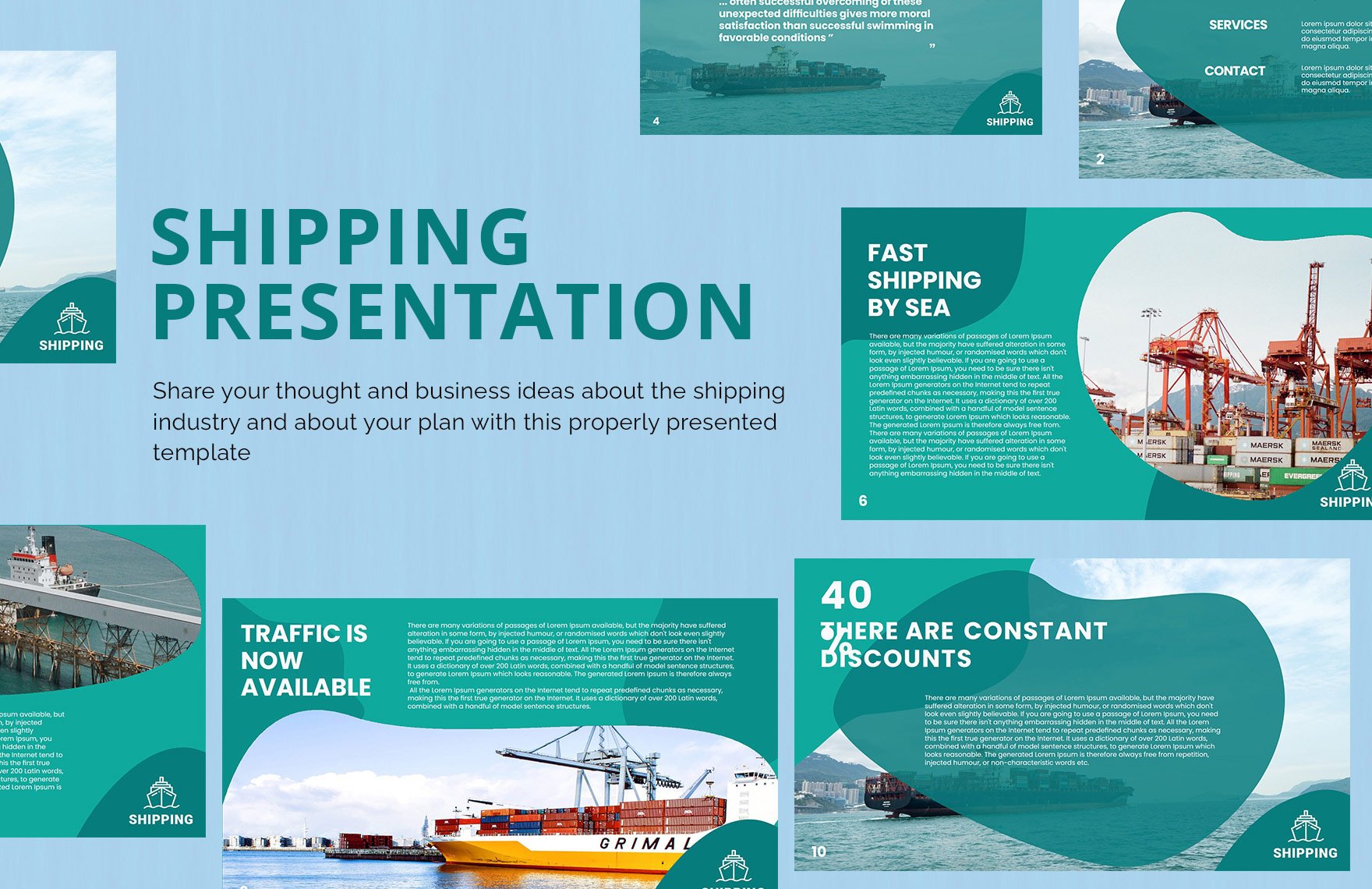
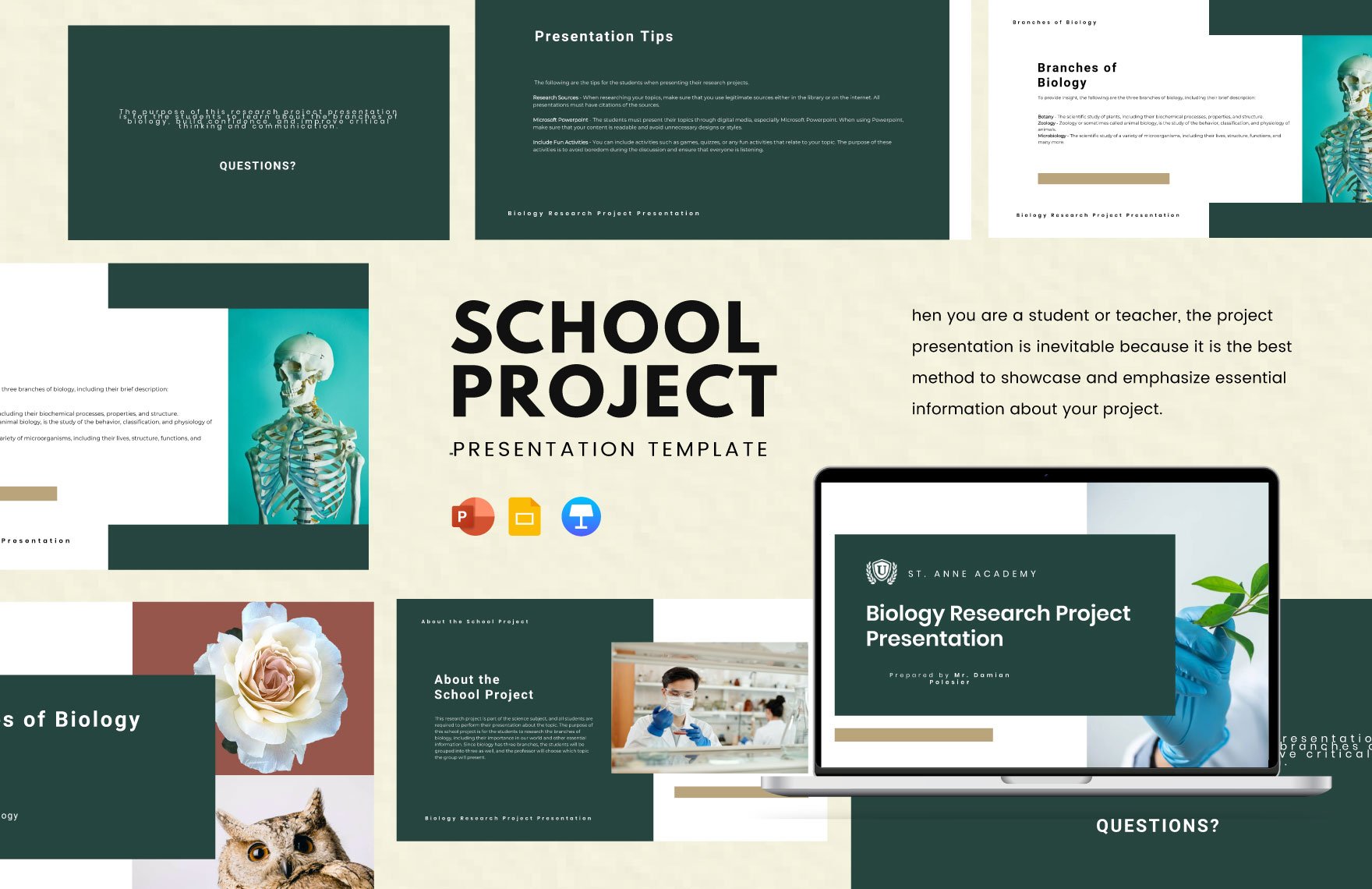
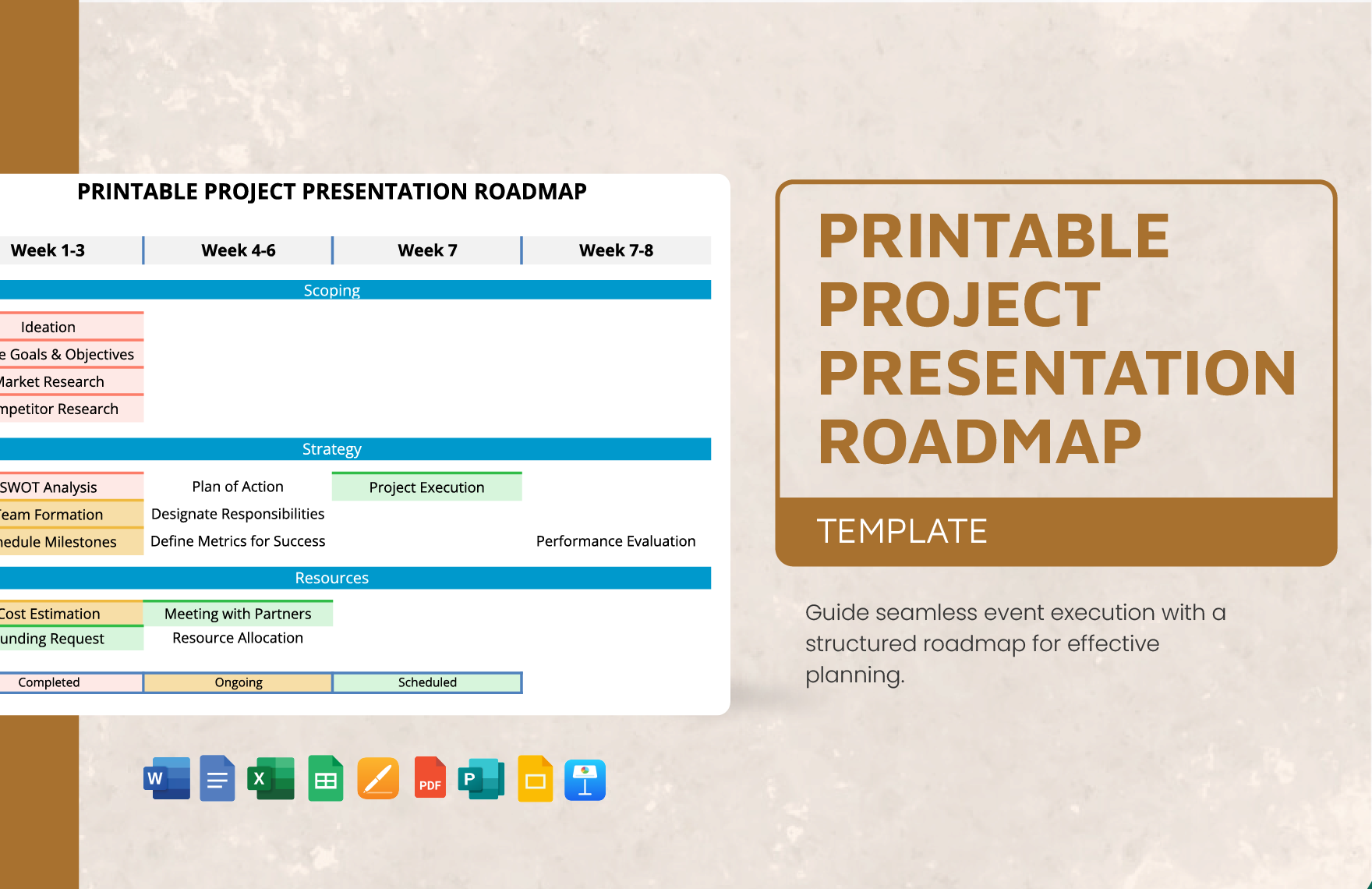
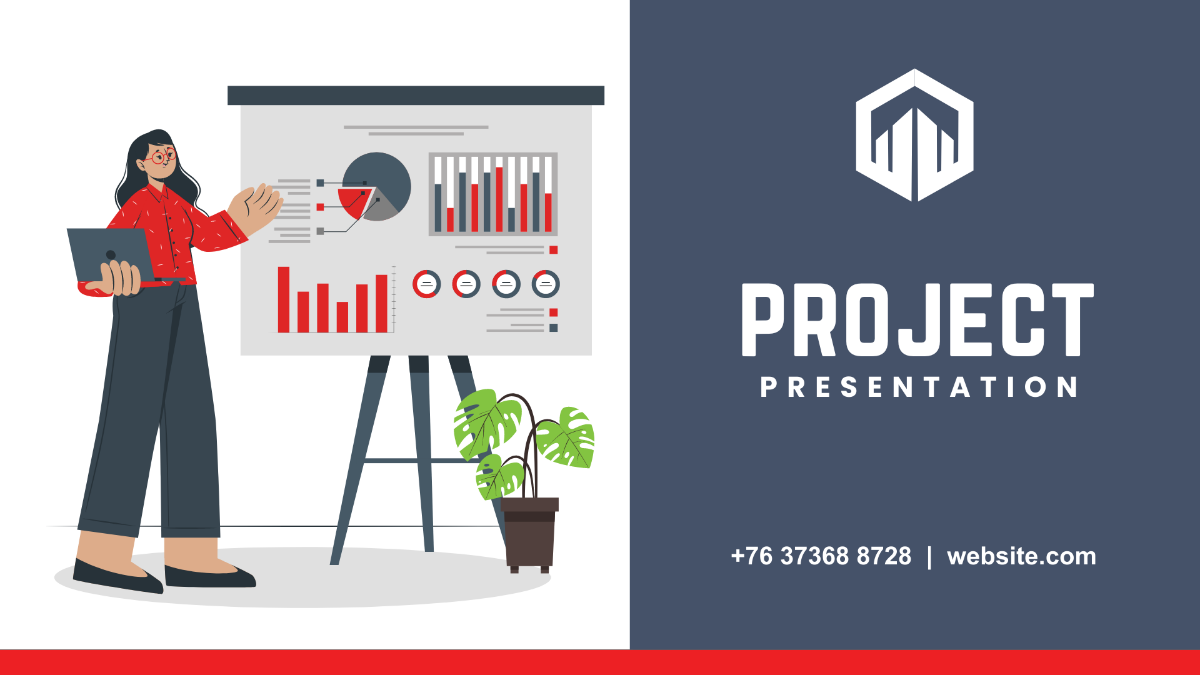
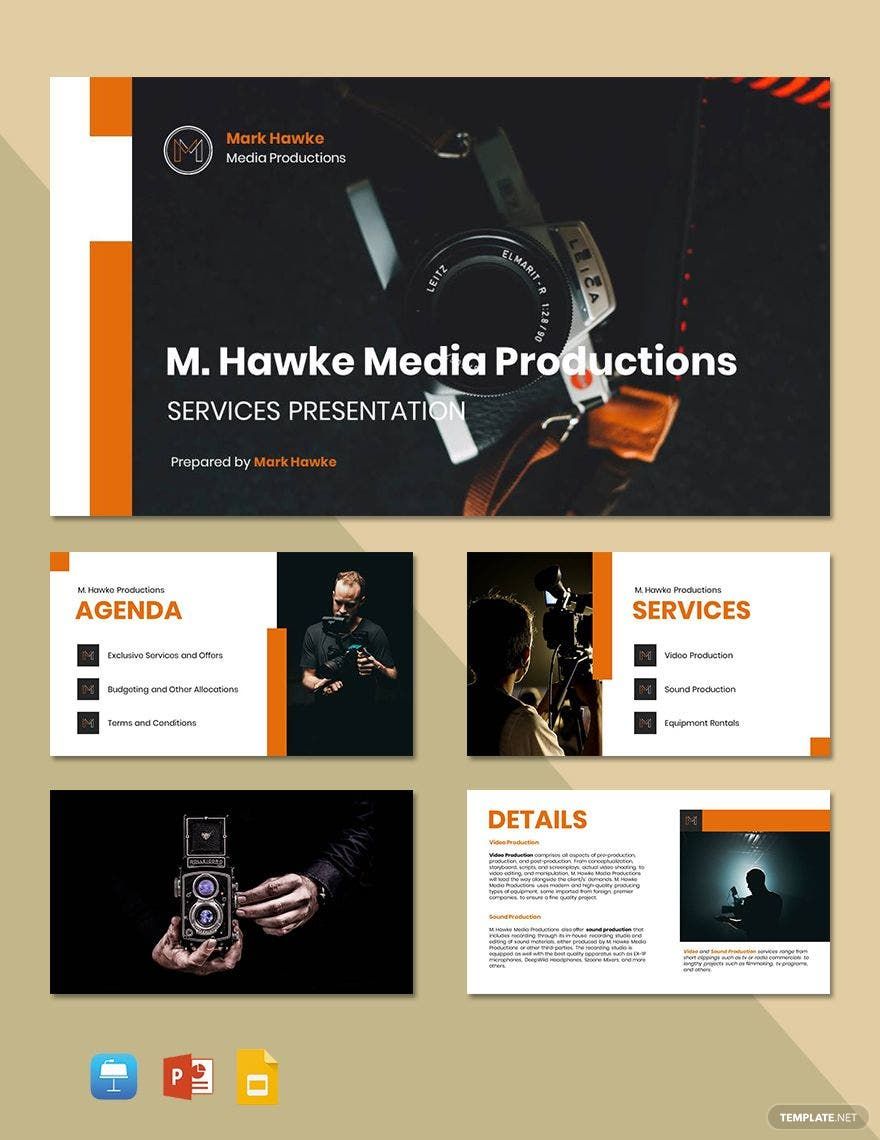
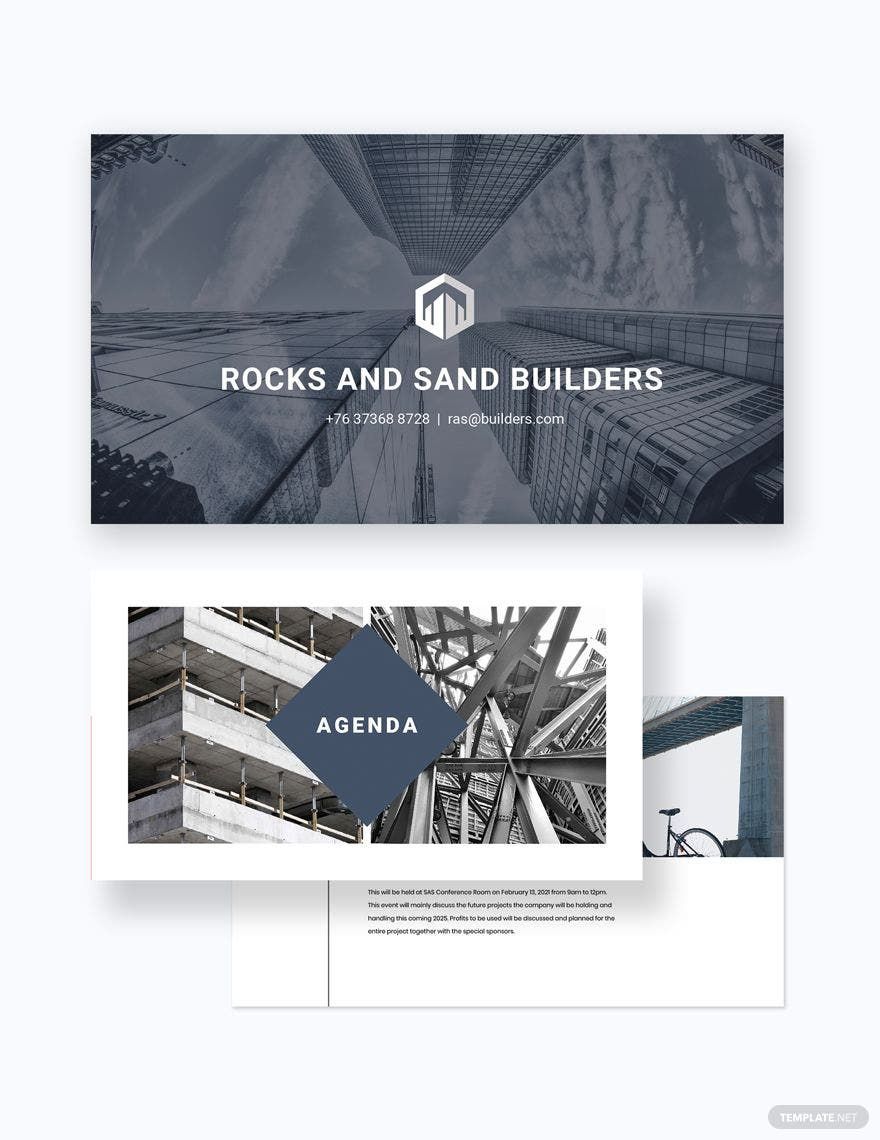
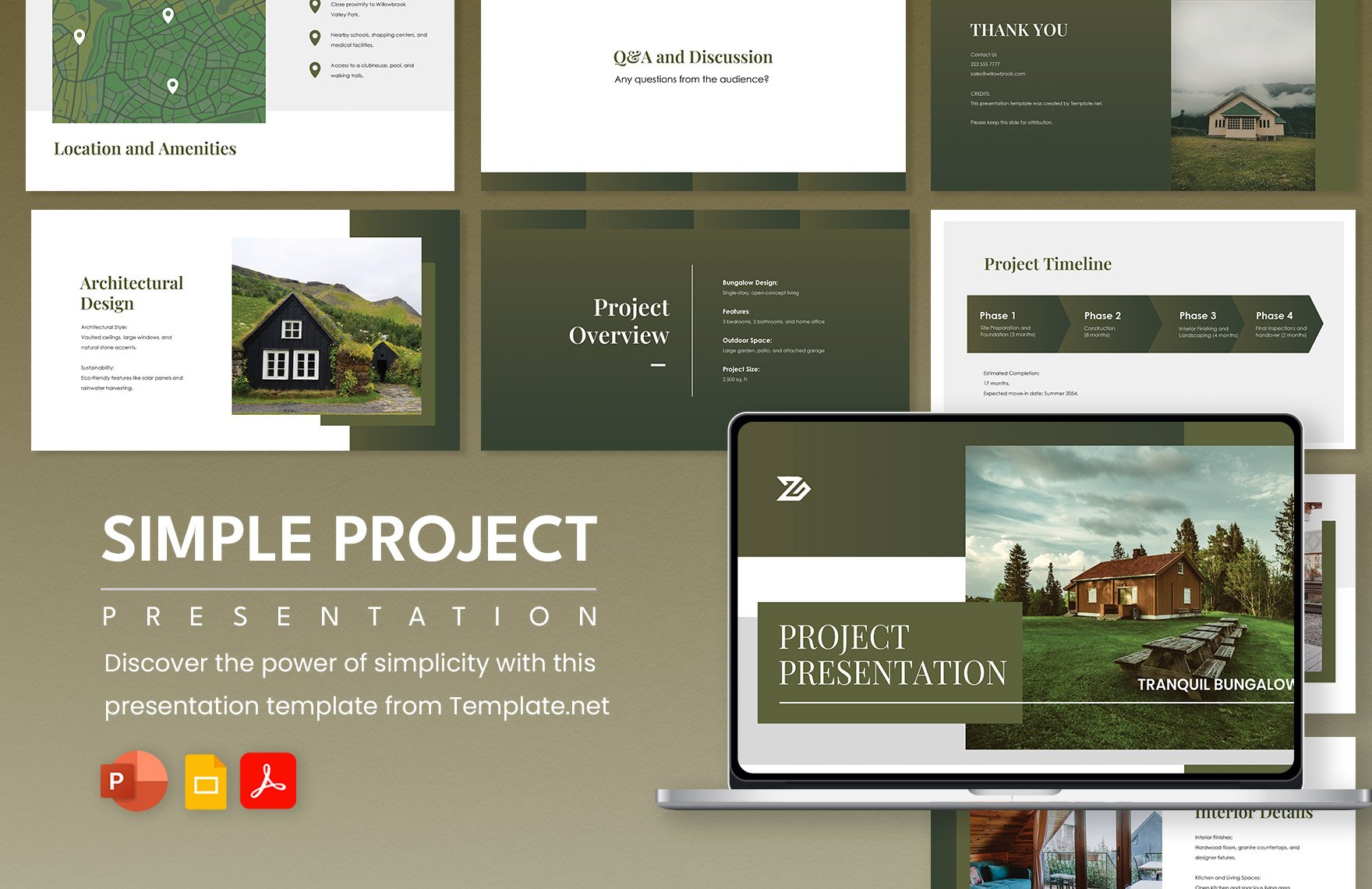
A project presentation is a structured visual document that outlines the goals, progress, and outcomes of a project using professional layouts and editable text areas. Project presentation templates streamline this process by providing customizable layered design elements for clarity and impact.
Why use a Project Presentation?
Project presentations help clearly communicate complex project information to stakeholders with organized layout blocks and key information sections. Using project presentation templates ensures faster creation of professional designs that can be customized easily for different audiences.
Who typically uses Project Presentations?
Project presentations are commonly used by project managers, team members, and business professionals to report progress and plans. These templates offer editable text areas and design layers to tailor content for meetings, proposals, and reviews.
What size should a Project Presentation be?
Project presentations typically use standard display sizes like 16:9 widescreen or 4:3 aspect ratios, often formatted for screens or print. Template.net templates accommodate these with versatile layout blocks designed for dimensions such as 11 × 8.5 inches or widescreen formats.
What are the best tips for designing a Project Presentation?
Effective project presentations use clear headlines, consistent graphics, and balanced layout blocks. Utilizing editable text areas to highlight key points and maintain visual hierarchy improves audience engagement and understanding.
How do you print a Project Presentation?
To print a project presentation, use templates that support high-resolution output and appropriate paper sizes like 11 × 8.5 inches. Exporting to print-friendly formats with layered design elements preserved ensures professional-quality hard copies.
What elements should a Project Presentation include?
Project presentations should include headline sections, key information blocks, visual graphics, and clear call to action elements. These components make the information accessible and compelling using customizable layered templates.
What file formats can I download for a Project Presentation?
Template.net project presentation templates support multiple export formats for versatile use and printing, including Google Docs, PDF, Apple Keynote, Google Slides, and PowerPoint.
Can I create a new Project Presentation using AI?
Template.net provides an AI-powered tool that generates new project presentation designs from prompts, enabling quick creation of professional layouts with customizable design layers. Use the Project Presentation Generator to start.
