
Free History Presentation Templates



















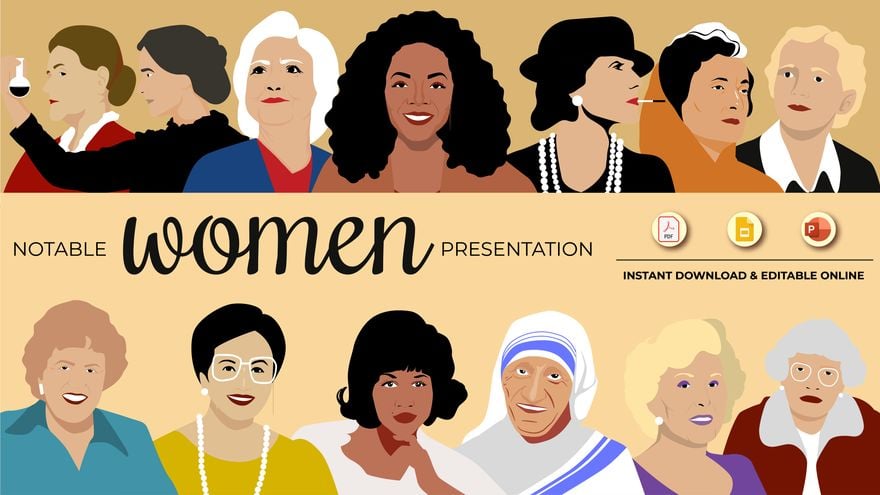




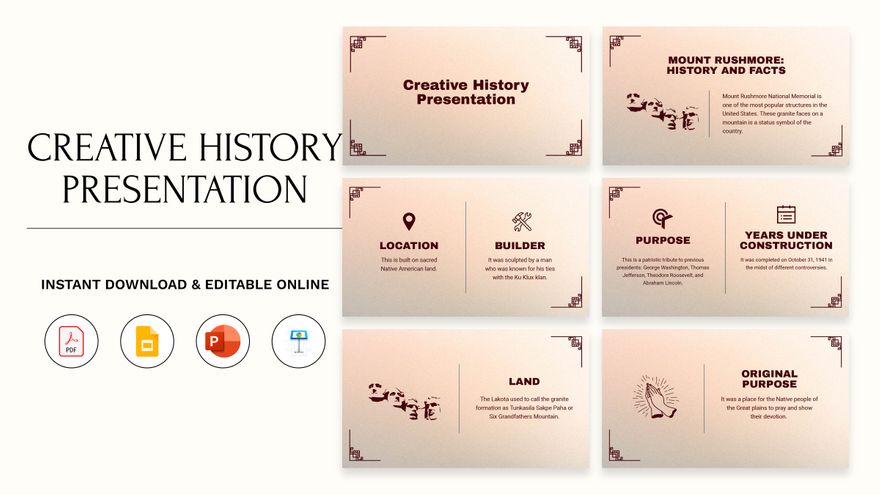
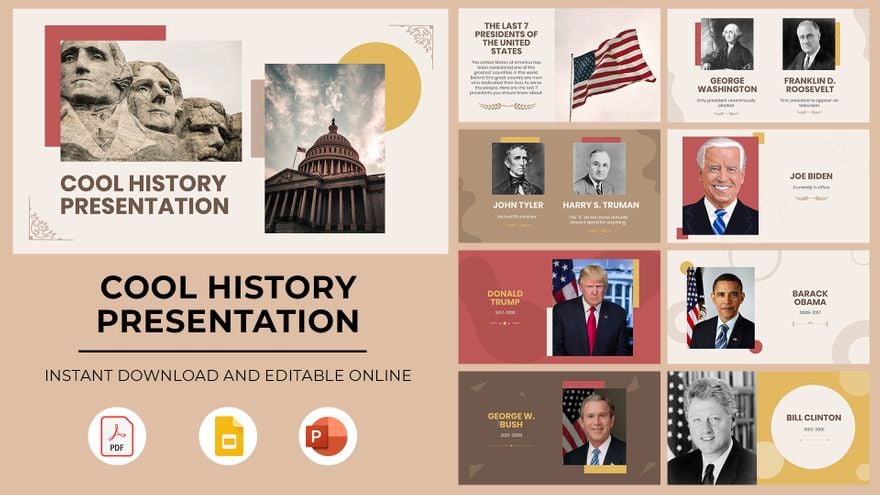
History Presentation Templates: Definition, Usage, and Formats
What is a History Presentation?
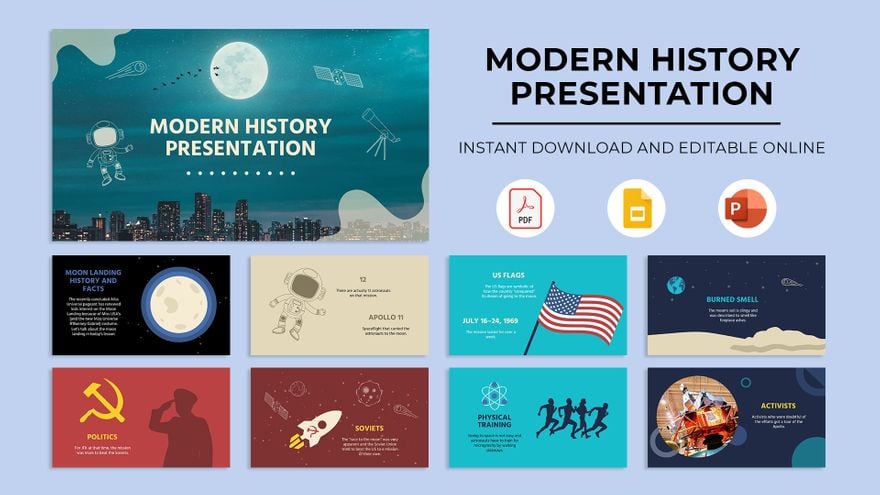
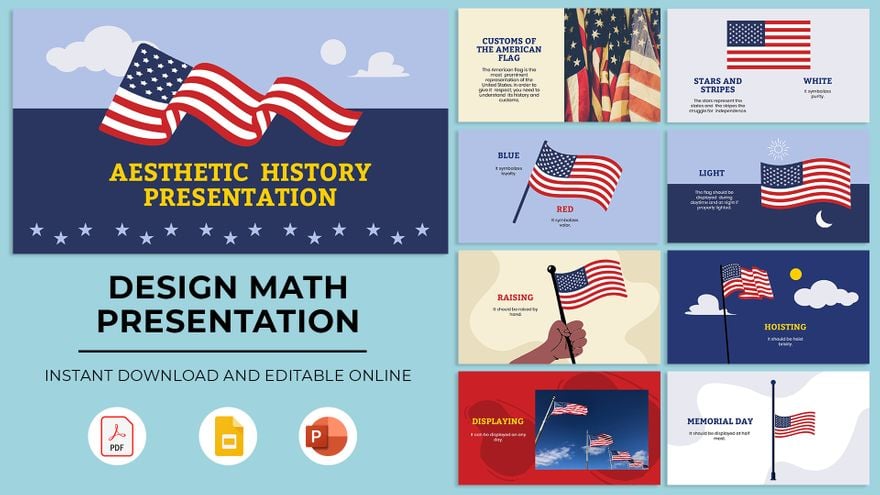
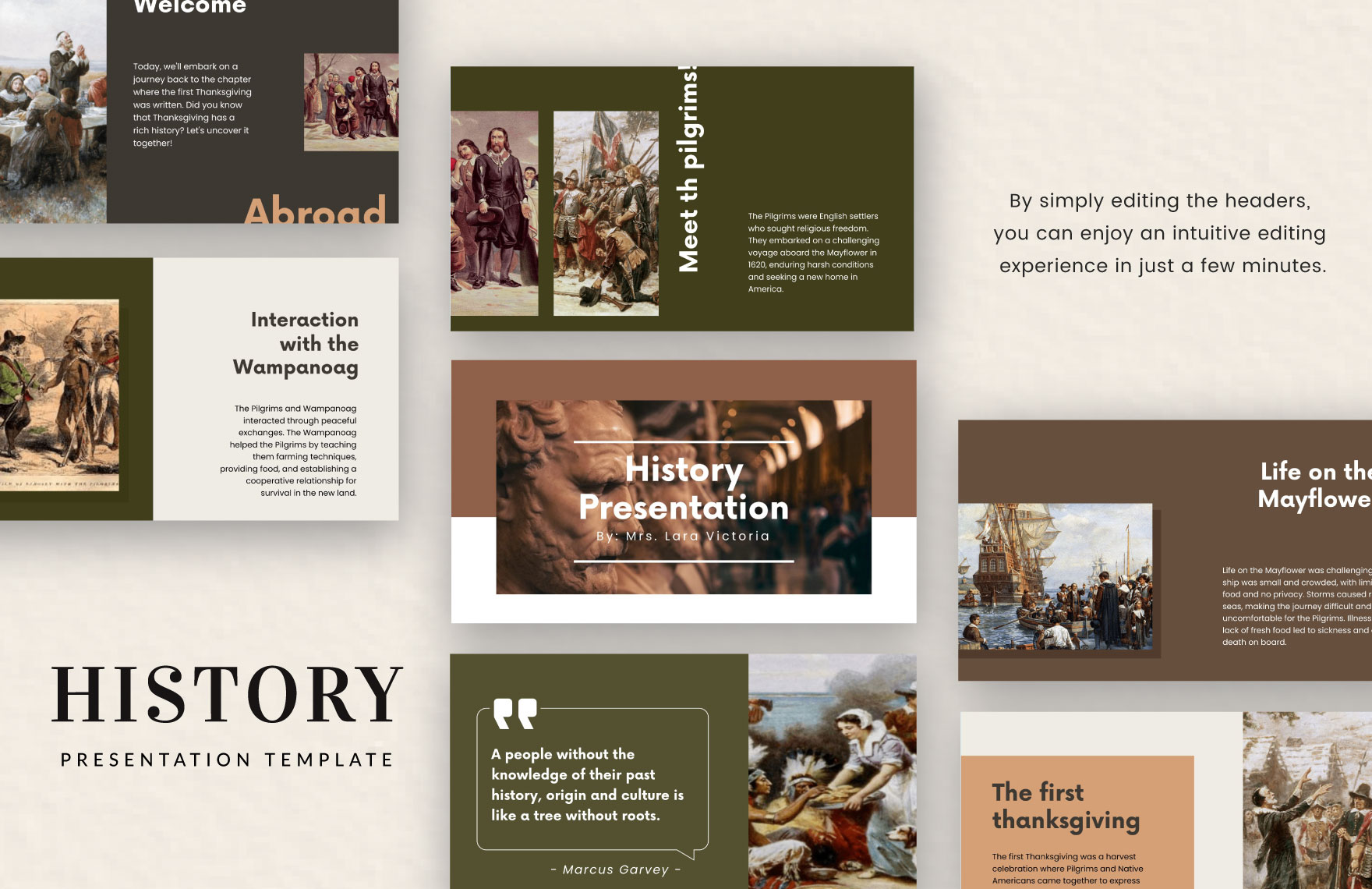
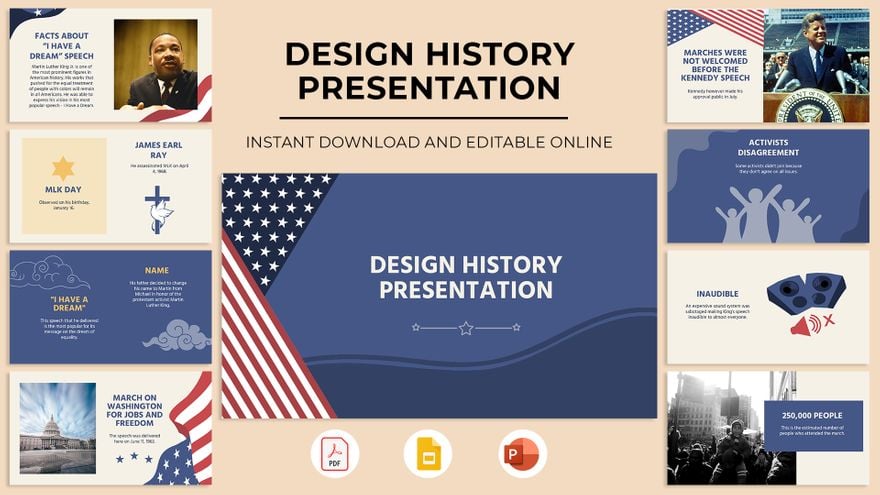
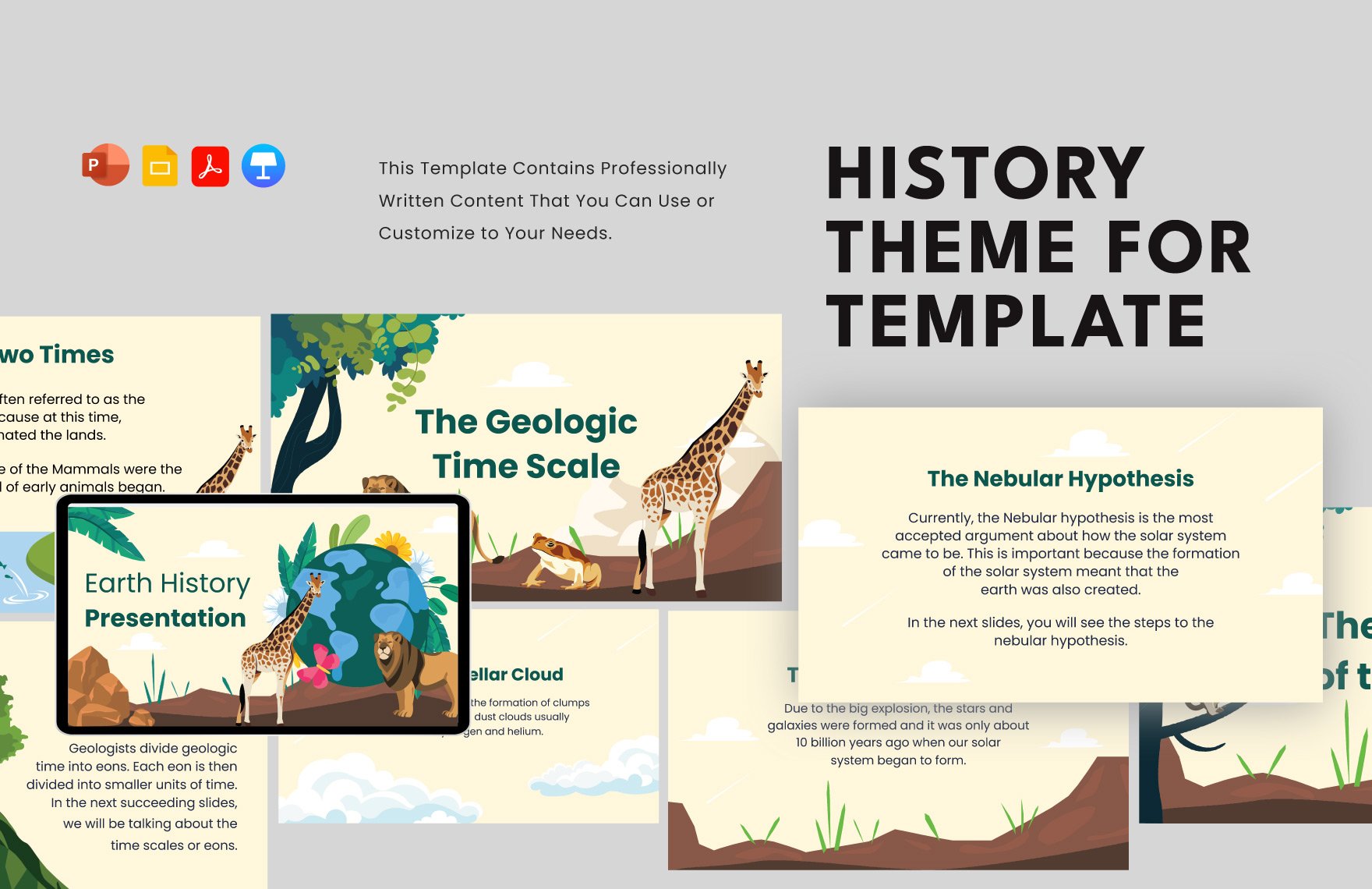
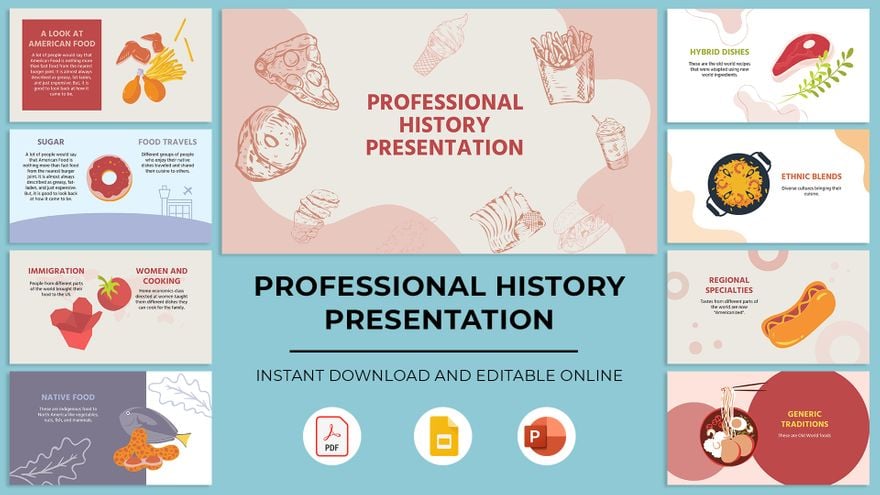
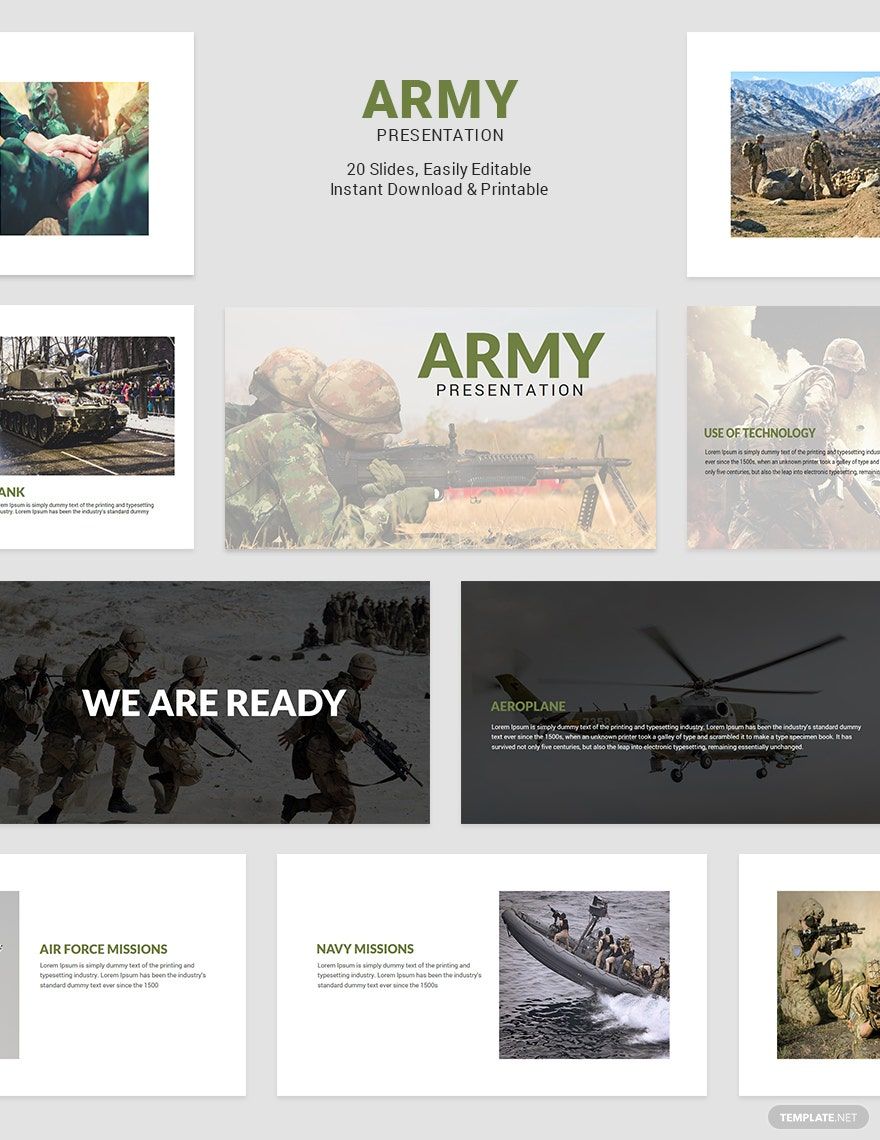
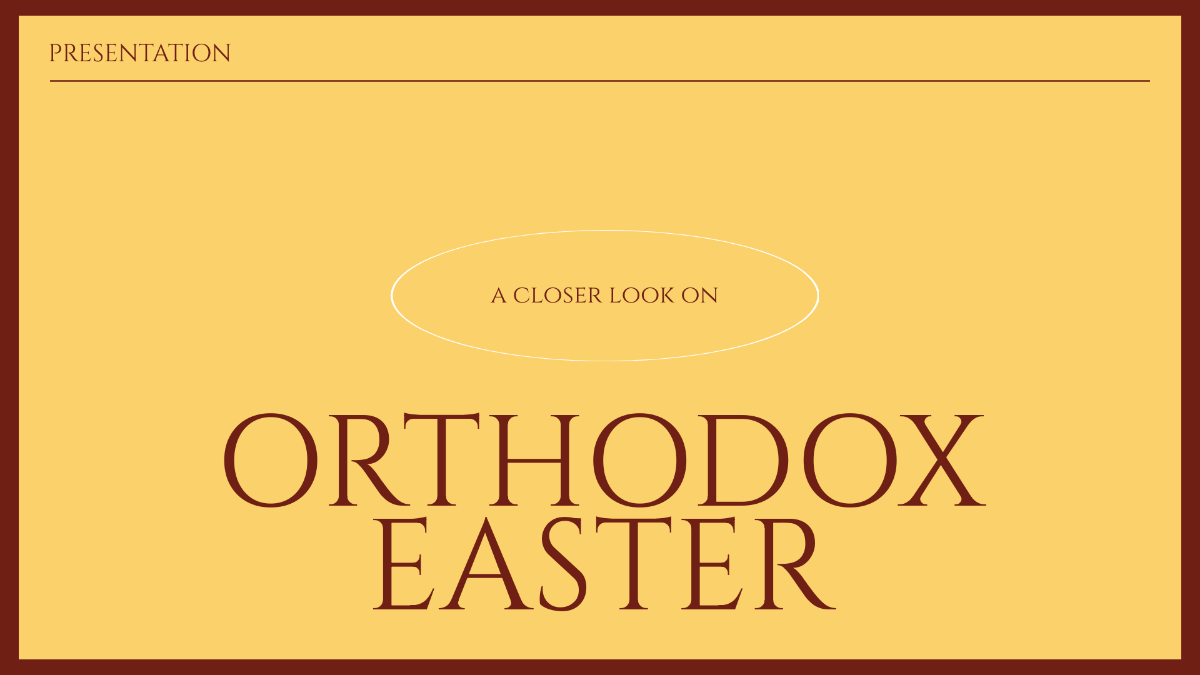
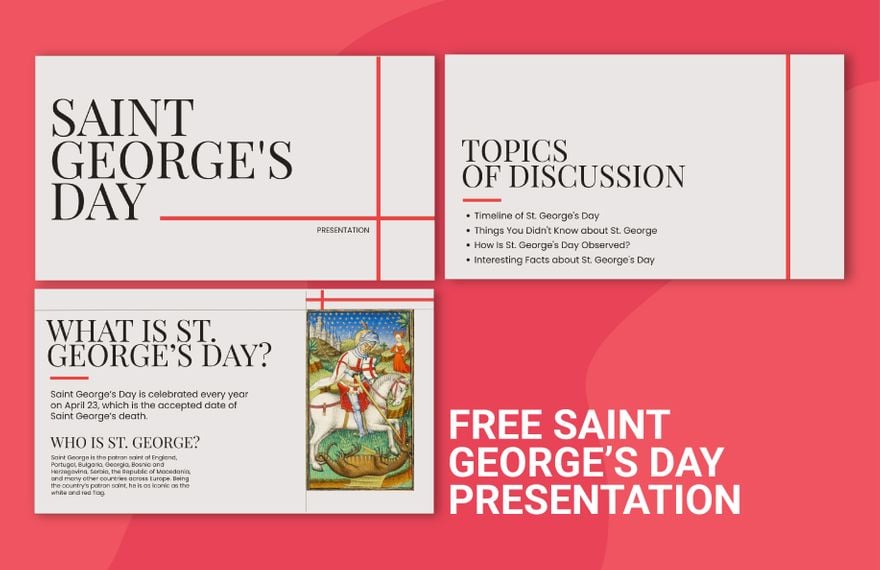
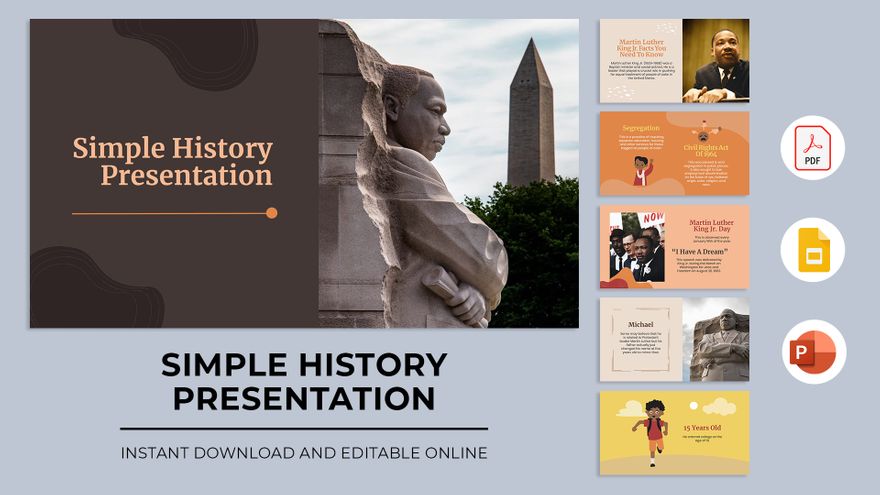
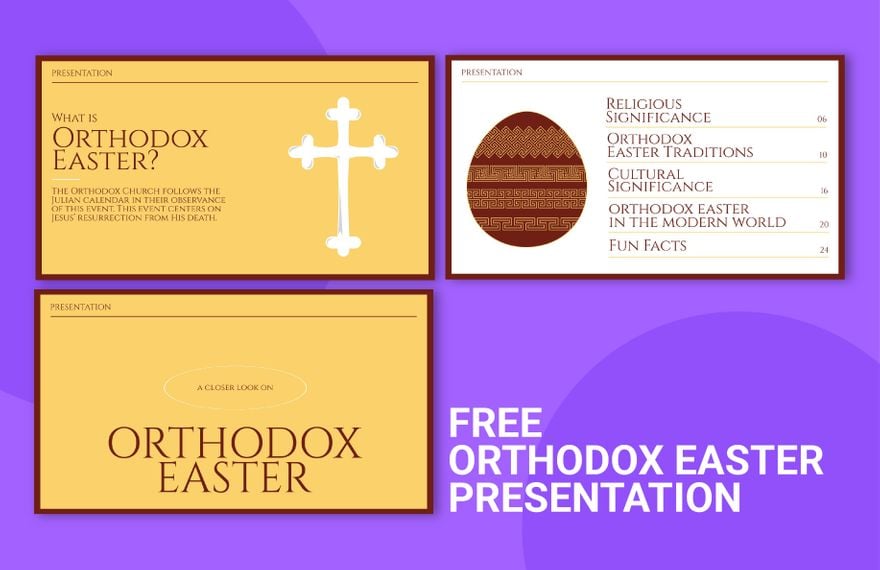
A history presentation is a set of slide templates designed to display historical information such as events, timelines, and biographies. These templates provide editable text areas and graphics to help users convey history with clarity and style.
Why use a History Presentation?
Using history presentation templates helps deliver structured historical content with a professional layout and visual appeal. These templates save time by offering ready-made designs and support online editing for quick customization, ensuring clear communication of complex history topics.
Who typically uses History Presentations?
History presentations are commonly used by students, educators, historians, and researchers who need structured formats to present historical data. The templates provide layered design customization to tailor content for academic, professional, or public audiences.
What size should a History Presentation be?
History presentations typically use standard slide sizes like 16:9 widescreen or 4:3 aspect ratios. Commonly, templates are optimized for digital display rather than fixed physical dimensions, allowing flexible scaling to fit projectors or screens without losing layout integrity or design layers.
What are the best tips for designing a History Presentation?
Effective history presentations use a clear headline, relevant images, and timeline graphics to organize events logically. Incorporating editable text areas with concise key points and balanced layout blocks ensures information is engaging and easy to follow.
How do you print a History Presentation?
To print a history presentation, export the templates to a print-friendly format such as PDF and use high-quality paper. Template.net templates support printing with optimized resolution and design layers intact to preserve the professional appearance of slides.
What elements should a History Presentation include?
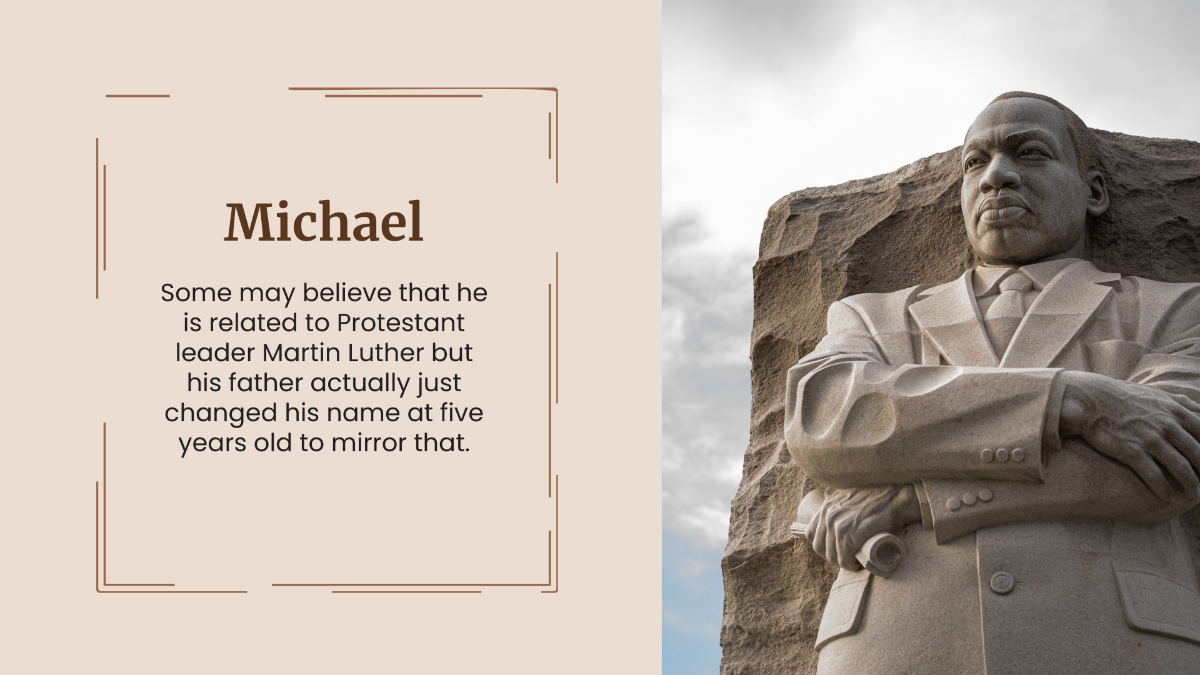
A history presentation should include timeline layouts, headline sections, images or graphics of historical figures or events, and key information blocks. These design layers allow users to customize content while maintaining clarity and visual interest.
What file formats can I download for a History Presentation?
Template.net history presentation templates support multiple export formats for editing and printing, including PDF, and Google Slides. These formats ensure compatibility for various use cases.
Can I create a new History Presentation using AI?
Template.net provides an AI-powered tool that generates new history presentation designs from prompts, streamlining the creation process. Use the Presentation Generator to quickly develop customized history presentations.
