
Free Chronological Resume Templates
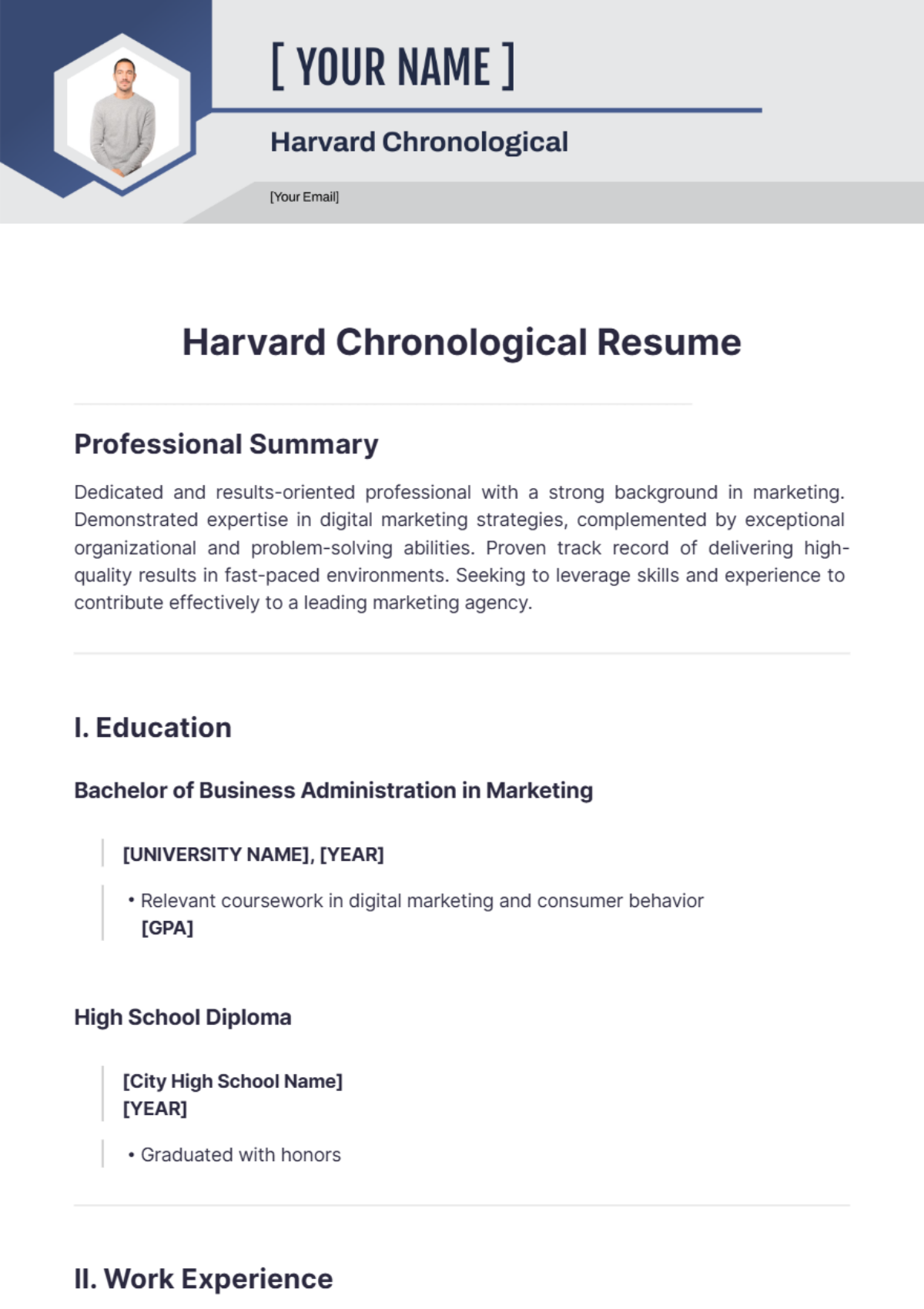
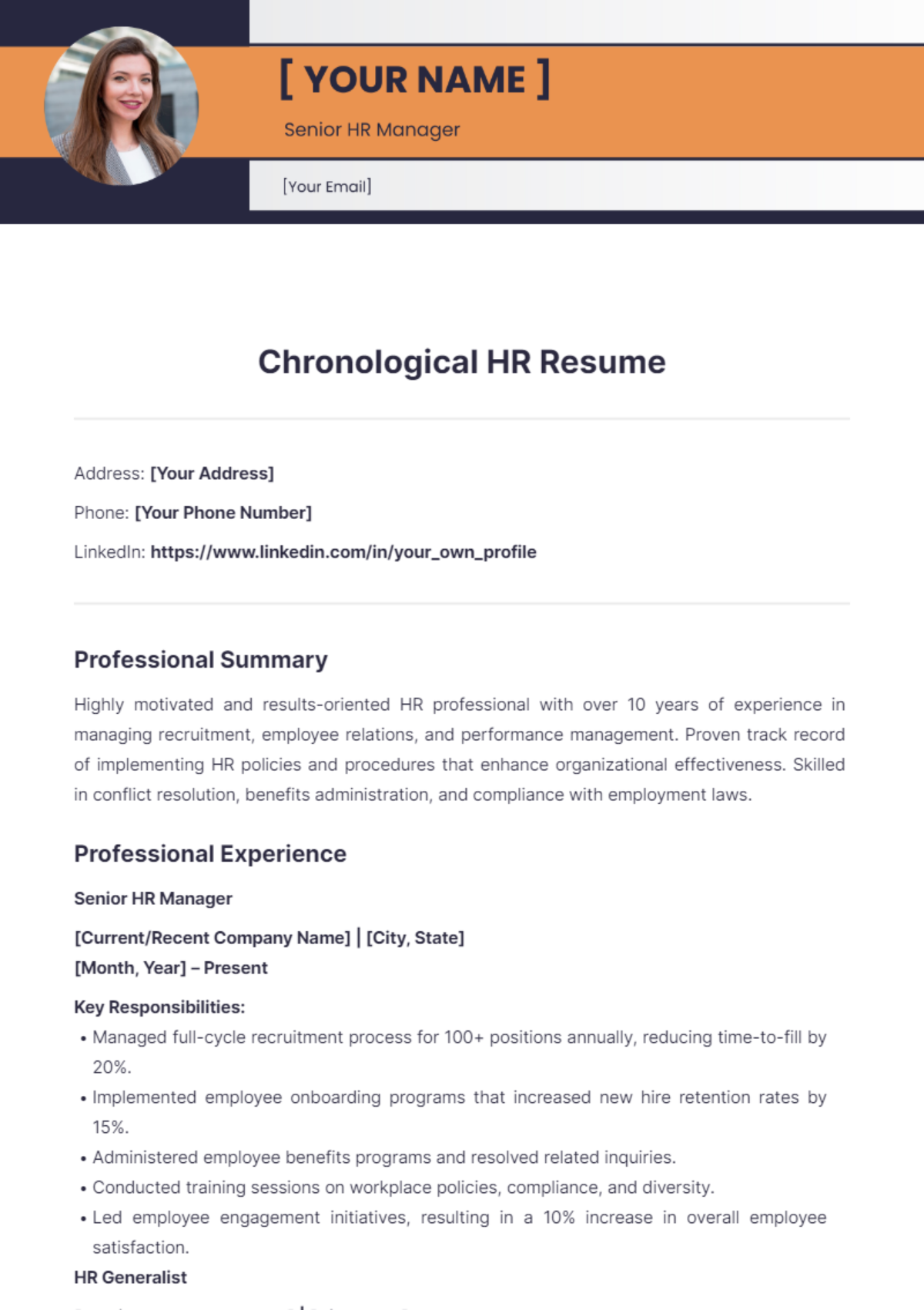
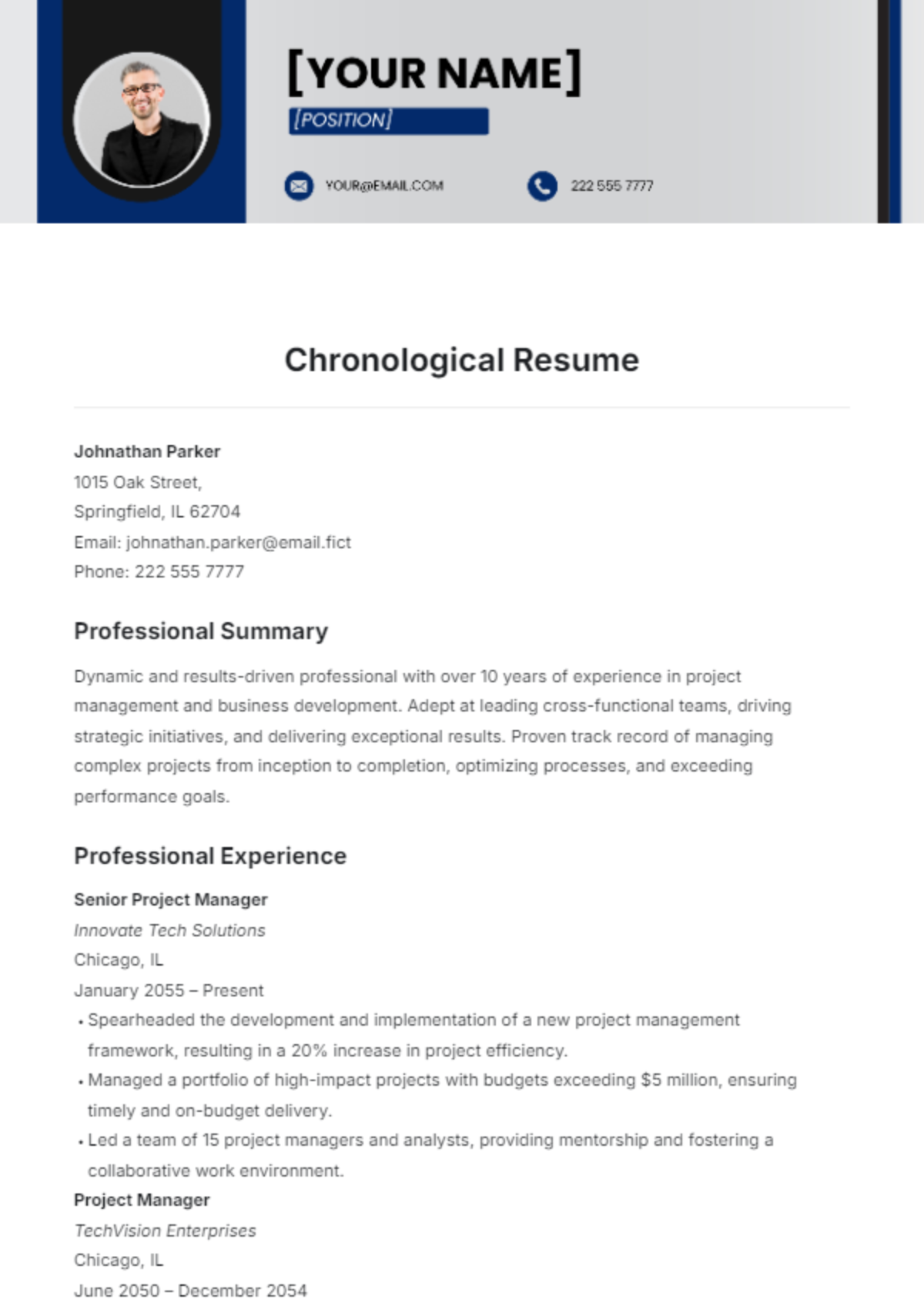
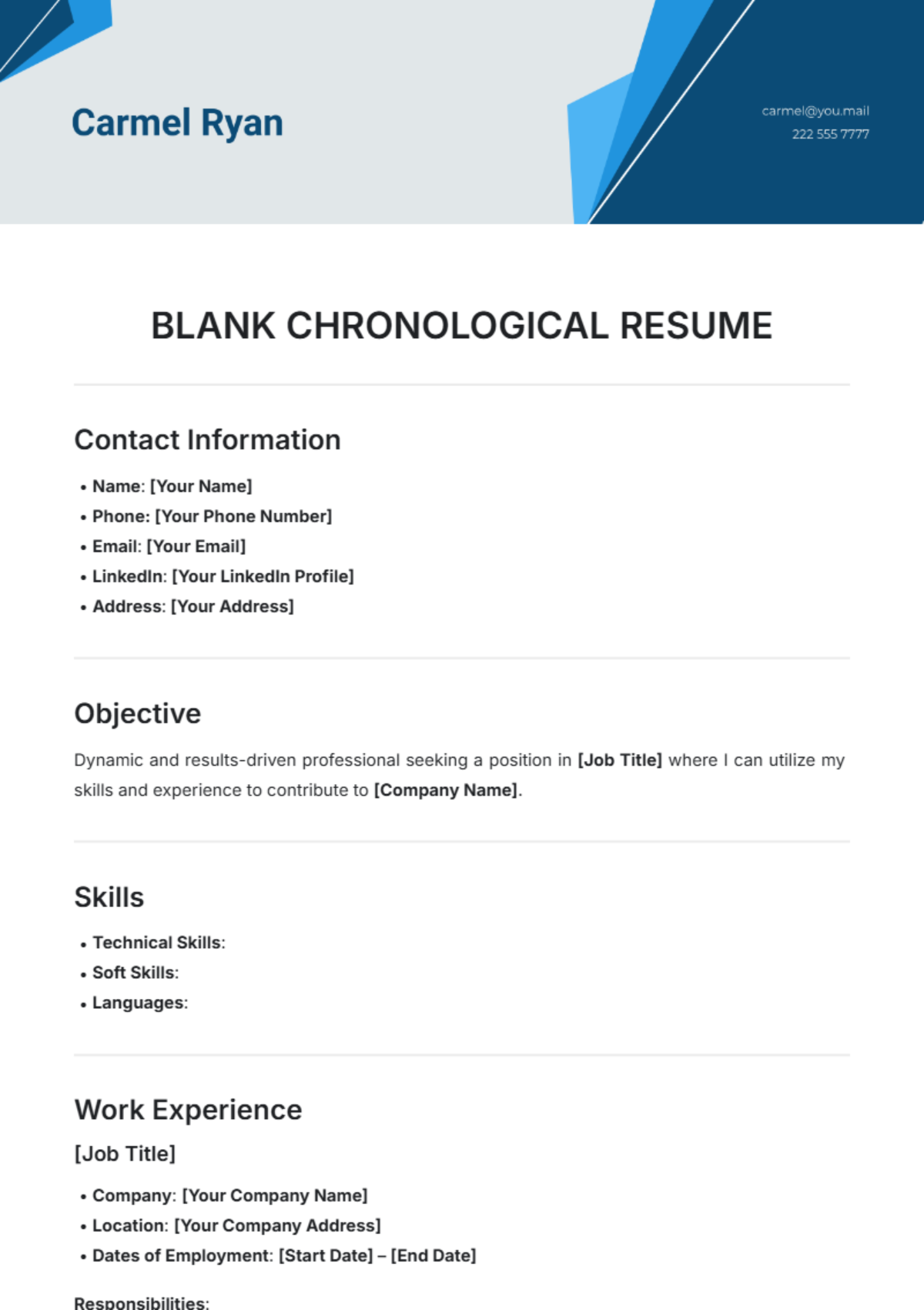
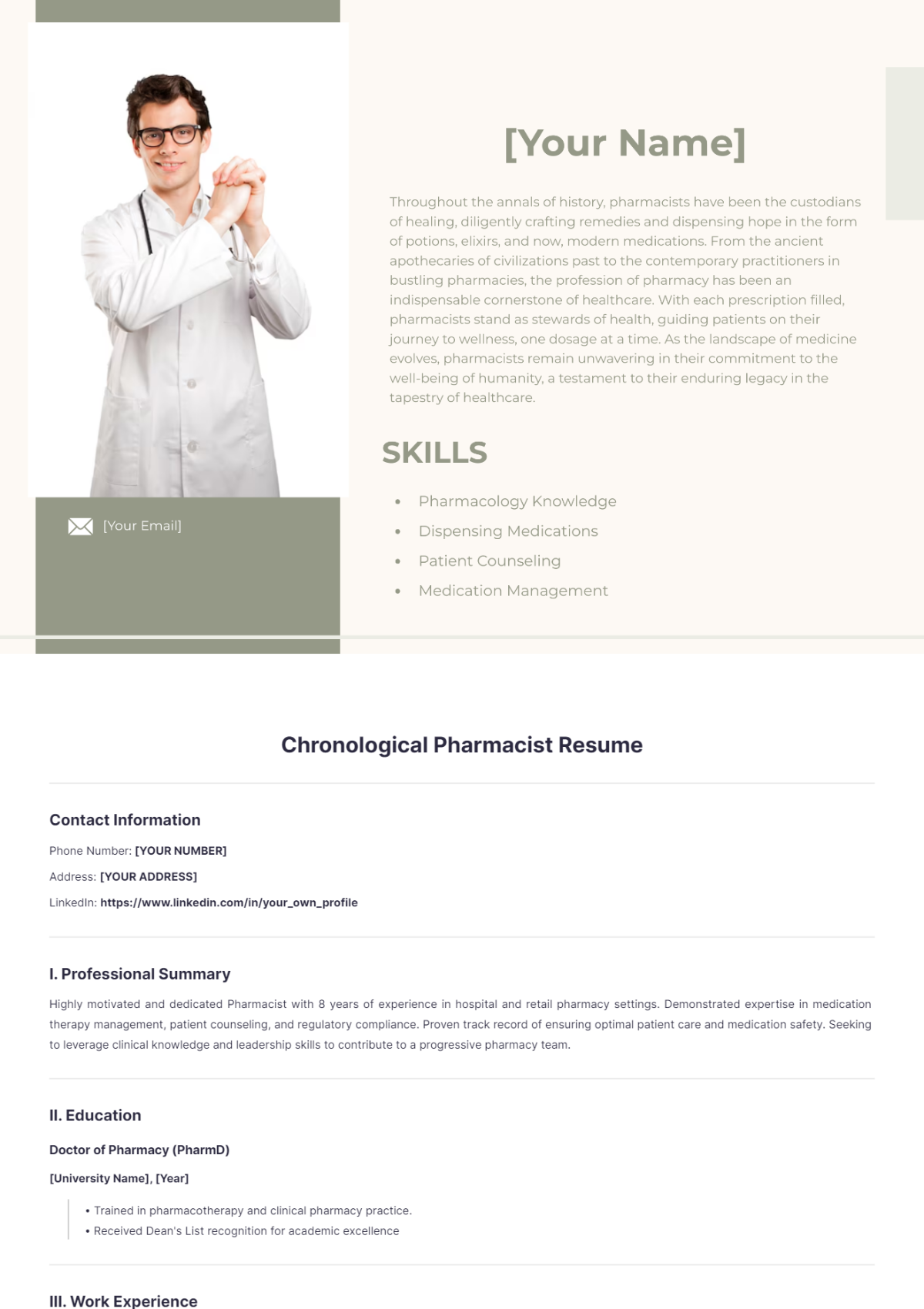
Chronological Resume Templates: Definition, Uses, and Structure
What is a Chronological Resume?
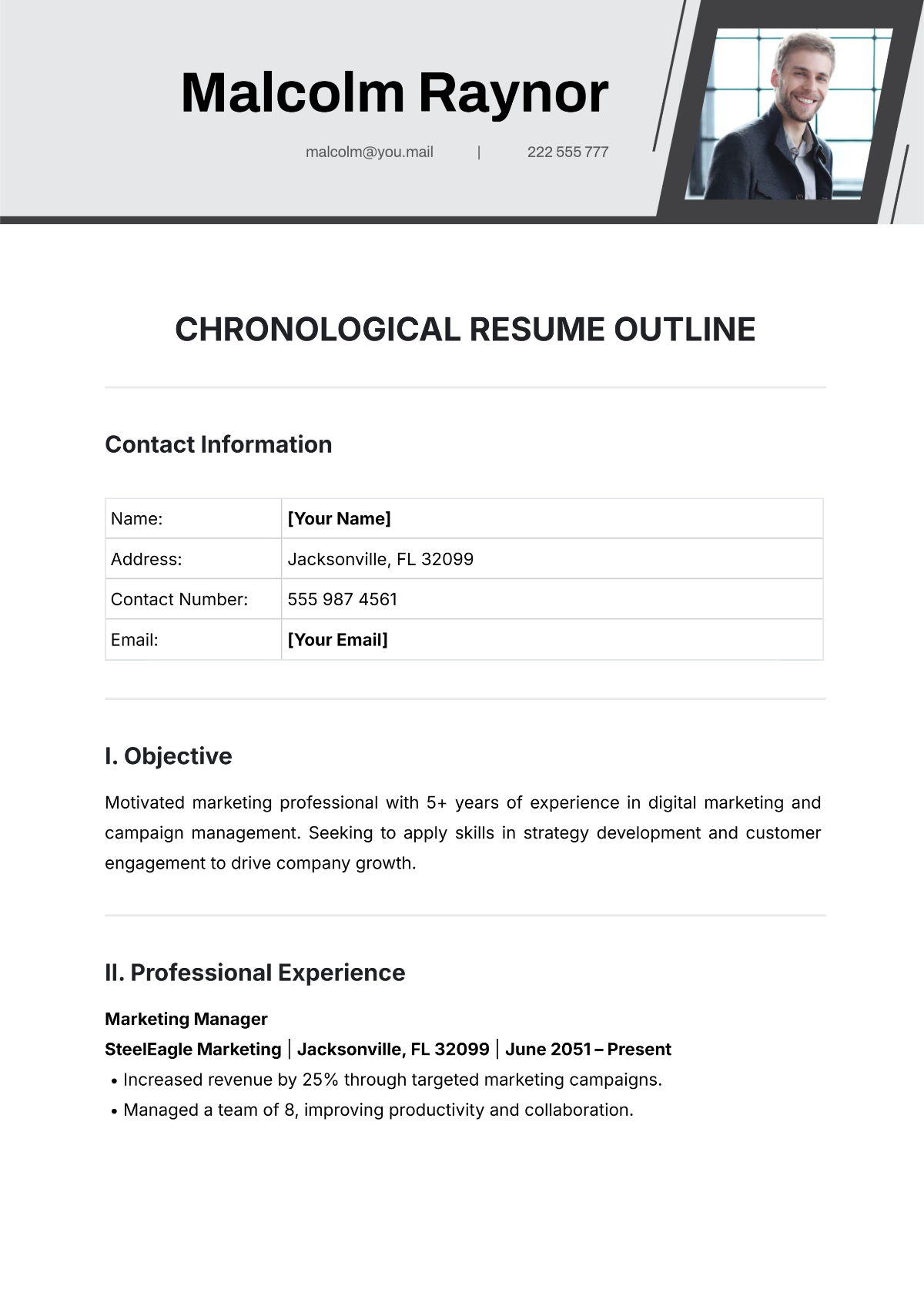
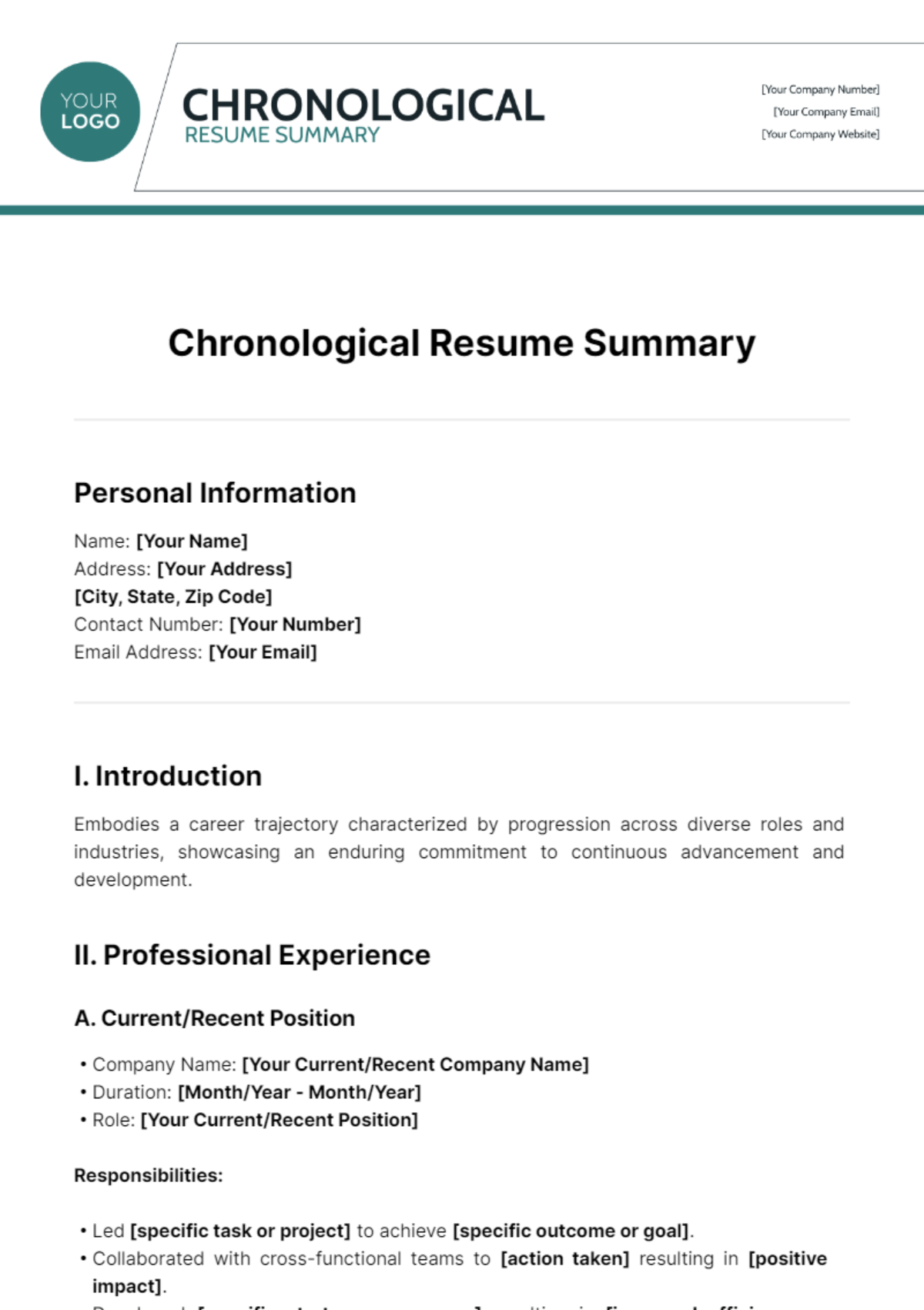
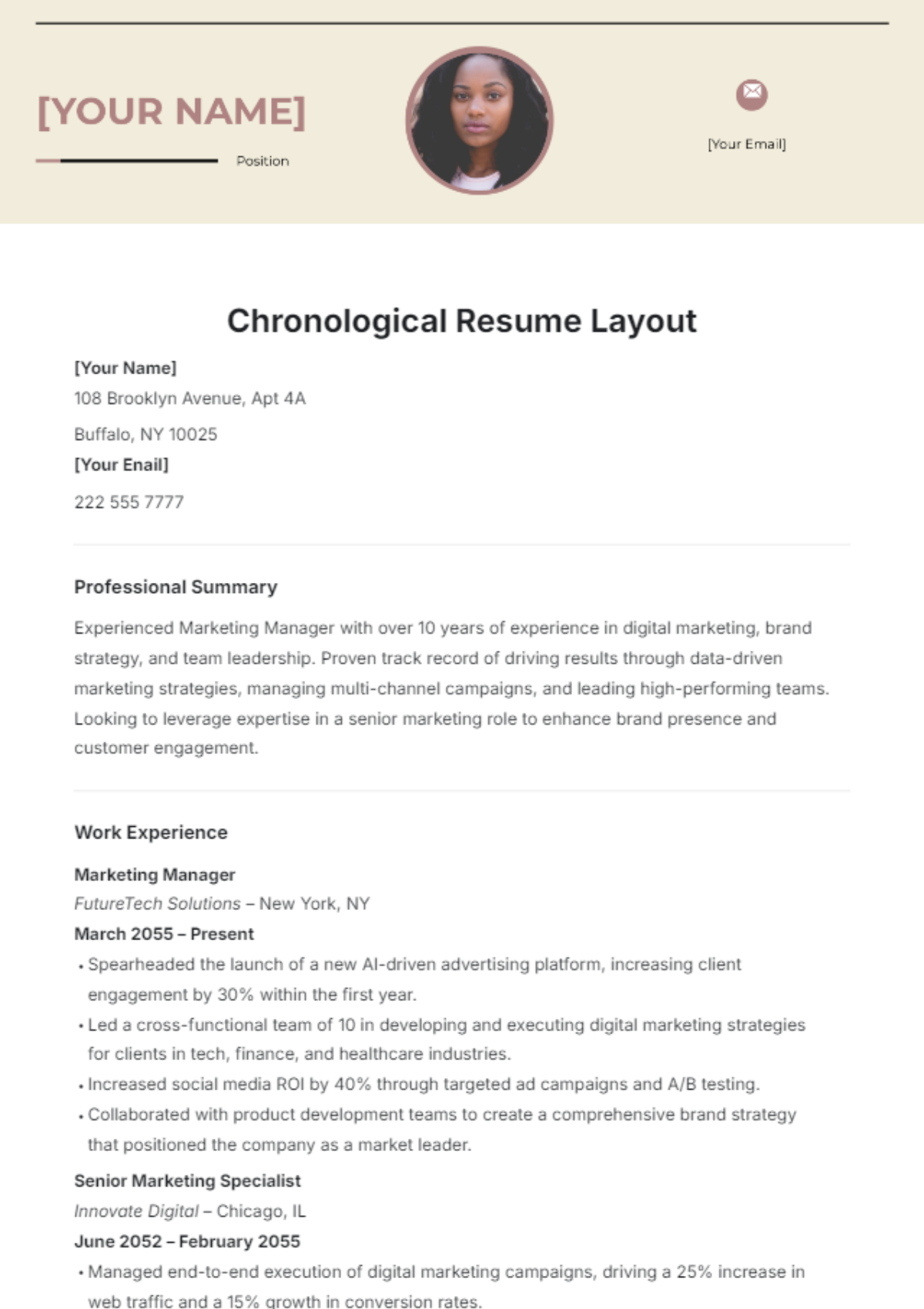
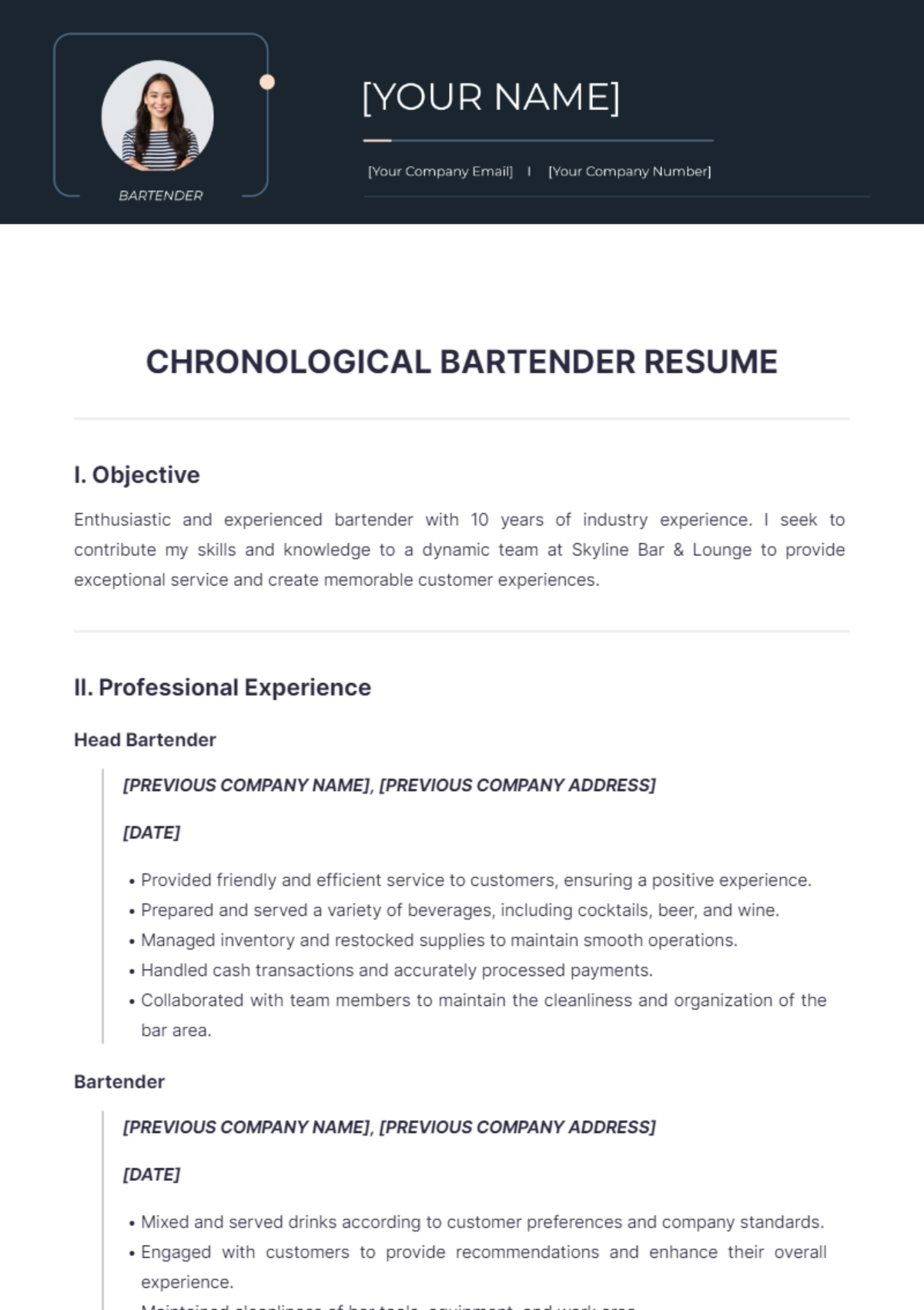
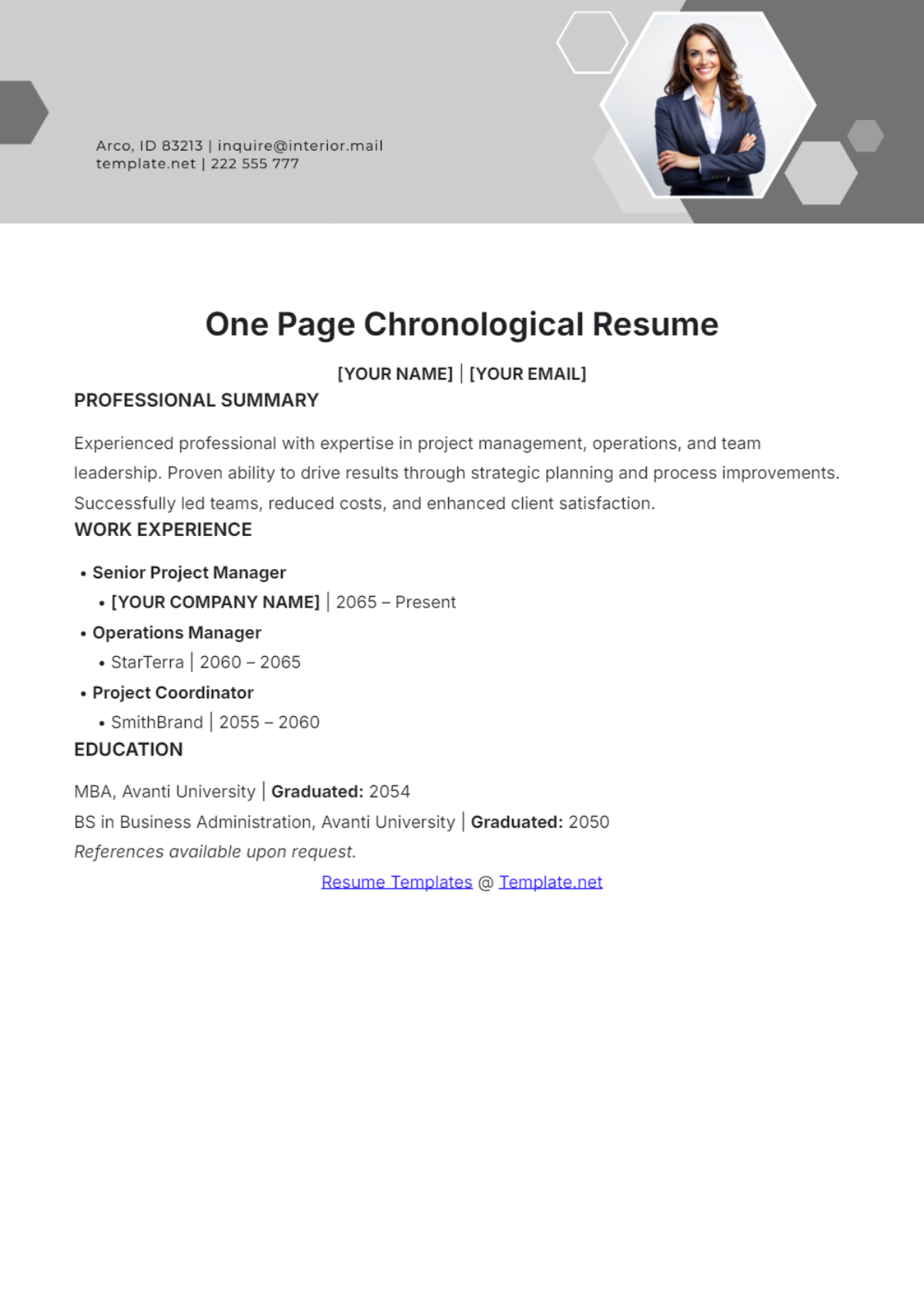
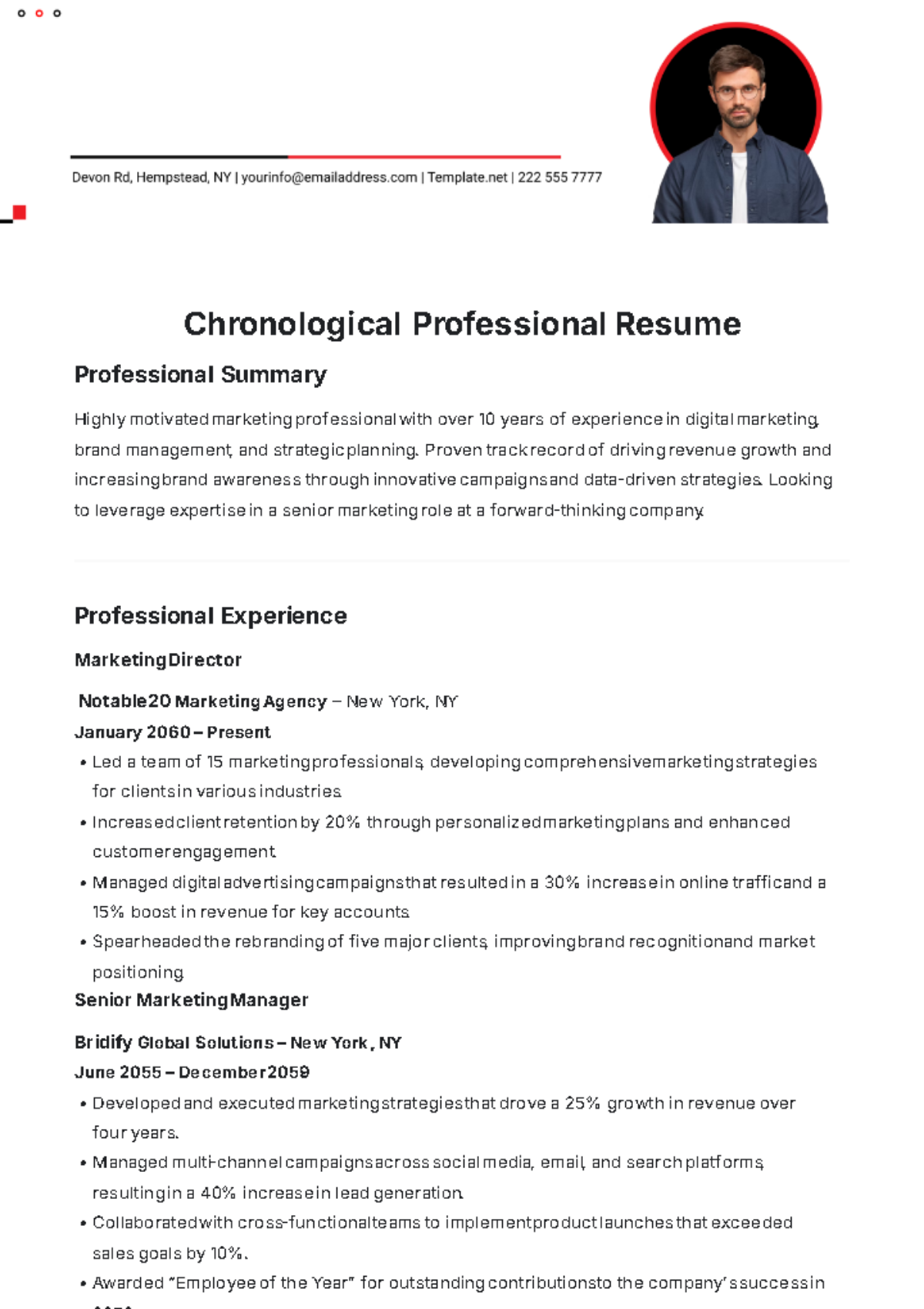
A chronological resume is a structured document that presents work history starting from the most recent job to the oldest. These resume templates emphasize career progression with a clear, professional layout. Template.net provides ready-made, customizable templates that enable online editing for quick, polished resumes.
Why use a Chronological Resume?
A chronological resume highlights steady career growth and relevant experience by listing jobs in reverse order, making it ideal for professionals with consistent work history. Template.net's templates offer structured formatting and business-ready layouts you can customize online for fast, professional results.
Who typically uses Chronological Resumes?
Chronological resumes are typically used by job seekers with a solid work history, including professionals, recent graduates with internships, and career changers emphasizing relevant experience. Template.net's templates provide a clear structure and easy online editing to help these users build professional, print-ready resumes.
What sections should a Chronological Resume include?
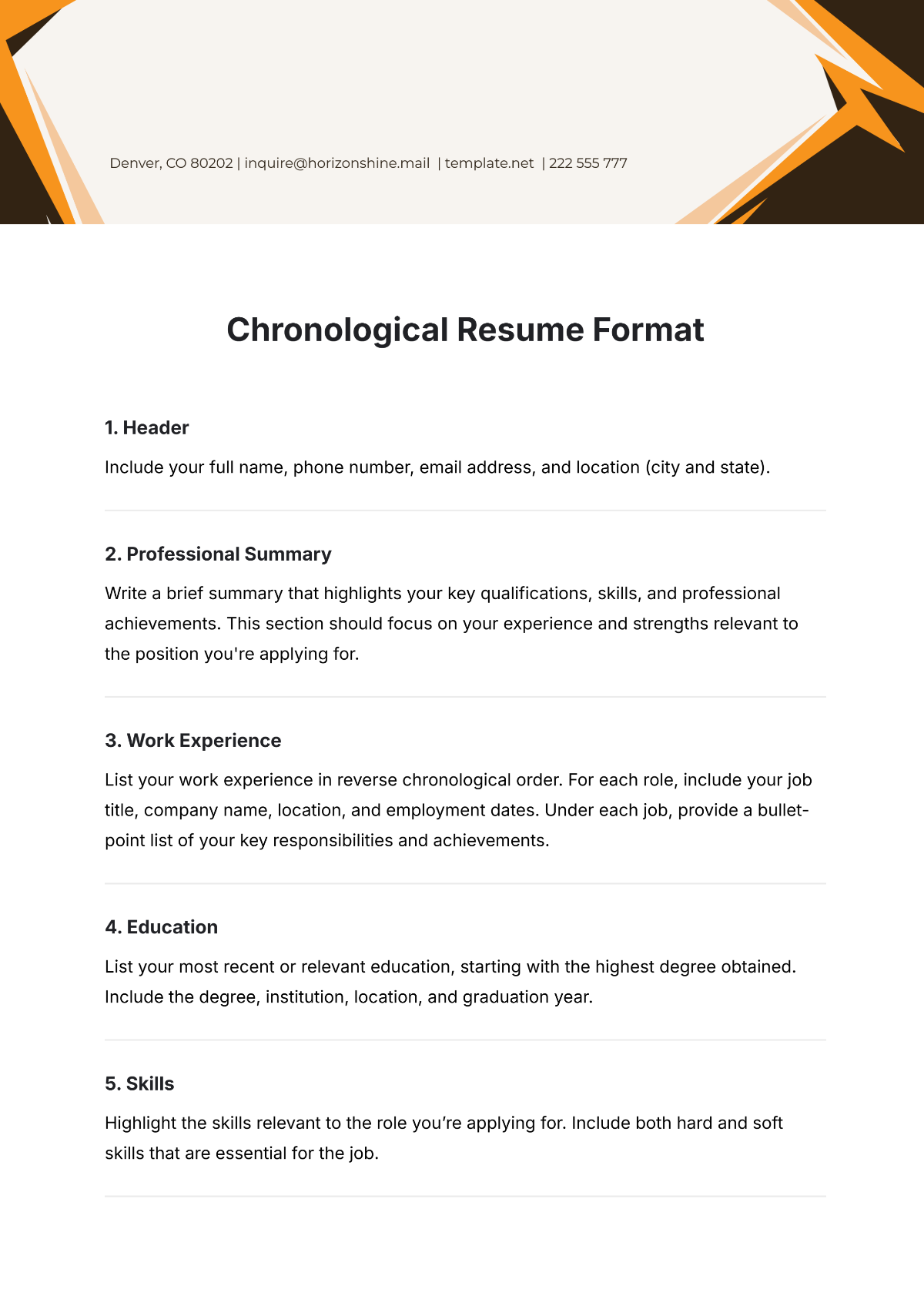
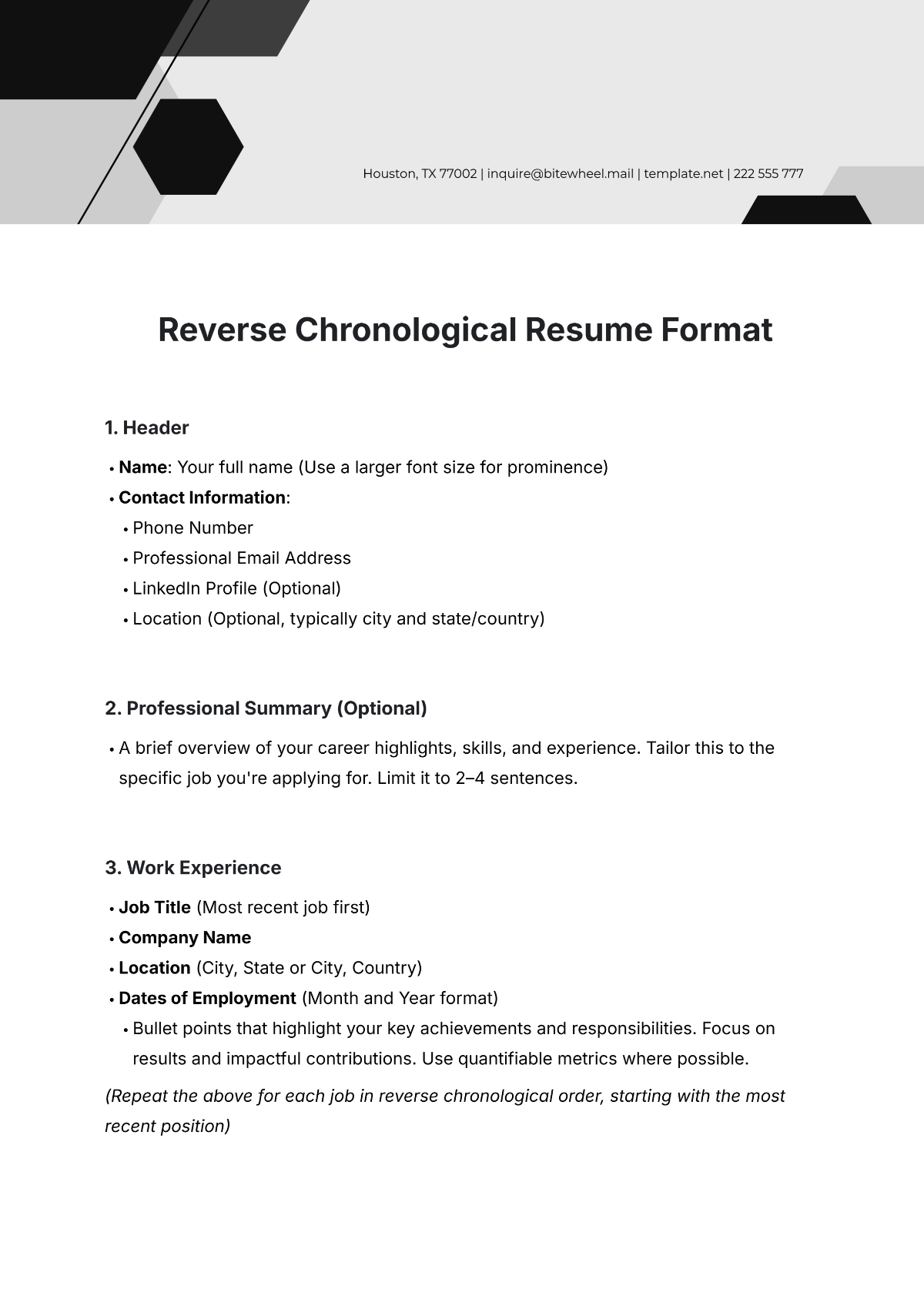
A chronological resume should include a header with contact information, a professional summary, work experience listed in reverse chronological order, education, and optionally a skills section. Template.net templates feature these essential sections with structured formatting for clear online editing and printing.
What are the best tips for formatting a Chronological Resume?
When formatting a chronological resume, use a clean, consistent font and clear headings for each section. Maintain structured formatting with reverse-chronological work experience and highlight achievements. Template.net's templates provide business-ready layouts that ensure professional presentation and easy online customization.
How do you print a Chronological Resume?
To print a chronological resume, use Template.net's downloadable templates formatted in print-ready layouts sized 8.5 × 11 inches. Templates support exporting to PDF for crisp, professional printing. Online editing ensures your resume is polished and ready before printing.
Is a Chronological Resume legally and professionally acceptable?
A chronological resume is both legally and professionally acceptable as long as it includes accurate, truthful information and follows industry standards. Template.net's templates ensure compliance-friendly presentation with structured sections and professional layouts suitable for business and legal scrutiny.
When should you use a Chronological Resume?
You should use a chronological resume when your work history is continuous and directly related to the job you seek. This format highlights career progression and stable employment. Template.net's templates allow fast online customization to tailor resumes for various industries and career stages.
Can I create a new Chronological Resume using AI?
Template.net provides an AI-powered tool that generates structured chronological resume documents from prompts within 3–10 seconds, ready for online refinement and multi-format export. Use the Resume Generator to create your resume efficiently.
