
Free Computer Technician Resume Templates
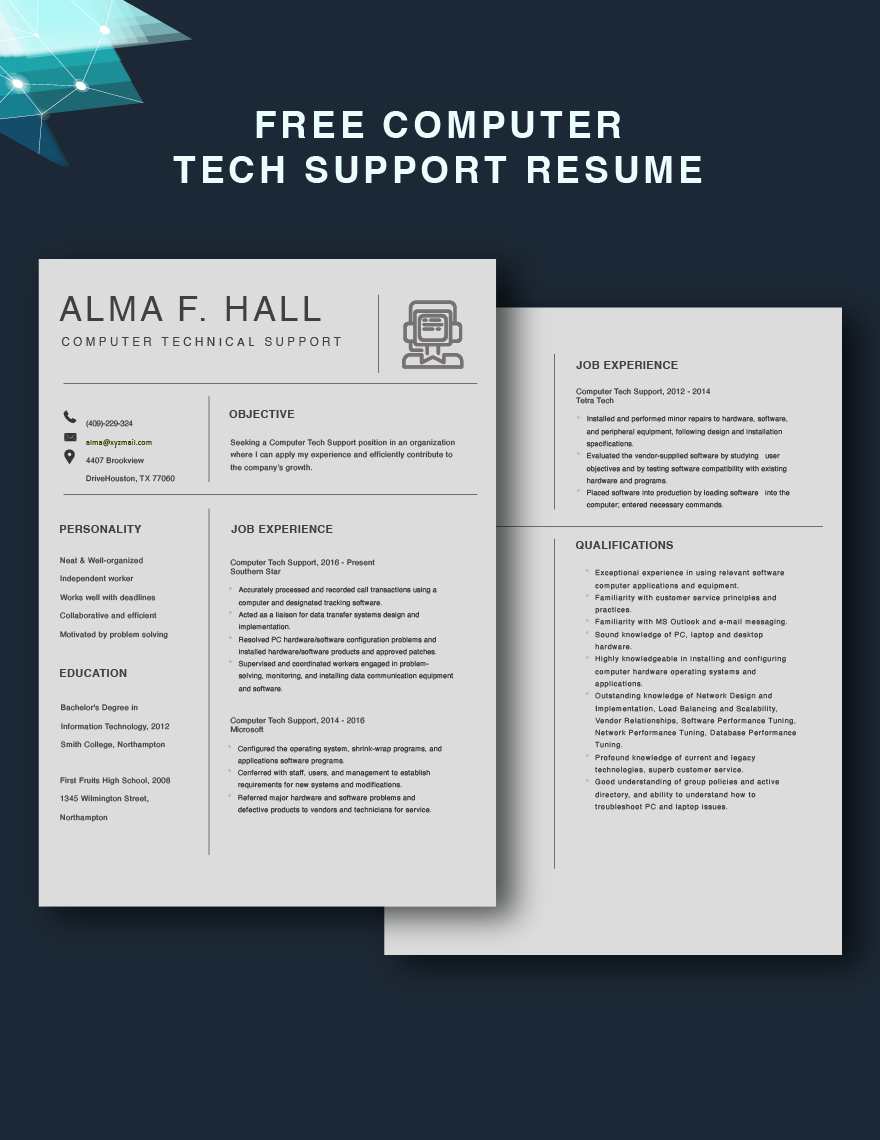
Computer Technician Resume Templates: Definition, Use, and Formats
What is a Computer Technician Resume?
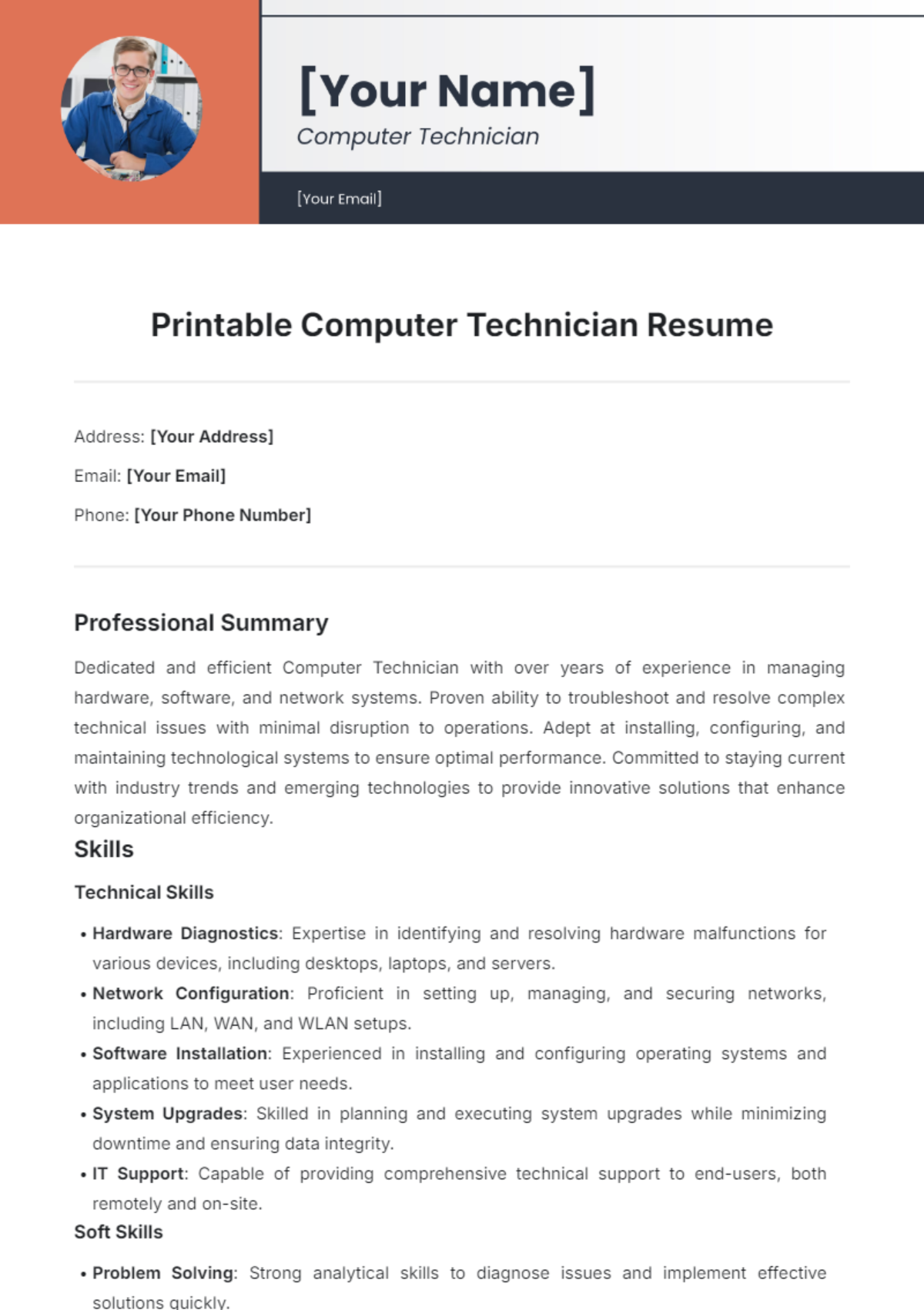
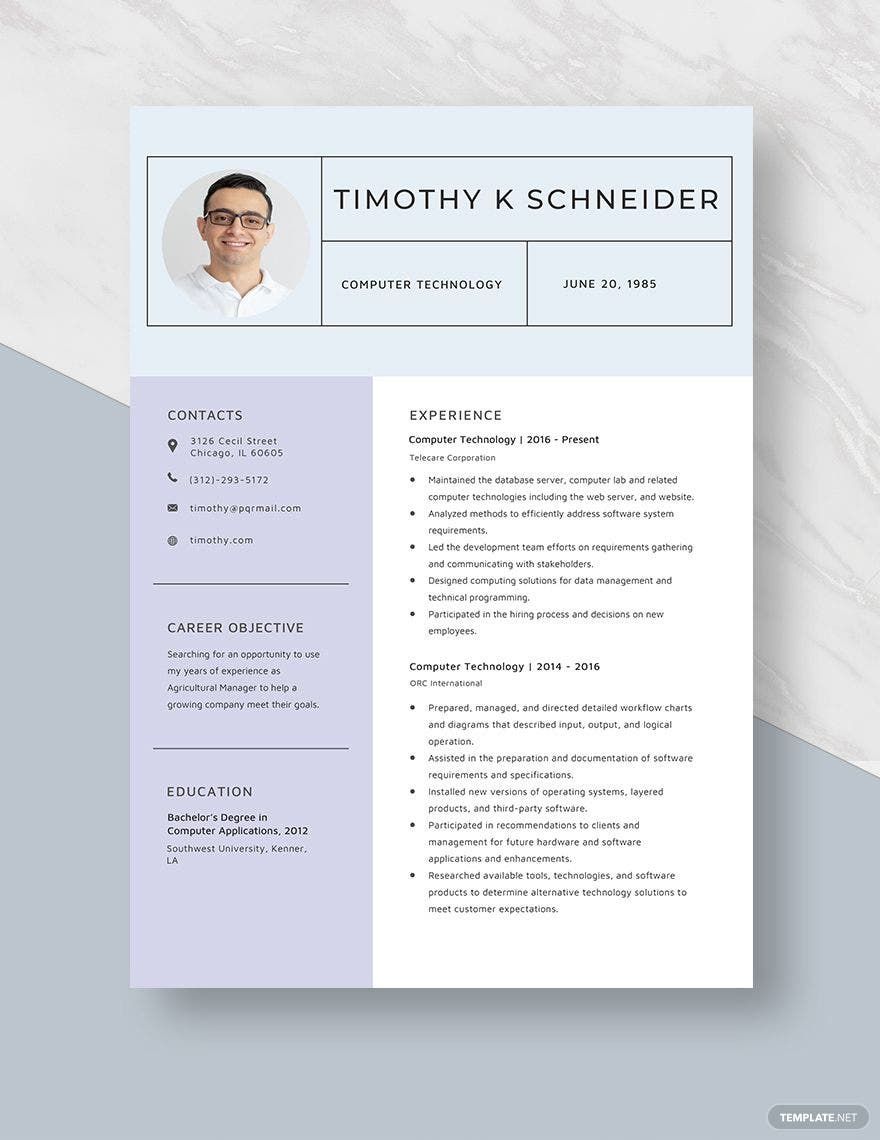
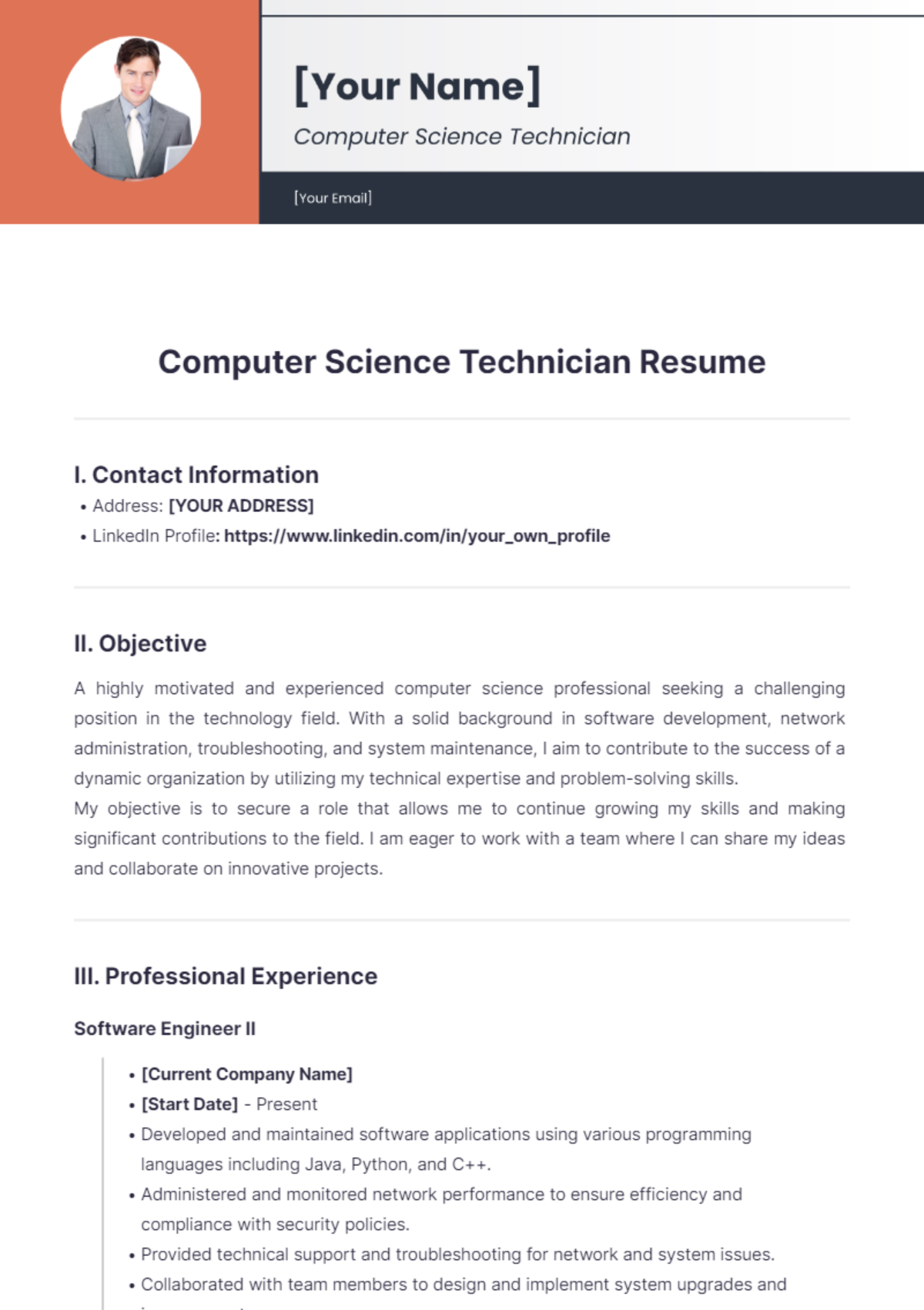
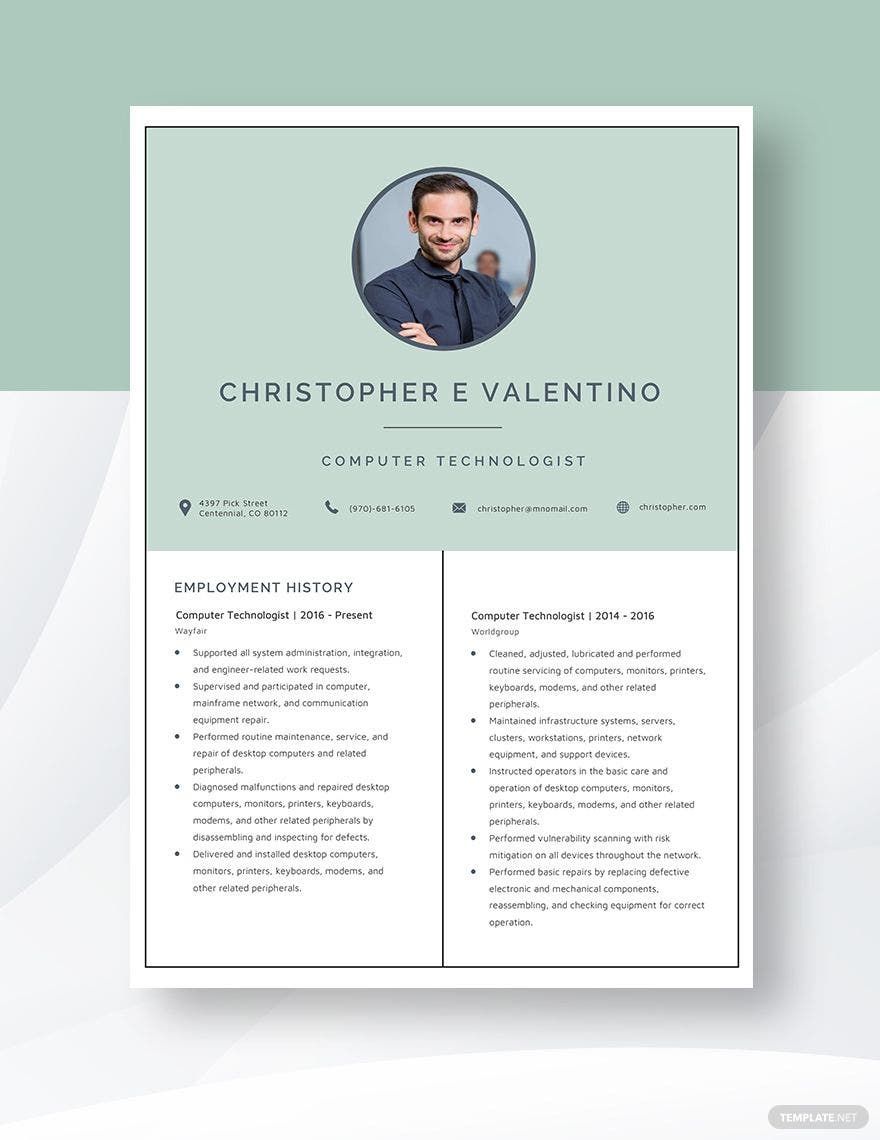
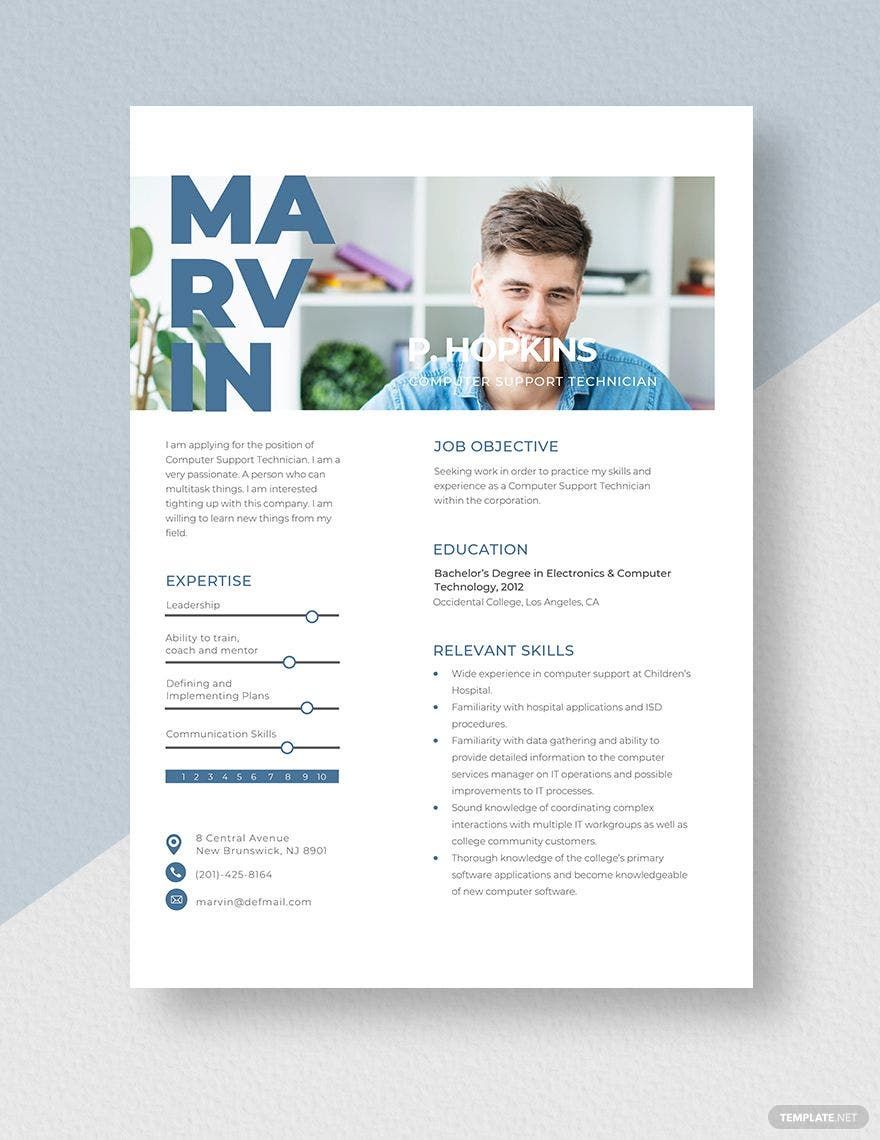
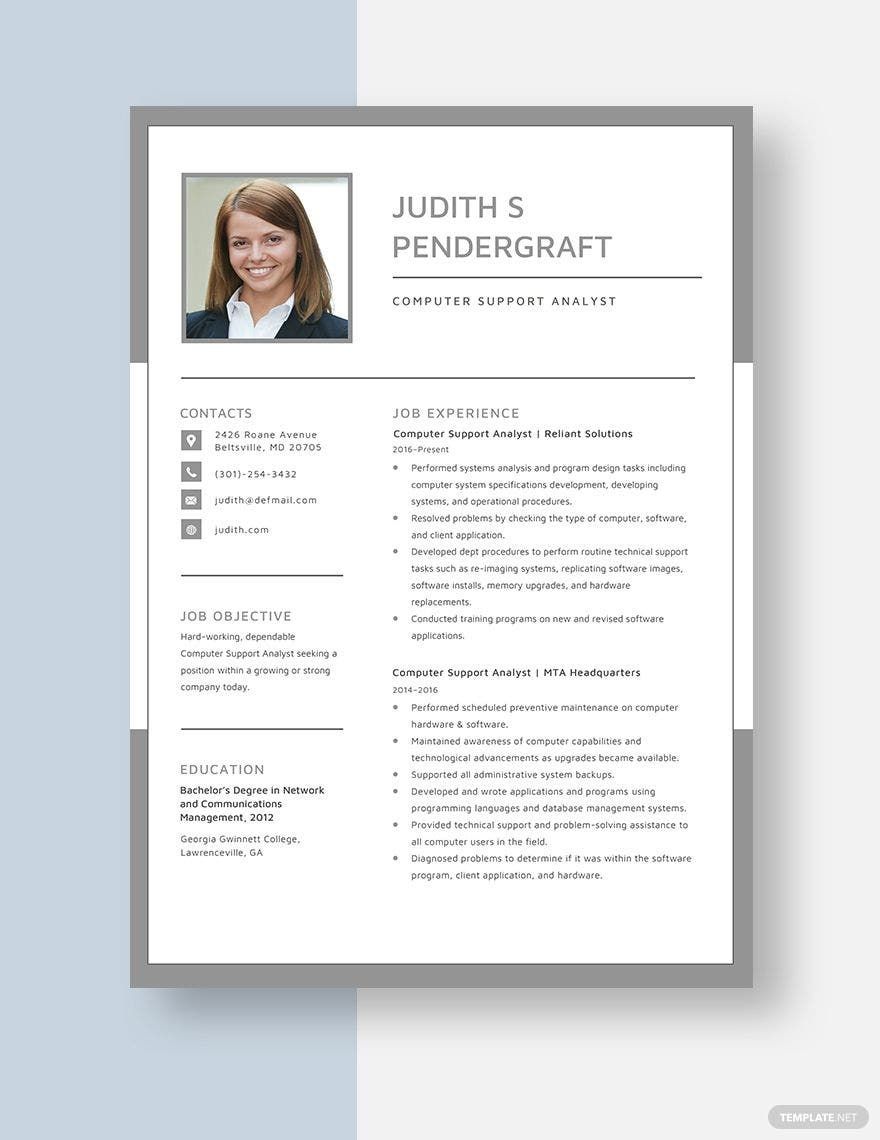
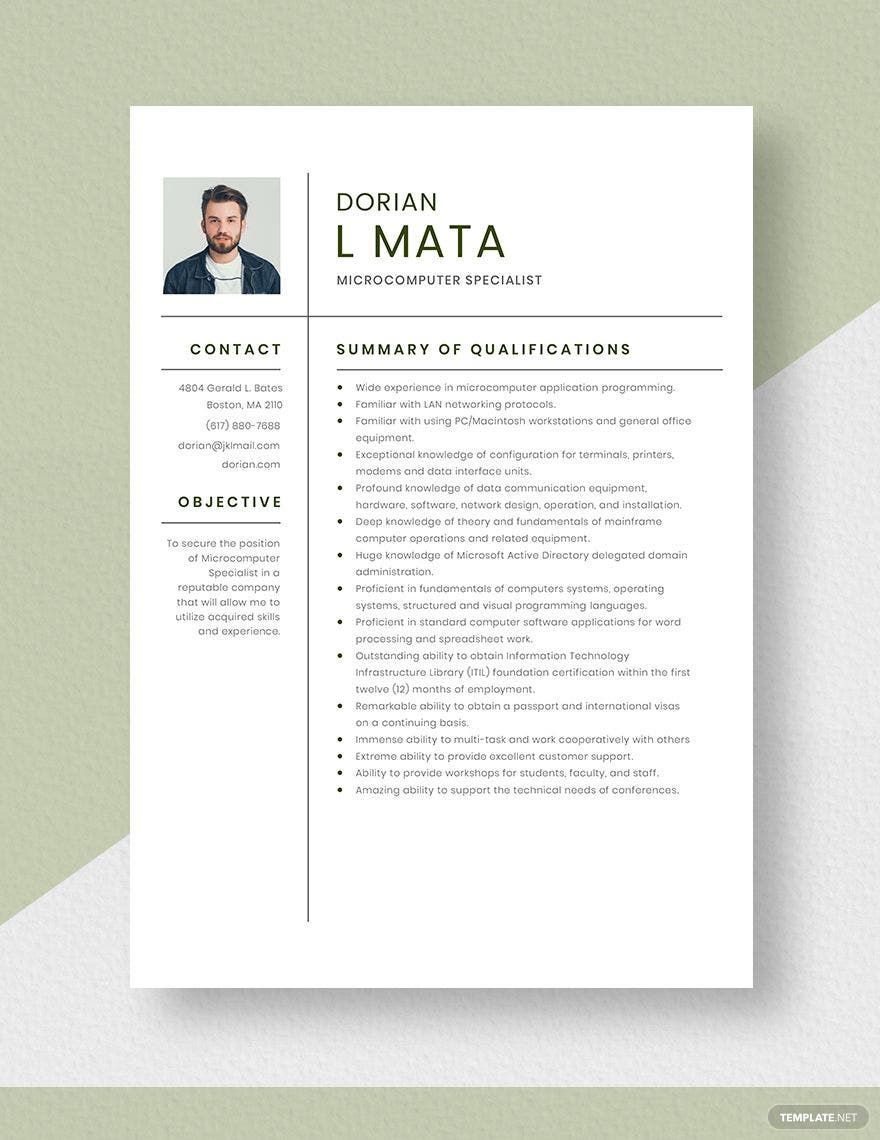
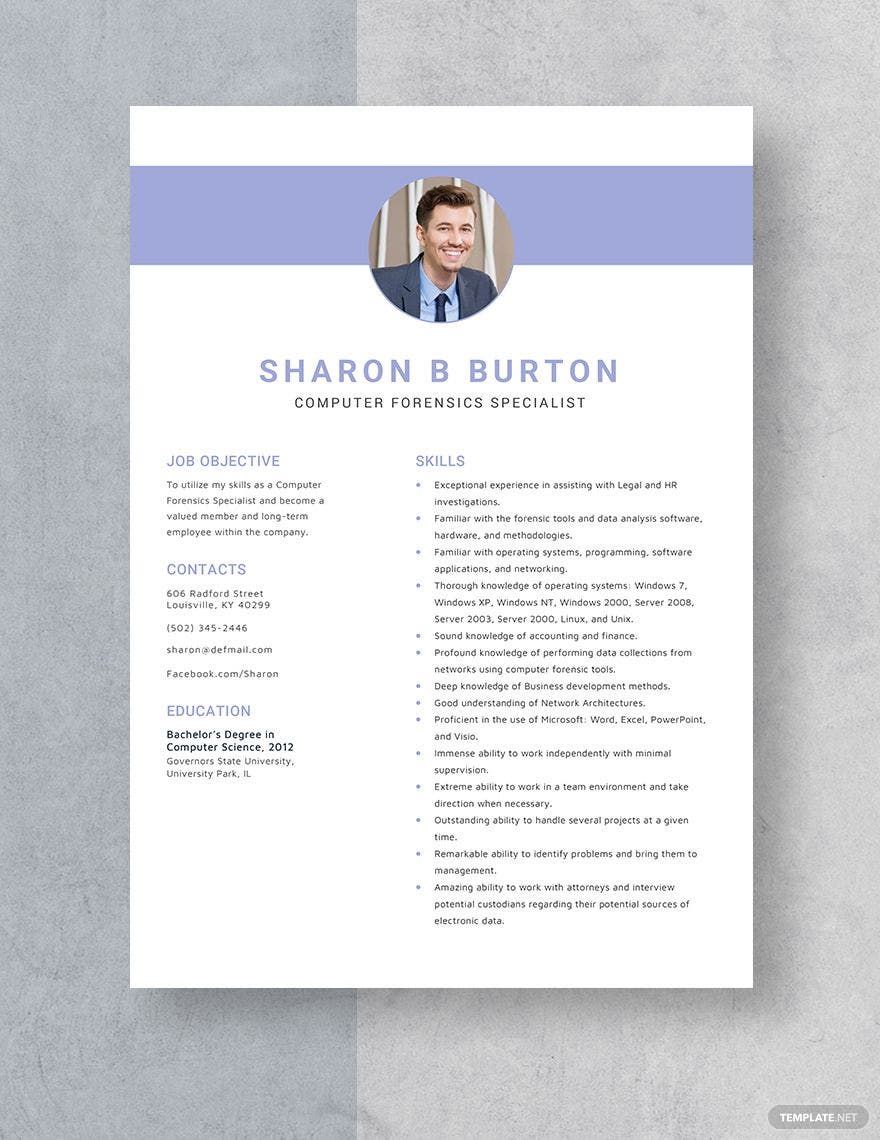
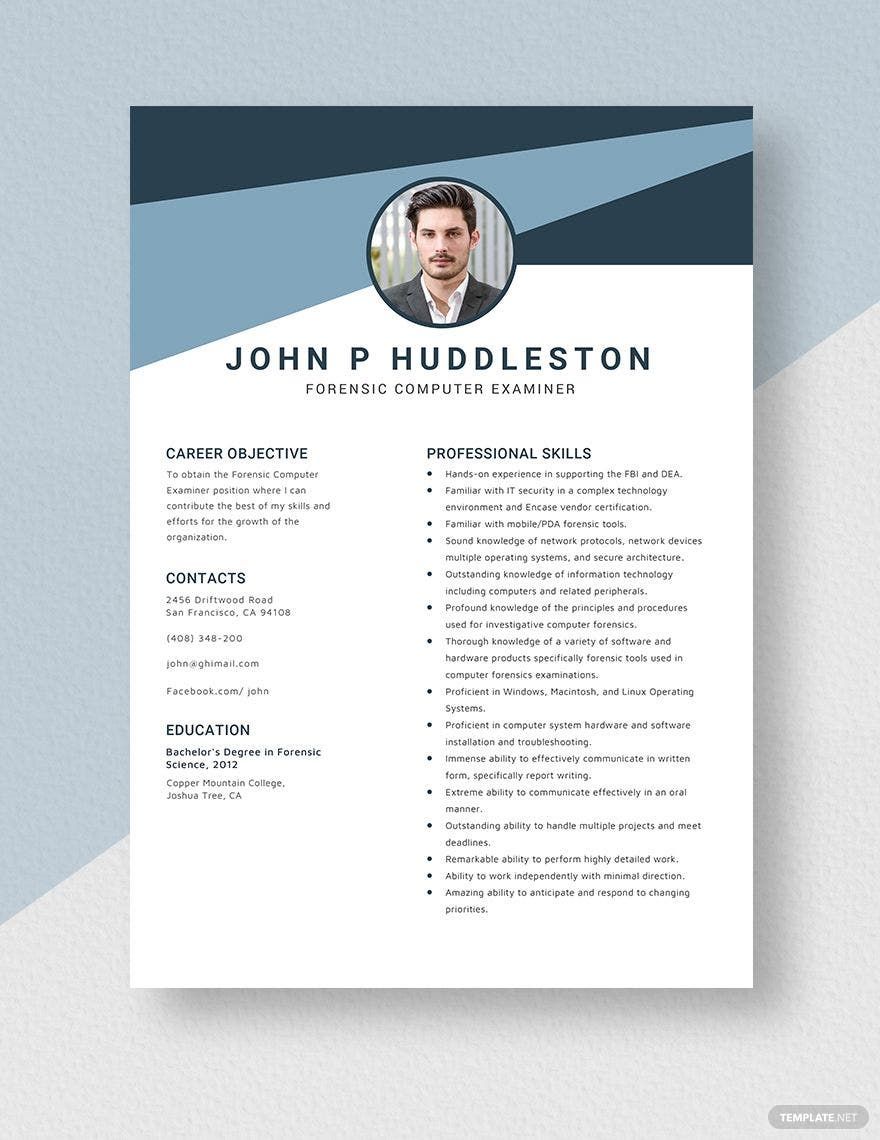
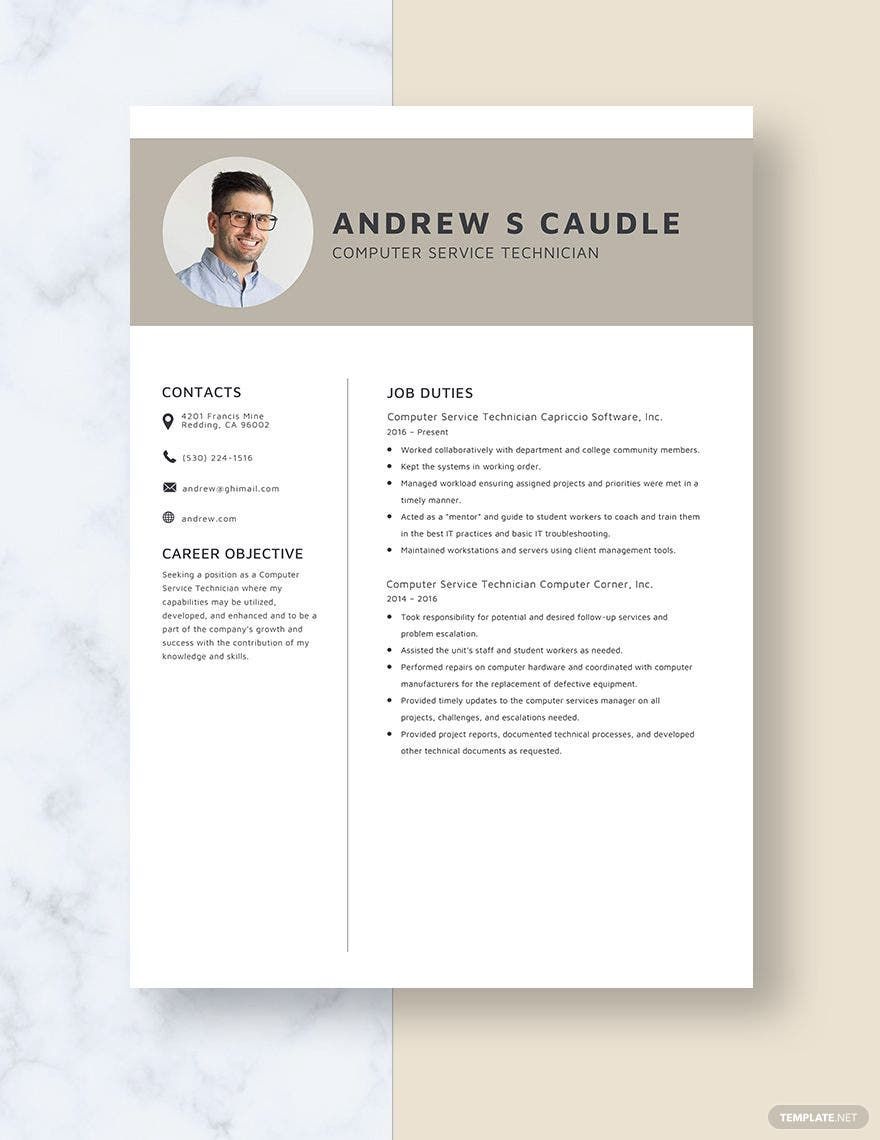
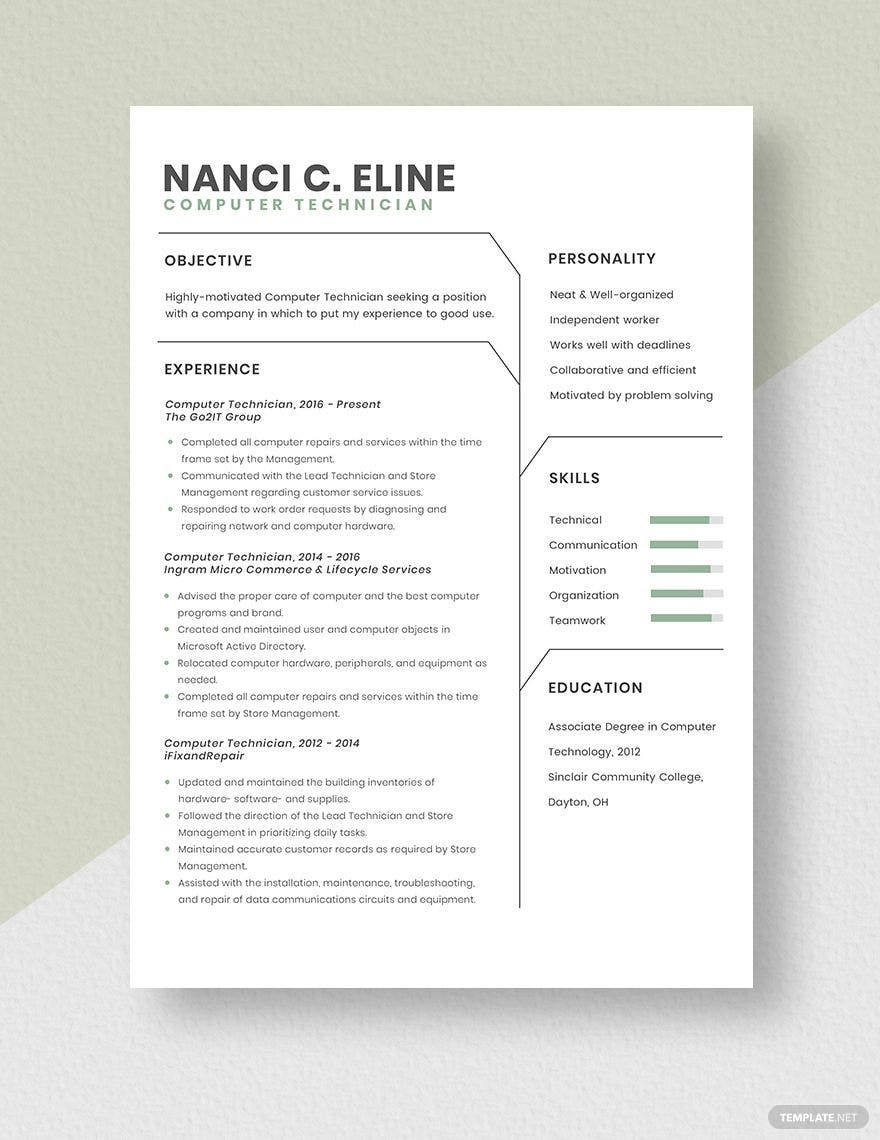
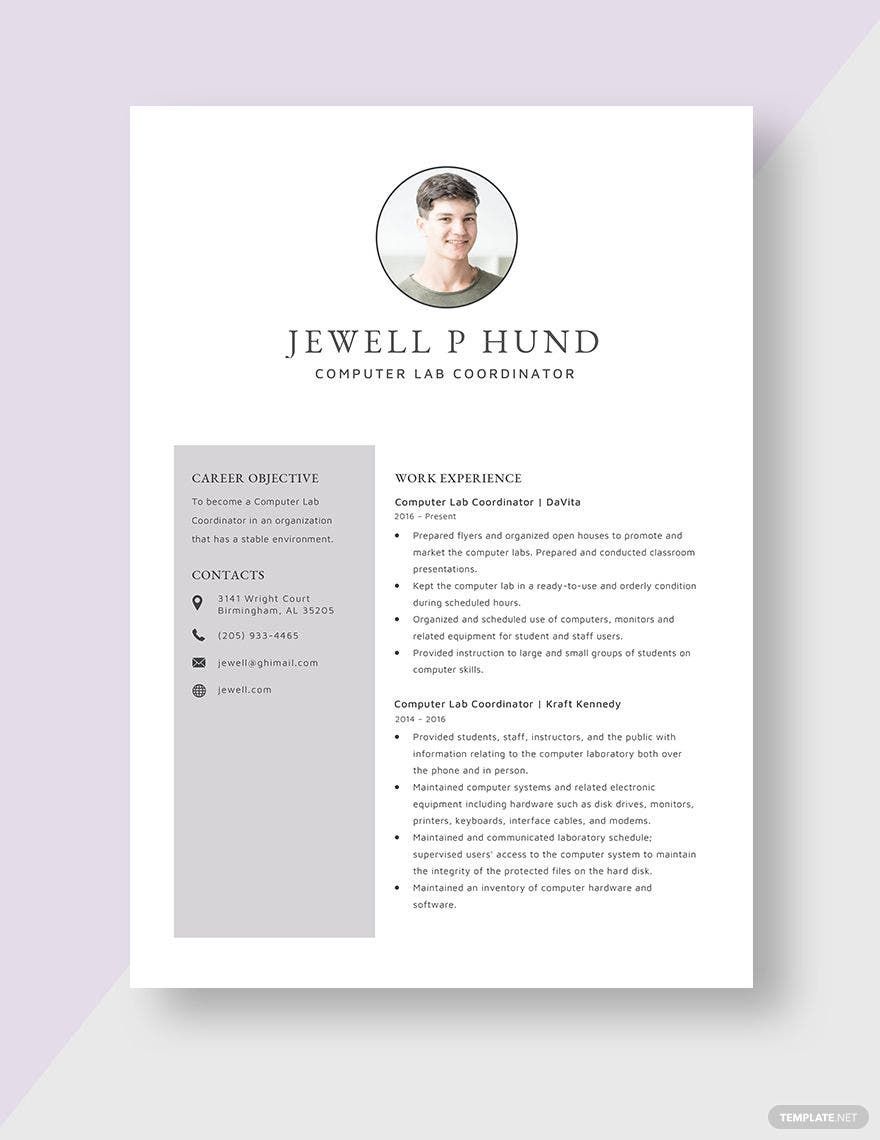
A Computer Technician resume is a structured professional document that highlights a candidate's technical skills, work experience, and education relevant to computer repair and support roles. These resumes use clear sections and a business-ready layout to present qualifications effectively for job applications.
Why use a Computer Technician Resume?
Computer Technician resumes provide a clear, organized format to present technical expertise and job history, improving chances of landing interviews. Using ready-made templates ensures structured formatting and professional layout that quickly communicates skills to employers.
Who typically uses Computer Technician Resumes?
Computer Technician resumes are typically used by professionals seeking roles in IT support, hardware repair, and network maintenance. These resumes suit candidates at all experience levels aiming to showcase relevant skills and experience within a business-ready document.
What sections should a Computer Technician Resume include?
A Computer Technician resume should include a header with contact information, a professional summary, work experience, an education section, and a skills list. These sections create a structured, easy-to-navigate document for employers.
What are the best tips for formatting a Computer Technician Resume?
Effective Computer Technician resumes use clear headings, consistent fonts, and bullet points for readability. Maintain structured formatting with white space and limit the document to one or two pages for a professional layout that employers prefer.
How do you print a Computer Technician Resume?
Printing a Computer Technician resume requires using print-ready PDF formats that preserve the structured layout and ensure consistent margins on standard sizes like 8.5 × 11 inches or Letter size. Template.net templates support easy export and printing.
Is a Computer Technician Resume legally and professionally acceptable?
Computer Technician resumes created using Template.net templates comply with professional standards and present information in a clear, compliance-friendly format. The use of structured sections and accurate details ensures legal and professional acceptability.
What file formats can I download for a Computer Technician Resume?
Template.net supports multiple export formats for Computer Technician resumes, including Word. These formats enable easy editing, printing, and professional presentation across platforms.
Can I create a new Computer Technician Resume using AI?
Template.net provides an AI-powered tool that generates structured Computer Technician resume documents from prompts in 3–10 seconds. These resumes are ready for online refinement and multi-format export for quick professional use. Use the Resume Generator.
