Free Roadmap Templates: Customizable Visual Planning Guide and Download Formats

Roadmap defines a strategic plan that outlines goals, milestones, and timelines to guide project or business development. Template.net offers customizable online whiteboard templates for Roadmap that you can modify, reorganize, and collaborate on directly in your browser.
feature icon

What is a Roadmap?

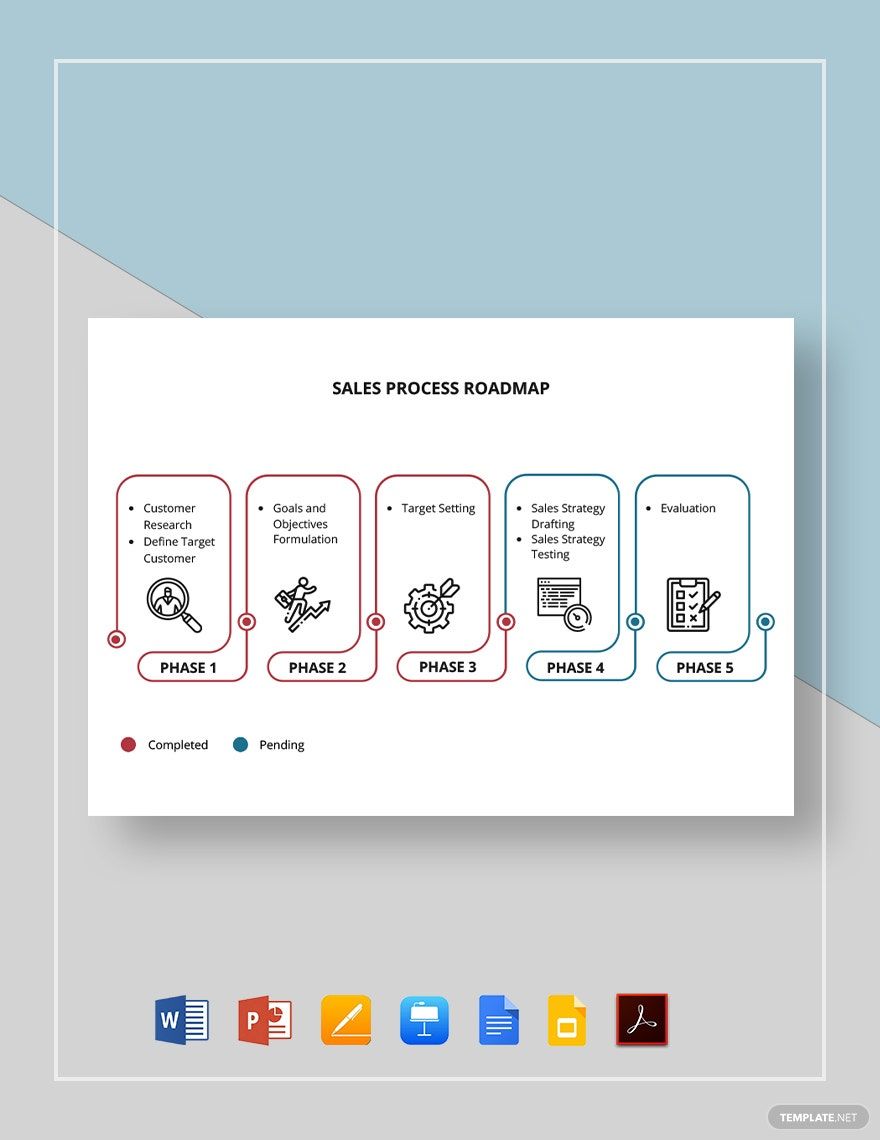
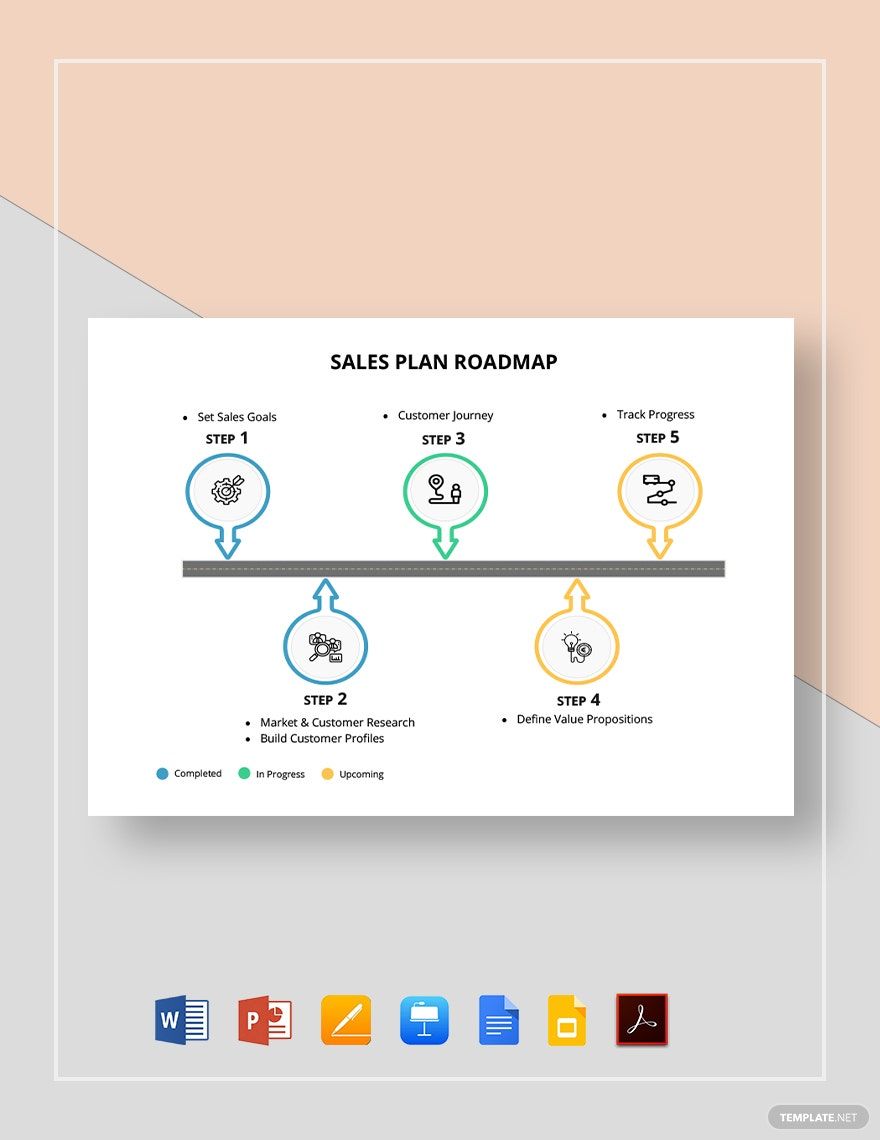
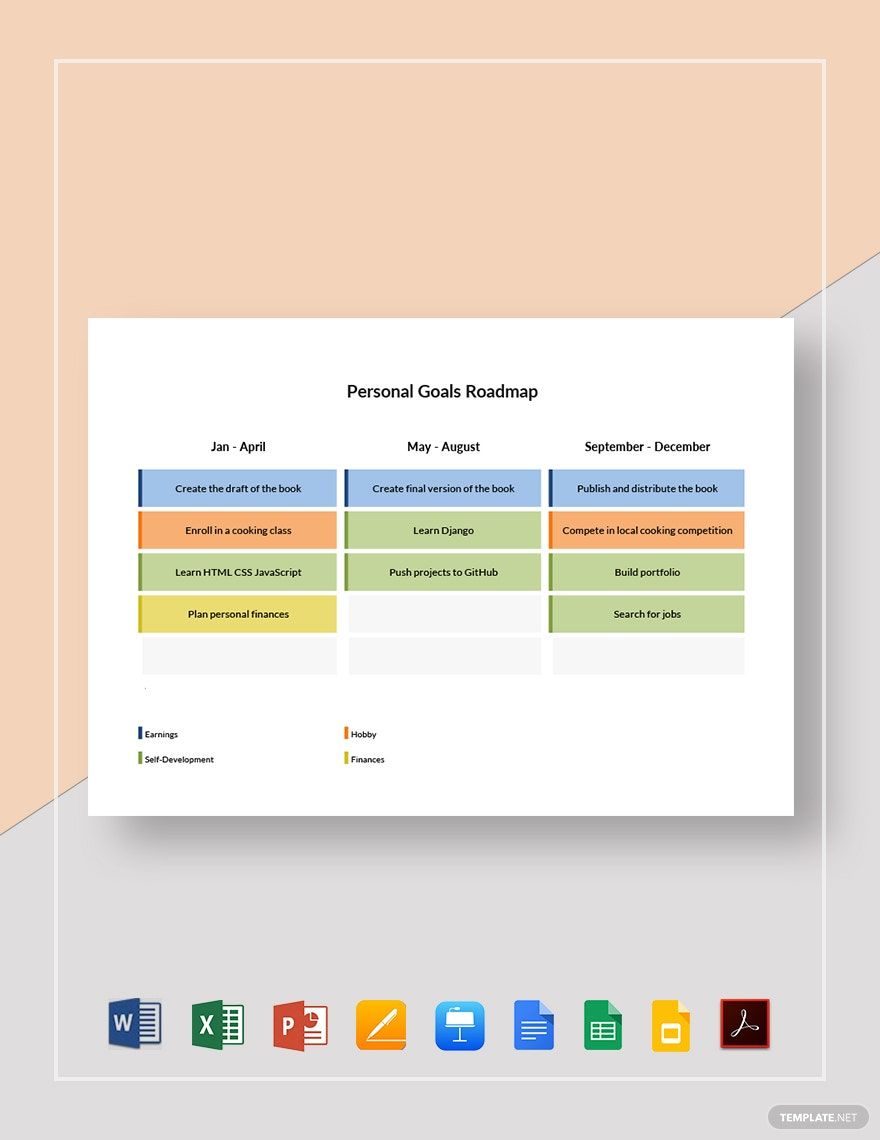
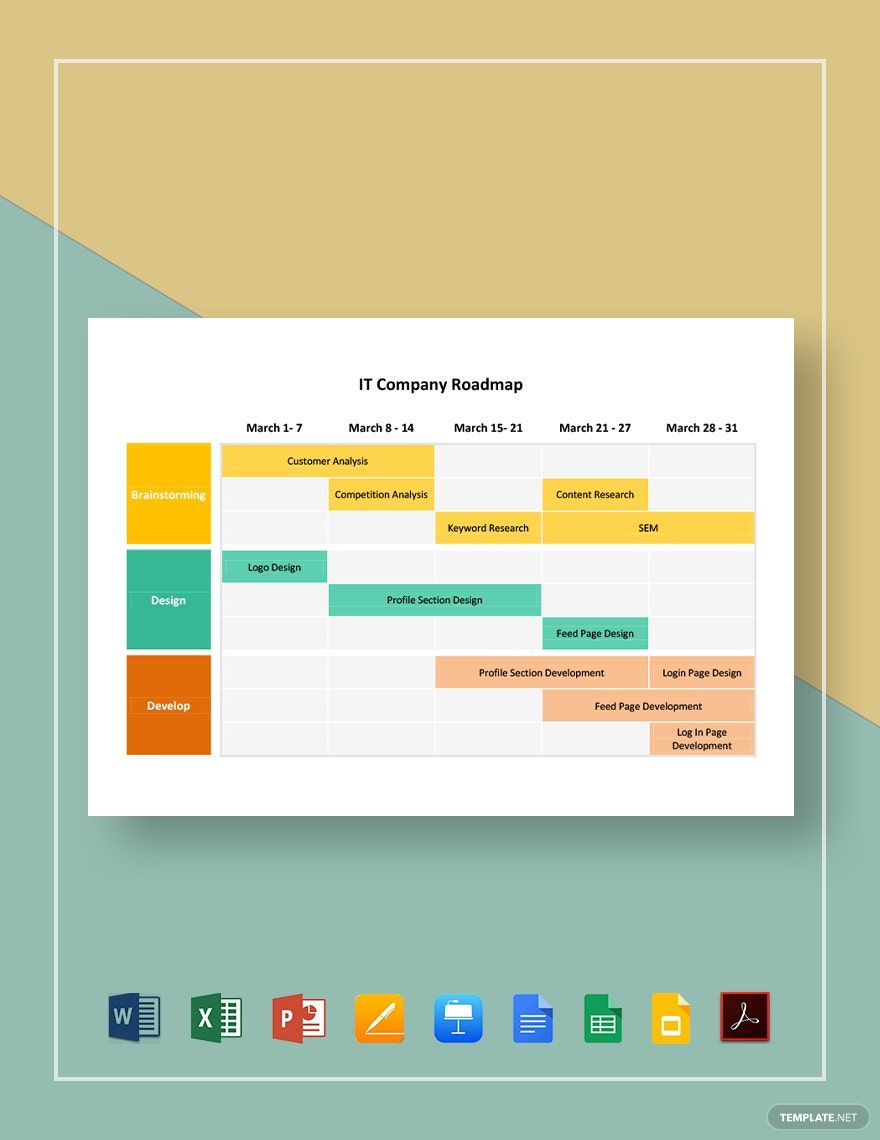
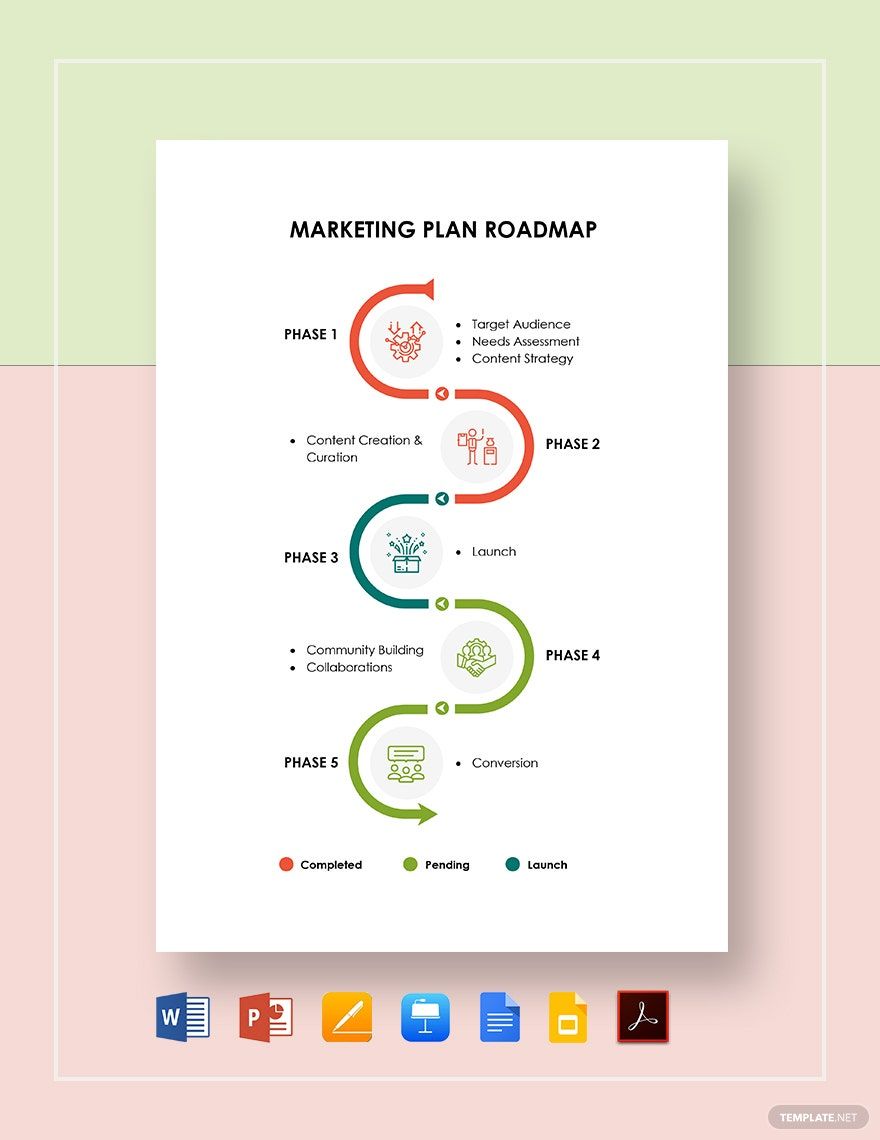
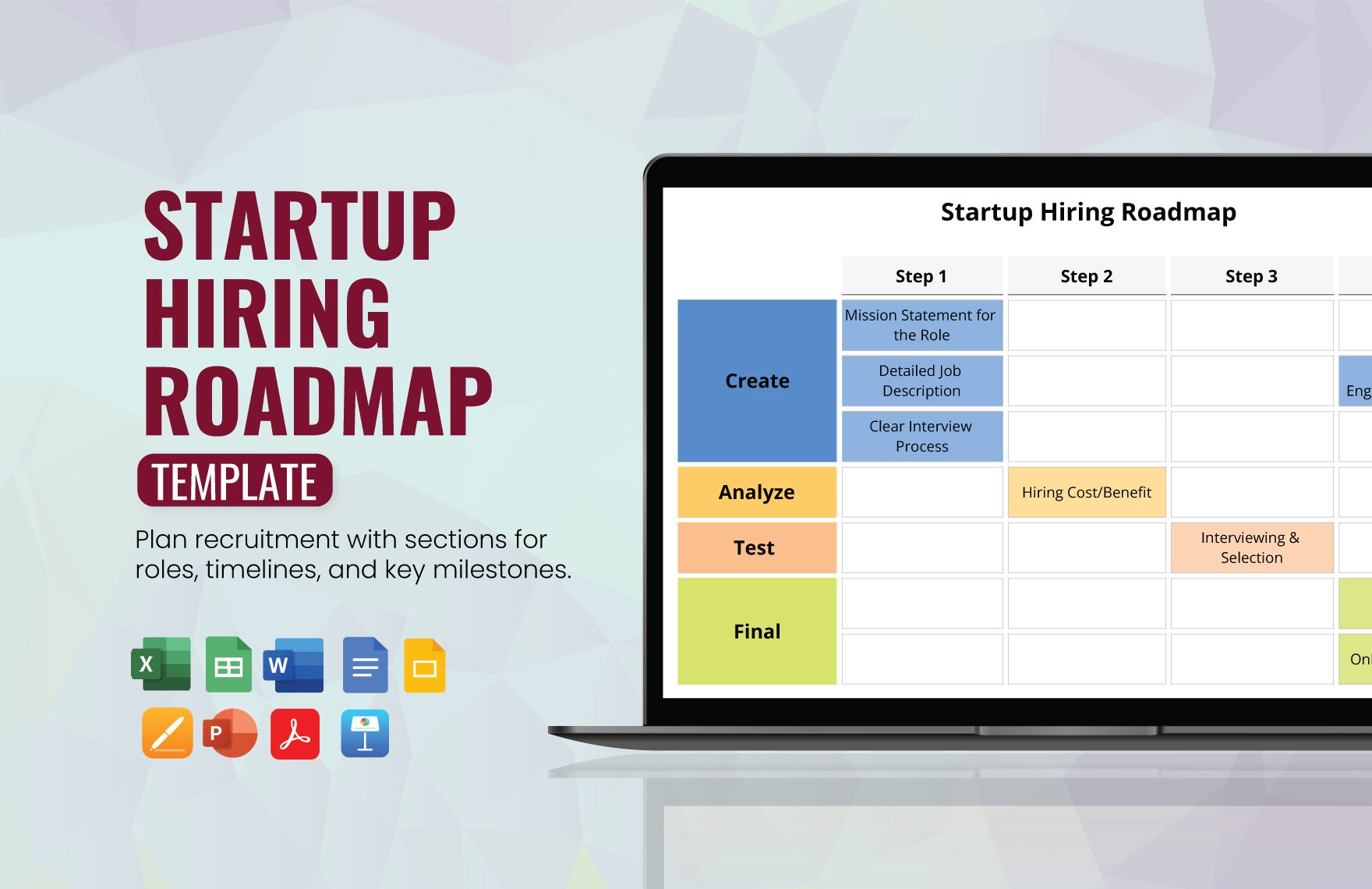
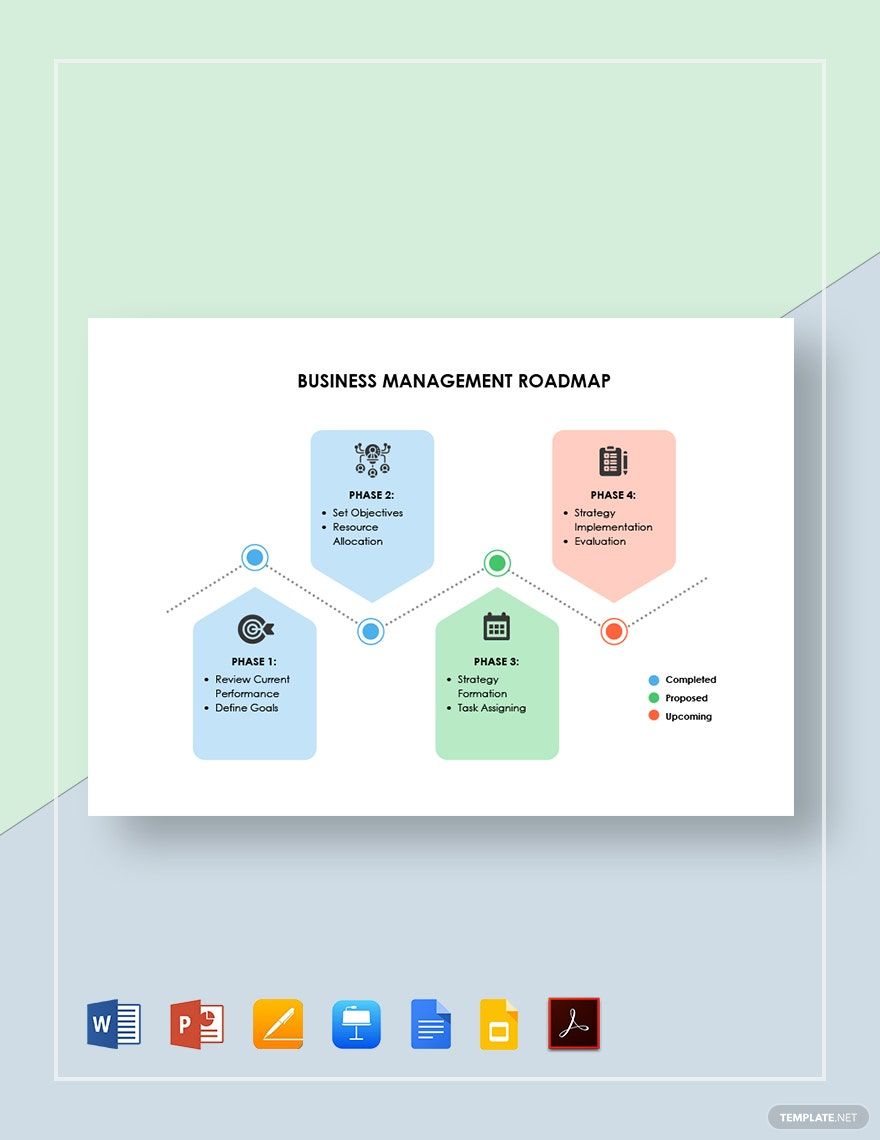
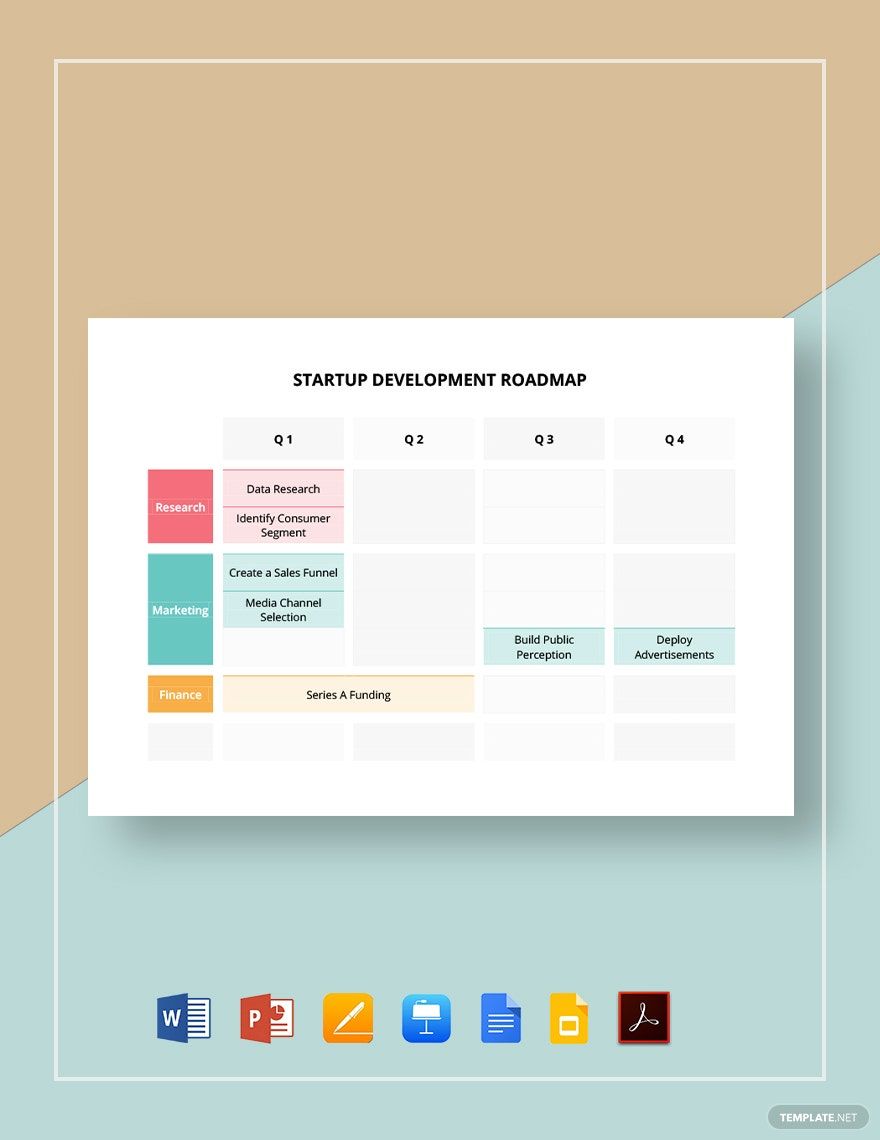
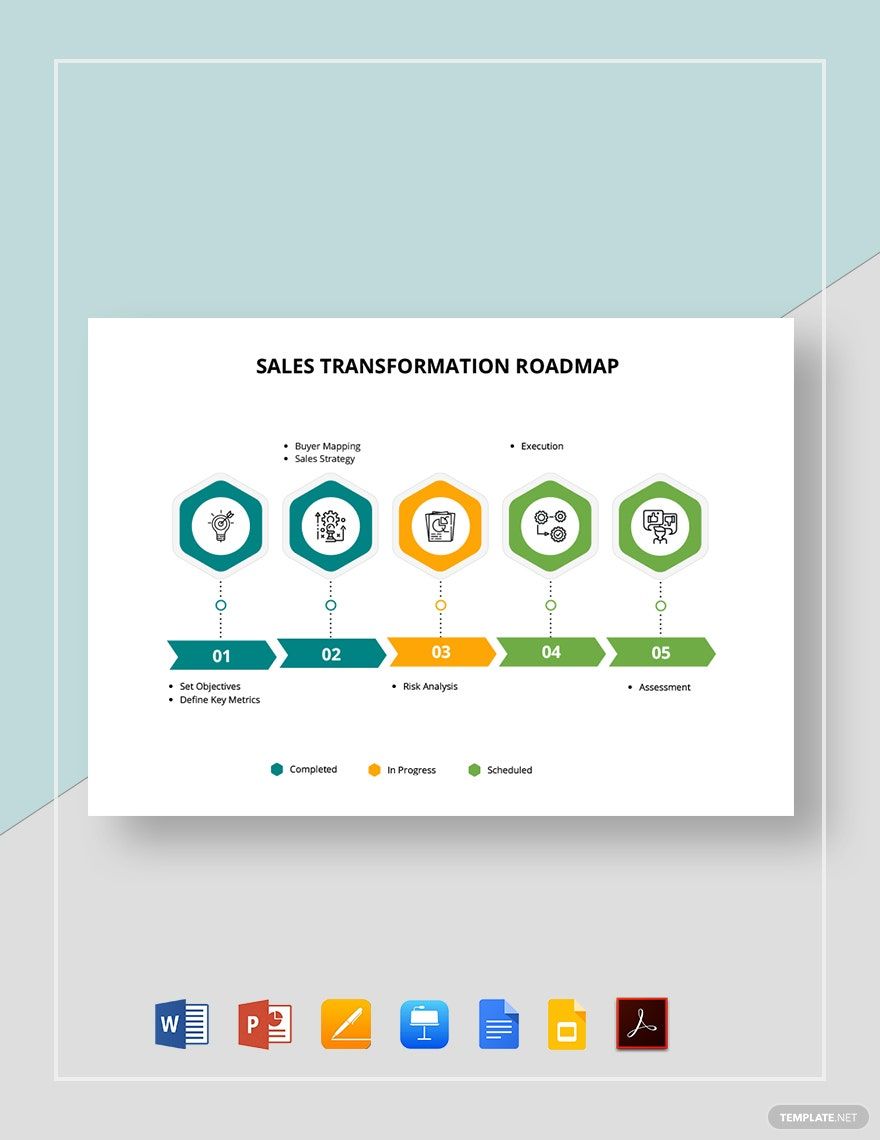
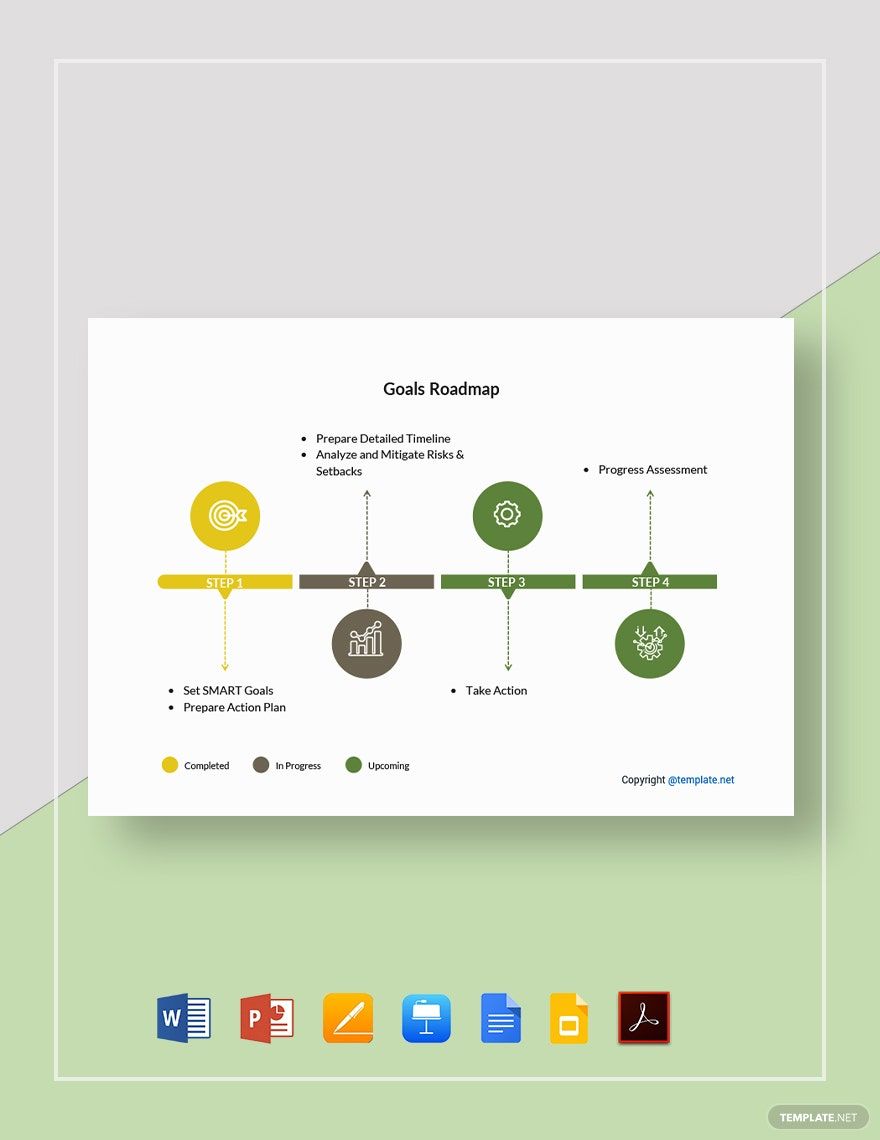
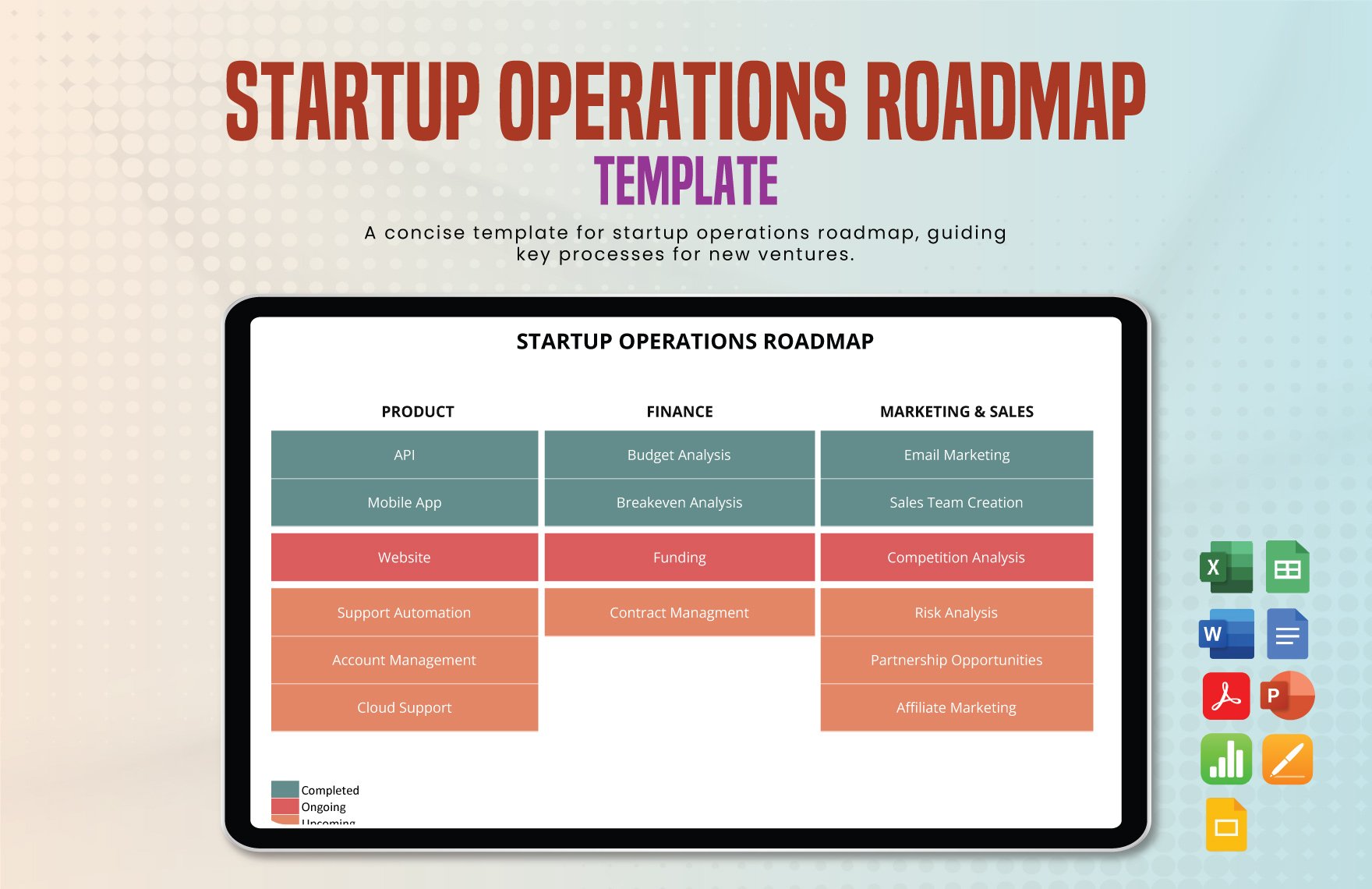
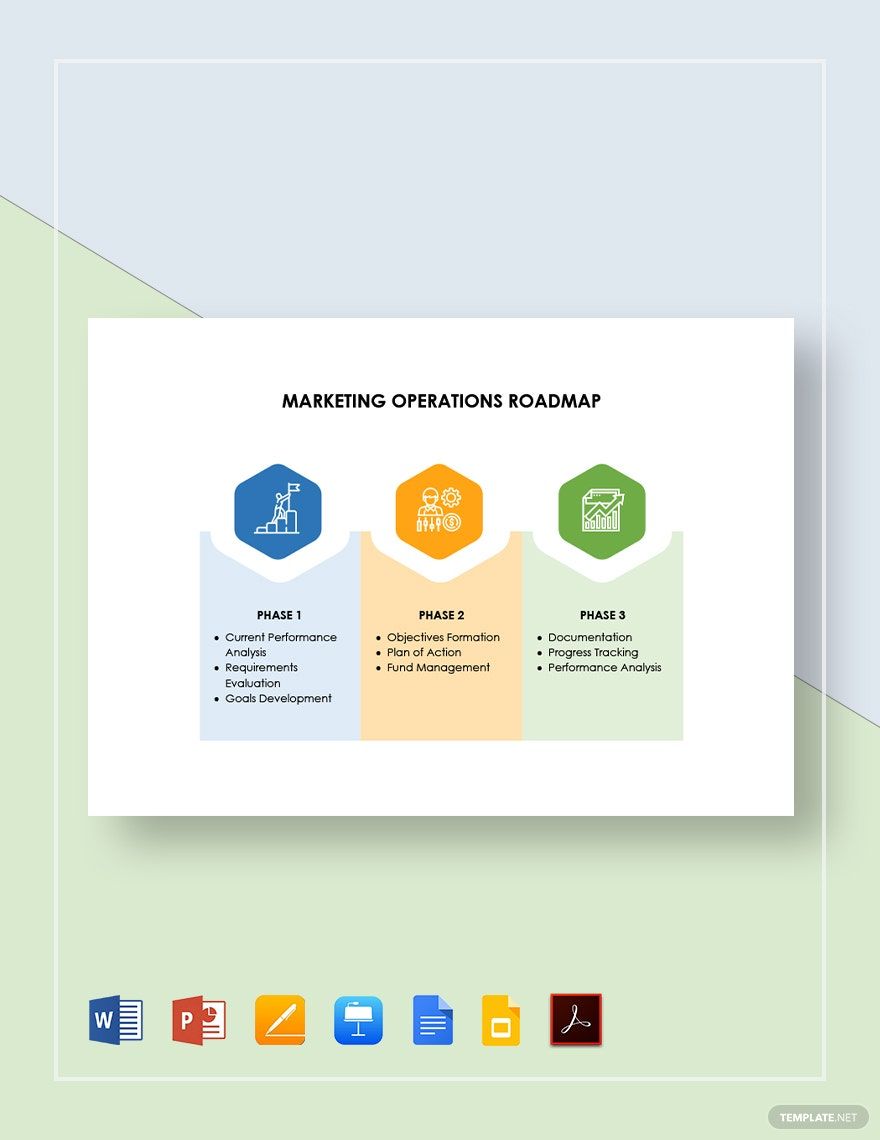
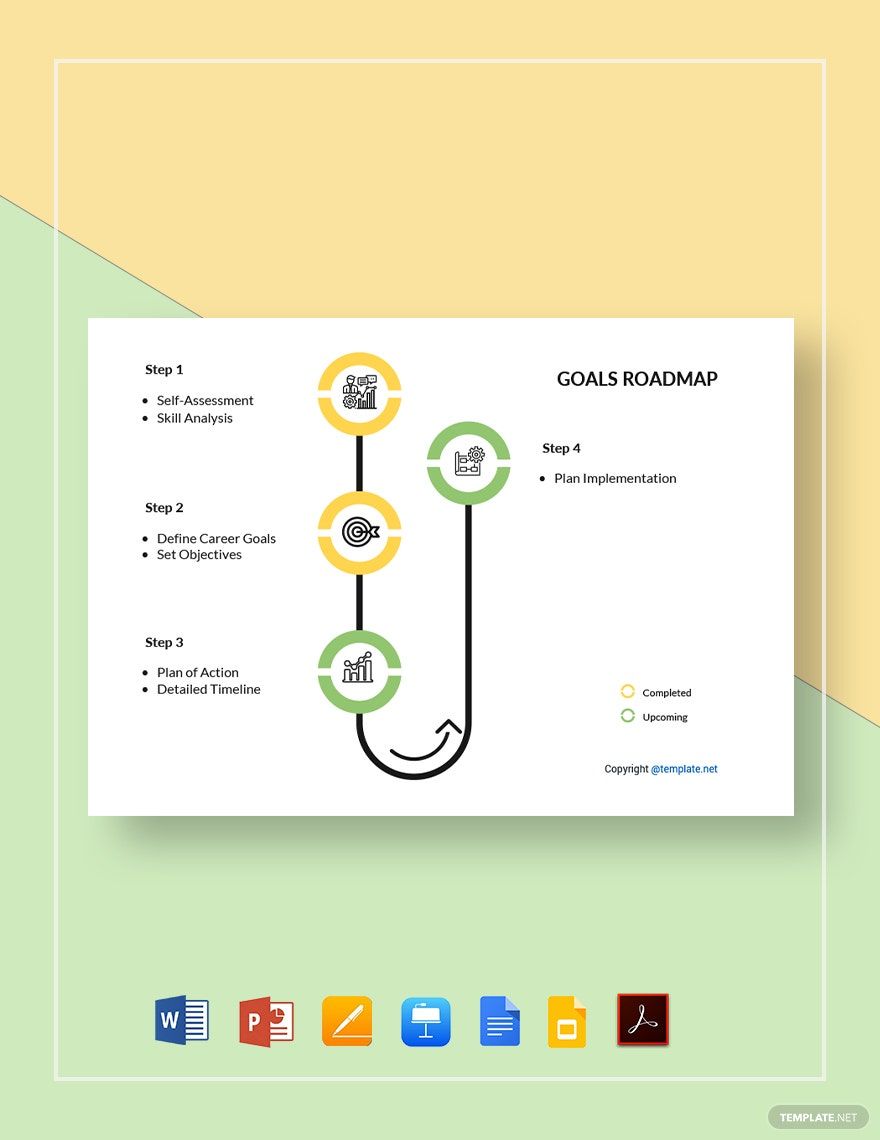
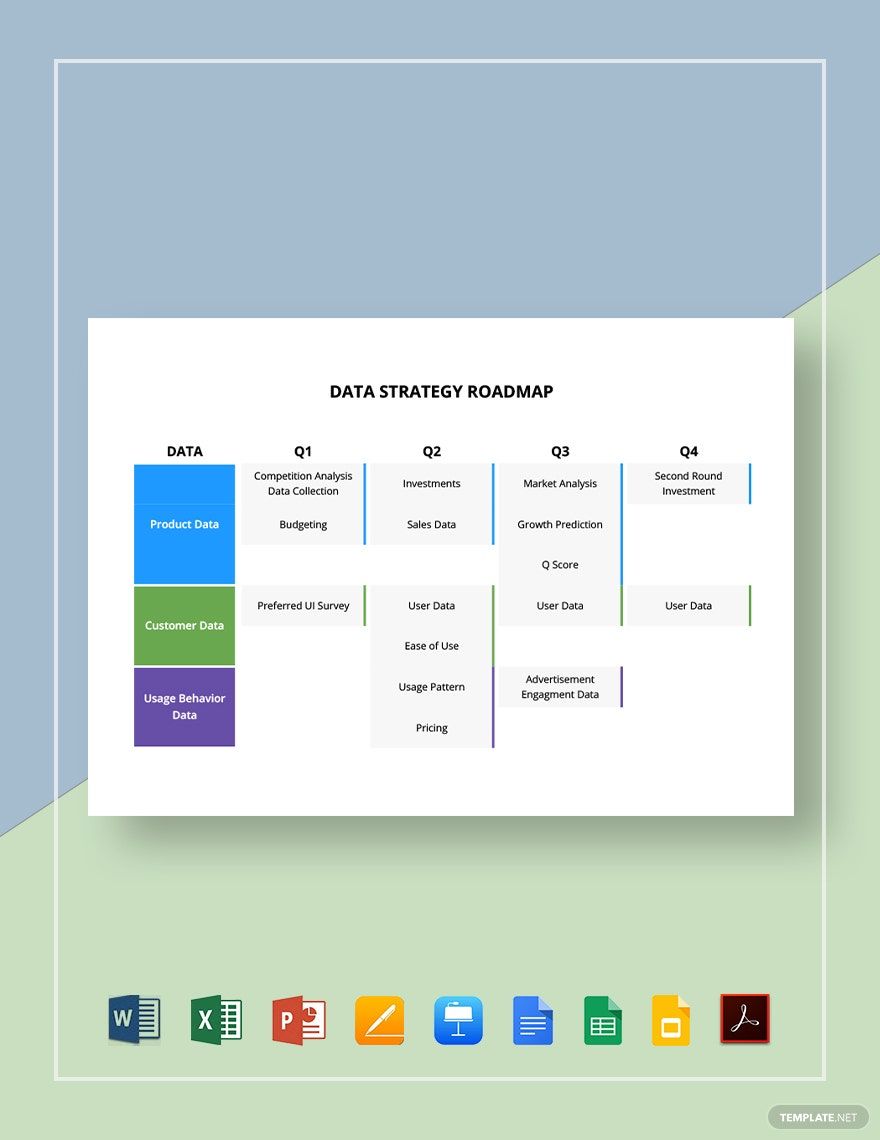
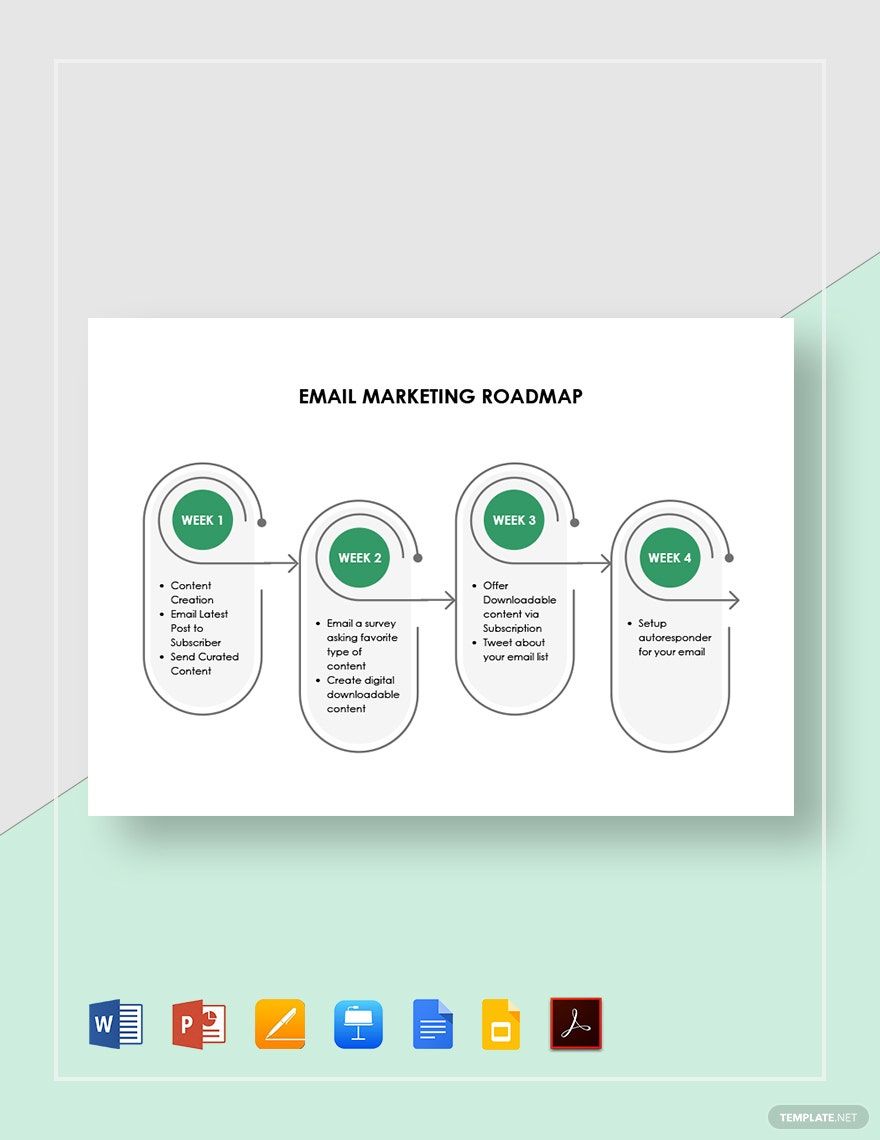
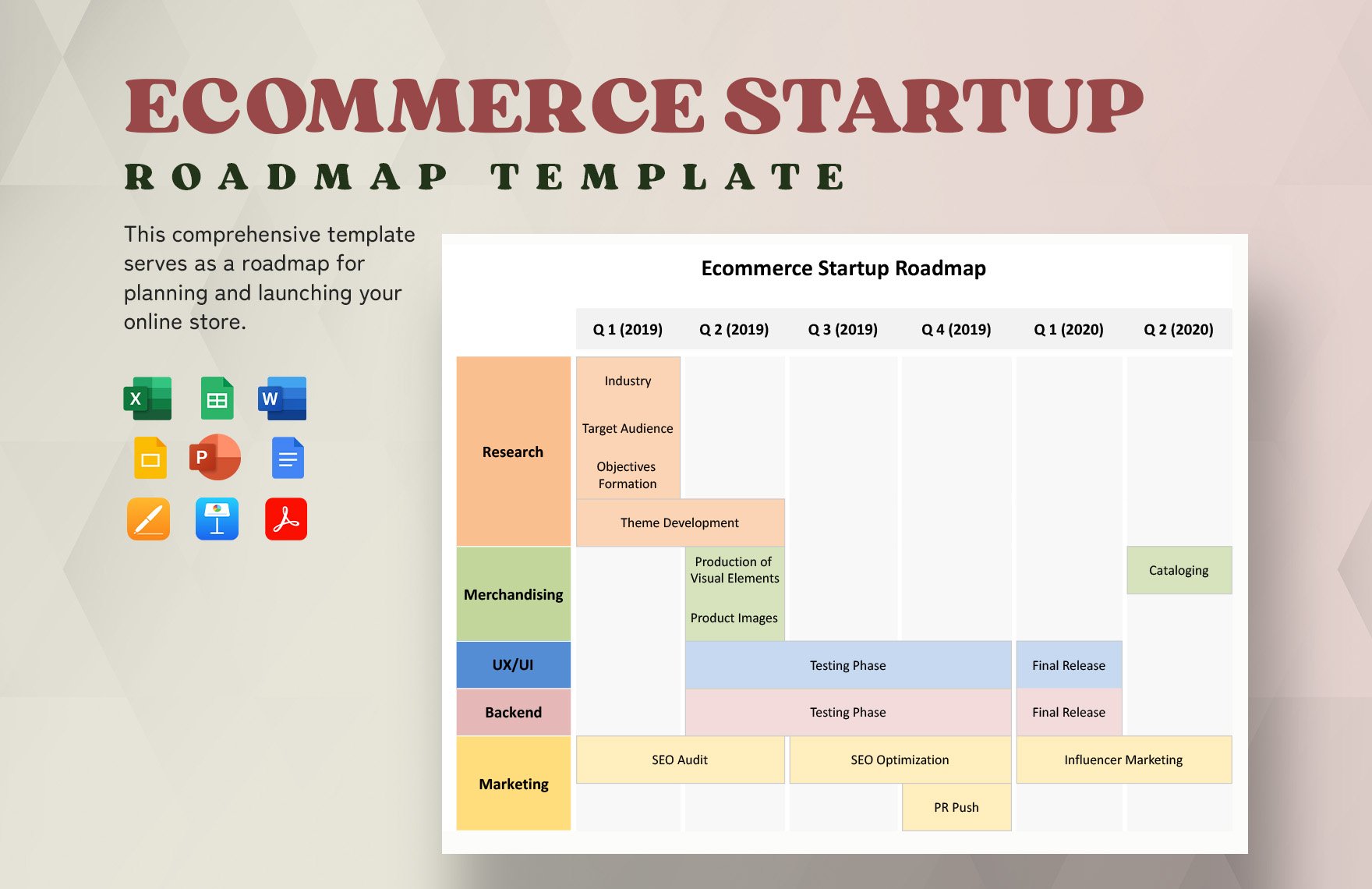
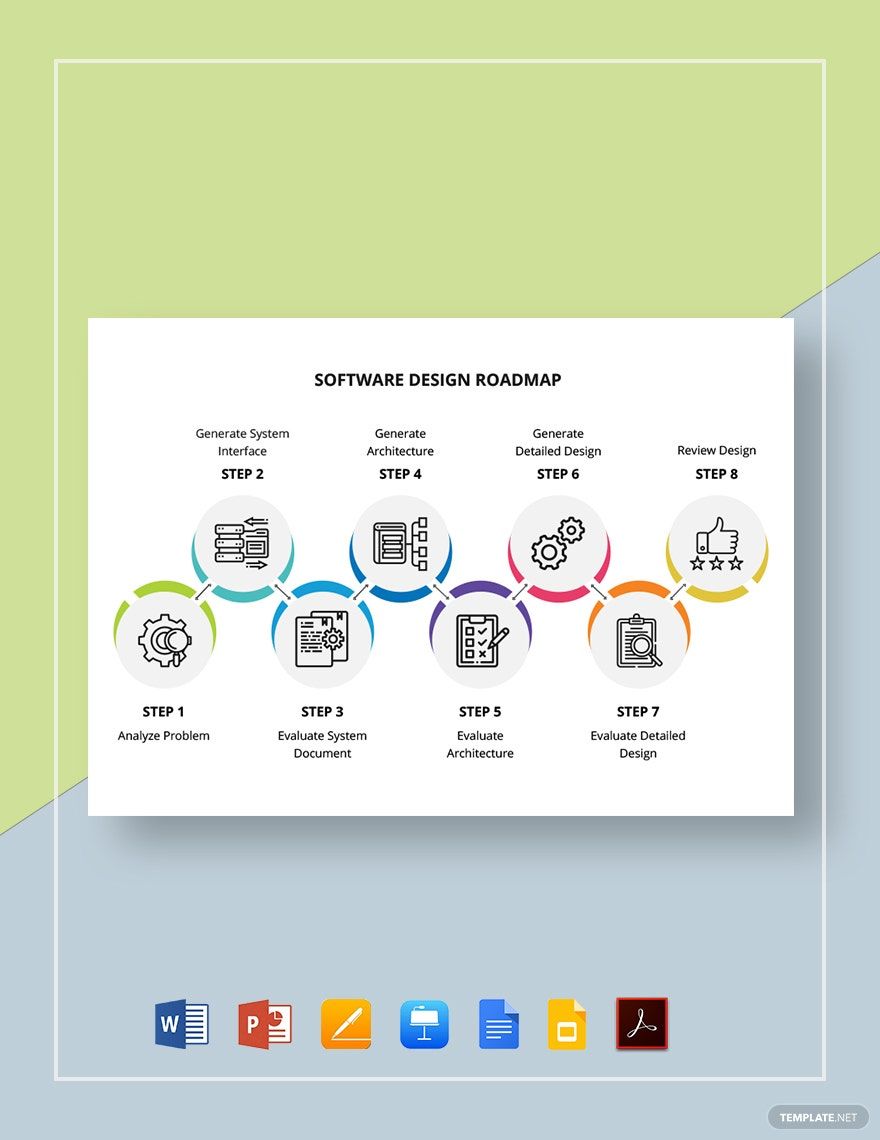
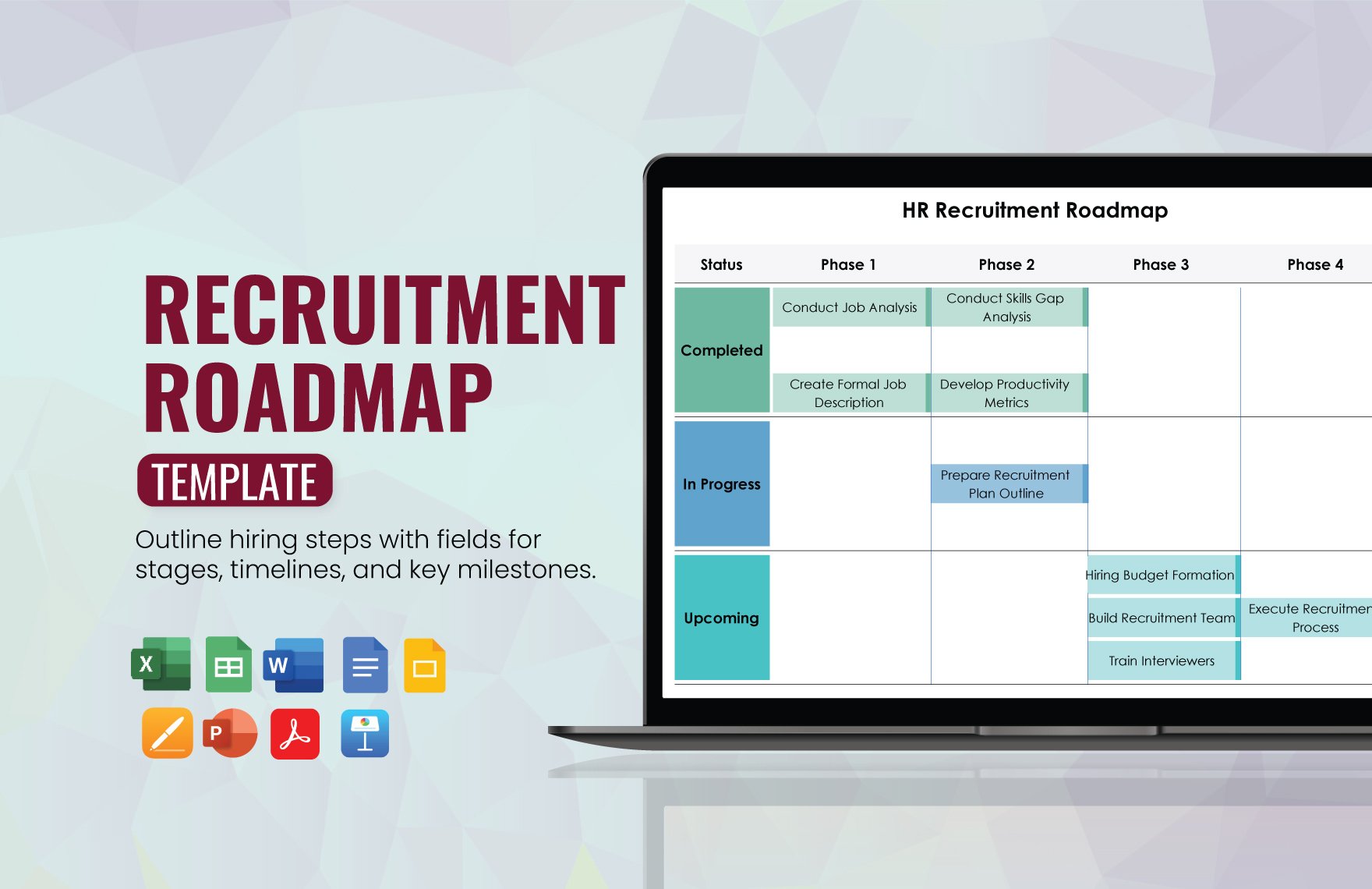
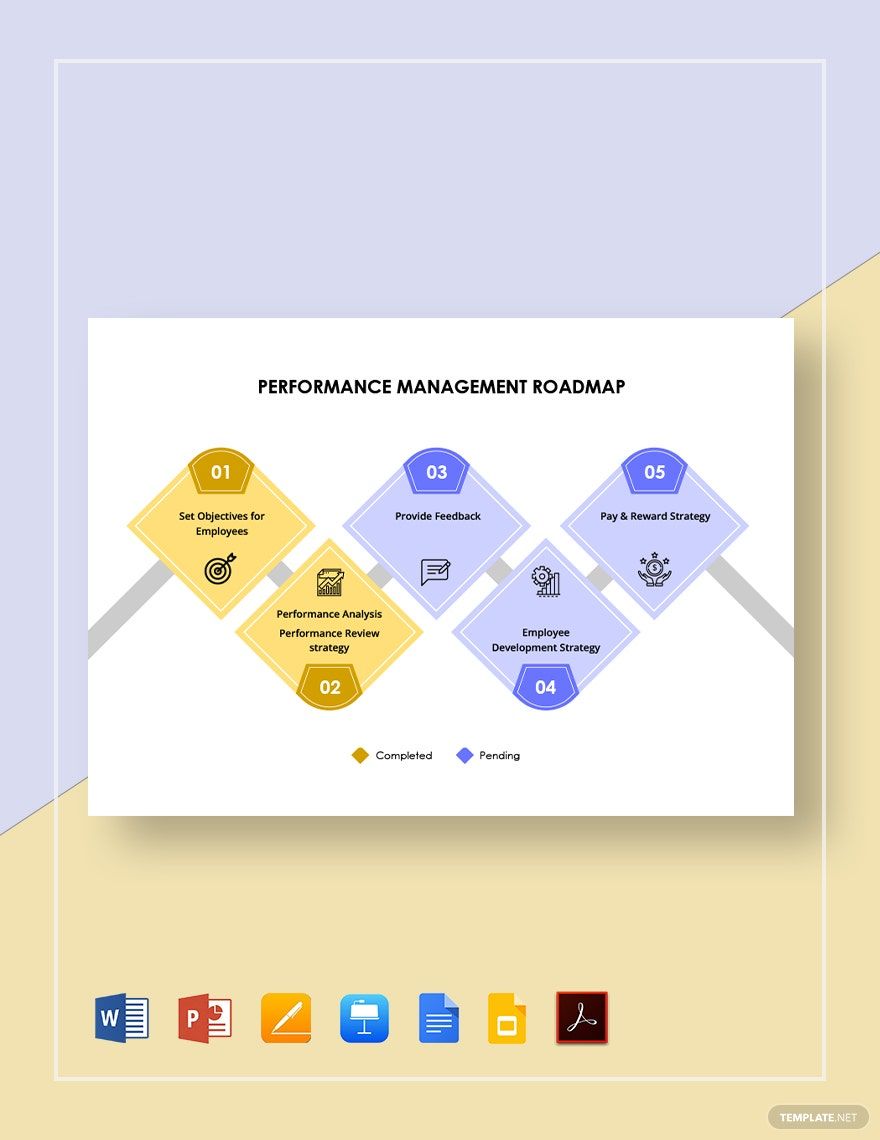
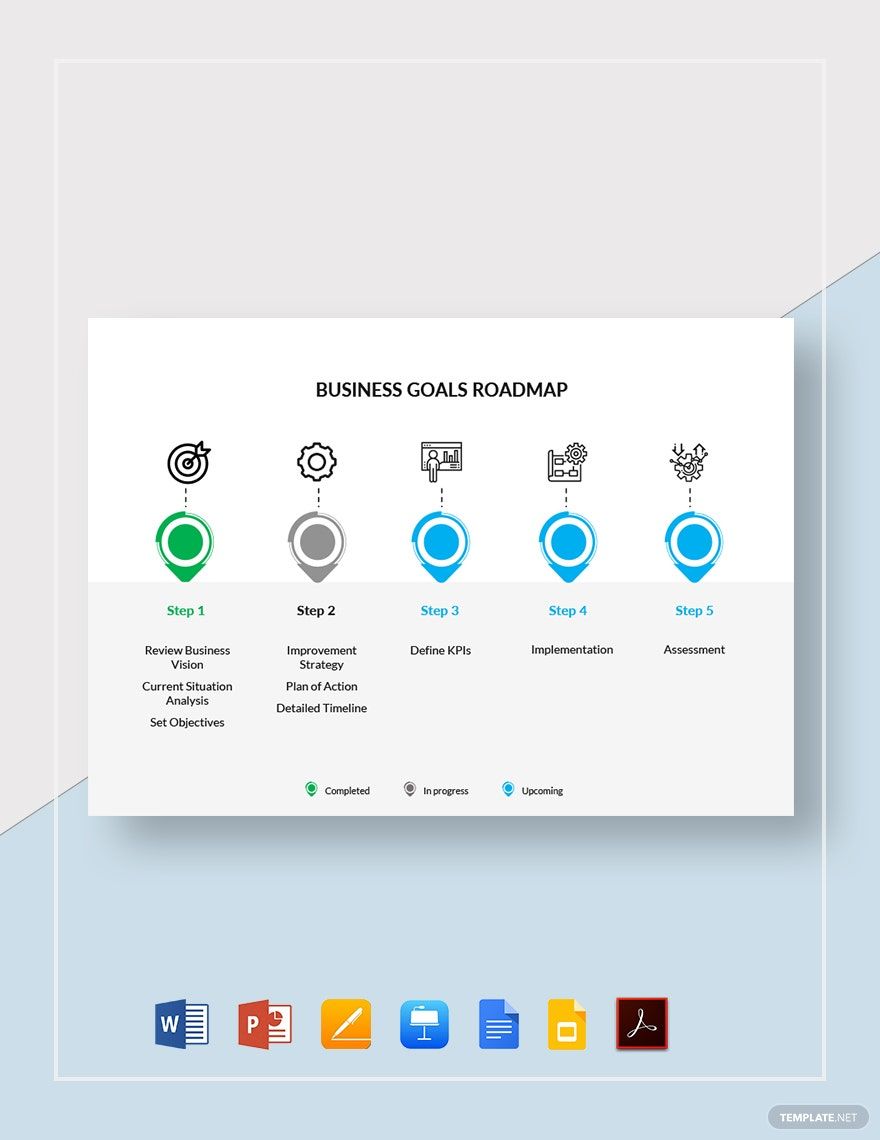
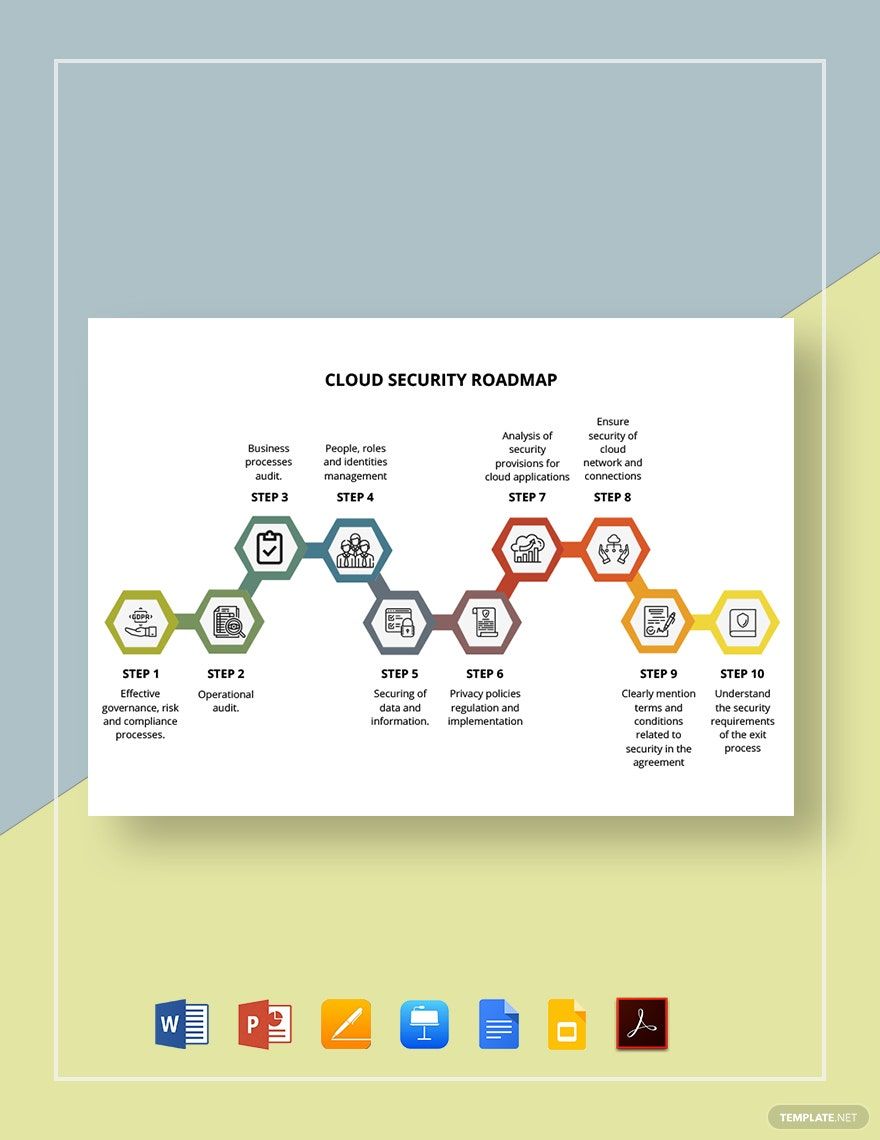
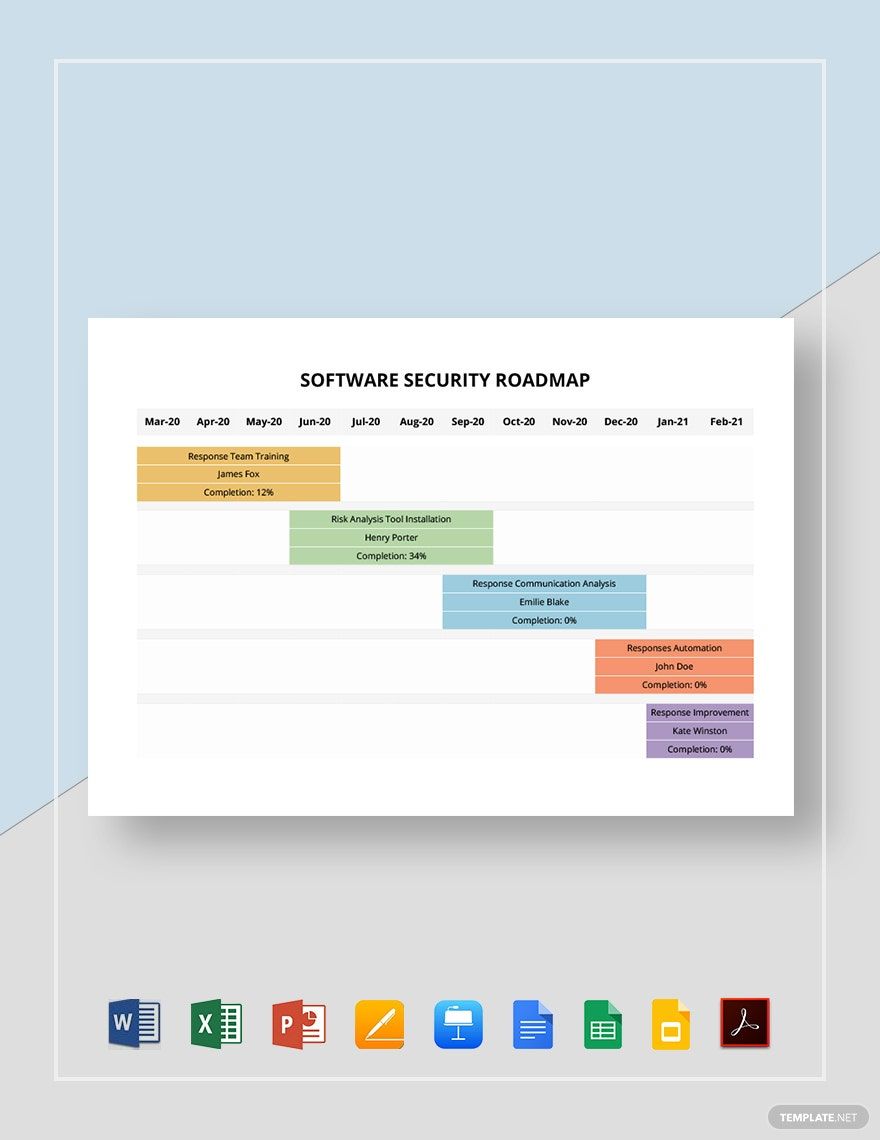
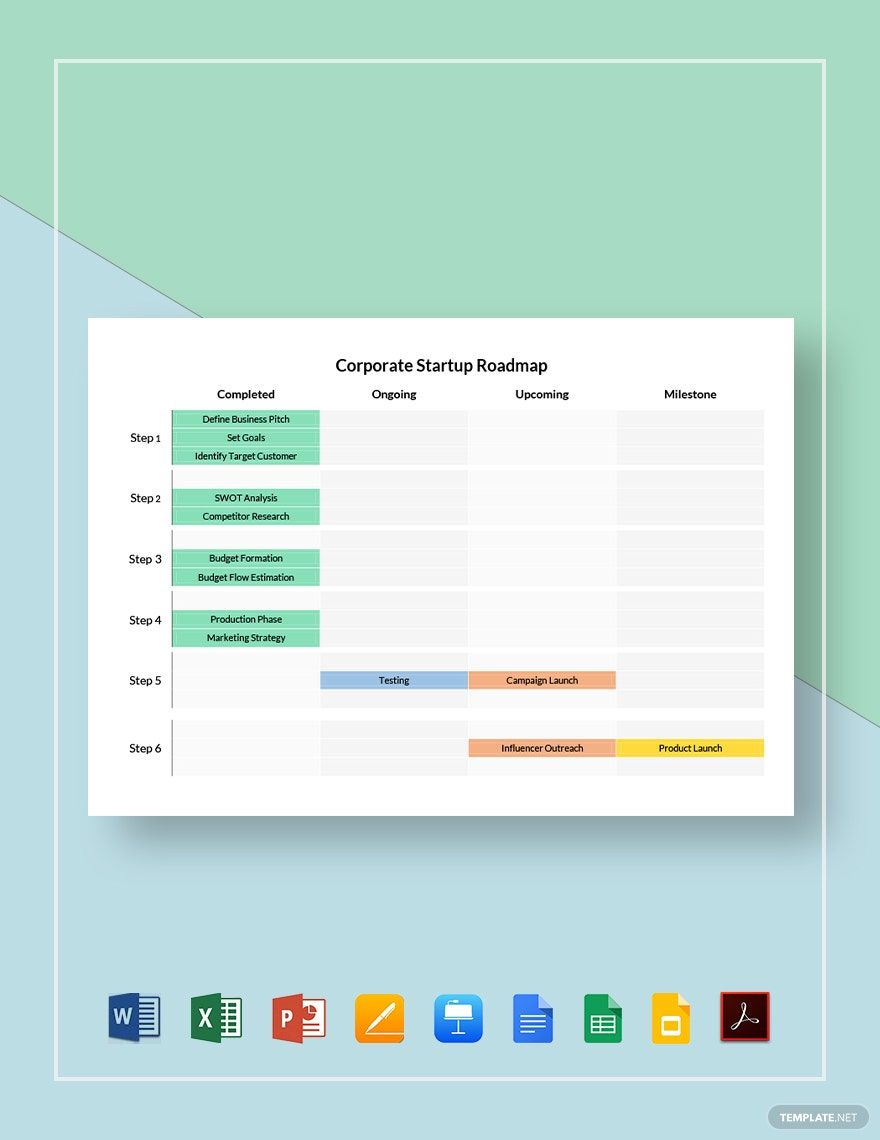
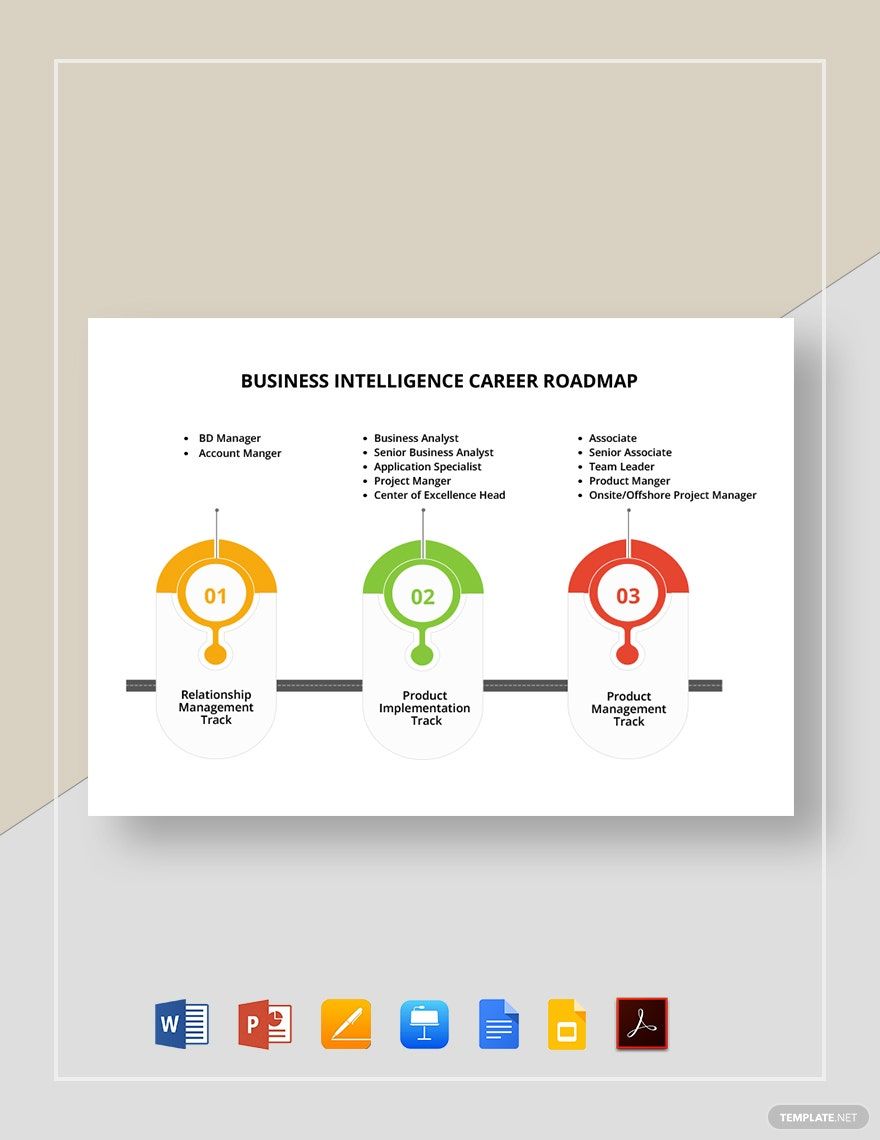
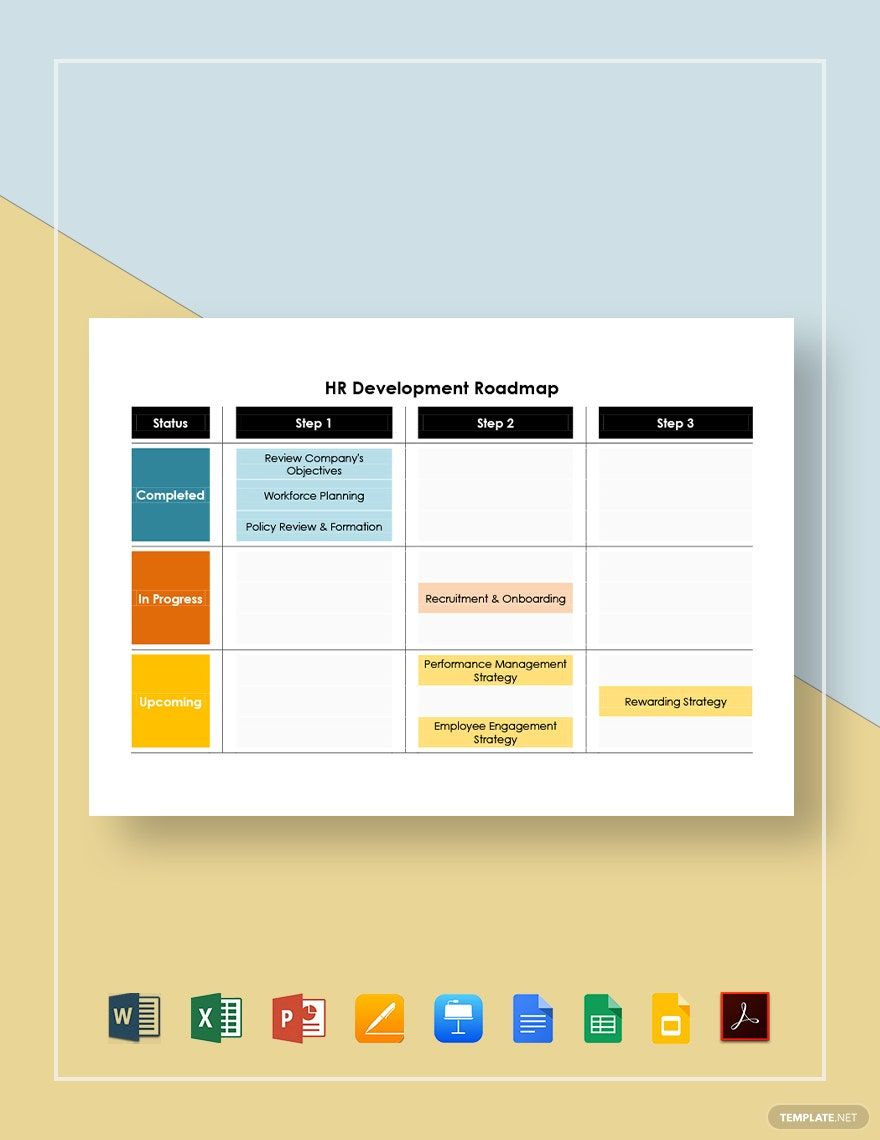
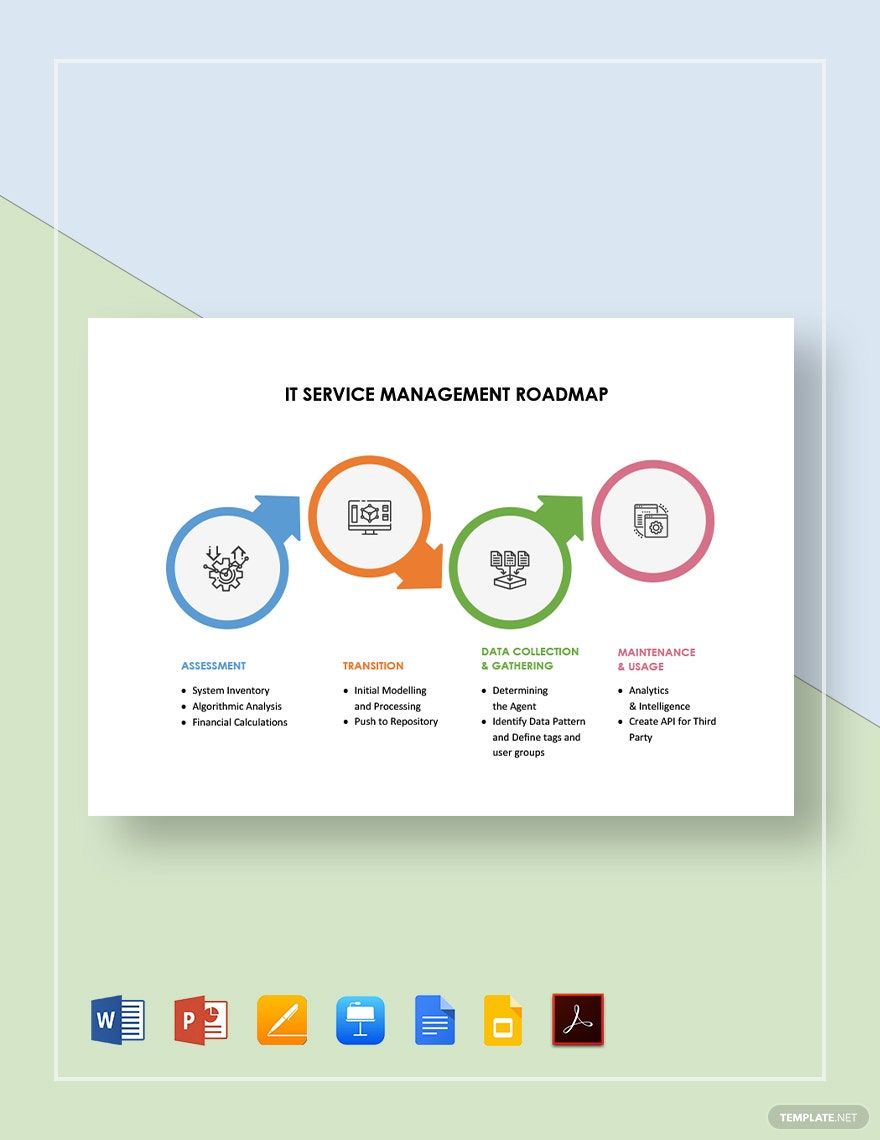
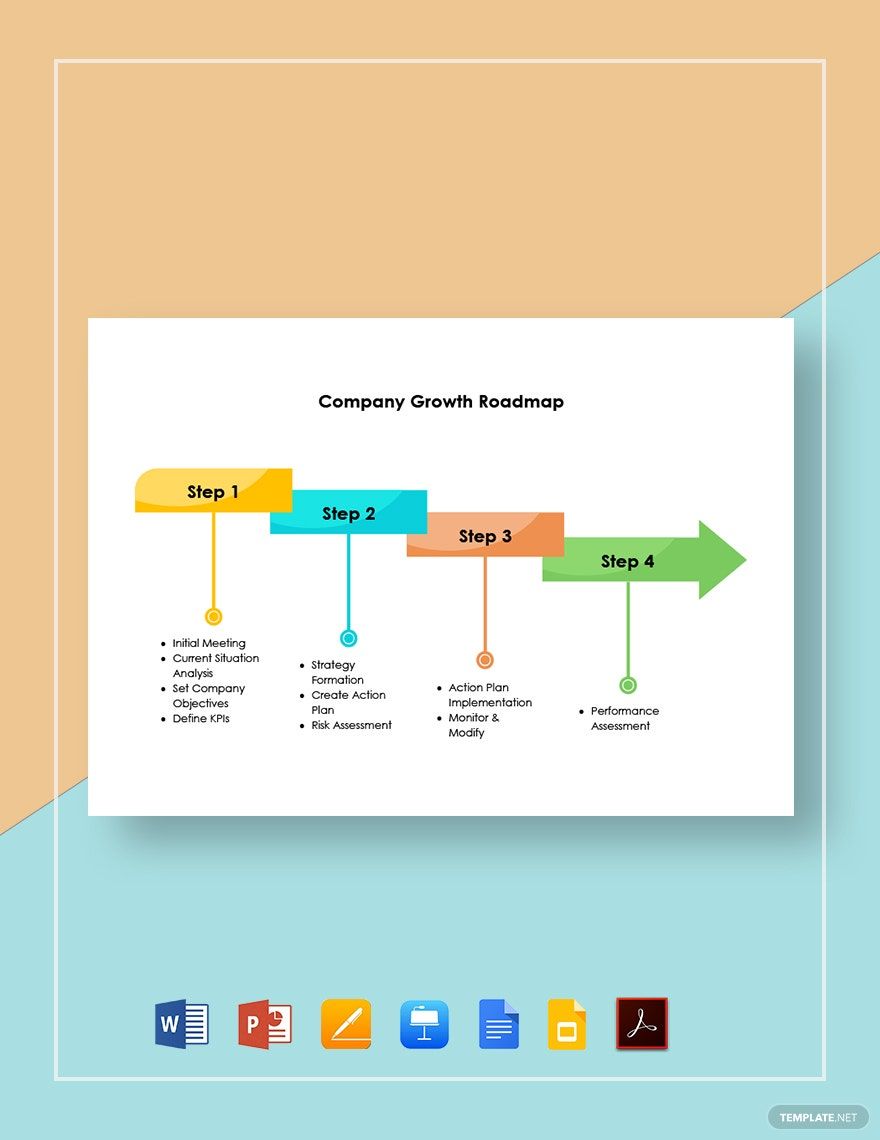
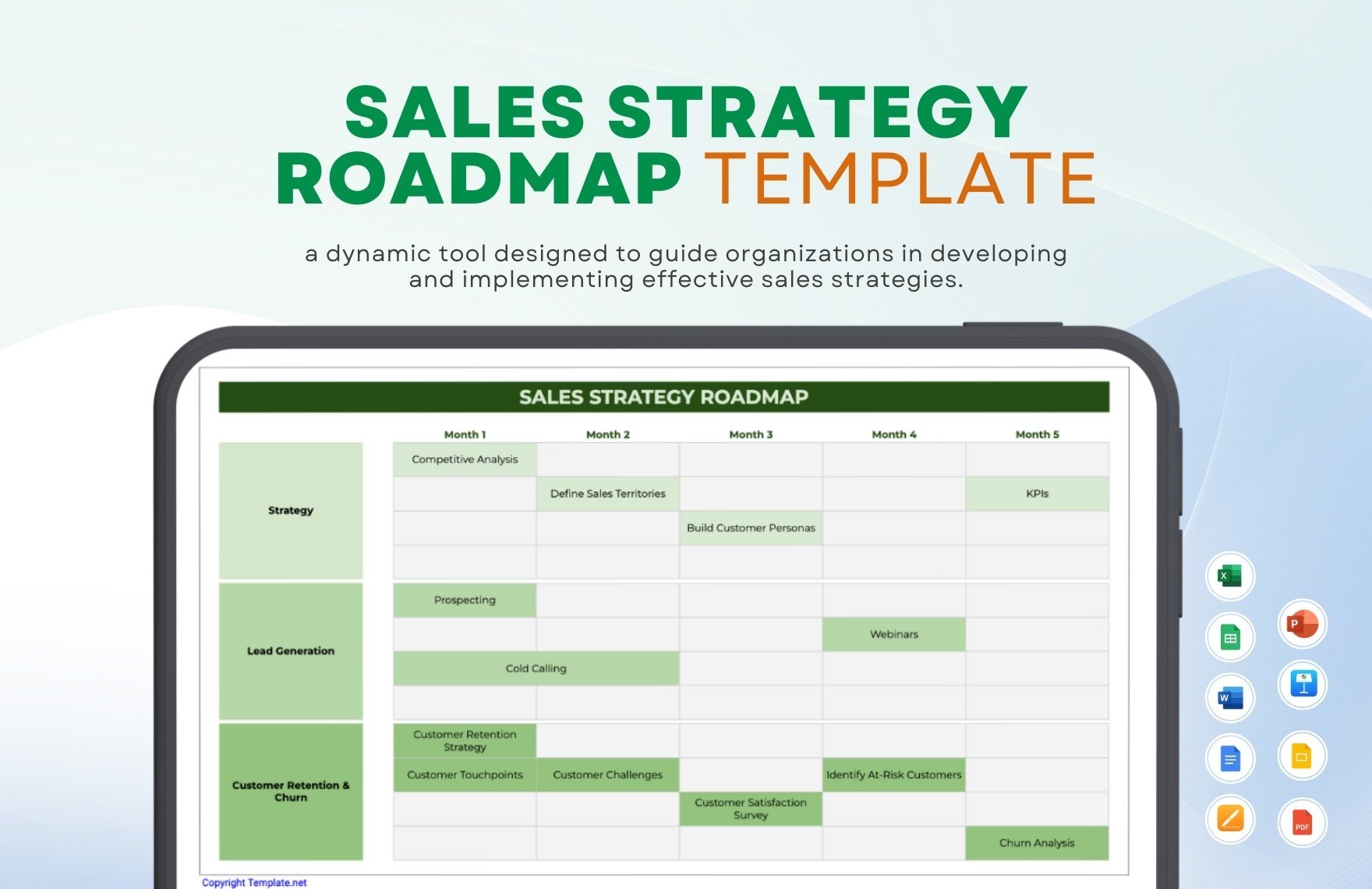
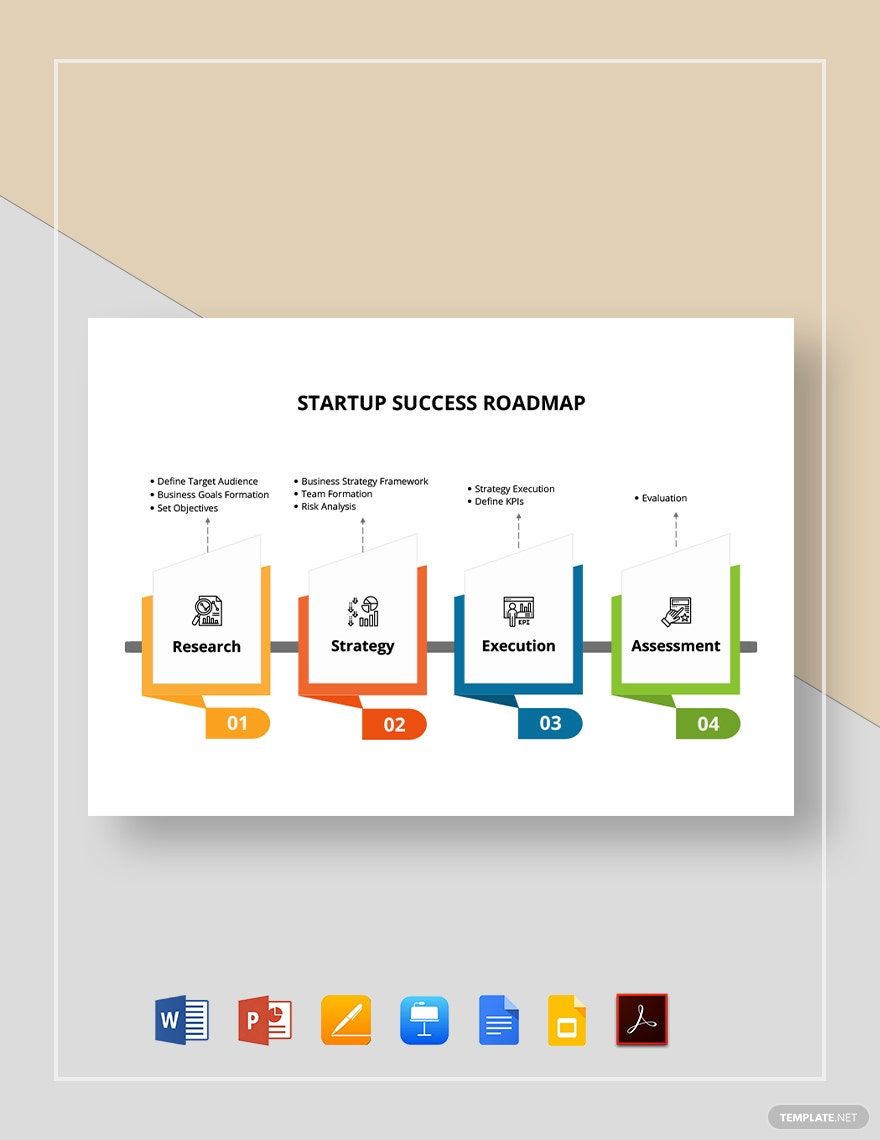
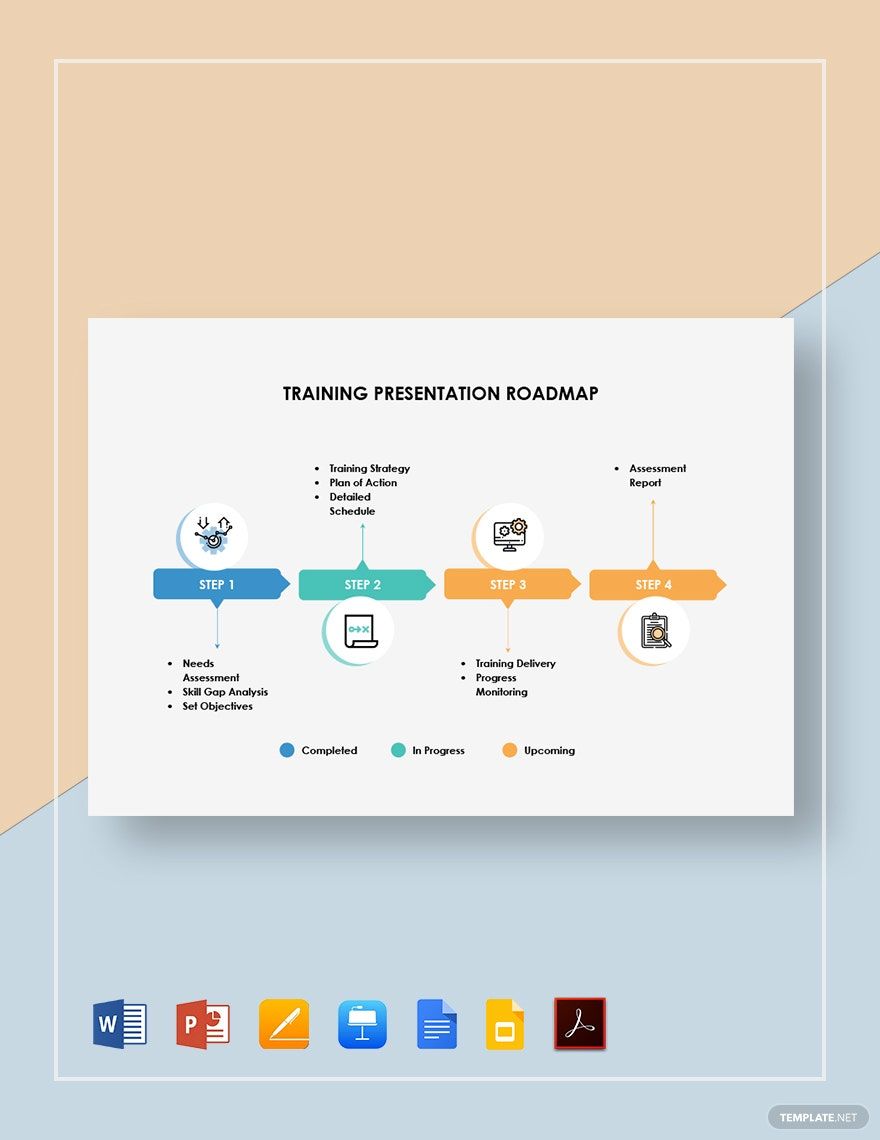
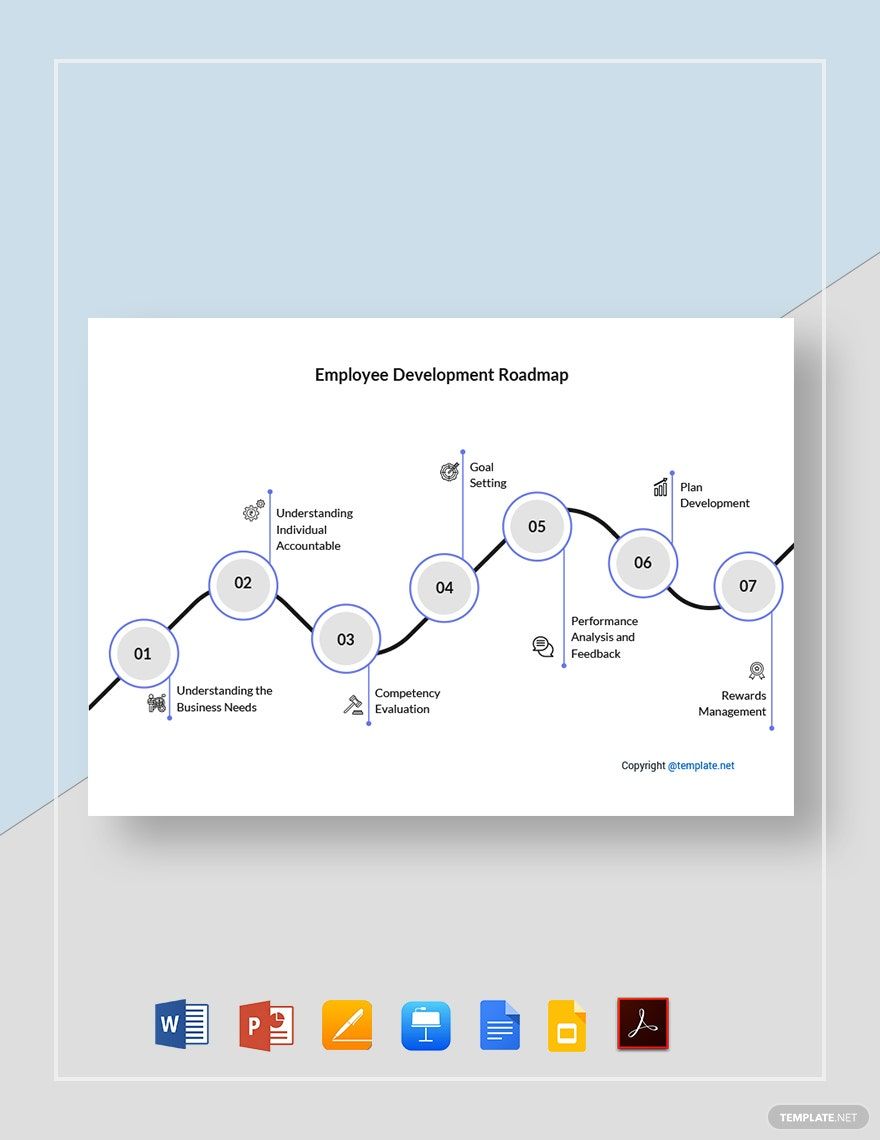
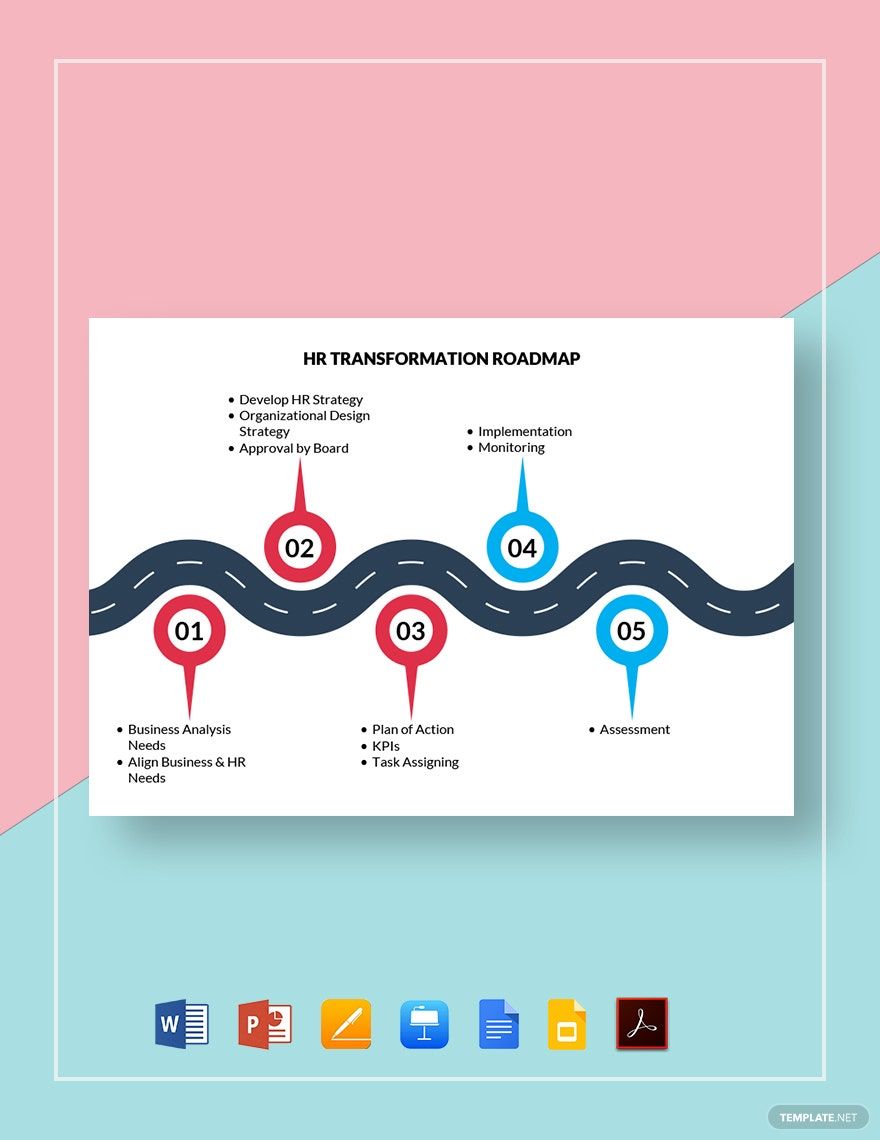
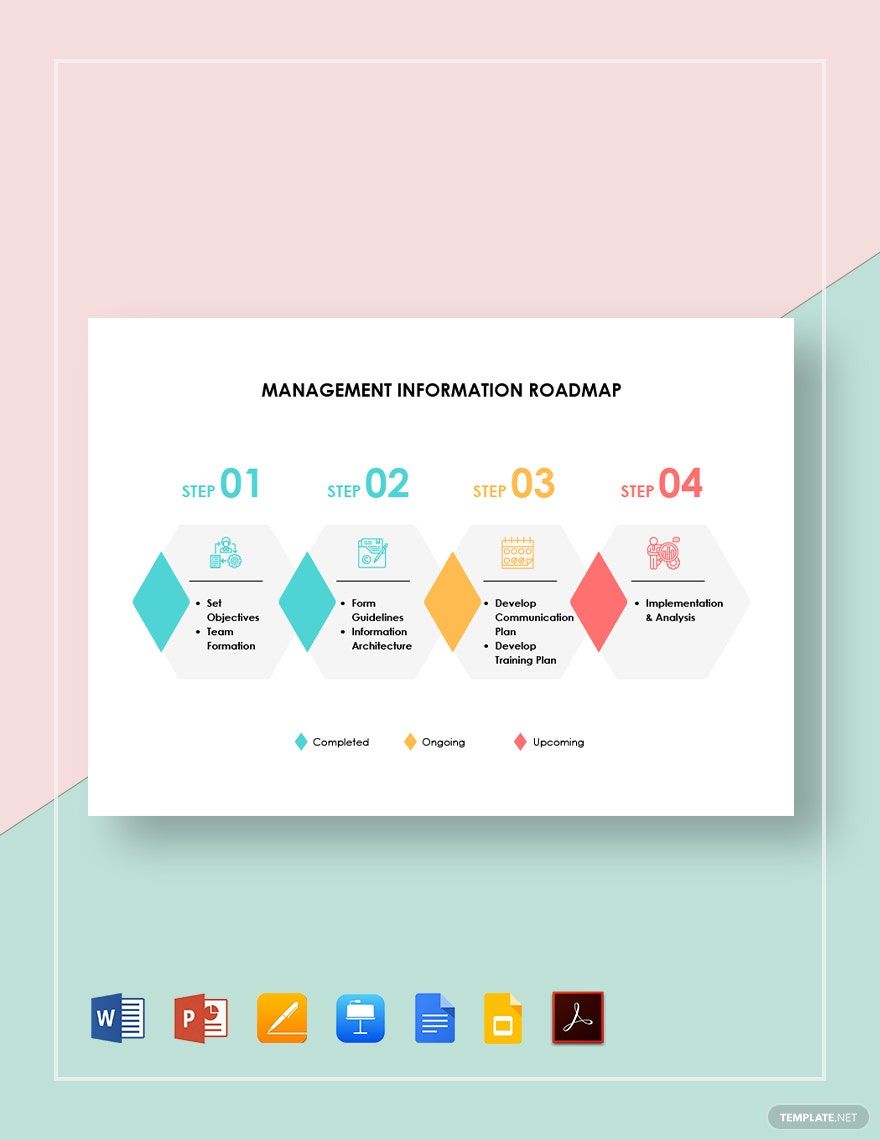
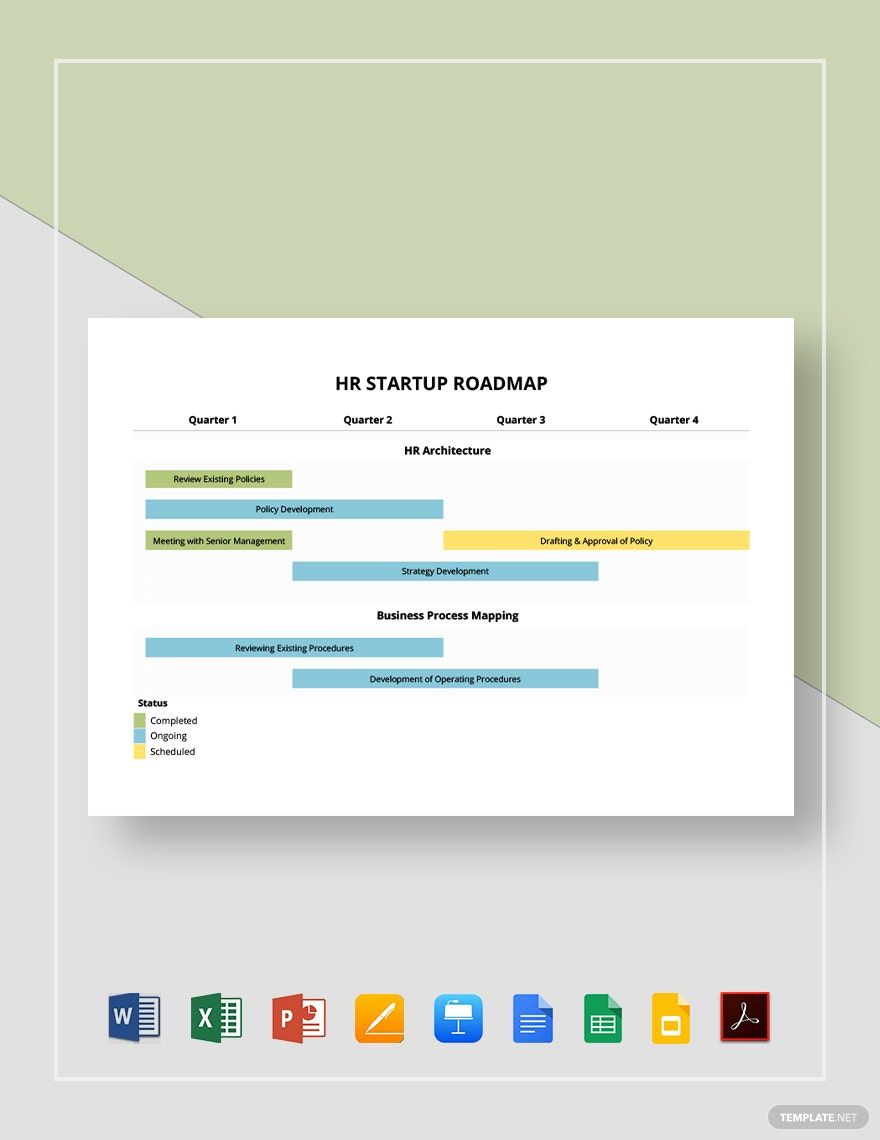
A Roadmap is a strategic visual plan that outlines key goals, milestones, and timelines to guide a project or business development process. It provides a clear workflow connection between objectives and deliverables, helping teams track progress and align efforts.

feature icon

Why should I use a Roadmap?

You should use a Roadmap because it offers structural clarity and a visual timeline that improves project management, enhances communication, and aligns team efforts toward shared objectives. It helps anticipate challenges and prioritize tasks effectively.

feature icon

Who uses Roadmaps?

Roadmaps are used by project managers, product owners, business strategists, and team leaders who require a clear visual hierarchy to coordinate timelines, resources, and goals. They are essential for cross-functional teams and stakeholders in various industries.

feature icon

What are the best tips for completing my Roadmap?

To complete your Roadmap effectively, consider these tips:

  • Define clear objectives – set specific, measurable goals
  • Identify key milestones – mark important progress points
  • Set realistic timelines – allocate achievable deadlines
  • Allocate resources – assign necessary team members and tools
  • Keep it flexible – allow adjustments as projects evolve
  • Use visual hierarchy – organize information for easy understanding
  • Collaborate frequently – involve stakeholders for feedback
  • Prioritize tasks – focus on critical path activities
feature icon

What file formats can I download for my Roadmap?

Template.net whiteboard templates for Roadmaps support multiple export formats for collaboration and sharing including Word, Excel, PowerPoint, Apple Pages, Apple Keynote, Google Docs, PDF, Google Sheets, and Google Slides.

feature icon

Can I create a Roadmap using AI?

Template.net provides an AI-powered tool that generates new Roadmap structures from prompts, allowing you to create customized visual plans efficiently. You can access this feature at Roadmap Generator.

feature icon

What essential elements should be included in my Roadmap?

Your Roadmap should include these essential elements for clear communication and planning:

  • Goals – overarching objectives to achieve
  • Milestones – key checkpoints along the timeline
  • Tasks or activities – actionable steps to reach milestones
  • Timeline – dates or periods for each phase
  • Dependencies – relationships between tasks
  • Resources – assigned personnel or tools
  • Status indicators – progress tracking visuals
  • Stakeholders – responsible parties or teams
feature icon

What are the benefits of using Roadmap in my project workflow?

Using a Roadmap in your project workflow provides several benefits:

  • Improved alignment – keeps teams focused on shared goals
  • Enhanced communication – clarifies timelines and expectations
  • Risk management – identifies potential bottlenecks early
  • Resource optimization – allocates efforts efficiently
  • Progress tracking – visualizes advancement and delays
  • Better decision making – data-driven adjustments
feature icon

What structural standards should my Roadmap follow?

Your Roadmap should follow structural standards that enhance clarity and usability:

  • Consistent layout – uniform spacing and alignment
  • Clear labeling – descriptive titles and milestones
  • Logical flow – sequential task arrangement
  • Color coding – differentiate phases or priorities
  • Readable fonts – legible typography sizes and styles
  • Visual hierarchy – emphasize key elements
  • Accessibility – ensure usability by all stakeholders