
Free Rules Templates


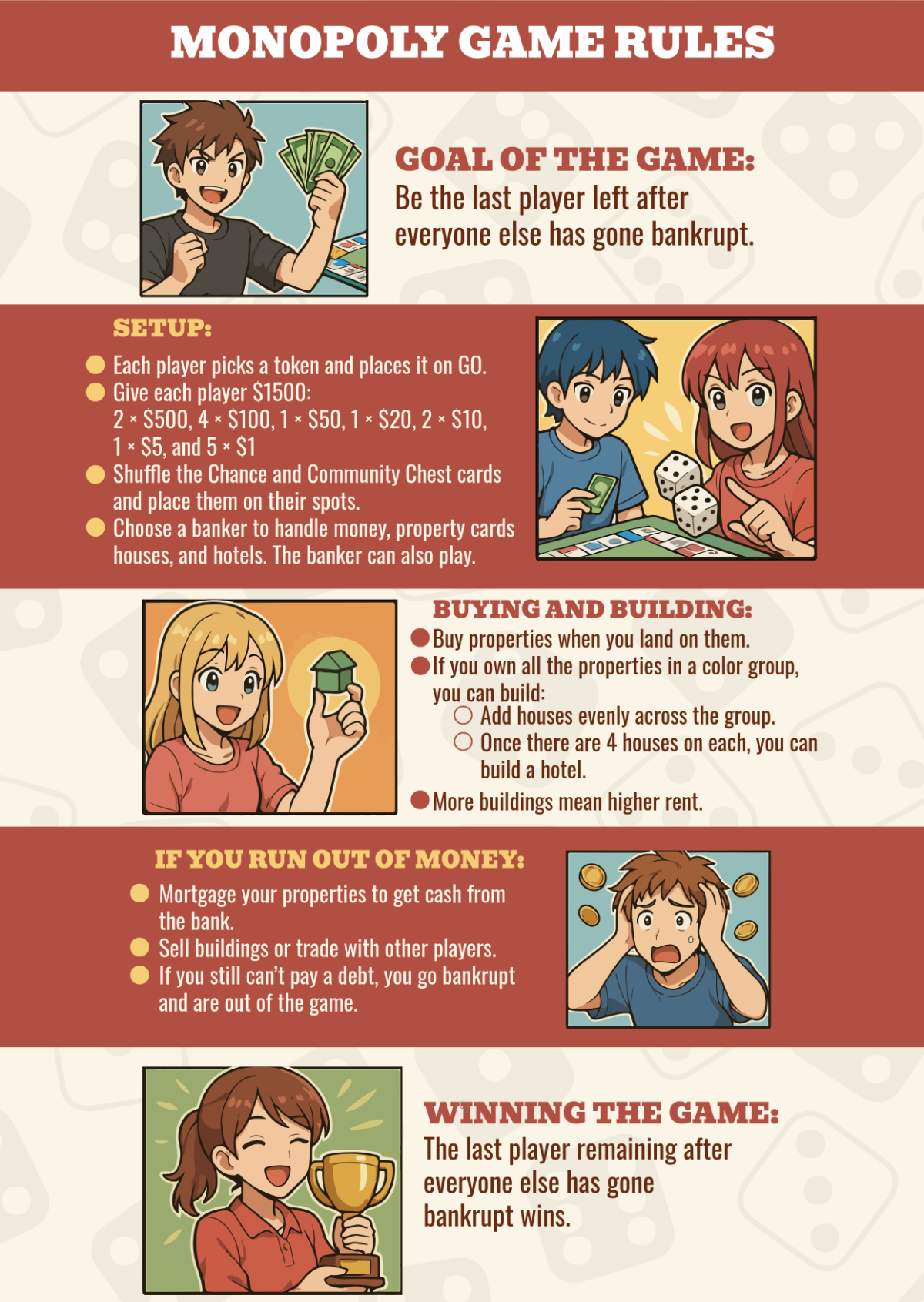


Rules Templates: Editable Guide, Uses, and Online Customization
Rules are documented guidelines or instructions designed to regulate behavior, procedures, or standards within various contexts. Template.net provides editable Rules templates that you can customize and complete directly in your browser for efficient project enhancement.
What is a Rules?
Rules are formalized sets of instructions or guidelines that govern conduct, processes, or operations within a specific environment. They provide clear expectations and boundaries to ensure consistency and compliance in professional and organizational settings.
Why should I use a Rules?
Using Rules ensures consistency, clarity, and accountability in workflows or group interactions. They help prevent misunderstandings, enforce standards, and create structured environments where everyone understands their responsibilities and limitations.
Who uses Rules?
Rules are used by professionals, organizations, educators, and administrators who need to establish clear guidelines for conduct, safety, compliance, or operational procedures in various industries or community settings.
What are the best tips for completing my Rules?
When completing Rules, focus on clarity, relevance, and completeness. Clearly define the purpose, scope, and consequences. Use simple language, organize sections logically, and ensure compliance with applicable standards or regulations.
Can I create a Rules using AI?
You can create Rules using AI-powered tools available at Template.net such as the Rules Generator, which helps produce tailored and editable rules documents efficiently.
When should I use a Rules?
You should use Rules whenever a clear framework is necessary to guide behavior, ensure safety, regulate procedures, or enforce compliance in professional, educational, or community environments.
What are the essential elements of a Rules?
The essential elements of Rules include:
- Title: Clearly indicates the subject of the rules.
- Purpose: Explains why the rules exist.
- Scope: Defines who and what is covered.
- Definitions: Clarifies terms used.
- Guidelines: Specific instructions or prohibitions.
- Consequences: Details penalties for violations.
- Effective Date: When rules take effect.
How is Rules used in professional workflows?
Rules are used in professional workflows to standardize processes, ensure compliance with legal or organizational policies, and maintain operational efficiency. They guide employee behavior and decision-making to align with company objectives.
What are common use cases for Rules templates?
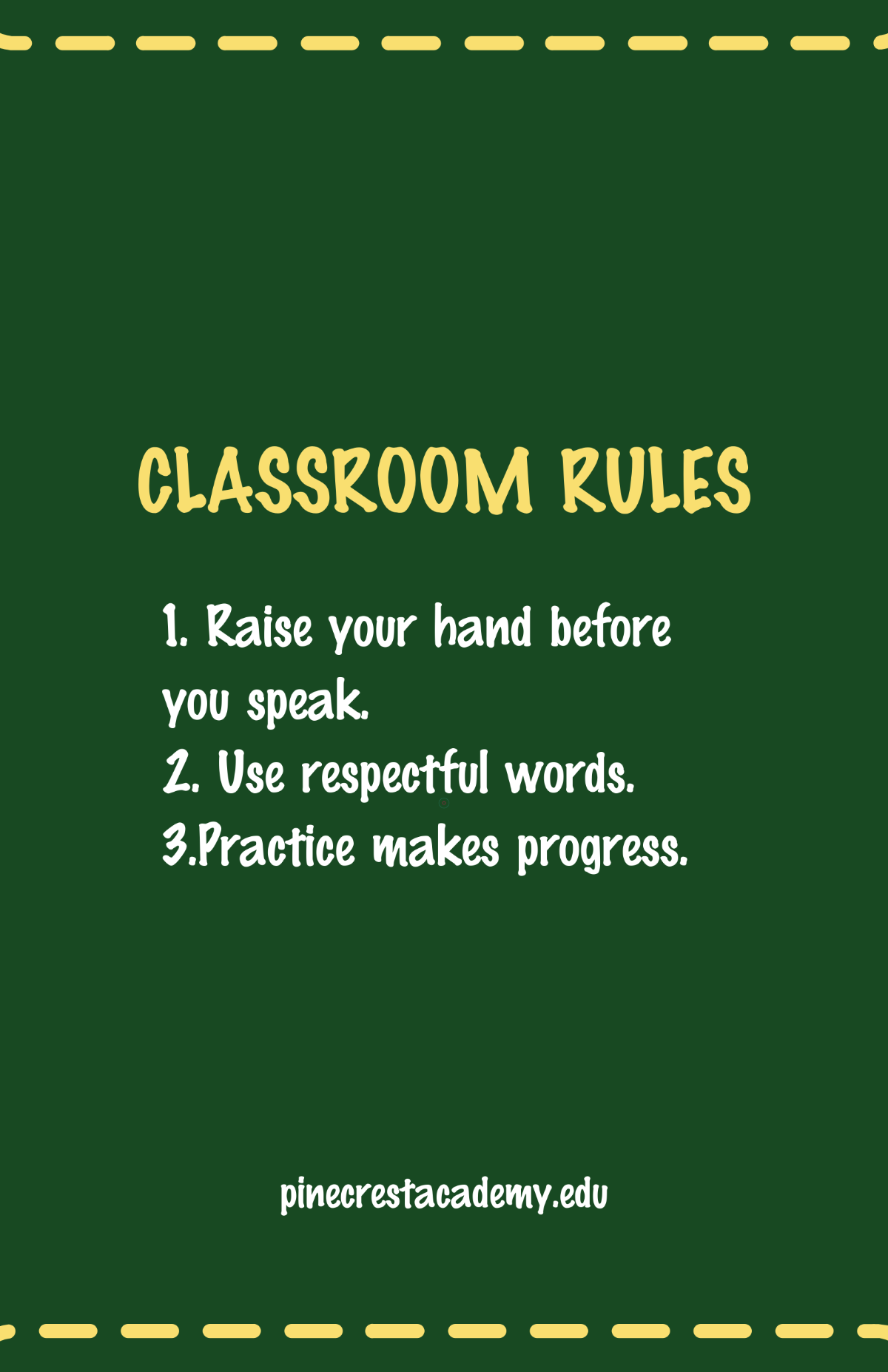
Common use cases for Rules templates include workplace conduct policies, safety protocols, classroom regulations, event guidelines, software usage policies, and organizational procedures to ensure clear communication and compliance.
