Free AI Old Photo Restoration
Upload your old photo and our AI automatically restores faded, damaged, scratched, blurry, or low-quality images with improved clarity and detail. Preserve family memories, historical photographs, vintage portraits, and treasured keepsakes. Free, fast, and online.

Restore Old Photos and Customize Online with Smart AI Powered Photo Editor
Template.net's Free AI Old Photo Restoration helps you repair faded, damaged, scratched, torn, or low-quality photographs in minutes. Upload your old photo, describe the restoration you want, and AI intelligently enhances details, sharpness, lighting, and overall image quality while preserving the original appearance. Restore family albums, vintage portraits, historical photographs, printed memories, black-and-white photos, and archived images with easy editing tools, customizable restoration options, and professional-quality results.
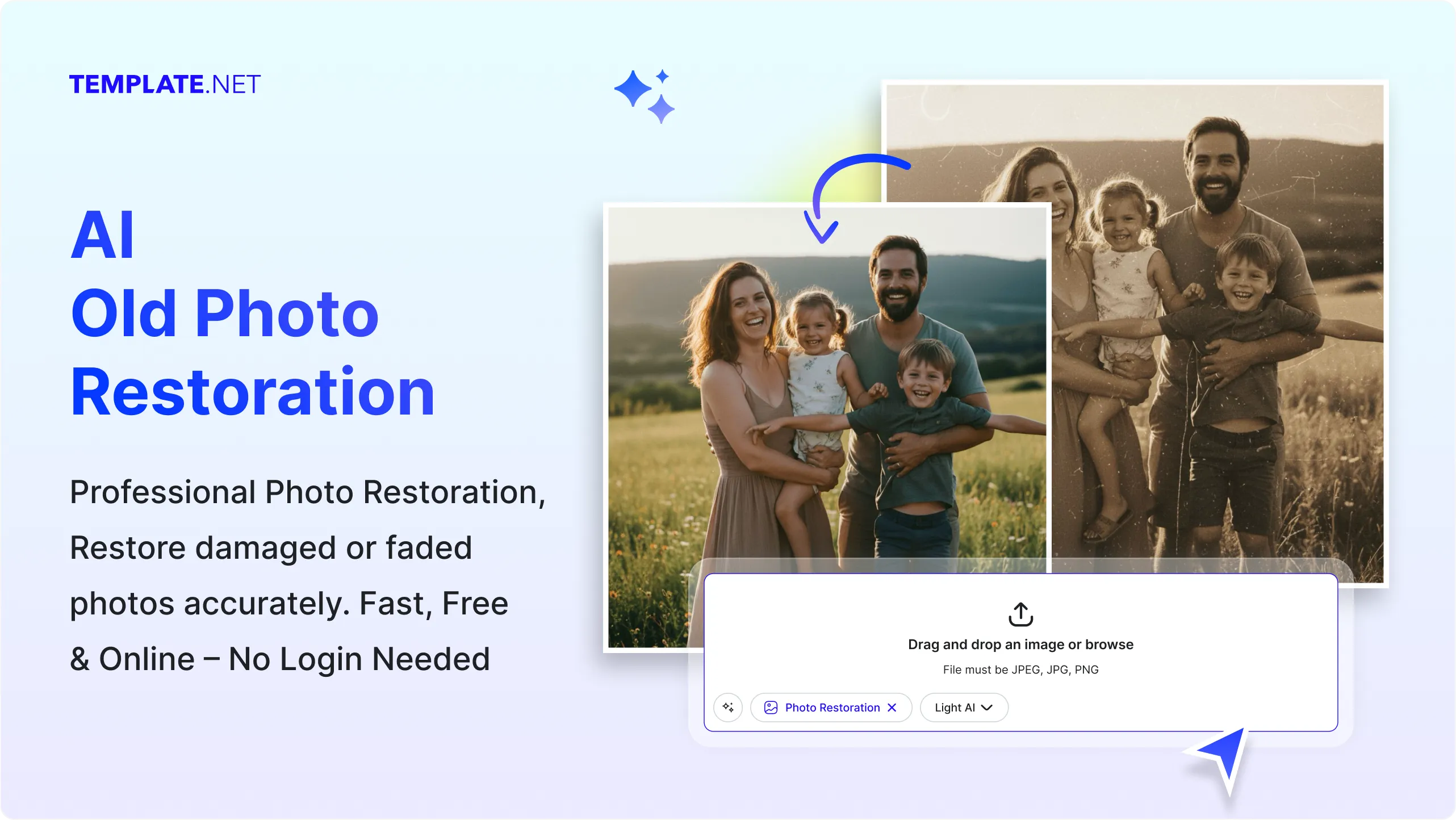
How to Restore Old Photos Using AI
Repair, enhance, and preserve old photographs with a simple AI-powered workflow.
Upload Your Old Photo
Open the AI Old Photo Restoration tool and upload your old photograph, vintage portrait, faded family picture, scanned photo, or damaged image. The AI automatically analyzes your photo and prepares it for restoration.
Restore and Customize
AI restores your old photo by repairing damage, enhancing details, improving sharpness, reducing blur, and recovering faded colors. Review the restored version and adjust restoration strength or enhancement settings to achieve the look you want while preserving the original character of the photograph.
Save, Download, or Share
Preview your restored photo and save it, download it in high quality, or share it instantly via Email, LinkedIn, WhatsApp, Facebook, X (Twitter), or Pinterest.
Restore Old Photos Faster for Every Memory and Archive
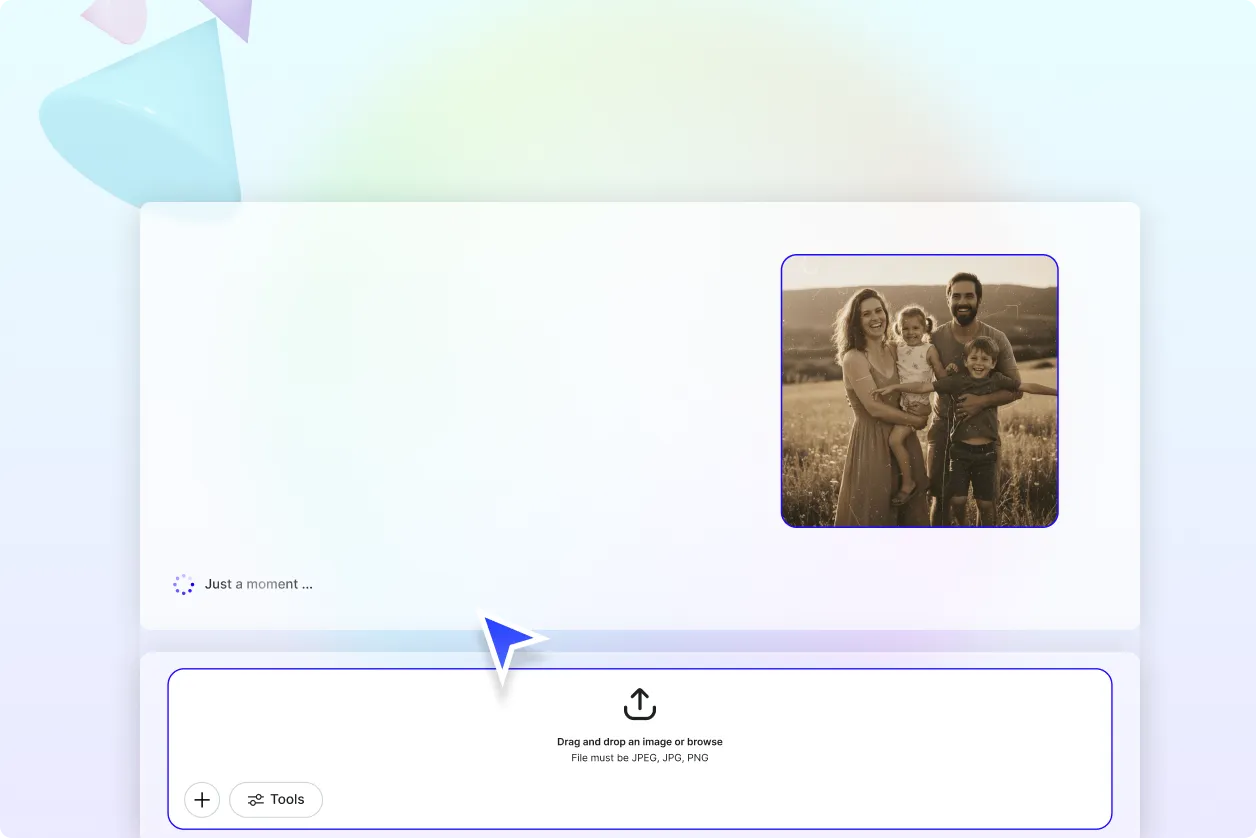
Bring Family Memories Back to Life
Restore old family photographs, childhood memories, wedding albums, graduation pictures, and treasured keepsakes by repairing fading, scratches, stains, tears, and blur. Upload your photo, add a restoration prompt, and create cleaner, sharper, and more natural-looking memories ready for digital preservation or printing.
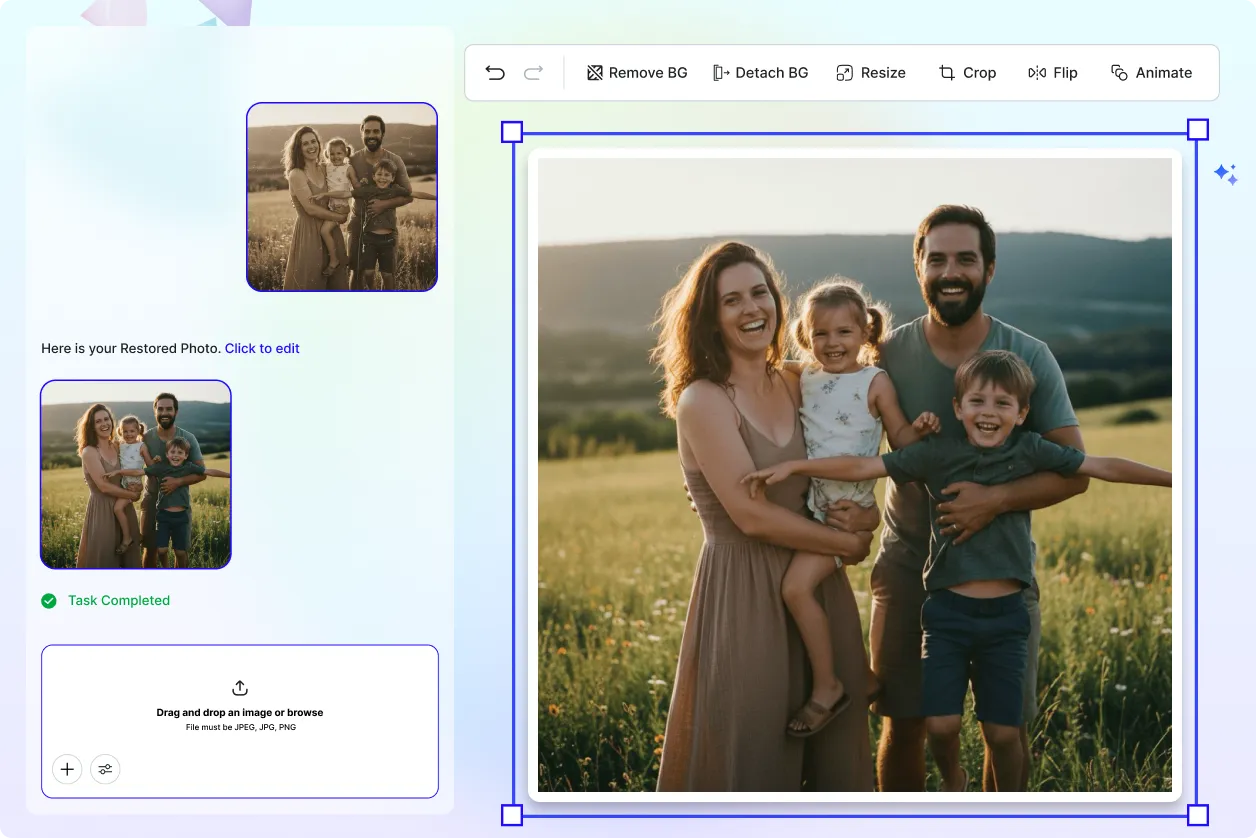
Repair Historical and Vintage Photographs
Restore historical photographs, antique portraits, archive collections, museum records, and vintage prints while preserving their authentic appearance. AI intelligently repairs aging damage, improves visibility, and enhances important image details without changing the original character of the photograph.
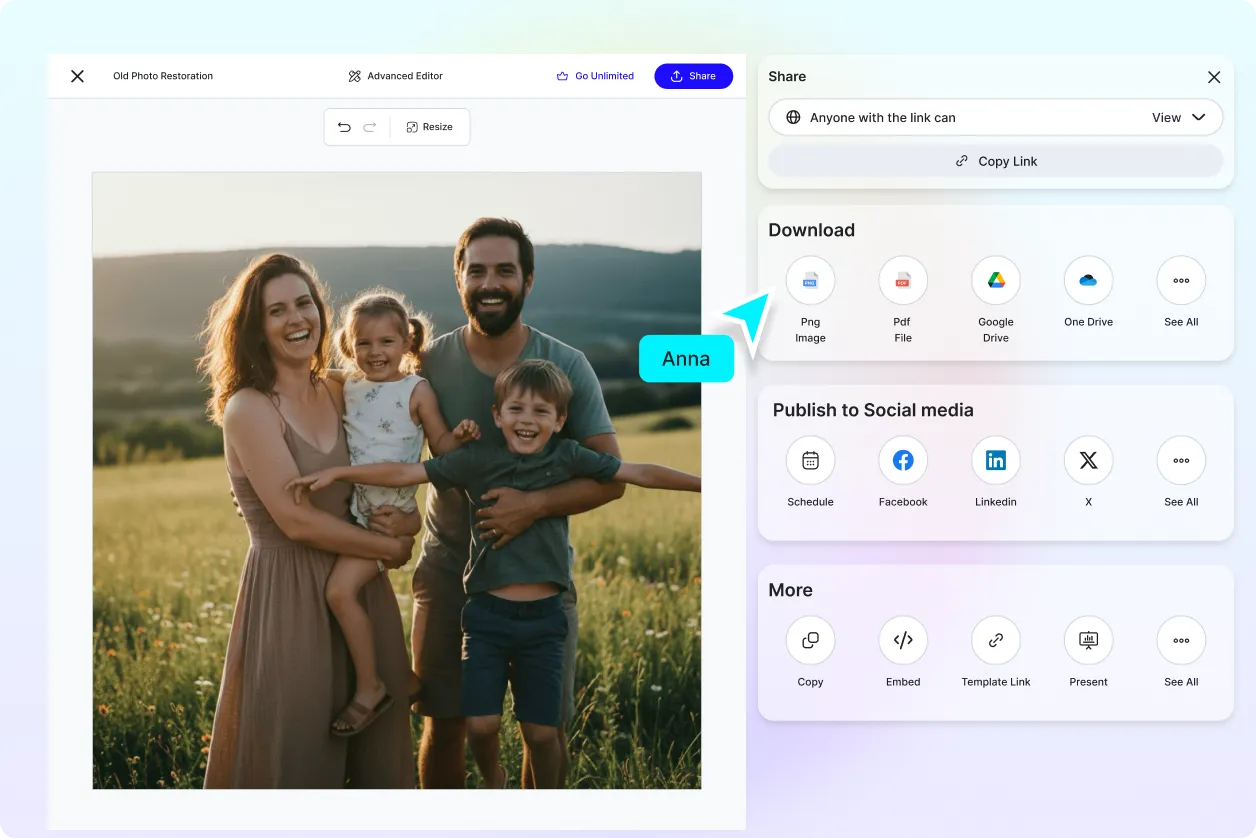
Restore Multiple Old Photos Efficiently
Upload old photographs and generate multiple restored versions with different restoration levels in one workflow. Compare enhancement results, choose the most natural restoration, and preserve entire family albums or archive collections more efficiently.
Preserve Image Quality While Restoring
Recover faded colors, improve sharpness, repair damaged areas, and reduce visible imperfections while maintaining realistic textures and original photo details. AI helps produce high-quality restored photos suitable for family archives, genealogy research, printing, digital collections, and online sharing.
Restore Old Photos Naturally with AI
Everything you need to repair damaged old photos while improving clarity, restoring details, and preserving treasured memories with intelligent AI restoration.

AI-Powered Old Photo Restoration Engine
Automatically repair faded, damaged, scratched, blurry, and aging photographs while restoring natural details, improved sharpness, and realistic image quality.

Upload-and-Restore Workflow
Upload old family photos, vintage portraits, historical photographs, printed pictures, or scanned images. Add a restoration prompt describing the improvements you want, and AI restores them in seconds.

Scratch and Damage Repair
Reduce scratches, cracks, folds, stains, dust marks, and other visible damage to create cleaner, more natural-looking restored photos.

Fade and Color Recovery
Restore faded colors, improve brightness, balance contrast, and recover richer tones while maintaining a realistic appearance.

Intelligent Detail Enhancement
AI reconstructs facial features, clothing details, textures, and important image elements that may have faded over time.

Blur Reduction Technology
Improve blurry or low-quality old photos by enhancing sharpness and making important subjects easier to recognize.

Portrait Restoration
Restore old family portraits, wedding photographs, childhood pictures, graduation photos, and treasured personal memories with improved clarity.

Historical Photo Restoration
Repair historical photographs, archive collections, museum images, genealogy records, and vintage documentation while preserving their authentic character.

Natural Restoration Controls
Adjust restoration intensity to achieve subtle improvements or more detailed enhancements while maintaining the original photo's appearance.

Multiple Restoration Variations
Generate several restored versions from one uploaded photo with different enhancement levels to choose the most natural result.

Selective Restoration Support
Apply restoration to damaged areas while keeping unaffected portions of the original image intact for balanced editing.

High-Resolution Restored Output
Export restored photos with clean details and high resolution suitable for printing, digital archiving, family albums, and online sharing.

Multilingual Support
Restore old photos using an interface available in 20+ multiple languages including English, Spanish, Hindi, Arabic, Chinese, Japanese, and more.

Batch-Friendly Workflow
Efficiently restore multiple old photos using a consistent workflow, making it easier to digitize and preserve entire photo collections.
Save and Reuse
Save preferred restoration settings and apply them to future old photo restoration projects for faster, consistent editing.

Manage Multiple Restored Versions Easily
Compare, organize, and manage different restored versions to select the best quality for printing, archiving, or sharing.

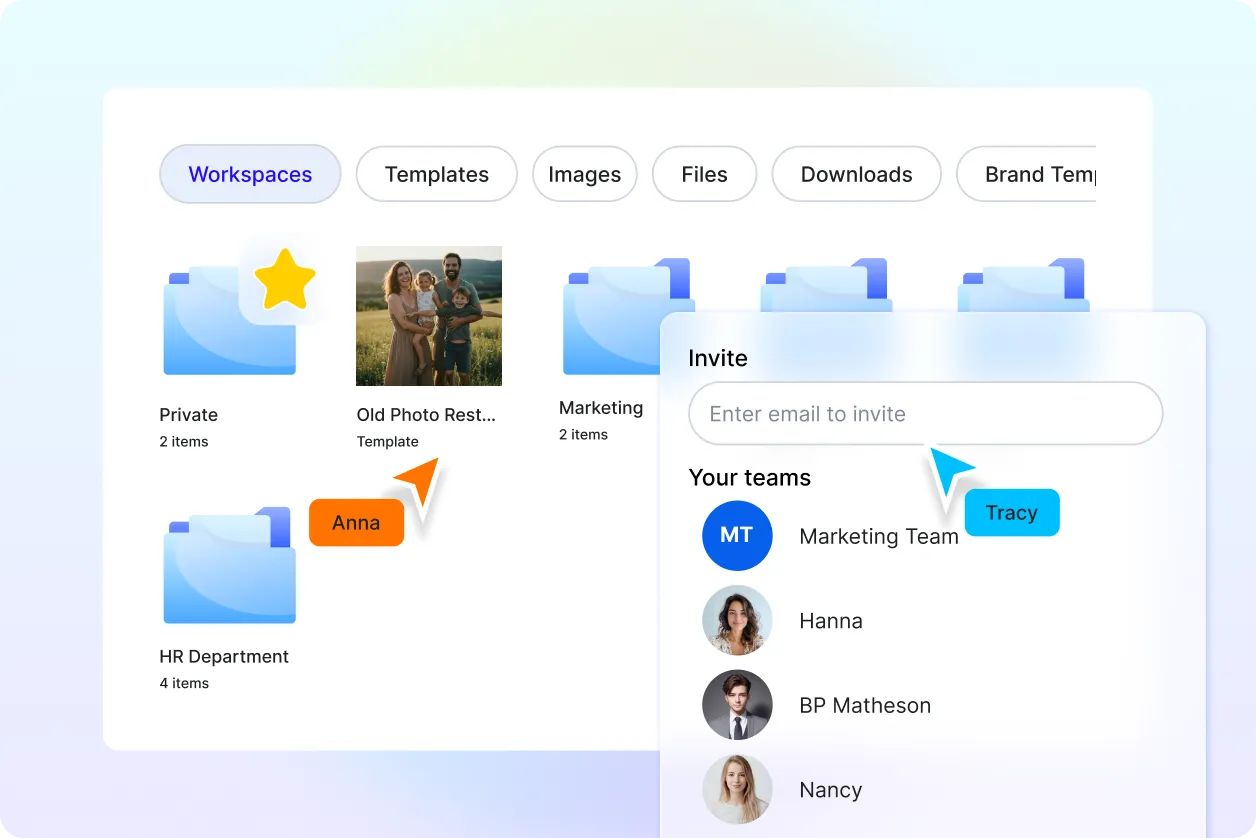
Easy Collaboration and Sharing
Share restored photos with family members, clients, historians, or restoration teams for feedback and approval.

Download or Share Instantly
Download restored photos or share them instantly via Email, LinkedIn, WhatsApp, Facebook, X (Twitter), Pinterest, or generate a live link or QR code.
Old Photo Restoration FAQ
Still have questions?
The quickest answer is to try it - upload a photo and see the result.
What is Old Photo Restoration? Definition
Old photo restoration is the process of repairing faded, damaged, scratched, torn, blurry, or aging photographs to improve their appearance while preserving the original image and important visual details.
What is AI Old Photo Restoration and why is it used?
AI Old Photo Restoration automatically repairs damaged or aging photographs using artificial intelligence. It restores faded colors, removes scratches, reduces blur, enhances details, and improves overall image quality, making old photos easier to preserve, print, and share.
What image formats are supported?
AI Old Photo Restoration supports popular image formats including PNG, JPG, JPEG, WEBP, TIFF, BMP, and other commonly used image files.
What types of old photos can be restored?
You can restore family photographs, vintage portraits, black-and-white photos, historical images, scanned photographs, printed pictures, childhood photos, wedding albums, genealogy records, and archive collections.
Does AI Old Photo Restoration support multiple languages?
Yes. It supports 20+ multiple languages including English, Spanish, Hindi, Arabic, Chinese, Japanese, and more.
What are the benefits of using AI Old Photo Restoration?
AI Old Photo Restoration helps repair damaged photographs quickly while improving clarity, restoring colors, reducing scratches, enhancing details, and preserving valuable memories. It saves time compared to manual photo restoration and produces high-quality results for personal, historical, and professional use.
What are common use cases for AI Old Photo Restoration?
Common use cases include restoring family albums, repairing vintage portraits, preserving historical photographs, digitizing archive collections, improving genealogy records, enhancing old wedding photos, recovering childhood memories, preparing images for printing, and sharing restored photographs digitally.
Explore more AI image tools
 Image Editor
 Image to Image
 Remove Background
 Face Swap
 Inpaint
 Photo Upscaler
 Image Resizer
 Crop Image
 Camera Angle
 Skin Enhancer
 Restyle
 Relight
- Character Generator
- Object Remover
- Image Eraser
 Text Remover
 Watermark Remover
 Transparent Background Generator
 Mirror Image
 Image Background Changer
 Change Image Color
 Add Text To Photo
 Border Generator
 Watermark Generator
 Photo Blur
 Image Enhancer
- Image Clearer
 Sharpen Image
 HD Photo Converter
 Image To Cartoon
 Photo To Sketch
 SVG Converter
- Image To Text Generator
 Color Analysis
 Image Combiner
- Character Swap
- Photo Collage Generator
- Photo Grid Generator
 Headshot Generator
 Profile Picture Generator
 Portrait Generator
 Hair Style Changer
 Long Hair Extension Generator
 Action Figure Generator
 Pet Portrait Generator
 Photo To Emoji Generator
- Product Expander Generator
- Cinematic Shot Generator
- Pixel Art Generator
- Sketch Generator
- Cake Topper Generator
- Emoji Generator
- Cartoon Generator
- Coloring Page Generator
- Anime Generator
- Lego Generator
- Tattoo Generator
- Drawing Generator
- Art Generator
- Stock Photo Generator
- Photo Generator
- PNG Image Generator
- Font Text Generator
- Text Effect Generator
- Random Quote Generator
Try AI Old Photo Restoration now
Drag and drop an image or browse to edit it
or drop an image here
