Free AI Photo to Sketch Online

Create Sketch Images Online with Smart AI Image Editor
Template.net’s Free AI Photo to Sketch Generator helps you transform photos into artistic sketch visuals in seconds. Upload your file and the AI automatically detects edges, enhances outlines, and converts details into clean sketch styles. Explore multiple variations, refine styles, and download sketch photo image outputs ready for creative, personal, or professional use.
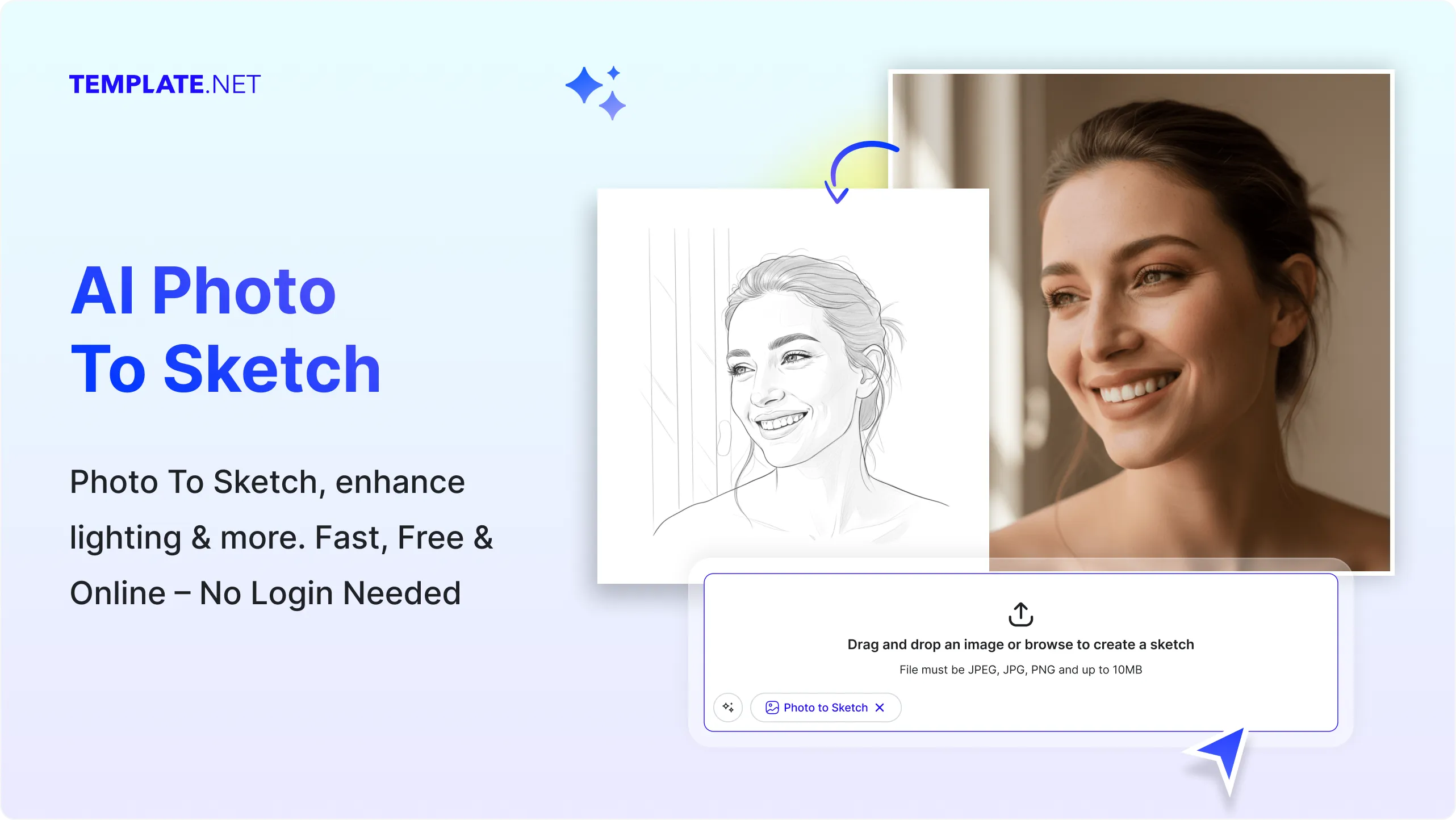
Convert Photos into Sketch Designs Effortlessly with AI
Everything you need to transform, stylize, and enhance photo image content into sketch-style visuals with precision and control.
AI-Powered Sketch Conversion
Convert any photo image into detailed sketch-style visuals with realistic line work.
Upload and Convert Instantly
Upload your file and generate sketch photo image outputs without manual drawing.
Smart Edge Detection Technology
Automatically detect outlines and convert them into clean sketch strokes.
Multiple Sketch Styles
Apply pencil, charcoal, ink, or artistic sketch effects to your photo image.
Detail Enhancement and Line Clarity
Enhance edges and improve clarity for high-quality sketch results.
Custom Style Control
Adjust intensity, contrast, and sketch depth based on your needs.
Multiple Sketch Variations
Generate different sketch versions of the same photo image.
Natural Artistic Output
Maintain realistic proportions while applying artistic transformation.
Clean and Structured Sketch Results
Ensure balanced and visually appealing sketch outputs.
Background Simplification
Reduce noise and simplify backgrounds in your photo image.
Flexible Output Formats
Export sketch photo image files for digital or print use.
Easy Fine-Tuning Options
Refine sketch styles and intensity with simple adjustments.
Consistent Sketch Quality
Maintain uniform results across multiple conversions.
Save and Reuse Sketch Designs
Store generated sketches for future use.
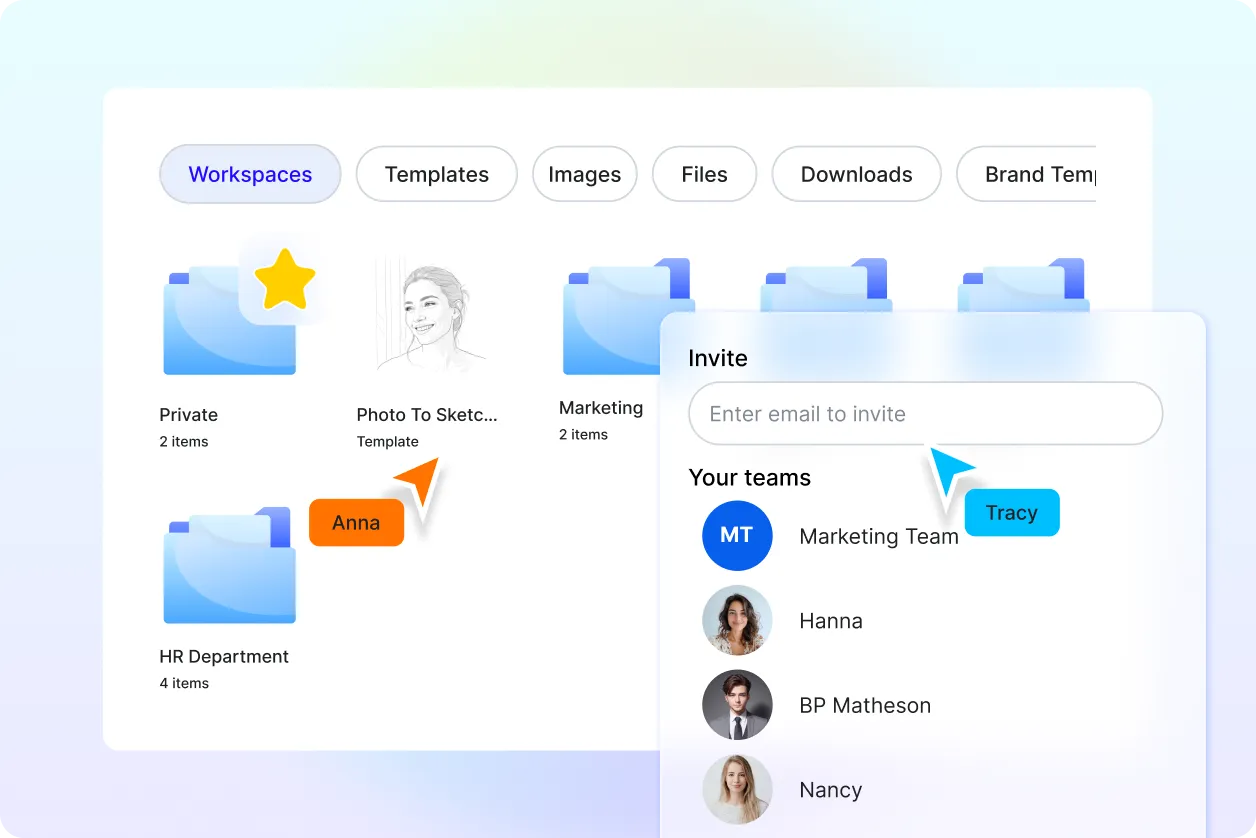
Organize Multiple Sketch Outputs
Manage different sketch versions in one place.
Multilingual Support
Generate sketch photo image content using 20+ multiple languages including English, Spanish, Hindi, Arabic, Chinese, Japanese, and more.
Collaborate on Designs
Share your photo image sketches for feedback and improvements.
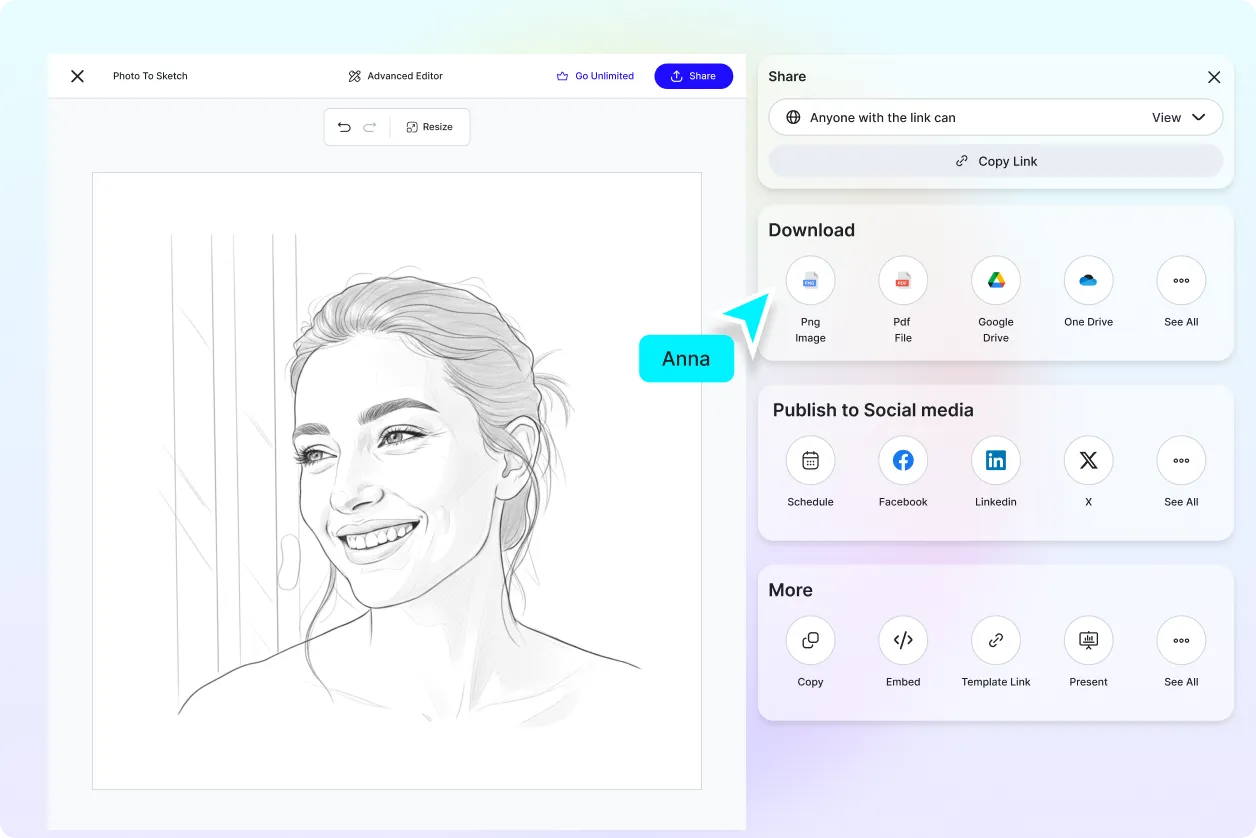
Download or Share Instantly
Download high-quality outputs or share instantly via Email, LinkedIn, WhatsApp, Facebook, X (Twitter), Pinterest, or generate a live link or QR code.
How to Convert Photos to Sketch Using AI
Convert, refine, and export sketch visuals using a simple workflow.
Step 1: Upload Your Photo
Open the AI Photo to Sketch Generator and upload your file to start conversion instantly.
Step 2 Convert and Customize
The AI converts your photo image into sketch-style visuals with clean outlines and artistic effects. Choose your preferred style and refine if needed.
Step 3 Save Download or Share
Preview your sketch photo image and download it in high quality or share instantly via Email, LinkedIn, WhatsApp, Facebook, X (Twitter), Pinterest, or generate a live link or QR code.
Create Sketch Designs in Seconds and Transform Your Photos
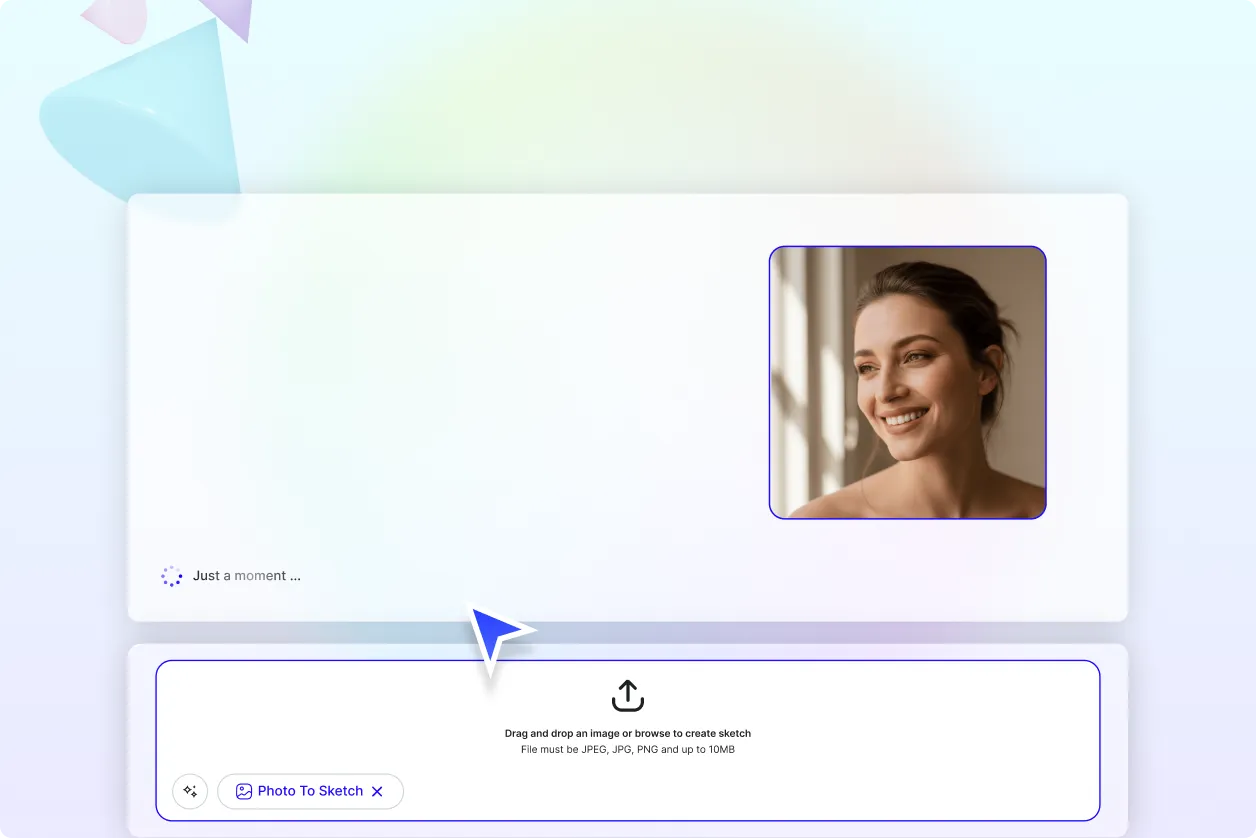
Turn Photos into Artistic Sketches Instantly
Upload your file and convert regular visuals into detailed sketch outputs with enhanced lines and artistic styles.
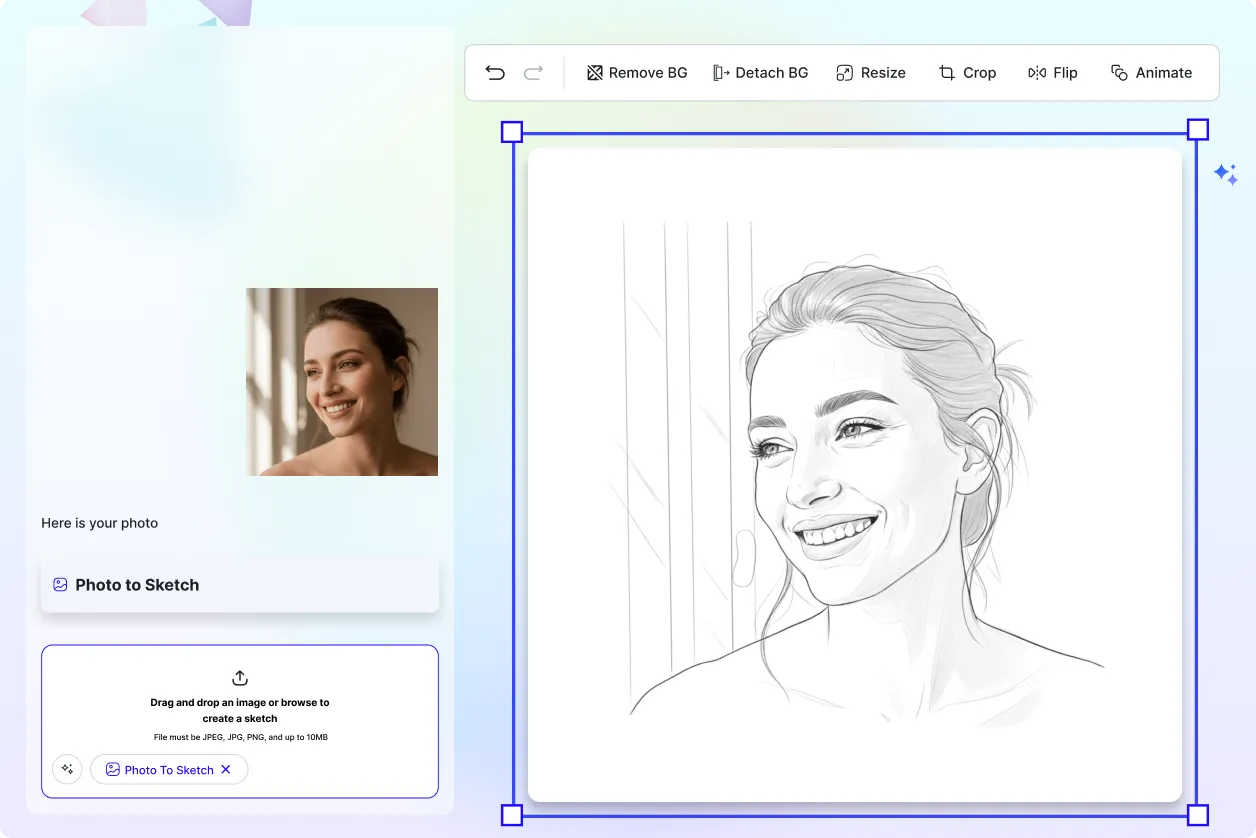
Create Sketches for Different Creative Needs
Transform photos for artwork, design projects, social media, or presentations with consistent quality.
Explore Multiple Sketch Styles Easily
Generate multiple sketch variations with different artistic effects to find the best result.
Maintain Consistent Sketch Output Quality
Ensure all sketch photo image designs follow a consistent style and clarity across projects.
