
Free AI SVG Converter Online
Upload your image, our AI converts it into a scalable SVG vector while preserving shapes and edges. Transform PNG, JPG, WEBP, and other formats into vector graphics for logos, icons, and designs. Free, fast, and online.

Create Scalable Vector Graphics Online with Smart Editor
Template net’s Free AI SVG Converter helps you transform pixel based images into high quality vector graphics with speed and precision.
- Upload your image and convert it into SVG format instantly.
- Fine tune vector results using editing tools, adjust colors and layers, collaborate with teams, preview vector graphics before saving, and export files in multiple formats.
- Ideal for designers, developers, marketers, educators, businesses, and content creators working with scalable graphics.
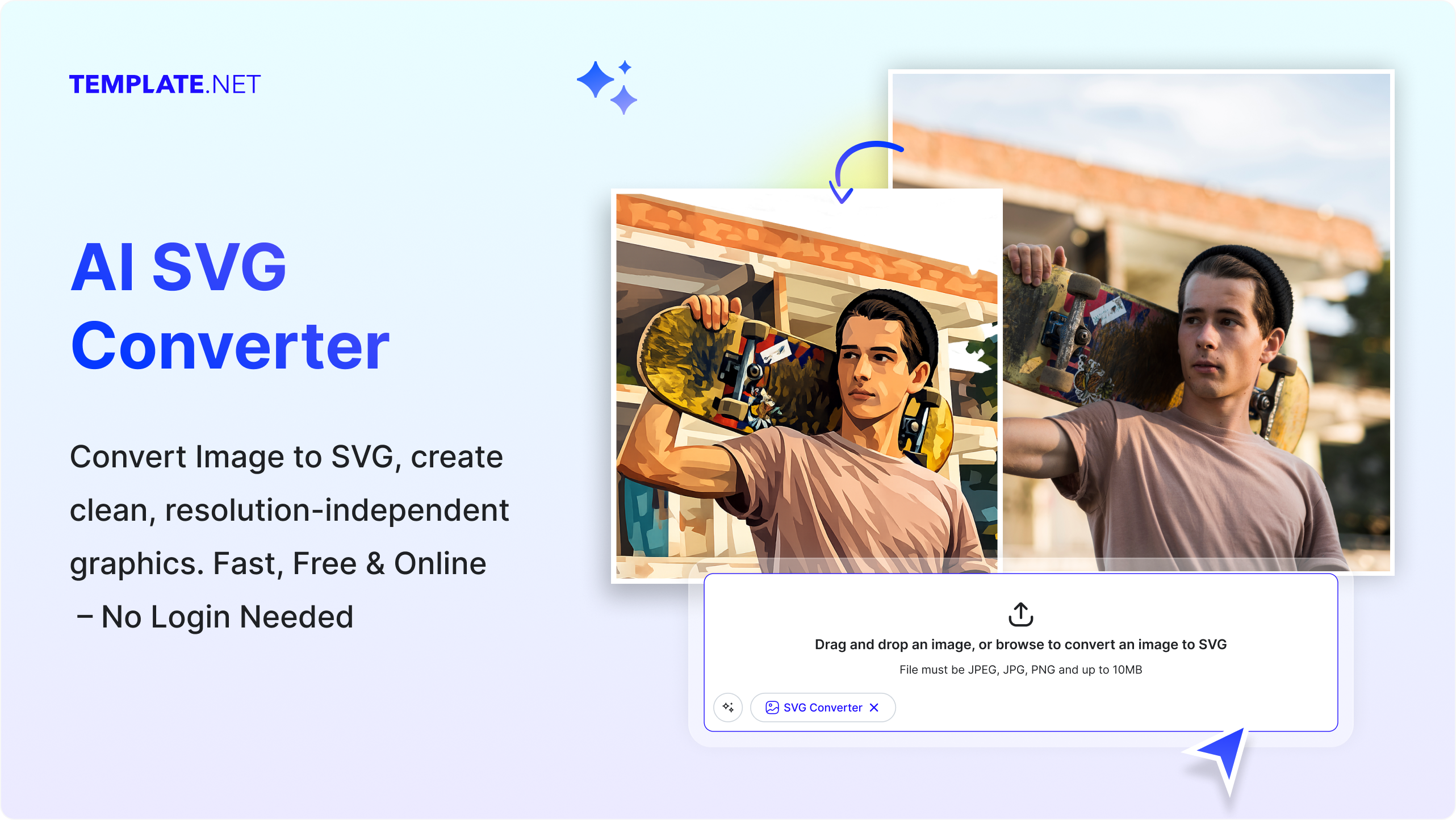
How to Convert Images to SVG Using AI
Upload, vectorize, and refine instantly. Our AI detects shapes and outlines to generate clean, scalable SVGs for professional use. Edit and optimize your graphics directly in the browser before exporting all without losing clarity.
Upload Your Image
Open the AI SVG Converter and upload the image, icon, logo, or illustration you want to convert. The tool supports common image formats such as PNG, JPG, WEBP, BMP, and TIFF, allowing you to easily import graphics from different sources.
Convert and Refine
The AI analyzes the uploaded image and converts it into a scalable SVG vector automatically. Review the generated vector graphic and refine it using editing tools. Adjust shapes, colors, layers, and elements to improve the final design and make the SVG suitable for websites, branding assets, presentations, or digital products.
Save Download or Share
Preview the converted SVG graphic to ensure accuracy and visual clarity. Once finalized, save the design to cloud storage, download it in SVG or other supported formats, embed it on websites, or share it through collaboration tools and messaging platforms.
Create Scalable Graphics Faster with AI SVG Converter
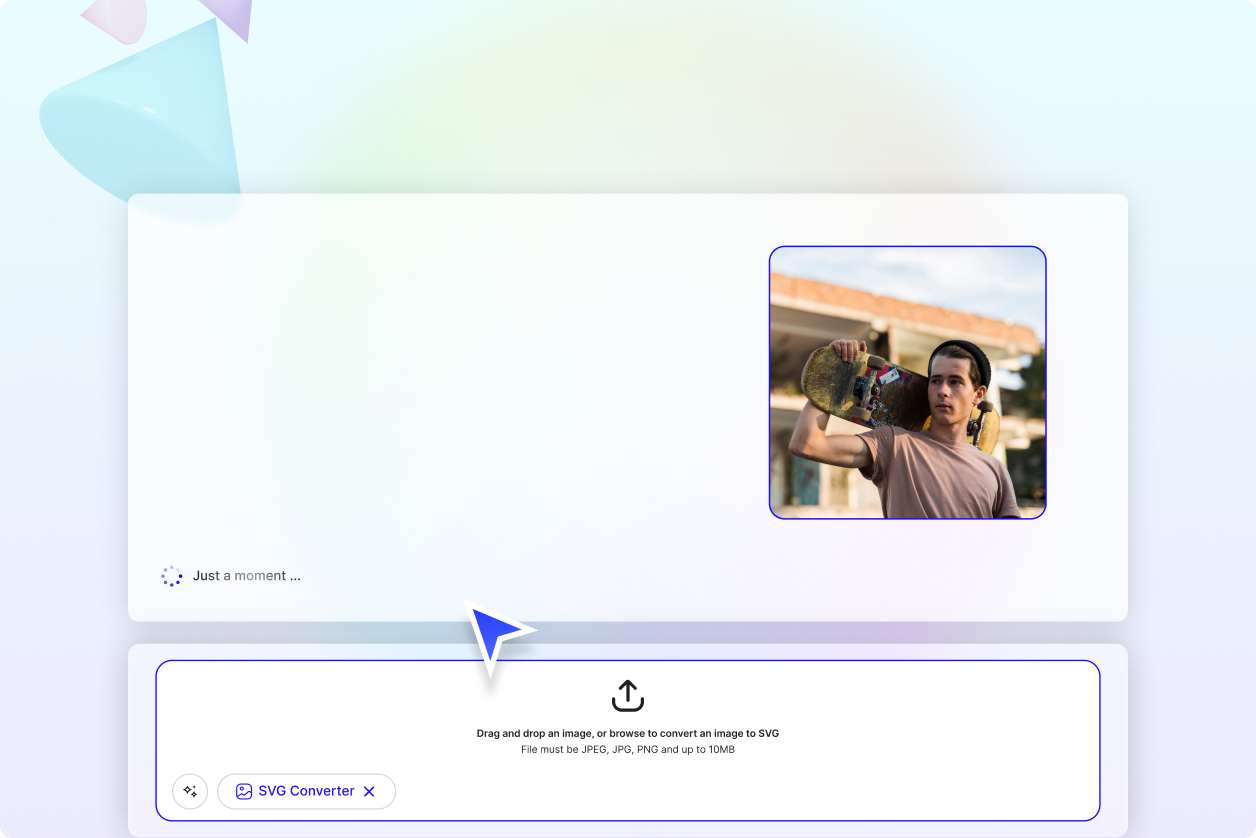
Convert Raster Images into Clean Vector Graphics
Transform pixel based images into scalable vector graphics that remain sharp and professional at any size. This helps designers and creators reuse logos, icons, and graphics without worrying about quality loss.
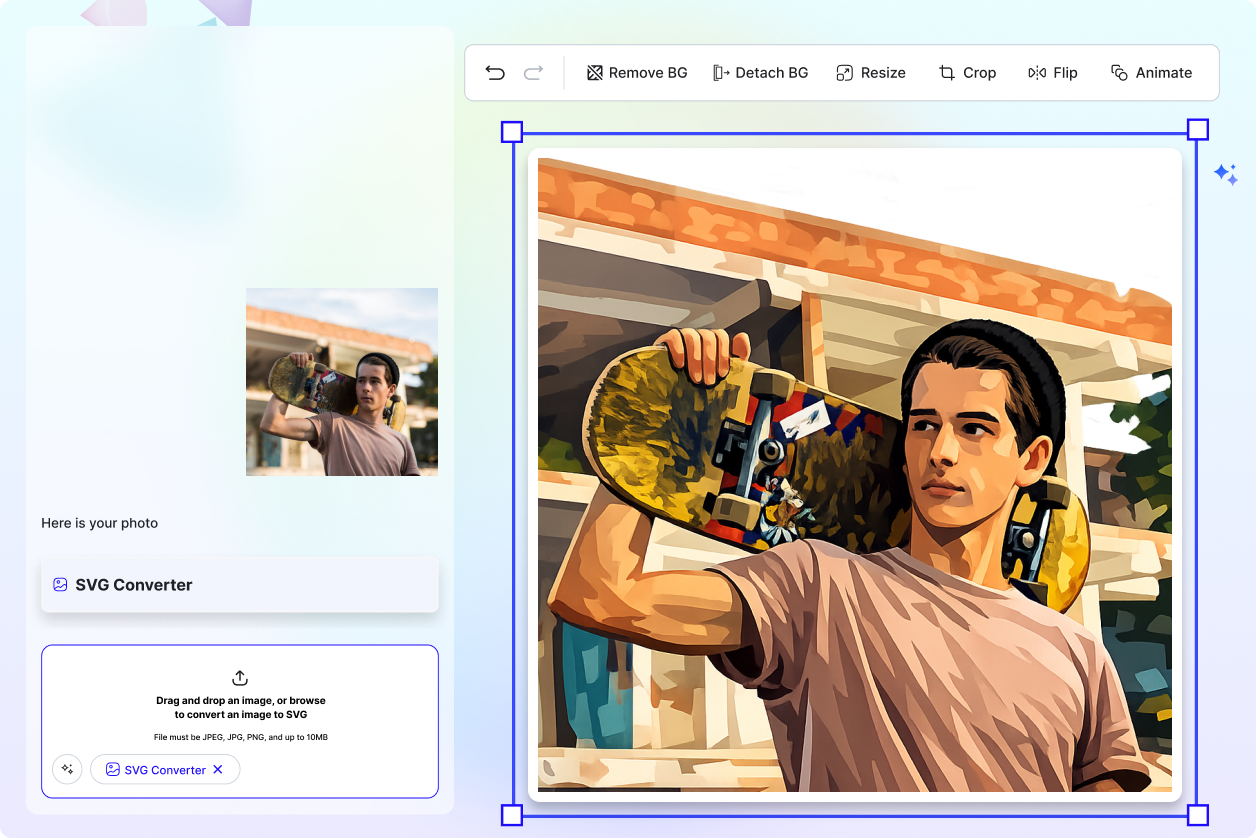
Prepare Graphics for Web, Apps, and Print
SVG graphics are widely used across digital platforms. Convert images into SVG format for responsive websites, mobile applications, UI designs, marketing visuals, and high resolution print materials.
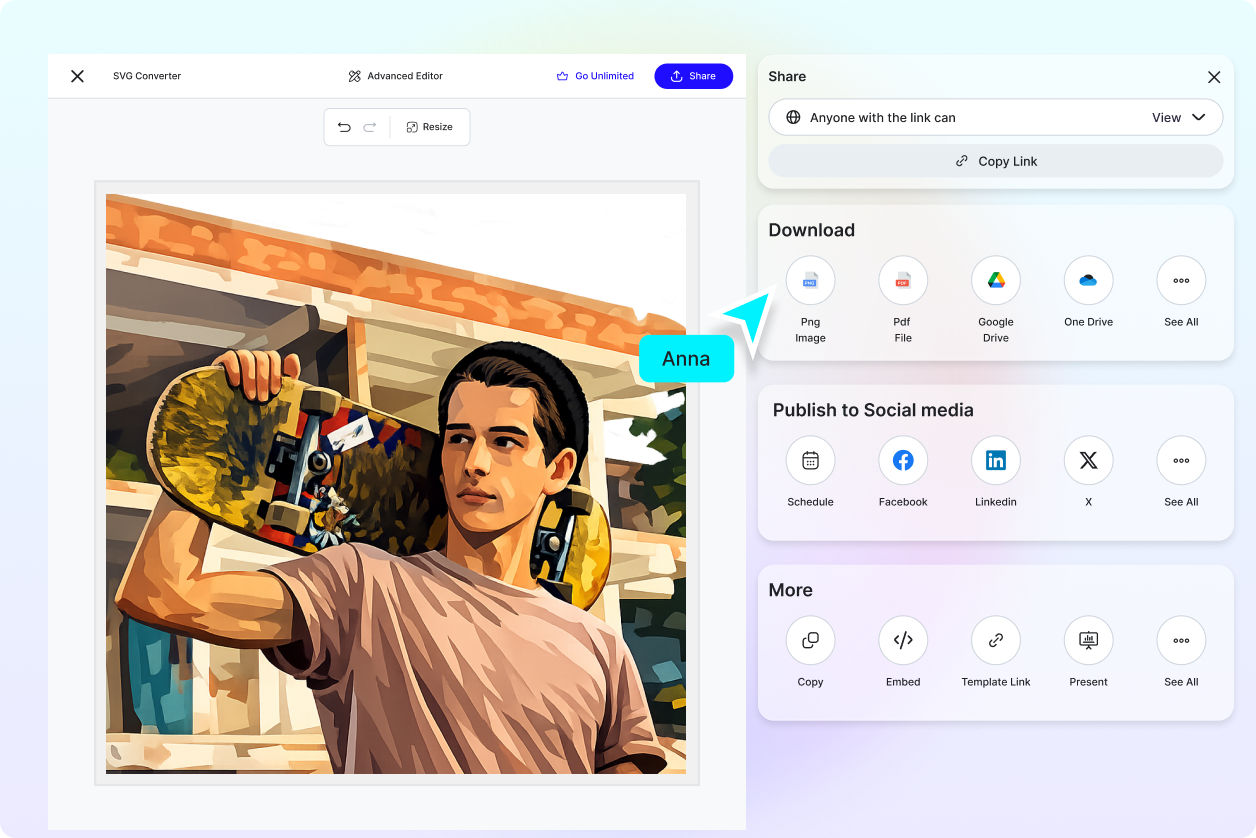
Collaborate and Improve Designs Faster
Share SVG graphics with teammates or clients in real time to collect feedback and make revisions quickly. Collaboration tools allow multiple users to review and refine designs together, improving workflow efficiency.
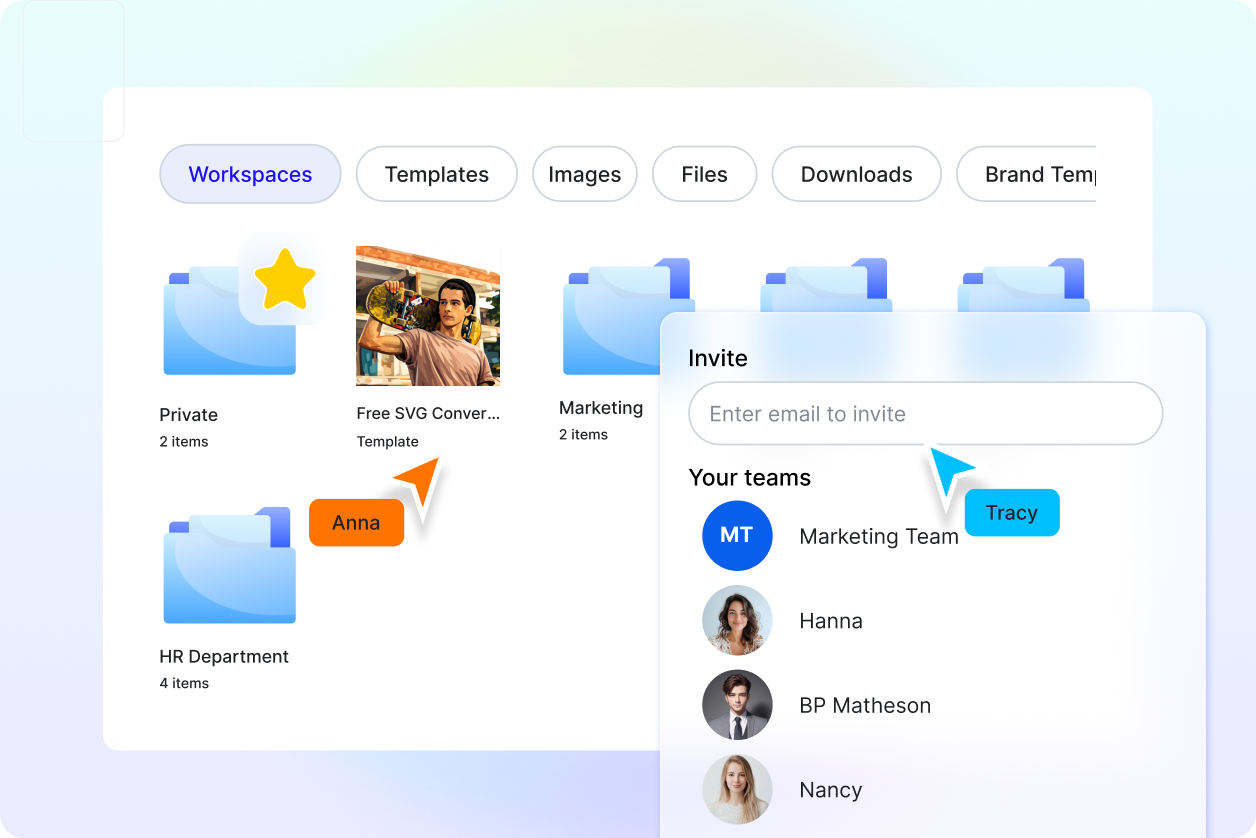
Organize and Manage Vector Assets Easily
Store and manage multiple SVG graphics within one workspace. Keep versions organized, rename files for easy identification, and maintain a structured design library for future projects and brand assets.
Convert Images to SVG for Free
Everything you need to transform images into scalable vector graphics without complex design software.

AI Powered Image to SVG Conversion
Upload an image and the AI converts raster graphics into scalable SVG vectors by detecting shapes, outlines, and color regions automatically.

Upload Based SVG Conversion
Convert images by uploading files directly. The tool analyzes the uploaded graphic and generates a clean SVG vector without requiring prompt input.

Smart Vector Path Detection
The AI traces edges and outlines from the uploaded image to create precise vector paths that form the SVG structure.

Automatic Shape and Color Mapping
The converter identifies major shapes and color areas to produce structured SVG layers that closely match the original design.

Raster to Vector Image Transformation
Transform pixel based graphics such as PNG or JPG into resolution independent SVG vector graphics suitable for scaling.

Scalable Graphics Without Quality Loss
Converted SVG graphics remain sharp at any size, making them ideal for logos, icons, web graphics, and print materials.

Advanced Edge Detection Technology
The AI analyzes image edges and contours to ensure accurate vector tracing and smoother curves in the generated SVG file.

Vector Editing with Smart Editor Tools
Refine converted SVG graphics using editor tools including Design Library, Text Tools, Elements, Media Library, and Brand Kit.

Layer Based Vector Structure
Converted SVG graphics are organized into editable layers, allowing easier modification of shapes, colors, and visual elements.

Background Detection and Removal
Detect and remove image backgrounds during or after conversion to create clean transparent SVG graphics.

Resize Vector Graphics for Any Platform
Scale SVG graphics for websites, apps, social media visuals, presentations, and print without losing resolution.

Copy SVG Code or Graphic to Clipboard
Instantly copy the SVG graphic or its code and paste it into design tools, websites, or development environments.

Save SVG Designs to Favorites
Bookmark frequently used SVG graphics or vector assets for quick access in future design projects.

Rename Converted SVG Files Easily
Rename and organize SVG graphics within your workspace to manage vector assets more efficiently.

Real Time Collaboration on Vector Graphics
Invite teammates or clients to review, comment, and refine SVG graphics together in shared design workspaces.

Share SVG Graphics Across Platforms
Share vector graphics directly to social platforms such as Facebook, LinkedIn, Twitter, and Pinterest.

Save SVG Files to Cloud Storage
Store converted SVG graphics securely by saving them directly to Google Drive or OneDrive.

Download SVG and Other File Formats
Export converted graphics in SVG, PNG, JPG, PDF, WEBP, BMP, TIFF, HTML, and other formats for flexible use.
SVG Converter FAQ
Still have questions?
The quickest answer is to try it - upload a photo and see the result.
What is SVG? Definition
An SVG Converter is a tool that transforms image files into SVG format. SVG stands for Scalable Vector Graphics, a file format that stores graphics using vector paths instead of pixels, allowing images to be resized without losing quality.
What is an AI SVG Converter?
An AI SVG Converter uses artificial intelligence to automatically detect shapes, outlines, and color areas in uploaded images and convert them into accurate vector graphics. This helps generate clean and scalable SVG files quickly without manual vector tracing.
Why is SVG conversion used?
SVG conversion is used to transform raster images such as PNG or JPG into scalable graphics. Designers and developers use SVG files for logos, icons, web graphics, and illustrations because they maintain sharp quality at any size and can be easily edited.
What sizes or formats are supported for SVG conversion?
Most common image formats such as JPG, JPEG, PNG, WEBP, BMP, TIFF, and PDF can be uploaded and converted into SVG. After conversion, the SVG graphic can be resized to any dimension without losing clarity because vector graphics are resolution independent.
What are the benefits of using SVG conversion?
SVG conversion turns raster images into scalable vector graphics that remain sharp at any size. It allows easier editing, better web performance, and flexible use across websites, apps, and print designs.
What are common use cases for SVG conversion?
SVG conversion is commonly used for logo vectorization, icon creation, website graphics, UI design elements, digital illustrations, infographics, and scalable print materials.
Explore more AI image tools


Try AI Svg Converter now
Drag and drop an image or browse to edit it
or drop an image here
