Free AI Change Image Color Generator
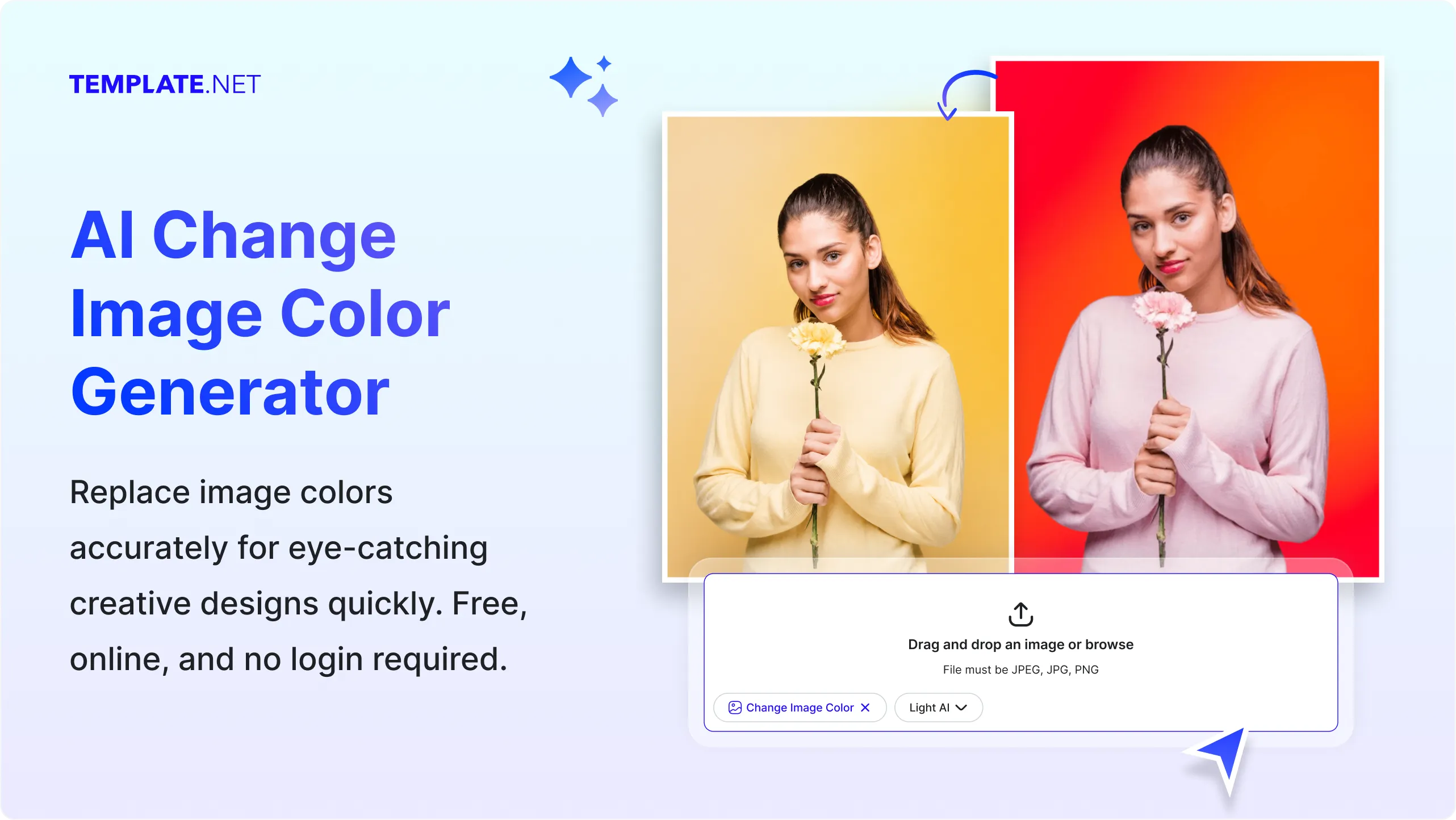
Upload your image and our AI changes image colors instantly while preserving textures, lighting, shadows, and fine details. Replace object colors, adjust product colors, recolor clothing, modify backgrounds, and create multiple color variations for ecommerce and marketing, and creative projects. Free, fast, and online.

Change Image Colors Online with Smart AI Powered Photo Editor
Template.net's Free AI Change Image Color Generator helps you replace, adjust, and modify colors in uploaded images within seconds. Upload your product photo, portrait, illustration, graphic, or artwork, then choose the colors you want to change. AI automatically applies realistic color changes while preserving textures, highlights, shadows, and natural image quality. Create multiple color variations for ecommerce products, fashion items, branding assets, home décor, vehicles, promotional graphics, social media content, and digital marketing materials without complicated manual editing.
How to Change Image Colors Using AI
Change, customize, and export image colors with a simple workflow.
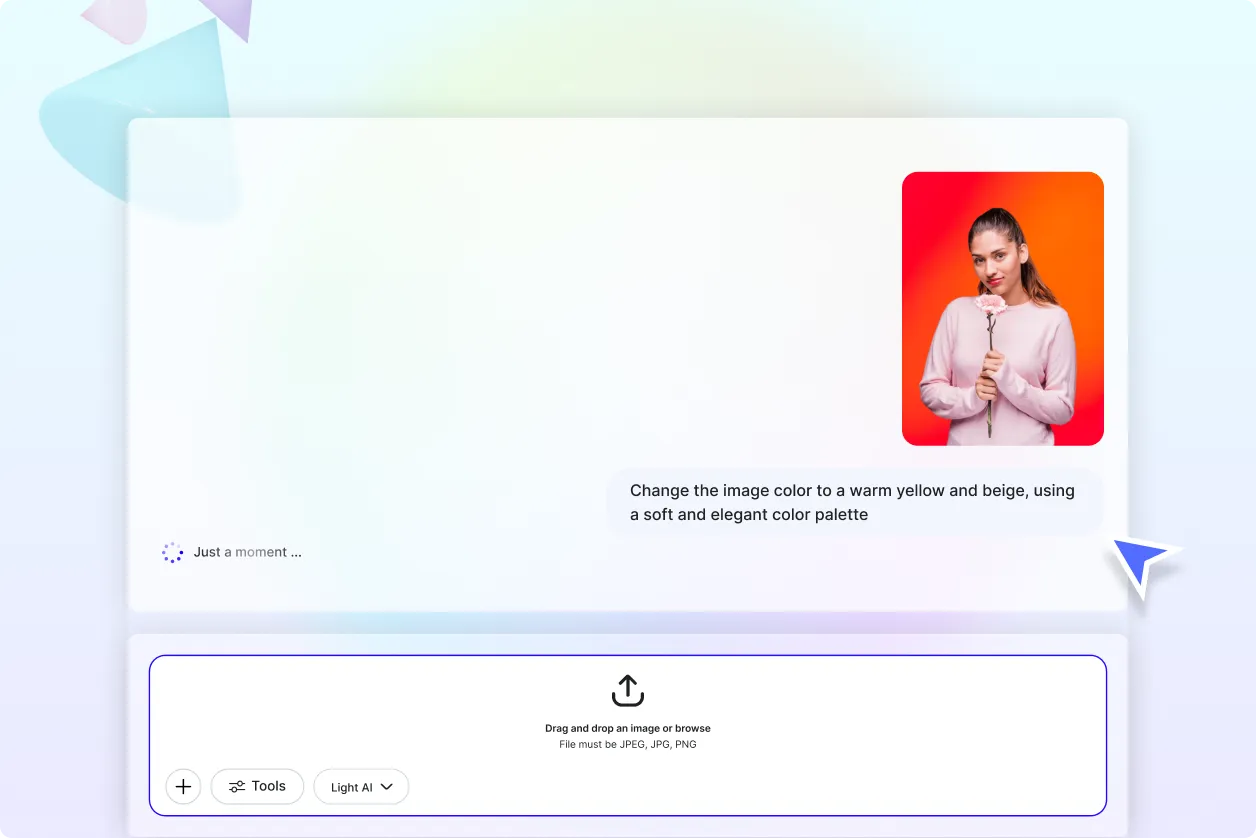
Upload Your Image
Open the AI Change Image Color Generator and upload your product photo, portrait, illustration, graphic, logo, or artwork. The AI automatically analyzes the uploaded image and identifies the areas available for color editing.
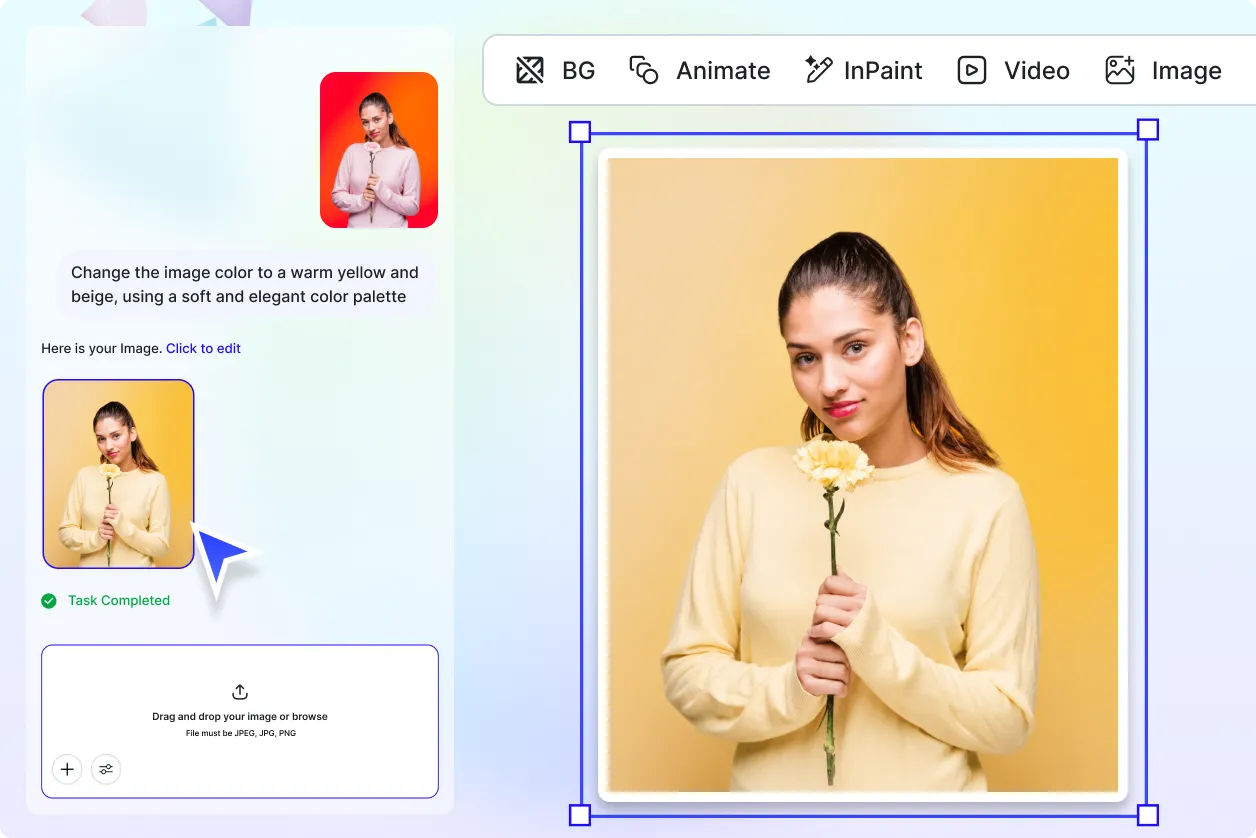
Select Colors and Customize
Choose the object or area you want to recolor, then select your preferred color or enter a color instruction. AI applies realistic color changes while preserving textures, lighting, shadows, and natural image details. Generate multiple color variations until you find the perfect result.
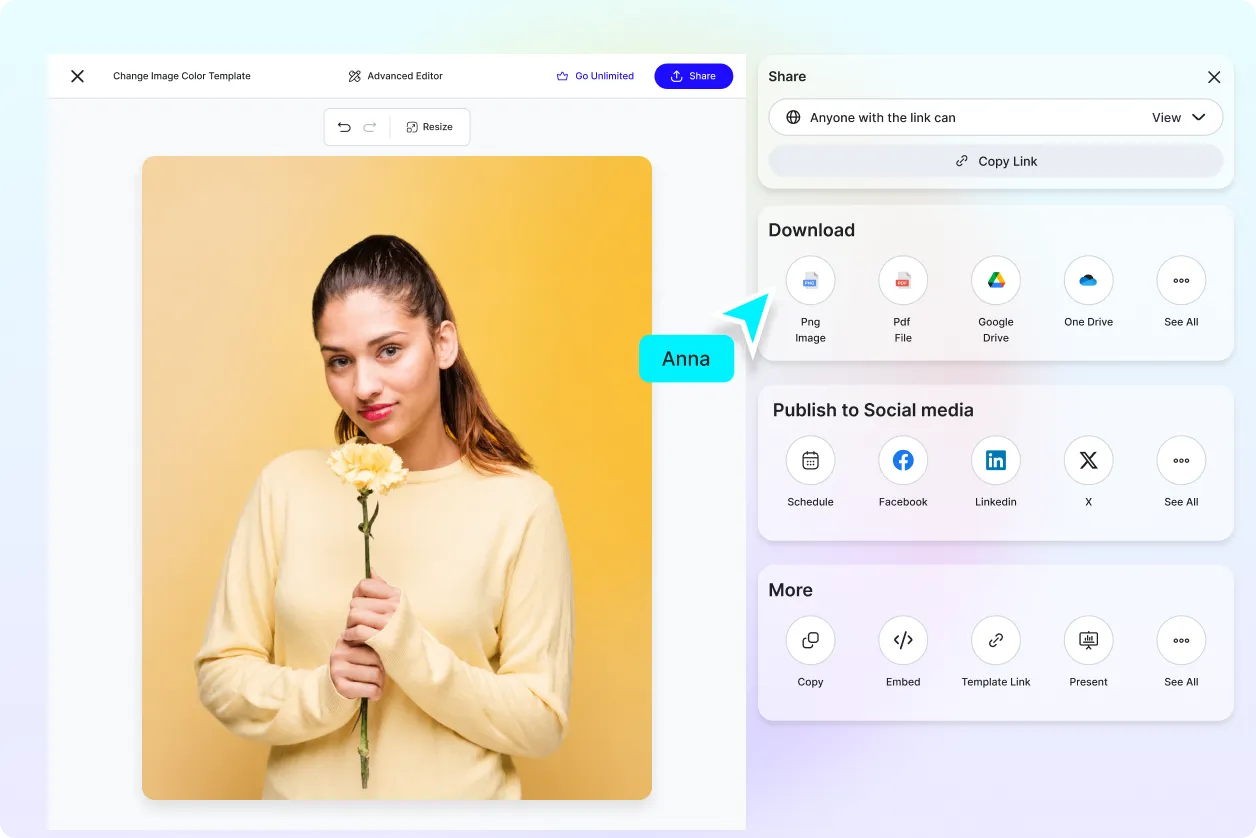
Save, Download, or Share
Preview your edited image and save it, download it, or share it instantly via Email, LinkedIn, WhatsApp, Facebook, X (Twitter), or Pinterest.
Change Image Colors Faster for Every Creative Project
Multiple Product Color Variations
Generate different product color options from a single uploaded image for ecommerce stores, online catalogs, marketplaces, and product showcases. Quickly compare color variations without photographing the product again.
Customize Images for Branding and Marketing
Replace colors in logos, promotional graphics, advertisements, banners, and marketing visuals to match your brand identity. Create consistent color themes across digital campaigns and business materials with minimal editing.
Recolor Photos for Design and Creative Work
Modify clothing, furniture, vehicles, accessories, backgrounds, illustrations, and other visual elements to explore different design concepts. Create realistic color alternatives for creative projects, client presentations, and visual experiments.
Maintain Realistic Image Quality While Changing Colors
AI preserves textures, lighting, shadows, gradients, and fine details during color replacement. Every recolored image remains natural-looking and suitable for websites, ecommerce, social media, print, and digital marketing.
Change Image Colors Accurately with AI
Everything you need to replace, adjust, and customize image colors while maintaining realistic textures, lighting, and natural visual quality.

AI-Powered Color Replacement Engine
Replace selected colors automatically while preserving textures, lighting, reflections, shadows, and fine image details for realistic results.

Upload-to-Color Editing Workflow
Upload photos, product images, graphics, illustrations, logos, or artwork and change image colors with an easy editing workflow.

Intelligent Object Color Detection
AI detects clothing, products, furniture, vehicles, accessories, backgrounds, and other objects for accurate color replacement.

Precise Color Selection
Choose specific colors to replace and apply new colors with smooth transitions and balanced color consistency.

Smart Texture Preservation
Maintain natural fabric textures, surface patterns, reflections, gradients, and material details while changing colors.

Ecommerce Product Color Variations
Generate multiple product color options from one uploaded image for online stores, catalogs, and marketplaces.

Clothing Color Editor
Change shirt, dress, jacket, shoes, bag, or accessory colors while maintaining realistic folds, stitching, and fabric appearance.

Interior and Furniture Recoloring
Preview different furniture, wall, flooring, cabinet, or décor colors before making design decisions.

Vehicle Color Customization
Modify car, motorcycle, bicycle, or other vehicle colors while preserving reflections and body details.

Brand Color Matching
Apply consistent brand colors across logos, products, promotional graphics, and marketing assets for a unified visual identity.

Multiple Color Variations
Generate multiple recolored versions from one uploaded image to compare different design options quickly.

Natural Color Blending
AI creates realistic color transitions that maintain depth, lighting balance, and visual consistency.

High-Resolution Image Output
Export recolored images with clear details suitable for ecommerce, websites, social media, print, and digital marketing.

Multilingual Support
Use the AI Change Image Color Generator in 20+ multiple languages including English, Spanish, Hindi, Arabic, Chinese, Japanese, and more.

Batch-Friendly Editing Workflow
Efficiently recolor multiple uploaded images using a consistent editing process for faster content creation.

Save and Reuse
Save your preferred color combinations to apply them quickly to future editing projects.

Easy Collaboration and Sharing
Share recolored images with clients, designers, marketing teams, or collaborators for review and approval.

Download or Share Images Instantly
Download your edited images or share them instantly via Email, LinkedIn, WhatsApp, Facebook, X (Twitter), Pinterest, or generate a live link or QR code.
Change Image Color FAQ
Still have questions?
The quickest answer is to try it - upload a photo and see the result.
What is Image Color Changing? Definition
Image color changing is the process of replacing or modifying colors in an image while preserving its original details and quality.
What is an AI Change Image Color Generator and why is it used?
An AI Change Image Color Generator automatically replaces colors in uploaded images to create realistic color variations quickly.
What image formats are supported?
It supports PNG, JPG, JPEG, WEBP, and other common image formats.
What types of images can have their colors changed?
You can recolor product photos, clothing, logos, furniture, vehicles, illustrations, graphics, portraits, and marketing images.
Does the AI Change Image Color Generator support multiple languages?
Yes. It supports 20+ multiple languages, including English, Spanish, Hindi, Arabic, Chinese, Japanese, and more.
What are the benefits of using an AI Change Image Color Generator?
It quickly creates realistic color variations while preserving textures, lighting, and image quality.
What are common use cases for changing image colors?
Common use cases include ecommerce product images, branding, fashion, interior design, vehicle customization, social media graphics, advertising, and marketing materials.
Explore more AI image tools
 Image Editor
 Image to Image
 Remove Background
 Face Swap
 Inpaint
 Photo Upscaler
 Image Resizer
 Crop Image
 Camera Angle
 Skin Enhancer
 Restyle
 Relight
- Character Generator
- Object Remover
- Image Eraser
 Text Remover
 Watermark Remover
 Transparent Background Generator
 Mirror Image
 Image Background Changer
 Add Text To Photo
 Border Generator
 Watermark Generator
 Photo Blur
 Image Enhancer
- Image Clearer
 Sharpen Image
 HD Photo Converter
 Image To Cartoon
 Photo To Sketch
 SVG Converter
- Image To Text Generator
 Color Analysis
 Image Combiner
- Character Swap
- Photo Collage Generator
- Photo Grid Generator
 Headshot Generator
 Profile Picture Generator
 Portrait Generator
 Hair Style Changer
 Long Hair Extension Generator
 Action Figure Generator
 Old Photo Restoration
 Pet Portrait Generator
 Photo To Emoji Generator
- Product Expander Generator
- Cinematic Shot Generator
- Pixel Art Generator
- Sketch Generator
- Cake Topper Generator
- Emoji Generator
- Cartoon Generator
- Coloring Page Generator
- Anime Generator
- Lego Generator
- Tattoo Generator
- Drawing Generator
- Art Generator
- Stock Photo Generator
- Photo Generator
- PNG Image Generator
- Font Text Generator
- Text Effect Generator
- Random Quote Generator
Try AI Change Image Color now
Drag and drop an image or browse to edit it
or drop an image here
