Free AI Watermark Generator Online

Create Professional Image Watermarks Online with Smart Editor
Template net’s Free AI Watermark Generator helps you protect images and build brand identity by adding professional watermarks quickly and easily. Upload your image and apply text or logo watermarks instantly. Customize placement, transparency, size, and style using smart editing tools. Adjust layers, preview results before exporting, collaborate with teams, and download branded images in multiple formats. Ideal for photographers, designers, marketers, businesses, educators, and content creators who need reliable image protection and branding.
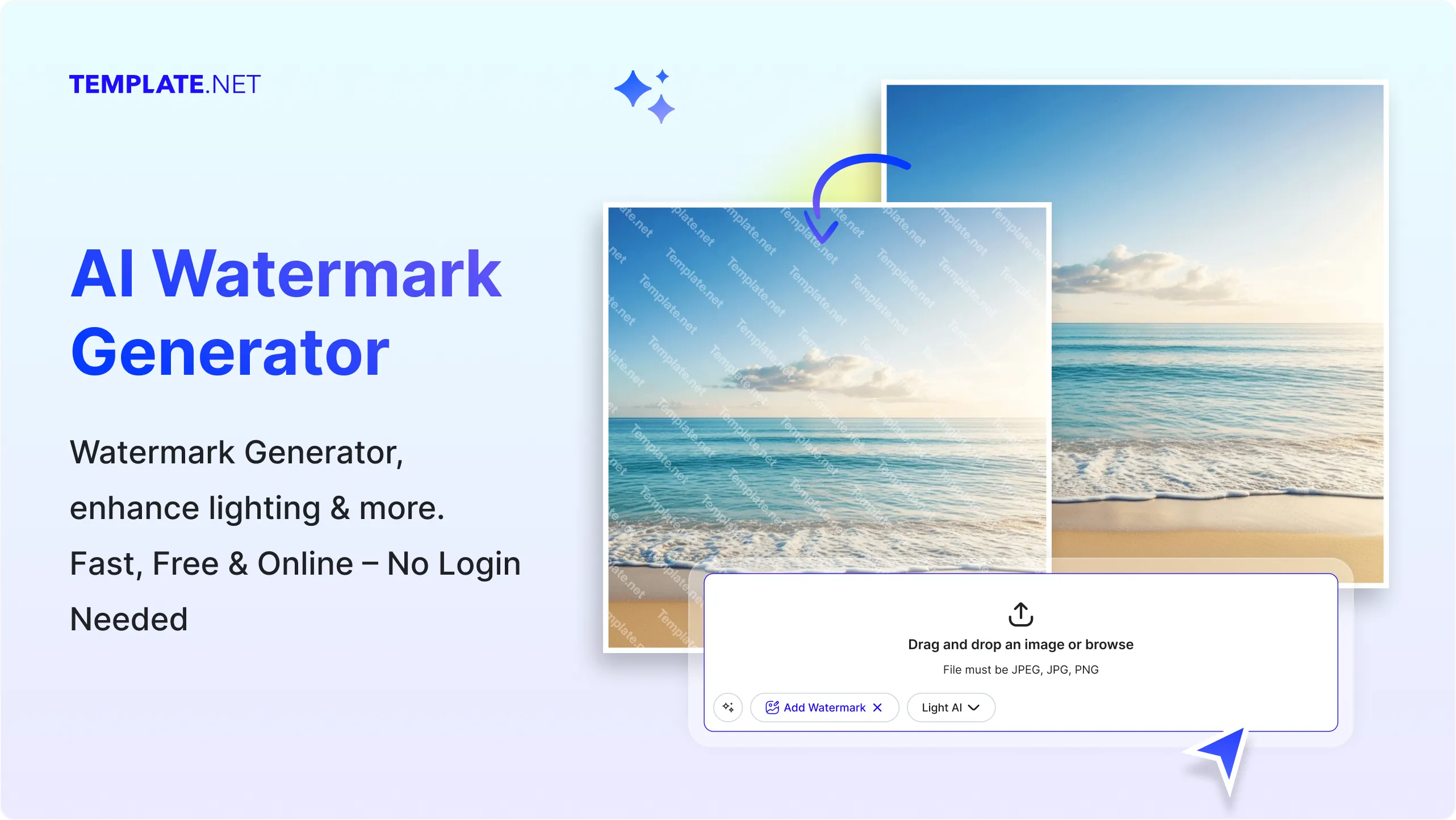
Add Watermarks to Images for Free
Everything you need to protect, brand, and personalize your images without complex photo editing software.
AI Powered Watermark Generation
Upload an image and the AI automatically generates a balanced watermark placement while maintaining image visibility and design harmony.
Upload Based Watermark Creation
Add watermarks by uploading images directly. The tool works entirely with uploaded photos, graphics, or illustrations.
Smart Watermark Position Detection
The AI analyzes image layout and suggests ideal watermark placement areas to maintain visibility without covering key image details.
Text and Logo Watermark Support
Add either text based watermarks or upload logo graphics to create branded overlays on images.
Image Protection with Watermark Overlay
Protect photos and graphics from unauthorized use by applying visible watermark overlays.
Adjust Watermark Size and Transparency
Control watermark scale and opacity to ensure branding visibility while keeping the original image clearly visible.
Automatic Alignment and Spacing
The AI automatically aligns watermark elements and maintains balanced spacing for professional looking results.
Watermark Editing with Smart Editor Tools
Customize watermark text, fonts, colors, positioning, and layout using Design Library, Text Tools, and Brand Kit.
Layer Based Watermark Editing
Manage watermark elements using editable layers, allowing you to adjust logo, text, or image elements independently.
Background Safe Watermark Placement
Ensure watermark visibility across different backgrounds by automatically adjusting contrast and placement.
Resize Watermarked Images for Any Platform
Resize images for social media, websites, presentations, or print while preserving watermark alignment.
Copy Watermarked Image to Clipboard
Copy the protected image instantly and paste it into documents, presentations, or messaging platforms.
Save Watermark Designs to Favorites
Save commonly used watermark styles or templates for quick reuse across multiple images.
Rename Watermarked Files Easily
Rename files to organize branded assets and manage protected image versions efficiently.
Real Time Collaboration on Watermarked Designs
Invite teammates or clients to review, comment, and approve watermark placements in shared workspaces.
Share Watermarked Images Across Platforms
Share protected images directly to Facebook, LinkedIn, Twitter, and Pinterest.
Save Watermarked Images to Cloud Storage
Store protected visuals securely by saving them directly to Google Drive or OneDrive.
Download Watermarked Images in Multiple Formats
Export images in JPG, PNG, PDF, WEBP, BMP, TIFF, HTML, and other formats for flexible publishing.
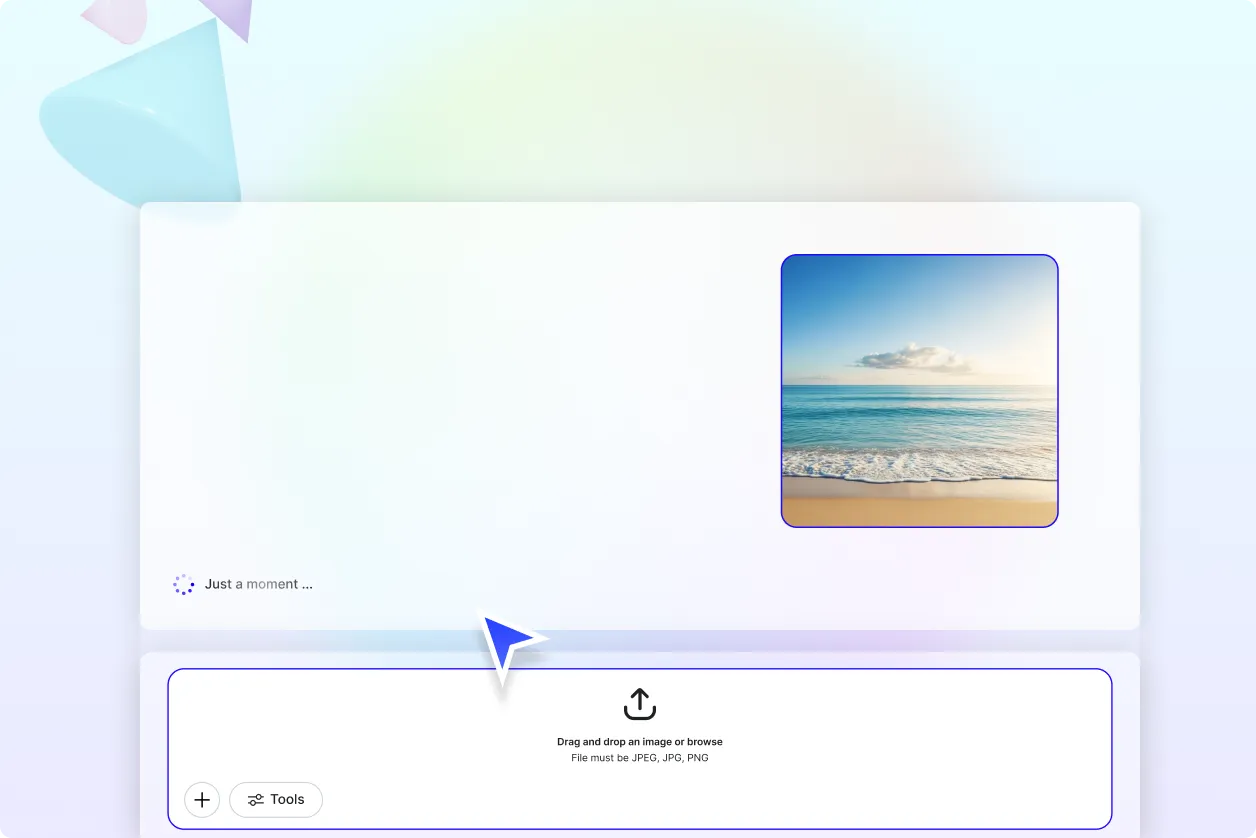
How to Add Watermarks to Images Using AI
Upload your image, apply a watermark automatically, refine the design, and export your protected visual in seconds. The AI analyzes the image layout to place the watermark effectively while preserving visual clarity and balance.
Step 1 Upload Your Image
Open the AI Watermark Generator and upload the photo, graphic, or illustration you want to protect. The tool supports common formats such as JPG, PNG, WEBP, BMP, and TIFF for easy uploads.
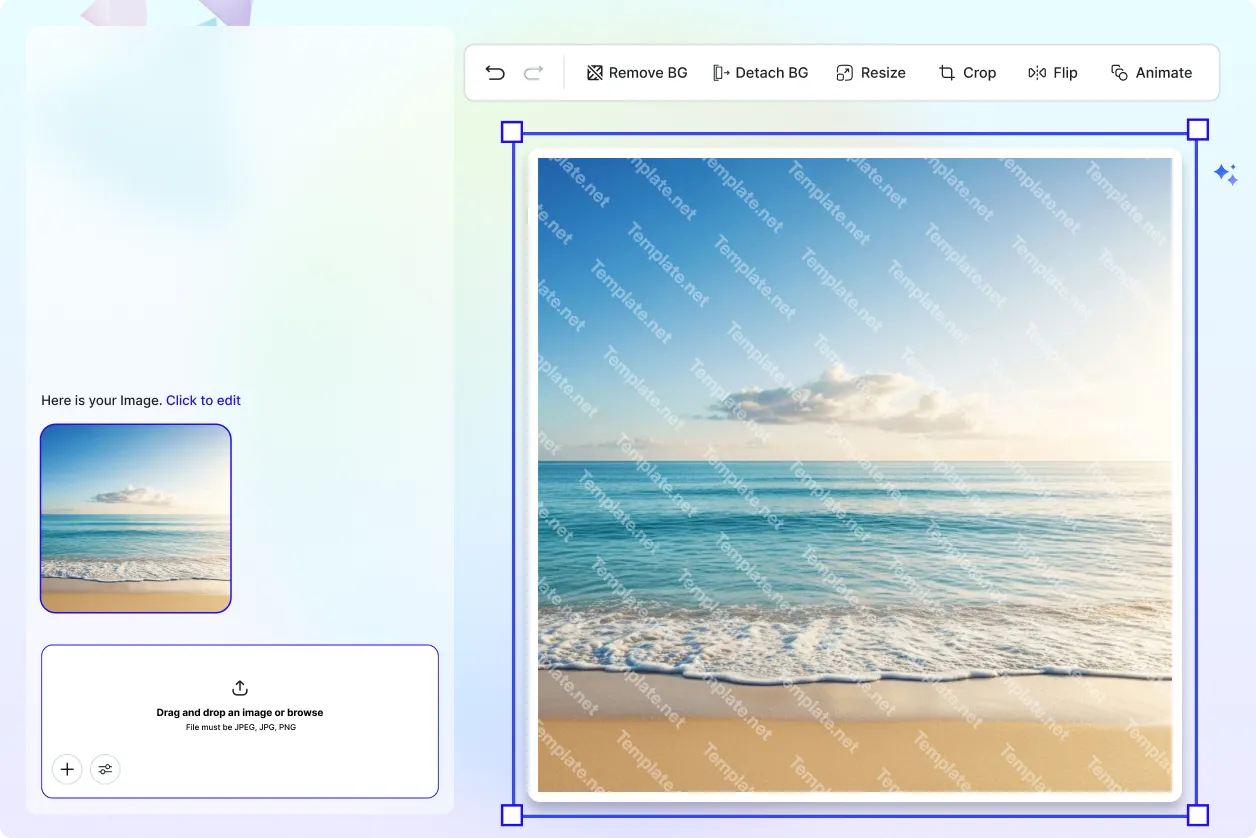
Step 2 Generate and Customize Watermark
The AI automatically adds a watermark to the uploaded image. Customize the watermark by adjusting text, logos, transparency, size, and placement using editing tools to match your branding style.
Step 3 Save Download or Share
Preview the final watermarked image to ensure visibility and balance. Save it to cloud storage, download it in your preferred format, or share it directly through collaboration and messaging tools.
Protect and Brand Images Faster with AI Watermark Generator
Secure Visual Content with Watermarks
Protect original images by applying watermarks that discourage unauthorized copying or redistribution.
Strengthen Brand Visibility
Add consistent logo or text watermarks to images to reinforce brand identity across marketing visuals and digital content.
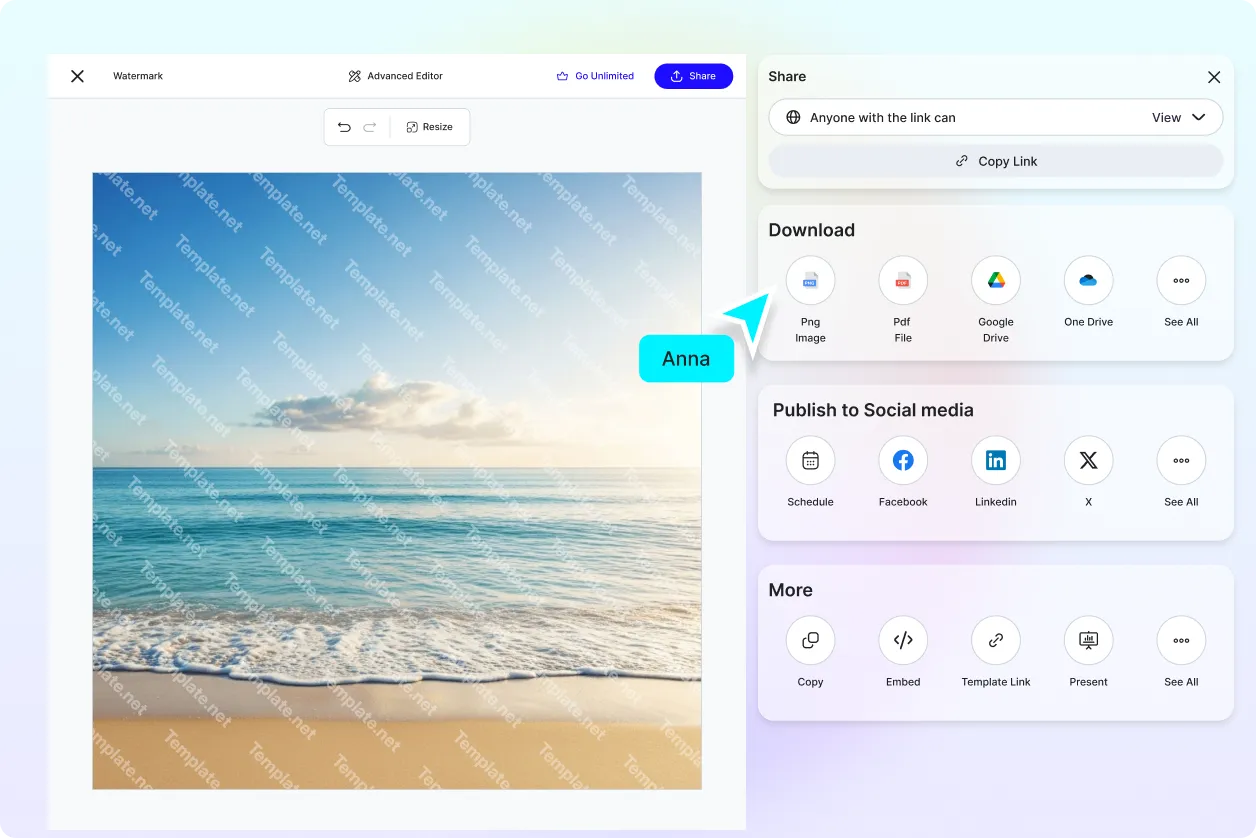
Collaborate and Approve Designs Efficiently
Share watermarked images with teams or clients to review placements and finalize branding before publishing.
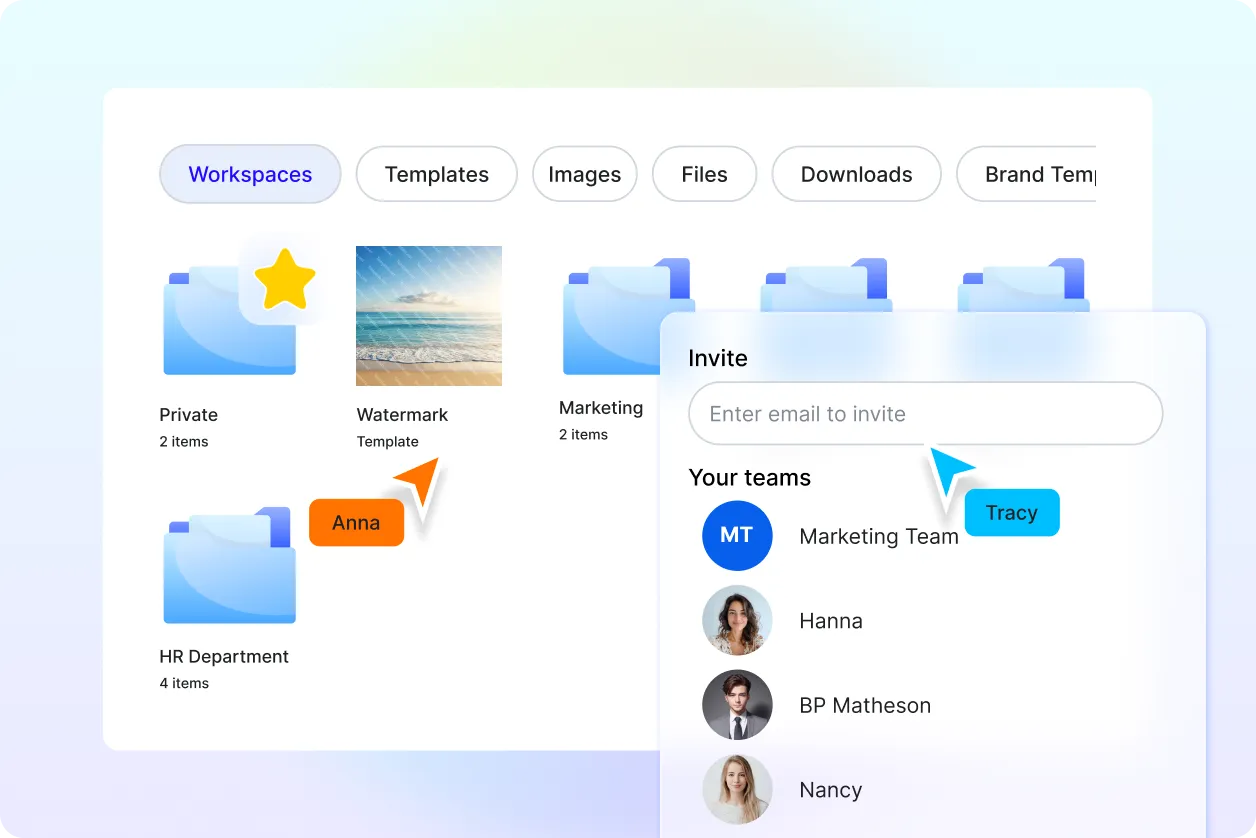
Manage Branded Image Assets Easily
Organize multiple watermarked images in one workspace to maintain consistent branding across projects and campaigns.
