Free AI Mirror Image

Create Perfect Mirror Images Online with Smart Editor
Template net’s Free AI Mirror Image tool helps you flip and mirror images with precision and speed. Upload your image and apply mirror effects instantly. Fine tune results using editing tools, adjust backgrounds, collaborate with teams, preview before saving, and export mirrored images in multiple formats. Ideal for designers, marketers, educators, businesses, and content creators.
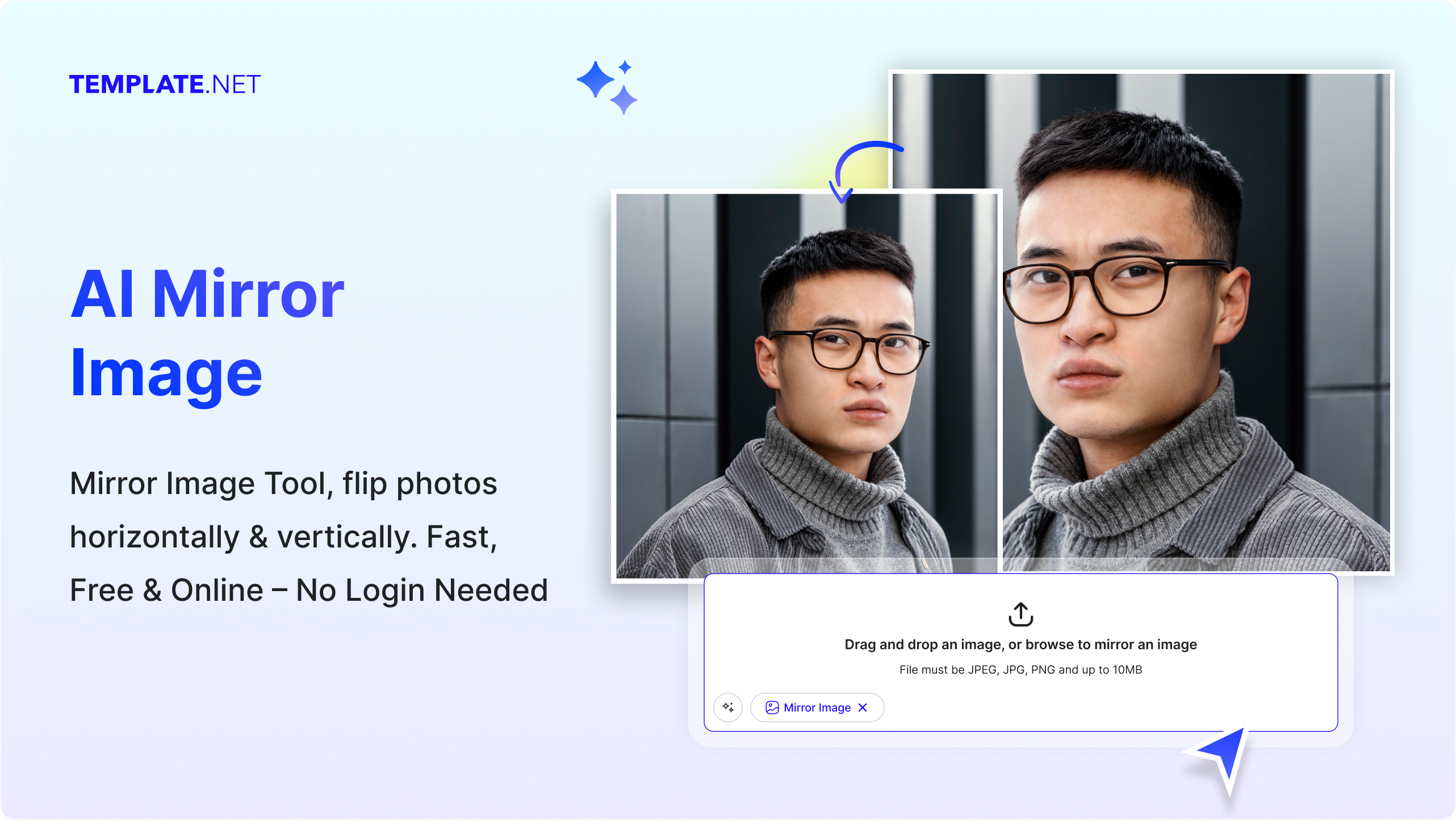
Design Custom, Mirror Images for Free
Everything you need to create accurate mirror images without complex photo editing software.
AI Powered Image Mirroring
Upload your image and the AI instantly creates a horizontally or vertically mirrored version while keeping visual balance intact.
Upload Based Image Mirroring
Mirror images by uploading files directly. The tool works entirely on uploaded images with no prompt input required.
Accurate Orientation Control
Ensure precise image flipping with clean edges and consistent proportions.
Advanced Editor Tools
Edit mirrored images using Design Library, Text Tools, Elements, Media Library, Backgrounds, Uploads, Charts, and Brand Kit.
Layer and Comment Control
Manage image layers easily and add comments for feedback, approvals, or revision tracking.
Change or Detach Background
Replace or detach backgrounds after mirroring images for transparent or customized visuals.
Resize Images for Any Use
Resize mirrored images for social media, websites, presentations, or print without losing quality.
Copy to Clipboard
Copy the mirrored image instantly and paste it into presentations, or messages.
Add to Favorites
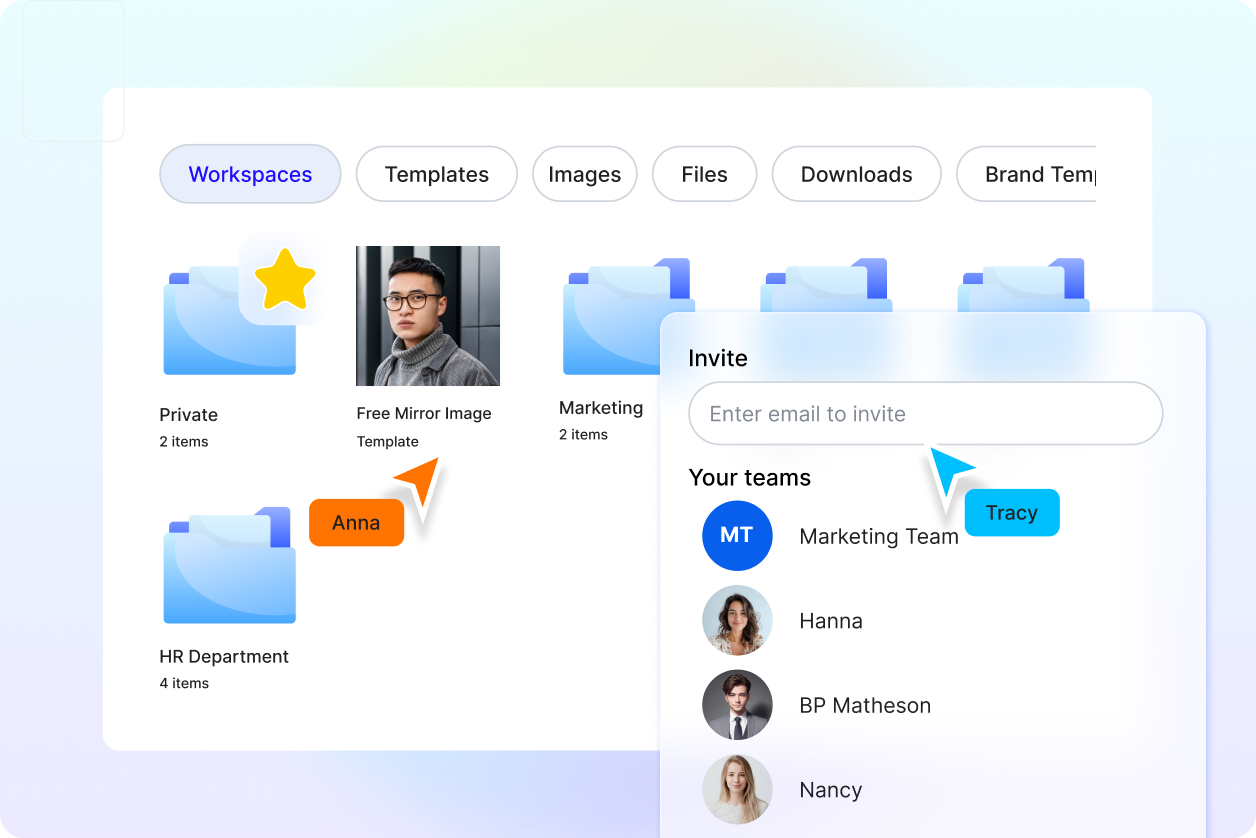
Save frequently used mirrored images or designs to favorites for quick access later.
Rename Files Anytime
Rename image files easily to keep projects organized and searchable.
Collaborate in Real Time
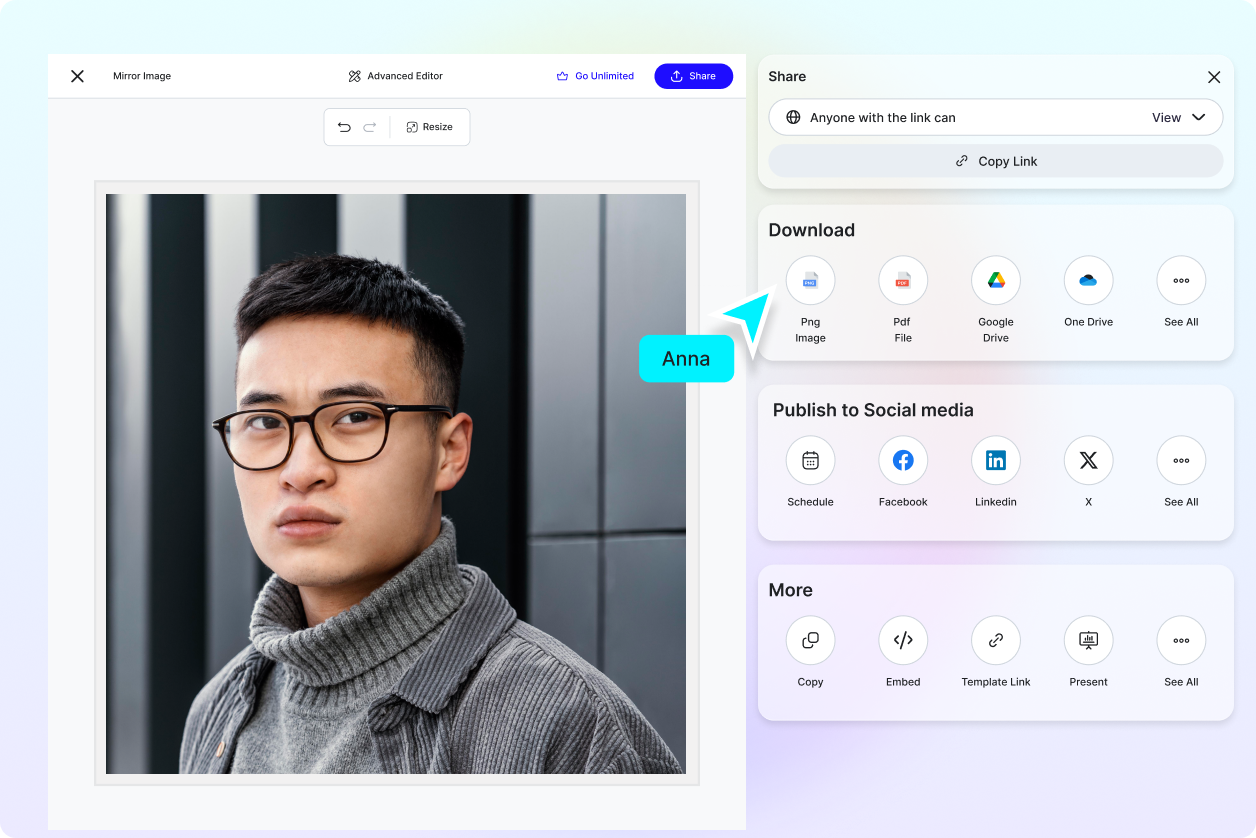
Invite teammates or clients to view, comment, or edit mirrored images together in real time.
Share to Social Media Platforms
Share mirrored images directly to Facebook, LinkedIn, Twitter, and Pinterest.
Send via Messaging Apps
Send mirrored images instantly via WhatsApp or Messenger for quick feedback or delivery.
Save to Cloud Storage
Store images securely by saving directly to Google Drive or OneDrive.
Download in Multiple File Formats
Download mirrored images in JPG, PNG, PDF, SVG, WEBP, BMP, TIFF, HTML, and more.
QR Code for Mobile Editing
Generate a QR code to open and continue editing mirrored images on mobile devices.
Embed Images on Websites
Embed mirrored images directly on websites, landing pages, blogs, or product sections.
Edit in Google Slides and Microsoft PowerPoint
Open and continue editing images directly inside Google Slides or Microsoft PowerPoint.
How to Create a Mirror Image Using AI
Upload your image, mirror it instantly, refine the result, and export in seconds.
Step 1 Upload Your Image
Open the AI Mirror Image tool and upload a photo, graphic, or design you want to mirror.
Step 2 Review and Refine
The AI mirrors the image automatically. Use editor tools to adjust layout, background, layers, or elements if needed.
Step 3 Save Download or Share
Preview your mirrored image, save it to cloud storage, download in your preferred format, embed it on websites, or share via social and messaging platforms.
Create Balanced Visuals Faster with AI Mirror Image
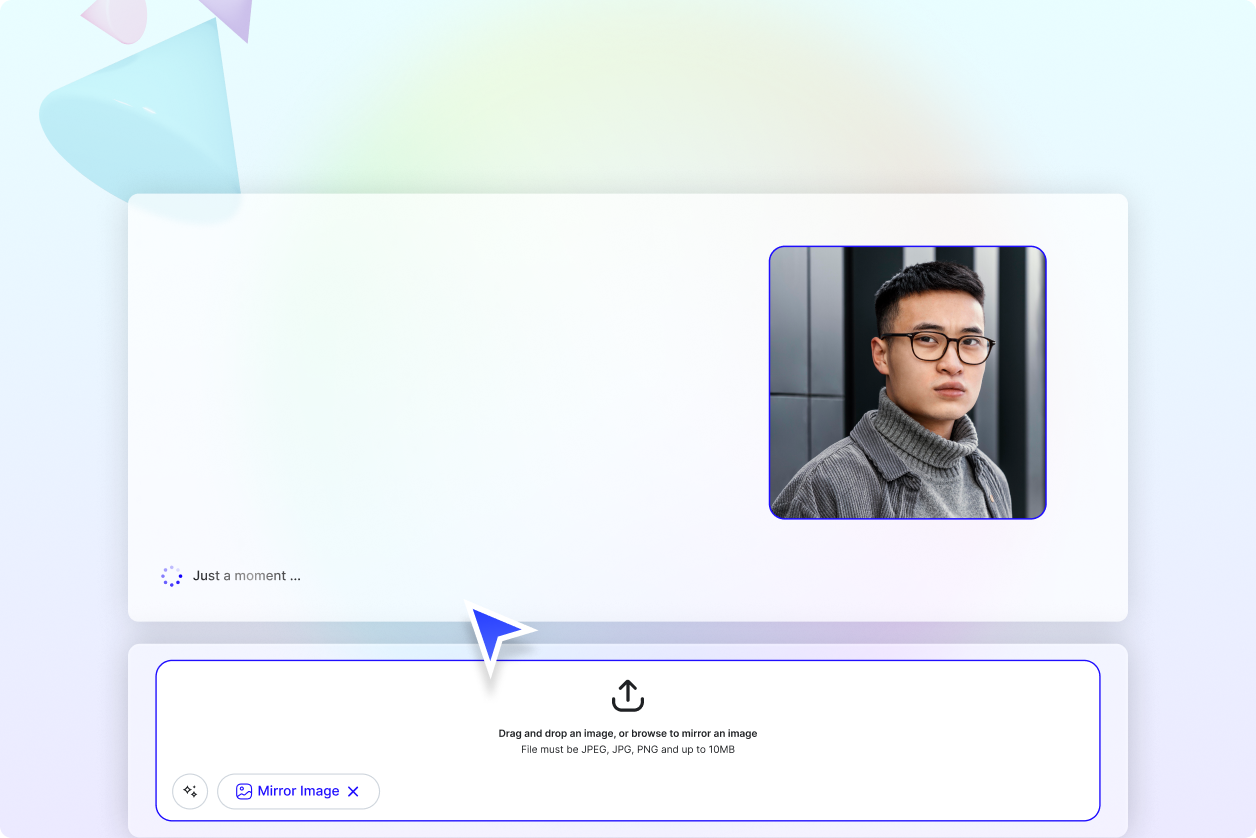
Achieve Visual Symmetry Easily
Create mirrored images that improve balance and alignment for designs and layouts.
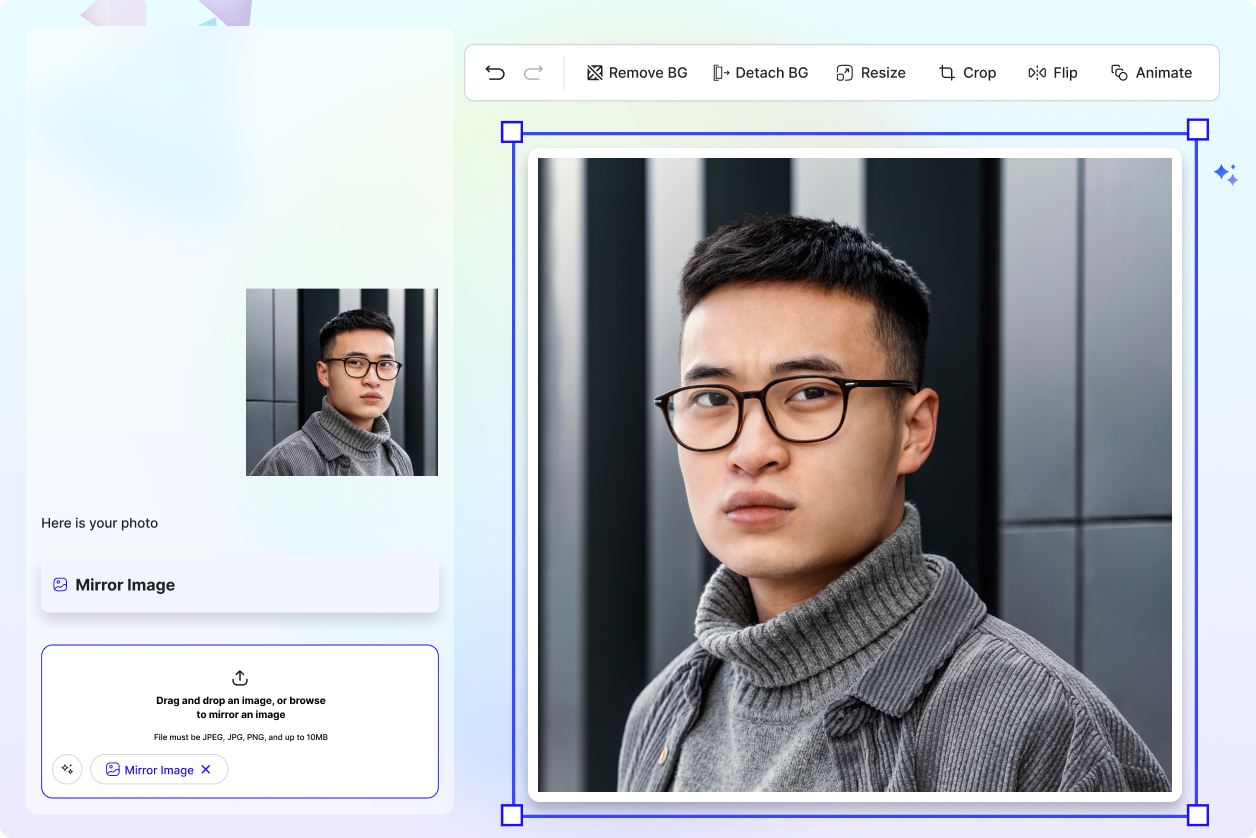
Prepare Images for Any Creative Use
Use mirrored visuals for branding, marketing graphics, presentations, websites, and print materials.
Collaborate and Finalize Designs Faster
Share mirrored images with teams or clients, collect feedback, and finalize edits efficiently.
Manage Mirrored Image Projects in One Workspace
Organize multiple mirrored image versions, edits, and approvals in shared workspaces with full control.
