Free AI Watermark Remover

Remove Watermarks from Images Online with Smart Editor
Template.net’s Free AI Watermark Remover helps you remove watermarks, logos, text overlays, and unwanted elements from images using advanced AI detection. Upload your image and the tool automatically identifies watermark areas, removes them, and reconstructs the background naturally. Customize results with editing tools, refine outputs, collaborate with teams, preview before saving, and export in multiple formats. Ideal for designers, marketers, eCommerce teams, photographers, and businesses handling large volumes of images.

Remove Watermarks from Images for Free
Everything you need to remove watermarks, restore images, and process visuals efficiently without manual editing.
AI Powered Automatic Watermark Detection
The AI detects watermark areas automatically including logos, text, stamps, and transparent overlays without manual input.
Upload Based Watermark Removal
Simply upload your image and let the AI process it instantly without requiring selection tools or editing skills.
High Precision Watermark Removal
Removes even faint, low opacity, and complex watermarks with accurate edge handling.
Smart Background Reconstruction
Automatically rebuilds removed areas using surrounding textures and patterns for natural looking results.
Maintains Original Image Quality
Preserves sharpness, colors, and details after watermark removal with minimal distortion.
Removes Common Watermark Elements
Easily remove visible text overlays, simple logos, and basic watermark marks from images while keeping the overall look clean.
High Resolution Output
Delivers clean images in high resolution suitable for professional and commercial use.
Fast Processing Speed
Processes images within seconds for quick turnaround and efficient workflows.
Single Image Focused Processing
Remove watermarks from one image at a time with high accuracy, ensuring better precision and cleaner results.
Edit Images with Smart Design Tools
Enhance cleaned images by adding text, images, logos, and elements using built in editing tools for complete customization.
Accurate Area Detection and Cleanup
The AI focuses on exact watermark regions and removes them carefully without affecting surrounding details.
Clean Object Removal Support
Easily remove small unwanted elements along with watermarks for a more polished final image.
No Installation Required
Works directly in the browser without downloads or software installation.
Secure Image Processing
Ensures safe and private handling of uploaded images during processing.
Download in Multiple Formats
Export cleaned images in various formats based on your requirements.
Cross Platform Compatibility
Works seamlessly across desktop, mobile, and different browsers.
Embed Images on Websites
Embed watermark free images directly into websites, blogs, landing pages, or product sections.
Share Images Across Platforms
Share cleaned visuals instantly via Email, LinkedIn, WhatsApp, Facebook, X (Twitter), Pinterest, or generate a live link or QR code.
How to Remove Watermarks Using AI
Upload your image, let AI detect and remove watermarks automatically, refine if needed, and export a clean image in seconds. The system analyzes textures, opacity, and patterns to ensure accurate removal and natural restoration.
Step 1 Upload Your Image
Open the AI Watermark Remover and upload your image. The tool supports formats such as JPEG, JPG, PNG.
Step 2 Automatic Detection and Removal
The AI automatically detects watermark areas and removes them with high precision. Use the brush tool if you want to manually refine specific regions.
Step 3 Download Clean Image
Preview the processed image to ensure the watermark is removed accurately. Download the cleaned image in high resolution or share it directly for your projects.
Create Clean Watermark Free Images Faster
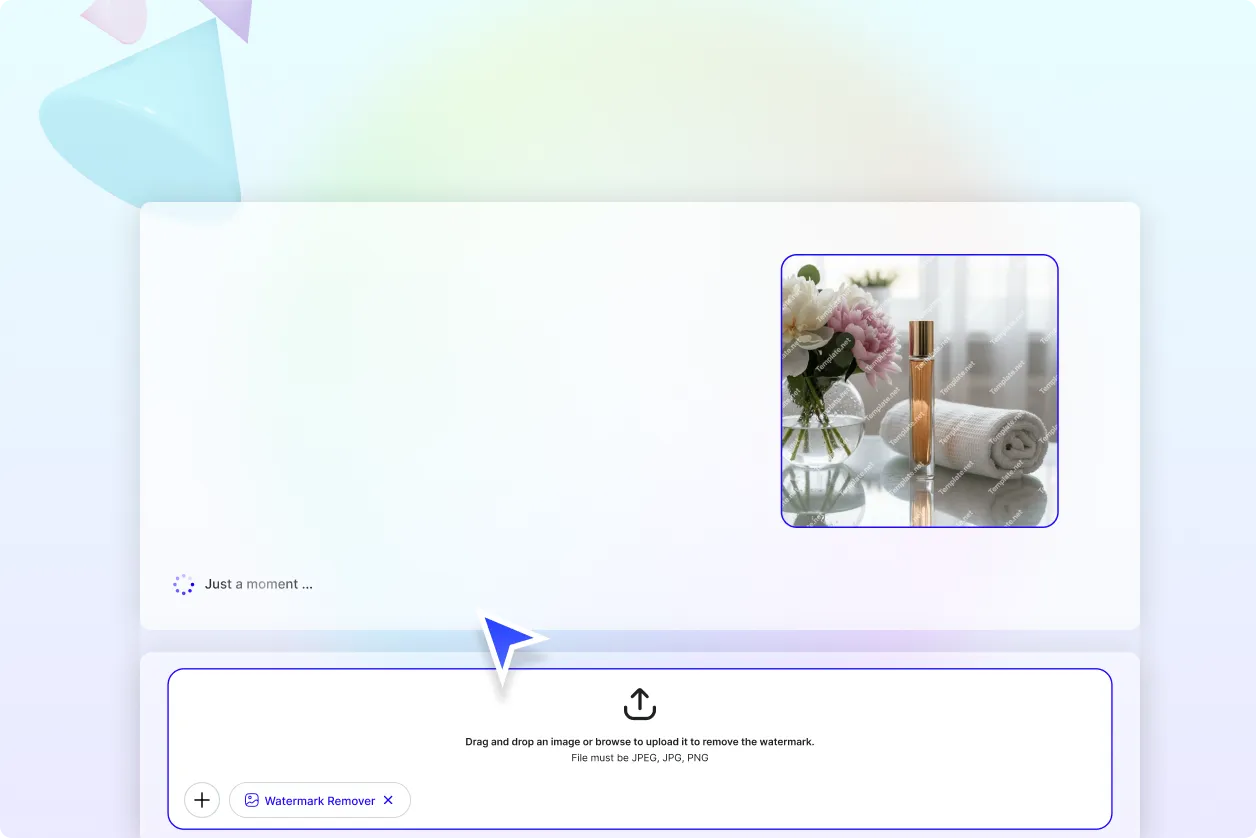
Remove Watermarks from Images at Scale
Process single or multiple images simultaneously using bulk processing for faster workflows and consistent results.
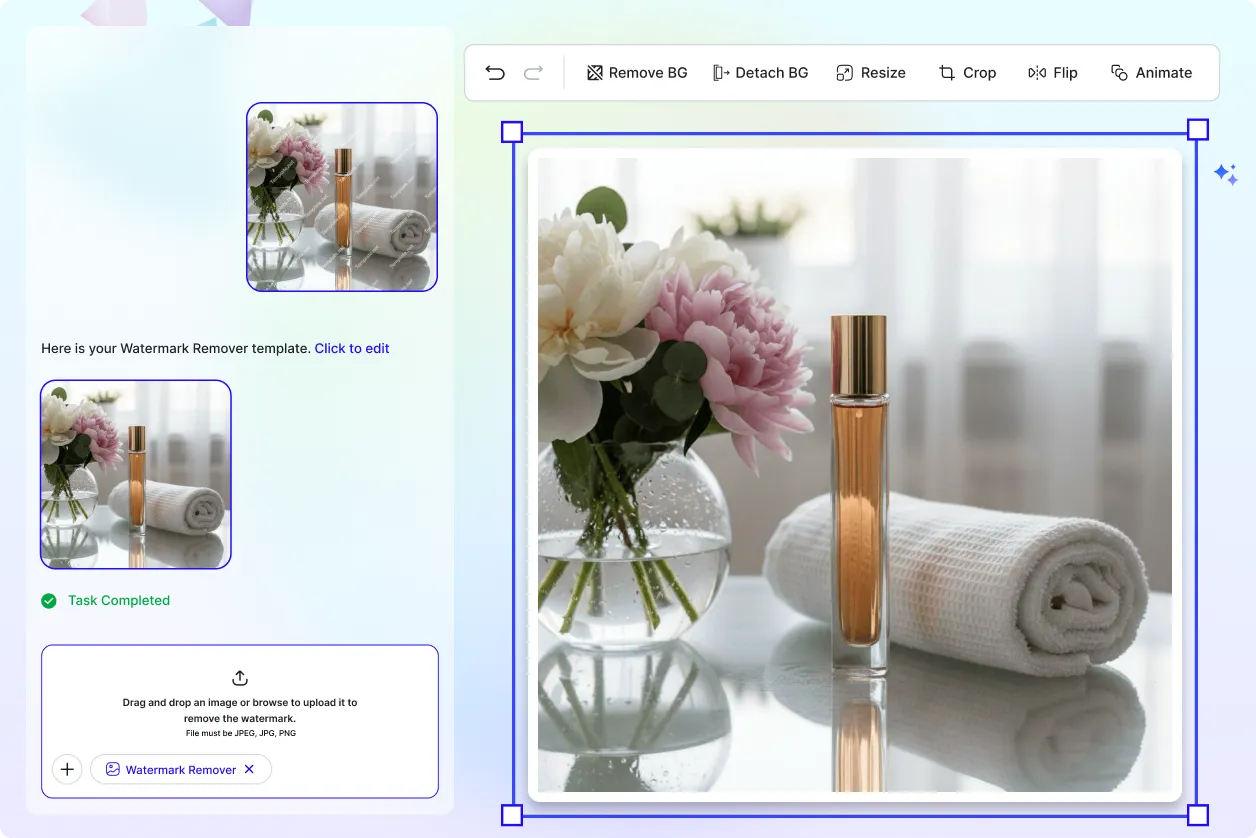
Improve Images for Business and eCommerce
Clean product images, catalogs, and media assets for professional use across websites and marketplaces.
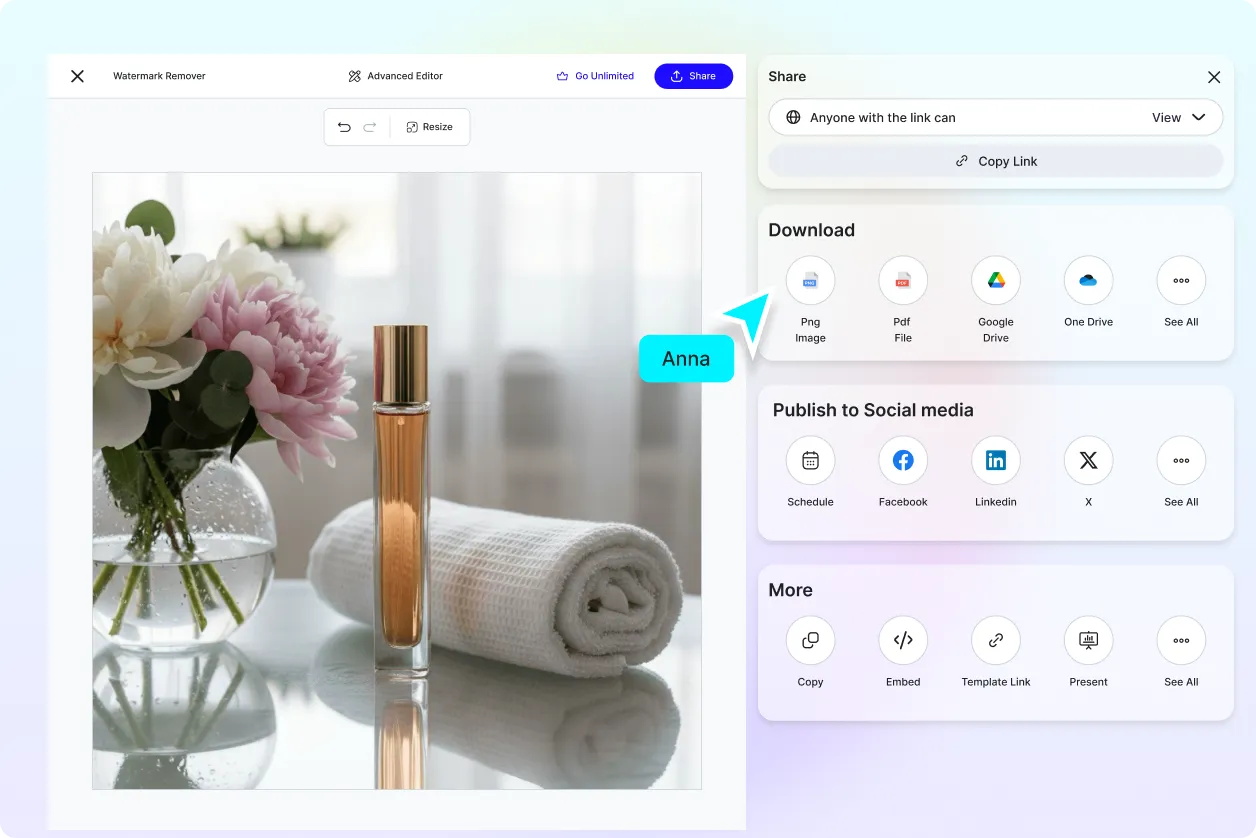
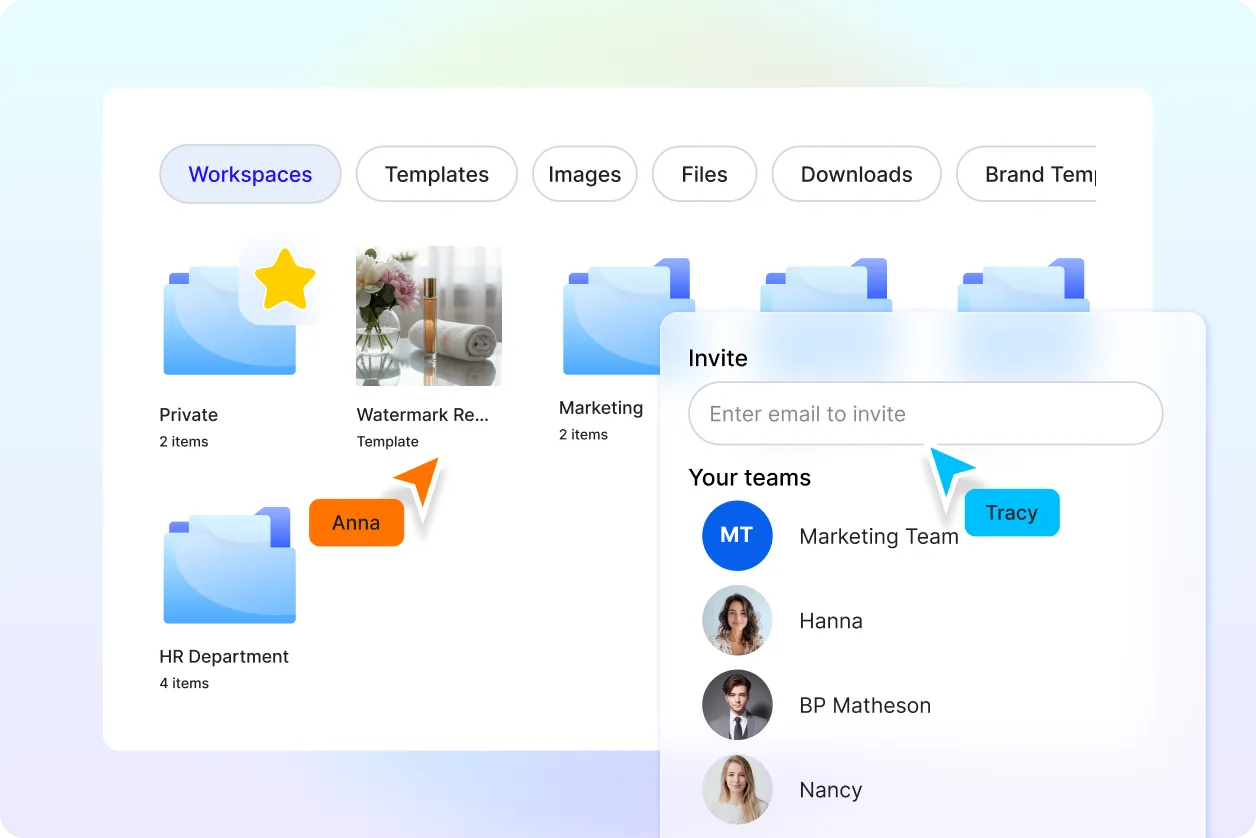
Edit and Enhance Images in One Workspace
Remove watermarks and continue editing in the same workspace by adding text, logos, images, and design elements without switching tools.
Handle Multiple Image Types and Use Cases
Work with product photos, real estate images, documents, and social media visuals with reliable results.
