AI Microsoft Word Document Generator
more
Create Word Documents, Edit Online with AI Word Document Generator
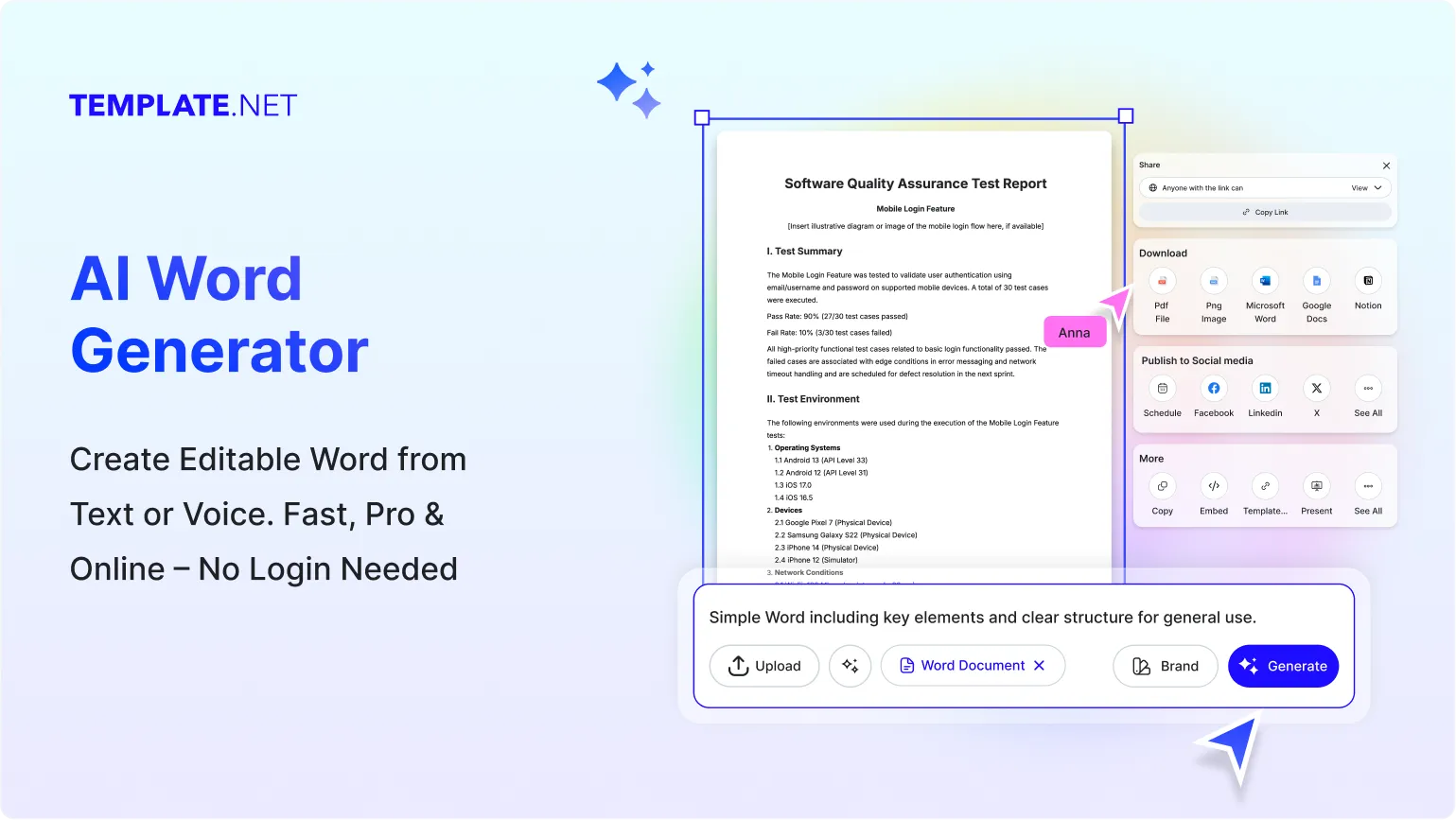
Template.net AI Word Document Generator helps you build professional Microsoft Word documents instantly. From reports and proposals to resumes and contracts, the tool combines intelligent generation with advanced editing, collaboration, and publishing features for complete document control
Create Professional Word Documents Online
Template.net provides an advanced AI Word Document Generator to create, tailor, and export professional Word files. Generate, format, and finalize documents for business, academic, or personal workflows. Exporting to Word format is available for PRO users.
AI Generated Word Documents
Create structured Word documents instantly from simple prompts.
Share Public Document Links
Share Word documents using public links for quick access.
Multi Format Export Options
Download in Word, PDF, Google Docs, Zoho Writer, and Norton formats.
WordPress Publishing Support
Export Word documents directly to WordPress.
Cloud Storage Integration
Save and manage files in Google Drive and OneDrive.
Rename Documents Easily
Rename Word documents anytime during editing.
QR Code Editing Access
Generate QR codes to edit Word documents on mobile.
Team Collaboration Tools
Invite collaborators to edit and review documents together.
Preview Before Exporting
Preview Word document layouts before sharing.
Print Ready Formatting
Print Word documents with professional layouts.
Brand Template Creation
Save Word documents as reusable brand templates.
Favorites Management
Mark important translated documents for quick access.
Multi-Language & Multi-Region Support
Create Word documents in multiple languages with AI-assisted translation. Ideal for global teams or businesses producing international reports and communication material.
Social Media Sharing
Share documents on LinkedIn, Facebook, Twitter, and Pinterest.
Messaging App Sharing
Send Word documents through WhatsApp and Messenger.
Central Workspace Organization
Organize all Word documents in one dashboard.
Advanced Styling Tools
Customize fonts, spacing, headings, and layouts.
Text and List Editing
Edit paragraphs, bullet points, and numbered lists easily.
Media Integration video
Insert images, video and visual elements into Word documents.
Chart and Data Support
Add charts and data visuals to Word files.
Table Creation and Uploads
Create and edit tables inside Word documents.
Brand Customization
Apply logos, colors, and brand styles.
Layout and Spacing Controls
Adjust margins, spacing, and blank lines.
Quotes, Callouts Signature Support
Highlight important content with callouts. Add digital signatures to Word documents.
How to Create a Word Document Using AI
Create professional Word documents in minutes using Template.net’s AI Word Document Generator. Enter your prompt, refine structure, adjust formatting, and export to Word once you upgrade to PRO.
Step 1: Enter Your Prompt
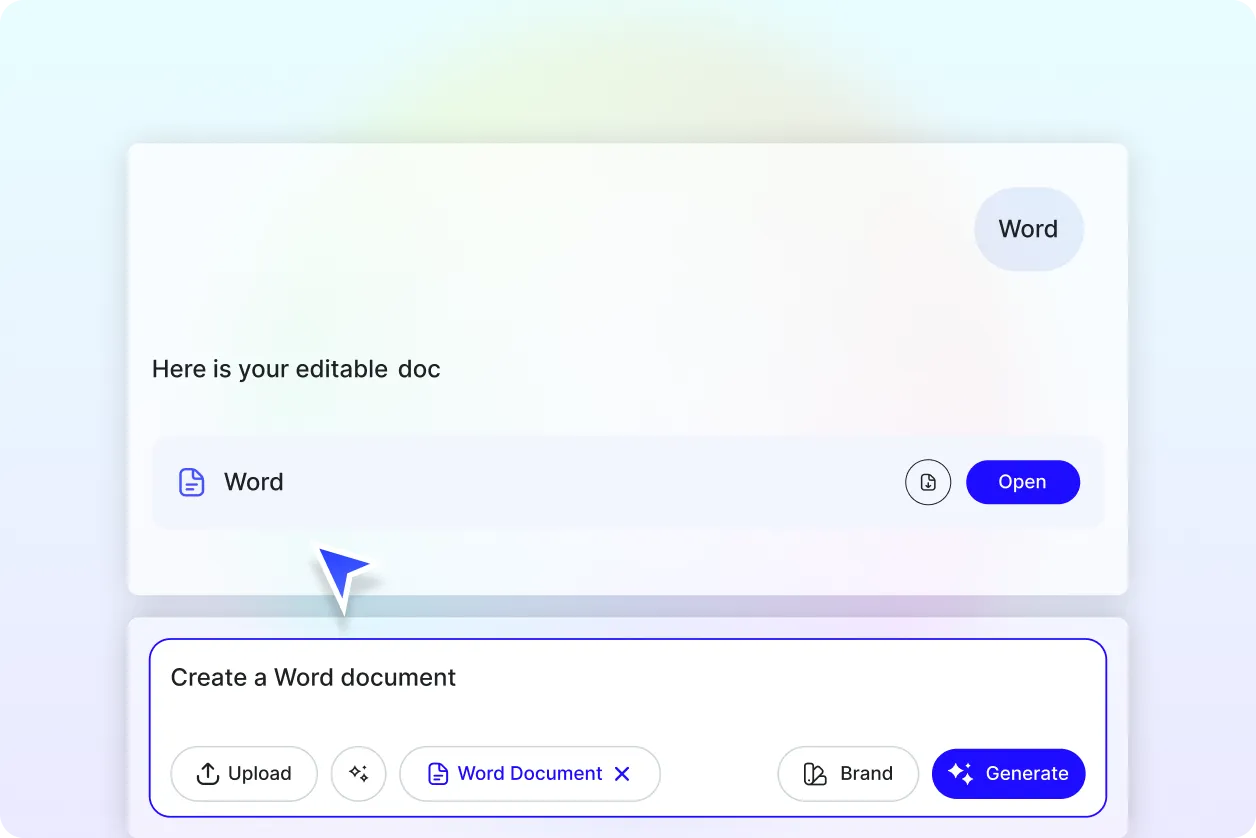
Type or speak the content you want to generate.
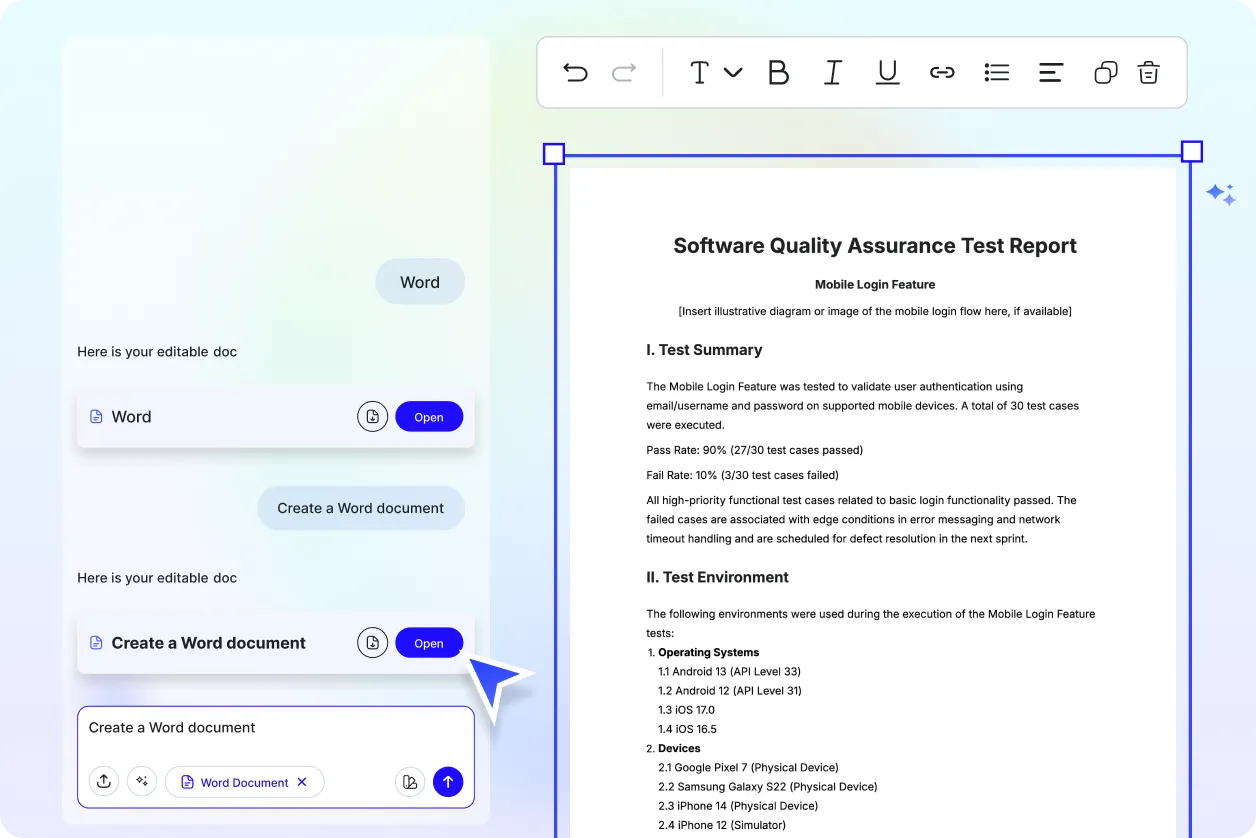
Step 2: Generate and Edit
Review and customize the Word document.
Step 3: Finalize and Share
Export, publish, or collaborate instantly.
Work Smarter and Promote Your Brand
Generate Word Documents That Represent You
Apply brand styling from the start. Layout, typography, and structure align with your brand identity, ensuring consistent, professional business communication.
Reuse, Repeat, and Scale Easily
Save successful document templates for future use. Update sections as needed and deploy consistent formats across different teams or projects.
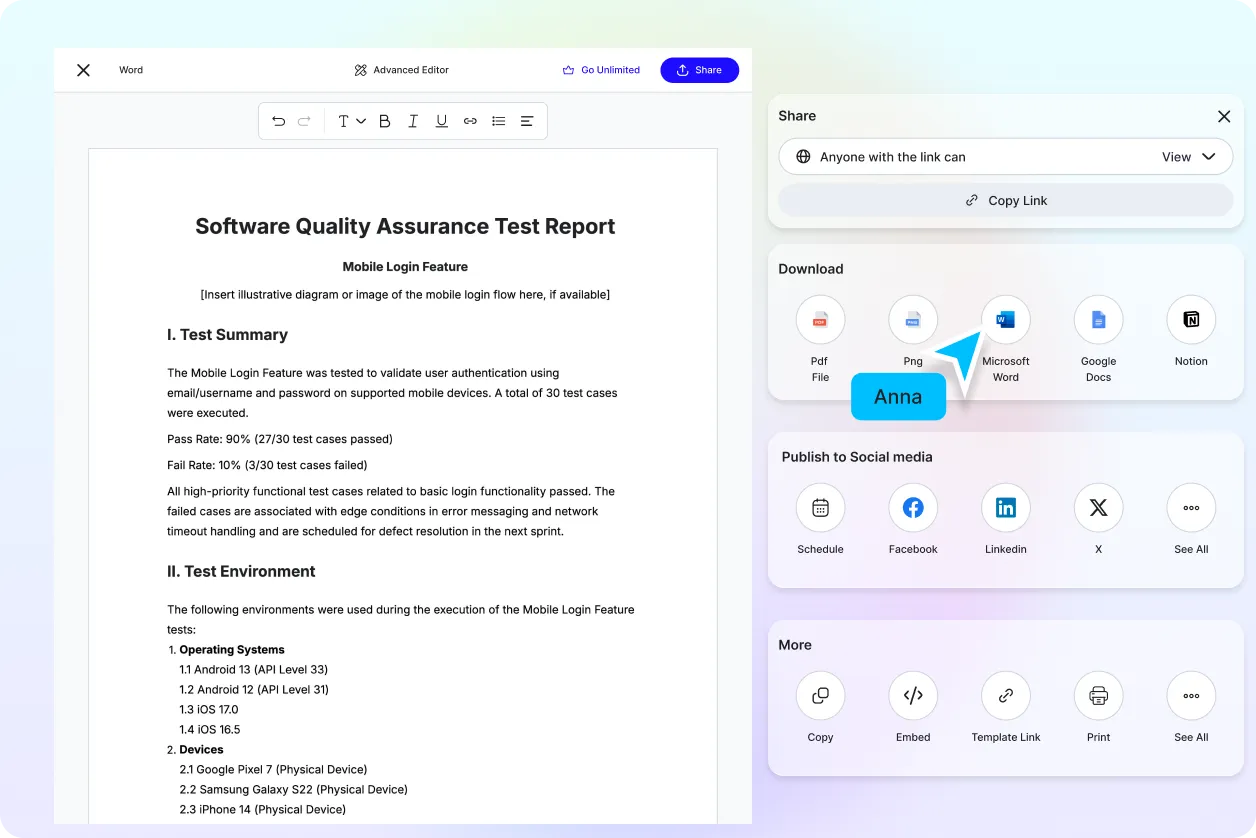
Share Instantly, Collaborate Smoothly
Export in DOCX, PDF, or text formats once you’re PRO. Share online, collaborate in real time, and monitor revisions without workflow interruptions.
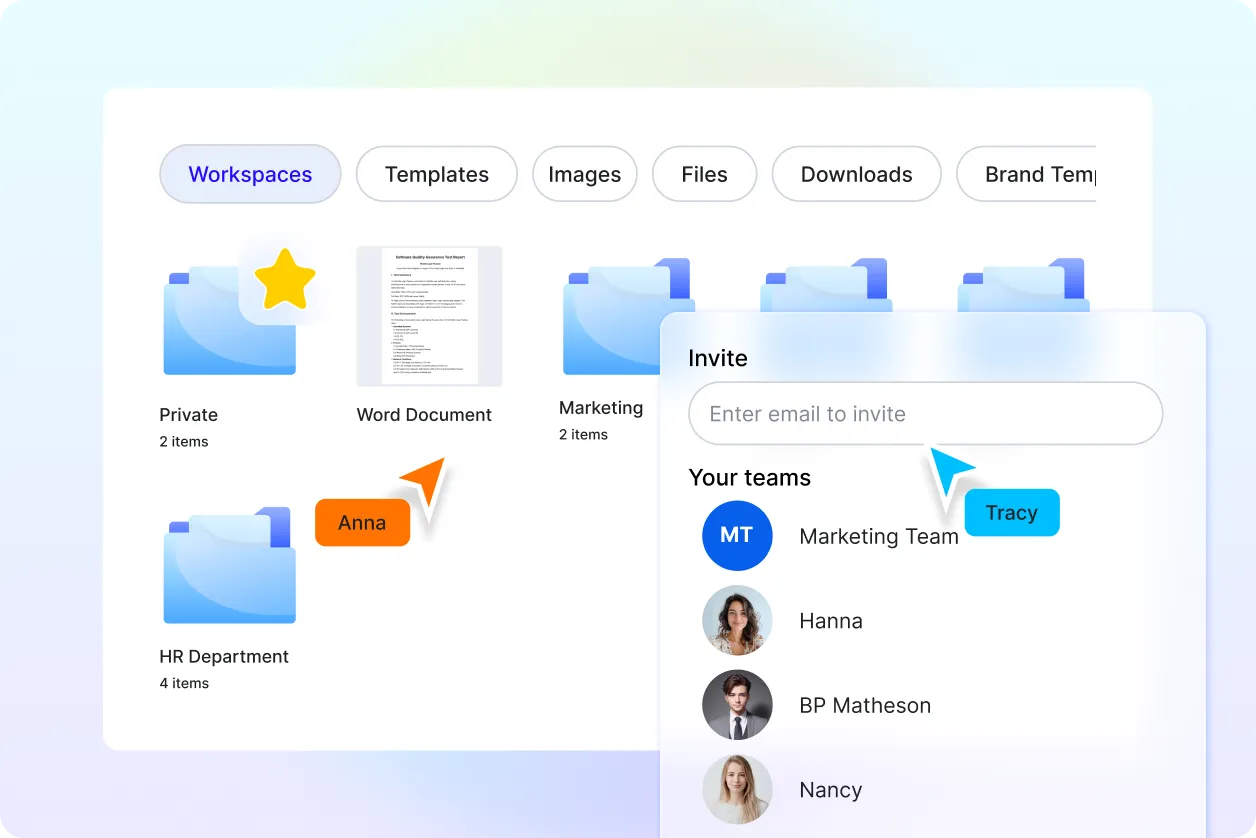
Smart Workspaces for Teams
Organize content hubs for Word documents. Assign permissions, store branded assets, and maintain unified structure across teams and departments.
