
Free Brainstorming Templates: Customizable Visual Structures and Collaborative Guides

What is a Brainstorming?
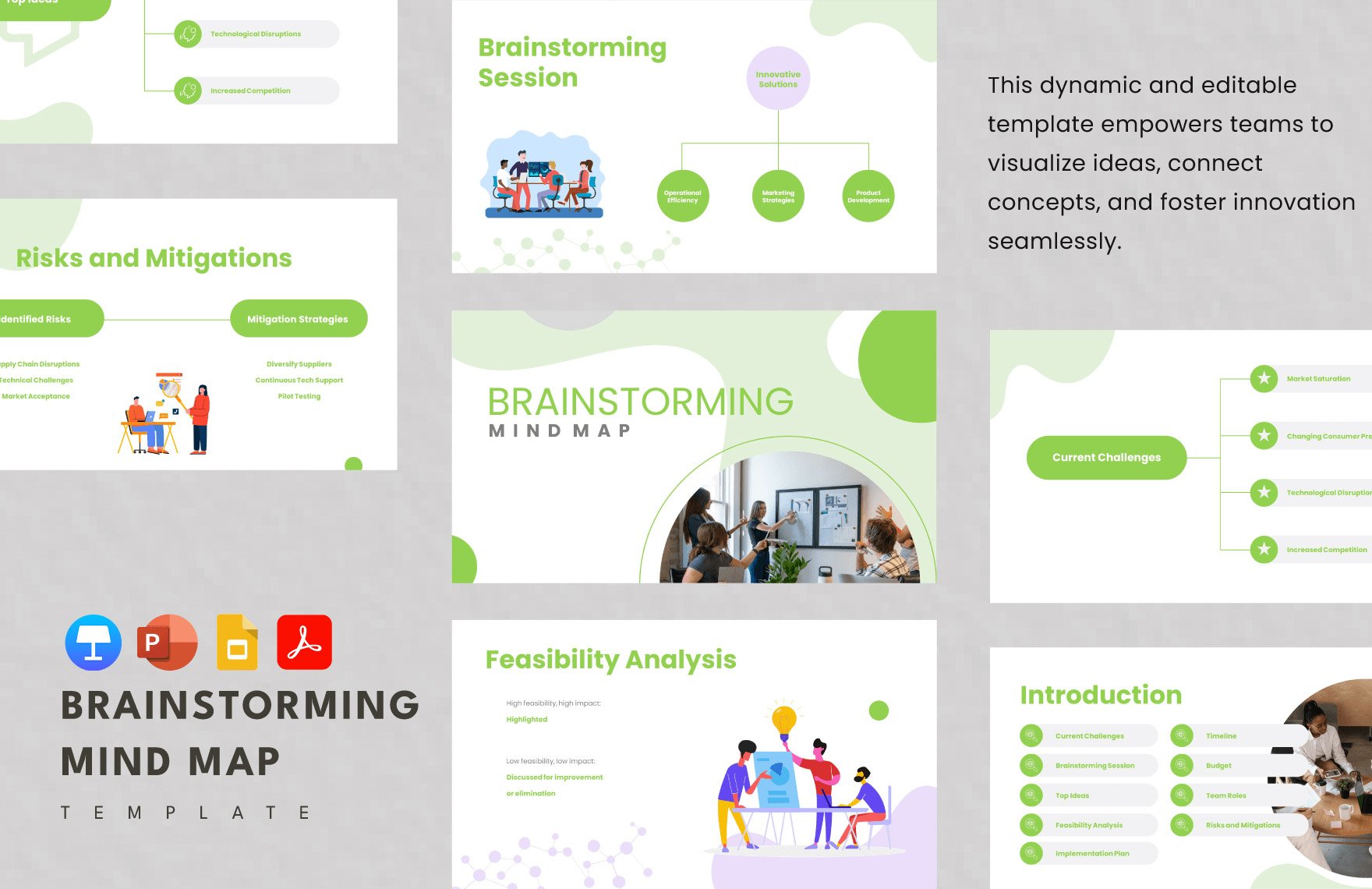
Brainstorming is a structured method for generating ideas and exploring creative solutions by encouraging open and spontaneous thinking. It uses visual diagrams and idea mapping to capture and organize thoughts in a flexible, collaborative environment.

Why should I use a Brainstorming?
Brainstorming helps you unlock creative potential and generate diverse ideas quickly by fostering an open environment for free thinking. It enhances collaboration, improves problem-solving abilities, and visually connects concepts for better understanding.

Who uses Brainstormings?
Brainstormings are commonly used by teams, project managers, educators, designers, and business strategists who need to generate ideas and solve problems collaboratively. They support cross-functional groups and individuals aiming to visualize and develop innovative concepts.

What are the best tips for completing my Brainstorming?
Effective Brainstorming requires clear goals and open participation. Consider these tips:
- Define objectives – set a clear purpose for your session.
- Encourage all ideas – foster an open, judgment-free environment.
- Use visual aids – incorporate diagrams and mind maps.
- Organize thoughts – group similar ideas for clarity.
- Set time limits – keep the session focused and productive.
- Involve diverse perspectives – include participants from different backgrounds.
- Document results – record ideas for further analysis.

What file formats can I download for my Brainstorming?
Template.net whiteboard templates for Brainstorming support multiple export formats for seamless collaboration and sharing. You can download your Brainstorming in PDF, PNG, JPEG, SVG, and PPTX formats.

Can I create a Brainstorming using AI?
Template.net provides an AI-powered tool that generates new Brainstorming structures from prompts. You can access this tool at Brainstorm Maker to create customized brainstorming diagrams instantly.

What essential elements should be included in my Brainstorming?
Essential elements in a Brainstorming include key components that organize and clarify ideas.
- Central topic – the main idea or problem to explore.
- Branches – subtopics or categories radiating from the central idea.
- Keywords – concise terms representing ideas or concepts.
- Connection lines – links showing relationships between ideas.
- Visual icons or colors – used to differentiate and highlight points.
- Notes or comments – additional context or explanations.
What are the benefits of using Brainstorming in my team collaboration workflow?
Using Brainstorming in your team collaboration workflow enhances creativity and aligns diverse ideas visually. It improves communication, accelerates decision-making, supports consensus building, and provides a clear visual structure that helps teams stay organized and focused.

What structural standards should my Brainstorming follow?
Your Brainstorming should follow structural standards that promote clarity and effective idea flow. Use a clear central theme, maintain logical branching hierarchy, apply consistent visual formatting like colors and fonts, and ensure readable text sizes to facilitate easy comprehension and collaboration.
